|
| Group |
Round |
C/R |
Comment |
Date |
Image |
| 24 |
Oct 22 |
Comment |
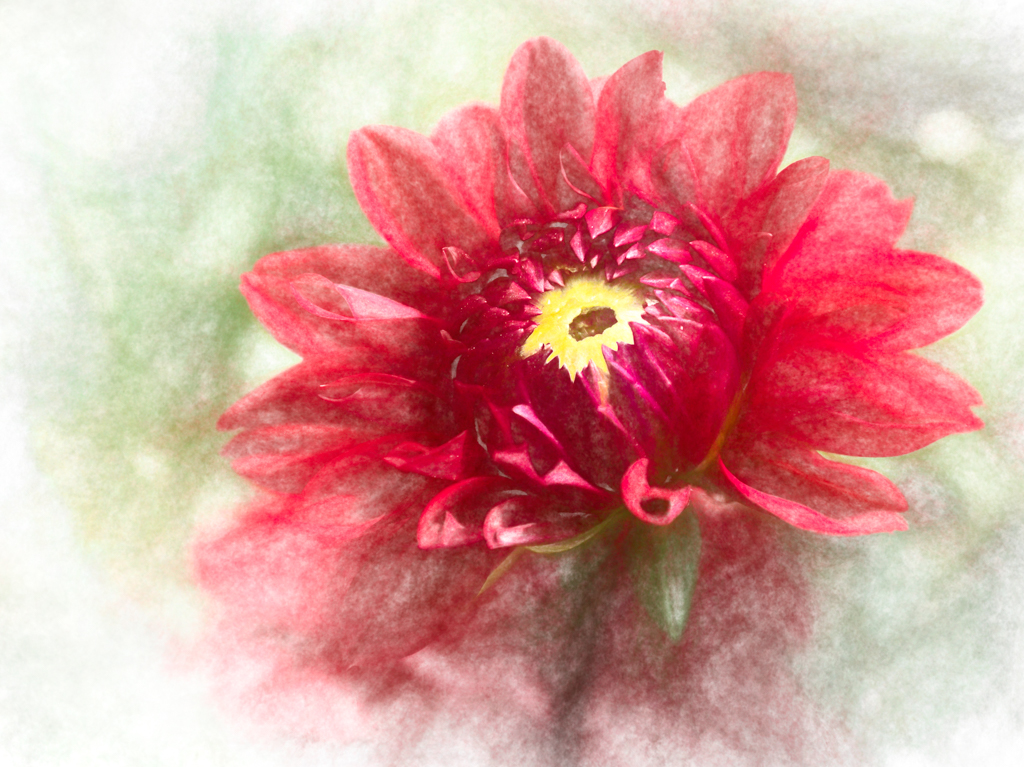
Lovely capture, Bev! I especially like the muted background from your texture. My only issue is the bug is not very clear. I might try to brush him with some contrast and sharpen him, or remove him entirely.
If you were entering in PSA nature, you wouldn't be able to remove the bug, but since you've added textures and they are from someone else, you can certainly do whatever you want with the image since it can't be entered in a PSA competition. Really lovely image overall and adds a lot of "brightness" to the world! |
Oct 16th |
1 comment - 0 replies for Group 24
|
| 48 |
Oct 22 |
Comment |
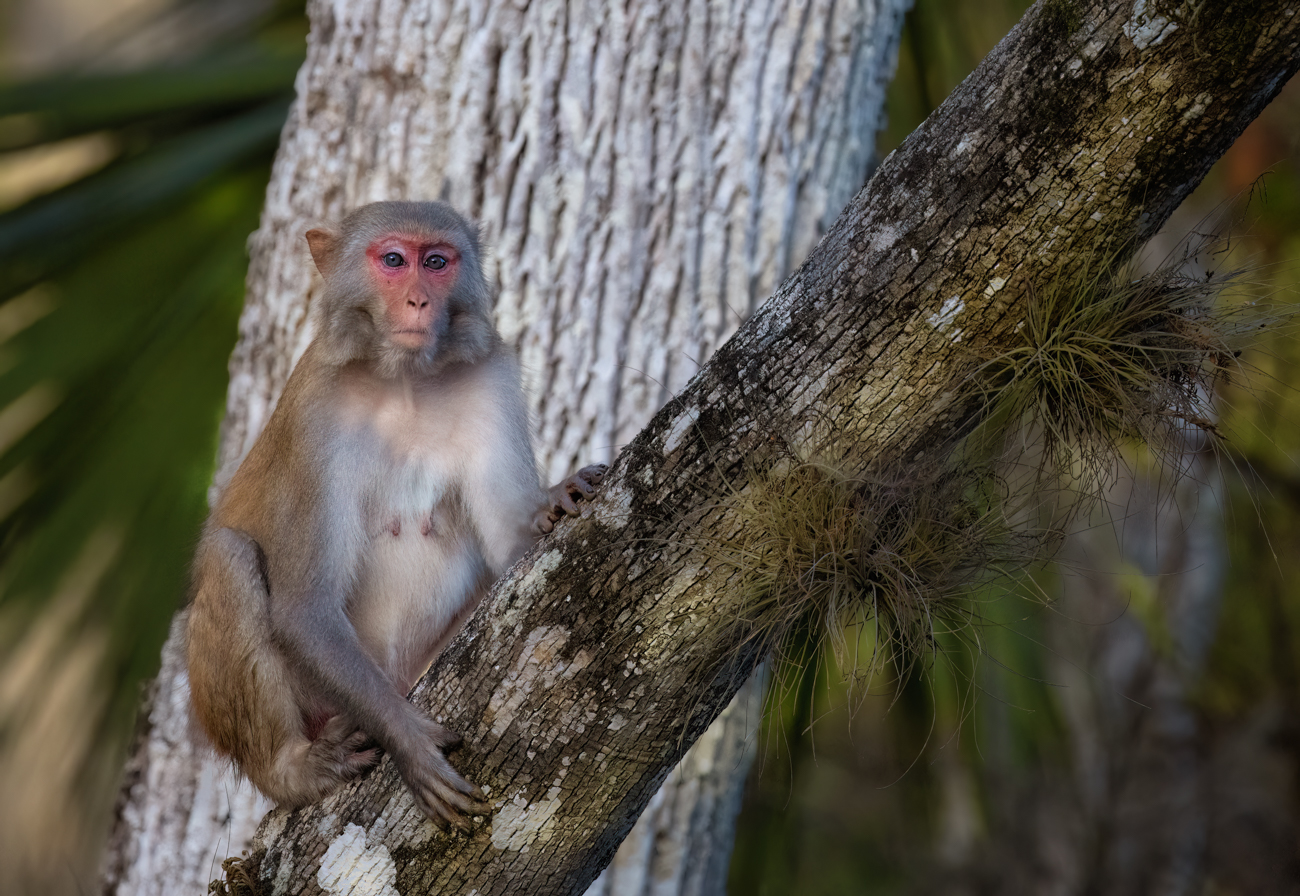
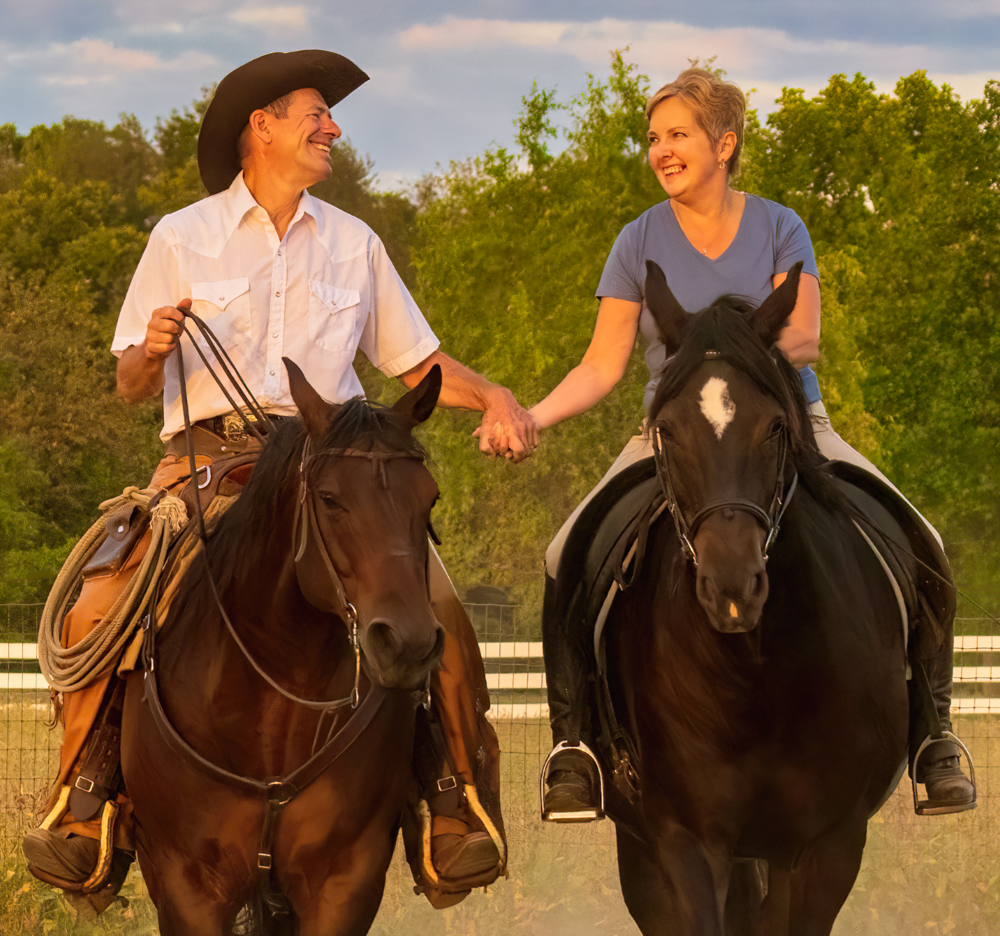
Bev, wow this guy is oozing personality! You were right to take a shot! I like the ropes, his "costume" makes more sense. Very well processed! Thrilled you didn't try to fix those smile lines. |
Oct 16th |
1 comment - 0 replies for Group 48
|
| 69 |
Oct 22 |
Reply |
Thanks so much, Jacob! I appreciate your thoughts. |
Oct 24th |
| 69 |
Oct 22 |
Reply |
I did visit, loved your groups! And, of course, your creativity! |
Oct 24th |
| 69 |
Oct 22 |
Reply |
So nice of you to stop by, Bev! And thanks for admiring my image! Especially when getting up before dawn is not my thing!
|
Oct 15th |
| 69 |
Oct 22 |
Reply |
Yep that is the crop I was thinking about. Glad it wasn't blown out. That black/white is tricky! |
Oct 6th |
| 69 |
Oct 22 |
Comment |
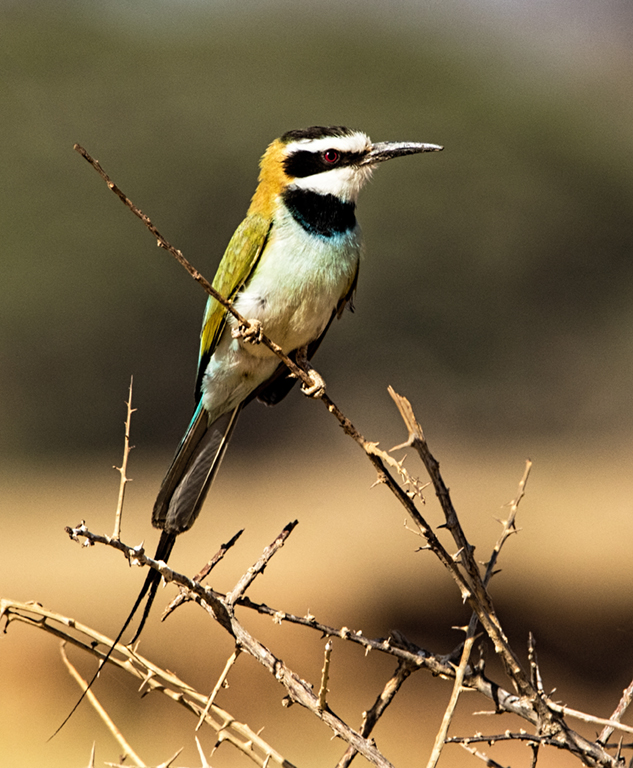
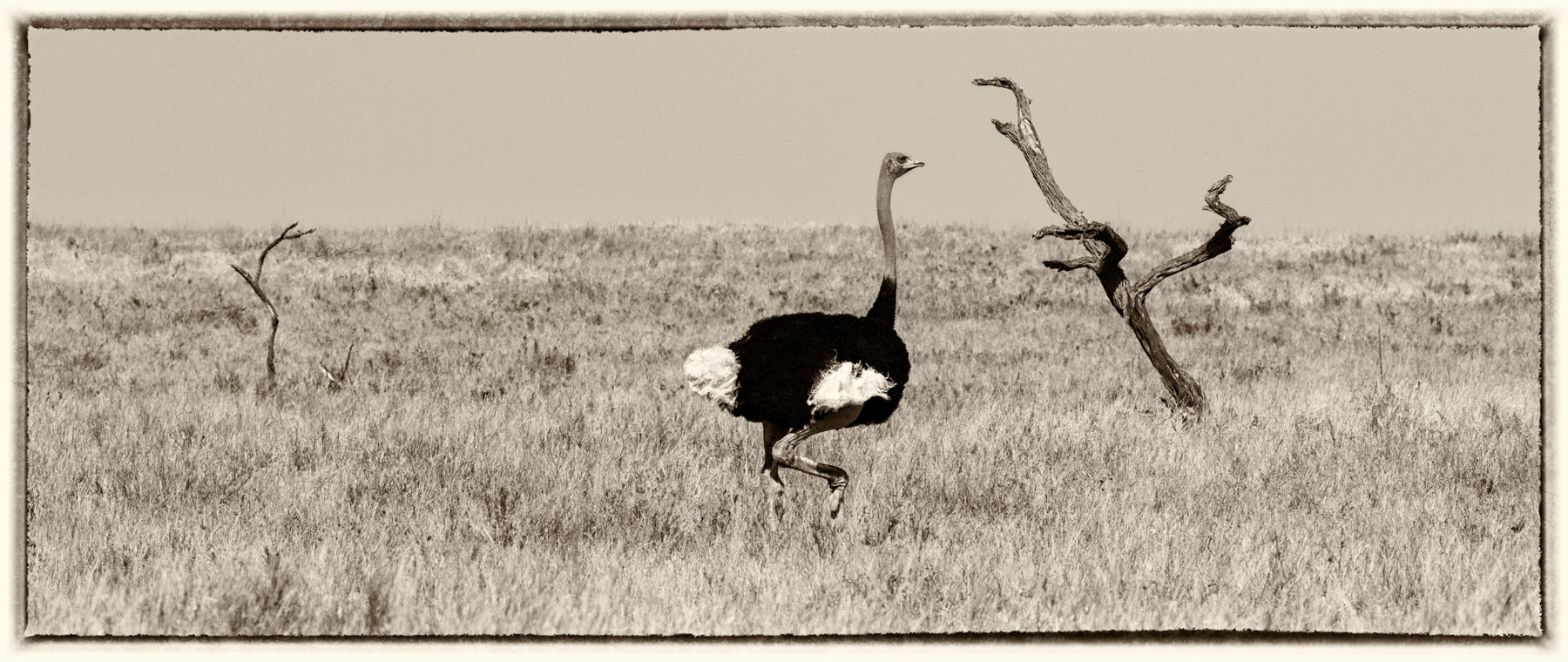
Your images are getting better, Jacob! Watching some Rad Drew videos using SnapSeed will show you how to remove the white fluff and open up the eye and details on the feathers. You might put him on the diagonal for even more interest and crop so he's not in the center. |
Oct 6th |
| 69 |
Oct 22 |
Reply |
I do think this is a great solution, Pierre. |
Oct 6th |
| 69 |
Oct 22 |
Comment |
Dean, I think its an interesting scene, but something seems off, and I am not sure what? Maybe some lens distortion bulging the horizon? I wish I had some suggestions for you, hopefully, someone else will. |
Oct 6th |
| 69 |
Oct 22 |
Reply |
Oh! Great to know they are Green Honey Creepers! Awesome birds!
|
Oct 6th |
| 69 |
Oct 22 |
Reply |
Wow! Thanks so much! Wasn't expecting everyone to love this one, as I wasn't sure what I was doing. I appreciate it! |
Oct 4th |
| 69 |
Oct 22 |
Reply |
Thanks for the idea to make the rocks show up more, Dean. Glad you like it! |
Oct 4th |
| 69 |
Oct 22 |
Reply |
Thanks so much, Mervyn! High praise when I really didn't know what I was doing...lol!
|
Oct 4th |
| 69 |
Oct 22 |
Reply |
Well, that makes me feel better! Thanks, Pierre!
|
Oct 2nd |
| 69 |
Oct 22 |
Reply |
So nice of you, Cindy! I've never heard that expression! Love it! Any suggestions for changes? The horizon line in the middle drive you nuts?
|
Oct 2nd |
| 69 |
Oct 22 |
Reply |
Wow! Thanks, Pierre! |
Oct 2nd |
| 69 |
Oct 22 |
Reply |
Thanks, Dr. Isaac. As you can see by my comments, I was looking for her original to edit, and get the pea green soup the correct color. I am a big fan of posting visual feedback. Love having you visit! |
Oct 2nd |
| 69 |
Oct 22 |
Reply |
Thanks, Dr. Isaac. As you can see by my comments, I was looking for her original to edit, and get the pea green soup the correct color. I am a big fan of posting visual feedback. Love having you visit! |
Oct 2nd |
| 69 |
Oct 22 |
Comment |
Geoff, this seems a bit bright on my screen and I think some of the whites might be blown out?
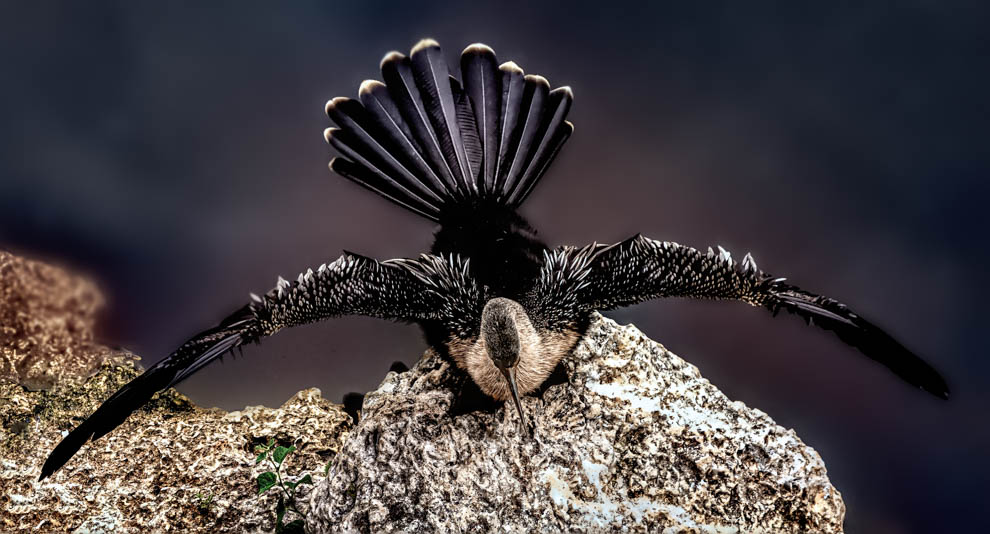
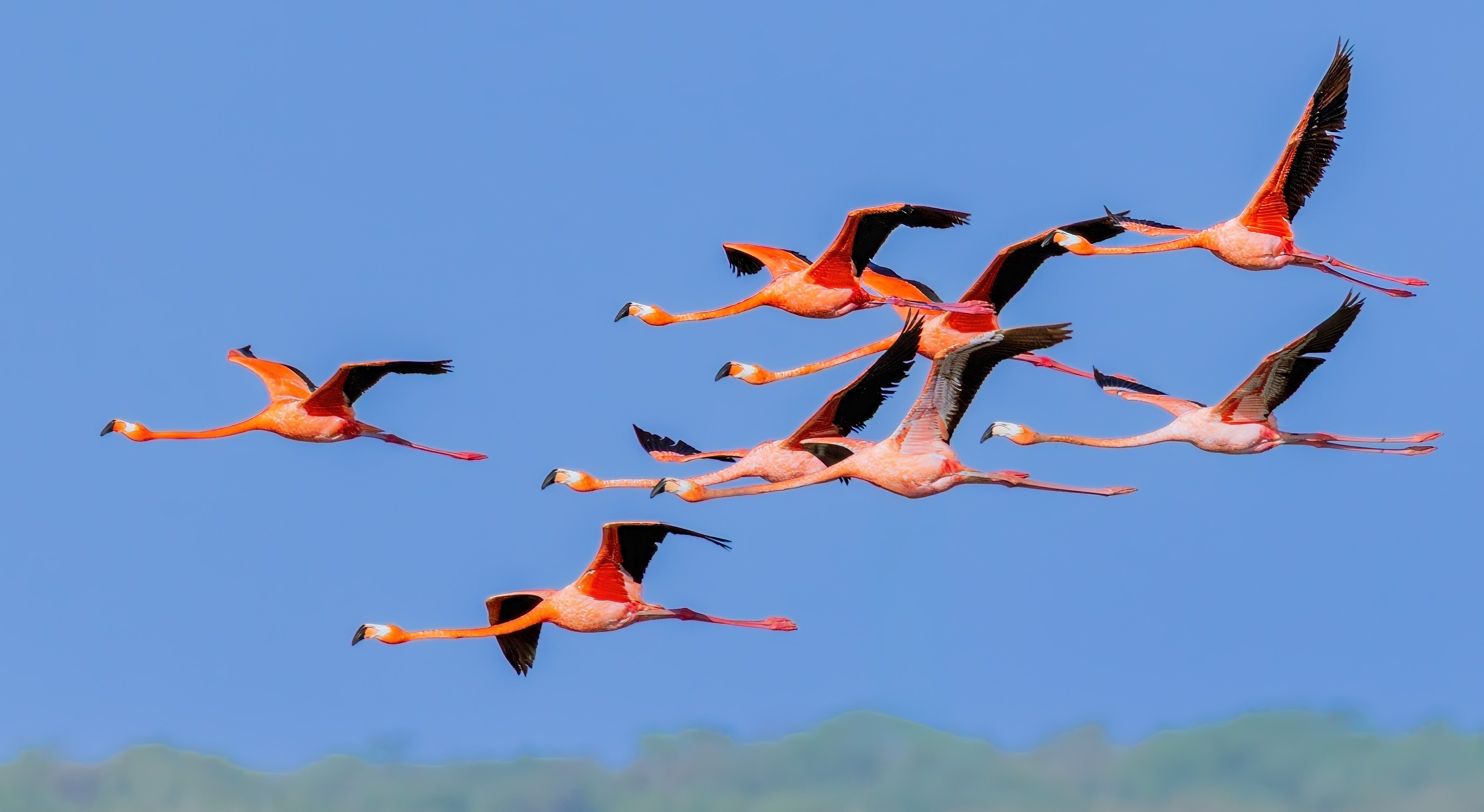
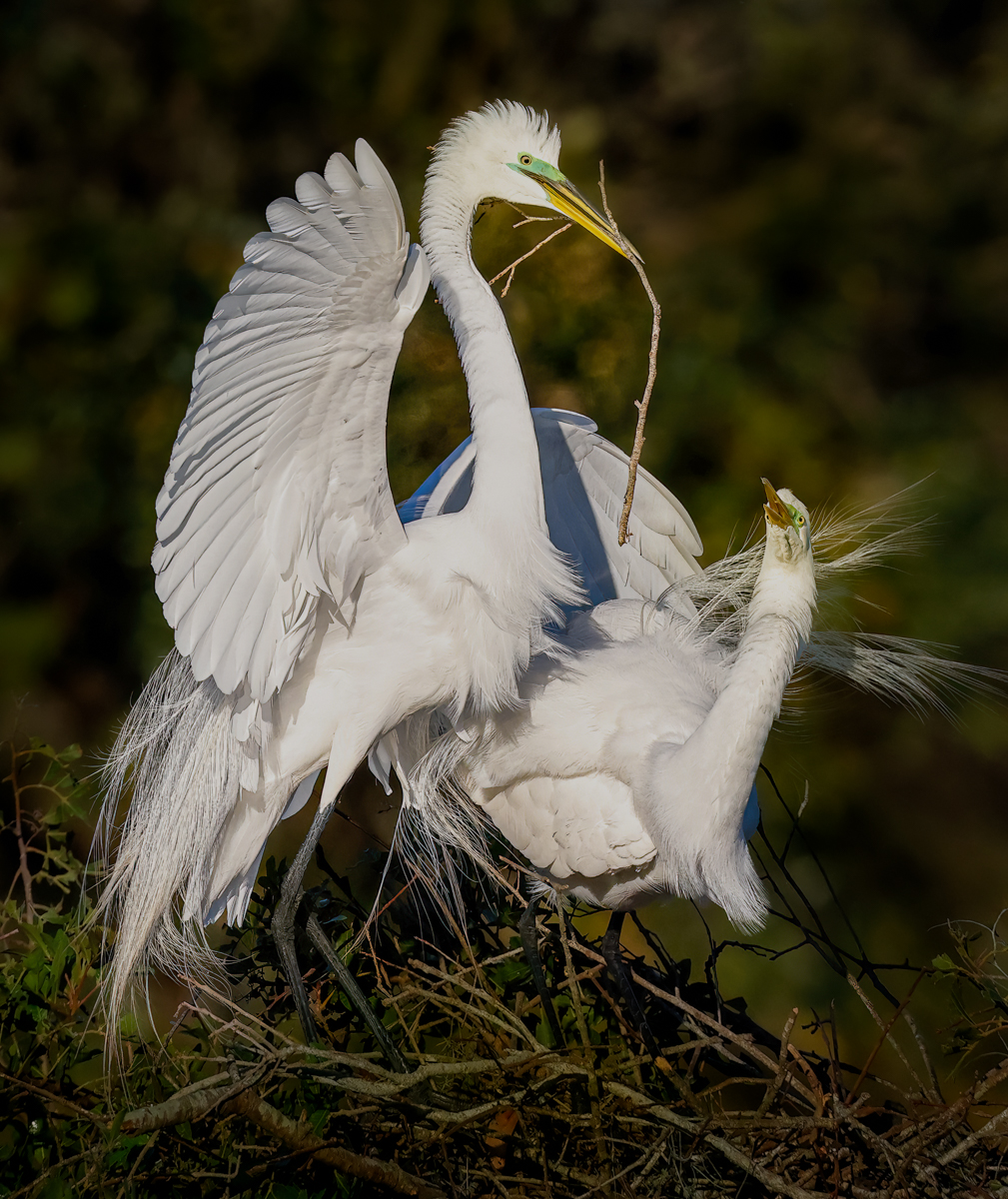
I think the most interesting part of the composition is the shag with wings open in the top right. The others are not doing anything and the bottom left is looking out of the picture.
You might consider a vertical with the right shag and the one directly below. It would give you a bit of rock and the two figures creating a nice triangle and some depth.
How lucky to see this! |
Oct 1st |
| 69 |
Oct 22 |
Comment |
Maybe my favorite image of yours, Mervyn! Excellent moment of action, all greens with a blurred background, super crisp branch with moss, and a green bird. Perfect eyes, perfect baby claws.
Is this a Shining Honeycreeper female and juvenile?
Being super picky, there is a little of the branch moss going out of the image. So if you have a bit more of the bottom, that would be fabulous. Or darken very carefully, so the moss lines don't carry us off the page. If you aren't competing in Nature, you could just clone out a tiny bit that is too close to the bottom of the image. Also, on the right, one moss tendril is cropped in half--you could just crop a tiny bit in or out to avoid that.
Fabulous job! Super sharp and a lovely moment! |
Oct 1st |
| 69 |
Oct 22 |
Comment |
Cindy, I am in Fort Wayne, Indiana, during summers for six months, so maybe we can connect and shoot together this coming Spring or Summer. We can do some shooting at Cuyoga or the shore and my husband and I will spend some times in your fabulous museums, too.
I think its a very fun composition and amazing we can see all their faces and the signets are framed by mom and dad. I think you did capture a peak moment, so don't worry about Challenge #2.
Green muck is prevalent in any autumn pic, and we all know it. That would make me keep the color correct, so it doesn't look like I got the color incorrect. I might even darken it to a richer, deeper green, so that the signets are lighter than the algae. Did you try this as a monochrome? That might solve your green issue.
You might also consider cropping quite a bit on the top of the image, and maybe even the bottom, so it becomes a "slim jim". Kind of "filling the screen" with the birds.
Finally, a great finishing touch is using the radial filter in Lightroom or Camera Raw to sharpen and lighten the eyes, since we don't see their eyes well in their black eye area. Happy to show you this on Zoom.
Also, its really helpful if you show your original without any changes, so we can see what other options you have available and we can edit your original.
What a great experience to be able to follow their growth!
|
Oct 1st |
| 69 |
Oct 22 |
Comment |
Kingfishers are so difficult to catch, so good on you! And her tongue is showing nicely, too! It's an interesting image, with the textures of the duck house adding a lot.
A couple of considerations....I see some bright light on the branches on either side of your bird that you might want to consider darkening them so we don't focus on the dark background. If you aren't going to compete, I'd try removing the two out of focus ducks in the muck.
It may just be looking at this in low resolution, but the boards seem sharper than the bird. If it were my image, I'd be tempted to "select subject" and sharpen and add some texture, and then darken the house and board just a bit, so we focus on your bird and her tongue!
|
Oct 1st |
6 comments - 14 replies for Group 69
|
| 78 |
Oct 22 |
Reply |
Terry
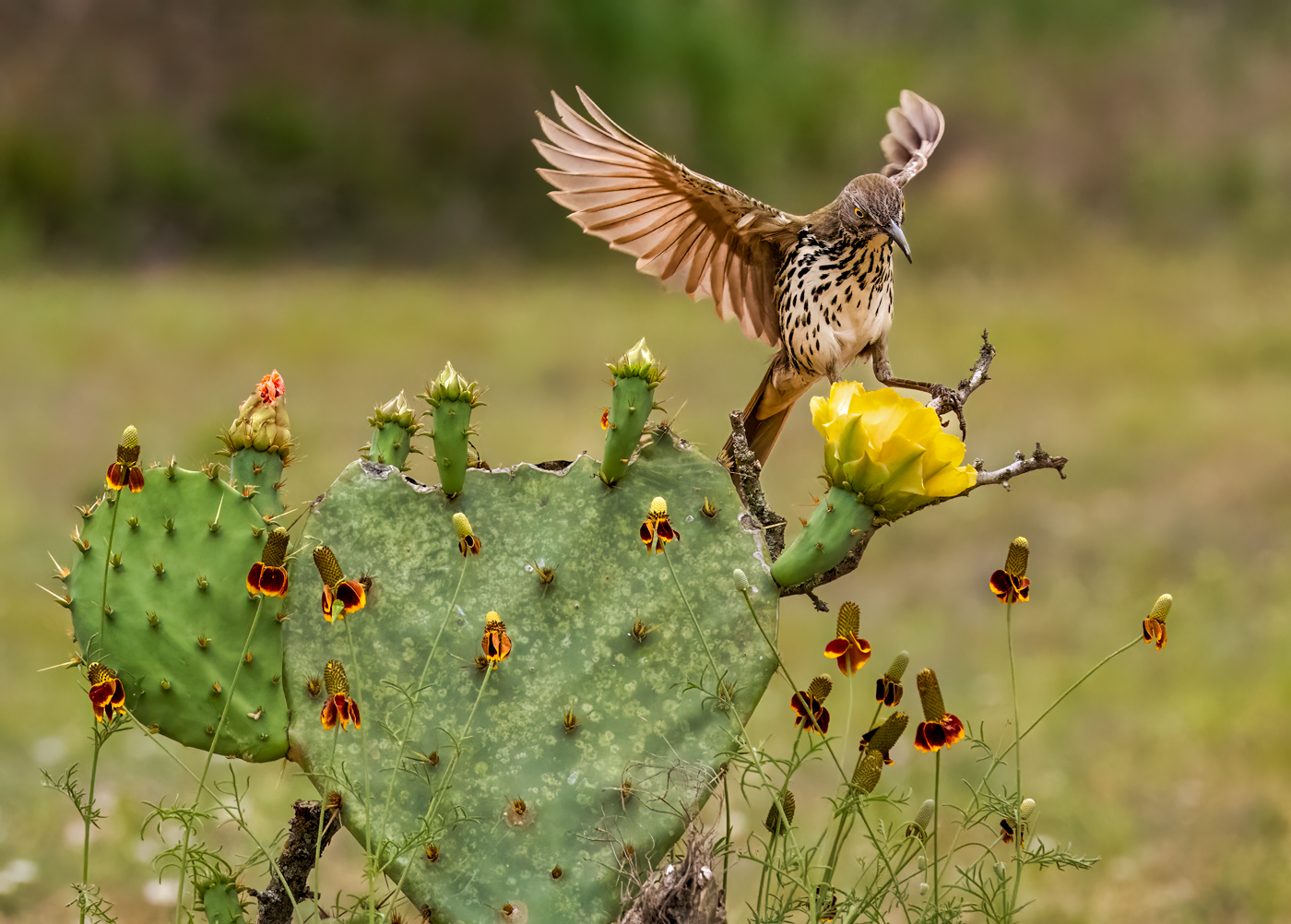
Thanks for your thoughts about the scale of the bird with the cactus on the wider crop. Yes, I wish I had a good shot before, but her wings were blocking her face.
I tried Photo AI also, as it was free. At first I was thrilled, it was fast! But if I added additional changes, the Photo AI layer got weirder and odder. Bands and more noise. Like you, I went back to multiple layers and I'll wait until they give it another upgrade that might make it better. To be fair, I was working on night images, which can be tricky. |
Oct 16th |
| 78 |
Oct 22 |
Reply |
Thanks, Sunil. Glad you found the tighter crop a good idea! |
Oct 16th |
| 78 |
Oct 22 |
Reply |
Thanks so much, Jim. I'm glad the crop worked for you.
|
Oct 16th |
| 78 |
Oct 22 |
Reply |
What???? In reading your description, I didn't realize you had changed the color completely with a LUT's! I thought you were just adding a light layer to deepen it. Wow! The blue car/yellow house is nothing. Brilliant change! |
Oct 16th |
| 78 |
Oct 22 |
Reply |
Check out my take on your crop below. Looking at them both, I think yours might be more powerful. What do you think? |
Oct 12th |
| 78 |
Oct 22 |
Reply |
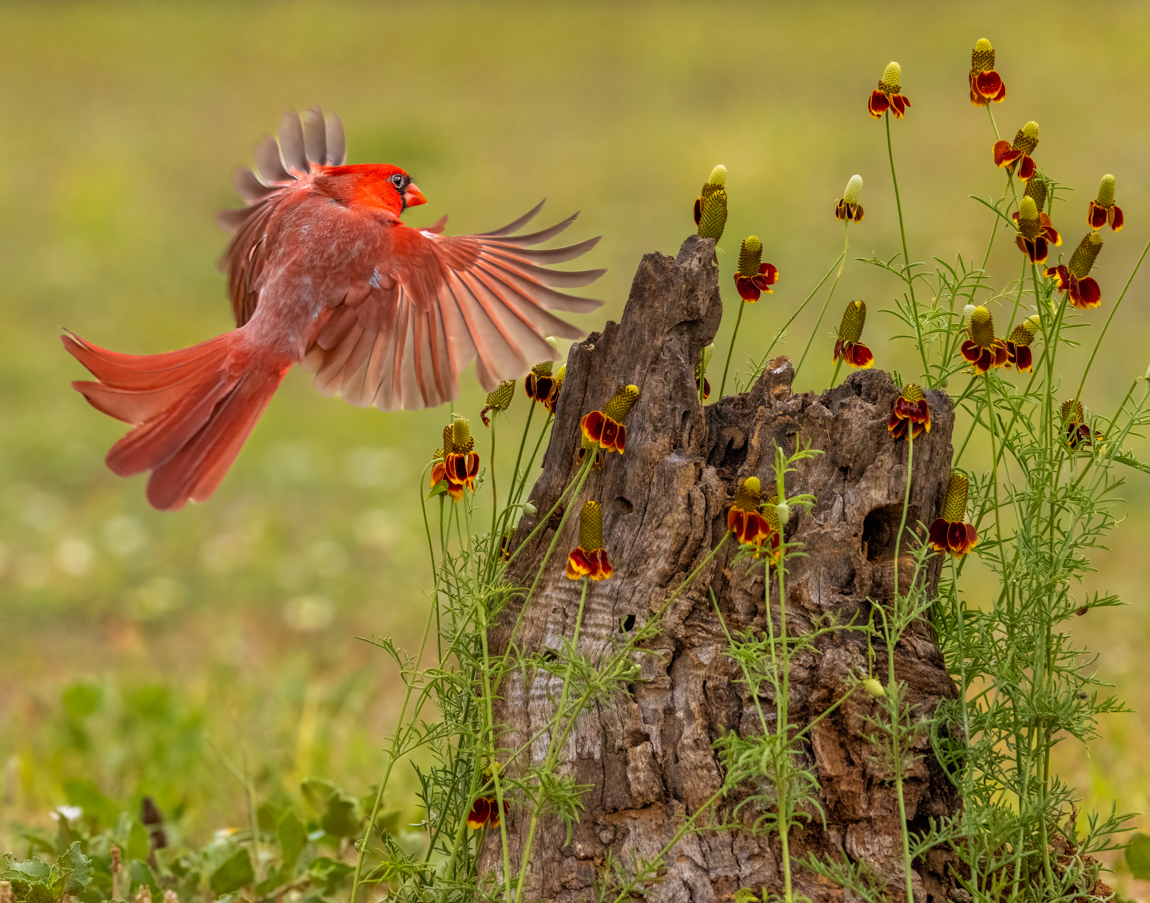
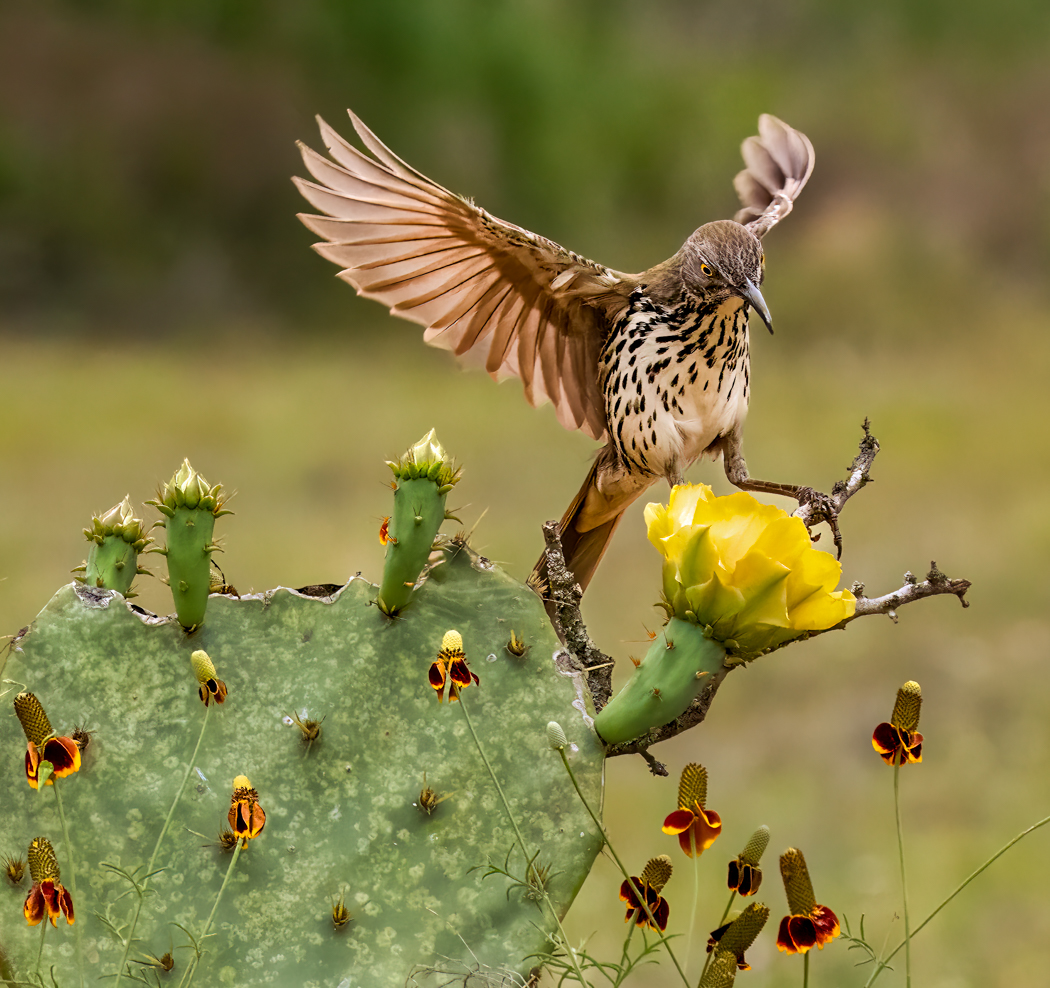
I did crop in. I don't have room on the right, but I took off a lot on the left. I left a bit more space than Mitch did so the Mexican hat flowers make sense, but maybe his even tighter crop is better? I'd love your feedback! |
Oct 12th |
| 78 |
Oct 22 |
Comment |
Mitch has suggested a tighter crop, and this is my version. I think it adds drama. I'd love your thoughts. |
Oct 12th |
 |
| 78 |
Oct 22 |
Comment |
Lucky you to be in Stockholm! I like the color image better, especially since your title is about the sunrise. I definitely like the cropped up road.
Have you tried the Topaz 2 "looks"? There are hundreds of them, and I believe they are free. You can take down the effect. You could go with one that gives you some more excitement in the sky.
Also LR and Camera Raw have the "Profiles" on the right side (not to be confused with "presets" on the left, that might also add more interest to your sunrise.
If you would like to stay monochome, you might take a page from Sunil and go much more dramatic.
After your breaching whales and tents in Alaska for the aurora borealis, I agree with Jason it could have used a doggie or senior out for a dawn walk to add to the story. |
Oct 6th |
| 78 |
Oct 22 |
Comment |
So perfect, the pastel theme is fabulous. Stephen's change fixed what was bothering me.
The tallest hedge seems pink, I don't have an original to look at to see how that happened. The brick street also looks pink, but I think it works well.
Good eye to catch this! |
Oct 6th |
| 78 |
Oct 22 |
Comment |
Definitely a wonderful theme for an amazing woman.
I was a bit bothered with the overly bright red, as the boxes tend to be a darker richer red. I think if you split the difference between your original and your current box, it will be perfect.
I might select your bricks and blur just a bit. I like the warm tones, but it is distracting from the tiny scene. I missed the corgi the first two times I looked at it, and her corgis are such a part of her legacy. |
Oct 6th |
| 78 |
Oct 22 |
Comment |
Helen, Laughed out loud with your "I was 'at sea' with my settings!
I would do some delicate detailed dodge/burning painting on your water river around the rock to enhance that, as it makes the image. Separate layer and then you could Gaussian blur it or drop opacity so it doesn't show.
I agree with Jason on the hills having a halo. Definitely need to get rid of those. Jason's made me redo images that I haloed, and now I see it right away.
I would "select sky" in LR or Camera Raw and see if a tiny bit of blue or darkening your exposure lends you a much more dramatic image. Great potential here!
|
Oct 6th |
| 78 |
Oct 22 |
Comment |
This shows you are a master with Color images, as well as your B/W images! I agree with Mitch that lightening the boat a bit would help. I would be tempted to crop so the boat was not dead center. But you have great sky and great water. Maybe crop from the right since the sky is less interesting there? |
Oct 6th |
| 78 |
Oct 22 |
Comment |
The faces are fabulous, the monkey boots are incredible. I love the little girl closest to you, what a look! I do miss their legs, but you've done a great job with what you captured!
|
Oct 6th |
| 78 |
Oct 22 |
Comment |
Mitch, I really like the tighter crop! Adds some diagnonals I didn't really notice before. And the little yellow bloom and bigger yellow bluoom become leading lines. I might keep a bit more vertical so the Mexican Hat flowers make some sense. Thanks for the idea! |
Oct 6th |
| 78 |
Oct 22 |
Reply |
Glad you like my birdie. So glad Topaz Sharpen AI worked for you. Make sure you "Select Subject" so you don't sharpen the background. |
Oct 6th |
| 78 |
Oct 22 |
Reply |
Yes, I was on electronic shutter, it does make a huge difference, if the photographer is fast enough when the bird swoops in! Glad you like the processing, but I feel its kind of a boring image. Did you have the same reaction? |
Oct 4th |
| 78 |
Oct 22 |
Reply |
Jason, glad you thought the light treatment looked realistic. The cactus has suet on it, so the birds aren't going to go pass that, and they were staging from a tree on the left. The leader put their had right before the cactus and we set our focus there and left it. I had been in tighter and wasn't seeing the birds in enough time to get the shot. There would be minutes and minutes with no activity and then the bird would be there. So I opened up a bit and it let me see the bird coming. I'm sure I could tighten up if I did this more often and was ready. I agree more of the cactus would have been good also. Rookie mistakes, for sure. |
Oct 4th |
| 78 |
Oct 22 |
Comment |
Sunil shared his post processing here:
Regarding how I process,
The process for this image was very simple, just 3 steps, adjusting Highlight, Shadows and overall exposure.
My workflow is very simple, I shoot In RAW and process in LR & PS and I do not put more than 5/10 min in doing so, for that reason I always write Processed in LR and PS.
I follow LR process taught to me by "Bob Killen" California based Fine Art Photographer. (Attaching a paper describing the way I learned to process from him and I exactly follow that, read on the second page under The Process) SEE BULLETIN BOARD AT THE TOP OF PAGE FOR THE PDF DIRECTIONS YOU CAN REVIEW OR PRINT. GREAT REMINDER THAT WE HAVE A BULLETIN BOARD FOR IDEAS, WINNINGS, ETC.
Rarely use layers and tools like brush and other tricks in PS and do not use programs like Topaz, for BW conversion I use NIC or TONALITY CK.
|
Oct 2nd |
9 comments - 9 replies for Group 78
|
17 comments - 23 replies Total
|