|
| Group |
Round |
C/R |
Comment |
Date |
Image |
| 69 |
Oct 21 |
Reply |
Thanks for stopping by, Robyn! Come by anytime! |
Oct 27th |
| 69 |
Oct 21 |
Reply |
Excellent idea, Pierre! Thanks for sharing! |
Oct 27th |
| 69 |
Oct 21 |
Reply |
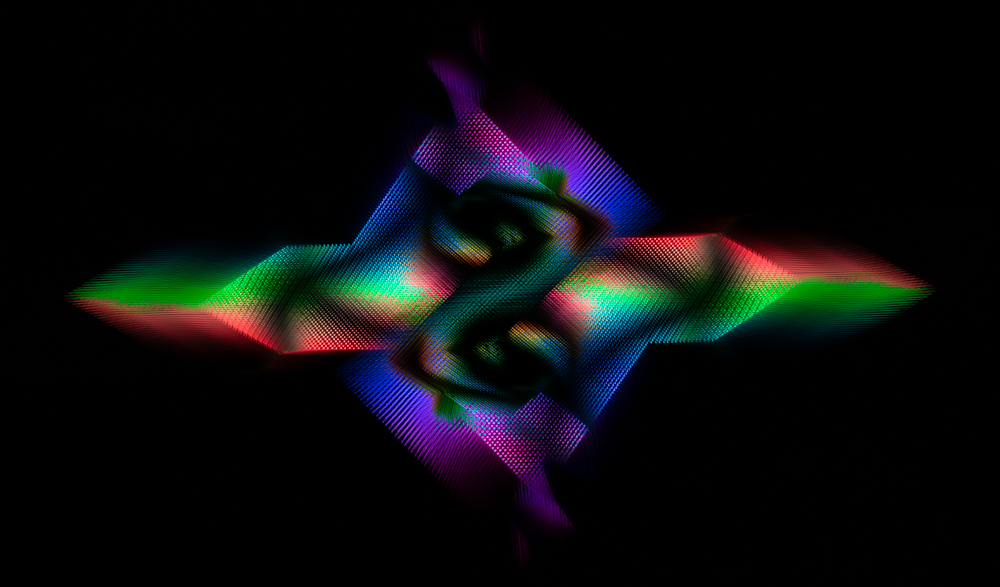
Mervyn, thanks so much for your thoughts. I wasn't sure how much to leave. I wanted some texture for interest. Thanks for letting me know you think its too much. |
Oct 18th |
| 69 |
Oct 21 |
Reply |
Thanks, Pierre! I really enjoyed trying out this process. It was really good fun. I'm glad you think it turned out well. |
Oct 13th |
| 69 |
Oct 21 |
Reply |
Oh, thanks so much, Candy! First time I tried it, so I am very happy I "passed muster"! |
Oct 13th |
| 69 |
Oct 21 |
Comment |
Geoff, he's amazing! How incredible to have these near you.
The light really lights up his gold, which is so gorgeous. I'd be tempted to lighten around his eyes and top of his face, so we can connect with him. The way the light is falling, it would be natureal and would still be allowed in PSA Nature competitions.
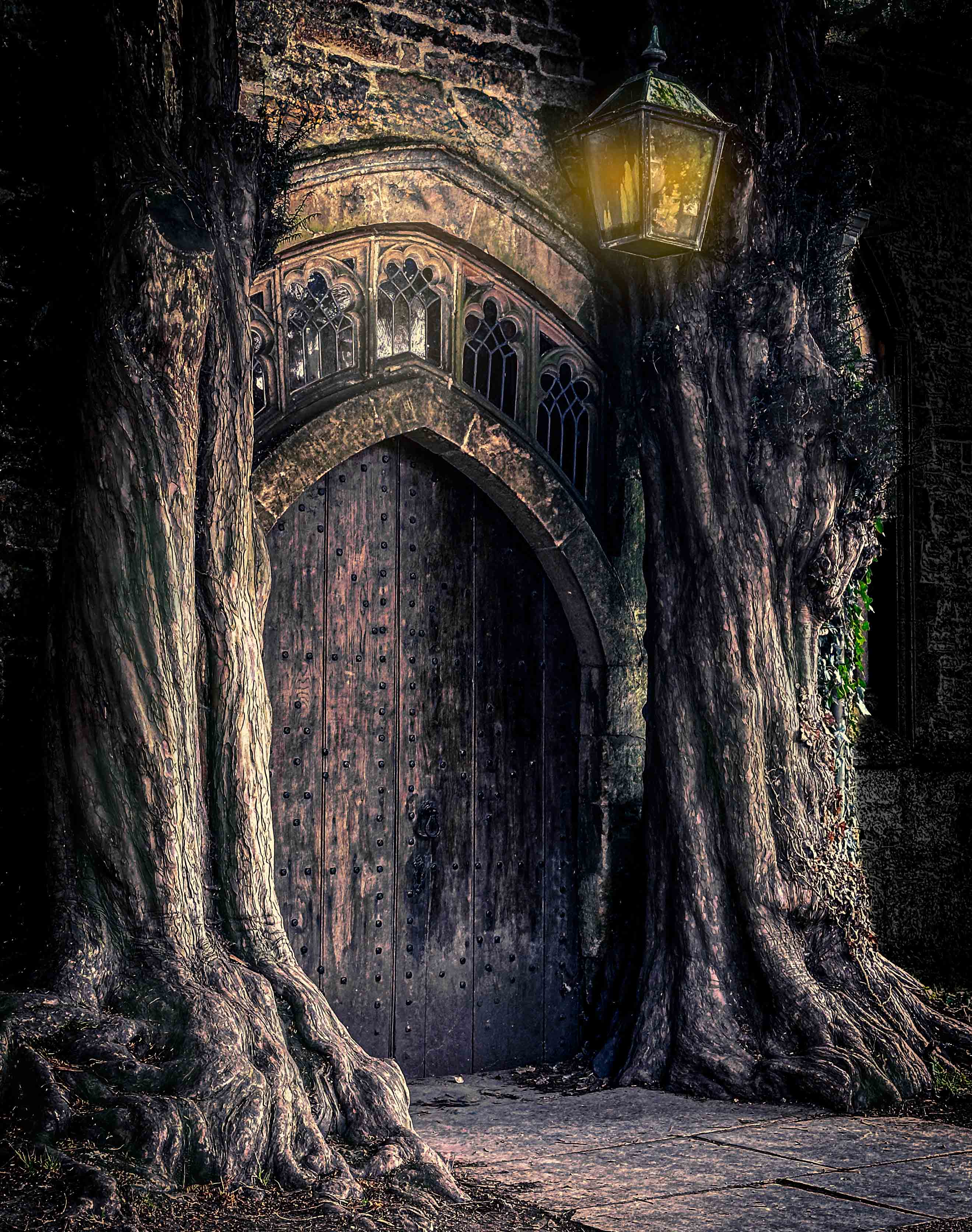
I'll be interested in whether others think some of the brighter spots in the background should be burned down more, I like what you have now, as it goes with how contrasty the light was at the time and lends a magical feel to the area. Almost feels like a Hobbit movie set.
You don't say what camera you are using, but the newer ones are good to 3200 ISO or so before it is even an issue. And Topaz DeNoise AI will take care of any amount of noise, especially the newest version.
So glad you shared a yellow footed rock wallaby with us!
|
Oct 10th |
| 69 |
Oct 21 |
Comment |
So appreciate your description of your tail fix! I would have just cloned, and your way is a much better remedy!
Only you could make a grackle beautiful! Your worked version has a lot of blue in it. Did this appear as you dodged her neck, or did you add a bit to show the contrast? Certainly they have amazing greens/blues/purples, its just getting the light to show them off. Masterfully done! |
Oct 10th |
| 69 |
Oct 21 |
Comment |
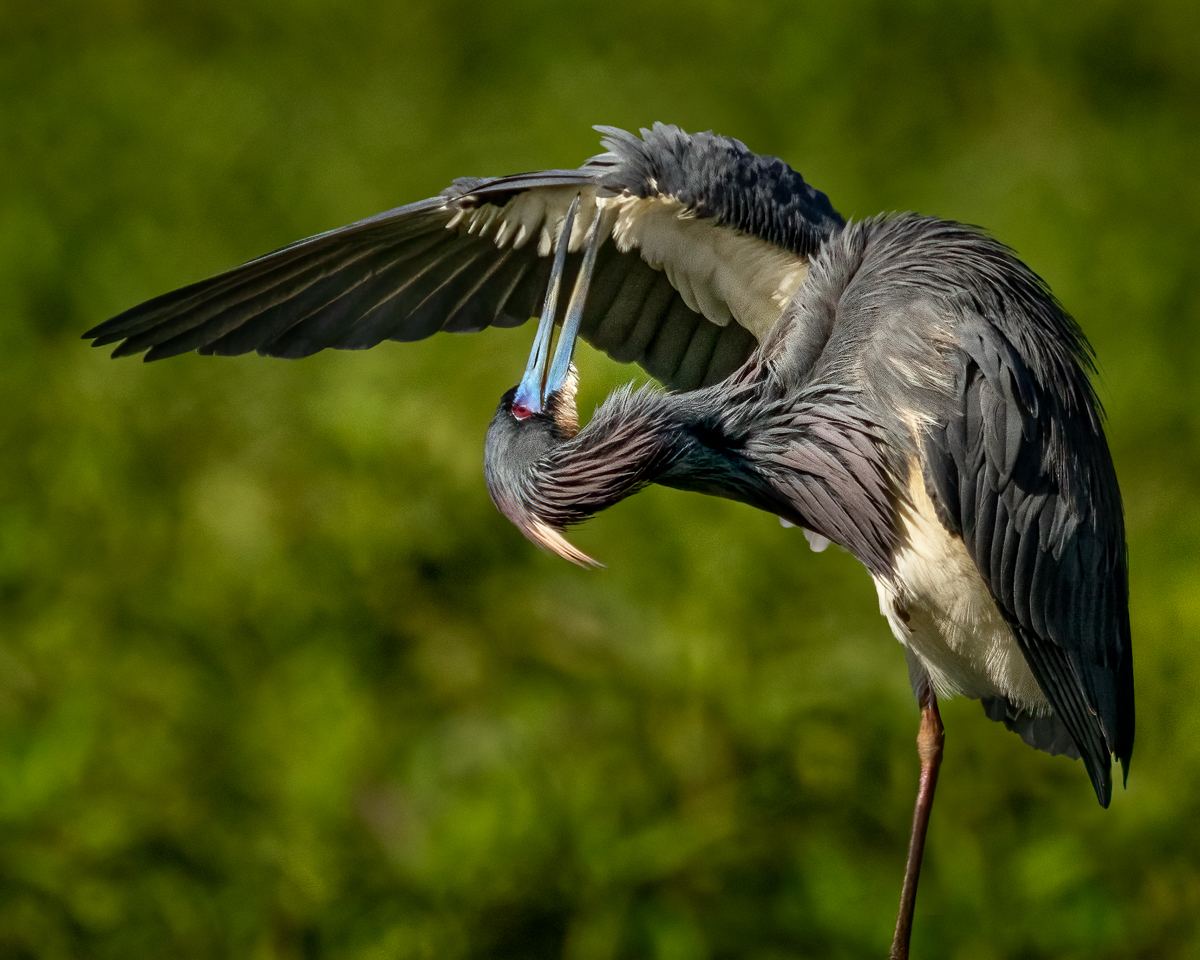
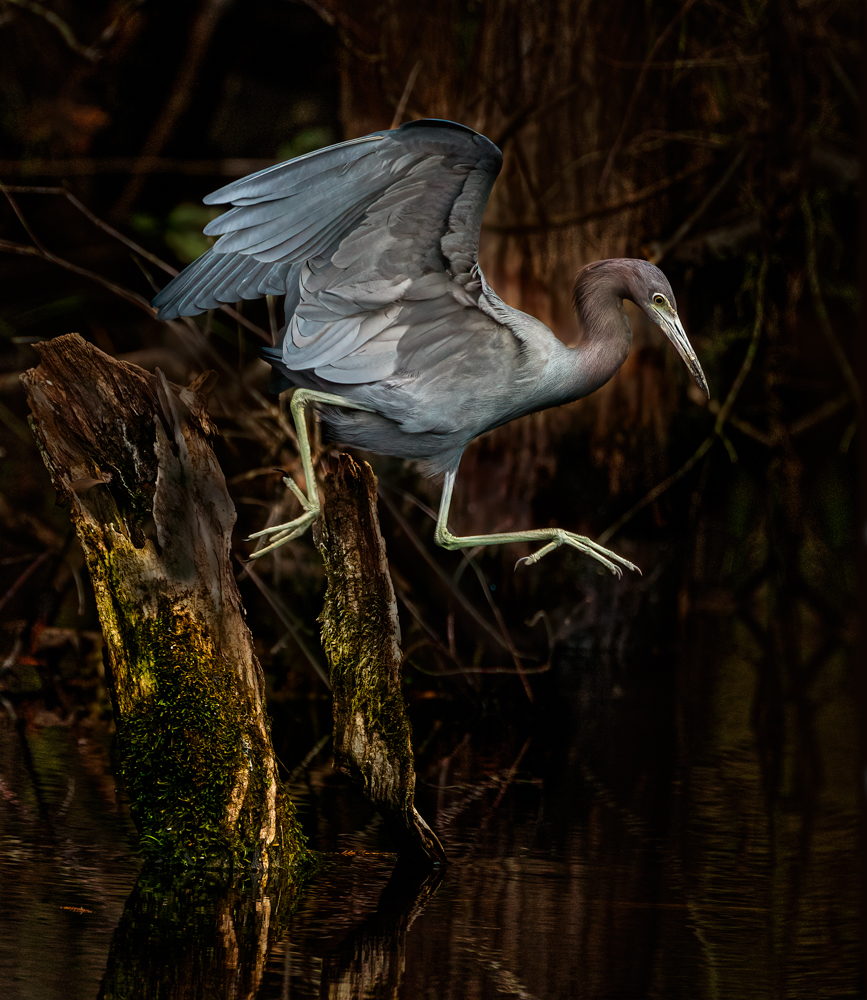
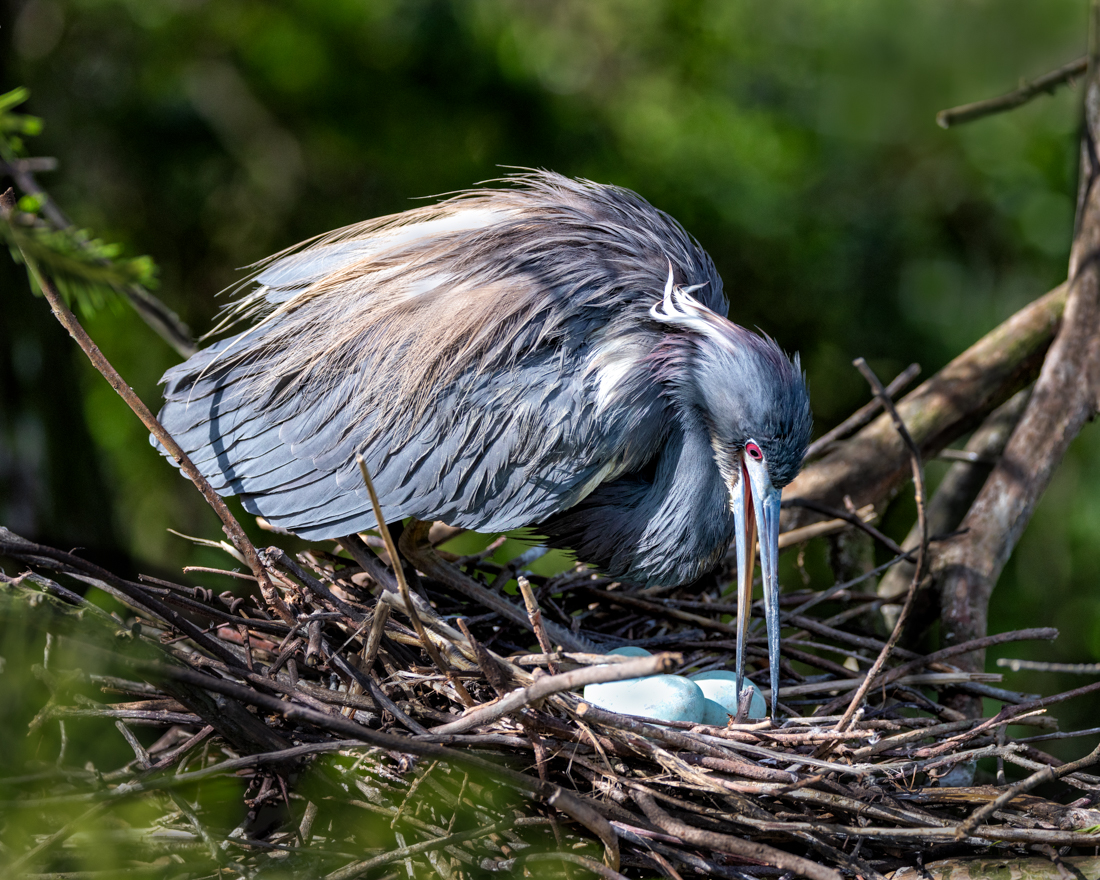
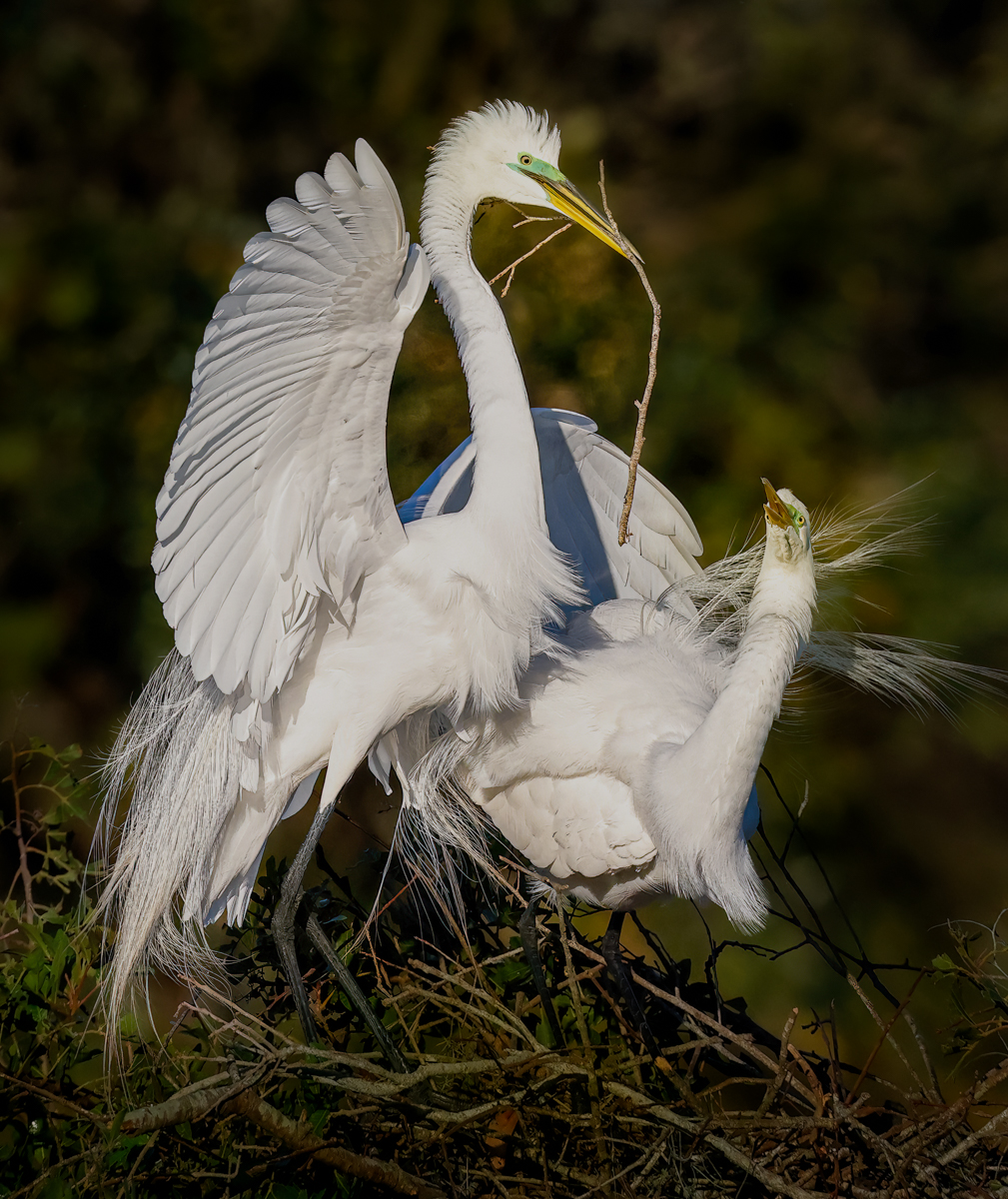
Lucky catch! For you and the heron! So surprised its so sharp given you had an 800mm and only 1/160 sec! Even with a monopod!
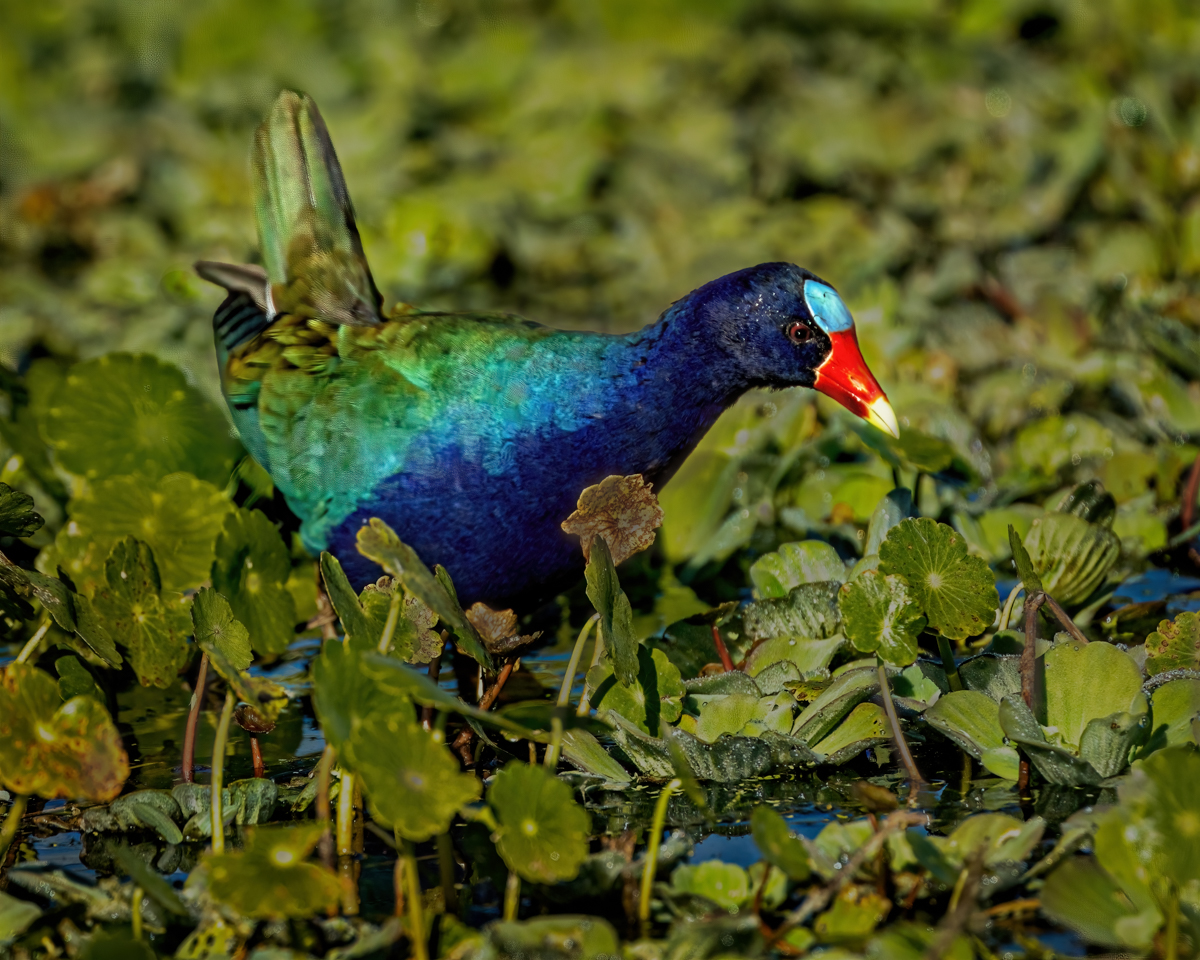
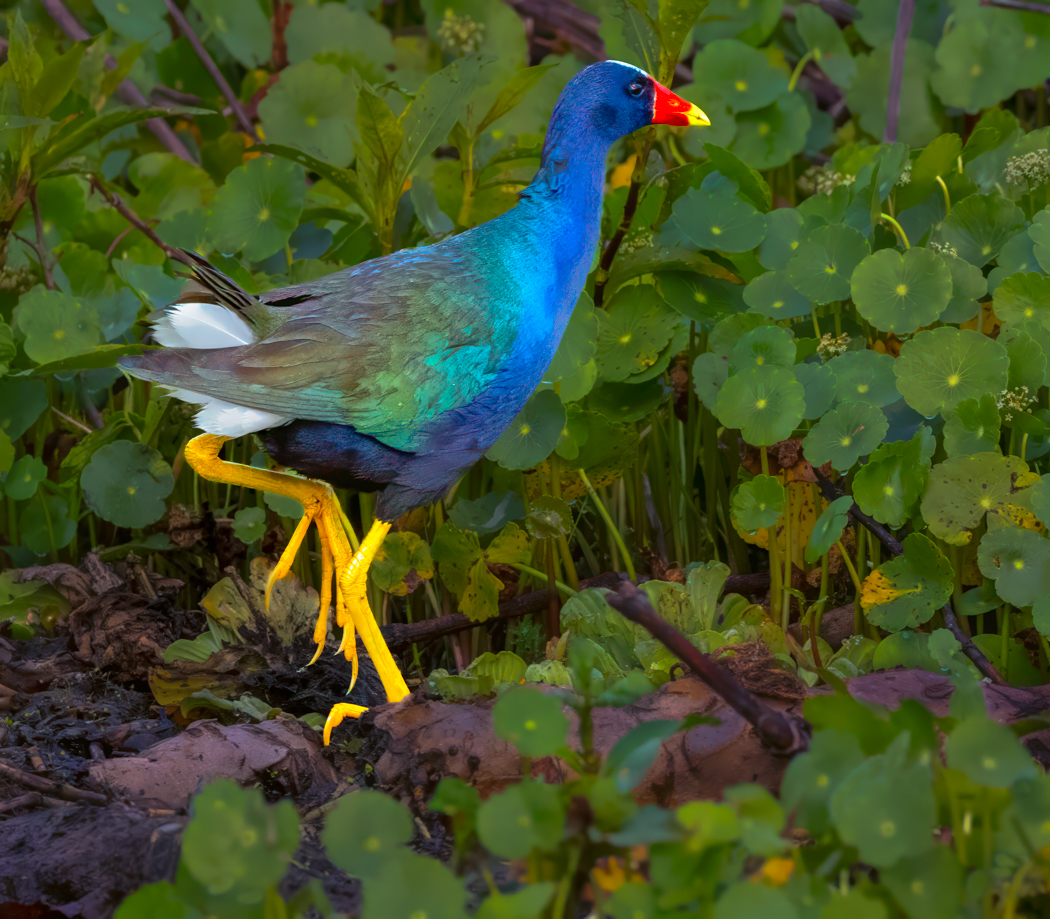
I'd consider darkening the background down a lot and bring up the bird. Its the same problem I had with my Purple galinule a couple of months ago, and that was the consensus. If you have a bit more tail room for her, that would be helpful.
If you aren't going to compete with it in Nature, you can definitely blur the background a lot.
Where did you find her? Great moment! |
Oct 10th |
| 69 |
Oct 21 |
Comment |
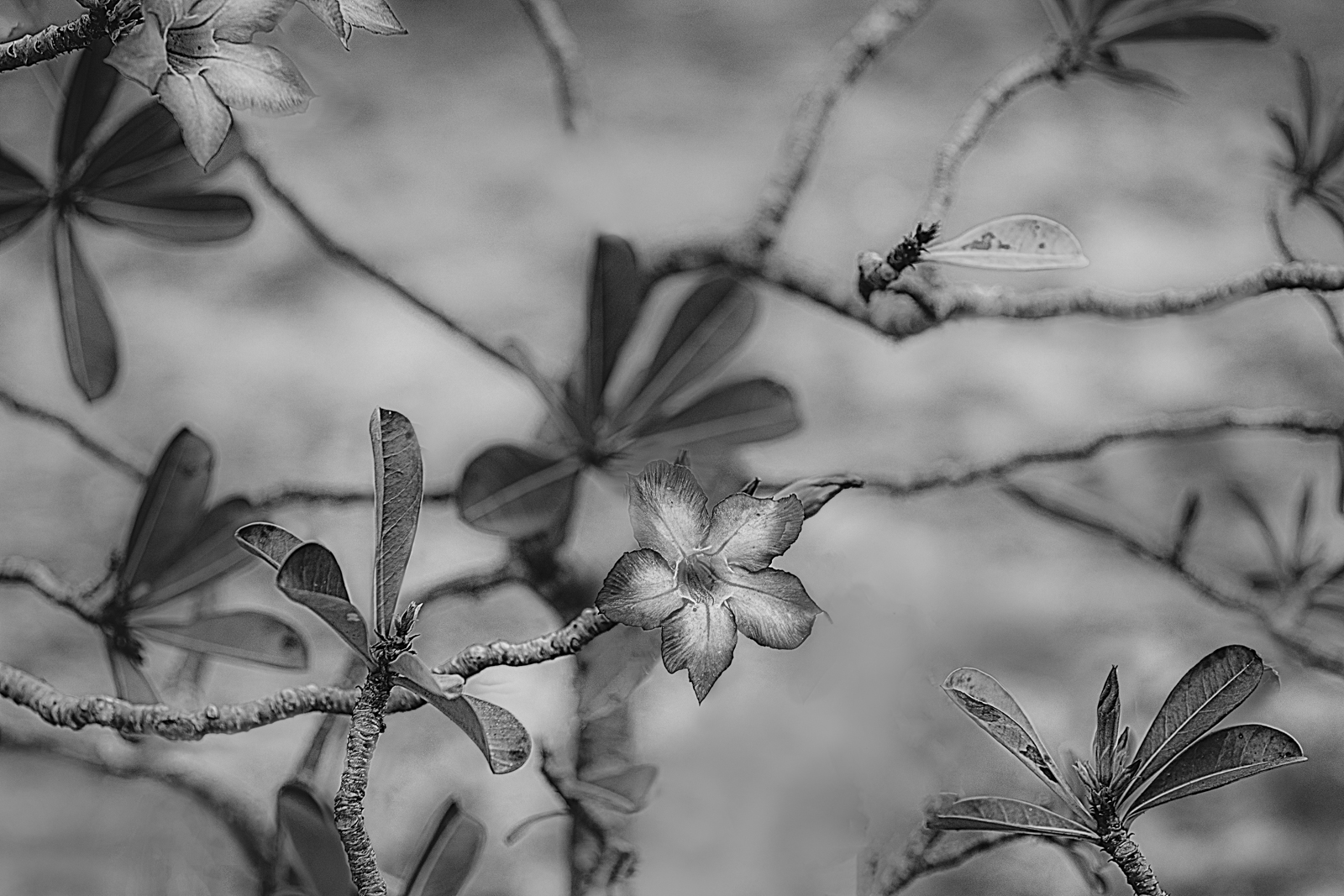
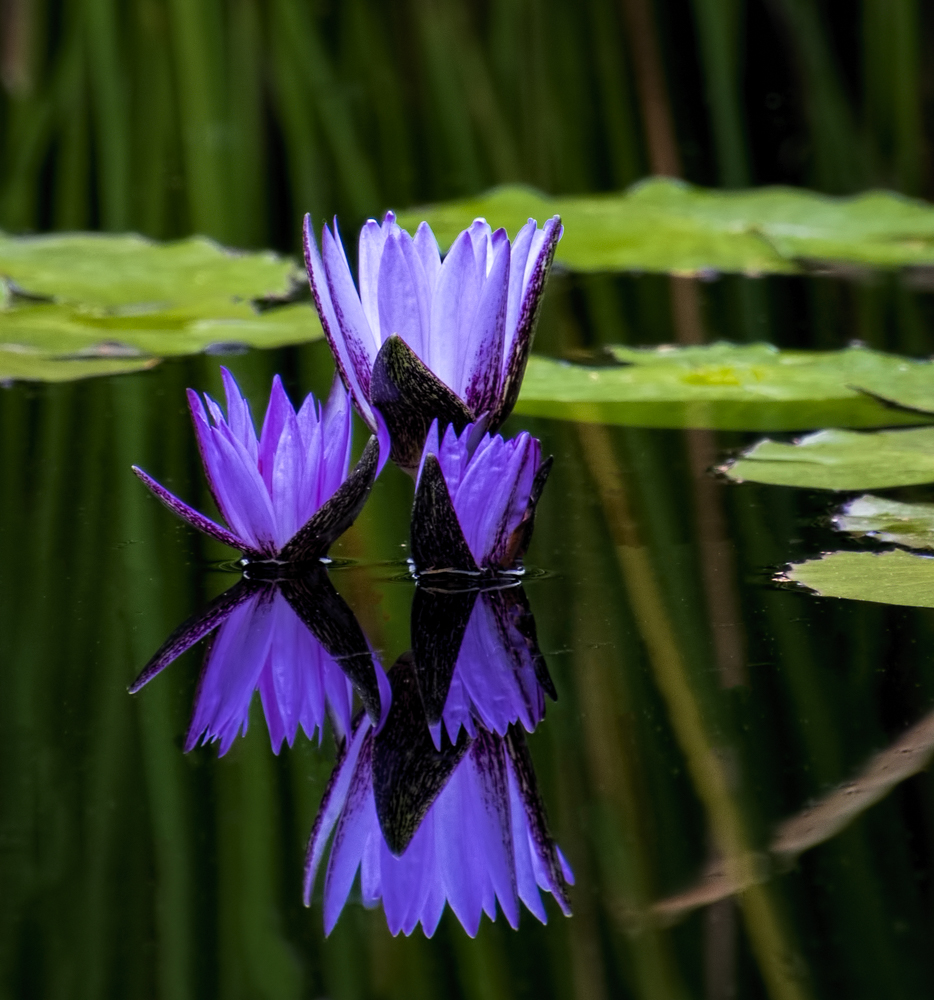
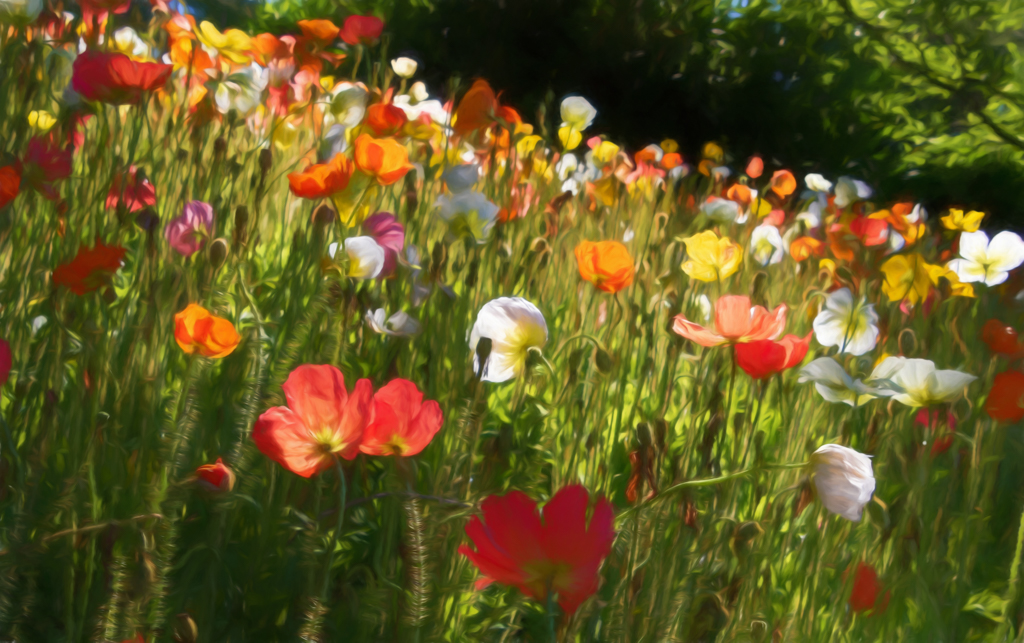
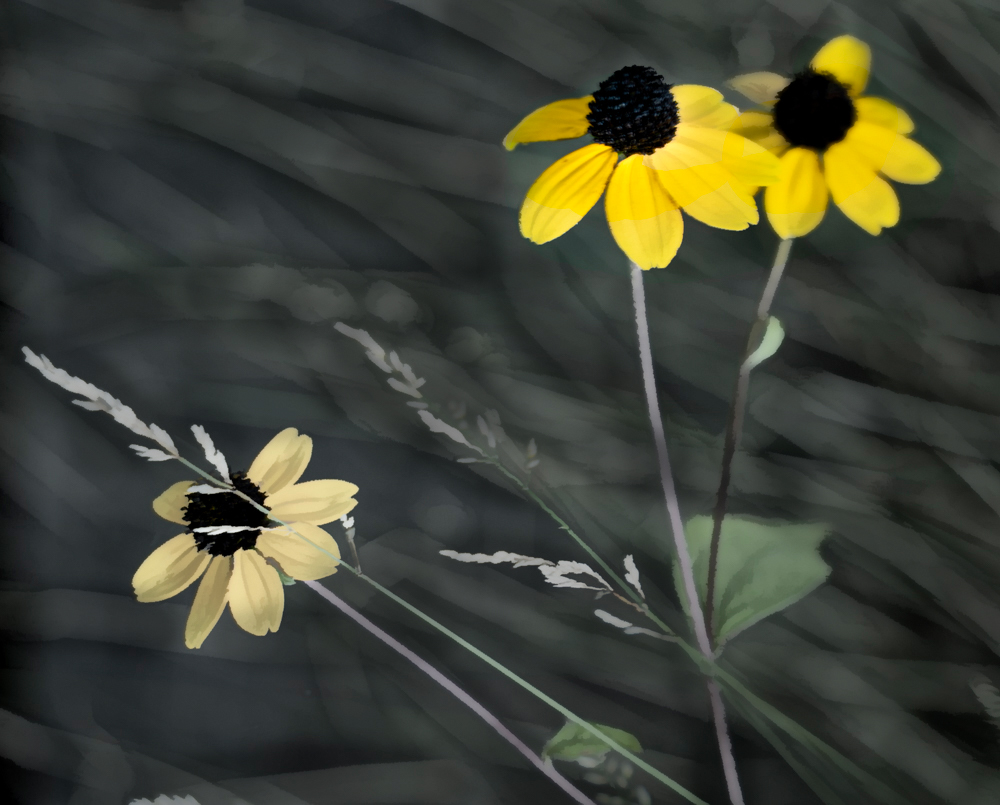
To minimize the bright background stems, here I just darkened the stems. Certainly not a perfect job, but you can see how it helps the flowers pop |
Oct 10th |
 |
| 69 |
Oct 21 |
Comment |
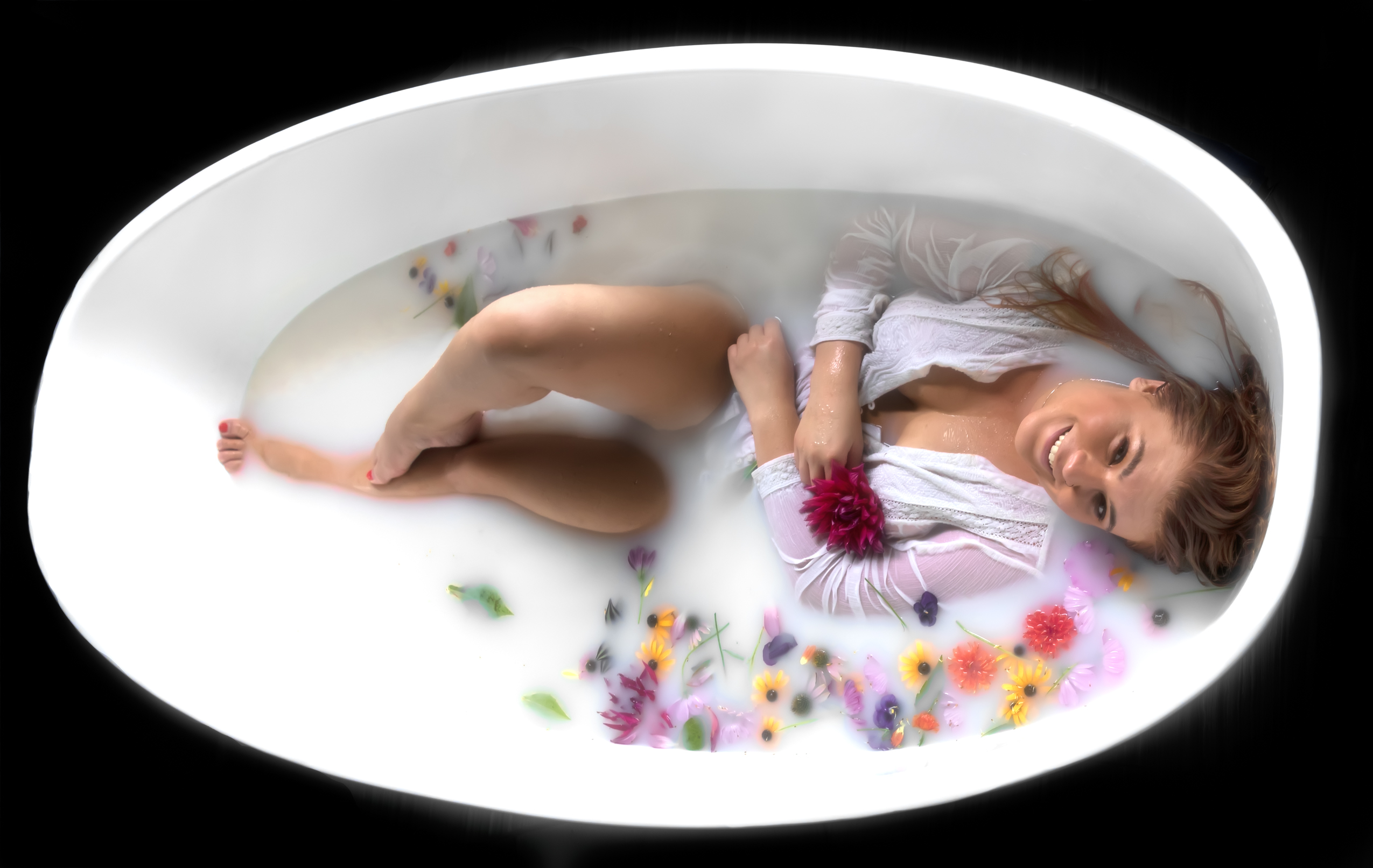
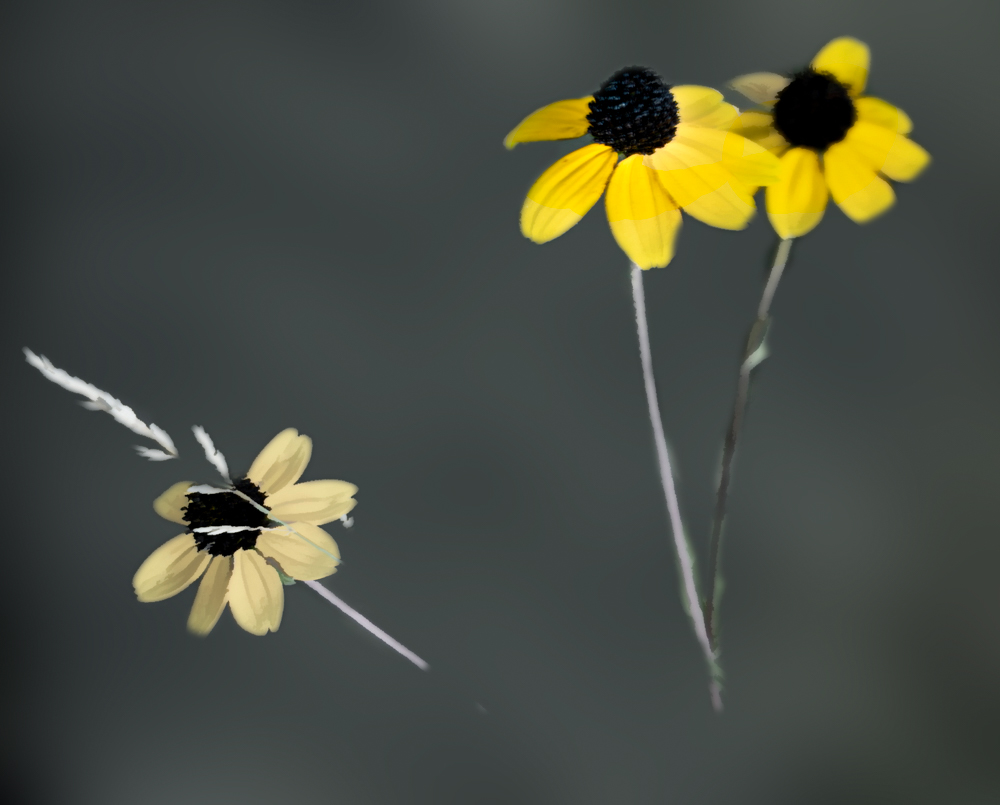
Fun experiment! I like Geoff's ideas. I played with it a bit. Here's where I selected subject and cut out the flowers (very badly, sorry!) and then used Gaussian blur to blur the background. My idea was to remove the distractions of the white stems in the background creating a lot of business. It's quickly done, but you get the idea. |
Oct 10th |
 |
| 69 |
Oct 21 |
Comment |
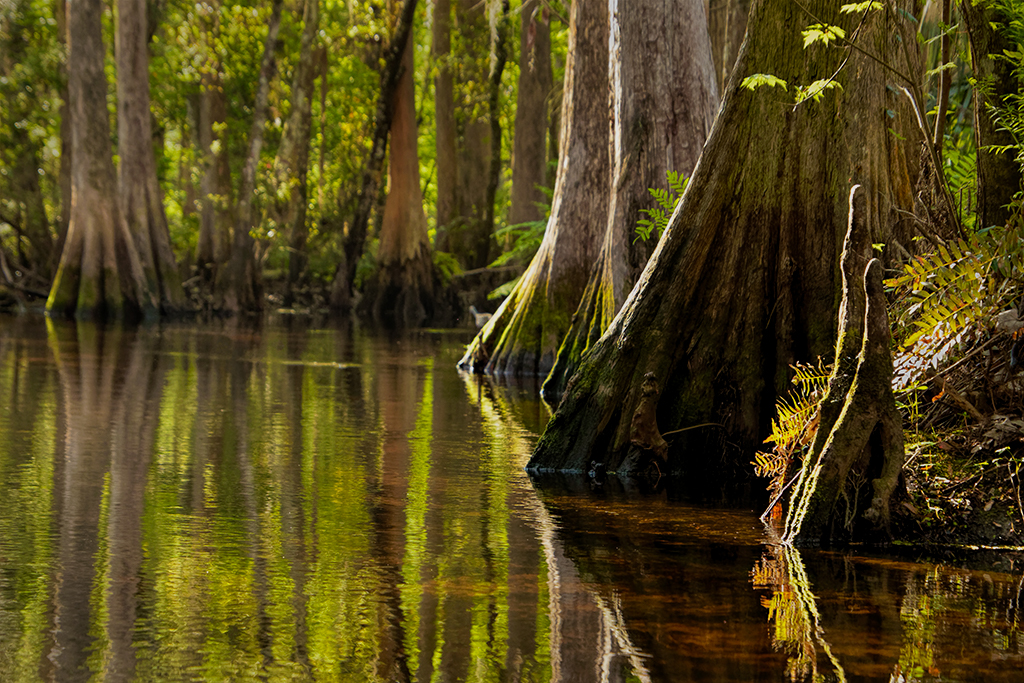
Meryvn, what a beautiful perspective. It seemed a bit too tilted at first, but it creates a wonderful diagonal and a fresh look at waterfalls. Thirty seconds in, I decided its my favorite photo by you!
My only suggestion--
If you aren't going to enter it in PSA Nature, you might add a couple of touches of yellow *light* to add interest and "warm it up" a tad.
In Lightroom, I picked the brush, and then went all the way to the bottom and choose "Luminance" and yellow to the far right. Then brushed a couple of moss spots to lighten them up. I repeated this with a new green luminance brush to the right and painted a bit of the greenery on the right side. I went a bit overboard, so you could see the comparison. It works in PS also, just make a layer of "soft light" blending mode with a very soft brush and low opacity.
Love this capture! |
Oct 10th |
 |
| 69 |
Oct 21 |
Reply |
So kind of you to stop by, Bev! Thanks for the love! |
Oct 10th |
| 69 |
Oct 21 |
Reply |
Thanks so much, Geoff! It was a wild experiment, but I enjoyed learning a few techniques! |
Oct 10th |
6 comments - 7 replies for Group 69
|
| 78 |
Oct 21 |
Reply |
Great thoughts, Lance! We appreciate you stopping by! You are always welcome! |
Oct 27th |
| 78 |
Oct 21 |
Reply |
Thanks, Stephen! I do have hundreds of photos of galloping and jumping horses, so perhaps I'll bring one of those up in a couple of months. I appreciate your feedback. |
Oct 27th |
| 78 |
Oct 21 |
Reply |
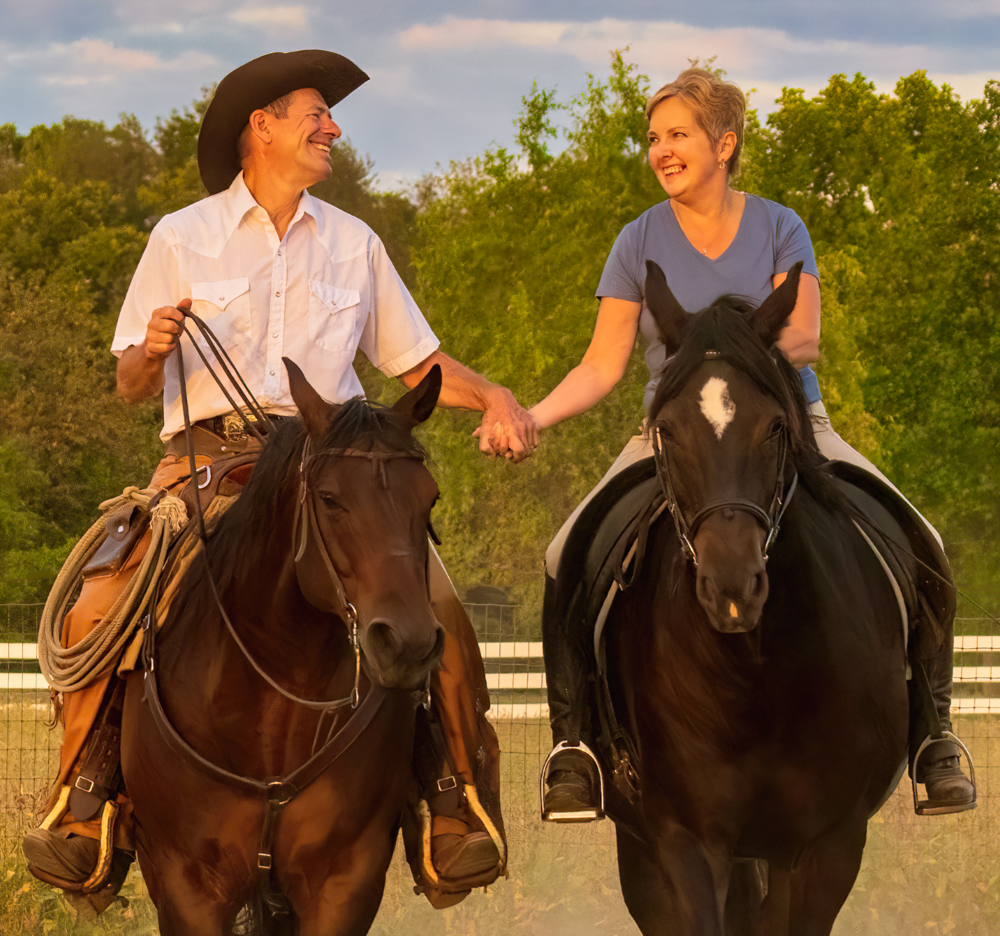
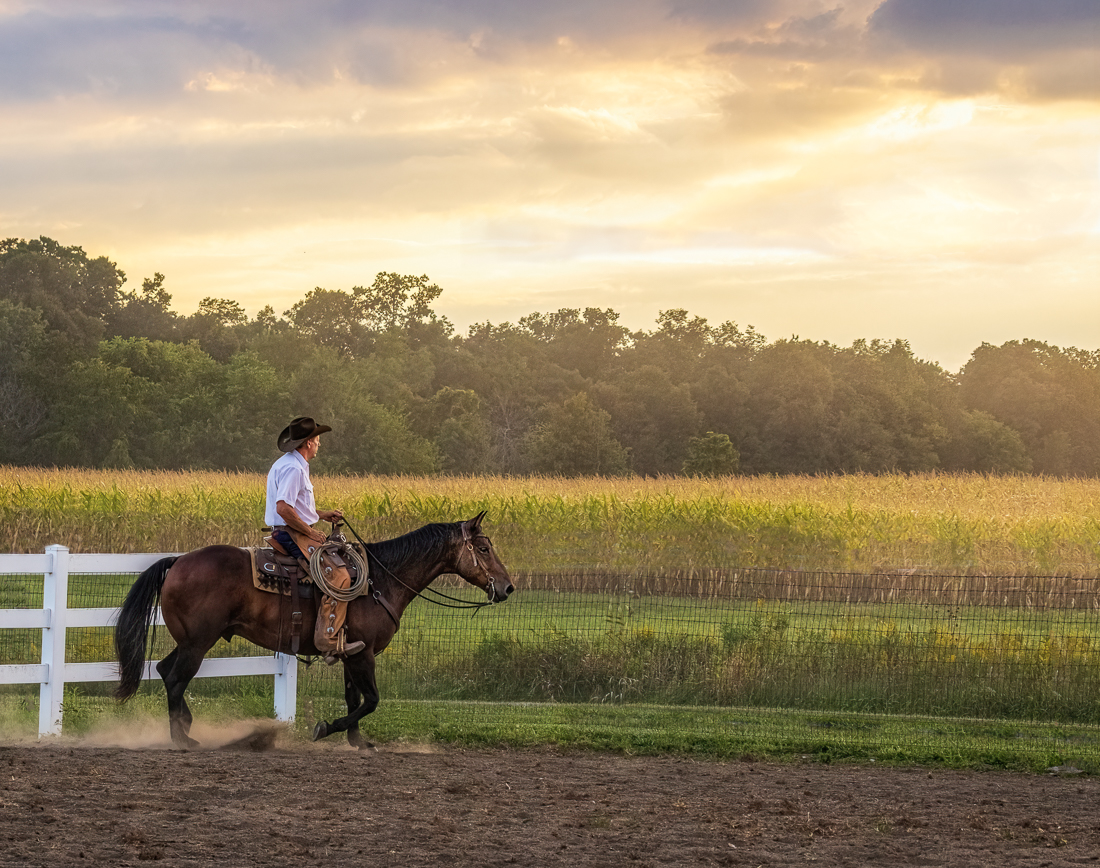
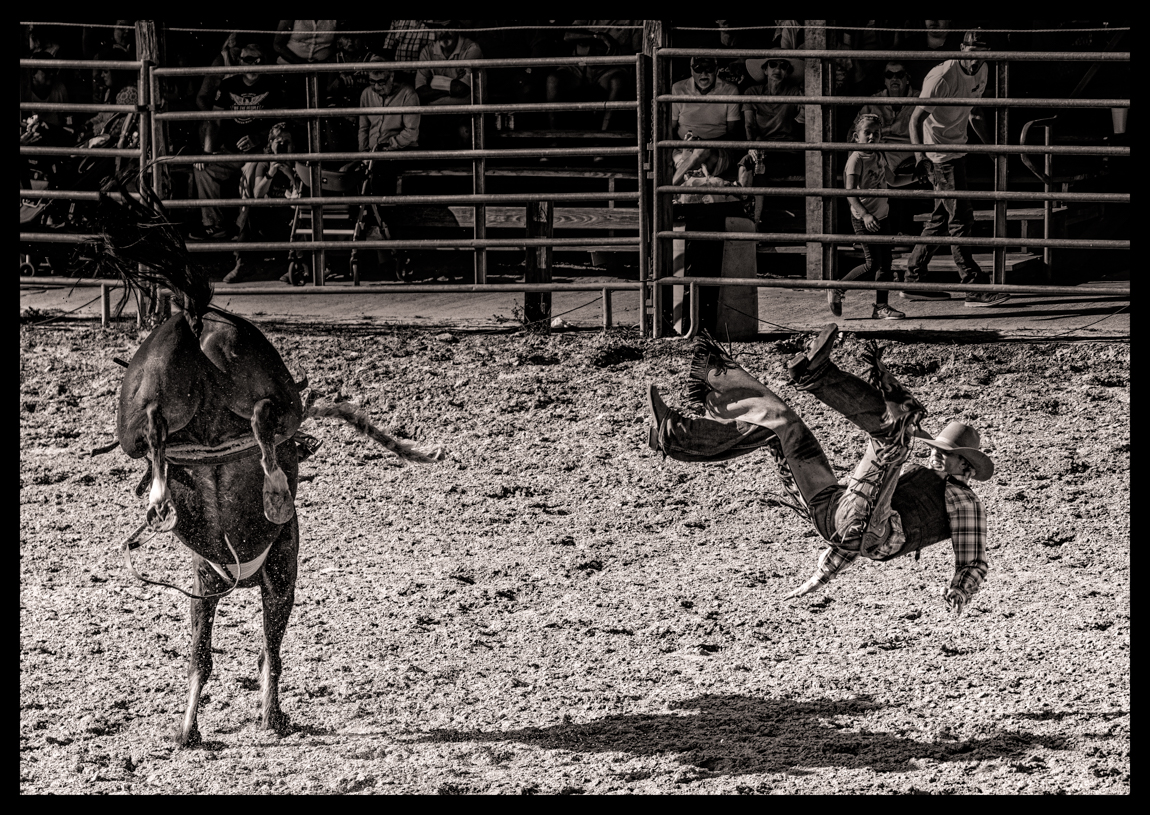
Jason, so glad you saw the subtle emotion of the cowboy wanting to break free. I did like the look of the white fence removed, however, and got rid of it and did a 4x6 crop. Check out my 10/24 new version and notes. Thanks for all your help! |
Oct 24th |
| 78 |
Oct 21 |
Reply |
I finally made it down to Florida and had some time to try your suggestions. See my 10/24 post and reworked photo. I'd love your additional thoughts. Thanks for the great feedback! |
Oct 24th |
| 78 |
Oct 21 |
Reply |
I finally made it down to Florida and had some time to try your suggestions. See my 10/24 post and reworked photo. I'd love your additional thoughts. Thanks for the great feedback! |
Oct 24th |
| 78 |
Oct 21 |
Reply |
I made it down to Florida and tried your suggestions. See my 10/24 post and reworked photo. I'd love your additional thoughts. Thanks for the great feedback! |
Oct 24th |
| 78 |
Oct 21 |
Reply |
Sunil, I made it down to Florida and tried your suggestions. See my 10/24 post and reworked photo. I'd love your additional thoughts. |
Oct 24th |
| 78 |
Oct 21 |
Comment |
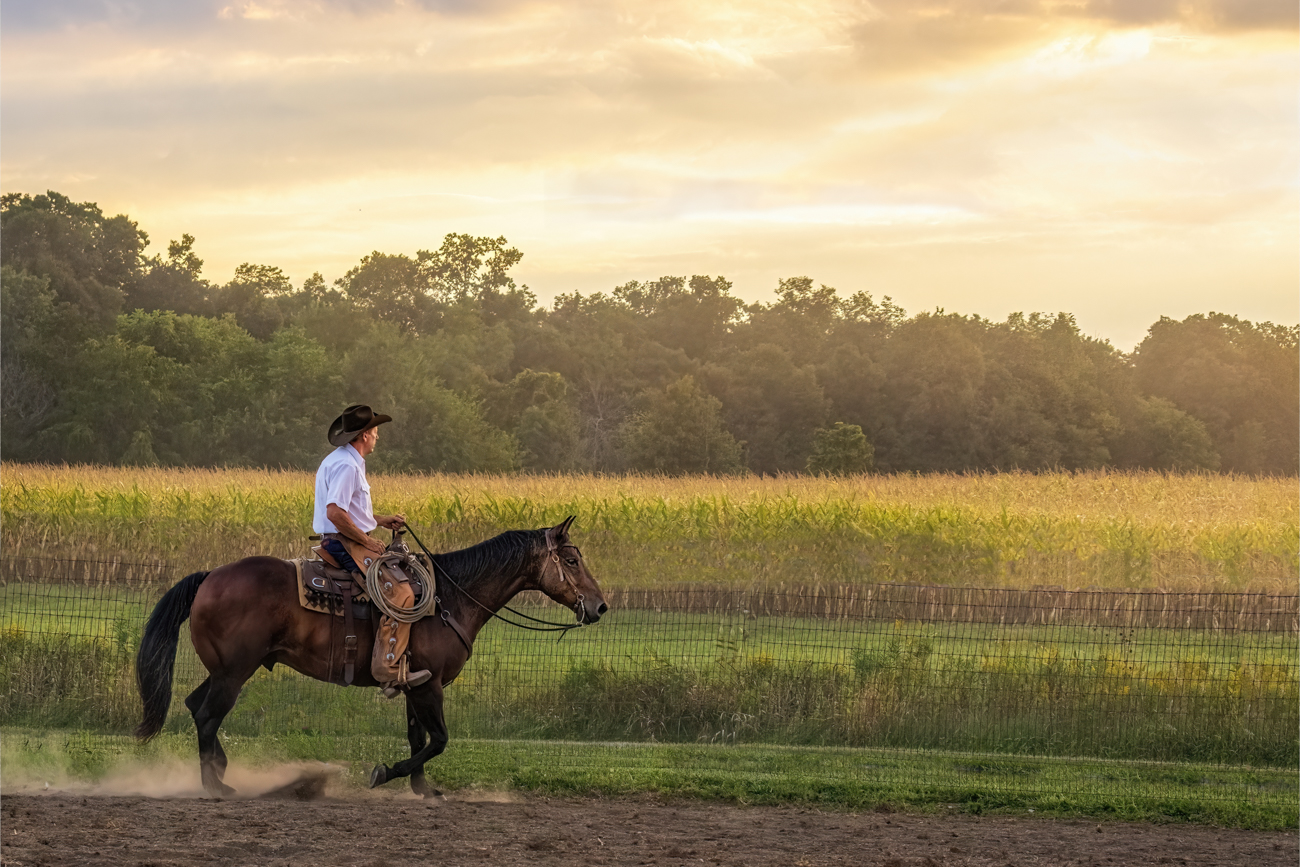
Thanks to everyone's suggestions, I have spent a lot of hours on my cowboy. I removed the white fence and went to a 4 x 6 crop (thanks, Terry and Sunil). Helen, I played with the grass line straightened, but with the tighter crop, it didn't really work as well as it would have in a panorama.
Sunil, I added fence posts back in, but with the white fence gone, I felt it looked better with no fence posts. I completely agree it looks surreal, but the posts looked odd, too.
I think the entire looks better, but I think the wire fence was too much of a challenge and any judge will see the mess I've created. I think it will be a great photo for the cowboy model, great for my Facebook page, but not competition. Learned a lot! Thanks for putting me through my paces! |
Oct 24th |
 |
| 78 |
Oct 21 |
Reply |
Mitch, Thanks so much! I actually just watched a very short video I think will make removing the fences much better...
https://mattk.com/simplify-your-backgrounds-in-photoshop/
then this 5 minute video--
https://www.youtube.com/watch?v=cZS4dVabt6Q
Just got down to Florida and playing some catch-up, but want to start back at my raw file of the cowboy and redo it from scratch removing all the fencing with these techniques. Stay tuned! |
Oct 21st |
| 78 |
Oct 21 |
Reply |
Thanks for your feedback, Terry! So appreciated! Just arrived in Florida and trying to unpack. Hoping to rework without the fence for contrast before the end of the month and get your competition "impact" thoughts. Thank you! |
Oct 21st |
| 78 |
Oct 21 |
Reply |
Great explanation, Jason. I just screen shot this to print it.
Thanks! |
Oct 11th |
| 78 |
Oct 21 |
Reply |
Jason, your notes to Helen were a great review of all of the techniques at our disposal...flipping, Terry's wild Blur Average idea, and warming filters and gradient filters (I've got to learn gradients). Thanks so much! |
Oct 11th |
| 78 |
Oct 21 |
Comment |
You've gotten some great input. I do like Jim's sky, and Terry's idea to remove some rocks crowding the stars of the show is a cleaner look.
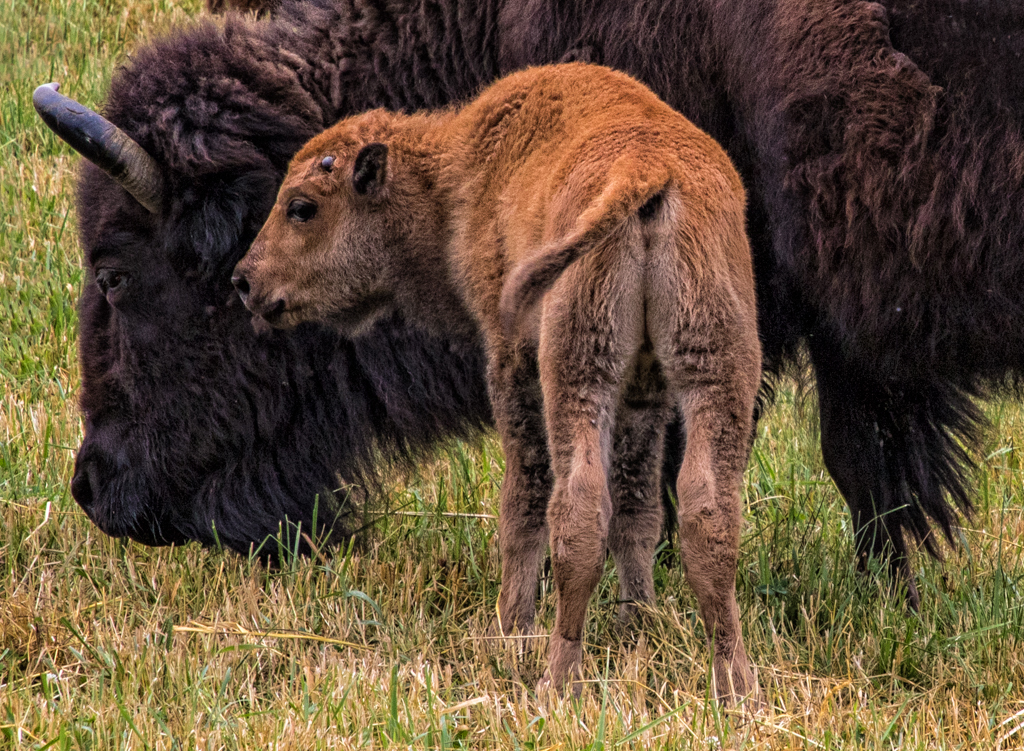
The calves are super cute, and its great they are different colors. I'd consider brightening their eyes a bit so we see at catchlight. The white faced guy seems especially "dead".
Here's a trick from Scott Kelby on the graduated filter sky that you may not have seen. Instead of darkening exposure, which often gives the gray sky you got, he uses the "Temp", the very first item in the Develop Panel. Pull to the blue side and you'll get blue instead of gray. If its evening, I'll use the "Tint" second slider) and add some magenta for a more purple-ish darkening sky. Or Sky replacement in Photoshop is also a perfect solution!
Love these guys and good for you to photograph them and stay alive!
|
Oct 10th |
| 78 |
Oct 21 |
Comment |
So incredible, we are all so thrilled you got the chance to experience this! Love the action and how you've positioned her. Darkening the trees will help and you will have a PSA Nature submission! |
Oct 10th |
| 78 |
Oct 21 |
Comment |
I think this is such a fun image! I do like Sunil's change, and I really like Jason's change because it looks almost cartoonish. Did you just rotate, Jason?
Terry, Jason is using the Cropping overlay, available in LR and PS. Once you activate the Crop tool, hit "O" for "Overlay" and everytime you hit "o", it will cycle through your choices. The Golden Spiral and the funny chopped up one can be rotated, that's Shift + "o", and it will put the Golden Spiral in each corner. |
Oct 10th |
| 78 |
Oct 21 |
Comment |
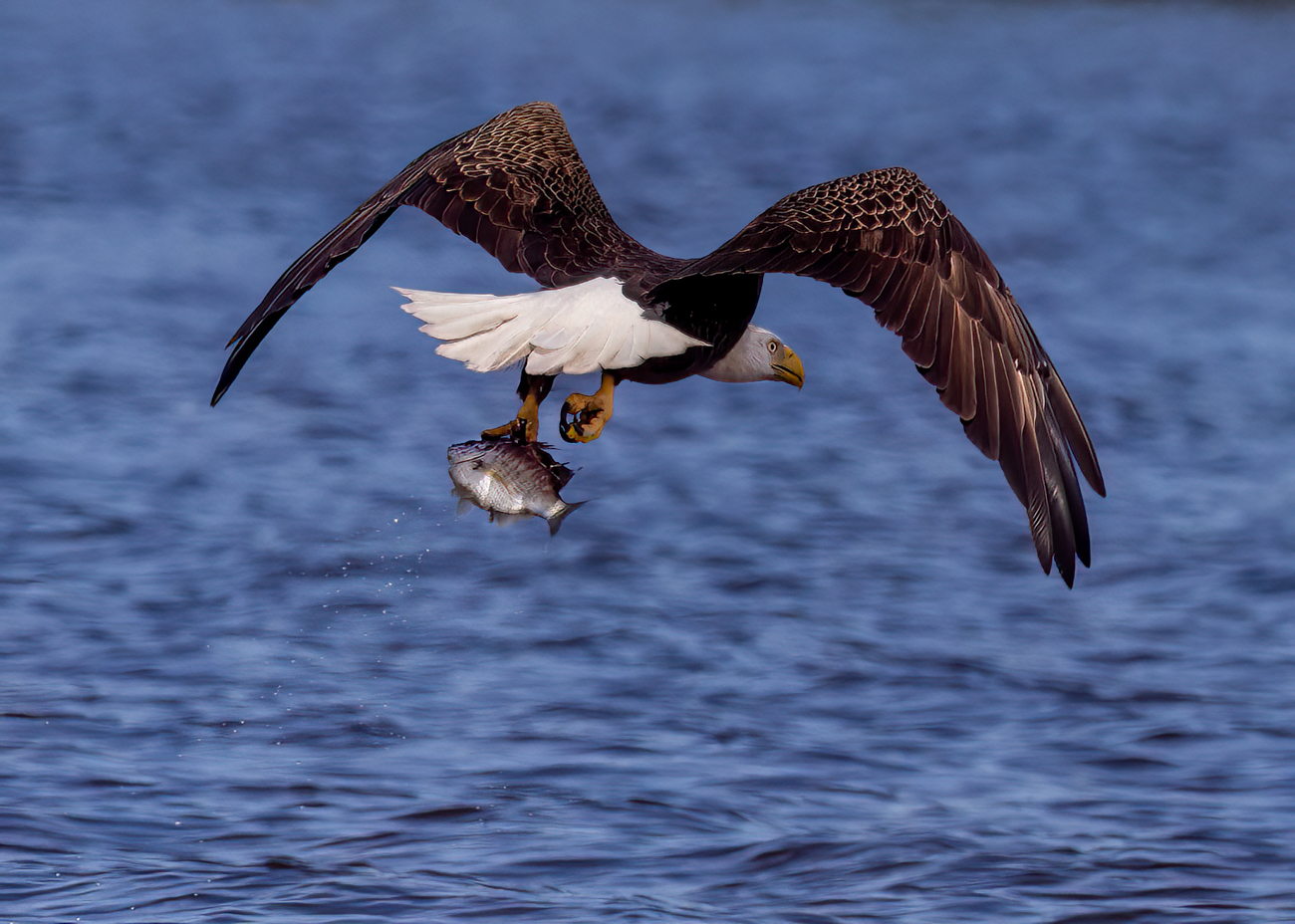
Yow! Sunil, Jim and Terry all had fabulous contributions. I would never have thought of taking DeHaze to 100 percent--new trick in my toolbox--thanks, Terry!
Such a great moment...such an amazing bird. |
Oct 10th |
| 78 |
Oct 21 |
Comment |
My family are Italian immigrants, and this man looks SO Italian, especially with the very fashionable look. I love your b/w processing.
I'm not a street photographer, but I think I like your crop over Terry's, as it simplifies the subject. But I hear Terry's point that "more" adds to street photography.
I love that he is walking into the Light. Great you captured such a moment. It could be fifty years ago. |
Oct 10th |
| 78 |
Oct 21 |
Comment |
Jim, I just LOVE the near end with the beam and sawdust. It seems to get ore complex as we go deeper. I'm glad you fixed the windows, they seemed more contemporary than the scene.
Do you happen to have the top of the roof? My eyes go up in the rafters, but then they can't go to the peak.
I think its a great historic shot and a miracle you coaxed it to life. |
Oct 10th |
| 78 |
Oct 21 |
Comment |
Hi Terry, you "got" what I was going for. Longing to be a "real" cowboy, which is what my friend is all about. But if I were to enter it in PSA Open, the title wouldn't add to the impact, so maybe the white fence out (if I can do it...past my skill level) with the crop will be stronger? You do a lot of competition, would this image gain acceptances?
Thanks for the vote to crop tighter. It does still show the "open range" feeling. |
Oct 10th |
| 78 |
Oct 21 |
Reply |
Thanks for your feedback on the white fence. What was your thinking on motion blur on the background? You don't like the "landscape" idea of everything in focus? |
Oct 10th |
| 78 |
Oct 21 |
Reply |
Jeez, that was a tough removal, I'll give it a try. The corn field is only in that tiny corner of their property that lends to that shot, but I'll try your version and also adding back in fence poles. Thanks! |
Oct 10th |
| 78 |
Oct 21 |
Reply |
Thanks, Helen, will try the rotation and add back fence posts, as well as a version removing white fence too, as suggested by Terry and Jim. |
Oct 10th |
| 78 |
Oct 21 |
Reply |
Sunil, great ideas! I appreciate it and will rework. |
Oct 10th |
8 comments - 15 replies for Group 78
|
14 comments - 22 replies Total
|