|
| Group |
Round |
C/R |
Comment |
Date |
Image |
| 69 |
Jul 21 |
Reply |
Geoff, Sorry about your troubles in the outback! Would love to do that with you some day!
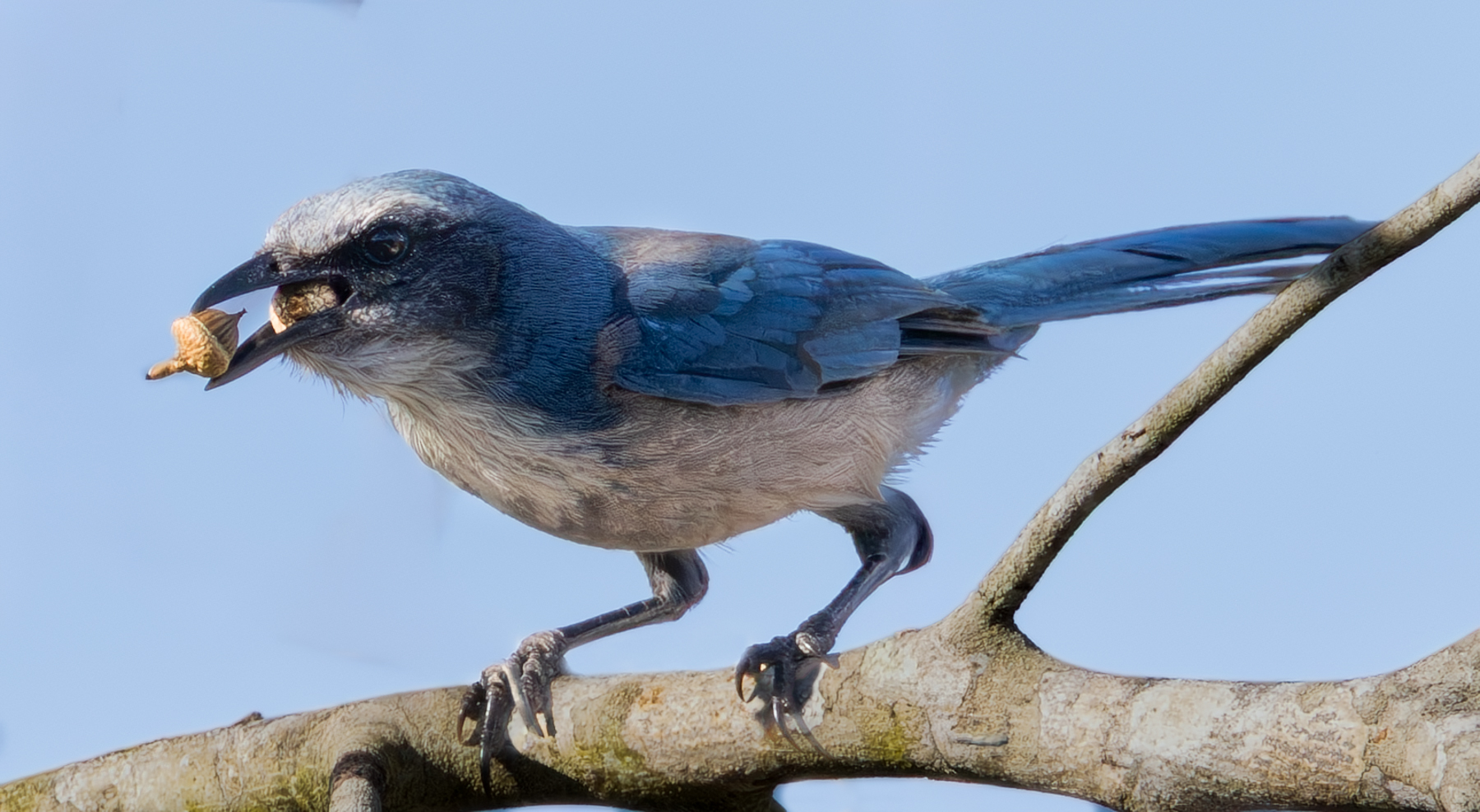
Thanks for the kind comments! I'm applying for my second set of PSA stars. I have won my first star in Mono, Color, Travel and Nature. But that took three years, so I really need to up my game to get my second stars. I'm learning a lot, its fun.
Just got a Canon R5 Mirrorless, so I hope that will help up my bird game a bit. |
Jul 24th |
| 69 |
Jul 21 |
Reply |
Thanks for the idea, glad you like the result! |
Jul 23rd |
| 69 |
Jul 21 |
Reply |
Thanks, Jacob, appreciate your feedback! |
Jul 23rd |
| 69 |
Jul 21 |
Reply |
Thanks, Dean! I appreciate your feedback! |
Jul 22nd |
| 69 |
Jul 21 |
Reply |
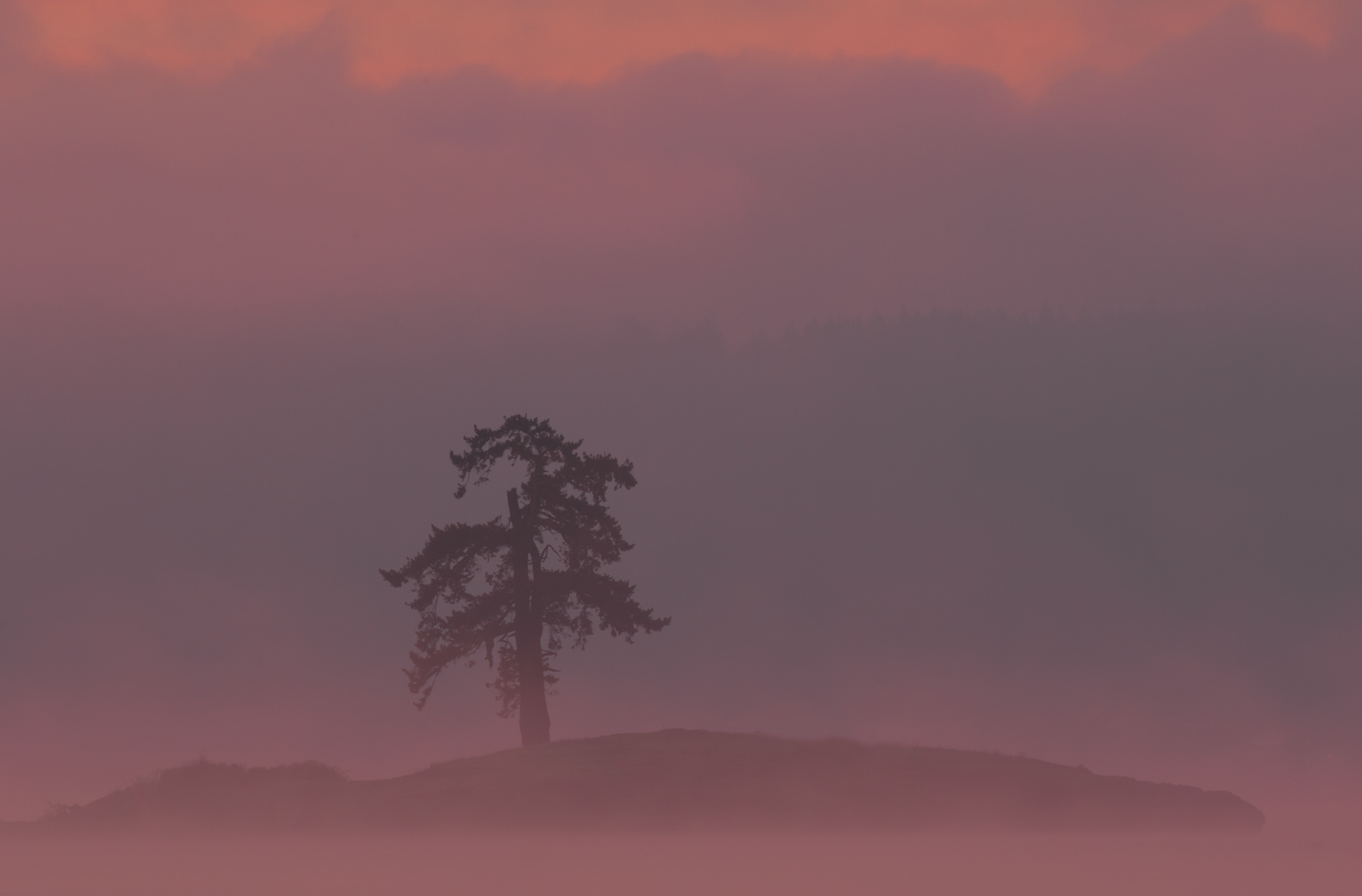
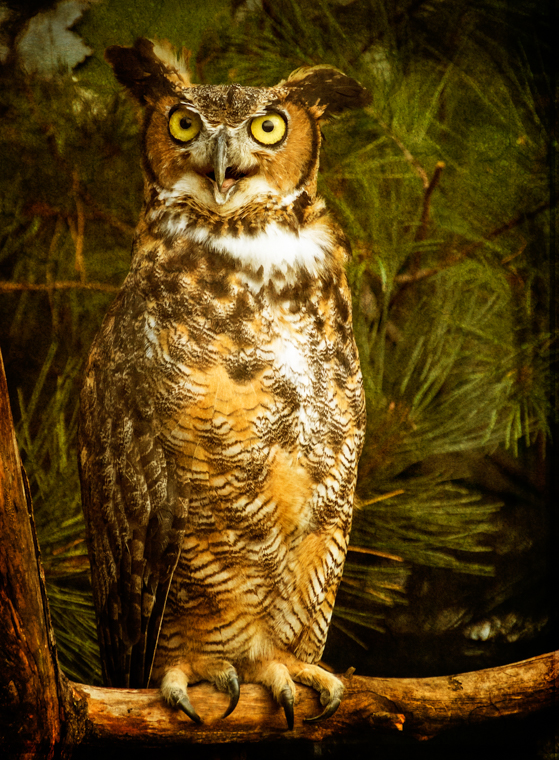
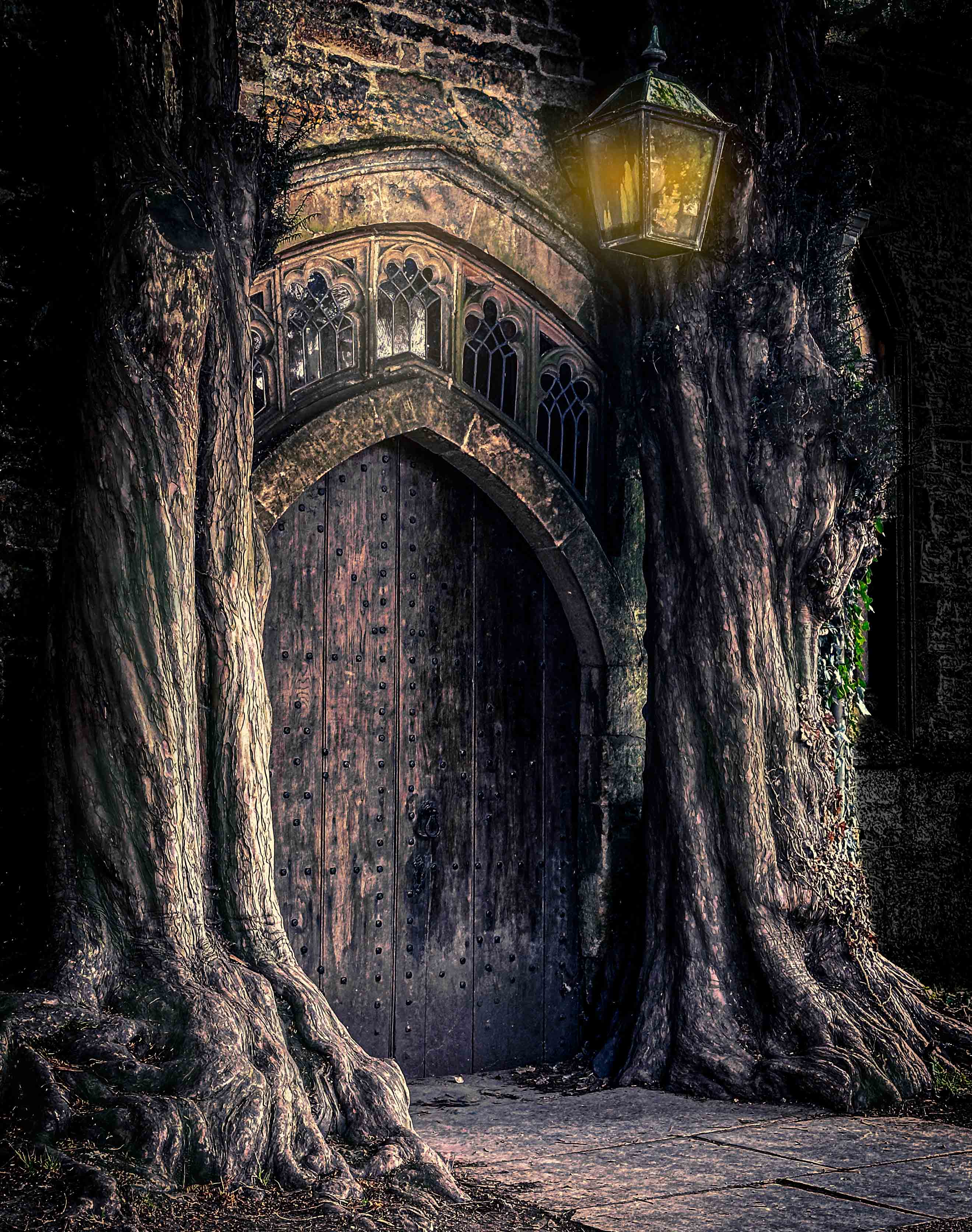
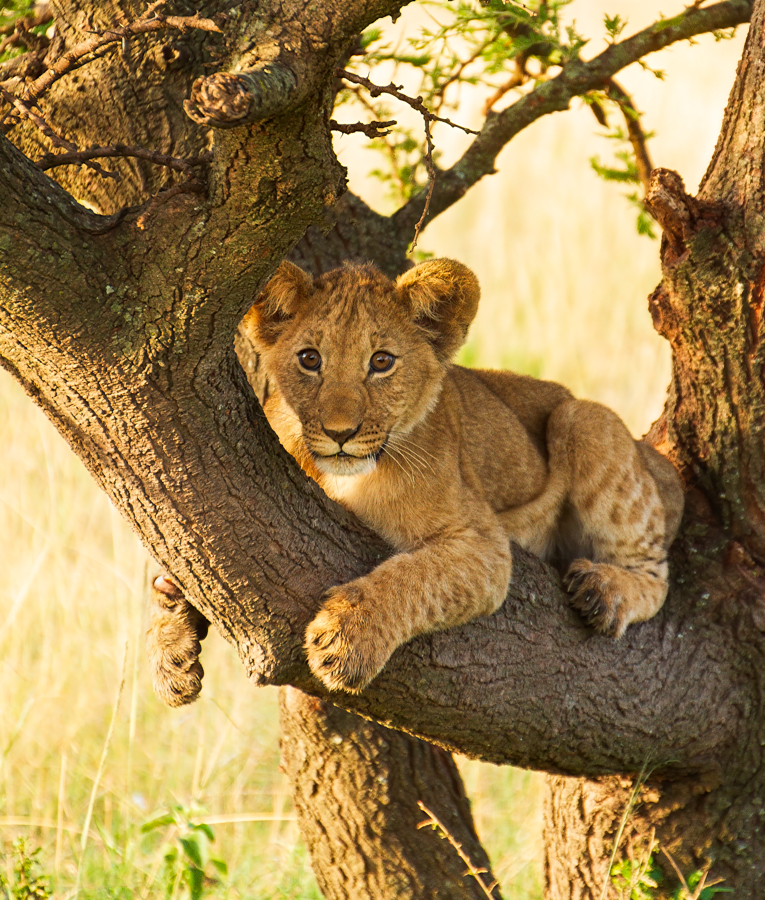
Geoff, are you a fan of the new darkened tree? Overdone? Thanks! |
Jul 22nd |
| 69 |
Jul 21 |
Reply |
Mervyn, I used your idea and darkened the tree, too much? |
Jul 22nd |
| 69 |
Jul 21 |
Reply |
Candy, I darkened the tree, do you think that helped the contrast? |
Jul 22nd |
| 69 |
Jul 21 |
Reply |
Dean, do you like the darker tree to allow for contrast?
|
Jul 22nd |
| 69 |
Jul 21 |
Comment |
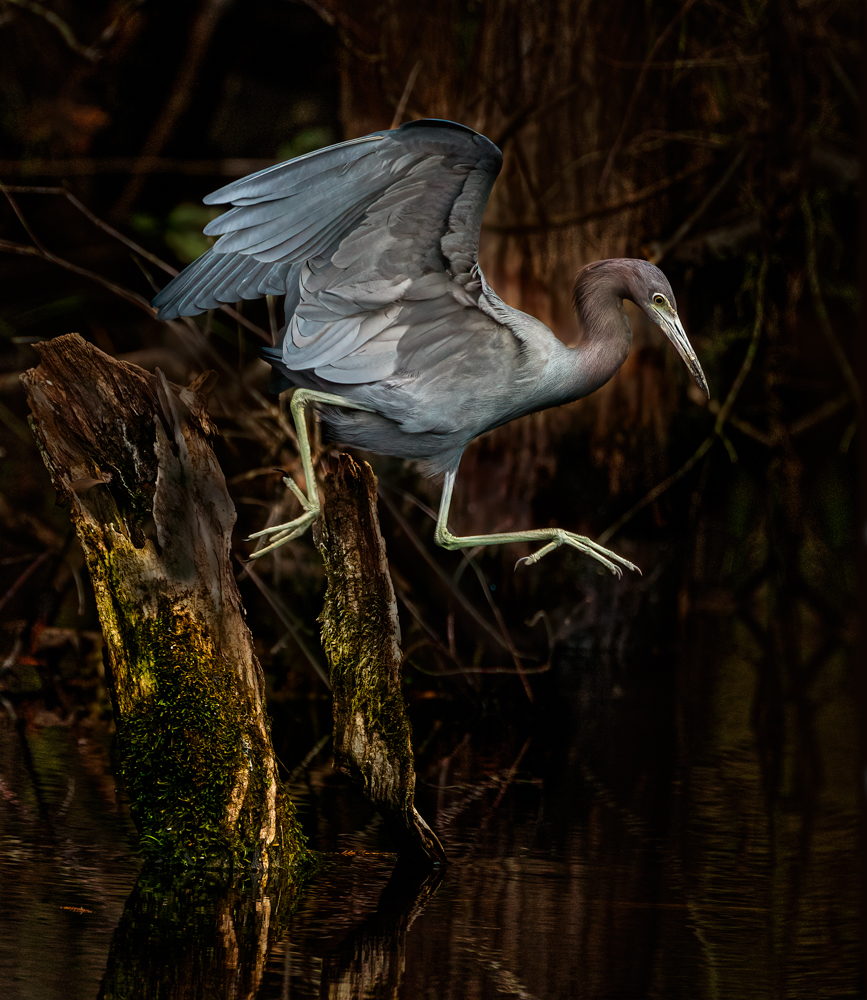
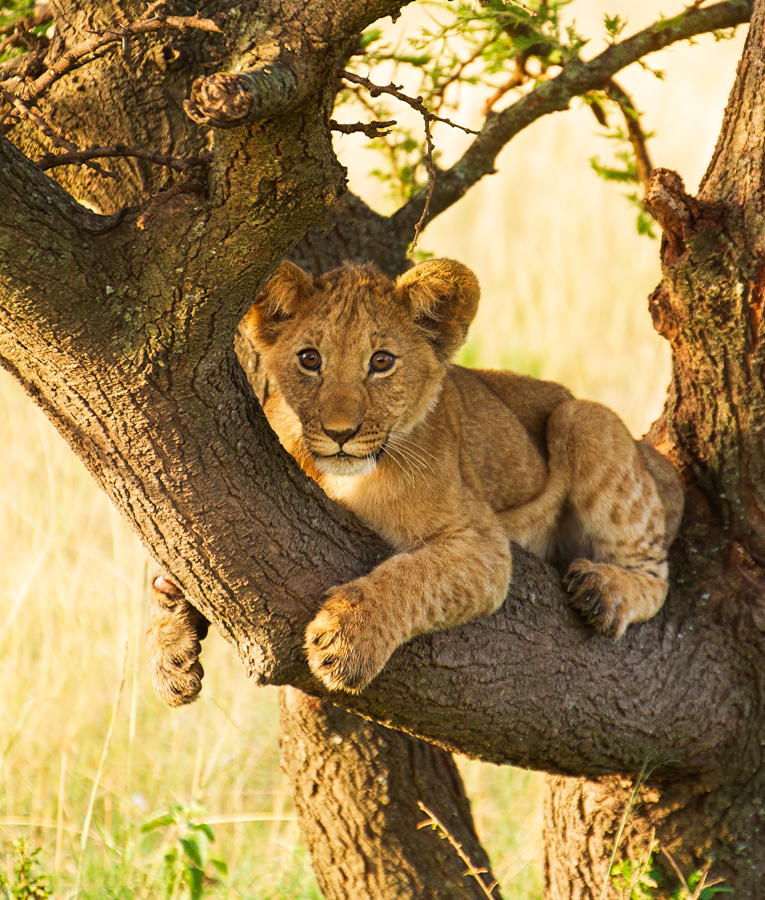
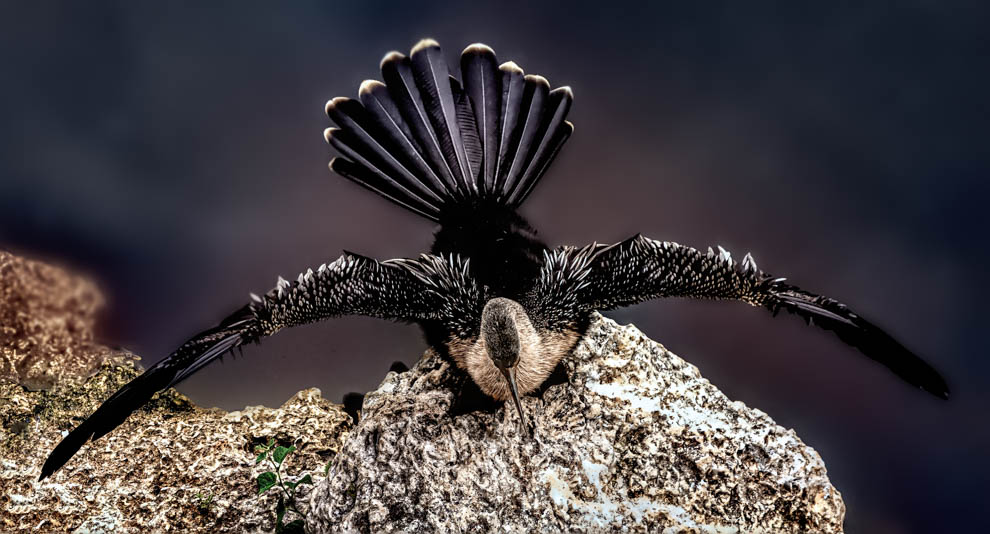
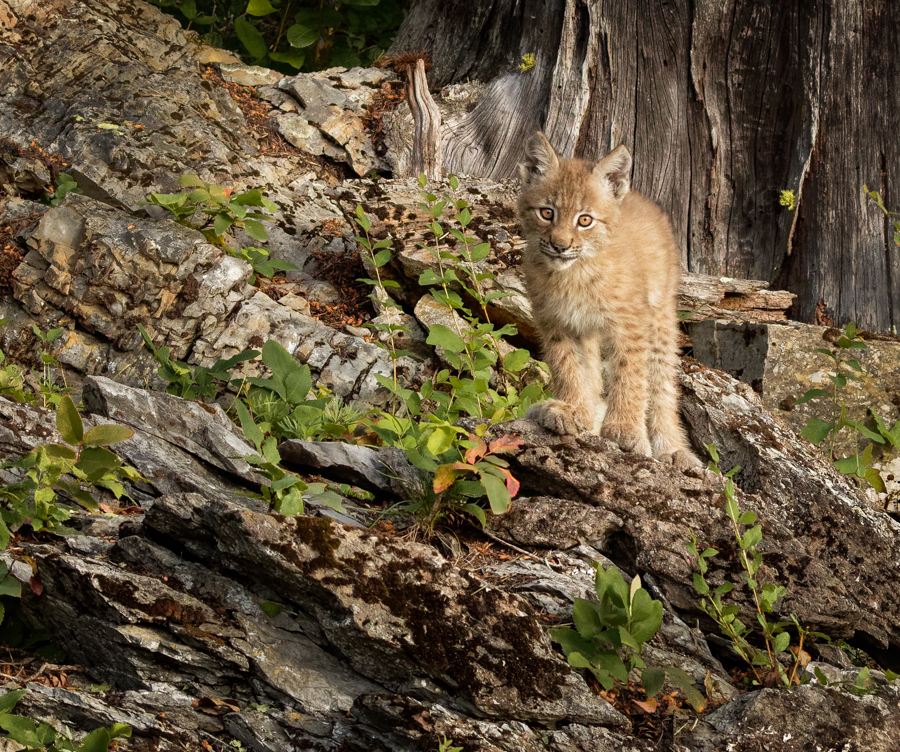
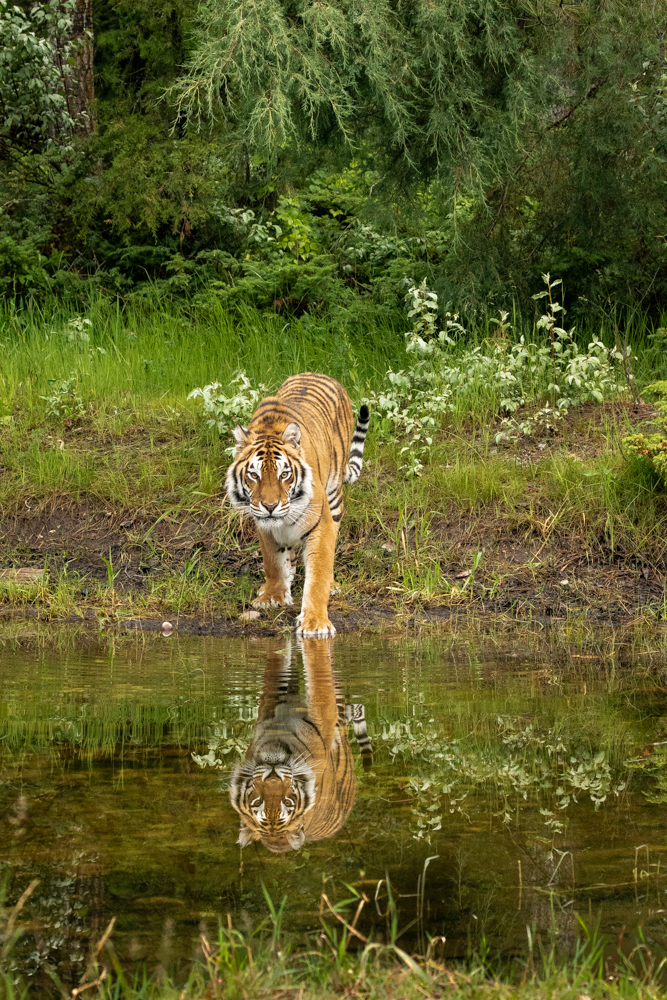
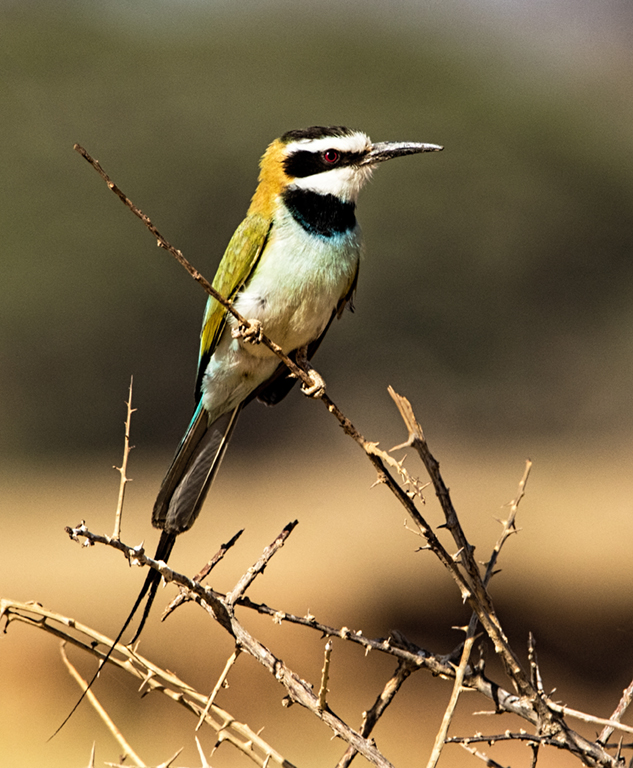
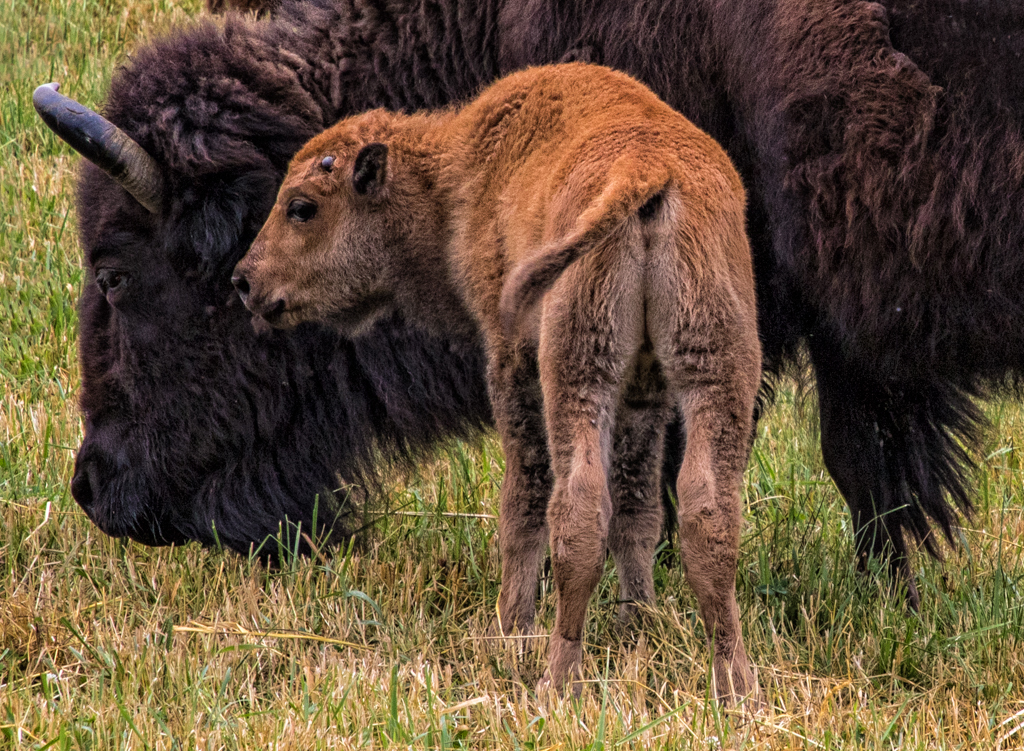
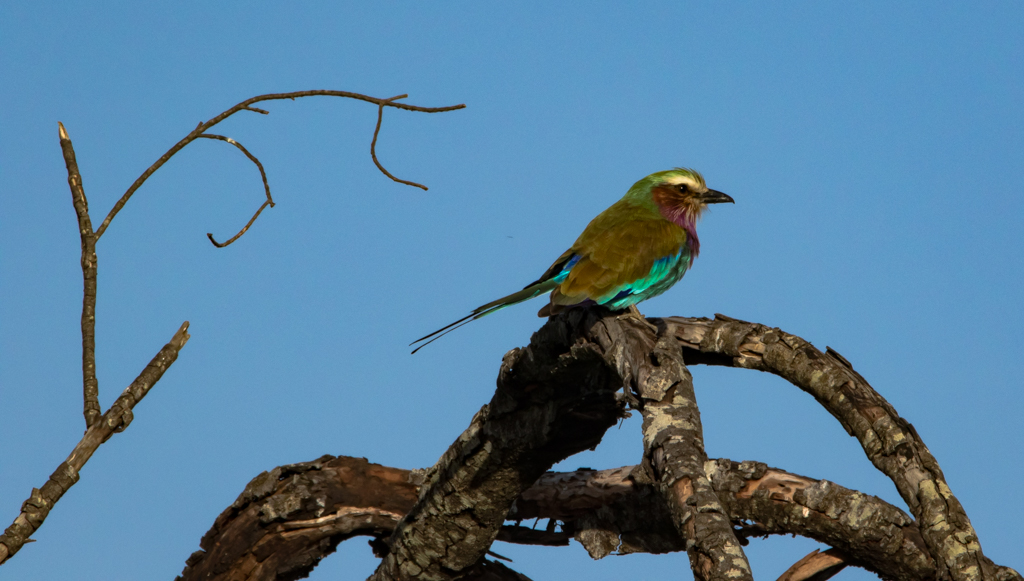
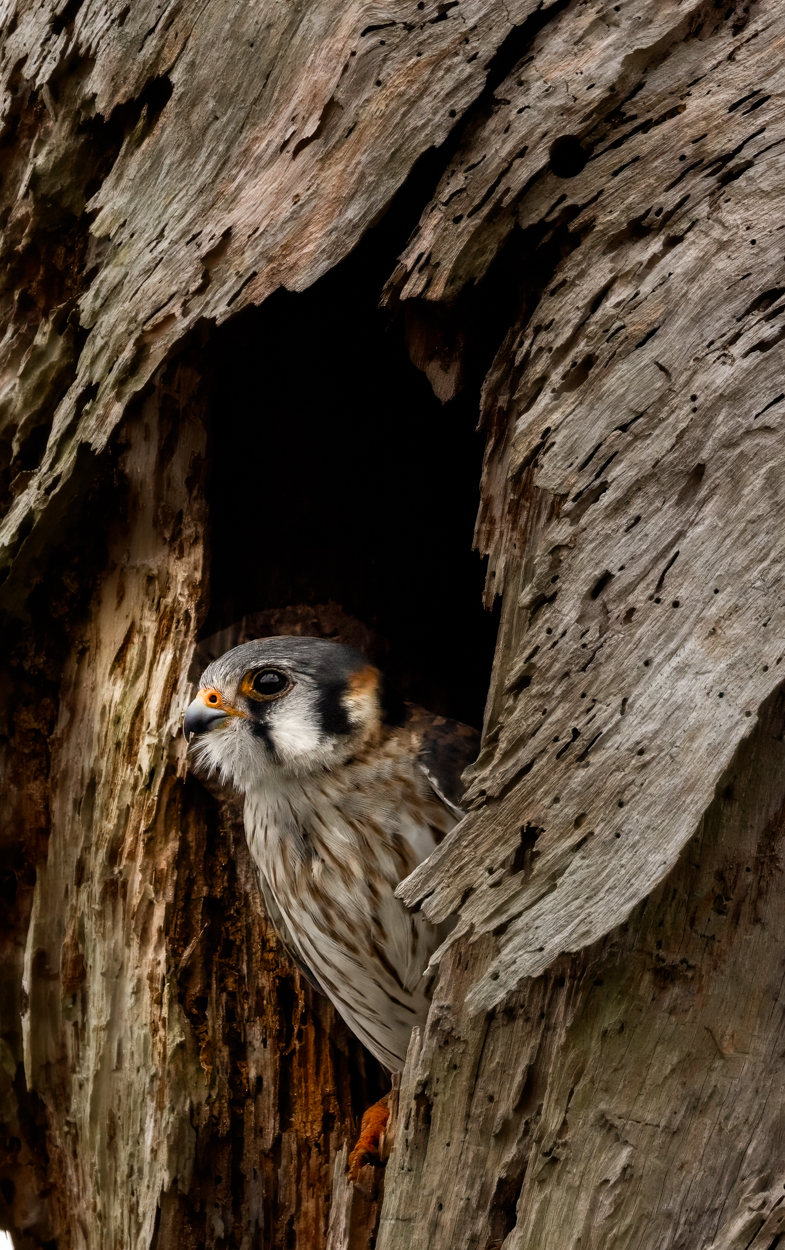
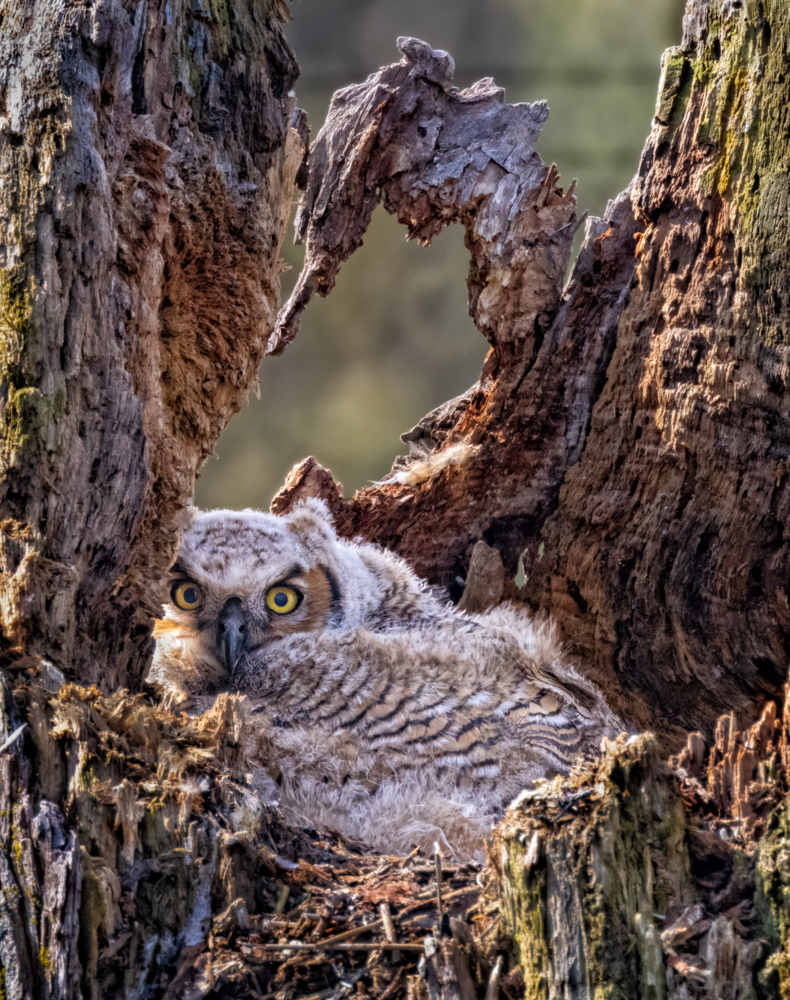
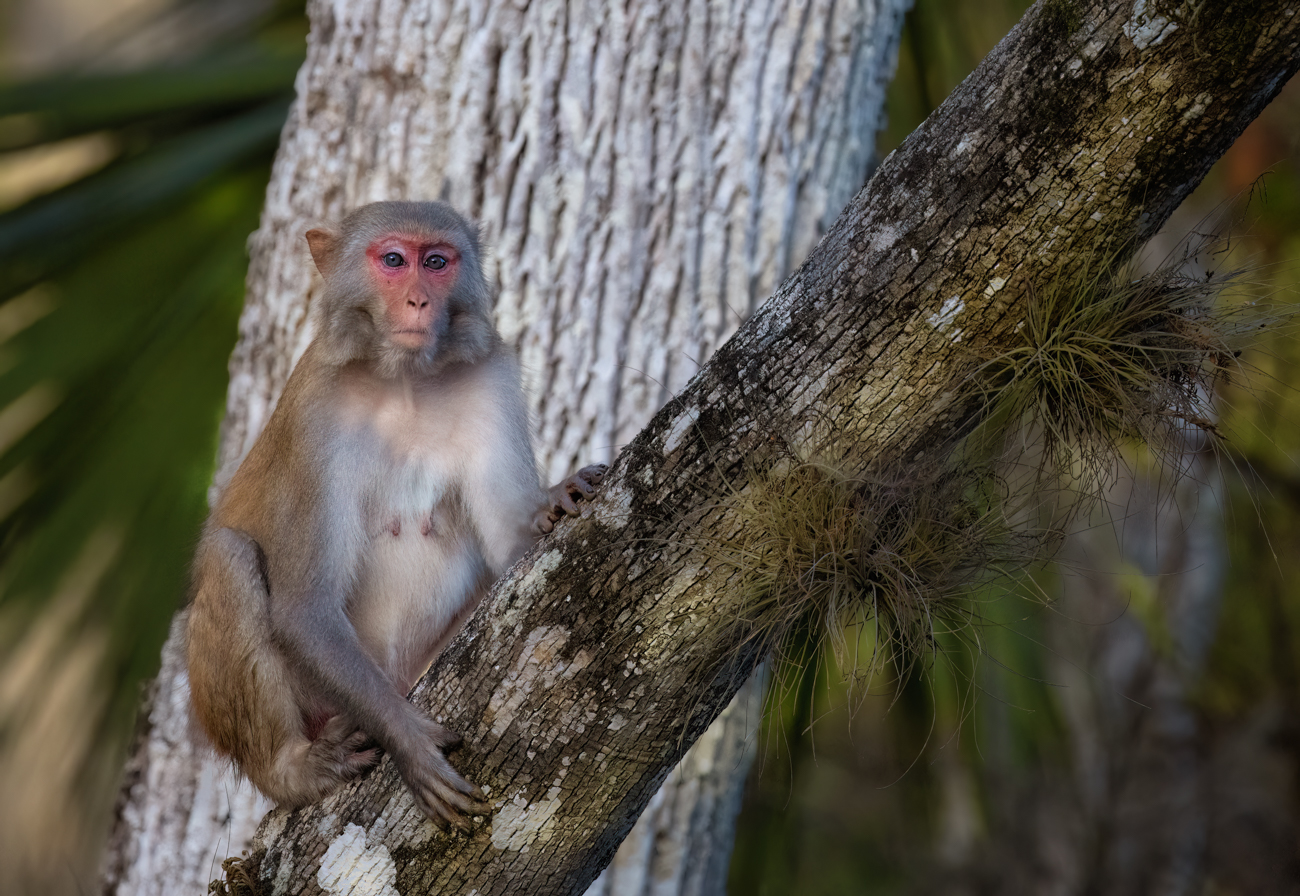
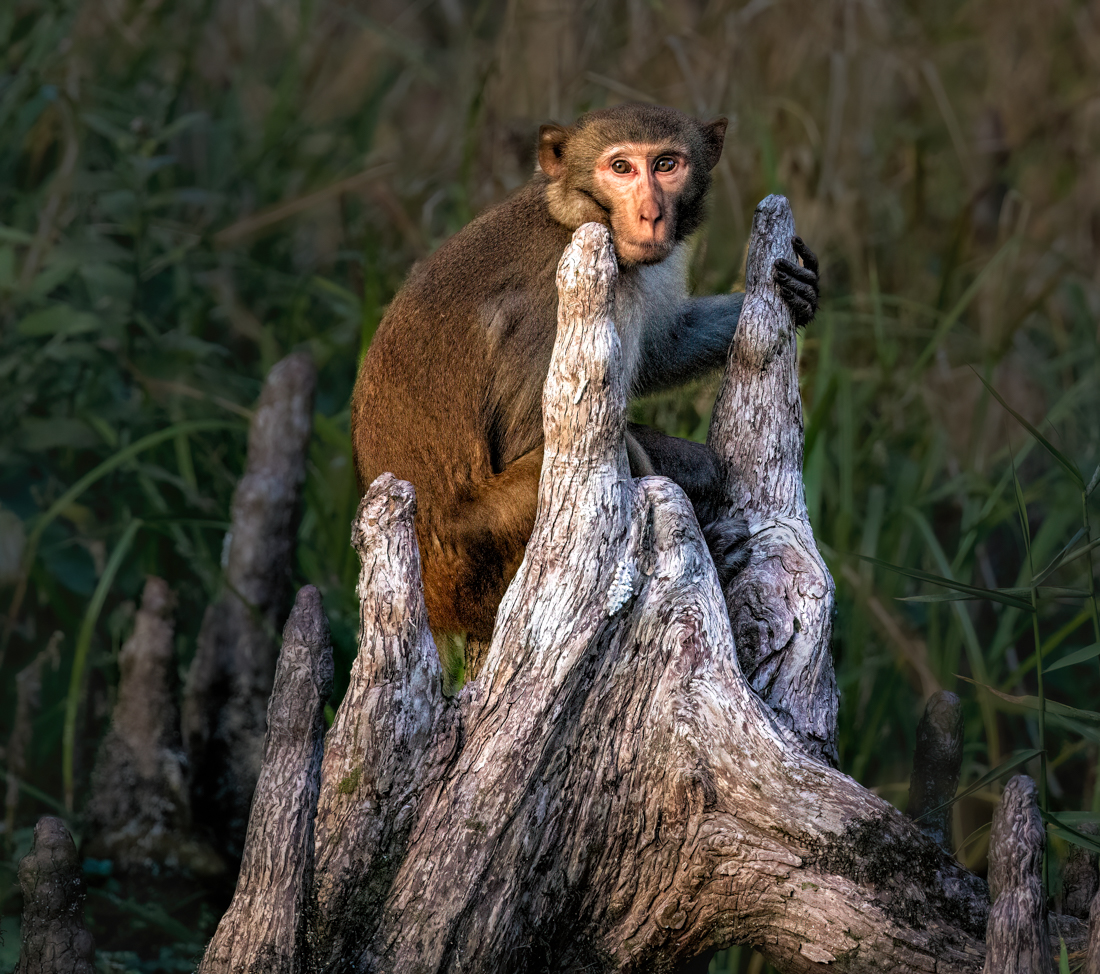
Thanks, everyone! I did darken the bark of the tree, too much? And I ran AI DeNoise again. I did lighten the eyes a bit. I am keeping this background for now. Thoughts?
|
Jul 22nd |
 |
| 69 |
Jul 21 |
Comment |
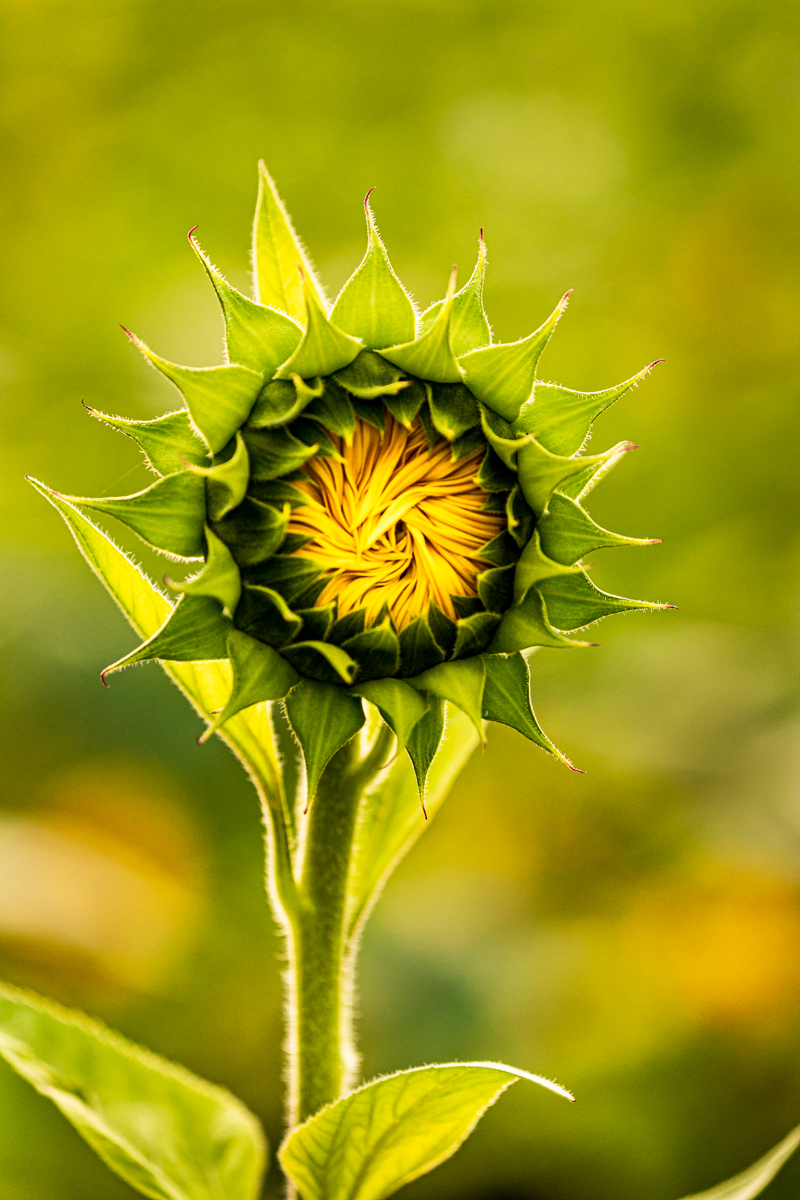
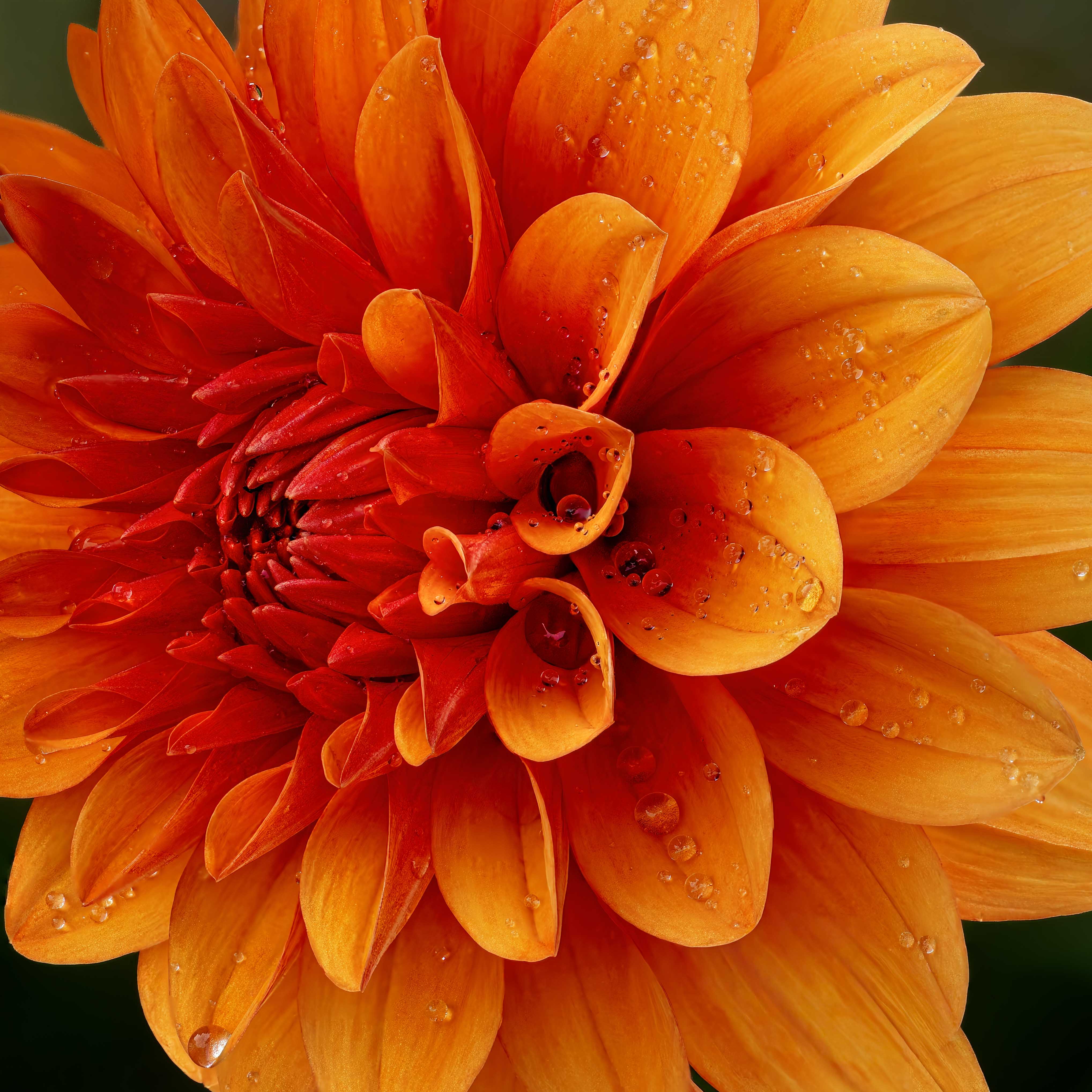
If you had hold a hat or reflector over the top to keep the bright sun ruining the color at the top of the milkweed, that would have improved things. I don't know if I've ever seen a good flower pic that wasn't taken in the shade.
The issue with cell phones is that they put everything in focus, so we are seeing the buds behind your milkweed, the leaves and the grass. If you can isolate your subject, it will work much better. Most cell phones have the ability to change your settings to have it behave like a digital camera, and then you can set up the shot you want. Did you try any treatments in Snapseed to fix the sky?
|
Jul 22nd |
| 69 |
Jul 21 |
Comment |
If you had hold a hat or reflector over the top to keep the bright sun ruining the color at the top of the milkweed, that would have improved things. I don't know if I've ever seen a good flower pic that wasn't taken in the shade.
The issue with cell phones is that they put everything in focus, so we are seeing the buds behind your milkweed, the leaves and the grass. If you can isolate your subject, it will work much better. Most cell phones have the ability to change your settings to have it behave like a digital camera, and then you can set up the shot you want. Did you try any treatments in Snapseed to fix the sky?
|
Jul 22nd |
| 69 |
Jul 21 |
Comment |
If you had hold a hat or reflector over the top to keep the bright sun ruining the color at the top of the milkweed, that would have improved things. I don't know if I've ever seen a good flower pic that wasn't taken in the shade.
The issue with cell phones is that they put everything in focus, so we are seeing the buds behind your milkweed, the leaves and the grass. If you can isolate your subject, it will work much better. Most cell phones have the ability to change your settings to have it behave like a digital camera, and then you can set up the shot you want. Did you try any treatments in Snapseed to fix the sky?
|
Jul 22nd |
| 69 |
Jul 21 |
Reply |
Interesting idea, Mervyn! Would you suggest darkening the tree to add more richness? |
Jul 8th |
| 69 |
Jul 21 |
Reply |
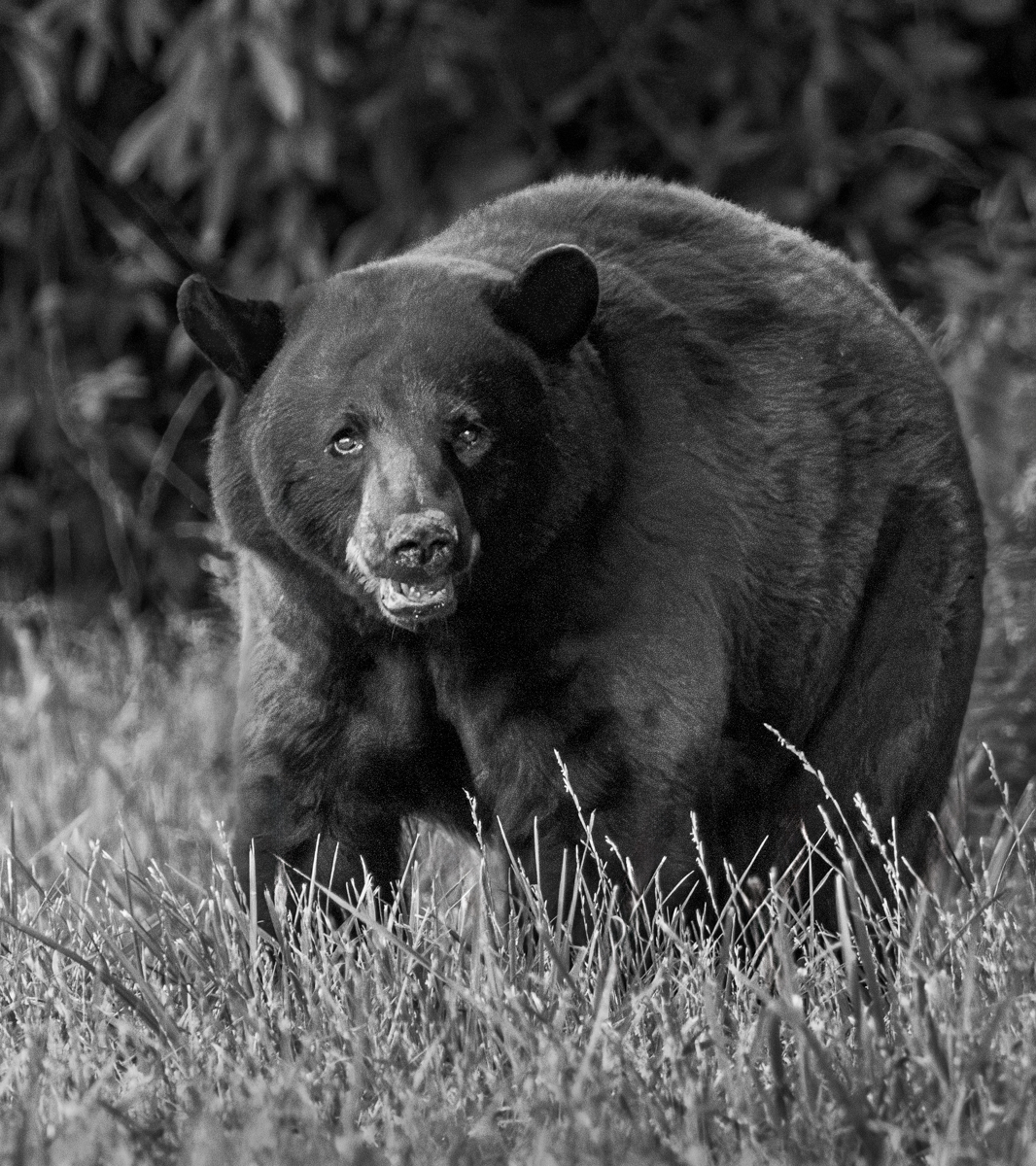
Hi Geoff, it might not be clear in my description, but that is a completely different texture dropped in behind the cub. I selected the cub and tree, cut them out and put in another photo--actually mold on a rock with Gaussian blur--behind the cub, to solve the busy grass and blown out sun. My goal was to simplify the subject completely. Too much?
|
Jul 8th |
| 69 |
Jul 21 |
Comment |
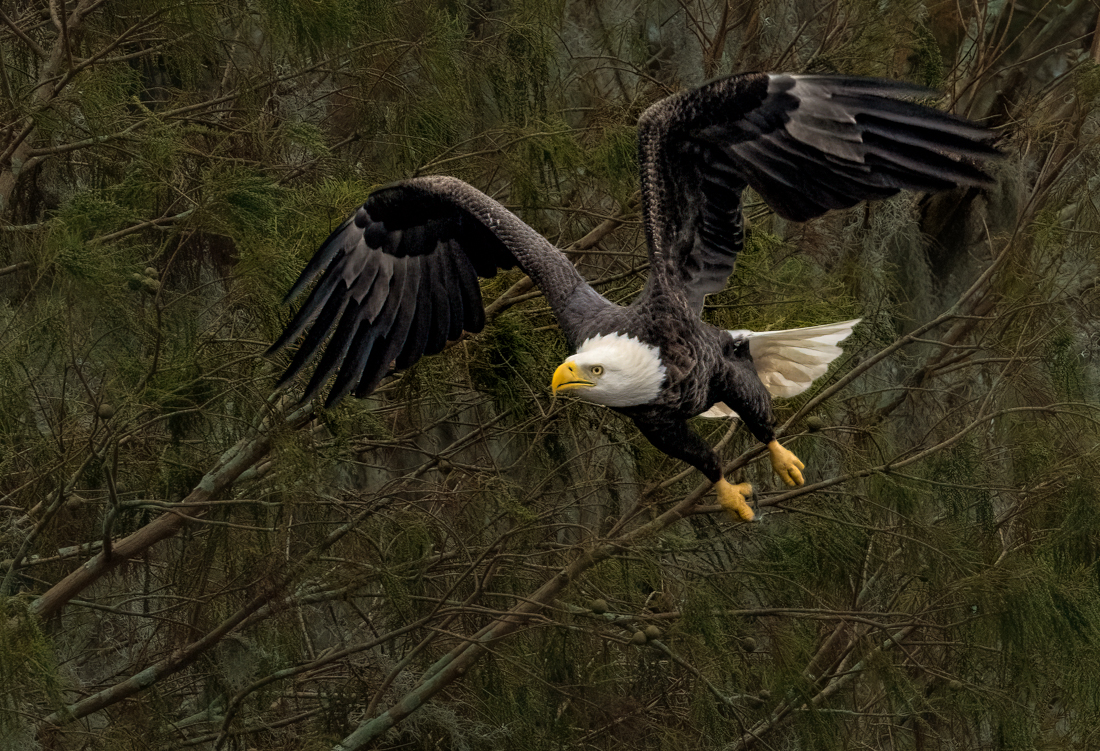
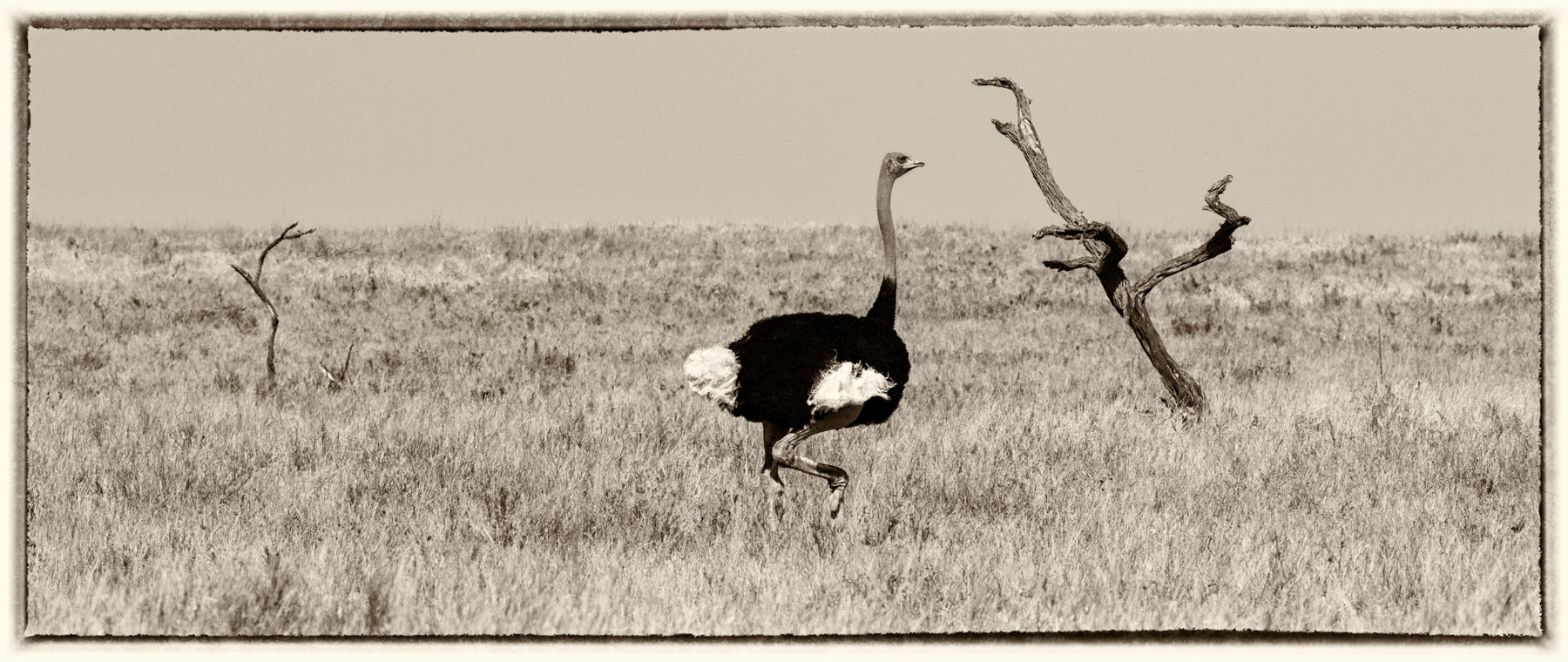
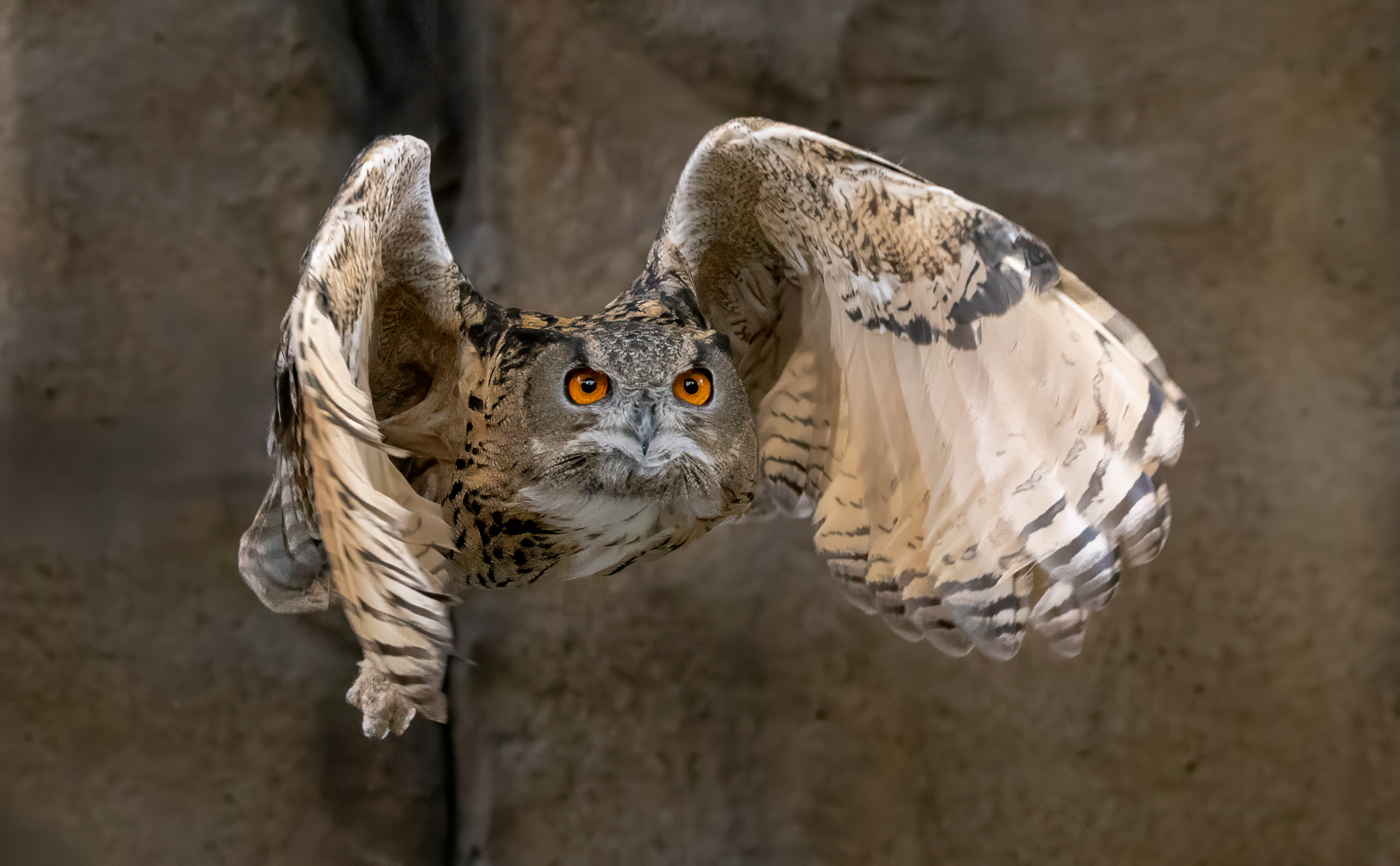
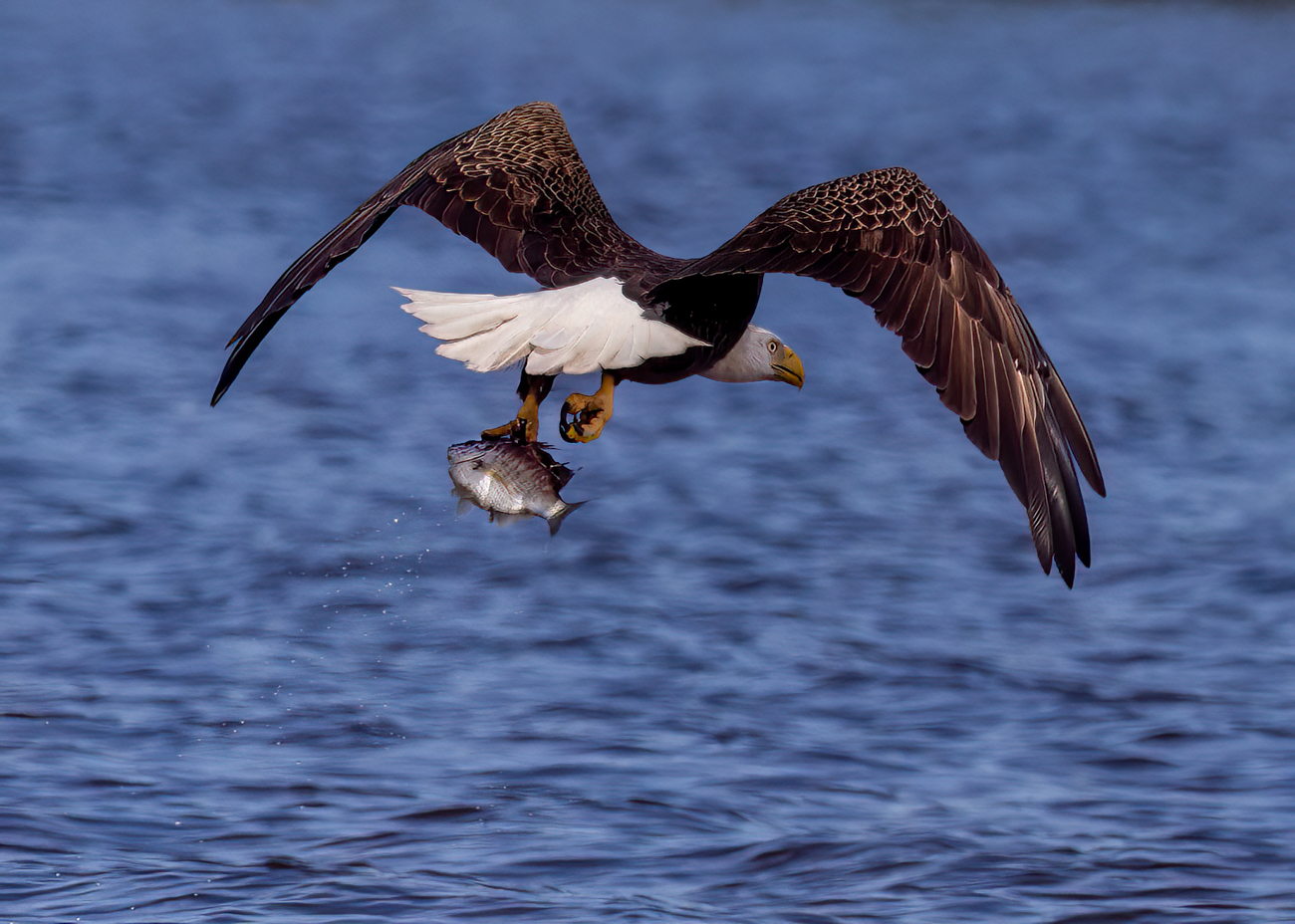
Hi Geoff, as a pilot, we call this a "fly by" when an airplane zips by. I think you got a nice crisp shot and didn't blow out your whites like I did in my recent entry ;-).
I've not heard that belly shots aren't desirable? Can you elaborate?
Some possible tiny tweaks--I might brighten his eye just a tad, and maybe give him just a tiny bit of sky to fly into? I'd consider flipping him, so he is flying left to right, the way we read. But Candy is the expert on this, and all things birds.
Hoping to get a shot like this in the fall!
|
Jul 5th |
| 69 |
Jul 21 |
Comment |
Candy, I'm a tad confused on your focal lengths listed above...he would have been very close at 35mm, but you also mention 505 mm, which would be very far away at just 1/250 sec?
In your original, it looks like you shot down on him, but with your clever crop and processing, he feels almost eye level. The eye is spectacular, and what a wild insect!
Can you discuss how you added an impressionistic look, in Topaz or as a texture? And then did you mask it off the frog? Whatever you did, it really improved the water.
I'm interested in why you flipped him, as he was reading left to right? Did you feel it was to keep him from hopping out of the frame?
An incredible transformation, as always! |
Jul 5th |
| 69 |
Jul 21 |
Comment |
Dean, You've got a great diagonal there of the raccoon kits, so I'd be tempted to go in close on them. They are looking your direction (roughly) and so working very carefully lighten their eyes a tad would really bring them along. You've got the contrast of textures of the fluffy fur to the tree bark and the leaves as background, are quite wonderful.
You shared you lightened them up, and I believe that is why they have a big glow ring about them? I wonder if you could back up your steps and very carefully lighten them and avoid the green ring above them?
Total bummer about your settings, but perhaps with some precision work, you can have a lovely diagonal composition! Sweet moment, for sure!
|
Jul 5th |
| 69 |
Jul 21 |
Comment |
Mervyn, Glossy Ibis are my favorite! I've seen them twice at Myakka State Park, is this where you photographed this fellow?
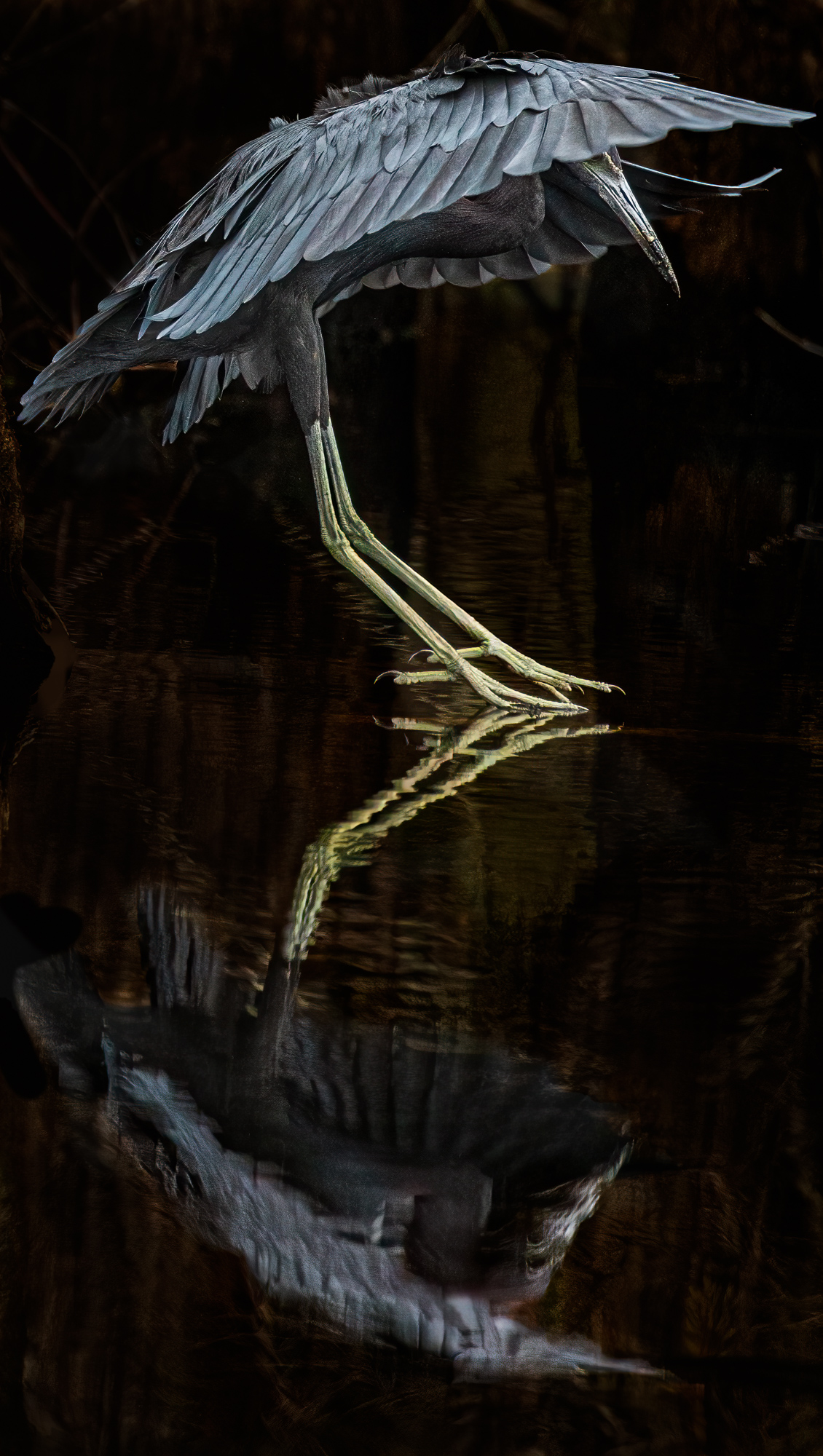
It is so interesting to see under his wing! Lemon coloring! I love the swirls of his reflection and the plant squiggle reflections above his head.
His head seems sharp, but his body seems a tad soft?
He seems to be going uphill a bit?
I would consider making his eye a bit more contrast-y, it seems a bit light? |
Jul 5th |
8 comments - 10 replies for Group 69
|
| 78 |
Jul 21 |
Reply |
Bev,
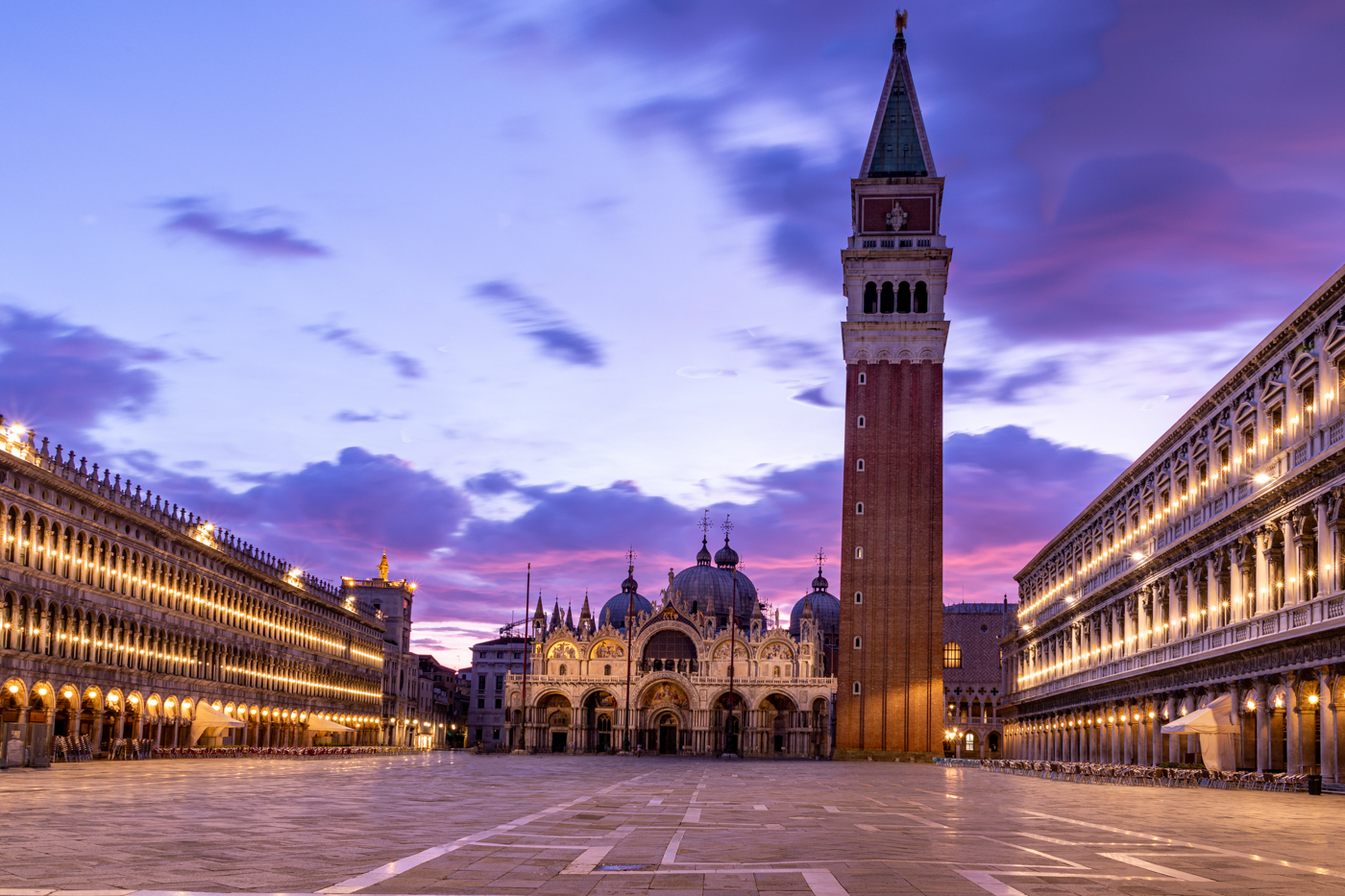
I love it! So much brighter! Unfortunately, adding a sky, even my own, would toss it from PSA Travel. I could, however, enter it in Color. Do you like either of the longer compositions just above your entry, if they were lighter, or do you like the vertical? Thanks for stopping by! |
Jul 29th |
| 78 |
Jul 21 |
Reply |
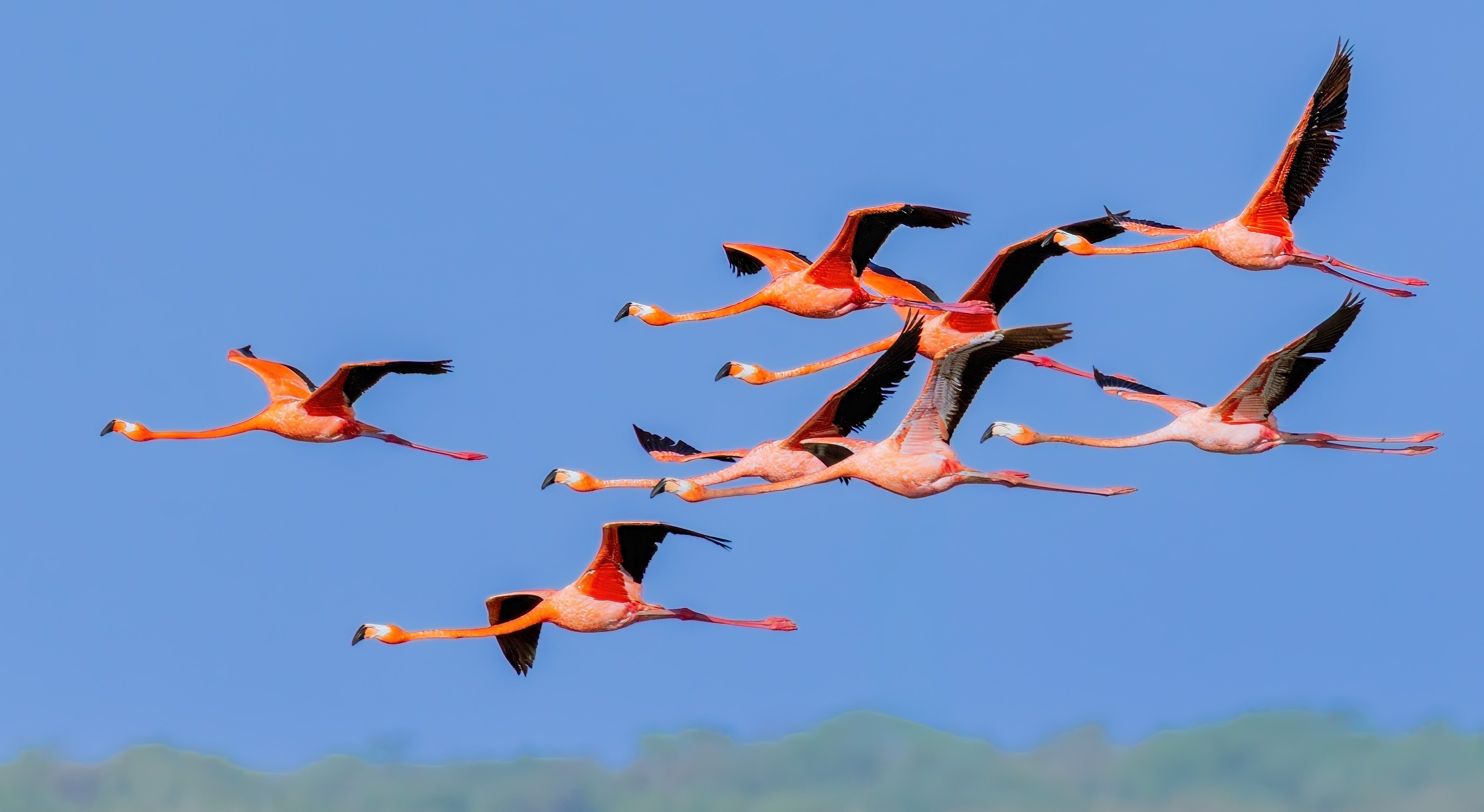
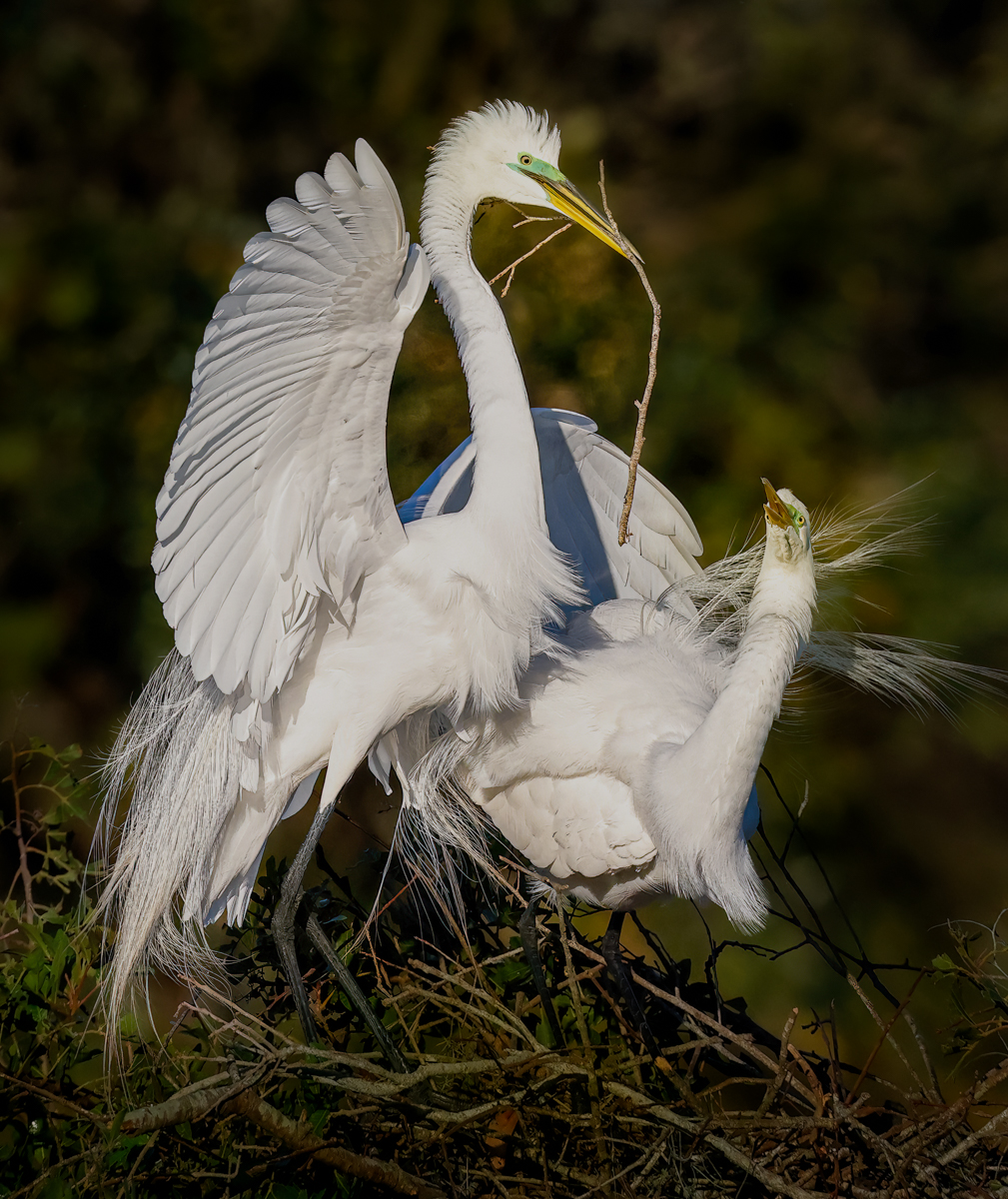
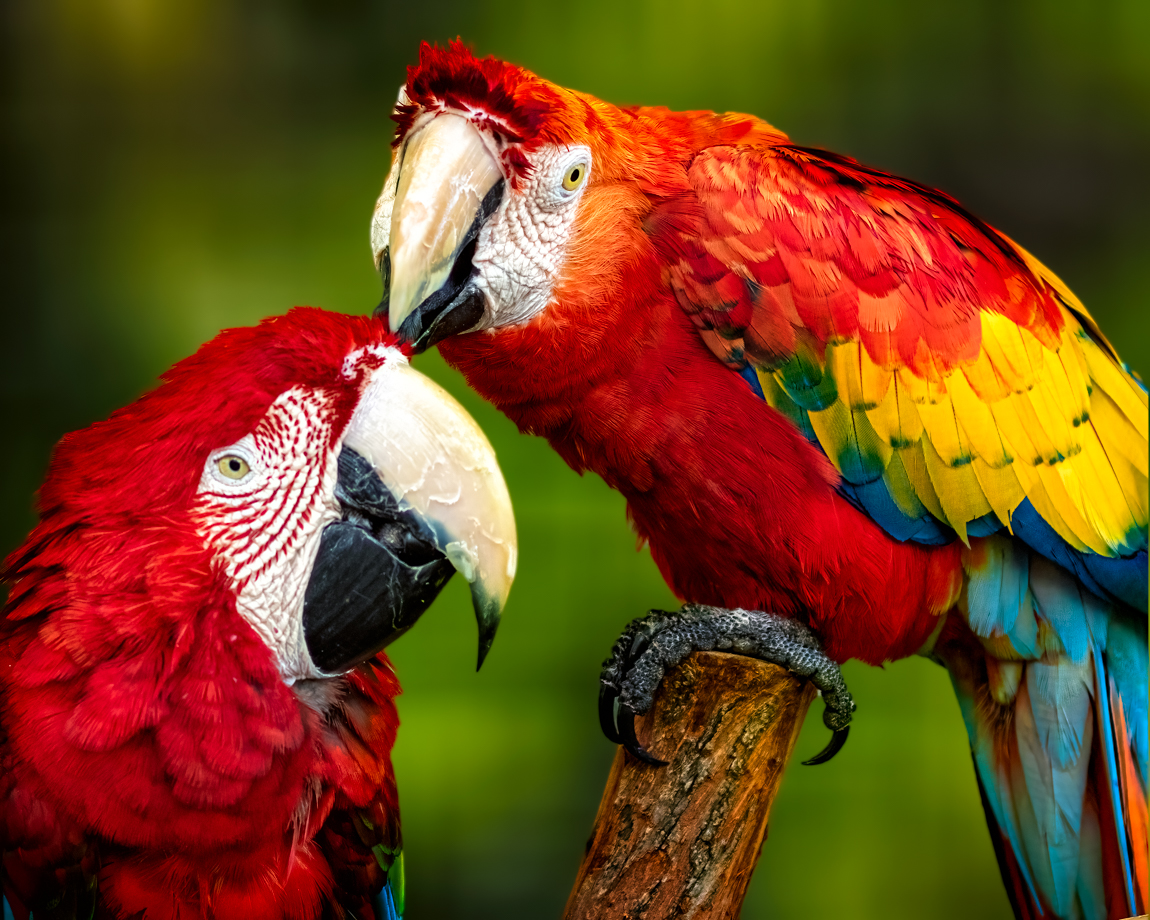
Holy Moly! The feathers around their eyes are phenomenal now! I think its really fabulous! Glad you got Topaz! Watch Matt K's videos on how to use it, his are much better than the ones on the site. The order to use is DeNoise/Sharpen/Gigapixel. I wrote that as a note on my calendar, so I don't increase the noise by using using Gigapixel first LOL! |
Jul 23rd |
| 78 |
Jul 21 |
Reply |
Thanks so much for all your feedback, Jason. I'd love your thoughts on my 7/20 renditions using the feedback. Thanks so much! |
Jul 20th |
| 78 |
Jul 21 |
Reply |
Jim, totally stole your idea (sans rays) and what do you think of my 7/20 renditions? |
Jul 20th |
| 78 |
Jul 21 |
Reply |
I'd love your thoughts on my 7/20 renditions using the feedback. Thanks so much! |
Jul 20th |
| 78 |
Jul 21 |
Reply |
Thanks for your thoughts, Terry. Do you like the horizontals I entered on 7/20 that definitely don't break rules? |
Jul 20th |
| 78 |
Jul 21 |
Reply |
I took into account your balance comment, I'd love your thoughts on my 7/20 renditions using the feedback. Thanks so much! |
Jul 20th |
| 78 |
Jul 21 |
Reply |
Helen, I'd love your thoughts on my 7/20 renditions using the feedback. Thanks so much! |
Jul 20th |
| 78 |
Jul 21 |
Comment |
|
Jul 20th |
 |
| 78 |
Jul 21 |
Comment |
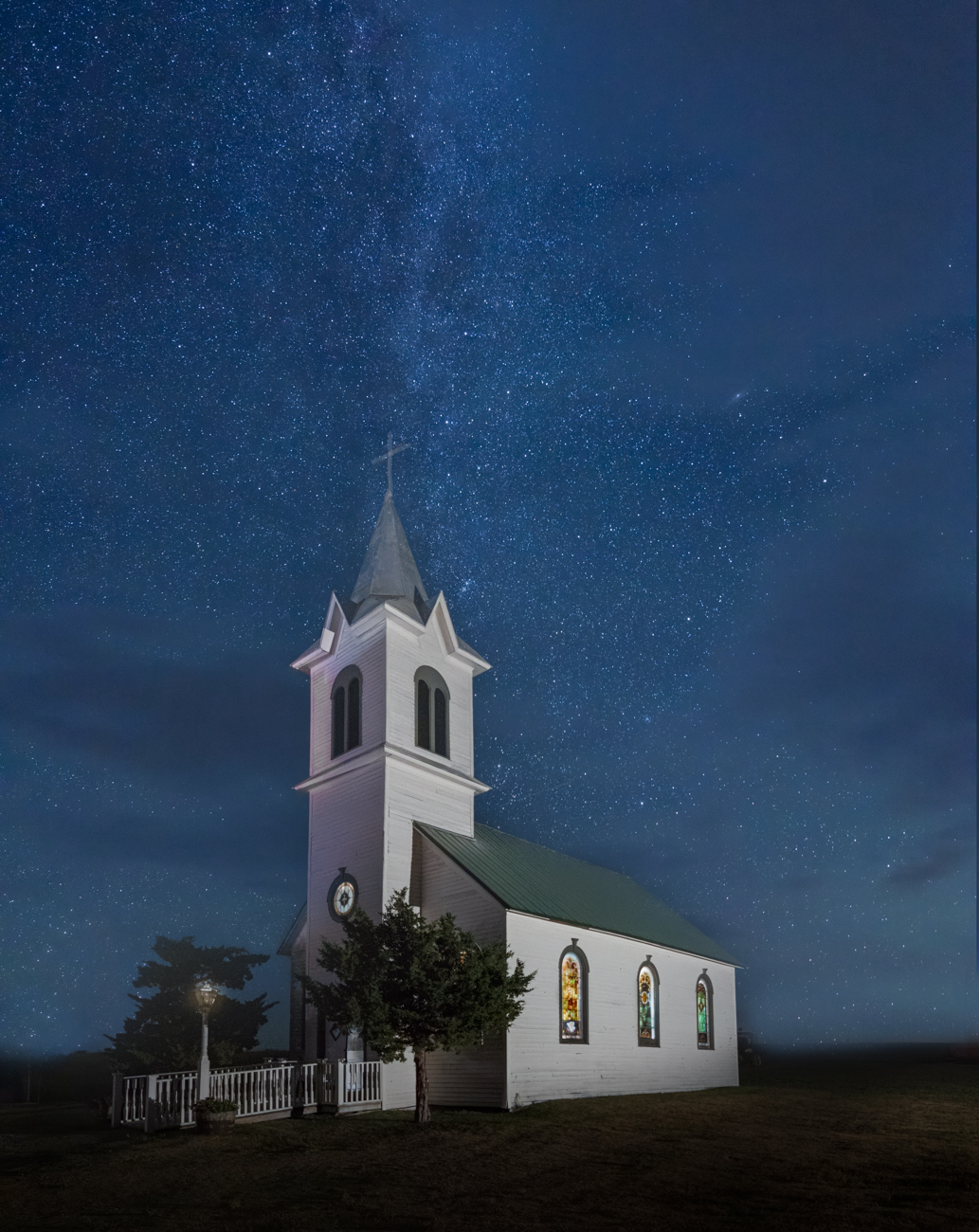
Thanks for all the feedback on this! I've Jim and Jason's wider angles and I've left off the sun rays so that it could be in travel. I did crop up from the bottom, at Sunil's suggestion it was bottom heavy.
I have sharpened the buildings a bit, and I've NOT painted the roof or buildings, and the sky is about where it is in the original. Do you like the landscape or the really long landscape? Or neither (my opinion, as the churches are a bit pink with the dust, but does add to the town colors). |
Jul 20th |
 |
| 78 |
Jul 21 |
Reply |
Mitch, just so you know, if entered in PSA Mono, you cannot have the yellow. I don't think you can have mono/yellow eyes in Nature, since "it isn't how it looked", but maybe Terry can answer that?
Mitch, Topaz DeNoise and Sharpen and Gigapixel are incredible and well worth the money. Matt Kloskowski has a video on how he resisted and what a big change in made in his workflow, and compares to Lightroom, Photoshop and Topaz. Watch the video if you have interest.
https://mattk.com/i-was-wrong-about-noise-reduction-and-sharpening/ |
Jul 6th |
| 78 |
Jul 21 |
Comment |
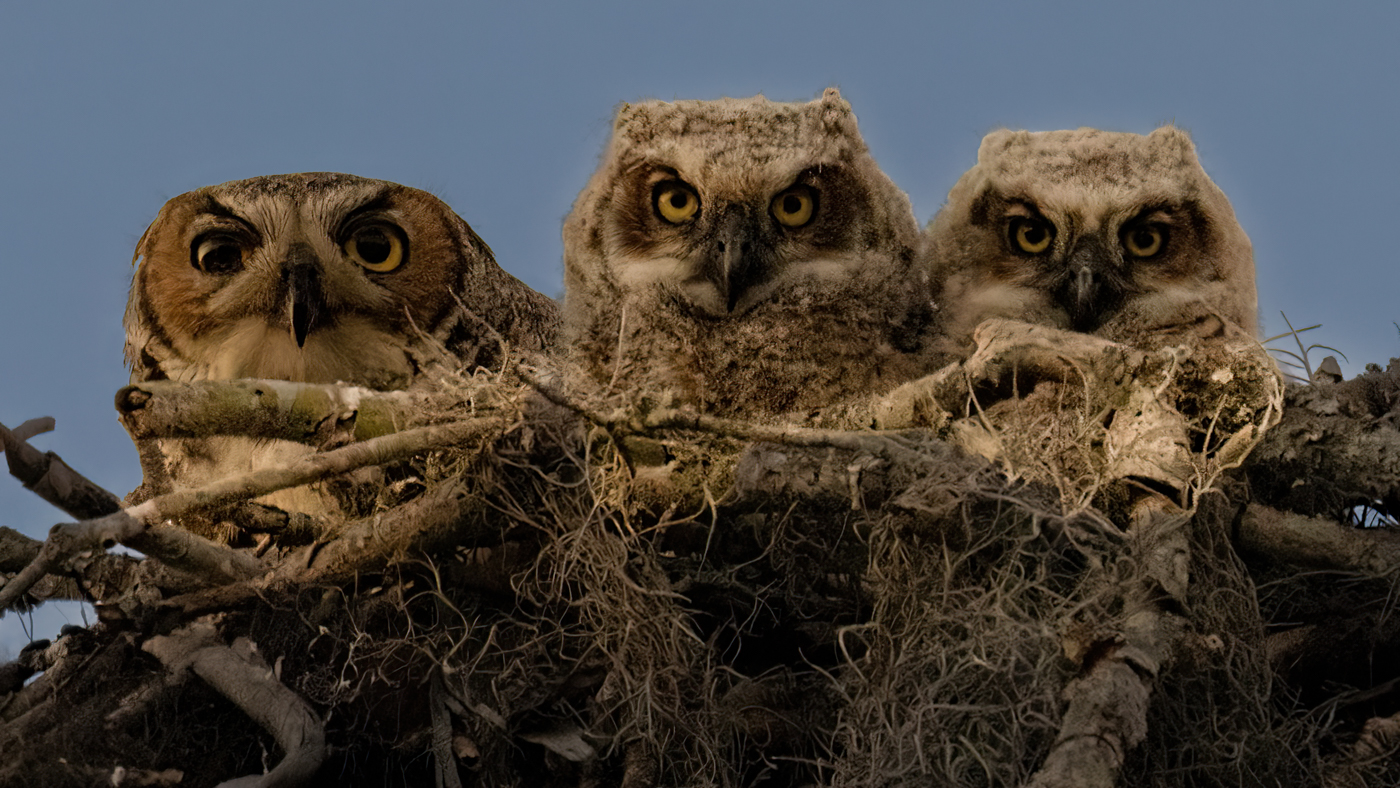
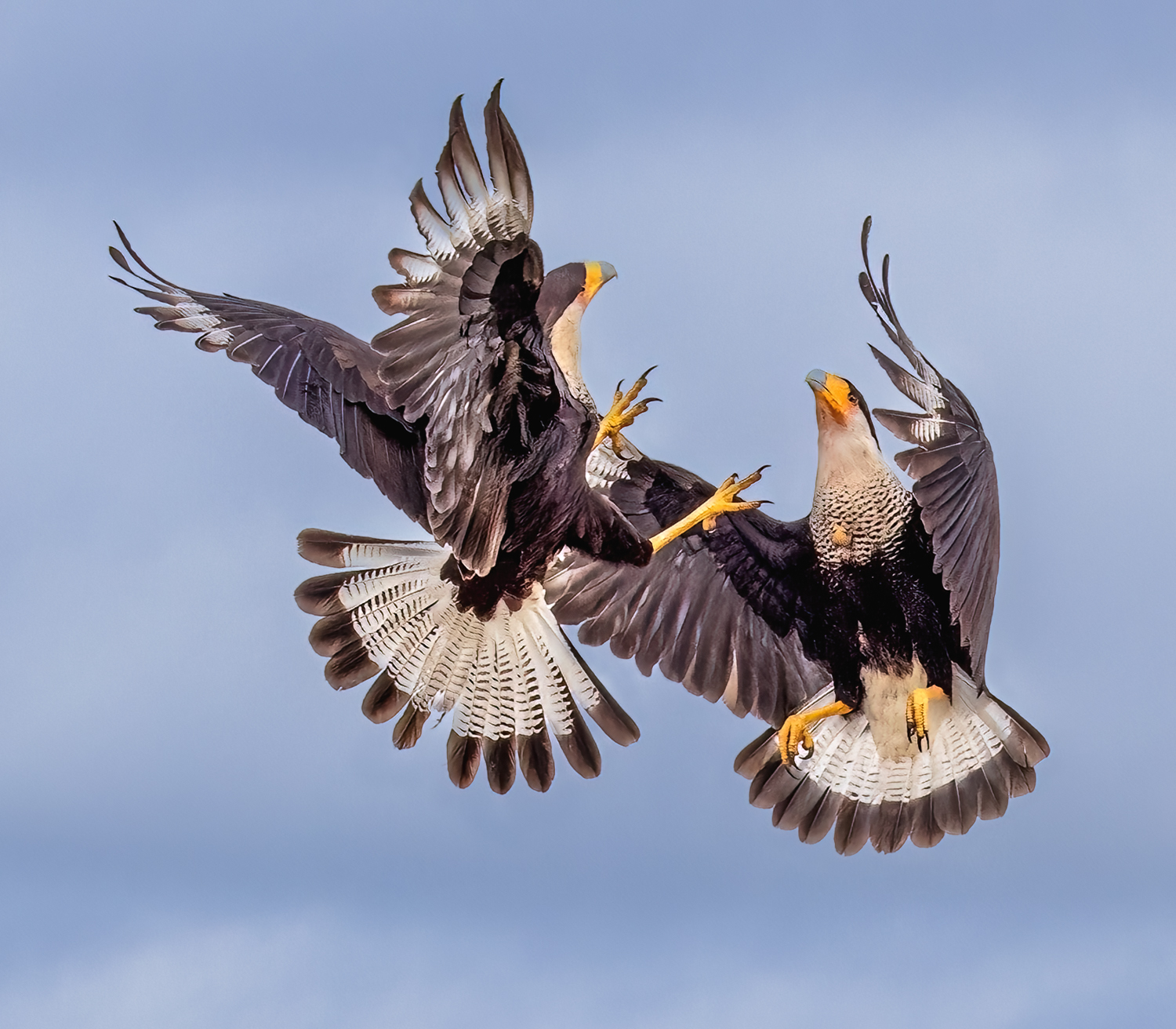
Mitch, Lucky you, getting to see these owls, even if far away and not ideal conditions! What do you think of your R5? I am not sure if I should get the R5 or wait for the R3, not enough details to make an informed decision.
Wow, slow shutter speed, were you on a tripod, or can you lower shutter speed that low on mirrorless? And did the "bird eye focus" help you get the bird eye and not all the branches?
Great choice in crop and what a funny shot! "Shut up, Wife!" comes to mind for a sexist title (and my childhood). Or, "no cell phones allowed" if you print it for your office ;-). The image seems to have a yellow cast to it, so you might consider looking at some other White Balance options or go mono (as Helen suggested) or sepia or another very "nature" feeling color.
Nicely framed with the branch in front of them and the branch behind them! It gives you depth and frames your photo in a very clever way.
On the leg holding the other's mouth shut, there is a big halo, probably from your lightening. I'd look at darkening the background a bit more and removing the halo. I'm also drawn to the top left bright spot, so a bit of darkening there might be useful. I've been using the radial tool in Lightroom (inverse it) to add a soft spotlight on the subject (s). If subtly done, it draws our eye to the subject without being noticeable.
Glad you stayed and kept shooting! So sharp and clear for a dark and distant shot!
|
Jul 4th |
| 78 |
Jul 21 |
Comment |
Hi Jason! Fun assignment! I cropped the road a bit, standard LR auto changes, and full Texture and some clarity. Then I used the neutral density filter from the bottom up over building, with just yellow tone. Then yellow tone brush on right side of building to lighten it a bit, and also added yellow tone to the brick building on right with brush. And I brushed some yellow in the clouds, so it wasn't cool sky and warm buildings.
Can't wait to see what your final rendition will be. |
Jul 3rd |
 |
| 78 |
Jul 21 |
Comment |
Terry, I think you've had a good shoot with limited resources. I like the whole concept. Some thoughts this generated...would a high pass over the grave stones show them up a bit? And I'm wondering if some darkening of the light spots in the background that distracts us from the gravestones might help make the story more clear? There are a couple bright spots on the edges that are a bit distracting, in my opinion. I love how clever your shoot was and I'm not sure my ideas make it as strong as your original is. |
Jul 3rd |
| 78 |
Jul 21 |
Comment |
Helen, you are really moving forward with your street photography! I will let Sunil reply on how he set up his clone tool.
For me, I'm a tad confused on your subject. The market stalls are dark, but the signs above are very clear. And I love the skyscrapers and your fixed sky.
You have some great lines with the booth roofs and the the peaked roof center and the buildings rising out so powerfully in the background. I'm not sure what the answer is, but I think there are some wonderful bones here for one or more great compositions. |
Jul 3rd |
| 78 |
Jul 21 |
Comment |
Sunil, you find the most interesting subjects, and are really a master in Monochrome. Helen's suggestions were great and I love your latest version.
In my opinion, it feels a bit tight on the right of the church, and it feels off balance a tad. In your original, it looks like you have a little room you could use, even if you decided to remove the little objects on the right. |
Jul 3rd |
| 78 |
Jul 21 |
Comment |
Jim, I just love kayaking and see so many turtles, but they are very difficult to photograph, as they slip into the water. Great job with some posing for you. I like your changes so far!
If not entering it in PSA Nature, I would bring out the turtle's eyes a bit more. You might consider darkening the log a tad more. The log breaks your composition into two pieces, and I'm not sure what the cure would be? |
Jul 3rd |
8 comments - 9 replies for Group 78
|
16 comments - 19 replies Total
|