|
| Group |
Round |
C/R |
Comment |
Date |
Image |
| 38 |
Jun 20 |
Reply |
Thanks, Art! Going to give it a try! |
Jun 25th |
| 38 |
Jun 20 |
Comment |
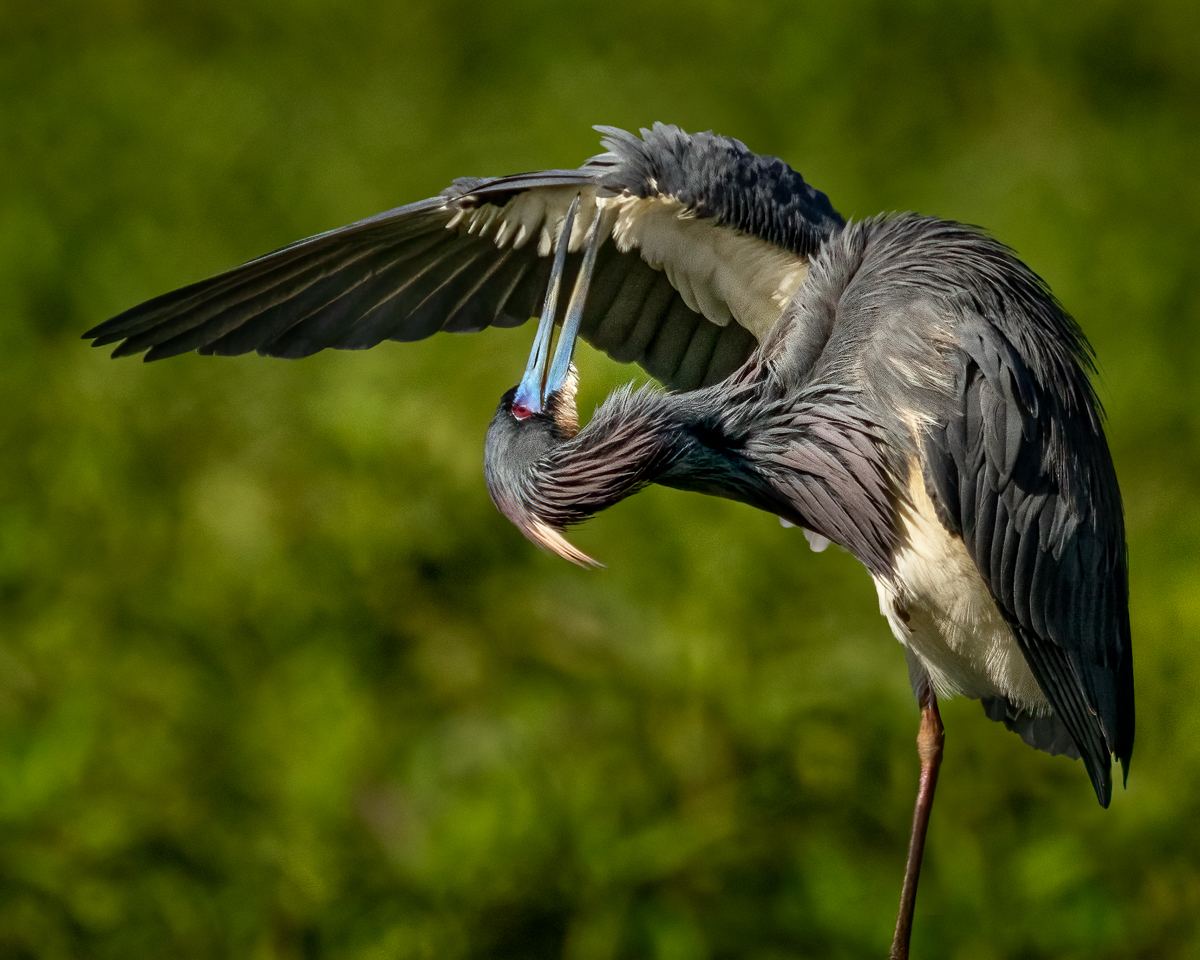
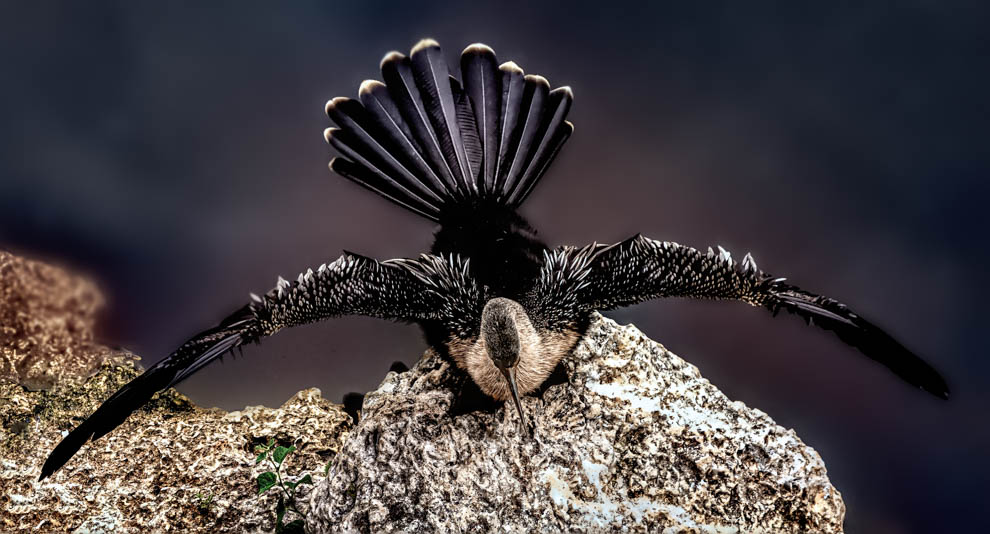
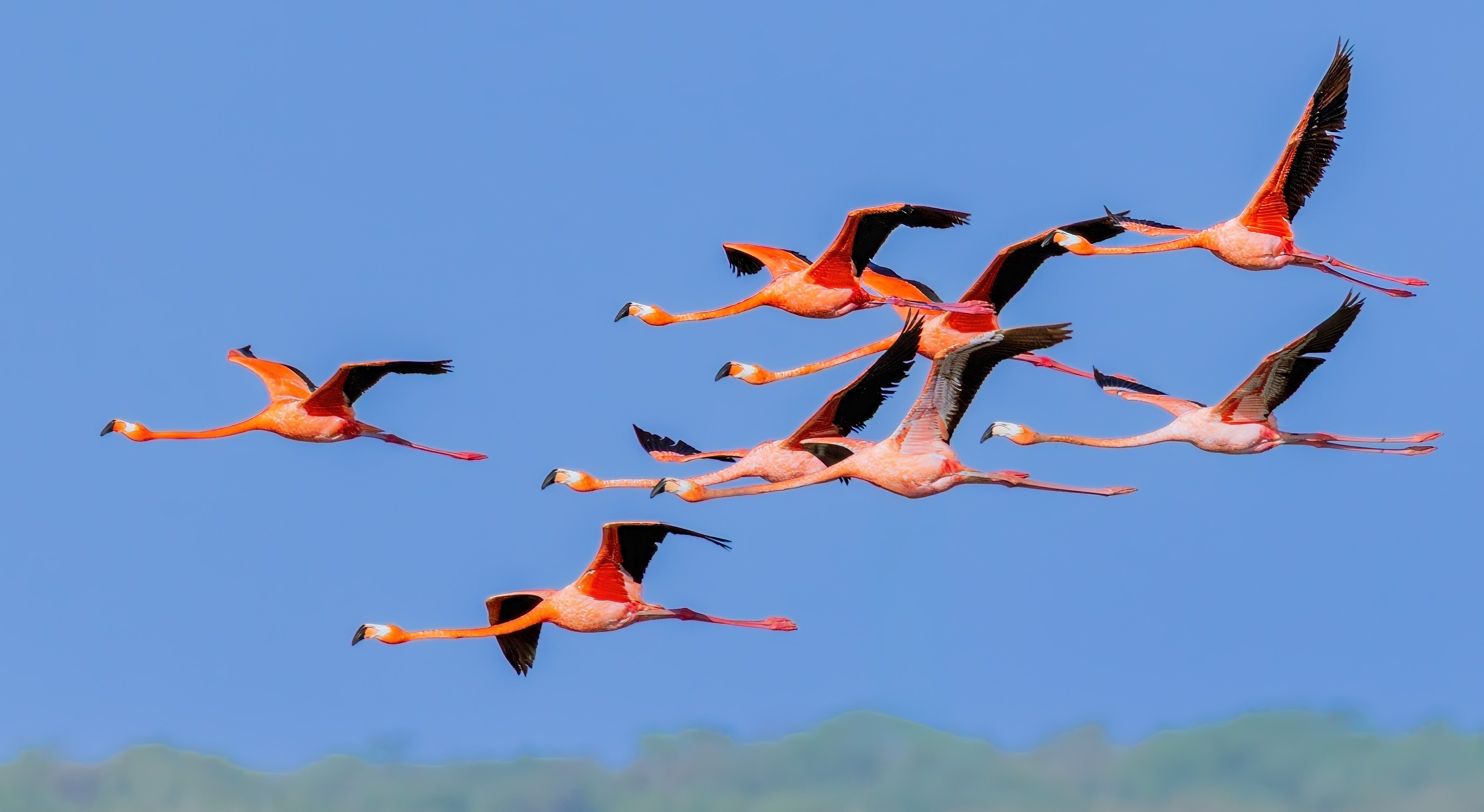
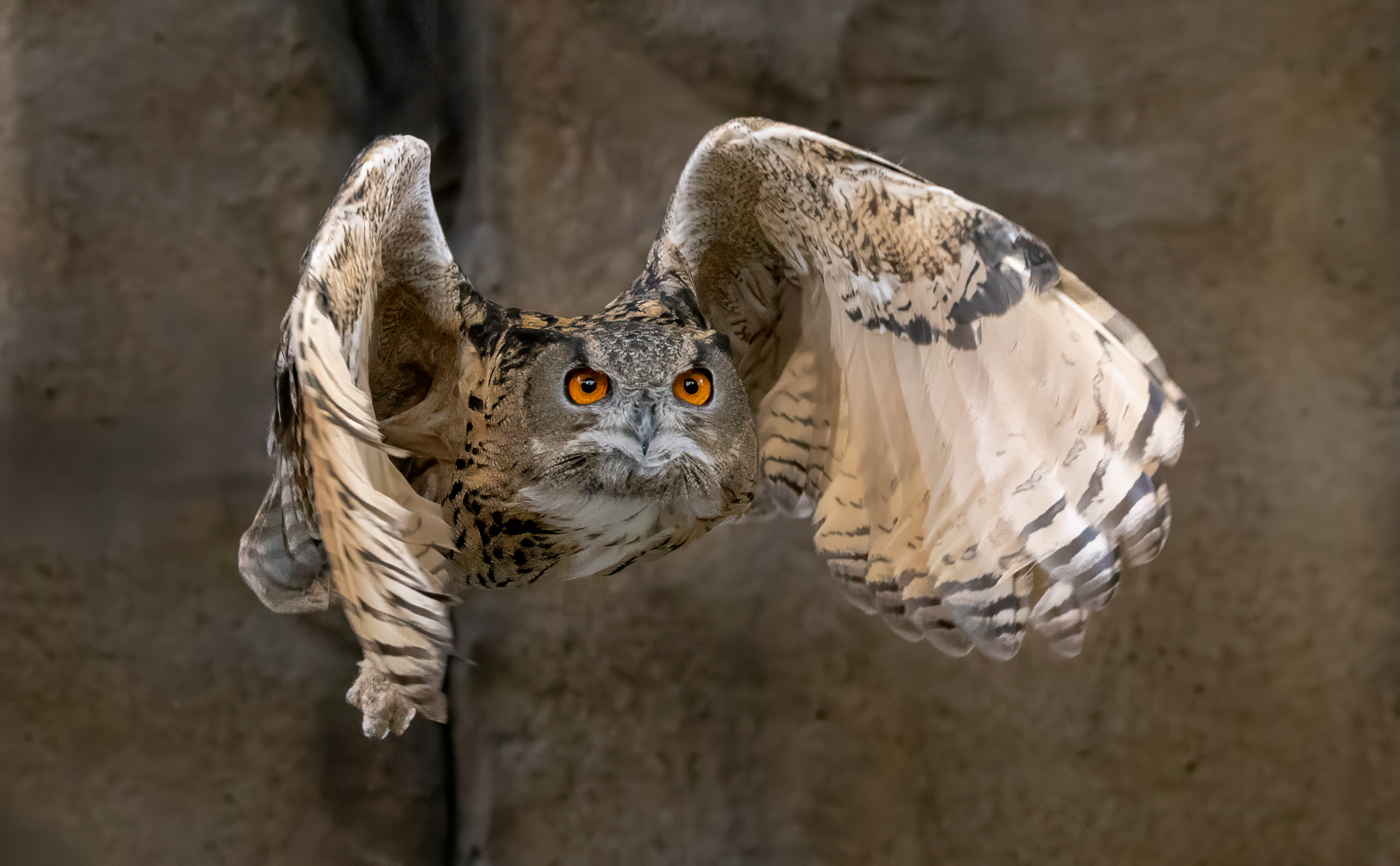
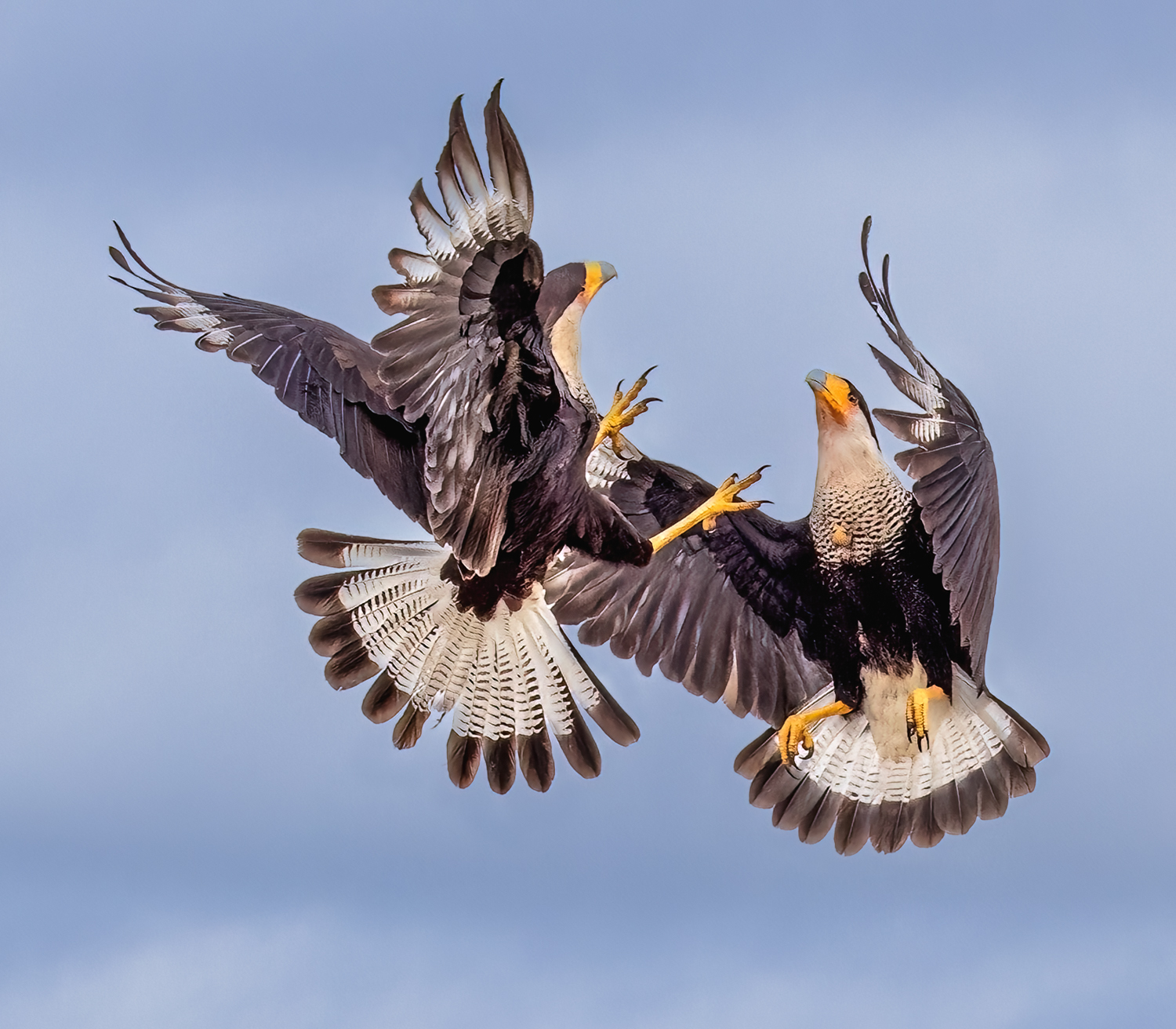
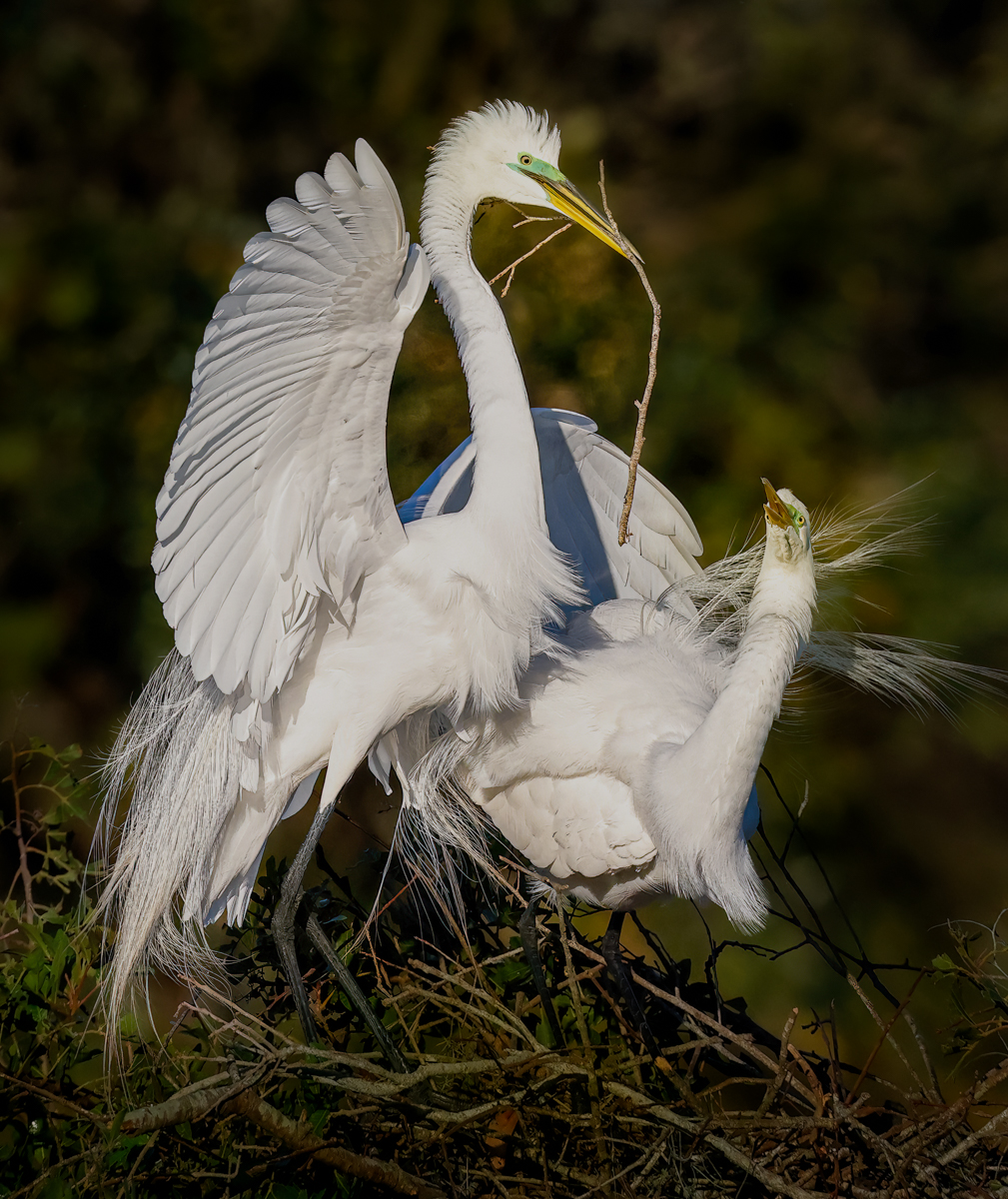
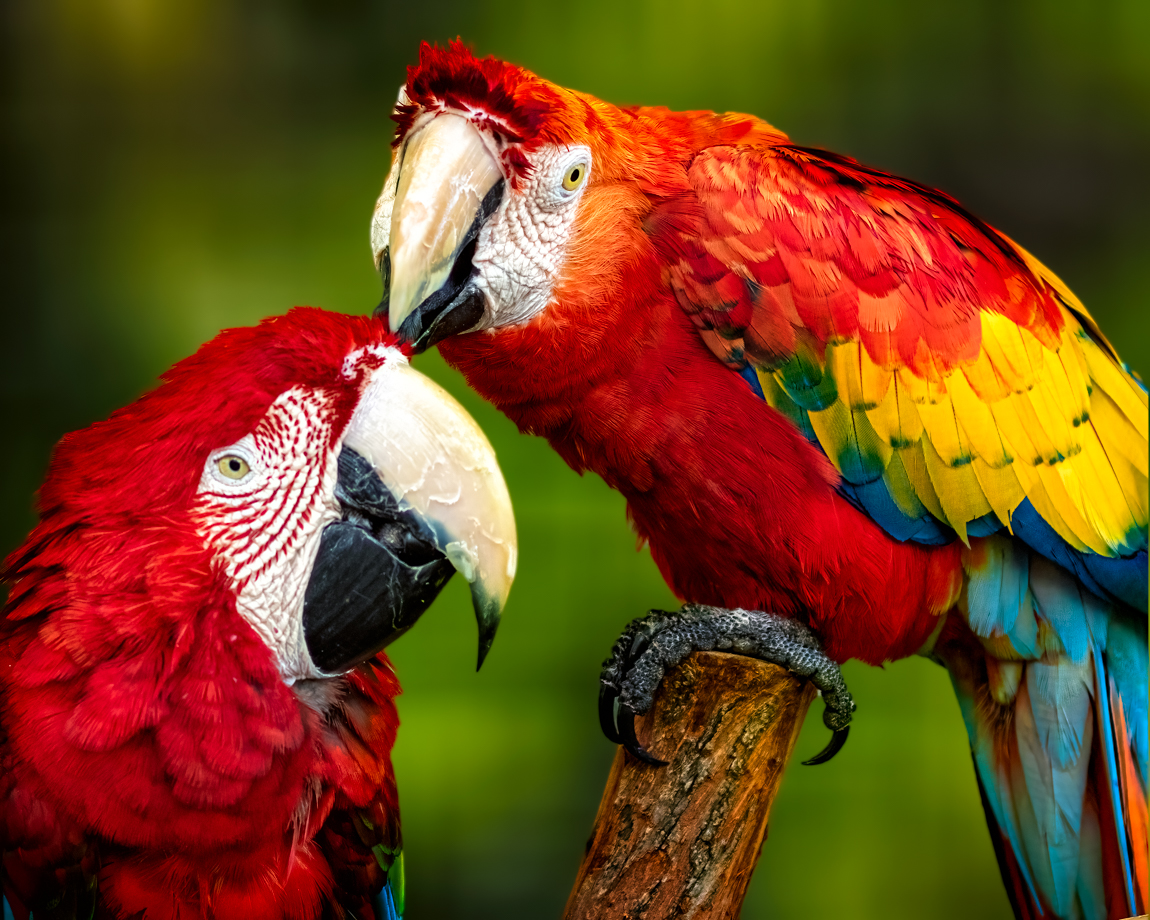
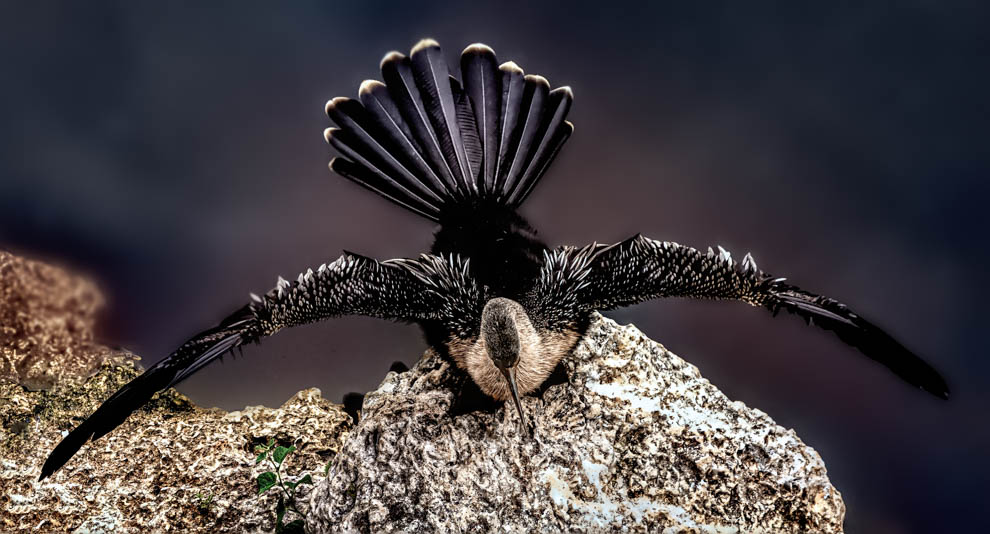
Just popping in from DD 78. A+ for capturing the moment of action! When I saw it, I thought,"Great capture, but way too blown out." I'd suggest bringing the exposure down and try Clarity, Texture and DeHaze (use all gently) in LightRoom or Camera Raw. My version would look similar to Art's version, with the Texture slider giving you more definition in her feathers. I am not a fan of burned down edges that appear in Art's version, but that's just my personal preference.
I'd love to have taken this! Congrats! |
Jun 24th |
| 38 |
Jun 20 |
Comment |
Just popping in from DD78. Love this pic, and also the suggested changes. Can you explain how you used radial blur? Perhaps post your original to show the difference? I am familiar with the radial filter in Lightroom for lightening, but not aware of a radial blur. Glad I stopped by for a little tutoring! |
Jun 24th |
| 38 |
Jun 20 |
Comment |
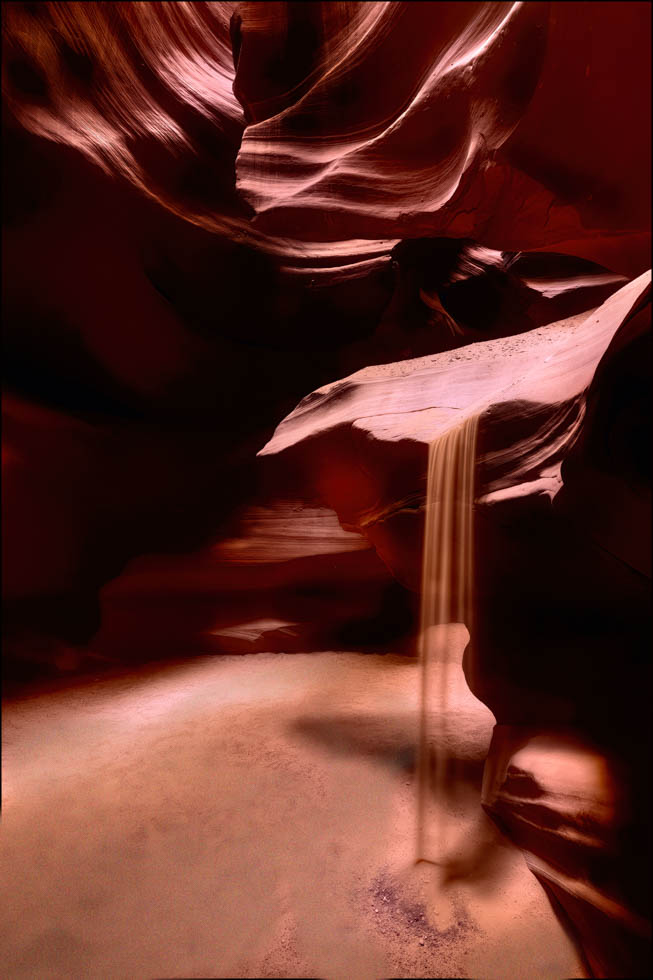
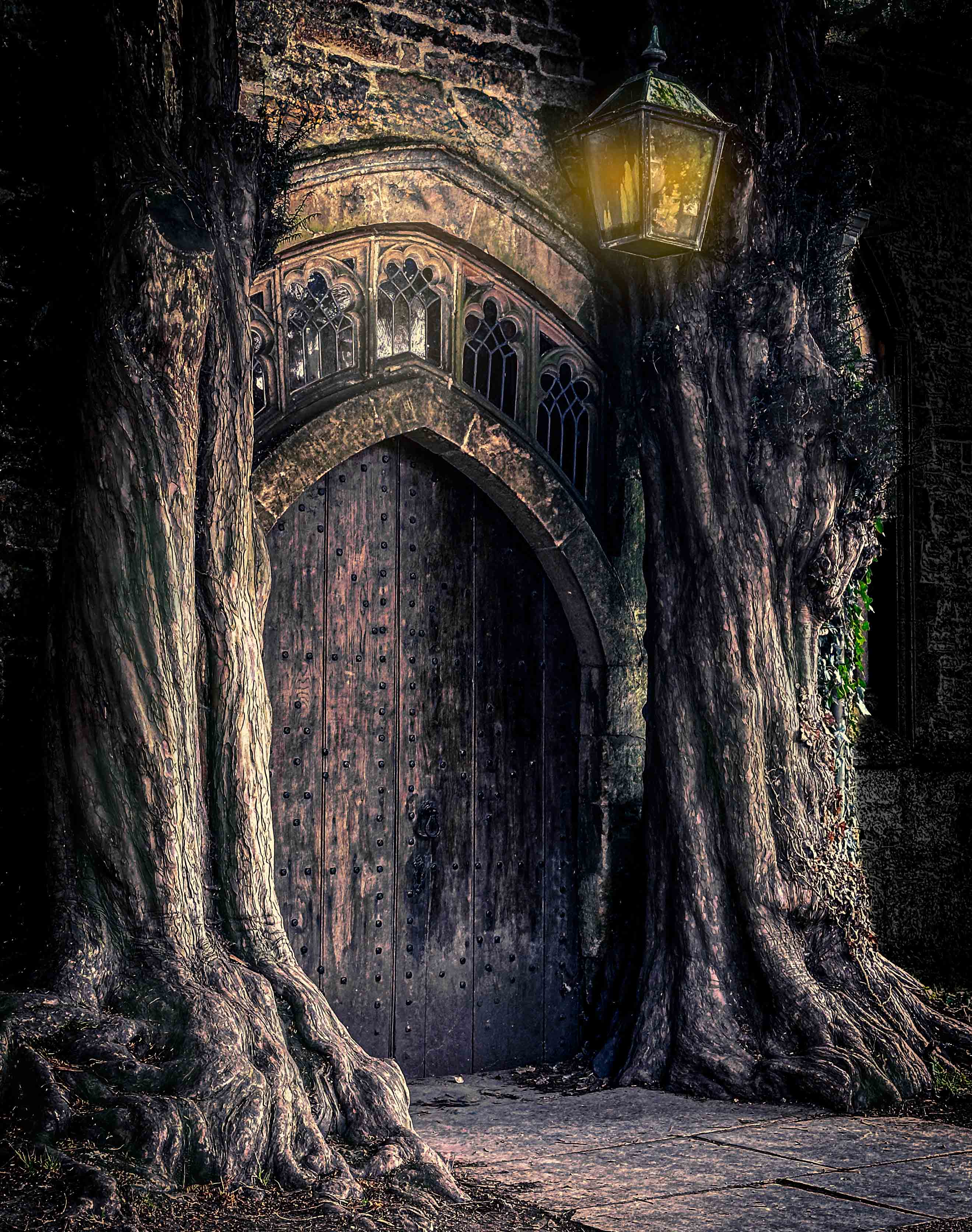
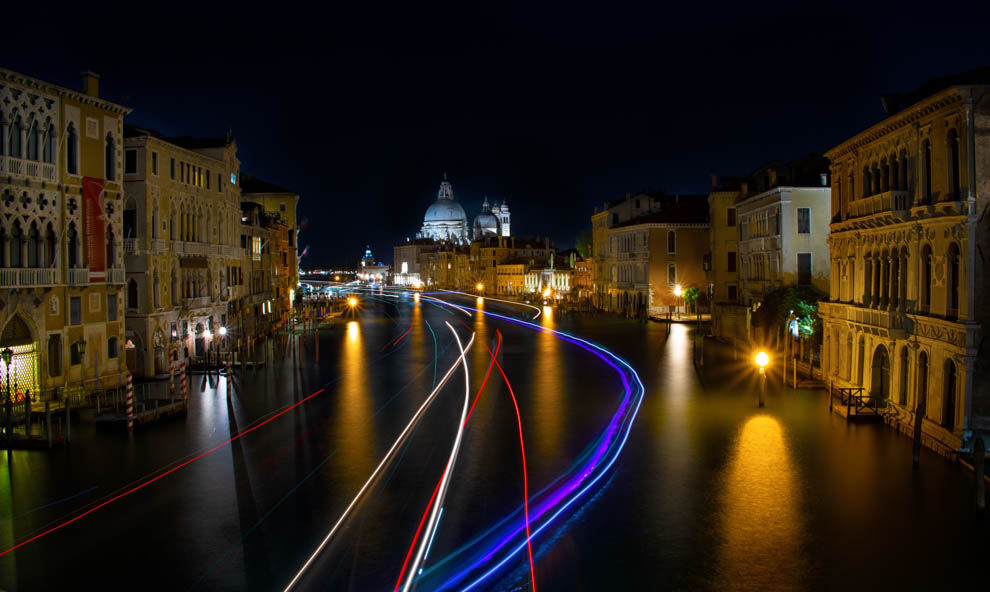
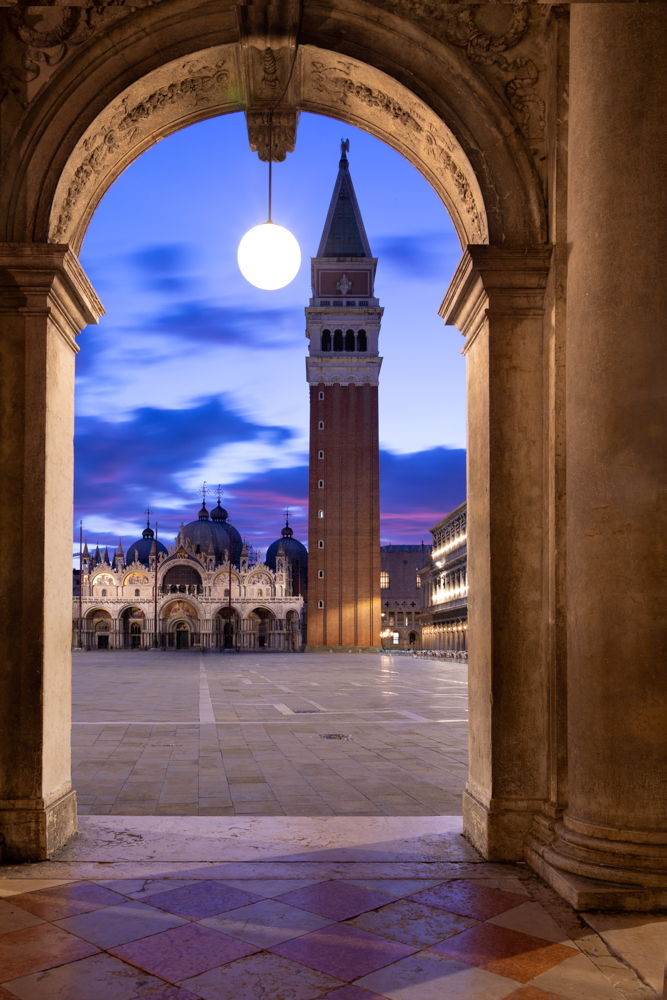
Just stopping by from DD78. I would echo Art's comments...a couple of tweaks on straightening the pillars, and you will have a very competitive image. I do like the flip, it keeps my eye from flowing right off the page following the receding pillars. |
Jun 24th |
3 comments - 1 reply for Group 38
|
| 69 |
Jun 20 |
Reply |
Yep, the value of the group is turning in photos I'm not sure of and getting several "helping hands" to see something more valuable (or not) in the image. Love getting everyone's thoughts and then making a second version. |
Jun 24th |
| 69 |
Jun 20 |
Reply |
I appreciate the positive feedback on my second attempt, Pierre! |
Jun 24th |
| 69 |
Jun 20 |
Reply |
Thanks for taking a second look, Geoffrey! |
Jun 24th |
| 69 |
Jun 20 |
Reply |
Excellent rendition, Pierre. I like what you achieved! |
Jun 20th |
| 69 |
Jun 20 |
Reply |
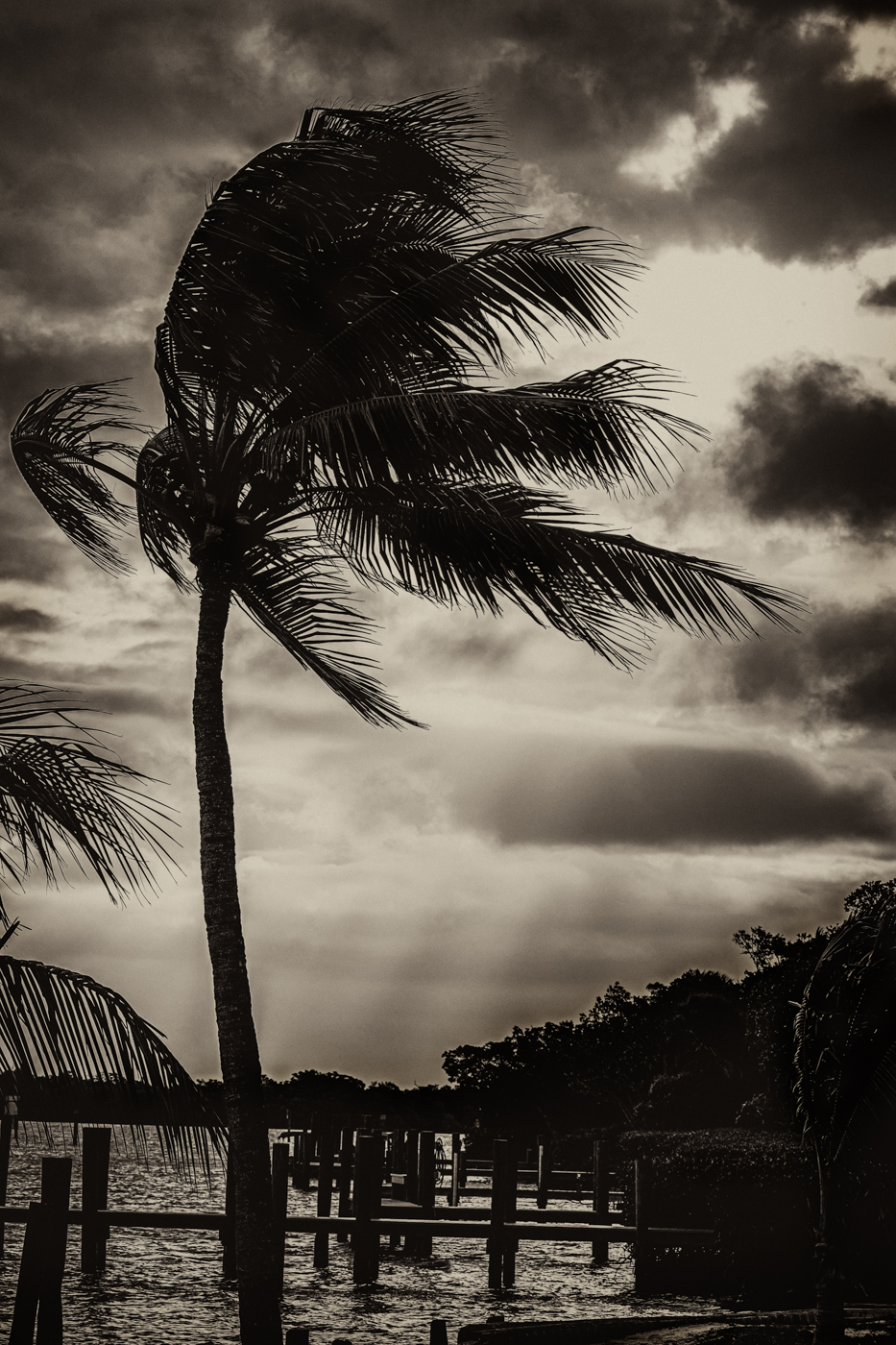
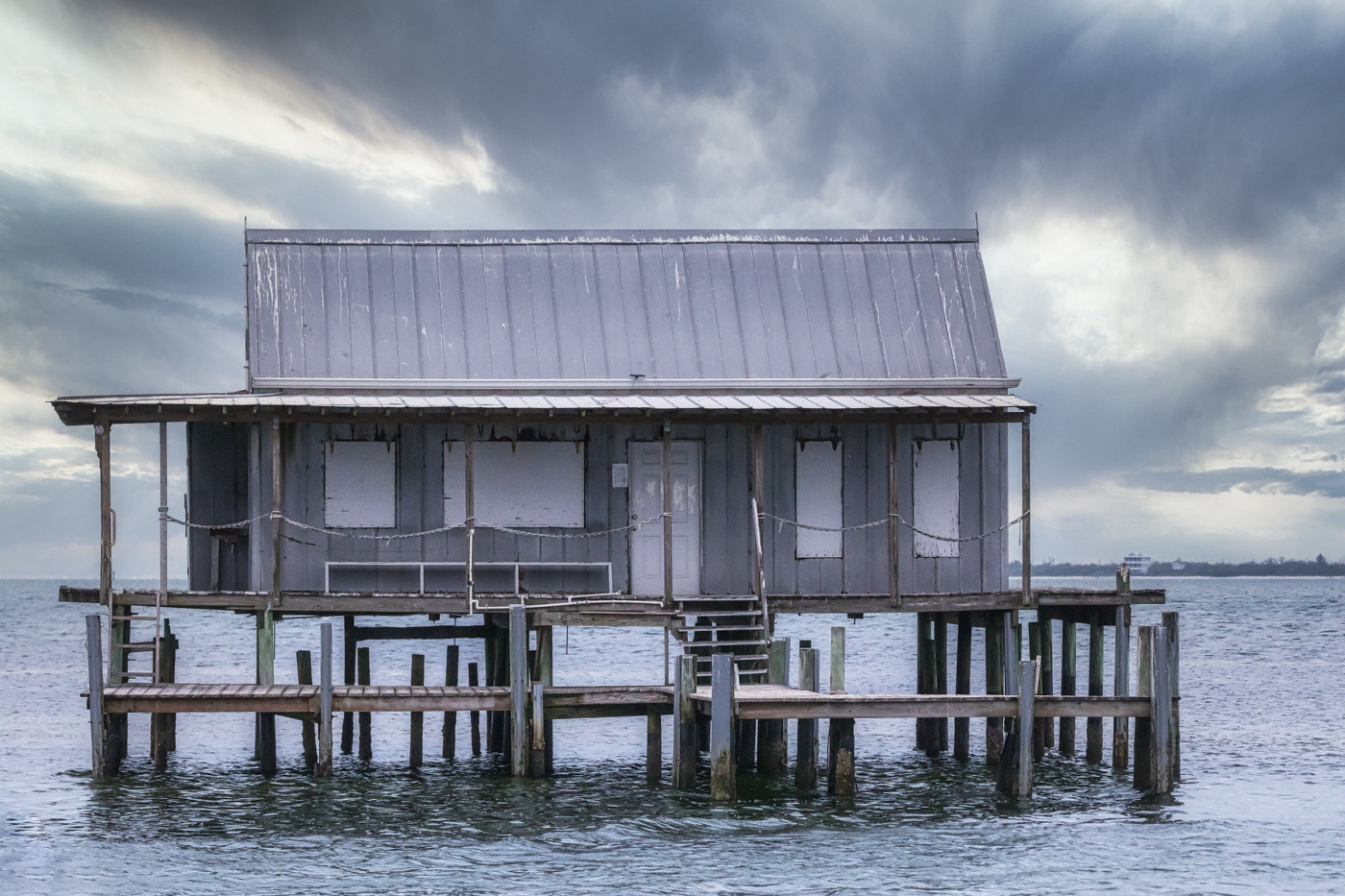
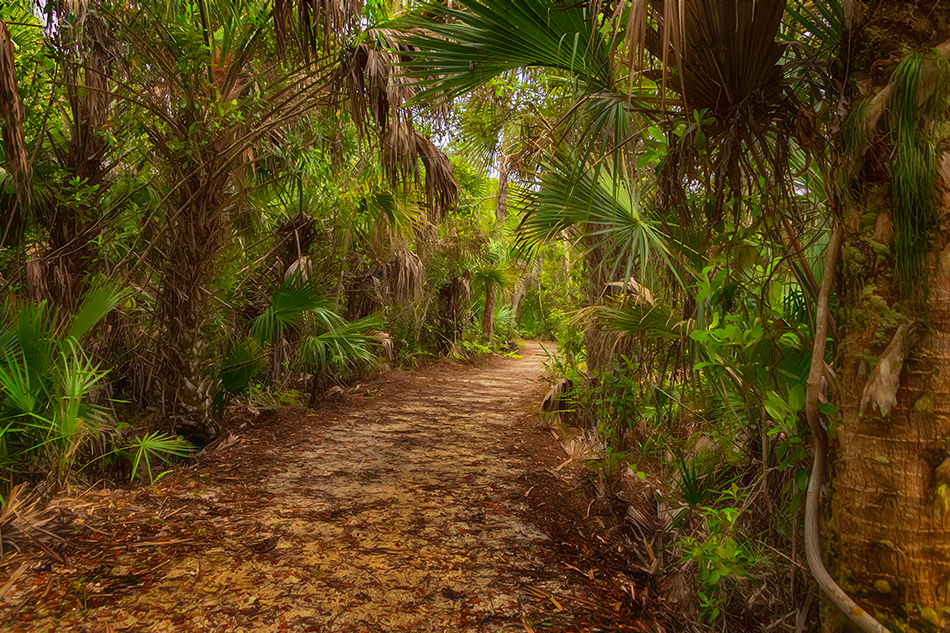
I didn't know Lightroom had a level tool, I googled it, thanks! I've posted a new version below. I find it tough to judge "straight" with the crooked palm and the dock pillars. Is my new version better? |
Jun 20th |
| 69 |
Jun 20 |
Reply |
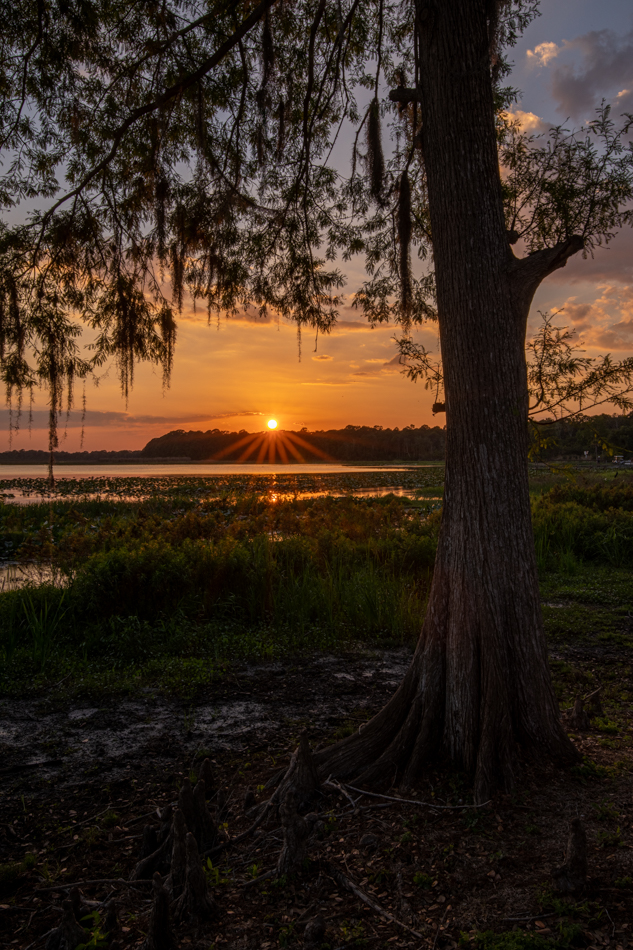
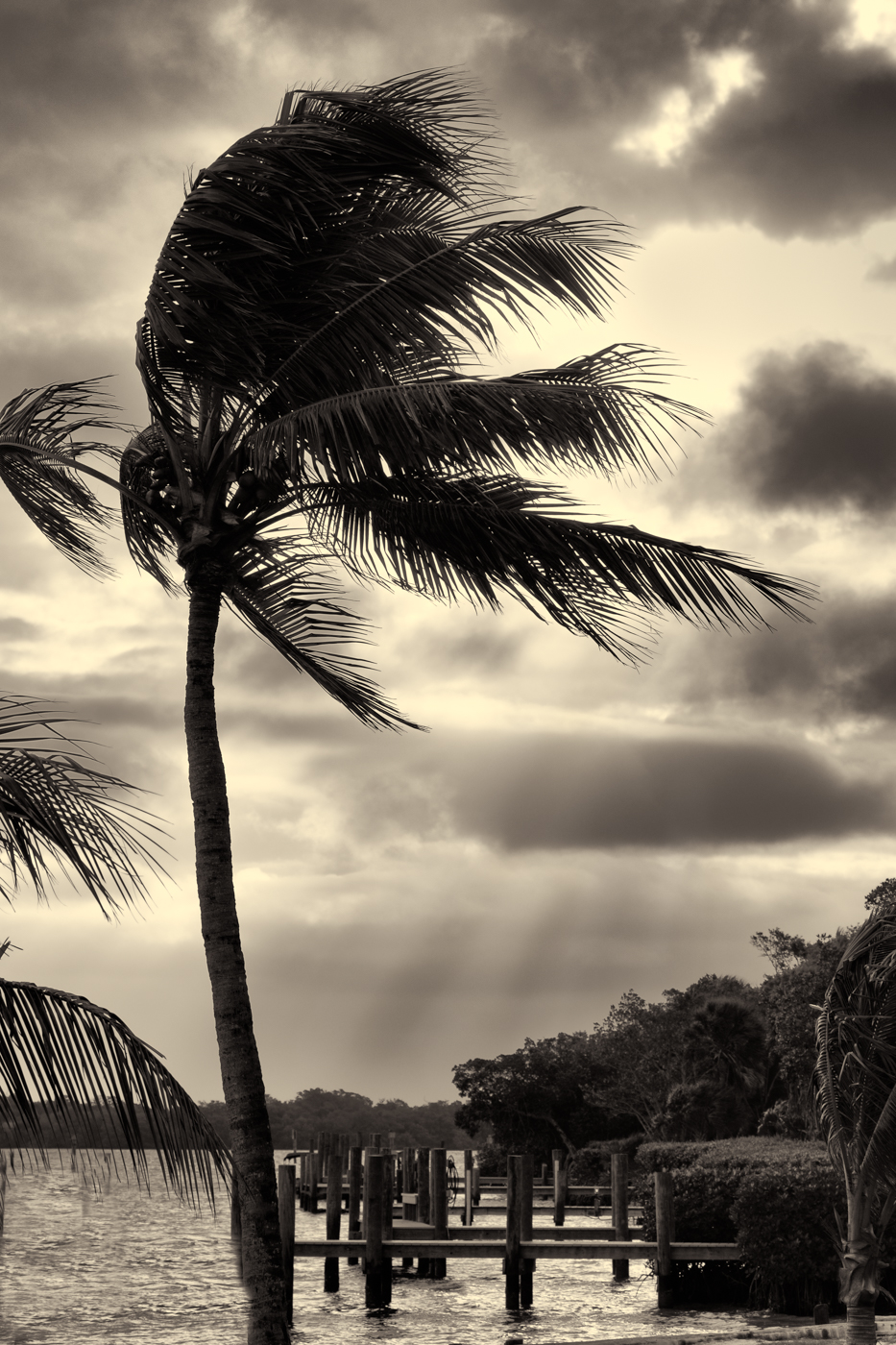
I took into account everyone's comments (not straight, I never see things straight), the dock making it busier, the palm blocked up, the halos around the tree and bushes. I started over with the raw file and made a different version. It's lighter and not so densely dark everywhere. Better or worse? |
Jun 20th |
 |
| 69 |
Jun 20 |
Reply |
I took into account everyone's comments (not straight, I never see things straight), the dock making it busier, the palm blocked up, the halos around the tree and bushes. I started over with the raw file and made a different version. It's lighter and not so densely dark everywhere. Better or worse? |
Jun 20th |
|
| 69 |
Jun 20 |
Comment |
I took into account everyone's comments (not straight, I never see things straight), the dock making it busier, the palm blocked up, the halos around the tree and bushes. I started over with the raw file and made a different version. It's lighter and not so densely dark everywhere. Better or worse? |
Jun 20th |
|
| 69 |
Jun 20 |
Reply |
Candy, thanks for your thoughts. How would you recommend I remove the halos since its a NIK filter? Maybe I can lower the opacity of the filter? Best to start over creating this? Do you agree with Geoffrey that I can simplify by removing some dock poles? Many thanks! |
Jun 14th |
| 69 |
Jun 20 |
Reply |
Thanks for catching my tilt...even when I use "straighten" I seem to have this issue. I will correct it. Thanks again. |
Jun 13th |
| 69 |
Jun 20 |
Reply |
Thanks, Jacob! I appreciate your comments. |
Jun 13th |
| 69 |
Jun 20 |
Reply |
Thanks, Geoffrey! Are you suggesting I remove some of the dock poles to make it less cluttered? I'm not sure what Pontoons are besides boats? |
Jun 13th |
| 69 |
Jun 20 |
Reply |
Gorgeous shot, Mervyn. Great catch on waves leading us.
|
Jun 13th |
| 69 |
Jun 20 |
Reply |
Fascinating that you could have a SOC baby blue shot and a deep eggplant shot in the same evening. I think we are all going to be checking out Lightening bugs! |
Jun 13th |
| 69 |
Jun 20 |
Reply |
I like how the lightening behind the bush really shows up here. Great rendition. |
Jun 13th |
| 69 |
Jun 20 |
Reply |
This looks a bit brighter to me, but no one else had issues, so it must be me. What a wonderful moment to catch! |
Jun 13th |
| 69 |
Jun 20 |
Comment |
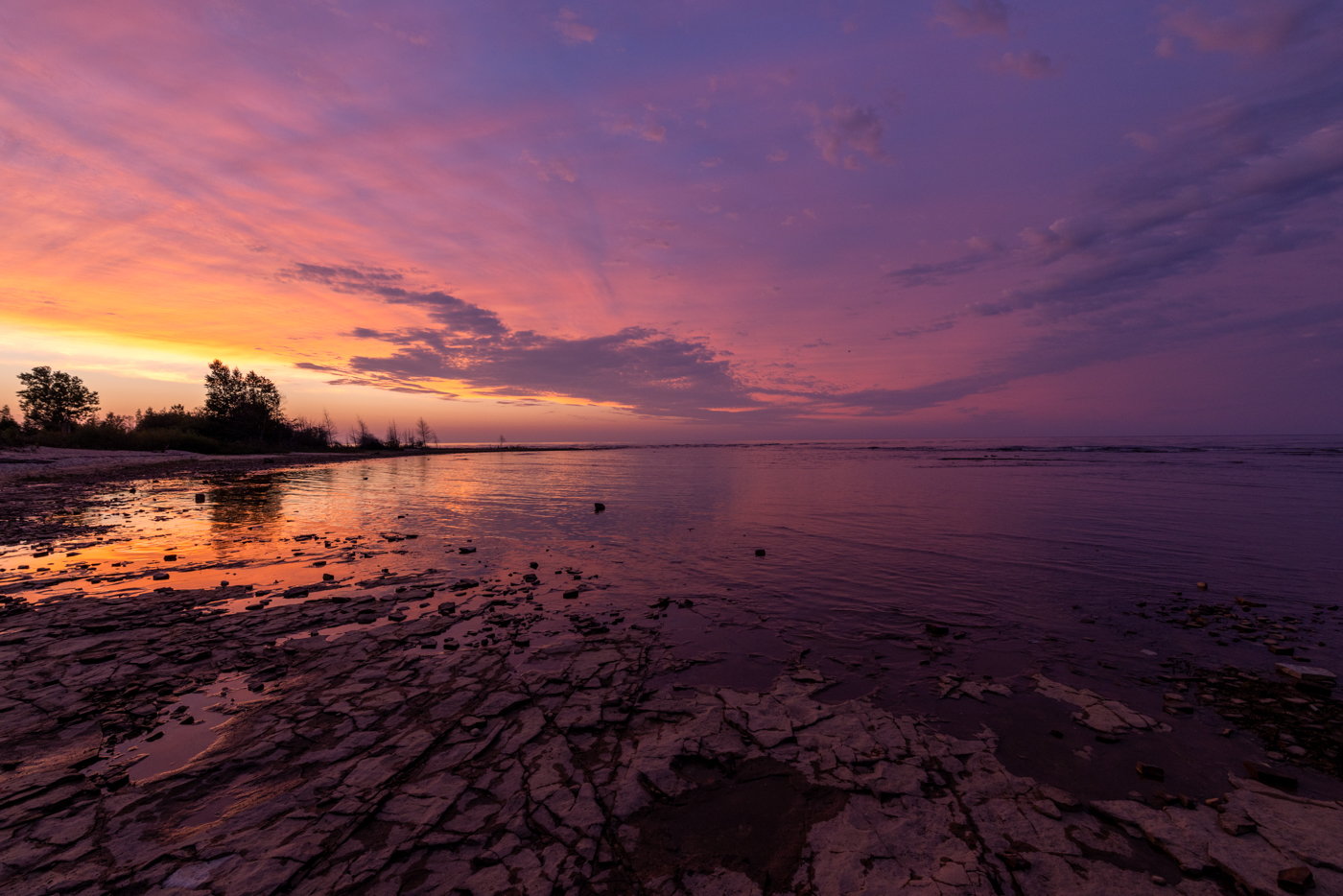
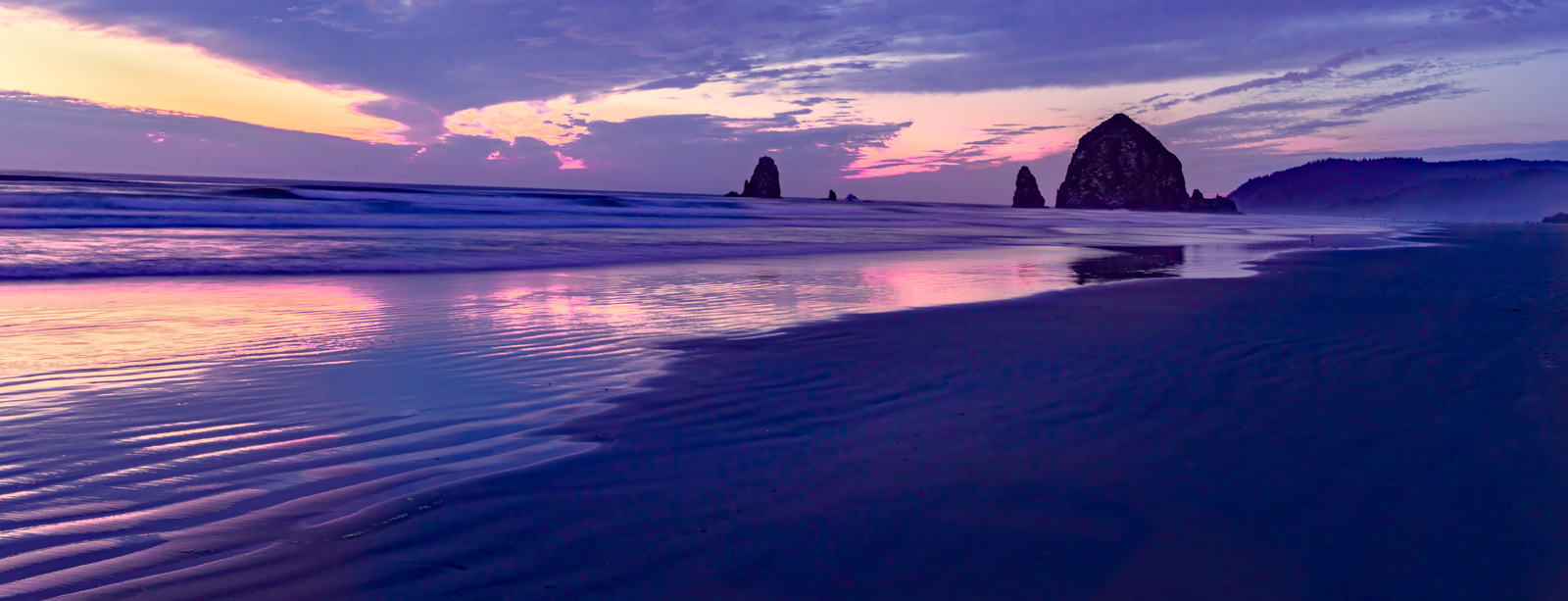
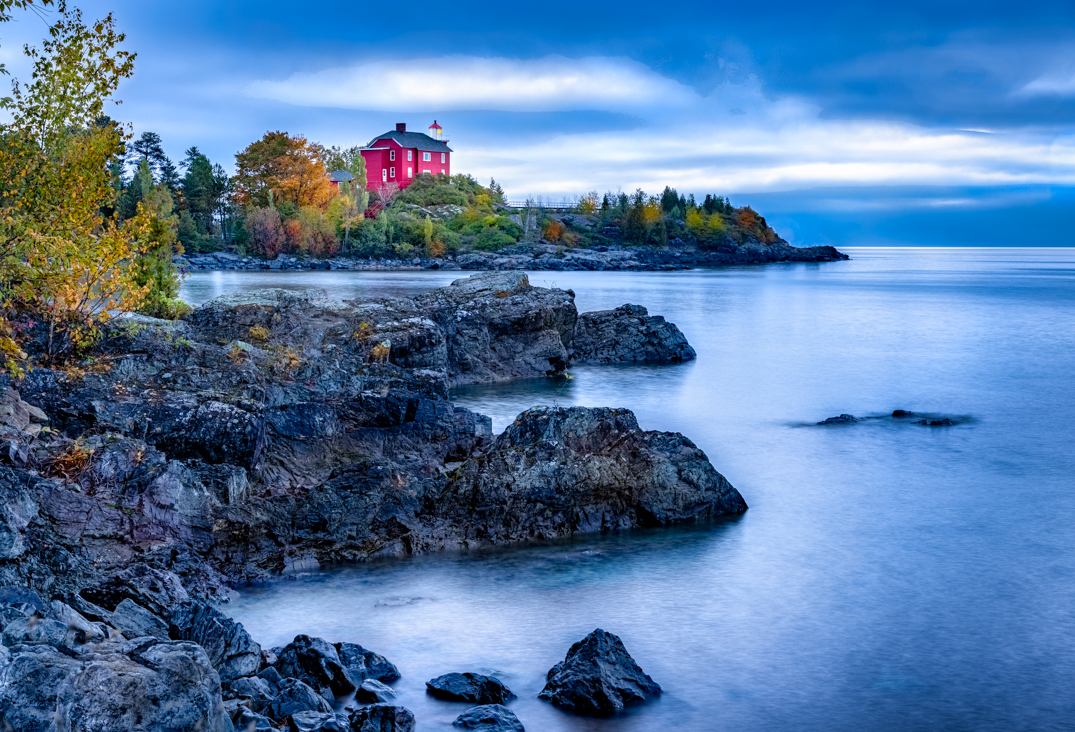
Geoffrey, what a great shot! I love the three purple color blocks of the photo! The light cloud swirl around the lightening is also very interesting! What was your shutter speed, since you were in a boat, I would think you would need to be shooting very fast to keep focus over 30 seconds.
Just a couple of thoughts--I'm not sure the horizon is straight, but it could be straight and just look off by the movement of clouds and waves. The bright line where water meets sky hurts your pic, as my eyes go there right away. It's most often too much clarity in Lightroom post-processing. Maybe you can drop clarity along the water or you can use your brush to brush back in the color so we don't see the dreaded "halo" that shows up so often (I mention the halo in my storm palm tree photo this month).
You should be very proud of this one, especially since it sounds like you were just trying to figure it out! Awesome! |
Jun 6th |
| 69 |
Jun 20 |
Comment |
Jacob, I'm glad to see you experimenting in PhotoShop and Lightroom!
Does your iPhone 6s have camera raw settings? The newer iphones (and Androids) do and you can then make choices that will blur that background so we don't have all those annoying out of focus stems creating a busy composition and pulling our eye a bunch of different directions.
My photo club has a free online cell phone photography workshop this Tuesday, June 9 at 7pm, and I'm inviting all of you to join in. He uses the app "Snapseed", its a NIK product and free. And so powerful! His cell phone photos are unbelievable. So since you aren't using your DSLR camera, Jacob, maybe taking a class on iphone photography and how to process in an app made for cell phone photography might help. Here's the link--you must register to get your own link. Hope to see you there!
https://www.raddrewphotography.com/p/webinar-for-fort-wayne-photo-club-and.html |
Jun 6th |
| 69 |
Jun 20 |
Comment |
Wow, your sky really got much more interesting by adding your second sunset. Was it shot at the same time or in your collection?
And your famous flip! I have a hard time making out the people, I'm not sure they add much. Or could they be clarified a bit more?
Beautiful moment and smart to use clarity to calm your water. |
Jun 6th |
| 69 |
Jun 20 |
Comment |
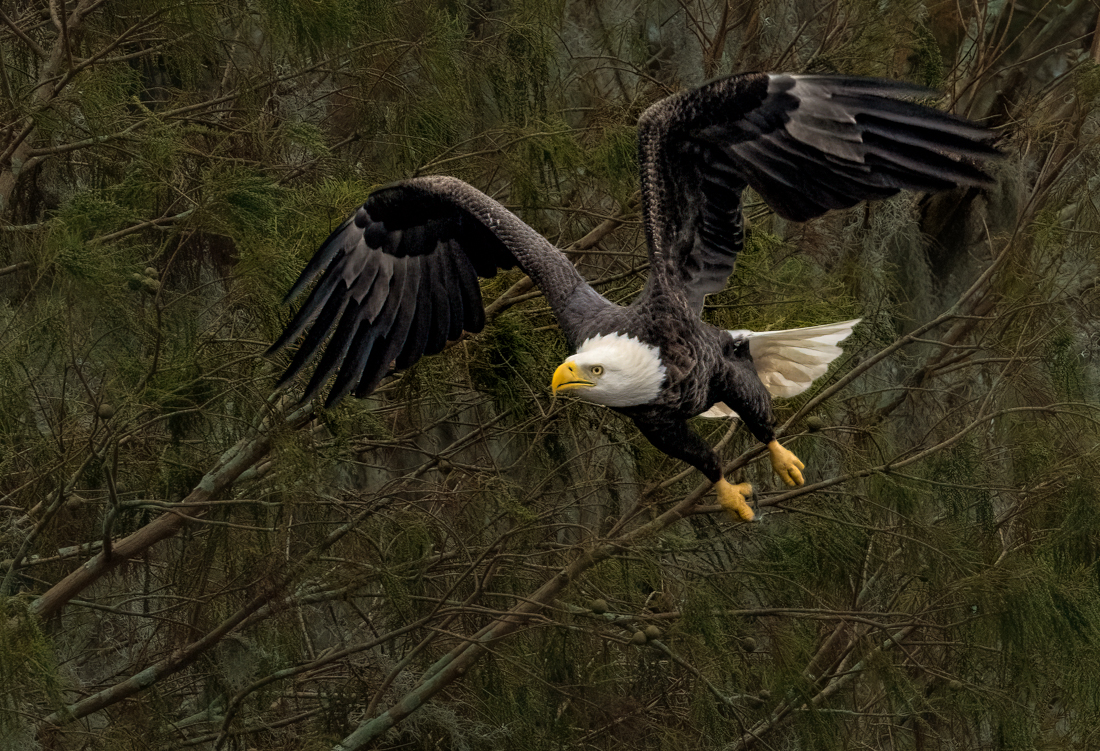
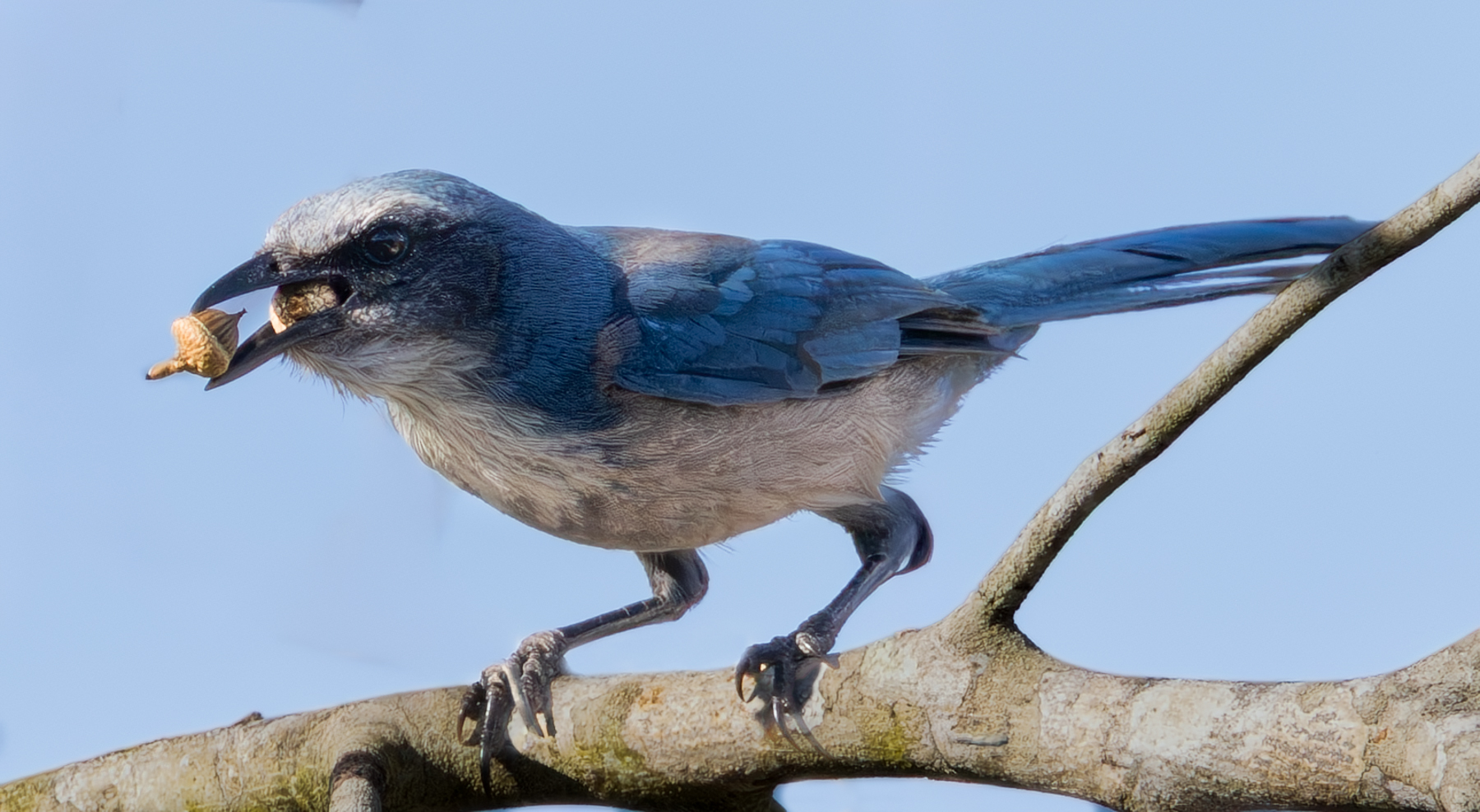
Wow, what a great capture! Fabulous moment! I'd love to see your original. The white on his face seems a bit hot, I'd be tempted to bring down the highlights. I'd also add a light vignette to the pic to keep us from following the lines from all the growth.
We have some bird experts in the group, I'll be interested in whether they would simplify by cutting out the bird or removing some of the grasses in front and "touching" his wing.
I think this is your best bird capture yet! |
Jun 6th |
| 69 |
Jun 20 |
Comment |
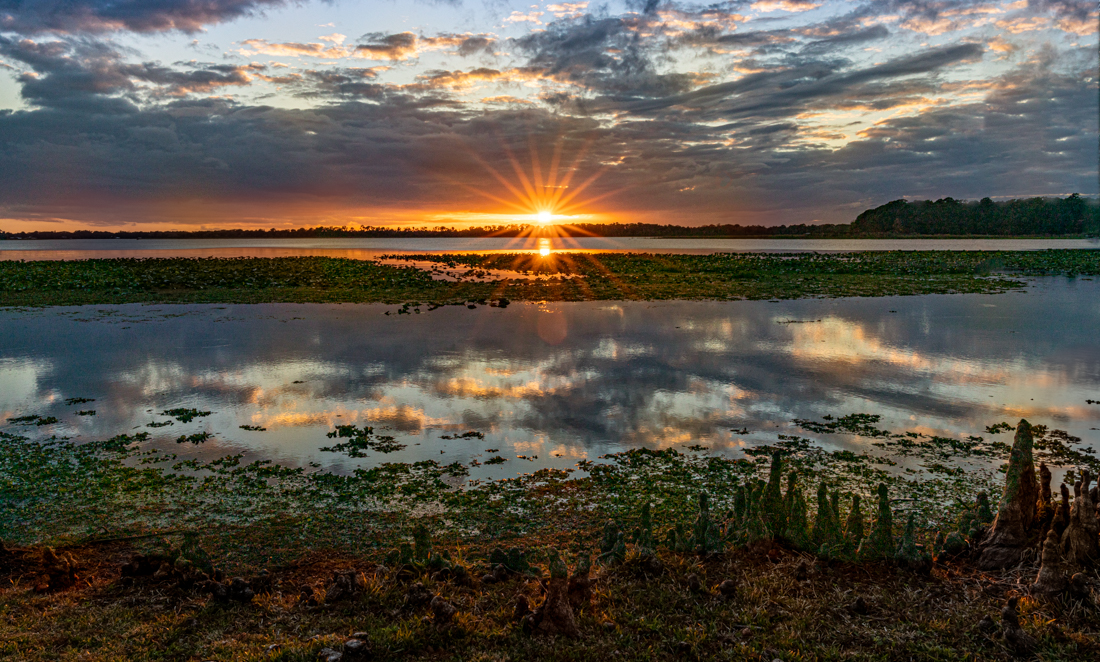
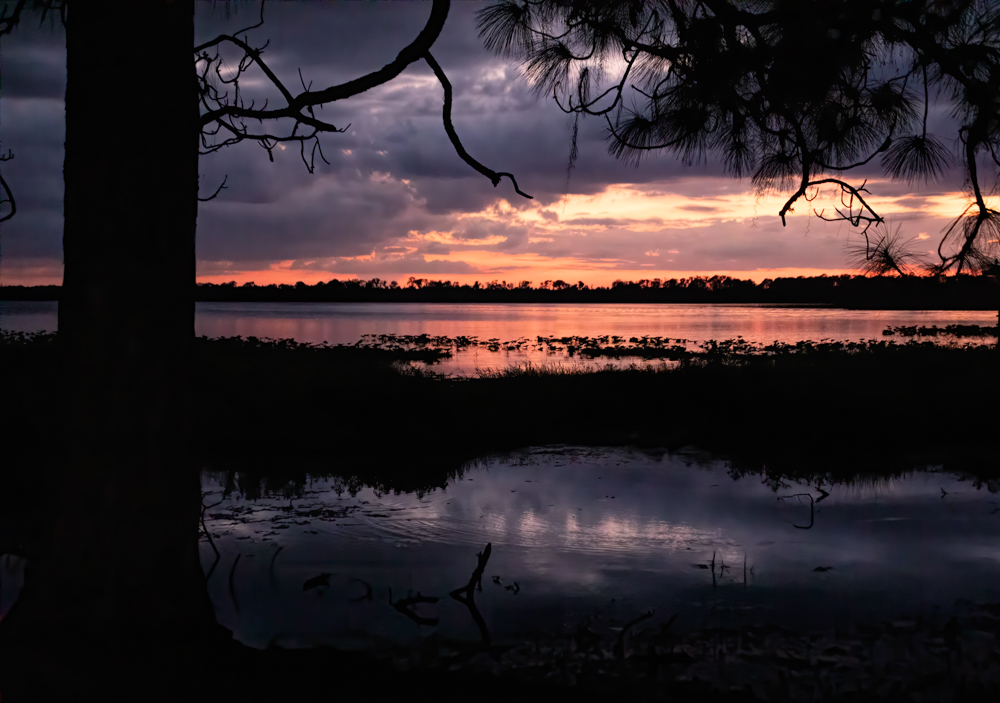
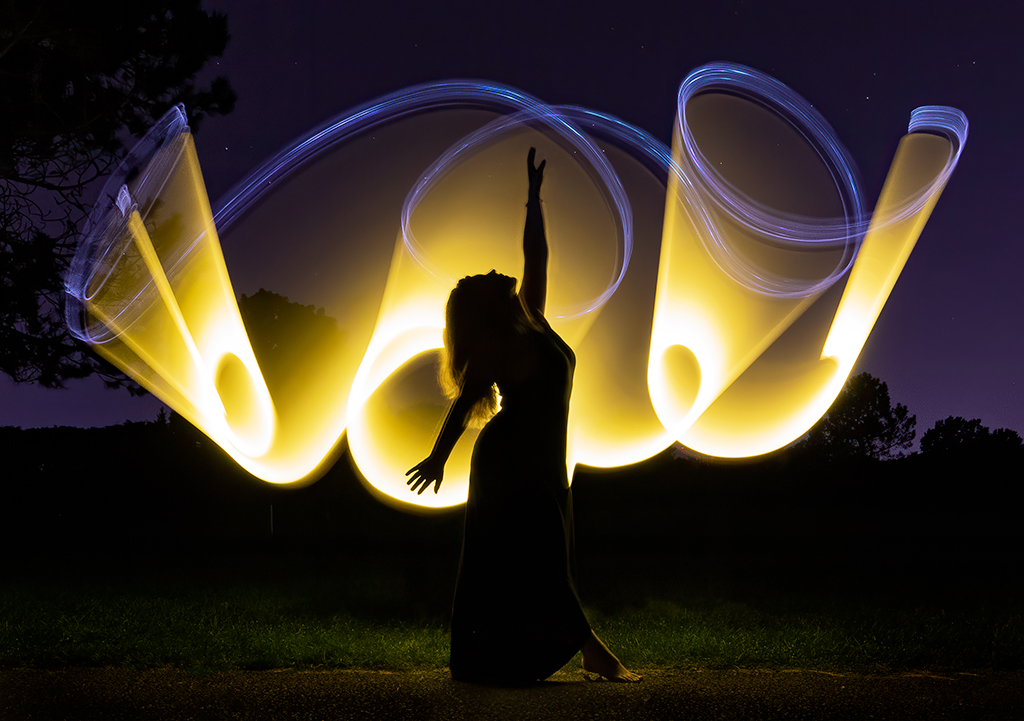
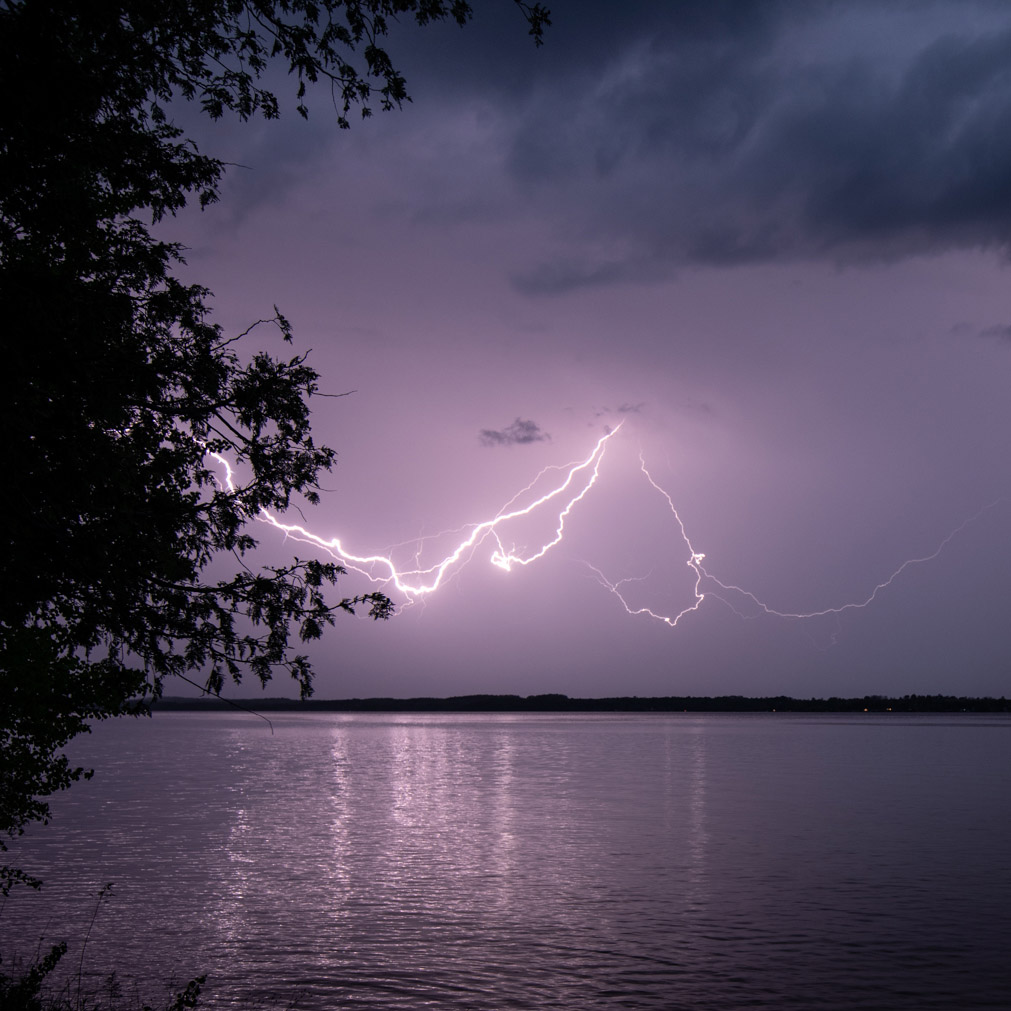
Dean, Great! What is a lightening trigger and how do you use it? The reflected light makes the shot!
I wonder if this wouldn't be more powerful as a vertical or square, as the tree on the left doesn't add to the composition and the right of the lightening doesn't have much going on. I've attached a square for an idea. I'd maybe get rid of the few weeds in the water.
You don't say how you processed it? Can you post the original? I've never photographed lightening before...what is your EXIF data? Excited to try it! |
Jun 6th |
 |
| 69 |
Jun 20 |
Comment |
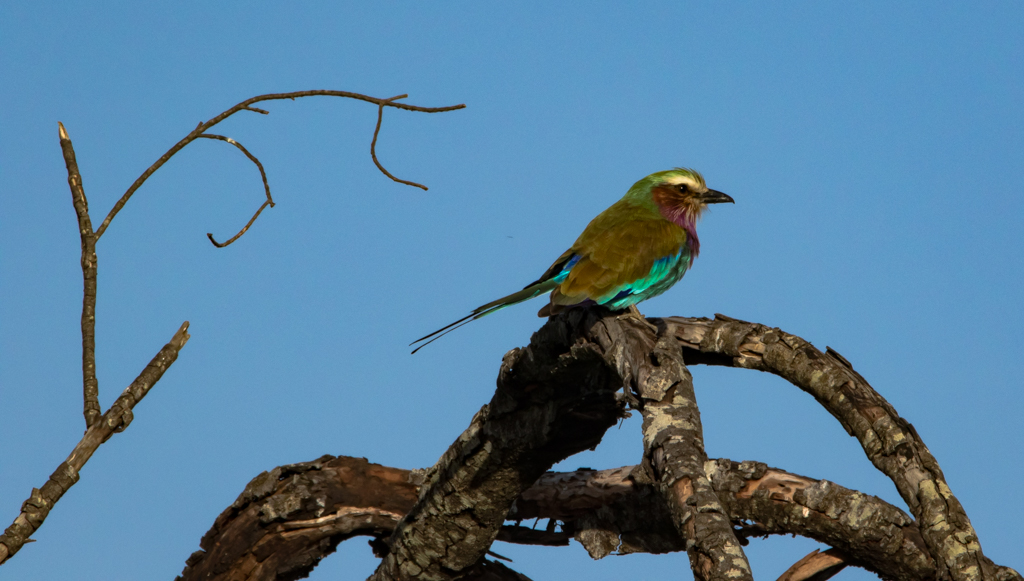
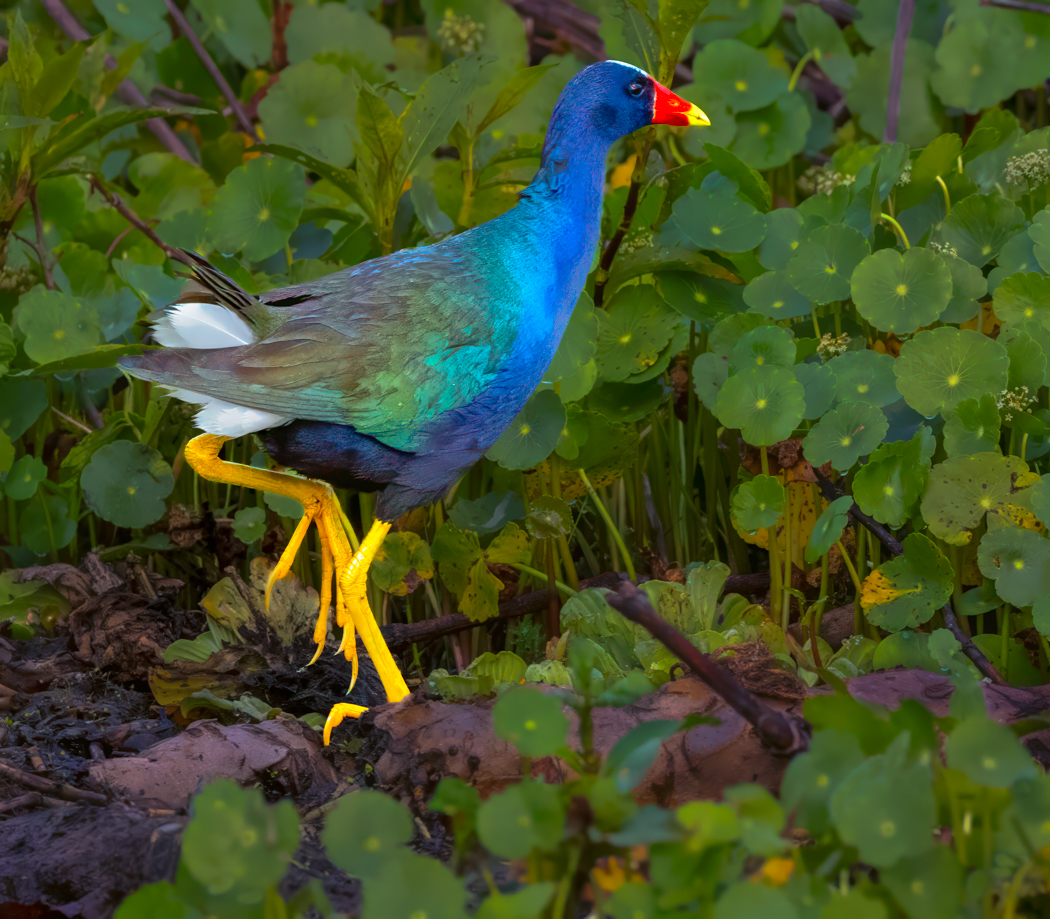
Sharp eye gets the locust! I mean, gets the photo! Way cool you have a catch light in his eye and you can see through the locust's wings! Nice processing with his blue wing showing but not overdone. And the red beak looks good, also (having been to Africa six times, I know the bird).
It seems a tad dark overall on my monitors, I think it needs a bit of brightening, but we'll see what everyone says.
The head seems a tad soft, you were are 400mm and had to your photo, so it was a tough shot. I'd want to brush his head a bit with sharpening. And maybe a bit of texture over all of him. You don't say what post processing you use or what you did.
If you were going to compete with him, you can't change out the sky, but if its for you or to sell, I am having a great time with Luminar 4 sky replacement that turns those plain skies into amazing backgrounds in a click or two.
Nice reminder of paying attention to where the birds are going and not giving up on the shot! |
Jun 6th |
7 comments - 15 replies for Group 69
|
| 78 |
Jun 20 |
Reply |
Thanks, Richard! I so appreciate your help and participation in the Group! Thrilled you are pursuing photography and helping others. Keep on and we appreciate you! |
Jun 27th |
| 78 |
Jun 20 |
Reply |
Terry, thanks for all your tips, I wasn't sure how you added light in the windows. Thanks for the further explanation. It is cool! |
Jun 24th |
| 78 |
Jun 20 |
Reply |
Jason, thanks for your feedback...and indicating I am not alone in the "its tilted" Club. ;-) |
Jun 24th |
| 78 |
Jun 20 |
Reply |
Thanks, Sunil. I added my re-worked photo below. What changes would you suggest? |
Jun 20th |
| 78 |
Jun 20 |
Reply |
I made everyone's suggestions, please check out my post below and see if you see anything else that needs attention. Thanks! |
Jun 20th |
| 78 |
Jun 20 |
Reply |
My new version is below...please pick it apart...want to get it right. Thanks! |
Jun 20th |
| 78 |
Jun 20 |
Reply |
Is my new post at the bottom of the thread any straighter, Terry? Thanks! |
Jun 20th |
| 78 |
Jun 20 |
Comment |
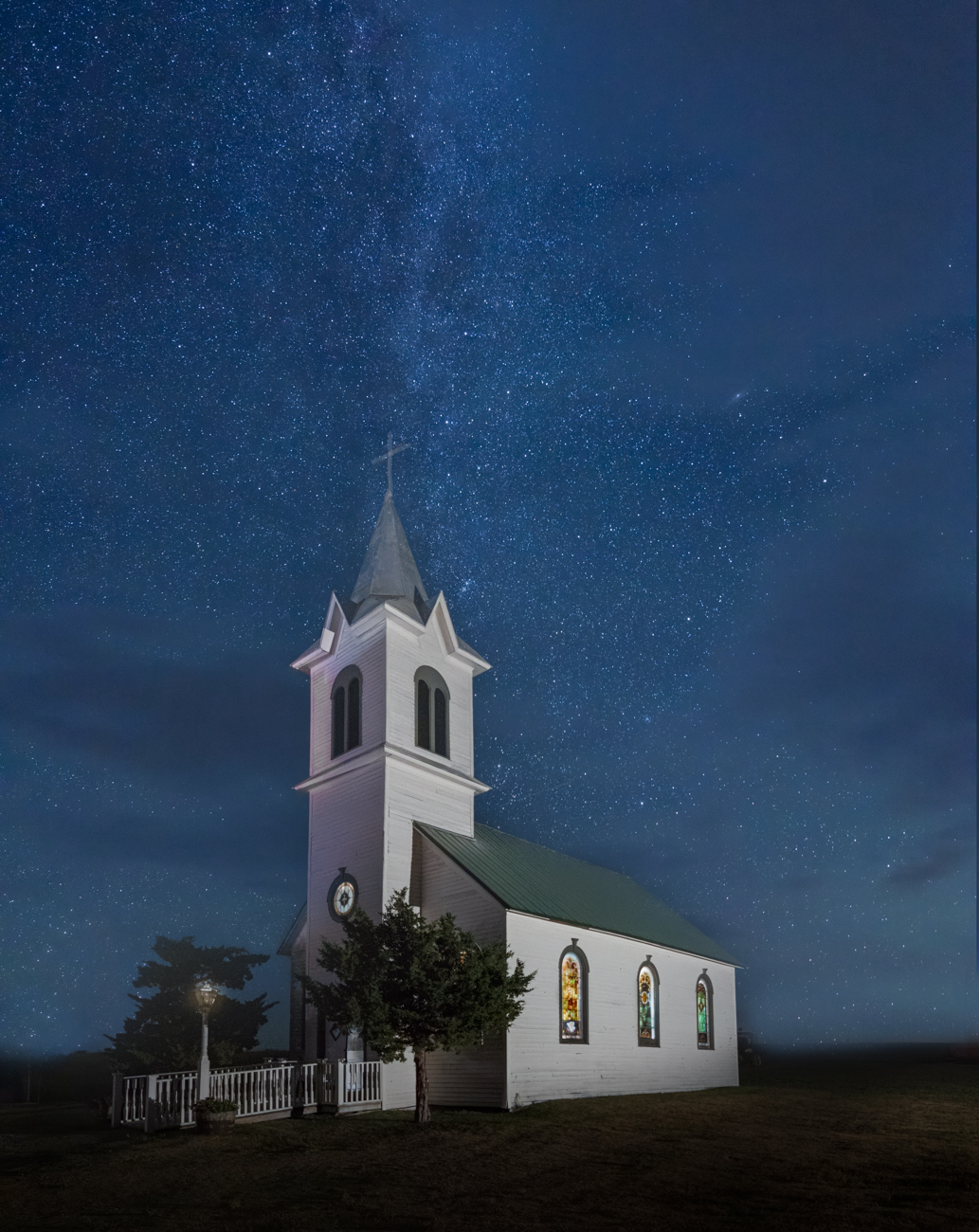
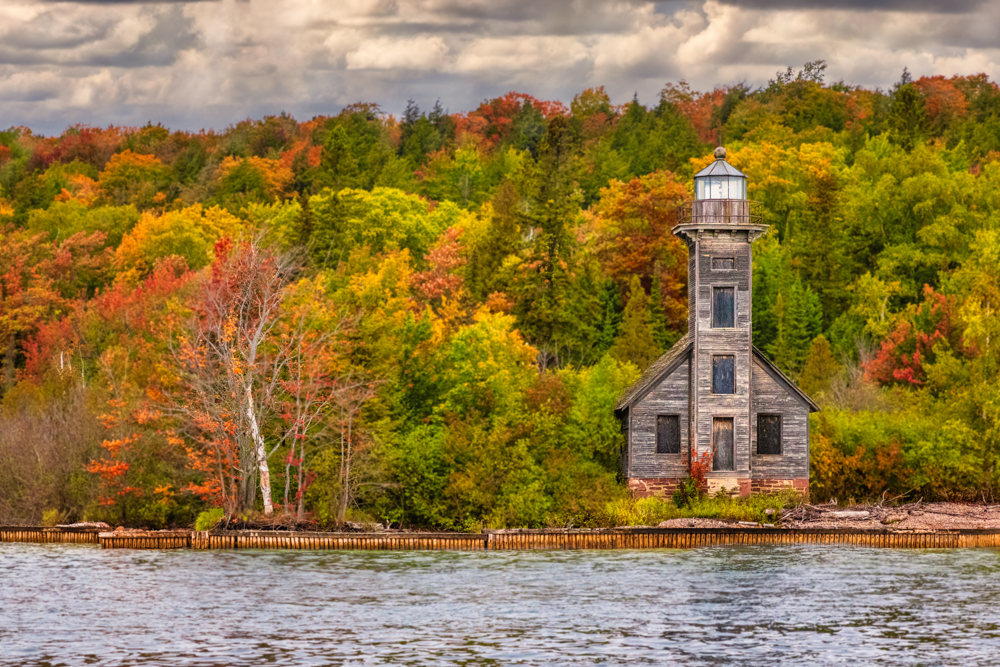
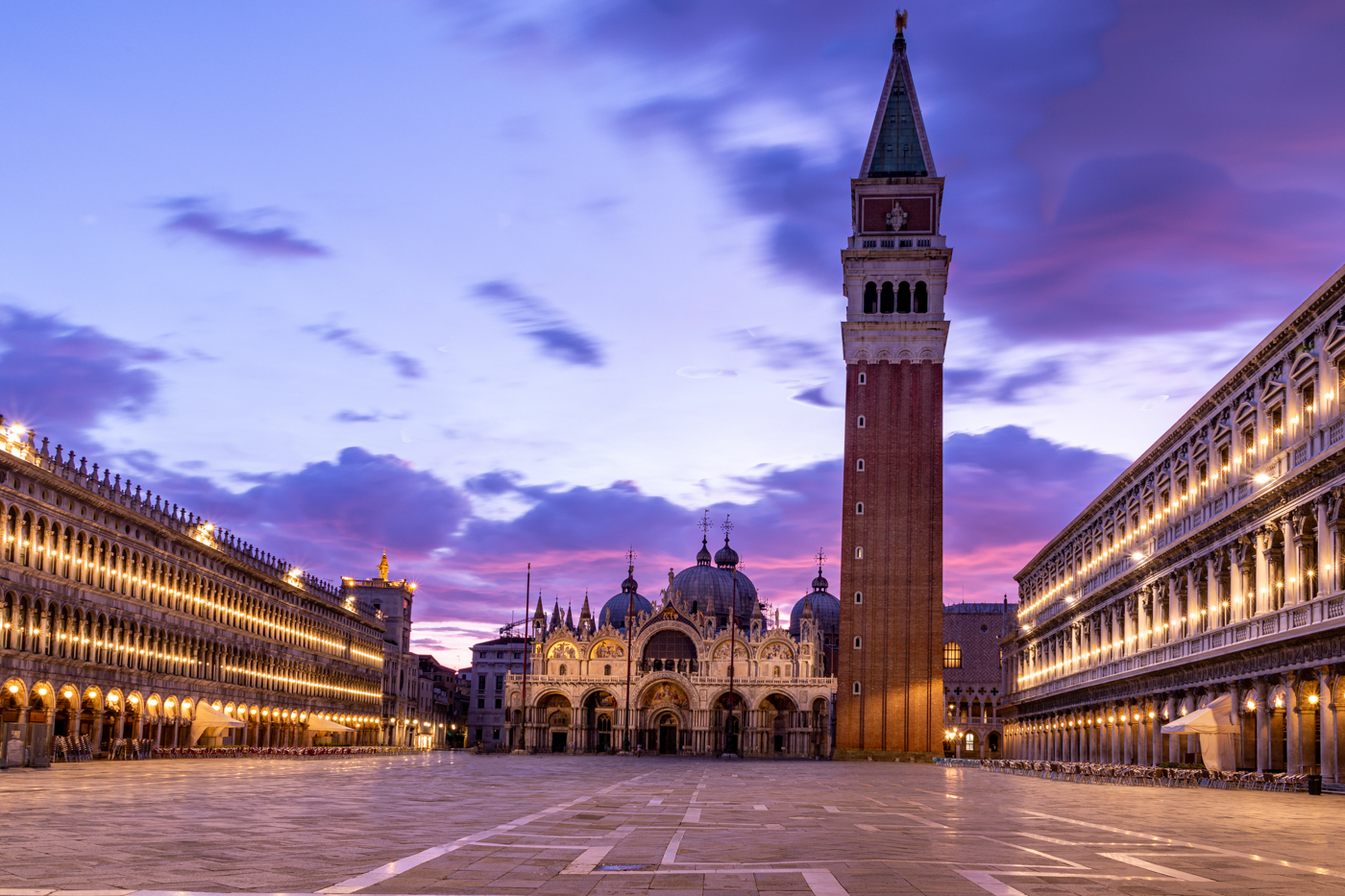
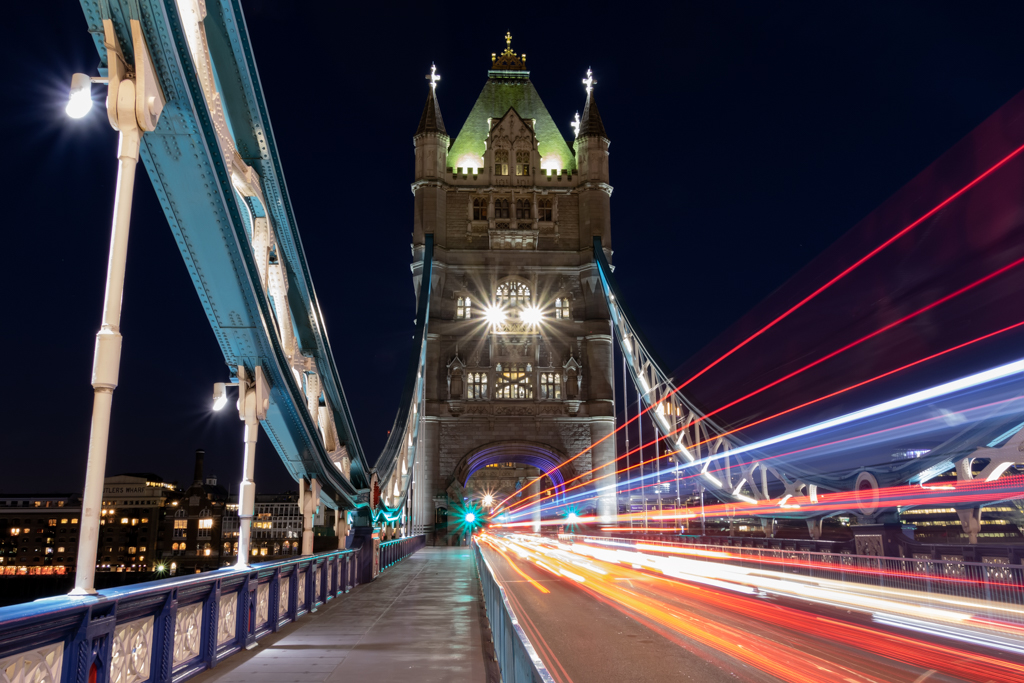
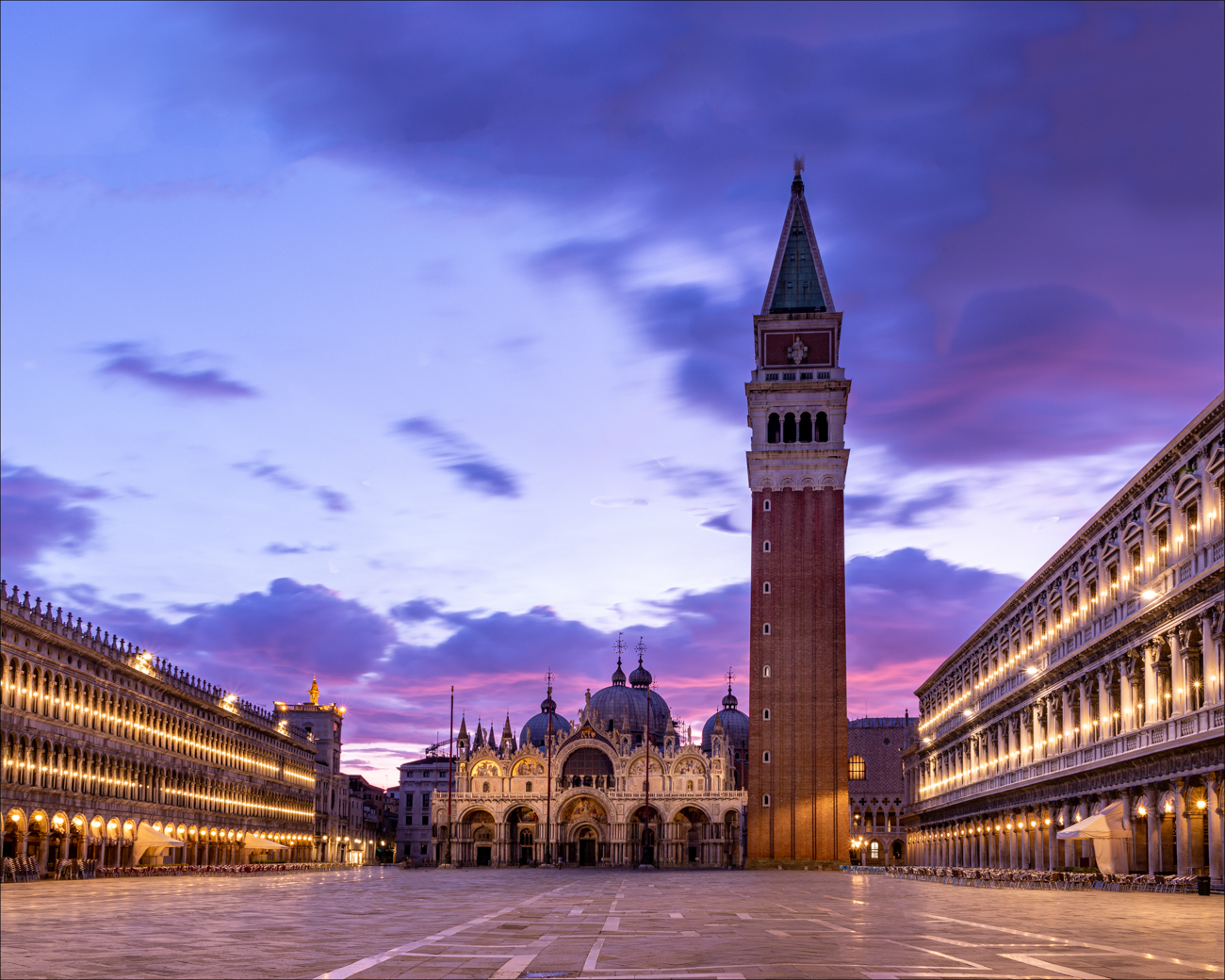
I made the suggested changes--straightened the tower a bit (does it look straight?), added a lot of sky (used content aware fill and it was a good learning experience), and cropped to Jason's 4x5 format. I also moved the tower to the right for the diagonals Jason recommended. I also lightened the tower just a shade more, although it was not suggested. Any other suggestions? Should I crop a little bottom off, since I'm at a lot of white horizontal lines? Thanks for all the great ideas! Can I enter this in PSA Travel Photo since I've extended the sky? |
Jun 20th |
 |
| 78 |
Jun 20 |
Comment |
Just cruising through again and this is SUCH a great composition. Bravo on doing macro and that amazing city night scene in Qatar, and horses, and portraits and now still life. All your work is stunning. |
Jun 13th |
| 78 |
Jun 20 |
Reply |
Nicely done, Terry! |
Jun 13th |
| 78 |
Jun 20 |
Reply |
Thanks for clarifying your vision, Terry. I am anxious to see how other people work this, I love the idea of taking steps and turning it into a very different aspect of your story. |
Jun 13th |
| 78 |
Jun 20 |
Reply |
I do like what you did with the sky, Terry! |
Jun 13th |
| 78 |
Jun 20 |
Reply |
Thanks, Jason. I do know the flip method, I'm not sure I would have thought of content aware fill. Thanks for the crop and lots more sky ideas, I would have only thought to add a bit. |
Jun 13th |
| 78 |
Jun 20 |
Reply |
Thanks, Terry! I struggle with straightness. How did you add the lights? Do you think it leads the eye more? Brightens the photo? |
Jun 13th |
| 78 |
Jun 20 |
Reply |
Jim, this is much more pleasing. I also like the interesting versions Jason recommended. It's a great shot and I think your new version or something along Jason's versions give you a fantastic chance at a win in competition. |
Jun 13th |
| 78 |
Jun 20 |
Reply |
Wow, I think this is gorgeous, Jason. I have on my "To Do" list to dig into Luminar, and this gave me a lot more motivation. |
Jun 13th |
| 78 |
Jun 20 |
Comment |
Abdo, what a beautiful still life, and how wonderful that it is part of your faith and culture, besides just a feast for our eyes. I love that you kept it very dark. The powdered sugar really makes it! Were you sprinkling when you photographed?
It's a great photo, just as it is. If I were going to make any changes, I would think about making the dates a bit more clear, as I did not recognize them, and we eat a lot of dates. The flower is a bit distracting, but it does make a good triangle with the white powdered sweets, so that does work.
It's a bit unclear what the bottle with the flower on it is? Olive oil? I'd love to see it a bit more crisp, as the background disappears in the dark anyway.
Brilliant, I will look forward to others thoughts. |
Jun 6th |
| 78 |
Jun 20 |
Comment |
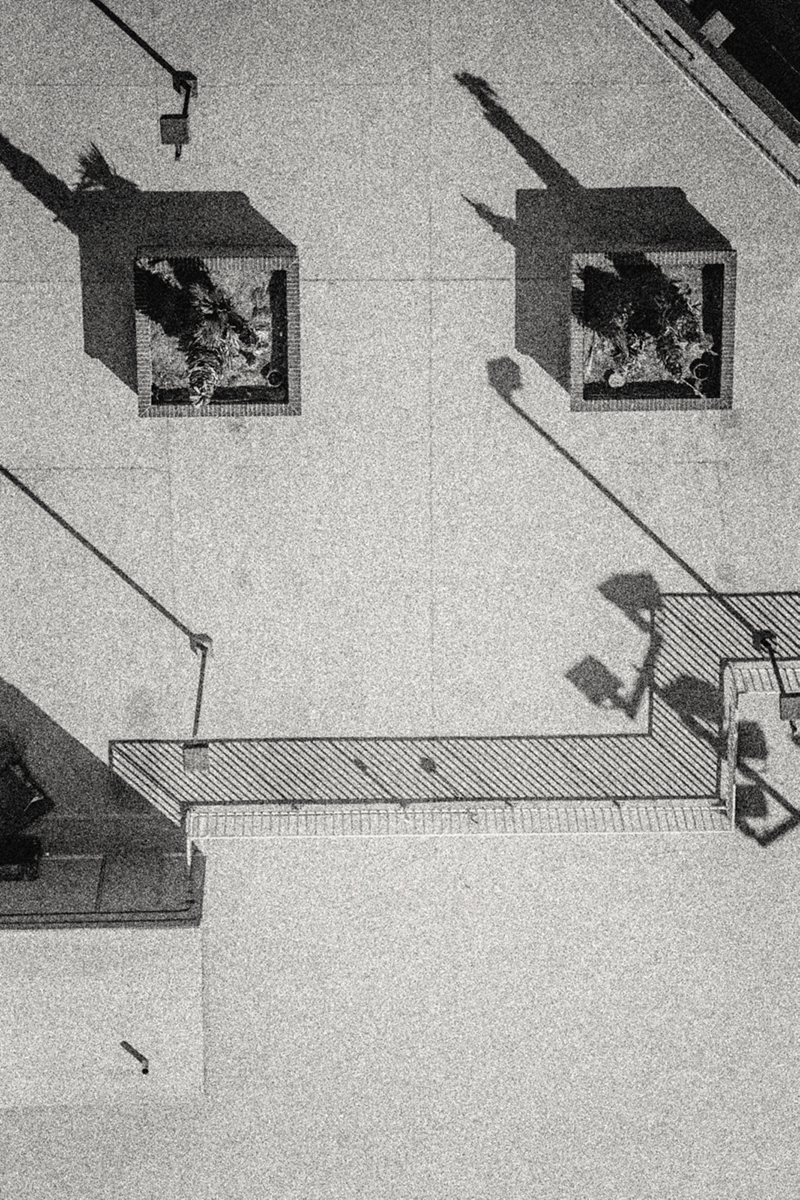
Here's another version, playing with lots of texture in the pavement |
Jun 6th |
 |
| 78 |
Jun 20 |
Comment |
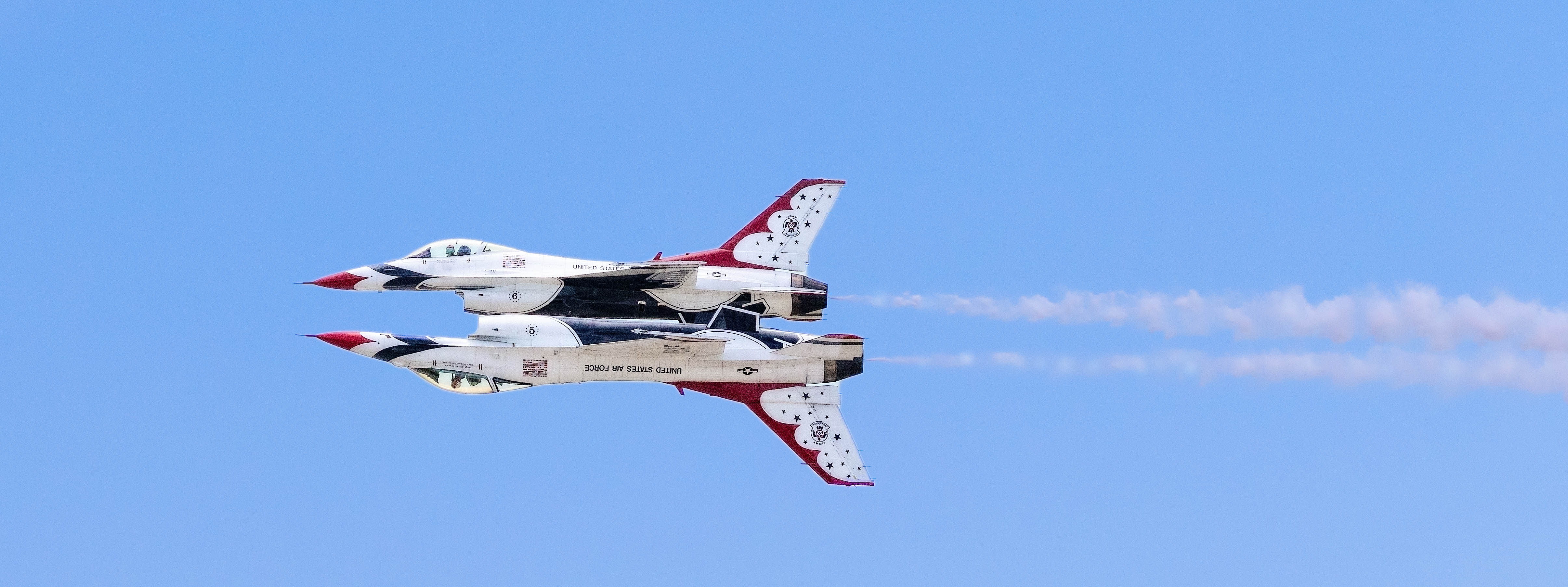
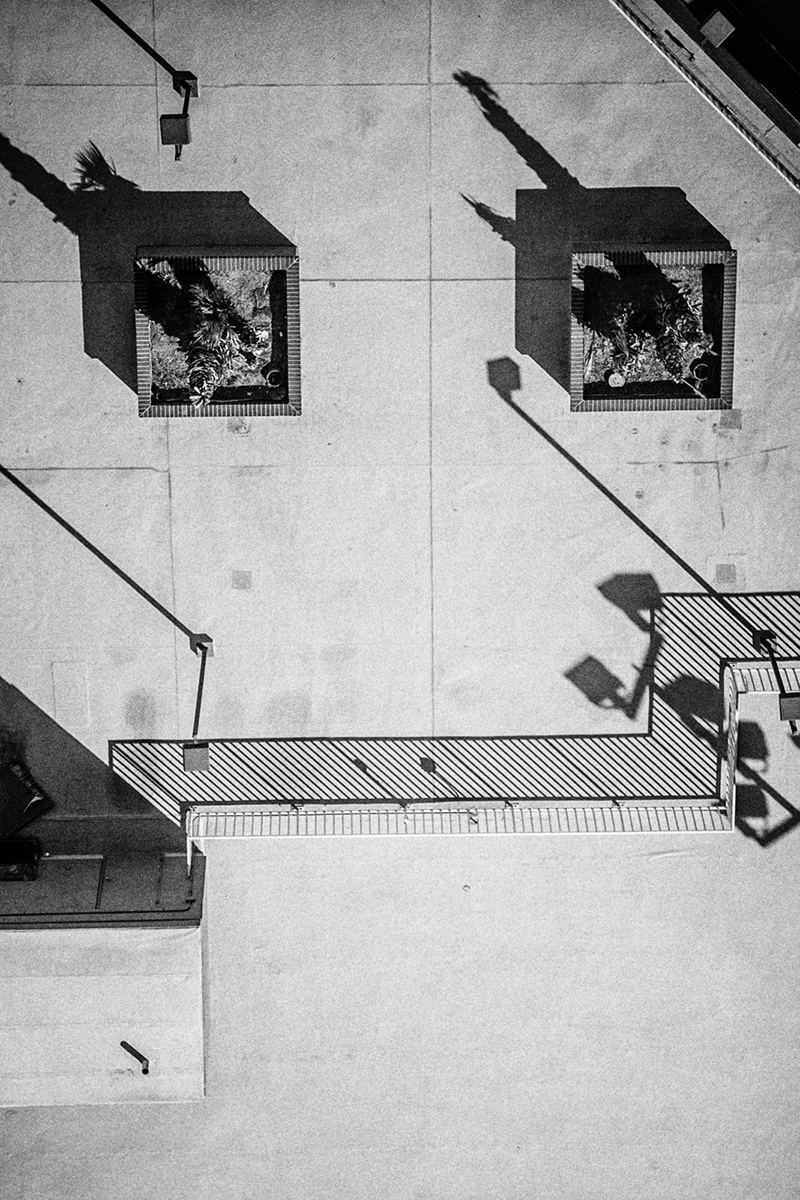
I saw this as an upside down face, and perhaps lacking contrast. So I flipped it and I added a bit of contrast with Nik Silver Efx. I'm not sure if I've ruined your graphism, but here's my fun take of it. If you went with the face, you might want to crop the bottom of the pic, as its a bit blah. |
Jun 6th |
 |
| 78 |
Jun 20 |
Comment |
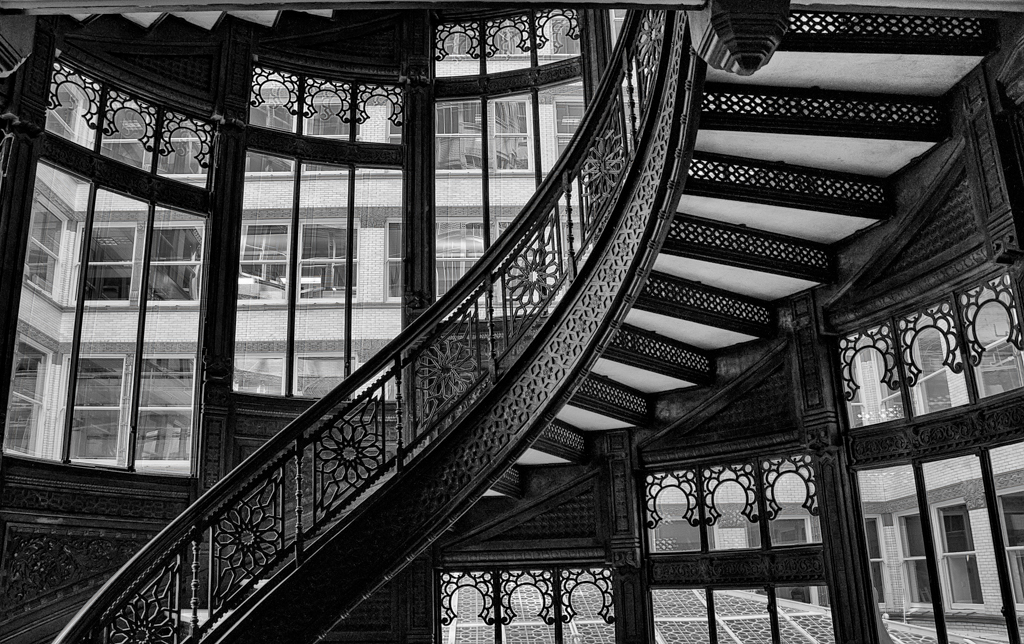
Terry, really an interesting composition! Is your goal that she's dead? I'm not sure what the story is.
The steps are very well done. Super crisp. I am not sure if the right face is in the pic, especially since the woman is looking up and away from us. Her face also seems much bigger than it would be if there were a drowning woman at the bottom of the stairs. Perhaps it needs to be smaller and further out so we can imagine where the body is under water?
I'd love to hear what your vision was, and then it will be easier to offer ideas. So impressed you are trying to do something so difficult and "not pretty". |
Jun 6th |
| 78 |
Jun 20 |
Comment |
I'm sad to announce that this is the last month we'll have Richard in DD78. He's moving on, so we'll lose his marvelous political photo voice. Join me in wishing him new happy adventures!
Richard, I appreciate you creating photos with such a current theme. I think the Motion2 (hadn't heard of it before, do you recommend?) really helped create the confusion, and sense of time shift.
I'd be tempted to leave the blur everywhere, but make the eyes crystal clear--"I'm here, I'm in here!" kind of message. But perhaps that's far from your message that we are gone and the New Normal isn't here yet?
|
Jun 6th |
| 78 |
Jun 20 |
Comment |
Sunil, you are so good at getting candid people shots! I am impressed with how you are not inhibited to oversaturate and then flip to b/w.
Its such an interesting shot--the wildness of the sky, rocks and water, even the grass on the rock top. And then there's this new umbrella rig and a person, creating a subject contrast, in addition to the contrast that you created with your b/w contrast.
I LOVE the oversaturated version also, (perhaps not quite so oversaturated) and the colored version feels so completely different. Its uplifting and inspiring, where the b/w is desolate and stark. Really hard to realize its the same photo!
|
Jun 6th |
| 78 |
Jun 20 |
Comment |
Jim, I think this is a powerful capture! The higher angle, the vastness, the sadness of the woman make it really strong.
I'm distracted by her blue boots, clearly not moccasins or other native footwear. Perhaps darkening and desaturating them, particularly darkening the boot heels, would help. The blue doesn't go with her red/orange dress and vest.
The woman looks too bright on my screen, and she seems too bright in comparison to the Grand Canyon. Perhaps toning her down just a tad will blend her in better to the canyon and make her dress feel more authentic.
"In awesome wonder" starts a Christian song going for me, most often sung at funerals. For white Protestants. And she seems sad, not elated by the landscape? Perhaps "This land is our land" works, since its a Native American and its land she's lost, and helps tell that story.
Smart of you to grab this capture! Jeez, looks like she's going to fall with those horrible boots on the rocky edge! |
Jun 6th |
9 comments - 14 replies for Group 78
|
19 comments - 30 replies Total
|