|
| Group |
Round |
C/R |
Comment |
Date |
Image |
| 69 |
Jan 19 |
Comment |
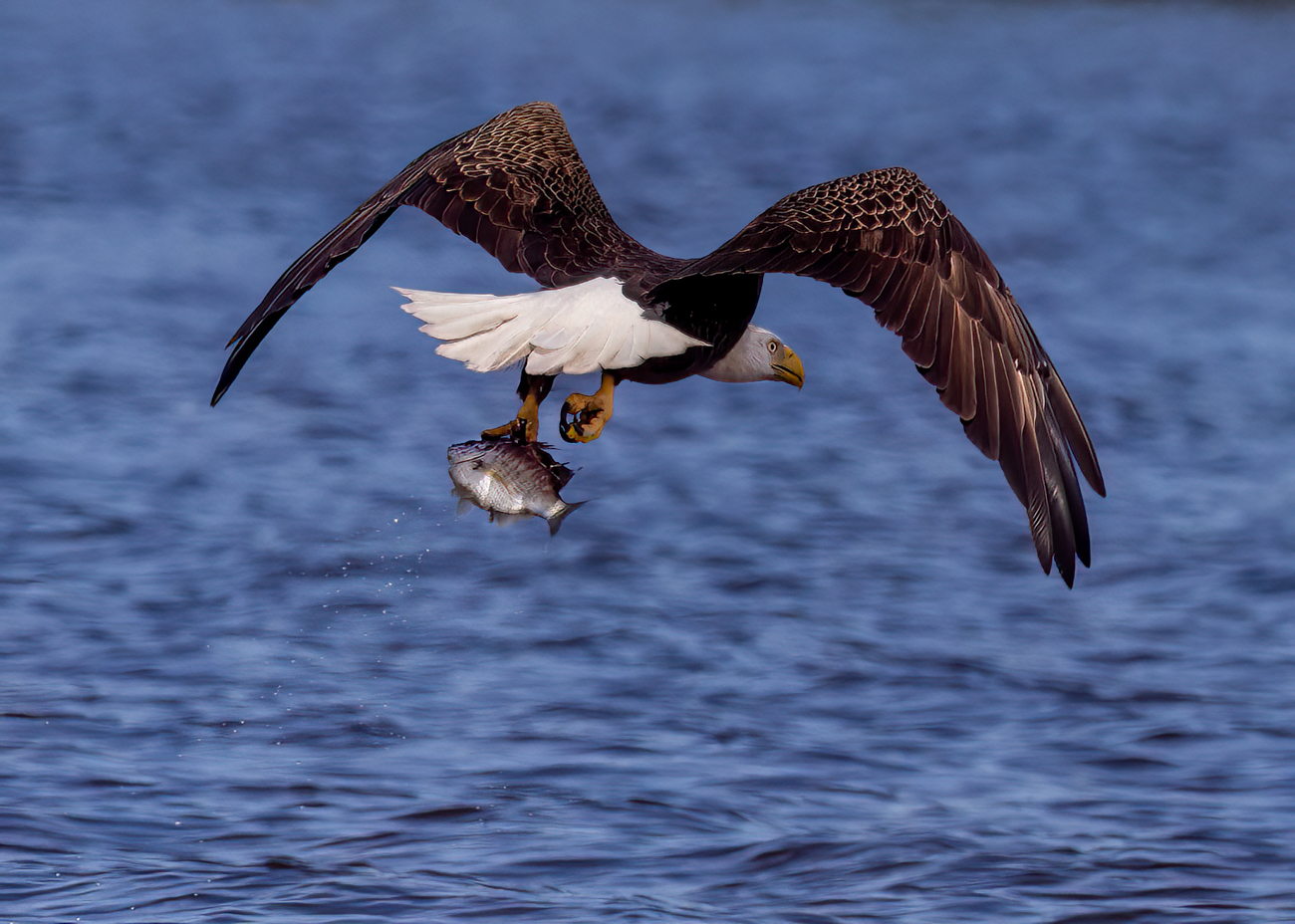
Great to see this gannet! I'm also a pilot--commercial glider and private airplane). I agree with Donna that a bit more wing room would be worth trying if it doesn't lessen the impact you've recreated.
We'd love to see your postcard photo they are using as a fundraiser. |
Jan 3rd |
| 69 |
Jan 19 |
Comment |
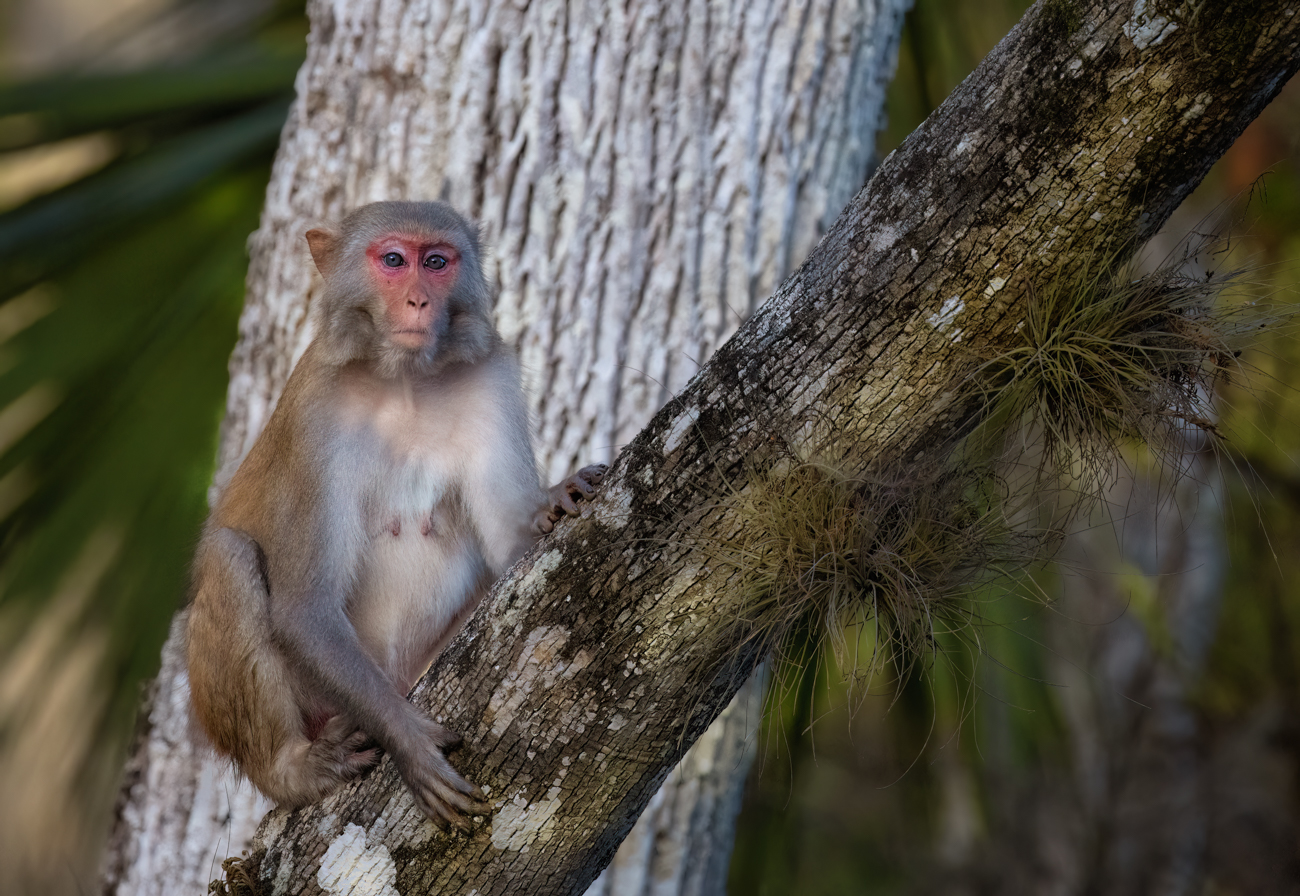
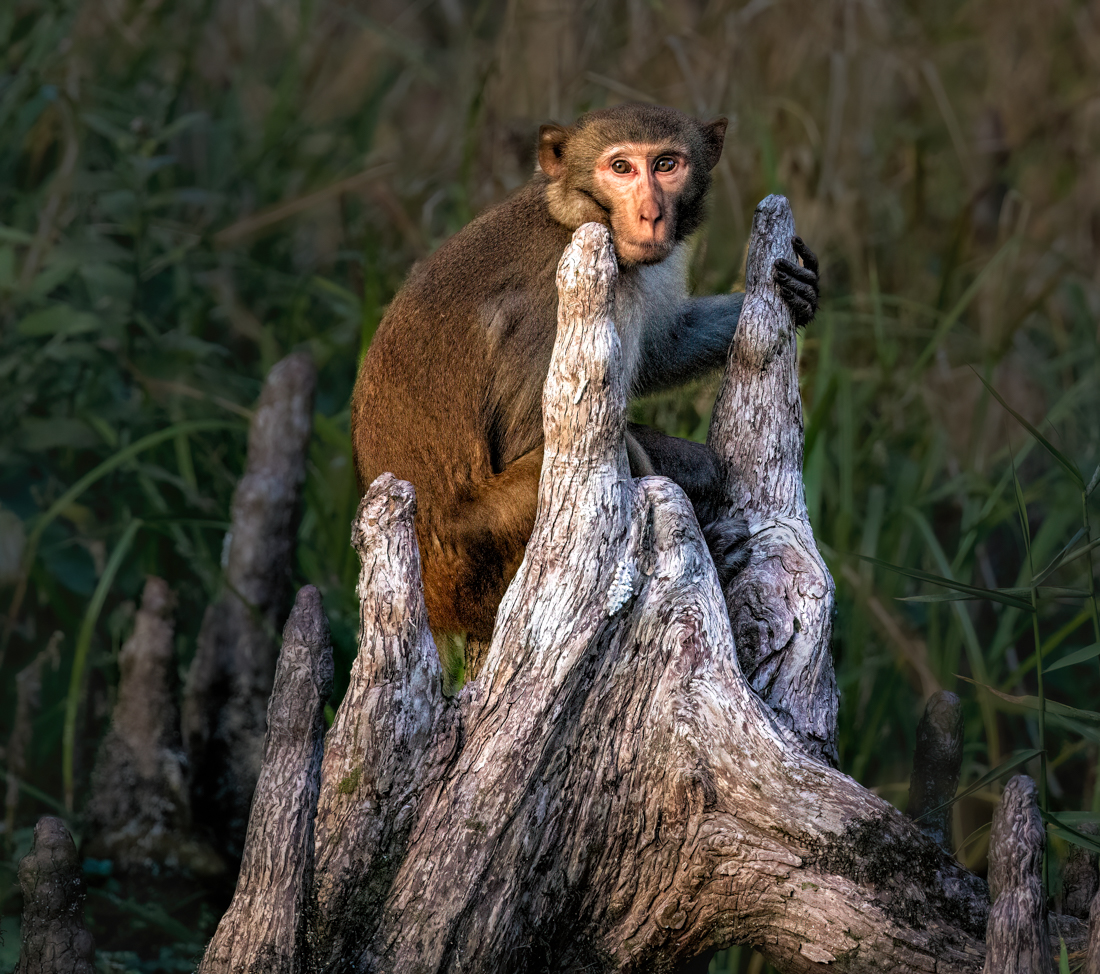
Fun look! Beautifully processed. I've been told that nature shots are best if the eyes make direct contact. However, your macaque's eyes are very captivating.
I'm a little distracted by the head (?) on the lower left. is there a reason you chose not to remove it?
It's always fun to see what amazing nature shots you've created! |
Jan 3rd |
| 69 |
Jan 19 |
Comment |
Group--I was able to meet Mervyn and his photographer wife, Melanie (check out DD 66 for her infrared work!) while I was in southern Florida. We met at a Welands and did some bird photography and then enjoyed a great dinner. Wonderful folks and so fun to meet in person! I hope to meet the rest of you sometime! |
Jan 3rd |
| 69 |
Jan 19 |
Comment |
I think the black and white is so unusual and changes the photo from being a common pineapple into something quite different...the papery texture is reminiscent of garlic. I love the angle of the capture. I agree that the crop and the removal of the horizontal leaf were great decisions. |
Jan 3rd |
| 69 |
Jan 19 |
Comment |
A beautiful capture! I've never seen a snowy owl up this close. I love the rocky texture, owl and red twigs giving such a perfect complement and interest.
I agree with Donna that you might try sharpening the owl a bit.
|
Jan 3rd |
| 69 |
Jan 19 |
Comment |
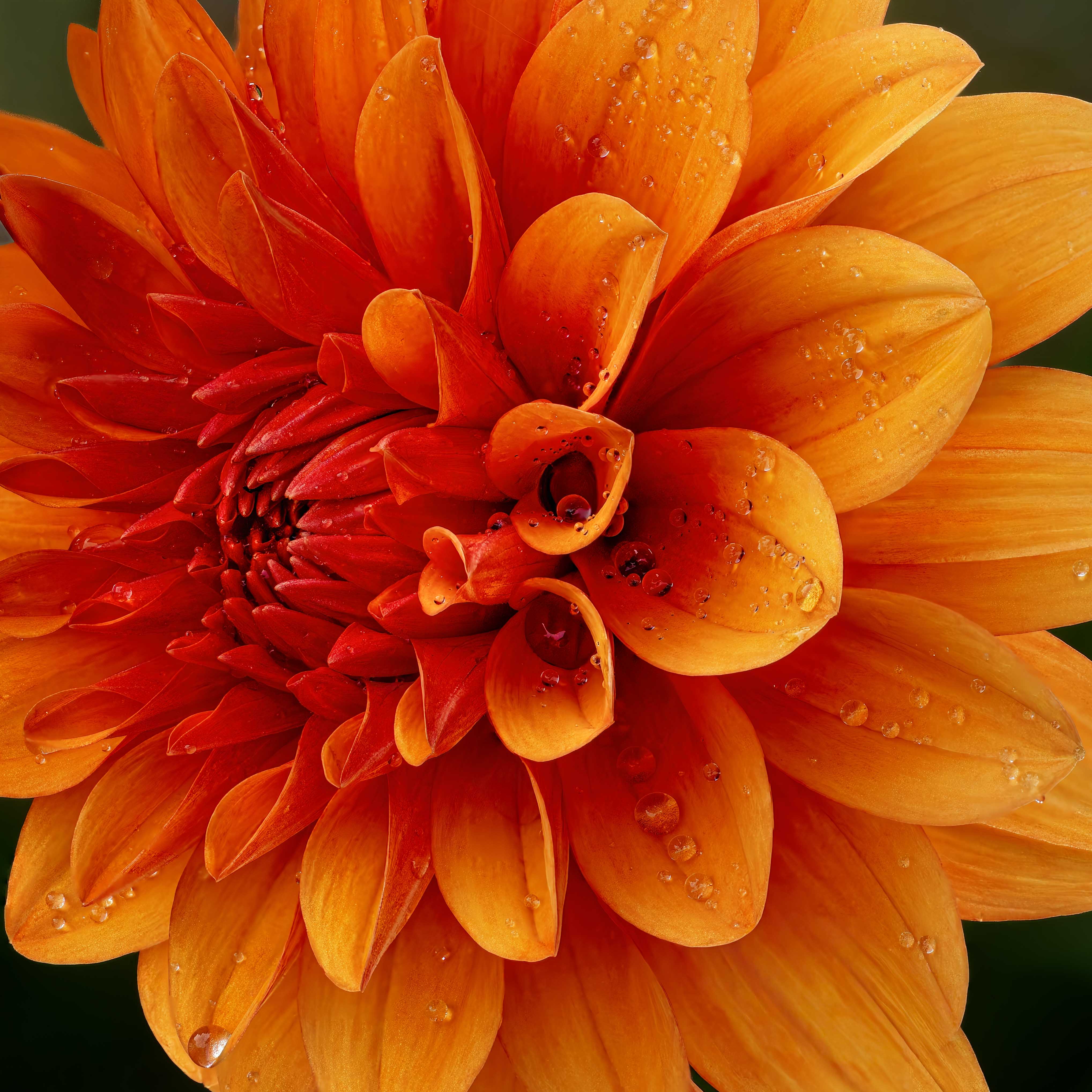
What a beautiful flower bouquet. I would not have thought to crop in so closely, but its bright and colorful and looks much more intense and dynamic than your original. I like it a lot. Hope that hip heals easily! |
Jan 3rd |
| 69 |
Jan 19 |
Comment |
What a nice clear crisp shot. I love the light! Just amazing. So exciting they were on your level. Usually, they are far above. |
Jan 3rd |
7 comments - 0 replies for Group 69
|
| 78 |
Jan 19 |
Reply |
I agree we have an amazing group! I have four different new things I'm going to try just from this month! |
Jan 9th |
| 78 |
Jan 19 |
Comment |
|
Jan 9th |
 |
| 78 |
Jan 19 |
Reply |
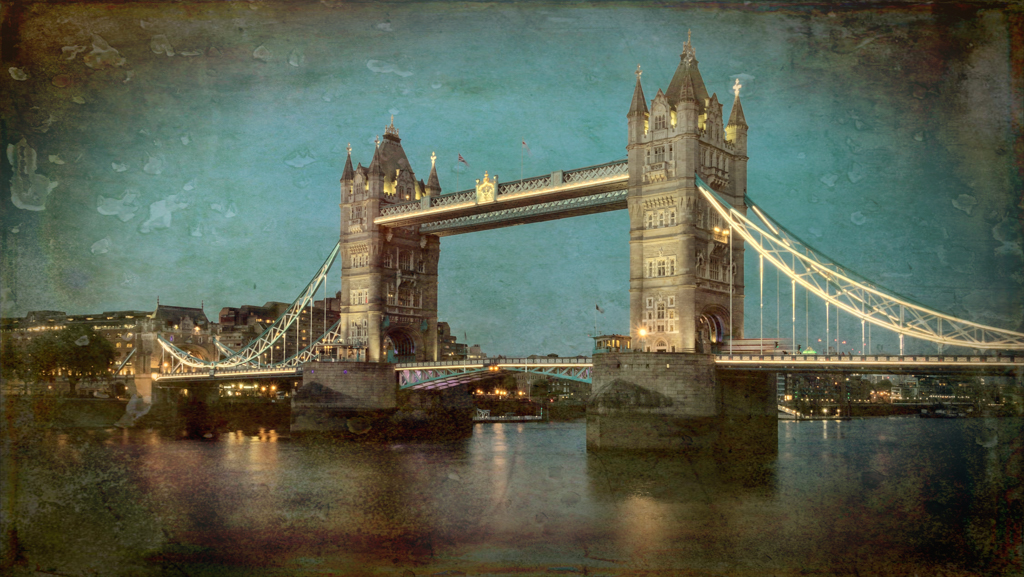
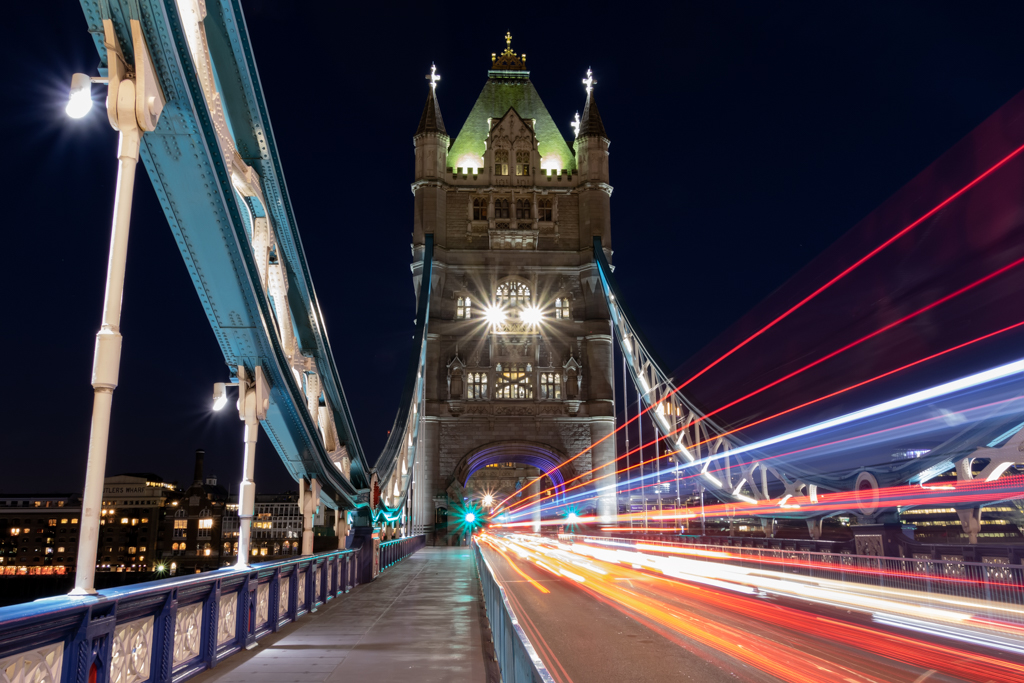
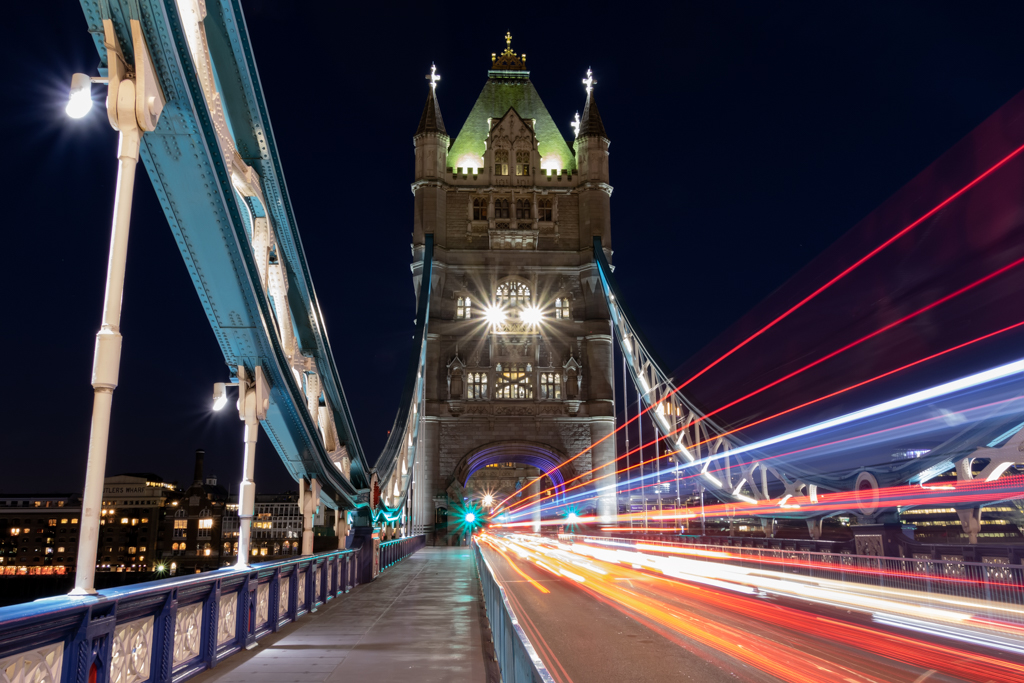
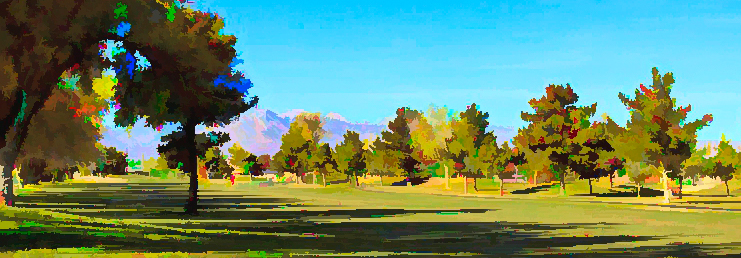
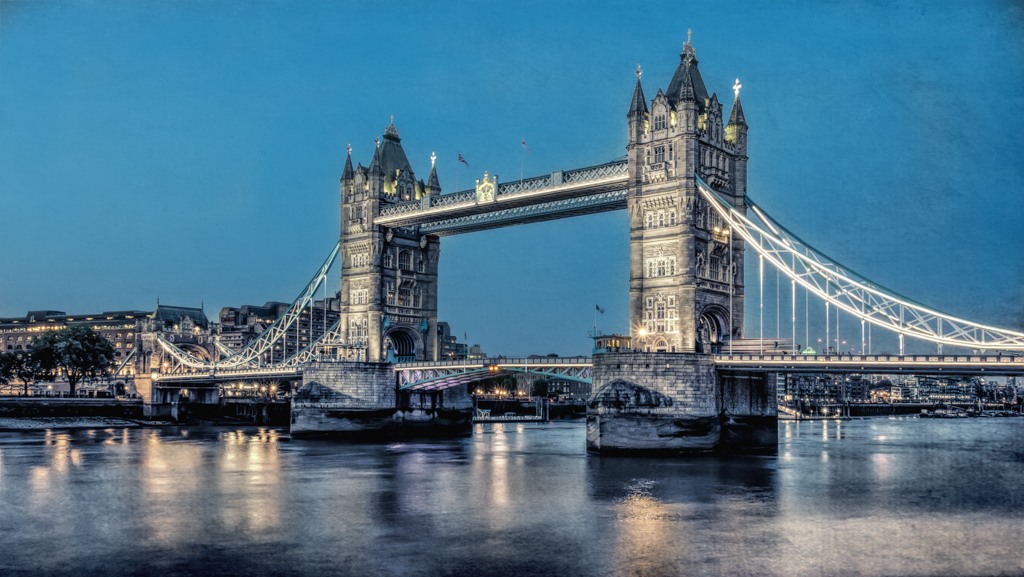
Alan, I'm glad you've discovered the magic of noise reduction. The downside is that it smooths photos, so you lose the noise and lose the crispness. And I see you have discovered the different effects you can do in Topaz (my Tower Bridge versions are all Topaz).
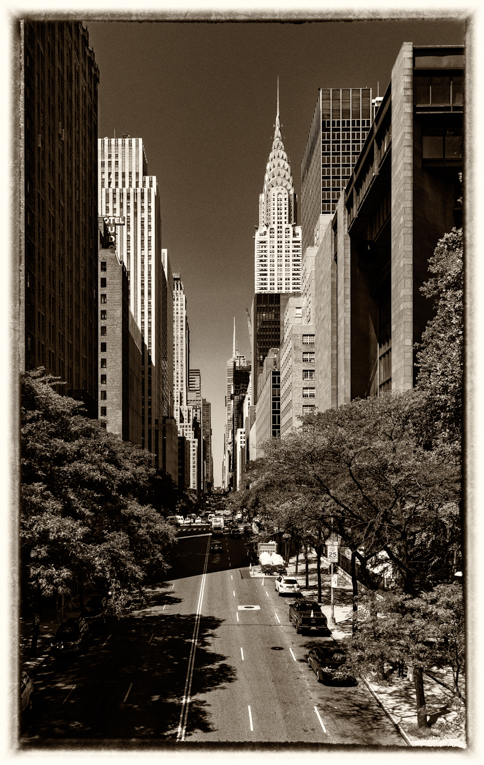
Just playing around, I cropped some of the overly blue sky and a bit of our boring foreground grass to make it more of a pano (panorama, if you haven't see that shortening). Not sure it works, but thought I'd show you a different look.
|
Jan 9th |
| 78 |
Jan 19 |
Reply |
Wow! I can't believe you got what you did from the original shot you just posted! |
Jan 5th |
| 78 |
Jan 19 |
Comment |
Jason suggested I use the sky of the original with the second version I put up after Dave suggested a different version. Here's what I get in a blend. Probably needs to be a darker sky, but am I heading in the right direction? It's roughly done--I'm traveling on a laptop without a mouse--but just to give you an idea. Thanks for your thoughts. |
Jan 5th |
 |
| 78 |
Jan 19 |
Reply |
Oh wow! This one is particularly incredible! Great ideas, Sunil! Thanks for this contribution! I think I that I try to put too much into my photos and you gave us a great idea for cropping to identify the subject!
|
Jan 5th |
| 78 |
Jan 19 |
Reply |
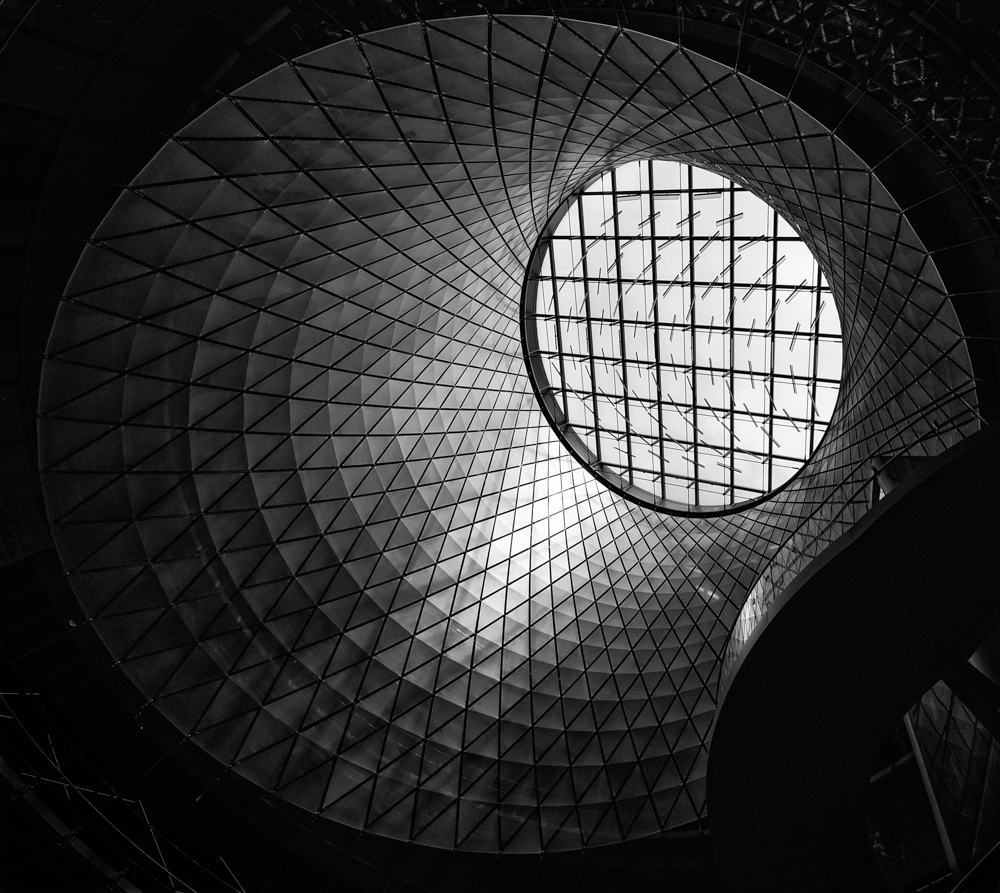
Sunil, Thanks for your side-by-side. I think the slight crop looks better and still keeps the oval pavement (which I love). I will look forward to hearing what others think about it. |
Jan 5th |
| 78 |
Jan 19 |
Reply |
Thank you, Sunil! |
Jan 5th |
| 78 |
Jan 19 |
Reply |
Oh, Dave, so at the time, after you knew you had an issue, you shot again to get a clean shot past the weeds to get cloning material? Can you go from one pic to another with the clone tool? I've never thought of using 2 or more pix to get a good clone and usually have several pix from a burst also. Or could shoot afterwards to fix. This would be an awesome idea to fix something with clean clones. You bring the "clean" pic in as a layer and then use it with a mask? |
Jan 5th |
| 78 |
Jan 19 |
Reply |
Don, Thanks for the tip. I do have AI Clear, but haven't used it yet. I do find that sometimes one program does better than another, so I will add it into my routine. I do find they all work better if the VERY first thing I do is noise reduction, before I do any modification in Light Room at all. If I don't, I notice the noise just increases with Clarity, Vibrance, etc. |
Jan 5th |
| 78 |
Jan 19 |
Reply |
Jason, Thanks for the instructions! Will print and see what I can accomplish. I am sure I can find a You Tube or two. I appreciate Richard introducing this idea! |
Jan 5th |
| 78 |
Jan 19 |
Comment |
Jason, I loved looking at your other road pic. Would you be so kind as to provide the address where we can follow your blog? When I used your address given, your portfolio has you pix out of order. I know you've told us before, sorry to ask again.
It's a wonderful sunset. The road looks a tad light on my screen. And I might be tempted to crop more of the uniform sky out to get even more drama, similar to what you have on your daily photo website road photo.
And I love that you haven't oversaturated the color, that seems to be a big trend, even in the top pro photographers.
Lovely, and kudos for going out shooting on the solstice!
|
Jan 3rd |
| 78 |
Jan 19 |
Comment |
Dave, Wow! How in the world did you clone that out-of-focus reeds out?! We could all benefit from your explanation! I can't detect a thing!
Also, can you discuss what you did to "clean up the fish" to separate it from the background? It does pop, without looking ridiculously worked.
Do remind us where you are located. Sorry that your heron neighbor has passed on!
Fabulous detail in her feathers and wings without looking "crispy" or overworked. Really the work of a pro. I can only dream! |
Jan 3rd |
| 78 |
Jan 19 |
Comment |
Sunil, what an interesting photo! Great lines and circles lead us around the composition. I also liked the dark trees in the original, signifying the "dark and the light" that a monk works with. We still could easily see the steps and trees in the original. The stone recovery is good and adds foreground interest.
My only thought to improve this is to crop from the right so that the monk is not so centered. He is so obvious with his bright orange, it would be good for him to not be so blatantly close to the middle.
A wonderful simple and serene shot!
|
Jan 3rd |
| 78 |
Jan 19 |
Comment |
I agree with Richard, both of your nightscape cityscapes are absolutely fabulous! What a beautiful city Doha is! I find the color version more interesting, since there are so many interesting colors.
The B/W is also very interesting and attractive. The center building might be better off center. You might trim from the right or the left and still have an amazing composition. I will look forward to hearing from our pros on what they would do to improve such a gorgeous photo. Well done! |
Jan 3rd |
| 78 |
Jan 19 |
Comment |
Hope this finds you feeling a lot better, Alan! 2019 is going to be your year! I think Jason summarized this well. Technically, you've taken a very nice photo, very peaceful. Your post processing is nicely done and not overdone.
A couple of thoughts--are you using any noise reduction? In the sky, I'm seeing a lot of noise or colored flecks. Perhaps this is due to the small size, but we most often see noise in the sky. You can use LightRoom for this, but Topaz also has a great noise reduction module, or Imagenomic. I recently got DxO Prime for noise reduction, recommended by Nature photographer, Adam Jones. I've been very happy with it. We'll see what our pro photographers think before you start buying a bunch of add-ons.
Secondly, in my first few years of photography, I had a difficult time separating pictures that were important to me personally, like this famous golf course to you, the Kennedy assassination window, etc., and what made an interesting photo to a wider audience with little or no knowledge about the subject in the photo. So I try to find a way to show what might be interesting to lots of people besides my own personal memory or reaction.
For example, the next time you are photographing at golf courses, I personally like the mountains, and making them closer/larger might add a stunning background and add an additional color besides green grass and lots of blue sky. And some people playing golf in the foreground would add another interesting element for the viewer to enjoy.
I hope you are back playing golf very soon!
|
Jan 3rd |
| 78 |
Jan 19 |
Reply |
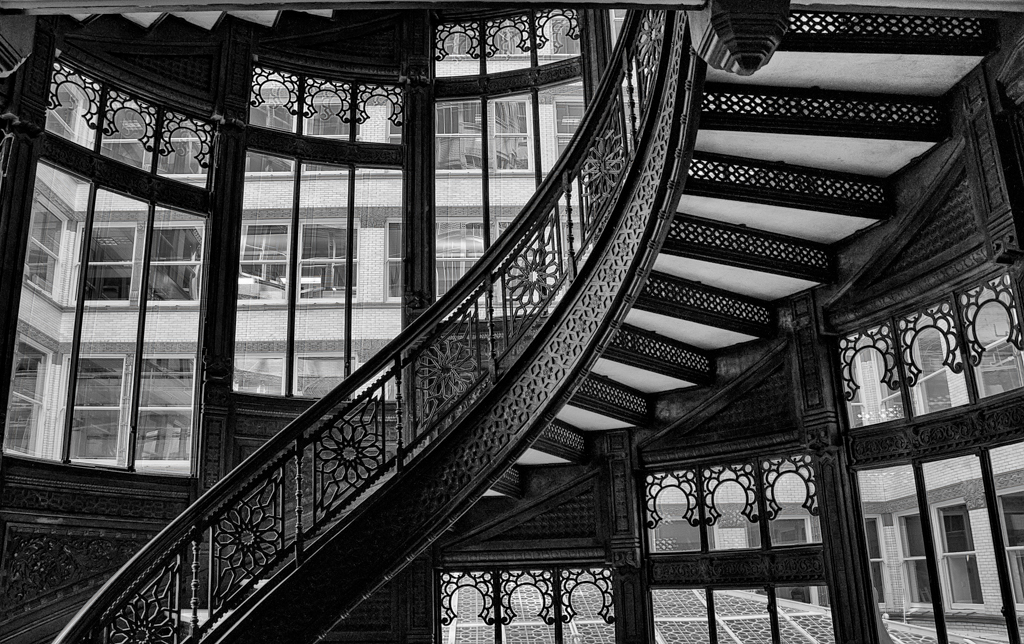
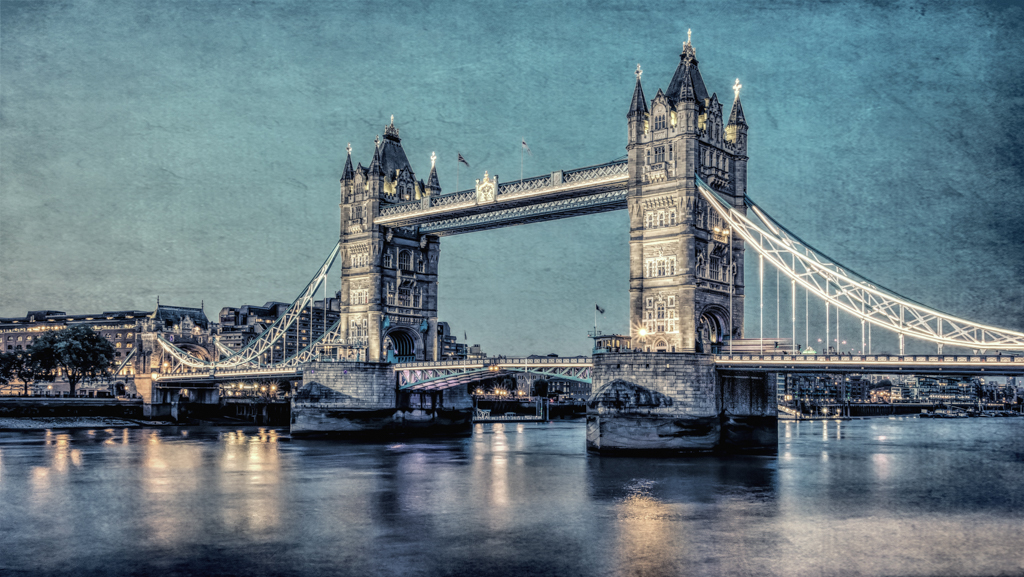
Thanks, Dave! Yes, you'll find you can make a zillion versions of the iconic images with Topaz. Here's another version that uses "Detail". Do you like this better than my original? Obviously, its a totally different direction than your softer, magical feeling Turner. |
Jan 3rd |
 |
| 78 |
Jan 19 |
Comment |
Richard, A very interesting capture! How diverse from your soulful child-in-the-train photo.
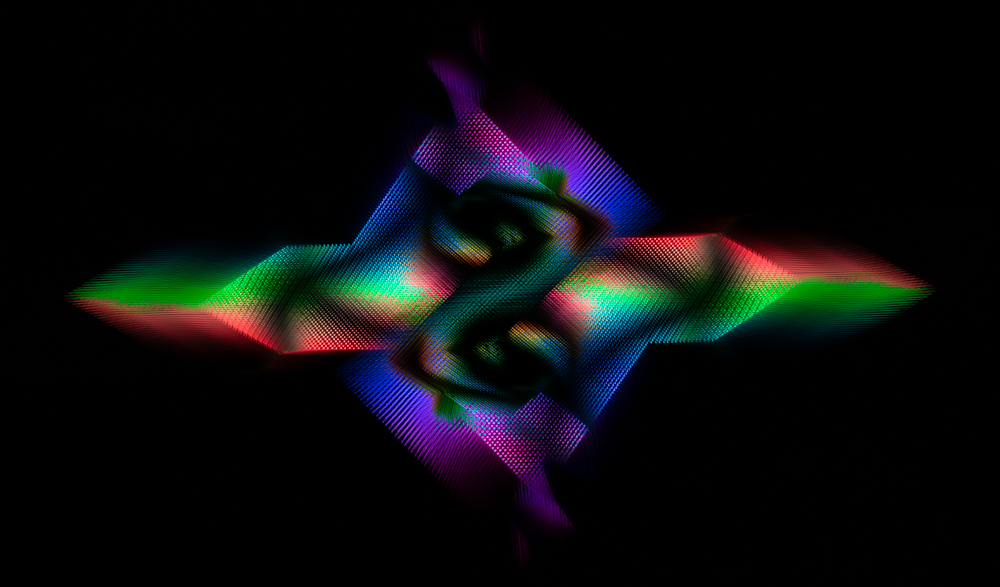
May we see what the in camera shot looked like before you lightened color? I've not tried this, not sure my Canon 7D Mark II camera does this. What do I look for in my camera menus--"multiple exposure"?
Even with the crazy business, you still have a clear subject. Congrats on a new experiment--perhaps all of us that have not done it can try!
|
Jan 3rd |
8 comments - 10 replies for Group 78
|
15 comments - 10 replies Total
|