Activity for User 716 - Brenda Fishbaugh - BrendaFishbaugh@gmail.com

avatar
Avatar

Close this Tab when done


1249 Comments / 1541 Replies Posted

  = Current Round   = Previous Round
Group Round C/R Comment Date Image
69 Feb 18 Comment Dean, did you add your Nik sharpened photo? I'd love to see it. My husband saw the pic while I was typing and wants to go there! Feb 18th
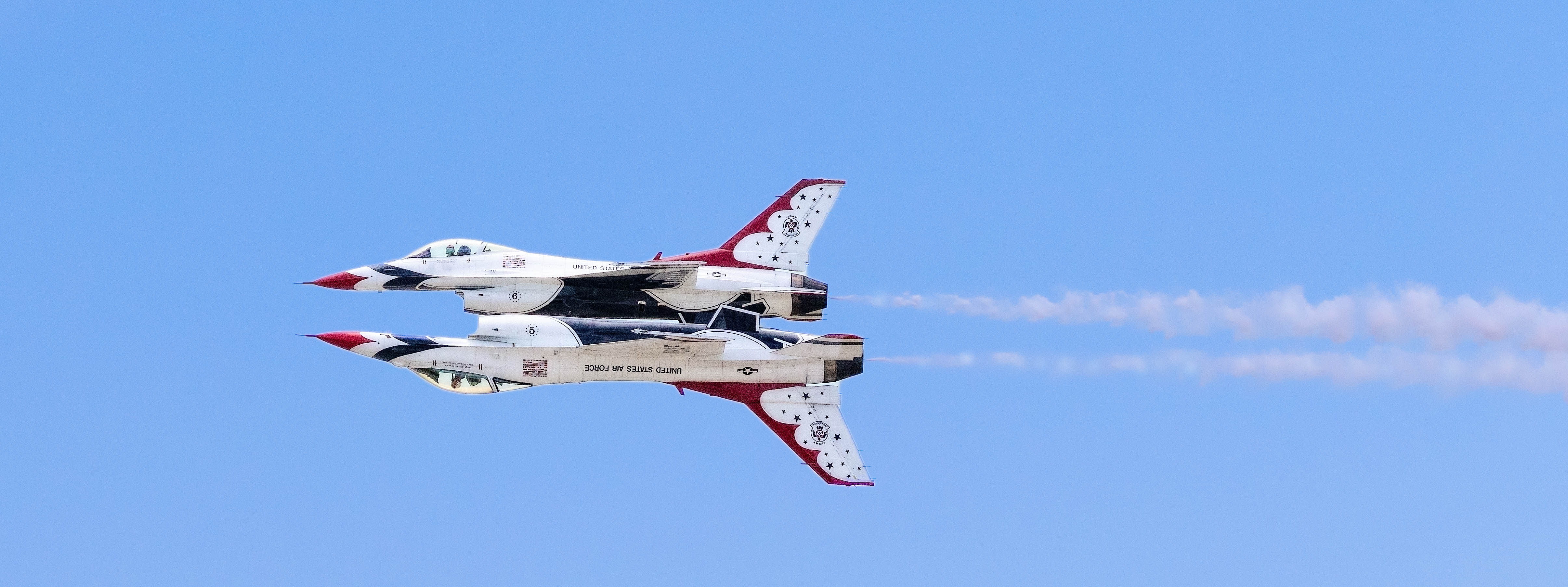
69 Feb 18 Reply Mervyn, What an interesting idea to flip it. I didn't think of that.

Pierre, here it is without the violet filter. It seems a bit flat to me.

Dean, guess what is coming next month? The lone tree in fog.

Thanks for the comments, everyone!
Feb 11th
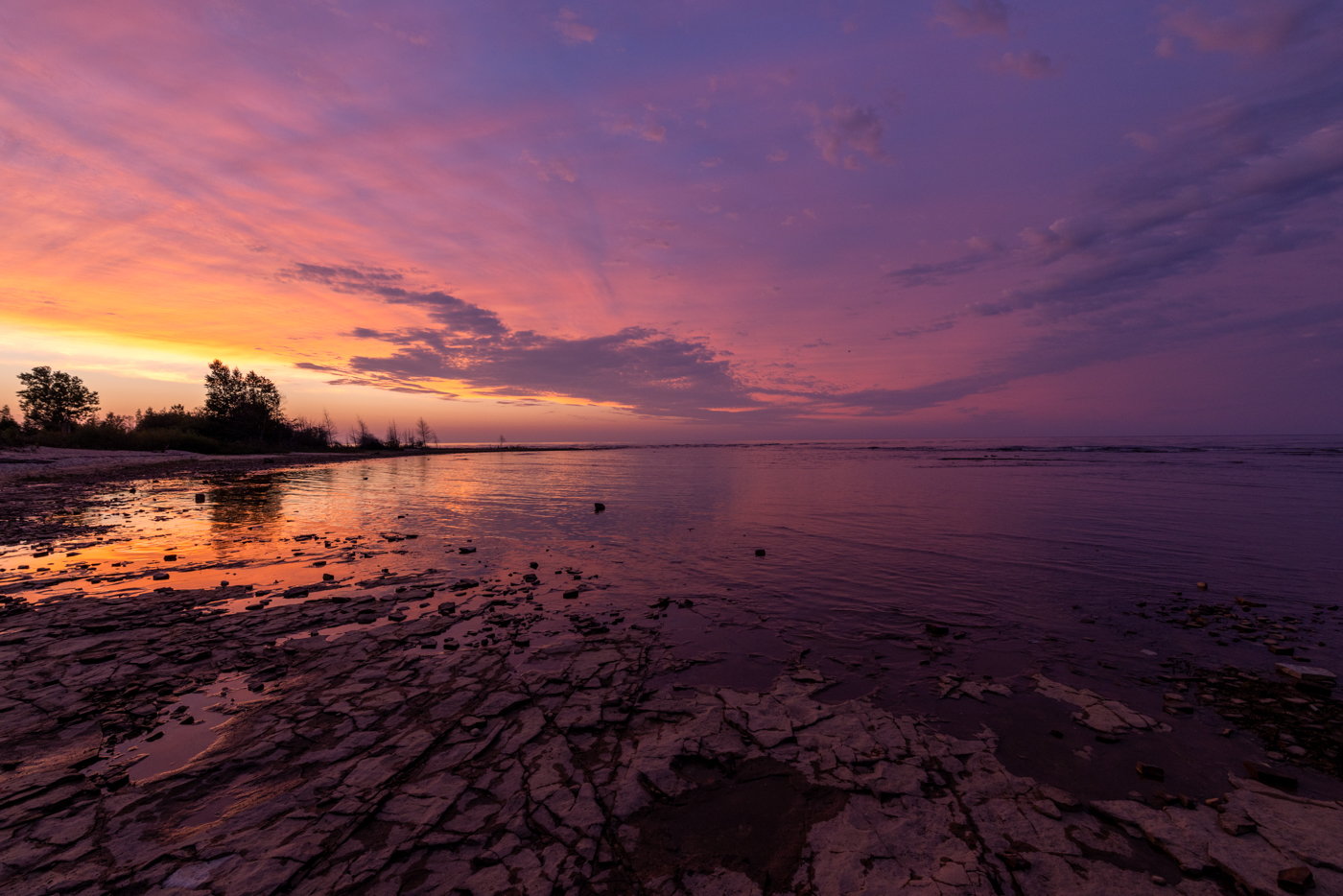
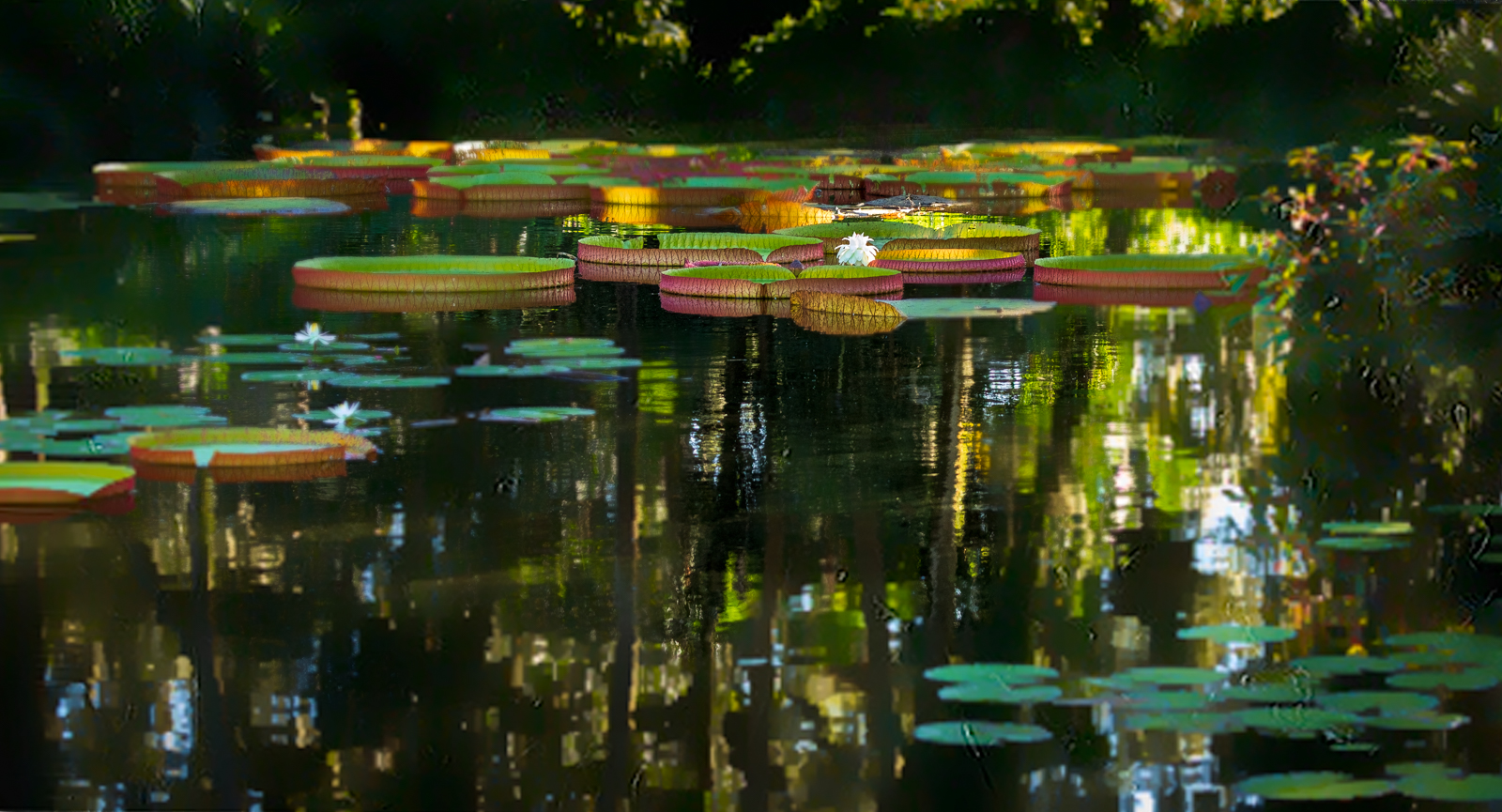
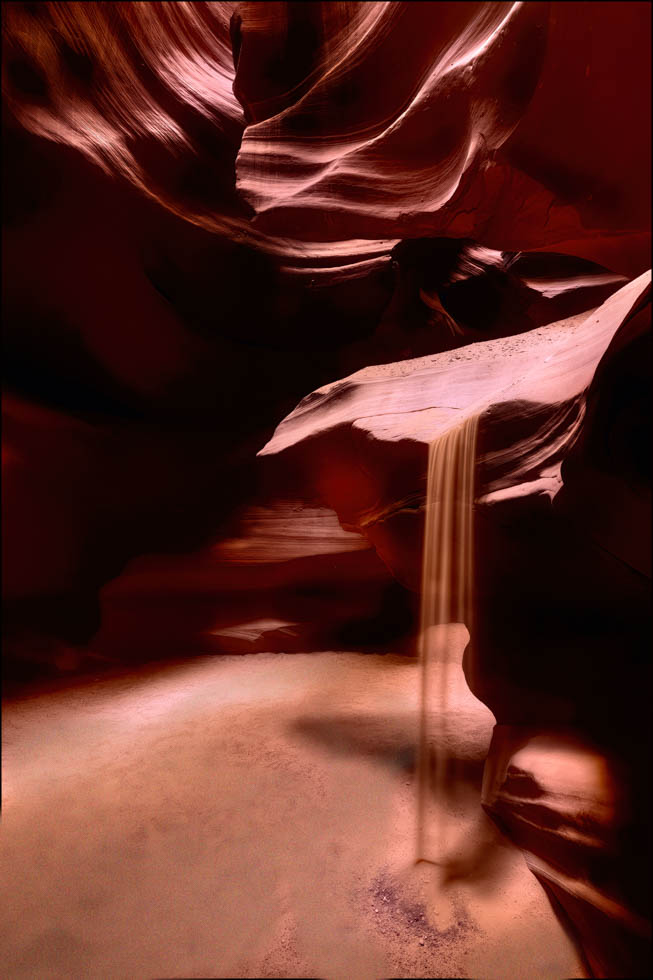
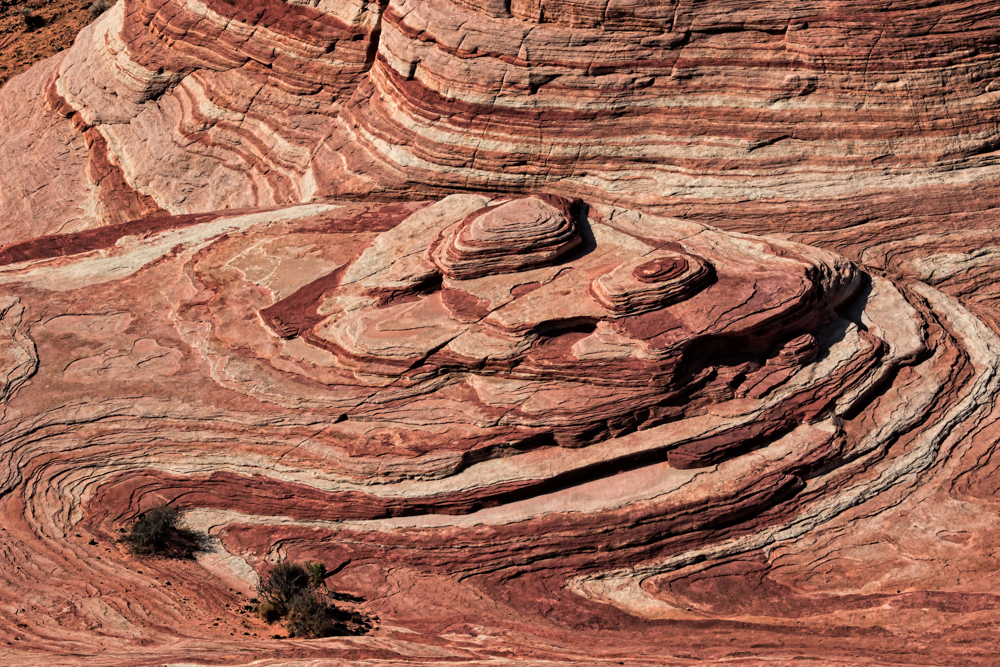
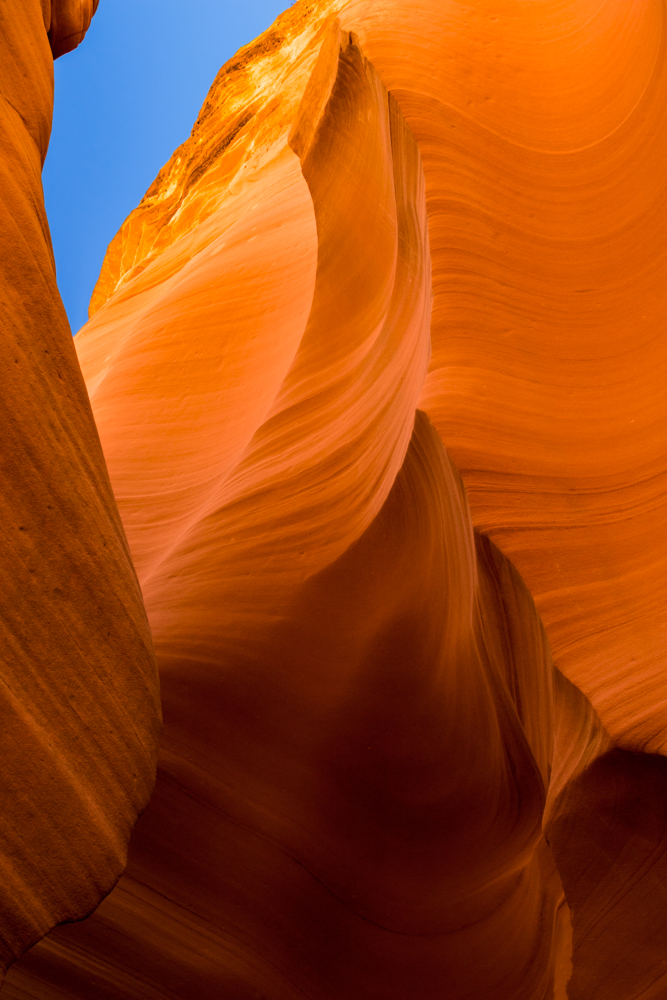
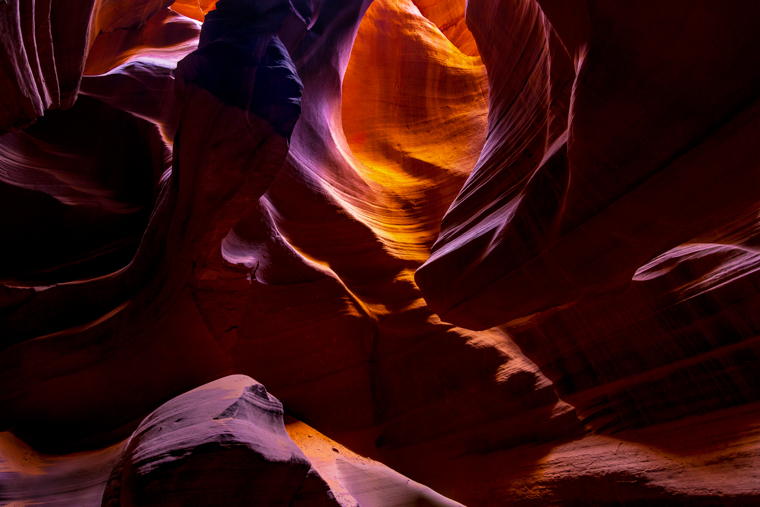
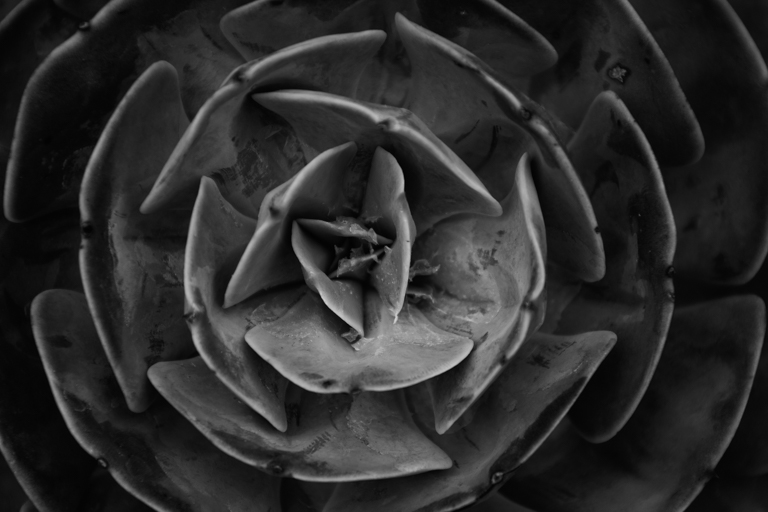
69 Feb 18 Comment Oh, I'd love to have this as a texture for backgrounds, its super cool. I really like Pierre's rendition of it, too.
It's interesting, undulating, well-focused, but I am still wanting my eye to settle somewhere. Just the tiniest crab or shell would have made this a winner for me.
Feb 11th
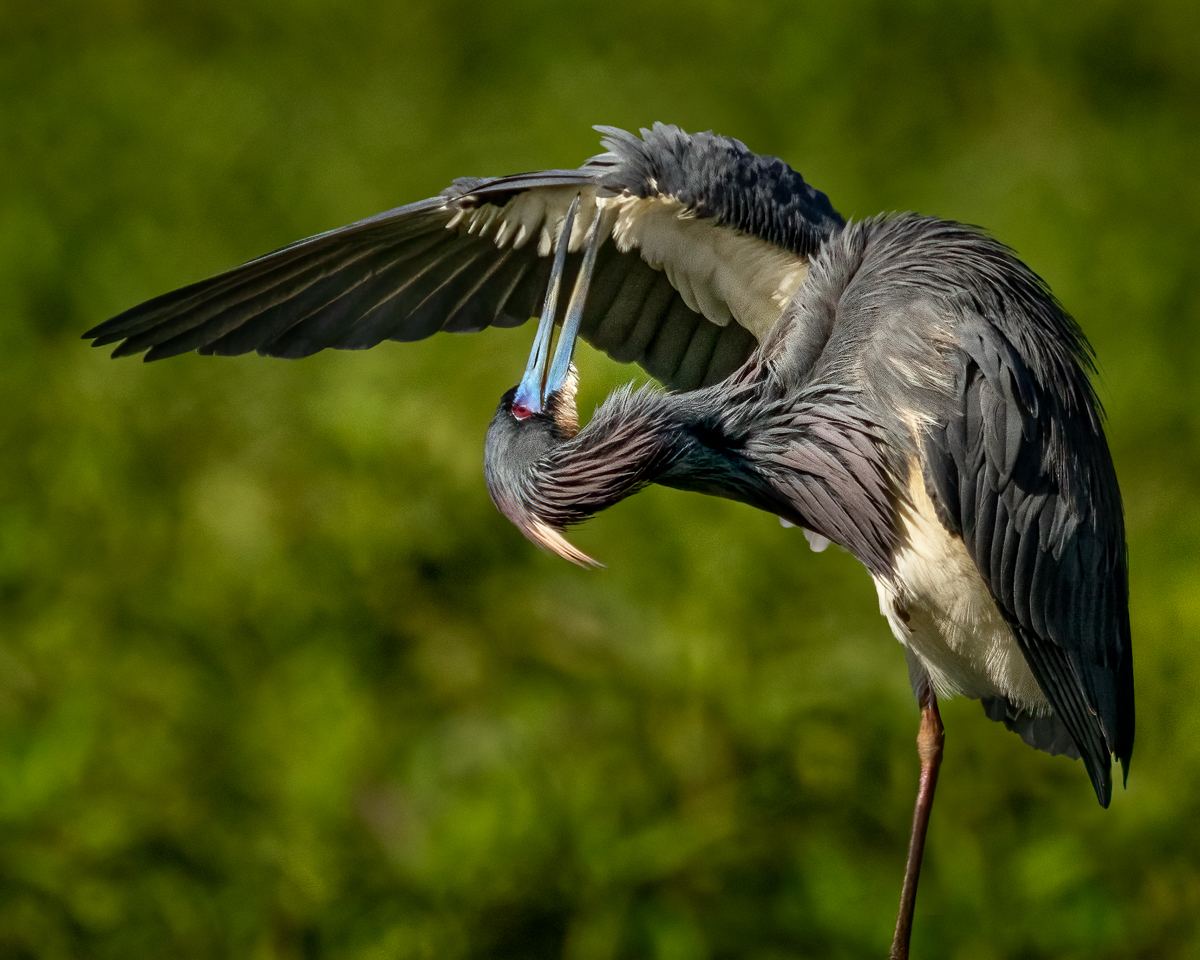
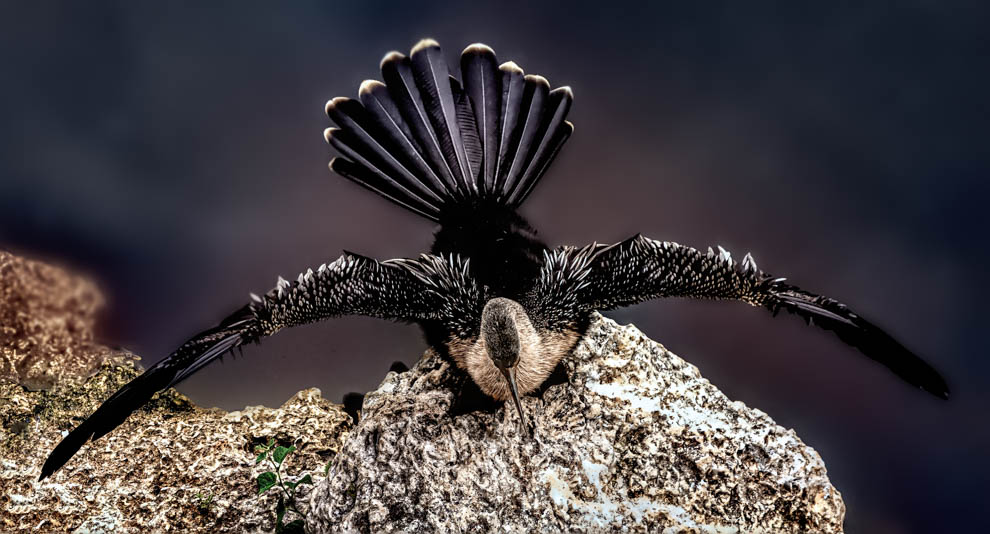
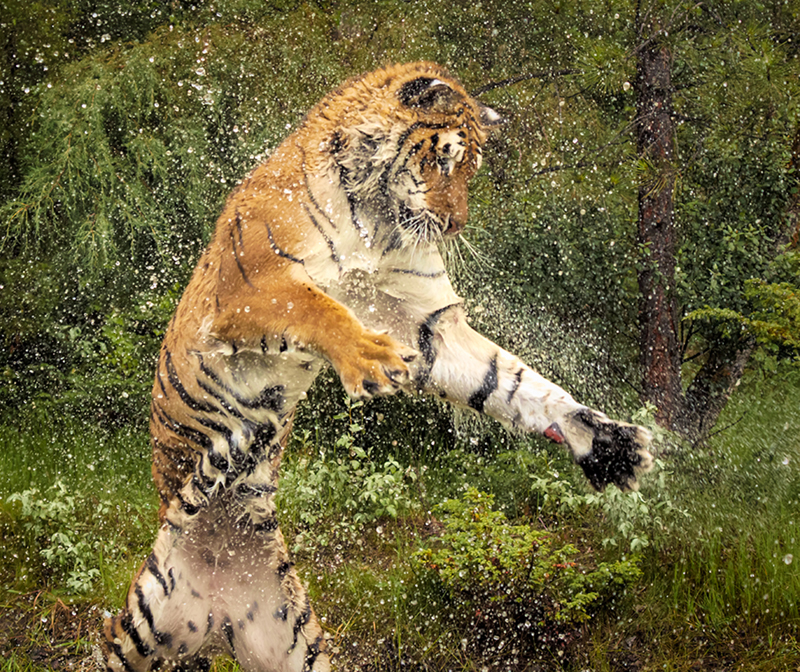
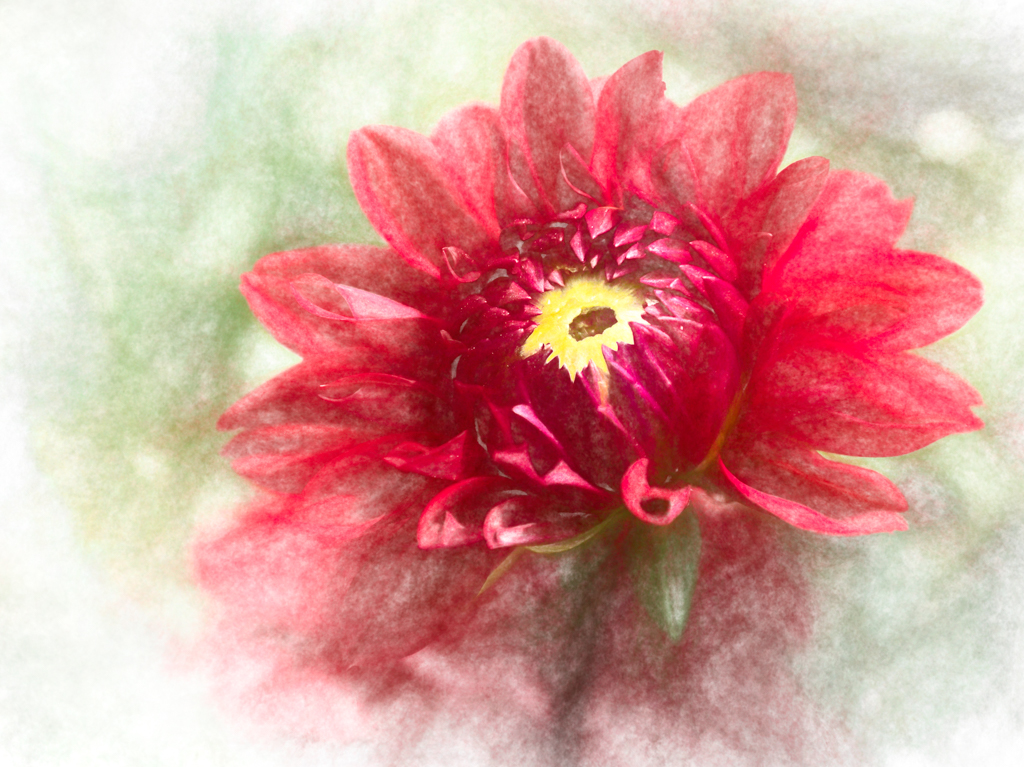
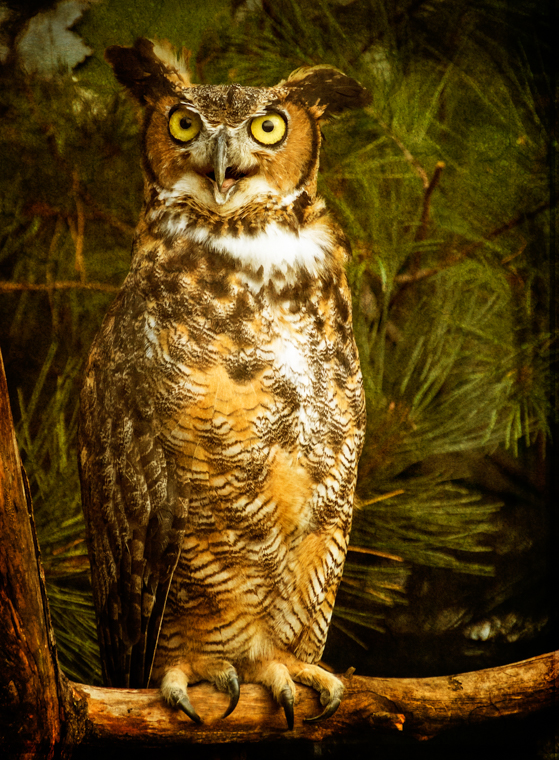
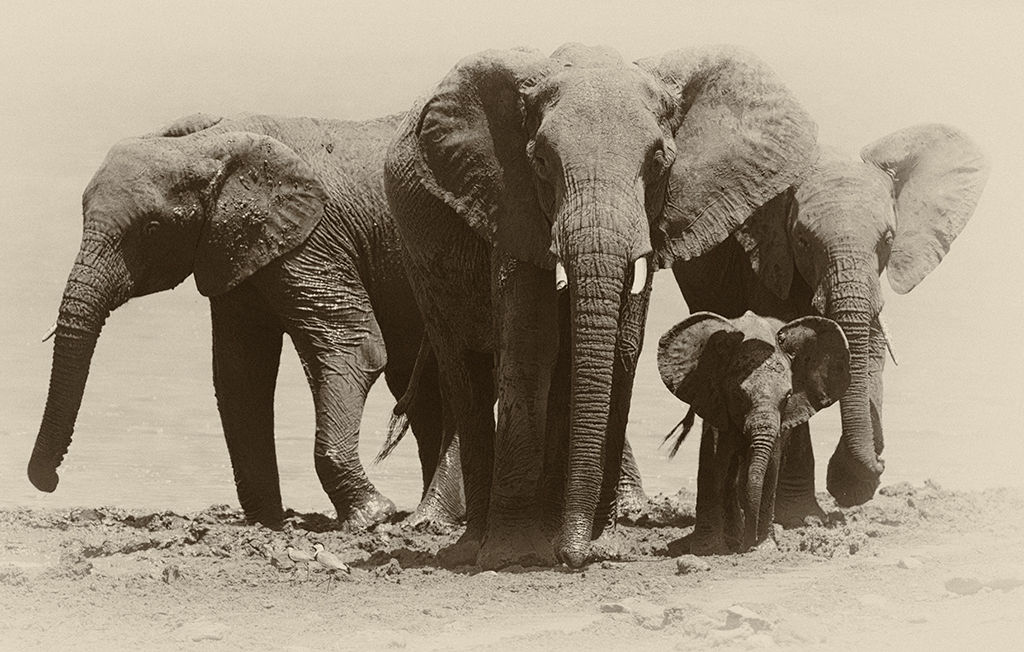
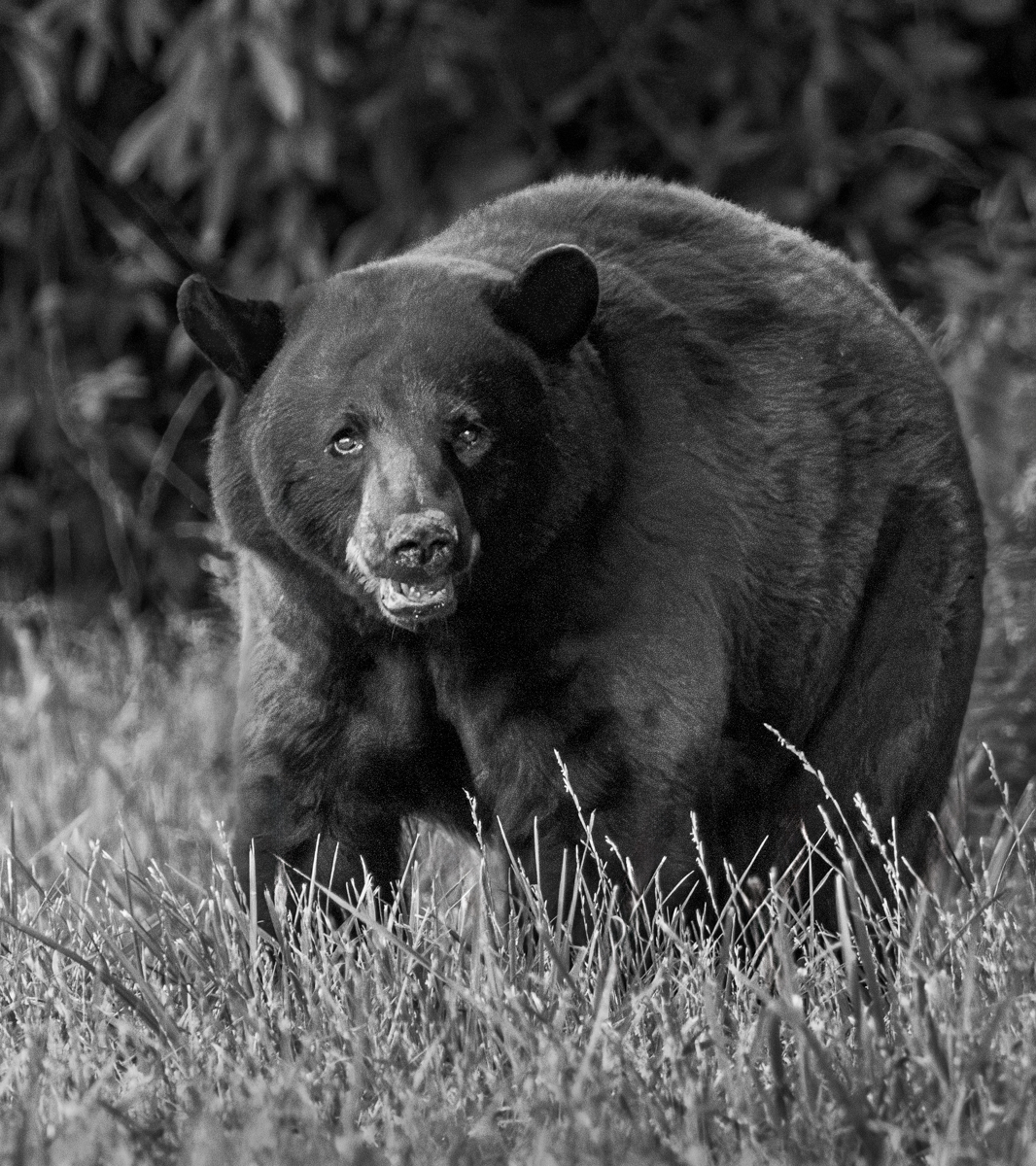
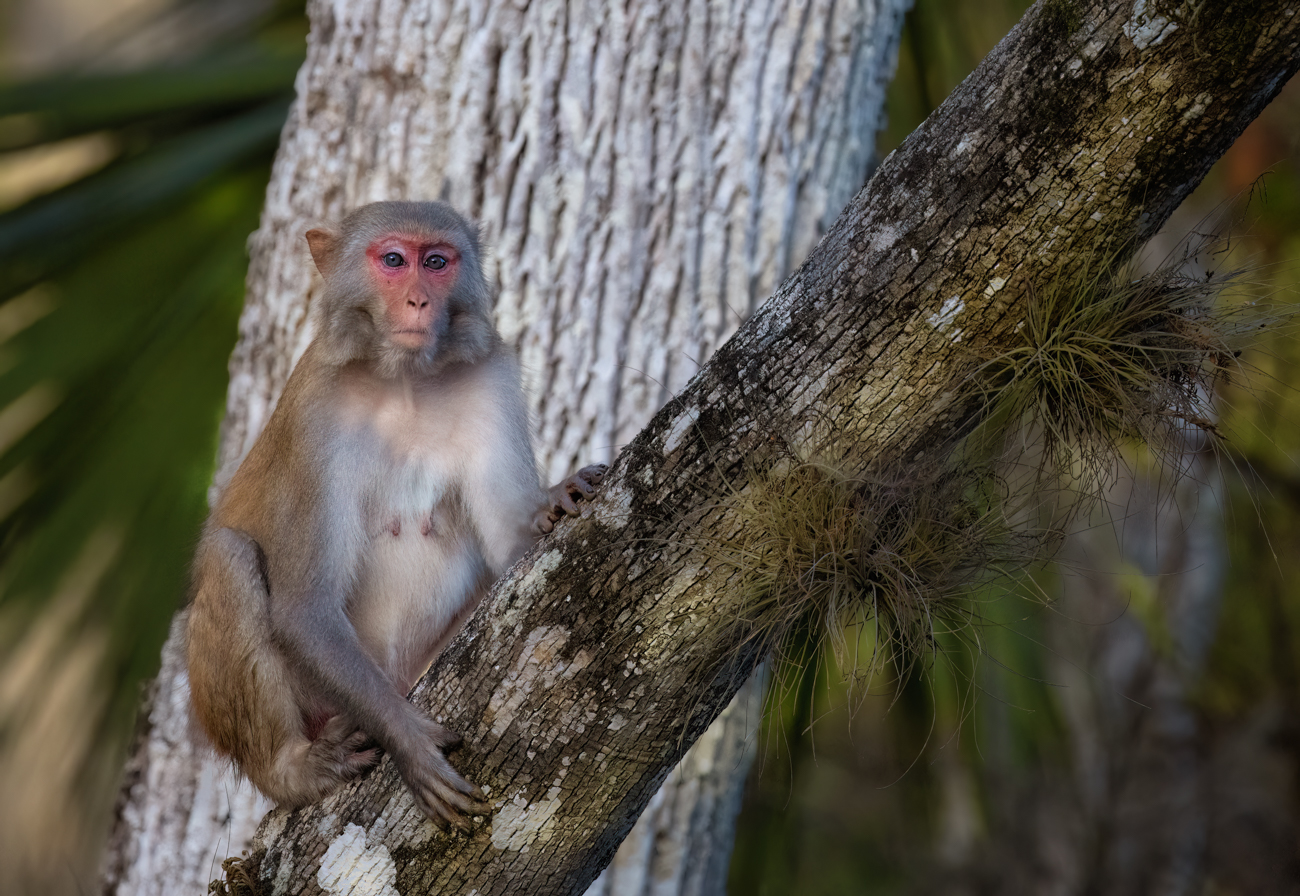
69 Feb 18 Comment Great to see another example of your textures at work! The sharpness is incredible! I do like the slightly softer background around the nose (your rendition for Mervyn).

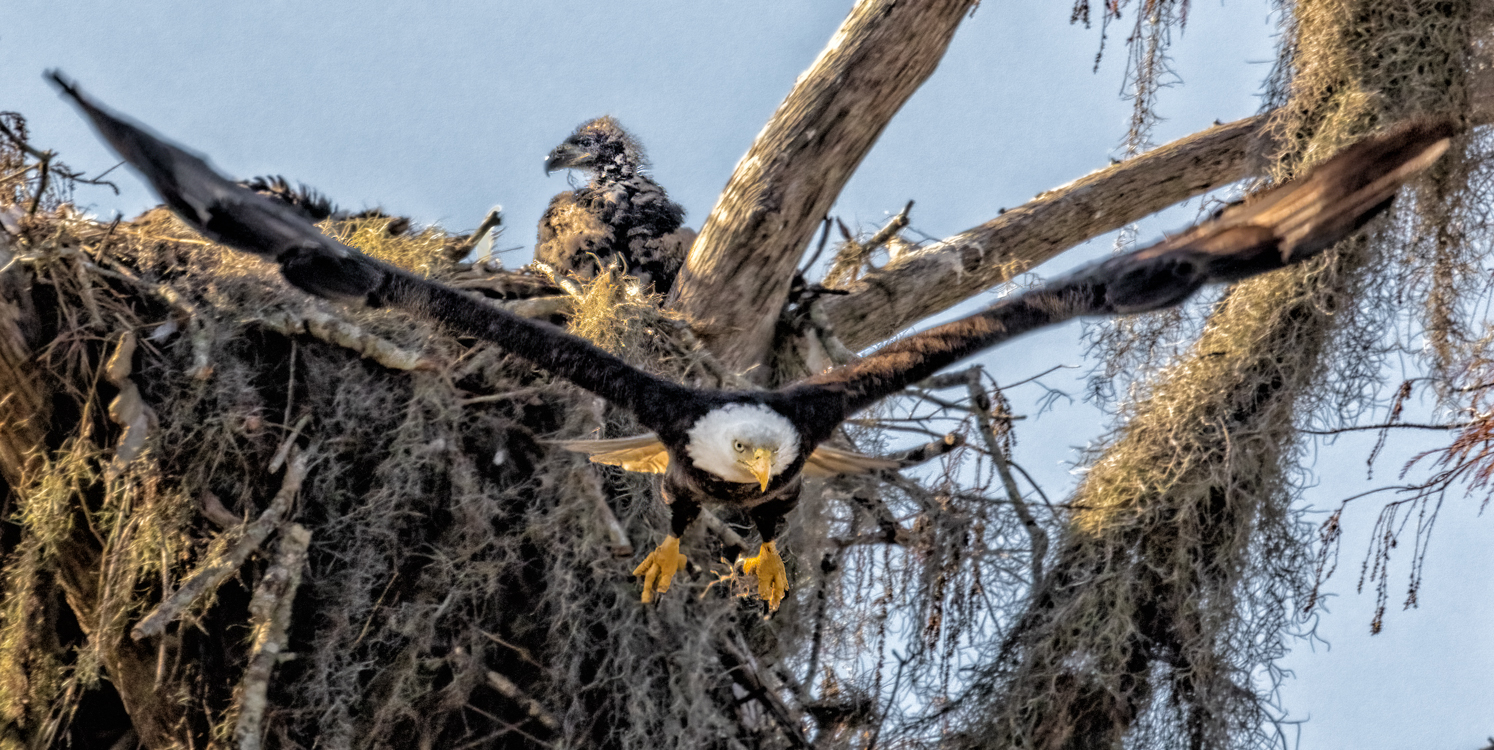
Darkening and texturing the background really turned this into an art photo, and also very dramatic, as he comes out of the dark at us. I will have to remember this trick also.

I am at the Newark to catch a flight, flying to Kissimmee for a month, so I'll have opportunities to gain more birds and reptile skills.
Feb 11th
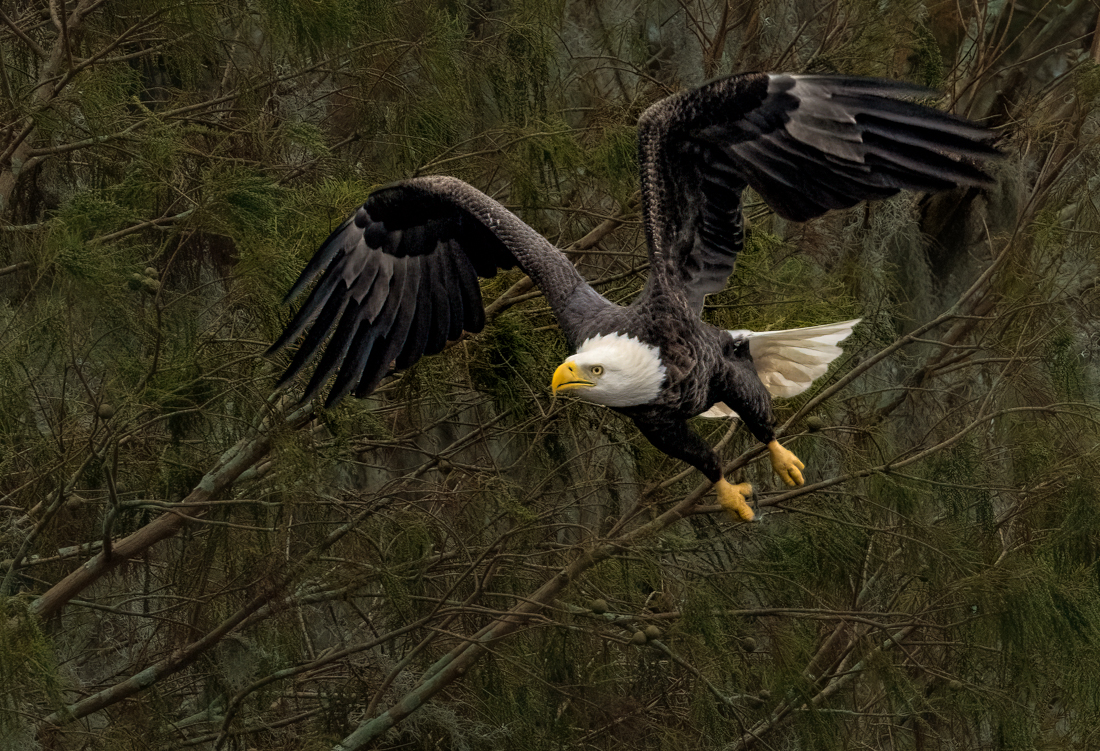
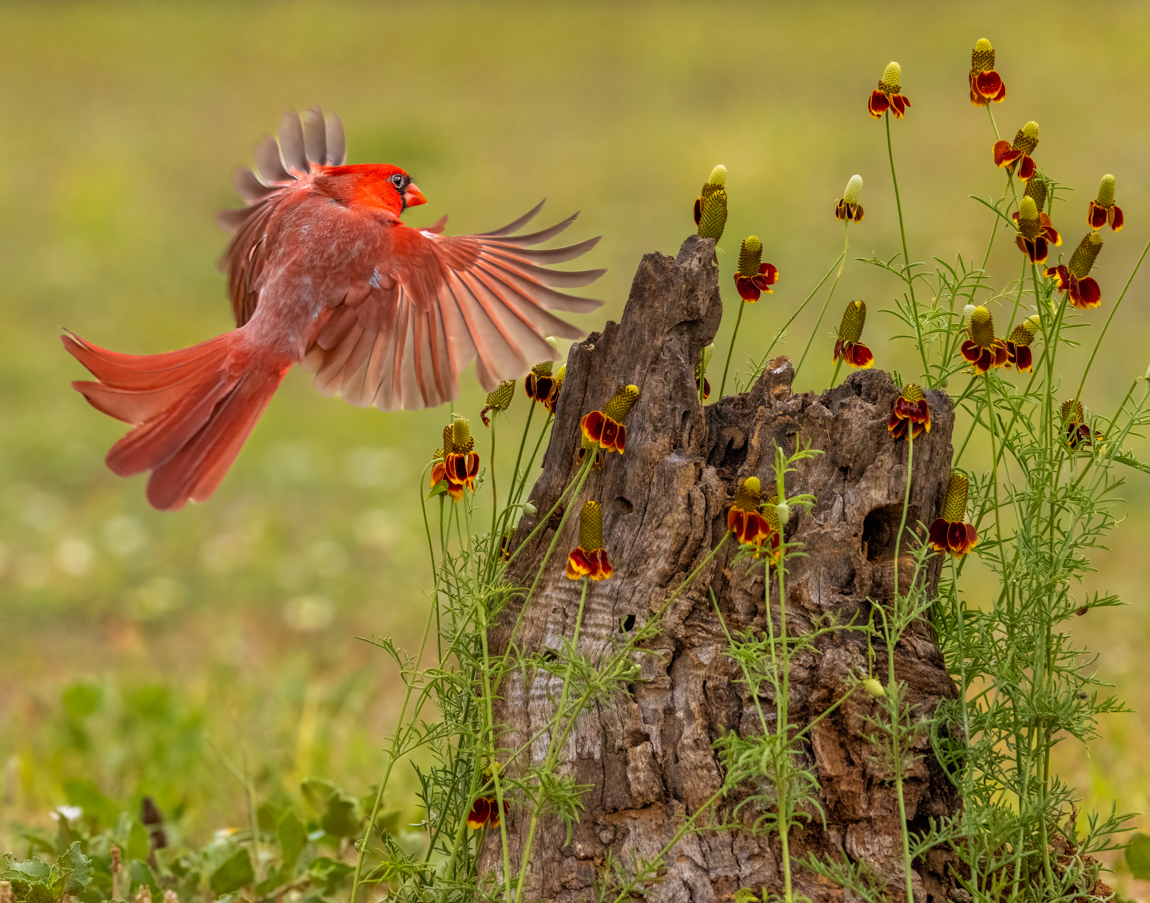
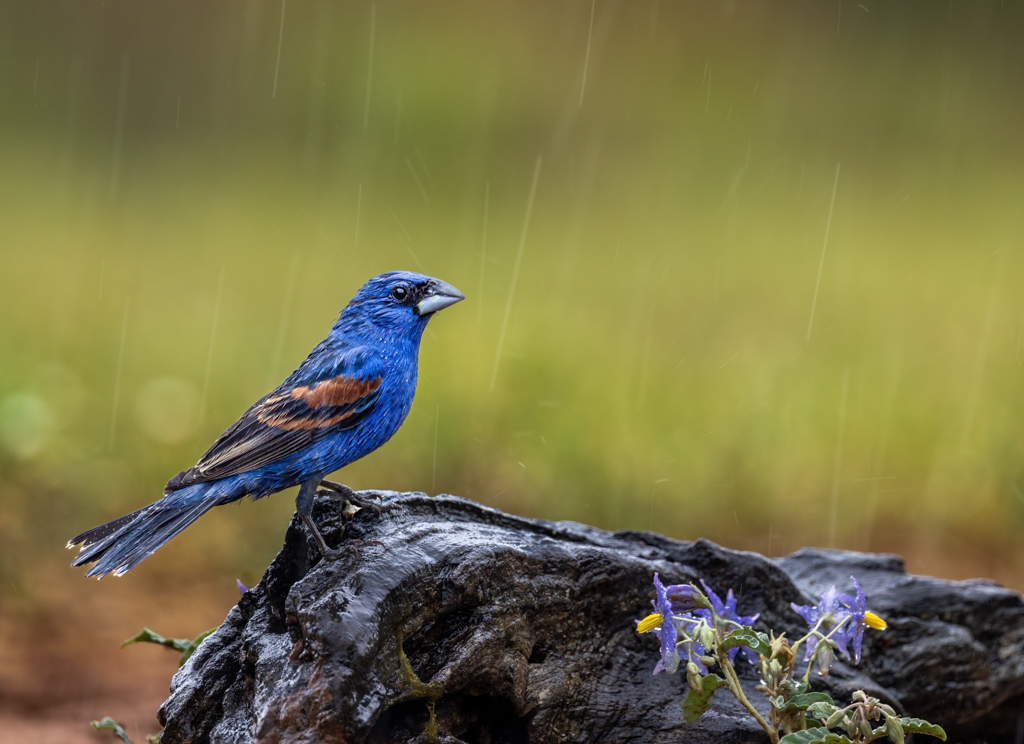
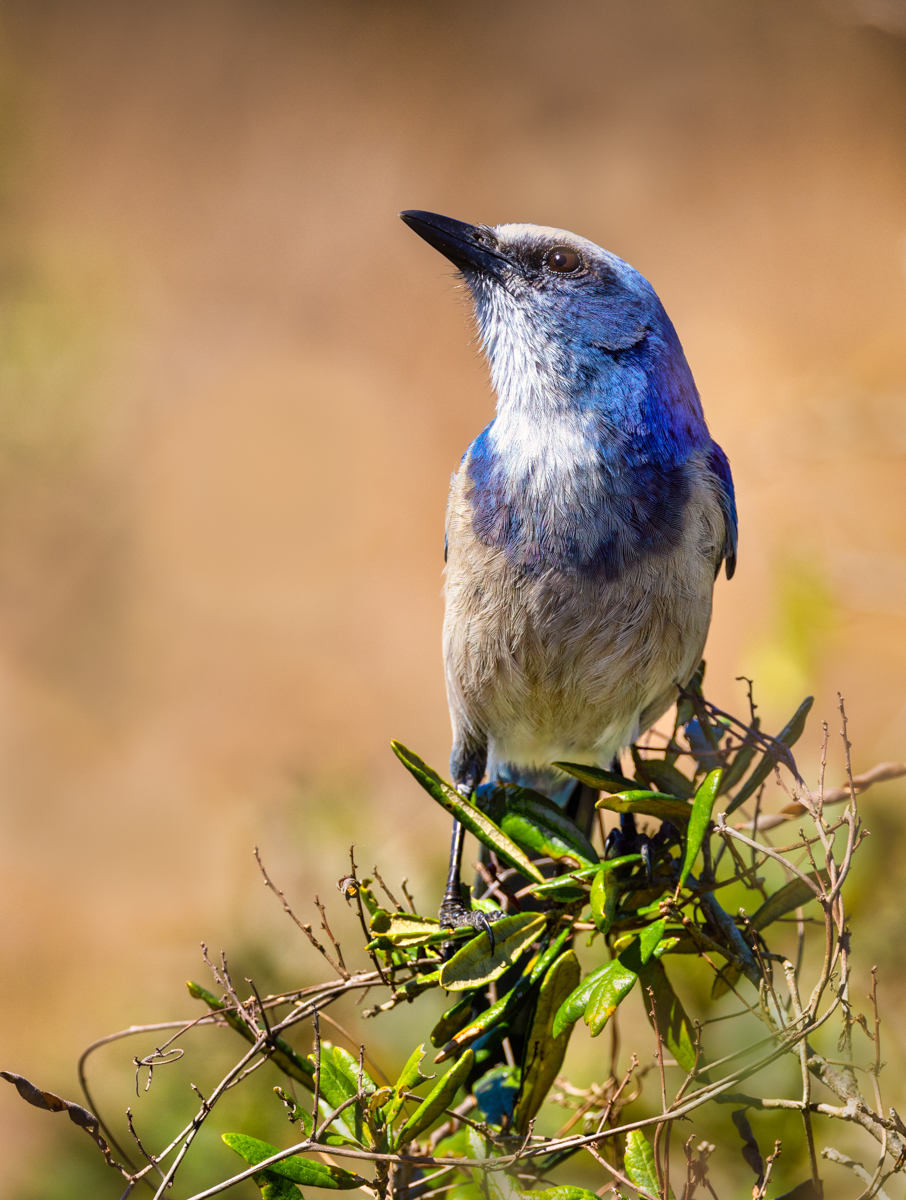
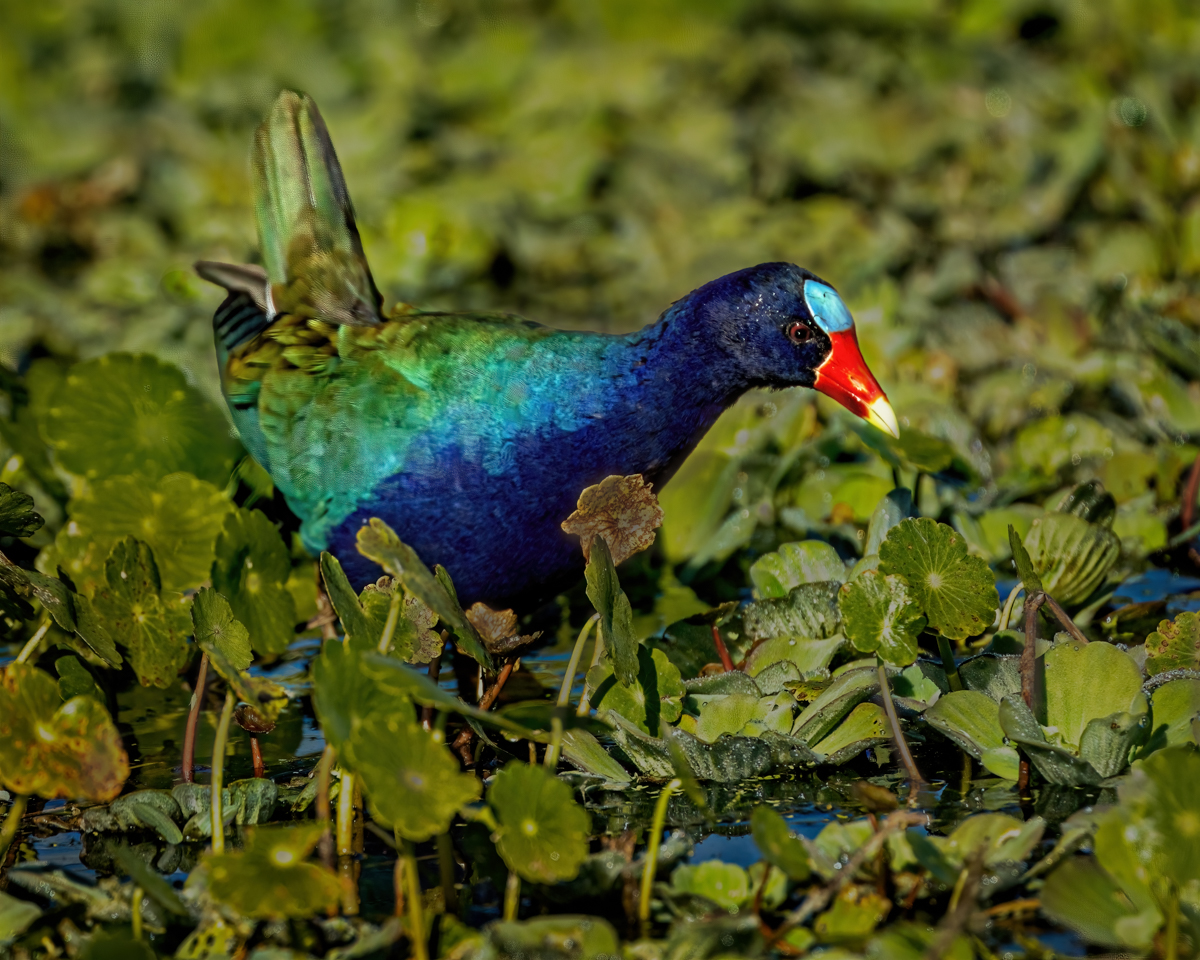
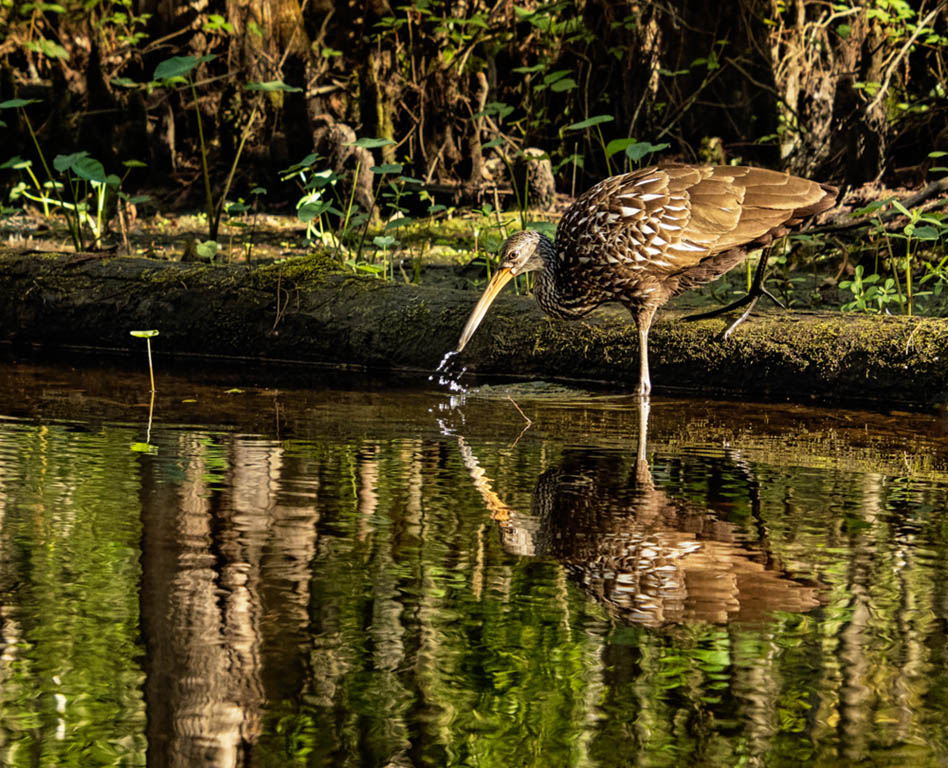
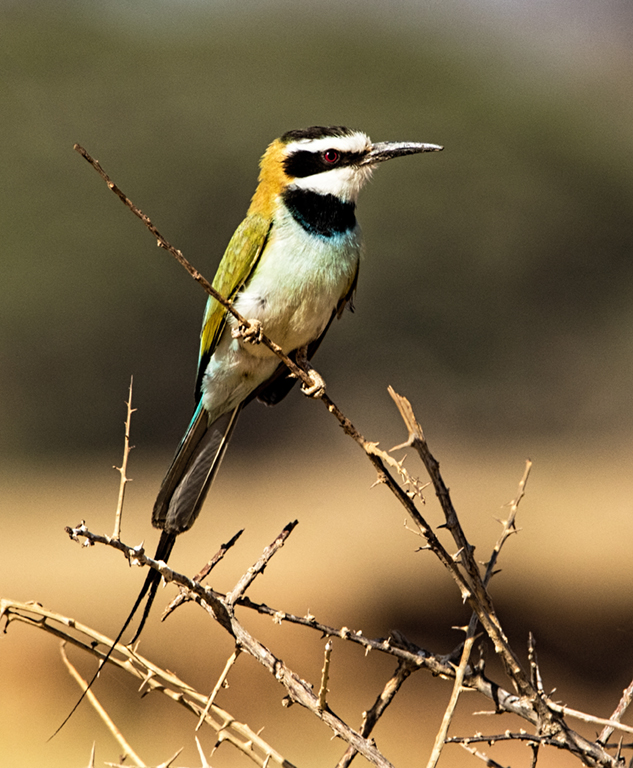
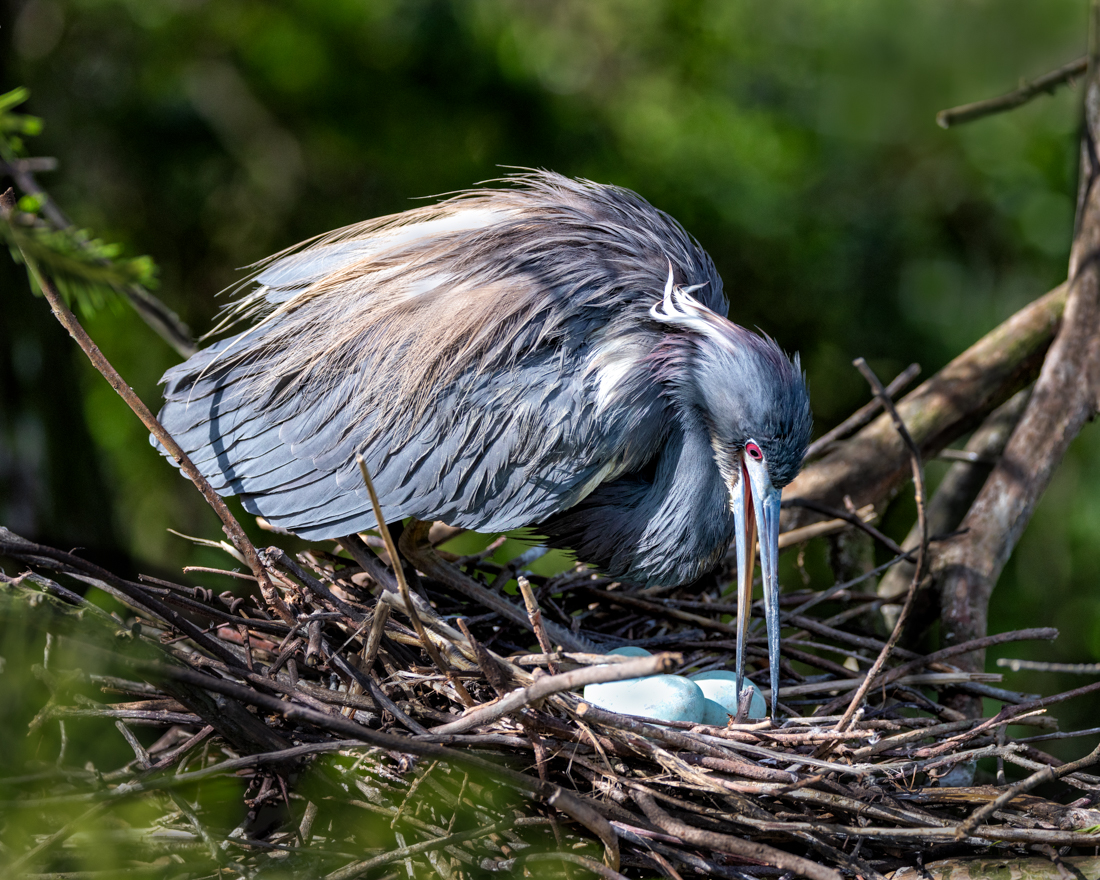
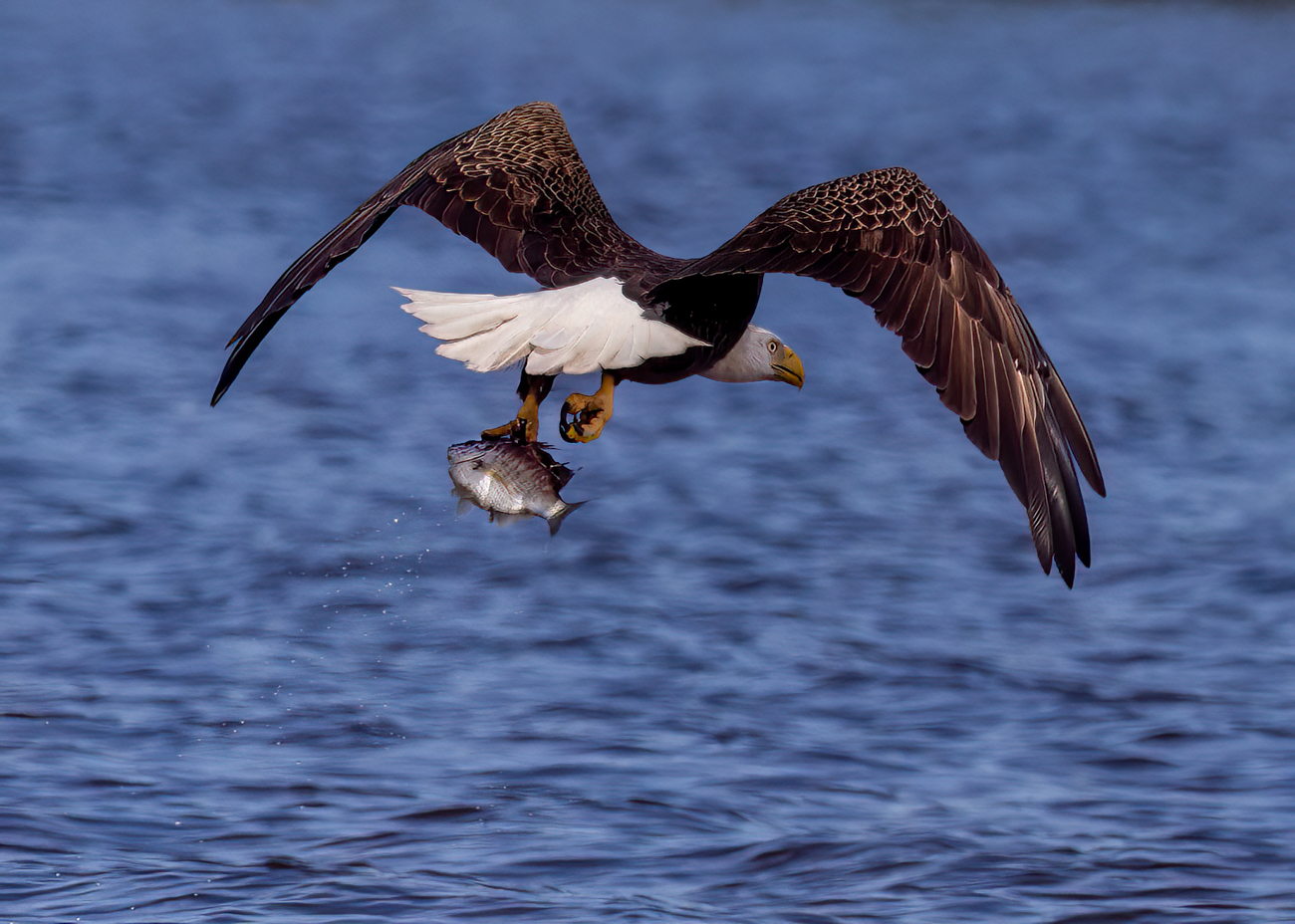
69 Feb 18 Comment I agree this is a sharp bird with a great blurred background. I do like the square crop---gotta remember to try that more!

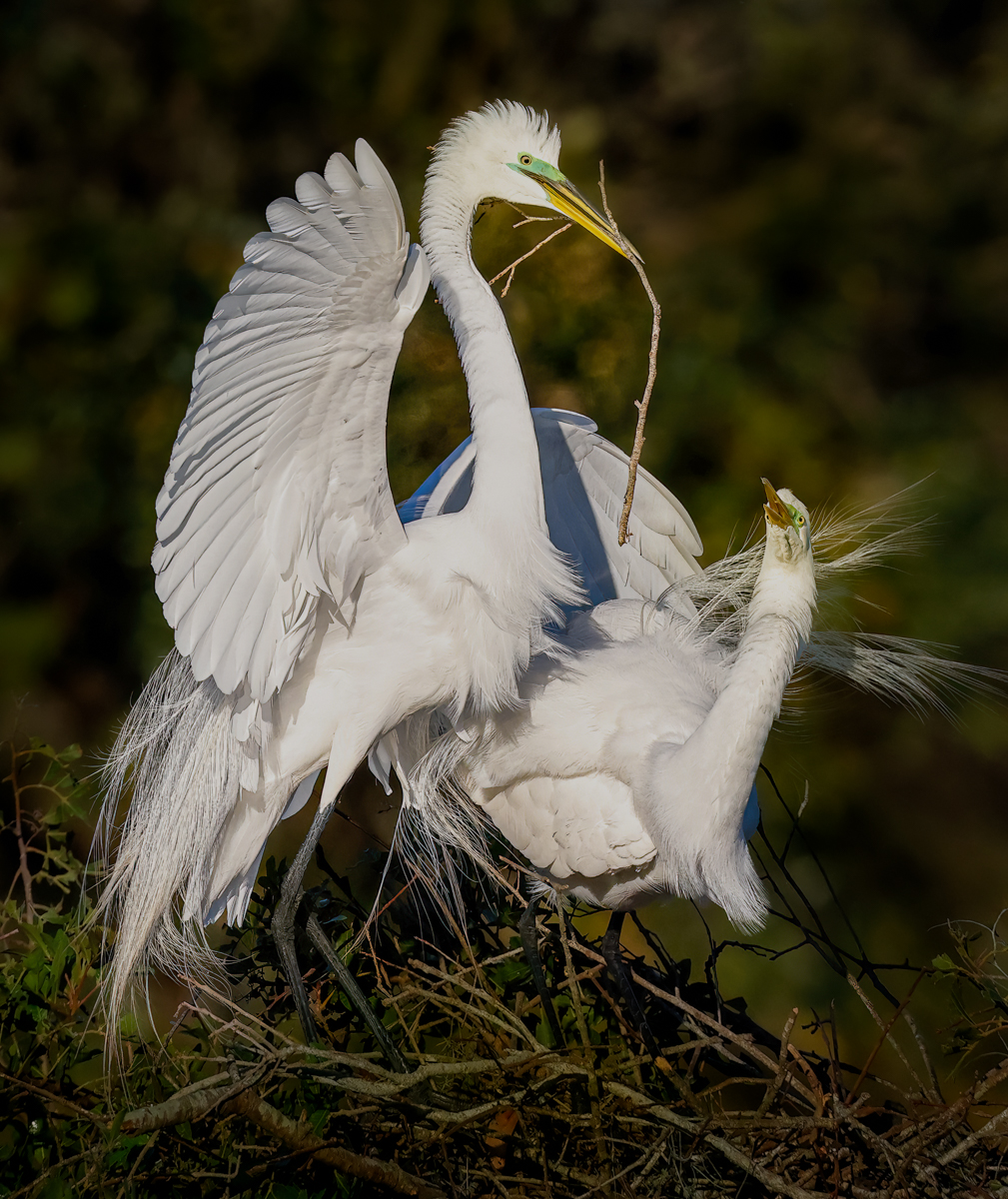
I love everything about this, except his darker eye. I would be tempted to open the shadows just a tiny bit so we see the bird looking at us with both eyes.

Well done!
Feb 11th
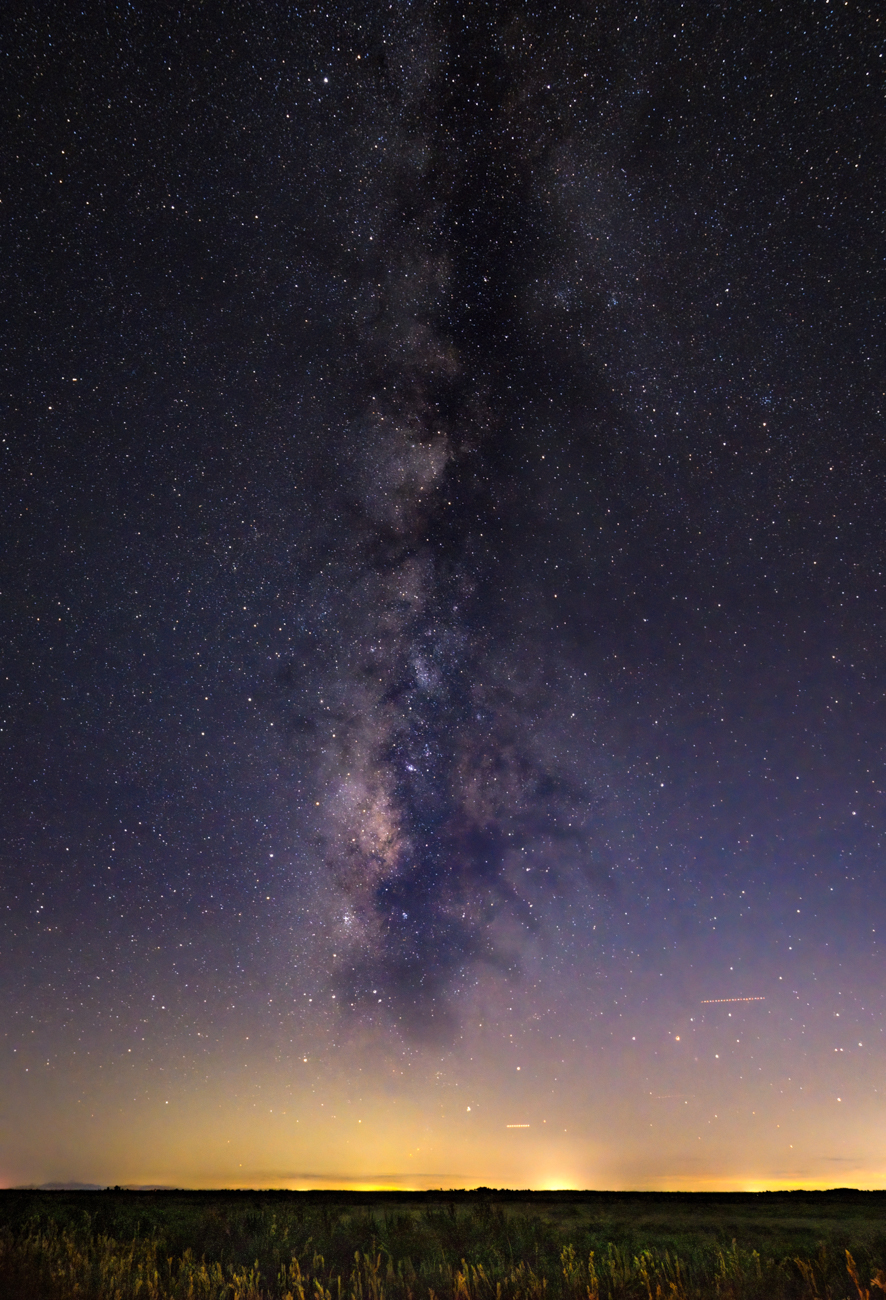
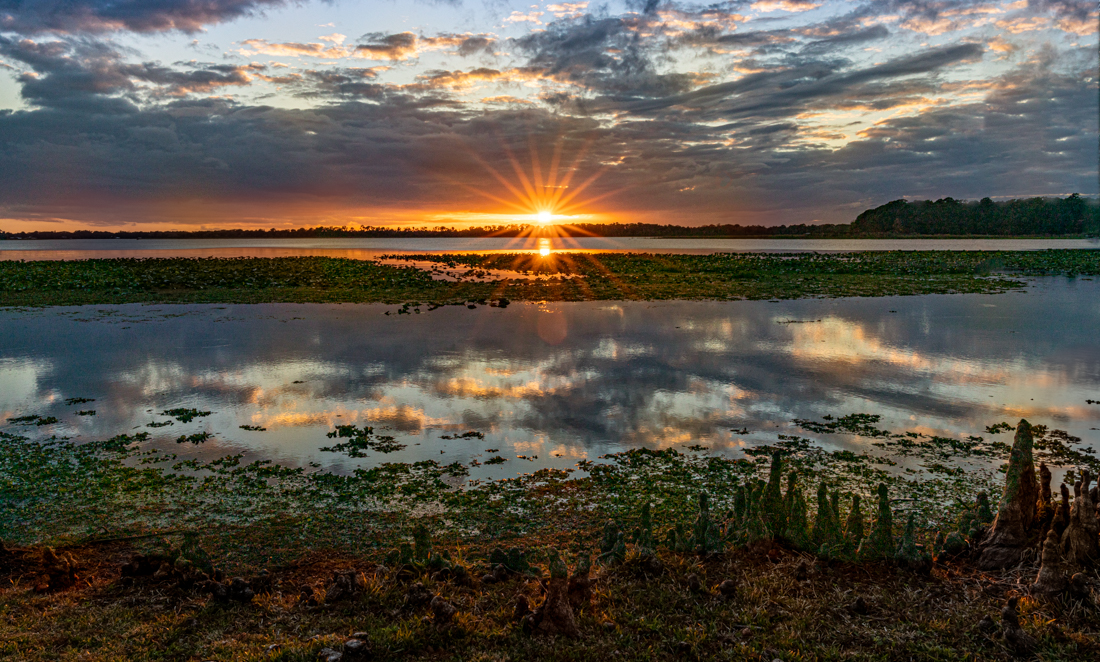
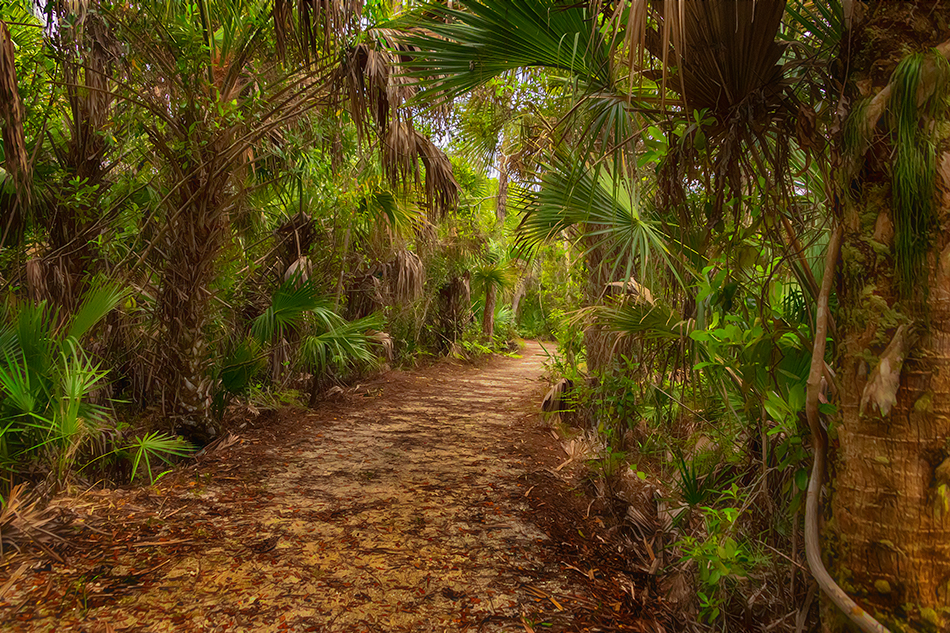
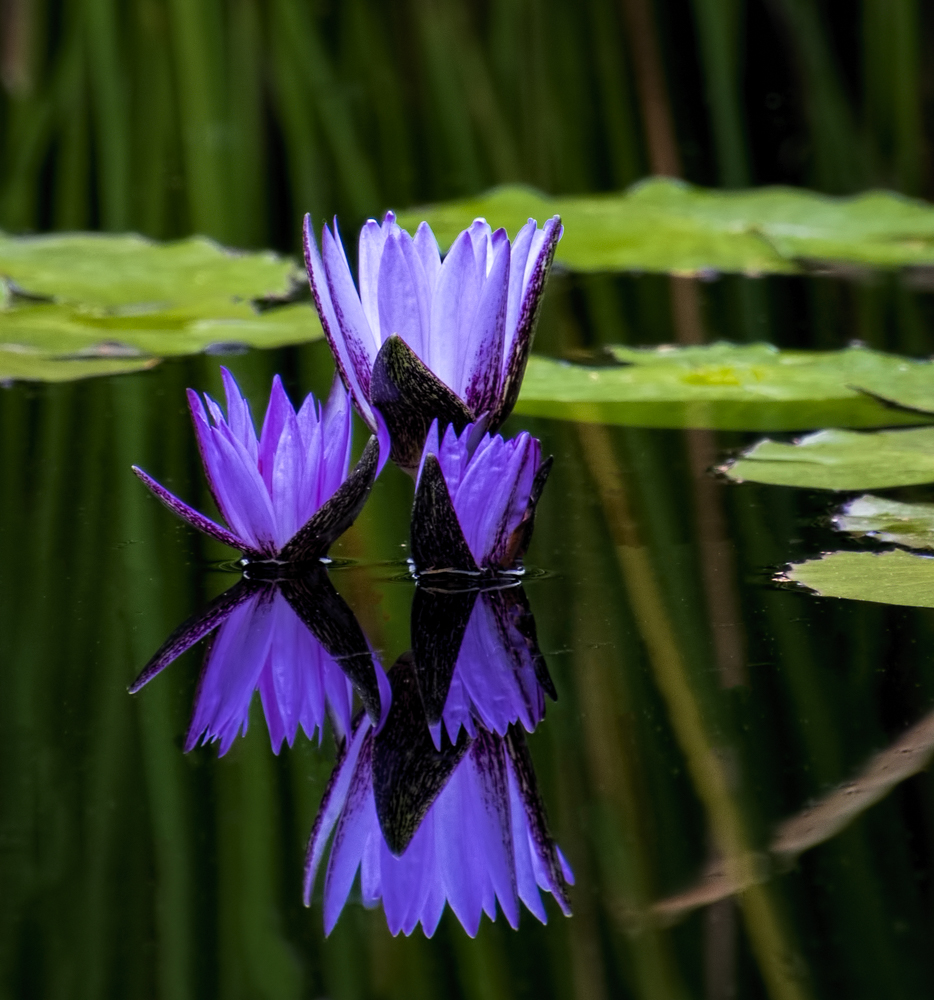
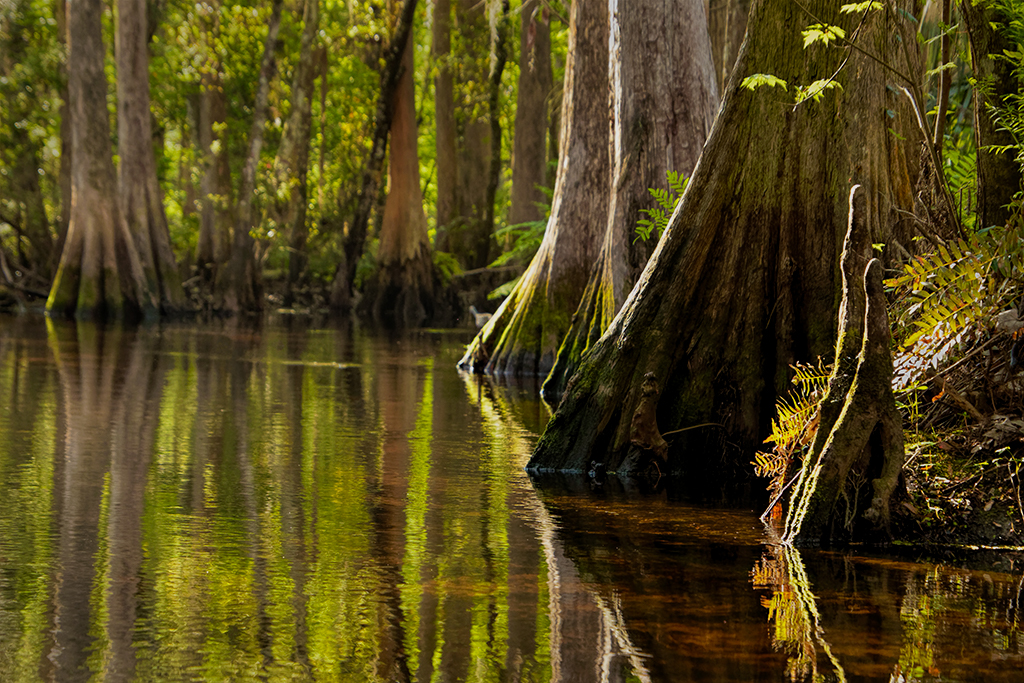
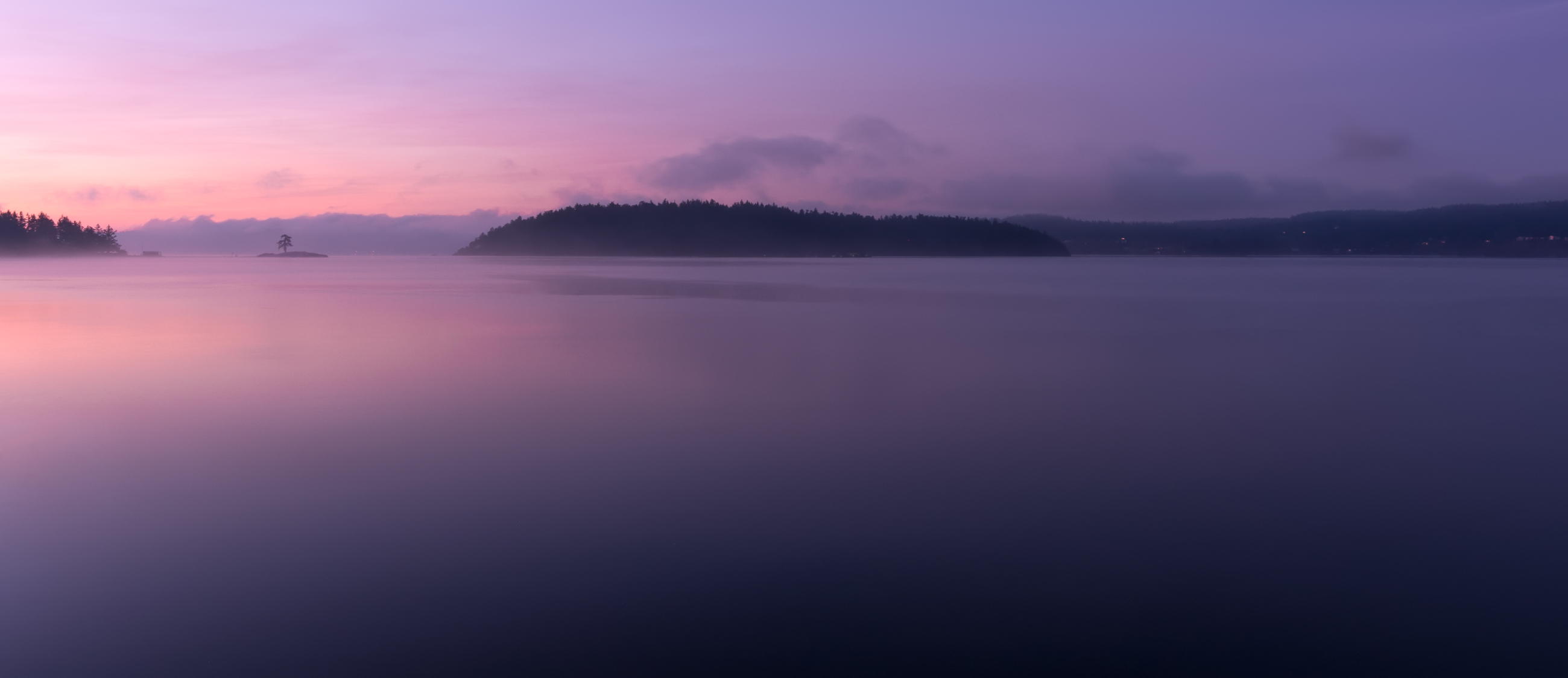
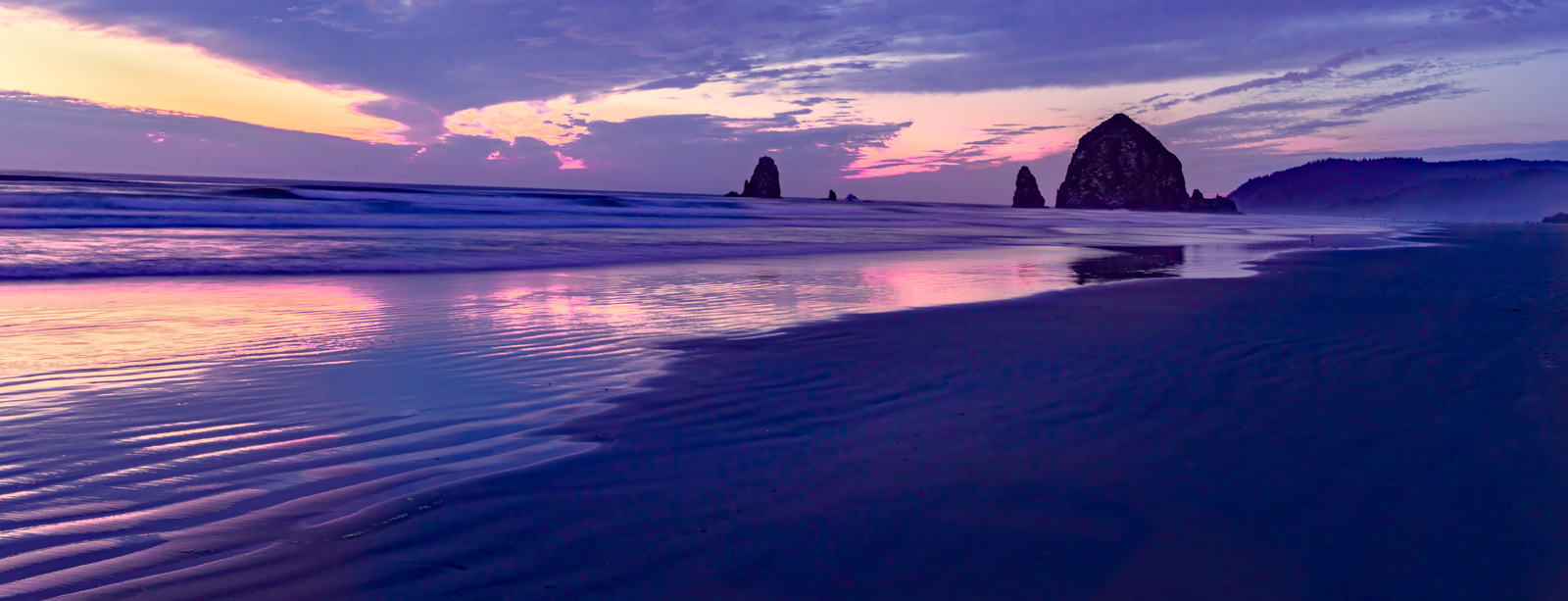
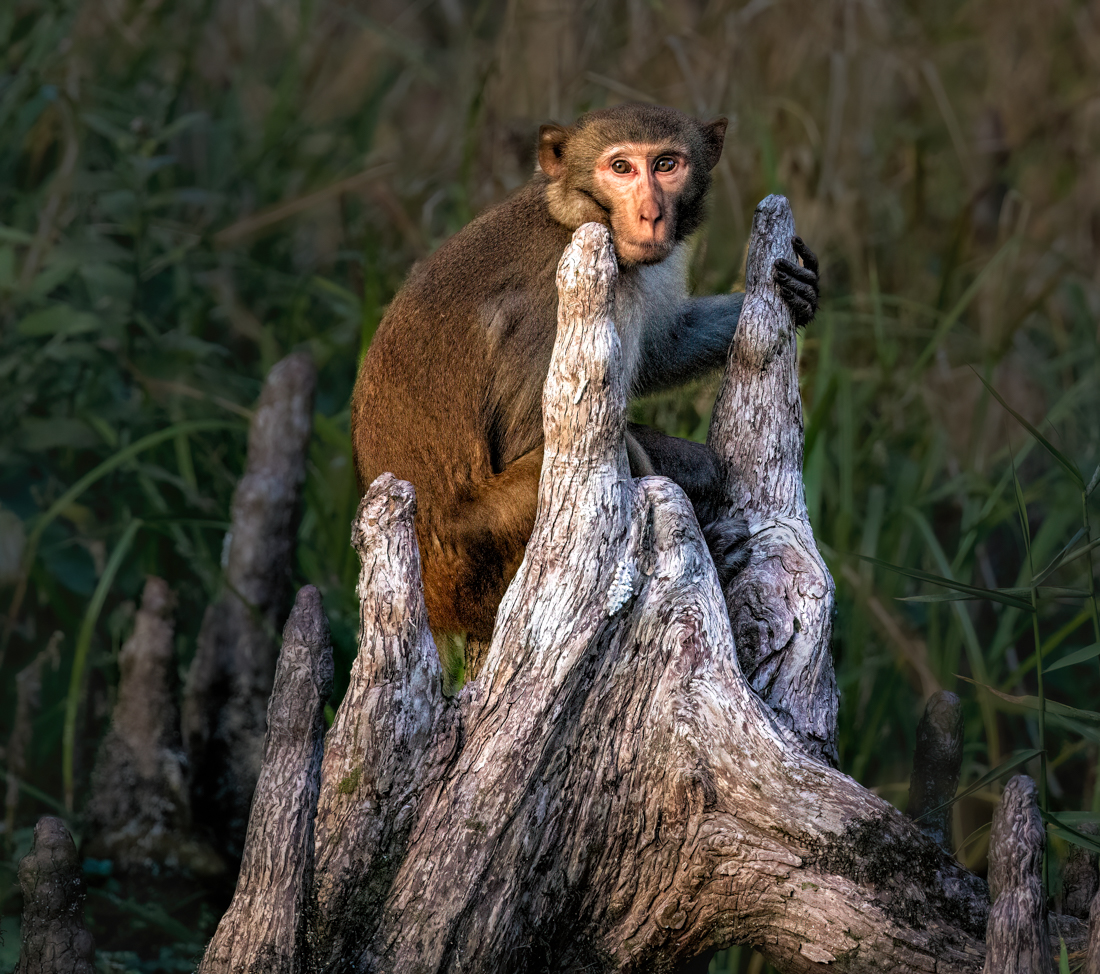
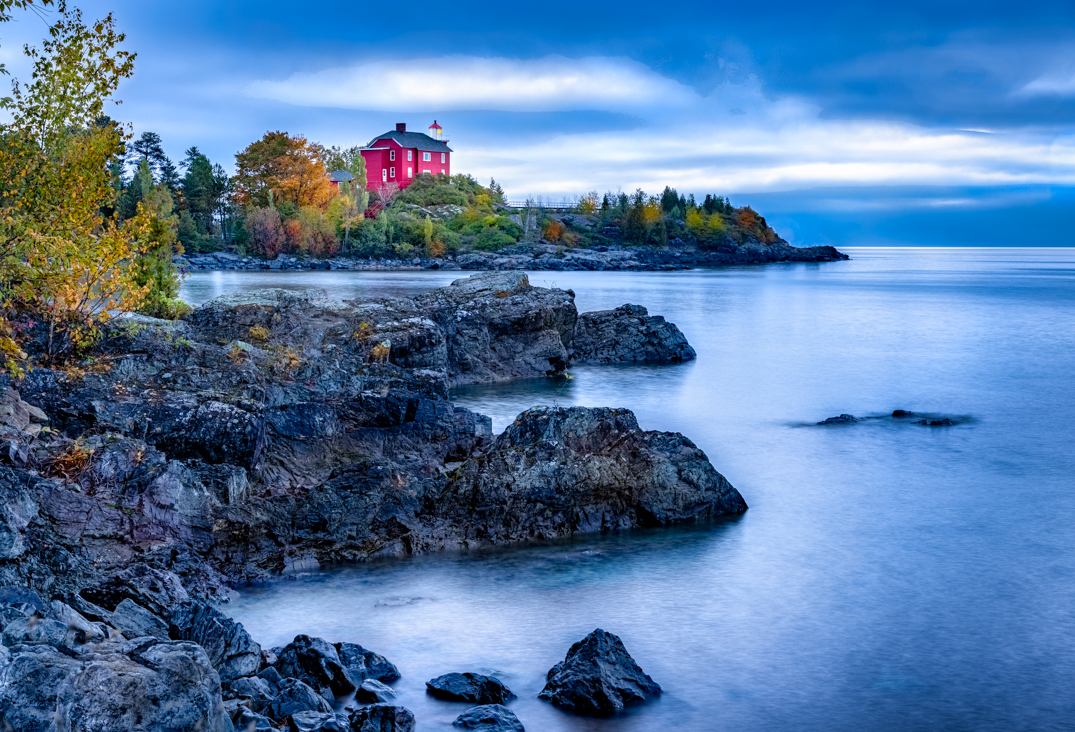
69 Feb 18 Comment I agree with the comments above, really an idyllic setting. and your composition is really spectacular.

I wonder if Photoshop Motion blur or Smart Sharpen might help sharpen your pix. Topaz Sharpen does fix a lot of this type of issue.

It seems a bit oversaturated to me? No one else mentioned it, so it may just be my monitor. Scott Kelby says to never use Saturation in Light Room or Photoshop, that is is a terrible algorythm. He recommends Contrast, Vibrance and Clarity instead, I do find that works wonders.

I would love to go to this place. Really breathtaking!
Feb 11th
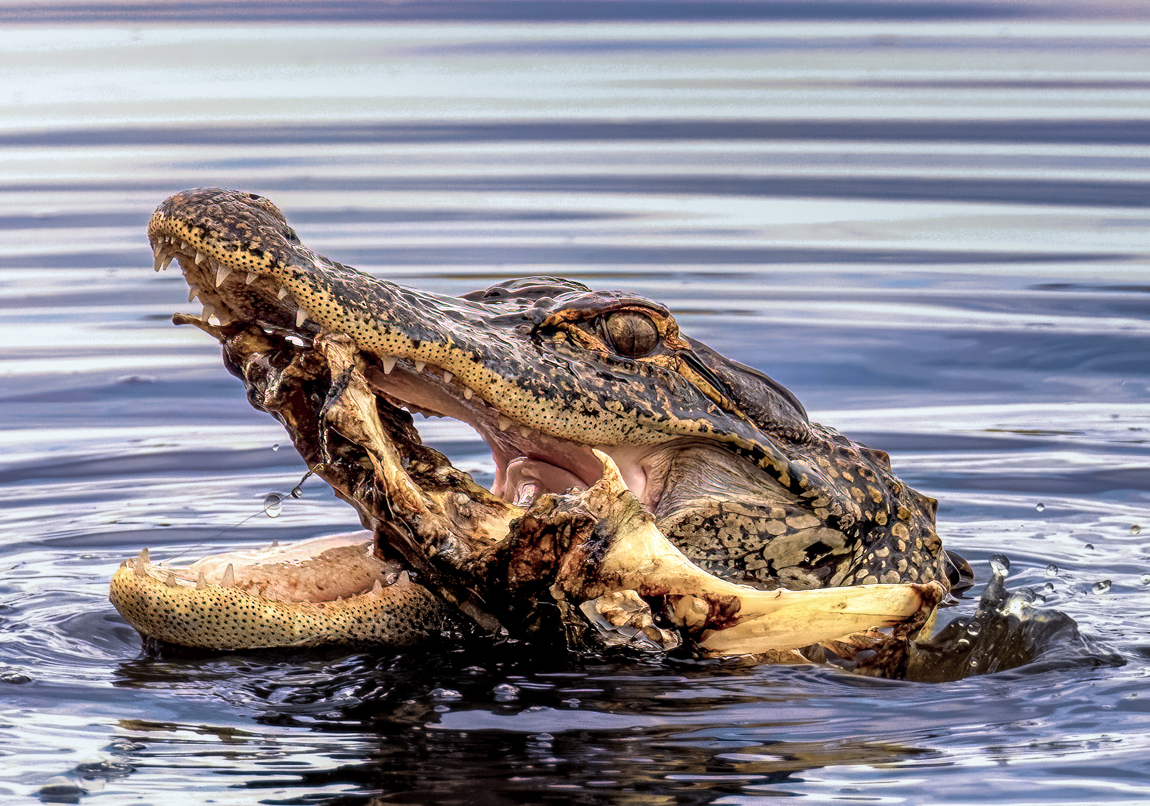
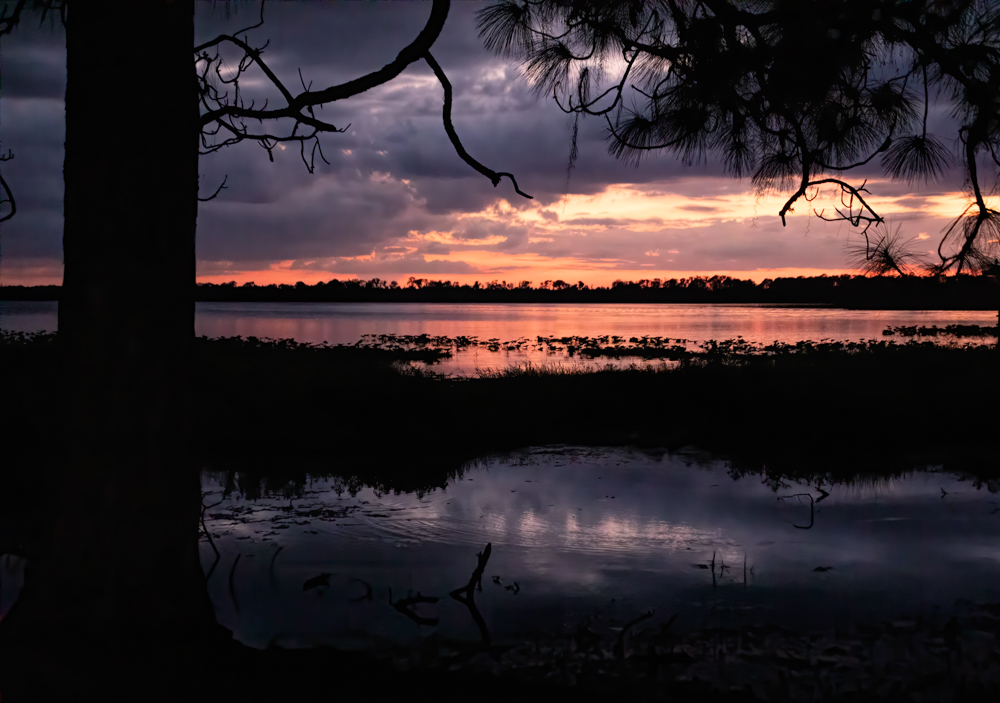
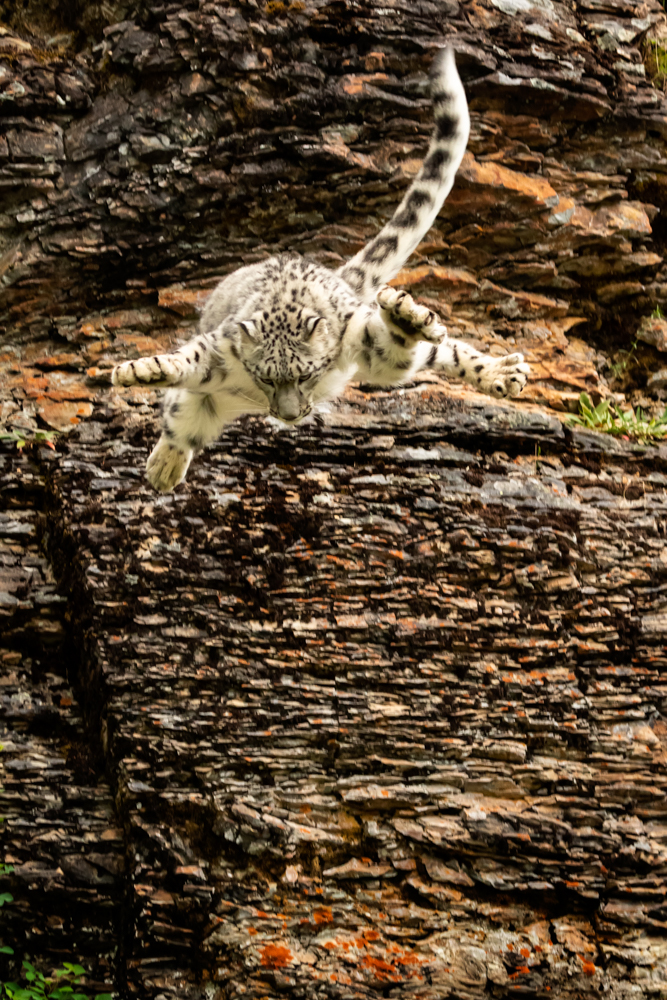
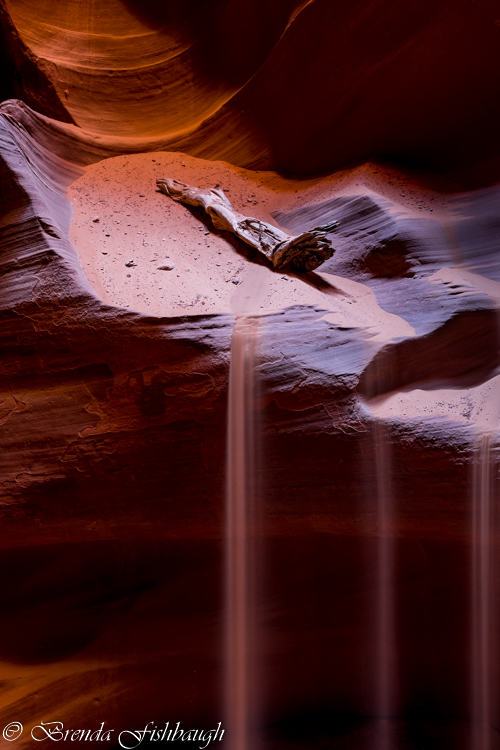
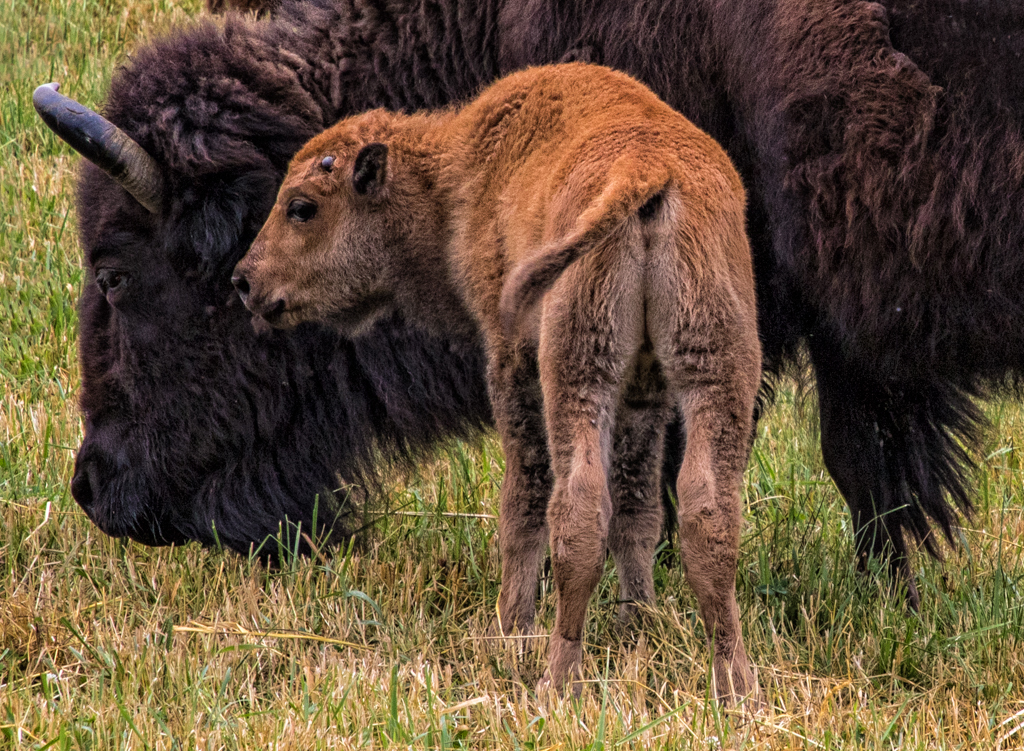
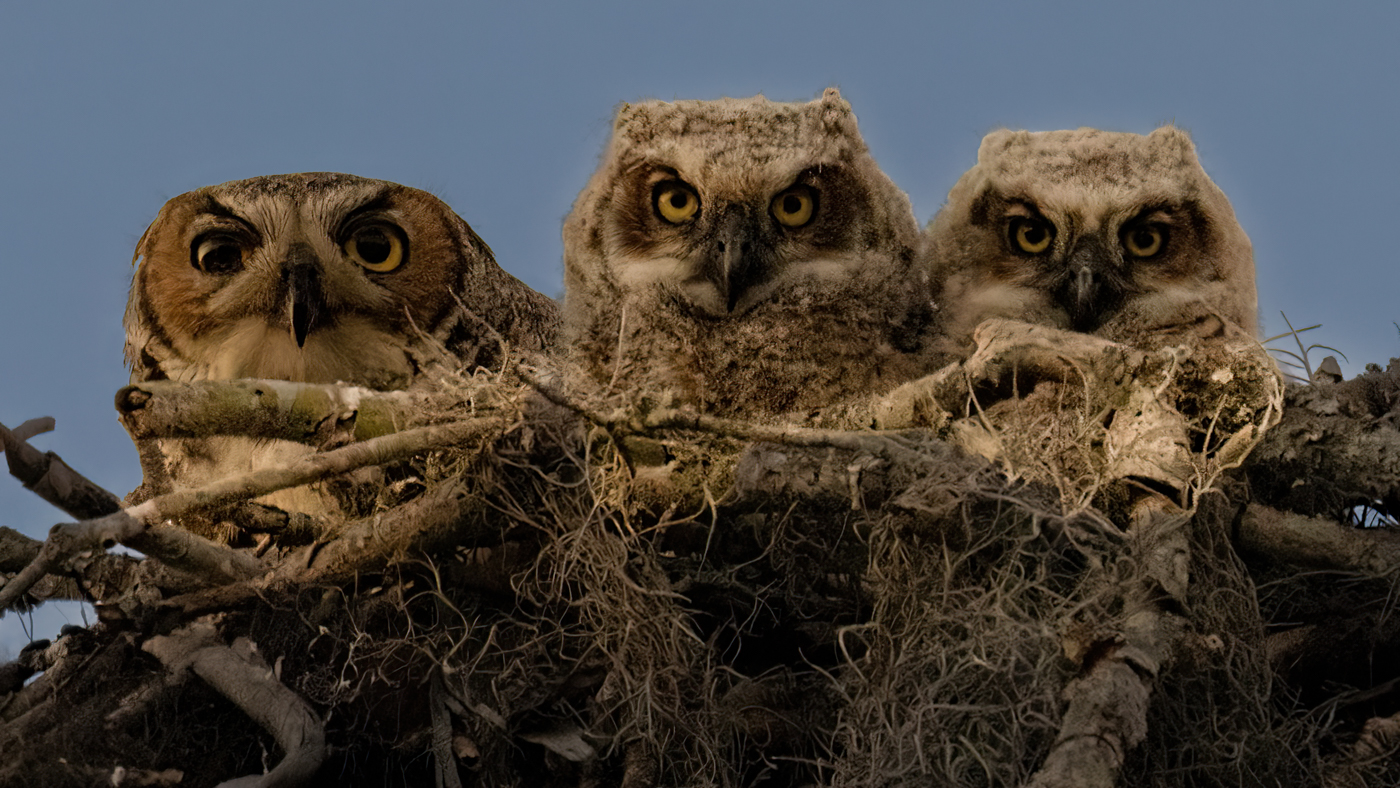
69 Feb 18 Comment Sweet pic! I do agree that a slight bottom crop focuses us more. I would be tempted to add a bit more black to richen all colors, but that may just be my monitor.

Great stop action!
Feb 11th

6 comments - 1 reply for Group 69


6 comments - 1 reply Total


159 Images Posted

  = Current Round   = Previous Round
Group 69

Dec 22

Nov 22

Oct 22

Sep 22

Aug 22

Jul 22

Jun 22

May 22

Apr 22

Mar 22

Feb 22

Jan 22

Dec 21

Nov 21

Oct 21

Sep 21

Aug 21

Jul 21

Jun 21

May 21

Apr 21

Mar 21

Feb 21

Jan 21

Dec 20

Nov 20

Oct 20

Sep 20

Aug 20

Jul 20

Jun 20

May 20

Apr 20

Feb 20

Jan 20

Dec 19

Nov 19

Oct 19

Sep 19

Aug 19

Jul 19

Jun 19

May 19

Apr 19

Mar 19

Feb 19

Jan 19

Dec 18

Nov 18

Oct 18

Sep 18

Aug 18

Jul 18

Jun 18

Apr 18

Mar 18

Feb 18

Jan 18

Dec 17

Nov 17

Oct 17

Sep 17

Aug 17

Jul 17

Jun 17

May 17

Apr 17

Mar 17

Feb 17

Jan 17
Group 78

Apr 26

Mar 26

Feb 26

Jan 26

Dec 25

Nov 25

Oct 25

Sep 25

Aug 25

Jul 25

Jun 25

May 25

Apr 25

Mar 25

Feb 25

Jan 25

Nov 24

Oct 24

Sep 24

Aug 24

Jul 24

Jun 24

May 24

Apr 24

Mar 24

Feb 24

Dec 23

Nov 23

Oct 23

Sep 23

Aug 23

Jul 23

Jun 23

May 23

Apr 23

Mar 23

Feb 23

Jan 23

Dec 22

Nov 22

Oct 22

Sep 22

Aug 22

Jul 22

Jun 22

May 22

Apr 22

Mar 22

Jan 22

Dec 21

Nov 21

Oct 21

Sep 21

Aug 21

Jul 21

Jun 21

May 21

Apr 21

Mar 21

Feb 21

Jan 21

Dec 20

Nov 20

Oct 20

Sep 20

Aug 20

Jul 20

Jun 20

May 20

Apr 20

Mar 20

Feb 20

Jan 20

Dec 19

Nov 19

Oct 19

Aug 19

Jul 19

Jun 19

May 19

Apr 19

Mar 19

Feb 19

Jan 19

Dec 18

Nov 18

Oct 18

Sep 18

Aug 18

Close this Tab when done