|
| Group |
Round |
C/R |
Comment |
Date |
Image |
| 22 |
Mar 19 |
Comment |
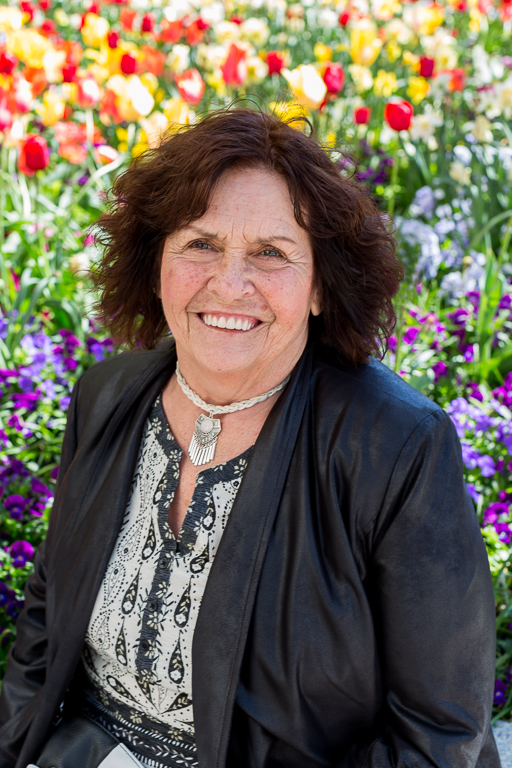
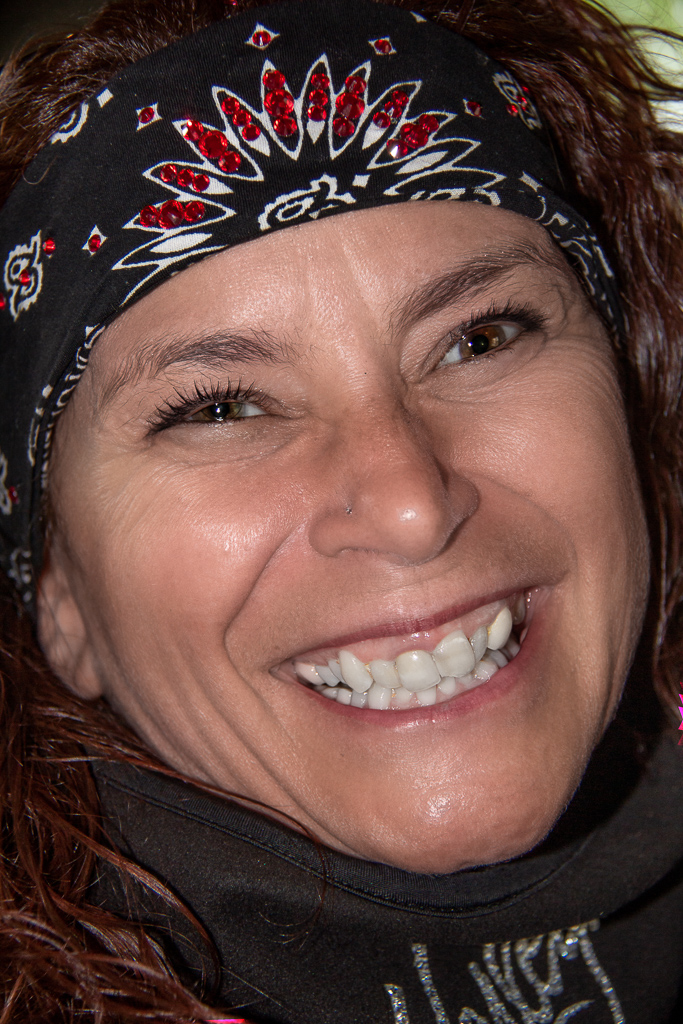
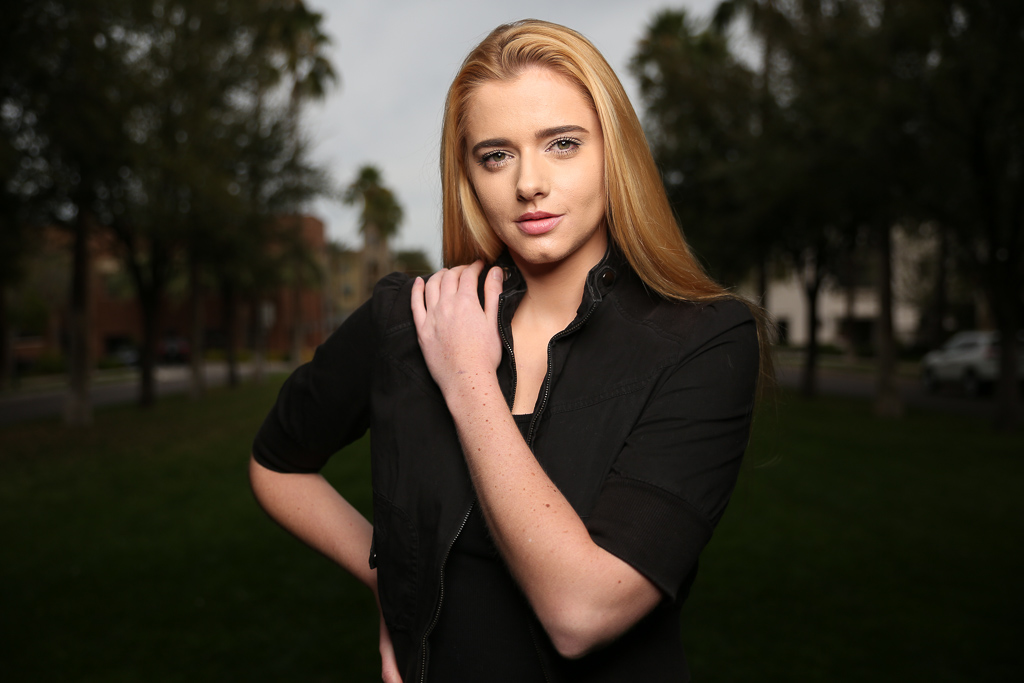
I love the feedback! The woman is a professional model and is constantly moving offering multiple expressions and body positions. She was photographed in a park with the camera and lighting mentioned in my description. No photoshop used! Good catch on the skin tone of the arm and hand on the hip. I will work on fine tuning this! |
Mar 28th |
| 22 |
Mar 19 |
Comment |
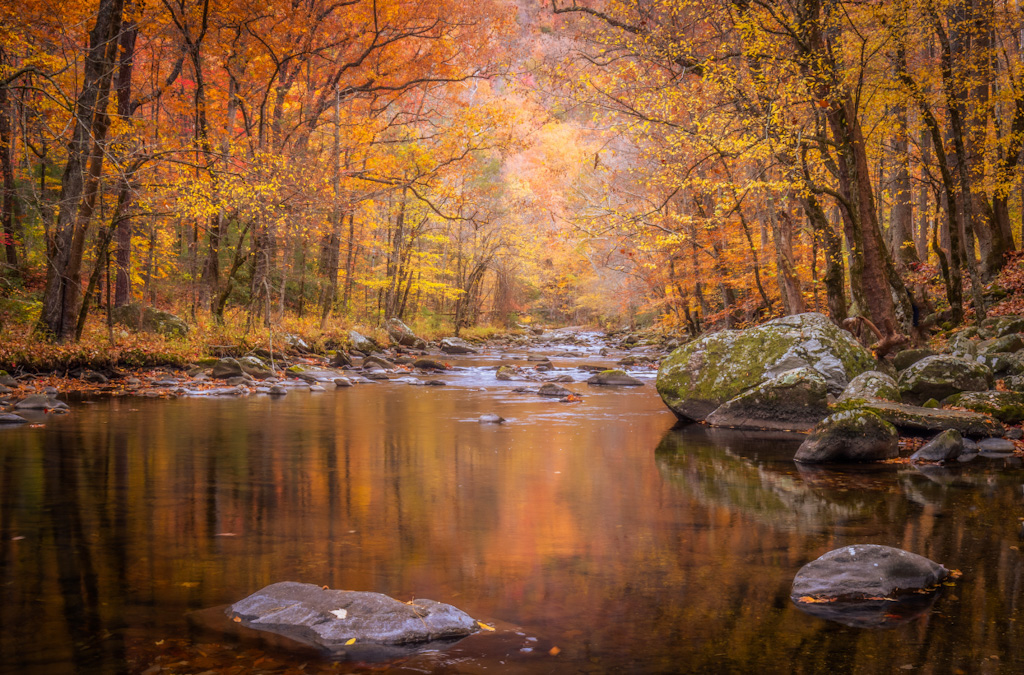
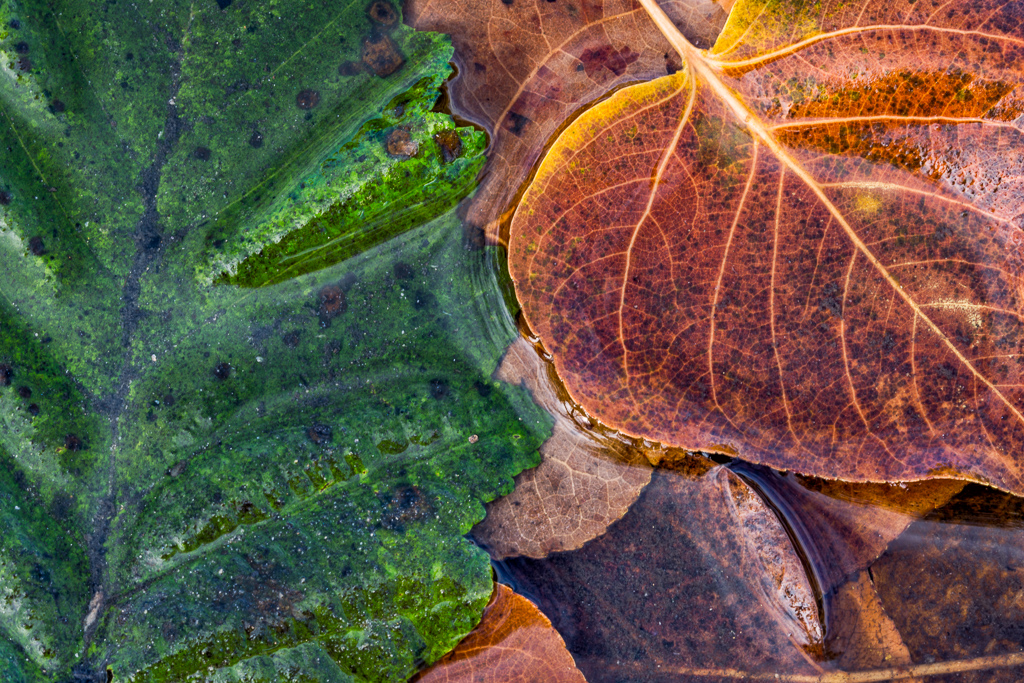
I also prefer the original colors and suggest cleaning up the edges. I just love photographing foliage in water. It offers so many options! |
Mar 28th |
| 22 |
Mar 19 |
Comment |
I like the revised version best. I feel like I am standing directly below the building. A couple other options are to use a tilt shift lens or a multi row pano rail to shoot multiple sections and then stitch together. The comments Stephen offered leave me with a different perspective of shooting and processing tall buildings. |
Mar 28th |
| 22 |
Mar 19 |
Comment |
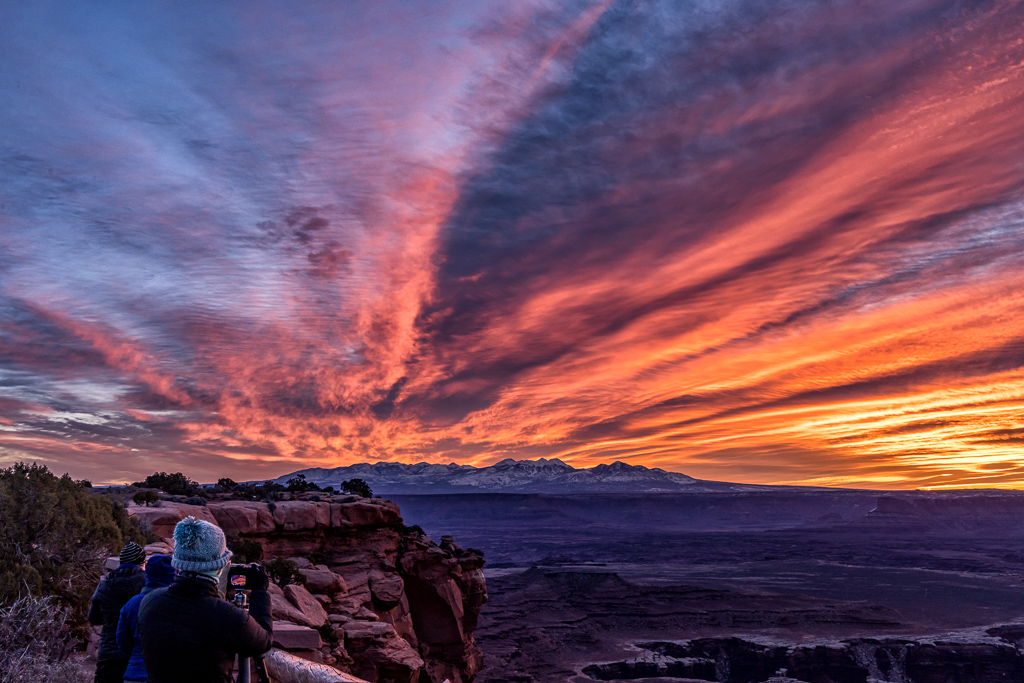
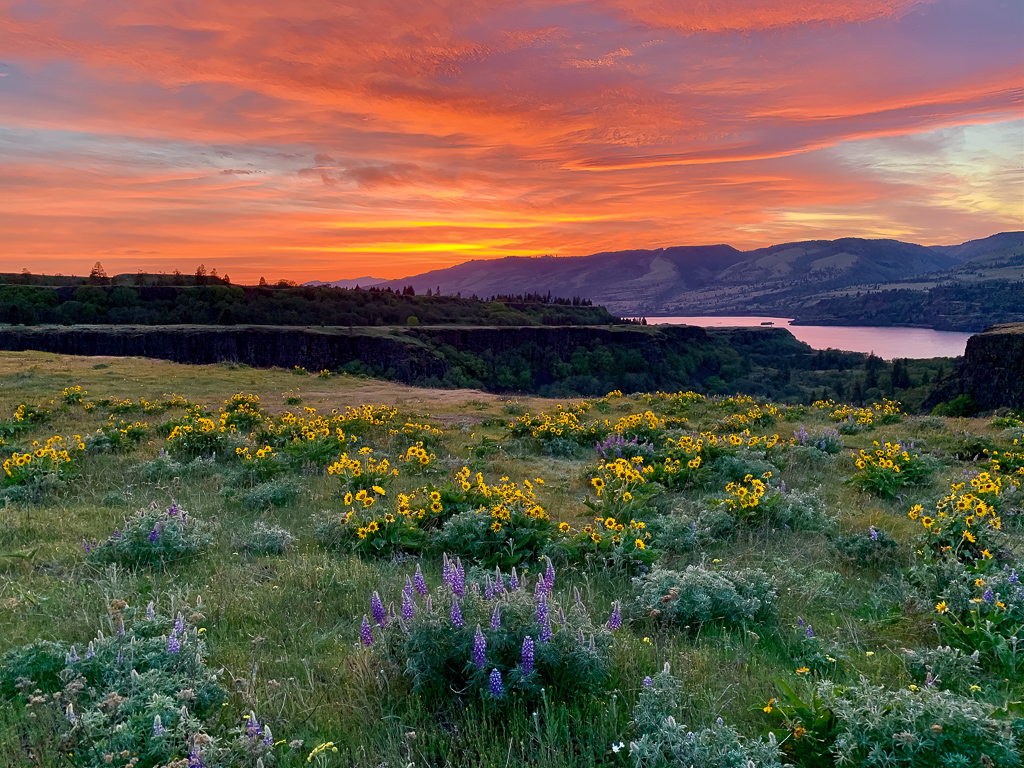
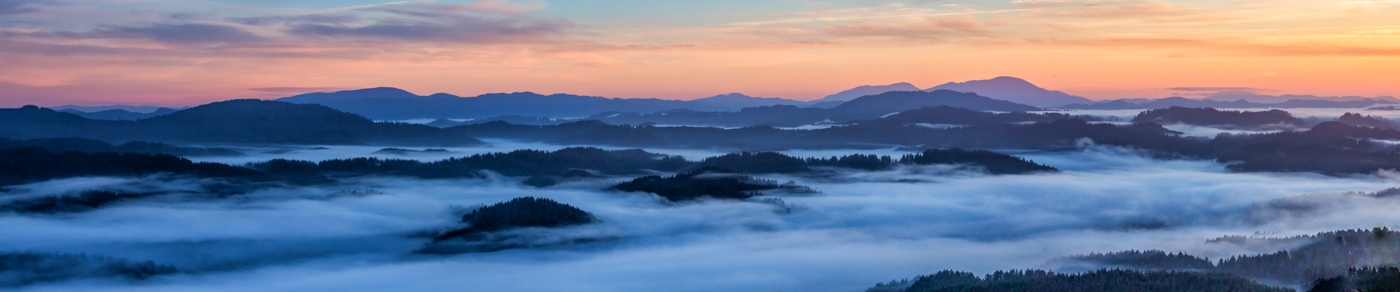
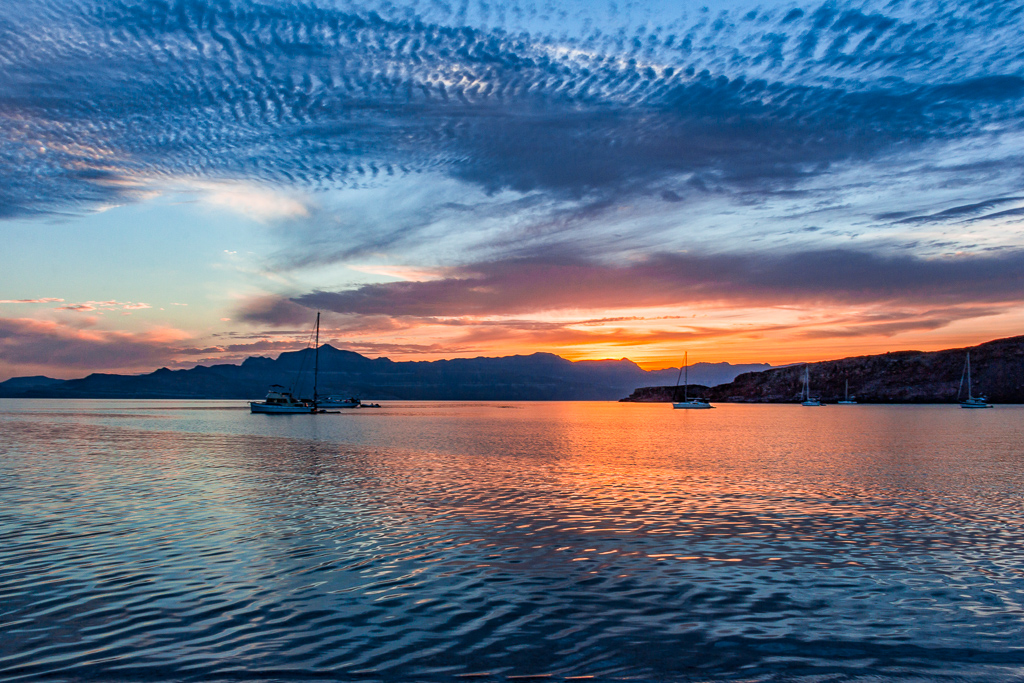
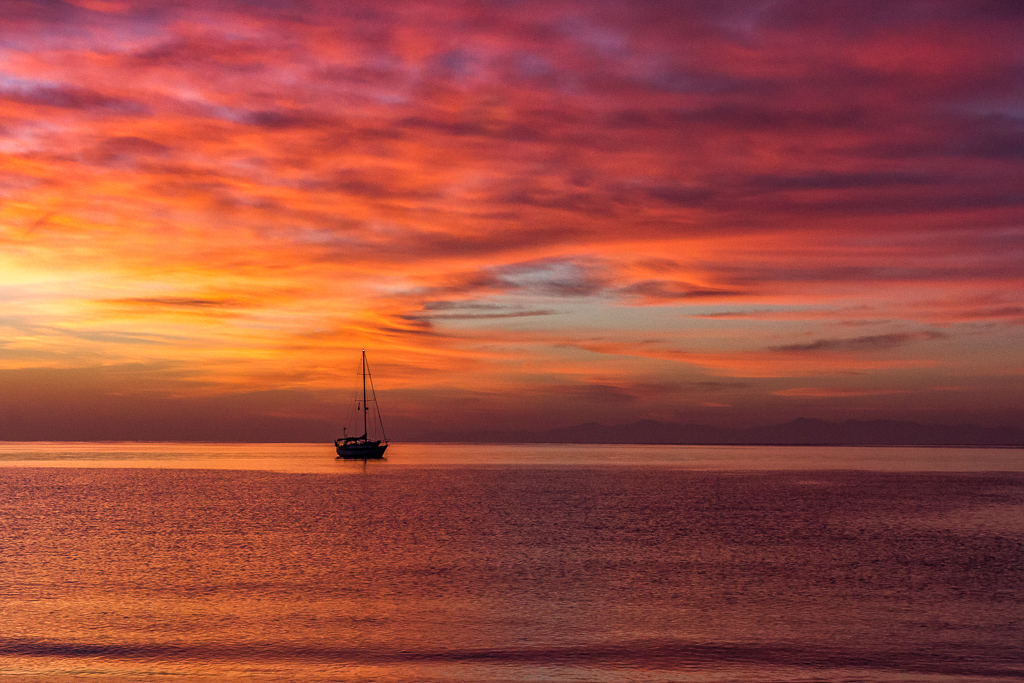
The question for me is what is the subject? Is it the sky, the sunrise or the foreground? If it is the sunrise, I would crop the top of the sky a bit. If it is the sky, I'd leave the crop as is, but I'd like to see more clouds and drama. If it is the foreground, I'd crop the top a good 1/3 and add more of the bottom. It can also make for a beautiful pano and simply crop 1/2 way down from the top. The color palette is very soothing! Good luck where ever you are and be well! |
Mar 28th |
| 22 |
Mar 19 |
Comment |
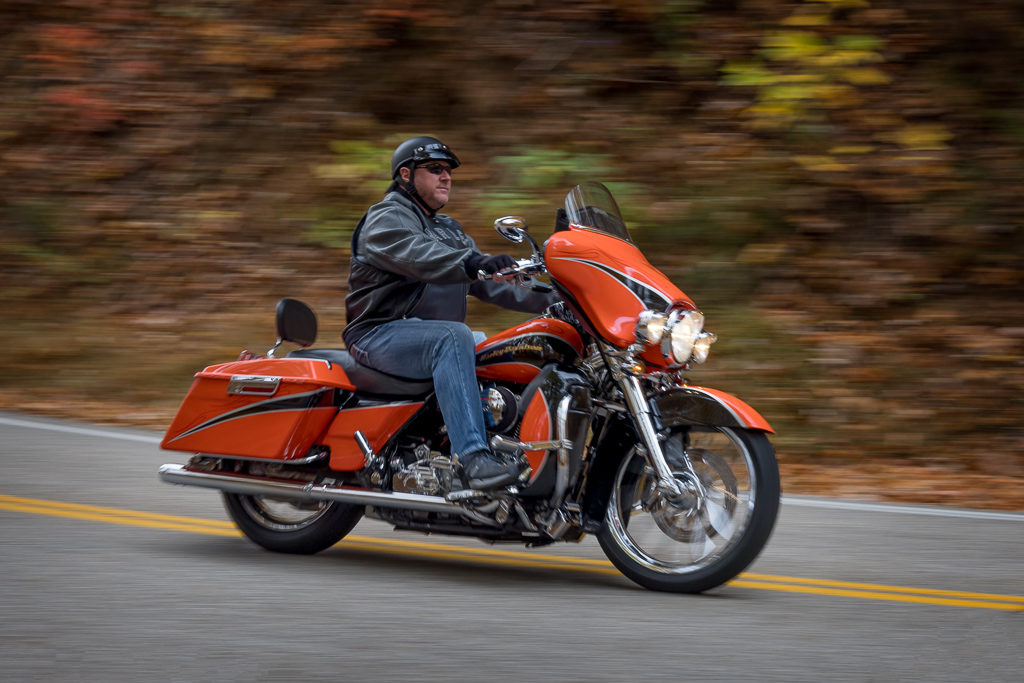
I have been working with professional photographers who are visionary artists. They all have a common theme that they are artists and the camera is one of the tools they use to create their art. This piece is definitely artwork! It is the painstaking process that turns an image from ordinary to extraordinary. I will offer a few ideas that may take it to a higher level. First align the doors as mentioned above, next on the far left panel, clone out the little nob in the upper right corner, then clone out the bolt/lock. I suggest cloning the far left brown area to match the far right. Move to the door panel on the far right and clone the top so it is straight across, then clone the bolt/lock out. Dropping to the brick, clone out the white specks to the left of the rear tire and lower left. Last slightly darken the bright spots on the scooter, particularly the mirror. I wish I had found this image!!!! |
Mar 28th |
| 22 |
Mar 19 |
Comment |
The color palette is very pleasing. The image has beautiful leading lines with the river bed and arc of the bridges with reflections. I like the crop the way it is. There are three things I would do if this were my image. I'd clone out the roof on the left and the wood structure in the bottom right. Lastly, I would zoom in very close and clean up the water between the bridge and reflection. The spots look like sensor dust, but it may be my computer. |
Mar 28th |
| 22 |
Mar 19 |
Comment |
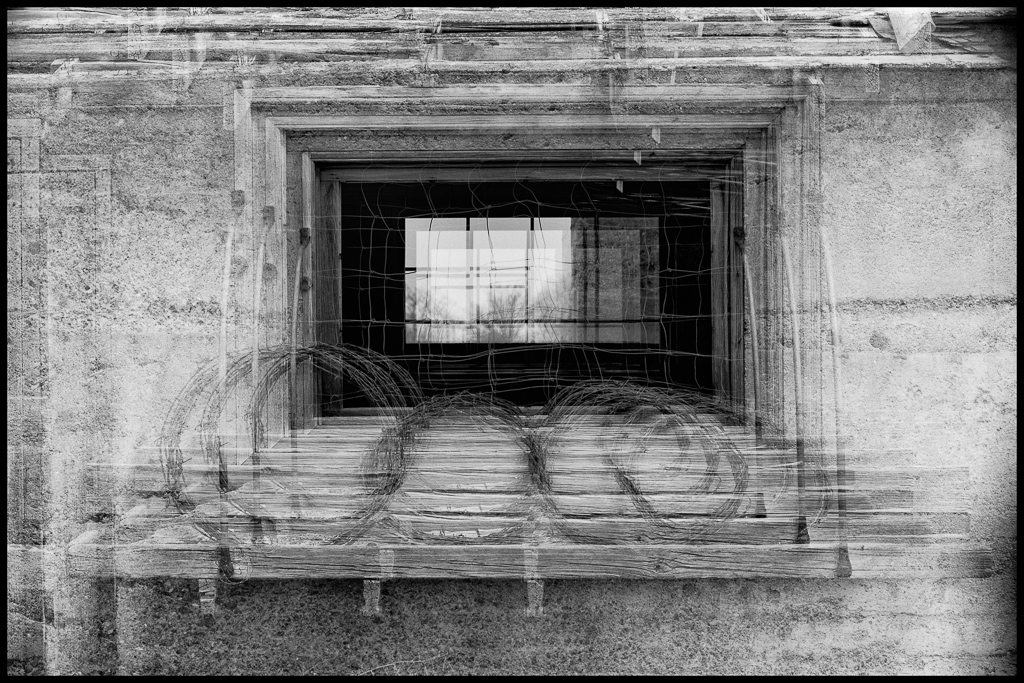
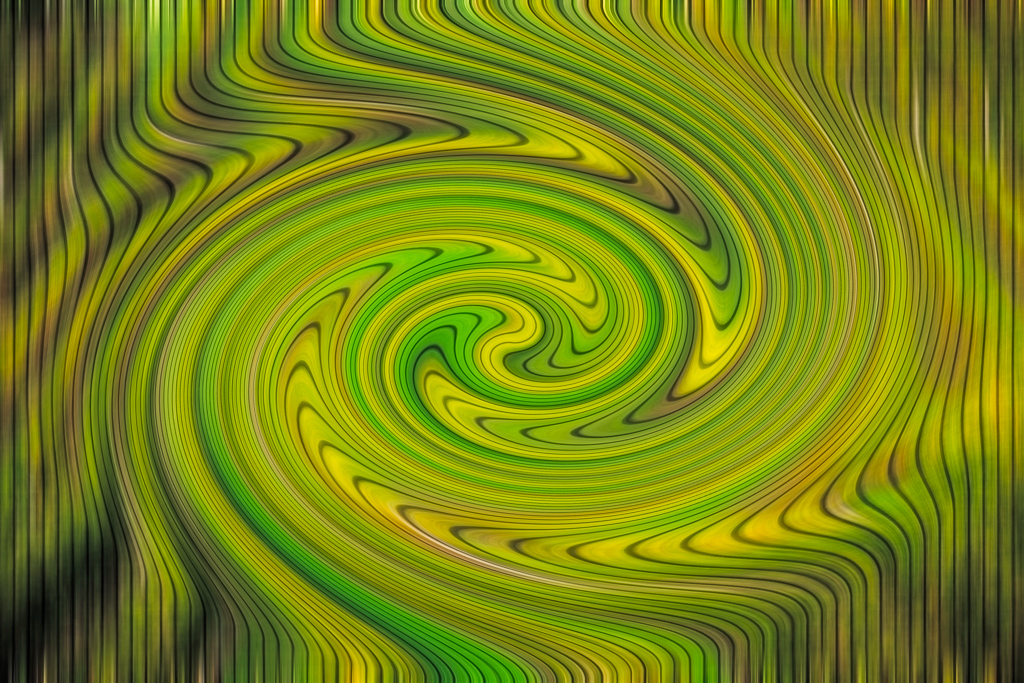
This is gorgeous!! The color palette is very soothing to the eye. The leading lines leave me with no doubt of what the subject is. The only suggestion I have is blend the edges around the lock with the lines leading out. Very sad the program is no longer available. I would love to have tried it. |
Mar 28th |
7 comments - 0 replies for Group 22
|
7 comments - 0 replies Total
|