|
| Group |
Round |
C/R |
Comment |
Date |
Image |
| 22 |
Oct 19 |
Comment |
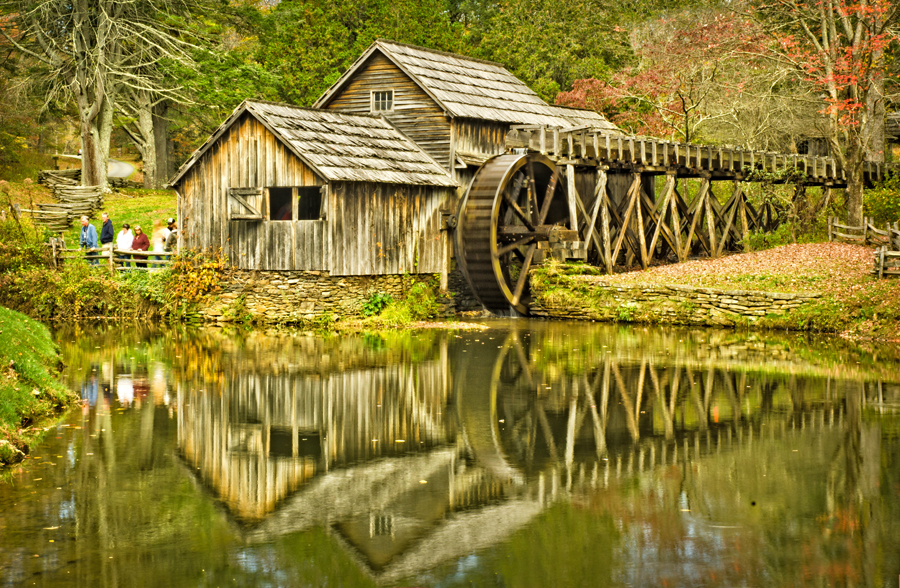
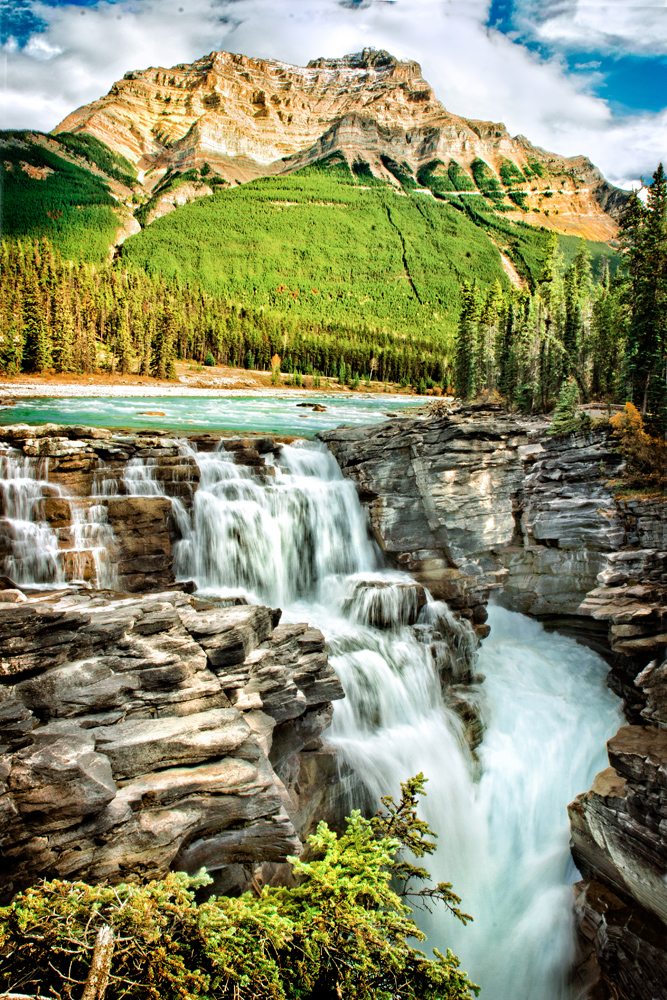
I have to agree with the others on moving the top of the image down somewhat. This takes the mountain range off of the vertical center. You have great lines all over the place. The people add to the sense of the almost overwhelming vastness of the natural world while at the same time suggesting that we have a place in it. Beautiful colors and nice reflections. Very well done. |
Oct 13th |
| 22 |
Oct 19 |
Comment |
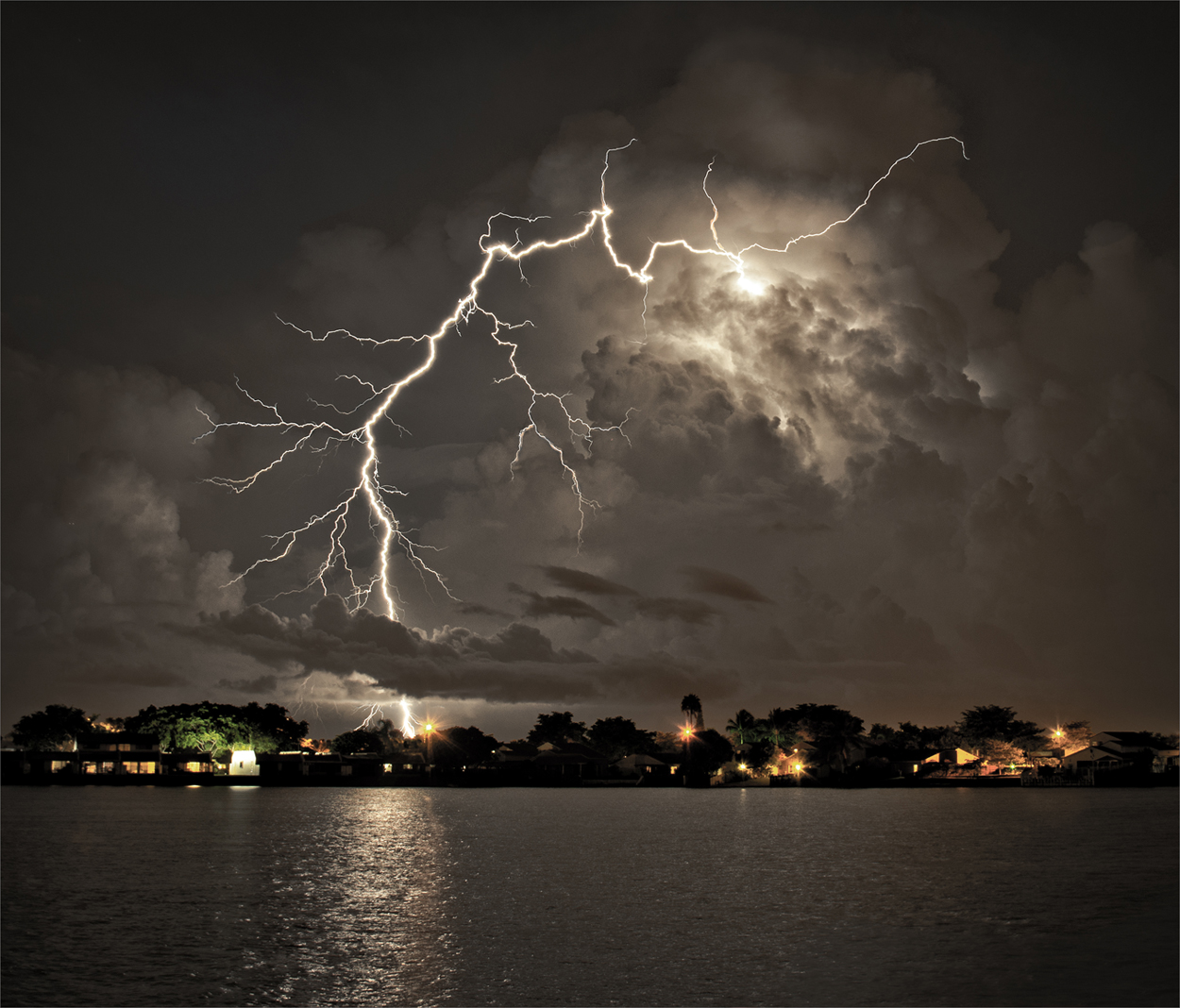
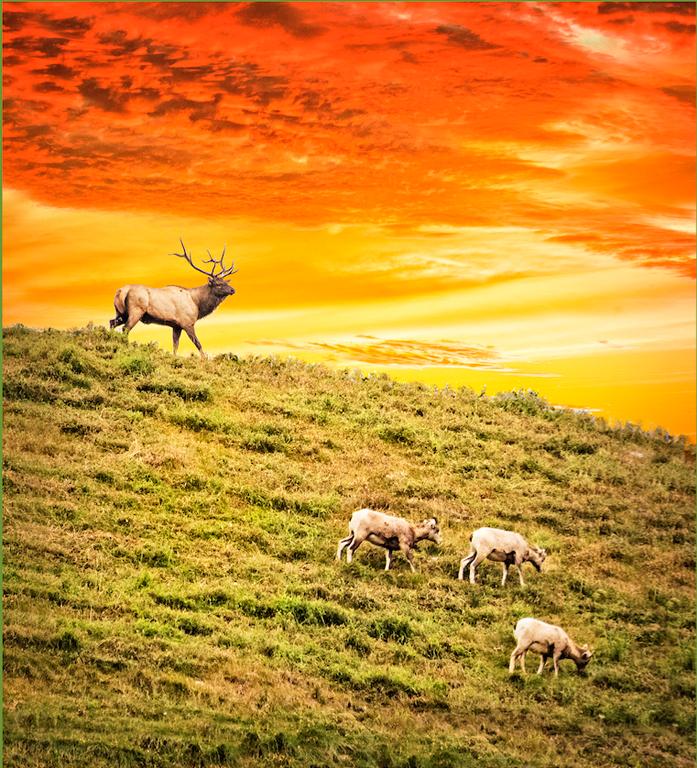
This has a somewhat mysterious, "ghost riders in the sky" feel to it. Looking at the tree line at the top it does seem that the picture is pretty much level, so I would say the slanted hillside ground should stay as is -- in addition, the sheep seem to be in a vertical position. The light at the top, while not all that bright, still does distract the eye from the subjects. As the others have alluded to, if you cropped down from the top (maybe not as far down as Stuart's example) it would make it seem that the sheep have emerged from an other-worldly cloud and in fact might be in somebody's dream. Sort of like the ETs emerging from the ship in Close Encounters. Interesting shot! |
Oct 13th |
| 22 |
Oct 19 |
Comment |
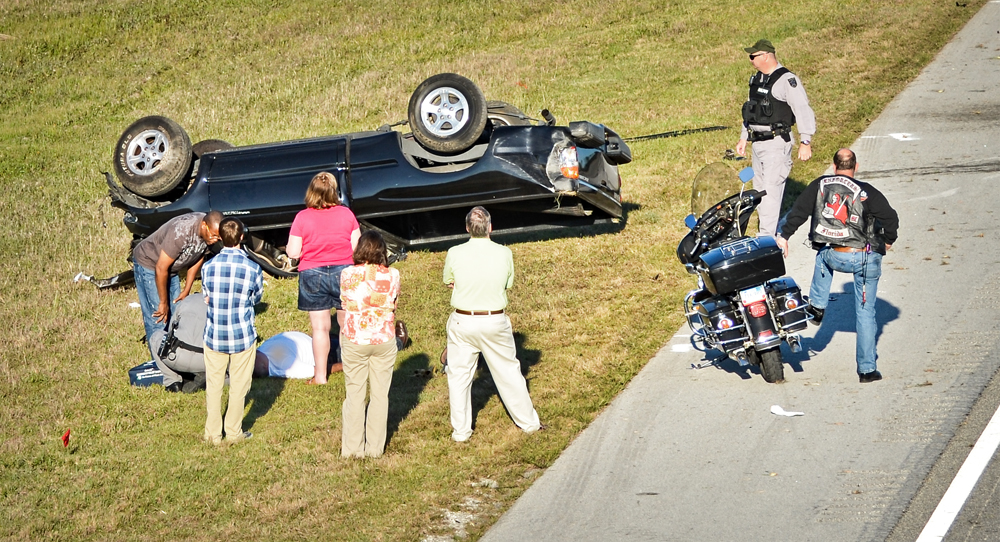
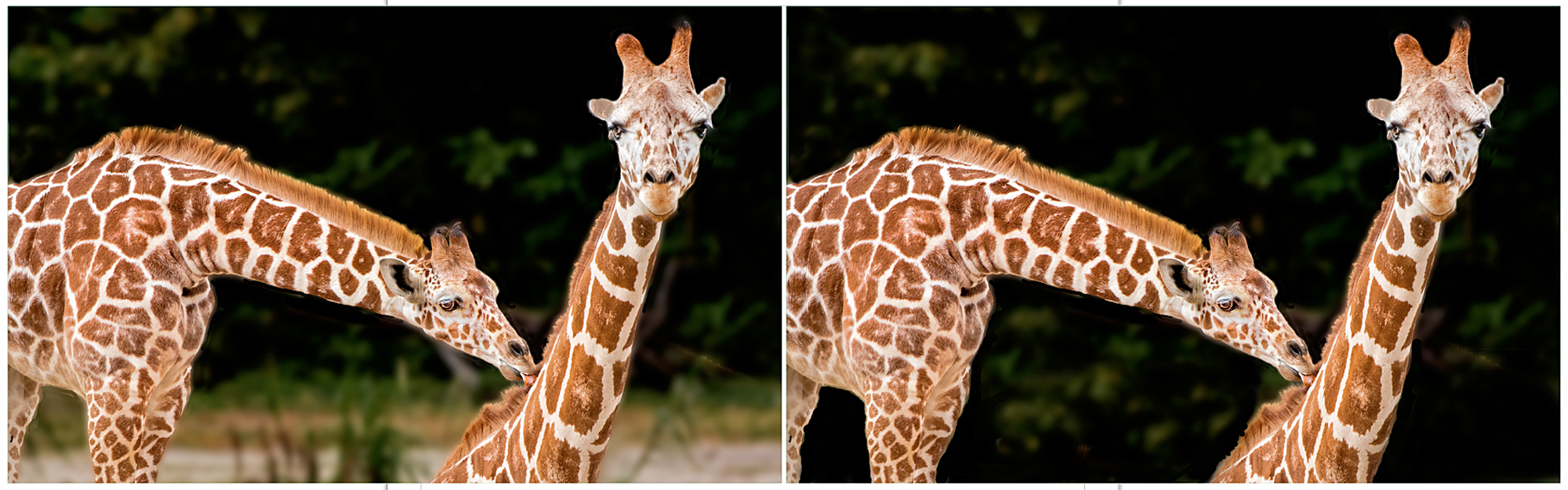
To make things a little more clear, and I discussed this with Marti, the original was a screen shot (in iMac terminology) of the image as it appeared on the fan group Facebook page. So while it may be splitting hairs one could say both images were mine, although the original was not a photograph taken by me. I'm OK with anyone who objects to this, but I did want to take the opportunity to go over the possibilities of correcting distortion -- in this case a rather bad one. |
Oct 12th |
| 22 |
Oct 19 |
Comment |
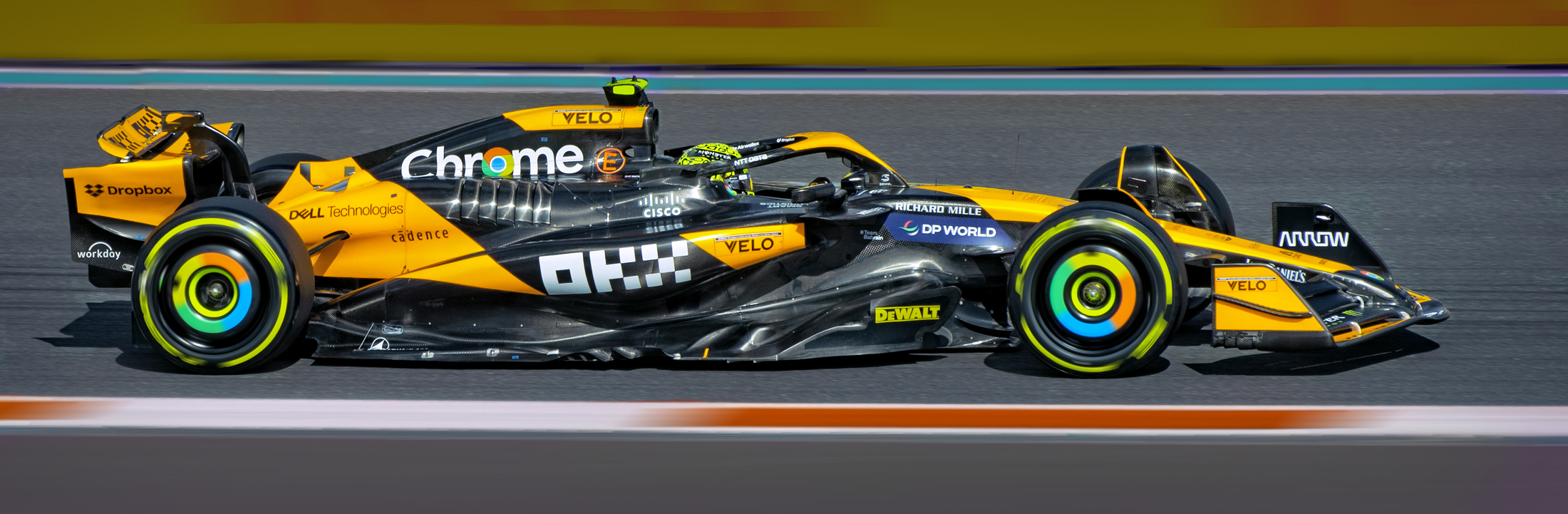
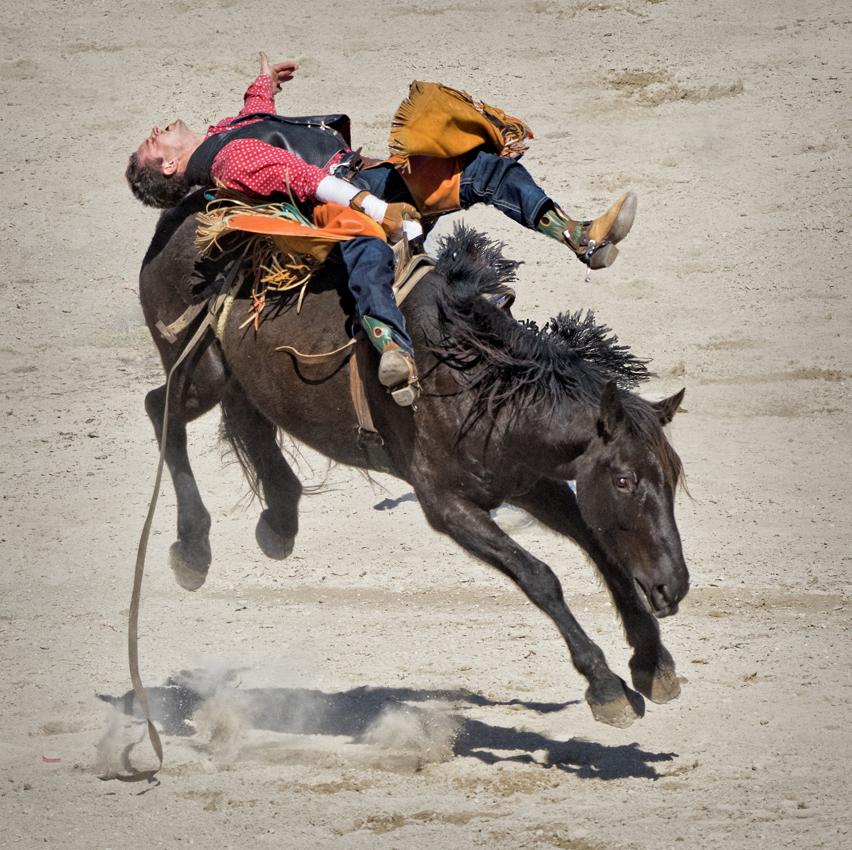
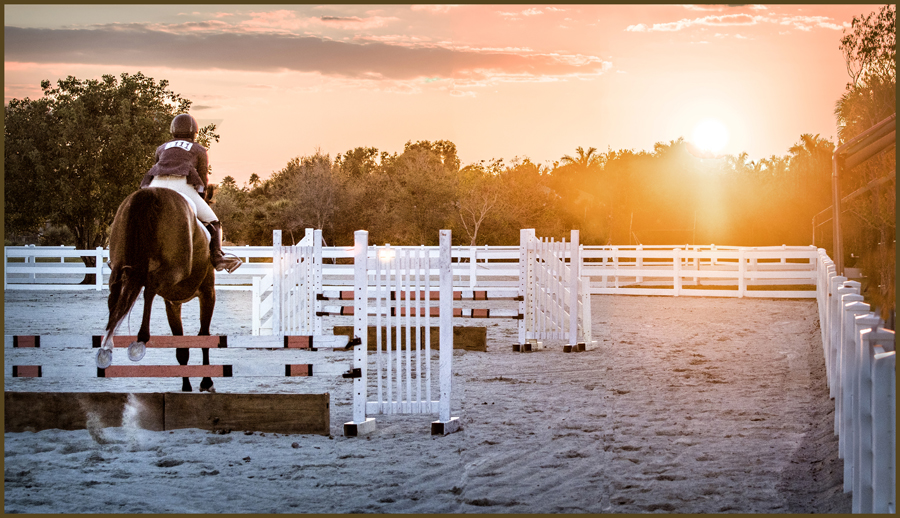
I like this very much -- you did a fine job of panning with the rider, and this is no easy feat. There is an alternative, but this would require an enormous amount of patience, and that is to select out the rider and go into the blur tools, and you would have total control over the amount of blur in the background. I've done this on occasion and sometimes you have to zoom way in (almost to pixel level) and go after the details such as hair. In this picture you wouldn't have to go inside the wheels - there's already enough blurring so the you wouldn't notice the difference. Short of that, you did a really great job tackling a difficult process! |
Oct 11th |
| 22 |
Oct 19 |
Comment |
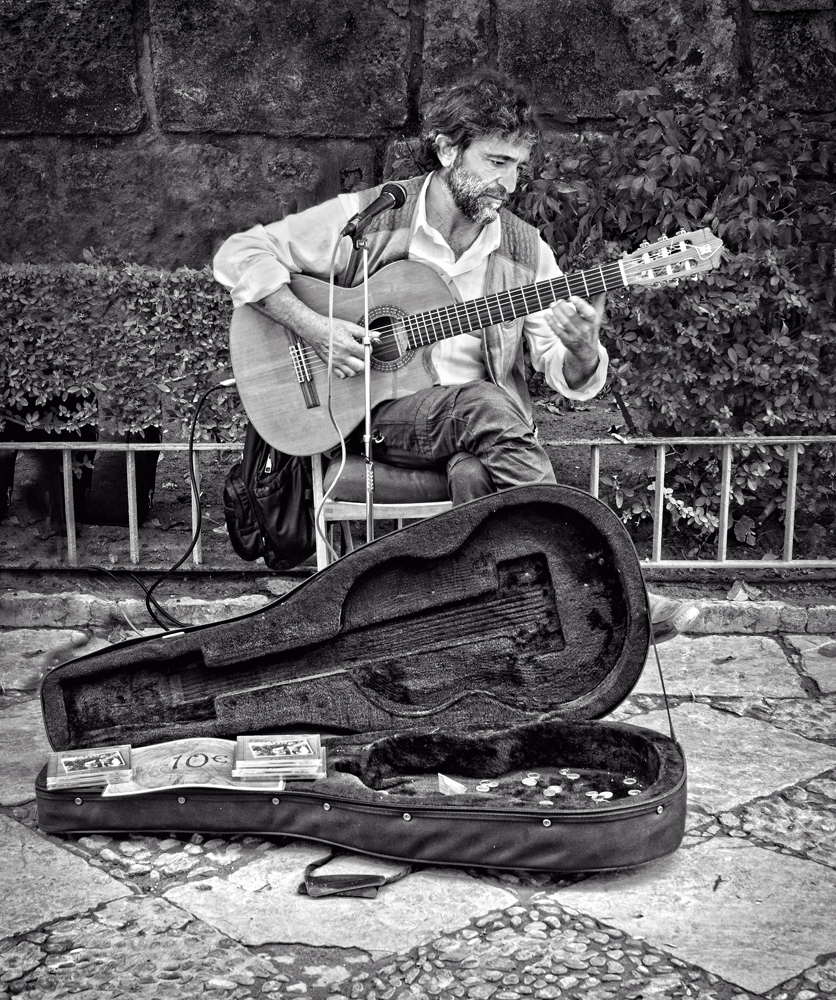
Nice conversion to monochrome, the weathered texture of the wood comes through well. I just think that the composition would be improved if the center of the picture wasn't so empty. Perhaps an old piece of equipment, or an old flower pot, or maybe even a sleeping dog would provide for a point of interest, as Mike suggests. Also, maybe the picture could by leveled off; the left side could be brought up. |
Oct 11th |
| 22 |
Oct 19 |
Comment |
I am in agreement with Stephen. I'm sure there's something in Photoshop that adds a realistic blur to spinning propellers -- I've tried using the various motion blurs of course but I can't quite get the angle to work out in a realistic fashion. I'm thinking somebody knows how to do this. I just wait until the plane is directly in front of me so that the turning props are viewed from the side. Even if they're frozen it's hard to tell and you can always add blur. It's pretty tricky trying to get turning blur in the props while freezing the rest of the aircraft. Overall, though, a very good shot -- the sun angle gives shape and form to the aircraft. Perhaps the vignetting is a little overdone. |
Oct 11th |
6 comments - 0 replies for Group 22
|
6 comments - 0 replies Total
|