|
| Group |
Round |
C/R |
Comment |
Date |
Image |
| 28 |
Dec 18 |
Reply |
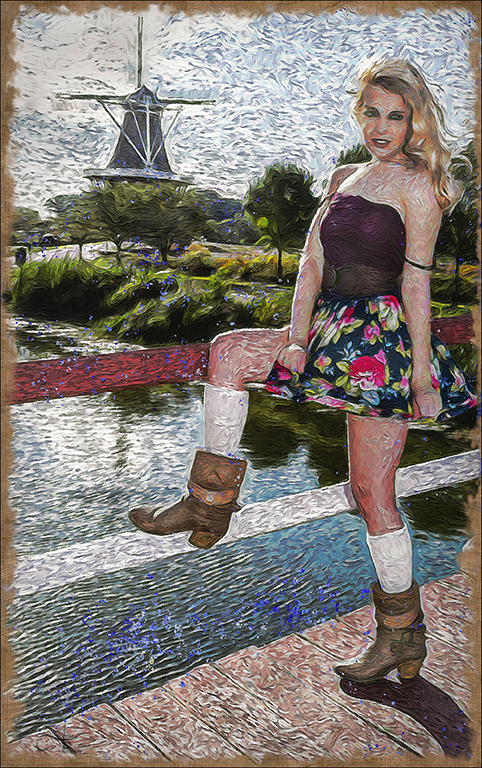
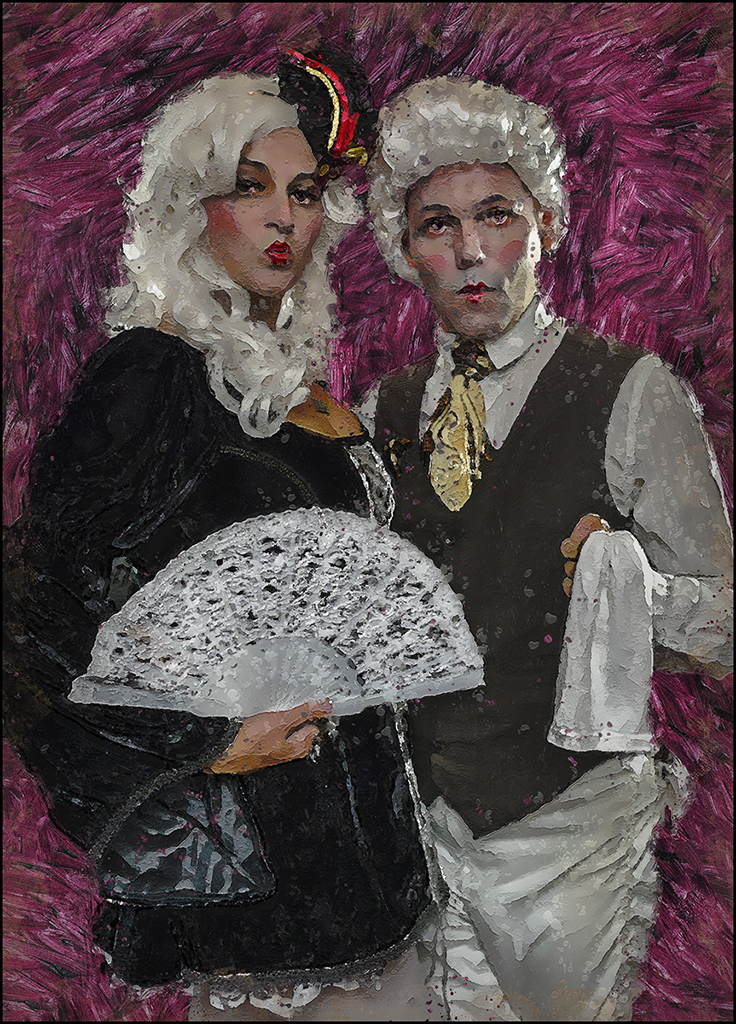
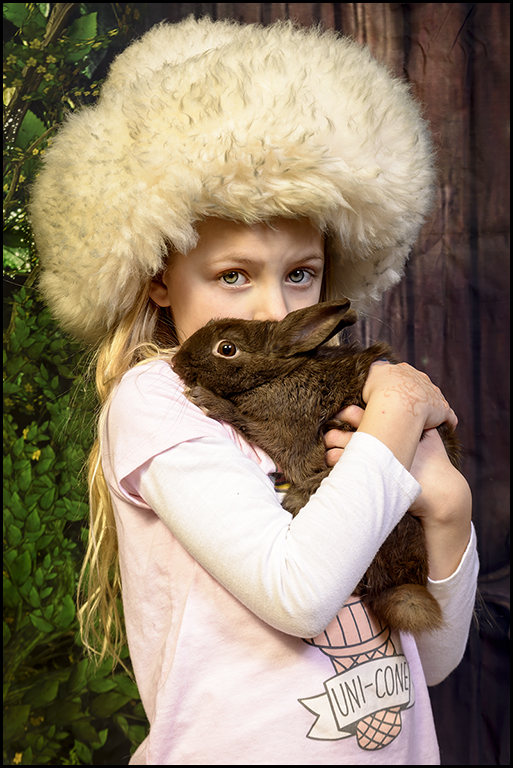
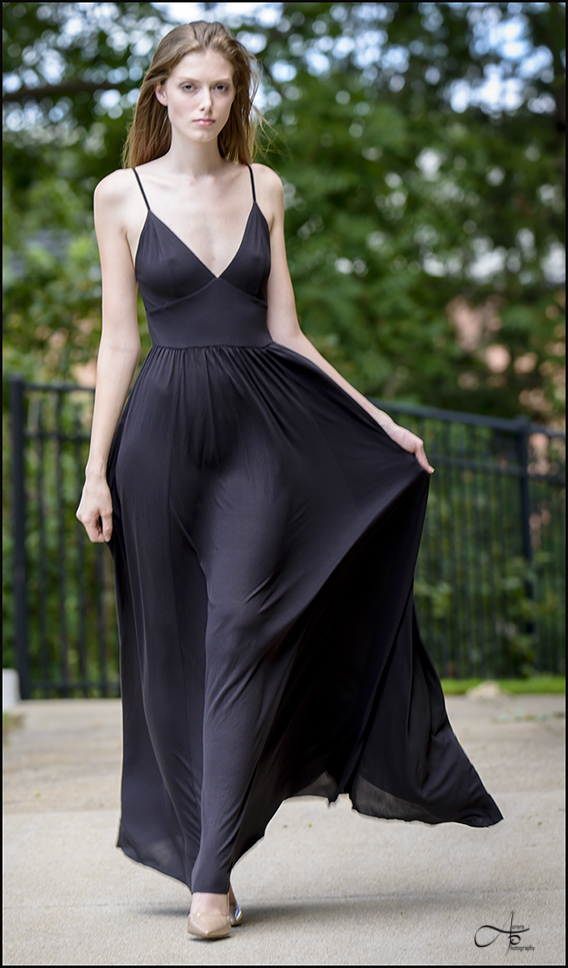
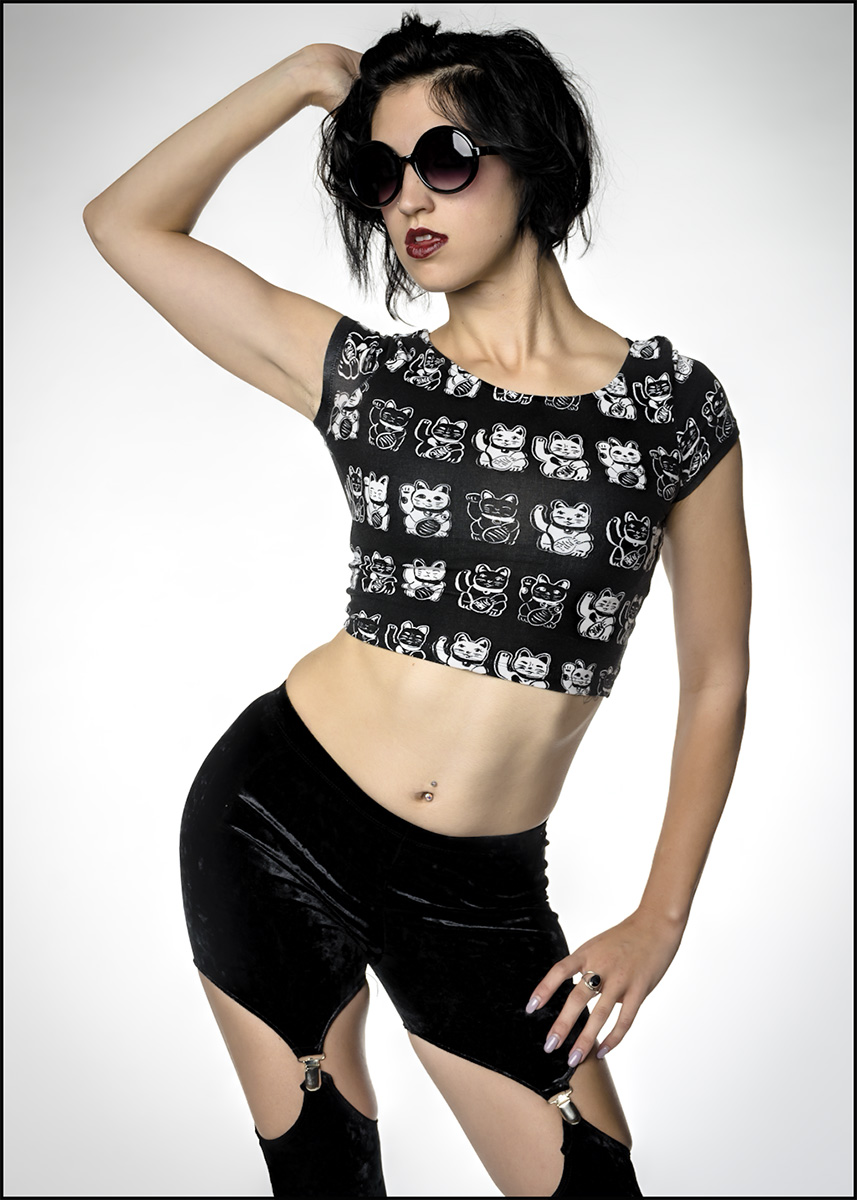
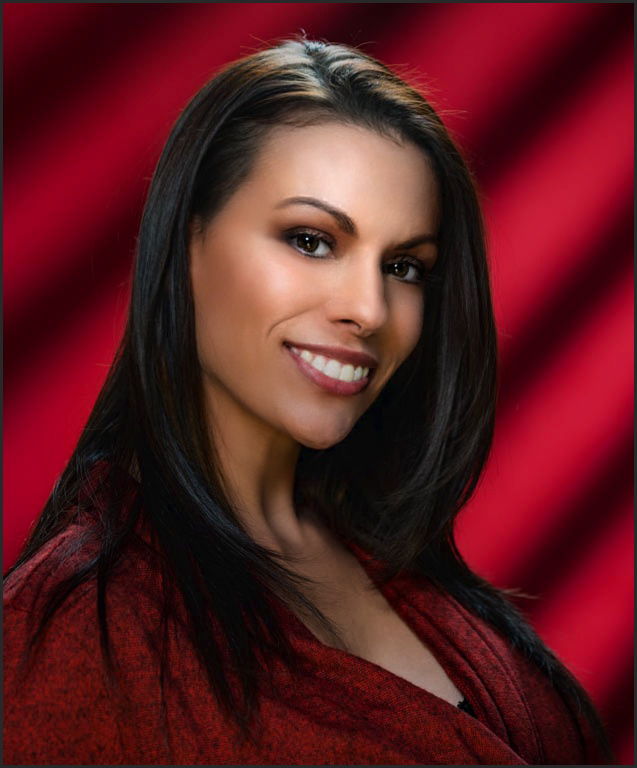
Hi Steve-I did some editing on your model in Photoshop (I didn't want to show you up-but I have been doing this for a long time). The lighting and composition was done great. I eliminated all the shine and fine lines. I gave it a vignette to give it a glamorous look. Let me know what you think. |
Dec 29th |
 |
| 28 |
Dec 18 |
Comment |
Hi Sheila-
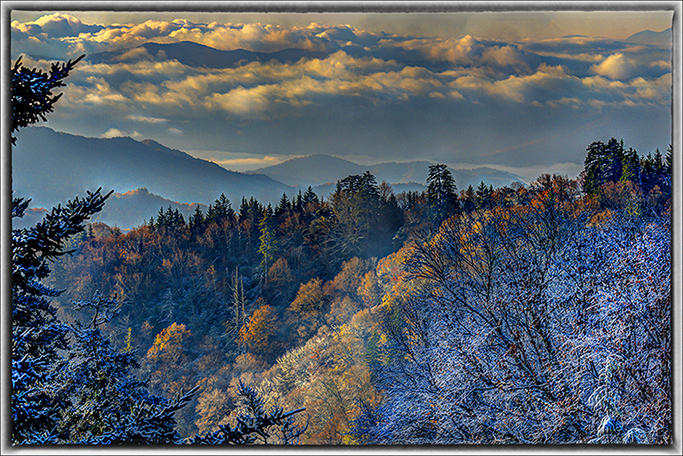
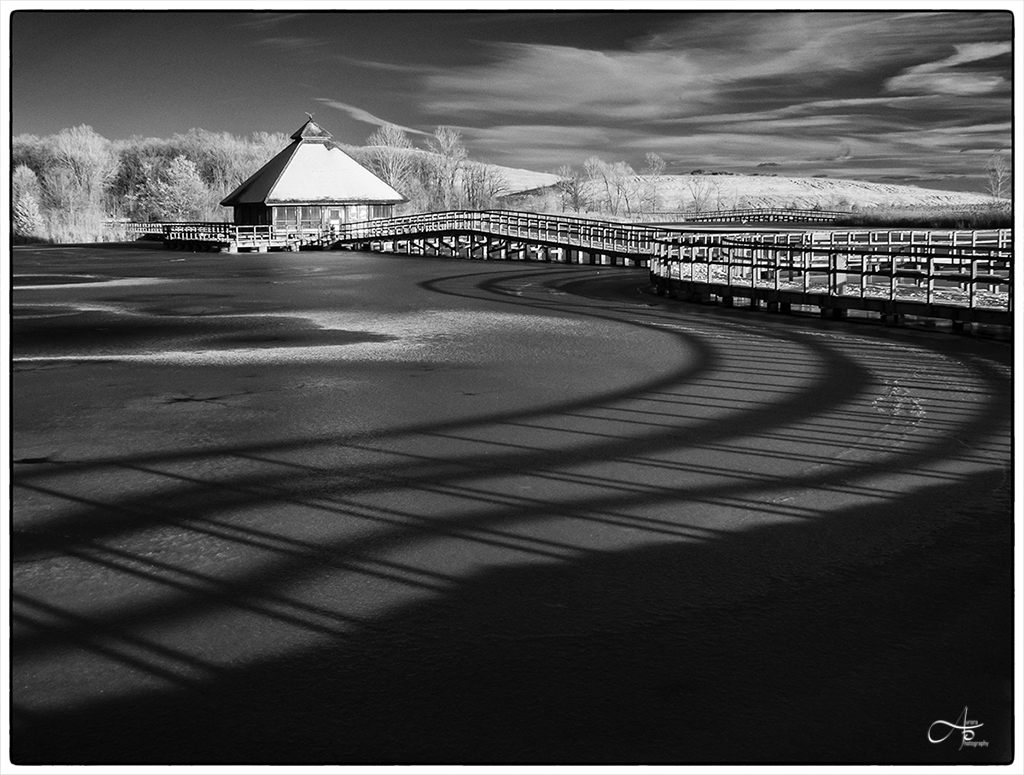
Nice tranquil image of the Maine Pond. I love the composition of the curve to the background. I like how Kathy stated that we need to cut the haze out to generate more color in the image. To me, less of a dark vignette to the top right.
Merry Christmas Sheila! |
Dec 24th |
| 28 |
Dec 18 |
Comment |
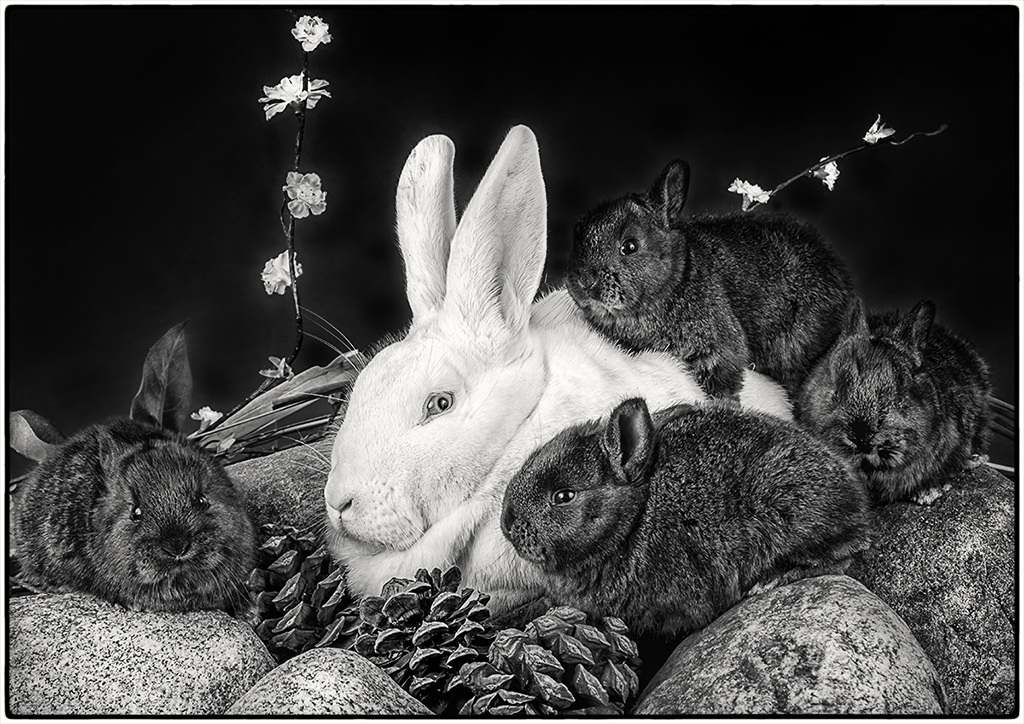
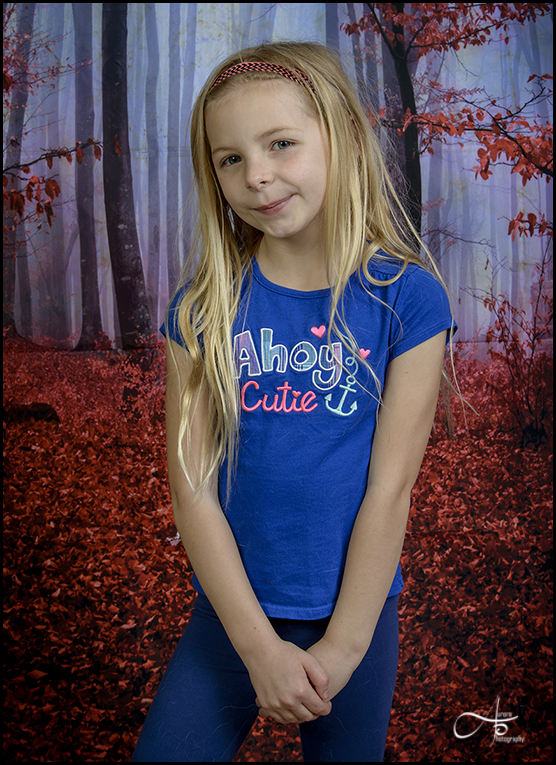
Hi Debbie-I really like the background chosen for this image. It eliminates all the distractions from the original. To me the only improvement I would make would be to lighten the eyes and then sharpen them in photoshop.
Merry Christmas Debbie! |
Dec 24th |
| 28 |
Dec 18 |
Comment |
Merry Christmas Alice |
Dec 24th |
| 28 |
Dec 18 |
Comment |
Hi Alice-
Cool picture of the old truck. I do like the Truck with the birch trees in the background. To me, the only improvement I would make would be to darken the front windshield and maybe do a dark vignette of the trees around the subject. (about -19) |
Dec 24th |
| 28 |
Dec 18 |
Comment |
Merry Christmas Kathy! |
Dec 24th |
| 28 |
Dec 18 |
Comment |
Hi Kathy-
I also like the patterns of the image. To me, the only improvement I would make would be to crop to the right and then crop towards to the bottom to eliminate the shadows on the boxes on the bottom. |
Dec 24th |
| 28 |
Dec 18 |
Comment |
Nice abstract version of the bee. I would definitely crop to focus on the bee more. To me, it seems like the subjects highlights are bit over. Merry Christmas Wanda! |
Dec 24th |
| 28 |
Dec 18 |
Reply |
Hi Sheila- Very nice editing job. I like very much! Tom |
Dec 24th |
| 28 |
Dec 18 |
Comment |
Hi Steve-
The lighting, catch light in the eyes, hair light, expression of the model and composition was done very well. To me, the only improvement I would make on this image would be to eliminate the shine on her face. I just completed a head shot job with employees of a big company. I am currently editing many faces with some shine. In PS, I am using my spot healing brush and then using my blur tool (35-50%)to soften certain areas of the skin. I have watched many of Scott Kelby's video (YouTube) techniques on face touchup's. Have a Merry Christmas! |
Dec 19th |
| 28 |
Dec 18 |
Reply |
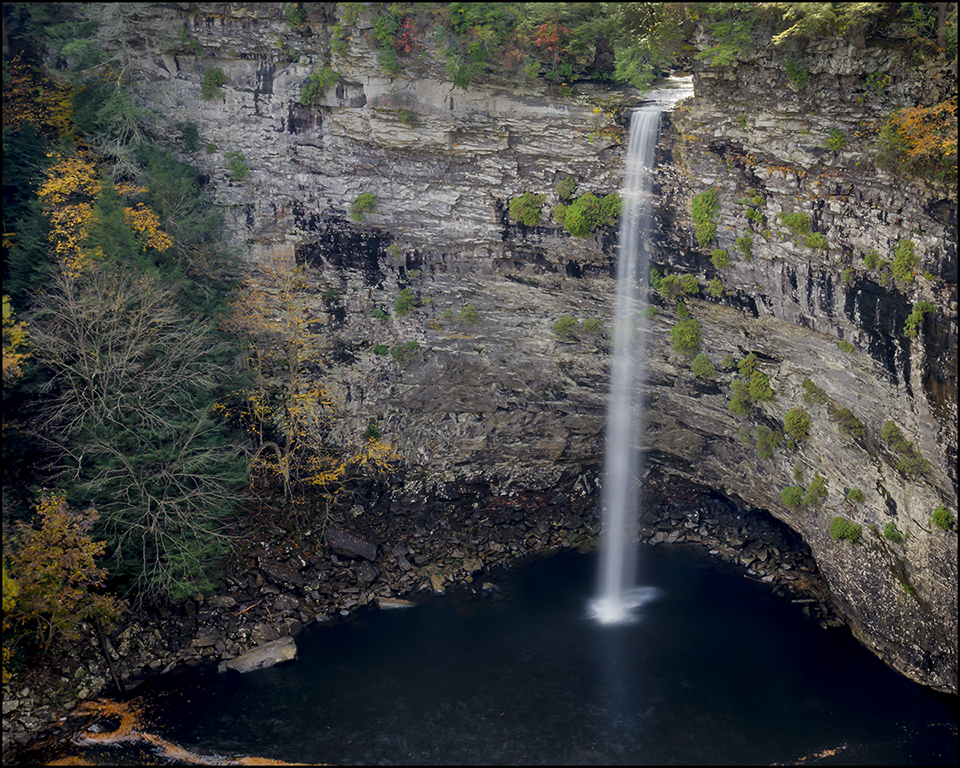
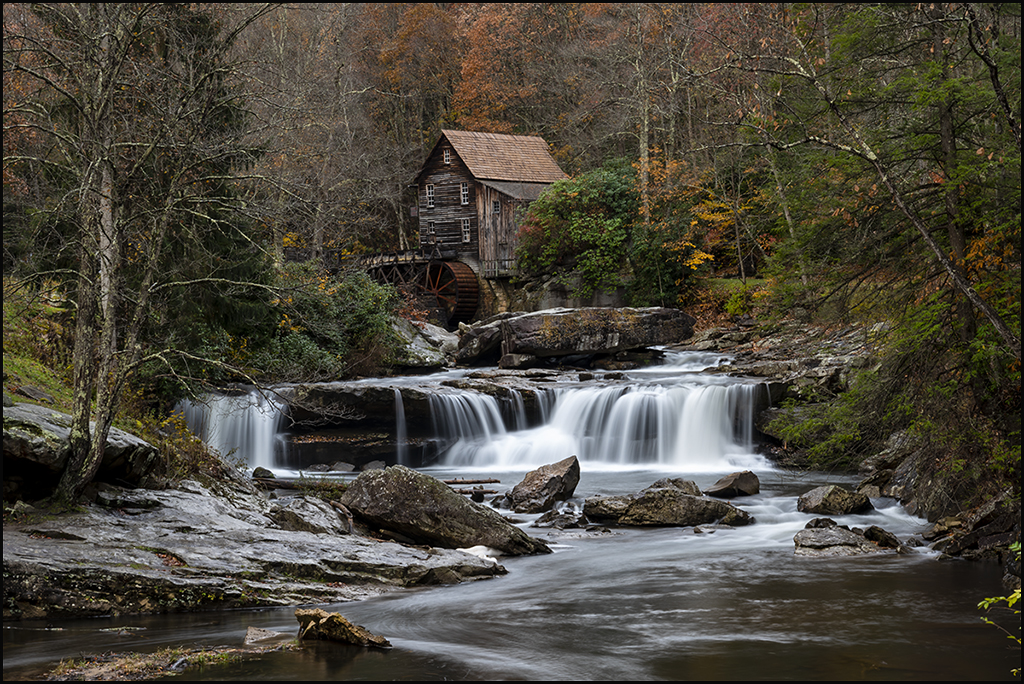
Interesting point of view. I just thought the that composition looks more unique with the water falls more to the right of the frame. |
Dec 17th |
| 28 |
Dec 18 |
Reply |
Thanks for your feedback Steve. |
Dec 17th |
| 28 |
Dec 18 |
Comment |
Thank You for your Comments Kathy. When I submit for competition, I can make the changes and crop out. |
Dec 14th |
| 28 |
Dec 18 |
Comment |
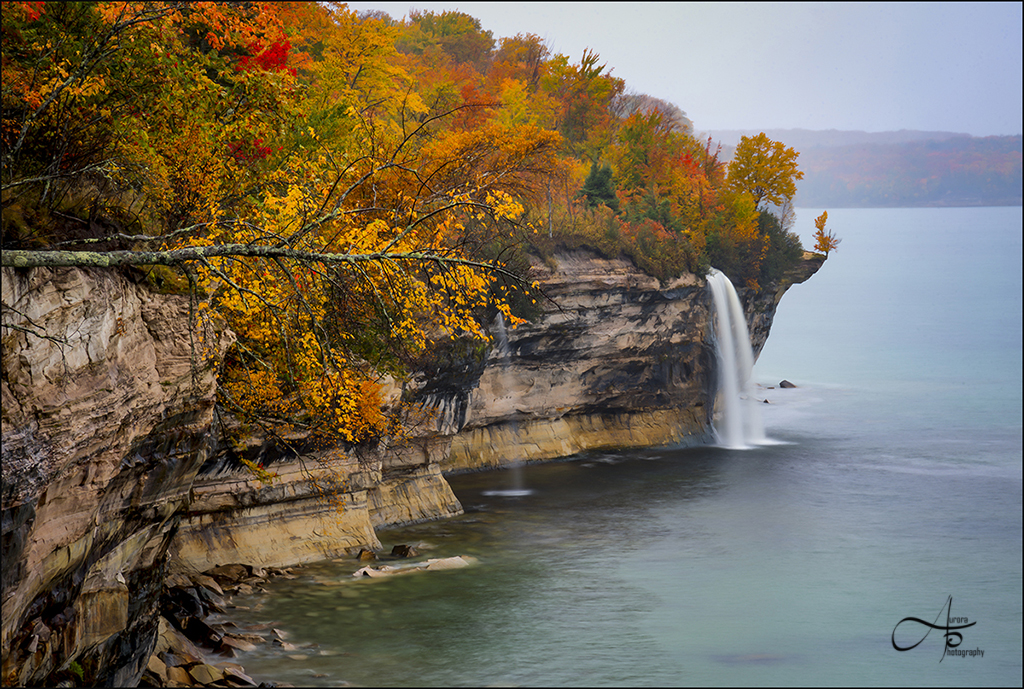
Thank You for your comments Wanda. You live in a great area to have many photo opportunities. Some of the other Falls there where: Cane Creek Cascades, Rock house creek Falls, Piney Creek falls and Racoon creek Falls. I here it is nice to go there in the winter also. |
Dec 10th |
| 28 |
Dec 18 |
Comment |
Hi Connie. Thank You for your wonderful comments. Nice details. |
Dec 4th |
11 comments - 4 replies for Group 28
|
| 43 |
Dec 18 |
Comment |
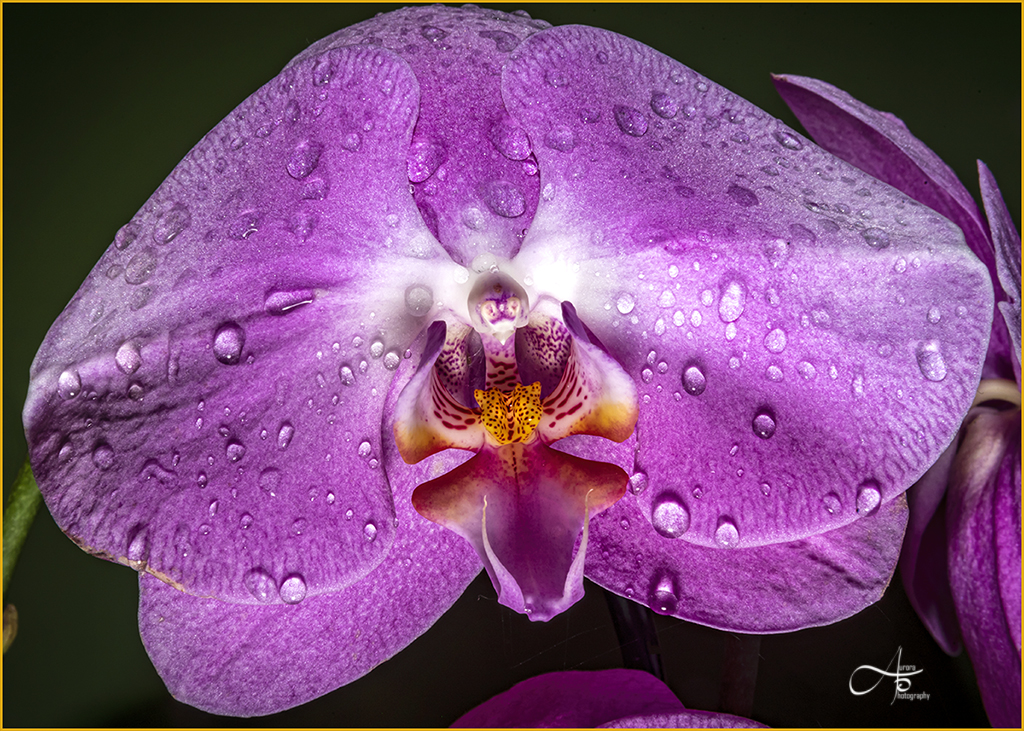
Wow! What a beautiful description of your motivation to take this beautiful image. I love the detail of the flower, especially the center of the flower which draws me in. I also love the colors and the lighting makes it beautiful with the outline of red around the petals. Nice image. |
Dec 5th |
1 comment - 0 replies for Group 43
|
| 54 |
Dec 18 |
Comment |
Hi Alan-This image is absolutely amazing. Very creative. |
Dec 17th |
1 comment - 0 replies for Group 54
|
13 comments - 4 replies Total
|