|
| Group |
Round |
C/R |
Comment |
Date |
Image |
| 25 |
Jan 17 |
Comment |
Darin, I love this photo. Bryce Canyon is a beautiful place to visit and you have done a very nice job of capturing the beauty. |
Jan 31st |
| 25 |
Jan 17 |
Comment |
Marla, very nice capture! I have struggled with this very problem but have not been brave enough to try to change the background. I struggle a little with the edge of the bird and the black background but unfortunately I can't tell you how to fix it. I write this before I have read the others posts I will see what they suggest. Great job giving this a go, looks good! |
Jan 31st |
| 25 |
Jan 17 |
Comment |
Eric, as usual you have made a great capture and great post processing adjustments that make this photo stand out! Nicely done. |
Jan 31st |
| 25 |
Jan 17 |
Comment |
Vincent, welcome to the group! I think you will find this group very helpful in suggesting ways to improve our photography, I know they have helped me. I am still learning so I may not have a lot of comments but if I do see something I think would improve your photo (and someone else has not already stated it) I will let you know. I love these fall colors and the fence line is a classic. Nice job! |
Jan 31st |
| 25 |
Jan 17 |
Comment |
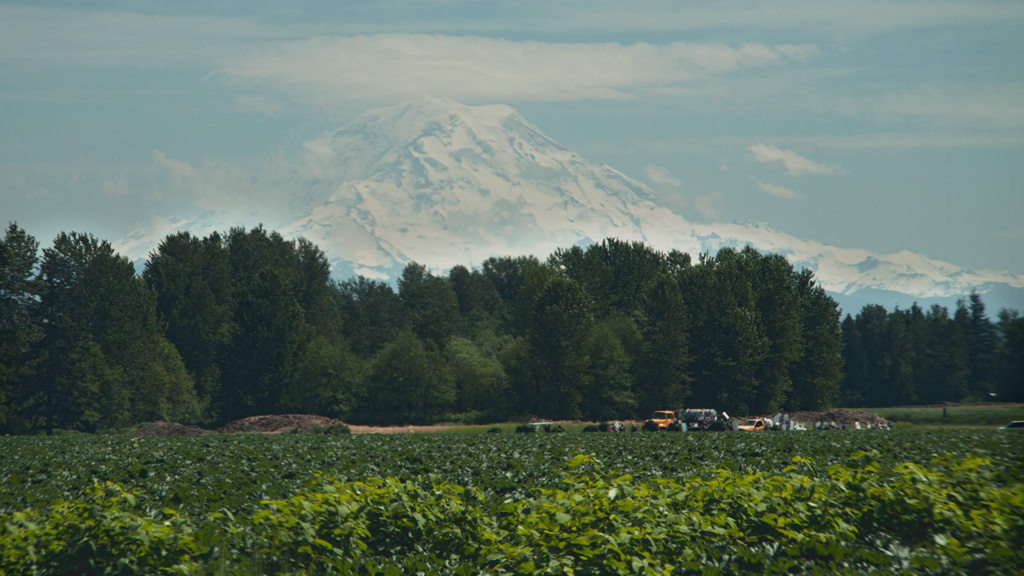
Audrey, very nice capture. At this point I don't have much to add but it does make me think of summer in the Pacific Northwest where I am from! |
Jan 31st |
| 25 |
Jan 17 |
Reply |
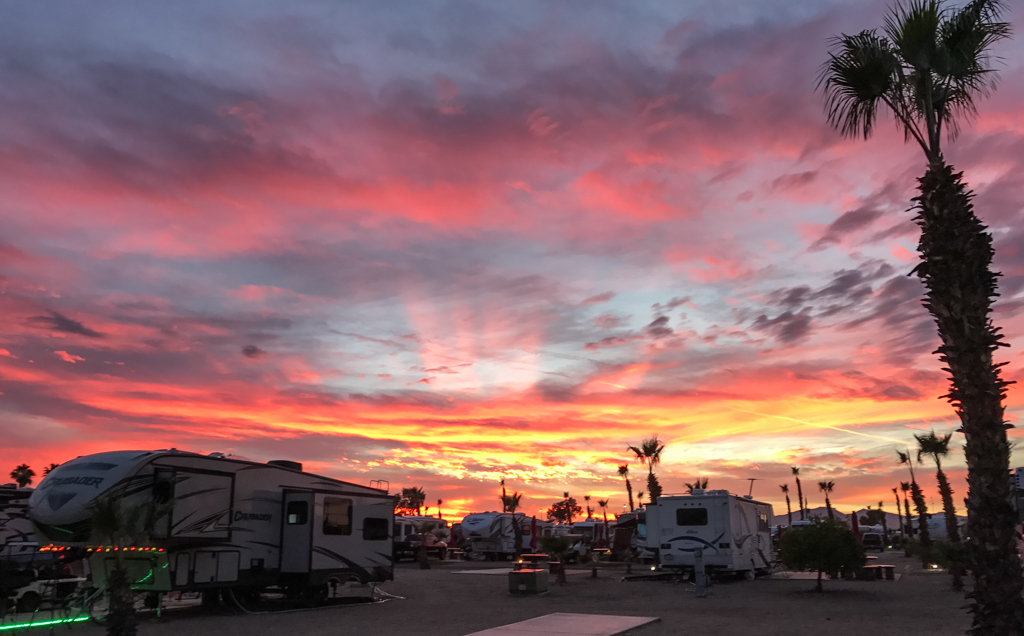
Ruth, we are in the Phoenix Arizona area so you were very observant! The weather had been wet for the area but it made for good sunsets. And yes this does give the Trailer Park feel, I shot this right in front of my trailer! Thanks for your comments, I kind of like the lights also. |
Jan 31st |
| 25 |
Jan 17 |
Reply |
Audrey, thanks for your comments. You have removed some of the things that bothered me about this photo. I would have liked to be somewhere that didn't have all the stuff in front of me but it was a moment in time and I know it would be gone in an instant. Thanks for taking the time to show me your improvements. I am always looking for ways to improve my composition and Photoshop skills! |
Jan 31st |
| 25 |
Jan 17 |
Reply |
Vincent, thanks so much for your comments. I struggled with the same things as you and actually cropped the photo I posted. I often struggle with things like the tree on the right side. I think it adds perspective but I find that most would crop it out. I agree that the pad is also a bit distracting so I did crop some of it but may have not gone far enough. I like your improvements, thanks for taking the time to show them to me. |
Jan 31st |
5 comments - 3 replies for Group 25
|
| 36 |
Jan 17 |
Reply |
Richard, thank you for your comment. I think you are talking about the little bit of water I left in the upper right corner and yes I struggled with leaving or cropping it based on where the edge of the crop landed. I agree it is distracting and another option would have been to clone it out. Thanks again for your comment! |
Jan 31st |
| 36 |
Jan 17 |
Comment |
Cathy, I have not tried this technique but for your first try I thing it turned out great! For some reason the star trails bother me. If there was a way to make them points of light l think it would look more real. Not sure if there is something you could do in Photoshop but I would be tempted to play around with it. However it is a beautiful photo as it is, nice job! |
Jan 31st |
| 36 |
Jan 17 |
Comment |
Richard, I live in Washington and know how gray these days can be so I think your post processing has done a nice job of lightening up the dark areas but showing the stormy kind of day it was. I also like the wave action that you caught, it adds nice texture and contrast under the tree. Nicely done! |
Jan 31st |
2 comments - 1 reply for Group 36
|
7 comments - 4 replies Total
|