Activity for User 69 - Tom Pickering - info@photopicks.net

avatar
Avatar

Close this Tab when done


1433 Comments / 1336 Replies Posted

  = Current Round   = Previous Round
Group Round C/R Comment Date Image
24 Jul 22 Reply In Photoshop or Affinity Photo, choose Filter > Blur > Average Blur on the layer. Jul 19th
24 Jul 22 Comment That was a very large aperture for such a small flower. Your image bridges the gap between my 2 loves - floral and macro. I’ll admit the thought of “bending” the focus with a lensbaby intimidates me and runs perpendicular to my striving to have everything in focus. I think you've done quite well with and I applaud your willingness to explore new avenues of artistic photography. d;¬{D Jul 19th
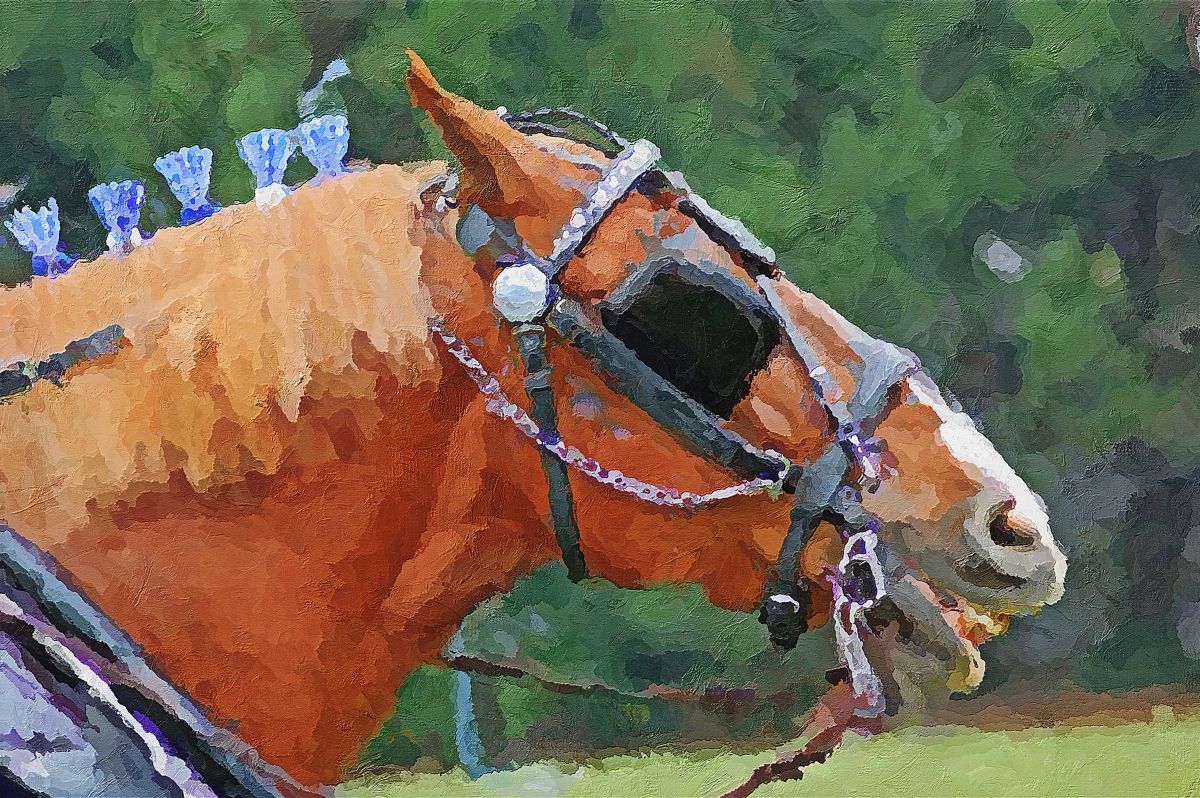
24 Jul 22 Comment I very much appreciate the effect you created in-camera. As you noted, it is very painterly - one would never guess this is basically SOOC. Your capture skills far exceed many floral photographers, and certainly mine by a long way.

From a composition standpoint, I personally find your main blossom a bit crowded against the top and left and the other flowers are almost an extension of the main flower. Guess I'm too grounded in old ways of thinking.
Jul 19th
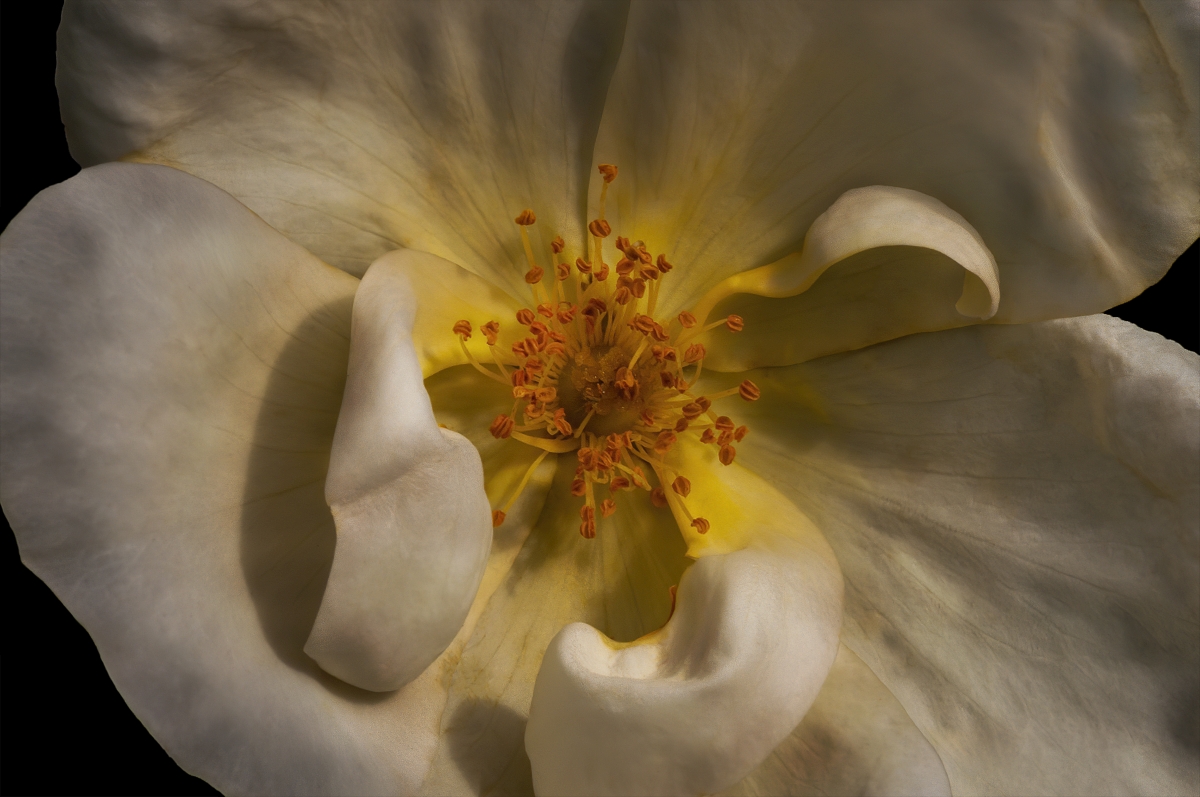
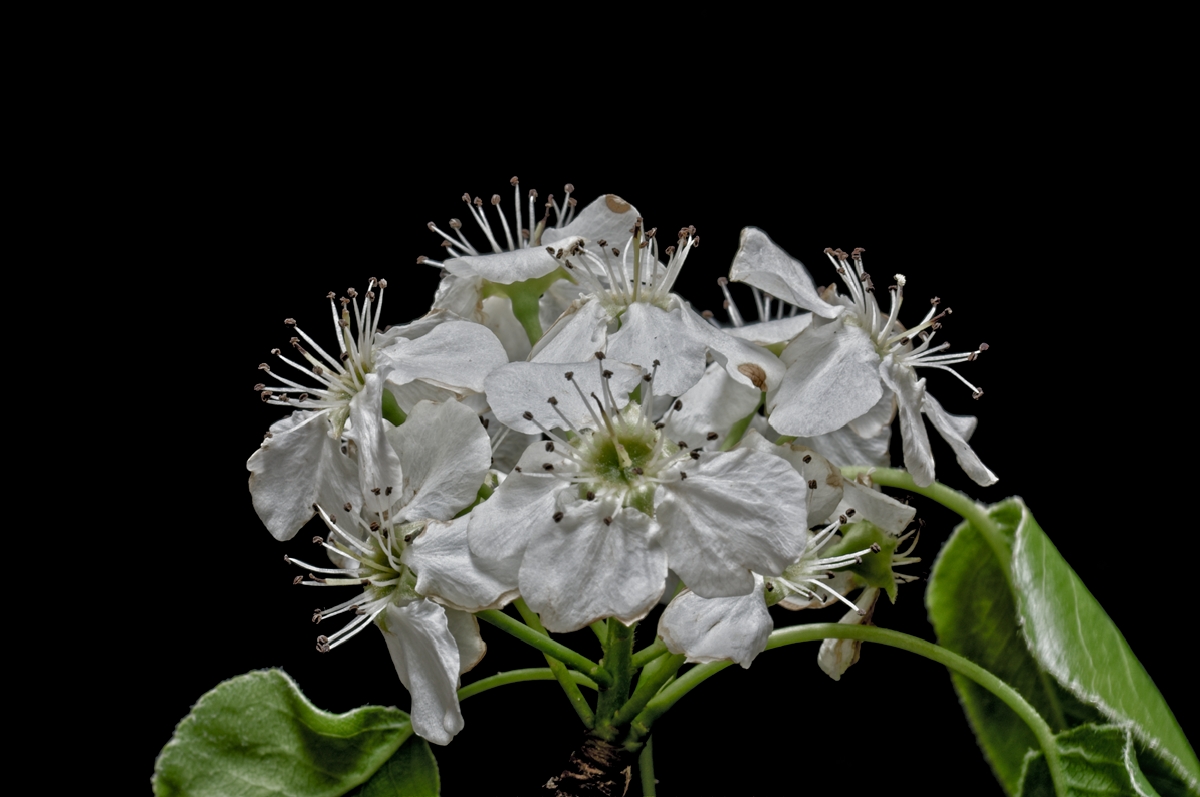
24 Jul 22 Comment Love magnolia blossoms - the curves of the petals and the pop of yellow-gold of the stamens and carpals. There was a couple of trees in a park near my former home and I miss capturing them when they bloom.

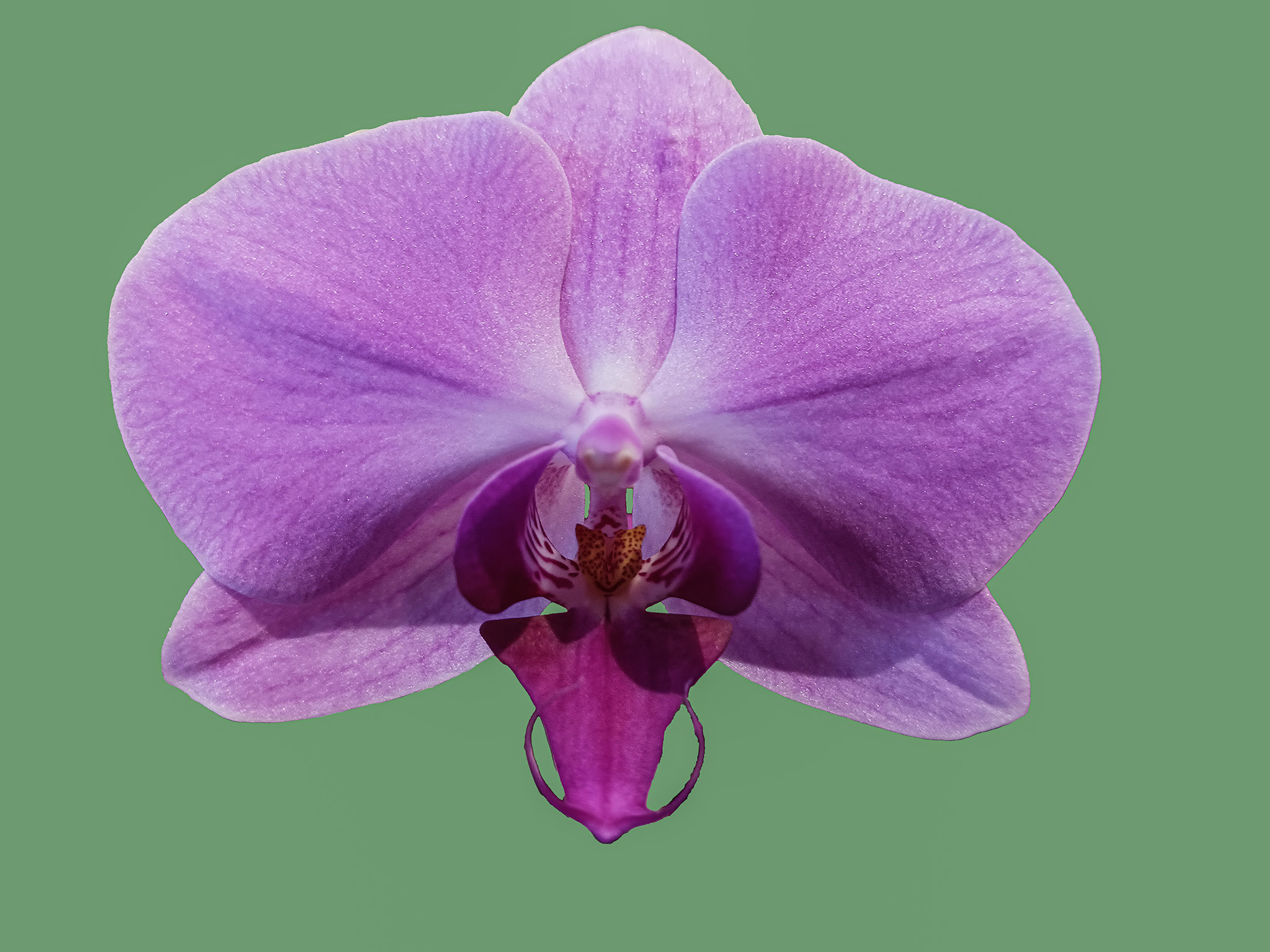
For me, the dark leaves are pulling too much focus from the beautiful flower. I took a different approach from your original. I isolated the flower on its own layer, removed it from the background layer, and applied an average blur to the background layer, which presents a color that is an average of all the colors present. This is by no means a finished image, since I didn't have enough time to refine the selection of the flower, but it demonstrates another way to show off the blossom.
Jul 19th
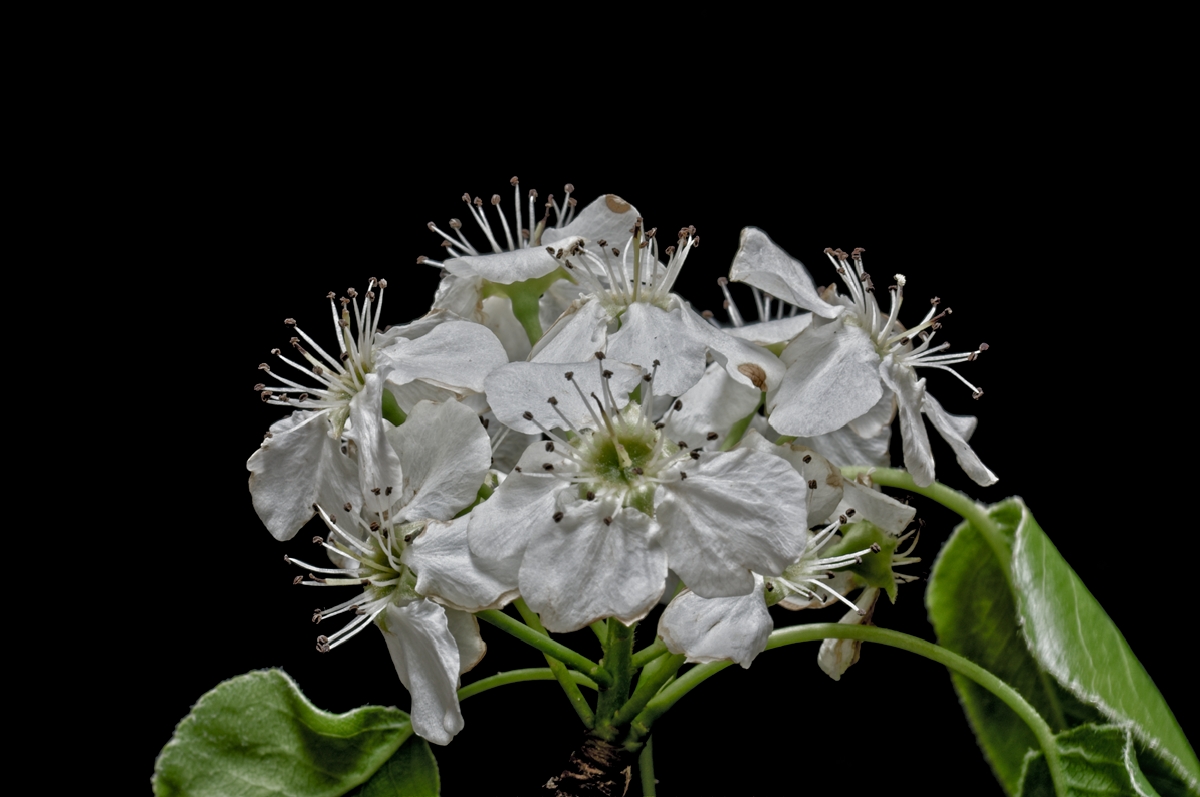
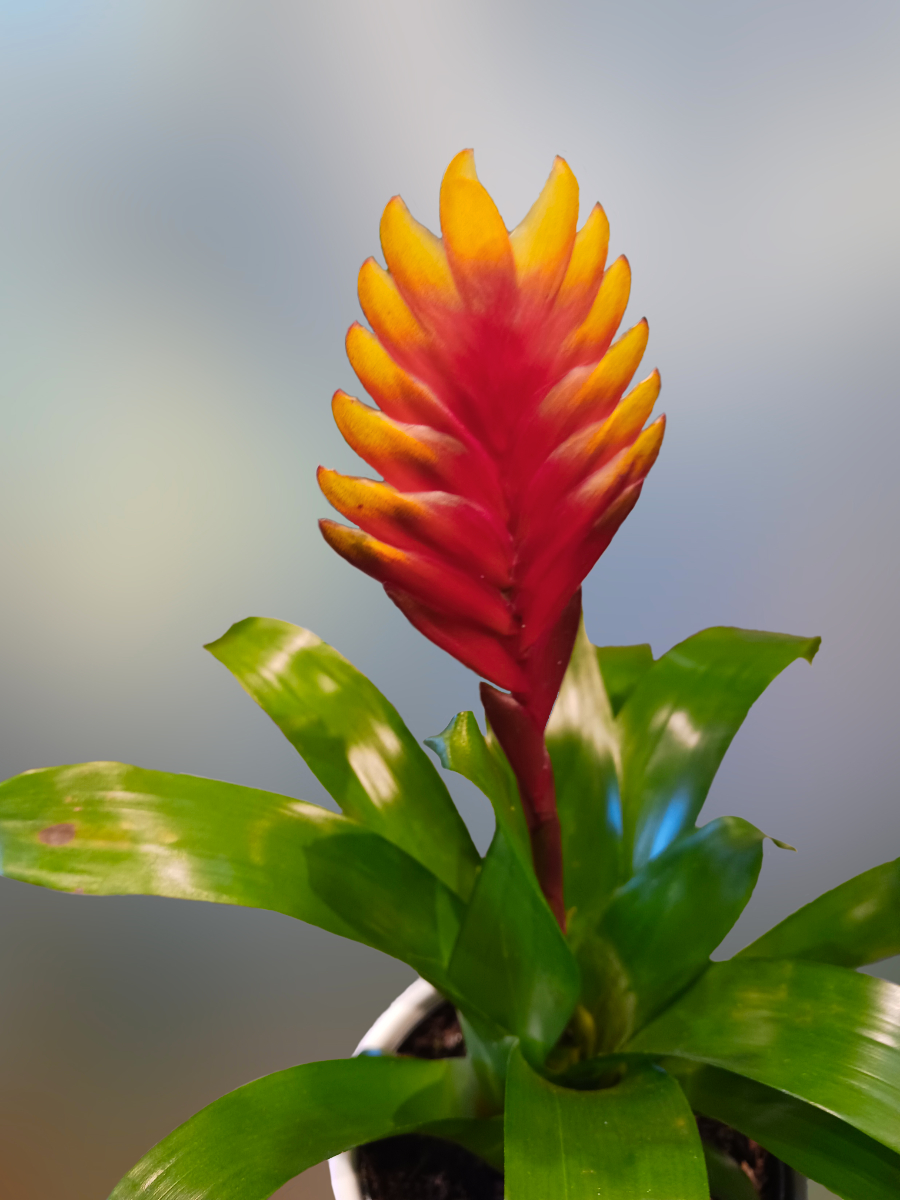
24 Jul 22 Comment Lovely flower presented well with the new background. A little soft in the focus, but not uncommon when shot in a Home Depot flower market. I confess to doing the same quite a bit at the local hardware chains. They’re a great source of flower subjects.

I took your image into Topaz Sharpen AI, then isolated the flower onto its own layer, removed it from the background layer and then blurred the background a bit to help the flower pop out a bit more. Finally, I flipped the image horizontally as it seemed to me a stronger composition.
Jul 18th

4 comments - 1 reply for Group 24

53 Jul 22 Comment I find myself a bit confused by this image. The focus point “appears” to be the clouds since they are 2/3 of the image, but the eye is drawn to the small patch of ground that makes up the other 1/3. There's not enough variety in the ground to hold interest, yet the eye is drawn there for relief.

I would love to see the original color version of this one.
Jul 15th
53 Jul 22 Comment Excellent capture, Brian. You managed to display interesting movement in rocks - no easy feat. The eye is drawn into the image and pulled through to the edge and back. Powerful! Jul 15th
53 Jul 22 Comment I agree that monochrome is a good choice for this image. The leading line of the branch works well to draw the eye through the image.

However, your conversion made branches and lower cormorant come across rather dingy. I took the image into Affinity Photo and turned the birds, nest and branch into a silhouette. Thoughts?
Jul 15th
53 Jul 22 Comment I have incorporated both Arabella's and Albert's ideas in this version. I further blurred and darkened the background and cropped to a more effective composition. Thoughts? Jul 15th
53 Jul 22 Comment The three distinct zones each are vastly different and offer a lot to study. I agree about the contrast and found the angle of the shot a bit confusing to my eye.

I took your image into Affinity Photo and rotated it, using the grass line as a “horizon”, added contrast and a boost of the blue in the sky. I finished it off with some targeted dodging and burning to add some dimensionality. Thoughts?
Jul 15th
53 Jul 22 Comment I agree that this is a lovely scene. It's easy to see why the kids were enjoying it.

Based upon your response to Arabella, I decided to remove the human element (and a few other distracting elements). What do you think?
Jul 15th
53 Jul 22 Reply Hmmm - tire tracks. I hadn't thought of that. That might be a challenge. Jul 15th
53 Jul 22 Reply Can you explain? Jul 15th
53 Jul 22 Reply Why thank you! I know it can be better, just not sure which direction to take. Jul 9th

6 comments - 3 replies for Group 53

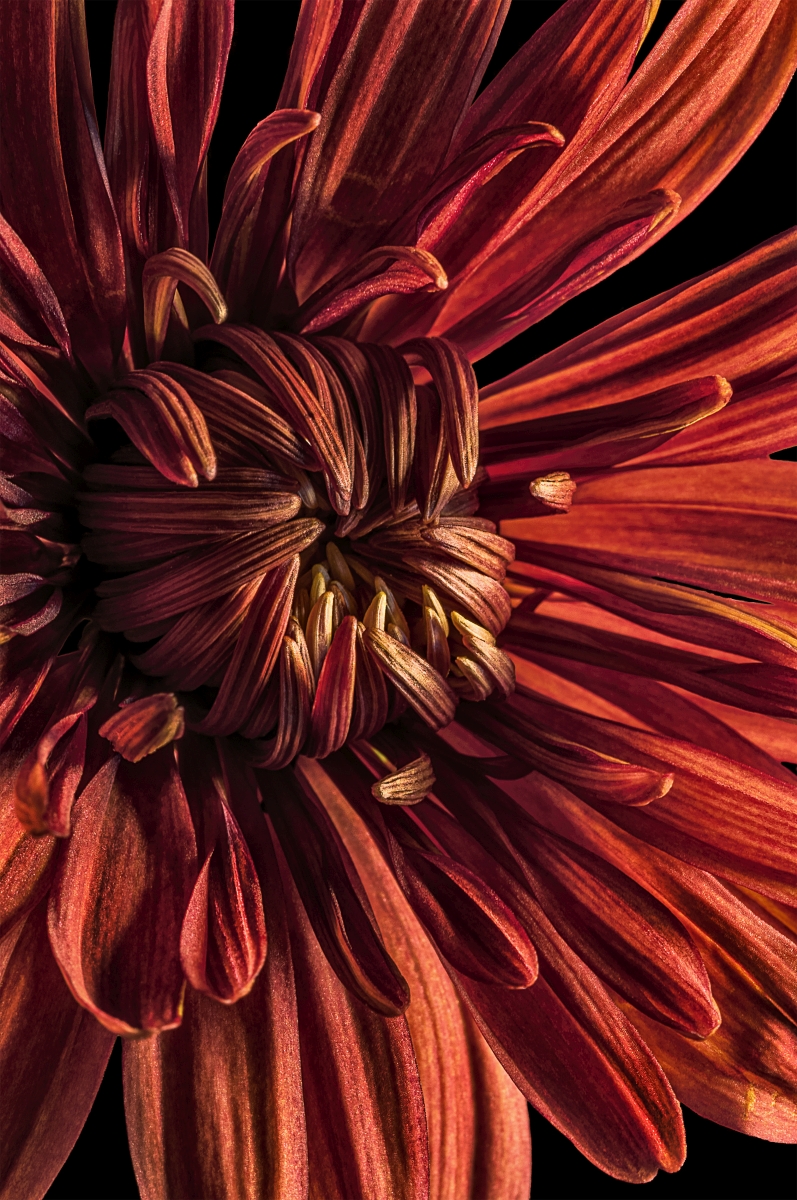
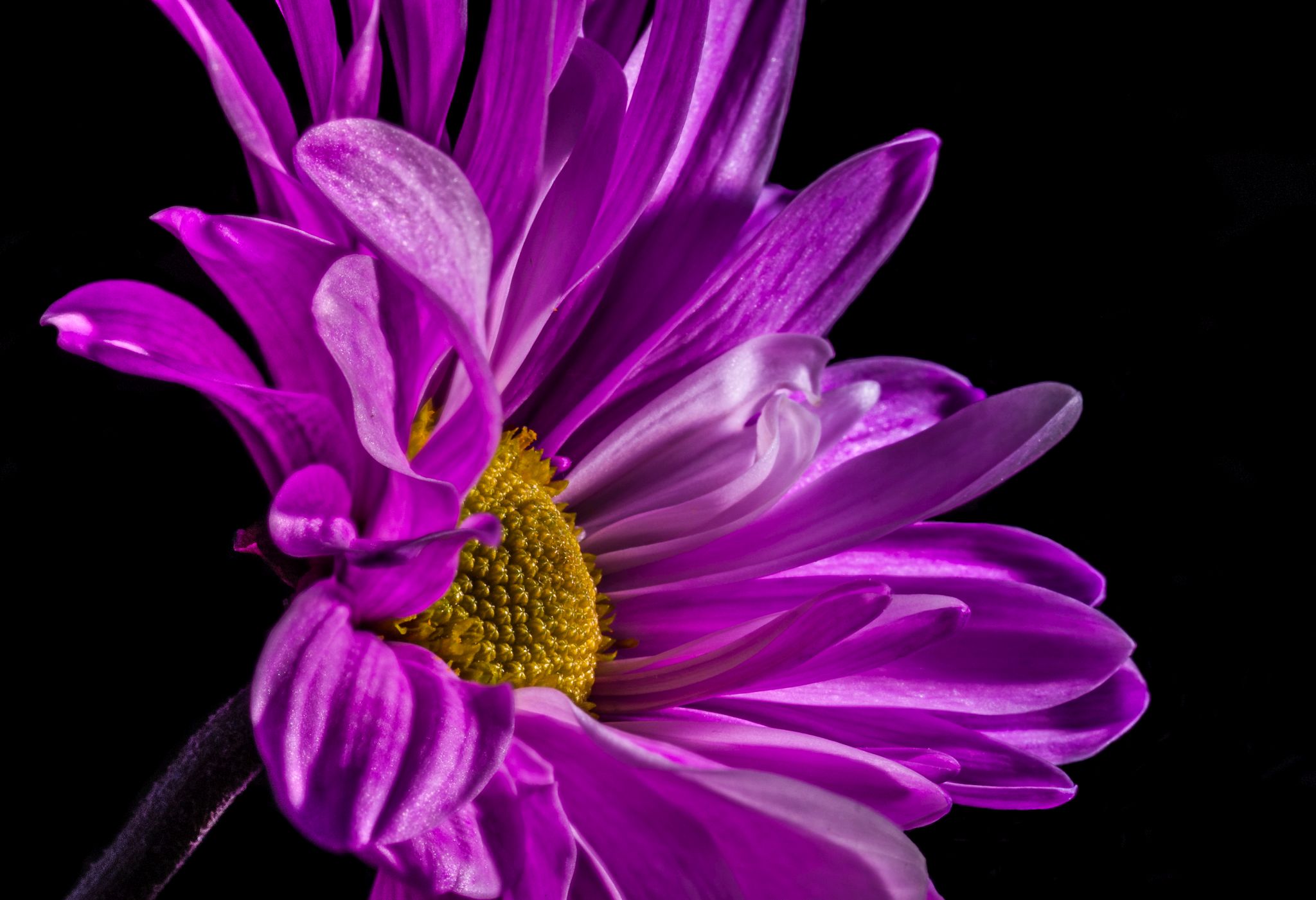
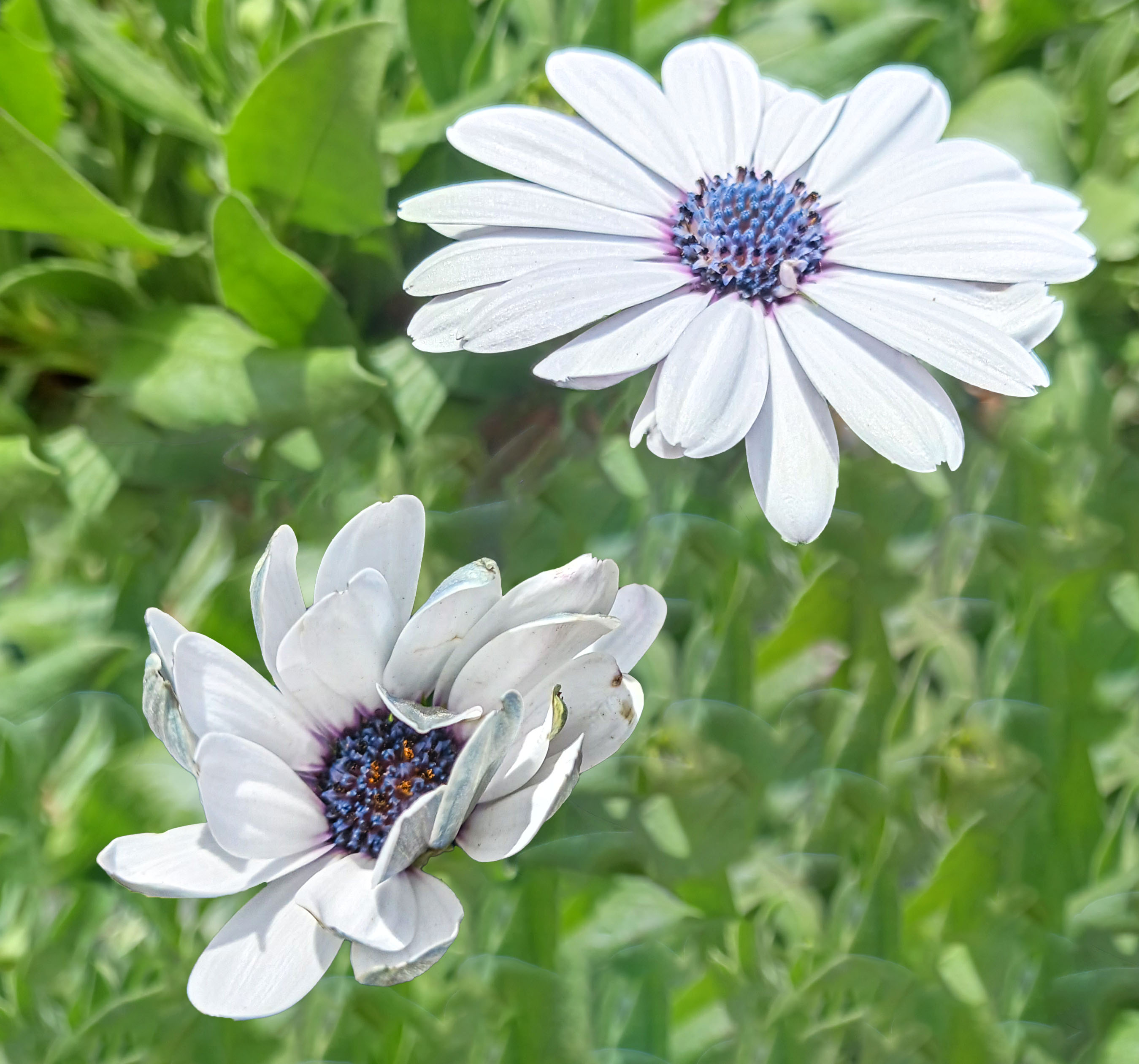
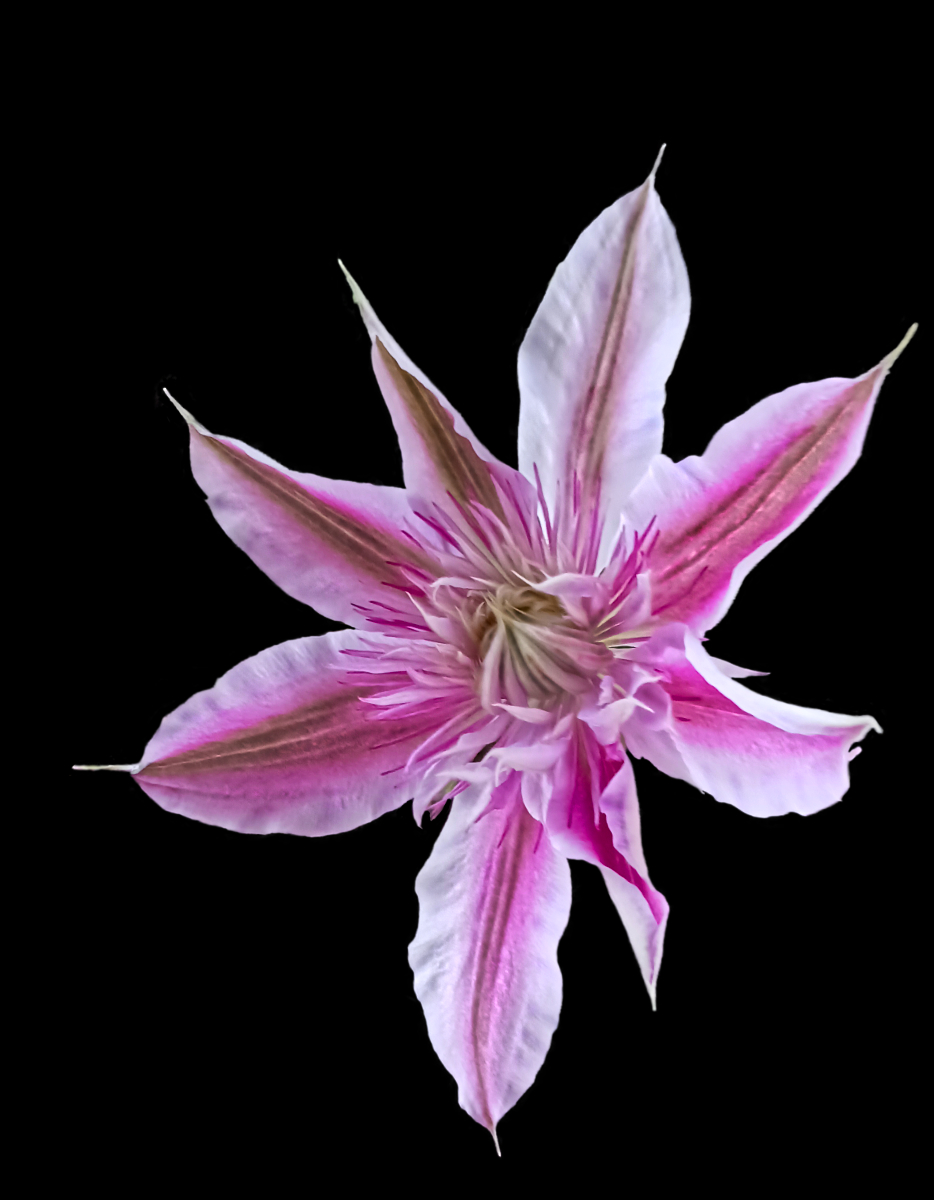
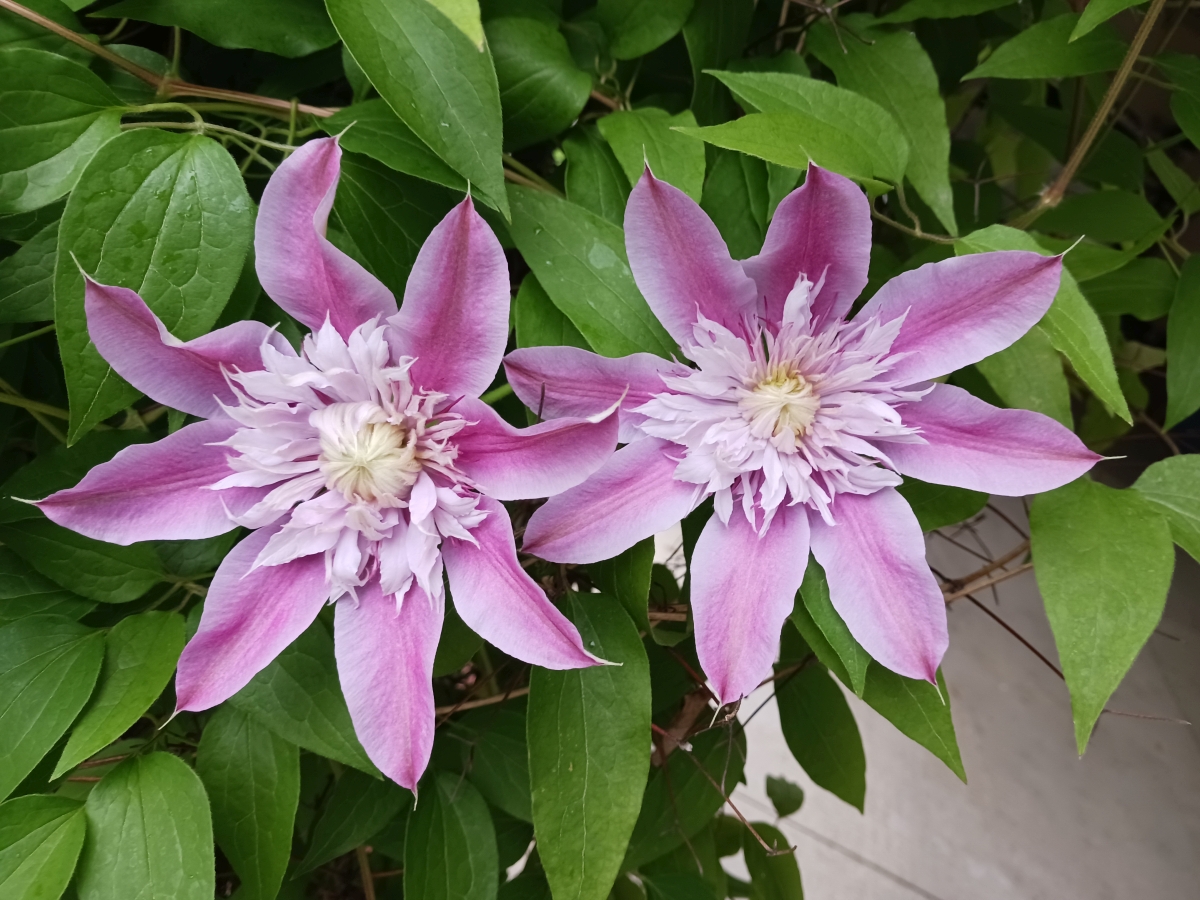
95 Jul 22 Comment Love the flower and the way it flows into the dark background. The fact that this is handheld is amazing - I could never get this in the wild without a tripod.

I do find the background flower distracting as it pulls some focus away from the foreground flower. Here's a version without it. Thoughts?
Jul 15th
95 Jul 22 Reply I appreciate your comment, Keith. I like it when I can take something that’s normally trod under our feet and look closer to see what we usually miss. Jul 15th
95 Jul 22 Reply Thanks, Pat. I spent a lot of time lighting this one and was quite pleased with the outcome. Jul 15th
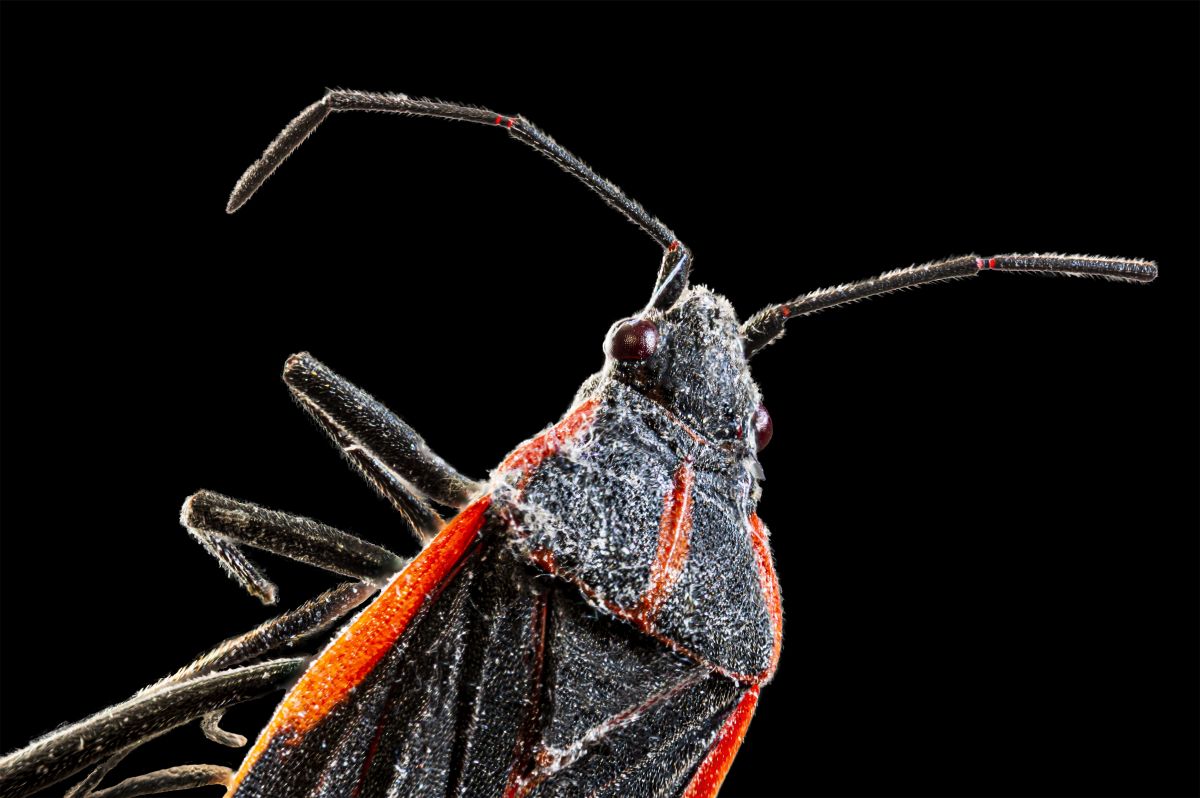
95 Jul 22 Comment Macros of rock can be really interesting to study, and this is no exception. Good choice for this month's submission, Pat.

For a single capture, you got a lot of detail in the important part of the image. Perhaps the light was a little harsh, producing some specular highlights. Consider adding a polarizer to your macro lens to help take control of that.

I agree with the others that the red and blue end up being distracting. I took your image into Affinity Photo and cropped so that only the white part of the rock was showing. I then finished it off by adding some targeted dodging and burning to emphasize the dimensionality of the rock. Thoughts?
Jul 15th
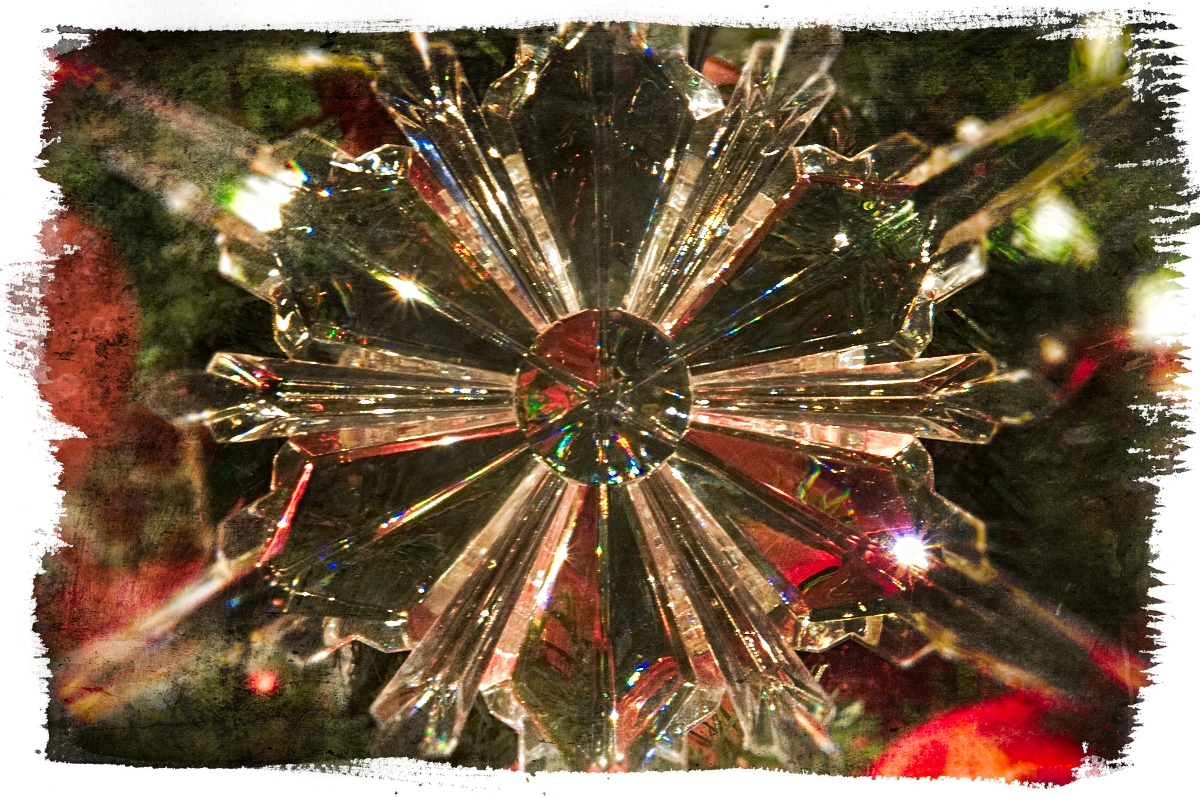
95 Jul 22 Comment I actually think the background color works well with the blues in the crystal. For me, as with the others, the shadow is a major distraction. I think a shadow makes for more dimensionality, but a little goes a long way. The crystal, however, is quite fascinating. It’s almost like looking through a clear chunk of glass at the earth’s surface from space.

I took your image into Affinity Photo and isolated the crystal from the background. Then I added a fill layer close in color to the original background color, created a duplicate of the crystal that I filled with black, offset it it slightly from the crystal, then blurred it. Finally, I cropped the image slightly to better fit the result. Thoughts?
Jul 15th
95 Jul 22 Comment Wonderful capture, Fran. Sharp and soft where needed. Background is superb. Keep up the good work. Jul 15th
95 Jul 22 Reply Thanks, Carol. I thought it came out well and makes a common weed flower seem more than it's typically seen as. Jul 9th
95 Jul 22 Reply I think I see what you mean. Guess I should have used a third lighting arm. d:¬{( Jul 9th

4 comments - 4 replies for Group 95


14 comments - 8 replies Total


285 Images Posted

  = Current Round   = Previous Round
Group 00

Dec 25

Mar 25

Oct 24

Sep 24

Jul 24

Nov 20

Oct 20

Sep 20

Dec 19

Nov 19

May 18

Jan 17
Group 06

Feb 20

Jan 20

Dec 19

Nov 19

Oct 19

Sep 19

Aug 19

Jul 19

Jun 19

May 19

Apr 19

Mar 19

Feb 19

Jan 19

Dec 18

Nov 18

Oct 18

Sep 18

Aug 18

Jul 18

Jun 18

May 18

Apr 18

Feb 18

Jan 18

Dec 17

Nov 17

Oct 17

Sep 17

Jul 17

Jun 17

May 17

Apr 17

Mar 17

Feb 17
Group 11

Dec 19

Nov 19

Oct 19

Sep 19

Aug 19

Jul 19

Jun 19

May 19

Apr 19

Mar 19

Feb 19

Jan 19

Dec 18

Nov 18

Oct 18

Sep 18

Aug 18

Jul 18

Jun 18

May 18

Apr 18

Mar 18

Feb 18

Jan 18

Dec 17

Nov 17

Oct 17

Sep 17

Jul 17

Jun 17

May 17

Apr 17

Mar 17

Feb 17

Jan 17
Group 18

Nov 19

Oct 19

Sep 19

Aug 19

Jul 19

Jun 19

May 19

Apr 19

Mar 19

Feb 19

Jan 19

Dec 18

Nov 18

Oct 18

Sep 18

Aug 18

Jun 18

May 18

Apr 18

Mar 18

Feb 18

Jan 18

Dec 17
Group 24

Dec 23

Nov 23

Oct 23

Sep 23

Aug 23

Jul 23

Jun 23

May 23

Apr 23

Mar 23

Feb 23

Jan 23

Dec 22

Nov 22

Oct 22

Sep 22

Aug 22

Nov 17

Oct 17

Jul 17

Jun 17

May 17

Apr 17

Mar 17
Group 53

Feb 25

Jan 25

Dec 24

Nov 24

Oct 24

Sep 24

Aug 24

Jul 24

Jun 24

May 24

Apr 24

Mar 24

Feb 24

Jan 24

Dec 23

Nov 23

Oct 23

Sep 23

Aug 23

Jul 23

Jun 23

May 23

Apr 23

Mar 23

Feb 23

Jan 23

Dec 22

Nov 22

Oct 22

Sep 22

Aug 22

Jul 22

Jun 22

May 22

Apr 22

Mar 22

Feb 22

Jan 22

Nov 21

Oct 21

Aug 21

Jul 21

Jun 21

May 21

Apr 21

Mar 21

Feb 21

Jan 21

Dec 20

Nov 20

Oct 20

Sep 20

Aug 20

Jul 20

Jun 20

May 20

Apr 20

Mar 20

Feb 20

Jan 20

Dec 19

Nov 19

Oct 19

Sep 19

Aug 19

Jul 19

Jun 19

May 19

Apr 19

Mar 19

Feb 19

Jan 19

Dec 18

Nov 18

Oct 18

Sep 18

Aug 18

Jul 18

Jun 18

May 18

Apr 18

Mar 18

Feb 18

Jan 18

Dec 17

Nov 17

Oct 17

Sep 17

Aug 17

Jul 17

Jun 17

May 17

Apr 17

Mar 17

Feb 17

Jan 17
Group 62

Jan 18

Dec 17

Nov 17

Oct 17

Sep 17

Jul 17

Jun 17

May 17

Apr 17

Mar 17

Feb 17
Group 86

Nov 20

Oct 20

Sep 20

Aug 20

Jul 20

Jun 20
Group 95

Dec 23

Nov 23

Oct 23

Sep 23

Jul 23

Jun 23

May 23

Apr 23

Mar 23

Feb 23

Dec 22

Nov 22

Oct 22

Sep 22

Aug 22

Jul 22

Jun 22

May 22

Apr 22

Mar 22

Feb 22

Jan 22

Dec 21

Nov 21

Oct 21

Aug 21

Jul 21

Jun 21

May 21

Apr 21

Mar 21

Feb 21

Jan 21

Dec 20

Nov 20

Oct 20

Sep 20

Aug 20

Jul 20

Jun 20

May 20

Apr 20

Mar 20

Close this Tab when done