Activity for User 69 - Tom Pickering - info@photopicks.net

avatar
Avatar

Close this Tab when done


1433 Comments / 1336 Replies Posted

  = Current Round   = Previous Round
Group Round C/R Comment Date Image
53 Mar 21 Reply Well, doggone it! d;¬{D Mar 24th
53 Mar 21 Reply How's this: Mar 24th
53 Mar 21 Reply It would appear that was a new term for most of us. d;¬{D Mar 24th
53 Mar 21 Reply You are too kind. What about it makes it more striking in your view? Mar 20th
53 Mar 21 Reply No, I'm talking about the individual programs Denoise AI and Sharpen AI. The versions in beta are quite a bit faster than the versions currently in release. Mar 17th
53 Mar 21 Reply I'm a big fan of the those Topaz programs and use them a lot. I'm also a beta tester for Topaz and you're going to love the next release of Denoise AI and Sharpen AI. d;¬{D Mar 17th
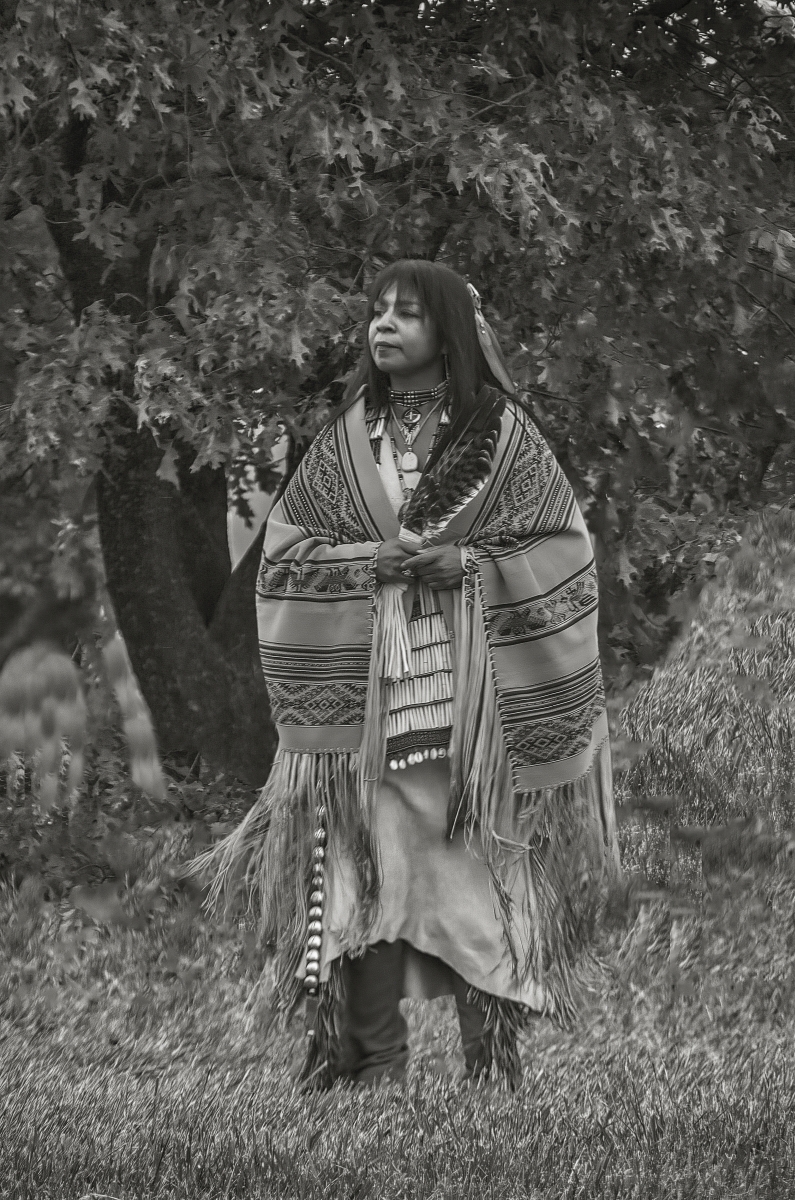
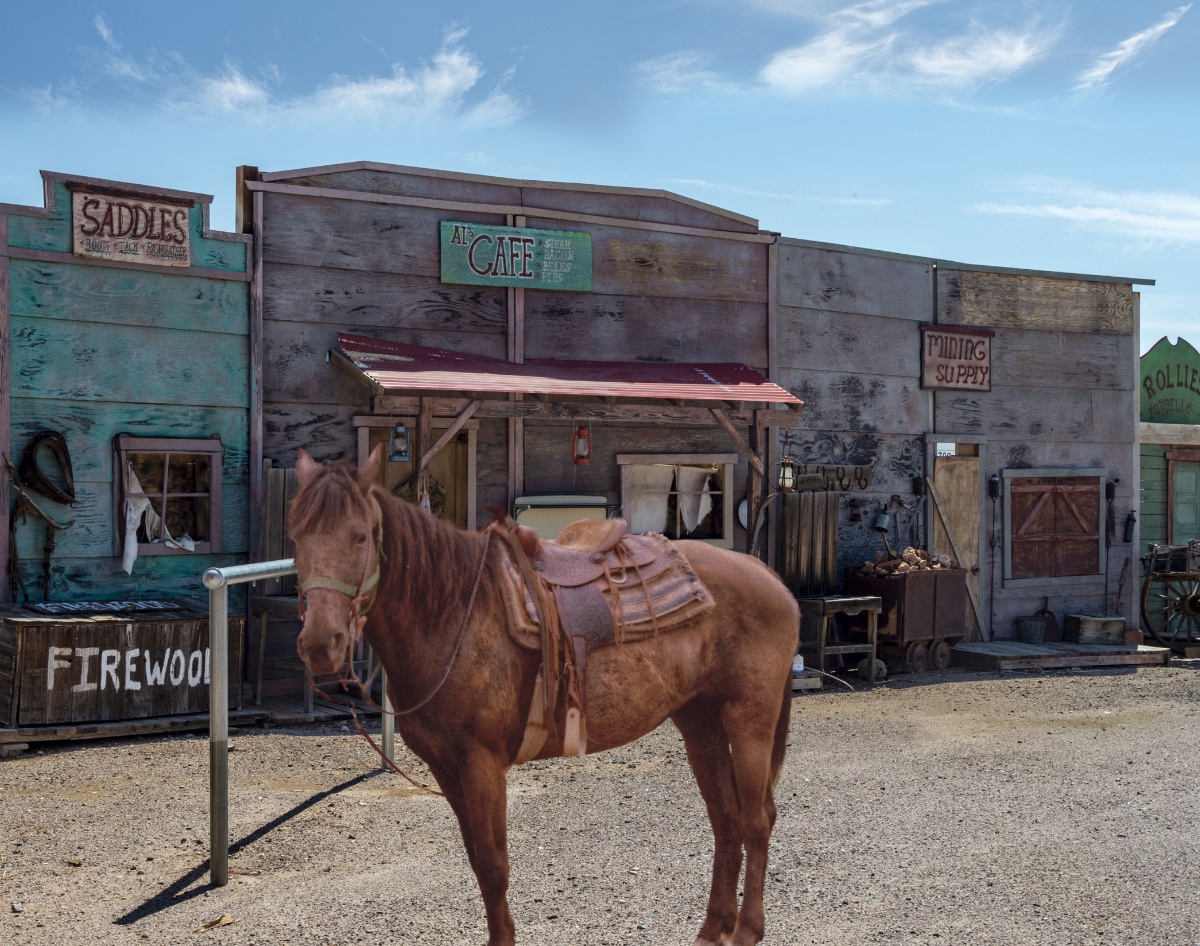
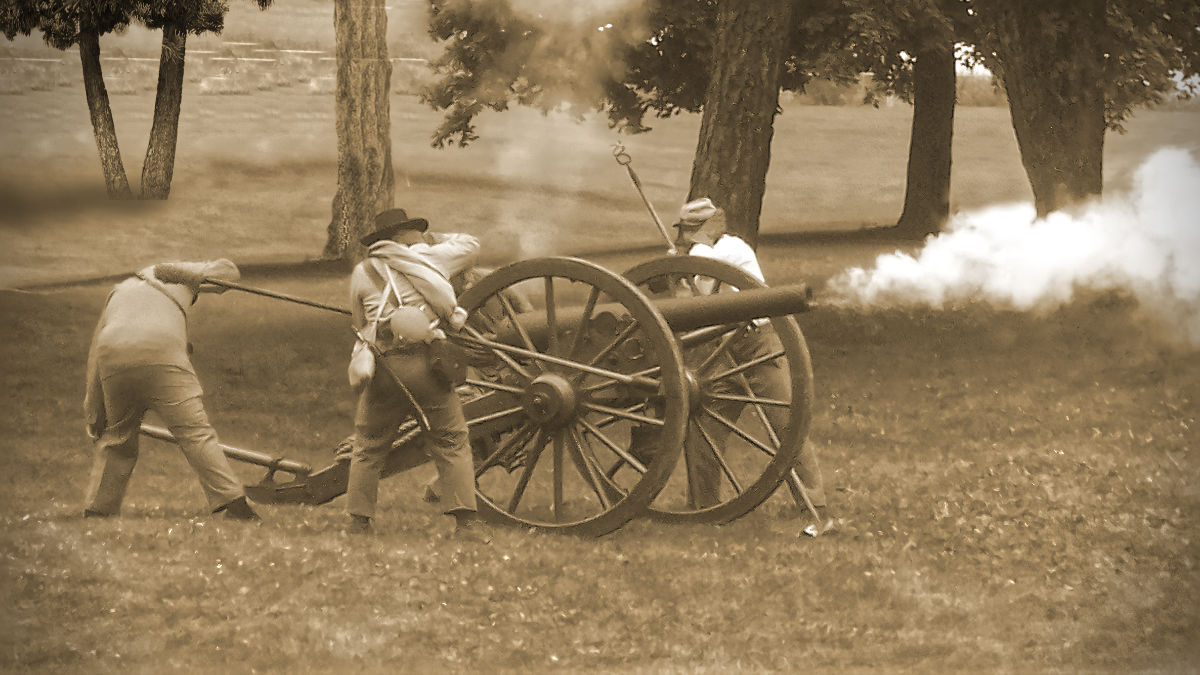
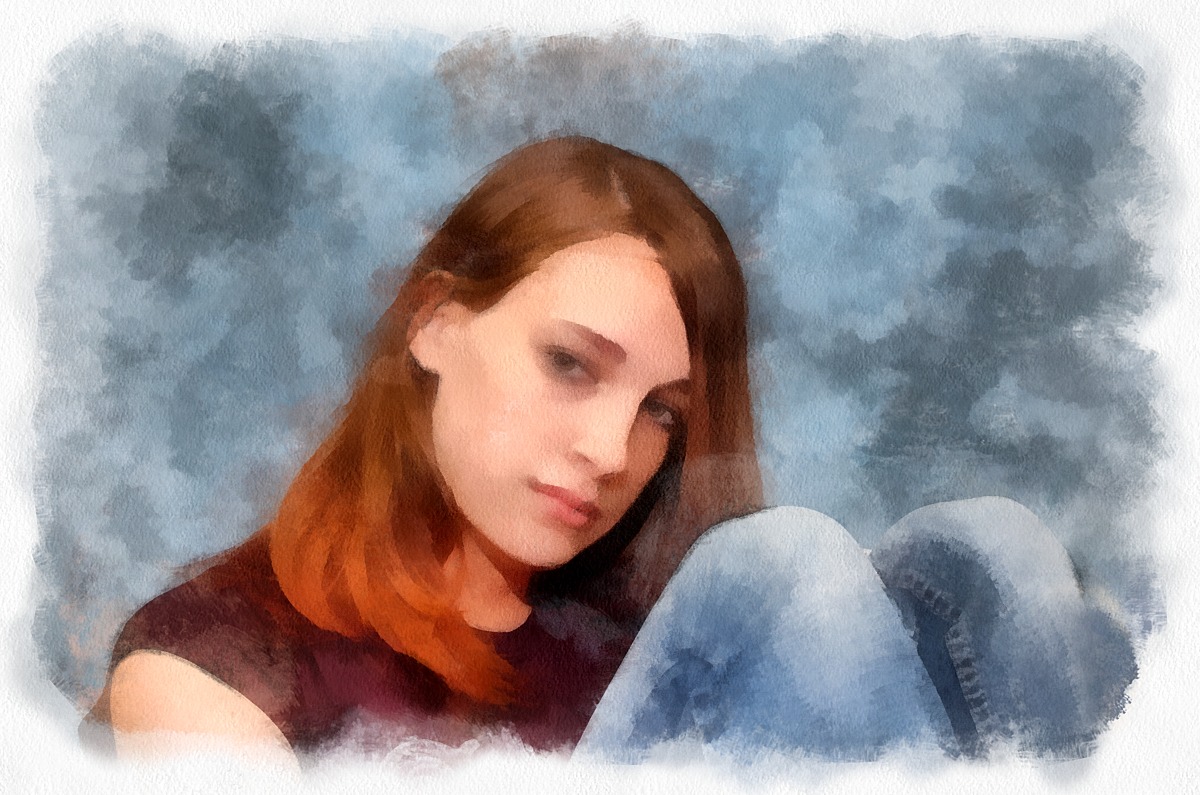
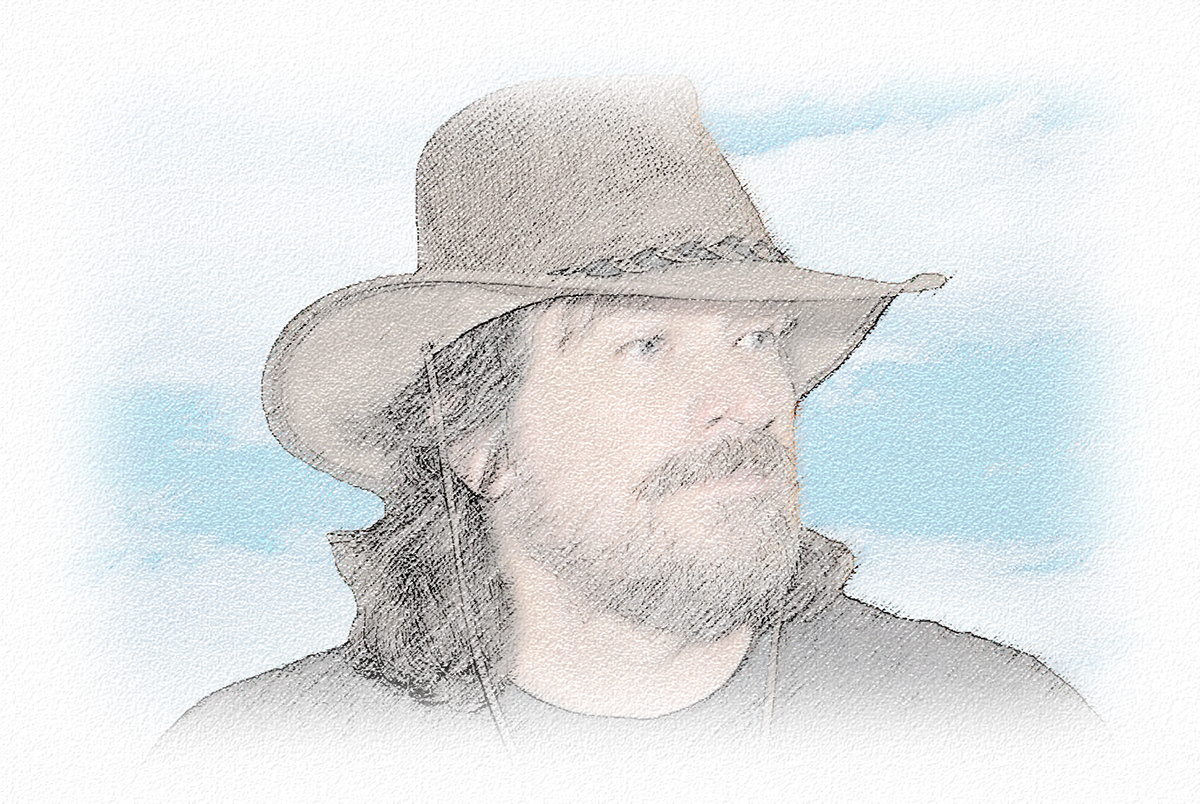
53 Mar 21 Reply I found a collection of various backdrops in a variety of themes. This one was from the Wild West theme. Seemed to fit with her outfit. I added a LUT to bring her colors in line with the scene. Mar 14th
53 Mar 21 Comment I bet you had a lot of fun with that app. Did you have trouble choosing one to submit?

I briefly played around with various editing apps on my tablet but found that my fingers were too big to finesse things. Guess I'm just too old to learn very many new tricks. d;¬{D

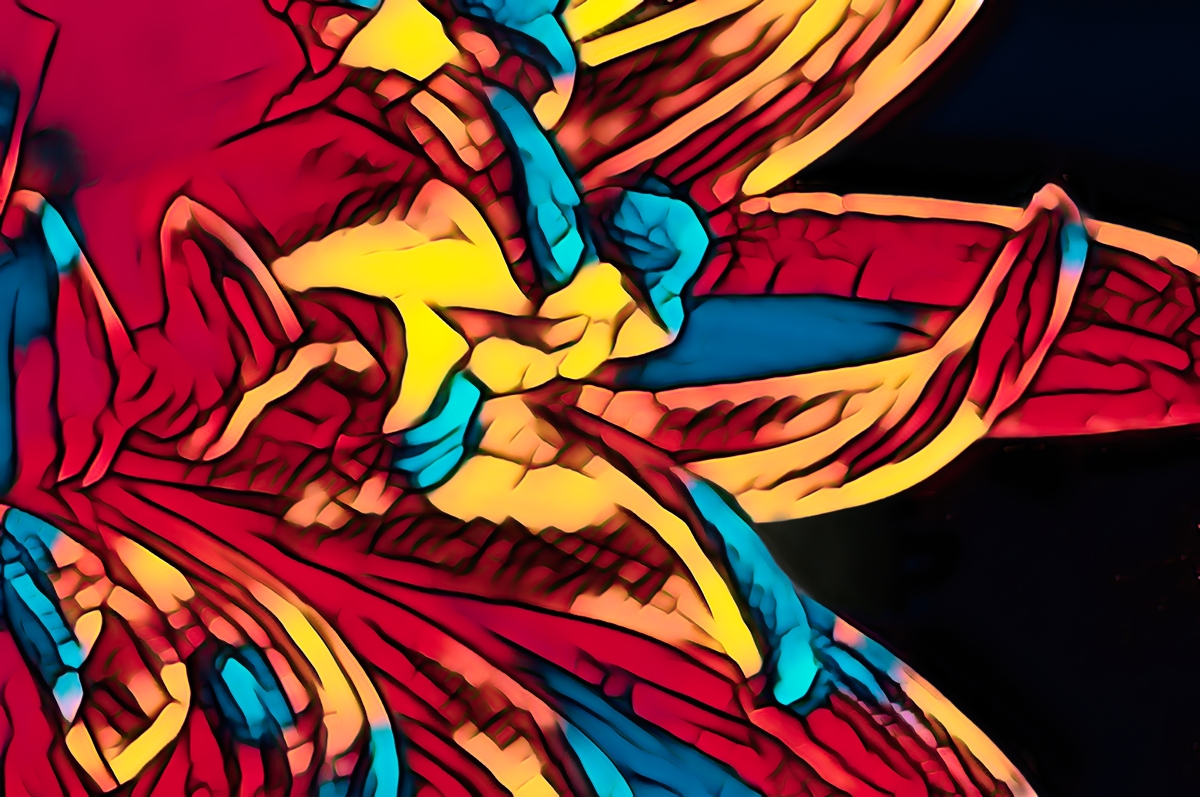
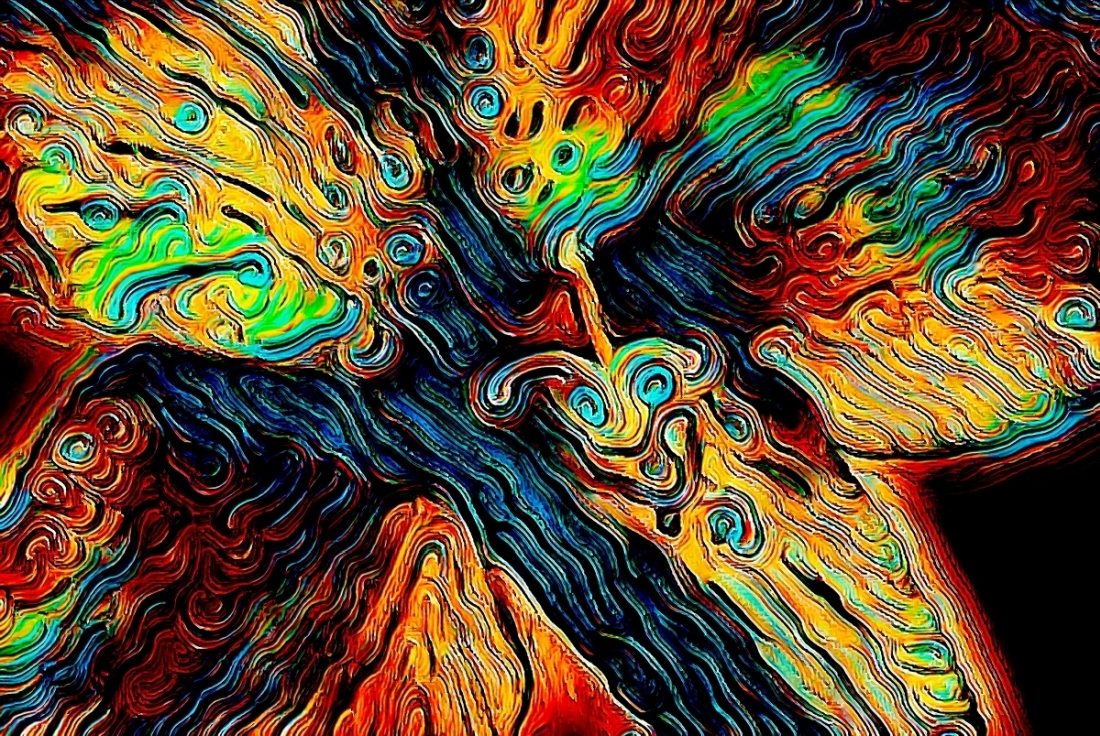
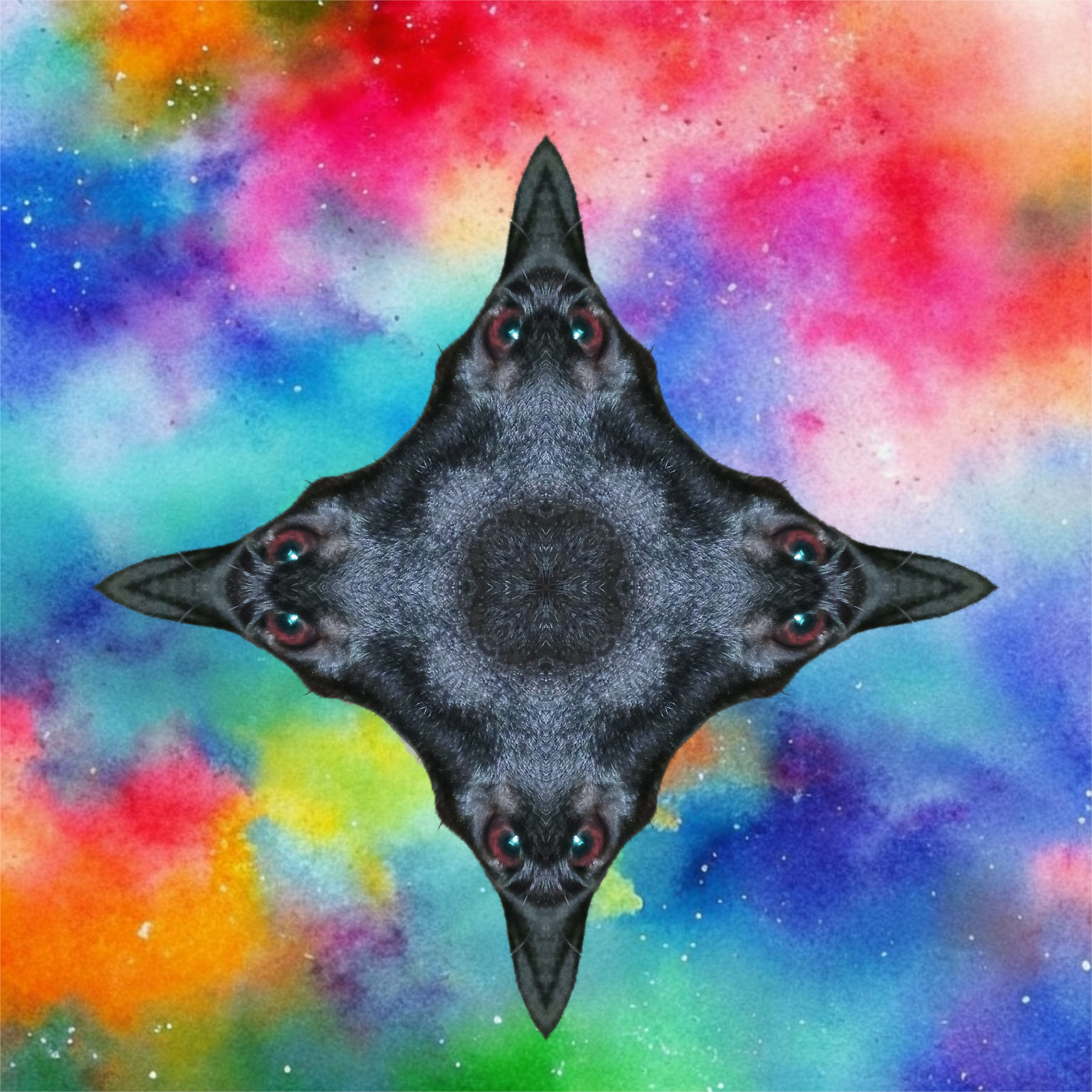
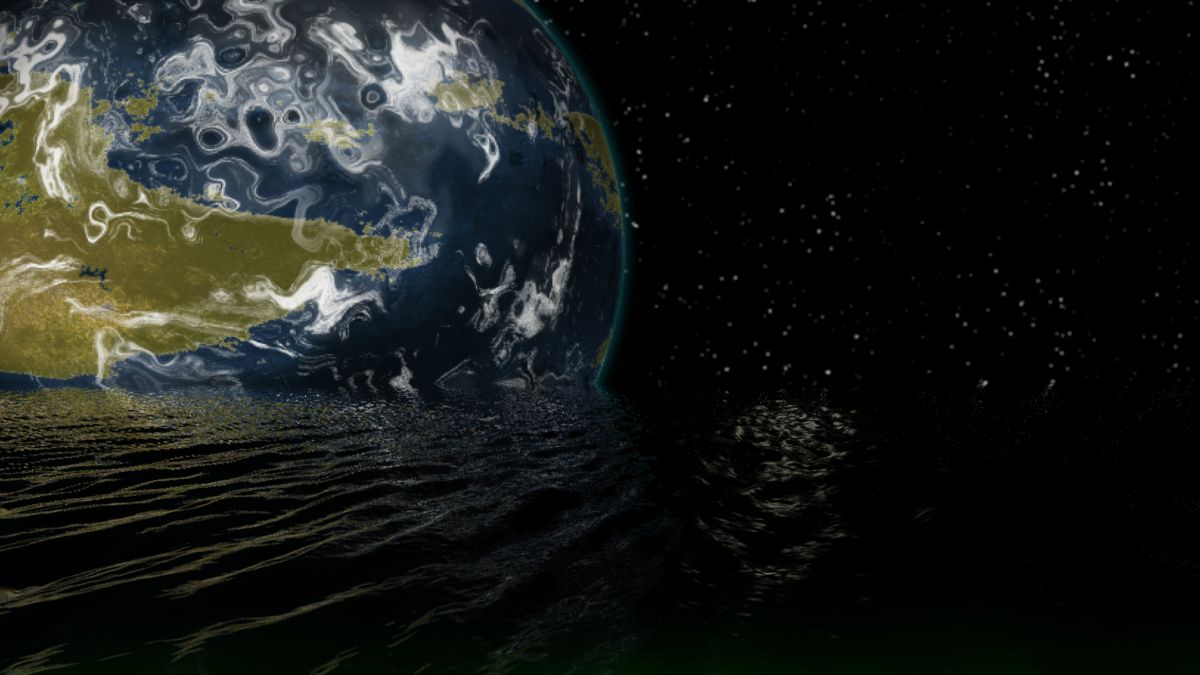
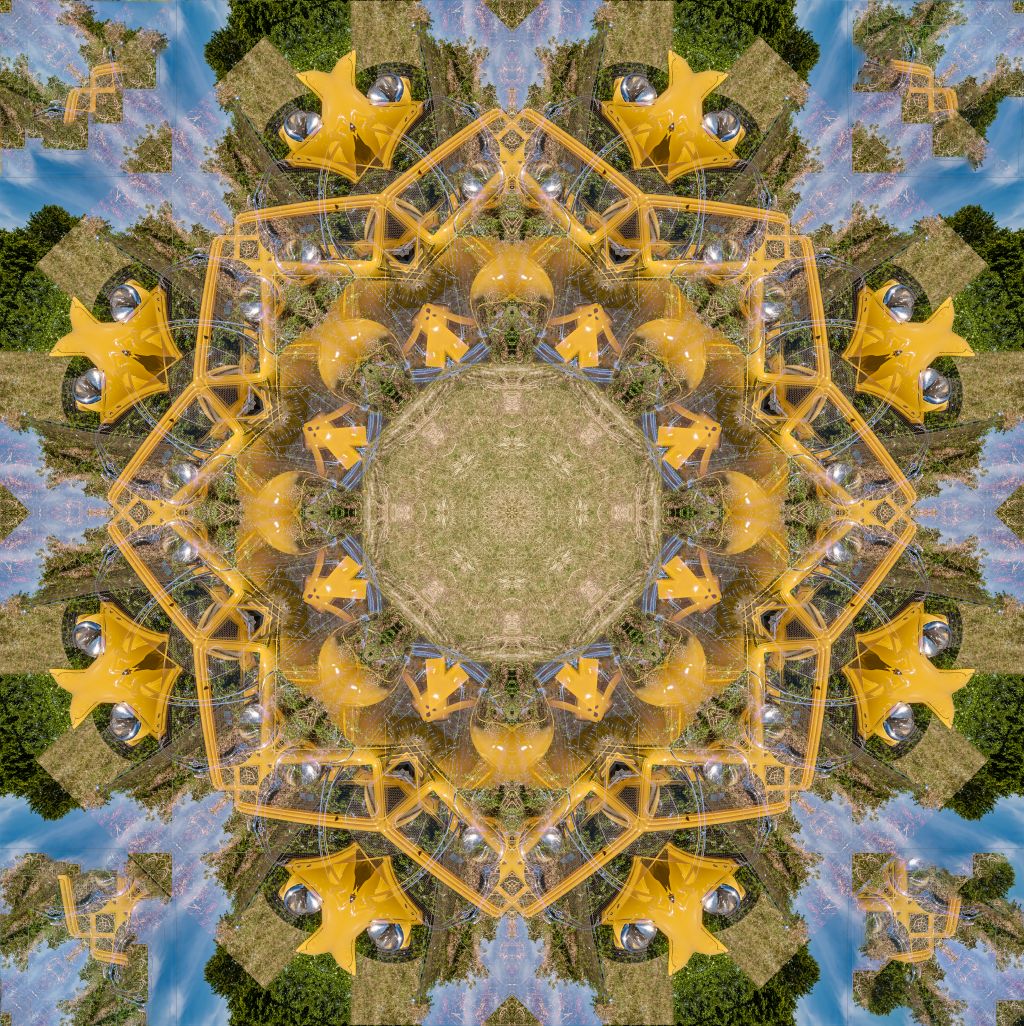
The twists your app created worked very well with the curved shapes of the mushrooms. Miriam's noise reduction polished it off nicely.

If you have other versions, please share. d;¬{D
Mar 13th
53 Mar 21 Comment Here's a version with her in a setting. What are your thoughts? Mar 13th
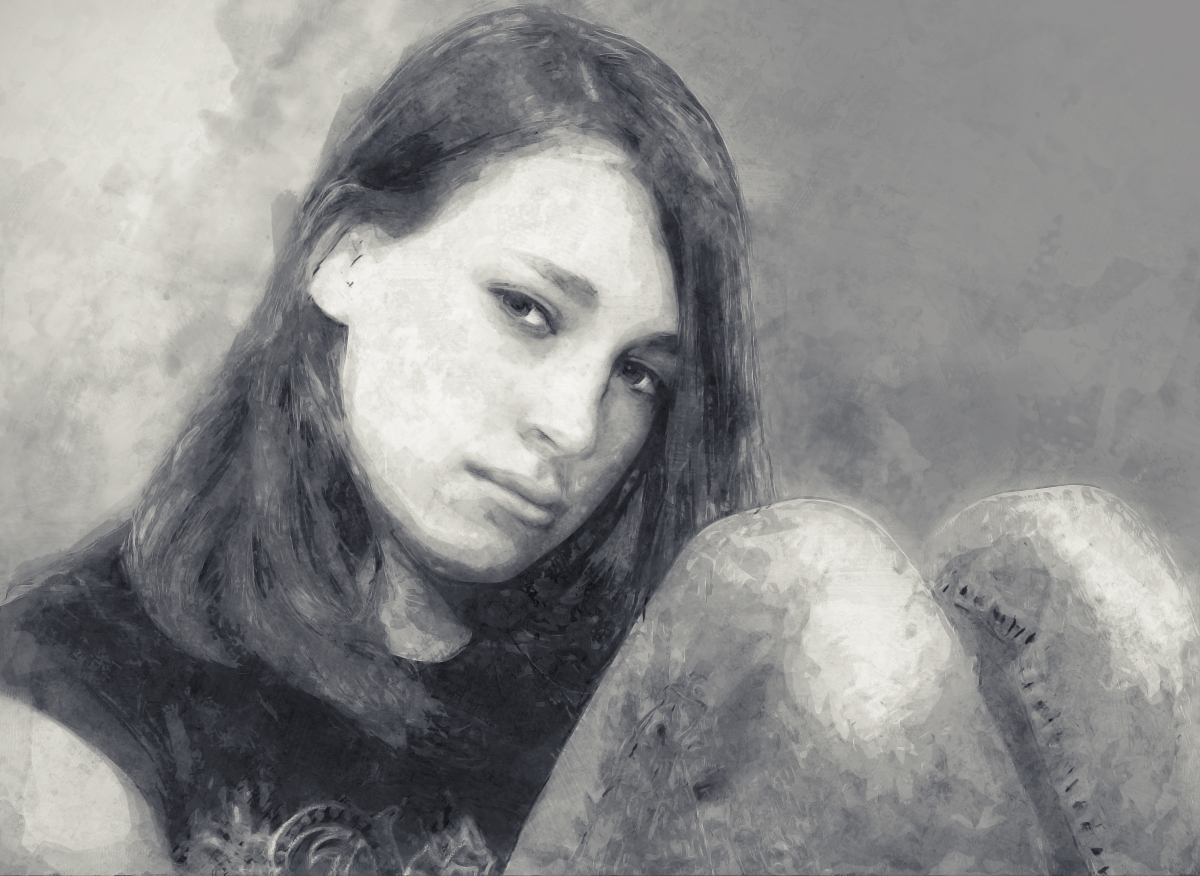
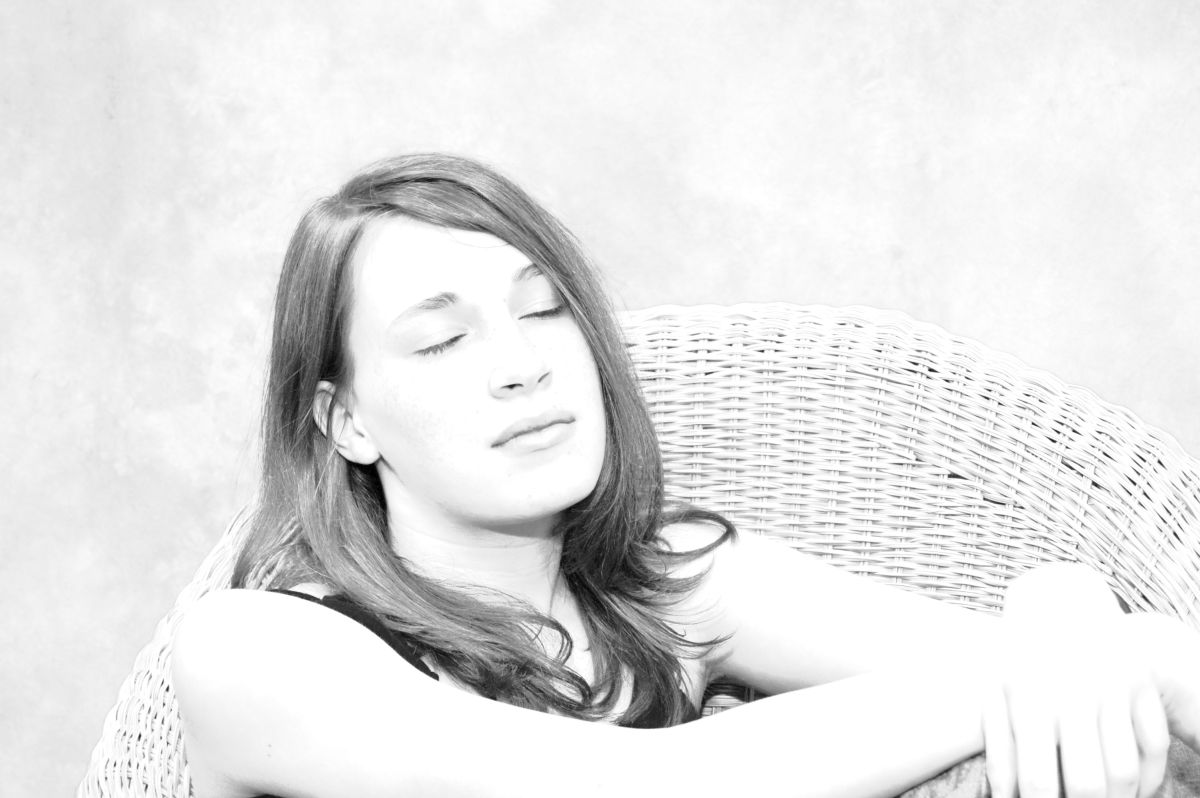
53 Mar 21 Comment Lovely portrait, Dan. She is poised but not stuffy. The exposure, detail & colors are great. Perhaps she would do better against a colored background or a setting, as the white is just too bright. What do you think about this version with a colored background? Mar 13th
53 Mar 21 Comment Oh my! What an incredible sky!!! I hope you have this printed on a wall somewhere, cause that's where it belongs! I've got nothing I can suggest to improve this. Mar 13th
53 Mar 21 Comment This is a neat perspective in viewing a skyline, through an opening of the foreground building. I agree that the square crop is best, but perhaps you have cropped in too tight to the circle of the “eye”, which is removing too much information about the foreground.

I played around with the original to better reveal the foreground and tried to get close to your treatment of the sky, though I didn't have the time to refine that. What do you think?
Mar 13th
53 Mar 21 Comment Cool find! That must have been an incredible trip! I wish I was up to trips like this and that travel was even possible.

This cobbled stairway naturally leads the eye into and through the image. If only there was more to see at the top of the stairs.

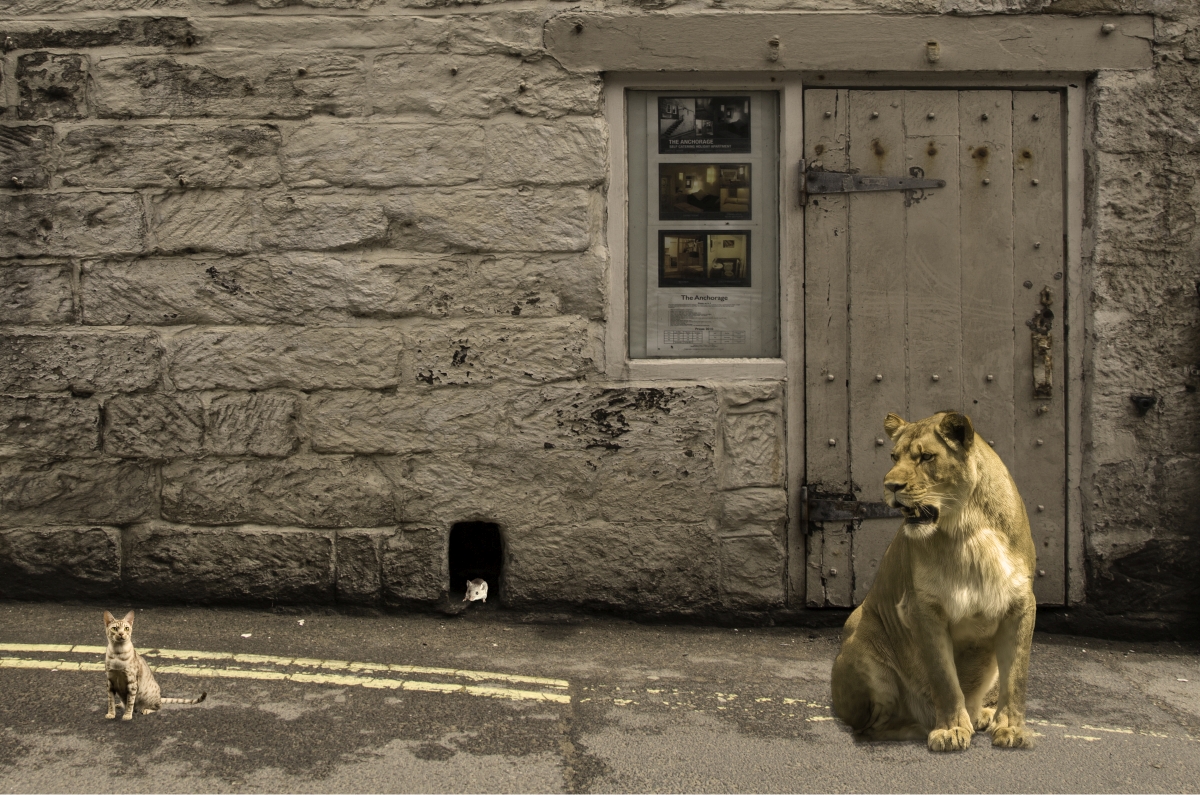
You know me - I had to have a go at adding something for the eye to discover and add some excitement:
Mar 13th
53 Mar 21 Comment I love architectural images like this. You found an interesting angle to capture this from and monochrome is certainly the right presentation. Perhaps this image can be improved with dodging and burning to add more dimensionality. Here's my quick D&B workup as an example: Mar 13th
53 Mar 21 Reply That's another way of saying 'border'. Mar 9th
53 Mar 21 Reply Like this? Mar 2nd
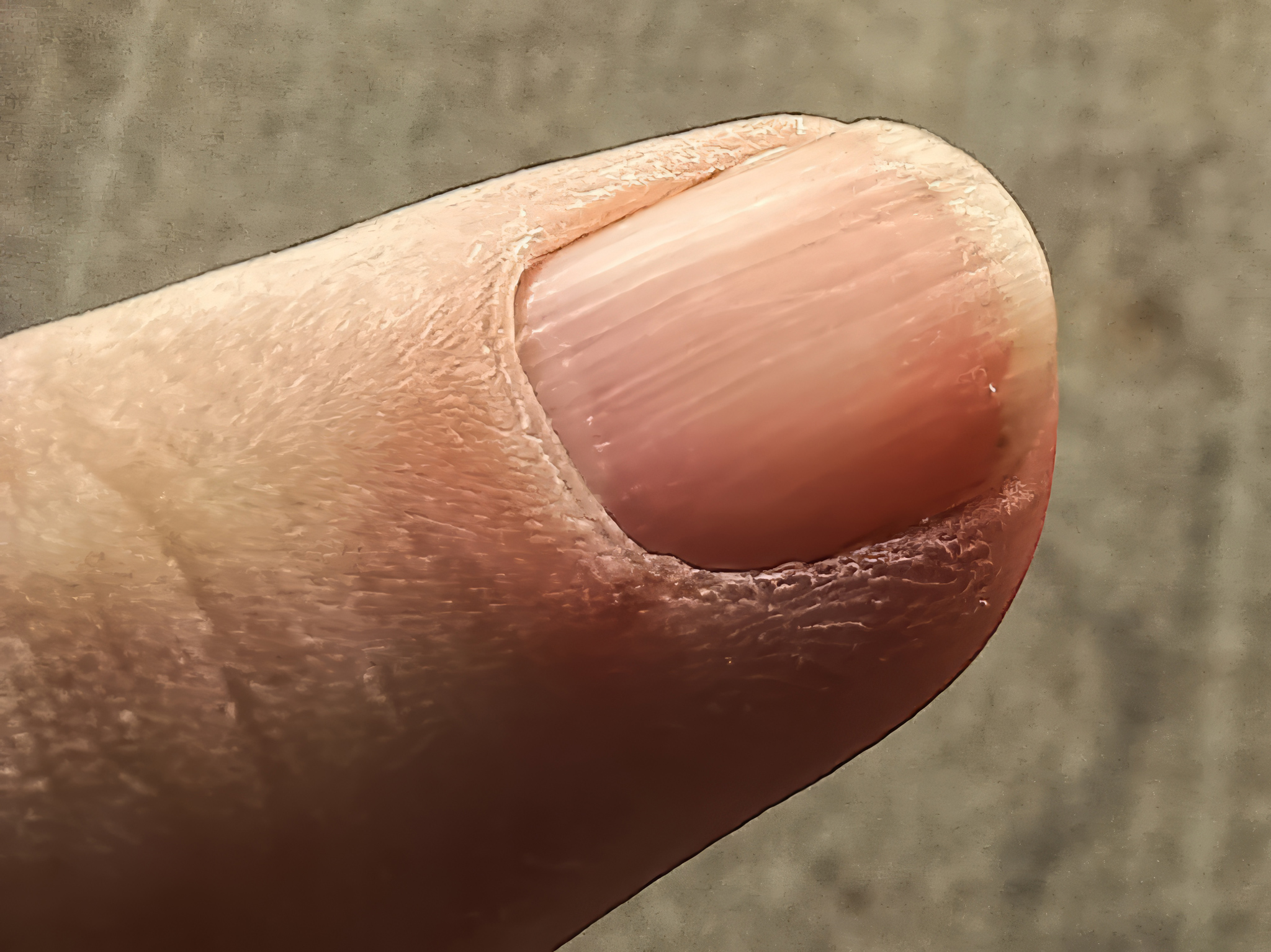
53 Mar 21 Reply The pencil shavings appearance is what caught my eye as well.

What suggestion can you make about the keyline?
Mar 1st

7 comments - 10 replies for Group 53

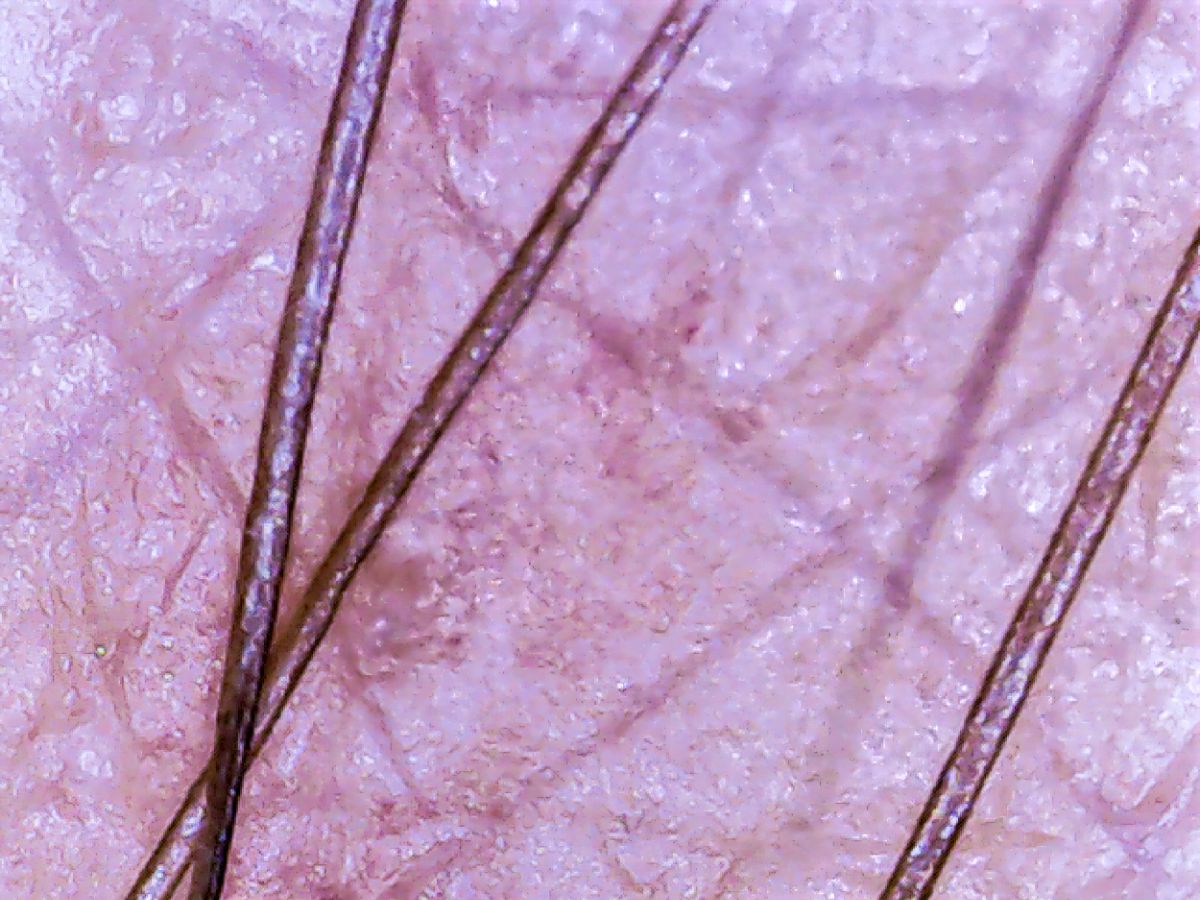
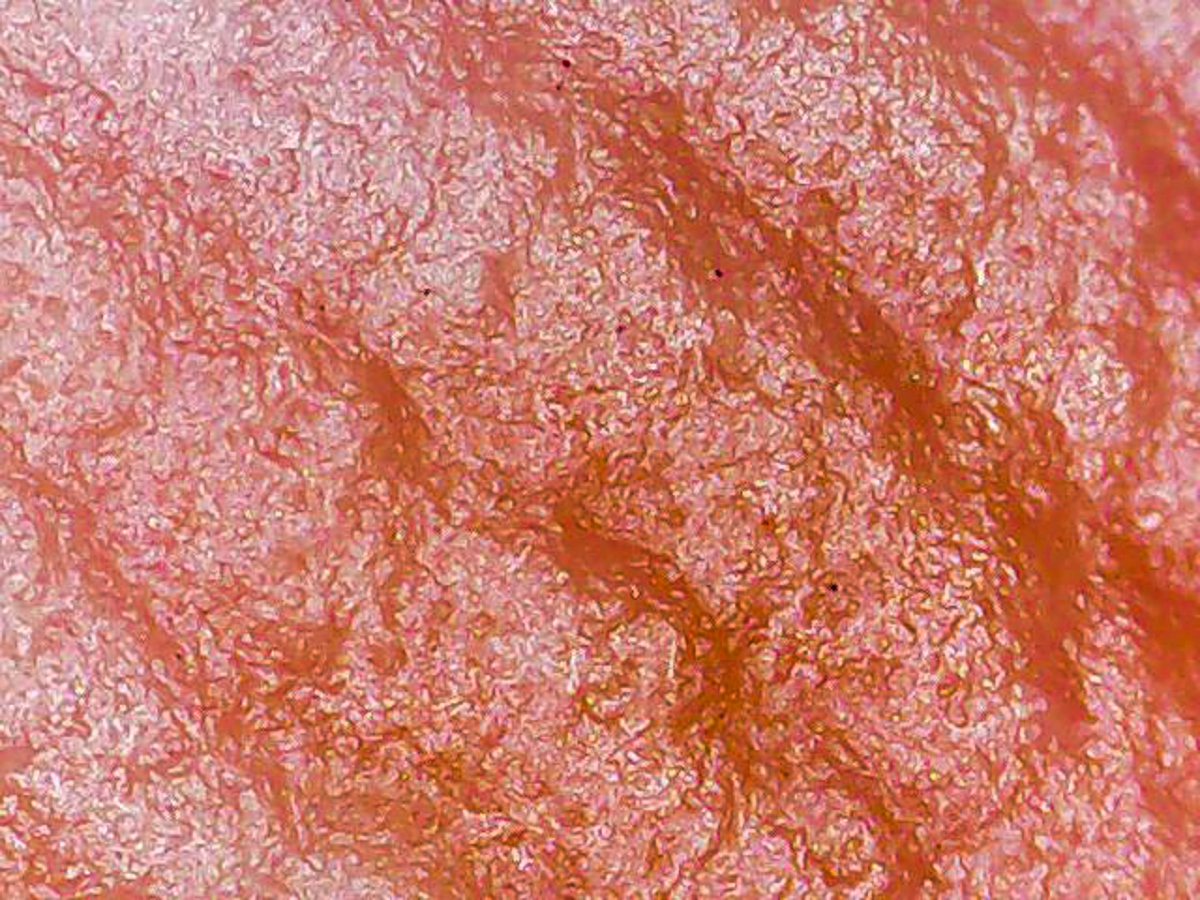
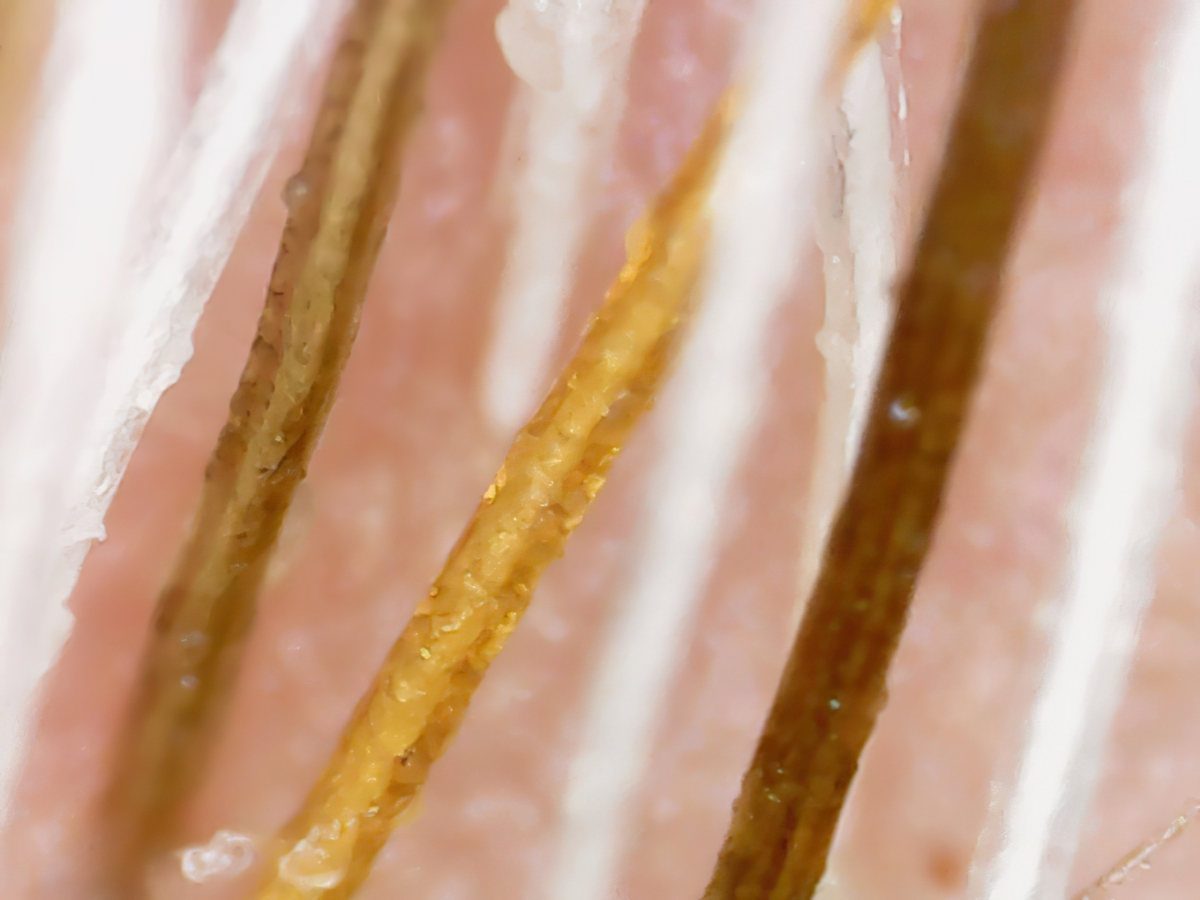
95 Mar 21 Reply These results are each quite a bit different. The AP and HF images are fairly close and took about the same amount of time to merge. The FP result is darker and auto-cropped, which may be a setting - I had just re-installed the program prior to using it for this test.

What do you think of the 3 results?
Mar 17th
95 Mar 21 Reply Finally, the Helicon Focus merge: Mar 17th
95 Mar 21 Reply Now the Focus Projects merge: Mar 17th
95 Mar 21 Reply Here's a 20-image stack, done in each of the 3 programs - Affinity Photo, Focus Projects, & Helicon Focus. These were merged from the RAW images and are otherwise untouched. 1st is Affinity Photo's merge: Mar 17th
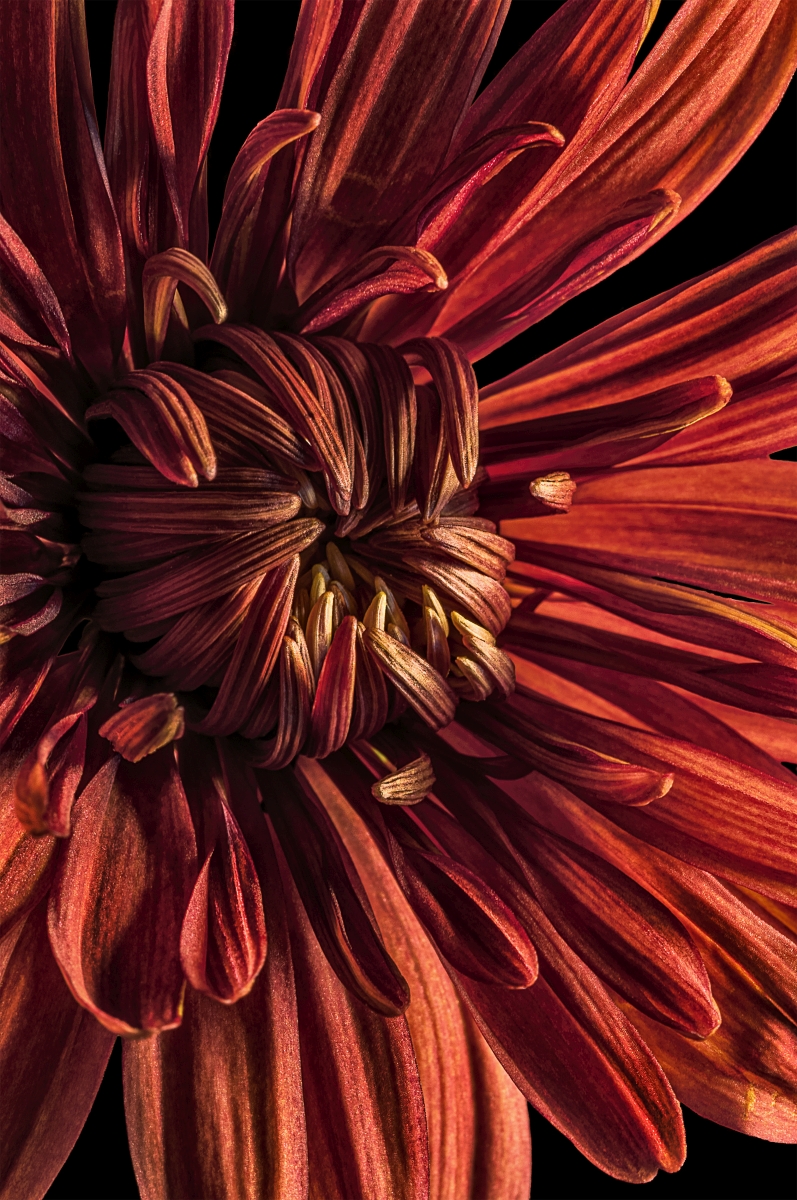
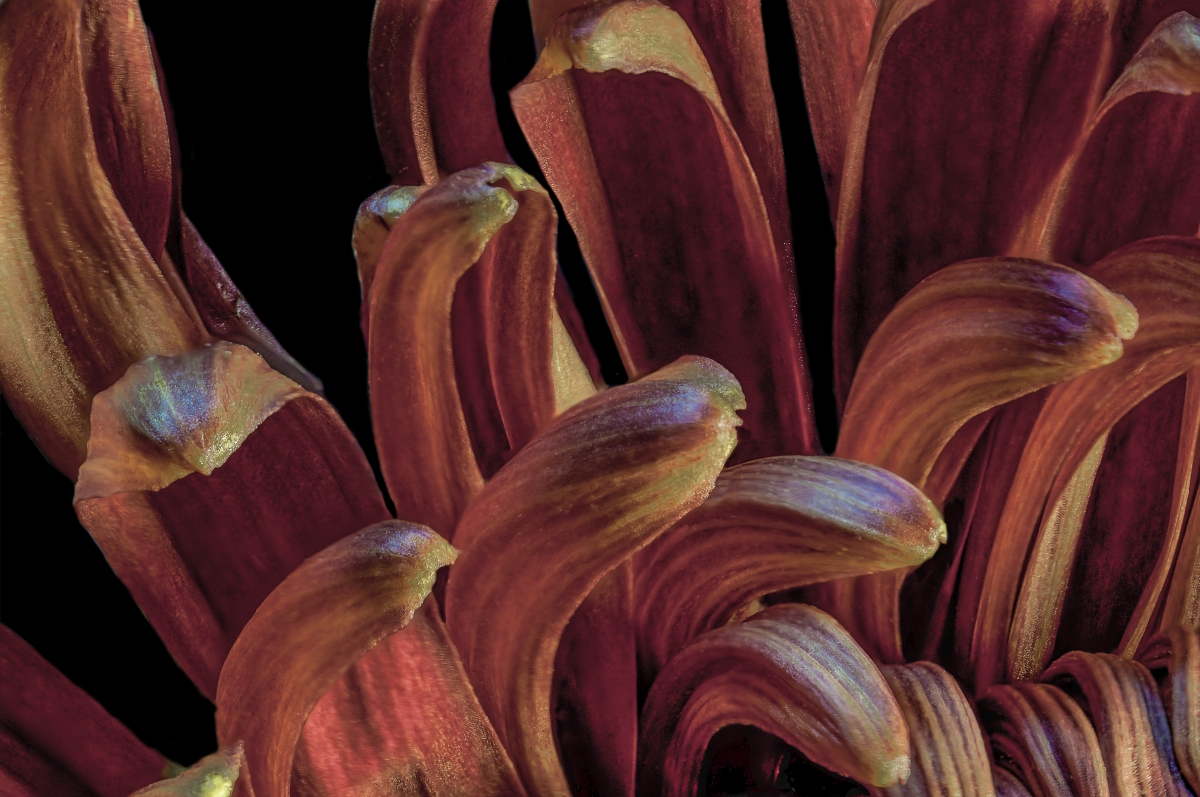
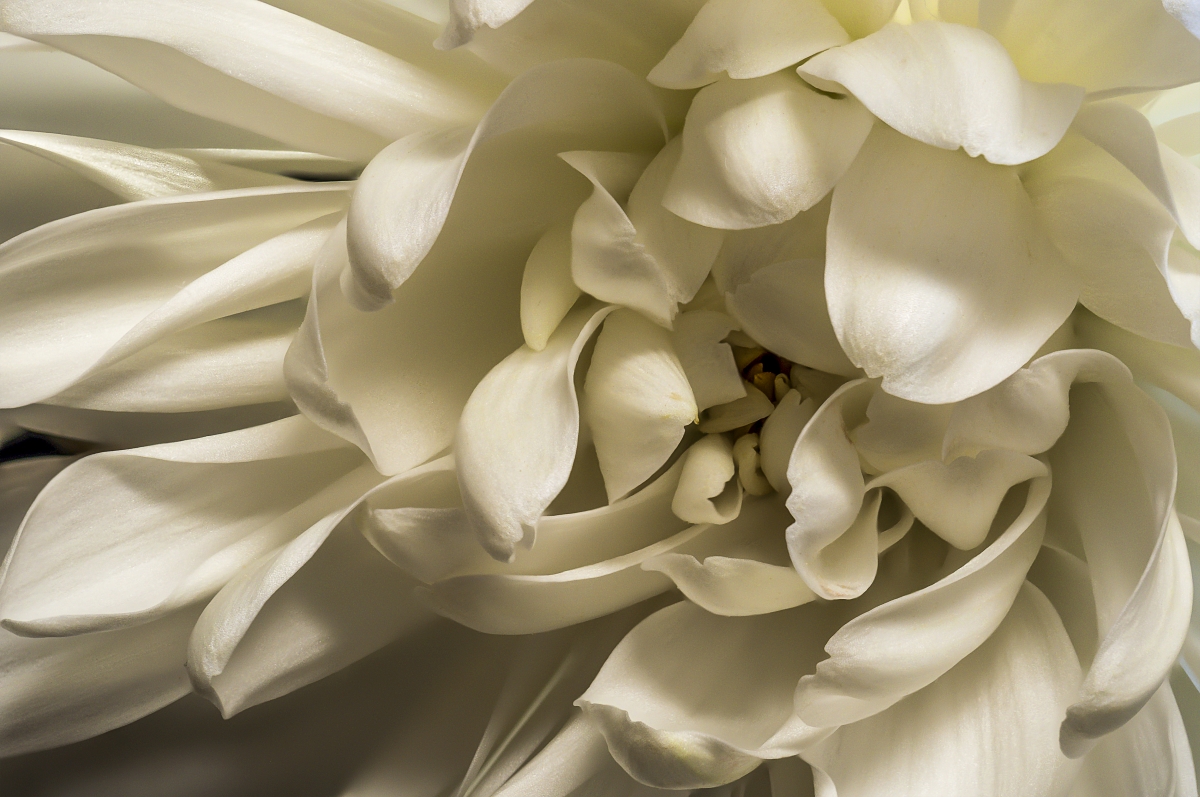
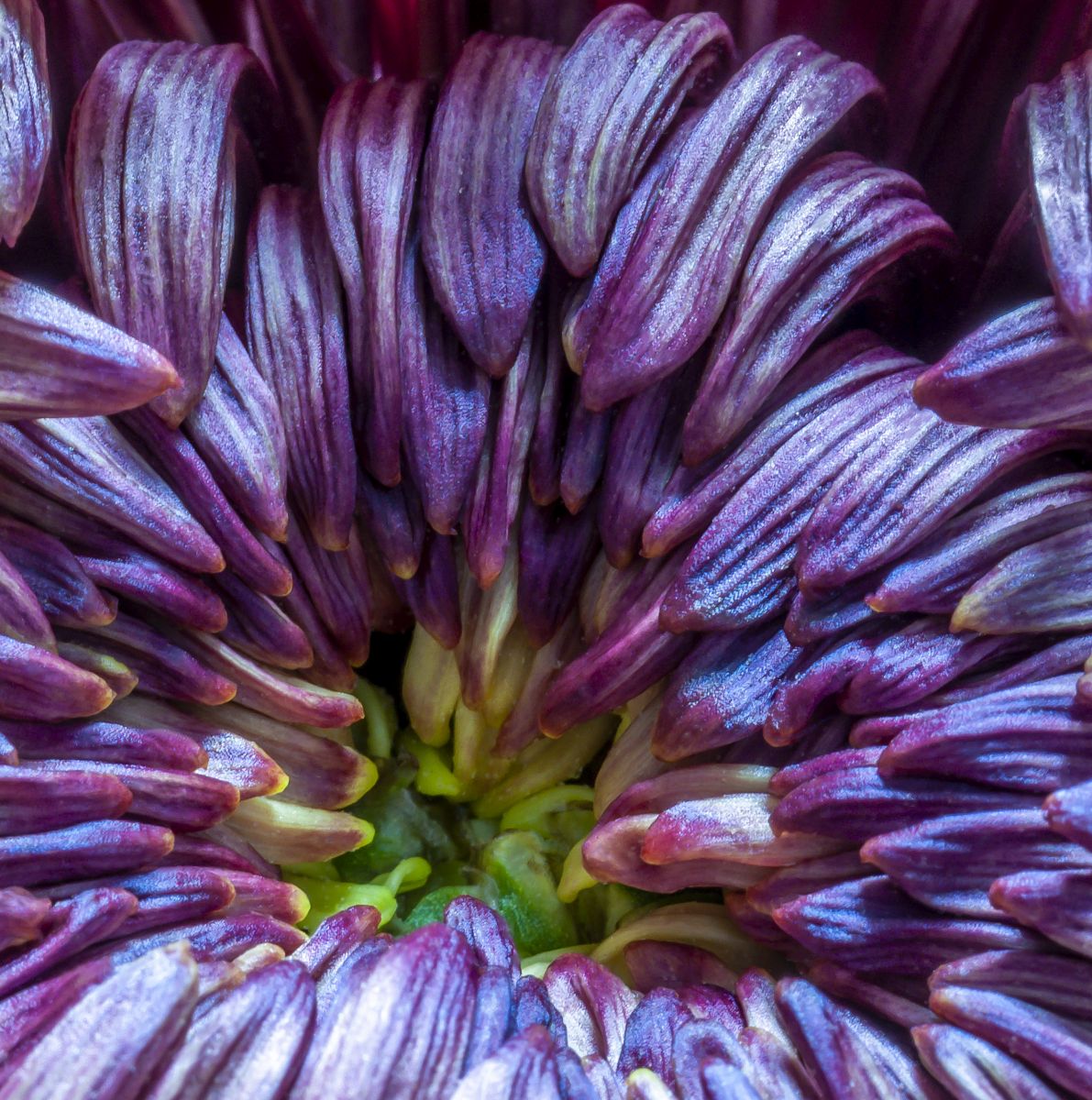
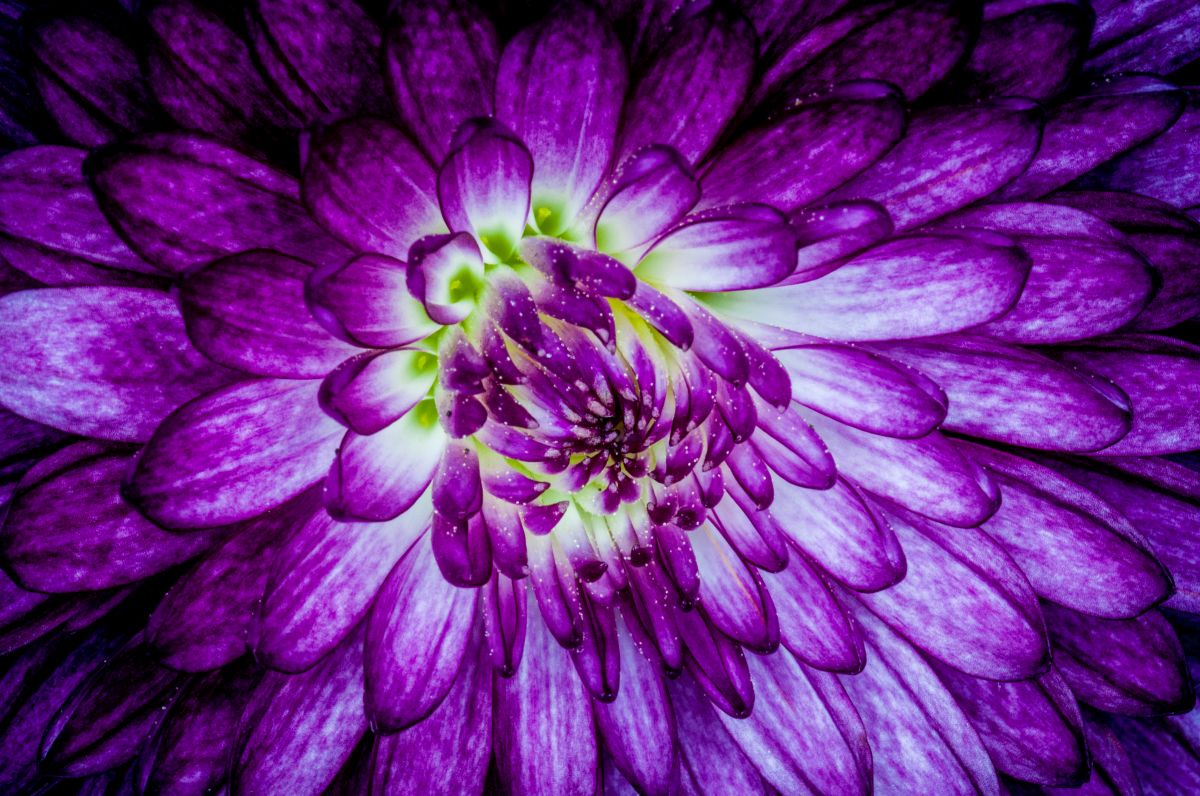
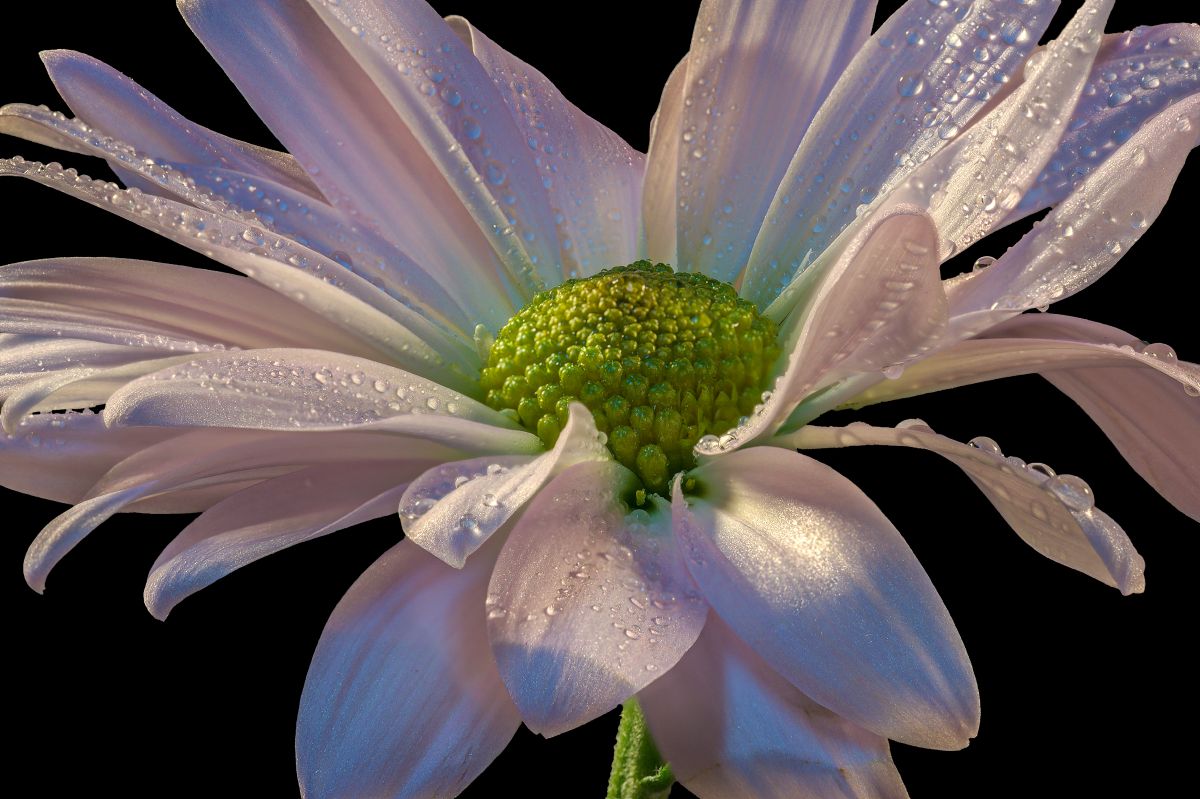
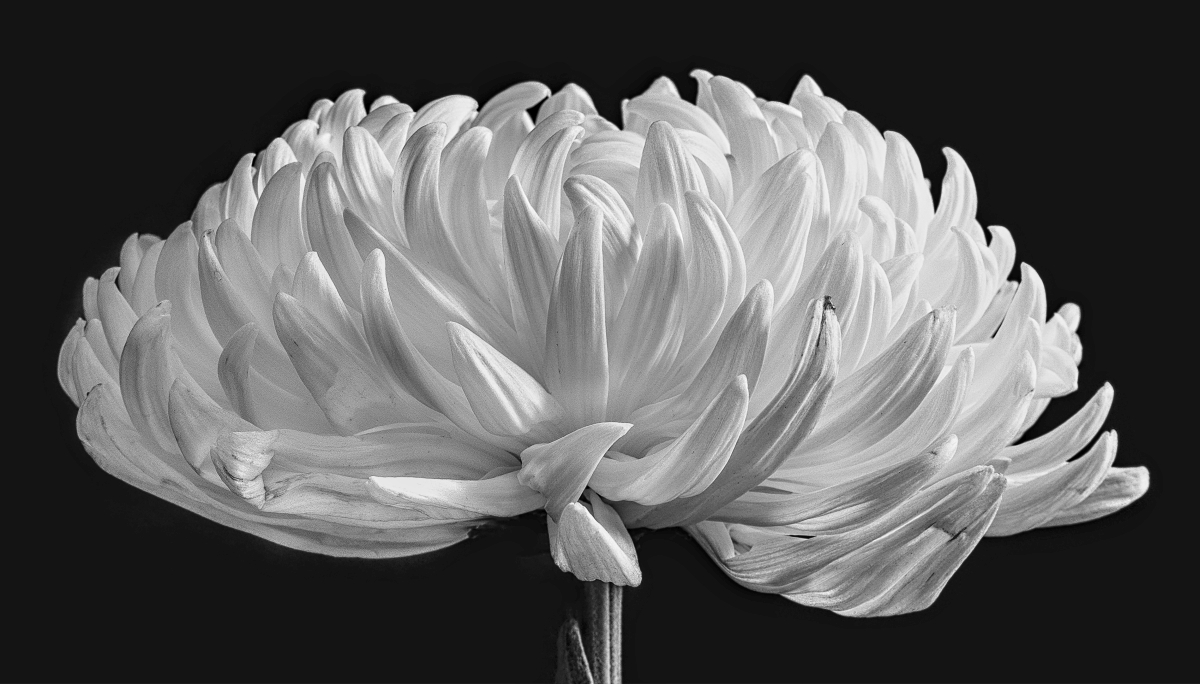
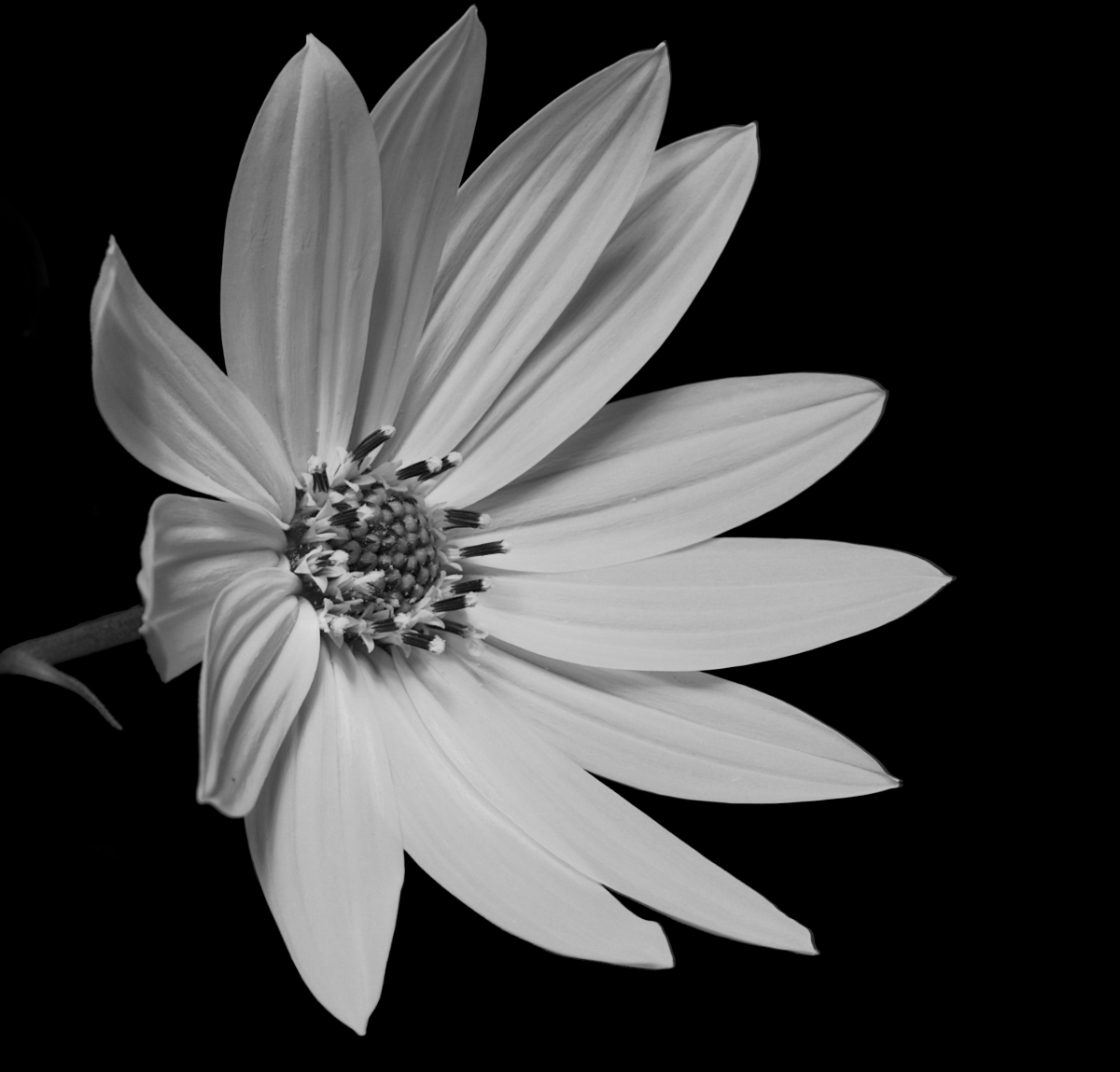
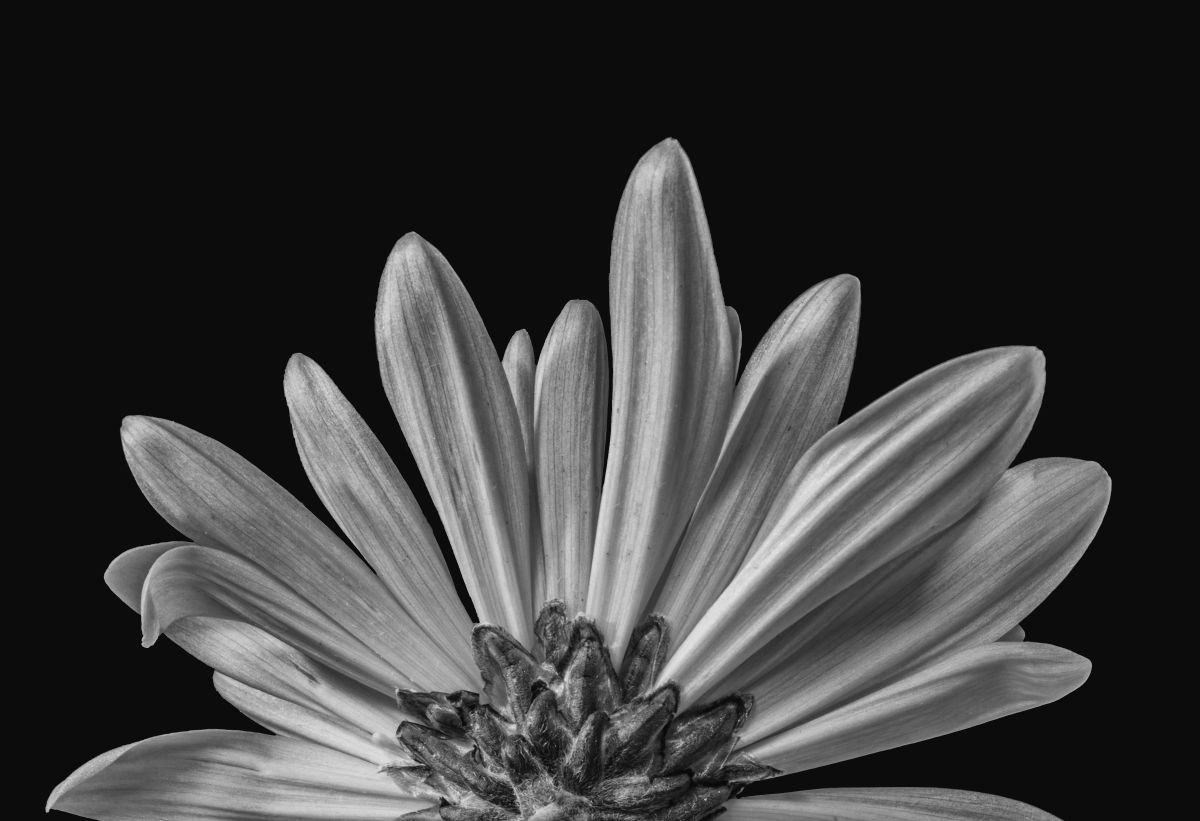
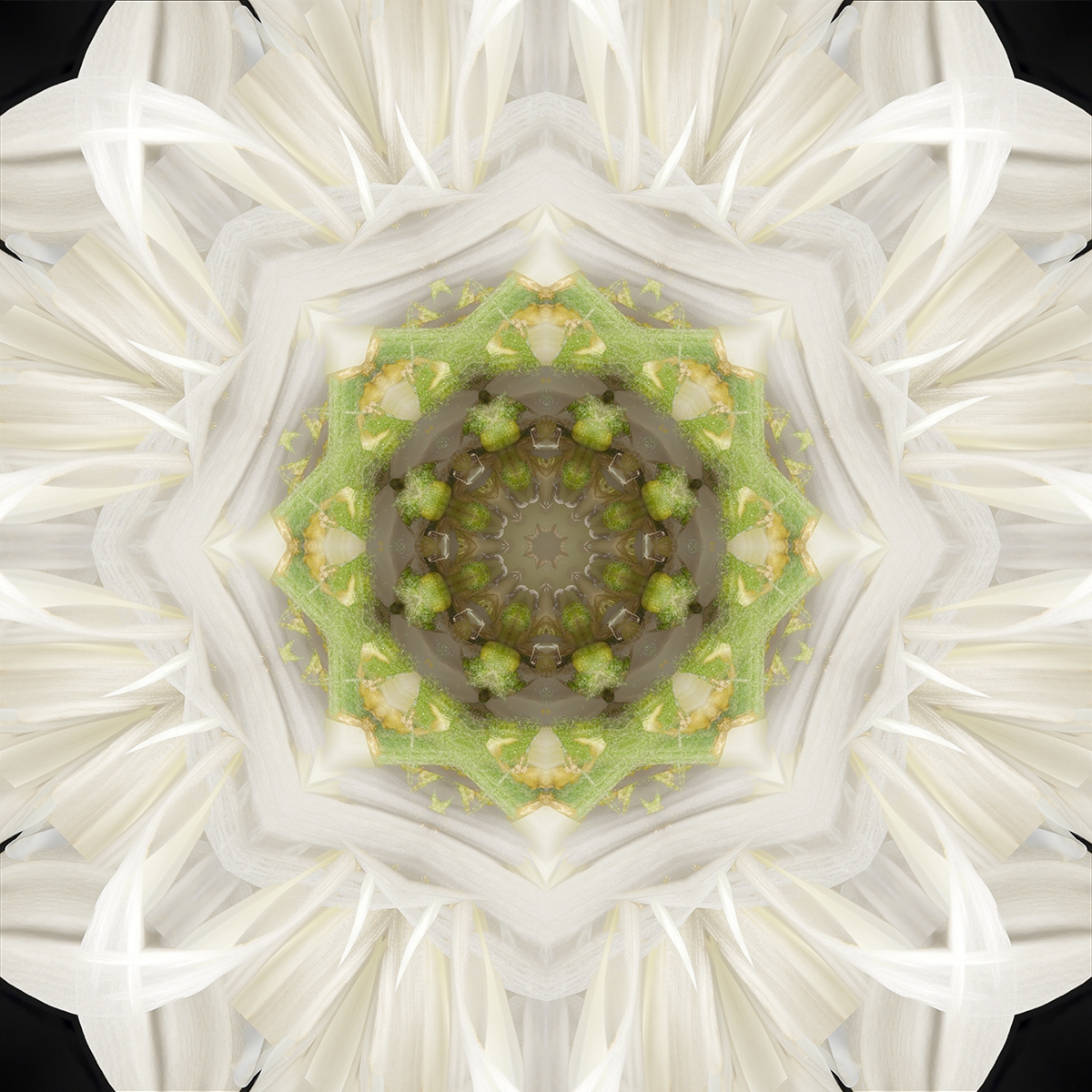
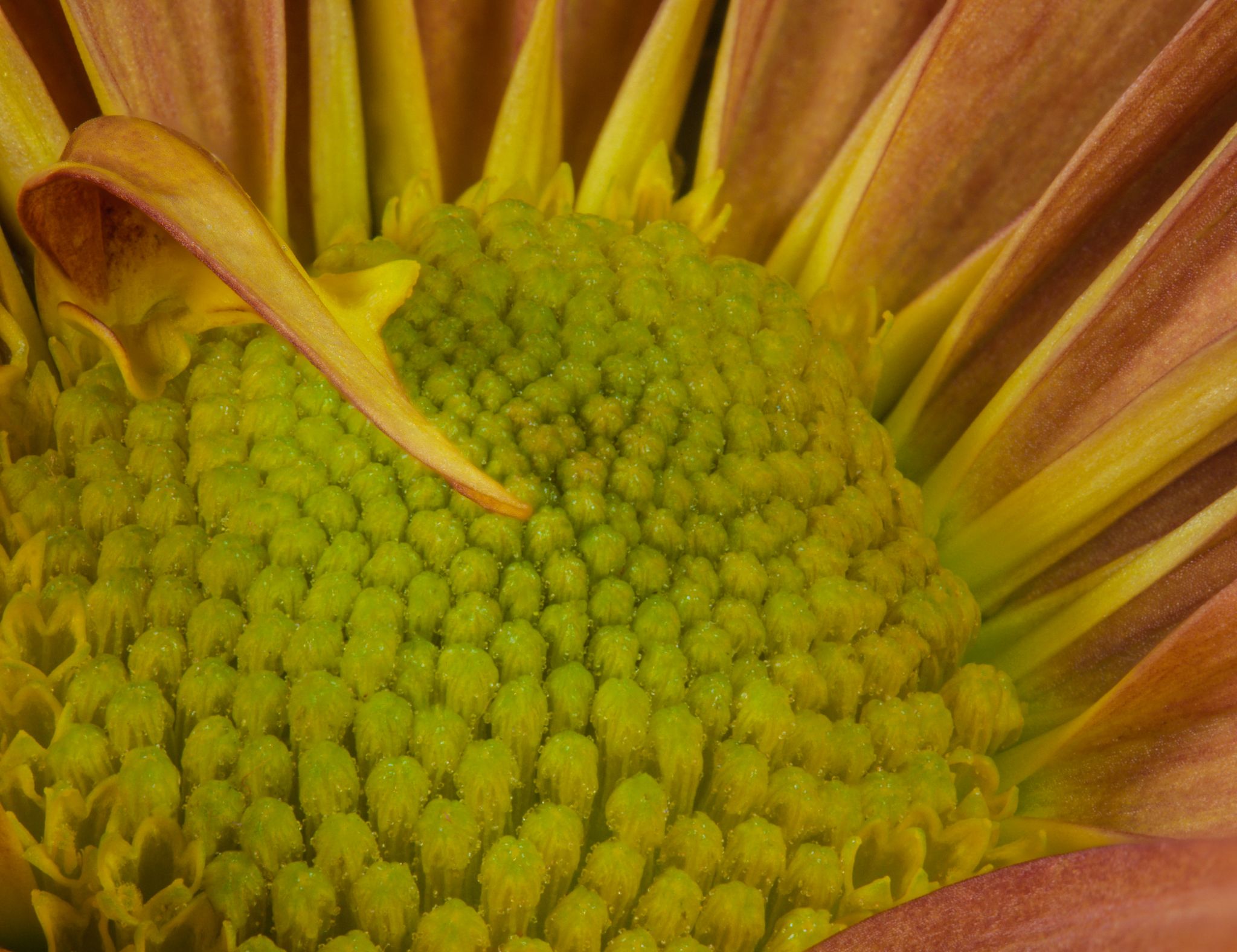
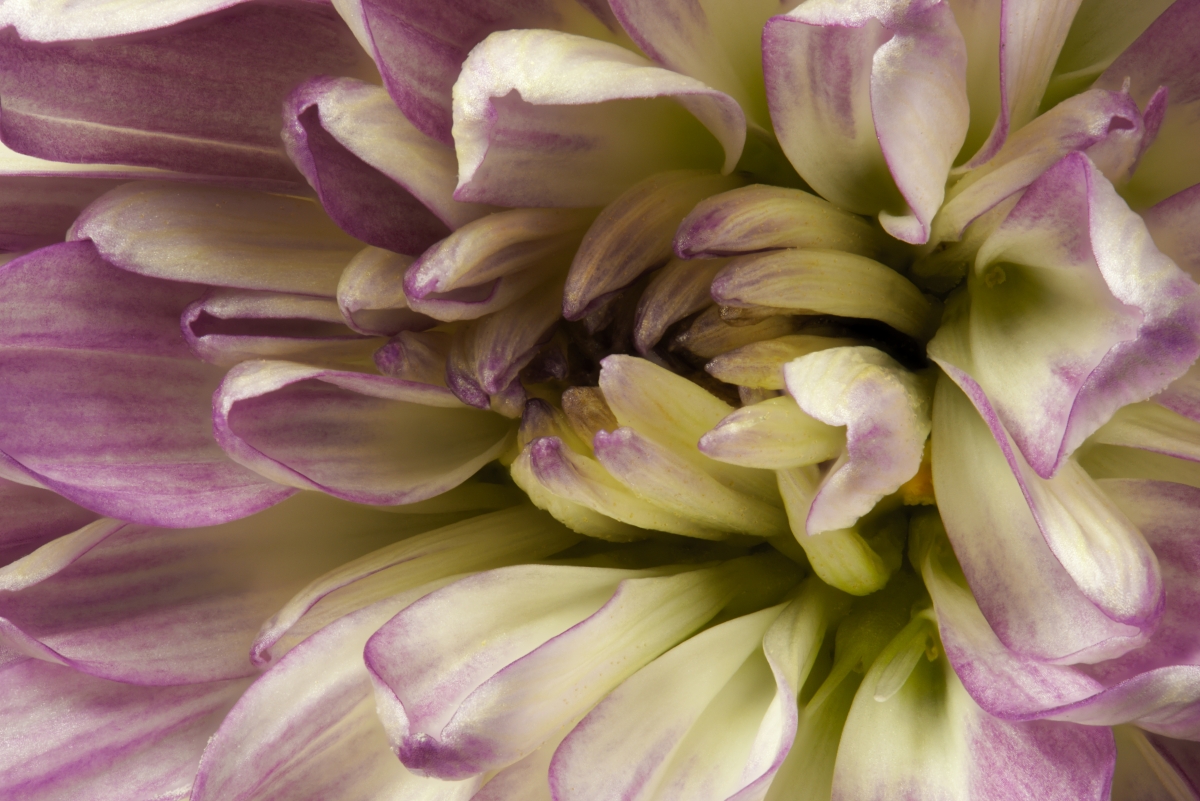
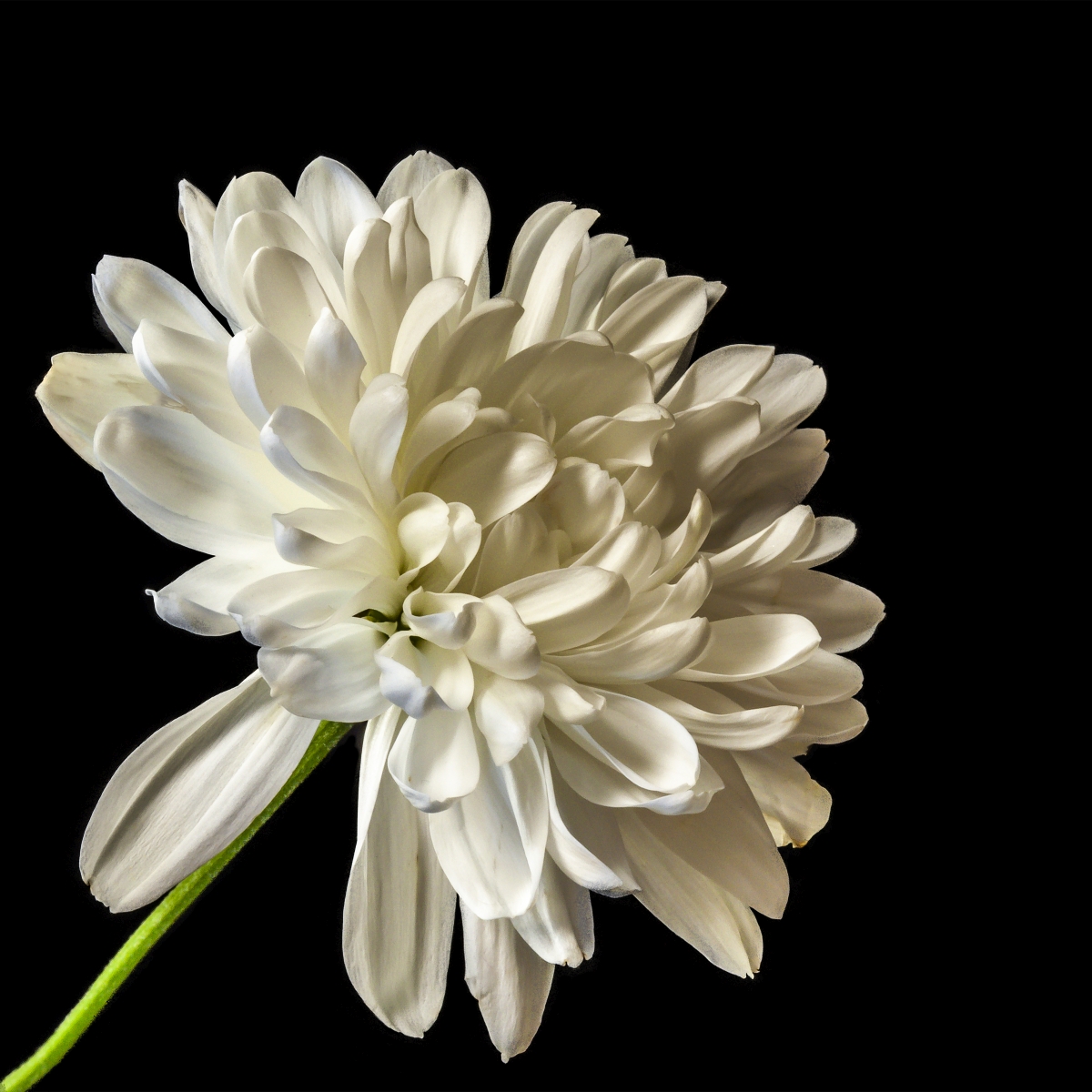
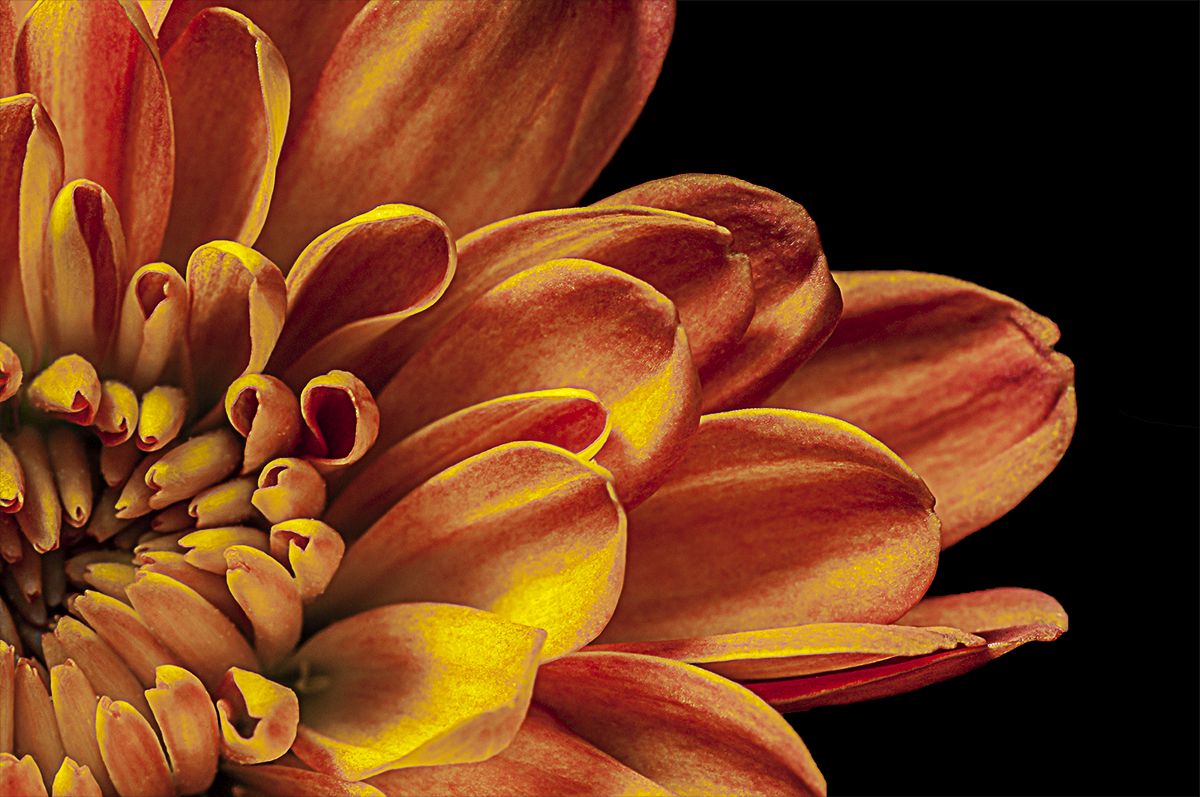
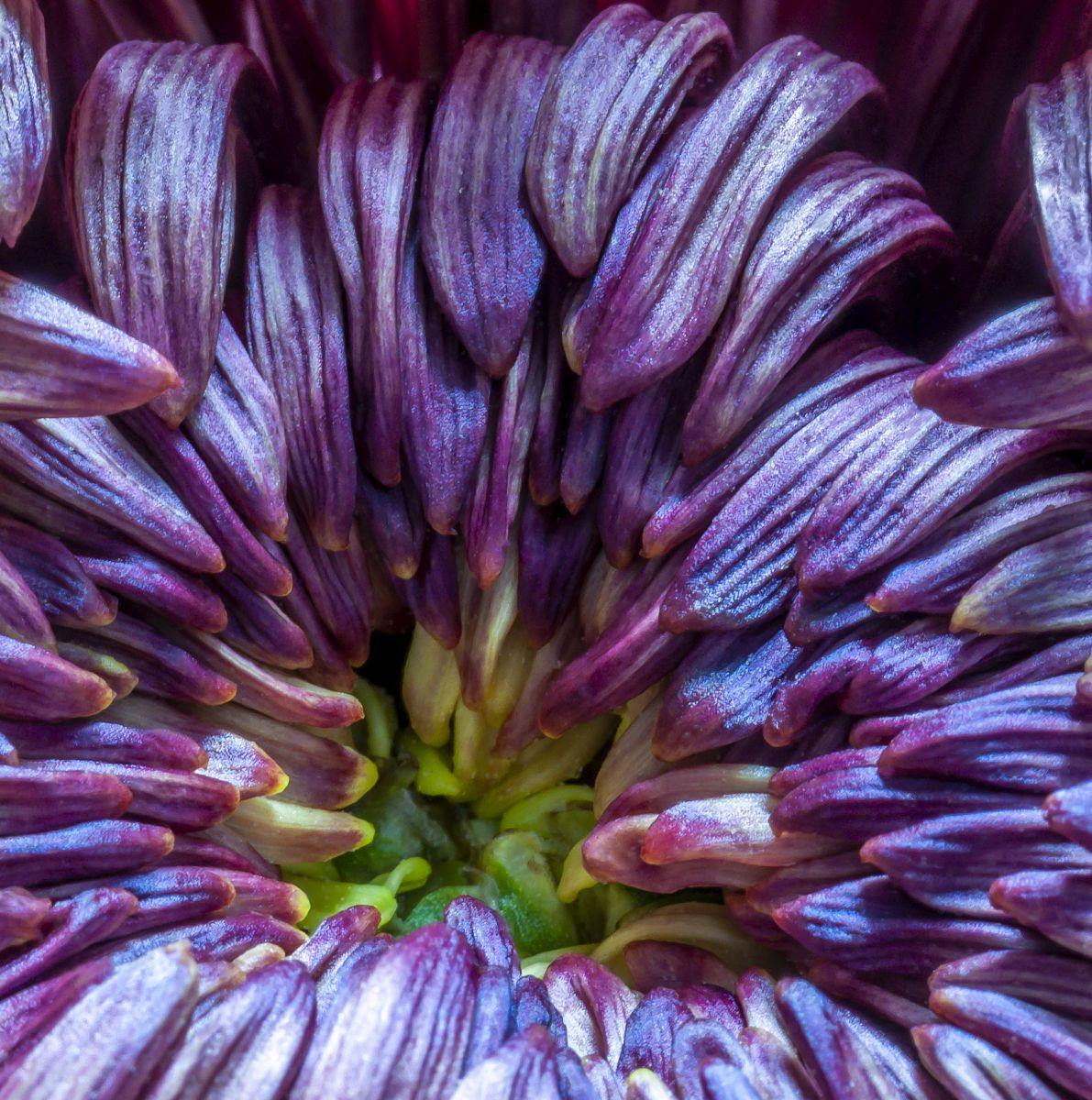
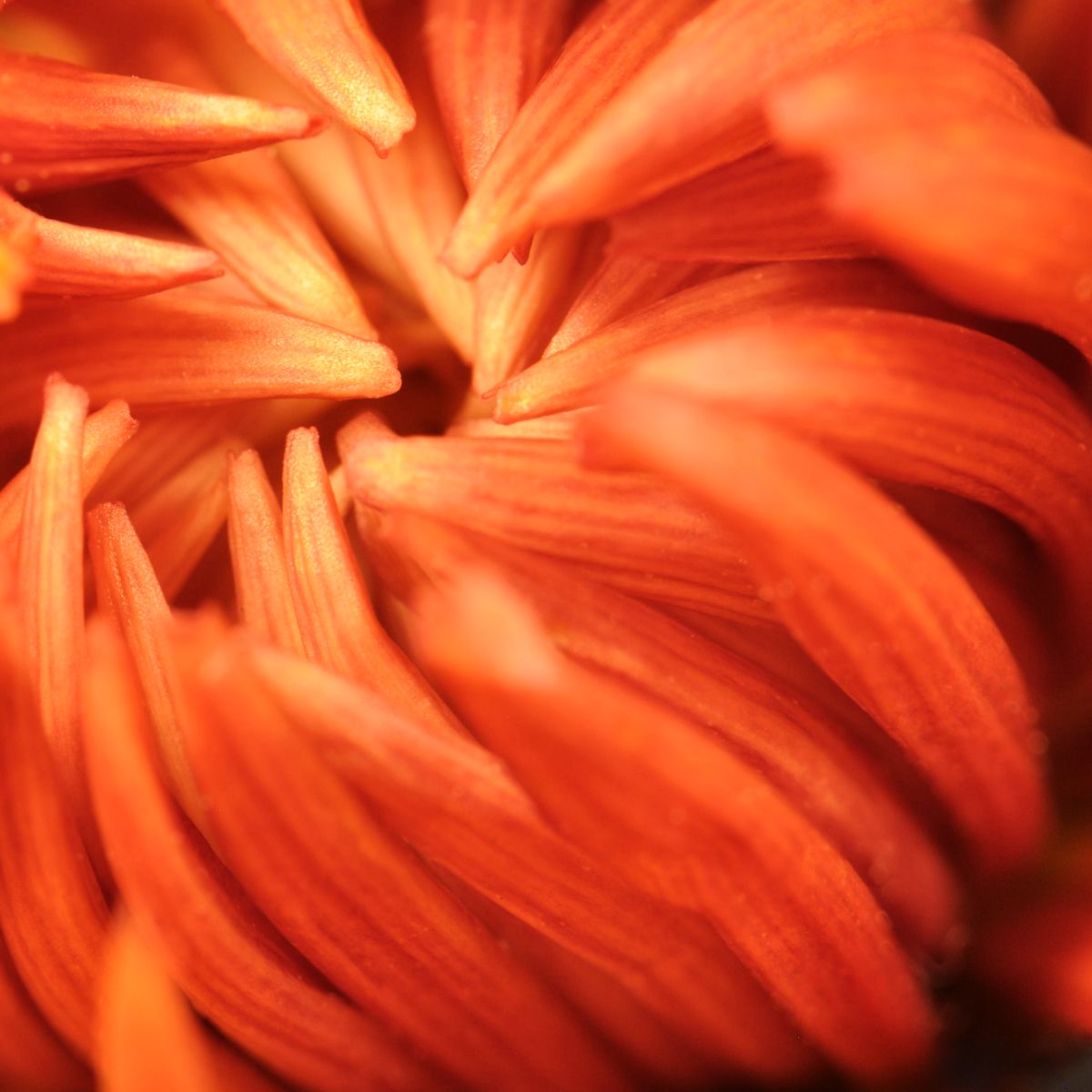
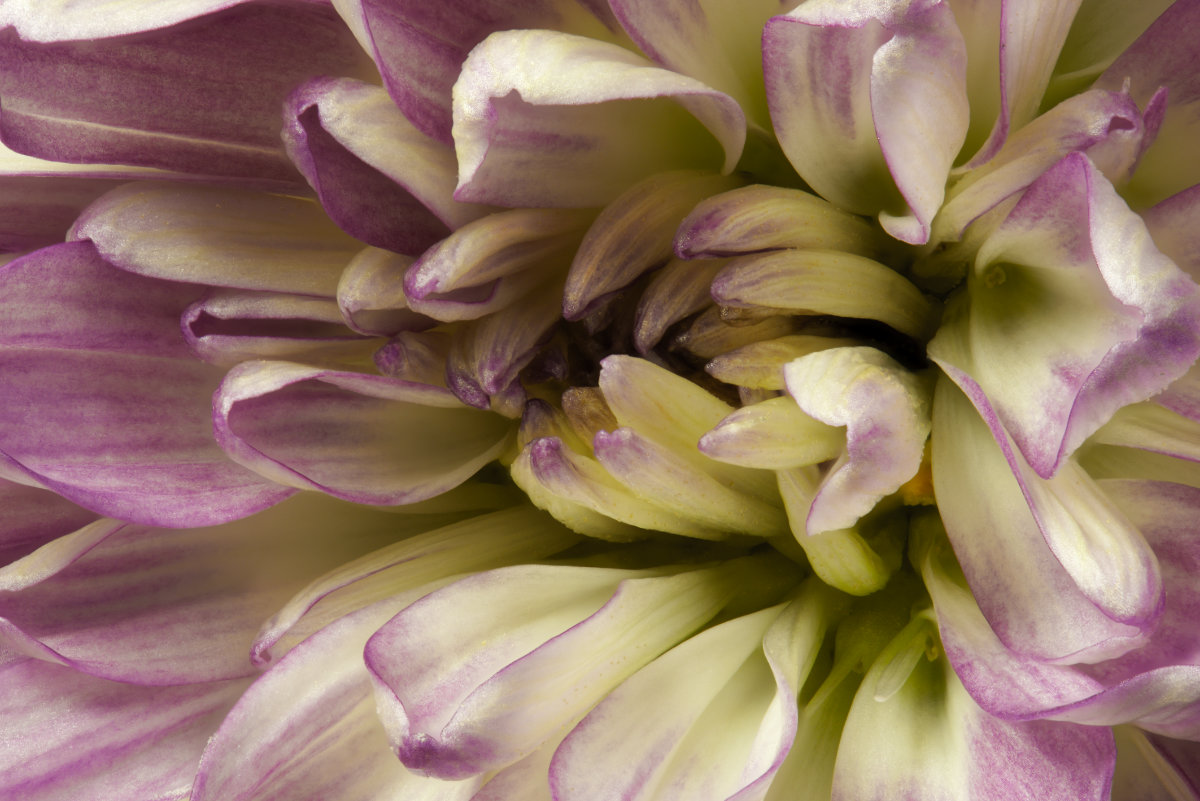
95 Mar 21 Reply Mums are often part of inexpensive supermarket bouquets, so I've been capturing them for quite a long while. Our eyes are accustomed to the overall look, but moving in close makes for a very different experience.

I used to compete but haven't for 3 years. I sort of plateaued in the eyes of judges in my club and my scores started to decline a bit and the excitement disappeared for me. As a competition judge, I work to keep that in mind as I'm evaluating images.
Mar 17th
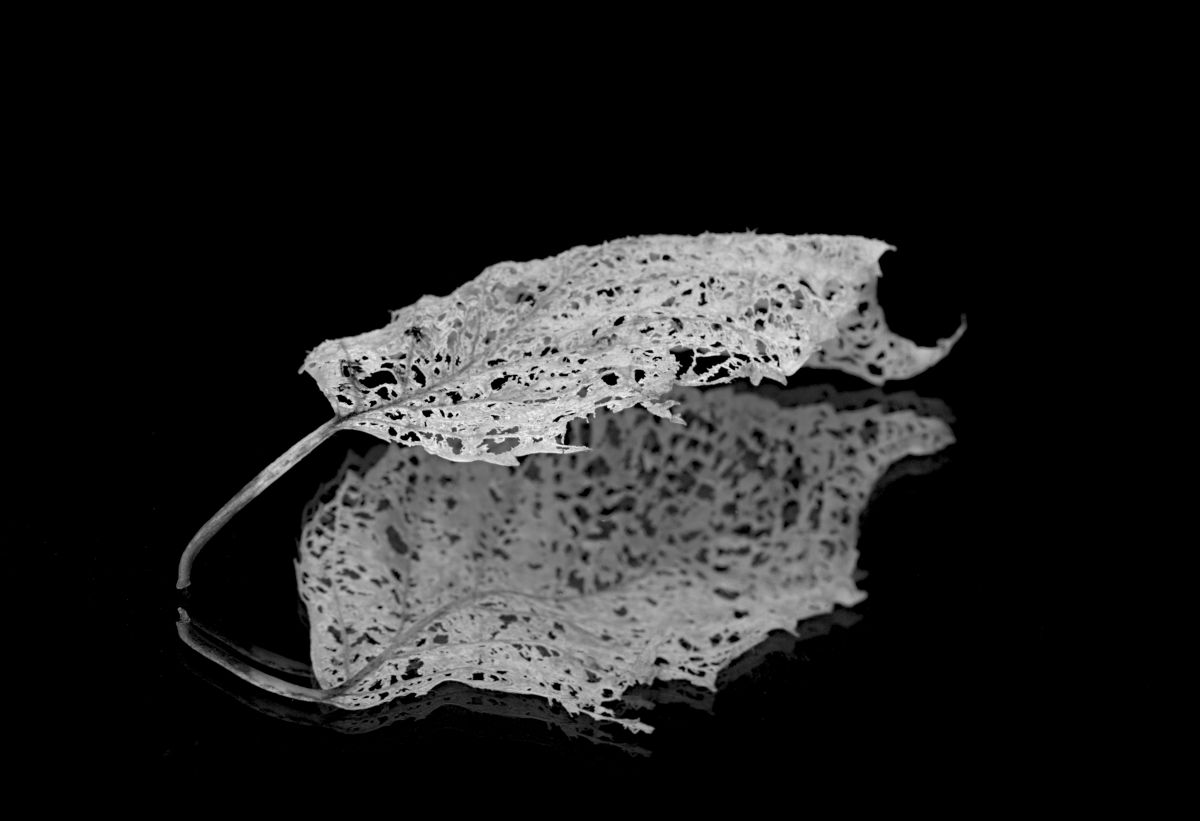
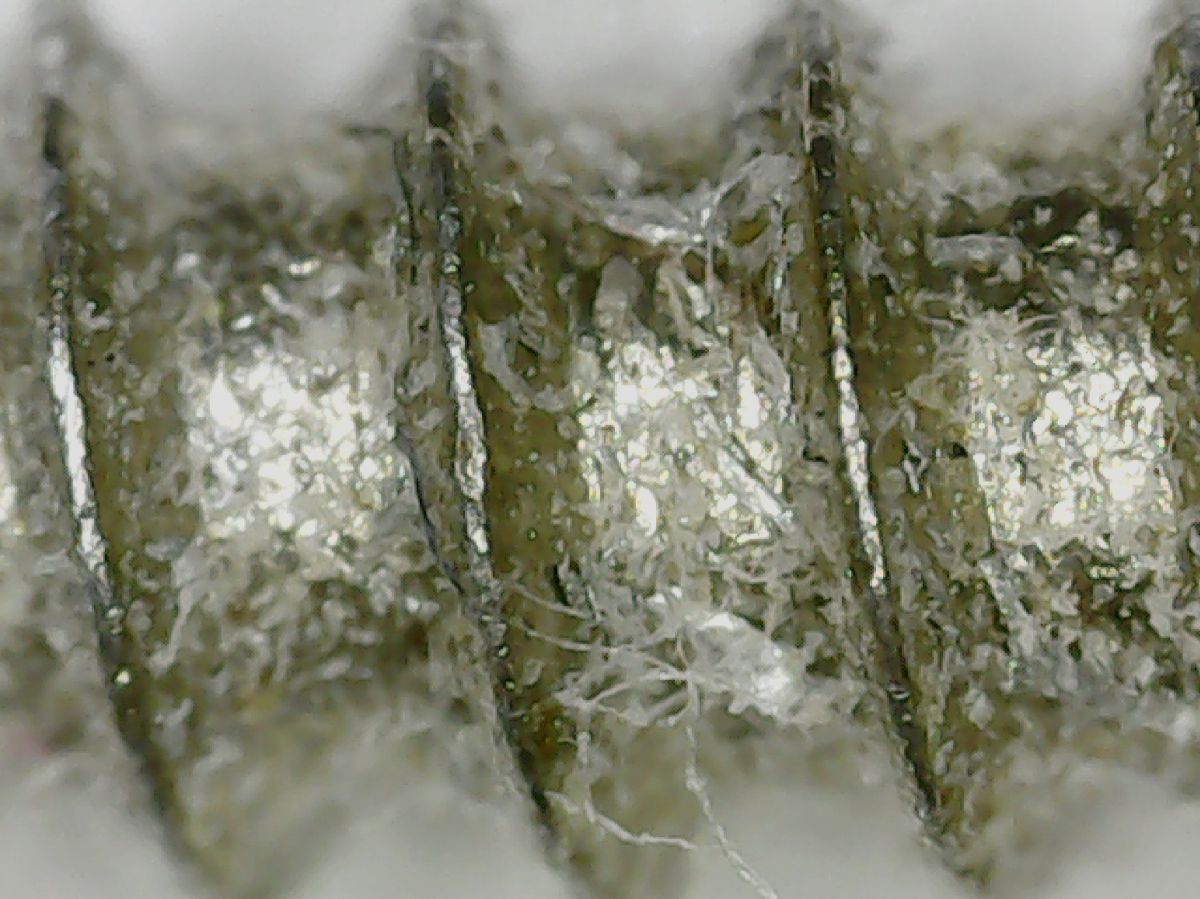
95 Mar 21 Reply As with any new approach to image capture, there are accommodations that must be made along the way to make them usable. I'm working on a way to employ bottom lighting with my microscope to what I can accomplish. You may see some results in the near future. d;¬{D Mar 16th
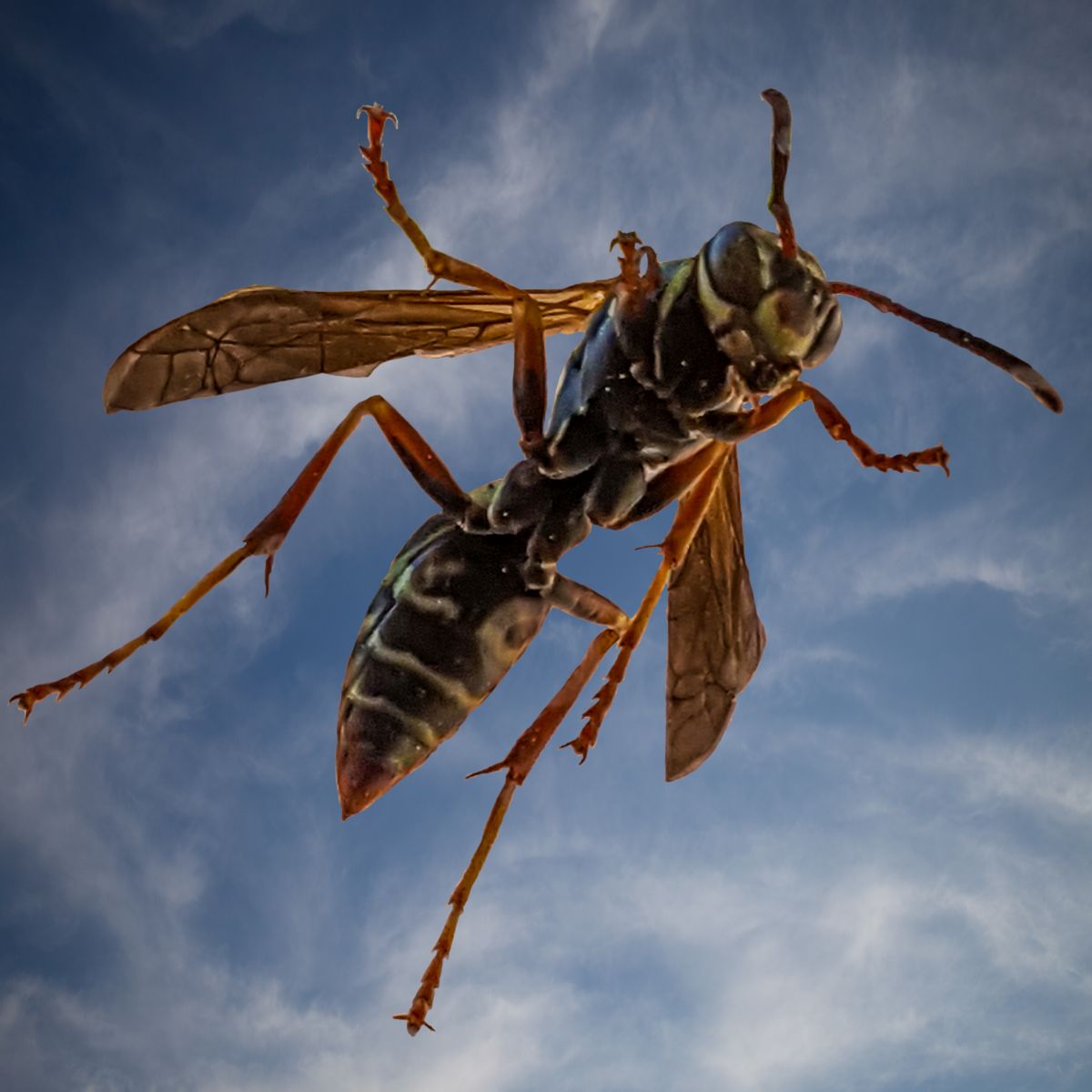
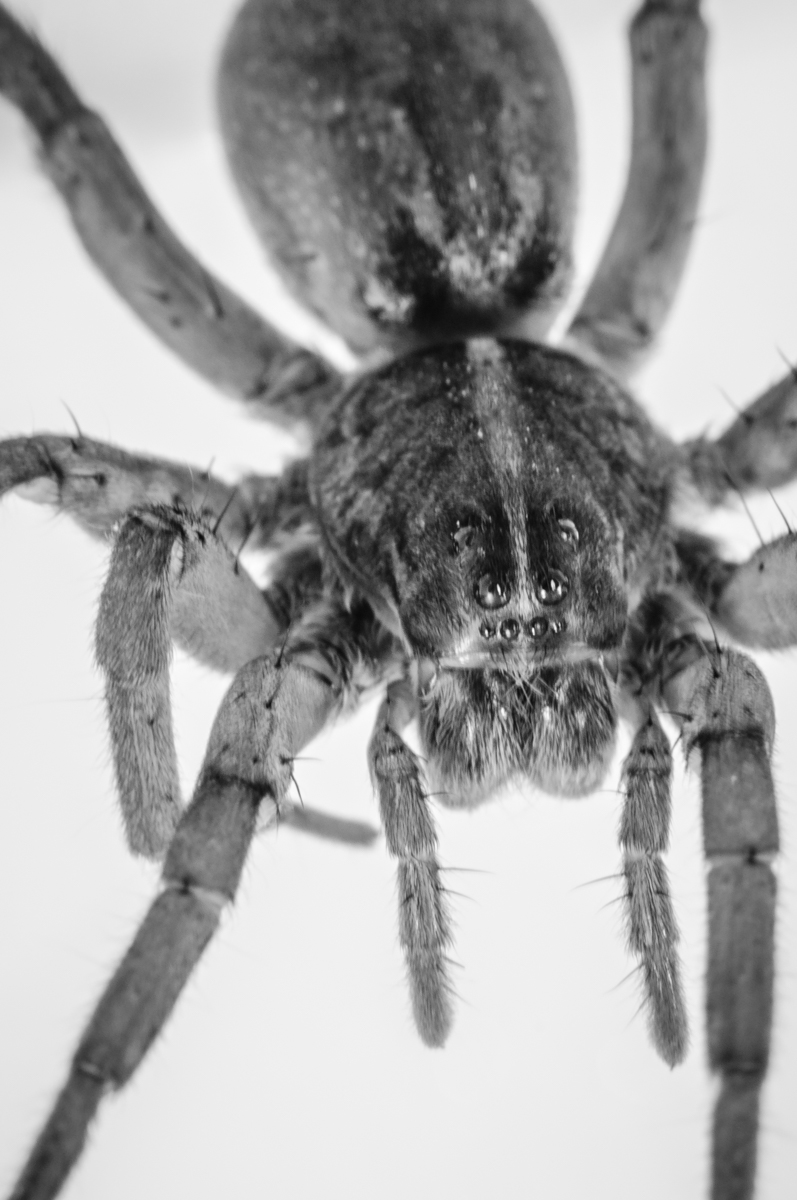
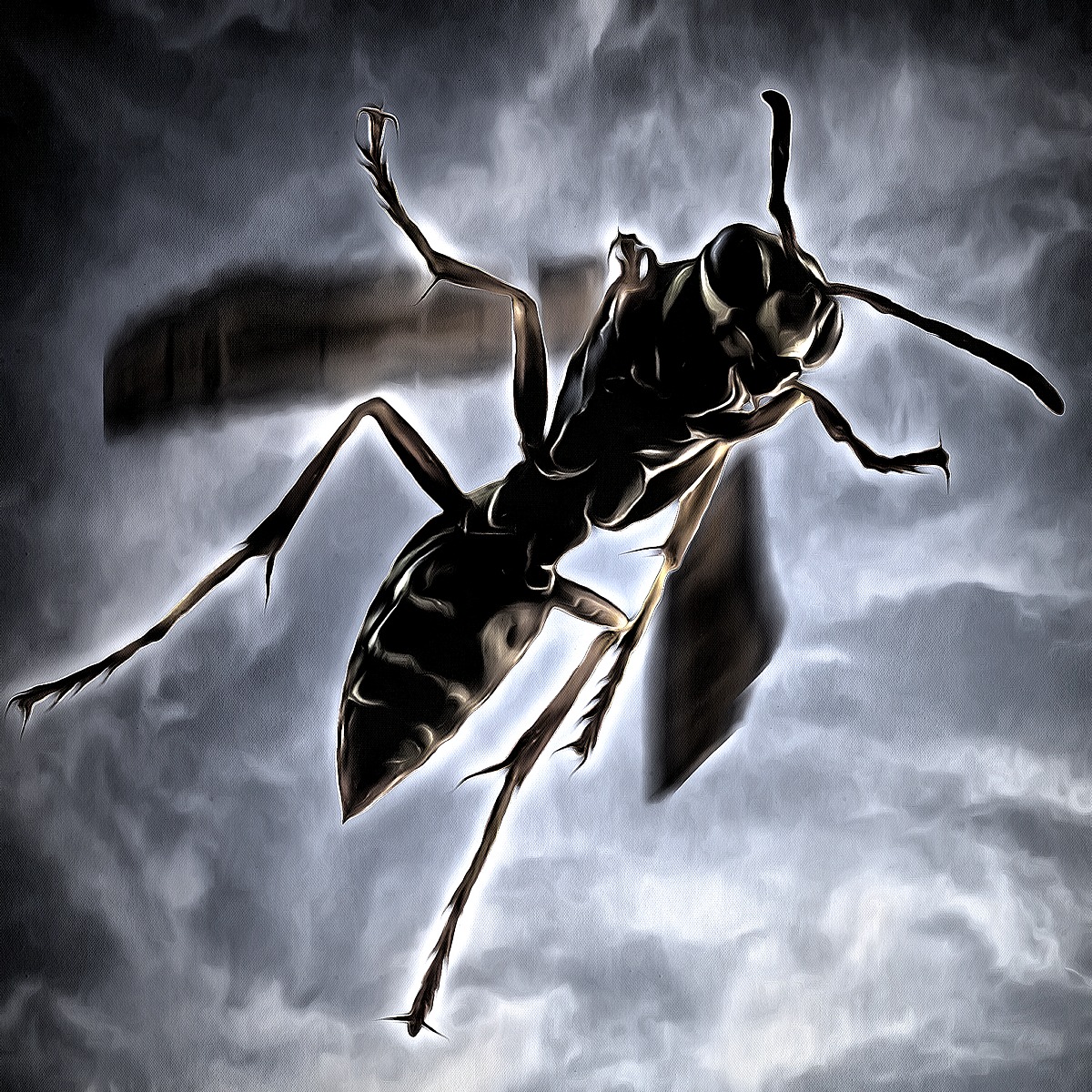
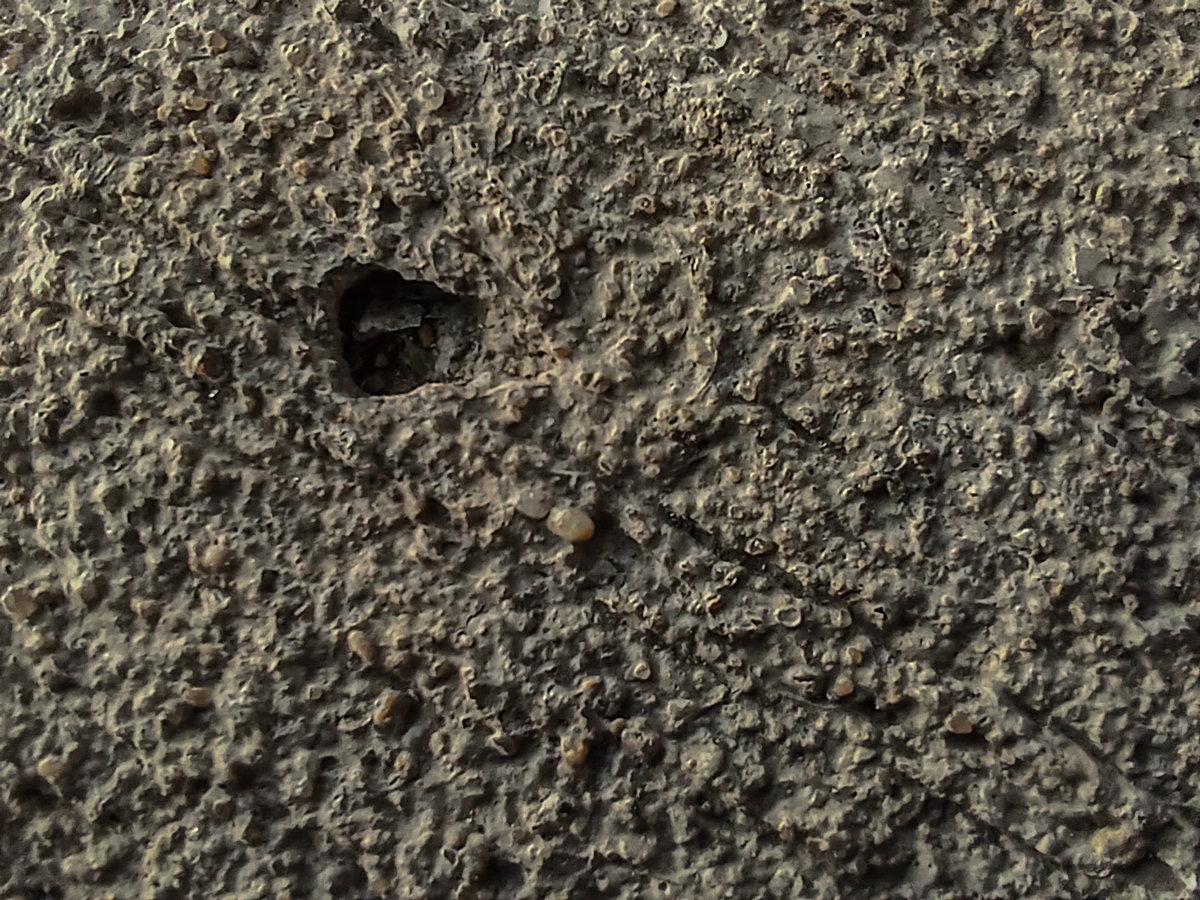
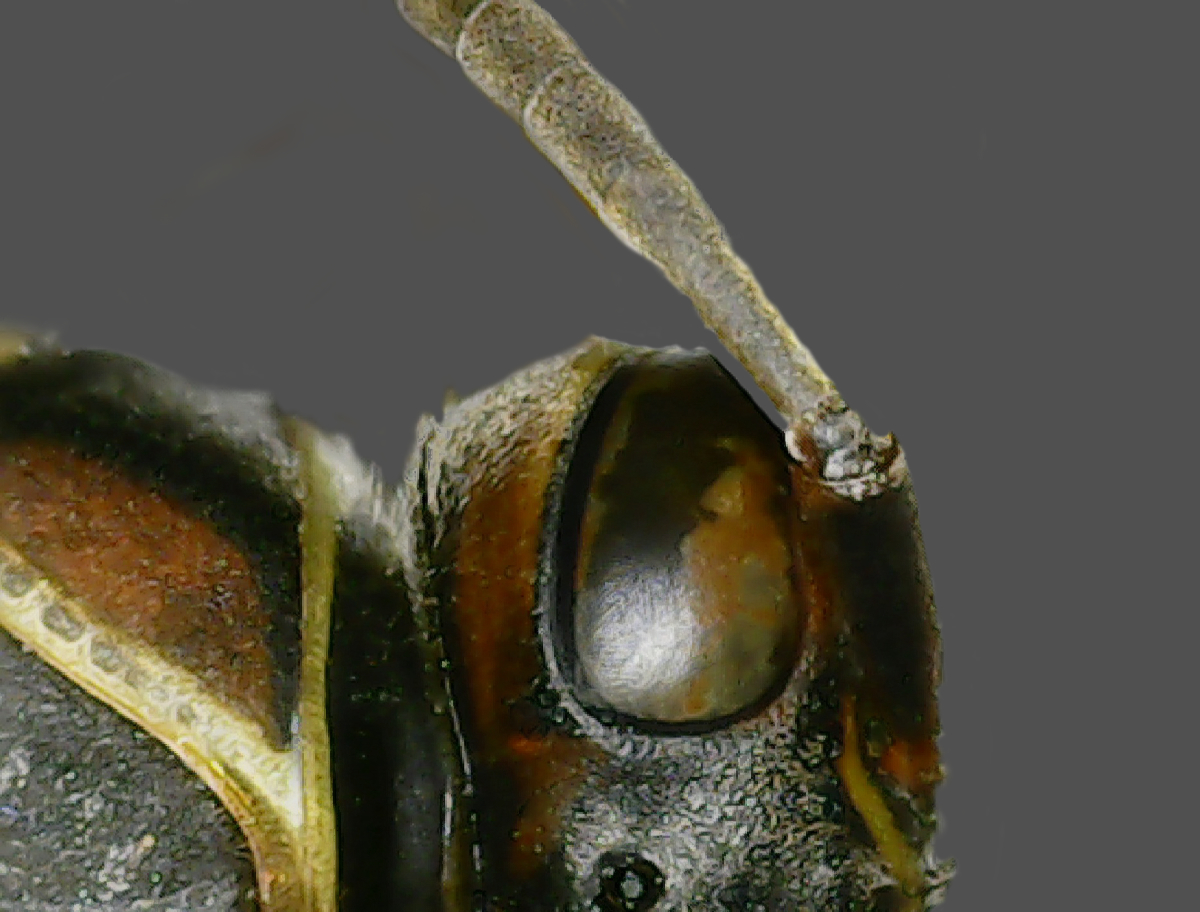
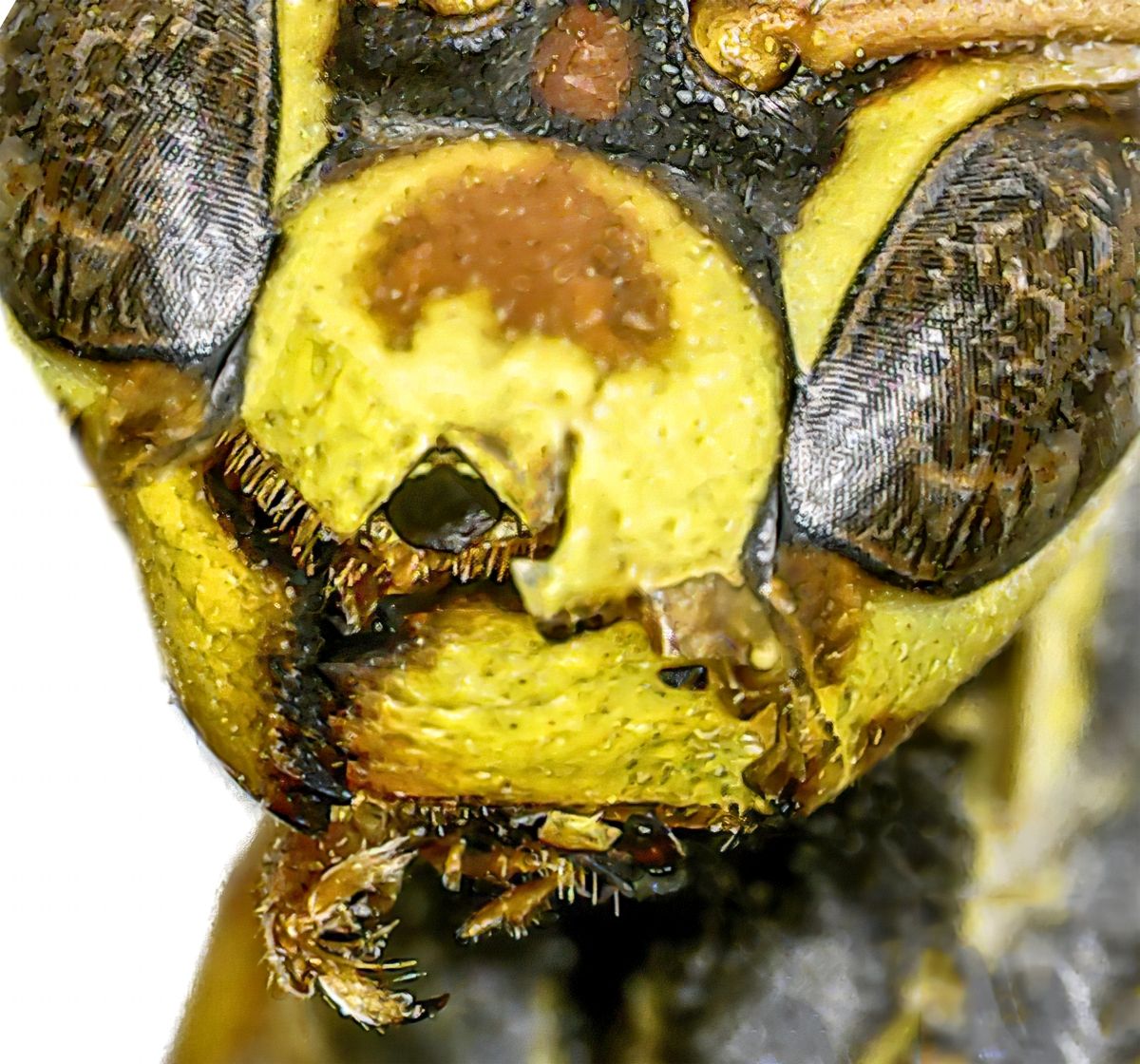
95 Mar 21 Reply If this surface the wasp was standing upon was not so mottled, I think it would have readily appeared sharp to everyone. We often make snap decisions based upon a limited study, a problem judges have when evaluating images for less than 15 seconds - in your case, you would have lost points for a soft subject. Makes you think, eh? Mar 16th
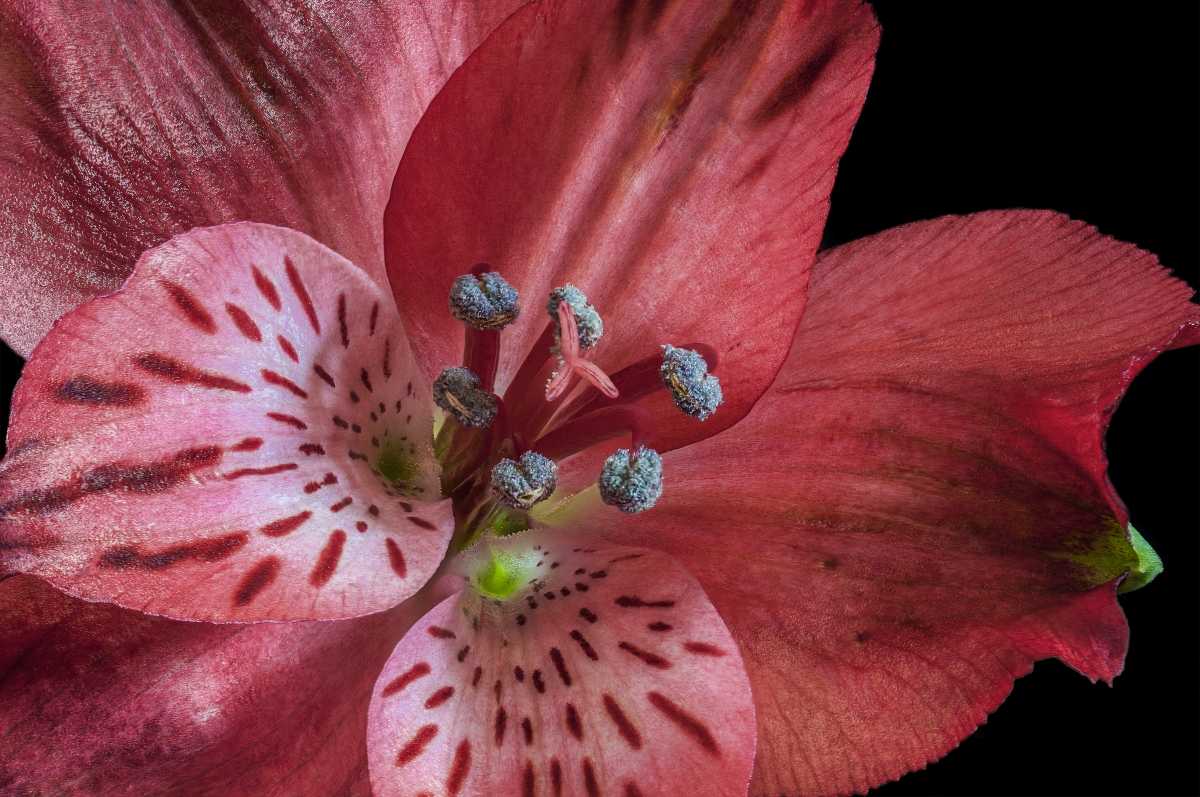
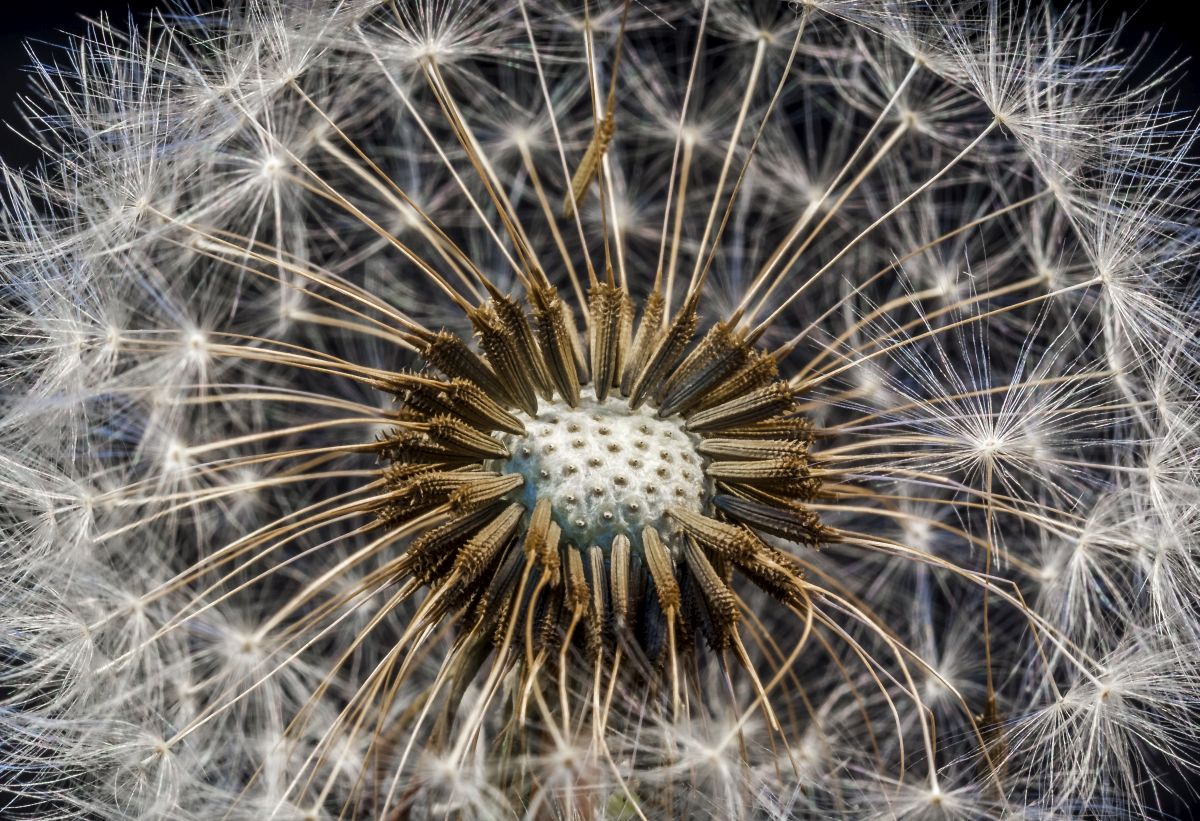
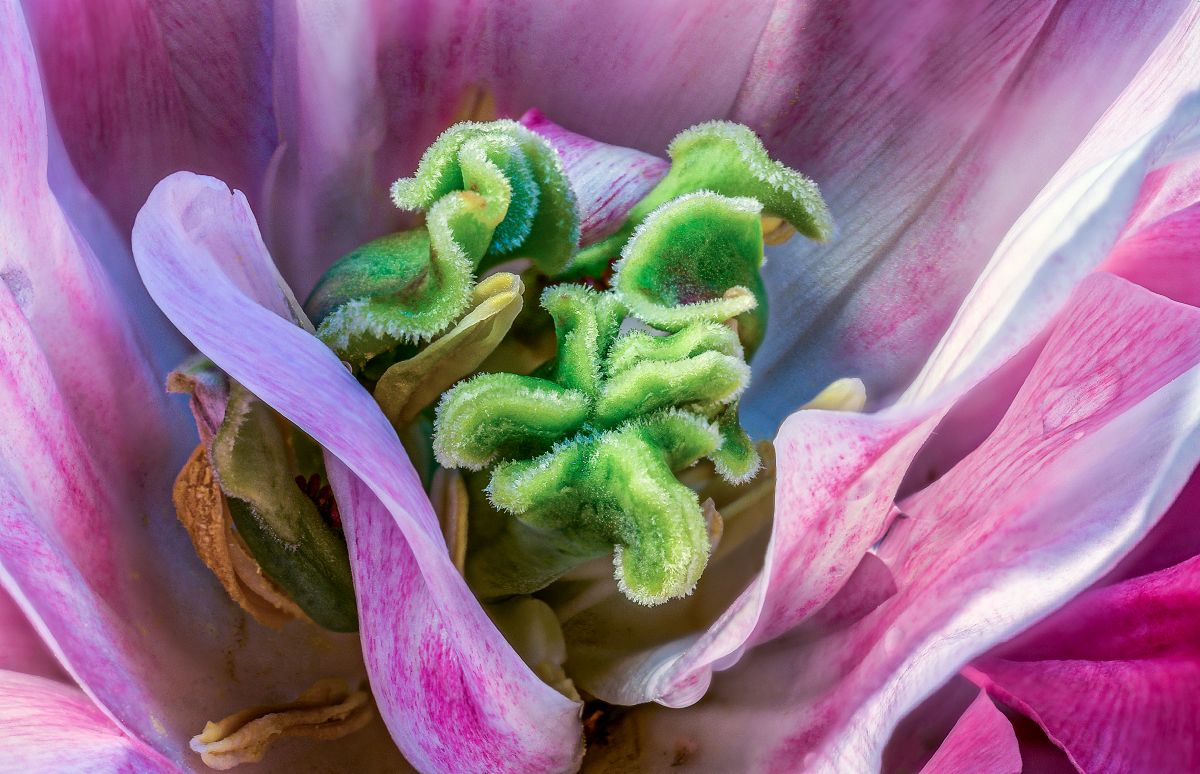
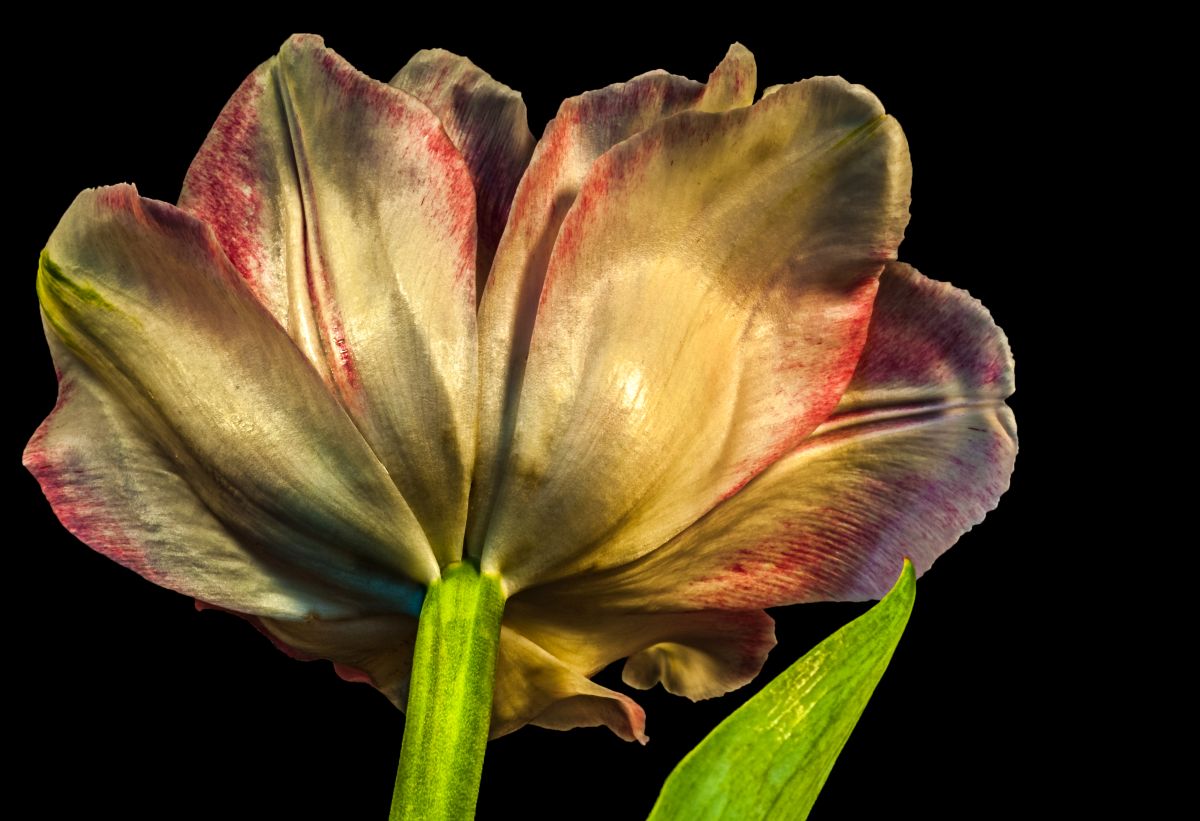
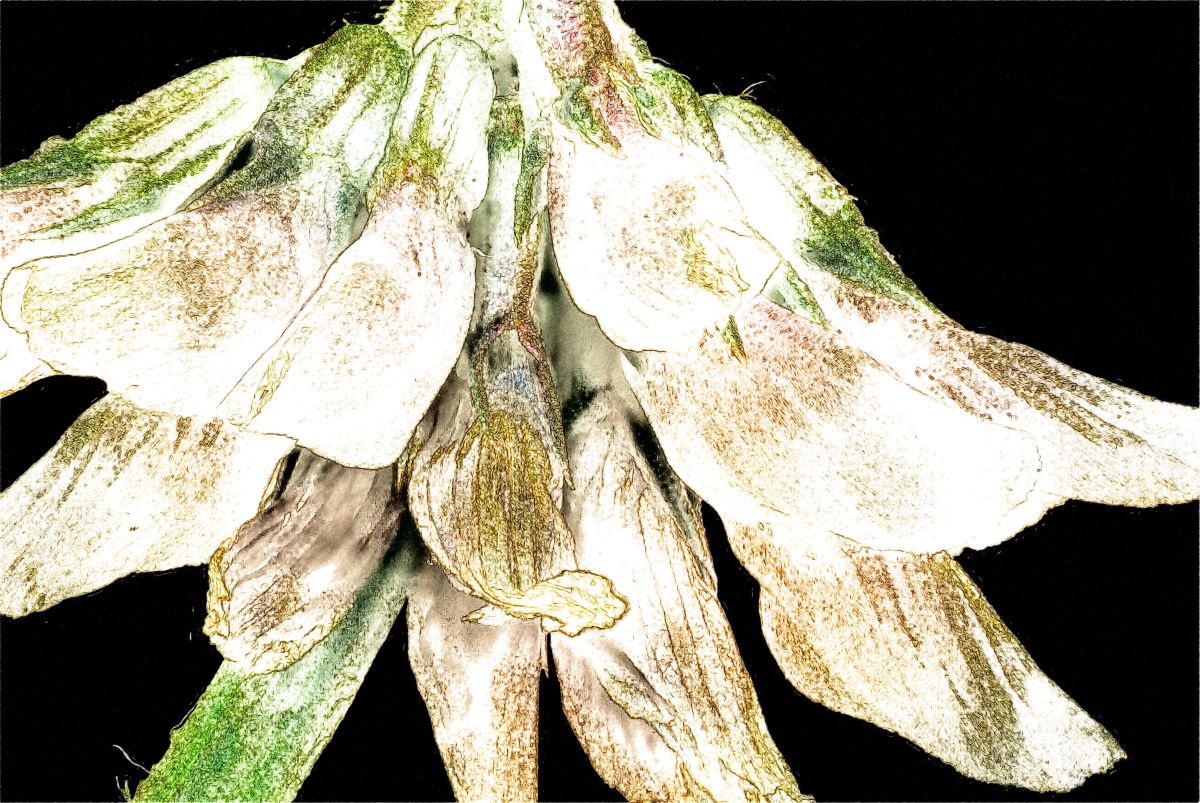
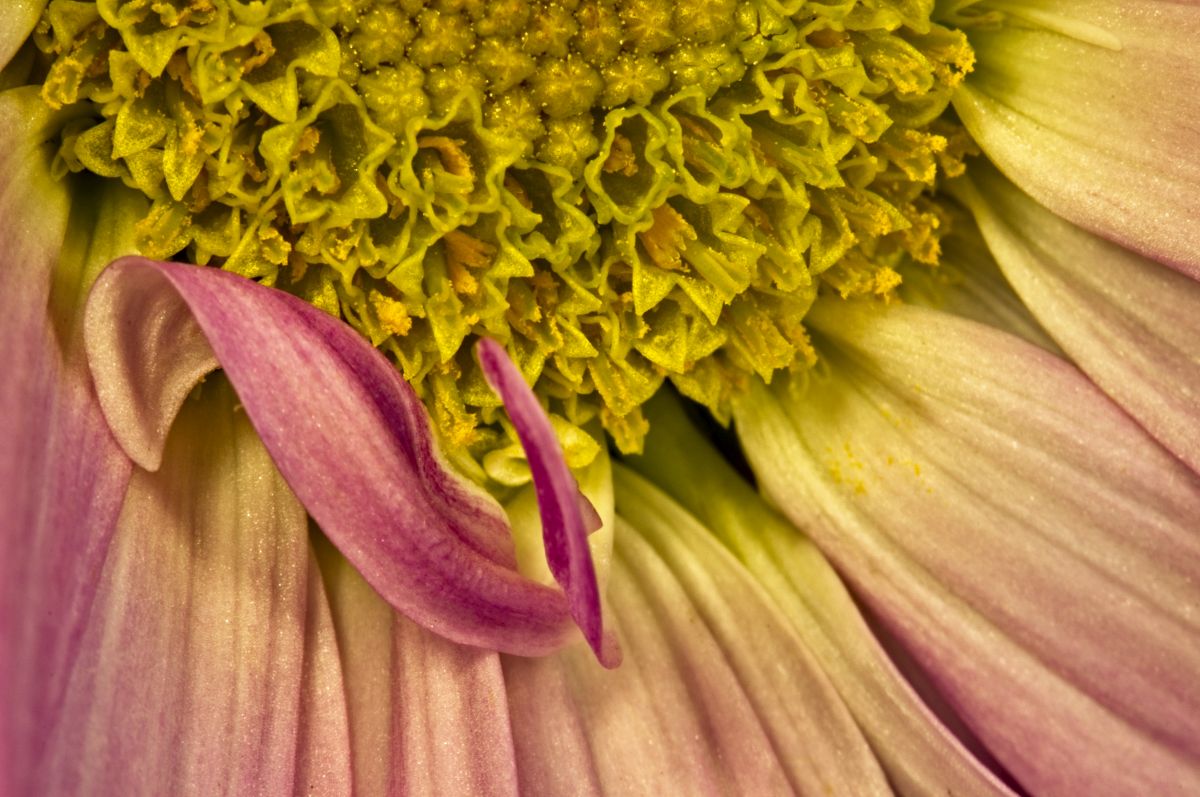
95 Mar 21 Reply The petals on the top right appear to be bending away from the camera, while the petal on the bottom right appears to be angled towards the camera. It may be that you didn't start far enough away from the flower and didn't go deep enough towards the flower.

The thing about digital that was so exciting to me was being able to try things and find out right away if they worked, as well as being able to take more angles and have more to choose from in post. On the other side of the coin, film forces one to be more thoughtful about each shot as there's a cost involved in developing. With focus stacking, more is better. I always start out a little in front of the sharpest close point and continue until everything looks fuzzy on the LCD. Lately, I typically take the stack right into Helicon Focus to see if I got enough. If I need more, the camera and subject is still setup to add to the stack.

It's also important to pay attention to the sides as it's easy to have tunnel vision on the center, only to be disappointed in post to have softer sides than expected. The Crop tool is your friend in those instances like this.
Mar 14th
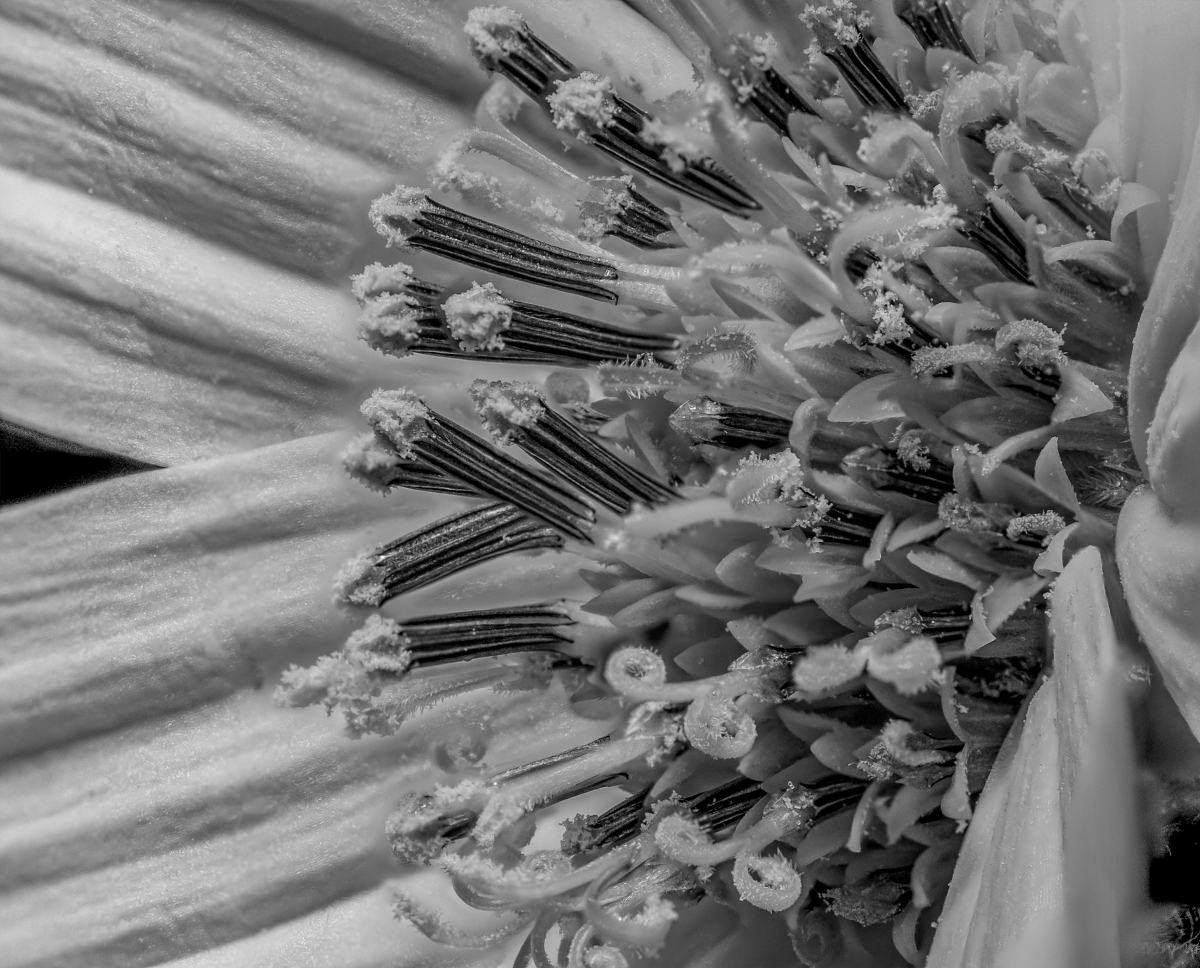
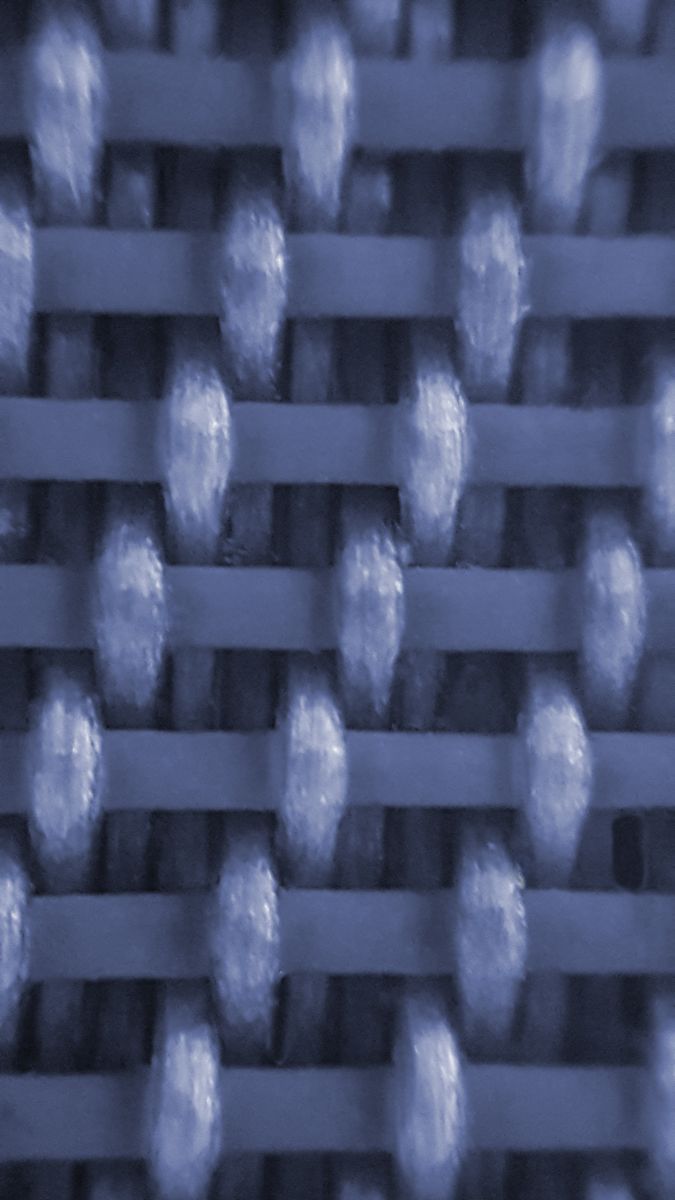
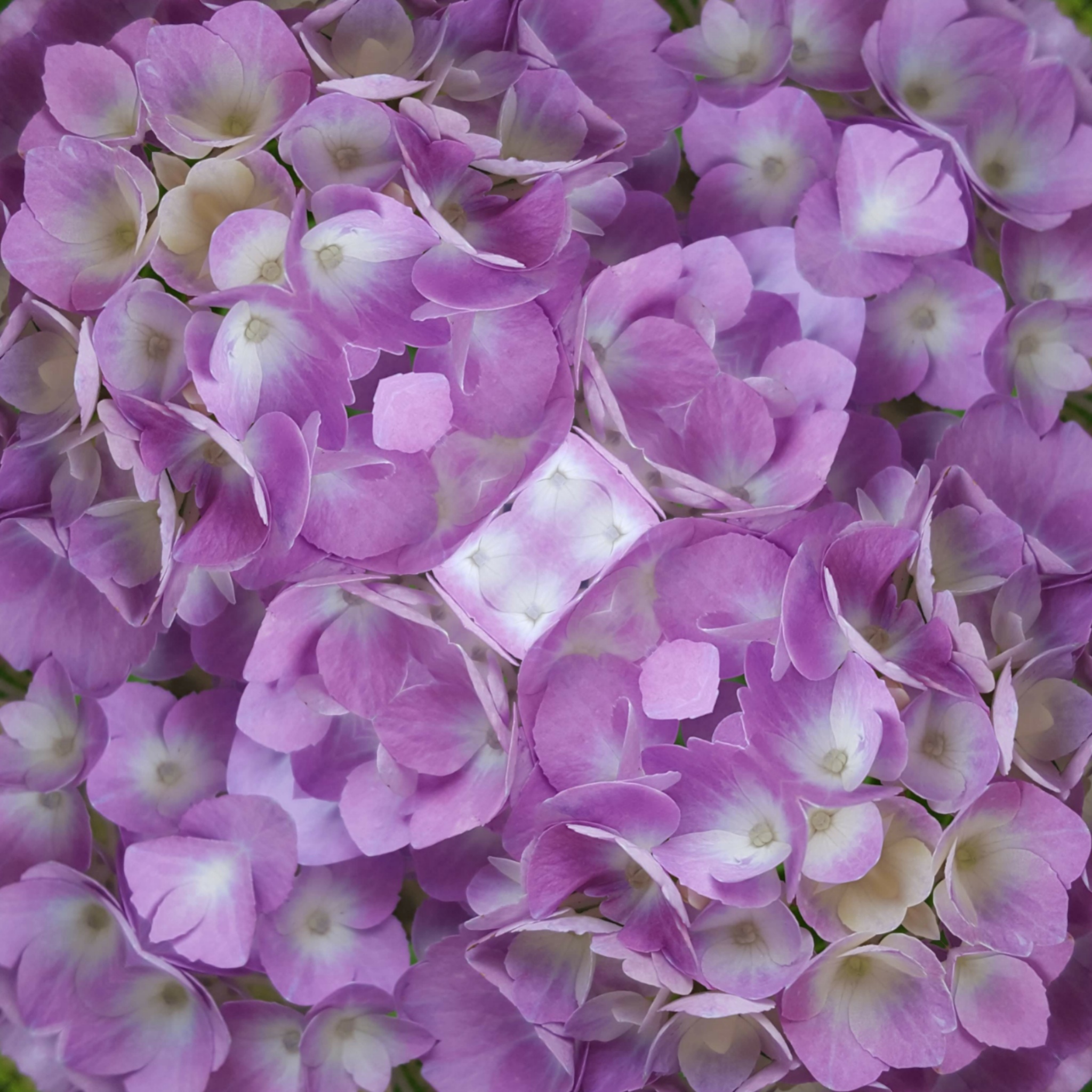
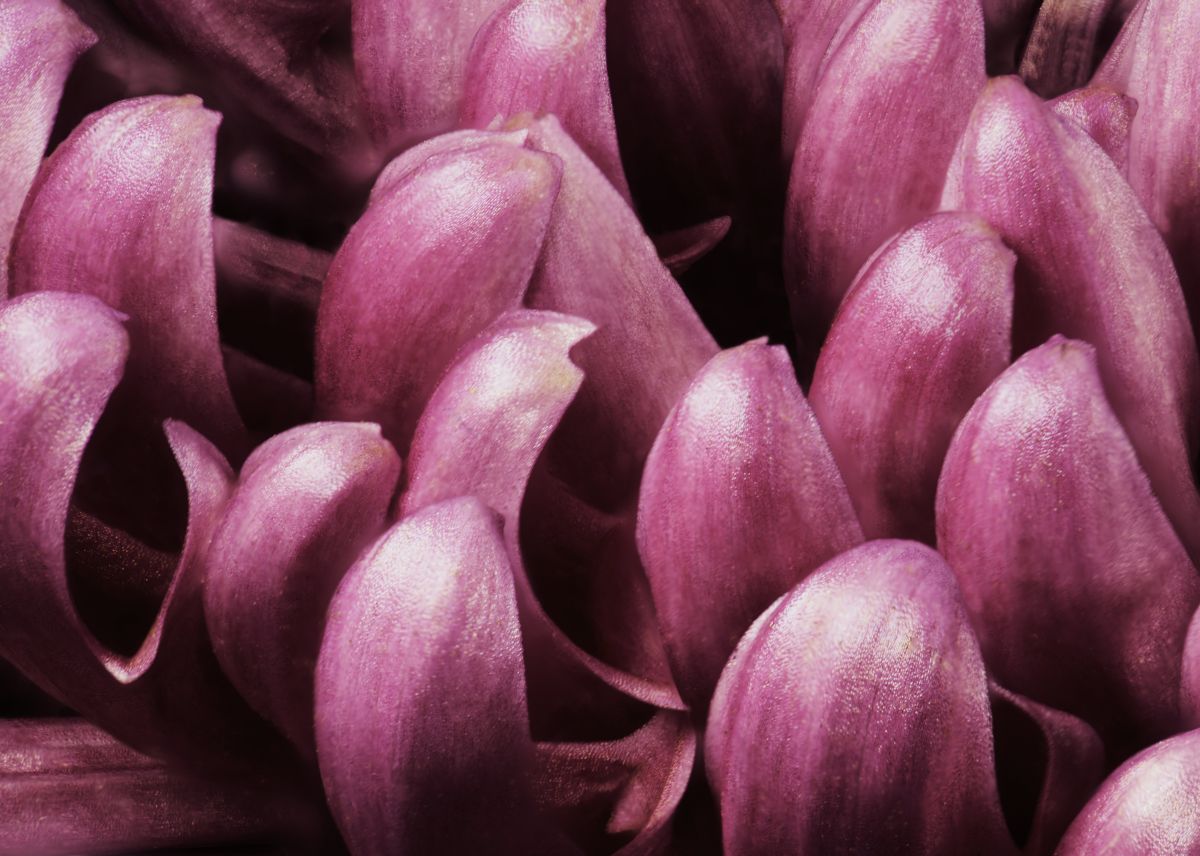
95 Mar 21 Comment Normally in macro, we want to see everything tack sharp, but this shows that a soft image with very little DOF can work well also. Very pretty and could work well as a wallpaper pattern. Mar 14th
95 Mar 21 Comment I am quite impressed with your stack, Barbara. This puts a lot of my early efforts to shame.

I learned, after a while, that it was always better to take too many images rather than too few, and my stacks started to really improve. The other key is consistency in the movement of the rail, which helps the software do a better job of picking out the sharp bits from each. Experimenting with different increments will help you determine the best choice for your lens setup. Once you figure that out, stick with it and takes lots of shots.

I cropped some of the soft areas out and ran it through Topaz Denoise AI. What do you think?
Mar 13th
95 Mar 21 Reply See below for my rework. Mar 13th
95 Mar 21 Comment Here's a redo with the suggestions given so far: Mar 13th
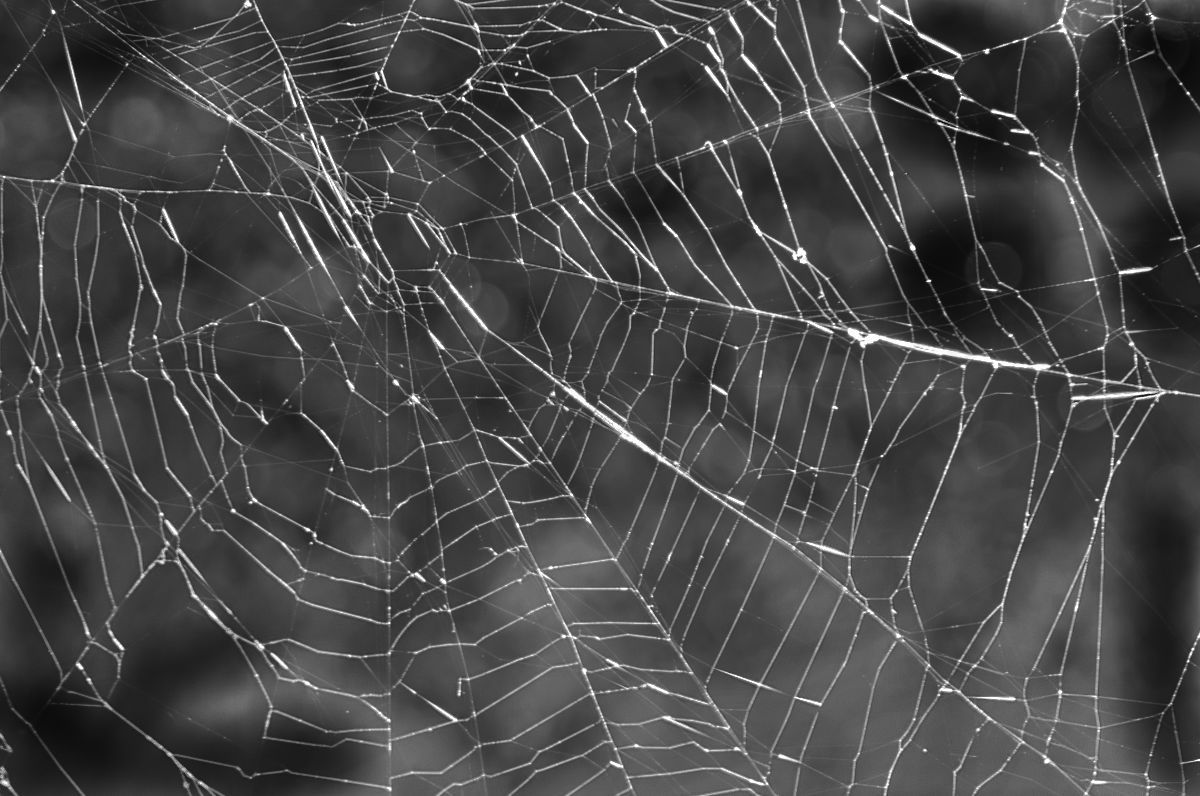
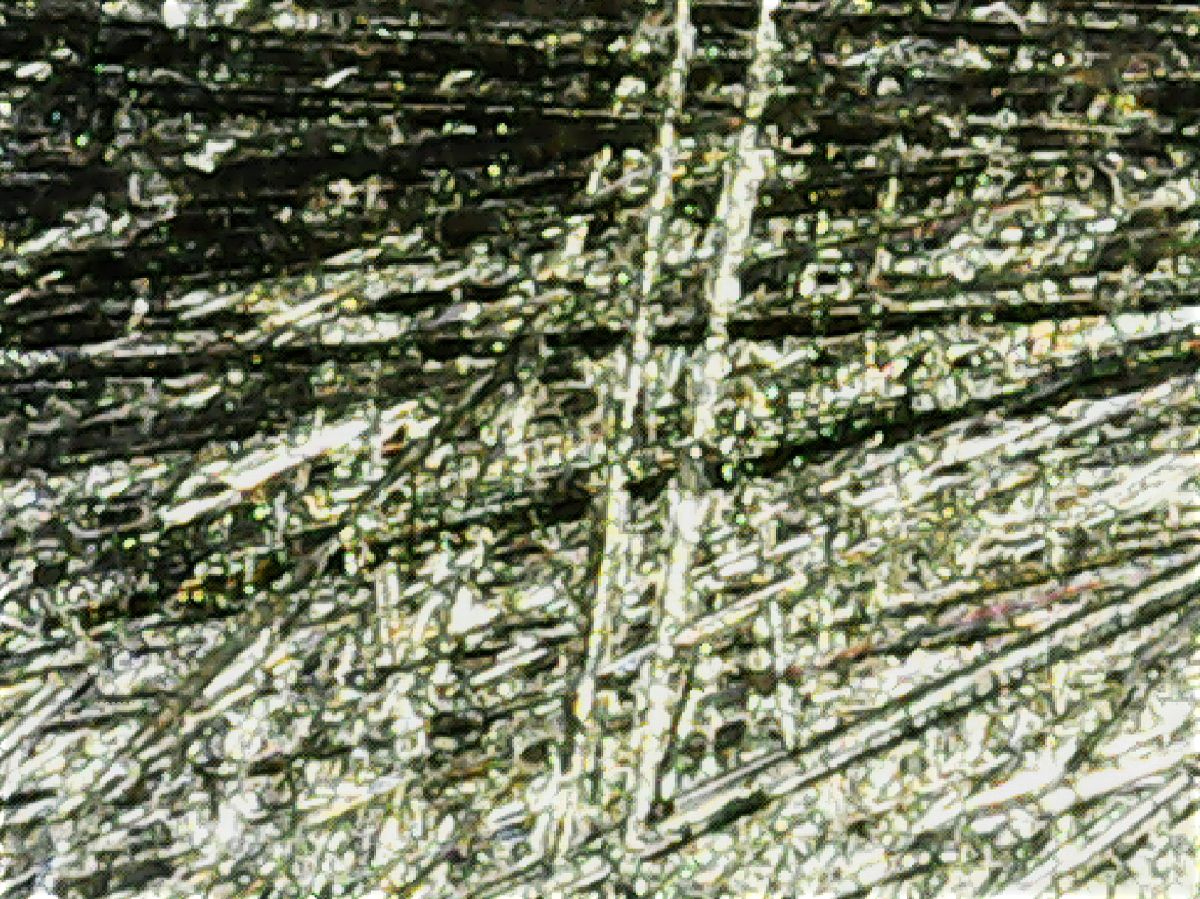
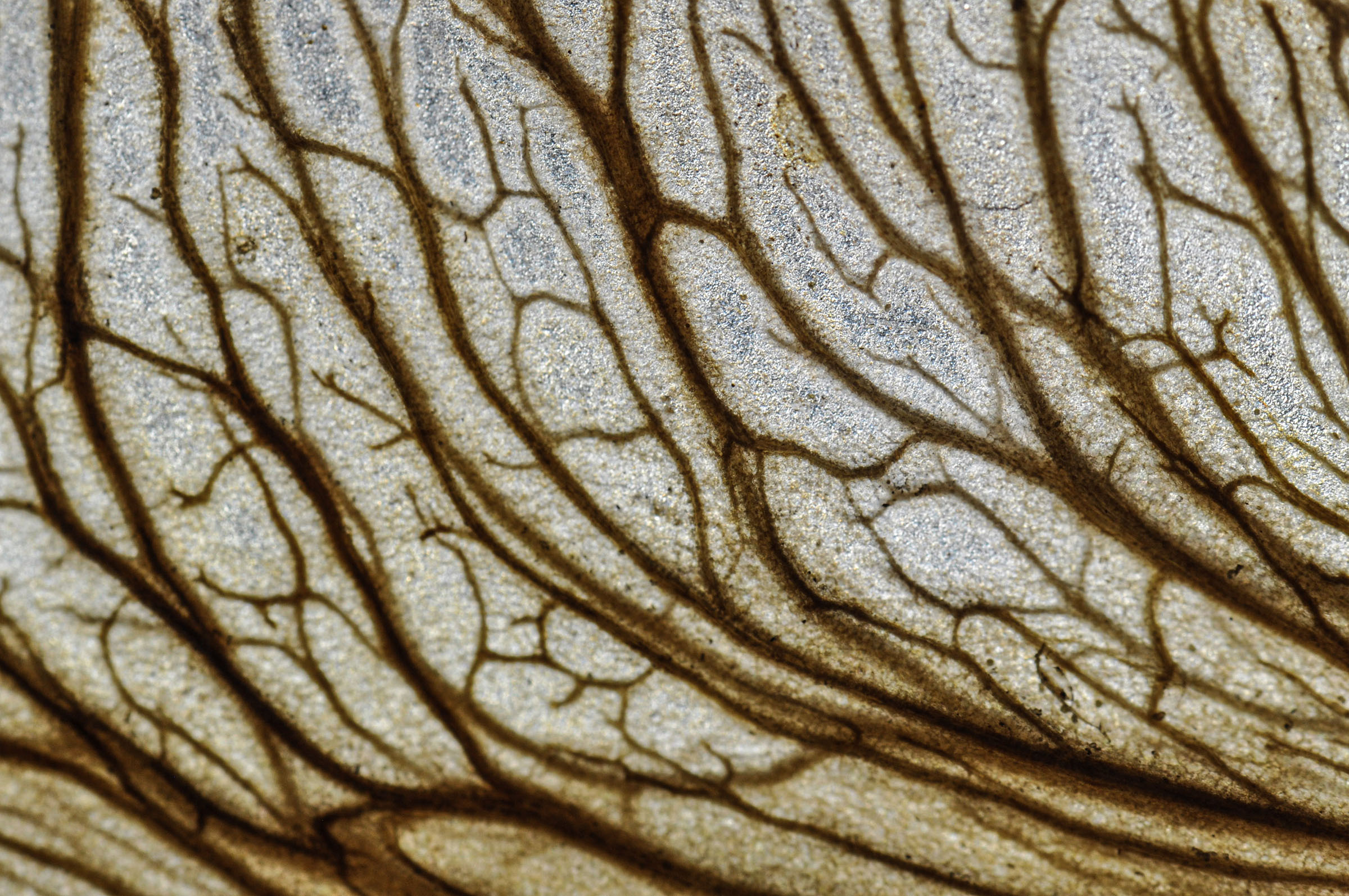
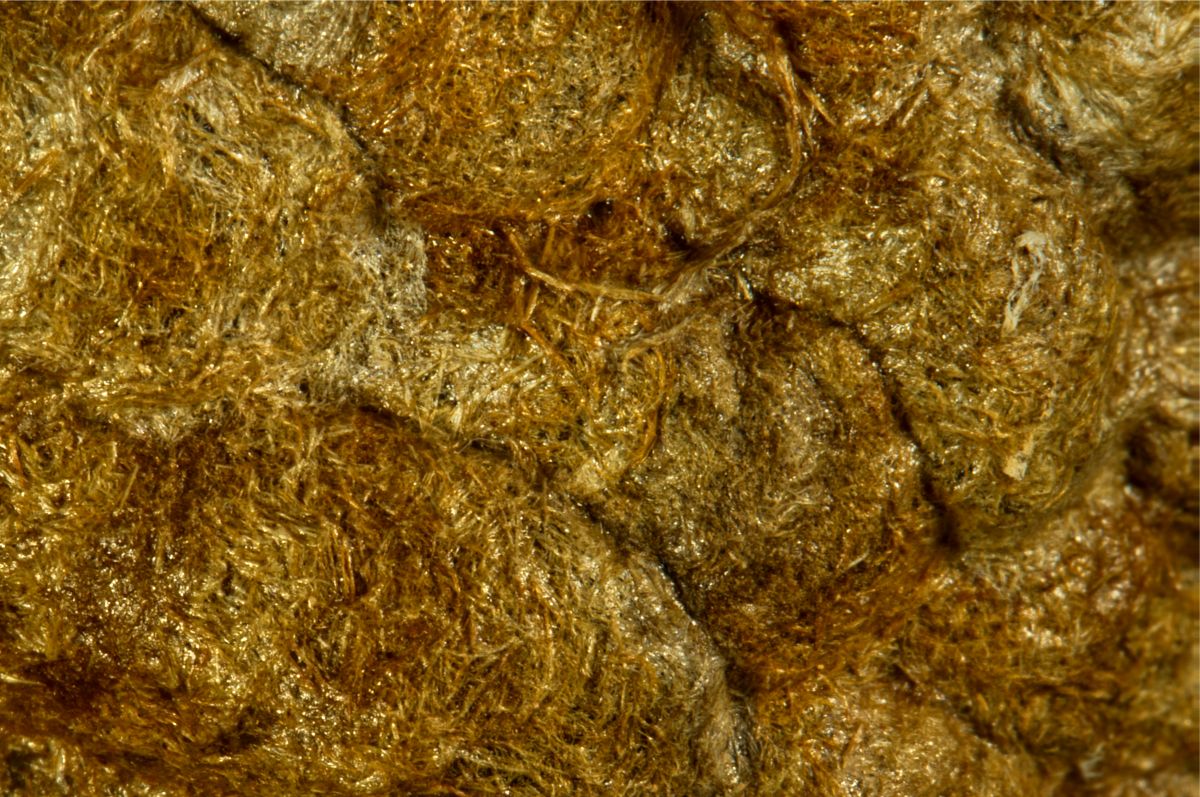
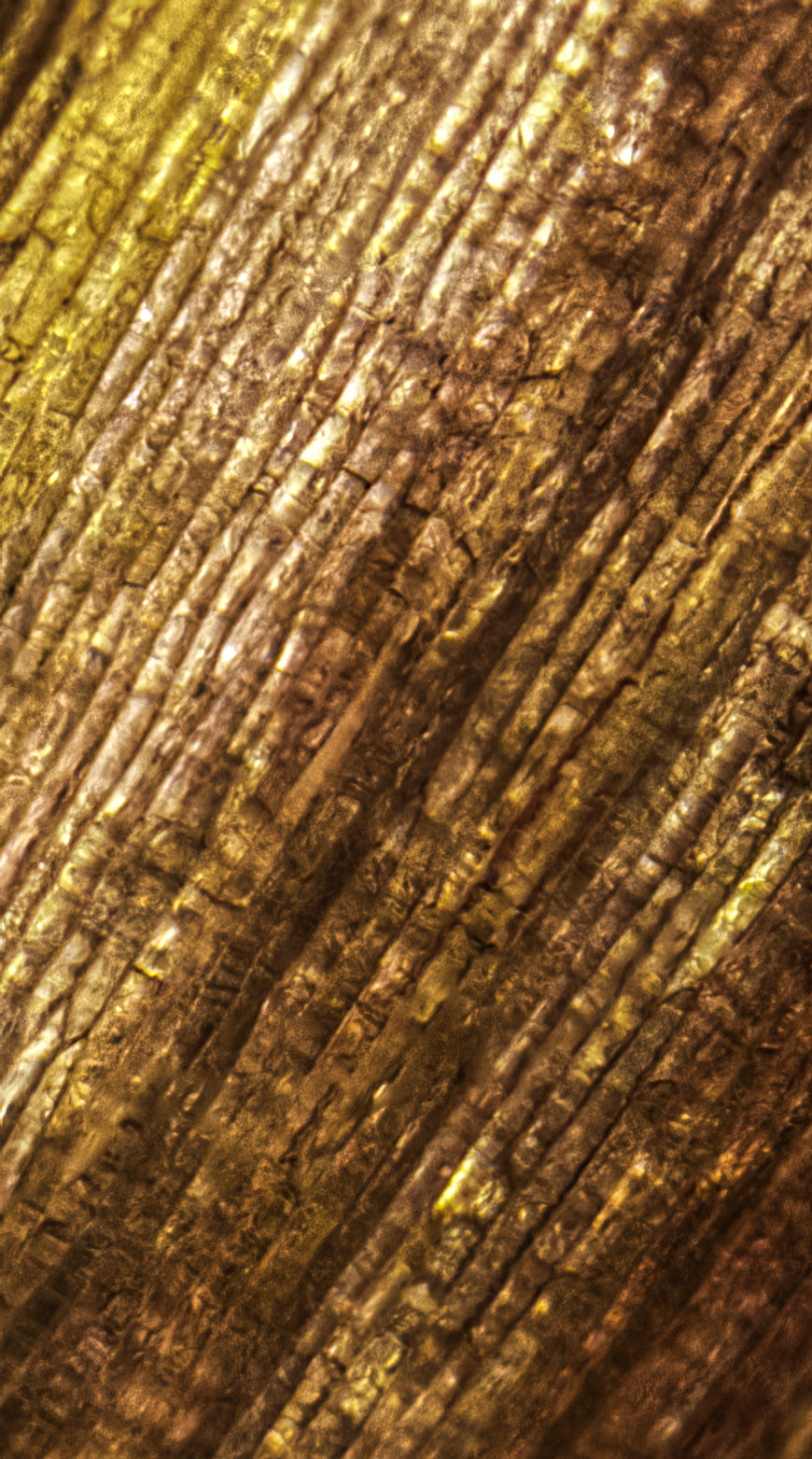
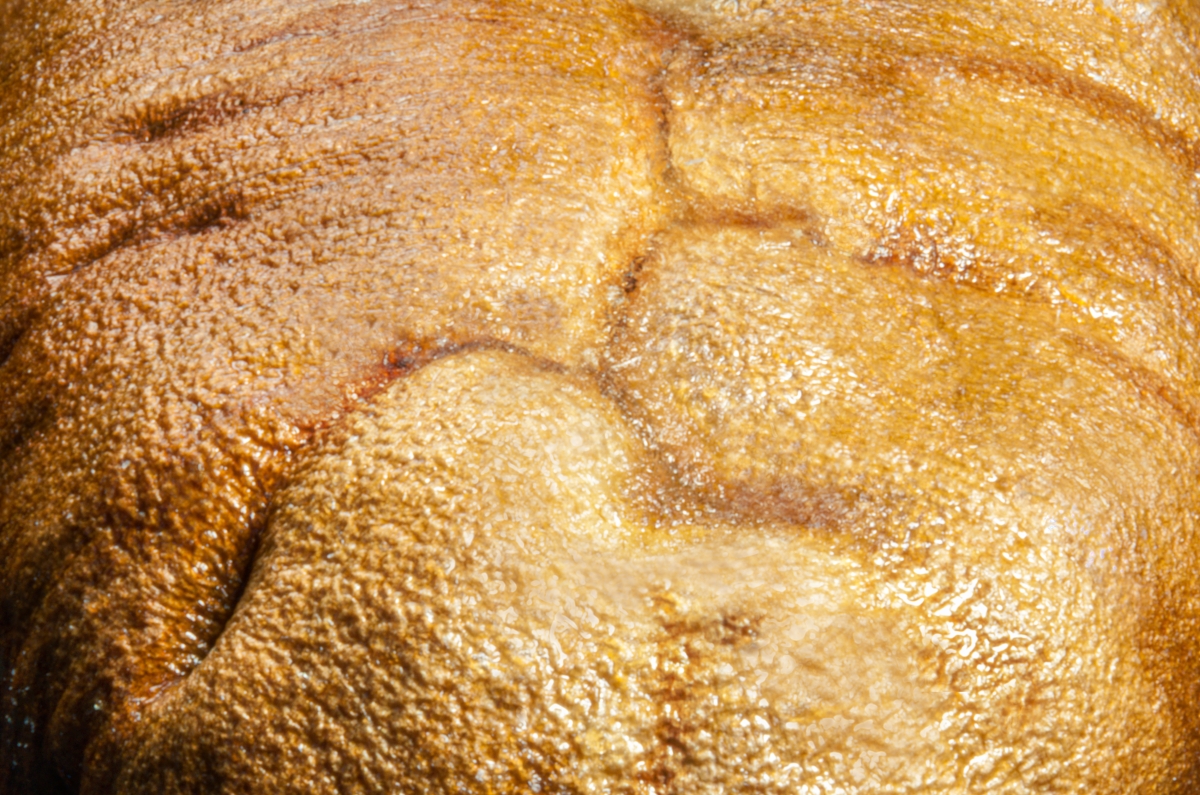
95 Mar 21 Comment It does look like a wing, though I'd have no idea from what insect. You managed to capture a lot of detail in this stack. The only thing missing is the iridescence normally seen in insect wings from farther away.

Was your lighting from below or above? I can't really tell from the image or your description.

This is the second time you've talked of using Focus Projects. Are you really finding it better than Affinity Photo for your stack merges? I may have to revisit it.
Mar 13th
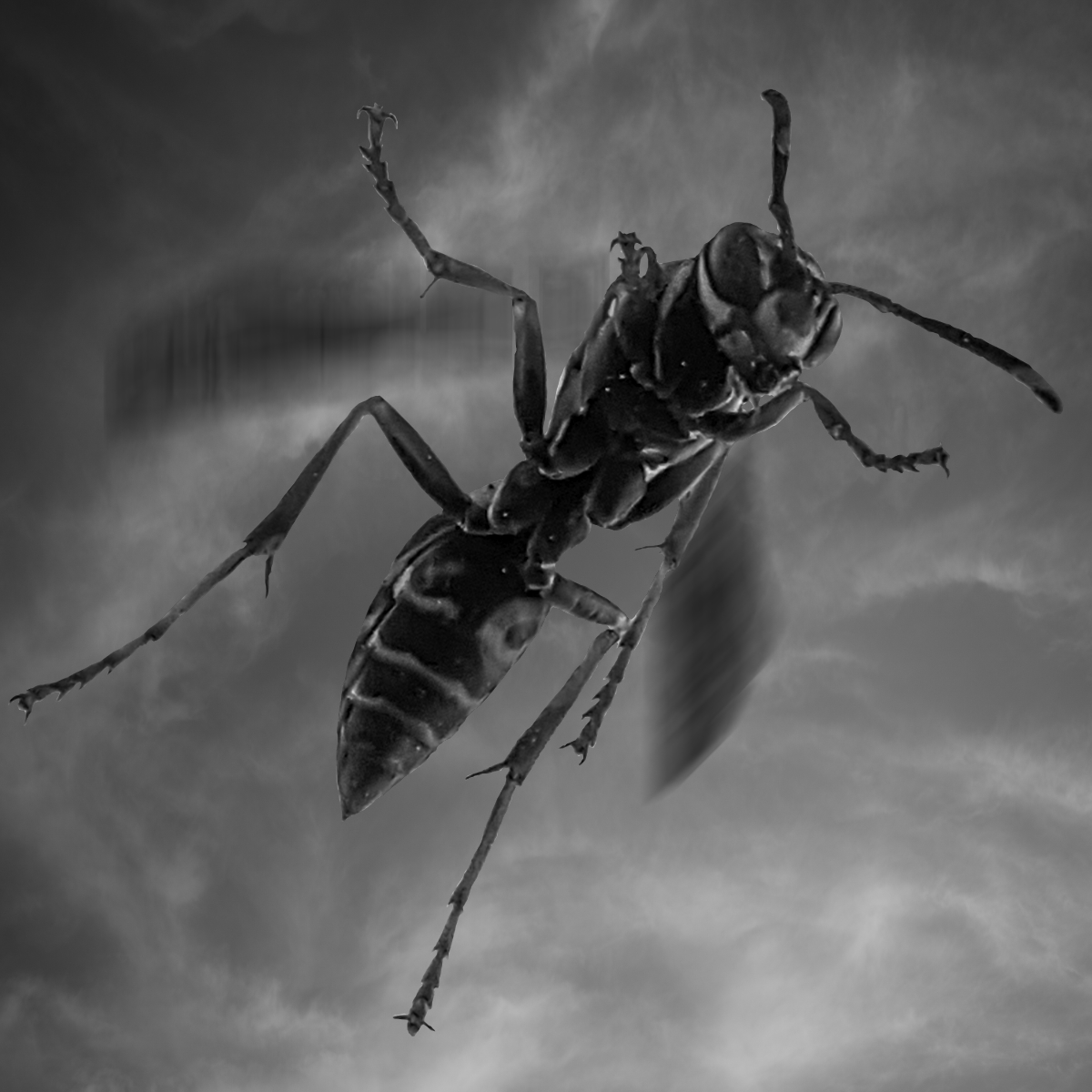
95 Mar 21 Comment While it does appear a bit soft initially, I don't think it really is. Studying closely, I think it's the wasp's shadow that's making the image appear soft.

To test my theory, I took your image into Topaz Sharpen AI and played with the settings to try and improve the image. No luck, and it usually will fix soft images quite well.

Next, I did some cloning work, with this result:
Mar 13th

5 comments - 10 replies for Group 95


12 comments - 20 replies Total


285 Images Posted

  = Current Round   = Previous Round
Group 00

Dec 25

Mar 25

Oct 24

Sep 24

Jul 24

Nov 20

Oct 20

Sep 20

Dec 19

Nov 19

May 18

Jan 17
Group 06

Feb 20

Jan 20

Dec 19

Nov 19

Oct 19

Sep 19

Aug 19

Jul 19

Jun 19

May 19

Apr 19

Mar 19

Feb 19

Jan 19

Dec 18

Nov 18

Oct 18

Sep 18

Aug 18

Jul 18

Jun 18

May 18

Apr 18

Feb 18

Jan 18

Dec 17

Nov 17

Oct 17

Sep 17

Jul 17

Jun 17

May 17

Apr 17

Mar 17

Feb 17
Group 11

Dec 19

Nov 19

Oct 19

Sep 19

Aug 19

Jul 19

Jun 19

May 19

Apr 19

Mar 19

Feb 19

Jan 19

Dec 18

Nov 18

Oct 18

Sep 18

Aug 18

Jul 18

Jun 18

May 18

Apr 18

Mar 18

Feb 18

Jan 18

Dec 17

Nov 17

Oct 17

Sep 17

Jul 17

Jun 17

May 17

Apr 17

Mar 17

Feb 17

Jan 17
Group 18

Nov 19

Oct 19

Sep 19

Aug 19

Jul 19

Jun 19

May 19

Apr 19

Mar 19

Feb 19

Jan 19

Dec 18

Nov 18

Oct 18

Sep 18

Aug 18

Jun 18

May 18

Apr 18

Mar 18

Feb 18

Jan 18

Dec 17
Group 24

Dec 23

Nov 23

Oct 23

Sep 23

Aug 23

Jul 23

Jun 23

May 23

Apr 23

Mar 23

Feb 23

Jan 23

Dec 22

Nov 22

Oct 22

Sep 22

Aug 22

Nov 17

Oct 17

Jul 17

Jun 17

May 17

Apr 17

Mar 17
Group 53

Feb 25

Jan 25

Dec 24

Nov 24

Oct 24

Sep 24

Aug 24

Jul 24

Jun 24

May 24

Apr 24

Mar 24

Feb 24

Jan 24

Dec 23

Nov 23

Oct 23

Sep 23

Aug 23

Jul 23

Jun 23

May 23

Apr 23

Mar 23

Feb 23

Jan 23

Dec 22

Nov 22

Oct 22

Sep 22

Aug 22

Jul 22

Jun 22

May 22

Apr 22

Mar 22

Feb 22

Jan 22

Nov 21

Oct 21

Aug 21

Jul 21

Jun 21

May 21

Apr 21

Mar 21

Feb 21

Jan 21

Dec 20

Nov 20

Oct 20

Sep 20

Aug 20

Jul 20

Jun 20

May 20

Apr 20

Mar 20

Feb 20

Jan 20

Dec 19

Nov 19

Oct 19

Sep 19

Aug 19

Jul 19

Jun 19

May 19

Apr 19

Mar 19

Feb 19

Jan 19

Dec 18

Nov 18

Oct 18

Sep 18

Aug 18

Jul 18

Jun 18

May 18

Apr 18

Mar 18

Feb 18

Jan 18

Dec 17

Nov 17

Oct 17

Sep 17

Aug 17

Jul 17

Jun 17

May 17

Apr 17

Mar 17

Feb 17

Jan 17
Group 62

Jan 18

Dec 17

Nov 17

Oct 17

Sep 17

Jul 17

Jun 17

May 17

Apr 17

Mar 17

Feb 17
Group 86

Nov 20

Oct 20

Sep 20

Aug 20

Jul 20

Jun 20
Group 95

Dec 23

Nov 23

Oct 23

Sep 23

Jul 23

Jun 23

May 23

Apr 23

Mar 23

Feb 23

Dec 22

Nov 22

Oct 22

Sep 22

Aug 22

Jul 22

Jun 22

May 22

Apr 22

Mar 22

Feb 22

Jan 22

Dec 21

Nov 21

Oct 21

Aug 21

Jul 21

Jun 21

May 21

Apr 21

Mar 21

Feb 21

Jan 21

Dec 20

Nov 20

Oct 20

Sep 20

Aug 20

Jul 20

Jun 20

May 20

Apr 20

Mar 20

Close this Tab when done