Activity for User 69 - Tom Pickering - info@photopicks.net

avatar
Avatar

Close this Tab when done


1433 Comments / 1336 Replies Posted

  = Current Round   = Previous Round
Group Round C/R Comment Date Image
53 Feb 21 Comment This is a powerful image, with a great story about the immensity of nature in contrast to how small we are next to it. Really cool.

While both versions have impact, I think the monochrome version is stronger. I don't care for the border and I think the noise introduced takes away a little bit.

Here's a rendition without the border and the noise. Thoughts?
Feb 20th
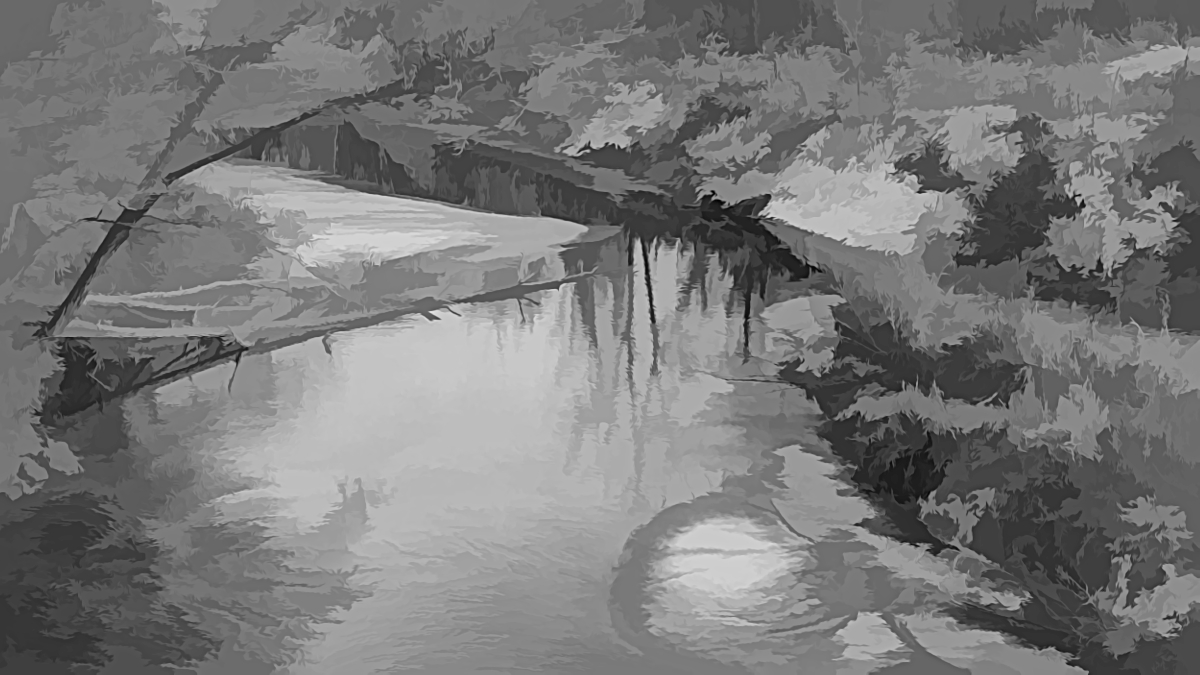
53 Feb 21 Comment Love it, and especially the crop to remove much of the bird layer. The color cast is certainly a puzzler here, so I decided to try Brenda's typical approach, going monochrome, since this is pretty much there already. By going to shades of grey, the various zones get their own prominence. I also removed some distracting elements in the treeline and the boat at the left side of ther water. Thoughts? Feb 20th
53 Feb 21 Comment Gorgeous, Brenda. I've always wanted to photograph sand dunes like this, but will likely not get the chance. Your image has a nice ebb and flow with the play of light and dark. I do agree about the jagged area on the left, so healed that out in this rendition: Feb 20th
53 Feb 21 Comment Wow! You positioned yourself just right for this image, placing the sun behind the cross to give it a powerful glow.

I had a go at removing the tree on the left, the people at the foot of the cross, and cropping it to move the cross off-center. Thoughts?
Feb 20th
53 Feb 21 Comment I feel that there are several photos within this one image and that there's a bit of competition going on between them for the position of primary focus. By virtue of your title, “Three Towers”, you would be best to remove the distracting elements below and focus the viewer's attention on the towers. I have cropped it as you did in your redo, and replaced the sky, added contrast, sharpening and some other tonal adjustments to try and help your subject pop. Thoughts? Feb 20th
53 Feb 21 Comment You've got an amazing image, well captured with good exposure, and story. I agree with the others about the crop and the colors and also suggest the removal of the green elements scattered around the outer groups of boats. This is my rework: Feb 20th
53 Feb 21 Comment Thanks all for the input. I think this one was just not the right angle or possibly the wrong point of focus. d:¬{( Feb 20th
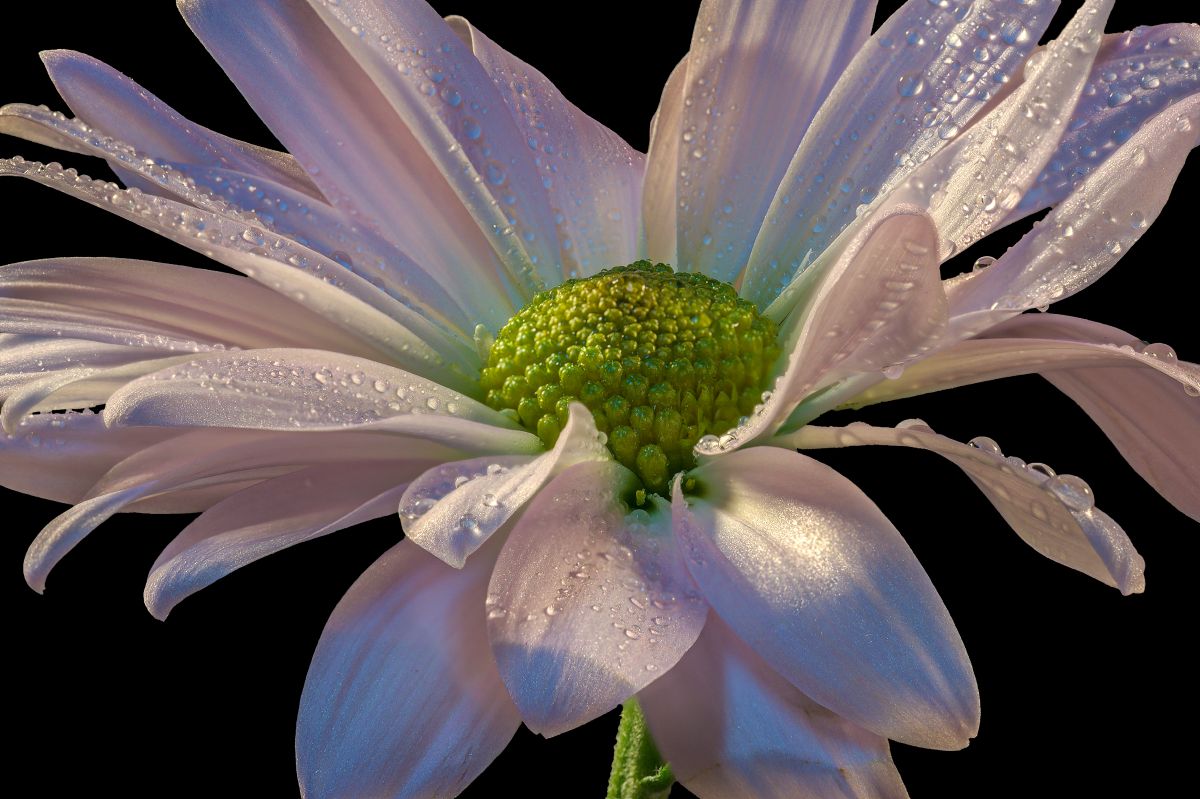
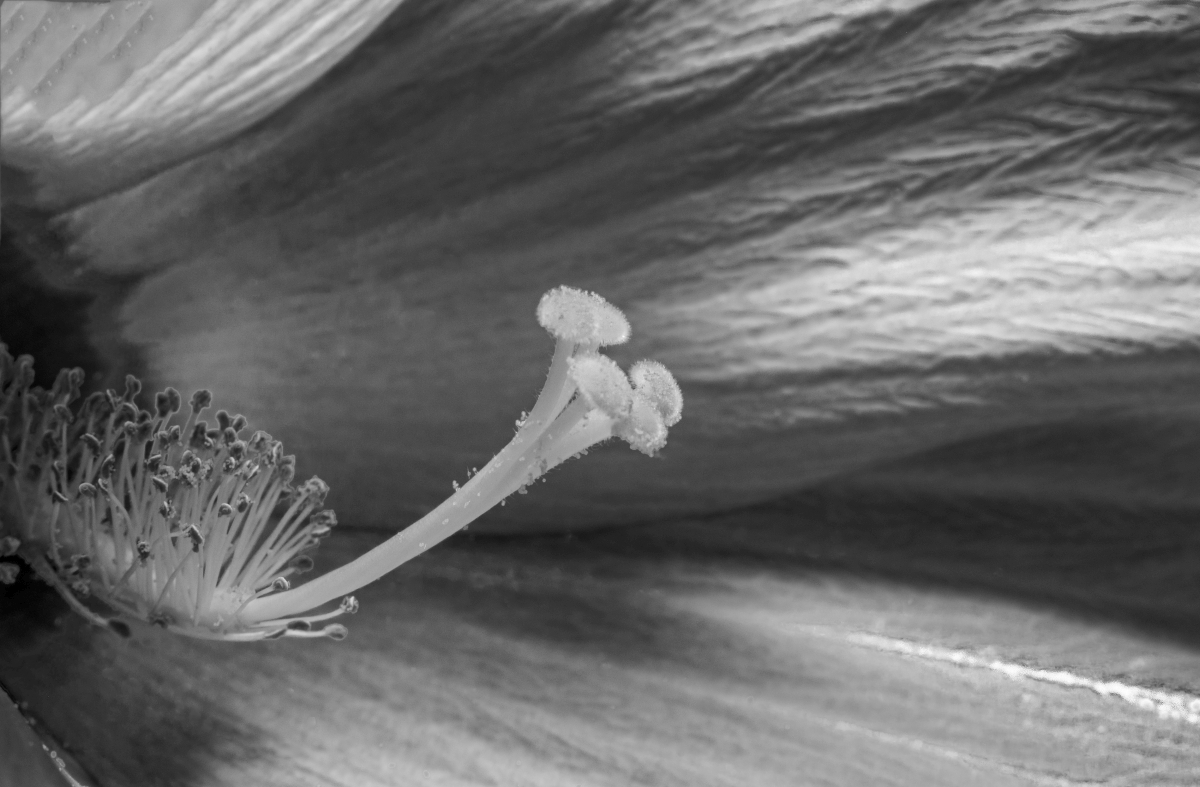
53 Feb 21 Reply I do have the full suite of Topaz AI programs - I'm one of their beta testers. I will look at more sharpening, but I don't want to lose the softness of the petals by too much sharpening. Feb 20th
53 Feb 21 Comment Here's a redo based upon your suggestions: Feb 10th
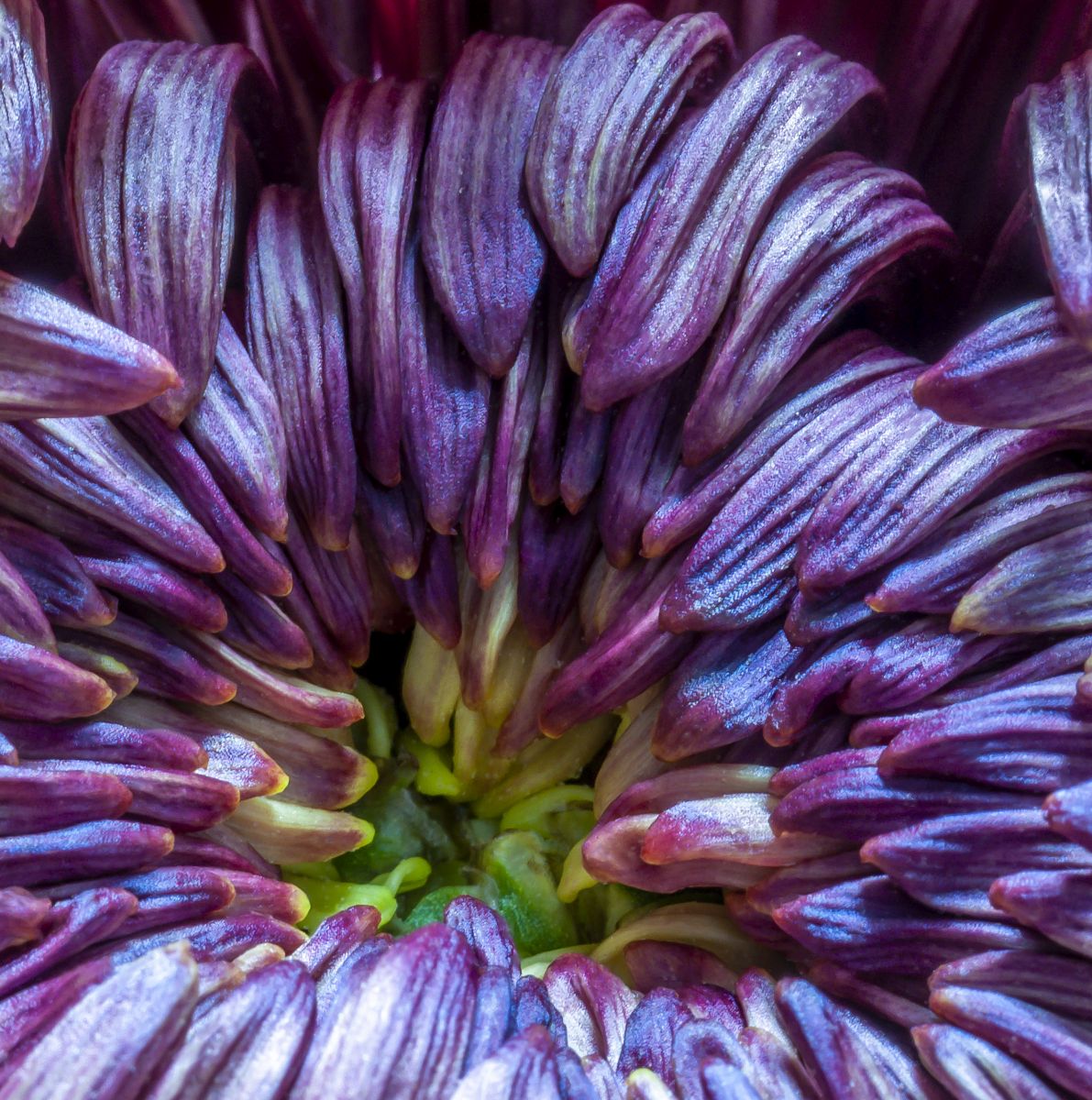
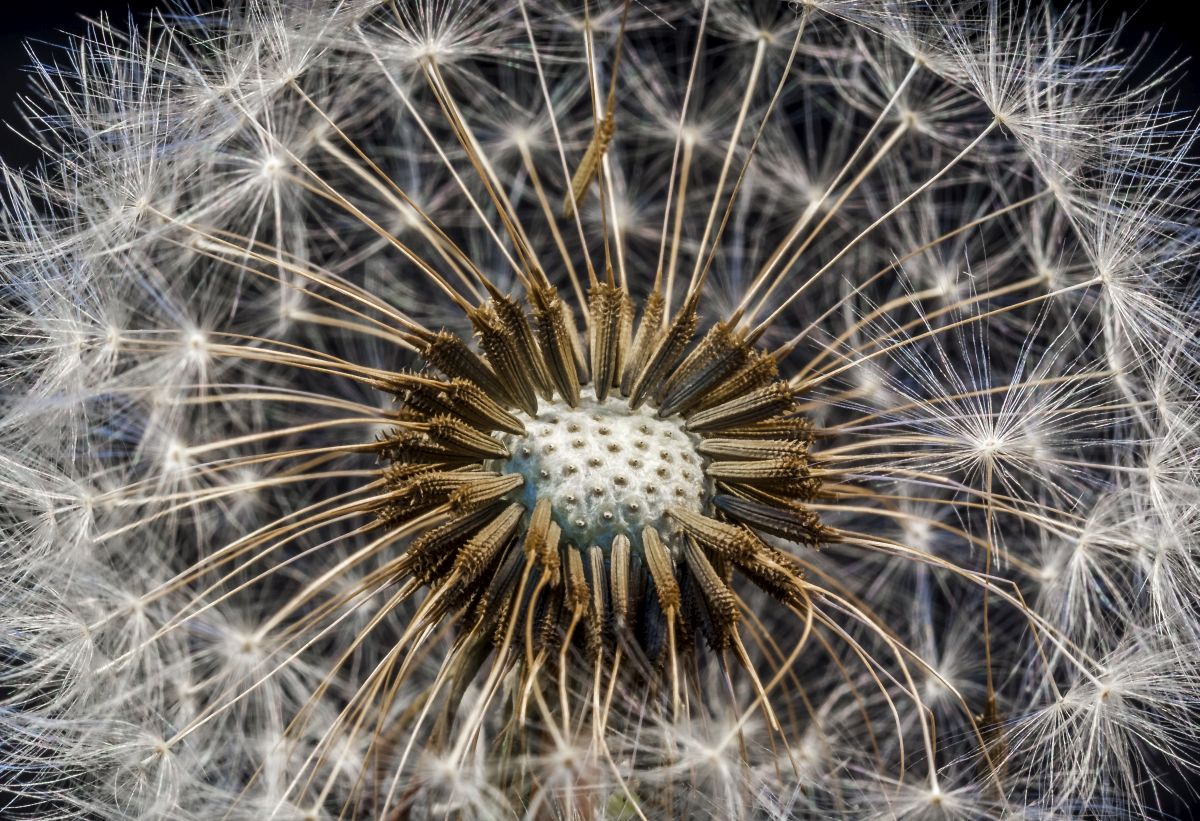
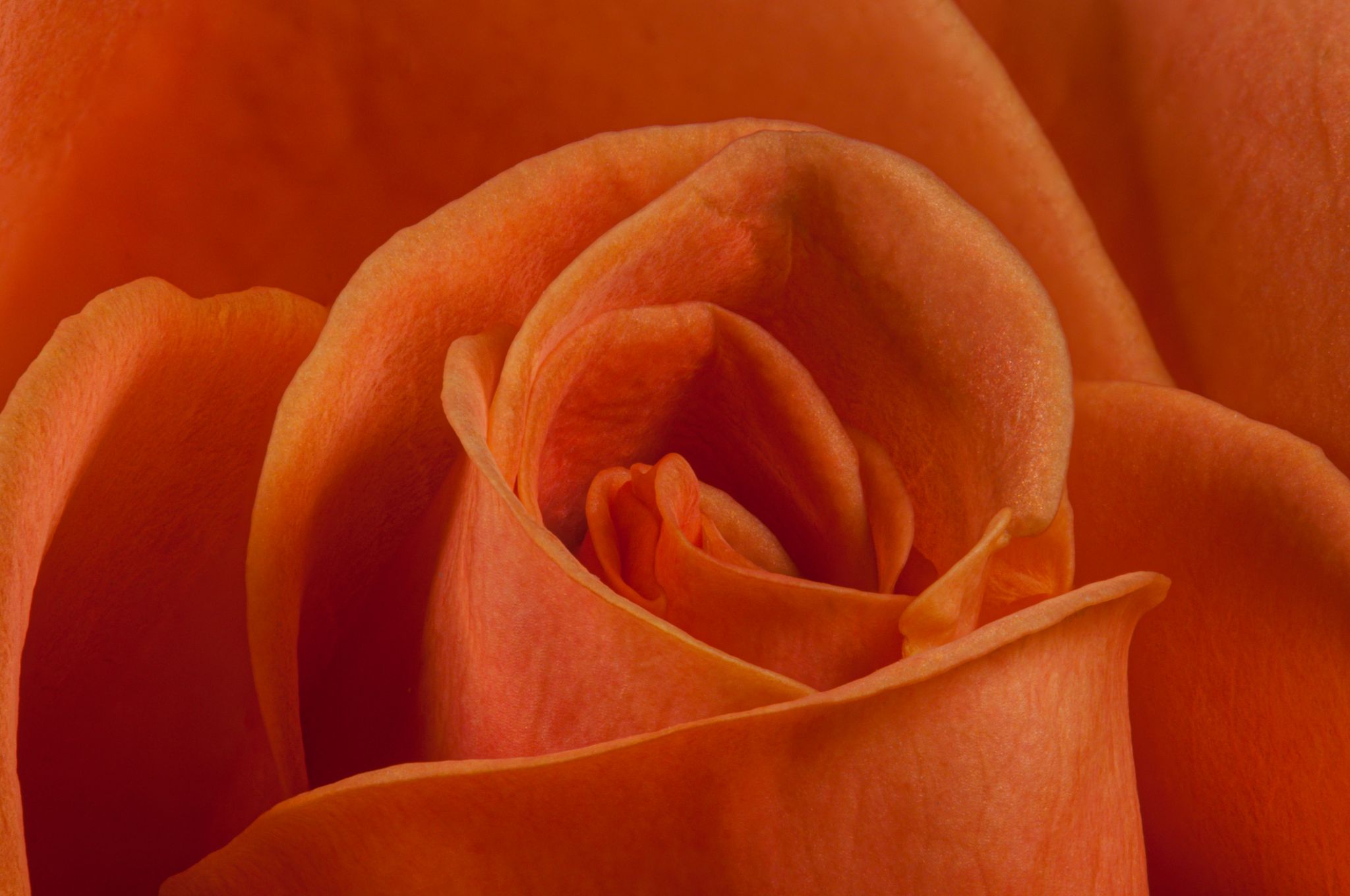
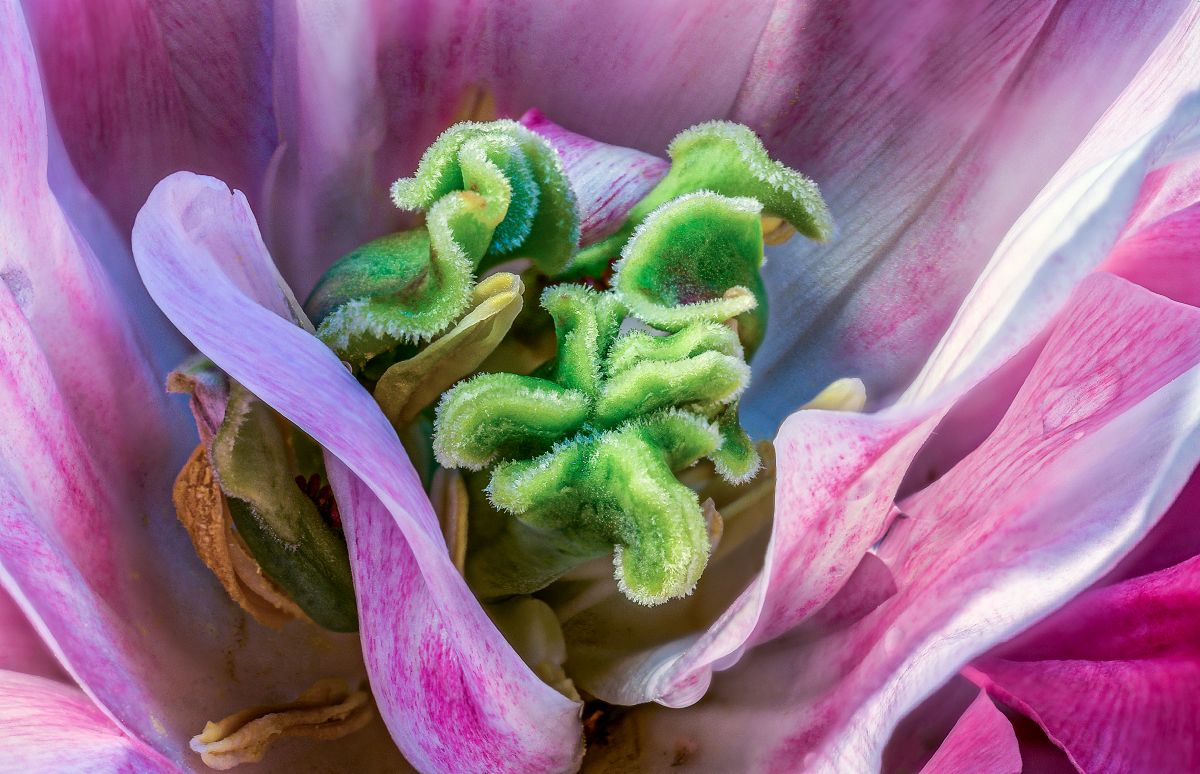
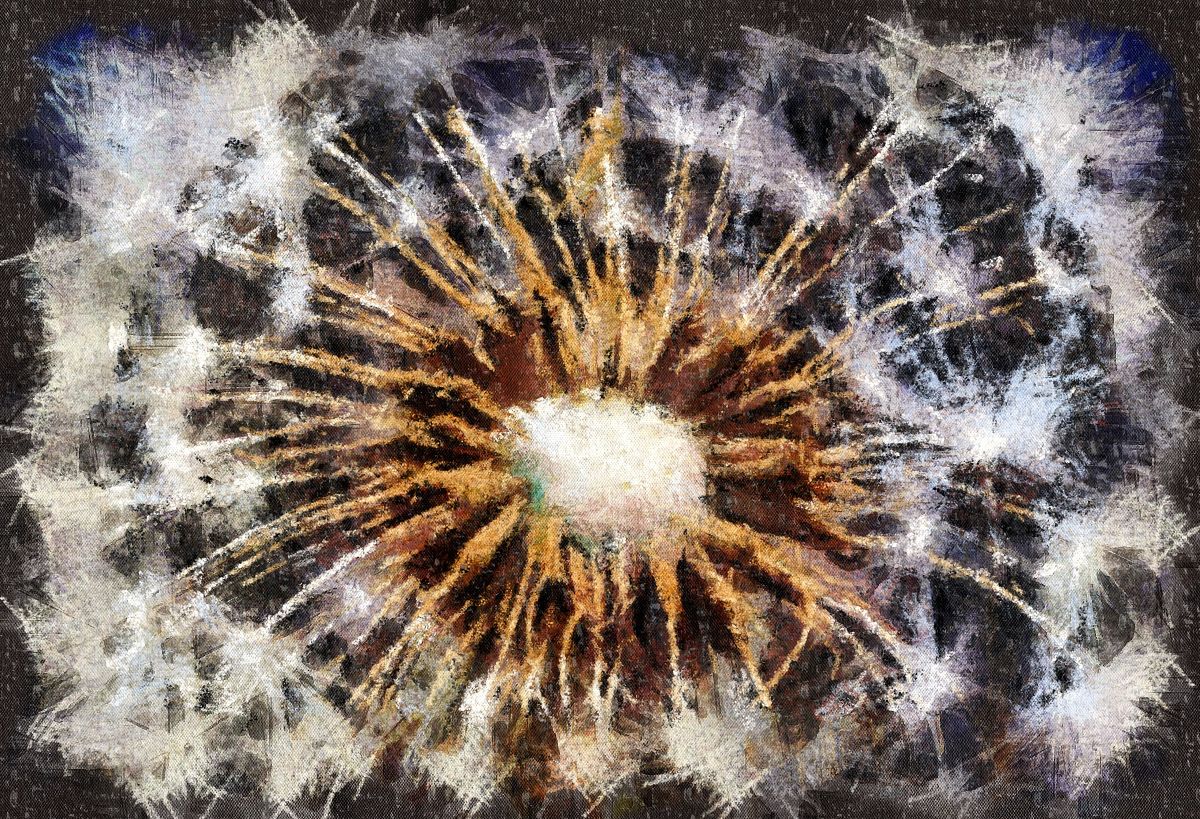
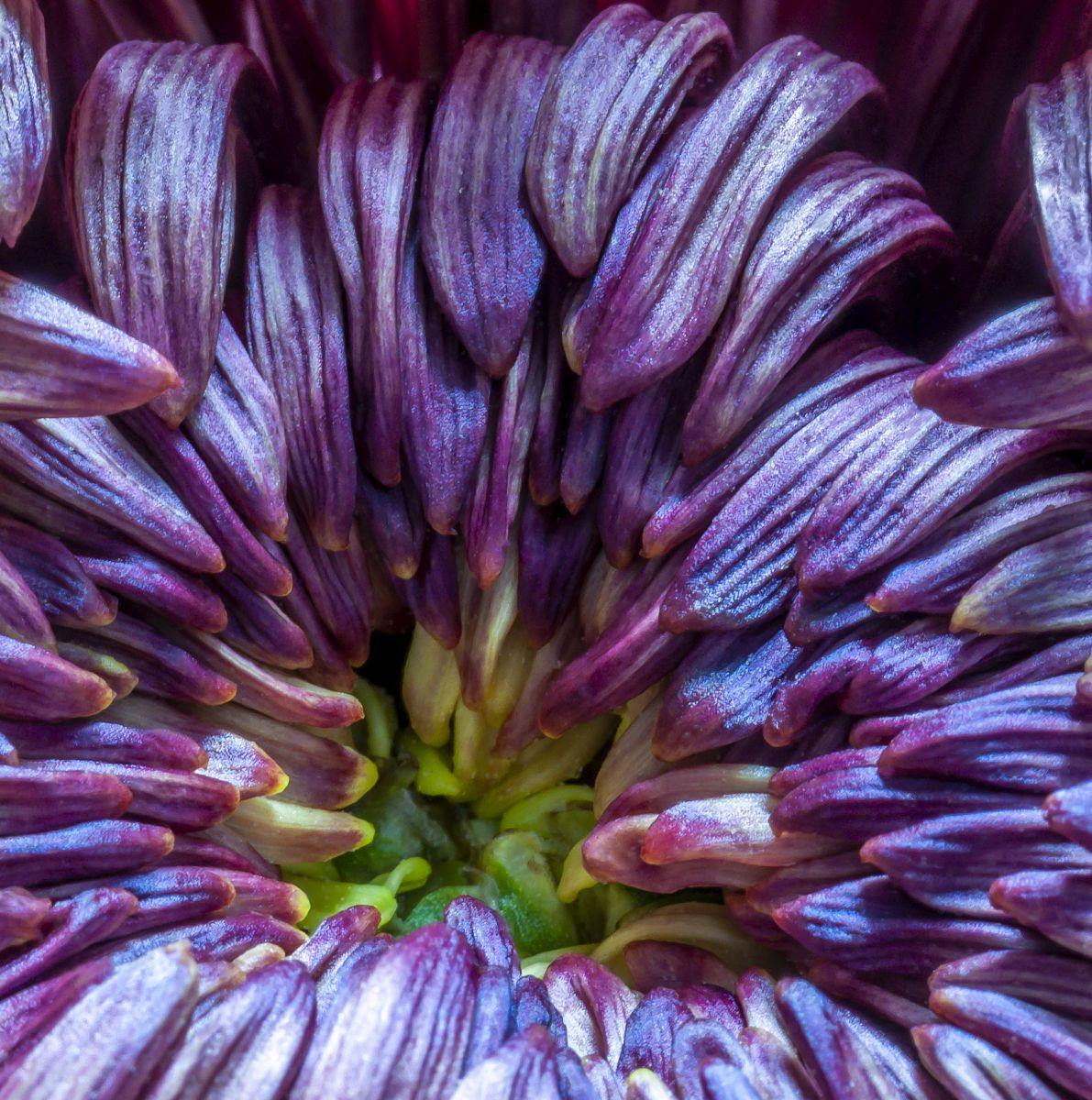
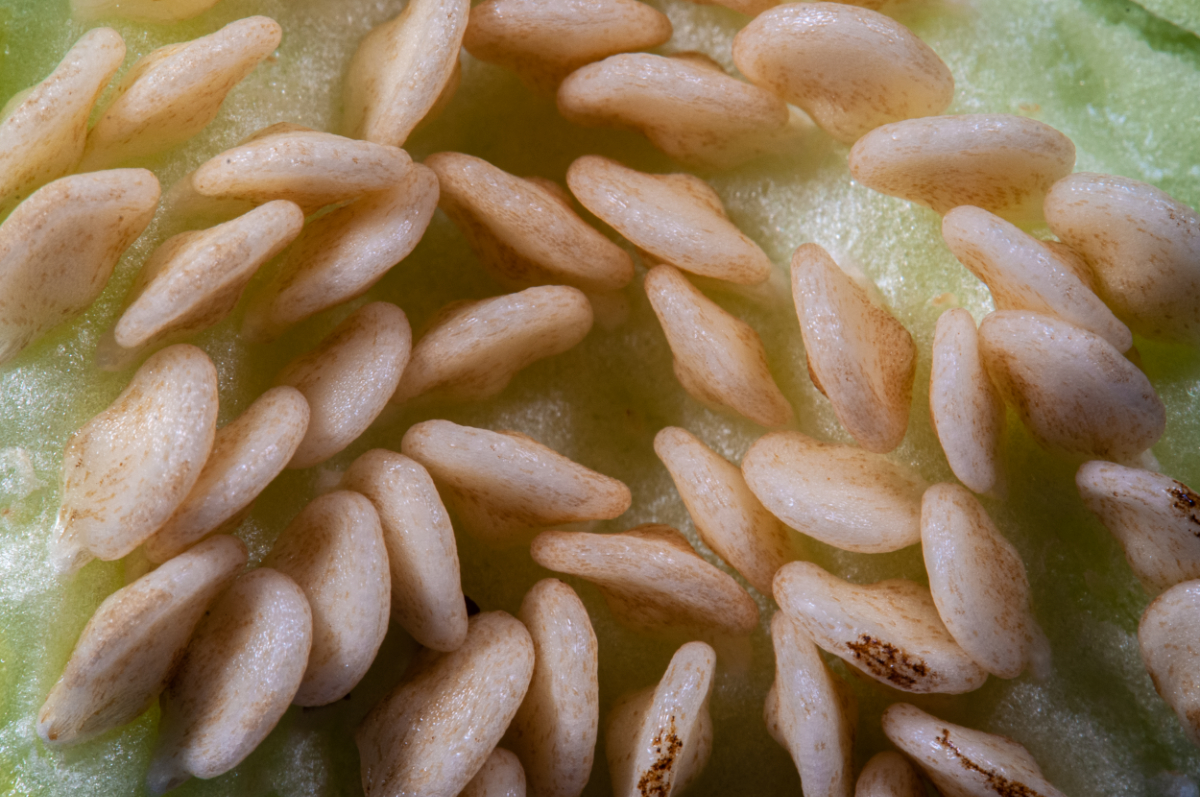
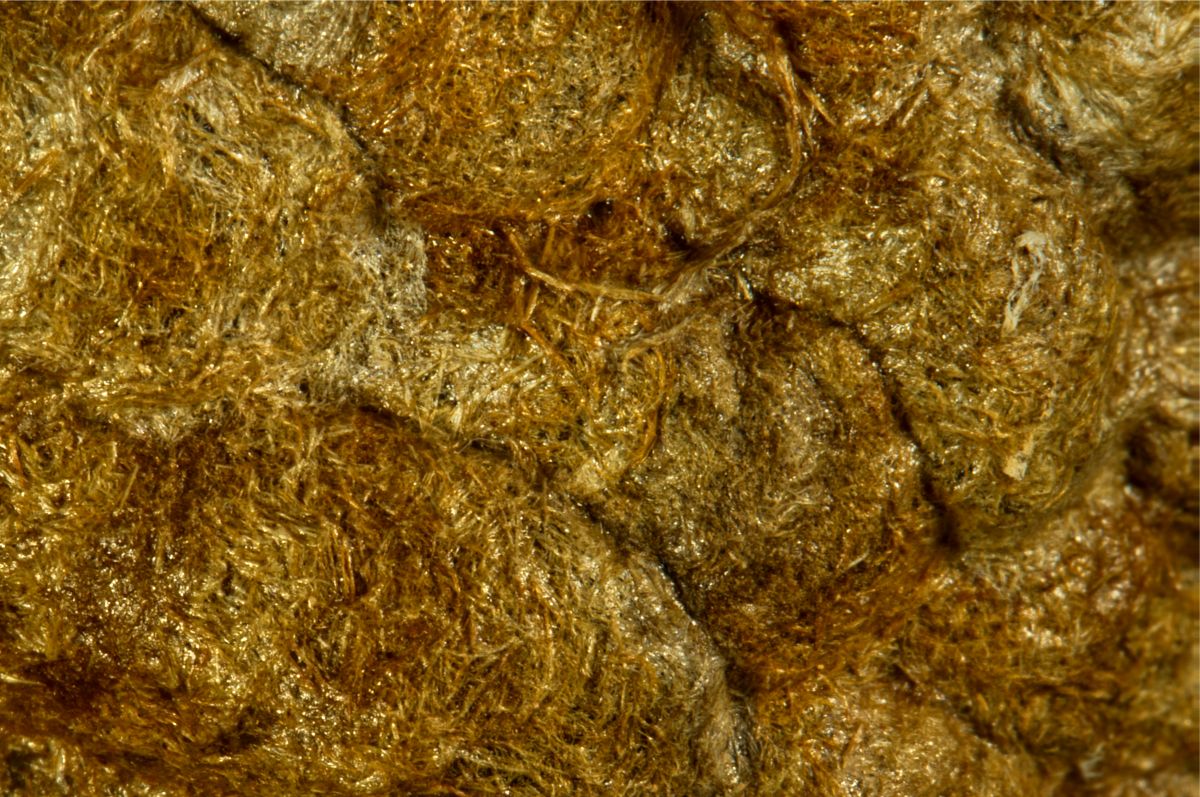
53 Feb 21 Reply There is no single original image, Rusty. This is a macro "image" that is 31 thin slices merged together. I took an image, moved the camera 1mm closer and took another shot, etc., etc. Feb 10th

8 comments - 2 replies for Group 53

95 Feb 21 Reply Regarding Topaz Sharpen AI, yes, they have been continually working on it. I'm one of the beta testers and all of their AI products are constantly updated with new features and better AI libraries. Unfortunately, they have taken a cue from Adobe and have a semi-subscription situation going on where you own the software, but have to pay a yearly fee for even subversion updates. It was a major slap in the face to their loyal customers who were promised lifetime upgrades and now have to pay for bug-fixes within a version. The Franzis products do a good job, but Topaz is the king of their slice of the editing market for sure. Feb 20th
95 Feb 21 Reply Every lens is different as far as diffraction is concerned. I've been thoroughly happy with the results my Tamron has given me from the beginning, especially at the smaller apertures. There are some subjects that even f45 won't provide enough DOF for.

With this image, since you were looking for the sharpness along the front edge, you might have been better of cropping a lot of the flower away to focus our attention on it. Here's a deep crop with clarity, unsharp mask, and denoise in Affinity.
Feb 20th
95 Feb 21 Reply I think you have plenty of detail where it's needed in the main flower.

If you're on a tripod and are going to take a single image, use the smallest aperture you can that doesn't suffer from diffraction in order to capture the maximum amount of detail. In my experience, that's typically going to be 1 or 2 steps up from the smallest aperture your lens can achieve.
Feb 20th
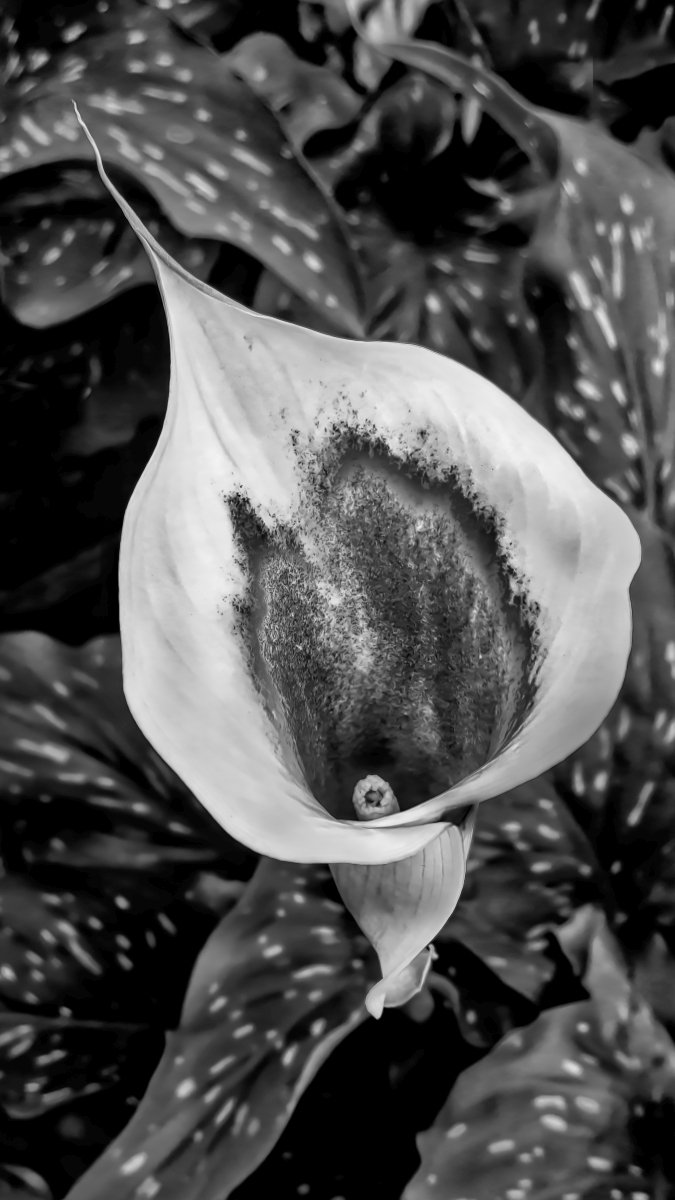
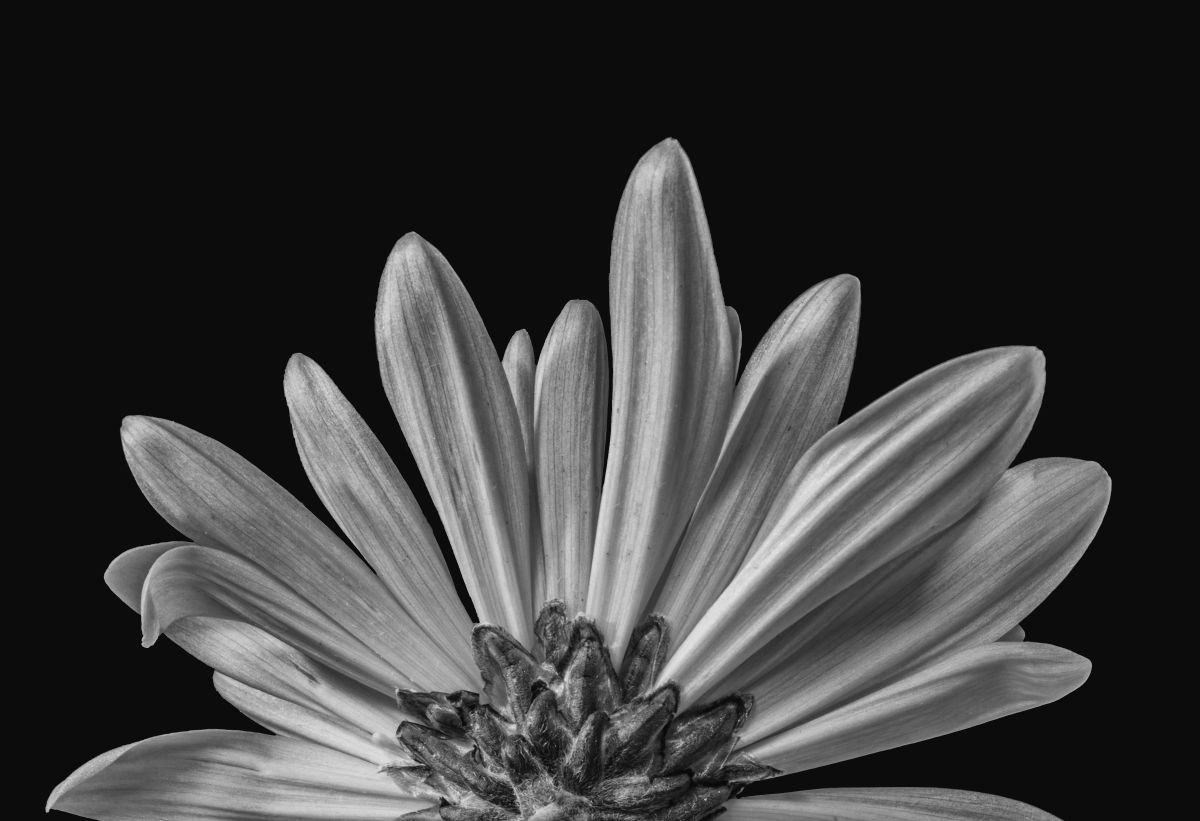
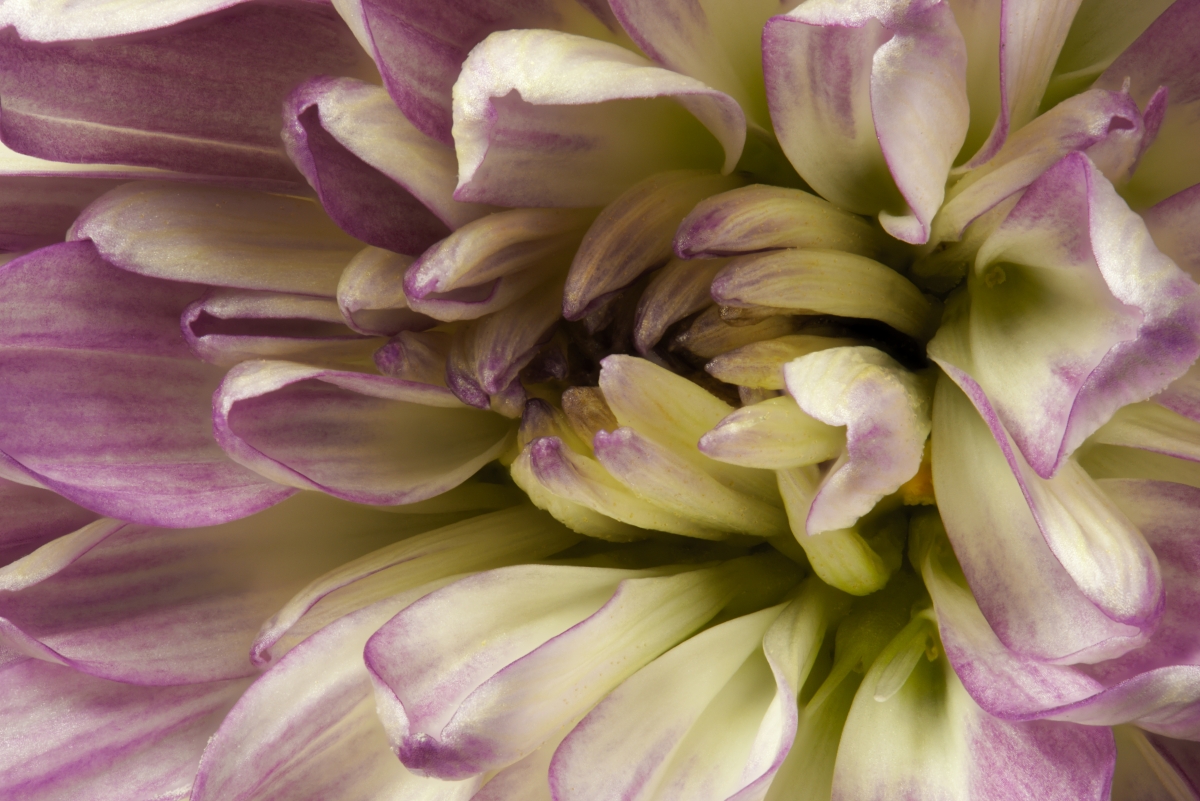
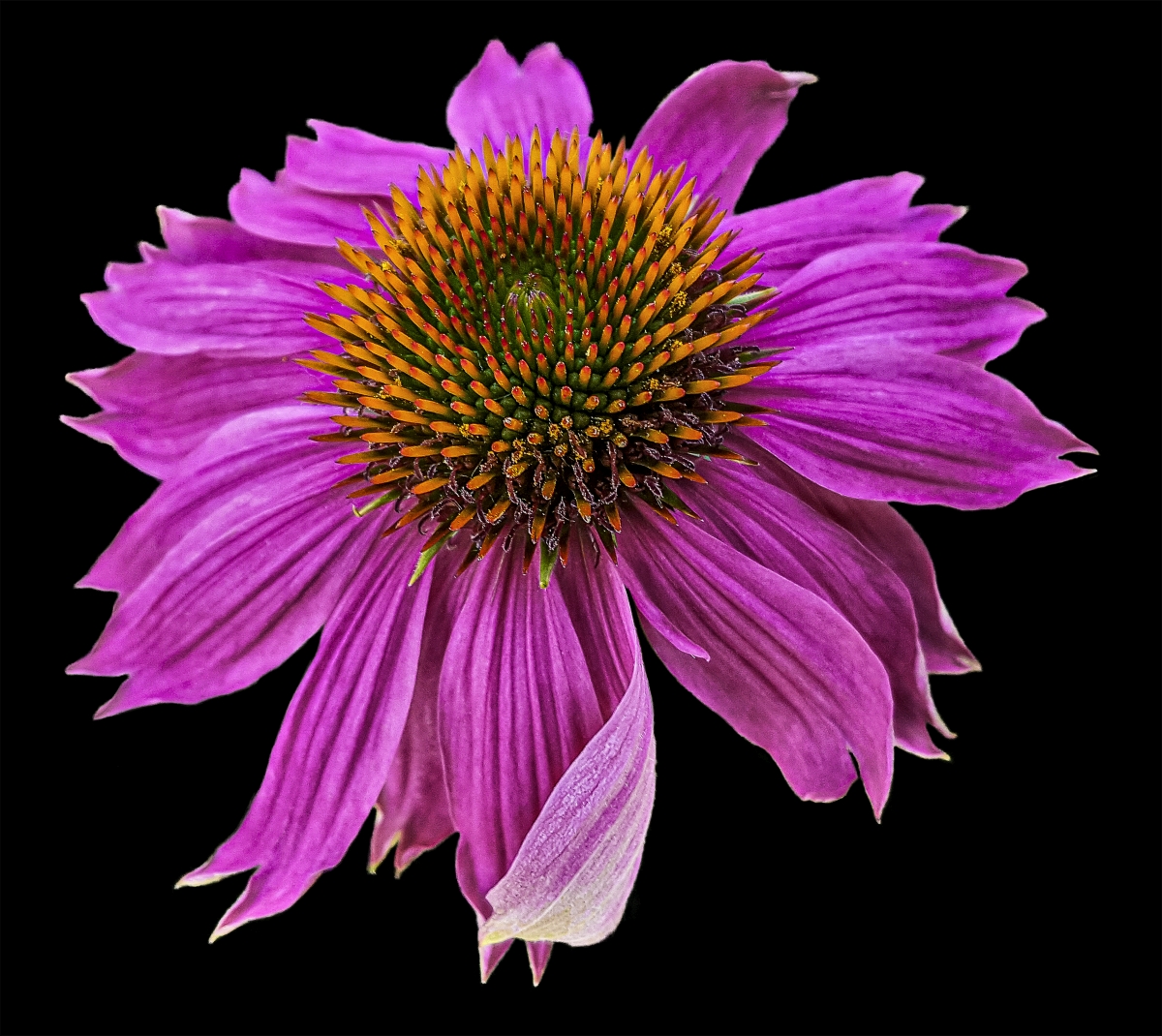
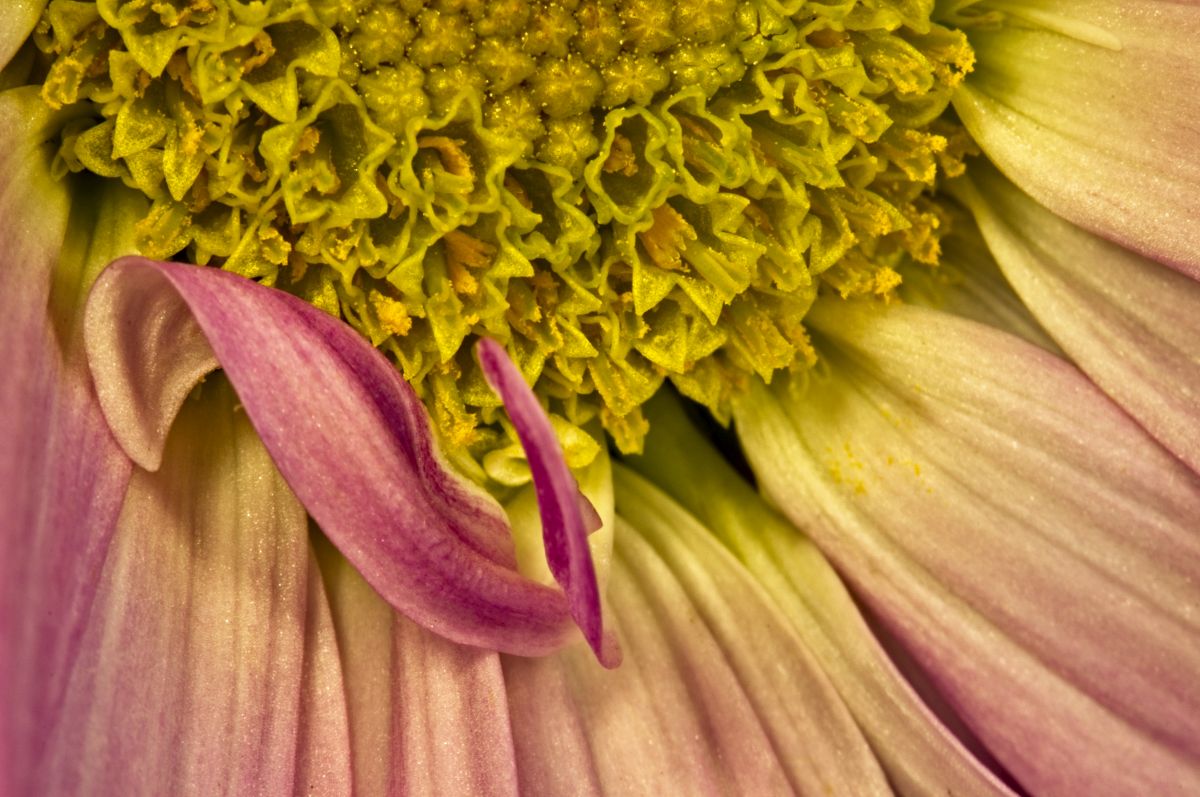
95 Feb 21 Comment Floral photography is why I got into macro and this is a lovely example. I envy your ability to get this handheld, something I could never do. I think an aperture smaller than f11 would have brought more detail out, but I think what needs to be sharp in this has been accomplished.

I did think the darker area in the lower-left was a little distracting so removed it in this version and added a bit of clarity and some dodging and burning. Thoughts?
Feb 20th
95 Feb 21 Comment So nicely done, Barbara! You've come a long way! d:¬{D

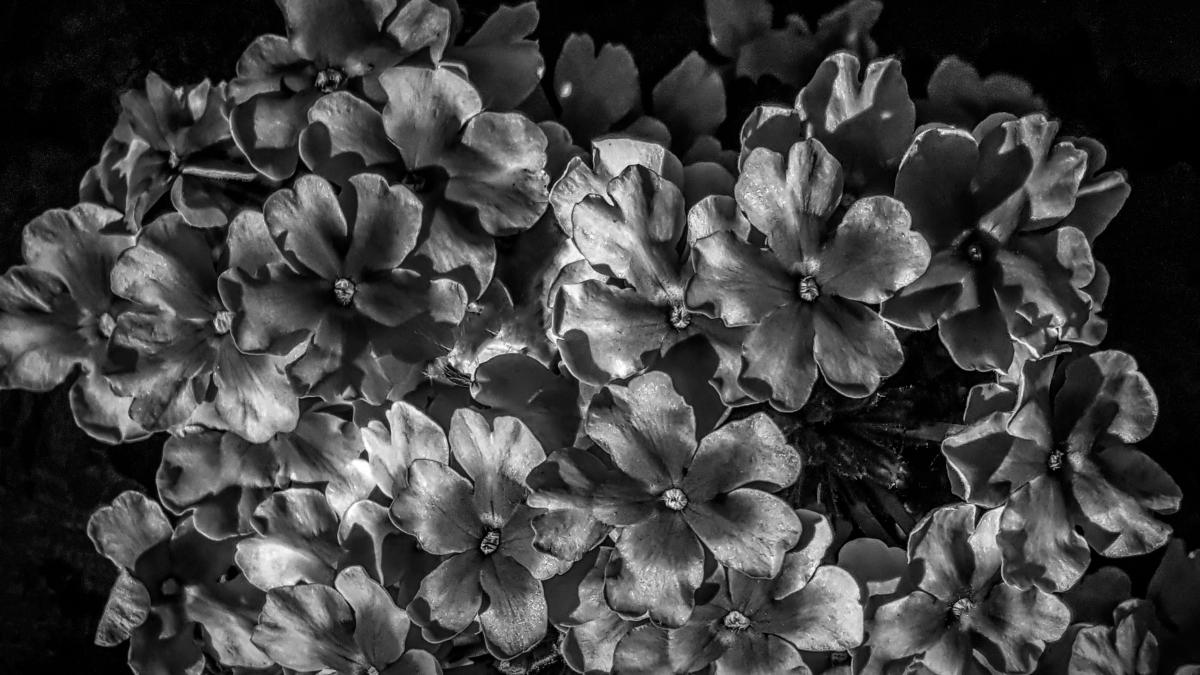
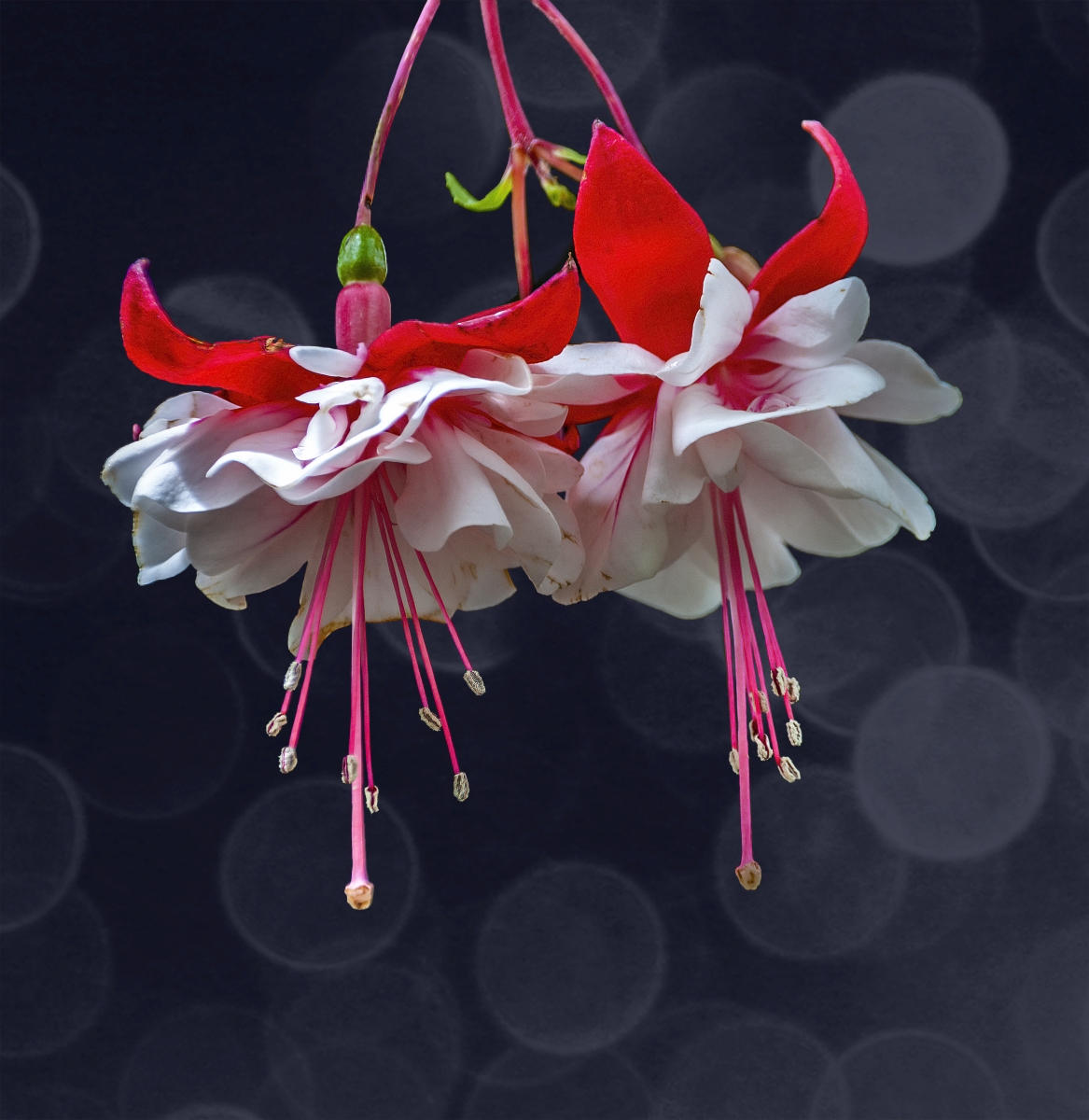
Your composition works really well, having 3 elements at various depths of the image which makes for added dimensionality. Carol is right about brightening the main flower. I did that in this rendition and darkened the stems of the other two flowers so they don't draw attention away from the main flower. Thoughts?
Feb 20th
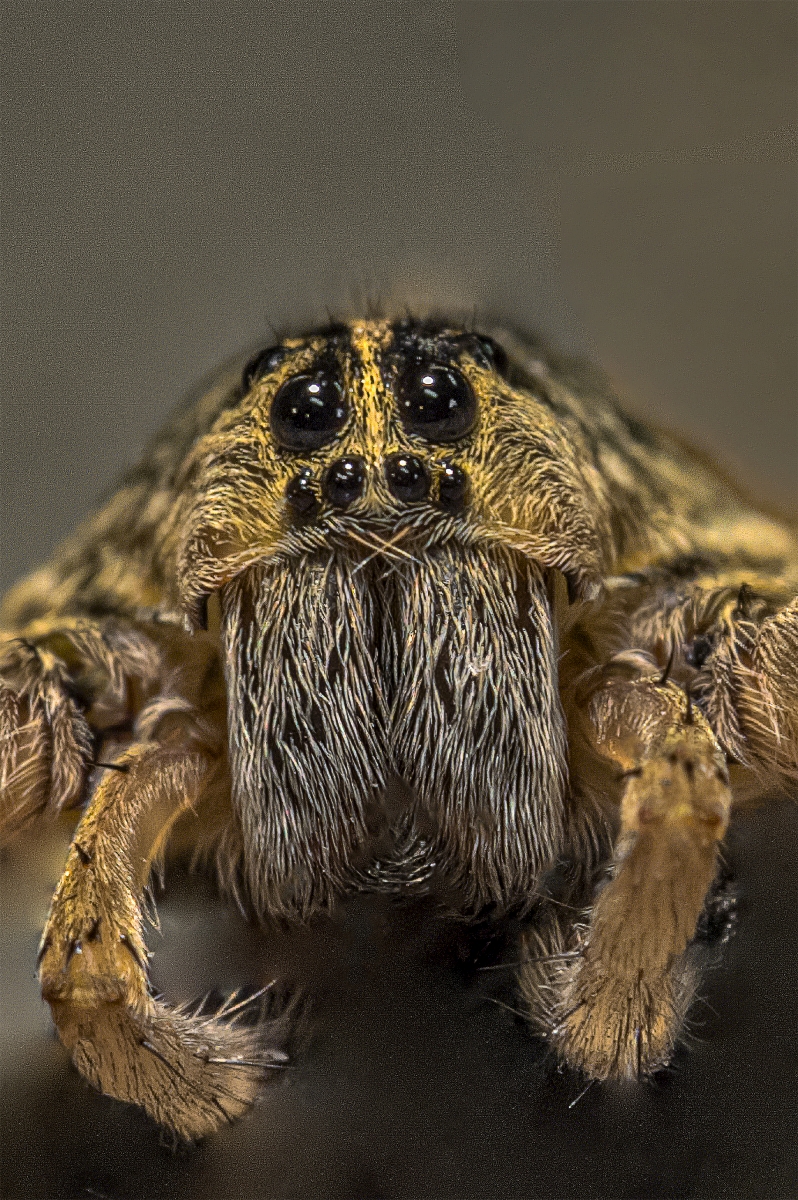
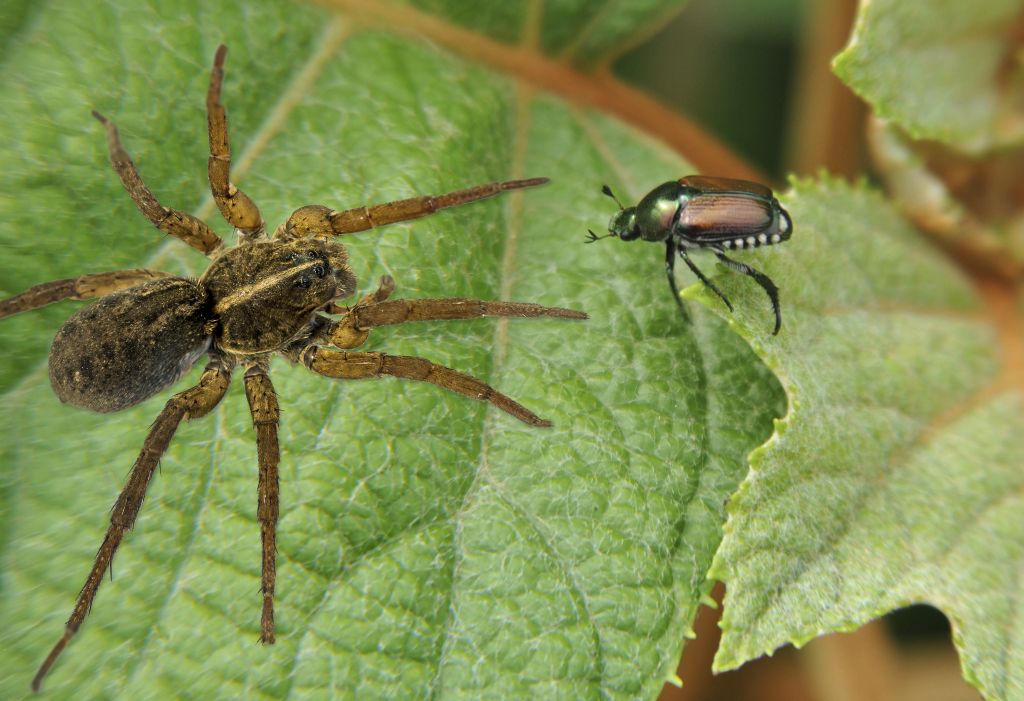
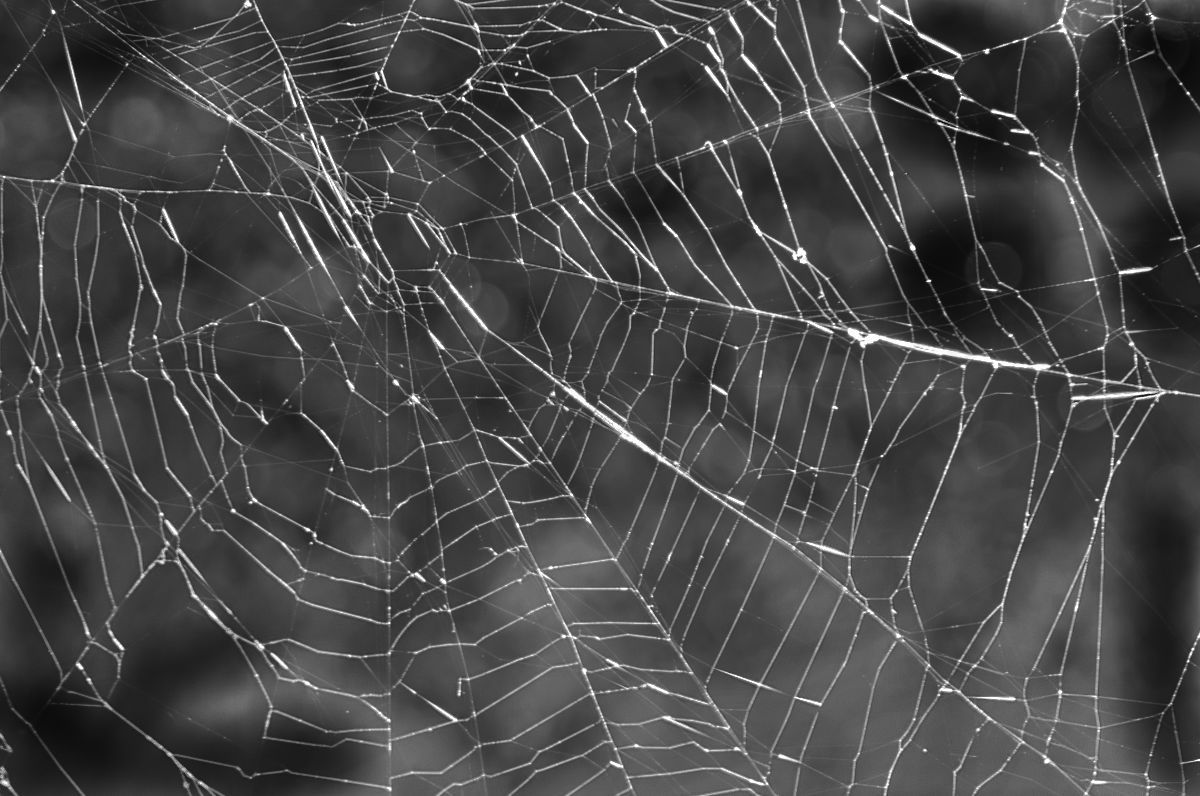
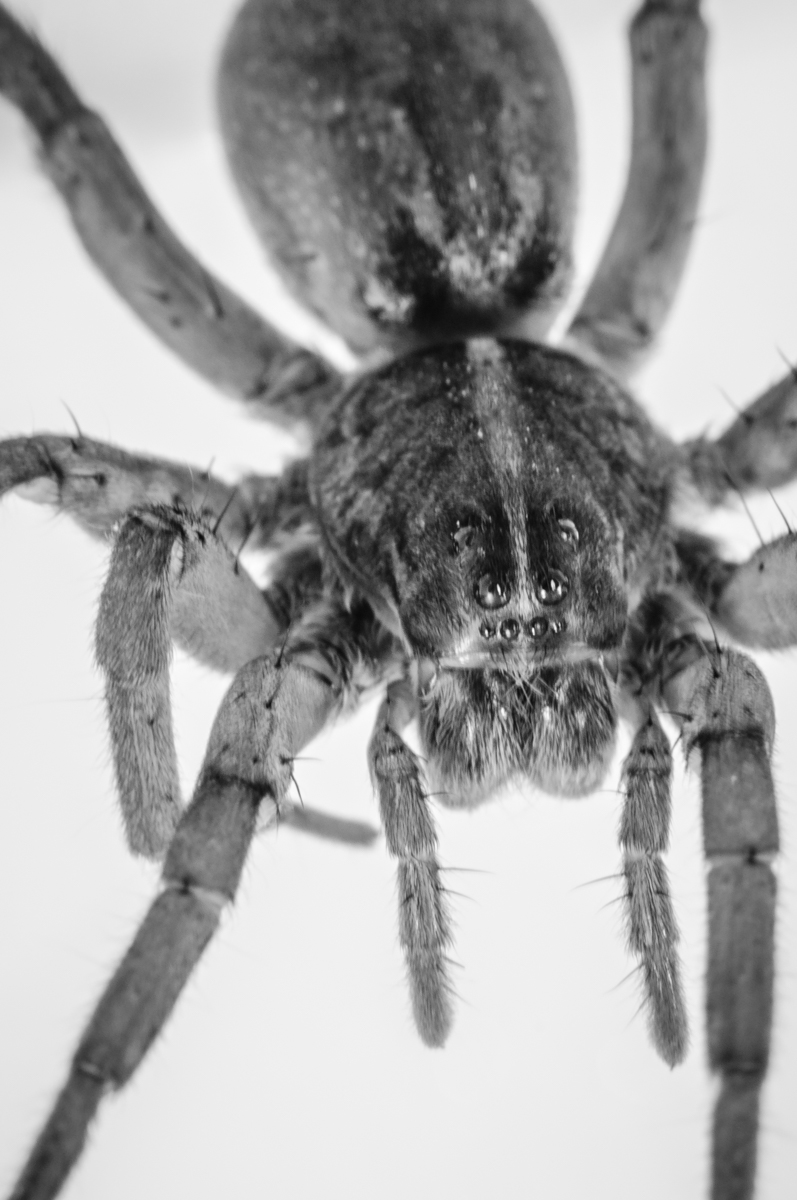
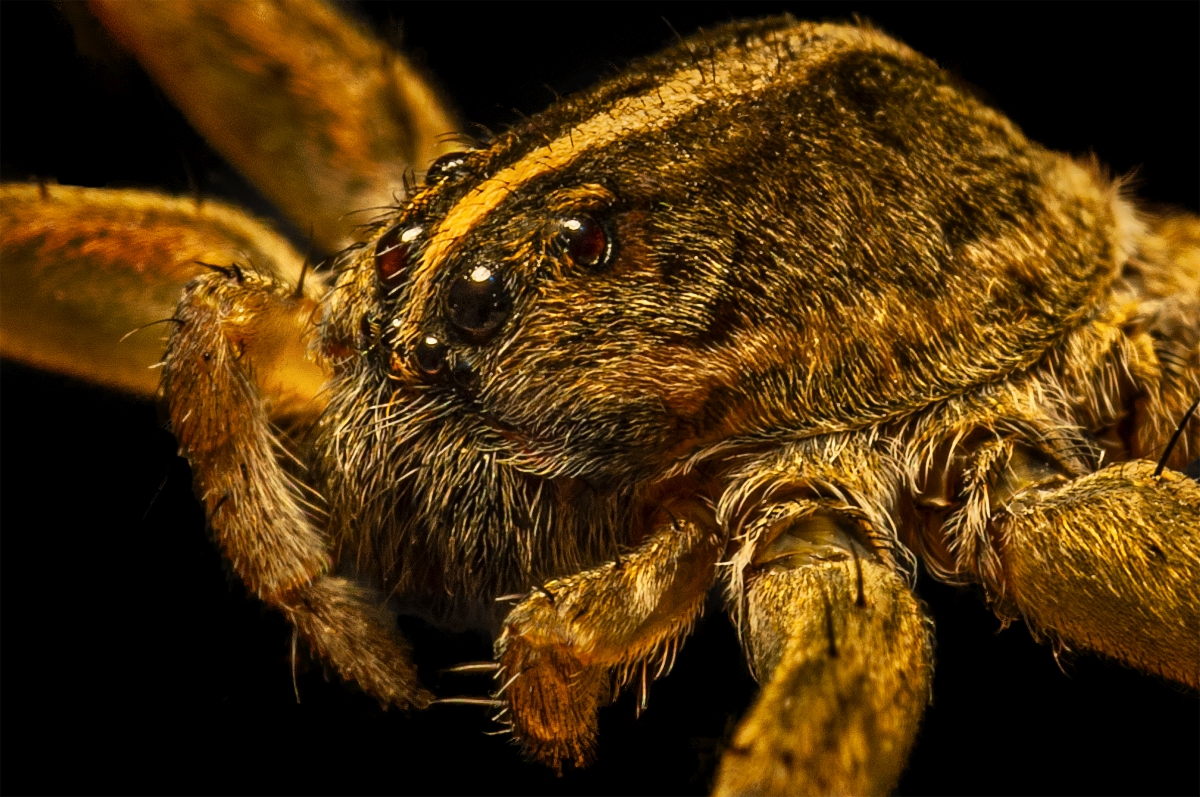
95 Feb 21 Comment Amazing capture, Nilan. Lots of DOF from f22 and the angle of the spider gives a sense of movement. I do agree that the petal edge showing above the spider is a bit distracting, but not enough to take away from the overall impact of the image. Well done! Feb 20th
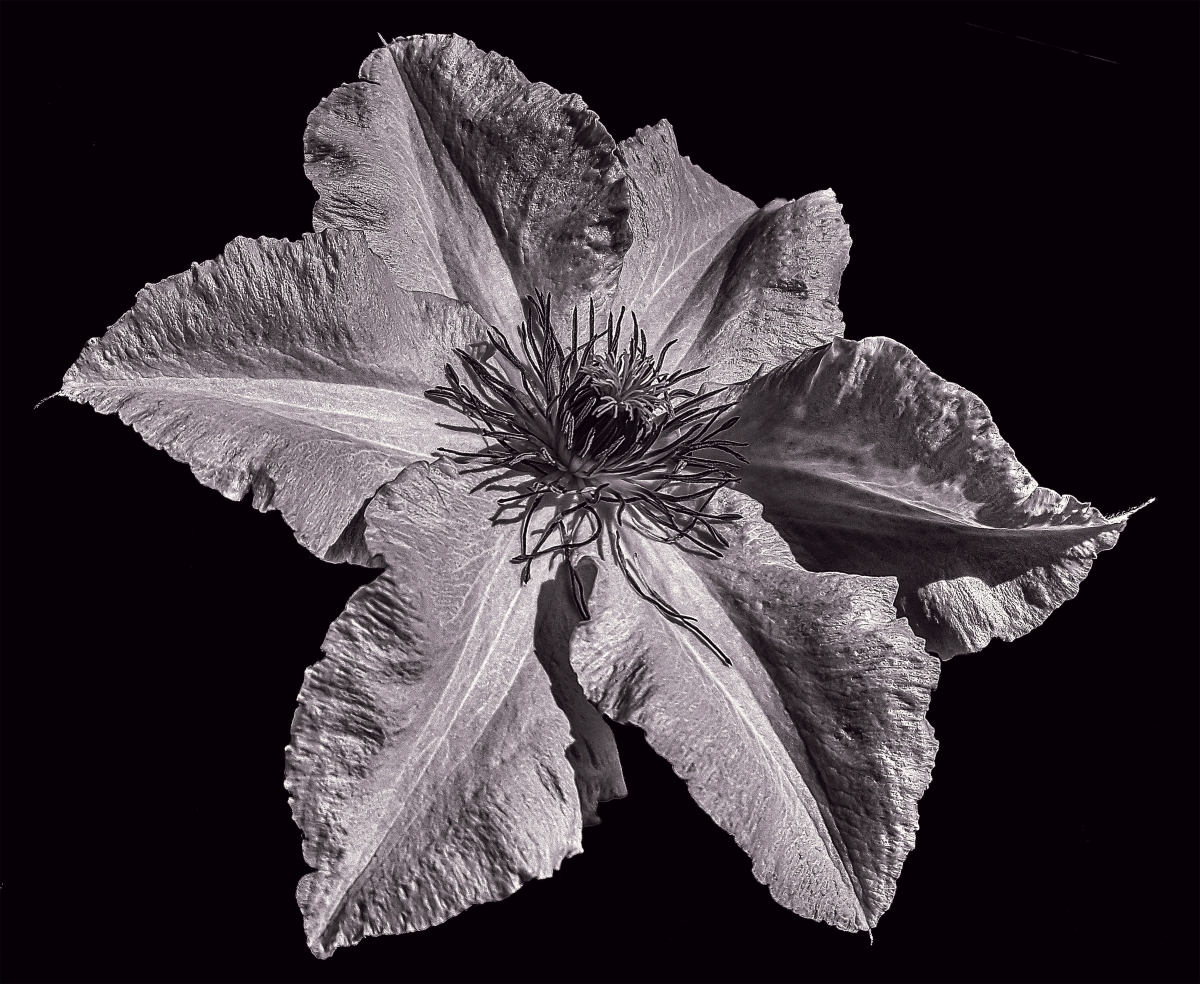
95 Feb 21 Comment So tiny and delicate, this little bloom is composed well and the background does work with it quite naturally, though a little darker would have been better. I addressed the focus issues in a different reply so I won't belabor the point here. Feb 20th
95 Feb 21 Reply While I agree with Carol that a large area of the flower is out of focus, I don't think it's from camera shake, or the edge of the flower would be just as soft. With such a small aperture, it's surprising how soft this came out. I ran it through Topaz Sharpen AI and brought back some of the detail in the body of the petal. It seems to me that there was enough area to this tiny flower that a stack would have been necessary to capture all the detail. Feb 20th
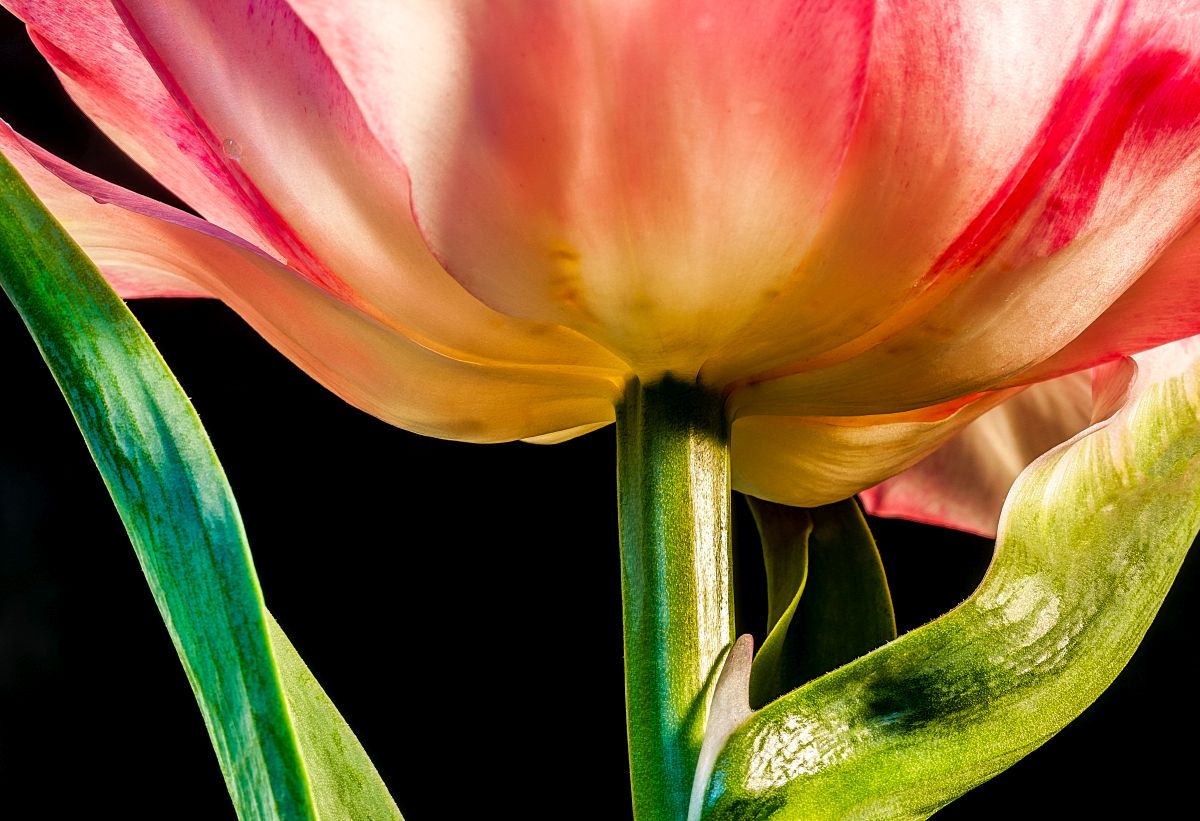
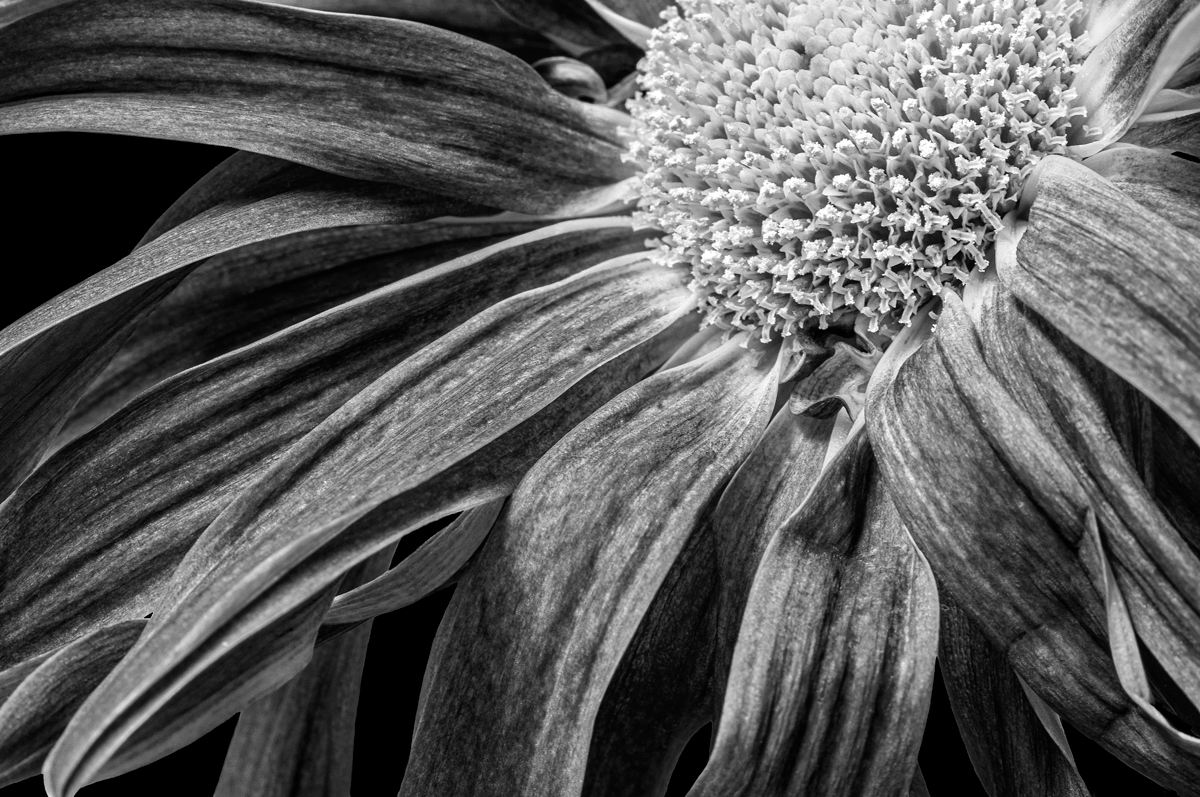
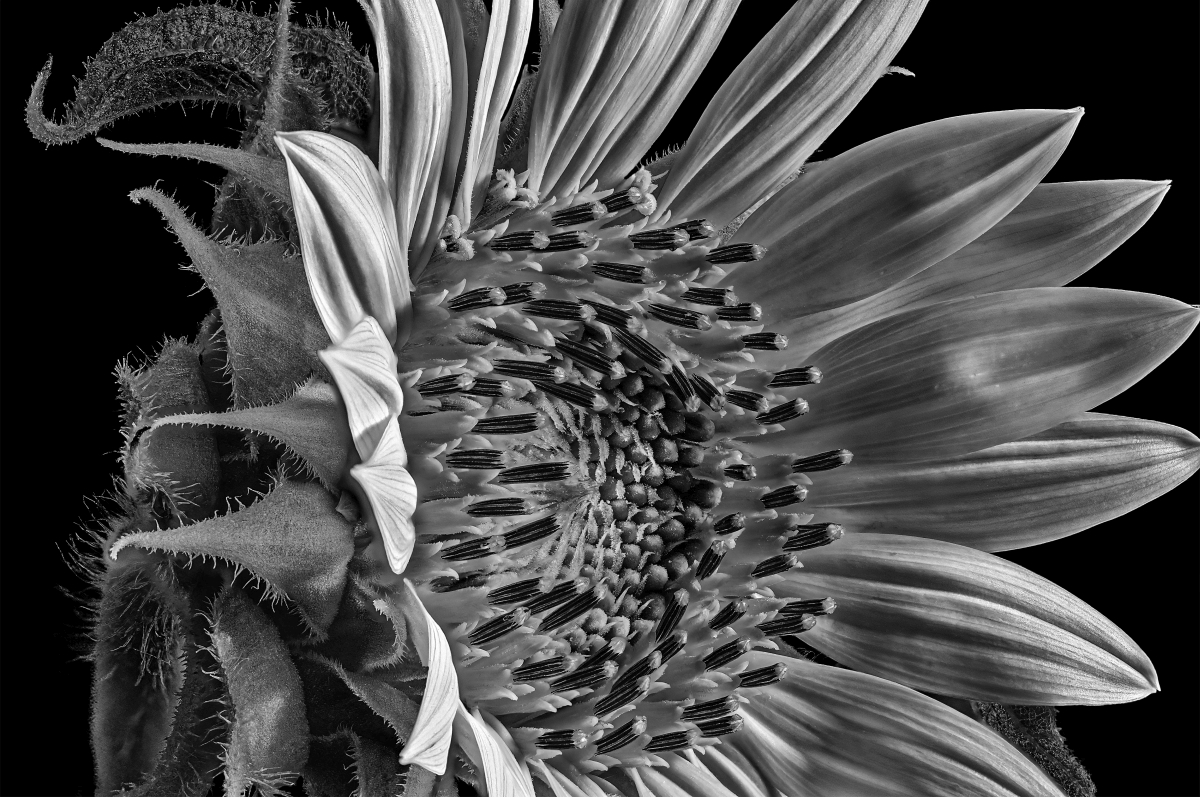
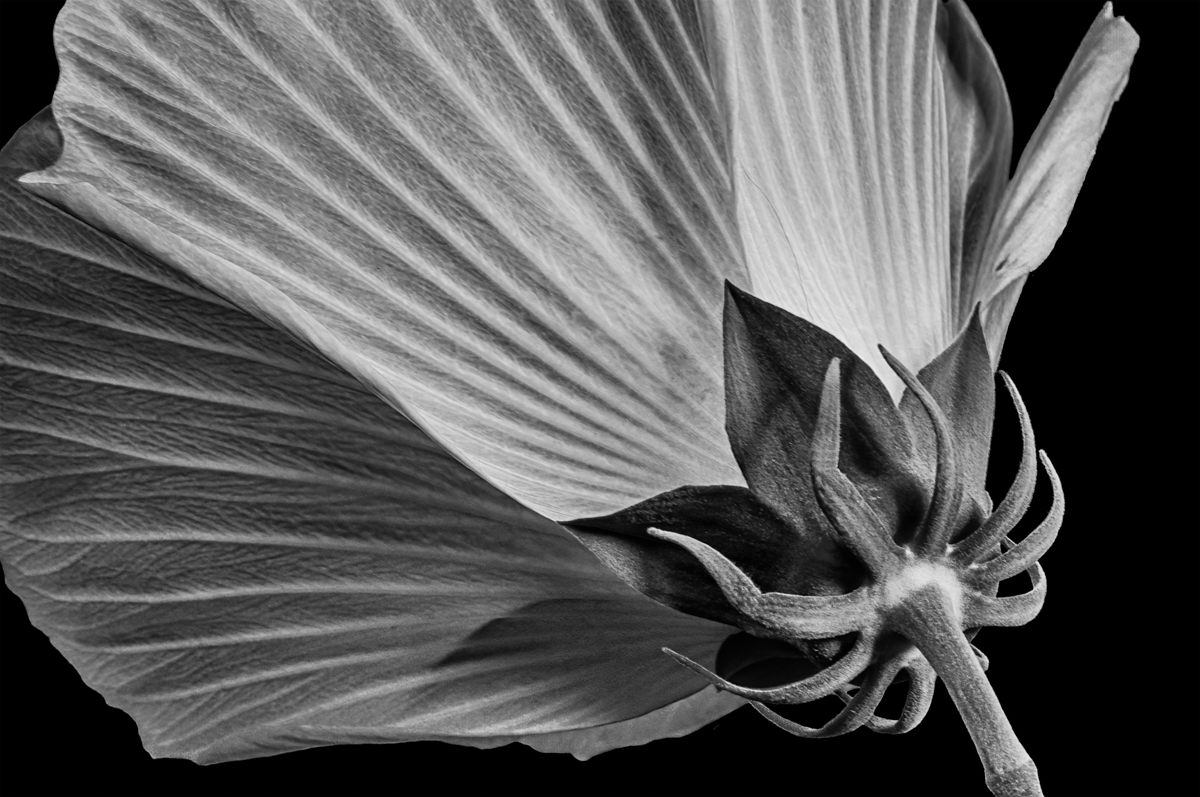
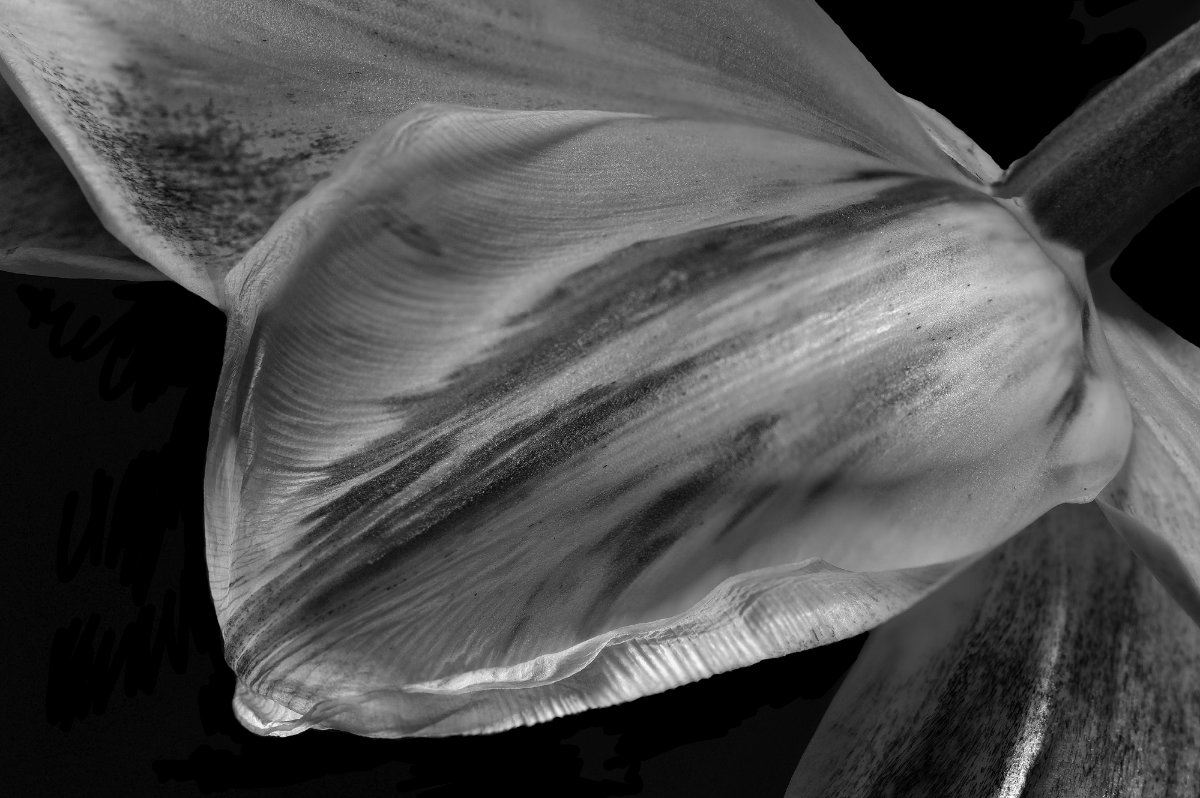
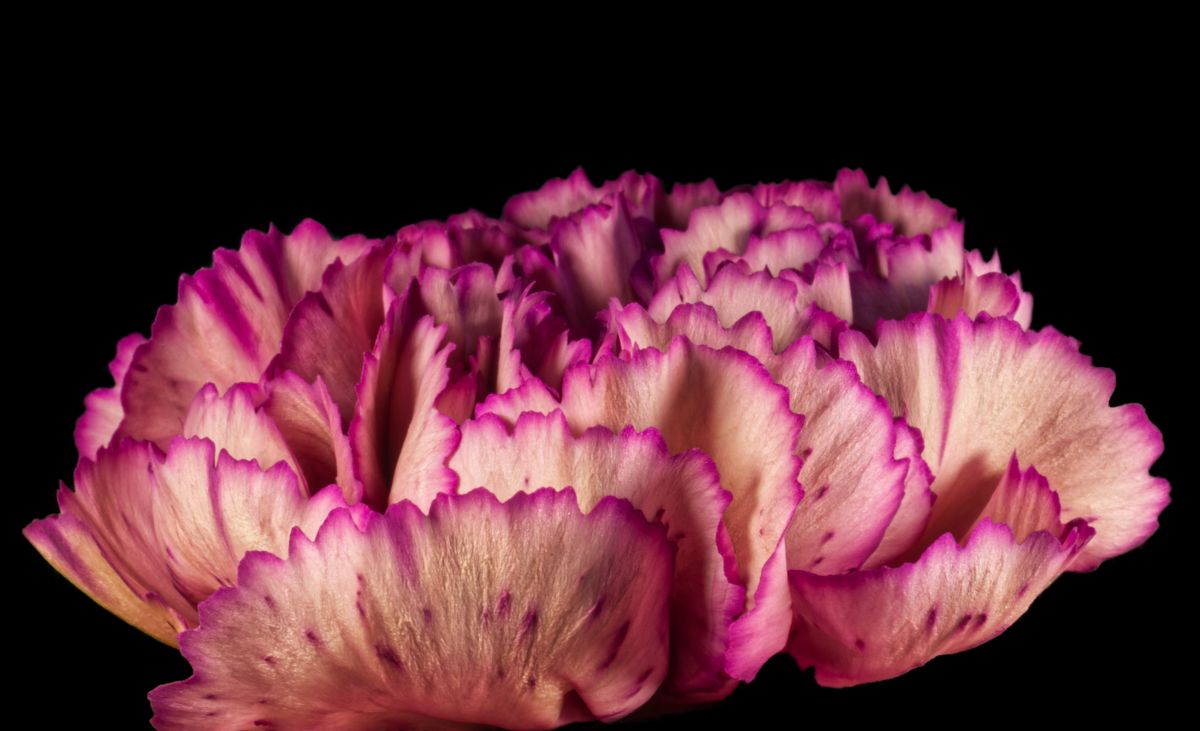
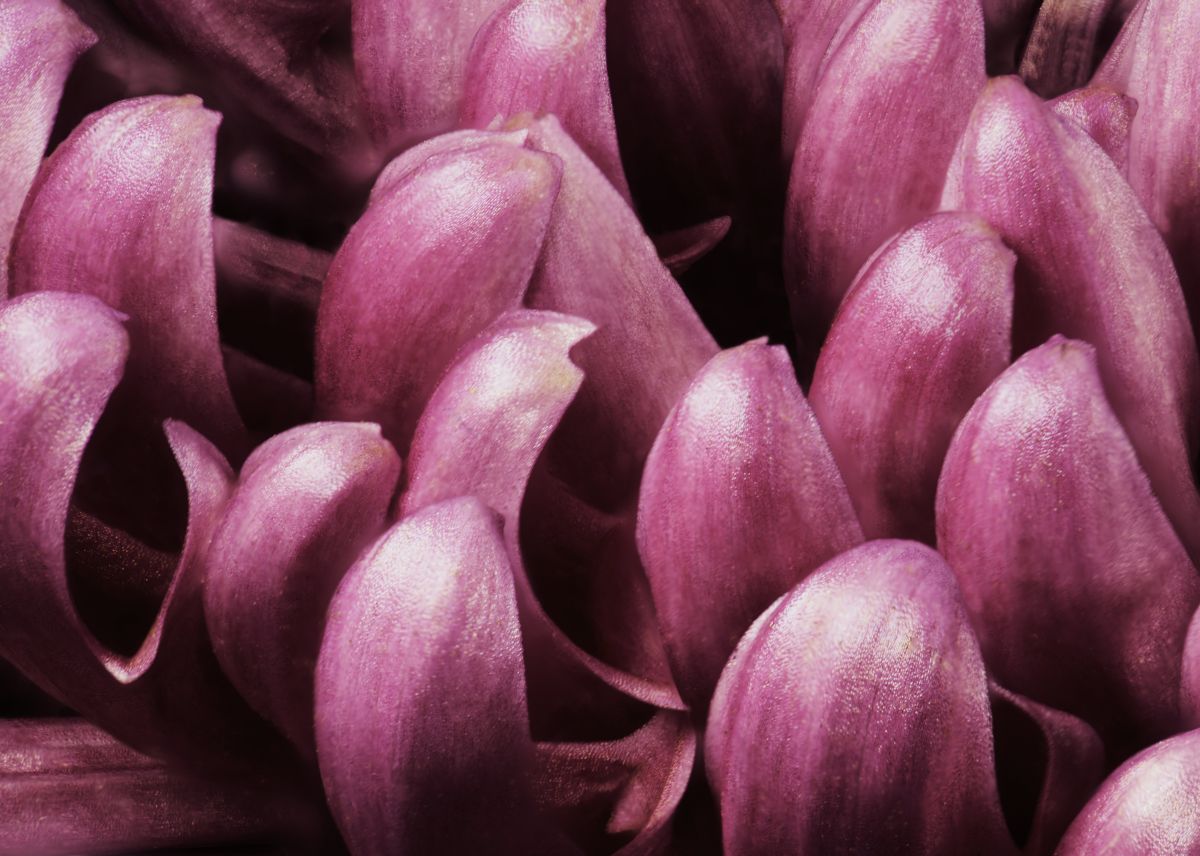
95 Feb 21 Comment Gorgeous, Bill! This is what Macro should be - art from things too small to see. Lovely curves and details.

I agree with Carol about the exposure. Here's a rendition with a bit more exposure and contrast. Thought?
Feb 20th
95 Feb 21 Reply Thanks for catching that. Cropping in the works. Feb 15th
95 Feb 21 Reply In case you didn't get a notification, I've added some examples of results from my new lens on this group's Bulletin Board. Feb 13th
95 Feb 21 Reply Coincidence? I think not! d;¬{D Feb 10th
95 Feb 21 Reply Hmmm. HDR focus stacks. That sounds like an extreme amount of images, but I do follow your thinking.

I have all the Franzis software, but found their HDR program tended to over-process the result. As far as merging the stacks, I ranked Focus Project 3rd behind Helicon and Affinity Photo. I've yet to try Zerene Stacker, but it's so much more expensive that I can't bring myself to even trial it.

As far as the astrophotography side of things, I have little interest in hanging outside in a remote location away from city lights for hours at a time to capture enough images to bother with the new AP merge function. From the videos I've seen released, it's VERY complex and would require more knowledge than I have room in my feeble brain to acquire. d;¬{D
Feb 10th
95 Feb 21 Reply You are too kind, Barbara! Is it something that you would think as wall-worthy? Why? Feb 10th

5 comments - 9 replies for Group 95


13 comments - 11 replies Total


285 Images Posted

  = Current Round   = Previous Round
Group 00

Dec 25

Mar 25

Oct 24

Sep 24

Jul 24

Nov 20

Oct 20

Sep 20

Dec 19

Nov 19

May 18

Jan 17
Group 06

Feb 20

Jan 20

Dec 19

Nov 19

Oct 19

Sep 19

Aug 19

Jul 19

Jun 19

May 19

Apr 19

Mar 19

Feb 19

Jan 19

Dec 18

Nov 18

Oct 18

Sep 18

Aug 18

Jul 18

Jun 18

May 18

Apr 18

Feb 18

Jan 18

Dec 17

Nov 17

Oct 17

Sep 17

Jul 17

Jun 17

May 17

Apr 17

Mar 17

Feb 17
Group 11

Dec 19

Nov 19

Oct 19

Sep 19

Aug 19

Jul 19

Jun 19

May 19

Apr 19

Mar 19

Feb 19

Jan 19

Dec 18

Nov 18

Oct 18

Sep 18

Aug 18

Jul 18

Jun 18

May 18

Apr 18

Mar 18

Feb 18

Jan 18

Dec 17

Nov 17

Oct 17

Sep 17

Jul 17

Jun 17

May 17

Apr 17

Mar 17

Feb 17

Jan 17
Group 18

Nov 19

Oct 19

Sep 19

Aug 19

Jul 19

Jun 19

May 19

Apr 19

Mar 19

Feb 19

Jan 19

Dec 18

Nov 18

Oct 18

Sep 18

Aug 18

Jun 18

May 18

Apr 18

Mar 18

Feb 18

Jan 18

Dec 17
Group 24

Dec 23

Nov 23

Oct 23

Sep 23

Aug 23

Jul 23

Jun 23

May 23

Apr 23

Mar 23

Feb 23

Jan 23

Dec 22

Nov 22

Oct 22

Sep 22

Aug 22

Nov 17

Oct 17

Jul 17

Jun 17

May 17

Apr 17

Mar 17
Group 53

Feb 25

Jan 25

Dec 24

Nov 24

Oct 24

Sep 24

Aug 24

Jul 24

Jun 24

May 24

Apr 24

Mar 24

Feb 24

Jan 24

Dec 23

Nov 23

Oct 23

Sep 23

Aug 23

Jul 23

Jun 23

May 23

Apr 23

Mar 23

Feb 23

Jan 23

Dec 22

Nov 22

Oct 22

Sep 22

Aug 22

Jul 22

Jun 22

May 22

Apr 22

Mar 22

Feb 22

Jan 22

Nov 21

Oct 21

Aug 21

Jul 21

Jun 21

May 21

Apr 21

Mar 21

Feb 21

Jan 21

Dec 20

Nov 20

Oct 20

Sep 20

Aug 20

Jul 20

Jun 20

May 20

Apr 20

Mar 20

Feb 20

Jan 20

Dec 19

Nov 19

Oct 19

Sep 19

Aug 19

Jul 19

Jun 19

May 19

Apr 19

Mar 19

Feb 19

Jan 19

Dec 18

Nov 18

Oct 18

Sep 18

Aug 18

Jul 18

Jun 18

May 18

Apr 18

Mar 18

Feb 18

Jan 18

Dec 17

Nov 17

Oct 17

Sep 17

Aug 17

Jul 17

Jun 17

May 17

Apr 17

Mar 17

Feb 17

Jan 17
Group 62

Jan 18

Dec 17

Nov 17

Oct 17

Sep 17

Jul 17

Jun 17

May 17

Apr 17

Mar 17

Feb 17
Group 86

Nov 20

Oct 20

Sep 20

Aug 20

Jul 20

Jun 20
Group 95

Dec 23

Nov 23

Oct 23

Sep 23

Jul 23

Jun 23

May 23

Apr 23

Mar 23

Feb 23

Dec 22

Nov 22

Oct 22

Sep 22

Aug 22

Jul 22

Jun 22

May 22

Apr 22

Mar 22

Feb 22

Jan 22

Dec 21

Nov 21

Oct 21

Aug 21

Jul 21

Jun 21

May 21

Apr 21

Mar 21

Feb 21

Jan 21

Dec 20

Nov 20

Oct 20

Sep 20

Aug 20

Jul 20

Jun 20

May 20

Apr 20

Mar 20

Close this Tab when done