|
| Group |
Round |
C/R |
Comment |
Date |
Image |
| 53 |
Dec 20 |
Reply |
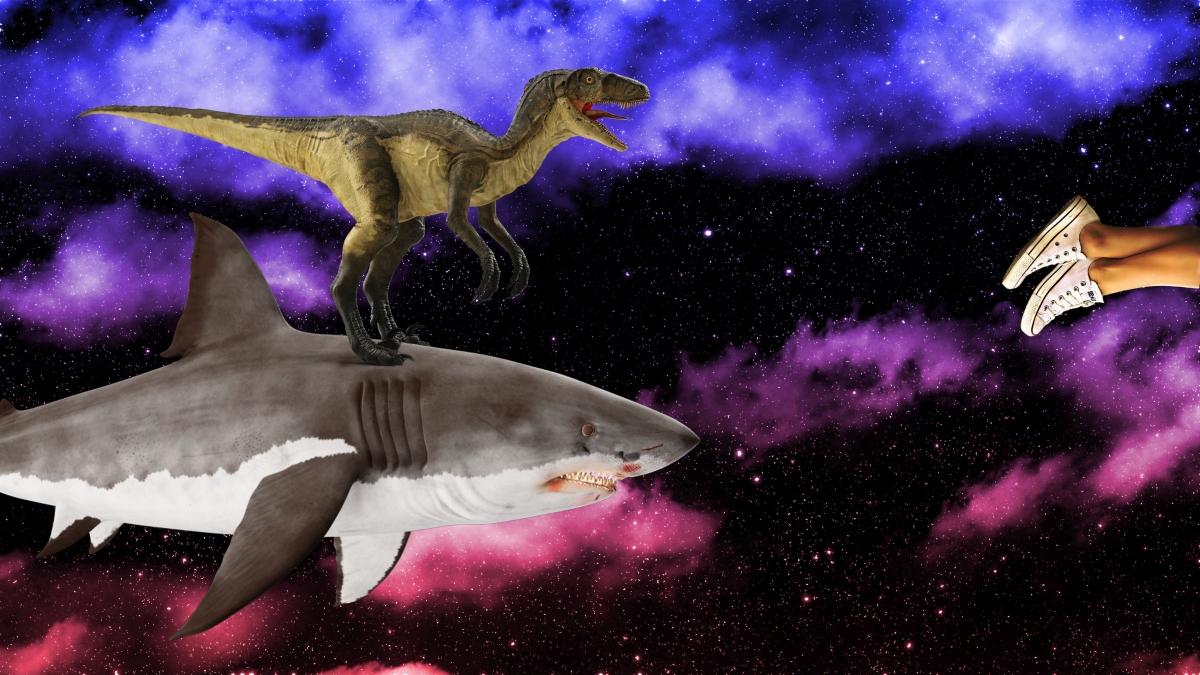
I would have to manufacture the feet as they're not really captured well. Hmmm . . . |
Dec 23rd |
| 53 |
Dec 20 |
Reply |
Luminar 4, Luminar AI, Photoshop 2021 all do it well. |
Dec 16th |
| 53 |
Dec 20 |
Comment |
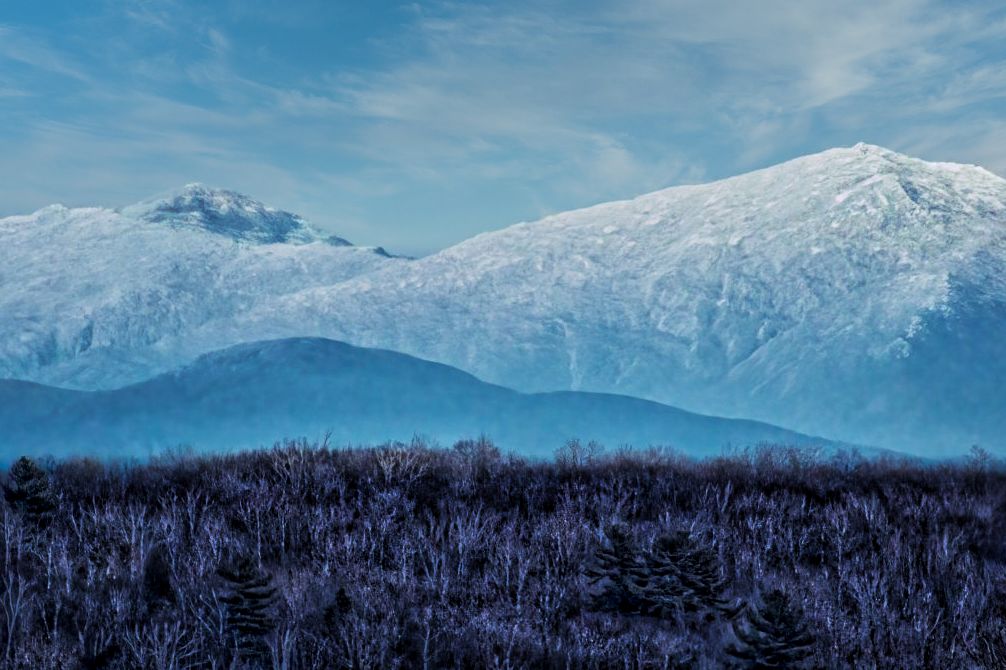
Those mountains are impressive, for sure. You have three distinct zones here and each has its own weight. Yes, there's noise in the sky, but the area that concerns me is the foreground. It's such a start contrast to the blues of the sky and mountains that it pulls too much focus.
I took this into Luminar AI to replace the sky, thus eliminating the noise, then I applied a Local adjustment mask on the foreground and played with the sliders until the foreground looked a little more snow-covered, which I feel made it fit more with the rest of the image. Thoughts? |
Dec 16th |
 |
| 53 |
Dec 20 |
Comment |
I agree that this should be well received by your subject! The background was darkened enough to really pop the woman. The toning on her red shirt is quite good also - red is so difficult to get right so that it doesn't burn out or take too much focus. Even the positioning and attention of the dog helps to focus attention on your subject. Well done, Dan! |
Dec 16th |
| 53 |
Dec 20 |
Reply |
I'm actually not seeing any moire patterning in the shirt. Looks fine to me. |
Dec 16th |
| 53 |
Dec 20 |
Comment |
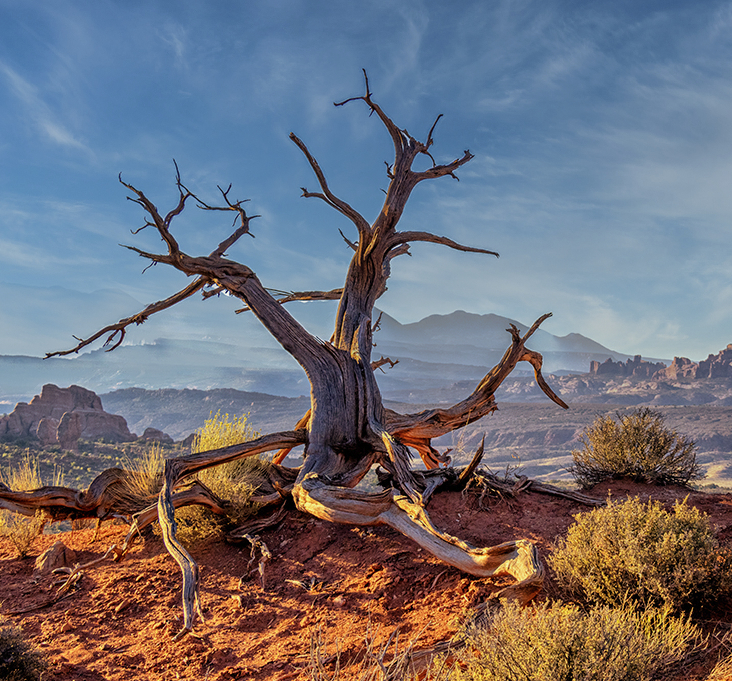
What an amazing place you've managed to visit - you do travel to great locations and I'm a bit envious. d;¬{D You have a lot of great detail and your exposure is quite good considering the time of day you captured this.
I agree with Stuart about the composition and the others with the haloing. I took this into Luminar AI and recropped, then use the Sky AI to replace the sky with something close and that eliminated the haloing without a lot of extra editing. Thoughts? |
Dec 16th |
 |
| 53 |
Dec 20 |
Comment |
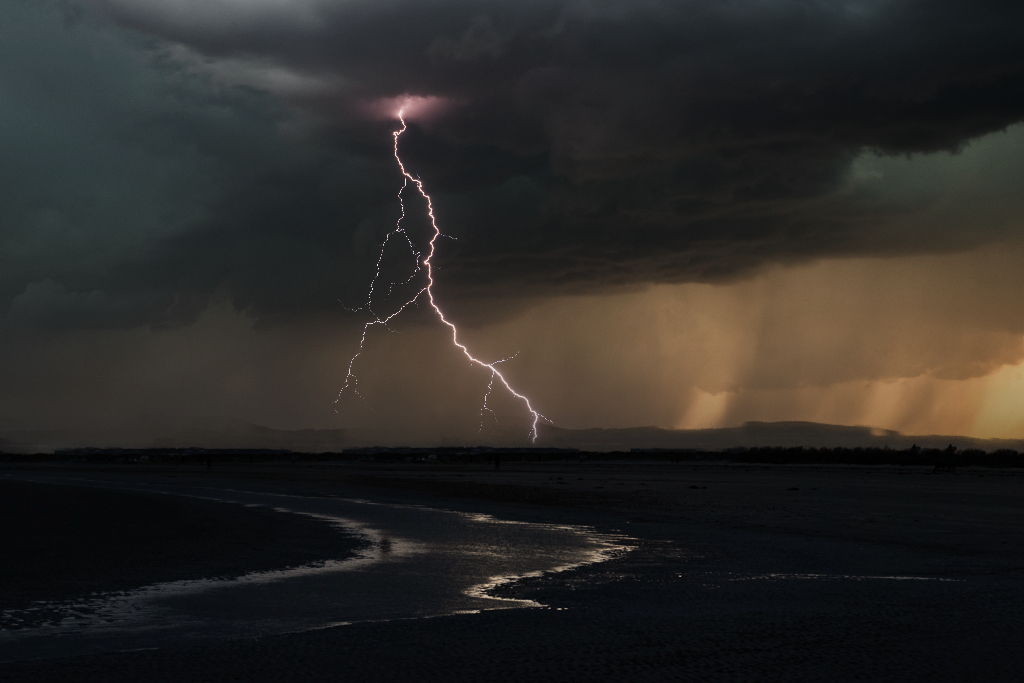
Love the curve of water in the sand and the moodiness of the overall tone. For me, the industrial background seems out of place. So, I took this as an opportunity to experiment more with Luminar AI.
My first steel was to use the Erase tool to remove the buildings. It took 2 attempted to completely remove all traces. Then, I used the Sky AI tool to replace the sky with a dramatic storm sky. Thoughts? |
Dec 16th |
 |
| 53 |
Dec 20 |
Comment |
Christmas trees often are victimized by kitties, and understandably so - there's lots of interesting shiny things dangling and enticing investigation.
Took this into Affinity Photo, selected the floor and lowered the exposure. Did some targeted dodging and burning to darken the santa and tree skirt, brighten the grey fur and the eyes of Stormy, and brighten the lights a bit. That didn't really make them look lit, so I selected them and added another exposure layer to turn the lights on. Thoughts? |
Dec 16th |
 |
| 53 |
Dec 20 |
Comment |
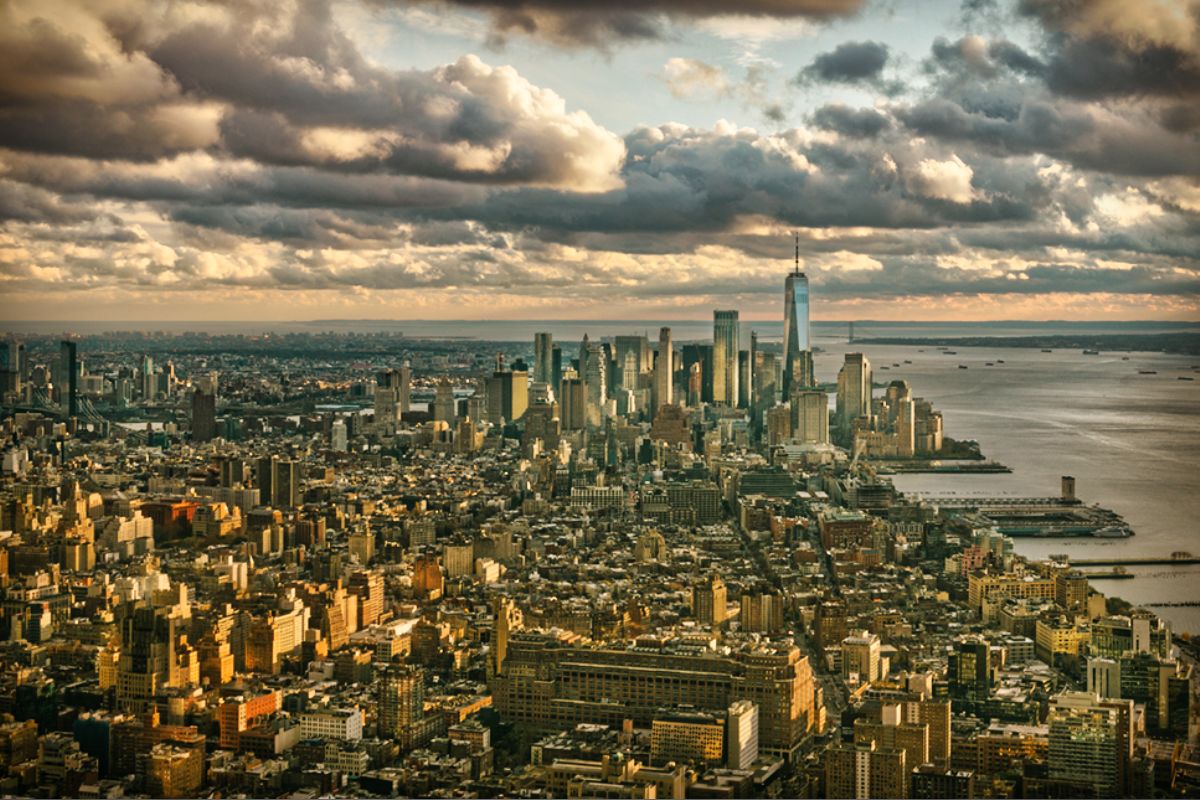
An exceptional capture, Rohan. A lot of detail, a unique perspective, giving NYC a very different look.
I used your photo to continue my testing of Luminar AI, which I've been playing with for a week and we publically released yesterday (15th).
I chose to crop in from the top right, eliminating the bit of NJ showing which I saw as a distraction, and placing the World Trade Center on the right third line.
I used several of the AI tools to bring out more detail from the buildings and better balance the tones. I finished up by doing a bit of dodging & burning to lower the lighting in the lower left and increase it on the Manhattan skyline, especially the WTC. Thoughts? |
Dec 16th |
 |
| 53 |
Dec 20 |
Reply |
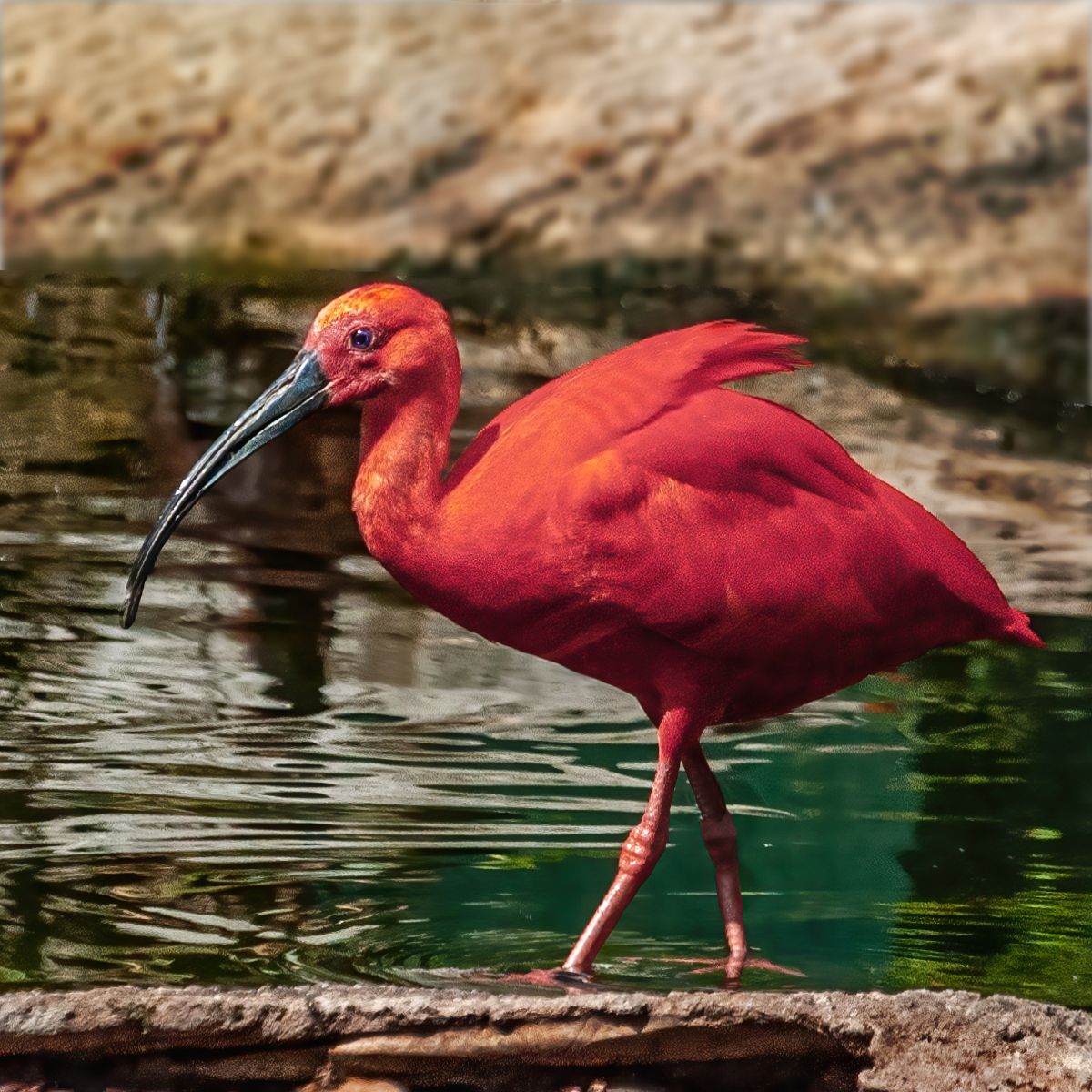
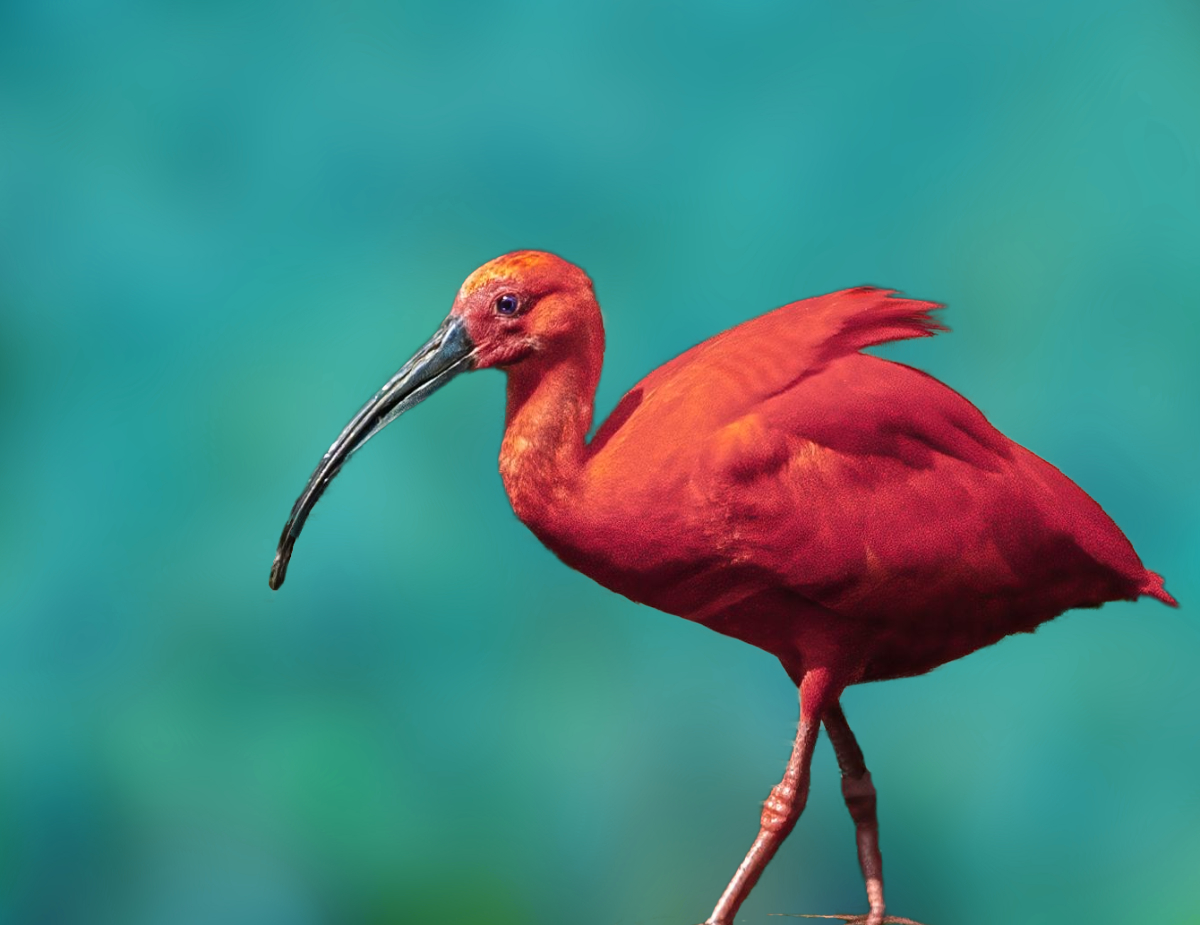
Here's a version with the background replaced. The method is as follows:
I'm currently using Affinity Photo for most of my editing work as I'm transitioning away from Adobe's subscription plan, especially since my machine is not up to running the latest versions of Photoshop.
So, my steps were:
1) Used the Selection Brush to do a rough selection of the ibis
2) Used the Refine Selection tool to get the selection better
3) Added a mask to the layer so that only the ibis was visible
4) Added a background I had created over a year ago
5) Added an HSL adjustment layer and altered the hue of the background to something in the area of Cyan to contrast to the color of the ibis.
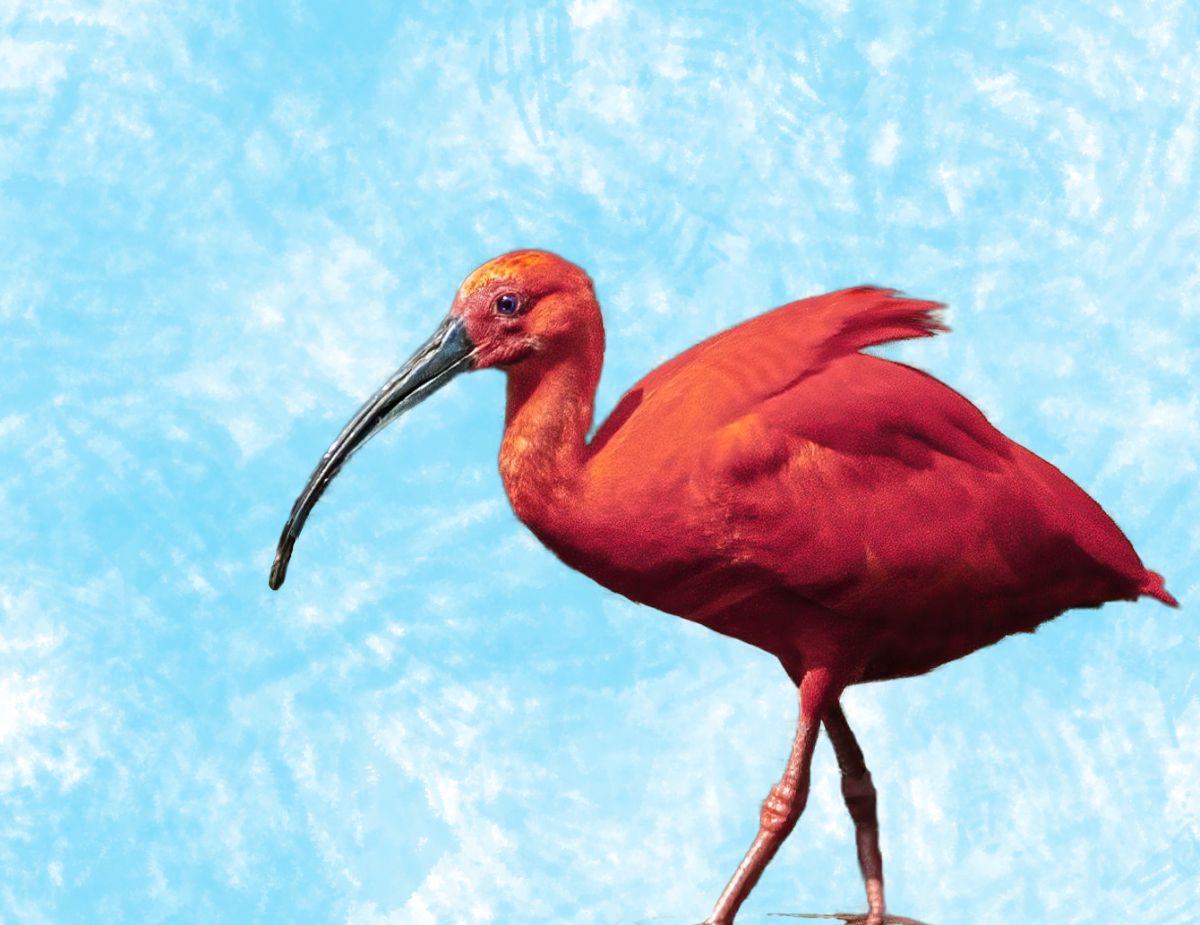
I did the same, with a different background, shown in a reply to Brenda a few minutes ago. |
Dec 16th |
 |
| 53 |
Dec 20 |
Reply |
You mean something like this? |
Dec 16th |
 |
| 53 |
Dec 20 |
Reply |
I see what you're saying, Miriam. More space to the left makes sense. |
Dec 5th |
6 comments - 6 replies for Group 53
|
| 67 |
Dec 20 |
Reply |
This was done in Affinity Photo. I'm transitioning to it from Photoshop. |
Dec 15th |
| 67 |
Dec 20 |
Comment |
Amazing capture! It's difficult enough to get clear shots of birds that are not moving fast, let alone a Kite in full dive mode! Wow! The composition works so well and, as Larry mentioned, the sky was just right for this image. Bravo!!! |
Dec 8th |
| 67 |
Dec 20 |
Comment |
Nice eagle shot. I live in Davenport, Iowa, on the Mississippi river and we get lots of bald eagle activity in the cold of winter.
Larry has covered the issues of the blue pixelation, so no need to belabor the point further.
I think there's too much negative space, which somewhat swallows up the eagle and it's catch. I re-cropped and smoothed out the sky. Thoughts? |
Dec 8th |
 |
| 67 |
Dec 20 |
Comment |
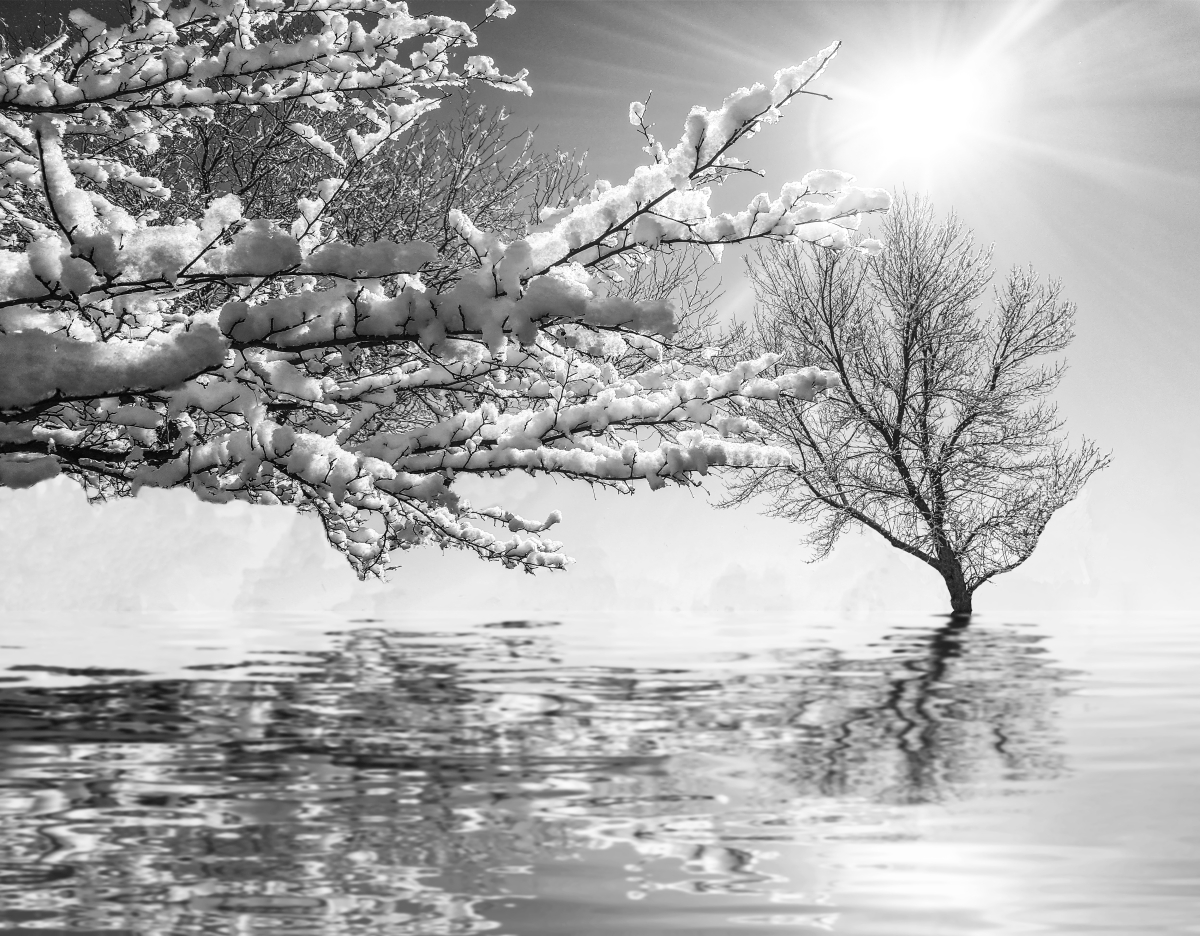
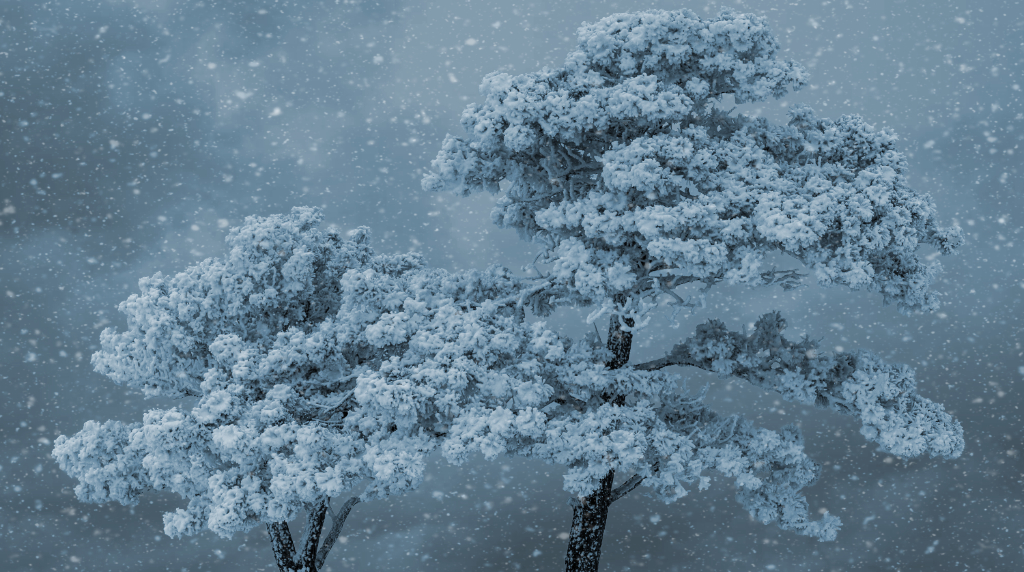
You have such incredible detail in your pano of the trees. I have been caught by the same allure of completely snow-covered trees like this. They are very otherworldly and I would expect to see an alien creature flying by or peeking out from within the branches of the trees. This is likely due to the sky color, which is somewhat unrealistic in a subtle way.
I took a stab at adding some weather to your trees, adding one of my cloudy skies and some snow overlays above and below, and finishing up with a slight color-wash to even things out. Thoughts? |
Dec 8th |
 |
| 67 |
Dec 20 |
Comment |
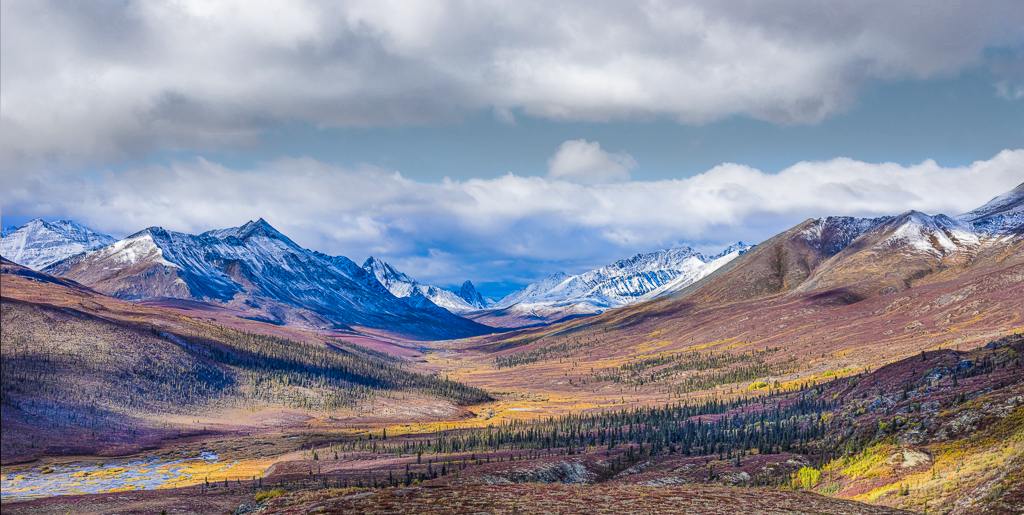
I envy you the opportunity to travel to such beautiful locations, and this is certainly a prime example.
You rescued a lot of the image that was lost in the shadows of the original, giving us a better idea of what you were witnessing.
I must admit I was surprised by your crop in some ways. I understand the band of blue in the sky of the original was odd-looking, but cropping it out made the image seem a little squashed. I also found the scene to be a bit flat tonally.
I decided to do some experimentation, so took both the result and the original and merged them together to expand the composition on the top. I ended up cropping out the immediate foreground foliage which pulled too much focus from the scene. I added contrast to the upper band of clouds and with an HSL adjustment, lowered the luminosity of the blue sky. Then I did some targeted dodging and burning to add a bit of dimensionality, and finally added some vibrance to the foreground and mountains. |
Dec 8th |
 |
4 comments - 1 reply for Group 67
|
| 95 |
Dec 20 |
Reply |
The noise reduction is close but in the AP version there is a loss of detail that is retained in the Topaz Denoise AI. I will likely continue to use the Topaz product because of that.
It comes down to a balancing act of detail and noise, which most non-dedicated noise reduction programs have trouble with - decrease the noise and lose detail, increase detail and reintroduce noise. Topaz Denoise AI's algorithms do a better job so far. It doesn't do everything right, as I'm sure there aren't as many macro images in their database of images as there are of faces and normal sized objects. |
Dec 23rd |
| 95 |
Dec 20 |
Reply |
If you click on the main image on this page, it will open in a separate tab. Then back on this page, click on my rework, which will also open in a separate tab. Switching back and forth, I see a lot of difference.
I've worked with all the Topaz AI tools from the beginning and their Denoise AI has been a tool I've used a lot, especially on earlier images that were noisier than I liked.
I eventually became one of their beta testers and have seen a lot of progress in Denoise AI, Sharpen AI & Gigapixel AI. The one place they dropped the ball was in their Mask AI, which I still find disappointing in comparison to their ReMask.
I have more recently backed away from Topaz as they have switched to a weird subscription system that requires you to pay a yearly fee for ALL updates, even subversion ones, and the fact they no longer update their older products, though all were sold with the agreement to provide free upgrades for life.
They were obviously losing money as they switched their focus to the "AI" tools, some of which were publically released though still actually in the beta stage. This obvious management change is going to obsolete them rather quickly. I still keep an eye on them, but they have lost my confidence.
Skylum has just released their Luminar AI and it demonstrates a lot of AI tools that are actually quite good. They were the first to release a viable automatic sky replacement tool in their previous version (Luminar 4). The latest version of Photoshop does it much better, finally, but it pushes my system past its limits. The other AI tools in Luminar AI, especially in the portrait side of things, are quite remarkable.
The other great noise reduction choice is part of DxO's PhotoLab 4 and its DeepPRIME noise reduction technology - a real winner.
Finally, there's the original, and still reliable, NIK Denoise (also a DxO product suite). |
Dec 23rd |
| 95 |
Dec 20 |
Reply |
Wow, Bob! At the prices they charge for these devices, that's very concerning. I think I'll be sticking with my cheap lighting solution for the foreseeable future. d:¬{0 |
Dec 18th |
| 95 |
Dec 20 |
Comment |
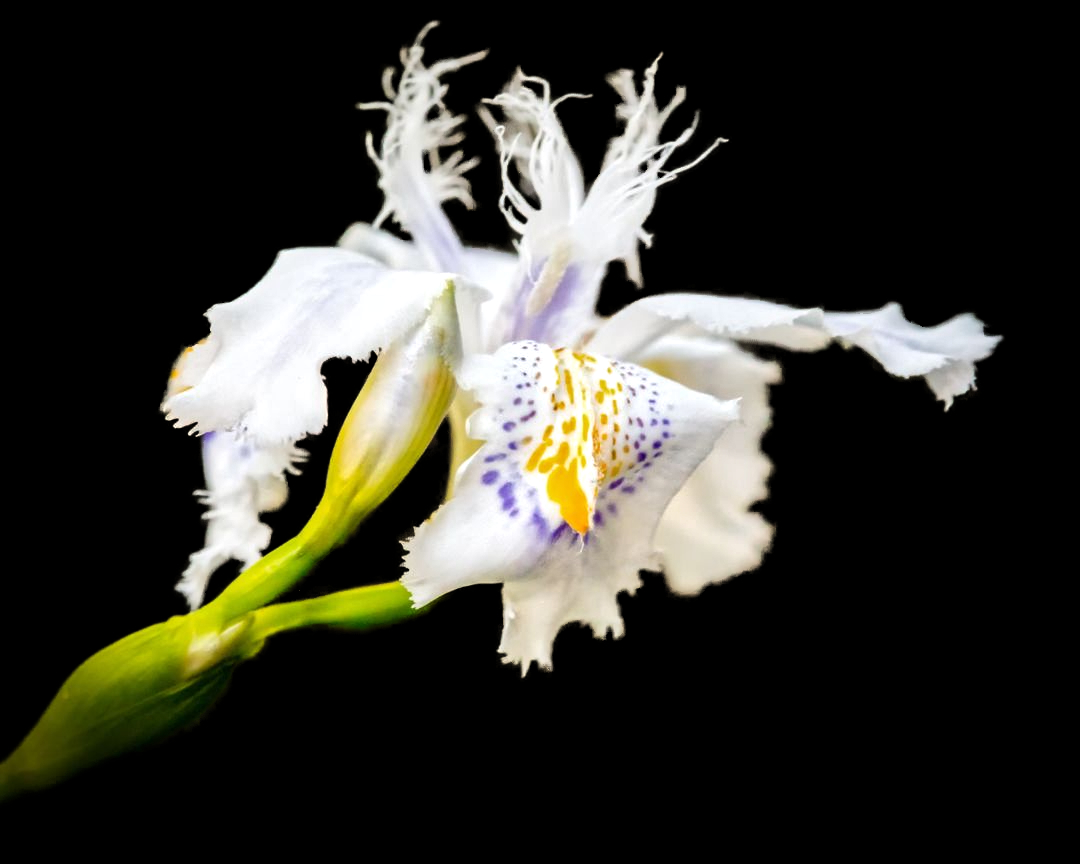
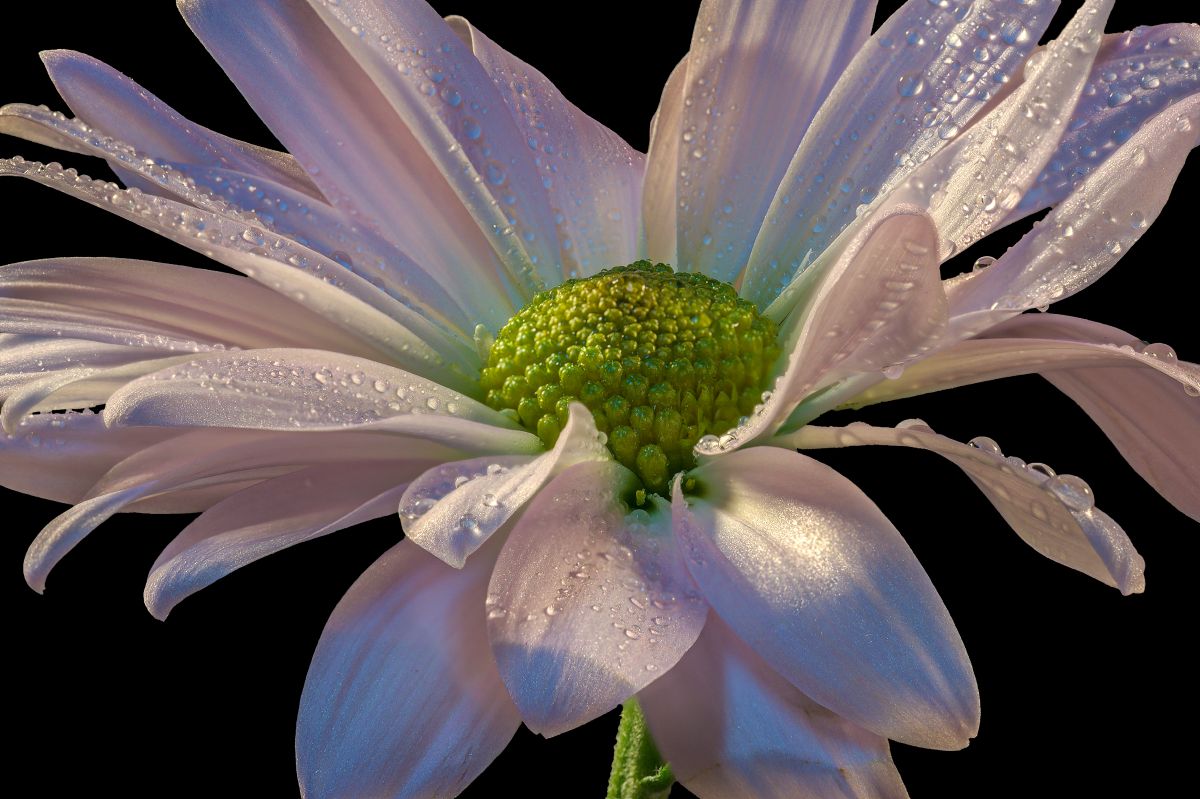
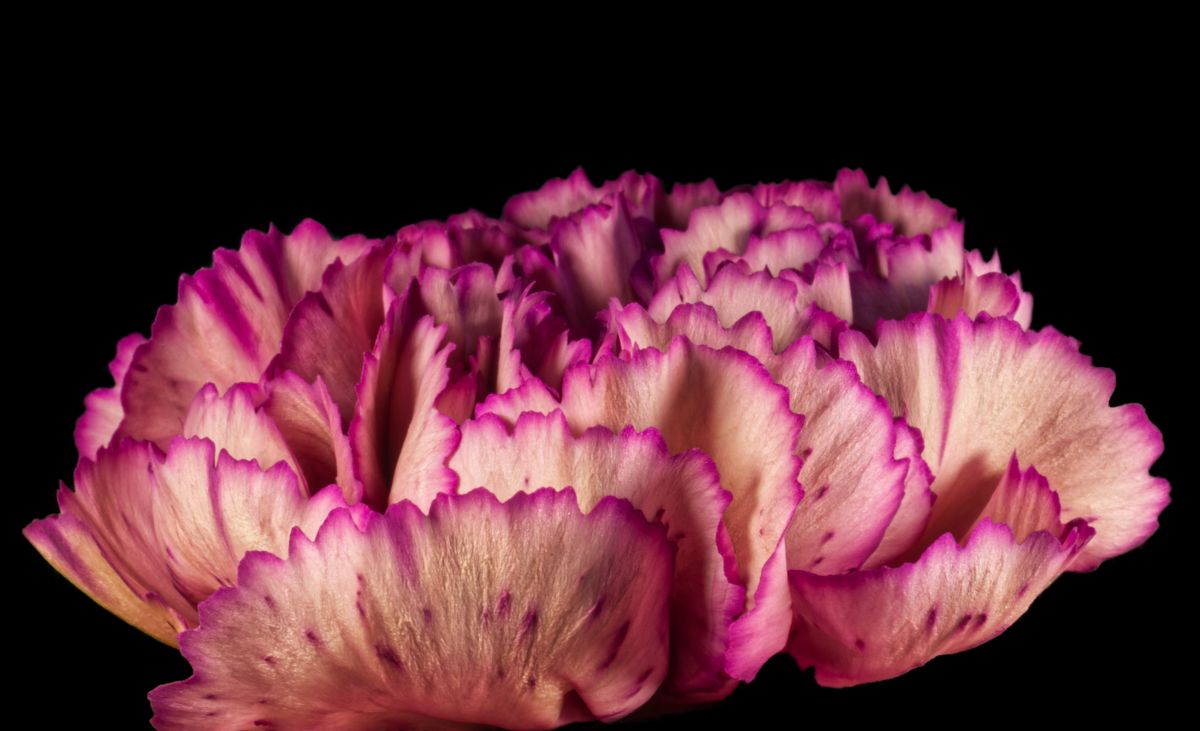
I'm glad you came to your senses and called it an iris. d;¬{D
This is a lovely image, with the soft pastels of the petals against the soft texture you replaced the background with. It is very soothing and probably would be a good fit for a waiting room to soothe anxious people. It may not be a 1:1 image (I have no reference to its actual size), but we all like the results. d:¬{D |
Dec 17th |
| 95 |
Dec 20 |
Comment |
You managed to get amazing detail, Barbara. The water worked for you and against you - added more interest and points of dimensionality, but grabbing that light and reflecting it back to burn out in some spots.
Since you're on a tripod, set your camera on Aperture Priority, and try some shots with simple room light. The capture may take several seconds, but the tripod will keep the camera still - just don't move around until the shutter closes. A lot of my better macro flower captures are with room light or window light with long exposures.
On-camera flash is probably the hardest to control, even with a diffuser, because it will always come from the same direction. Stuart's DIY deflector helps with a speedlight, but they love to eat batteries.
When I wanted more light early on, I used 1 or 2 clamp-on lamps with aluminum reflector (like https://www.amazon.com/Bayco-SL-300-Clamp-Aluminum-Reflector/dp/B007RKKEHA/ref=sr_1_10?dchild=1&hvadid=77928006286312&hvbmt=be&hvdev=c&hvqmt=e&keywords=clamp+light+with+aluminum+reflector&qid=1608185706&s=hi&sr=1-10&tag=mh0b-20 ) that use a regular bulb. Put close, but not real close, you can have a way to increase your light without being too harsh. |
Dec 17th |
| 95 |
Dec 20 |
Comment |
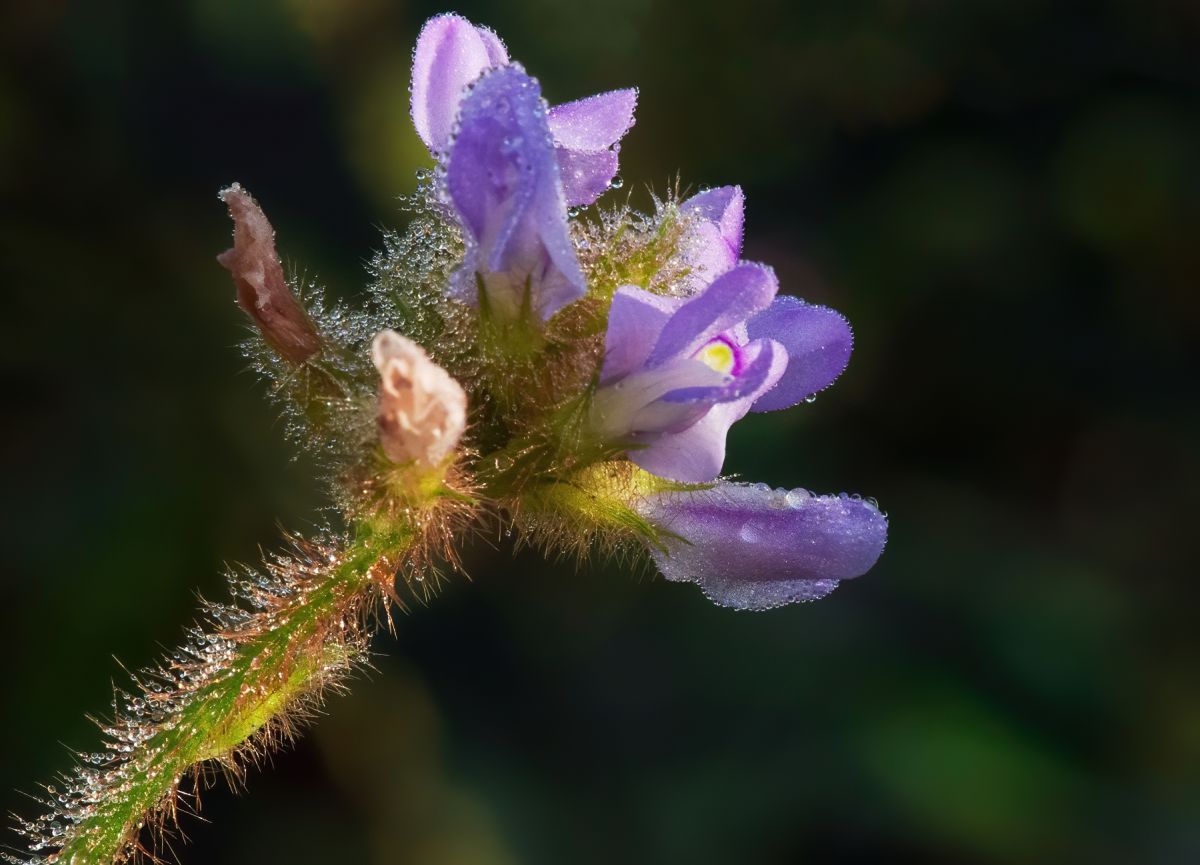
Yes, a little noise and some not-so-pleasant shriveled blooms, but certainly a striking image nonetheless. The composition is strong and the background bokeh sets off the subject very well. The water drops add interest as well. Good job!
Here's your image processed in Topaz Denoise AI on its chosen defaults for this image: |
Dec 16th |
 |
| 95 |
Dec 20 |
Comment |
Before I read the description, I thought this was a shot of jelly beans. Once I did read the description (and the rest of the thread), it probably worked out better that the 1:1 image was shown as the main image rather than the 1.7:1. While the latter is fairly detailed, the number of candies and their variety in the 1:1 image are lovely to see and study. Excellent choice of subject and nearly wall ready, IMHO. d:¬{D |
Dec 16th |
| 95 |
Dec 20 |
Comment |
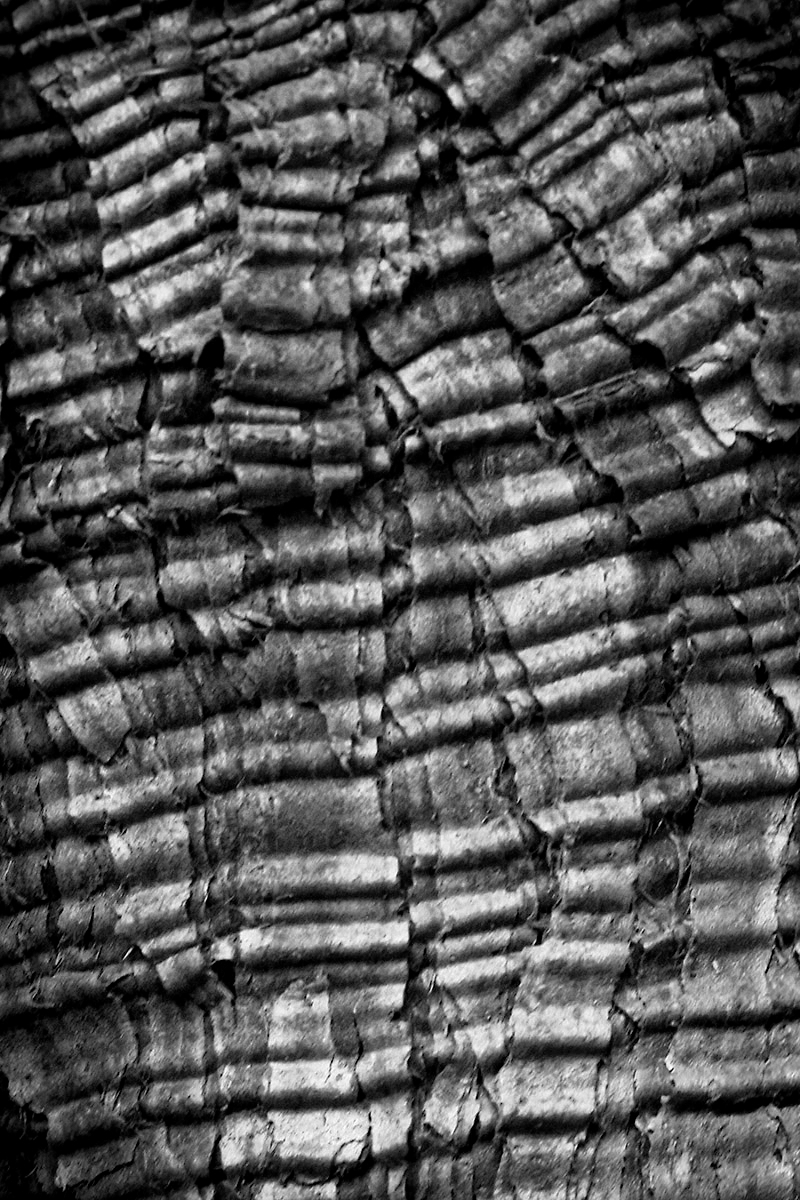
Wonderful subject choice, Bill. You captured a lot of detail here. Do you remember what type of tree this is from? |
Dec 16th |
| 95 |
Dec 20 |
Reply |
Like this, Stuart? |
Dec 16th |
 |
| 95 |
Dec 20 |
Reply |
I've only varied the color once to see how it brought out certain color detail in a subject, but haven't tried to do much more. I'm so used to adjusting things in post, I guess. What can I say? d;¬{D |
Dec 16th |
| 95 |
Dec 20 |
Reply |
The nice thing about the lights I'm using is the ability to adjust the "color" of the light and the intensity. What I like about the Adaptalux arms is the modifiers that you can add magnetically - just too pricey for my blood. |
Dec 5th |
| 95 |
Dec 20 |
Reply |
Thanks for the explanation of how the fiber works. Quite fascinating, actually.
I saw your rig and it looks EXPENSIVE!!! I must have a wee bit of Scot in my DNA as I tend to be fairly cheap. I'd love to be able to justify an Adaptalux setup - I watch their videos all the time and try and figure out a way to do it on a more DIY basis. |
Dec 5th |
| 95 |
Dec 20 |
Reply |
Disparate elements indeed, Carol. In a real sense, this was more about testing my rig and getting the 3 elements in decent focus at the center of the tableau. Of interest to anyone? Surely not I'm thinking. This was more a proof of concept. Had I shot any of the objects alone, there would have been no sense of scale. Yes, I should have spent some time in basic cleanup, too. Guess I failed all the way round. d:¬{( |
Dec 5th |
5 comments - 8 replies for Group 95
|
15 comments - 15 replies Total
|