|
| Group |
Round |
C/R |
Comment |
Date |
Image |
| 53 |
Nov 20 |
Reply |
How can that be??? I must be losing my touch!!! d;¬{D |
Nov 26th |
| 53 |
Nov 20 |
Reply |
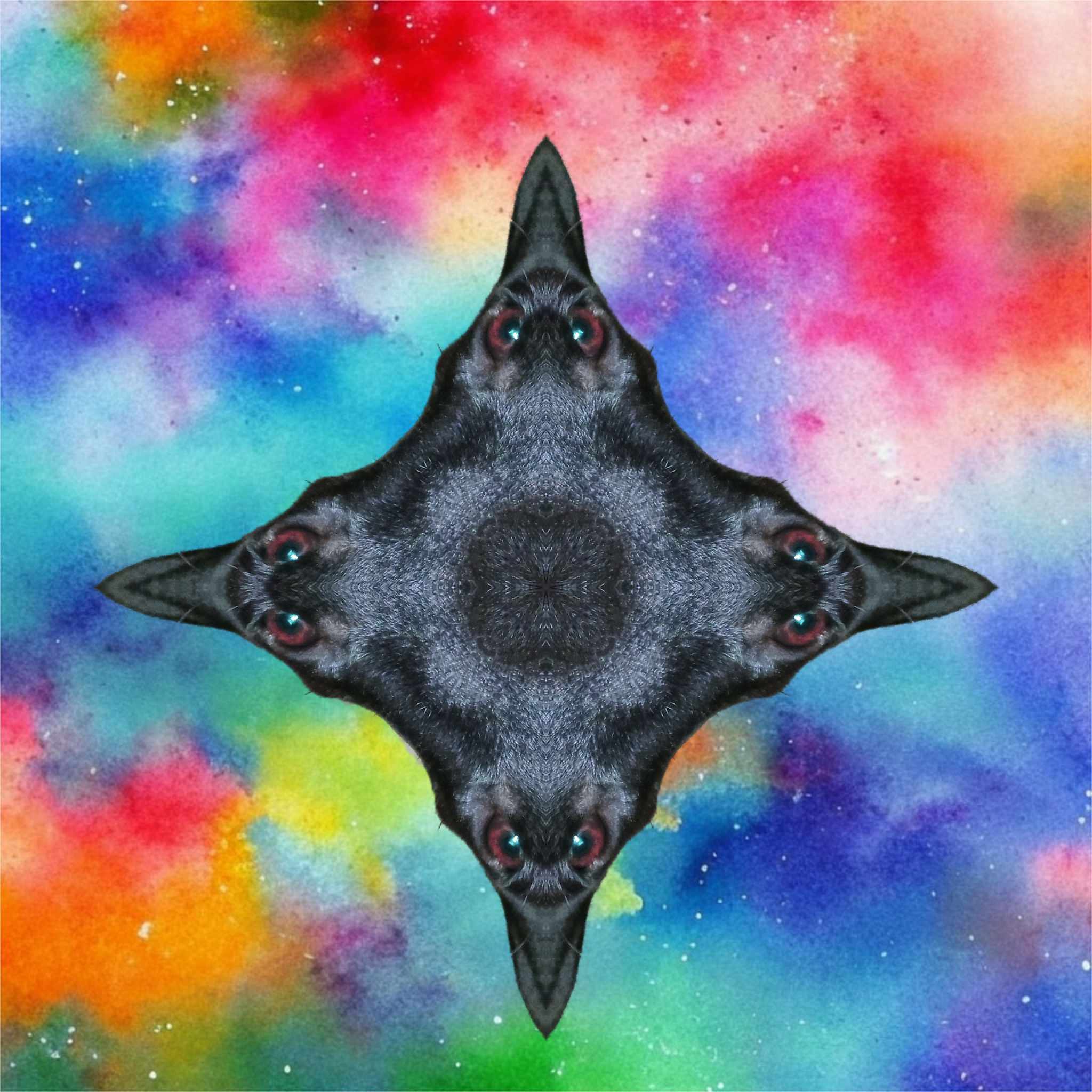
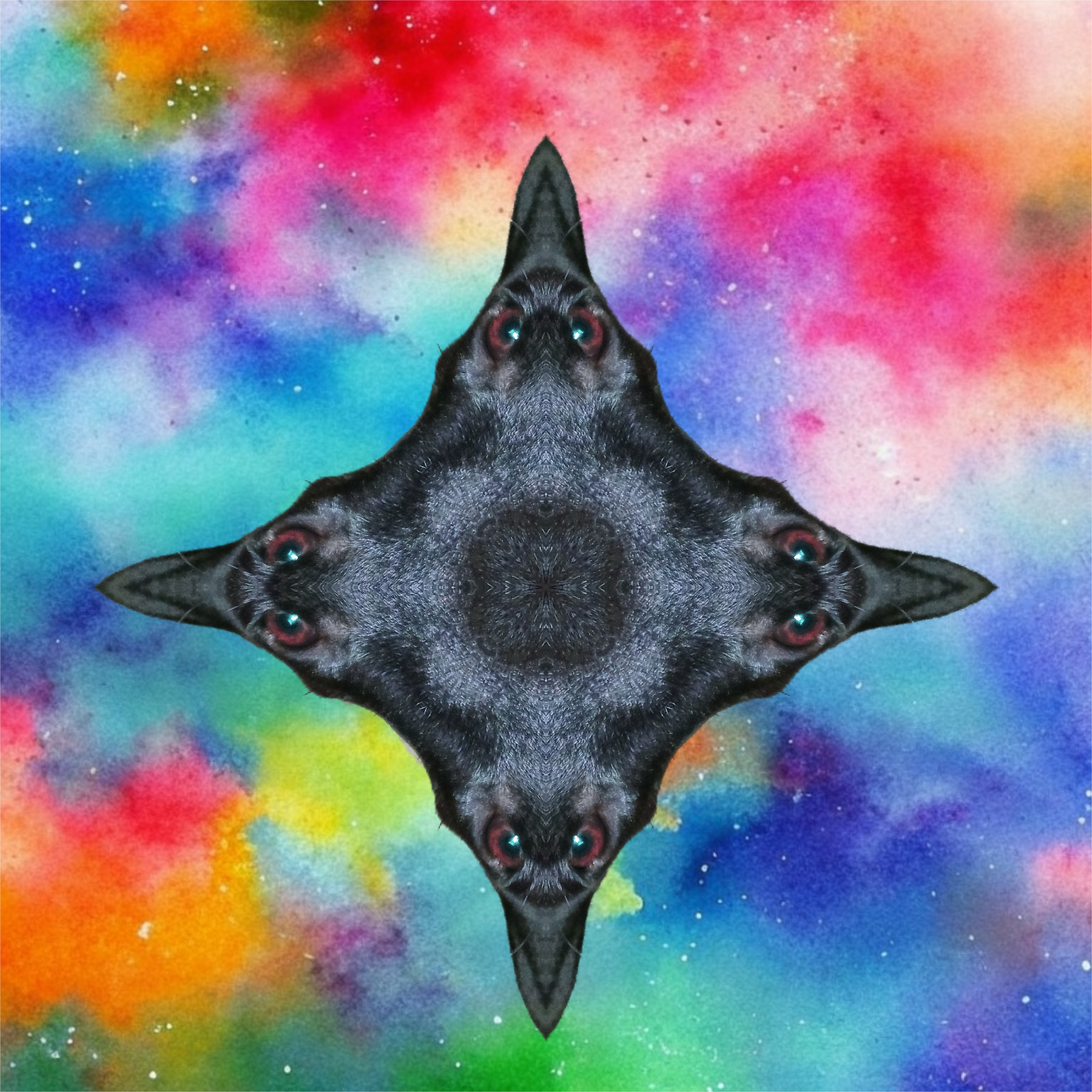
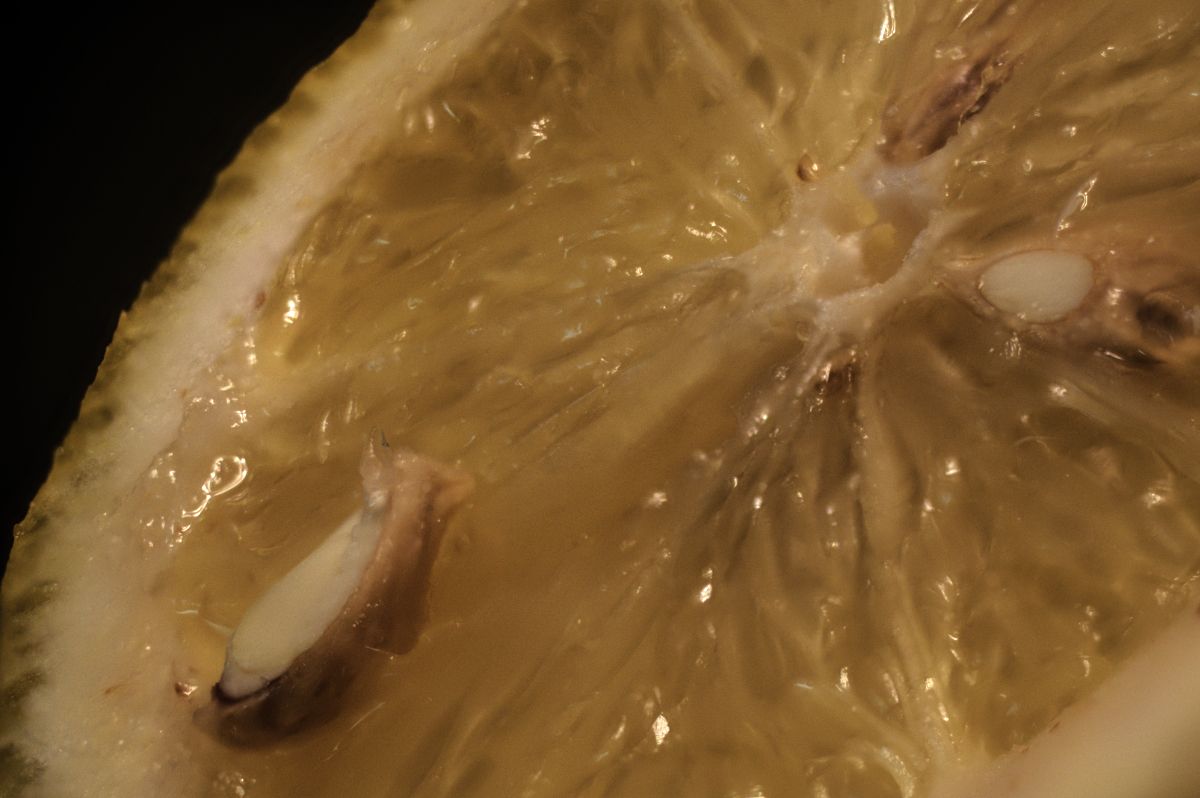
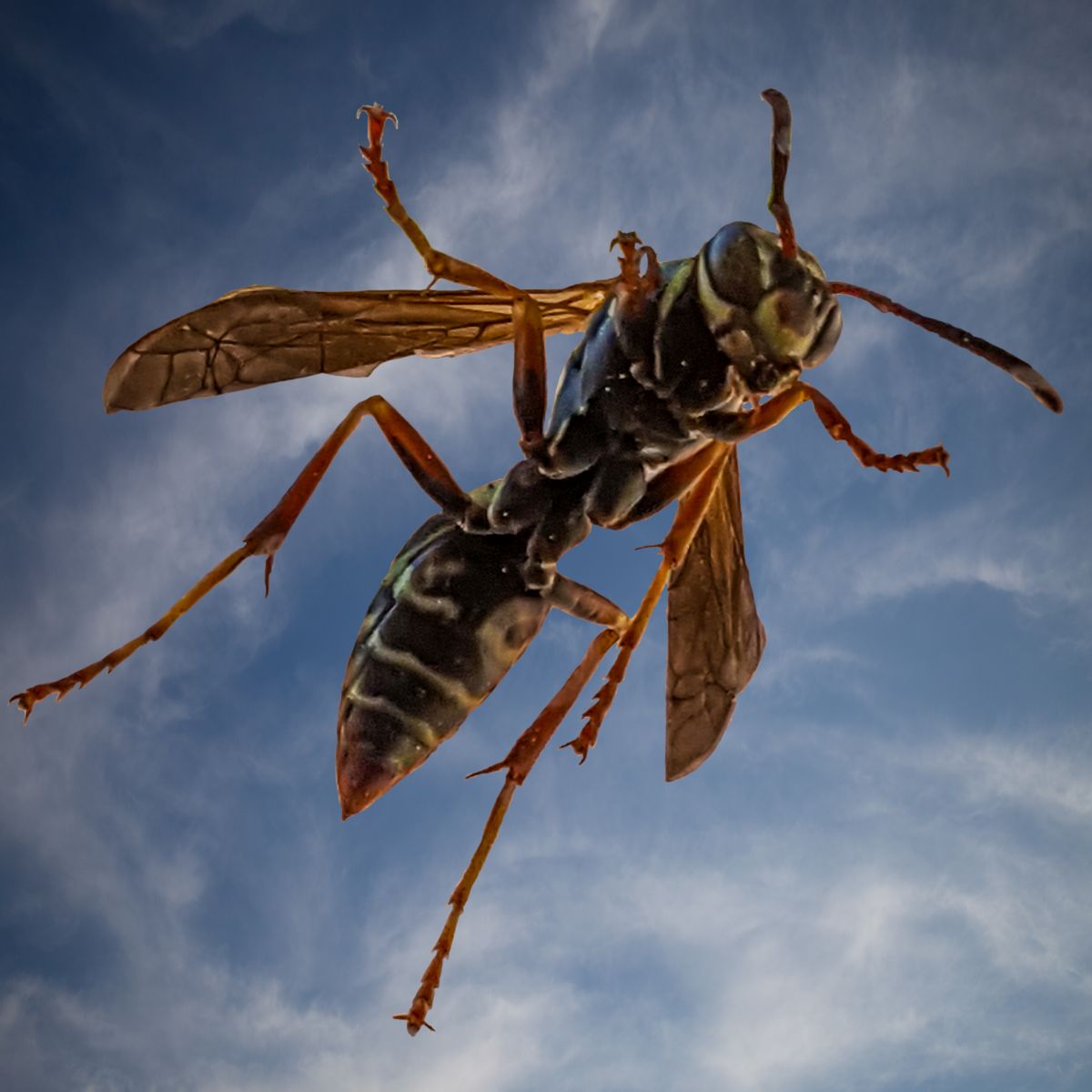
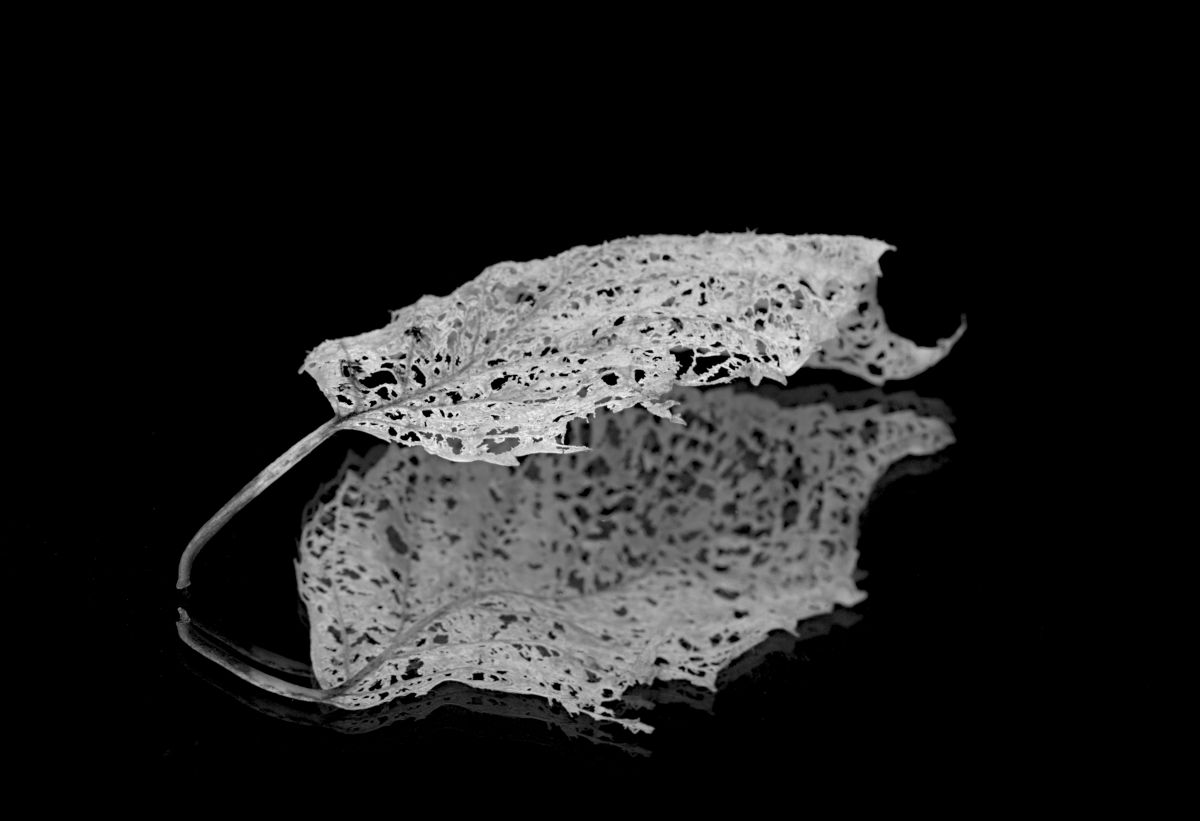
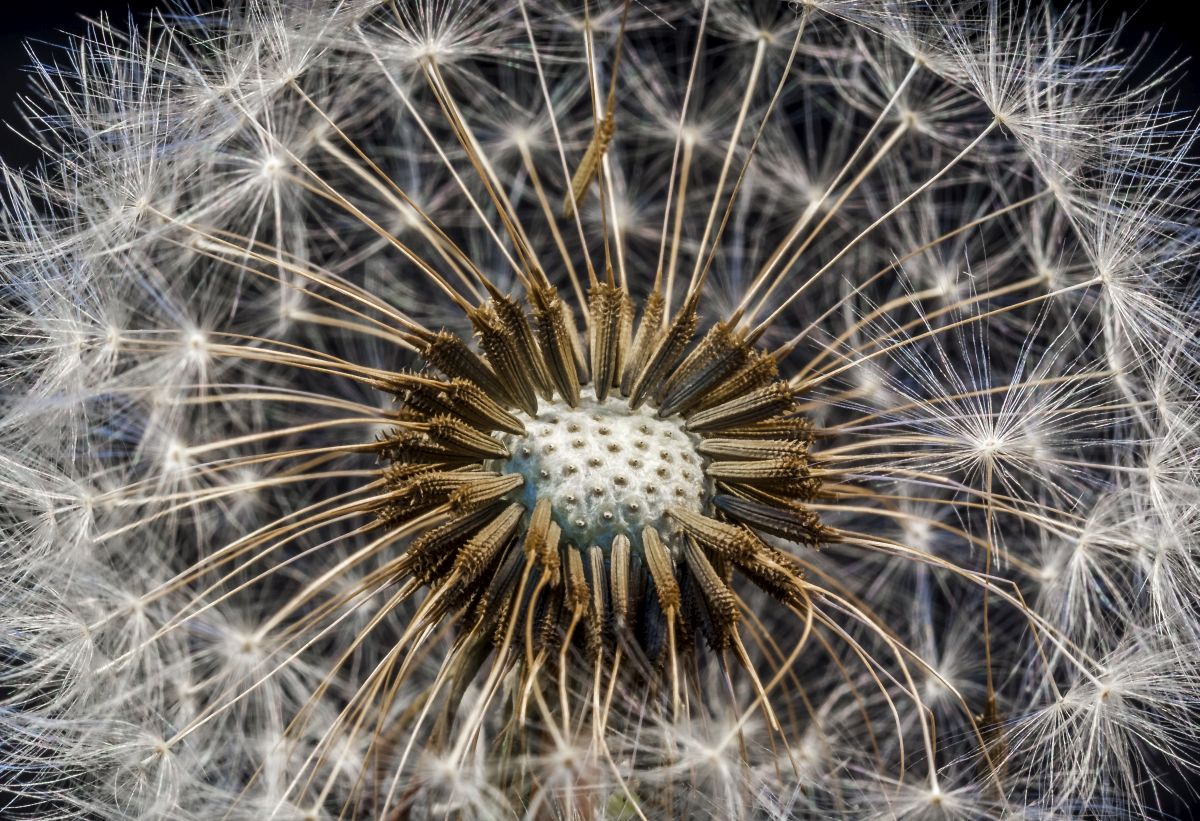
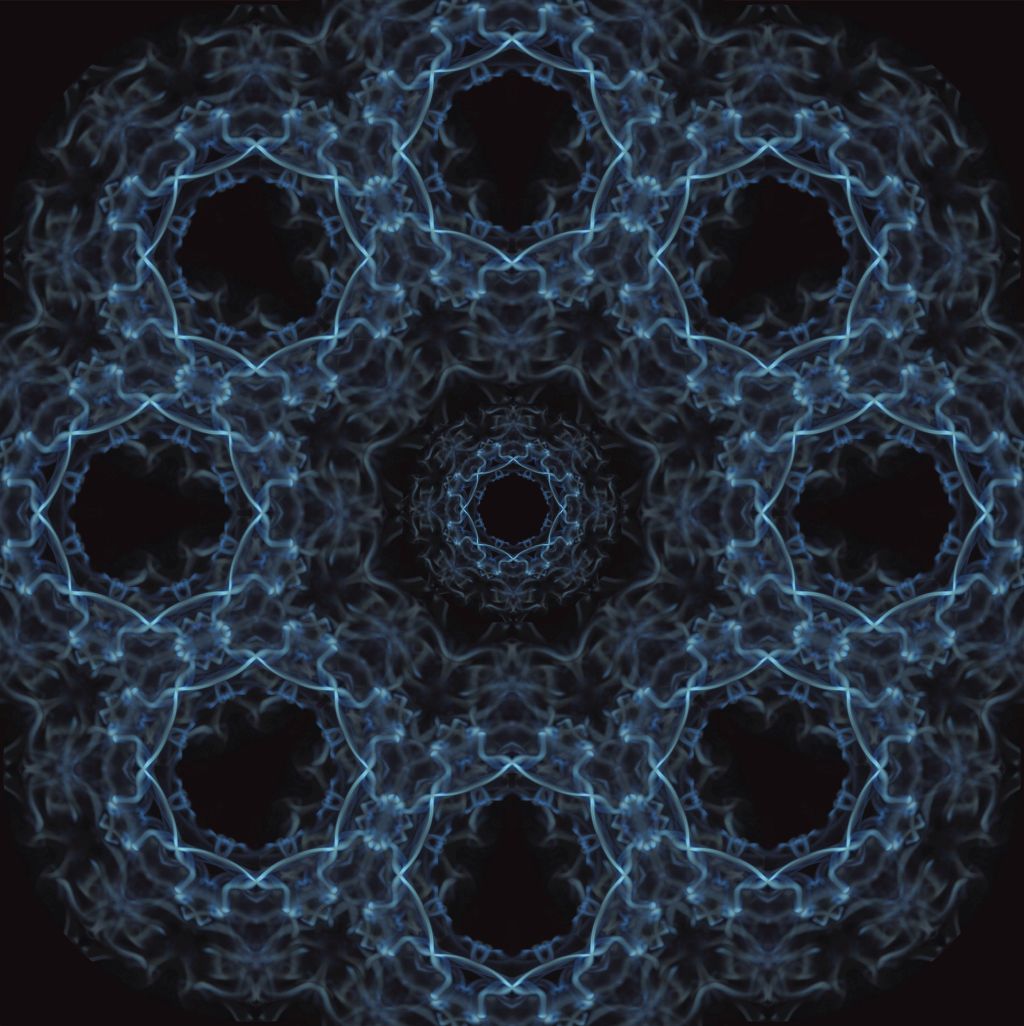
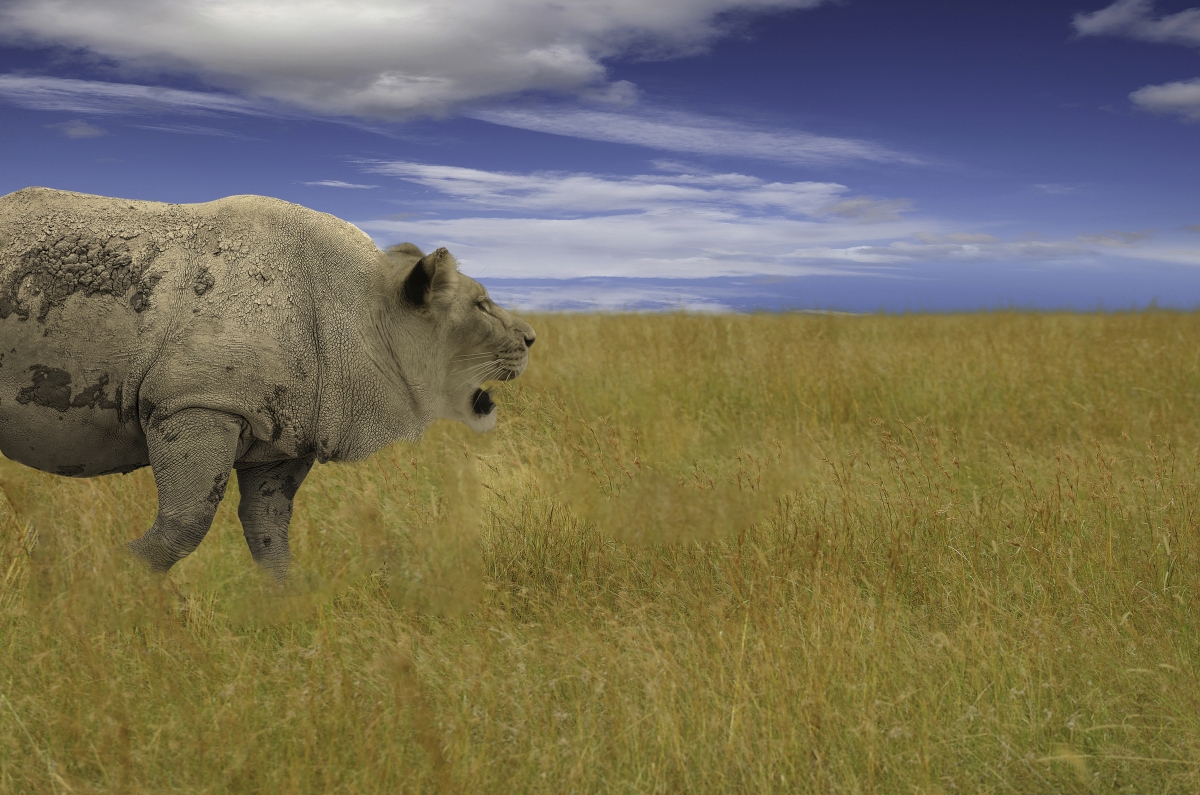
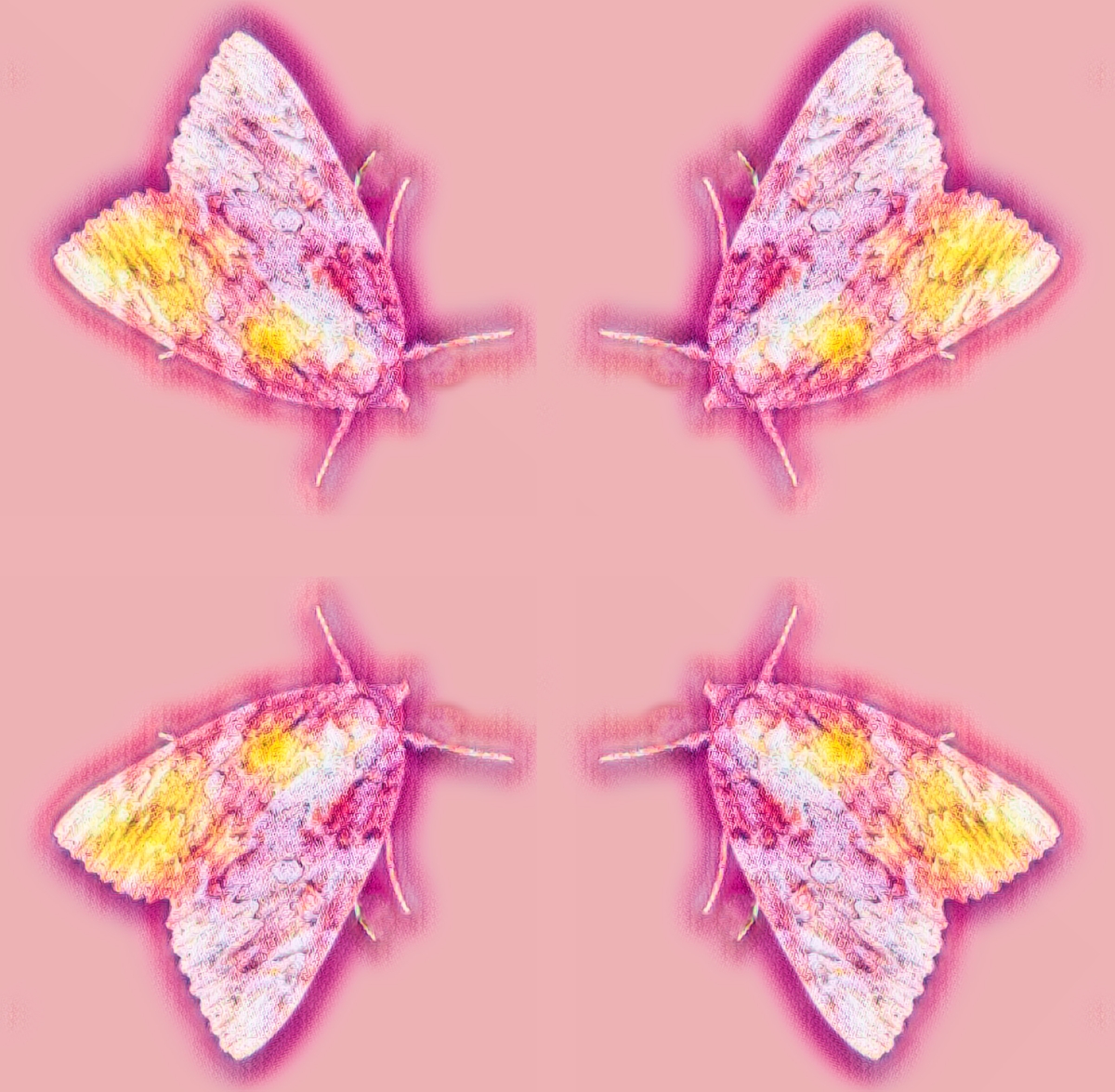
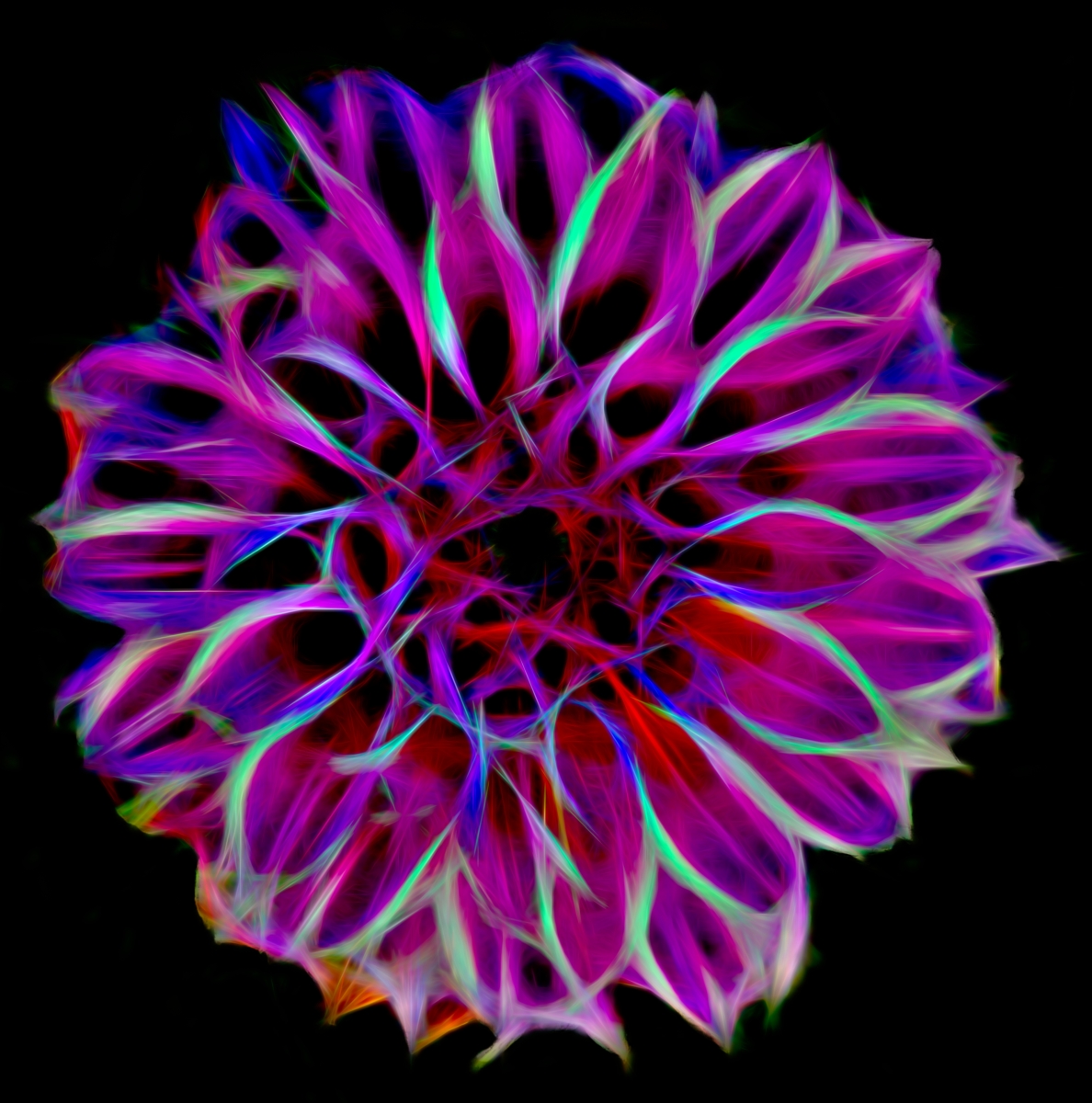
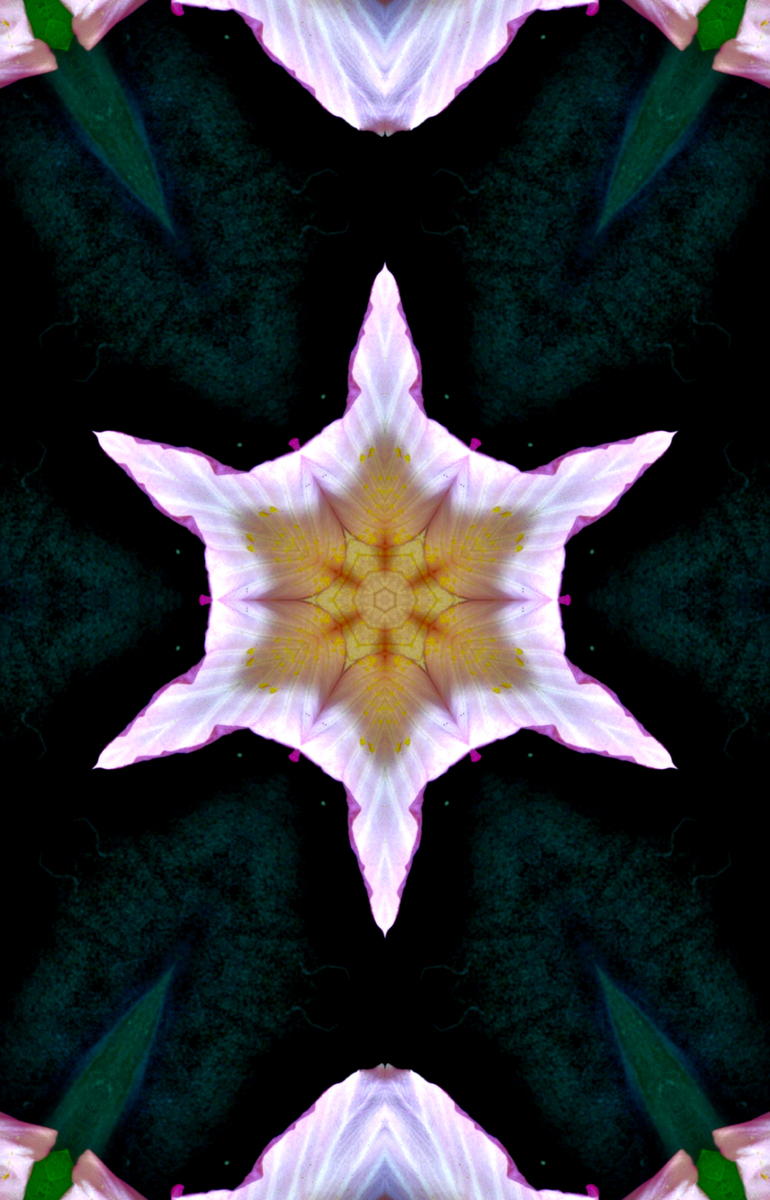
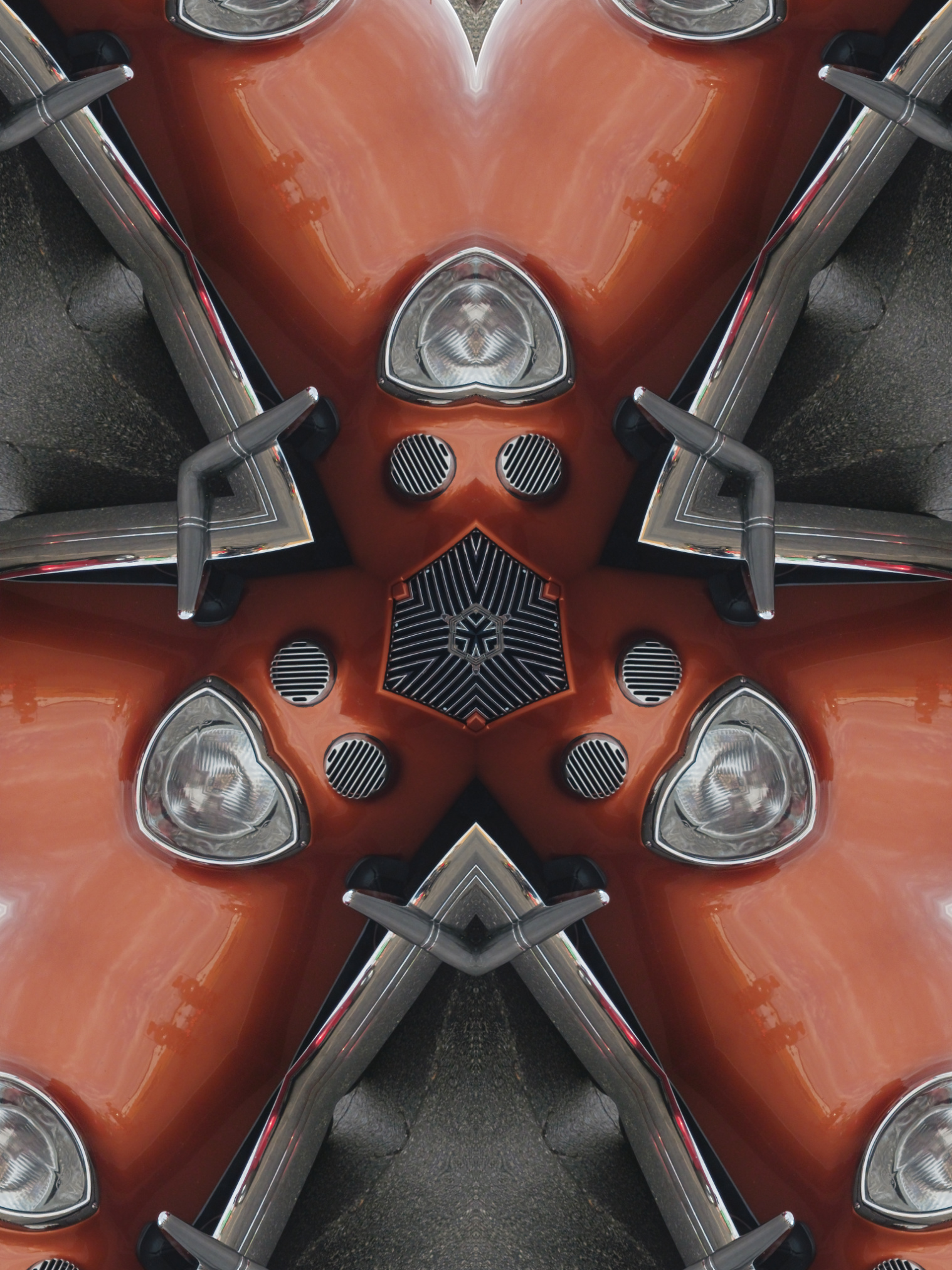
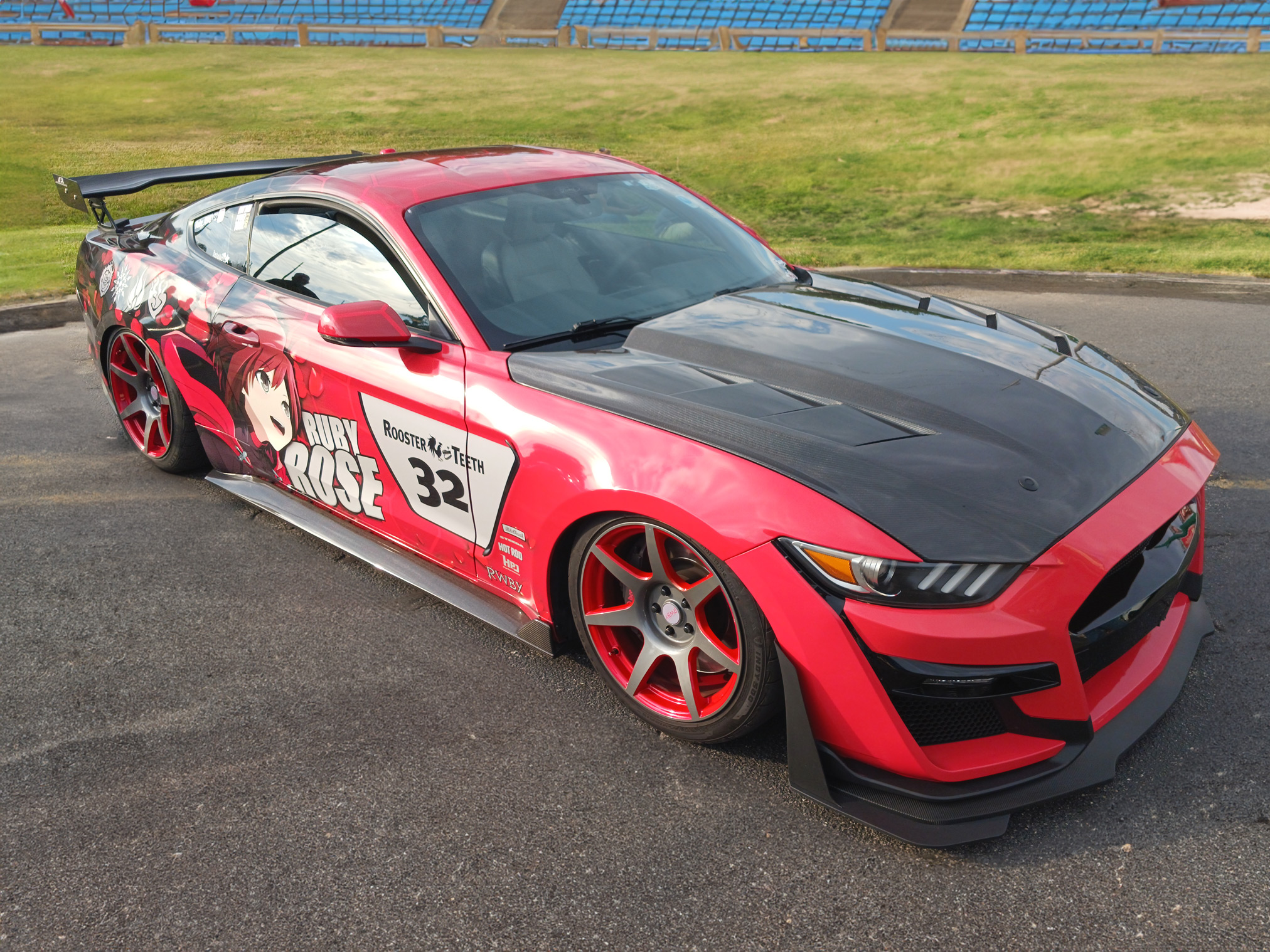
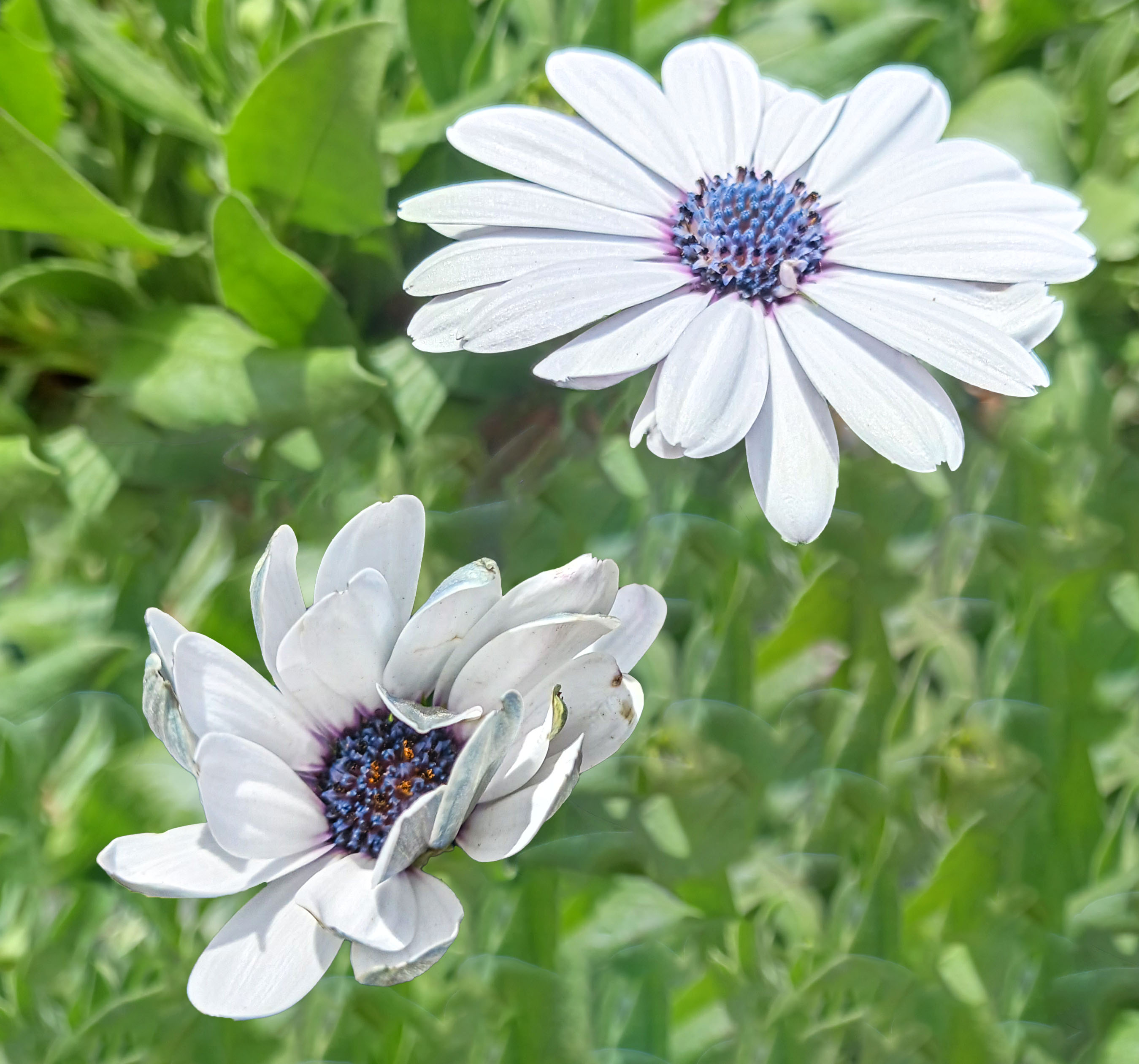
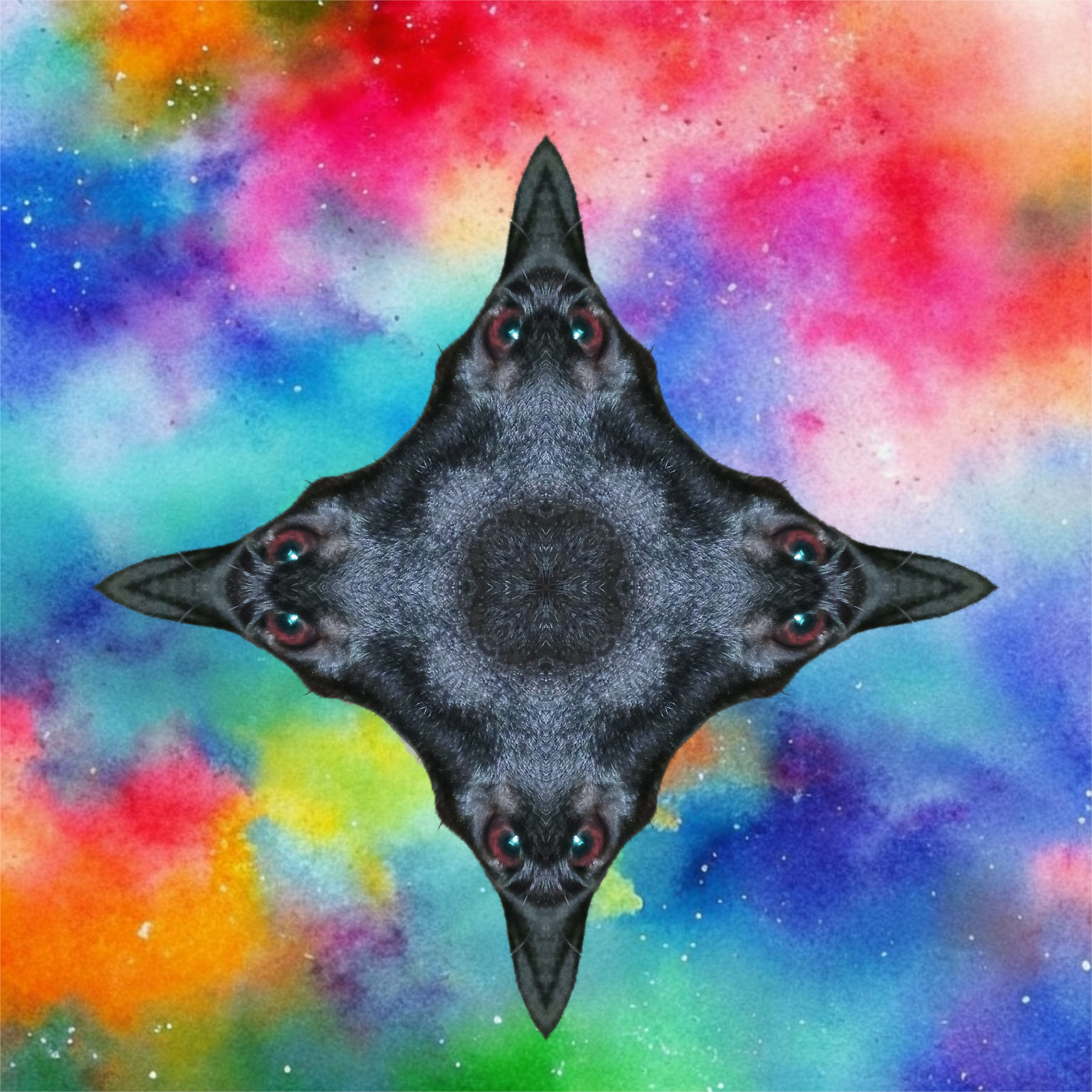
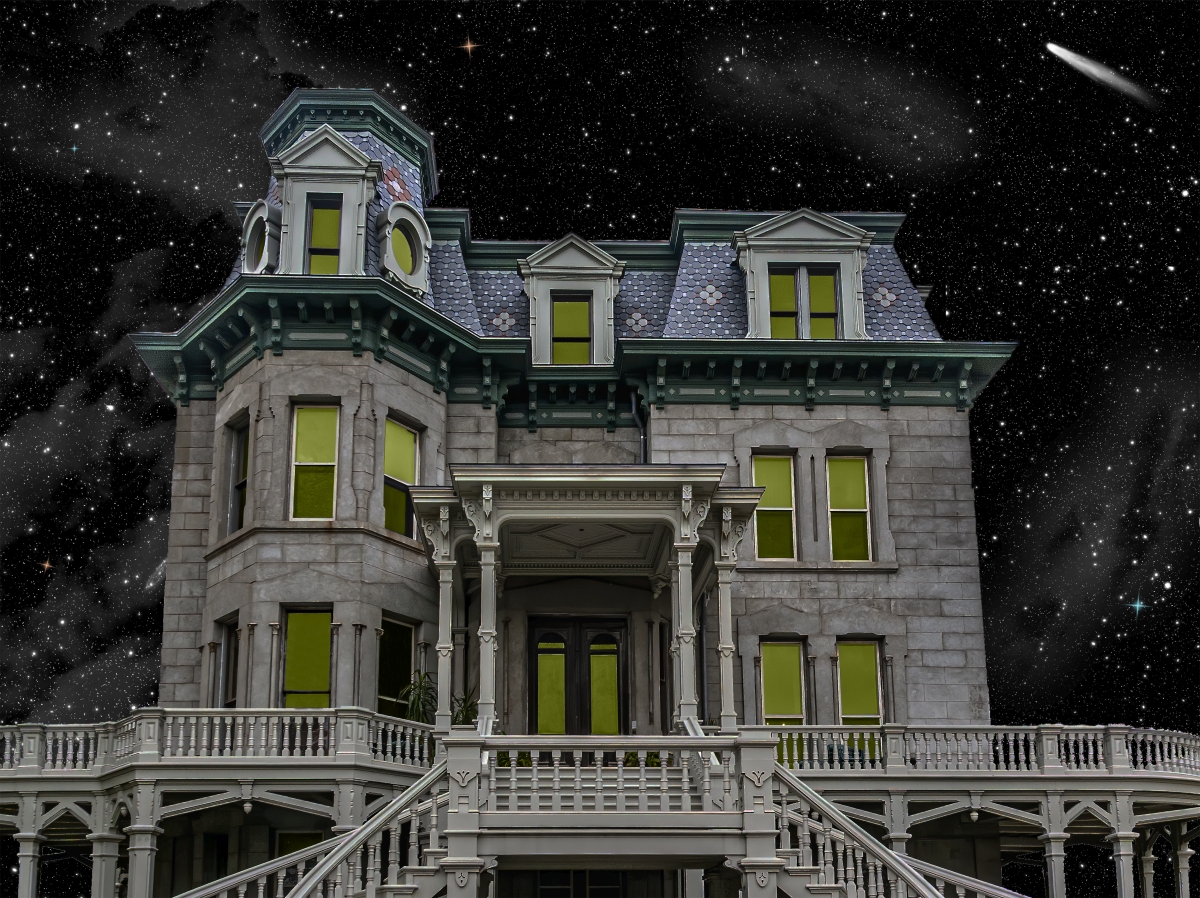
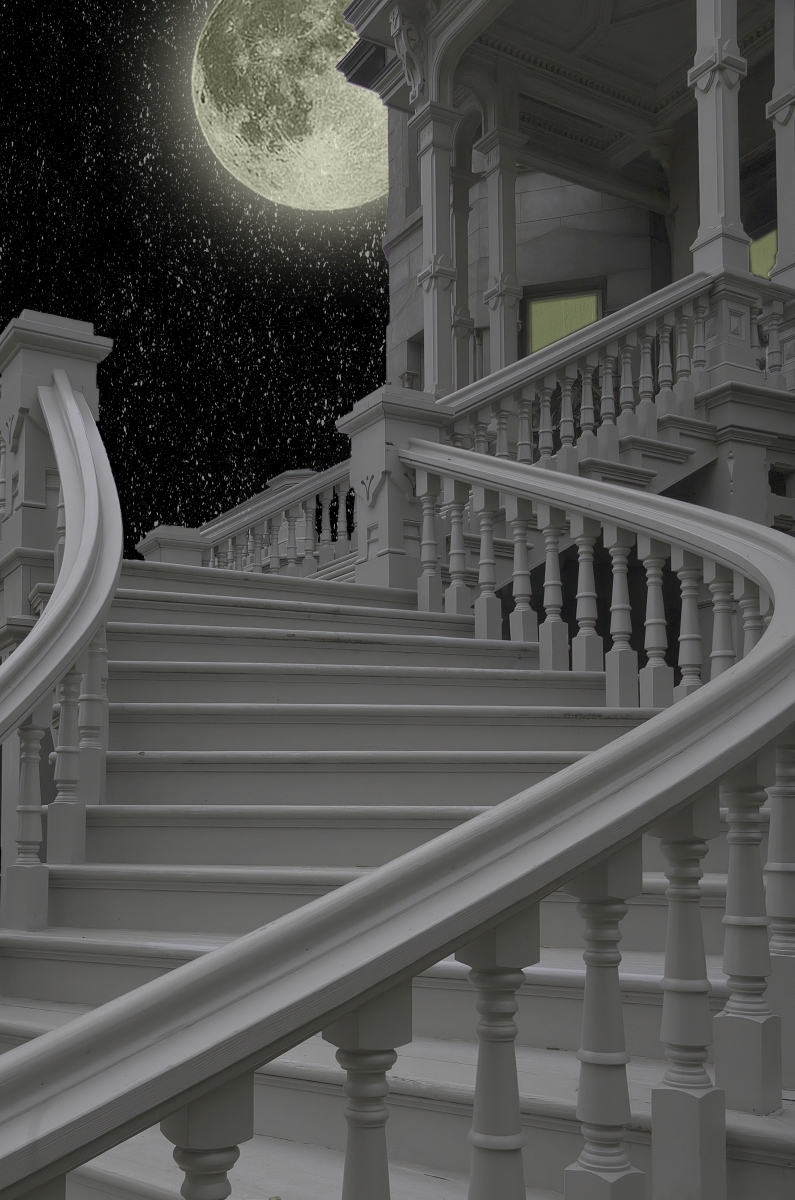
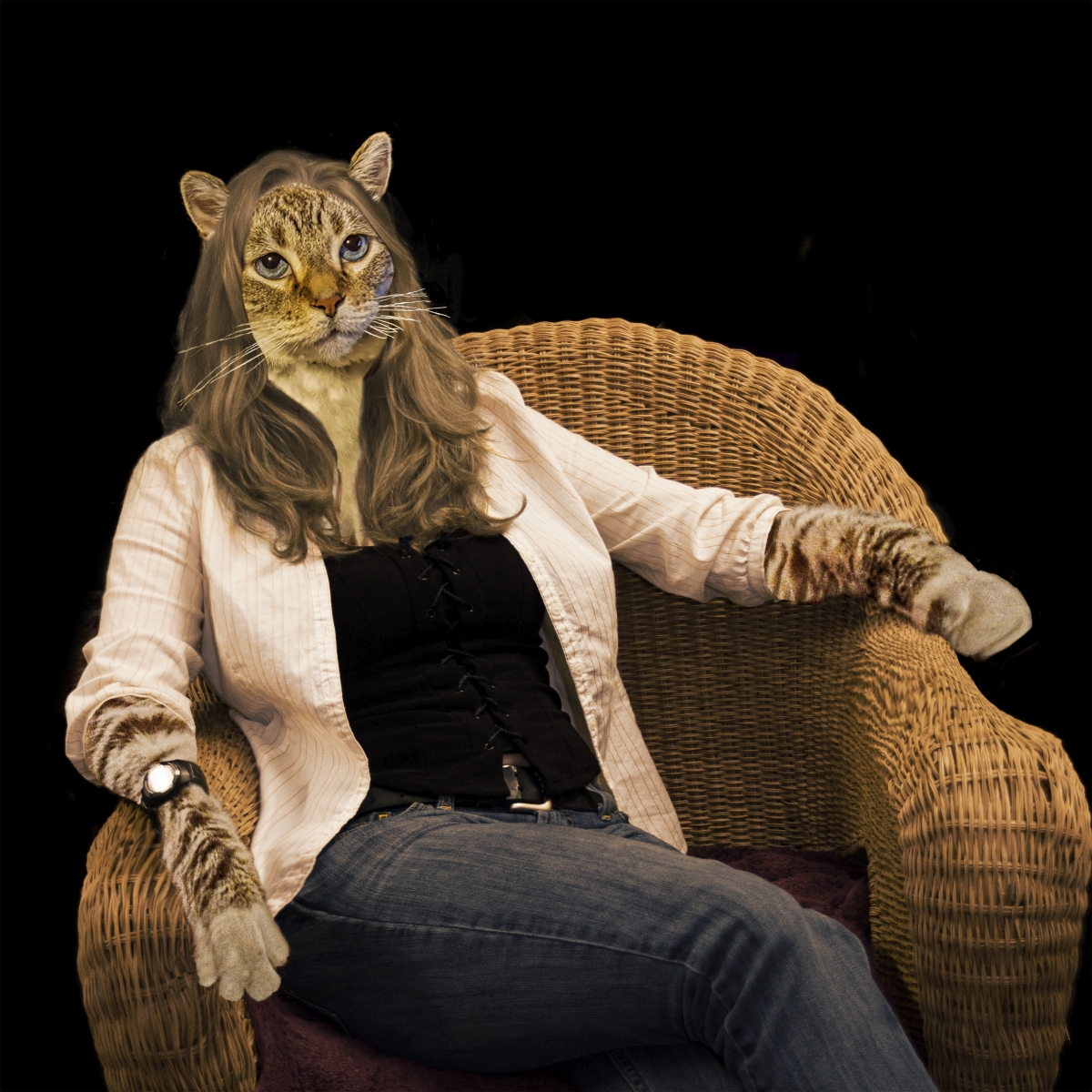
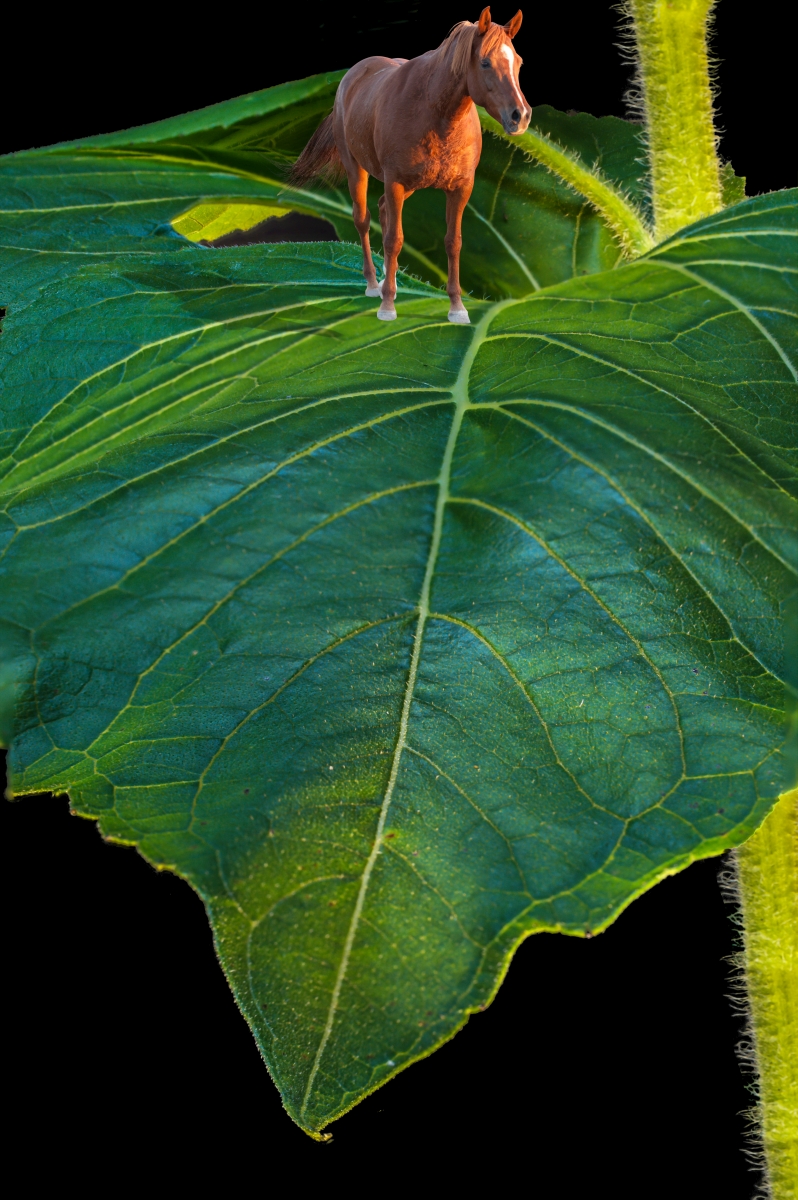
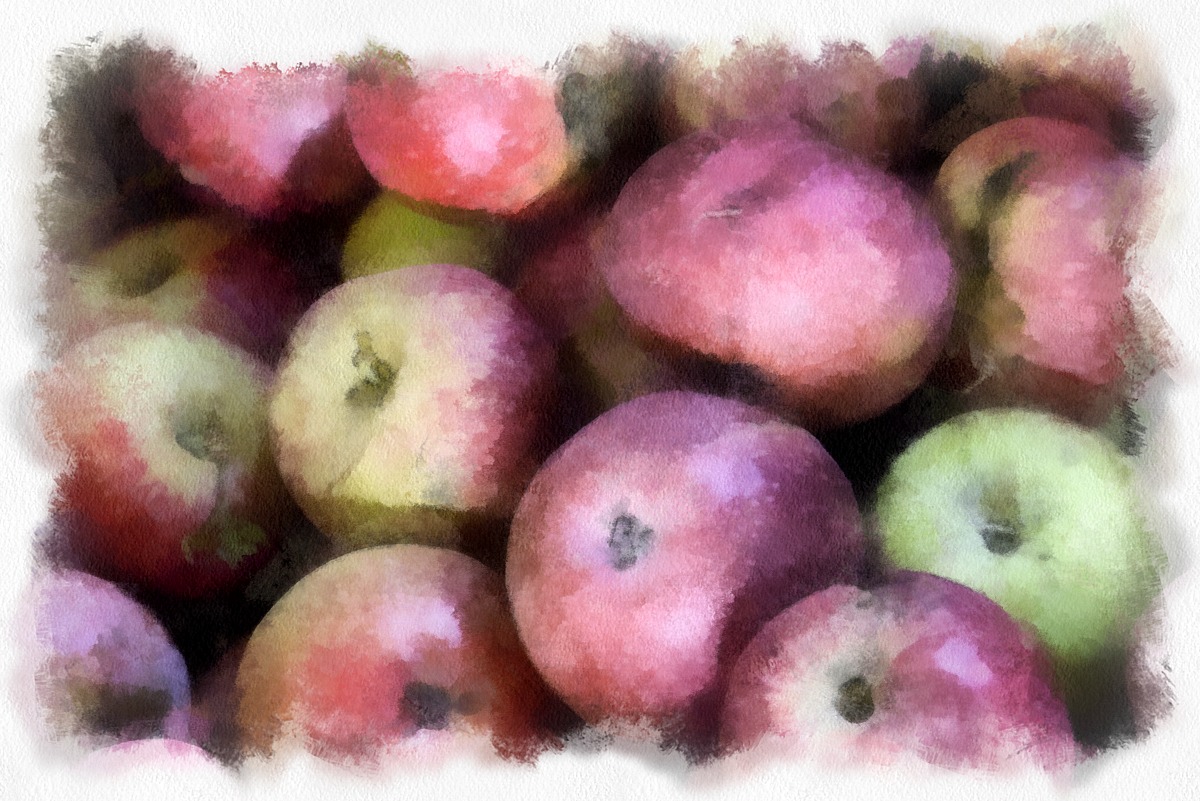
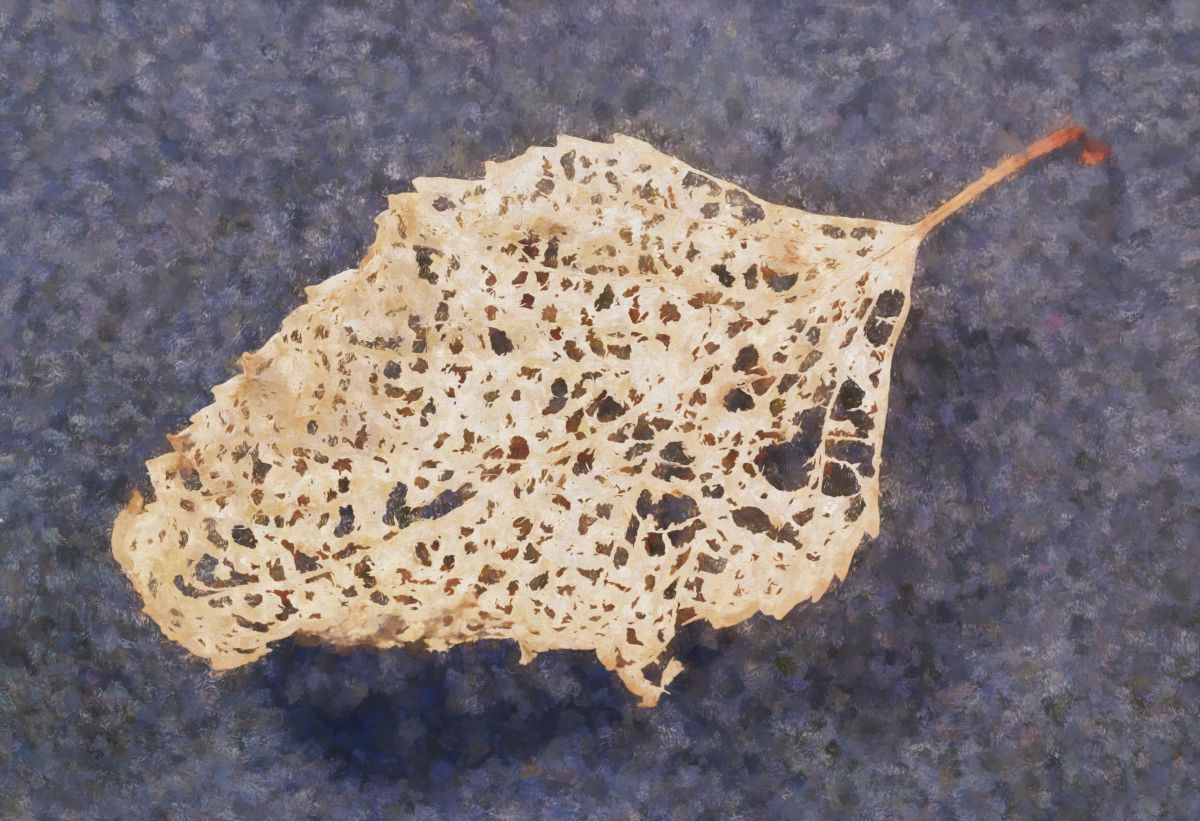
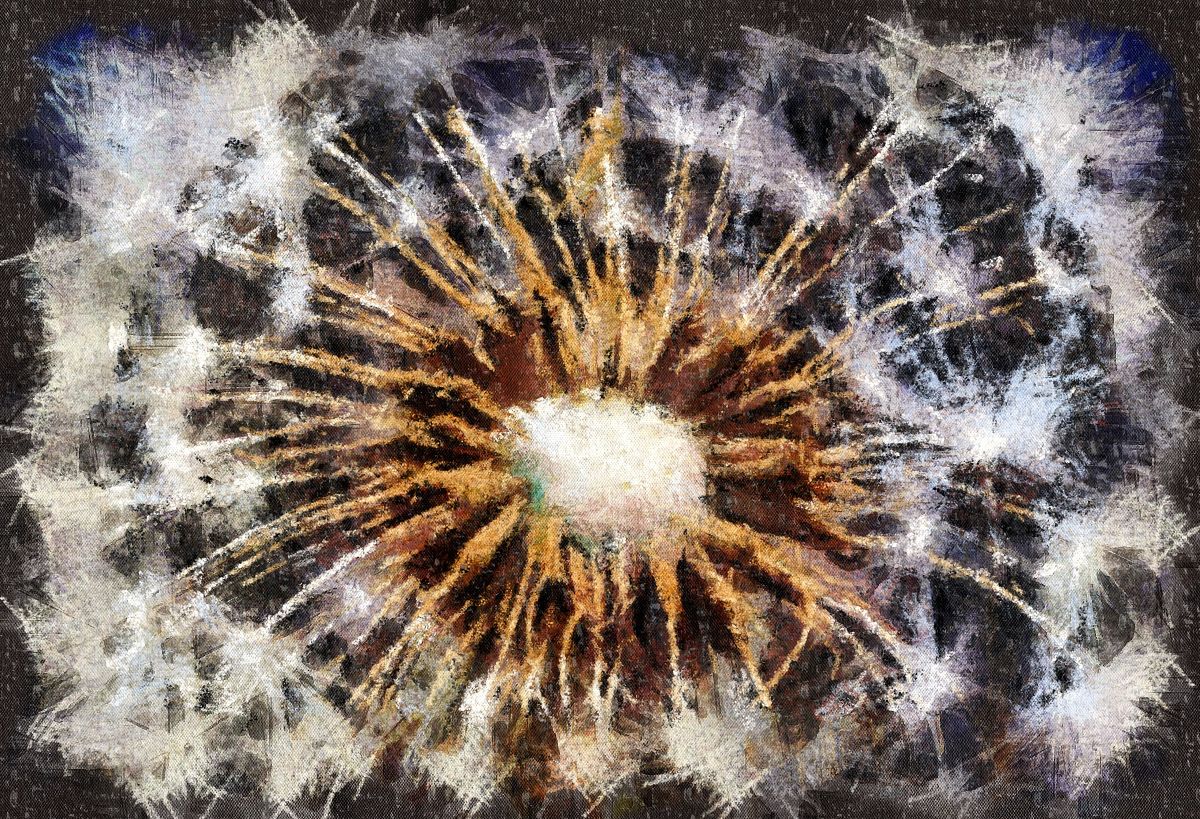
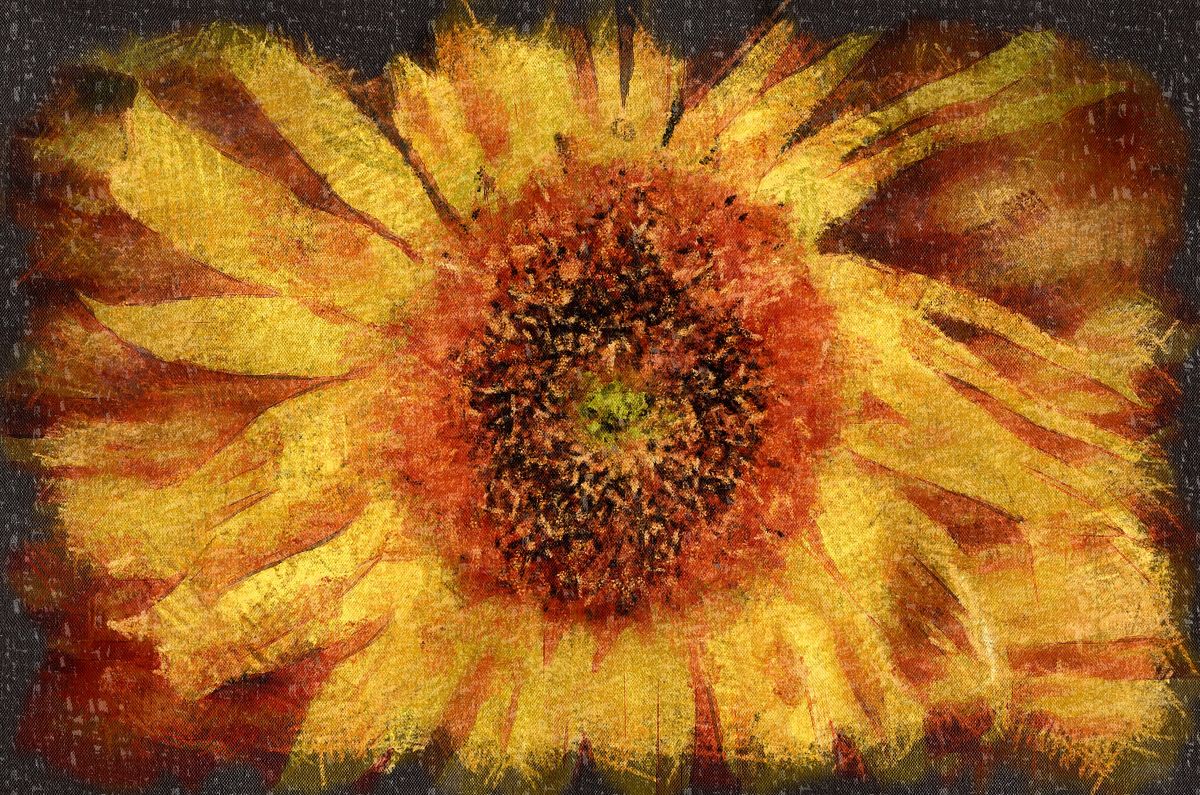
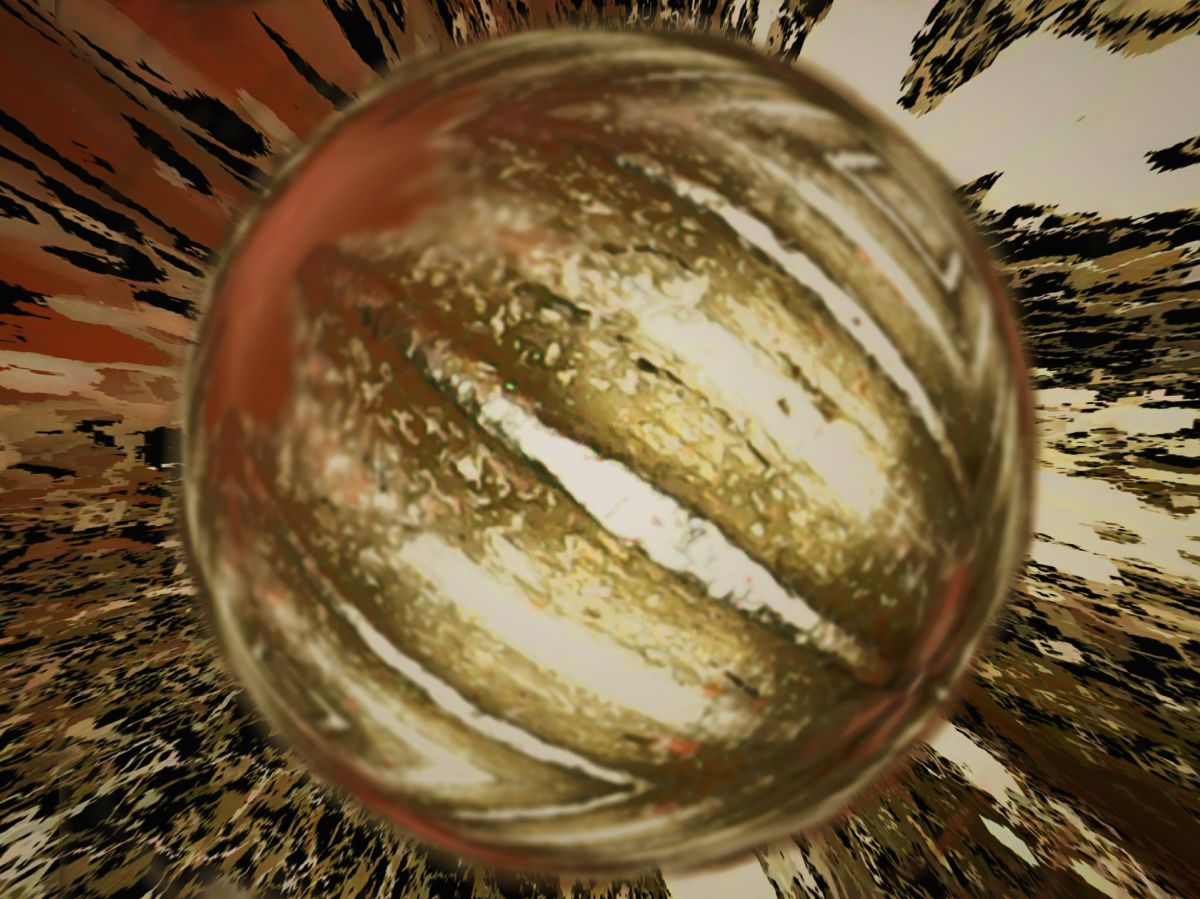
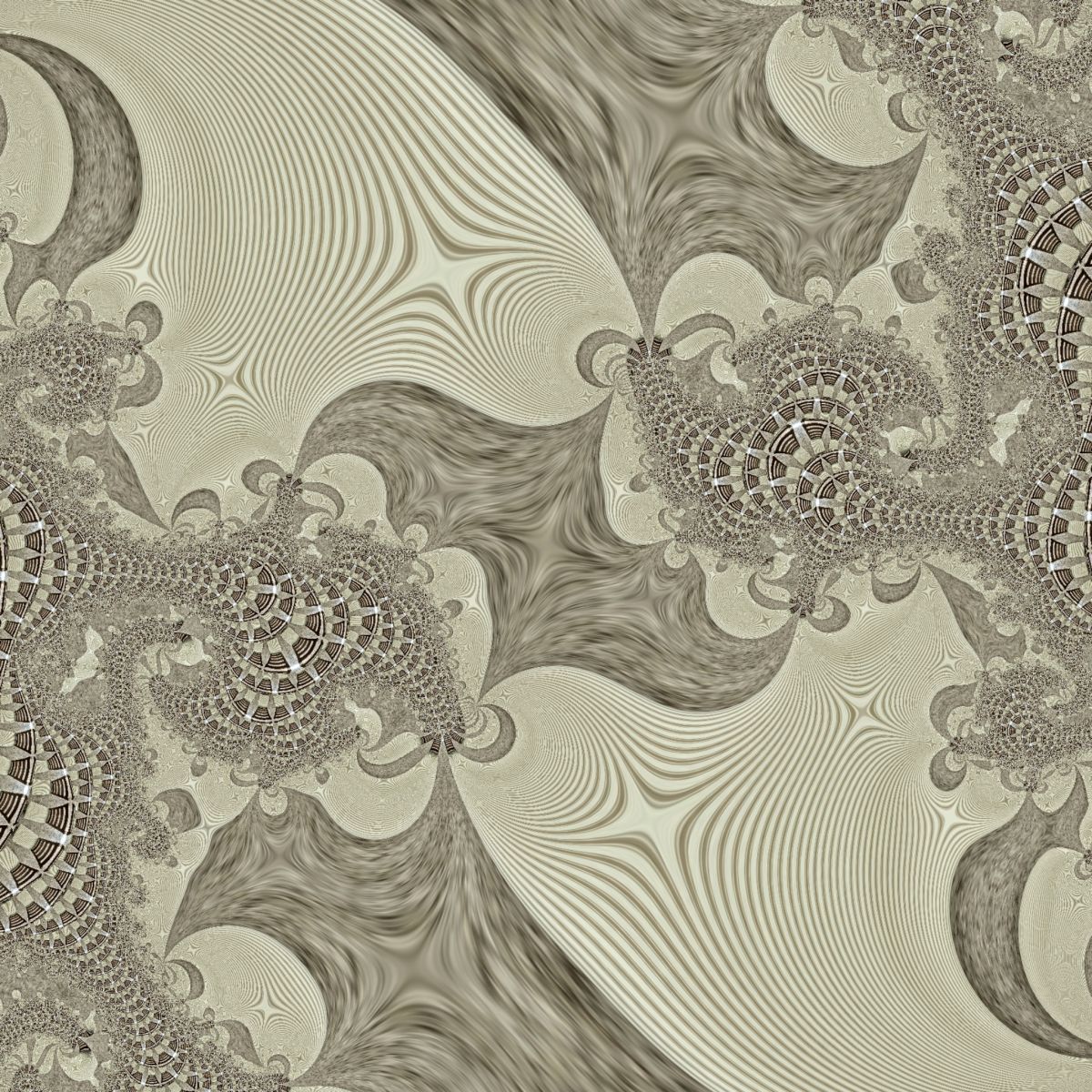
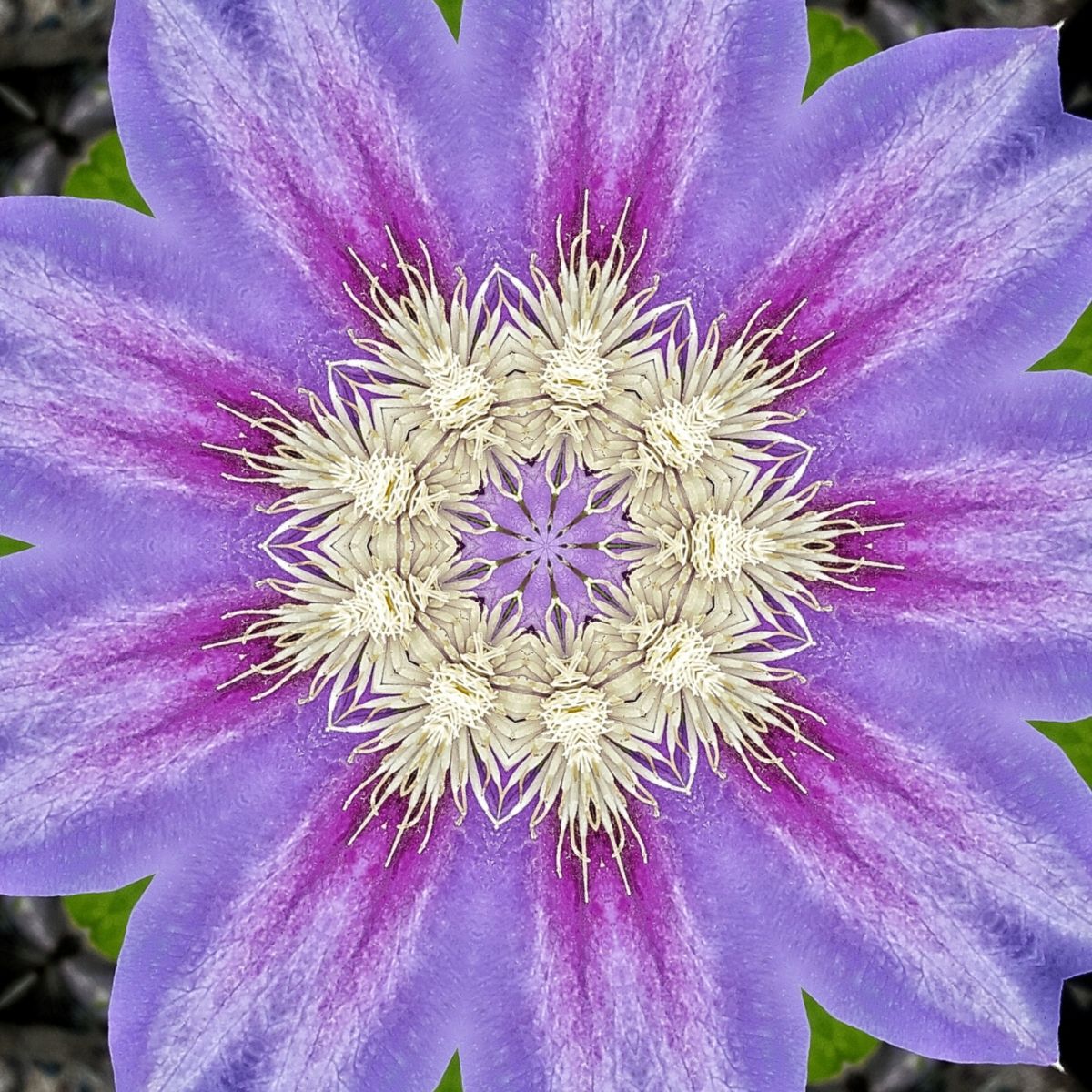
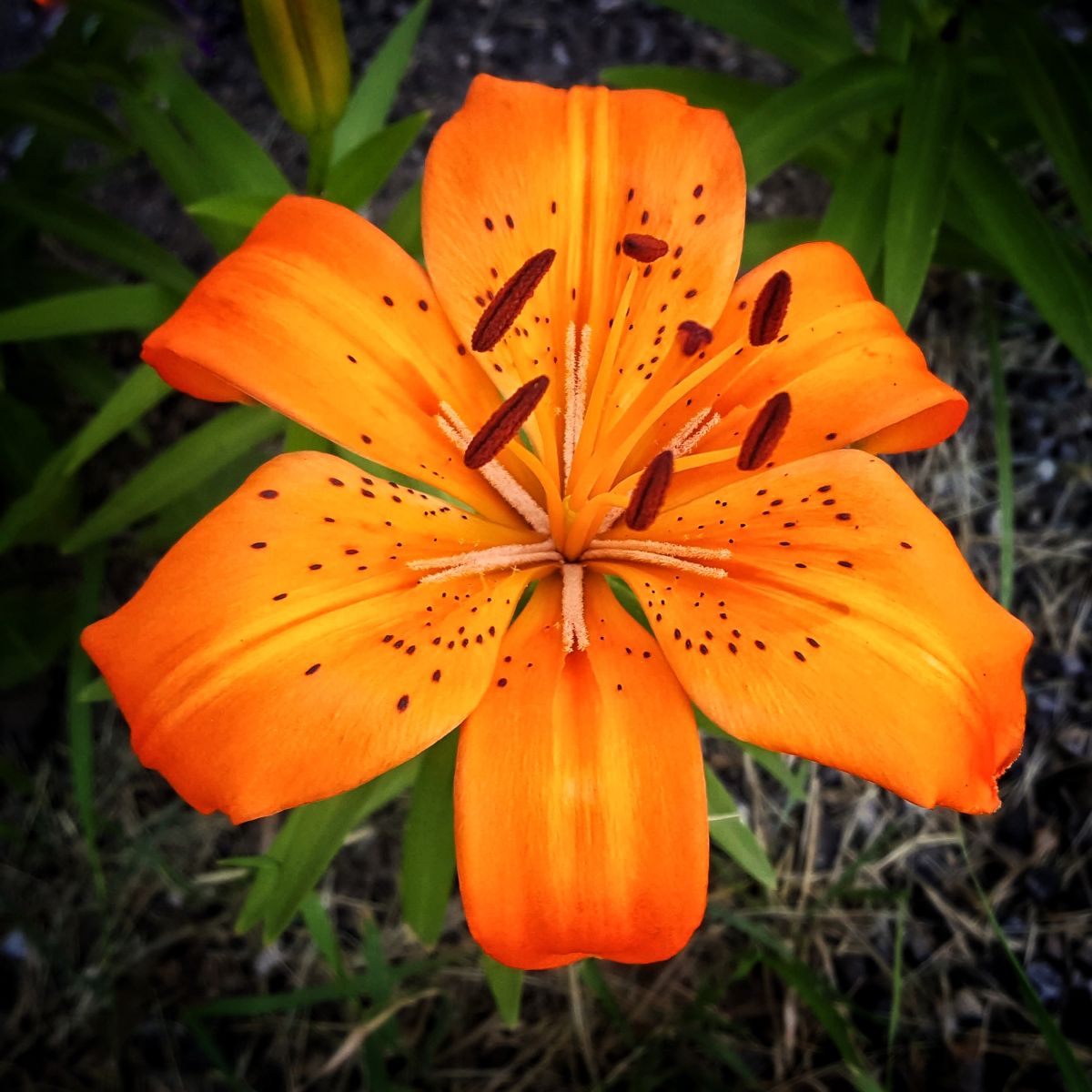
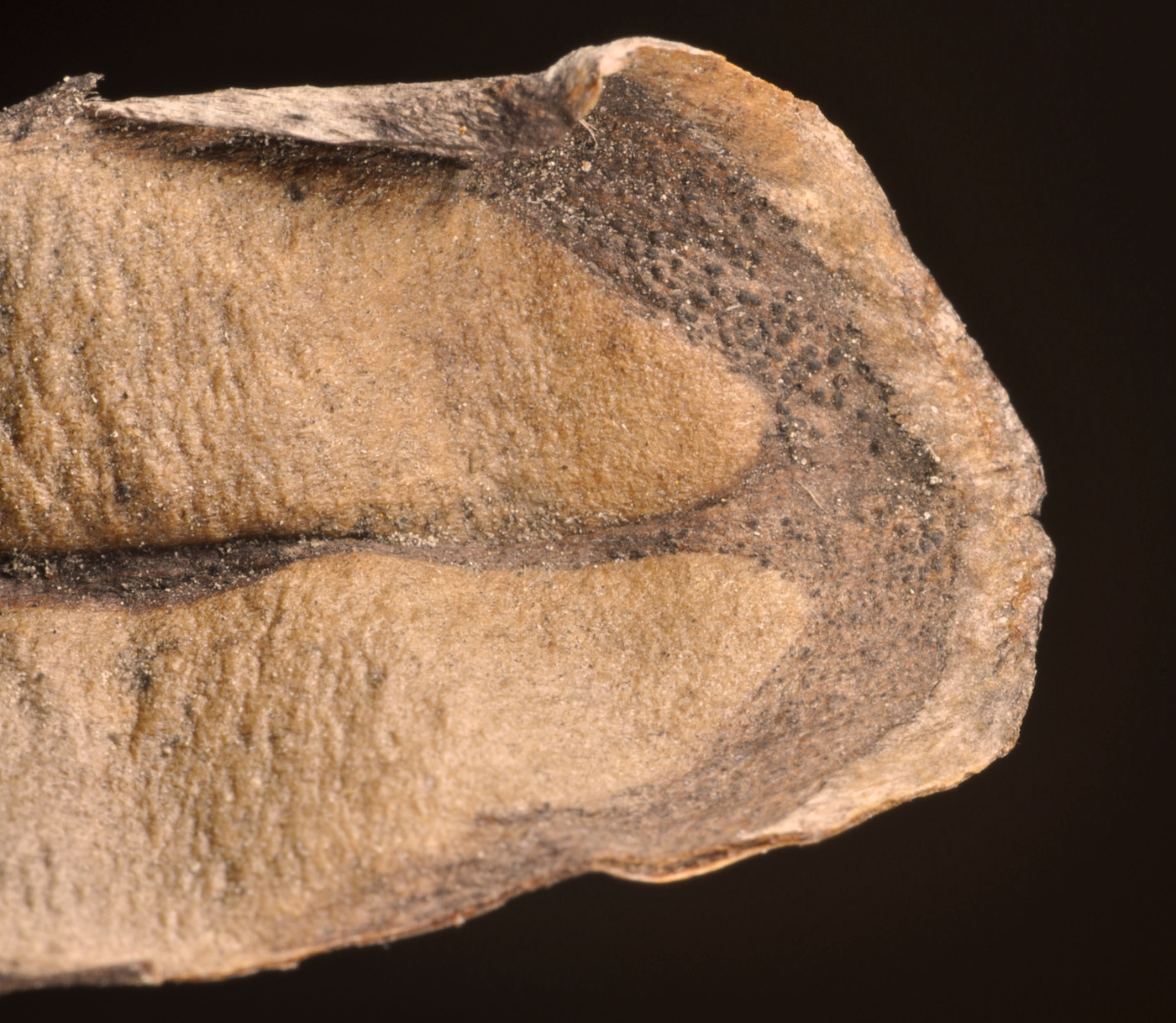
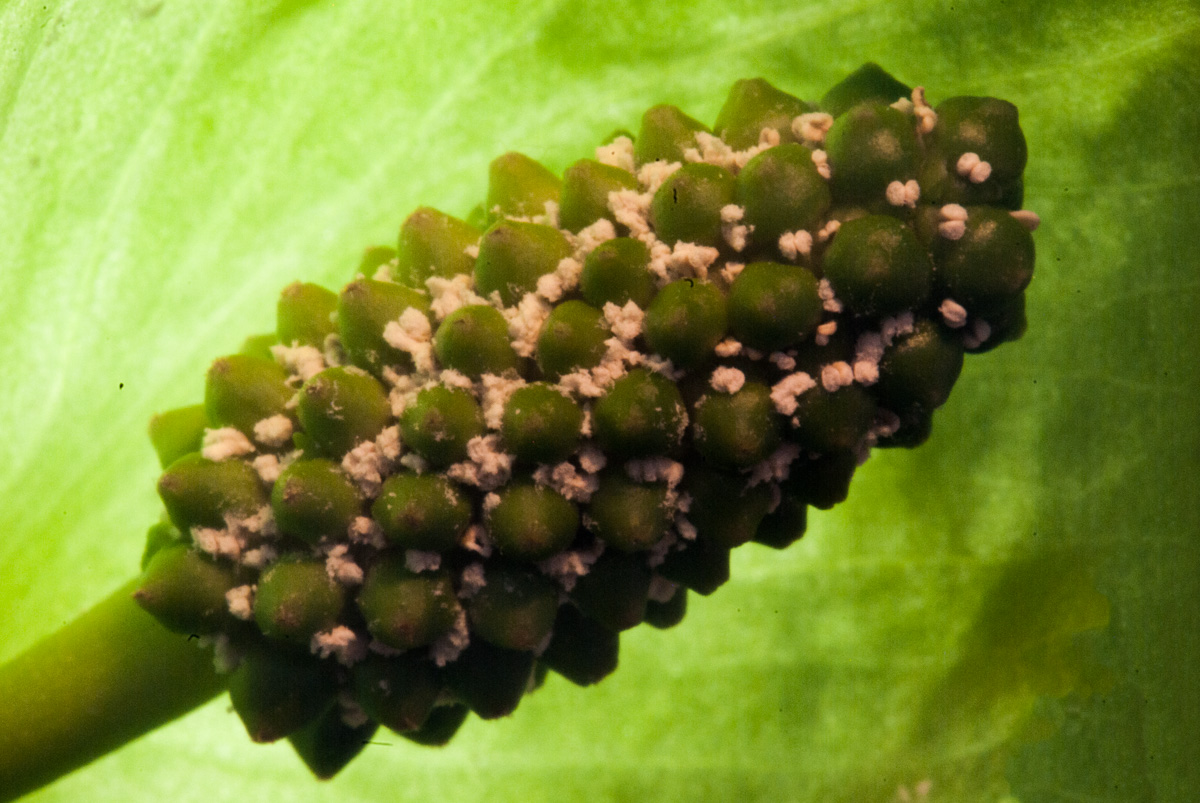
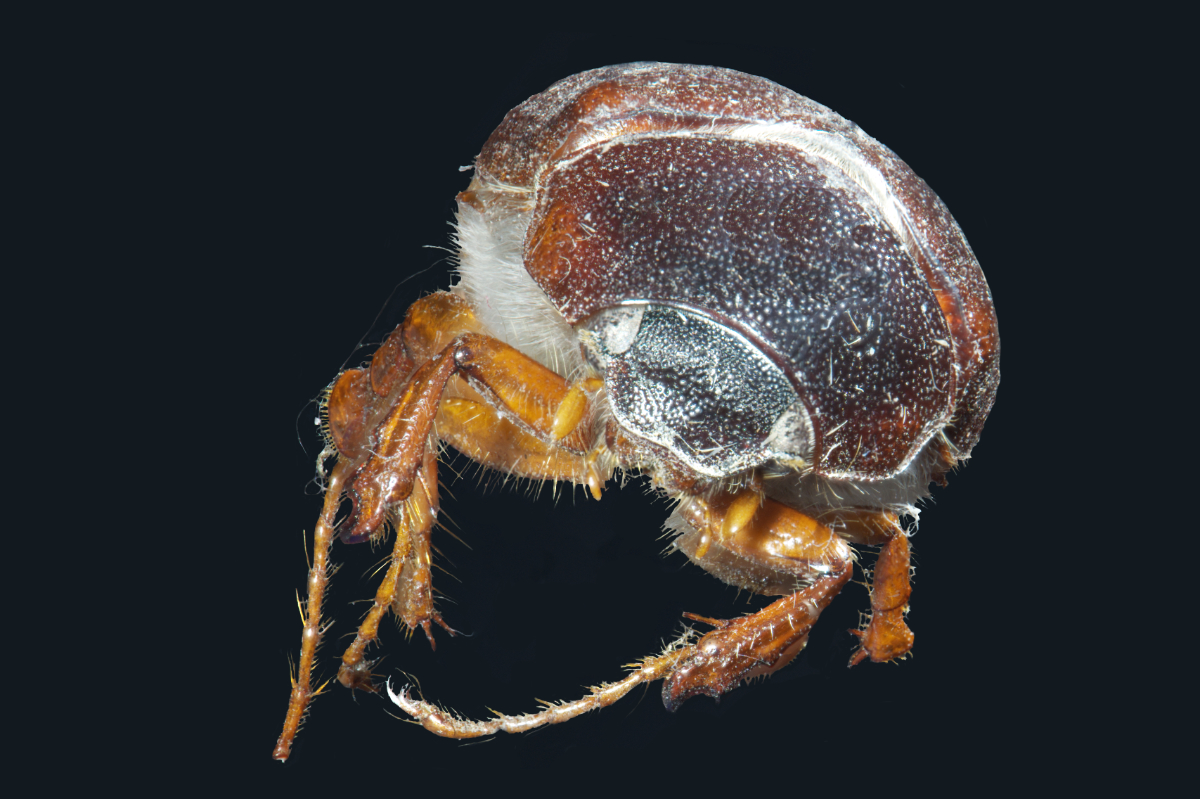
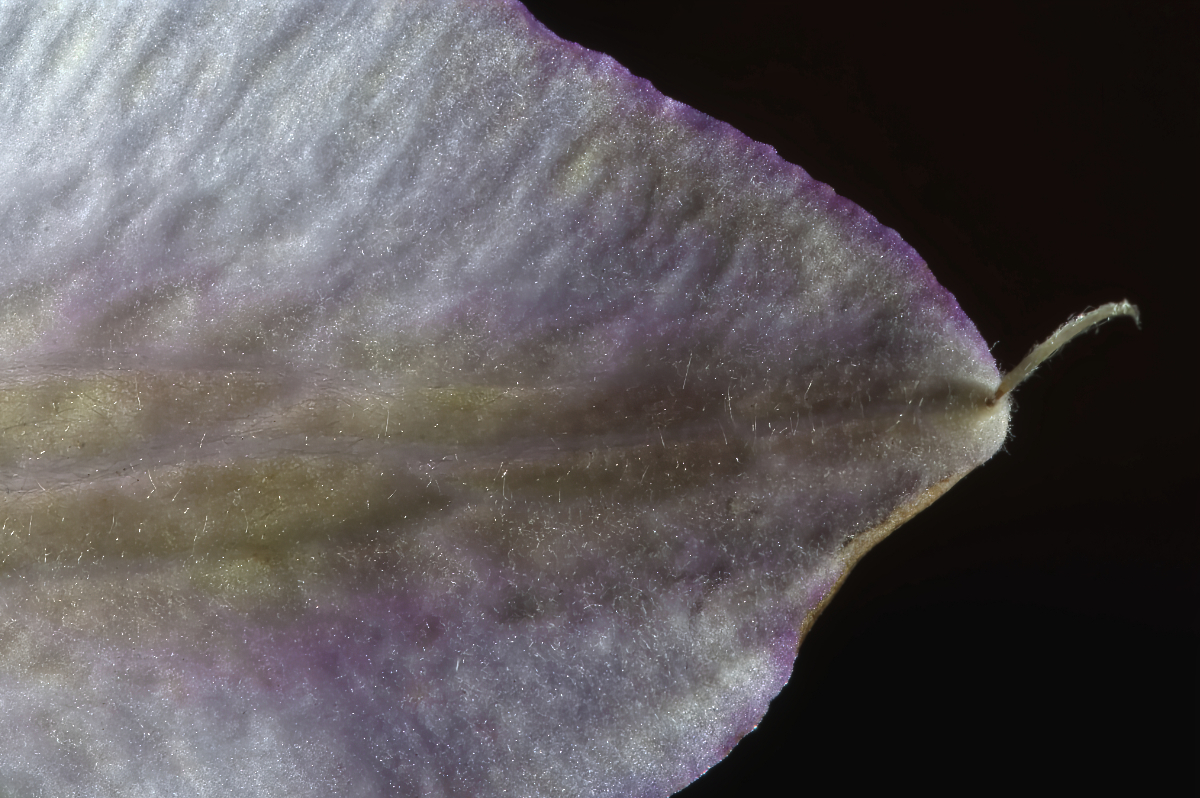
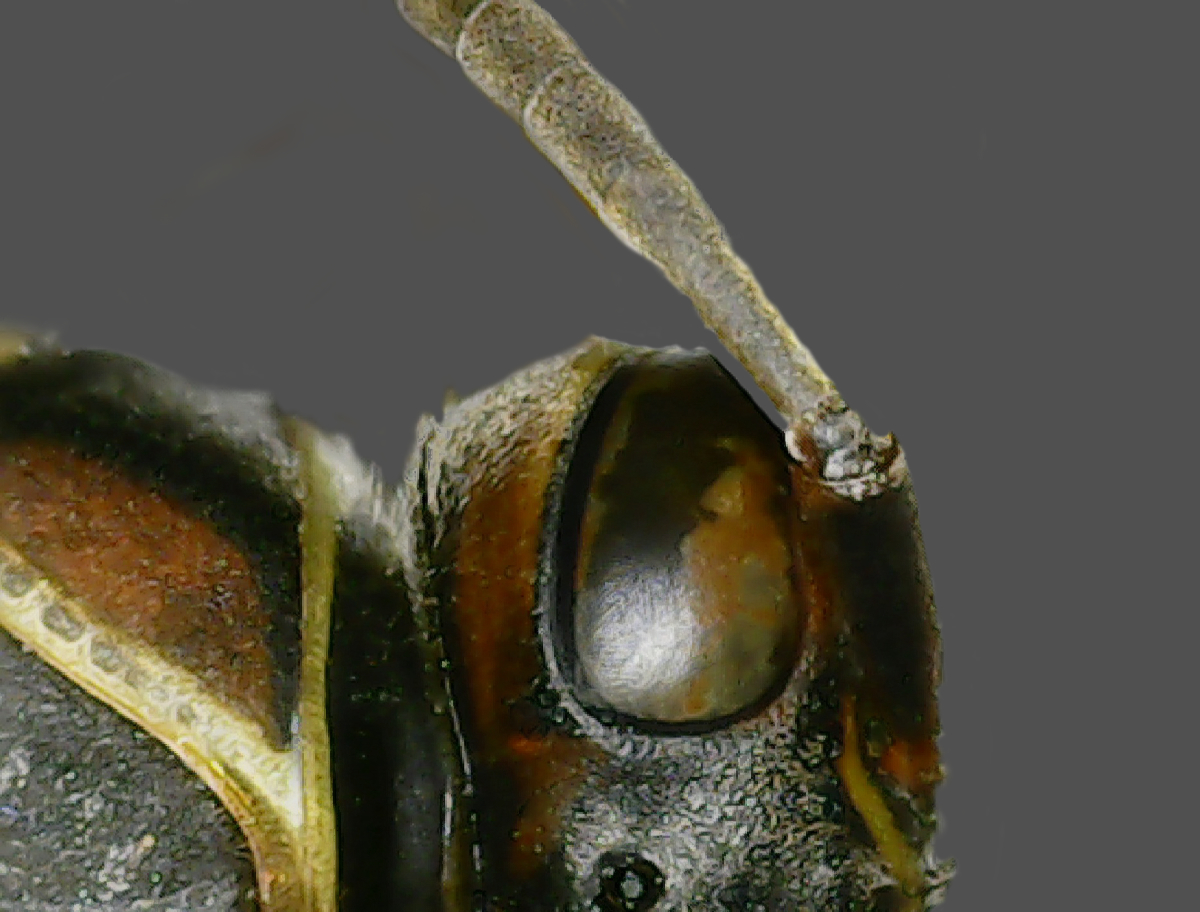
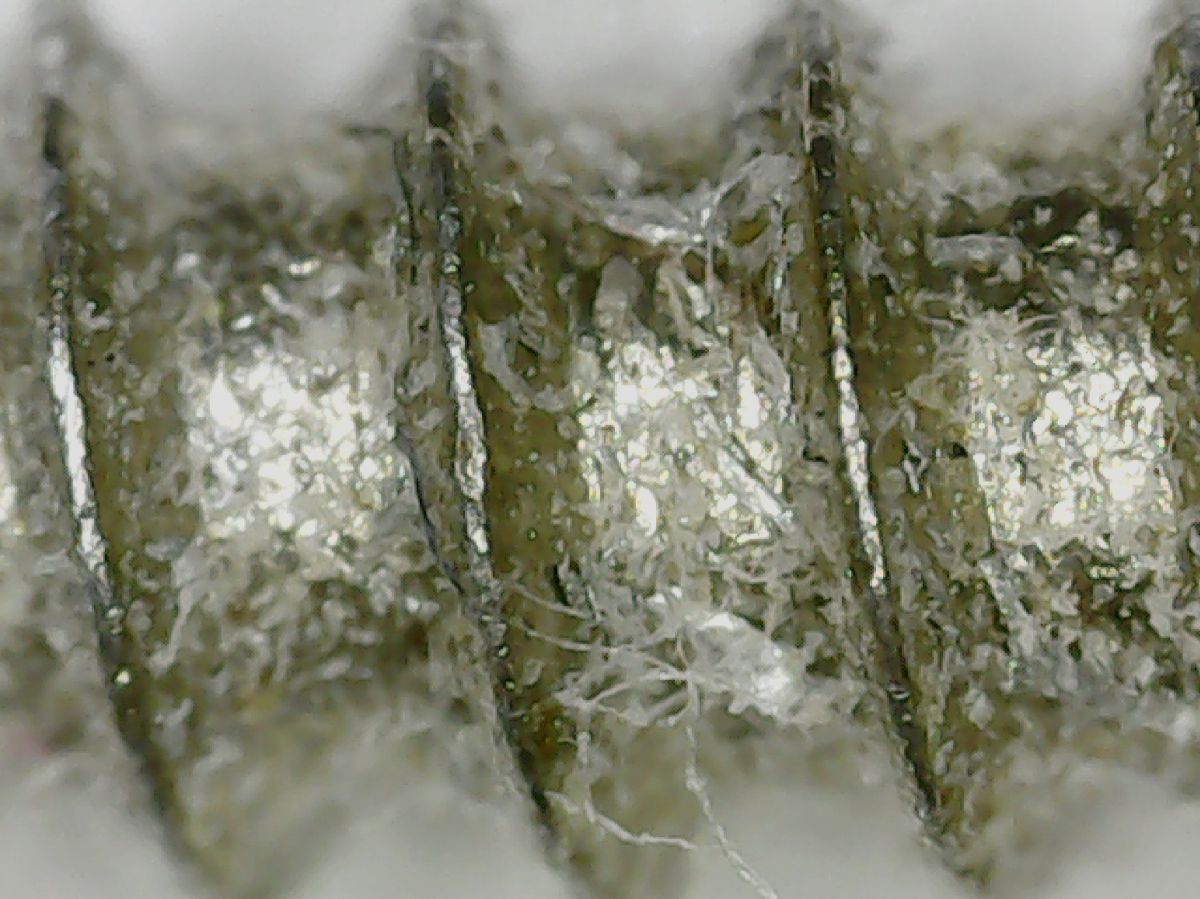
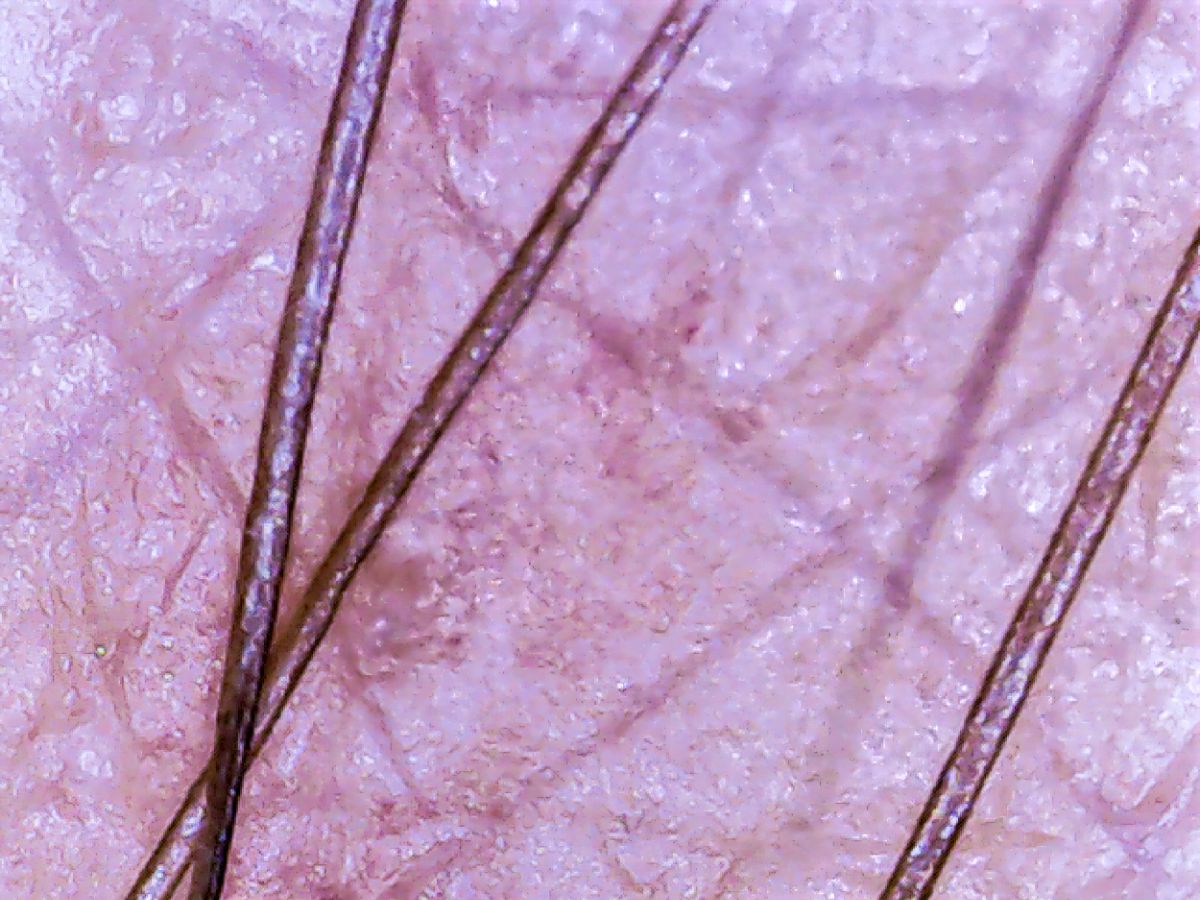
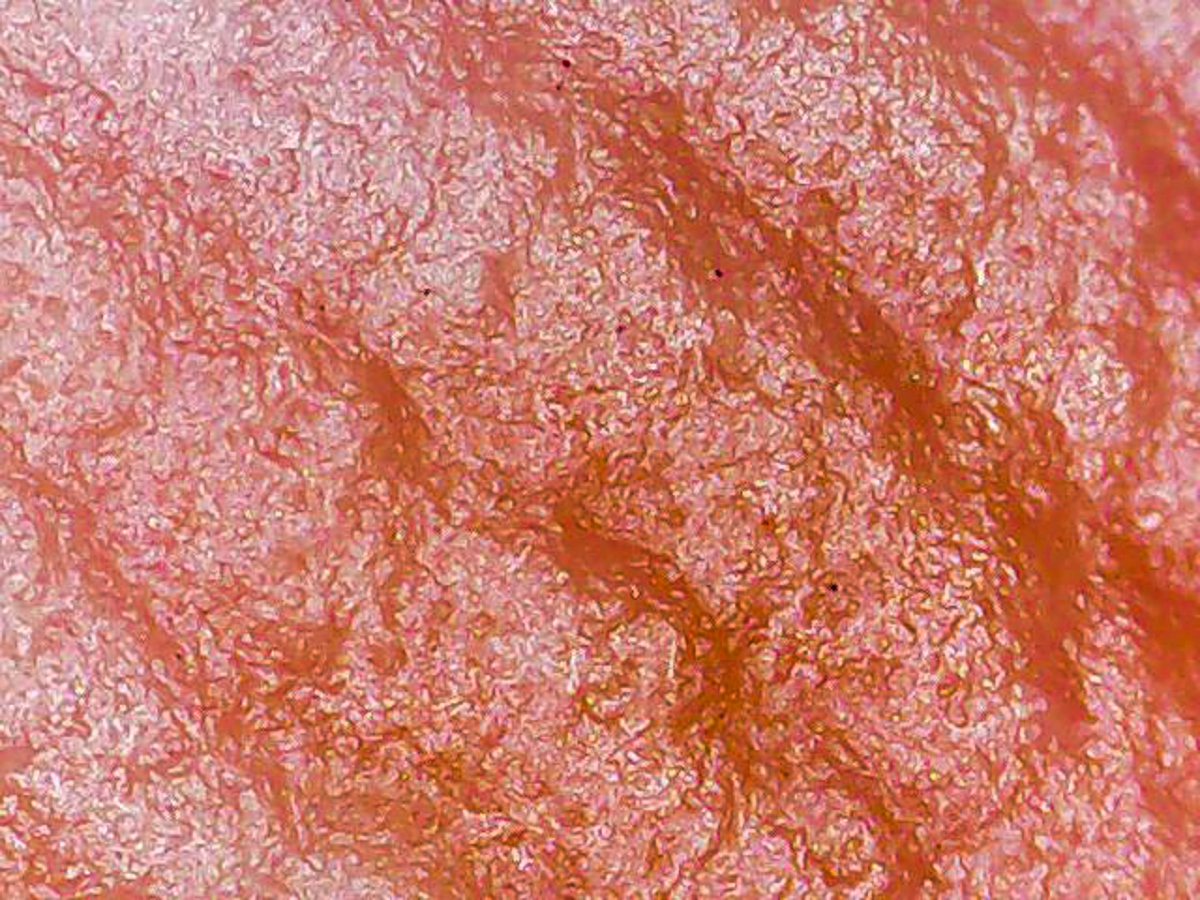
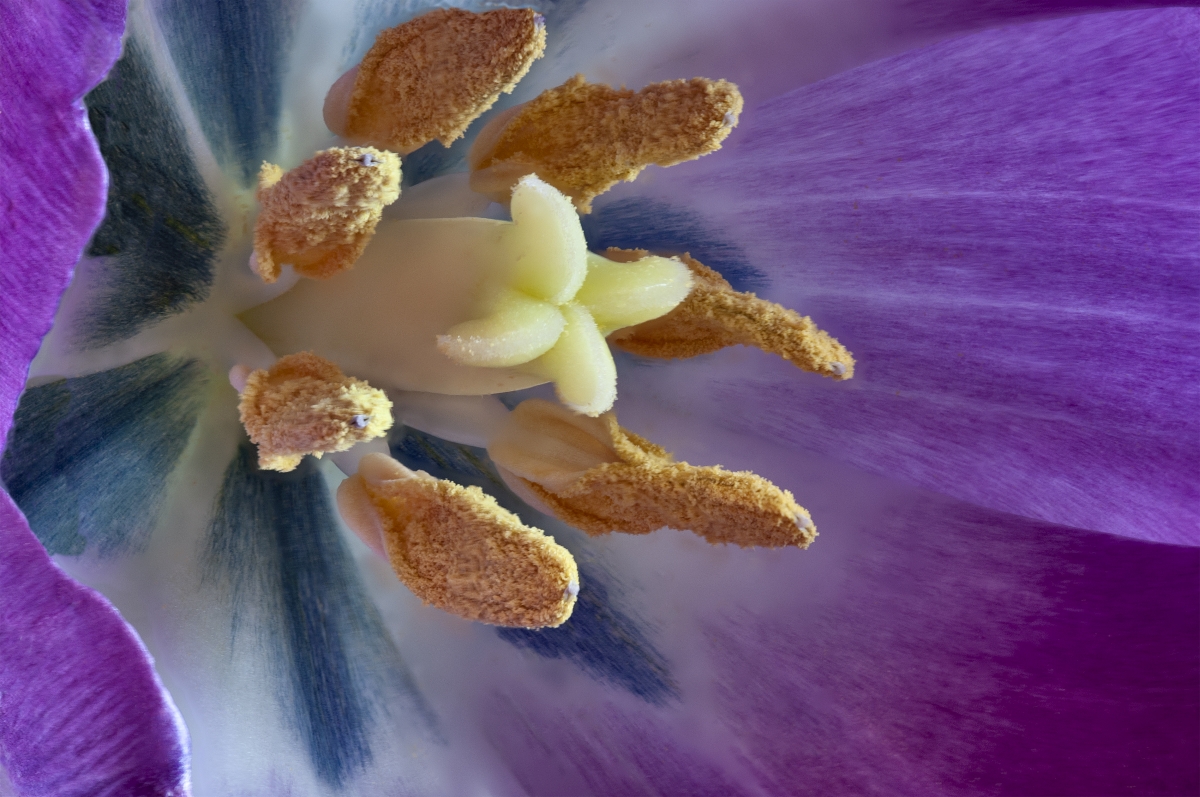
See below what you were looking at this month. |
Nov 20th |
| 53 |
Nov 20 |
Reply |
See below what you were looking at this month. |
Nov 20th |
| 53 |
Nov 20 |
Reply |
See below what you were looking at this month. |
Nov 20th |
| 53 |
Nov 20 |
Reply |
See below what you were looking at this month. |
Nov 20th |
| 53 |
Nov 20 |
Reply |
See below what you were looking at this month. |
Nov 20th |
| 53 |
Nov 20 |
Reply |
See below what you were looking at this month. |
Nov 20th |
| 53 |
Nov 20 |
Reply |
See below what you were looking at this month. |
Nov 20th |
| 53 |
Nov 20 |
Comment |
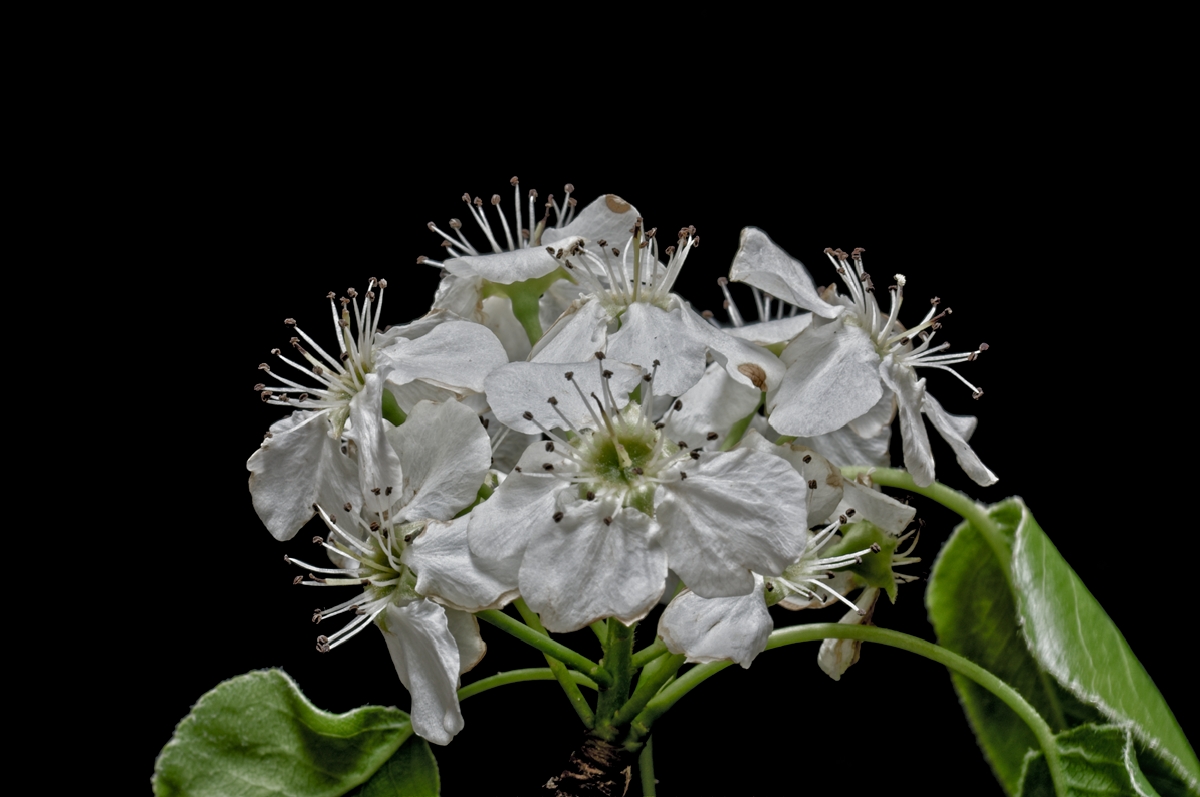
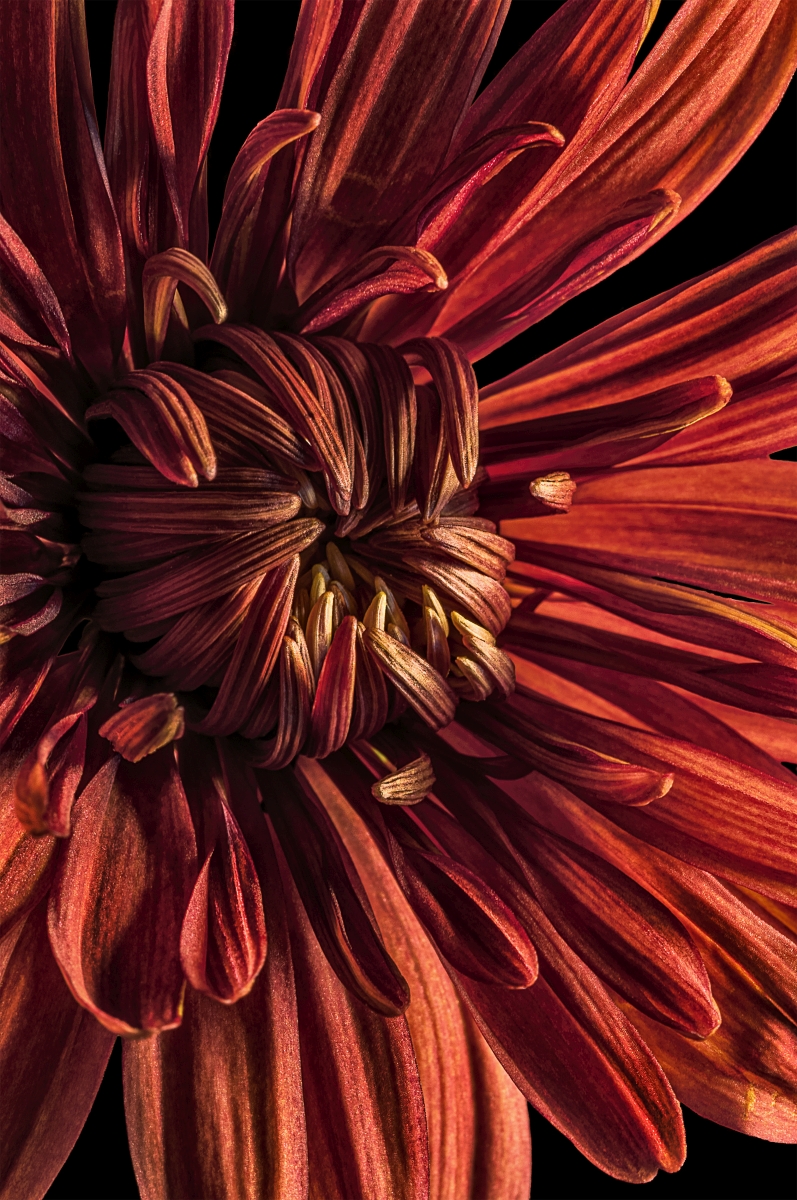
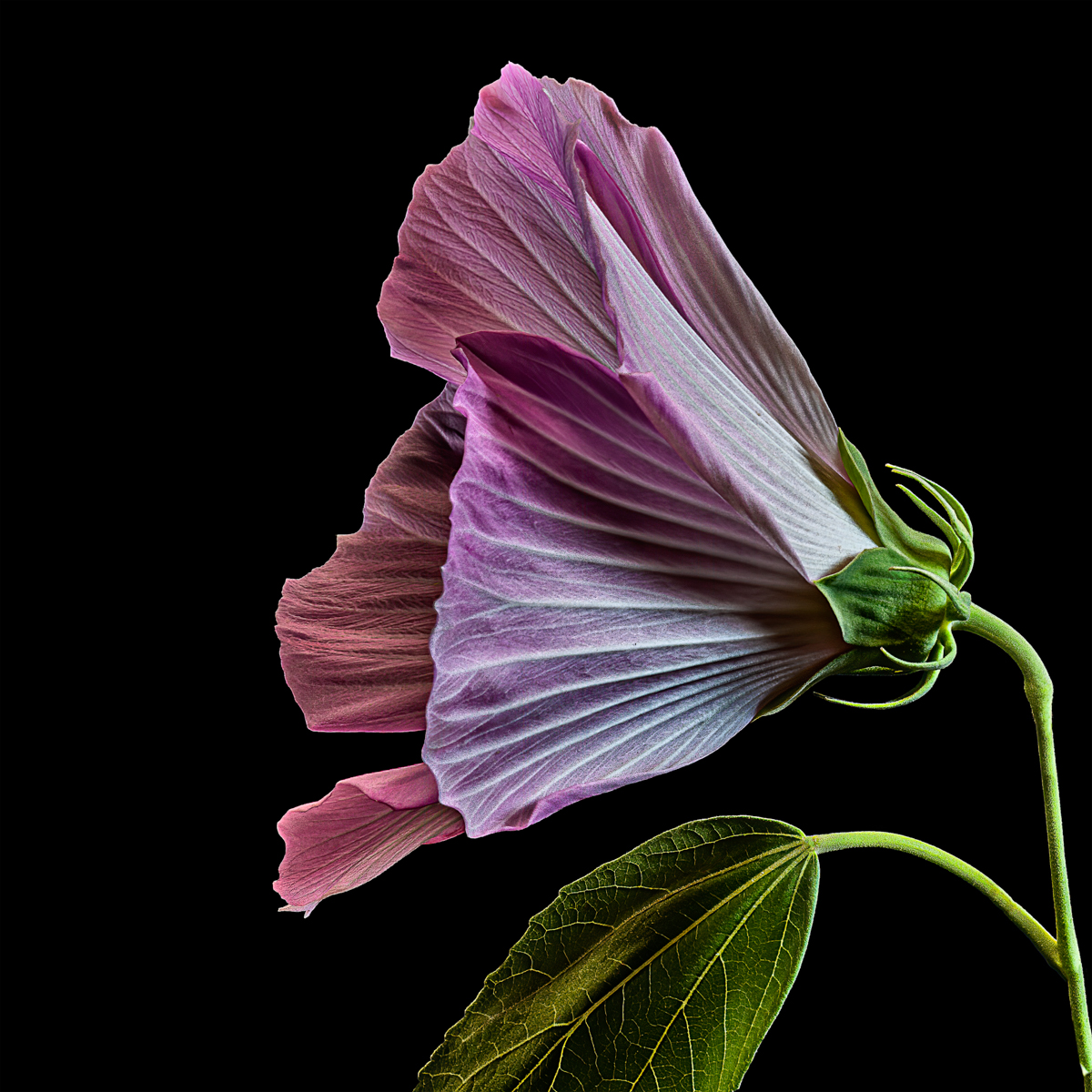
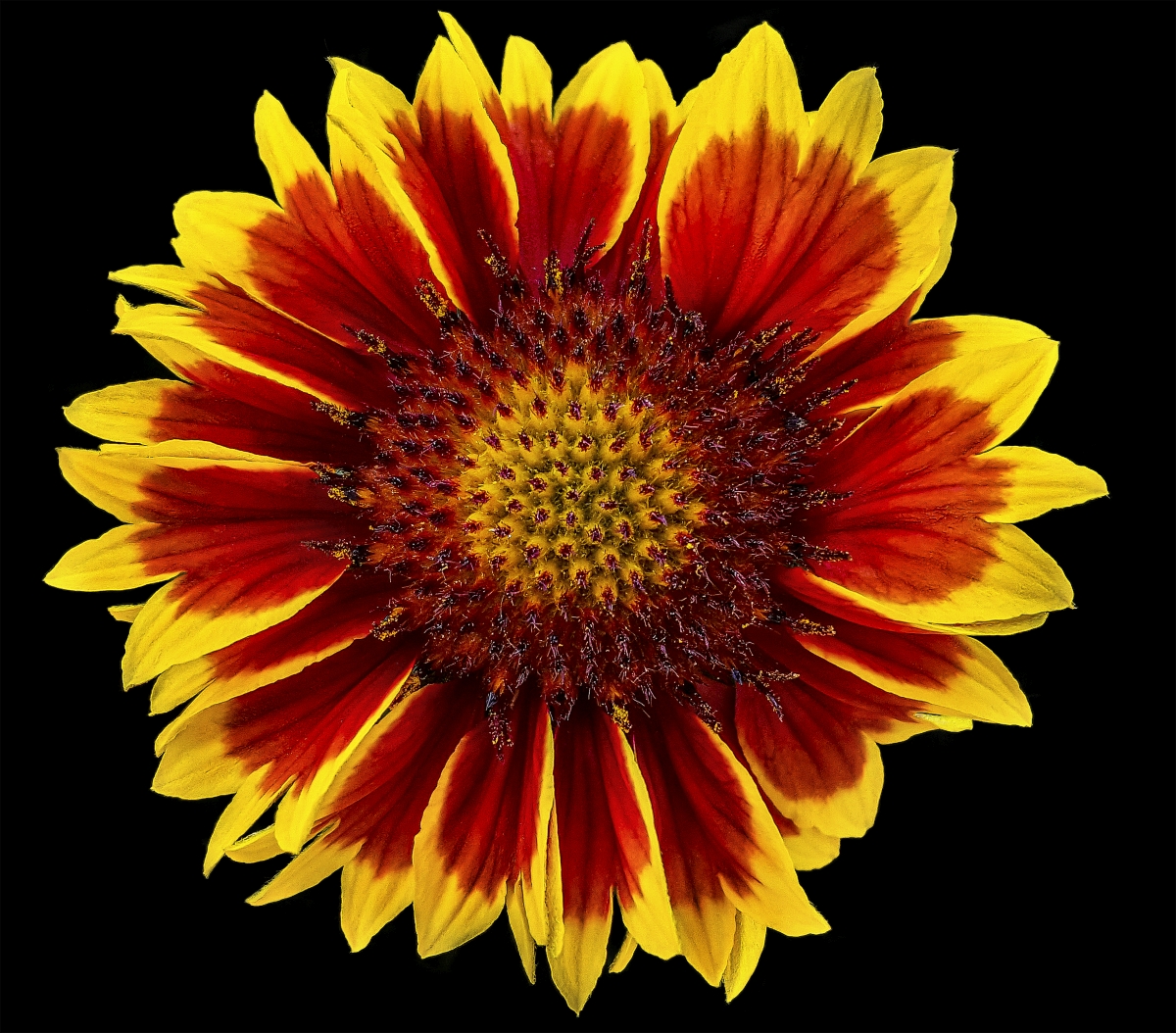
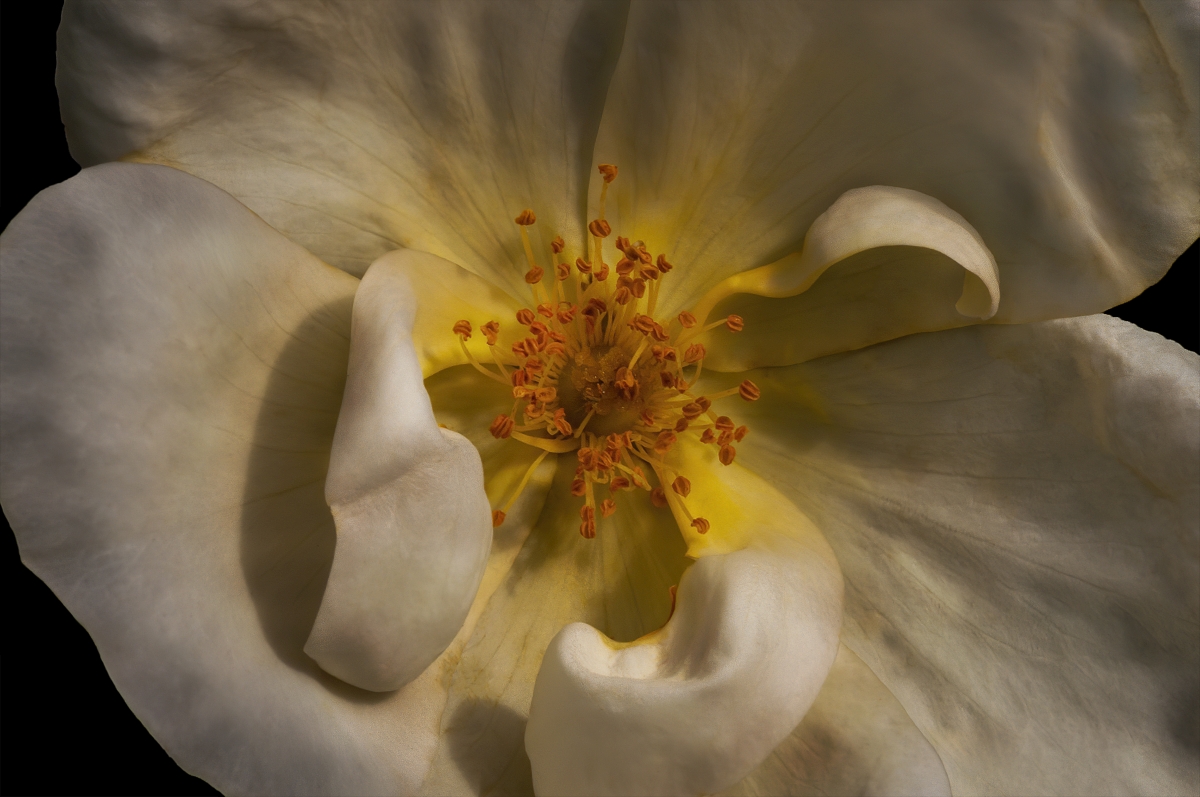
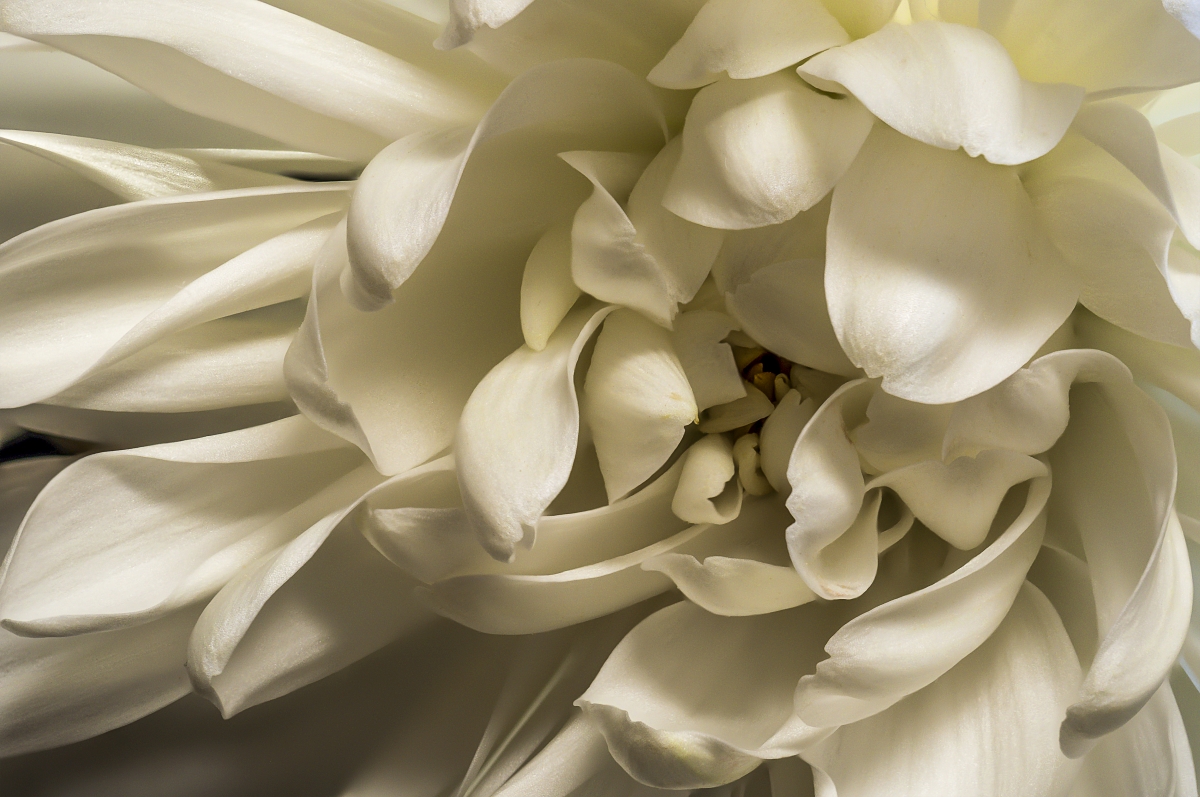
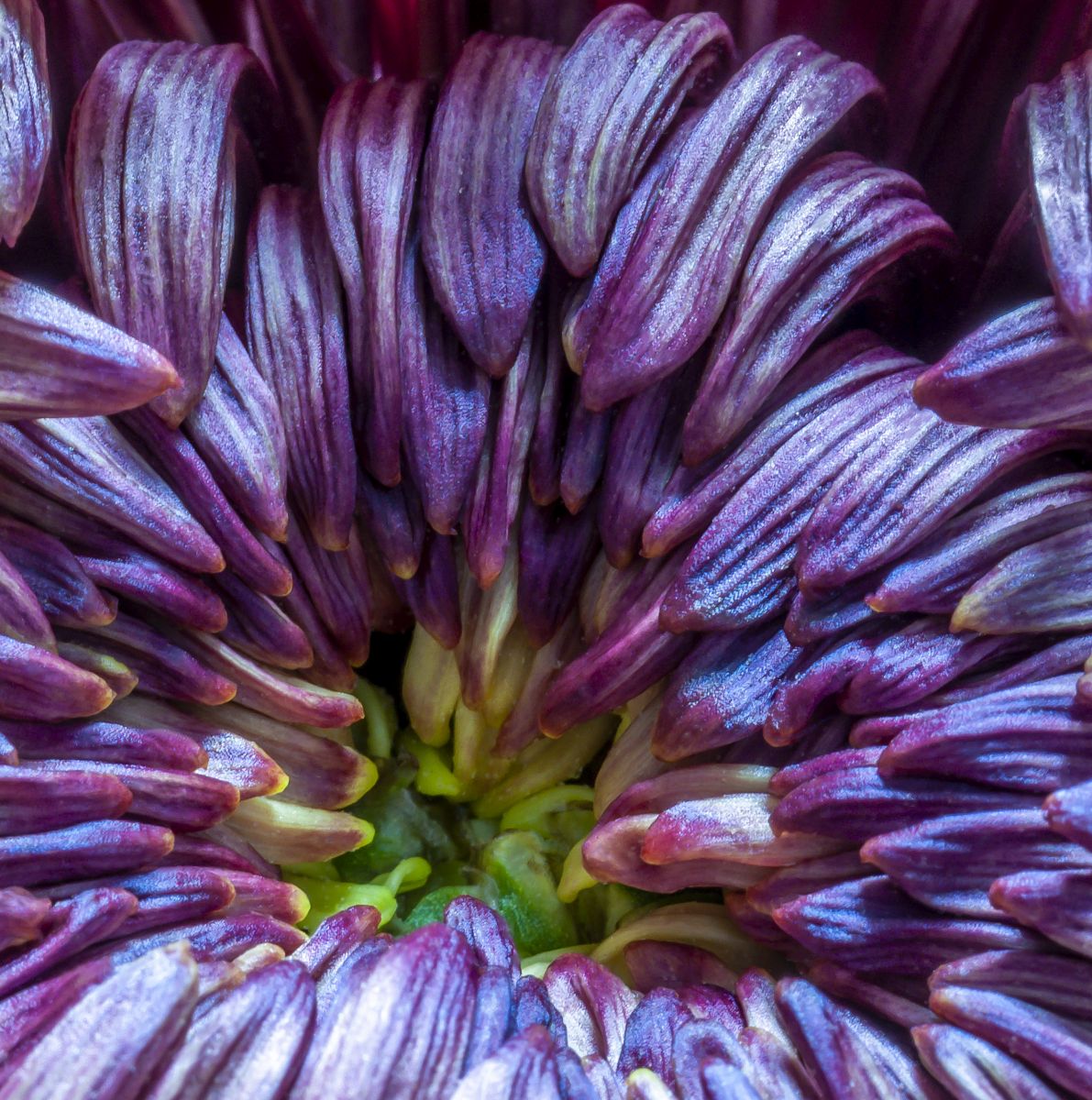
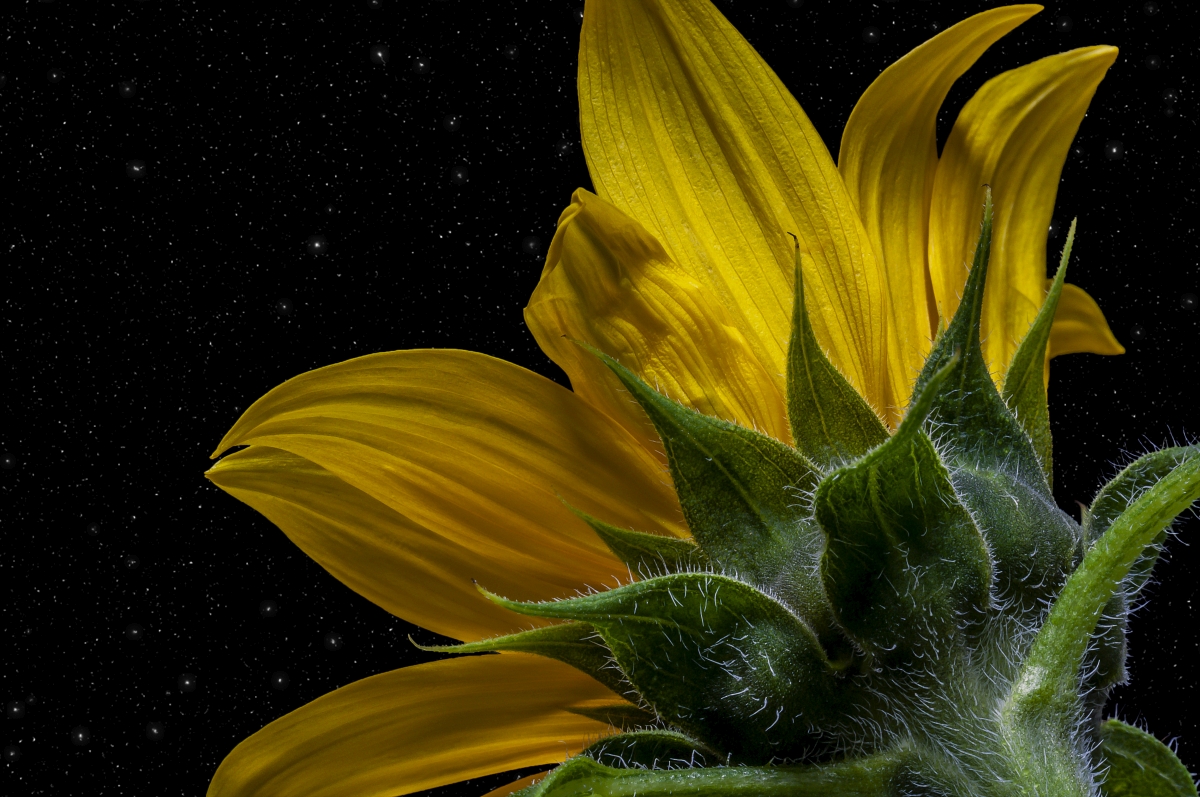
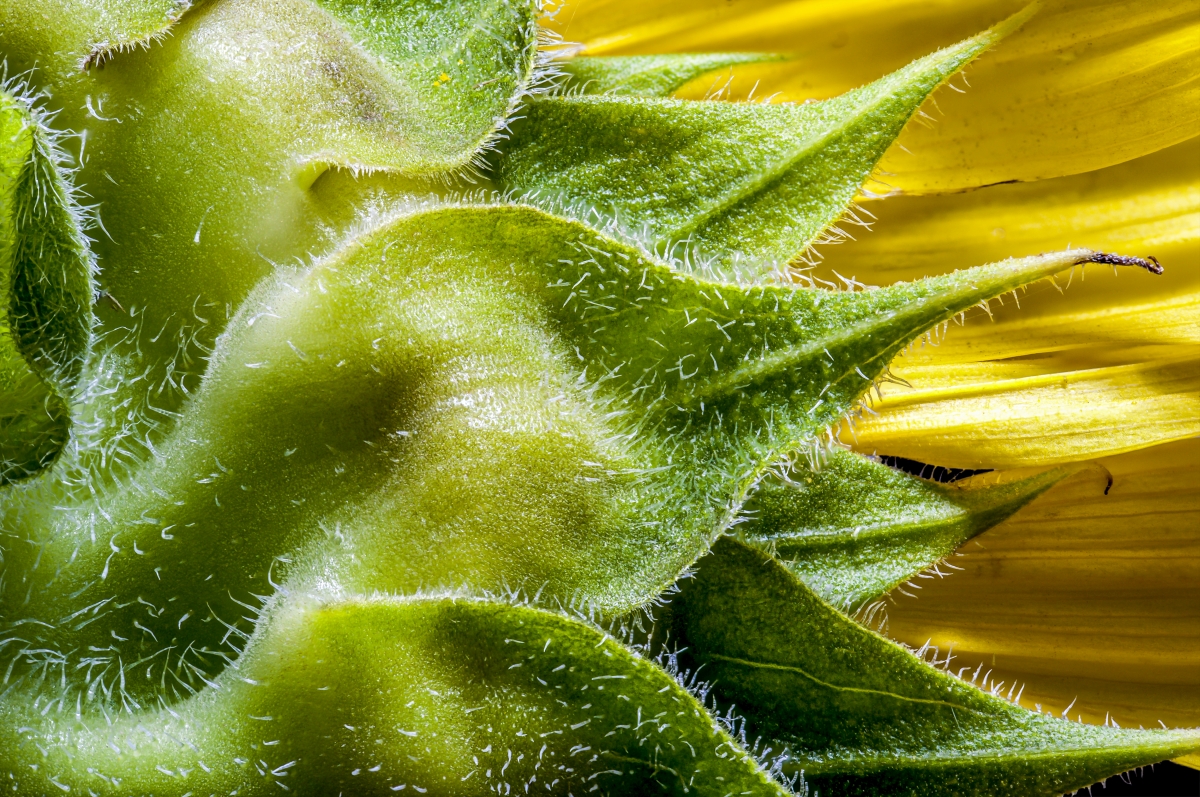
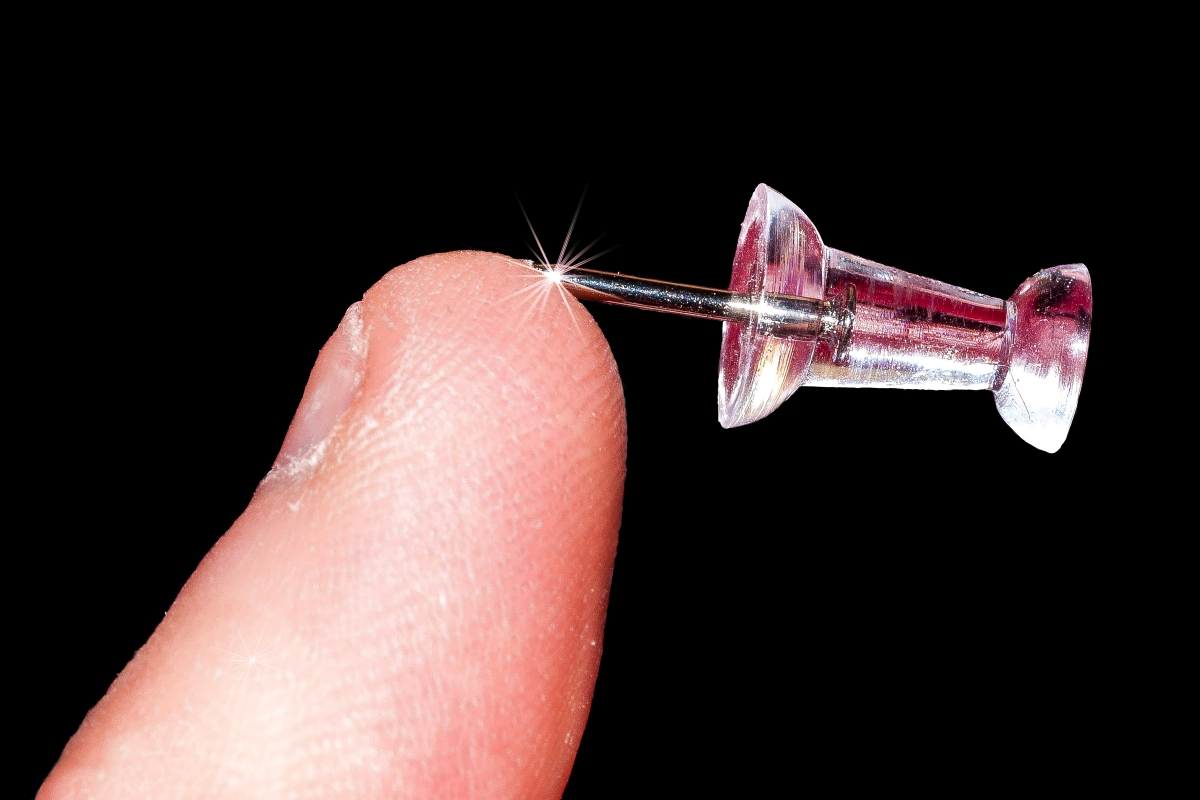
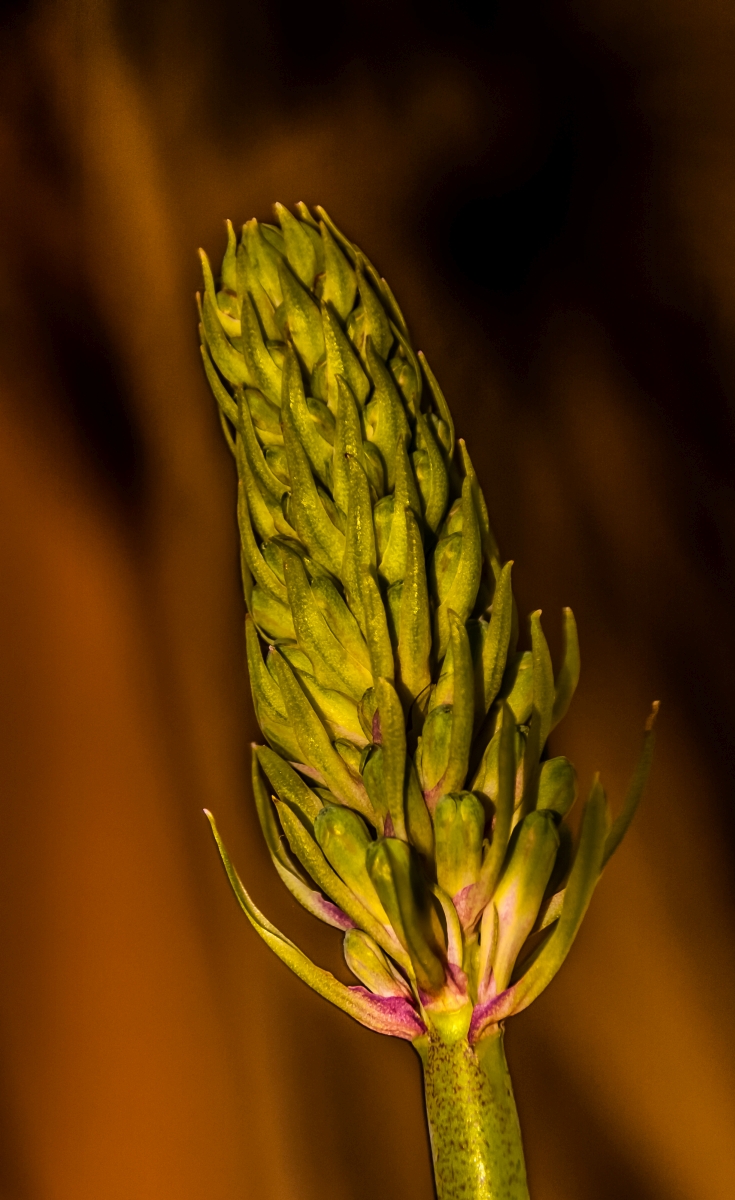
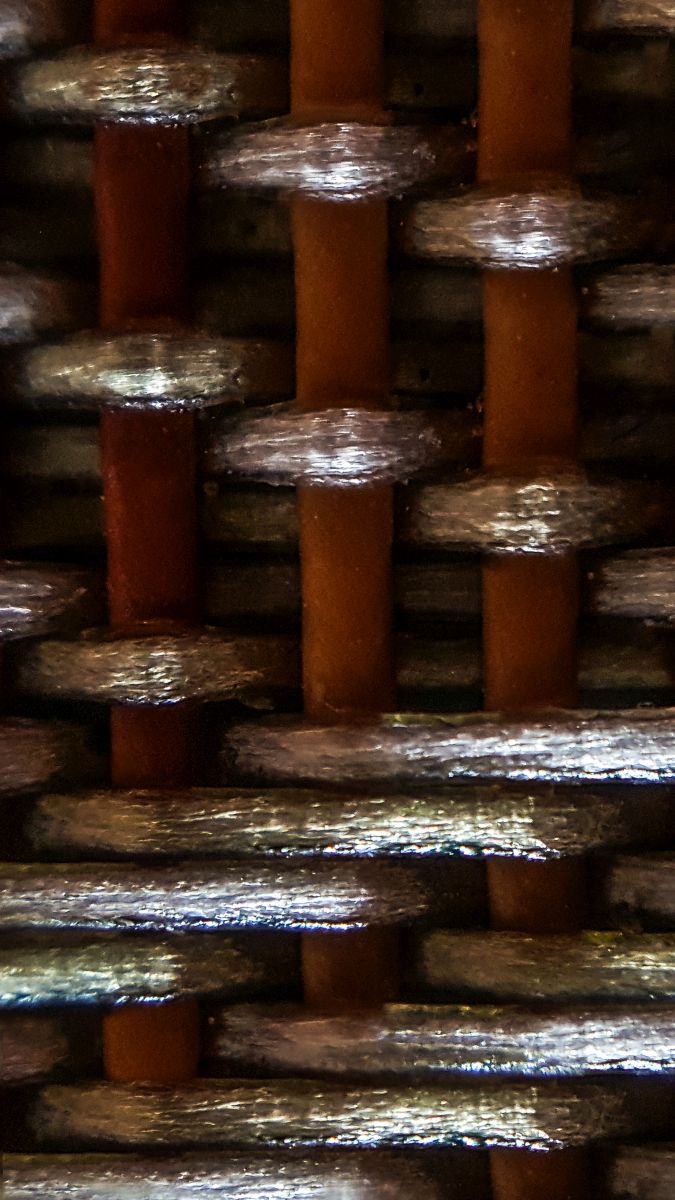
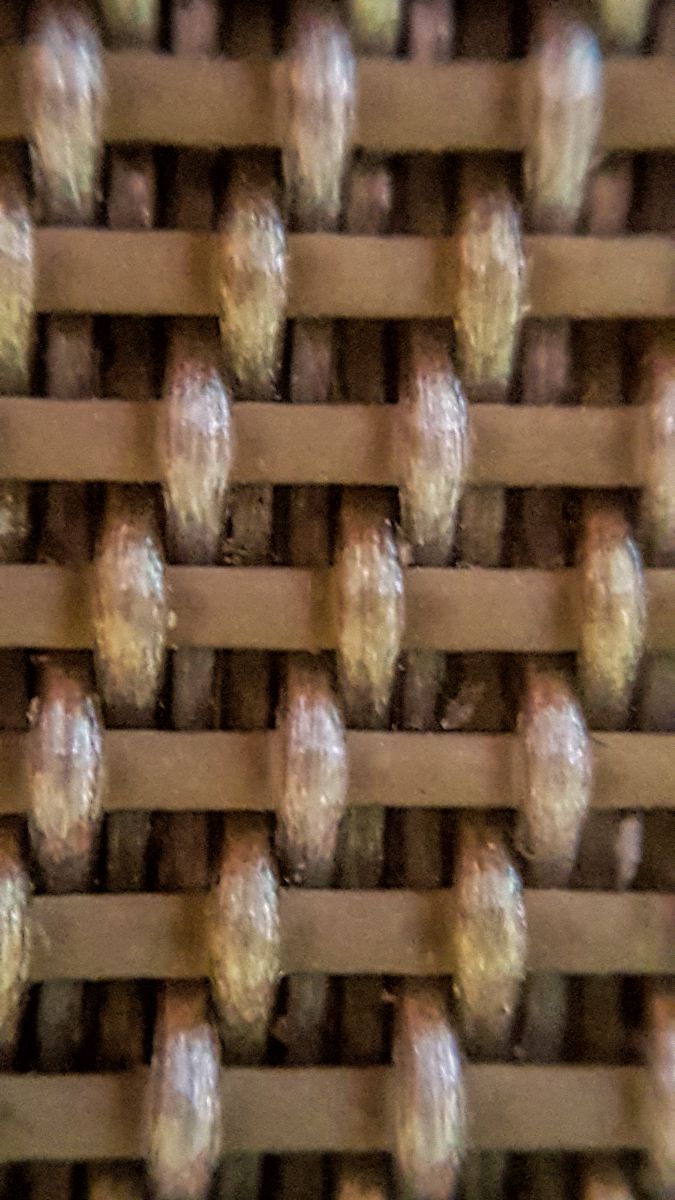
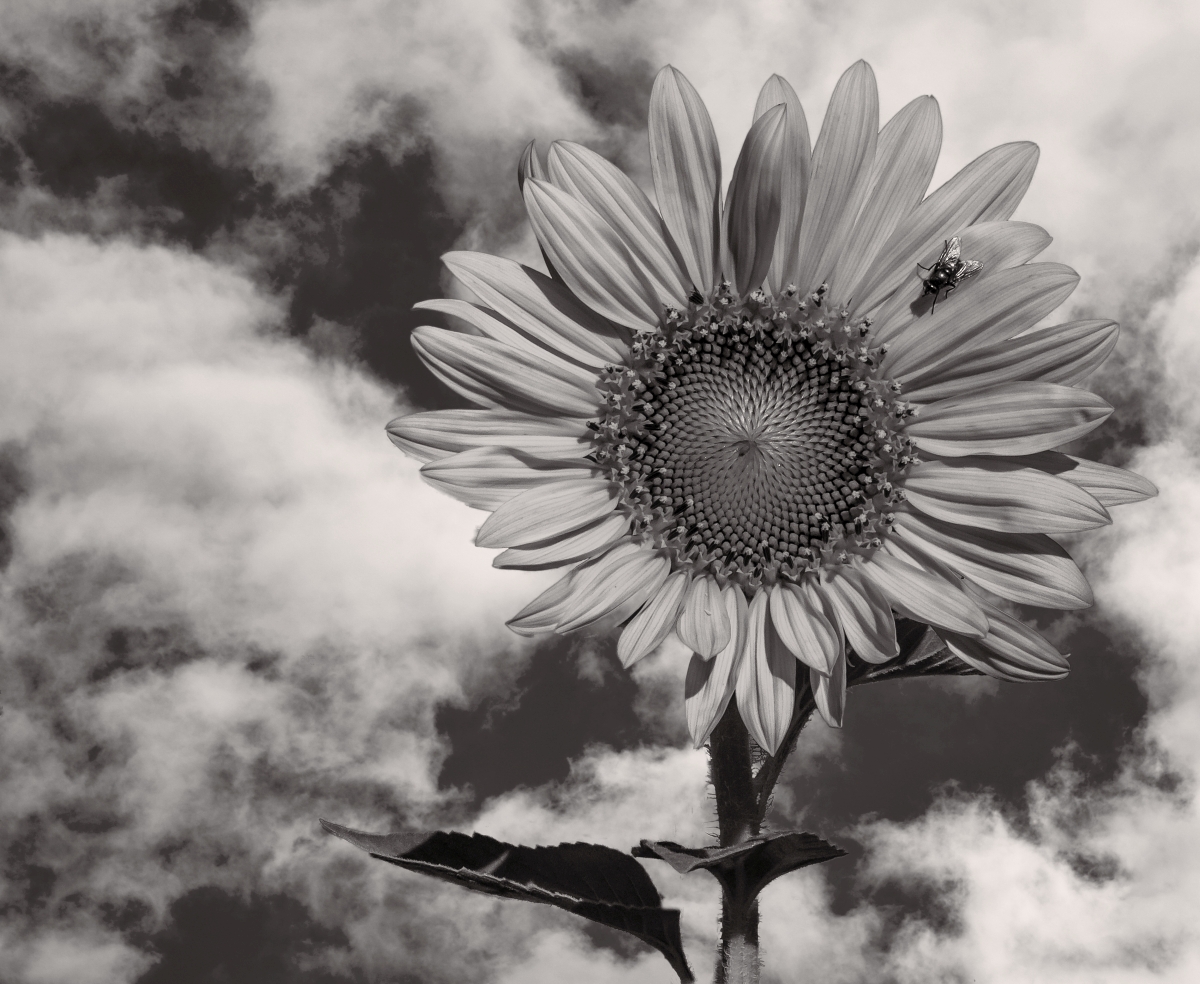
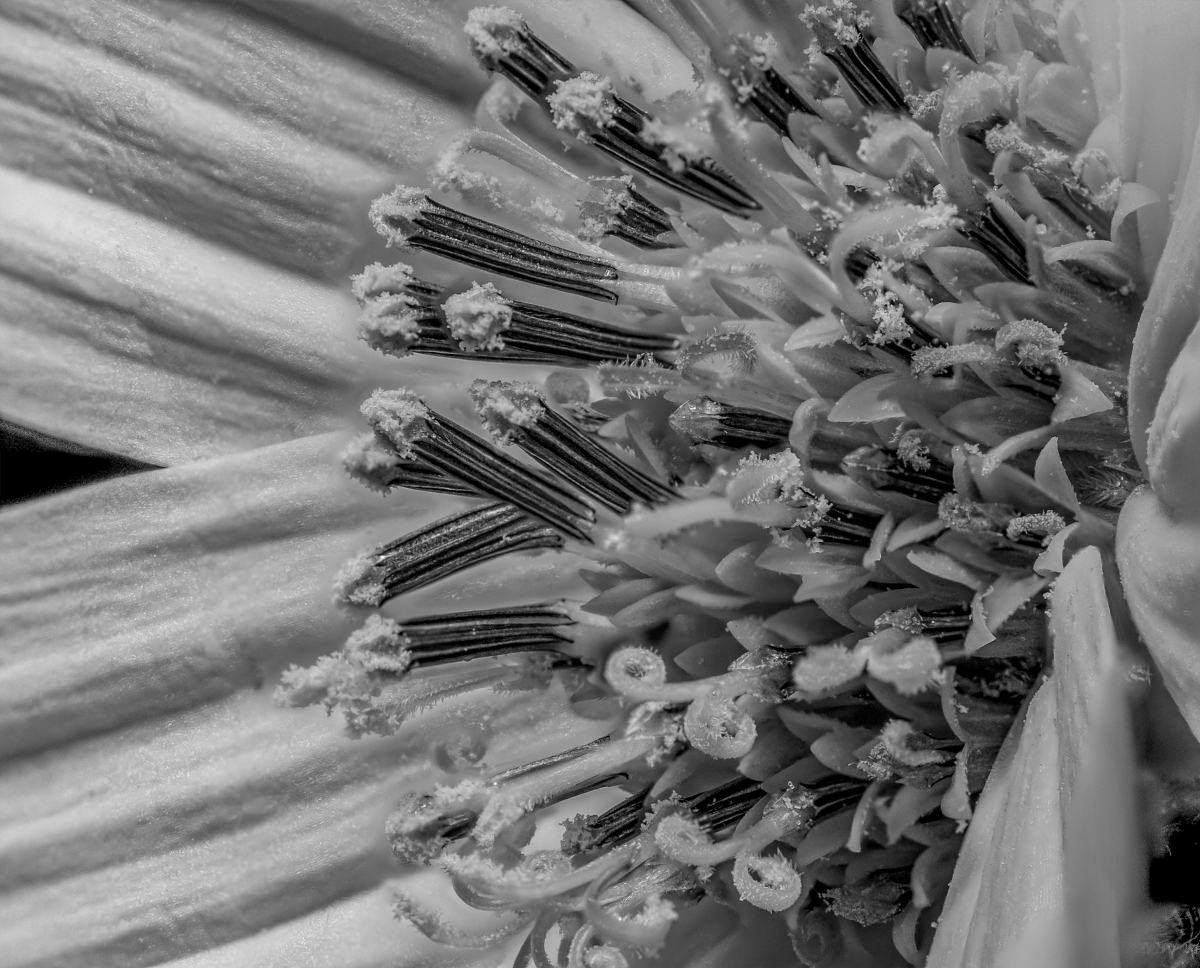
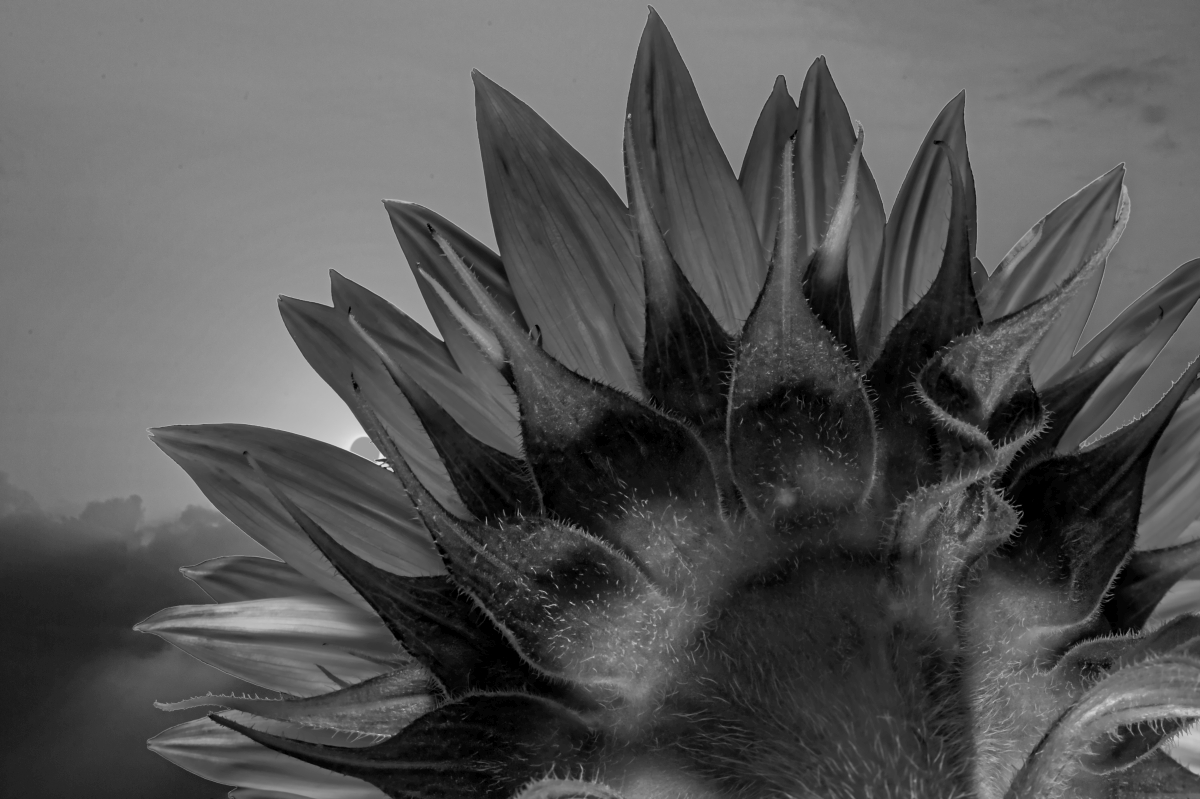
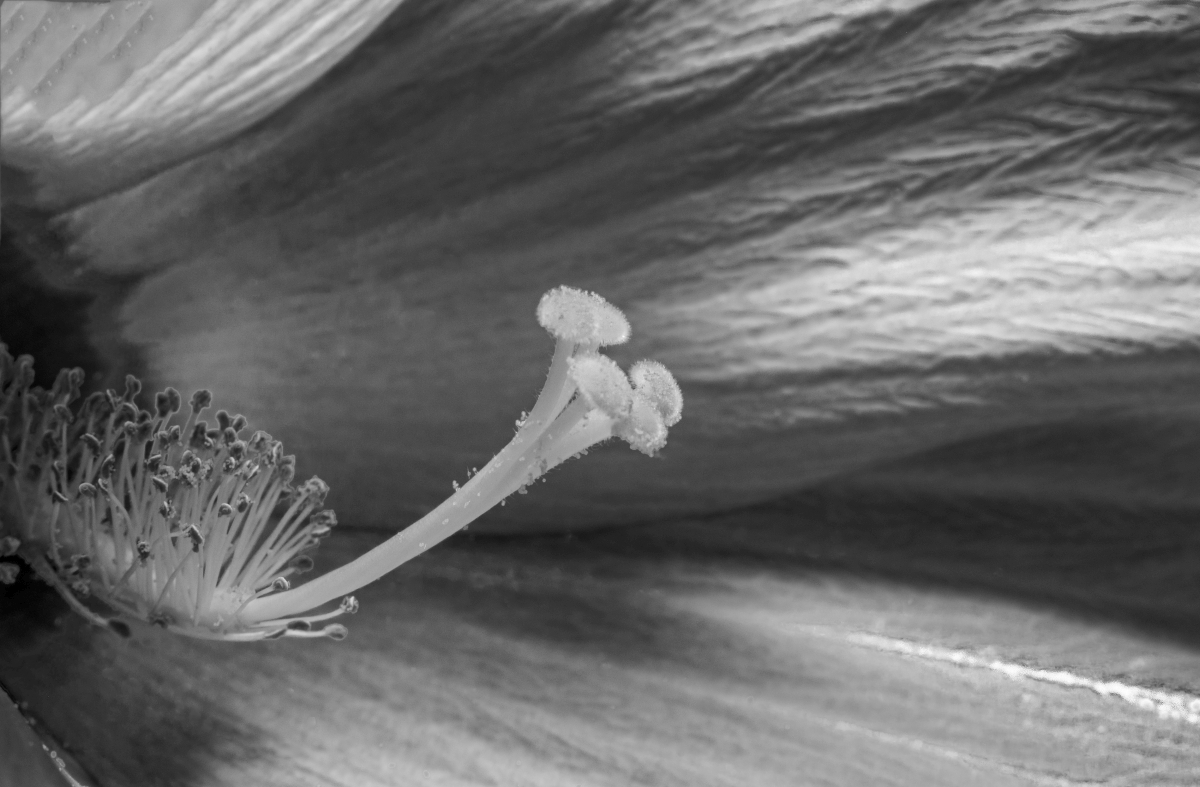
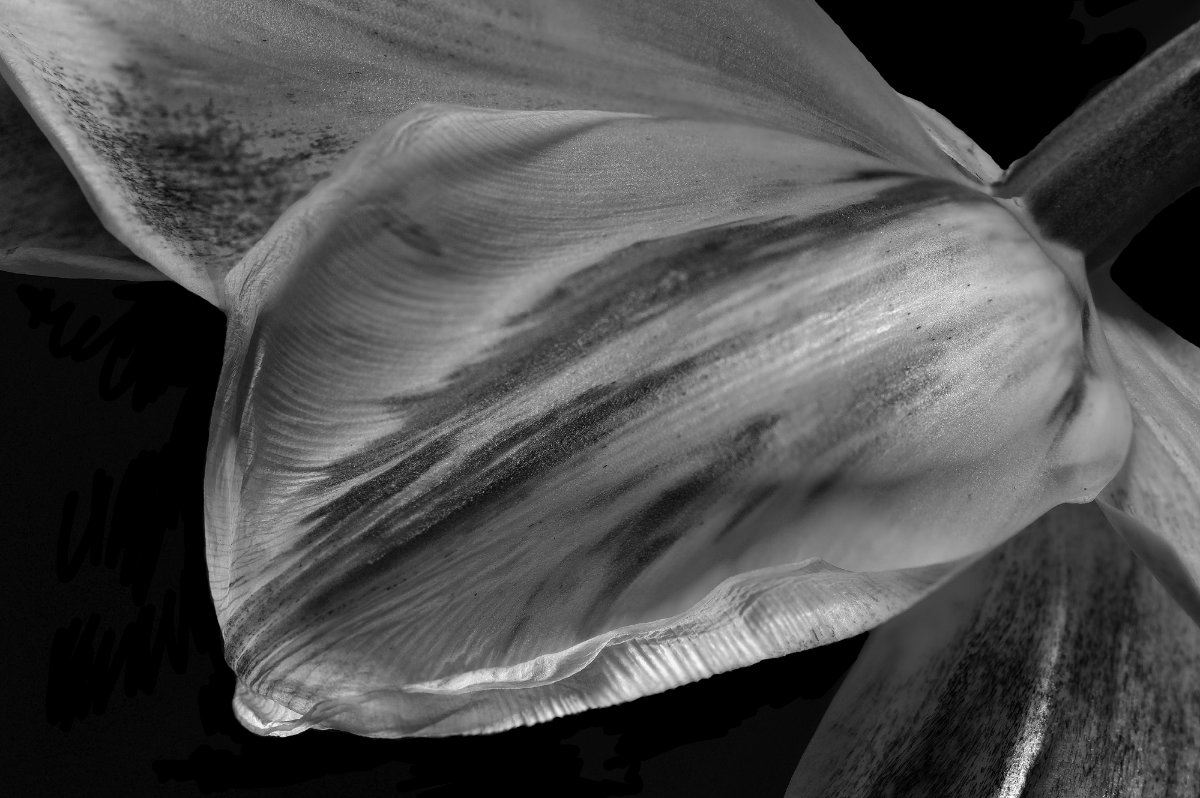
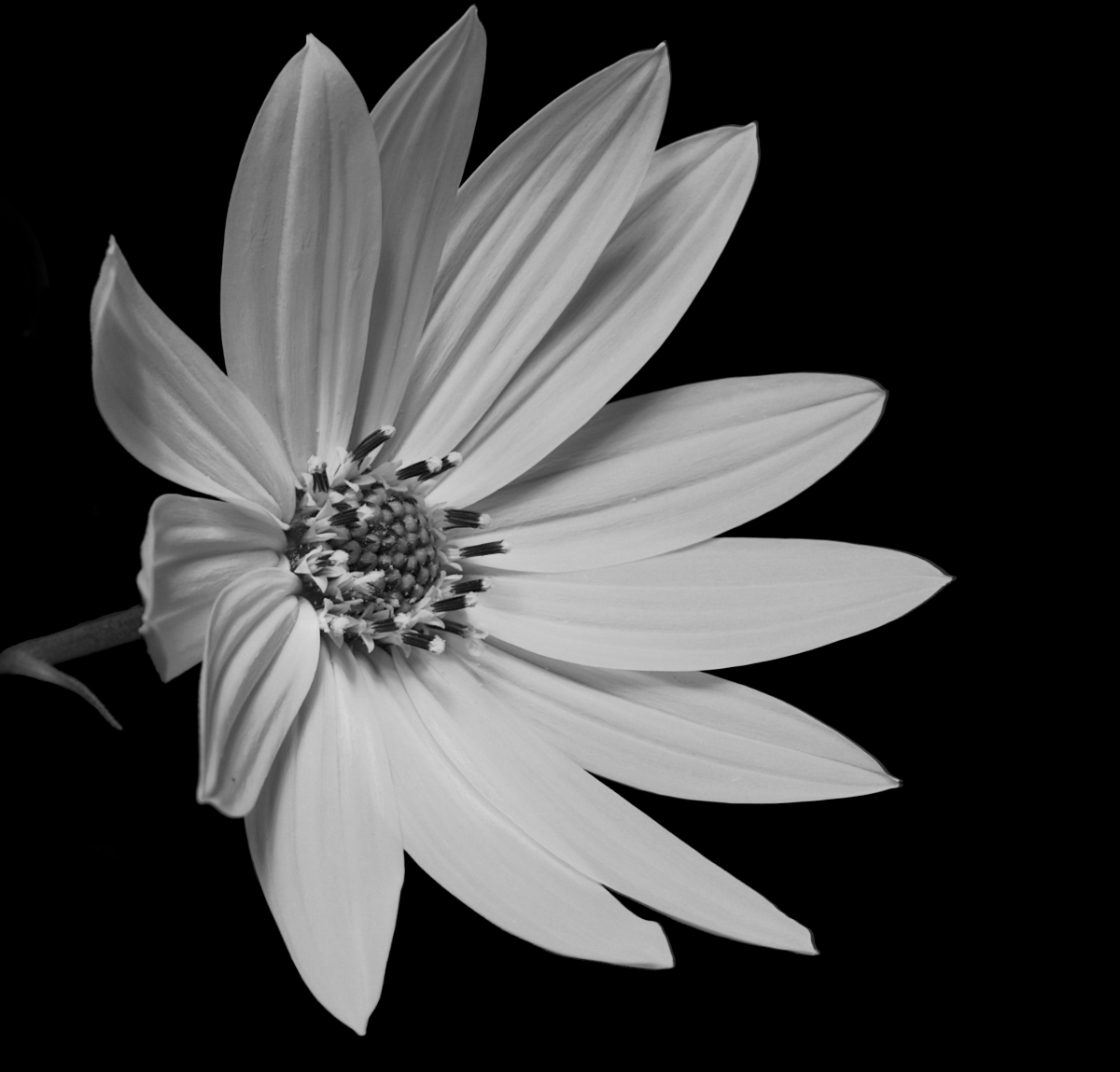
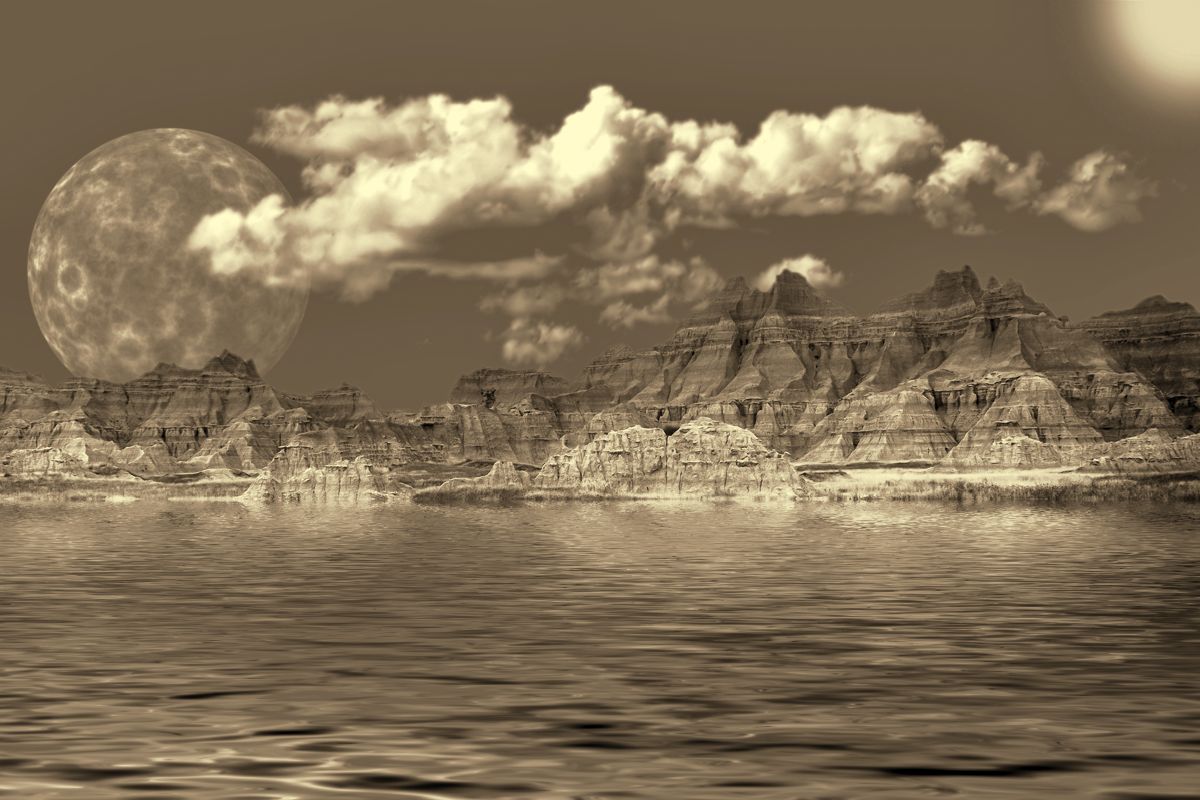
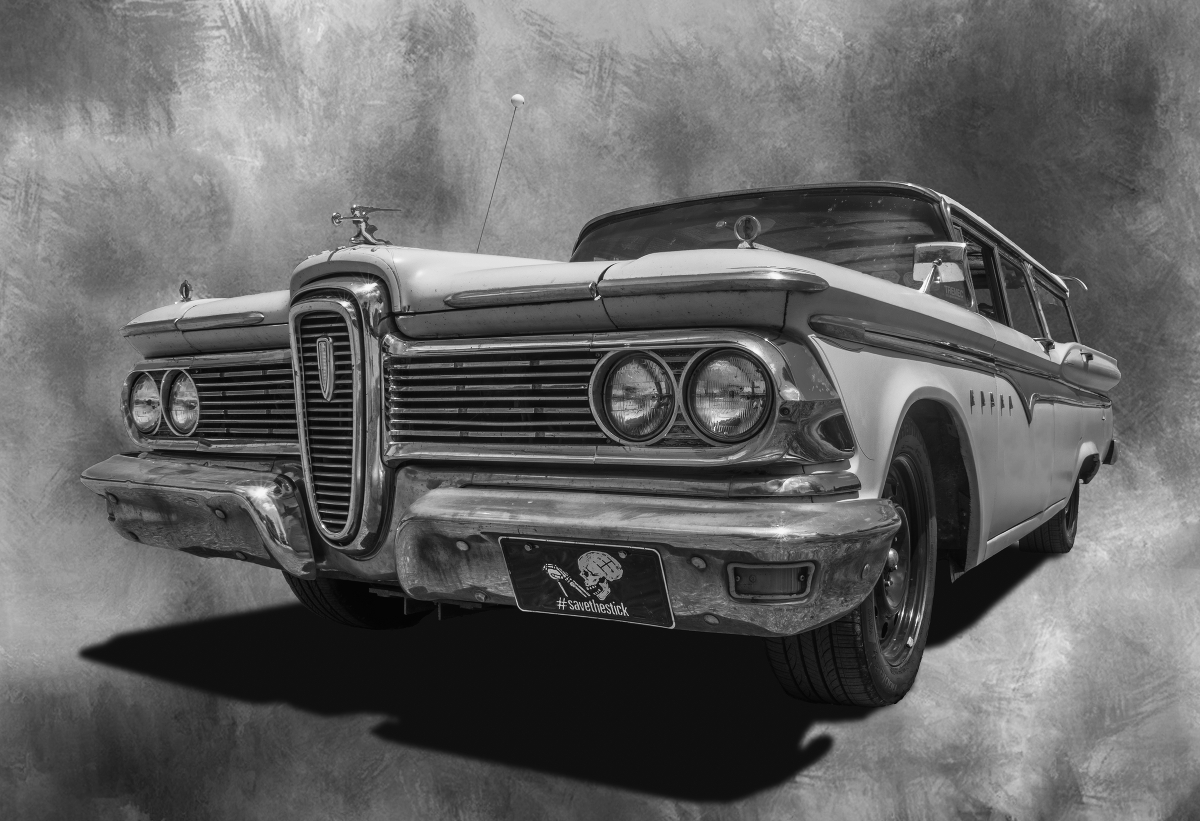
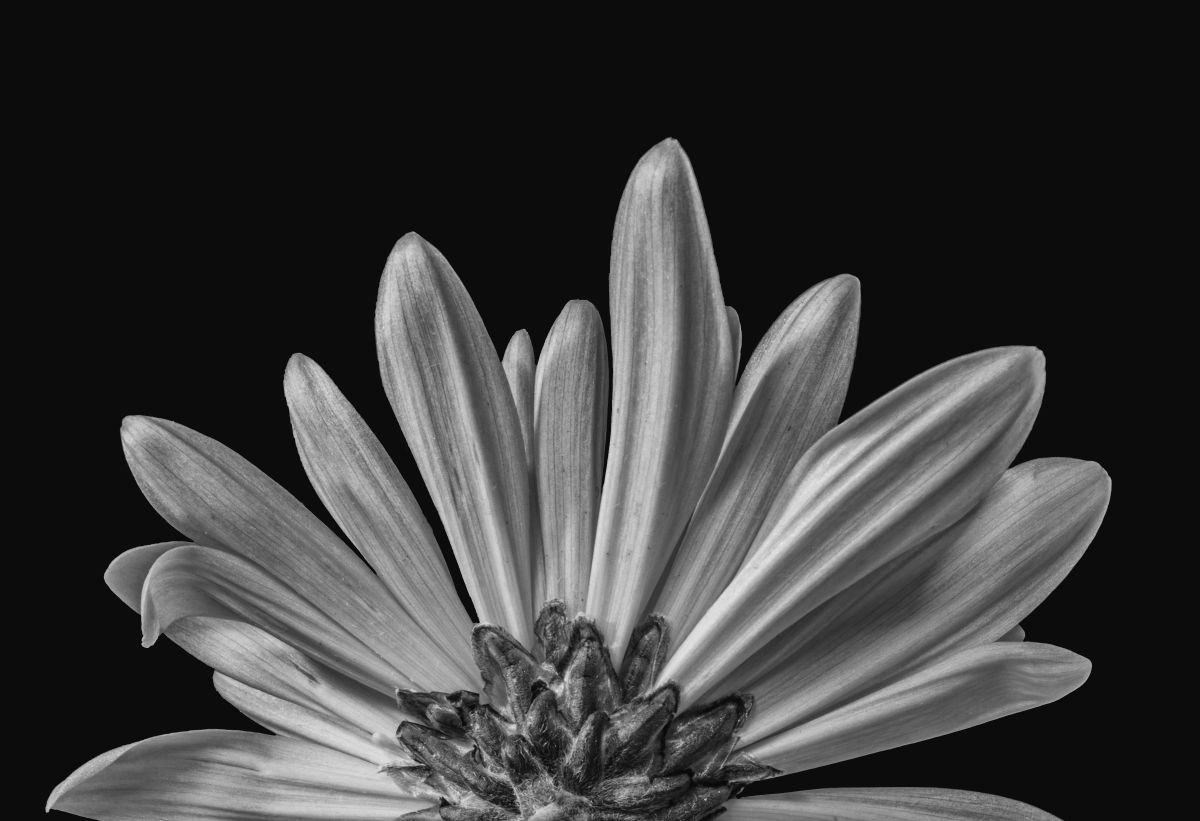
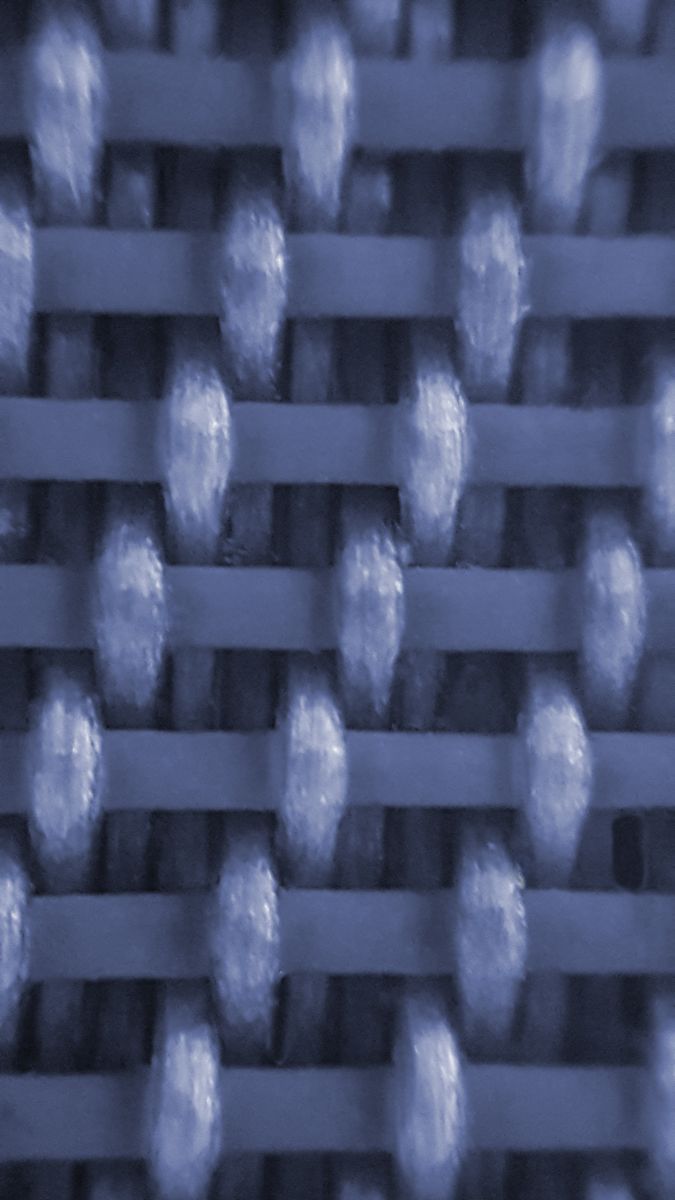
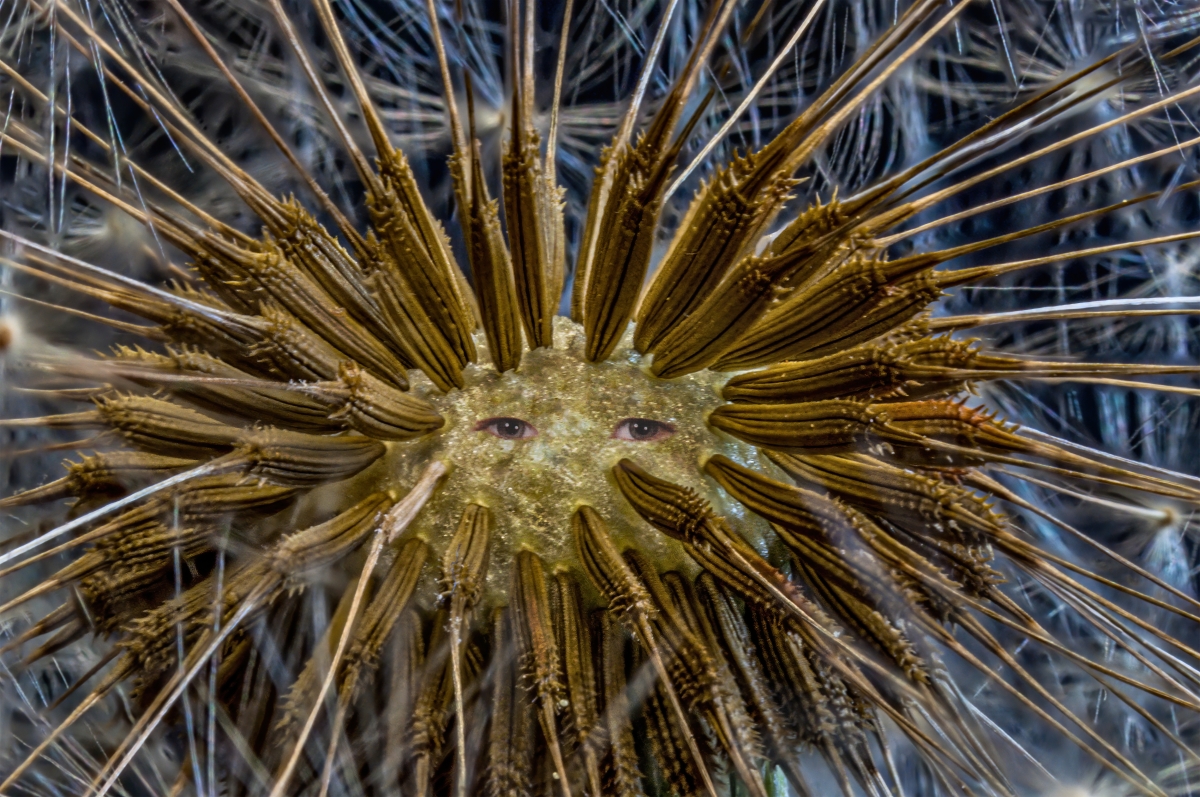
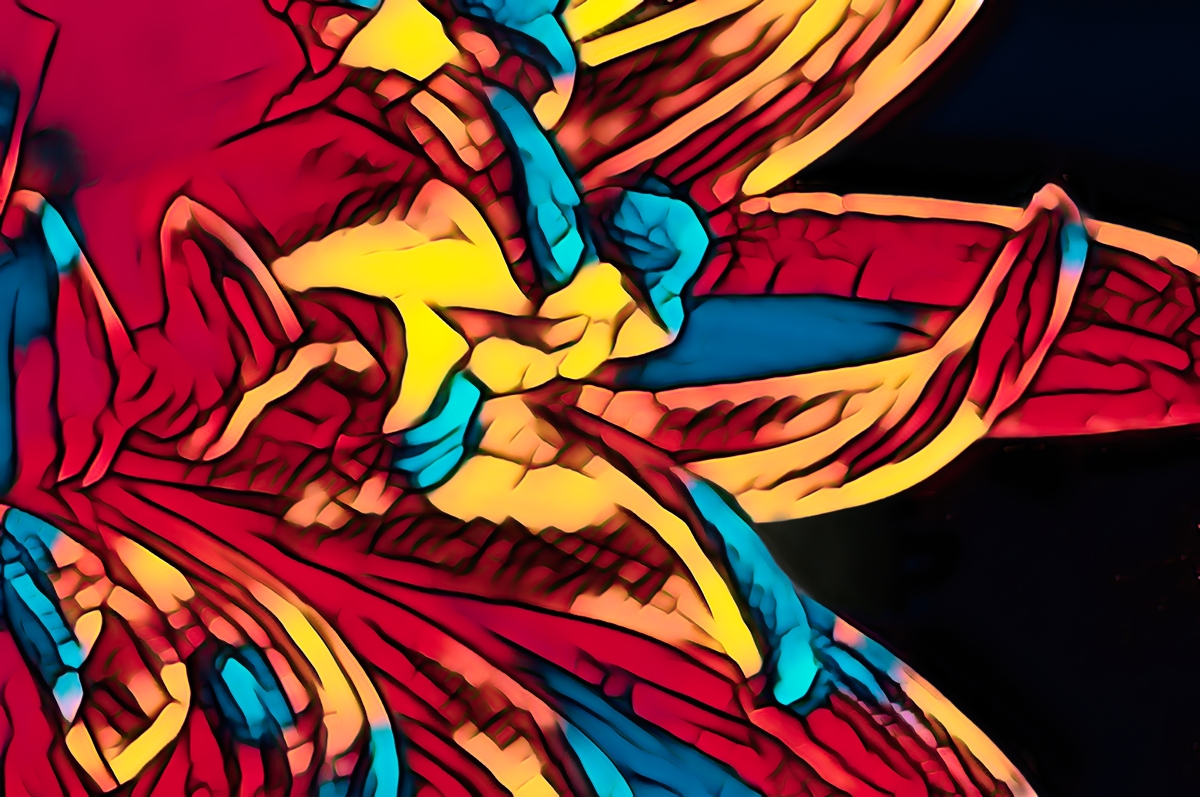
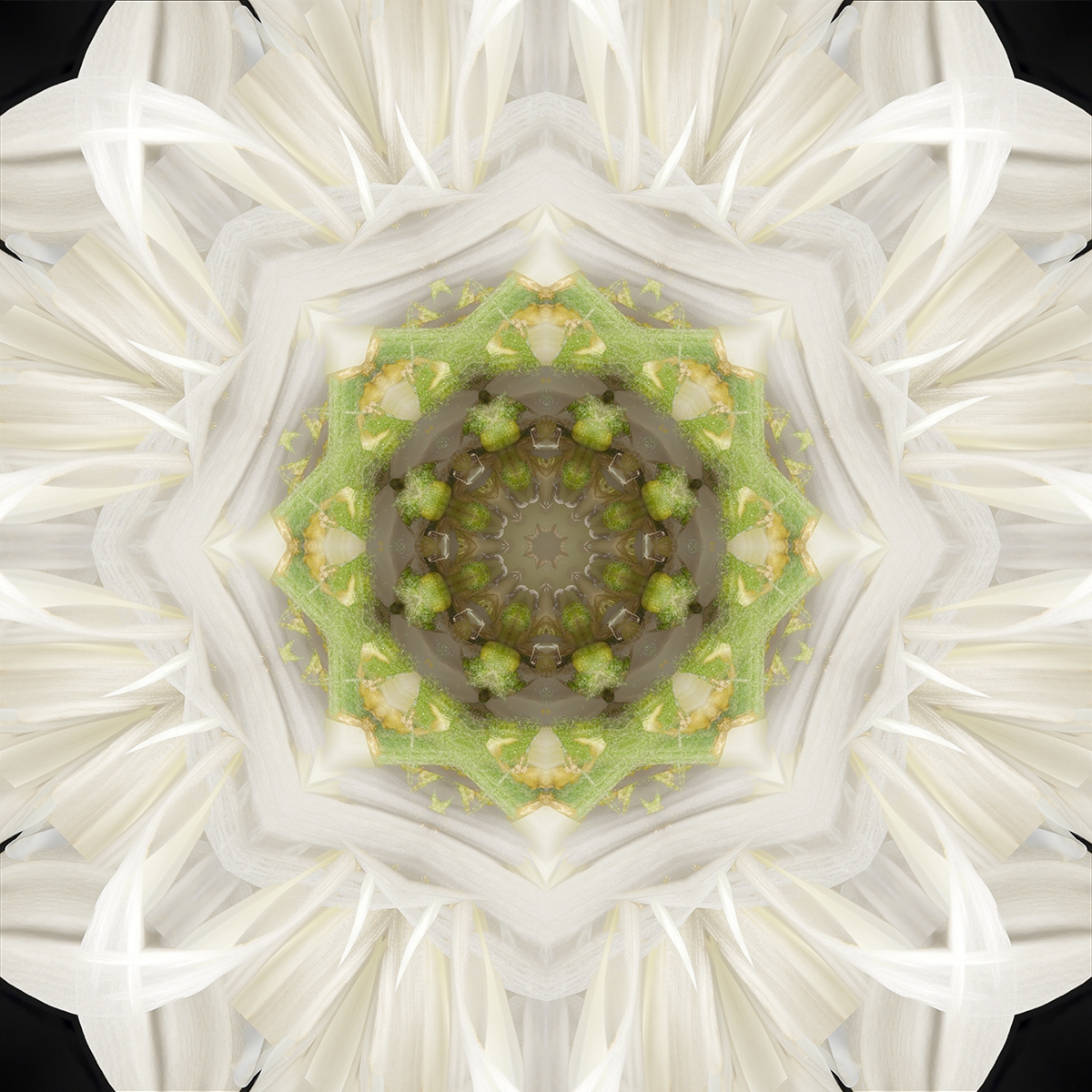
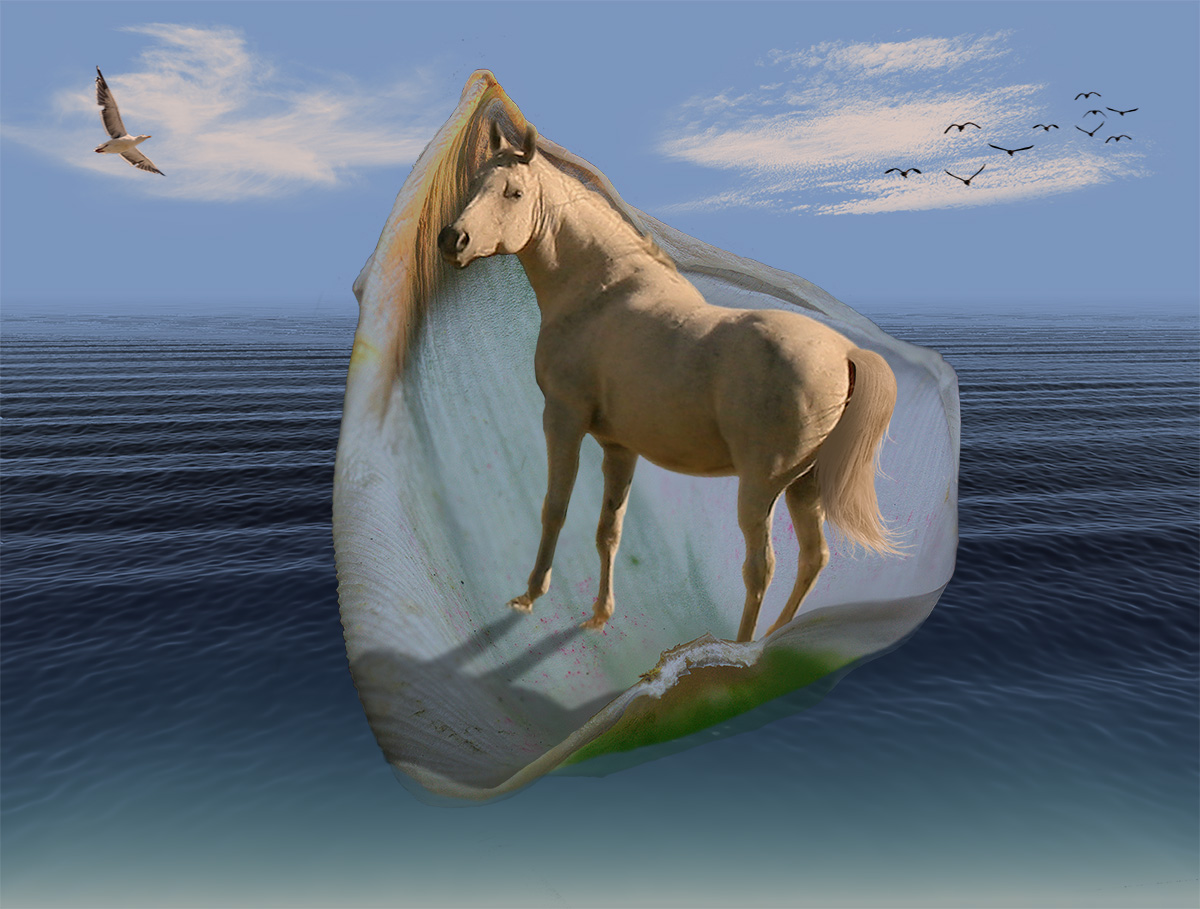
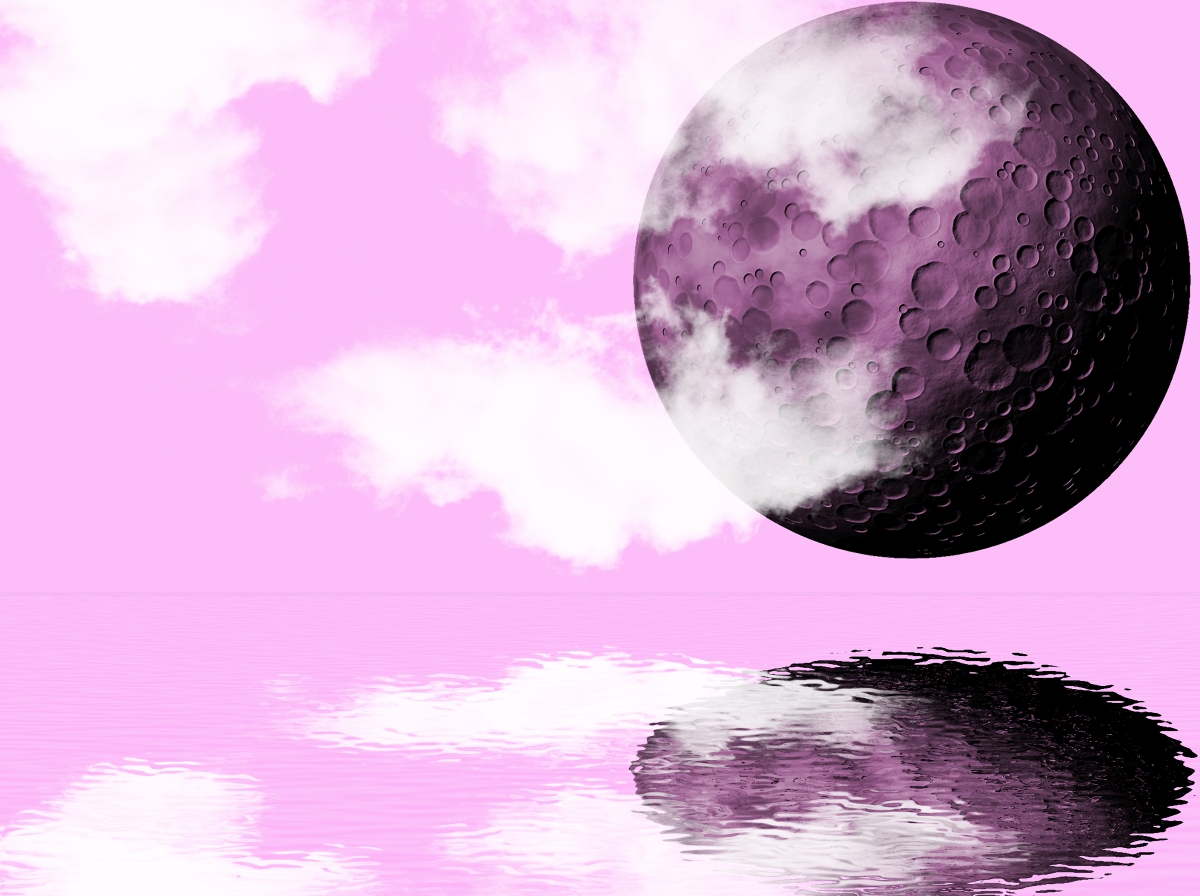
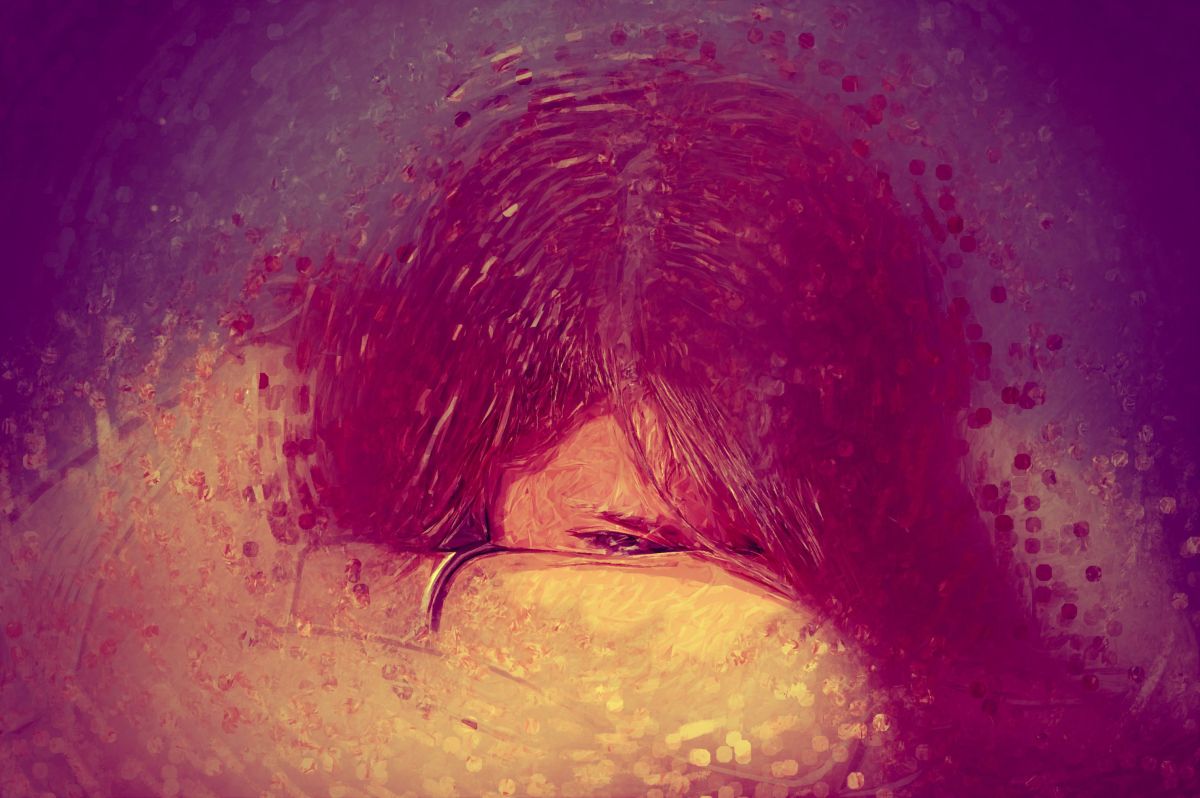
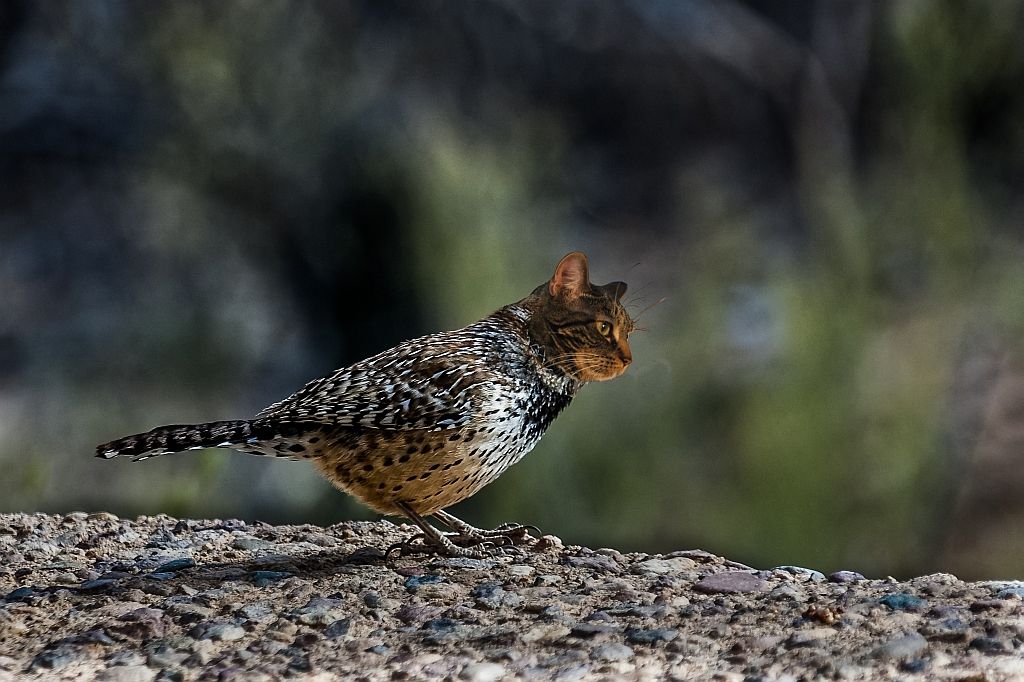
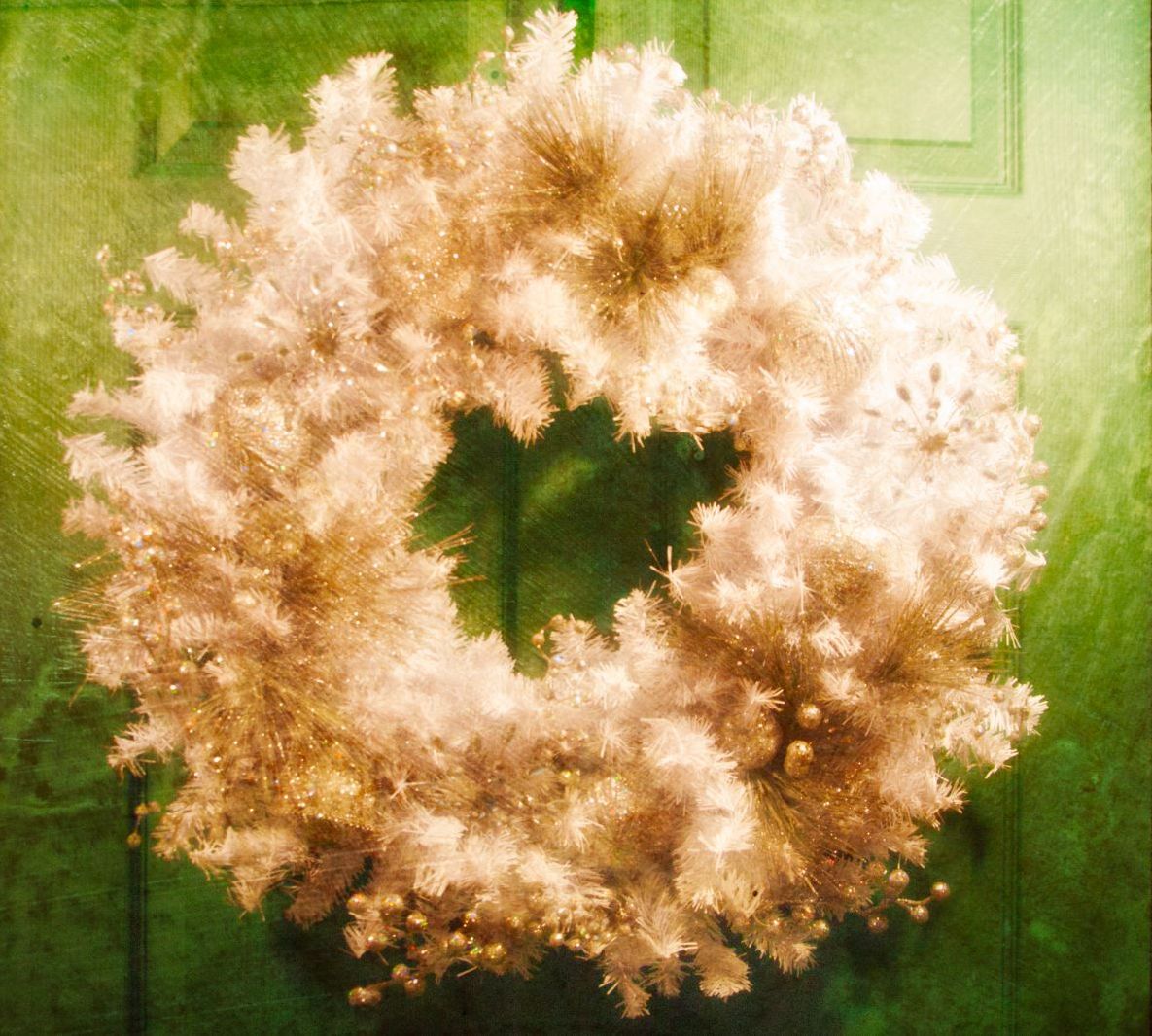
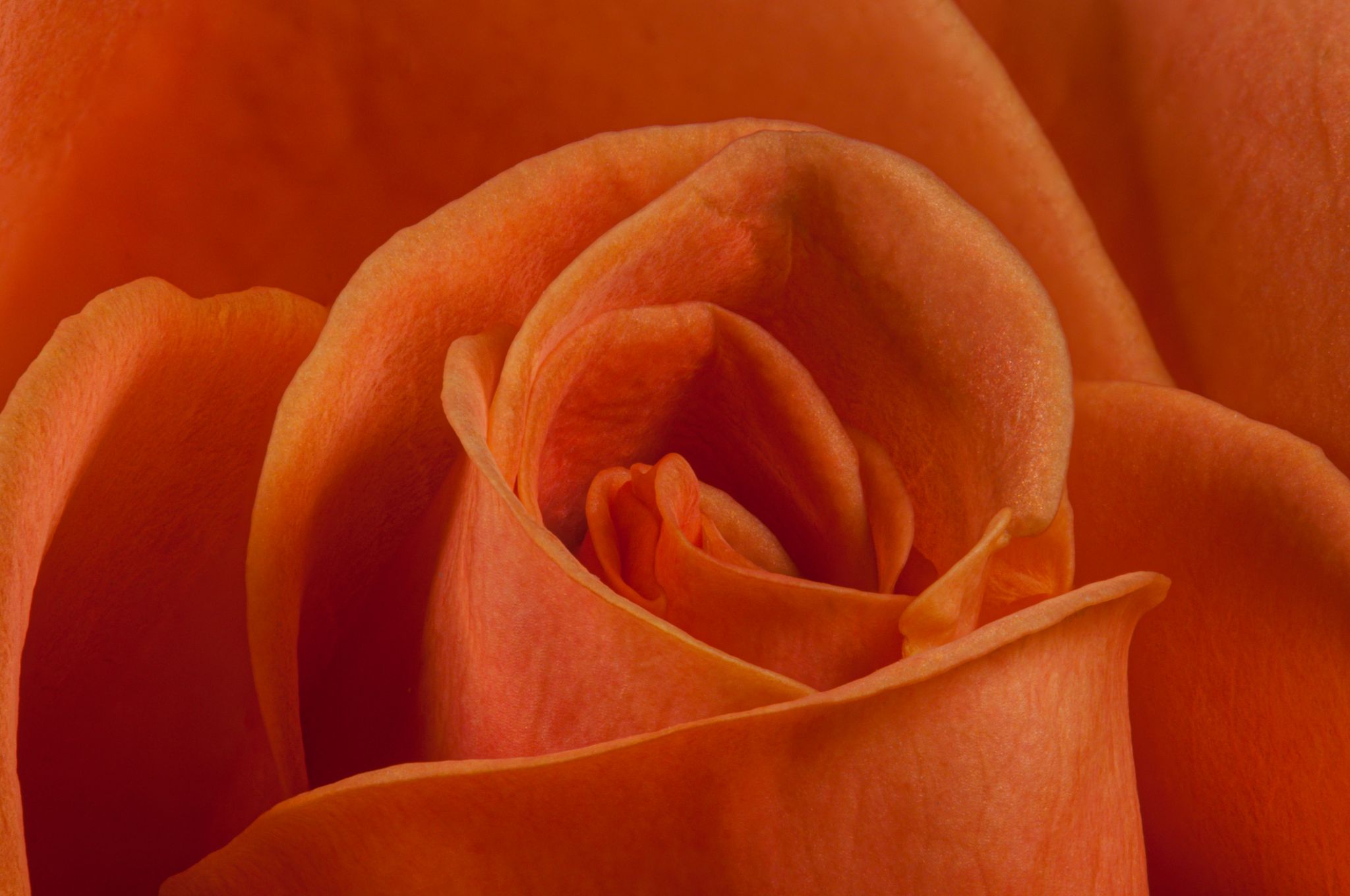
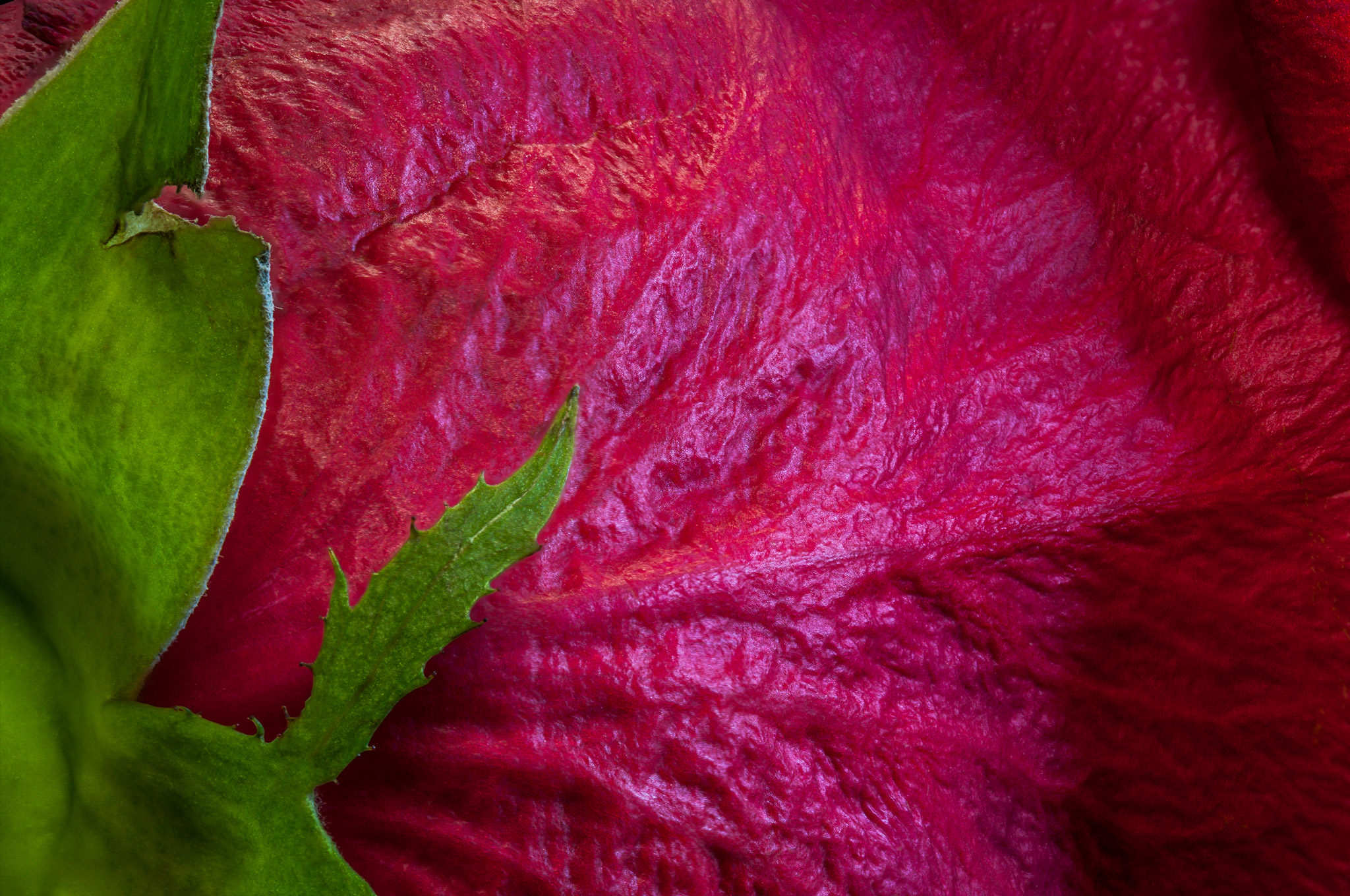
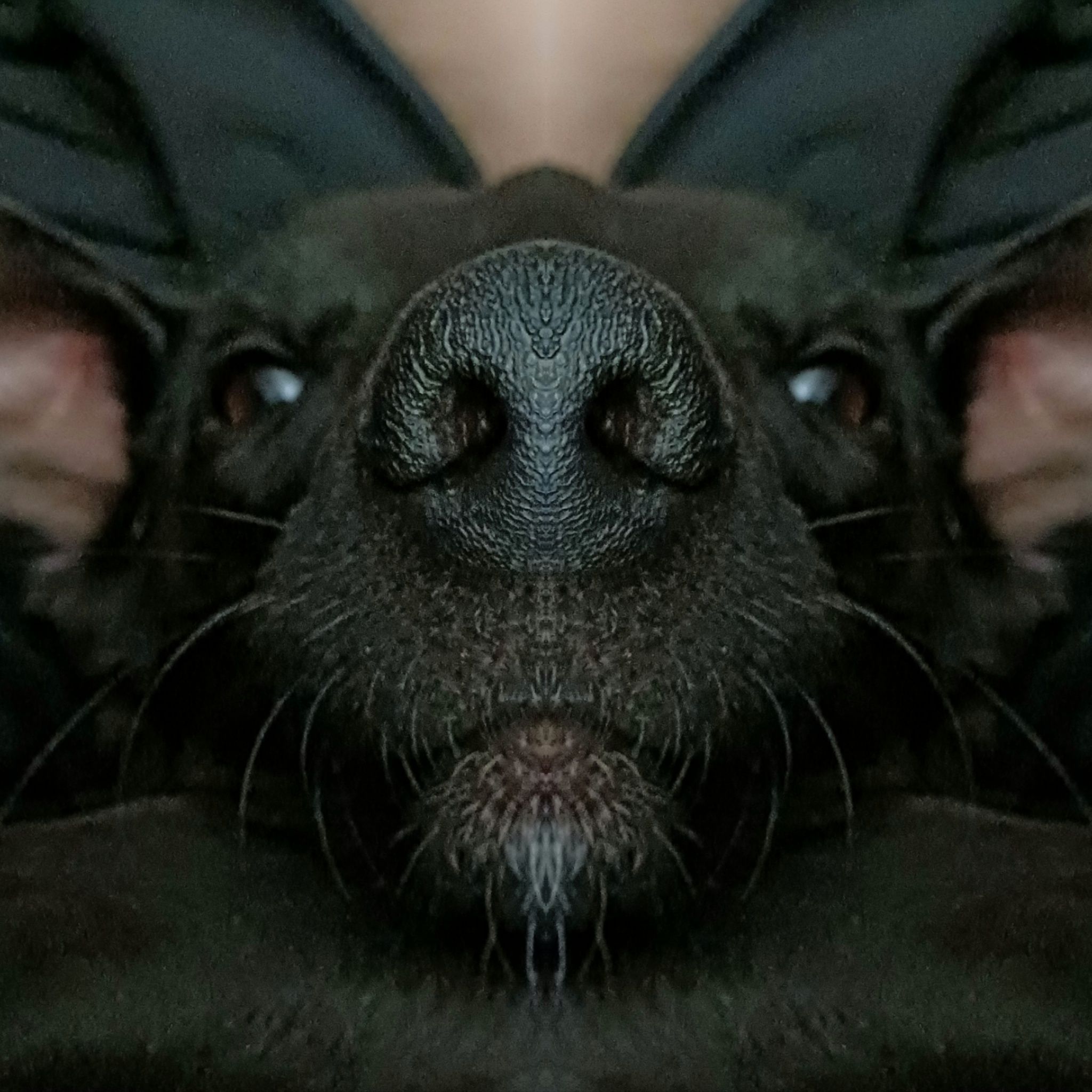
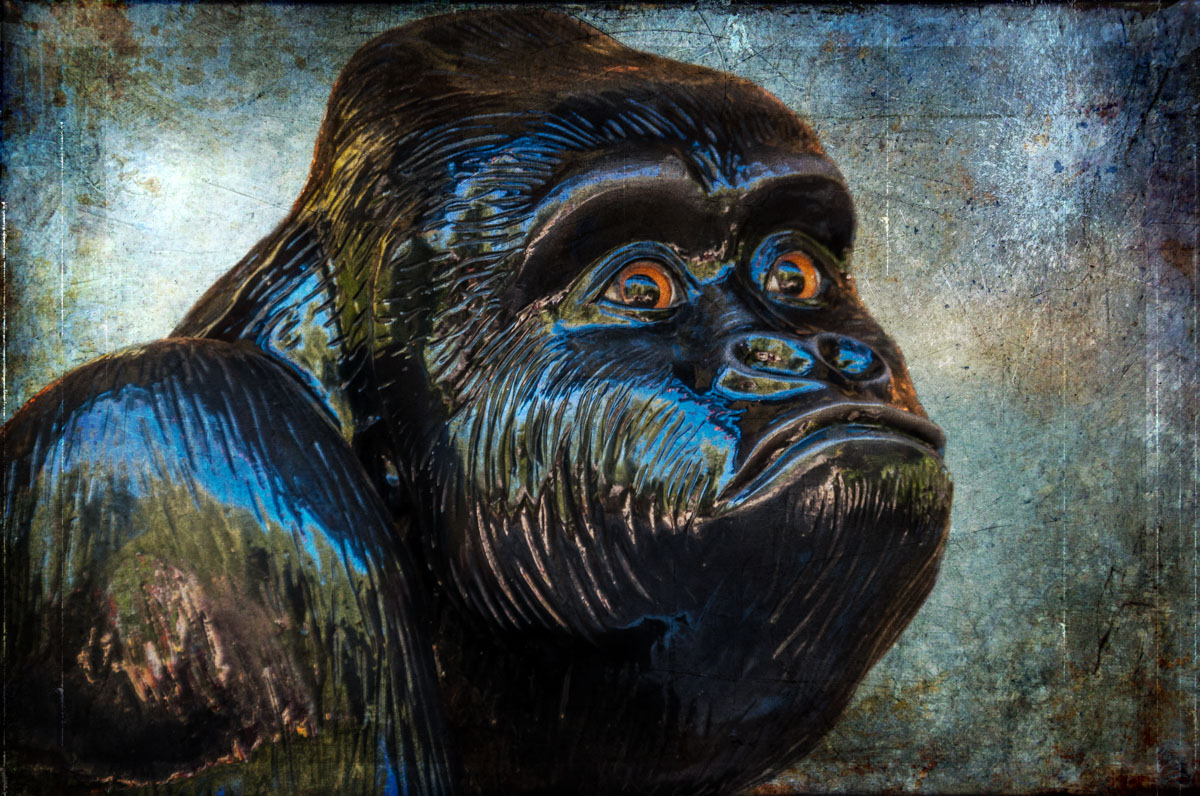
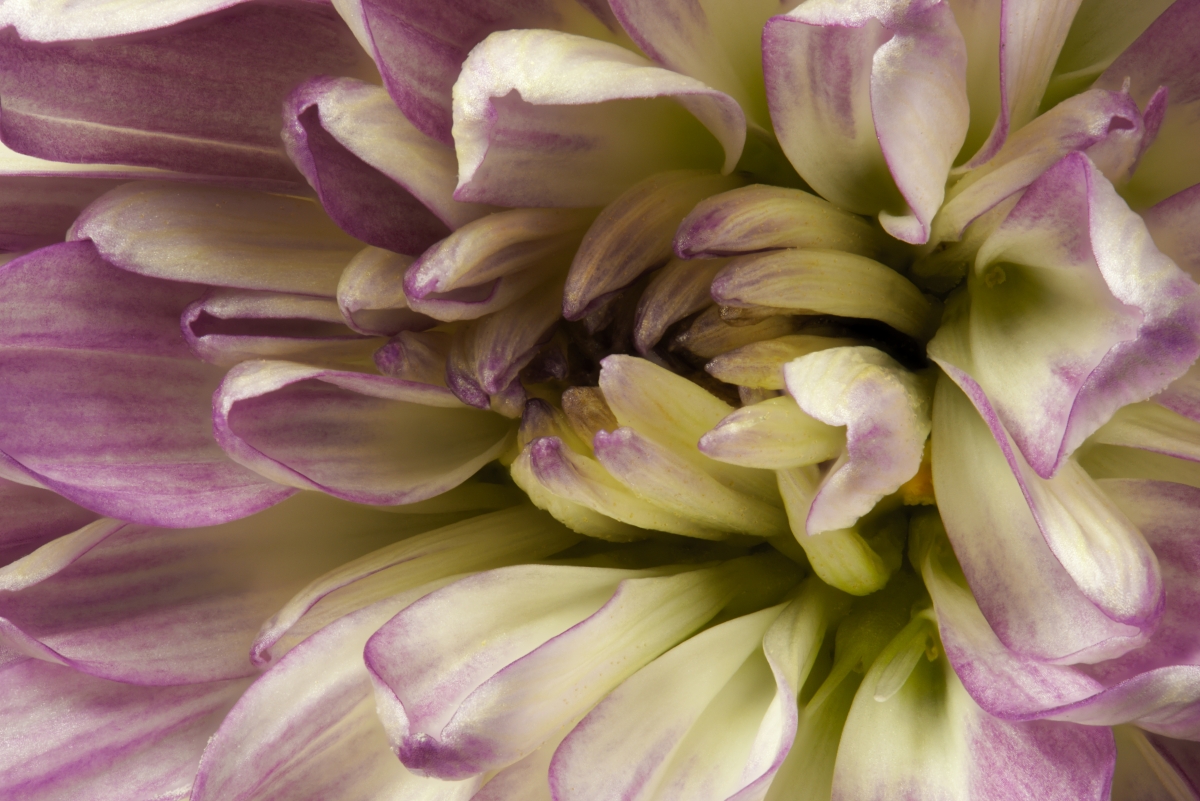
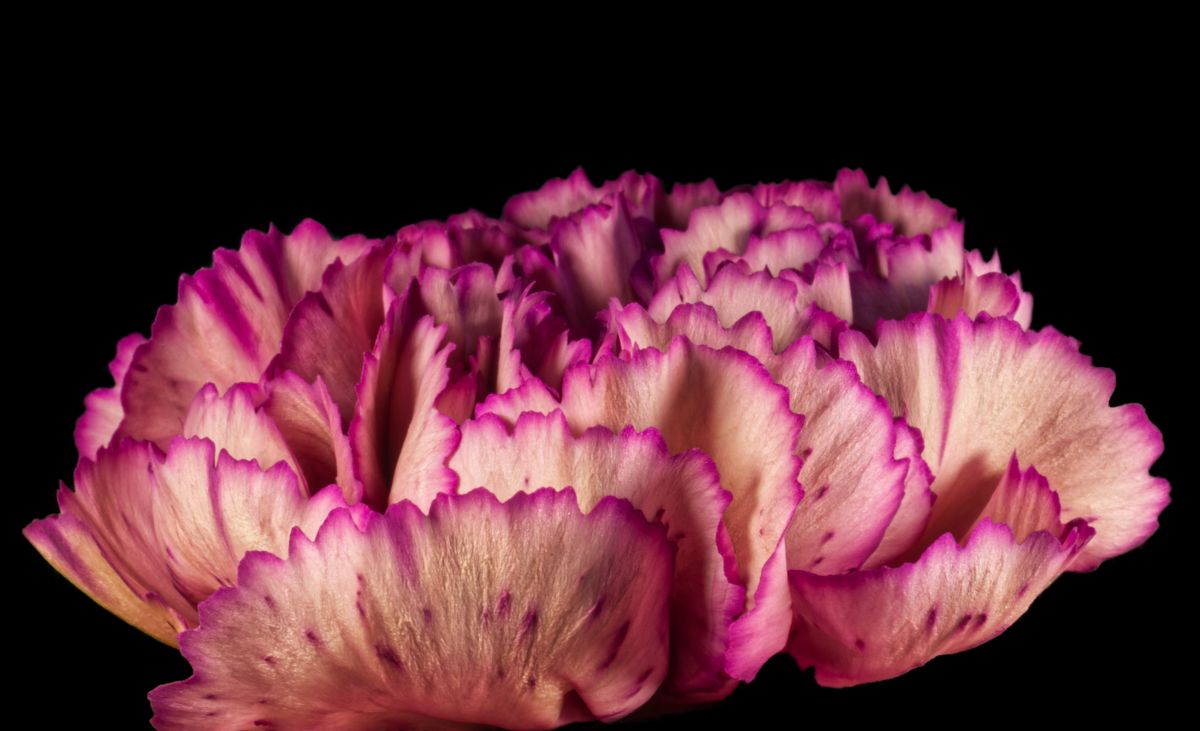
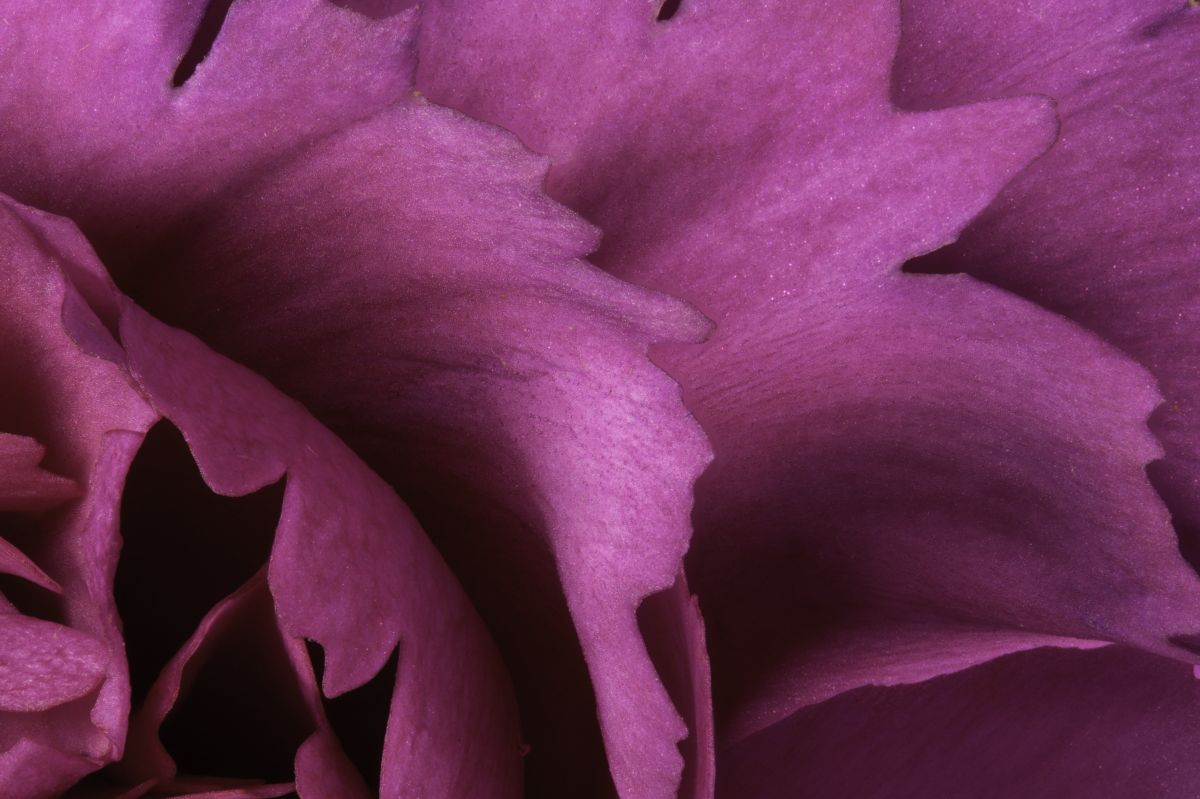
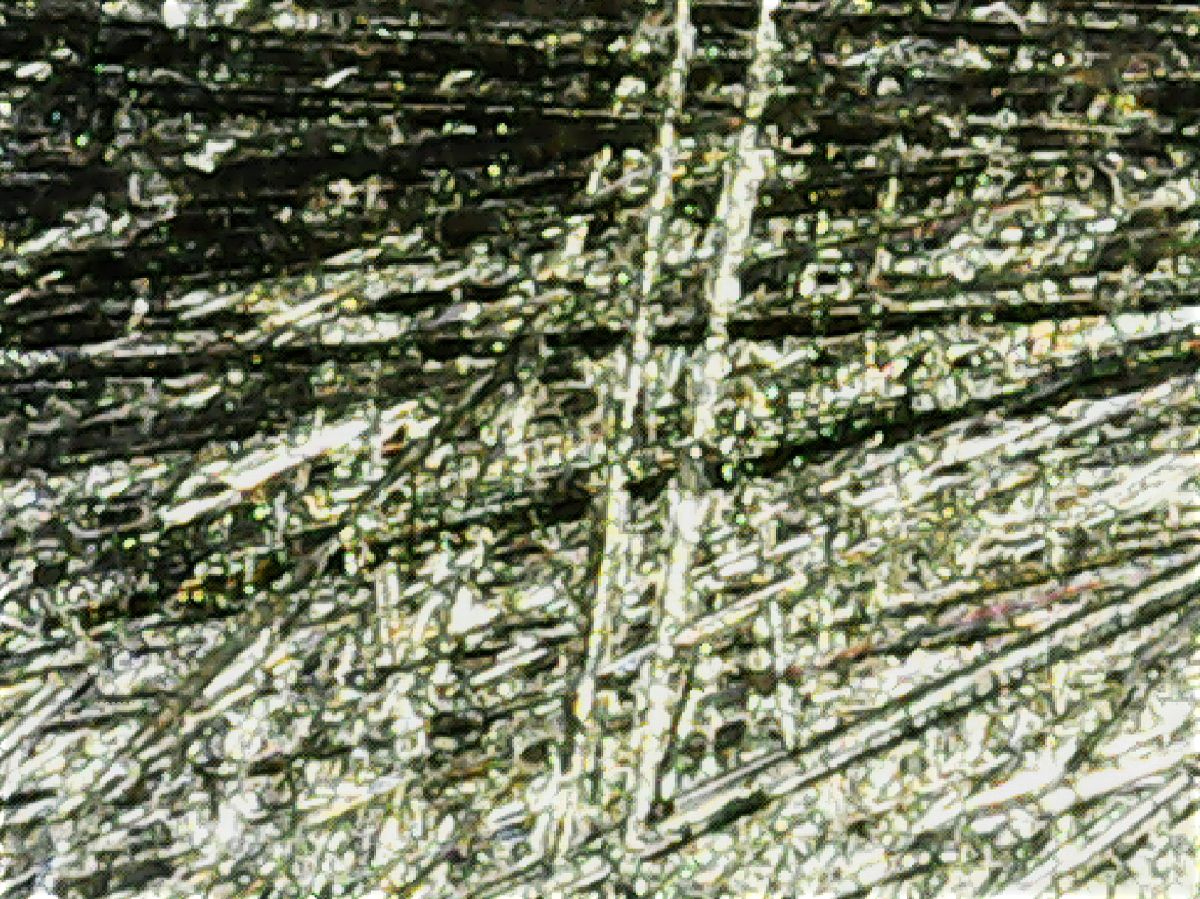
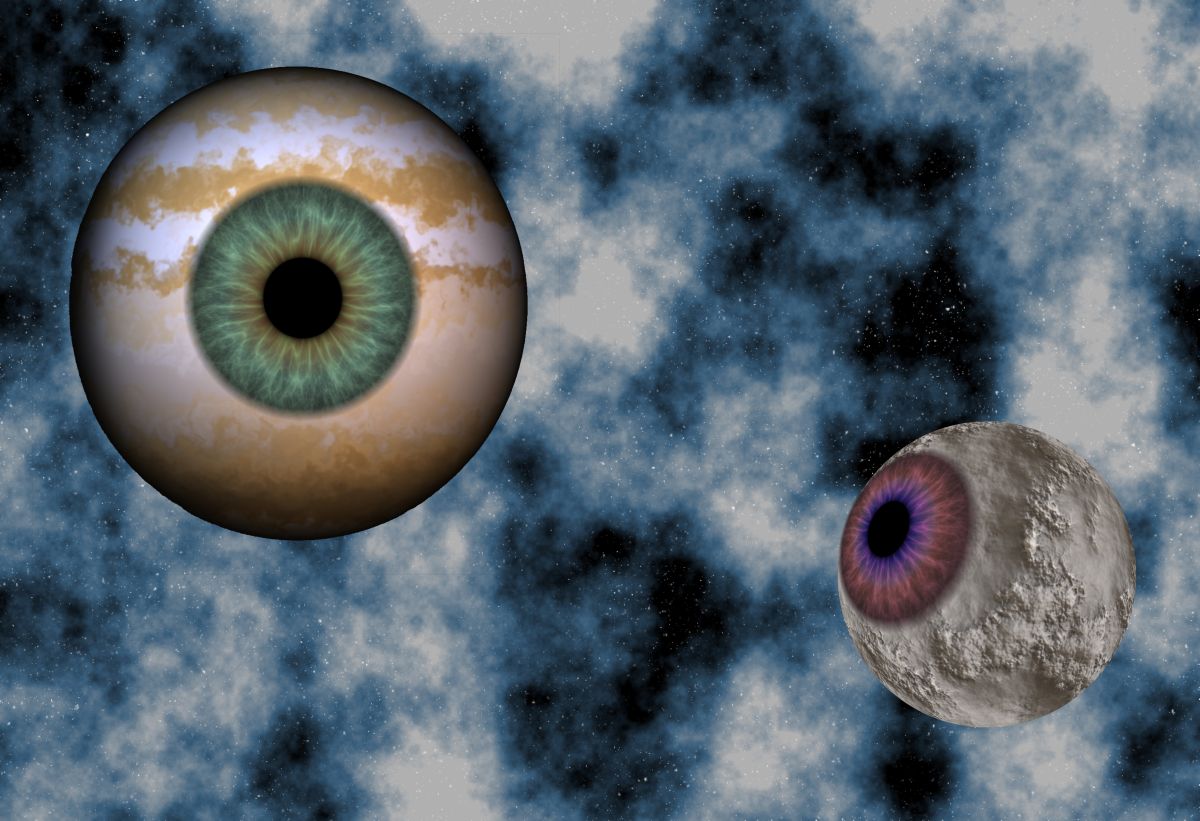
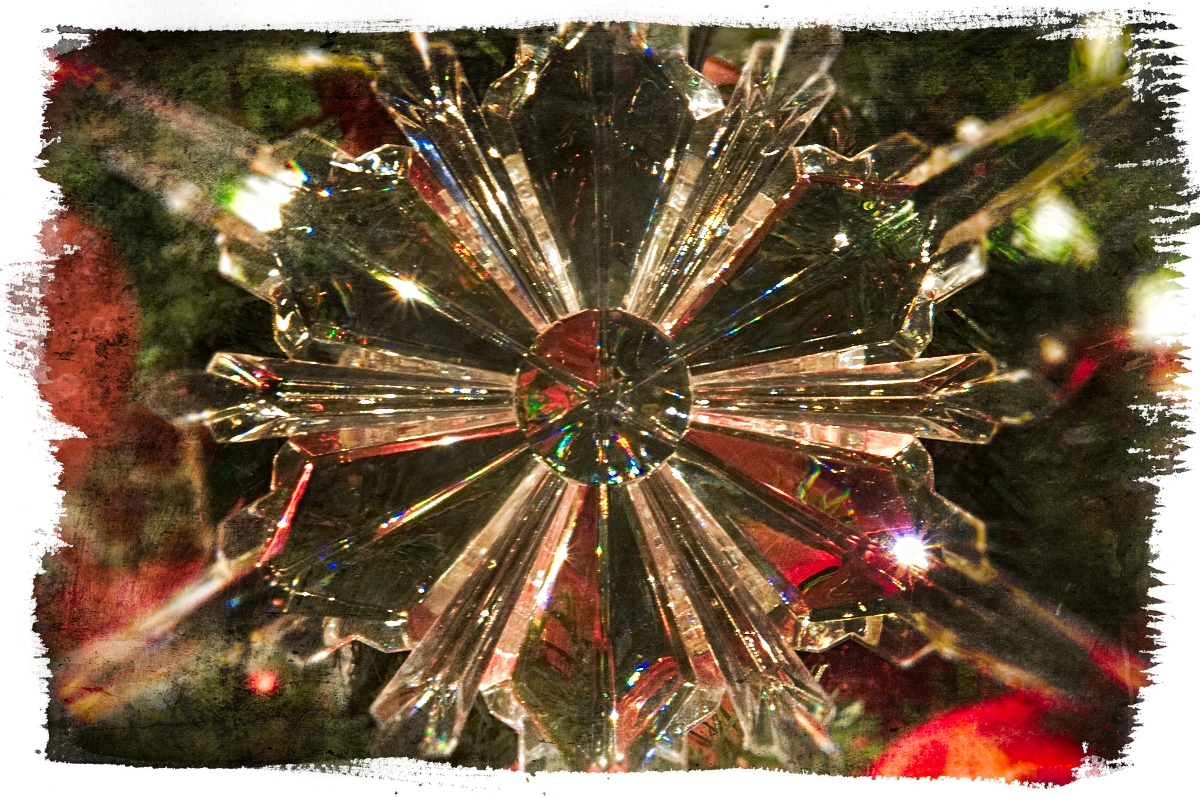
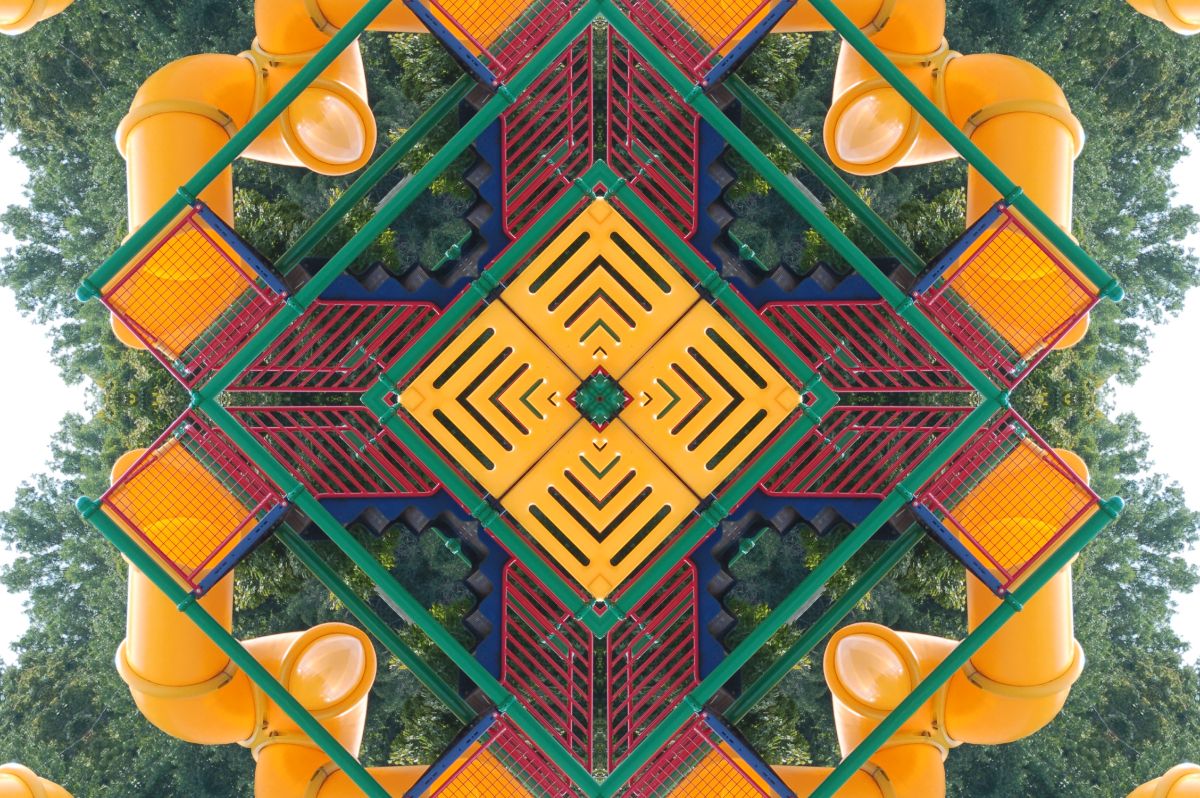
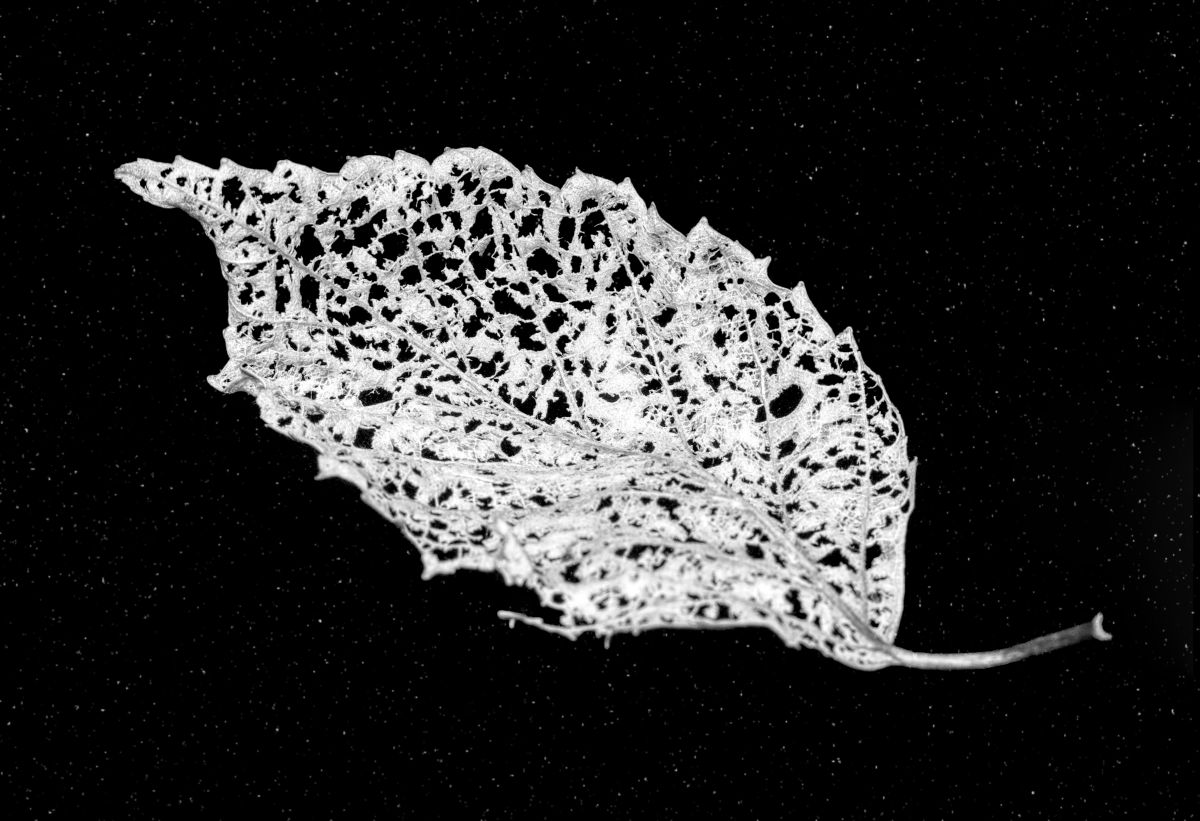
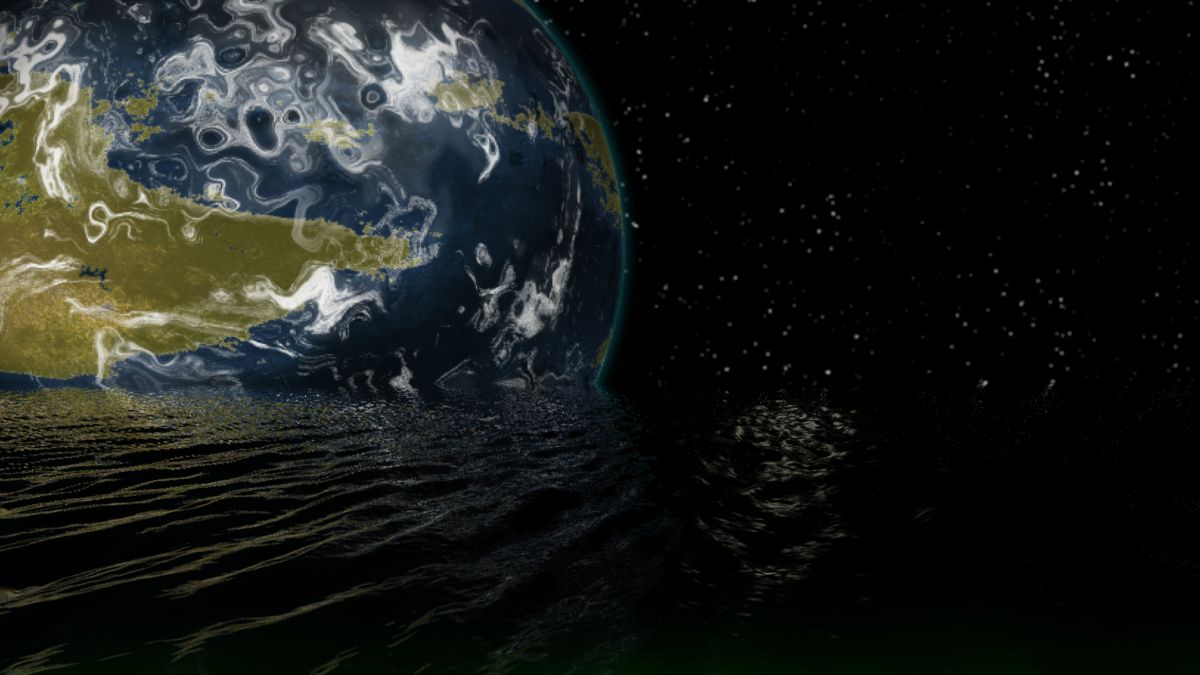
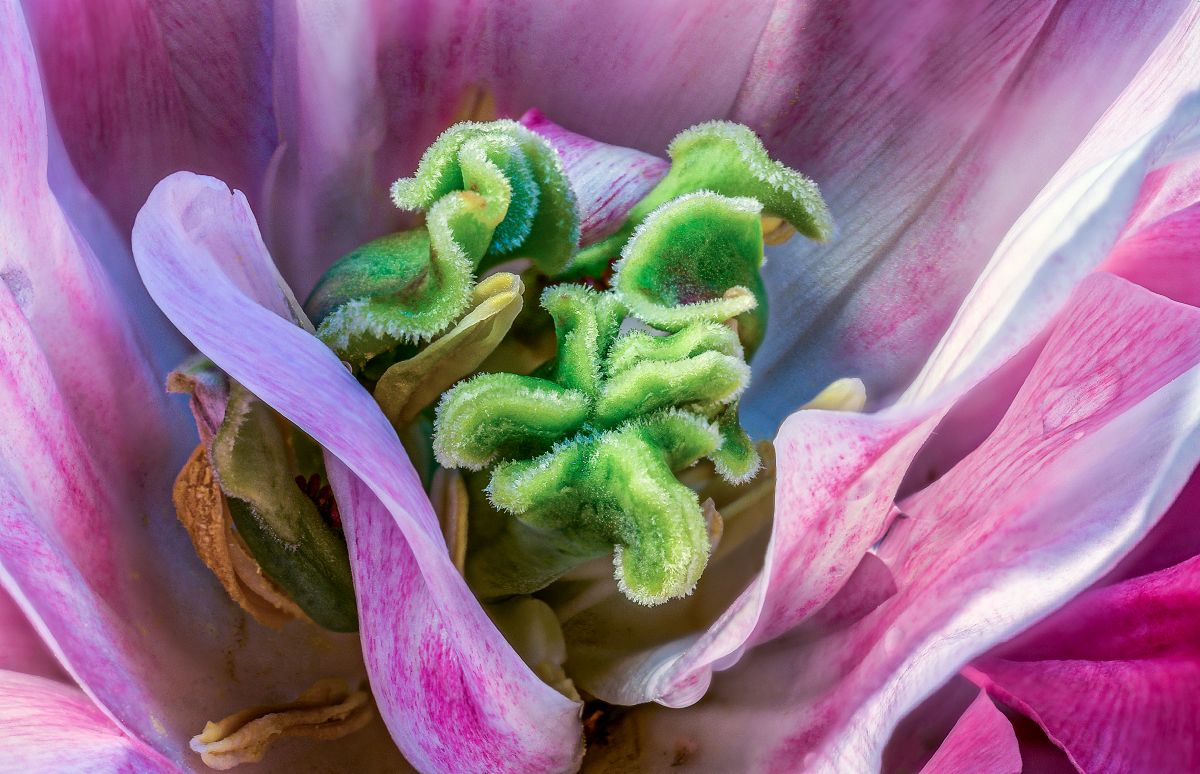
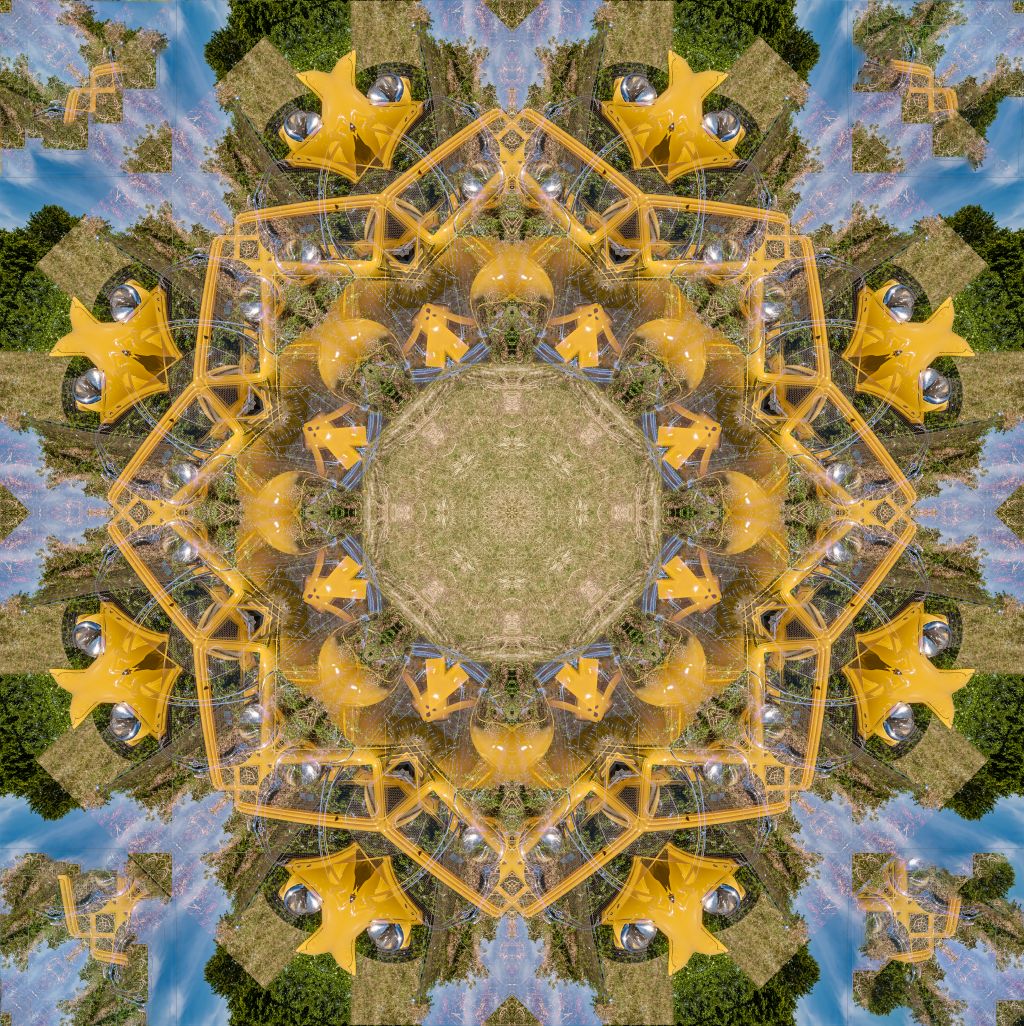
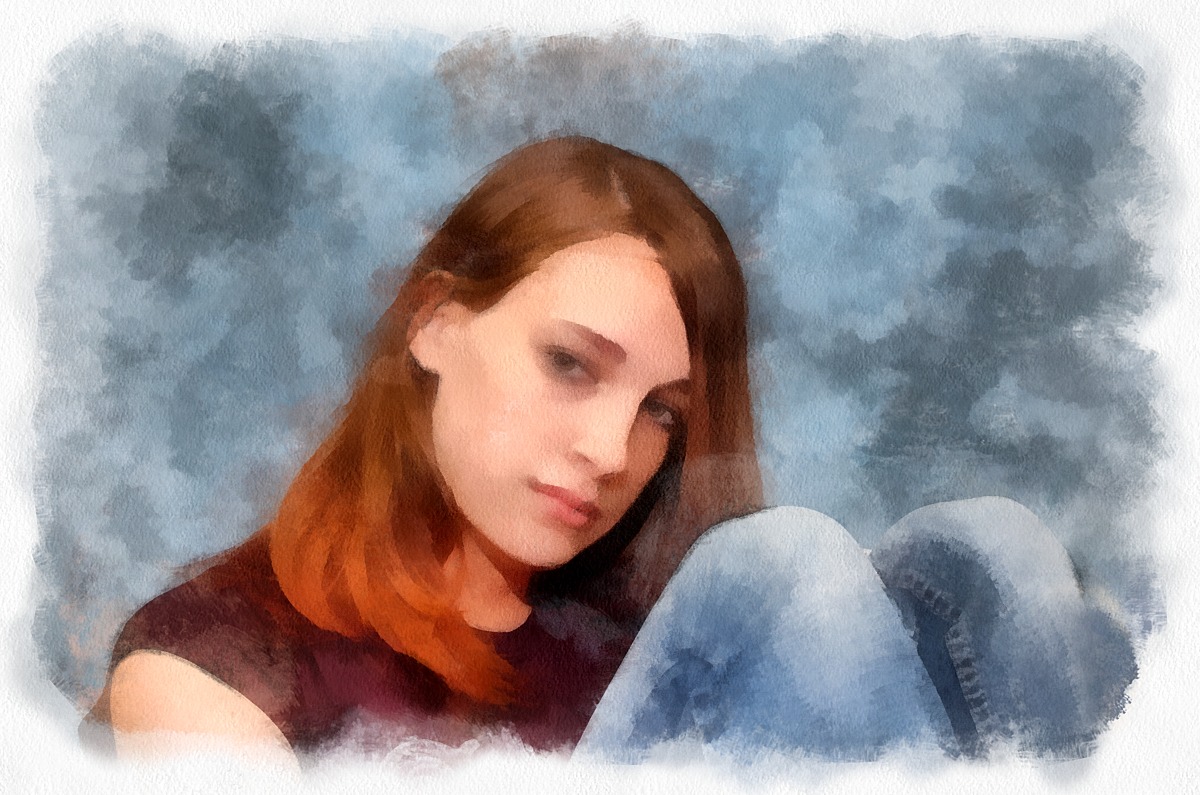
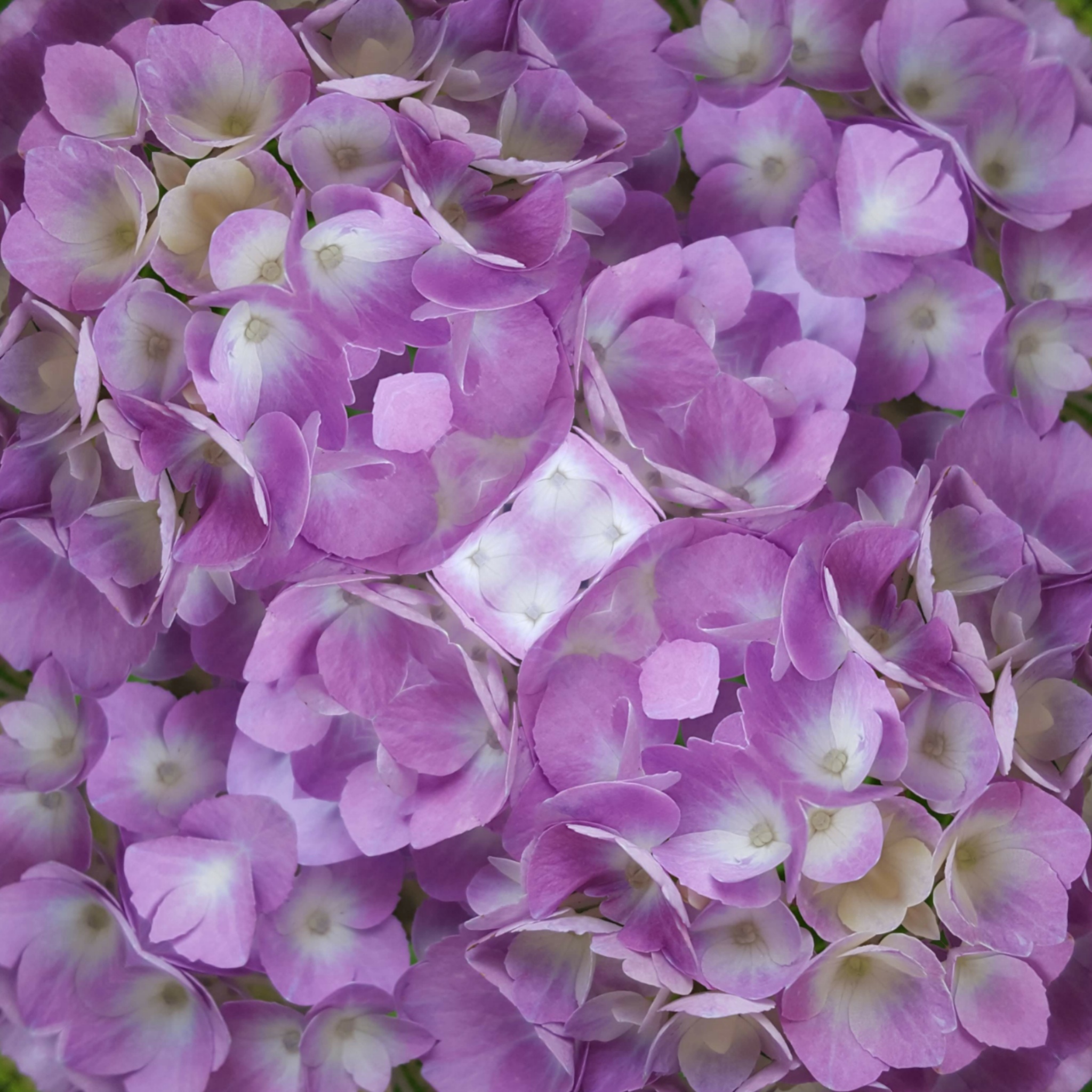
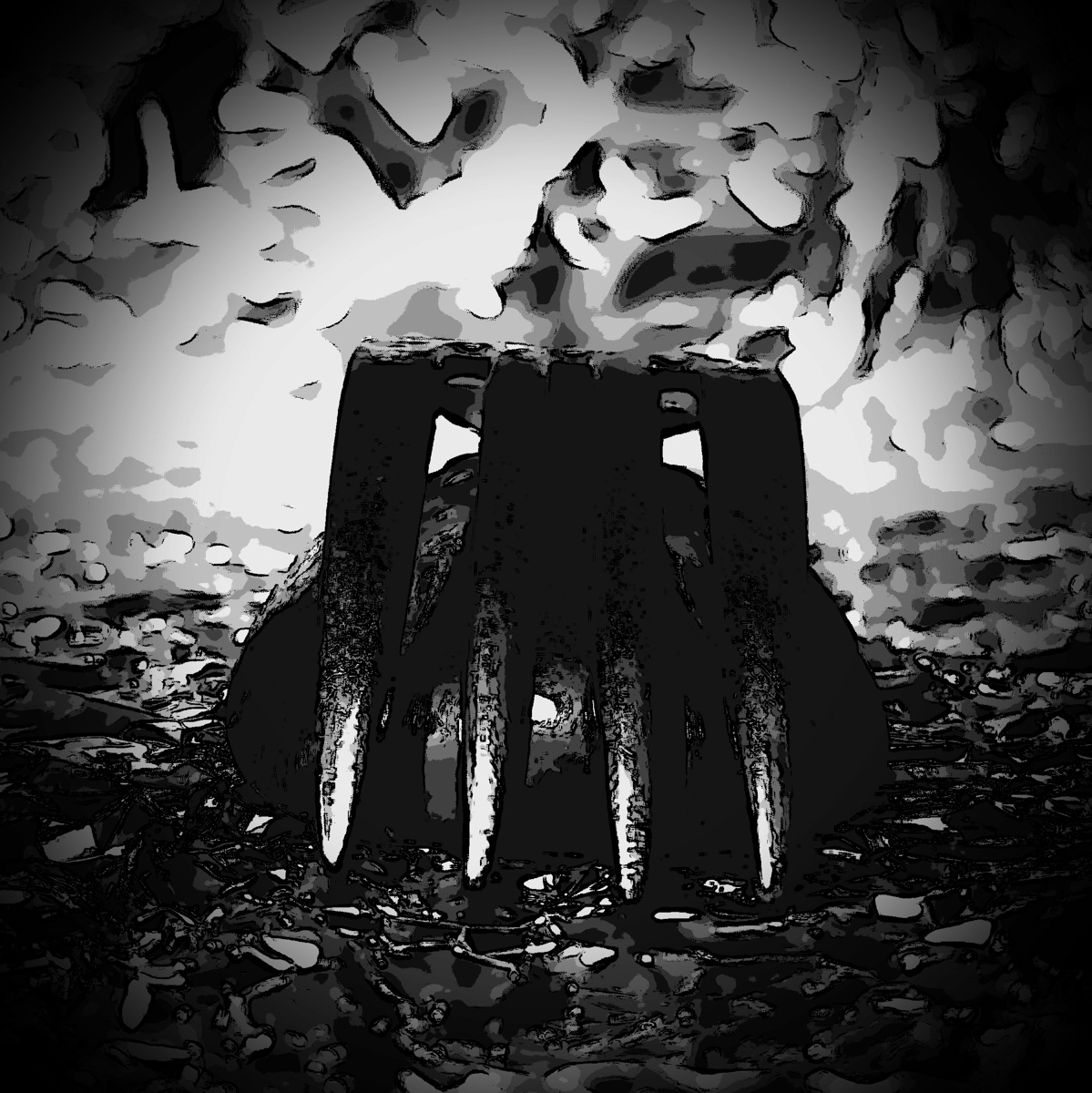
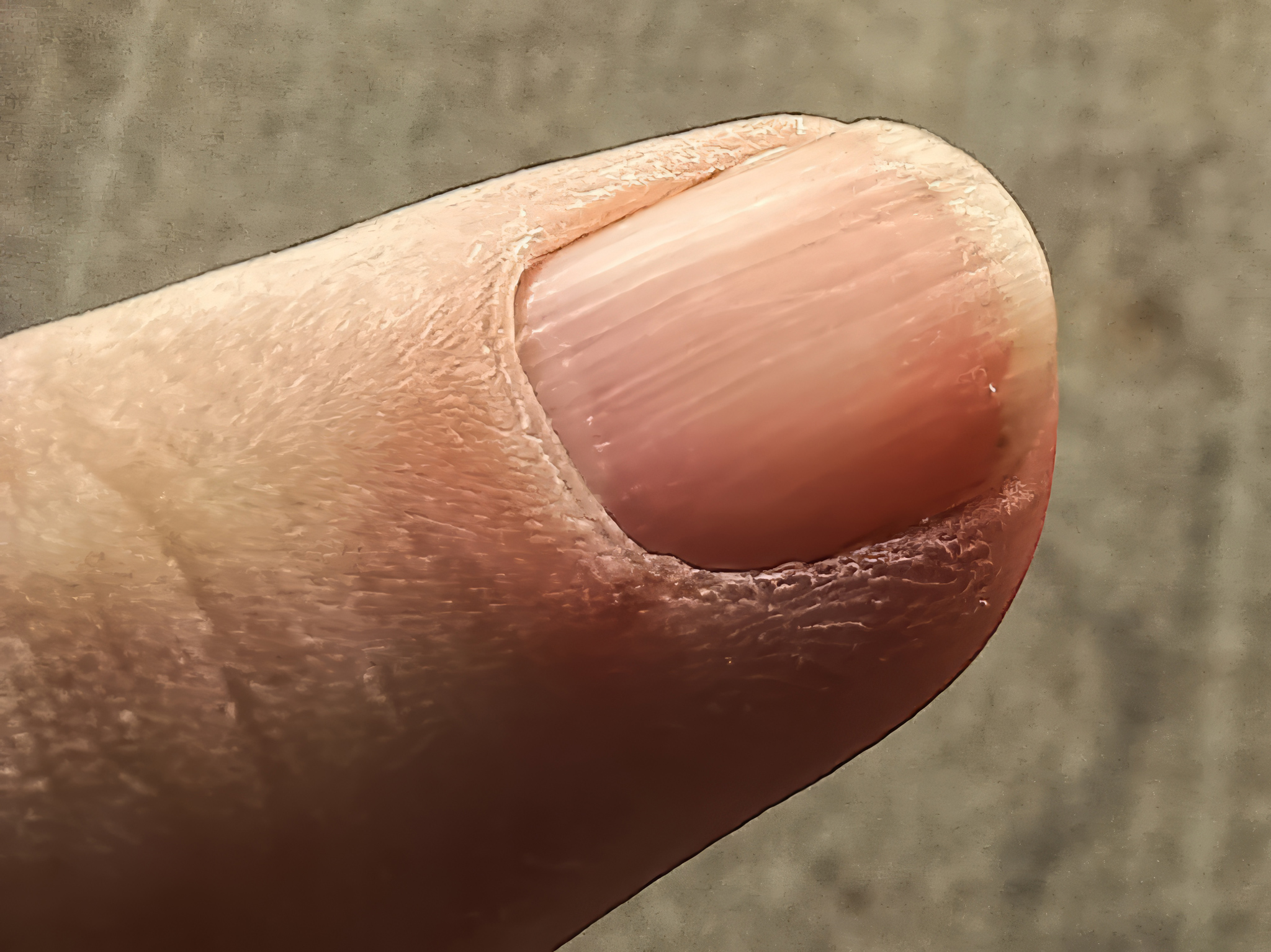
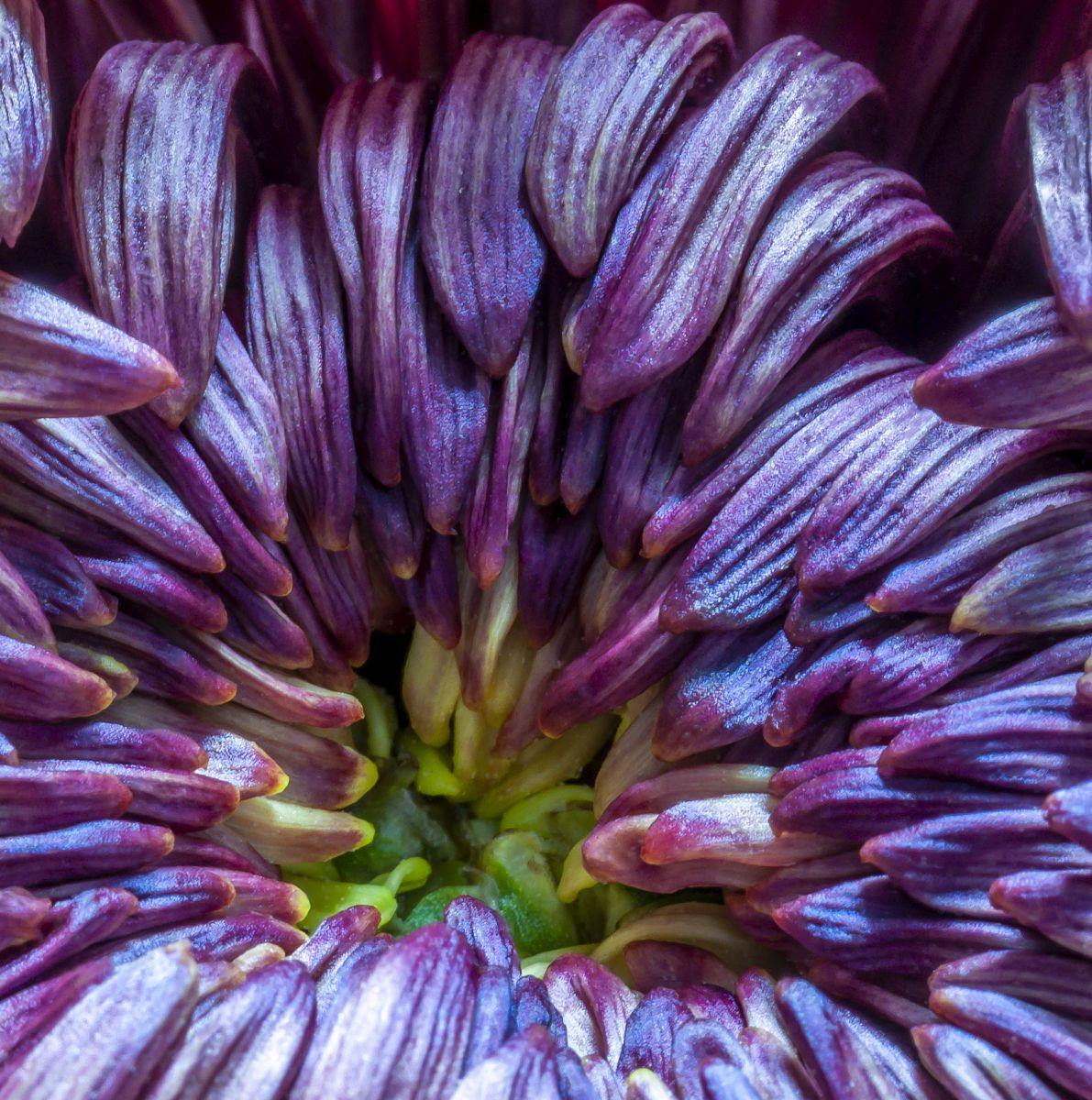
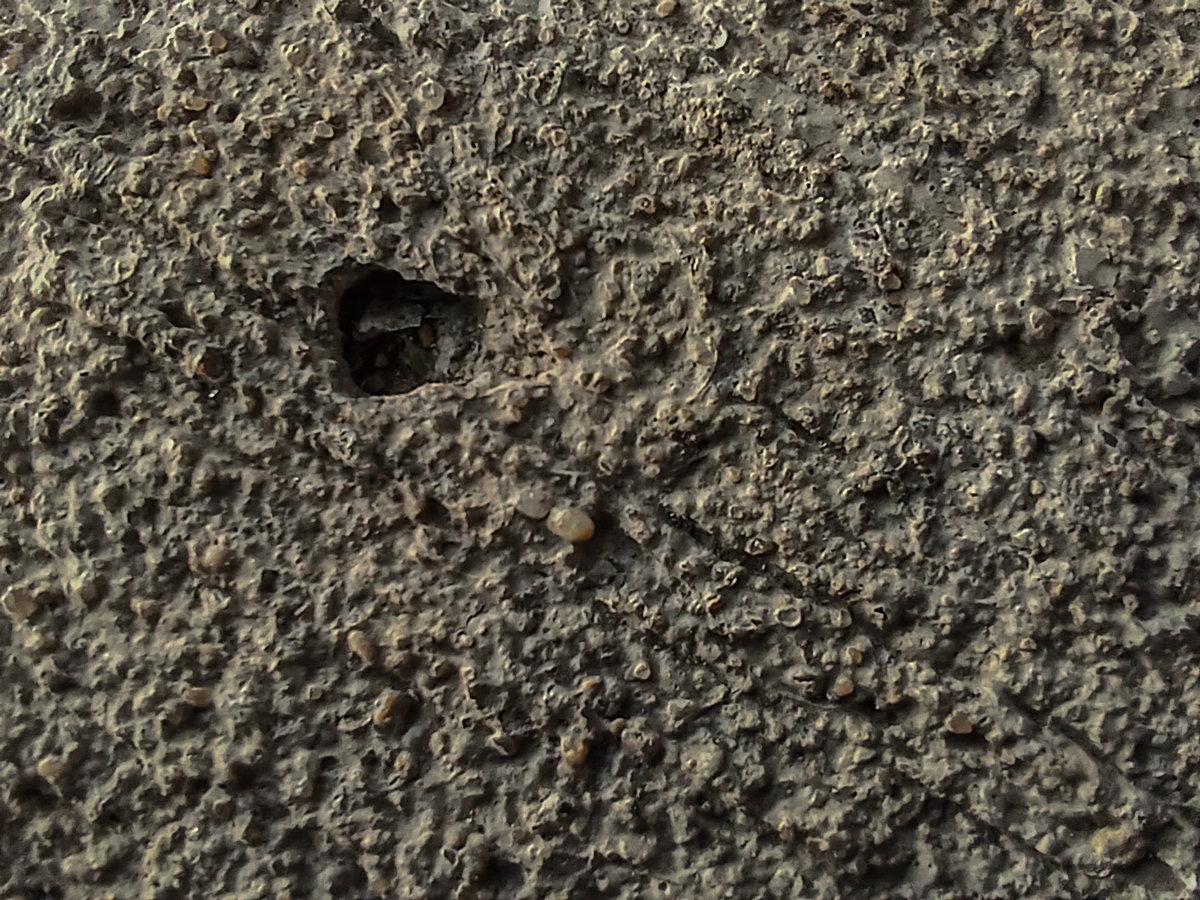
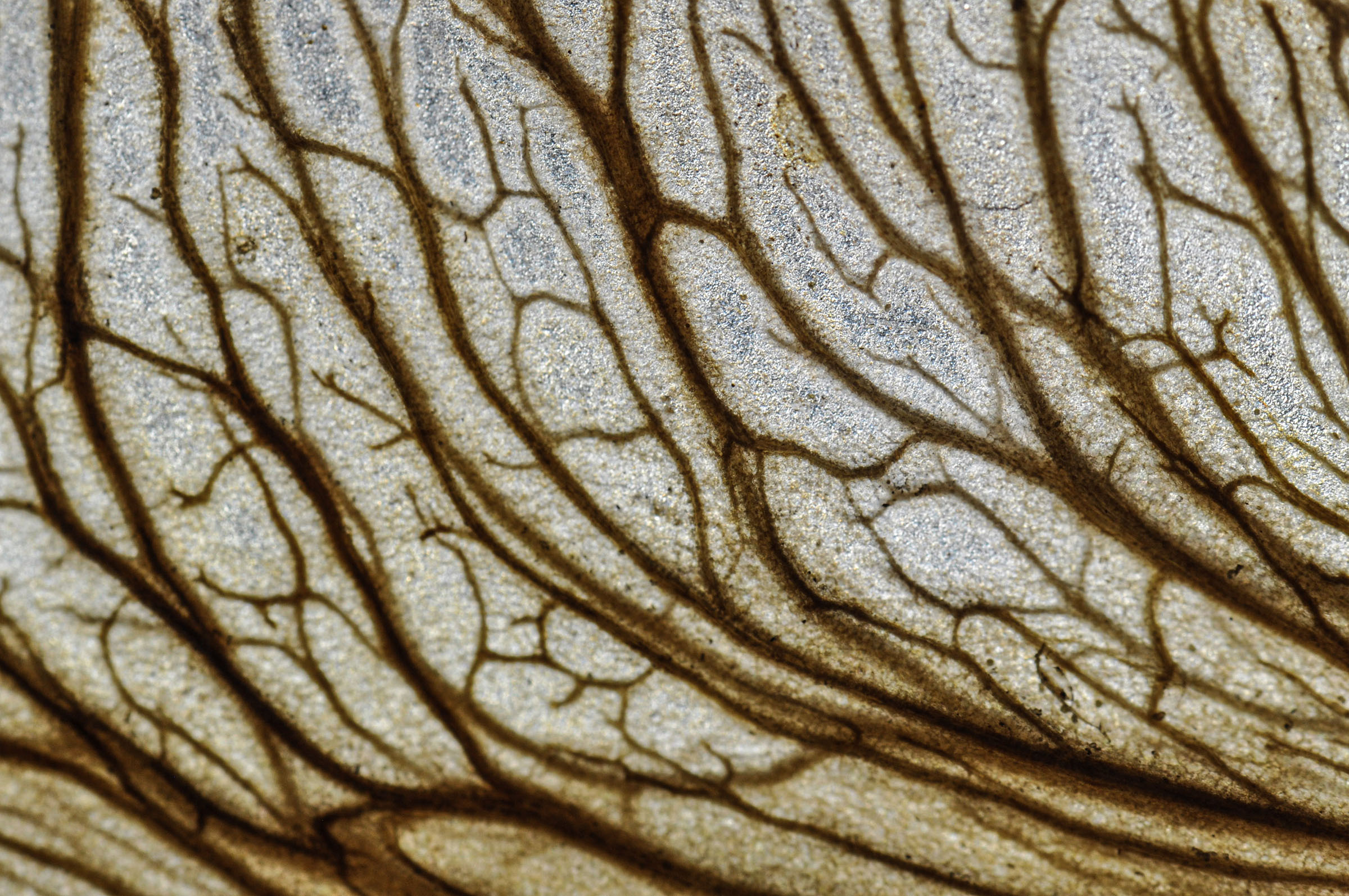
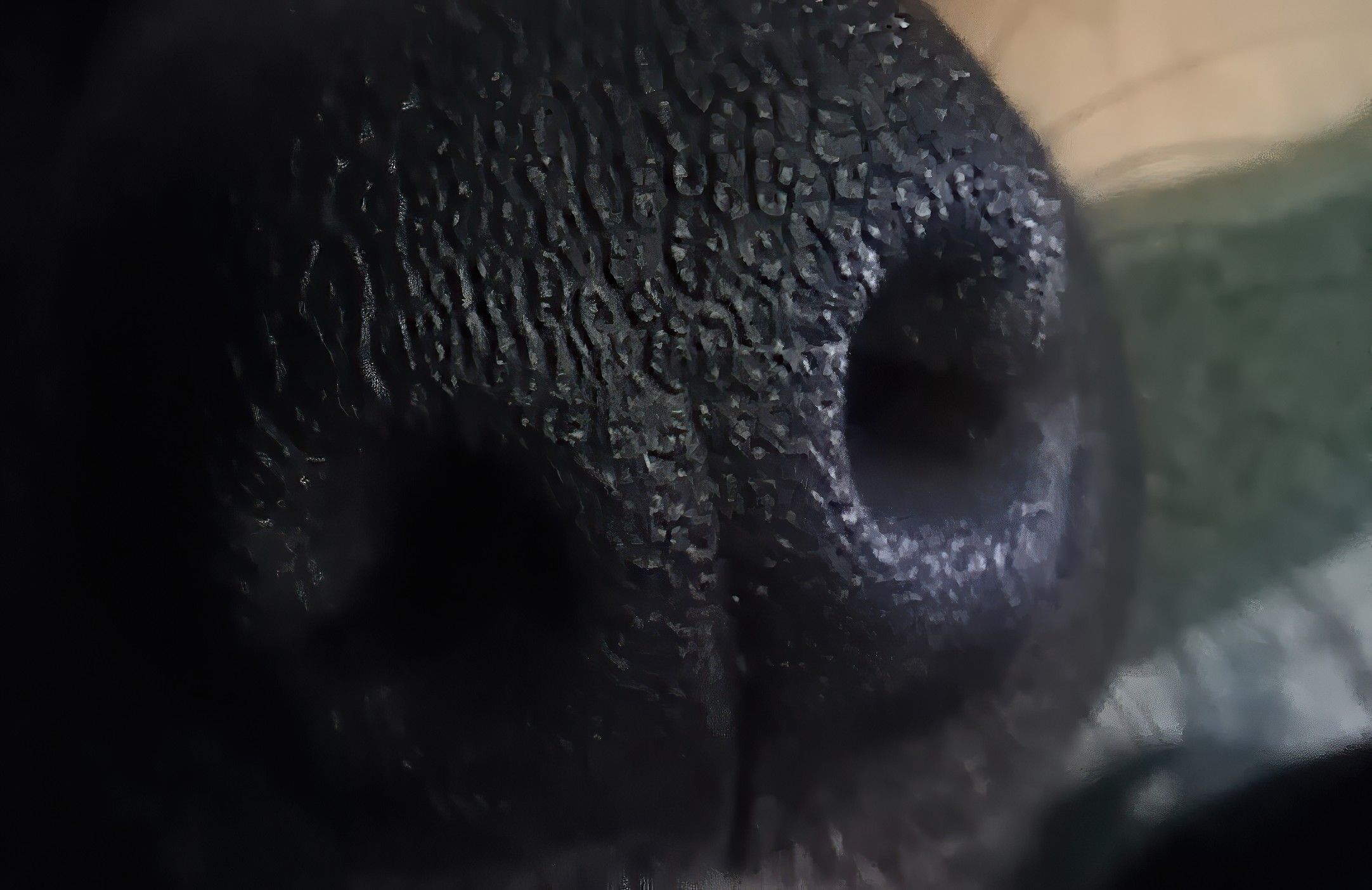
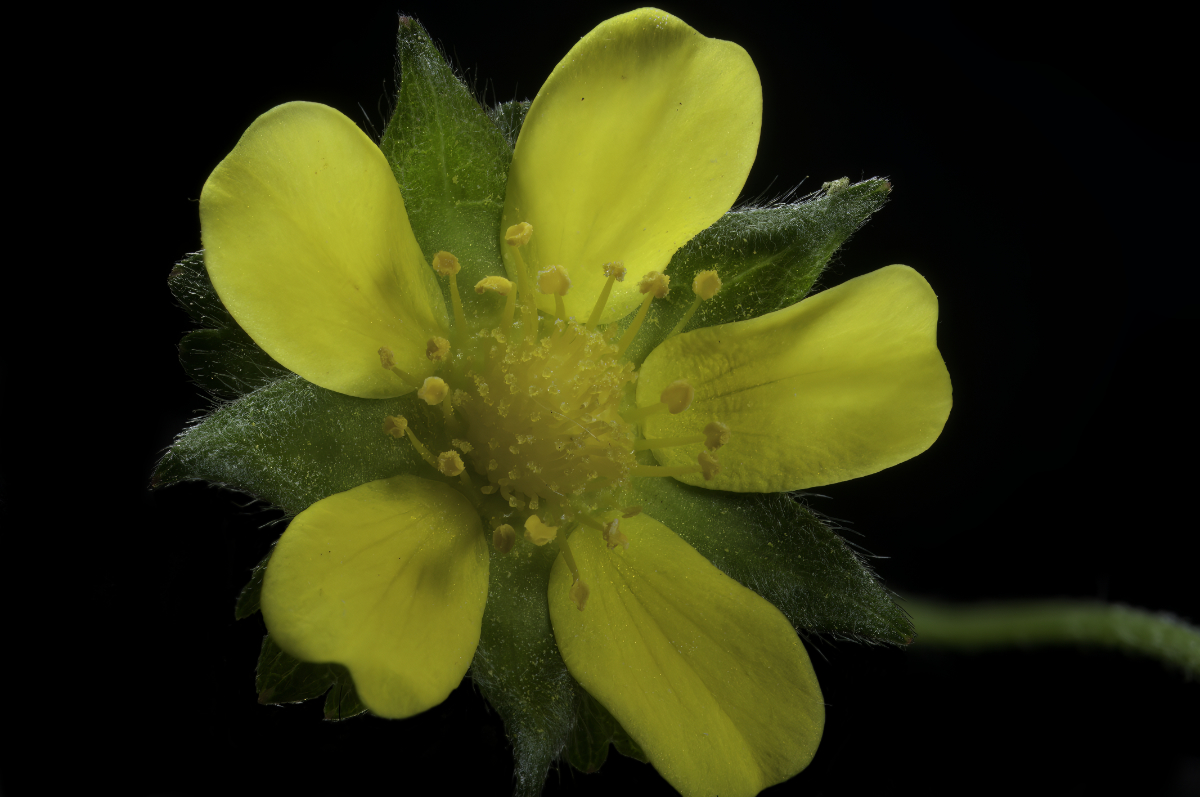
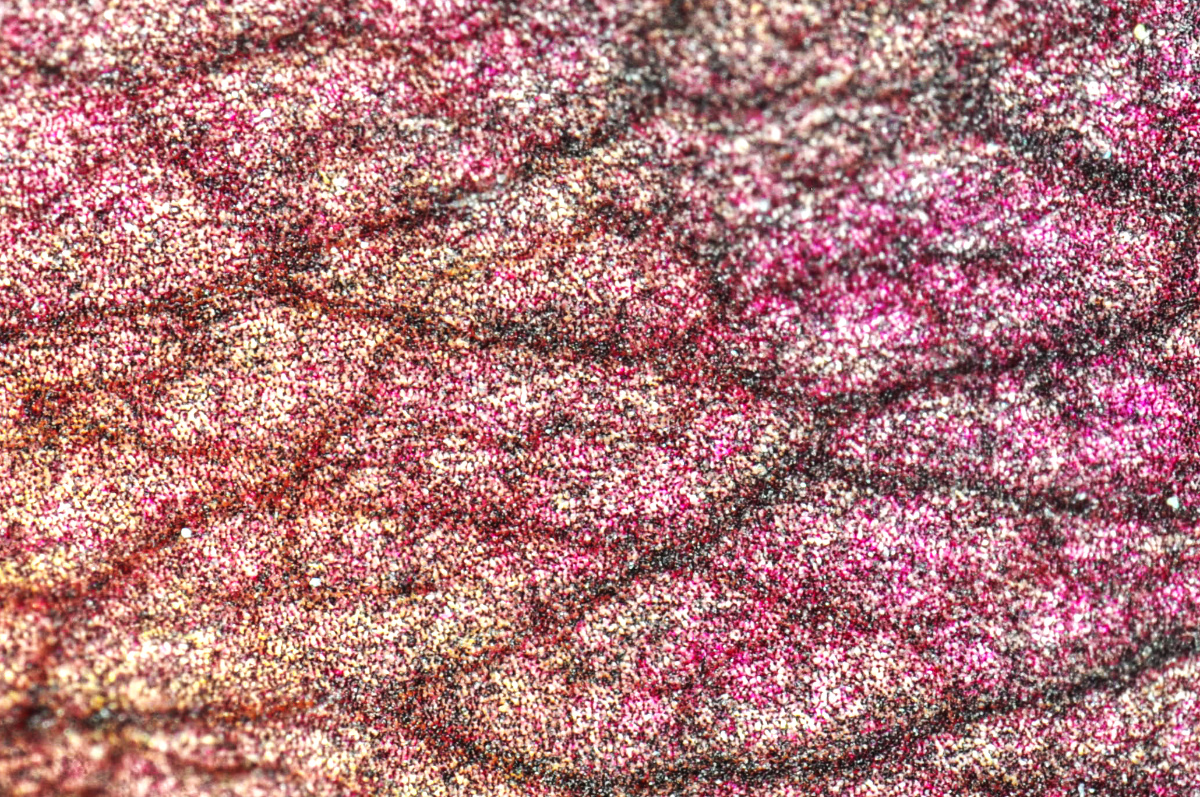
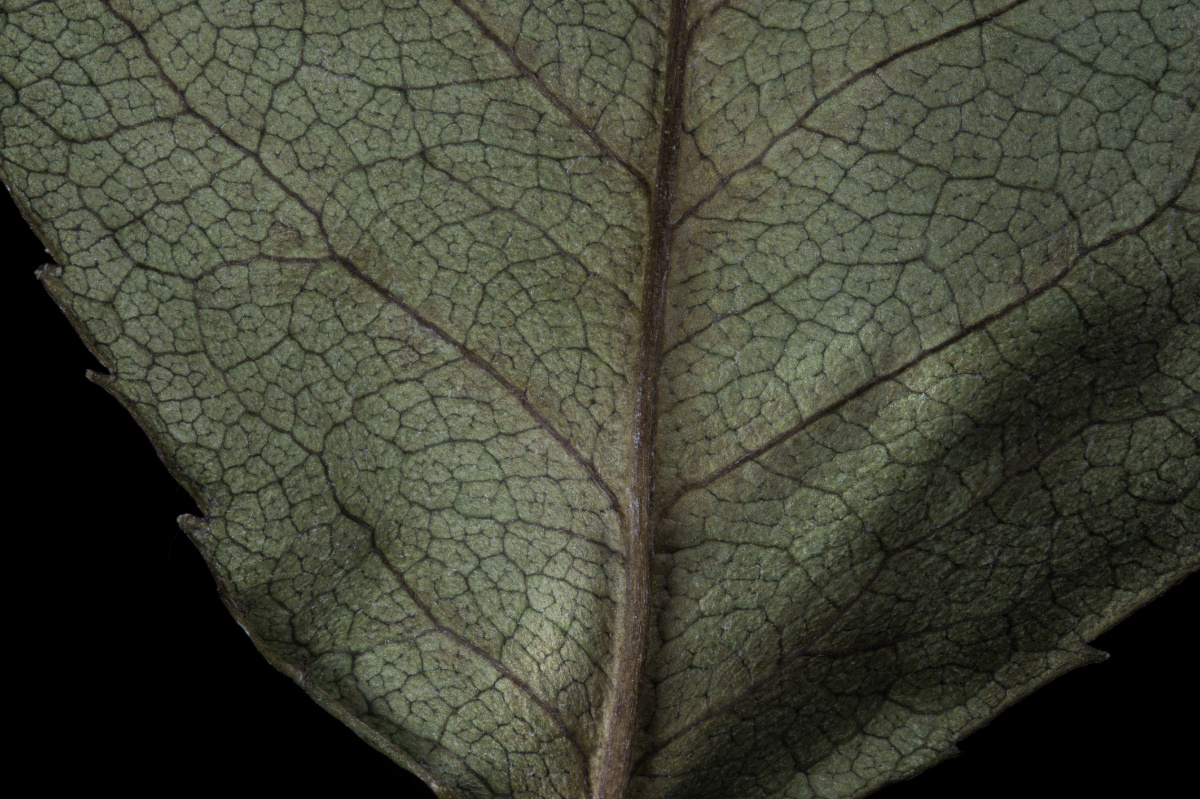
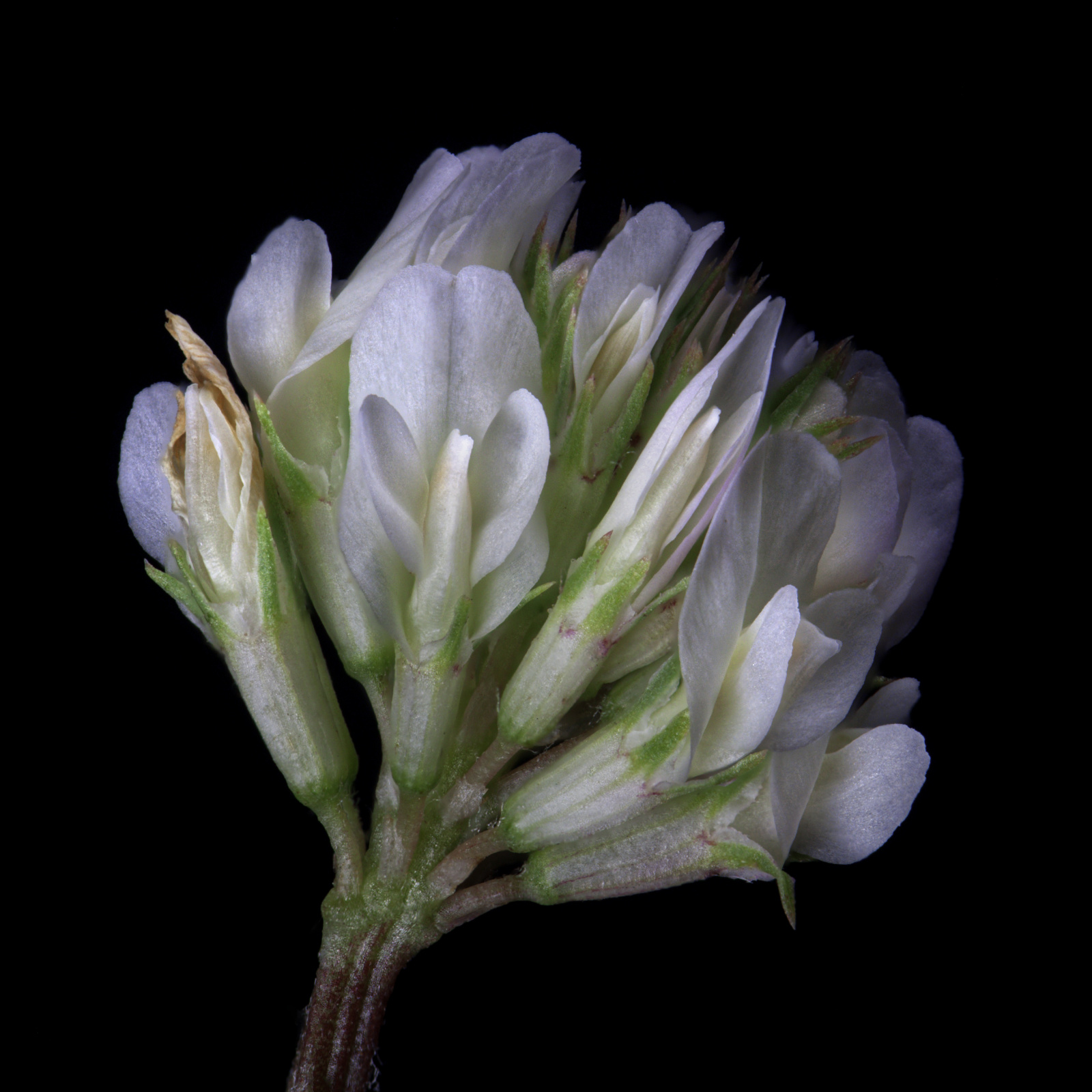
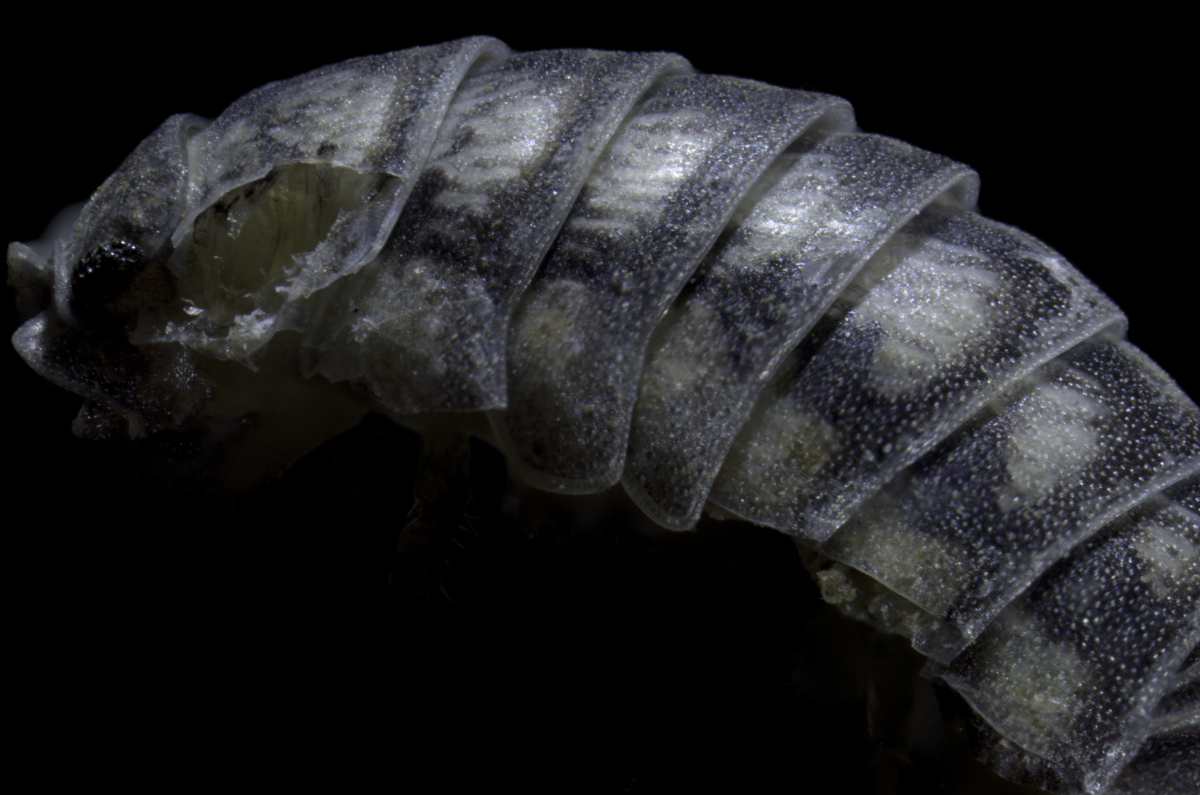
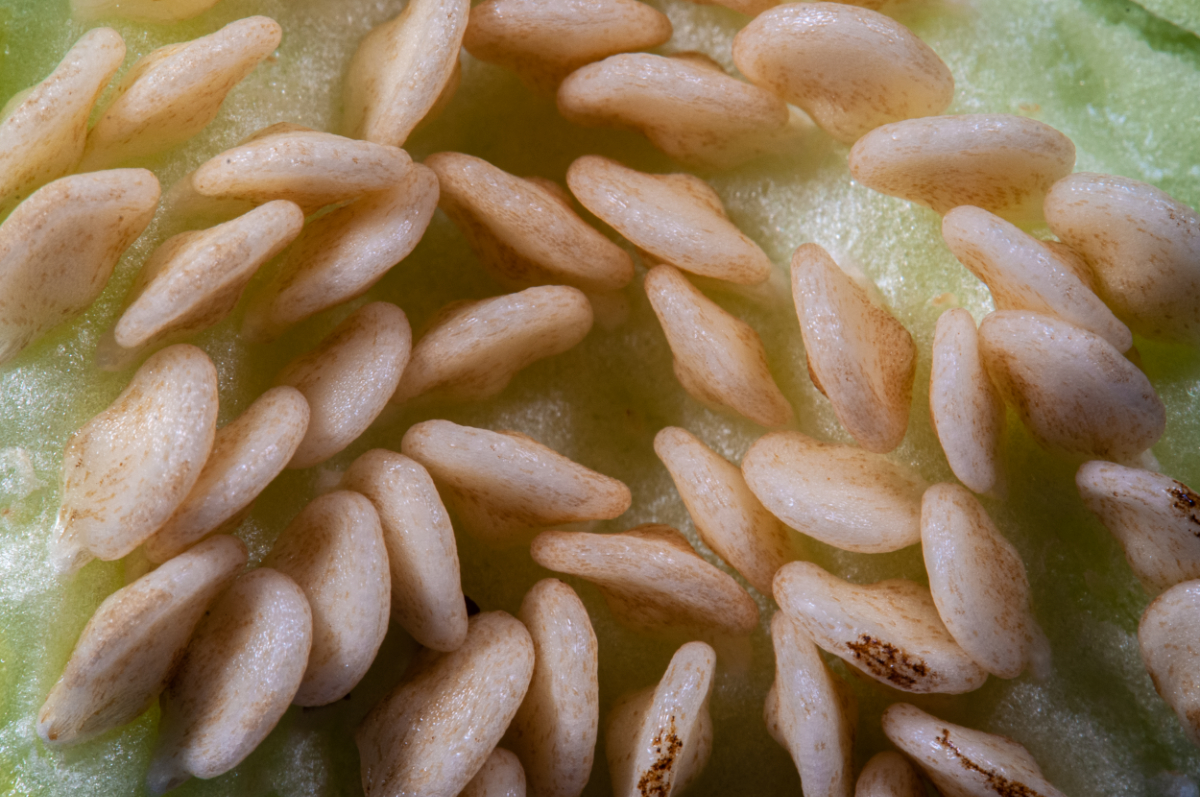
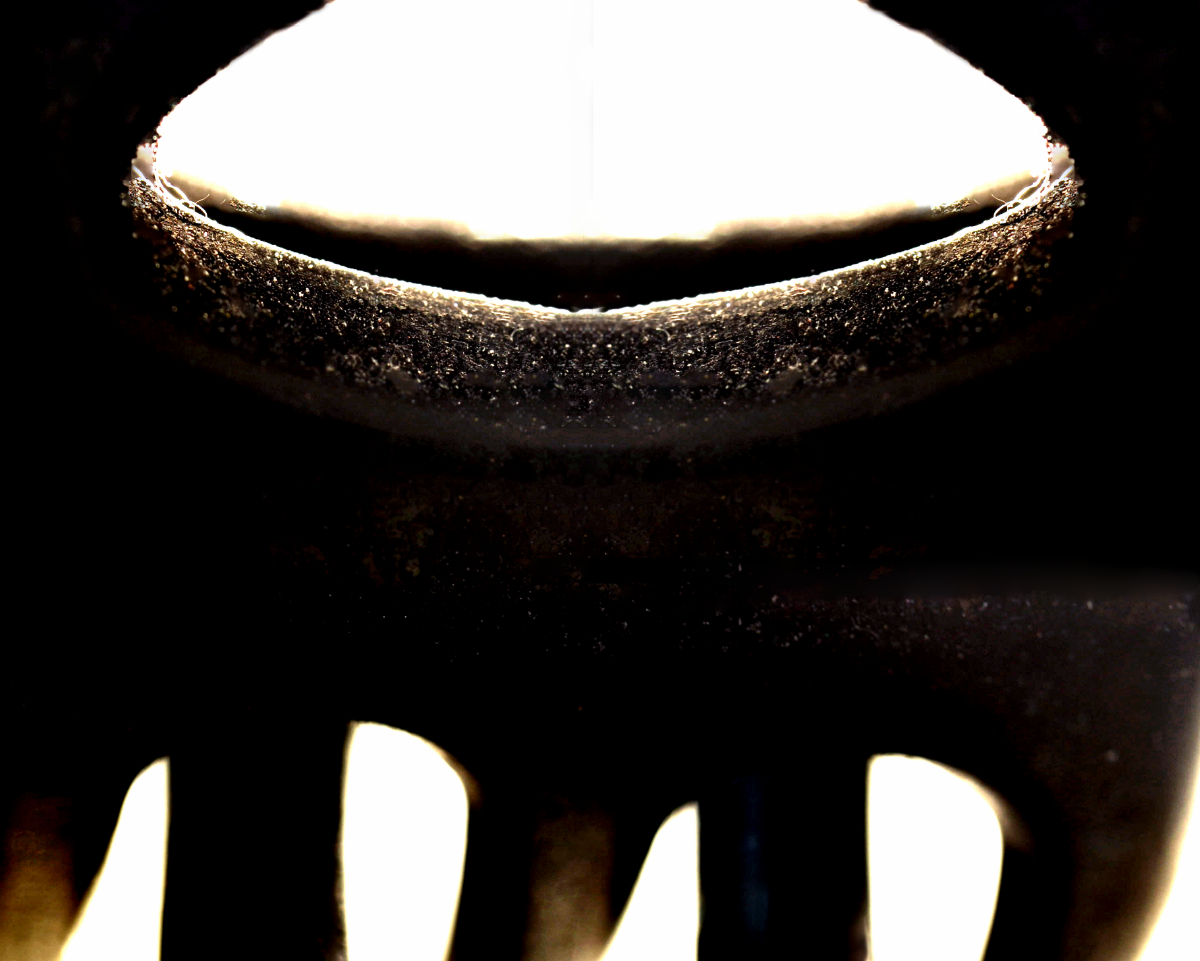
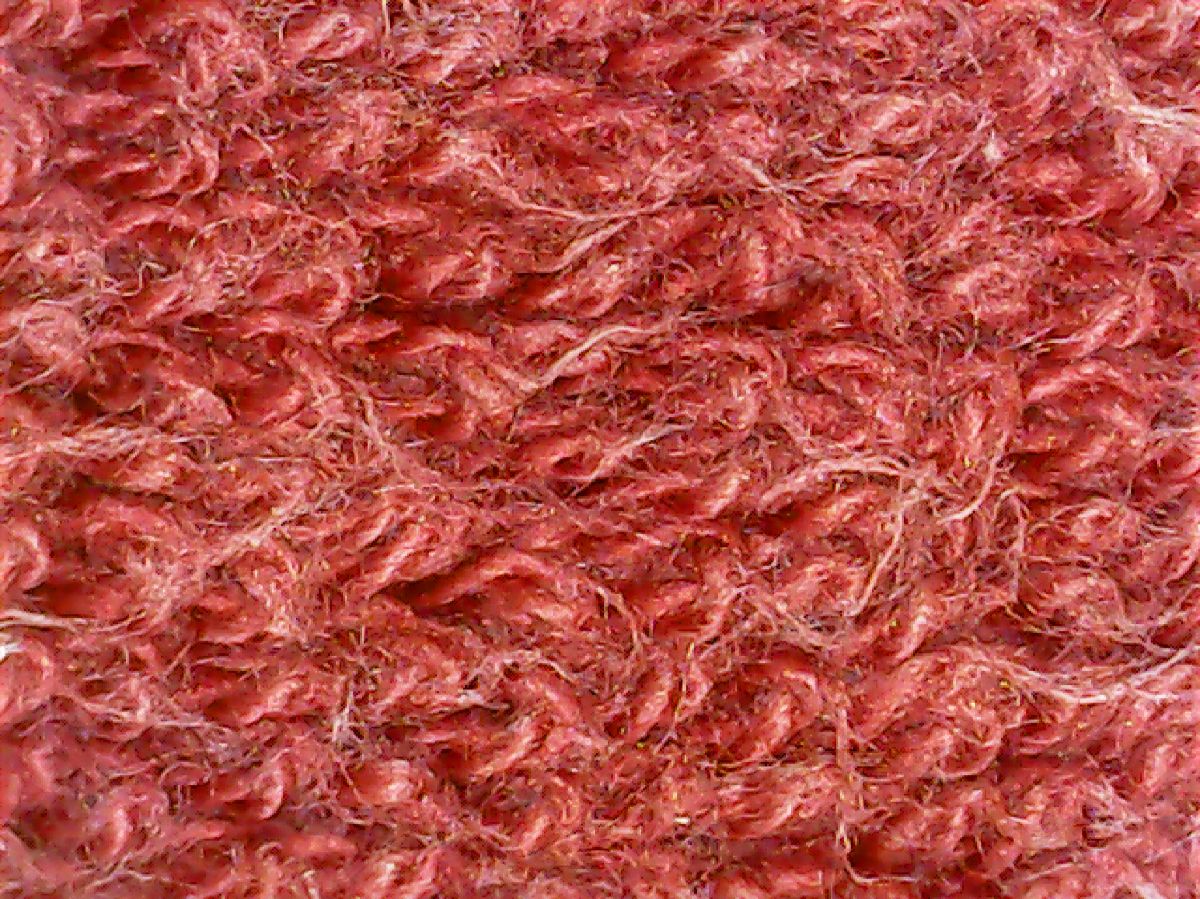
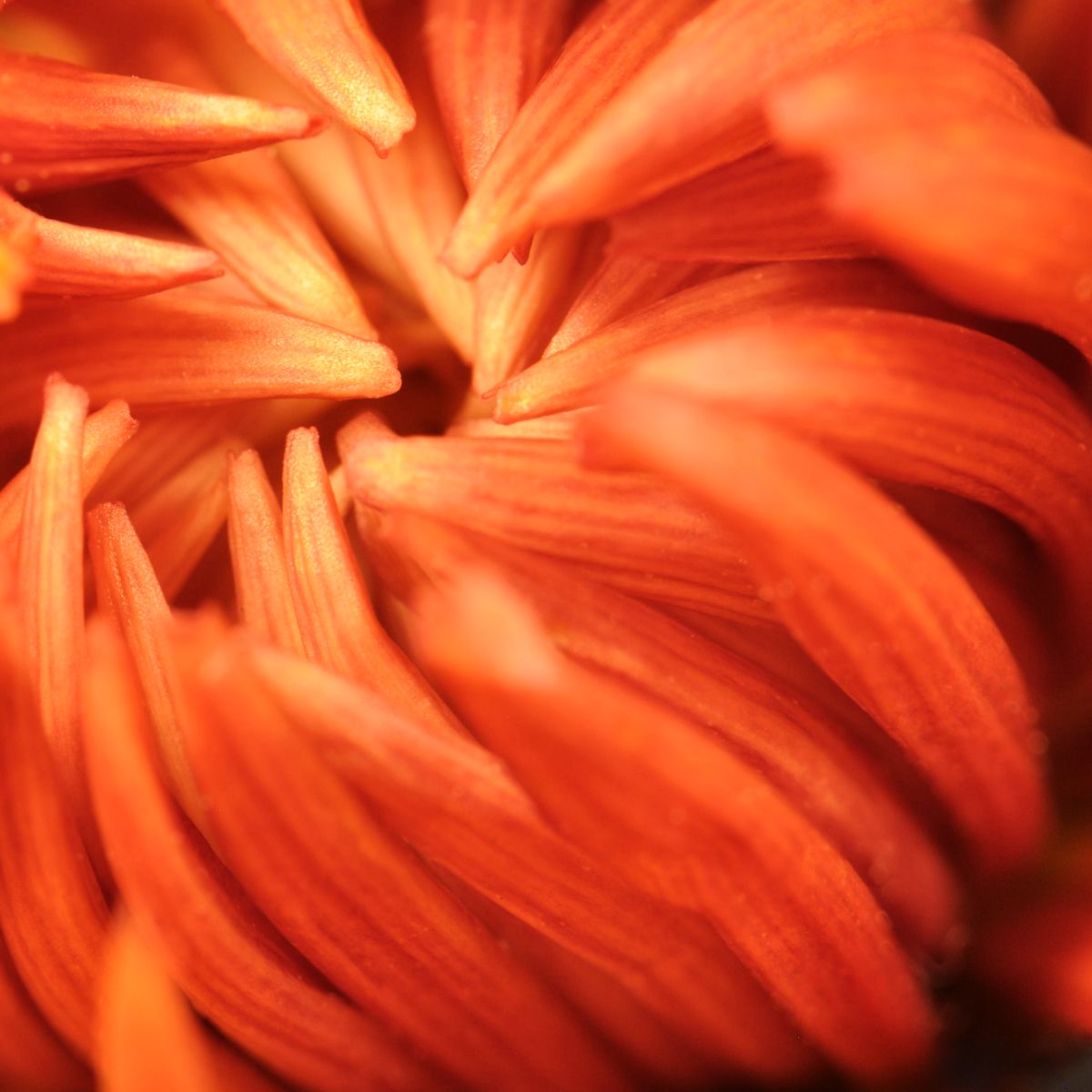
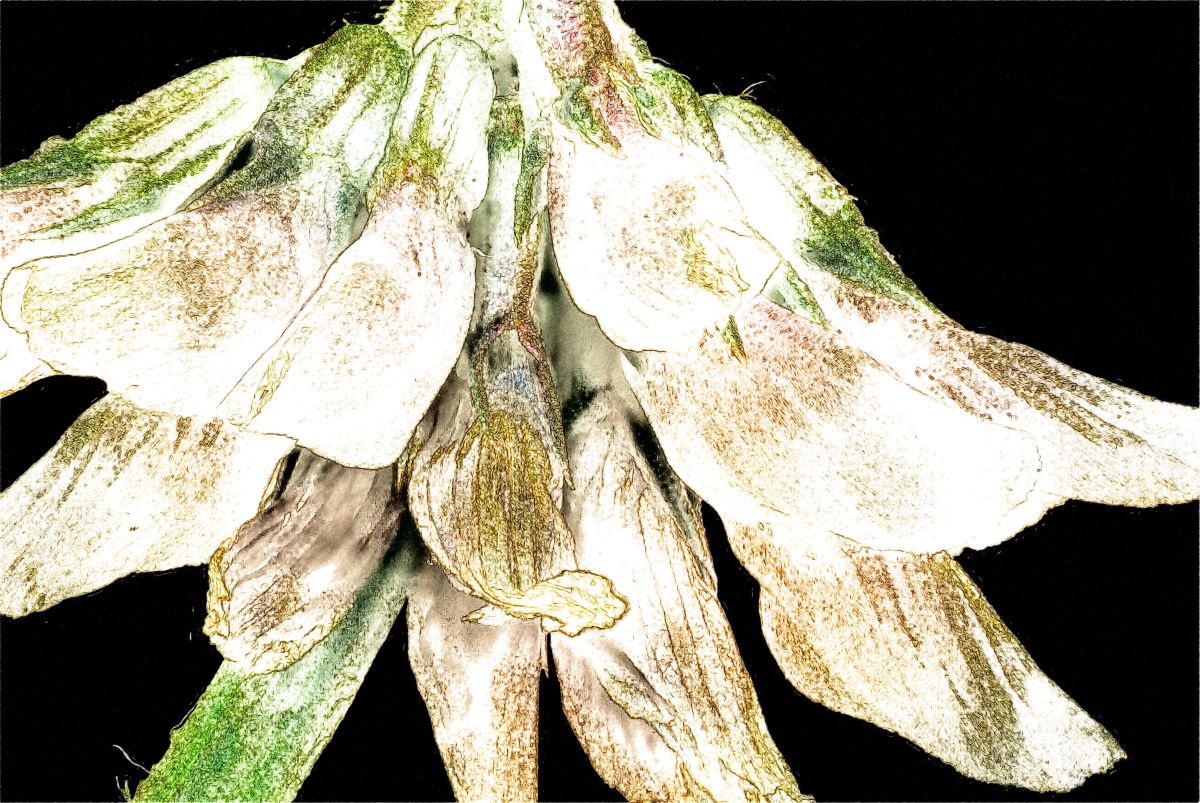
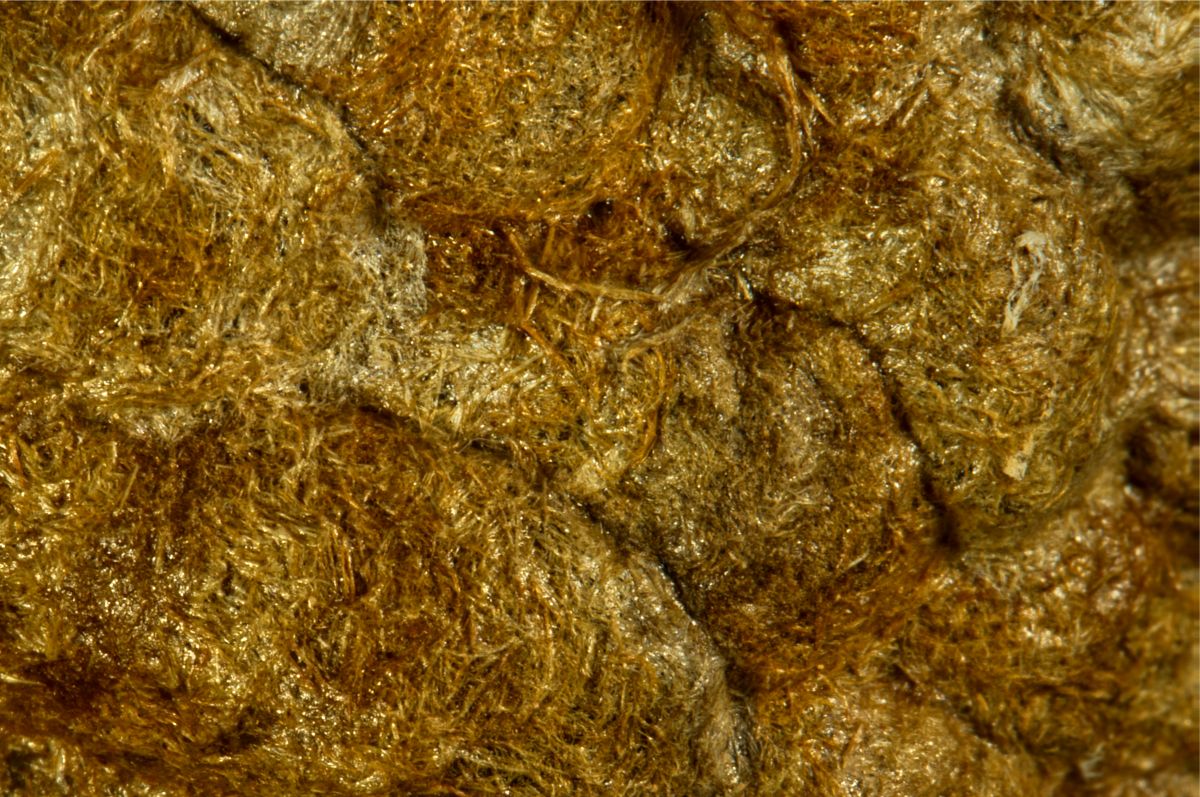
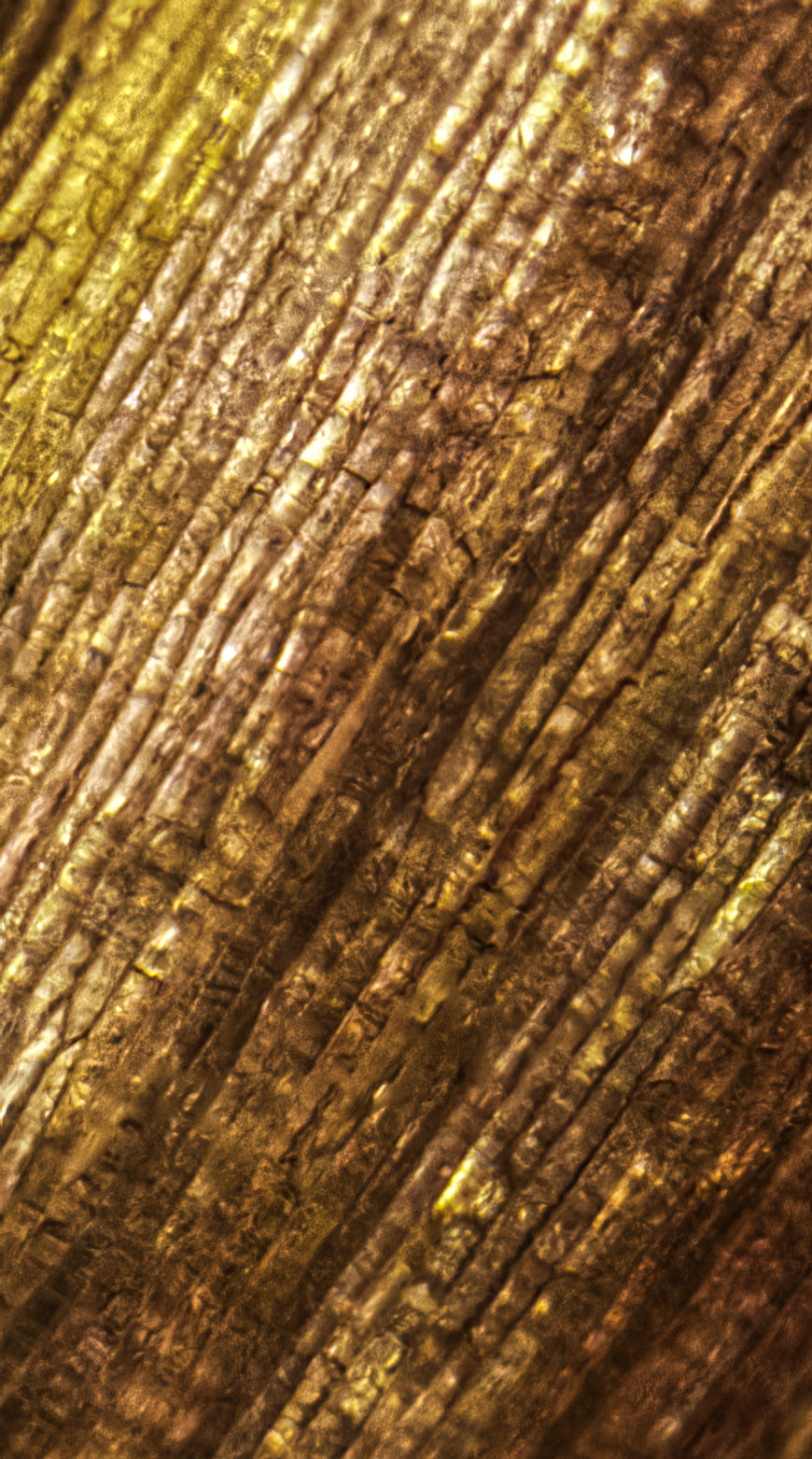
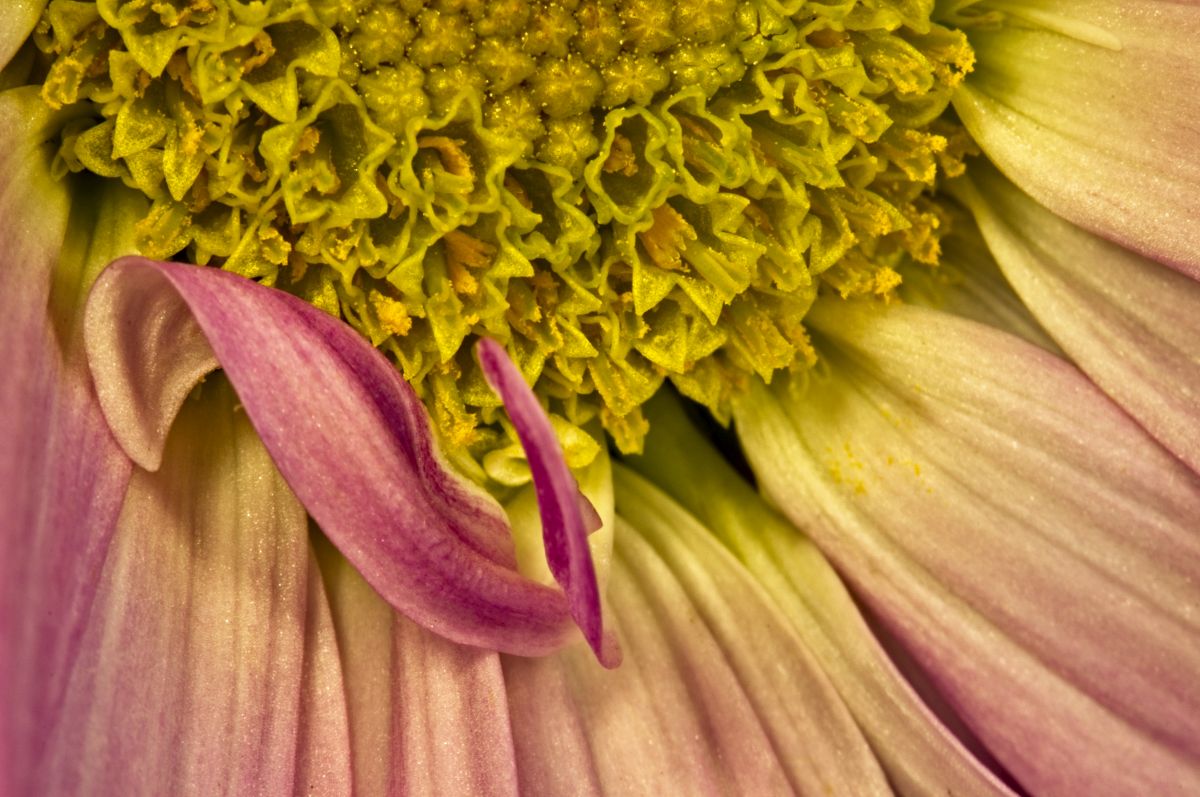
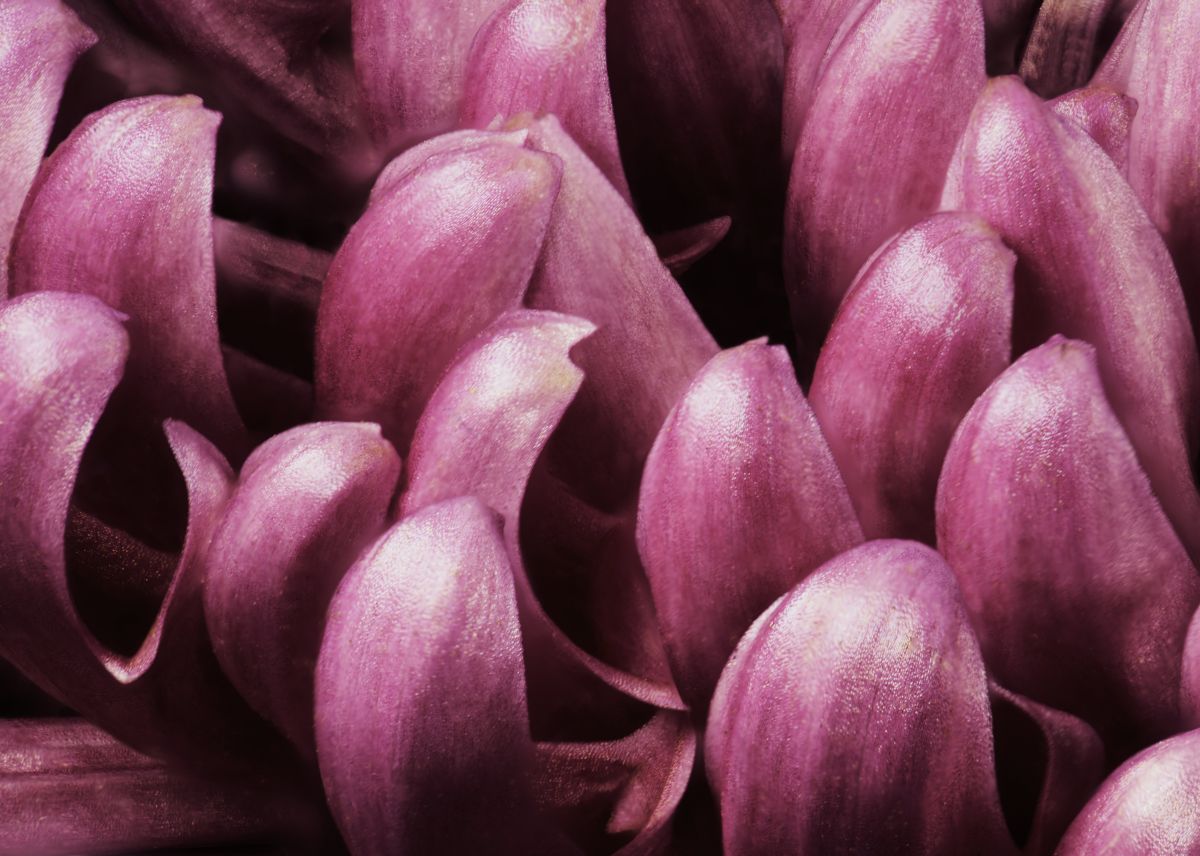
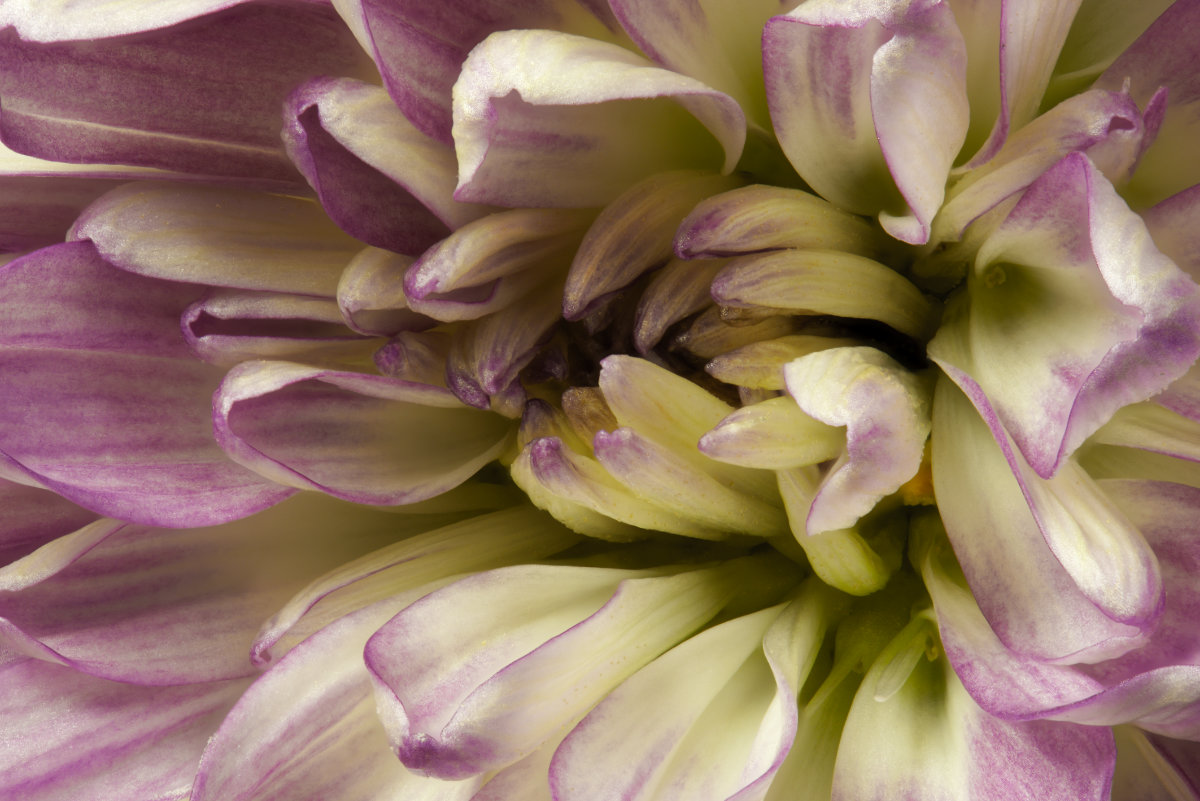
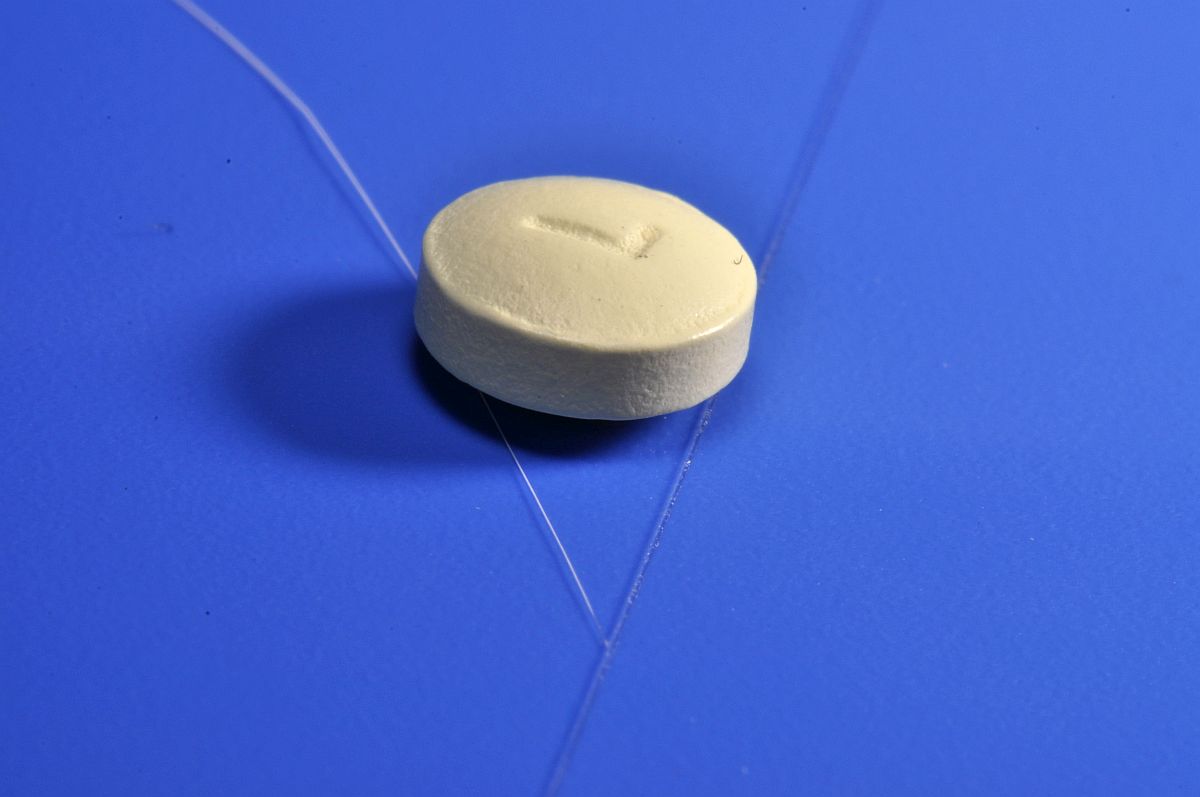
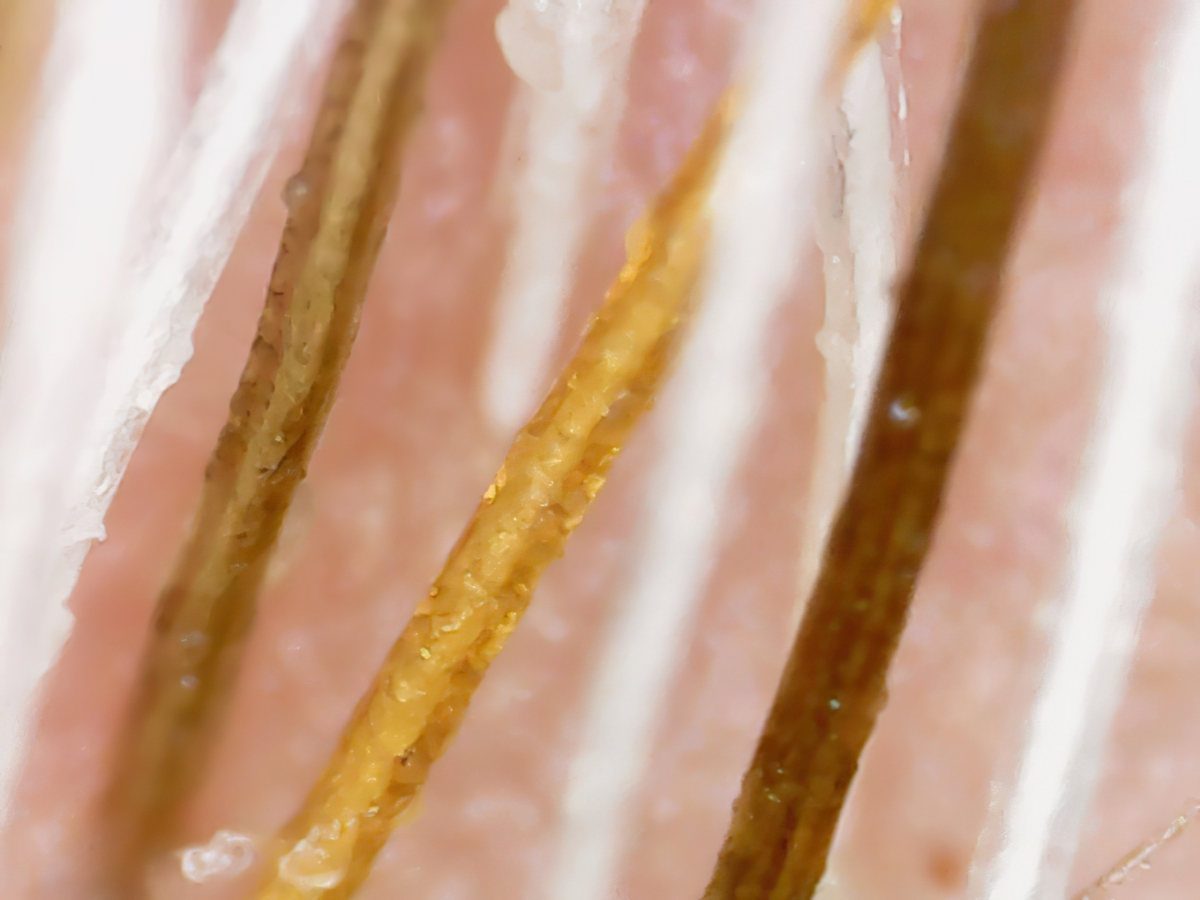
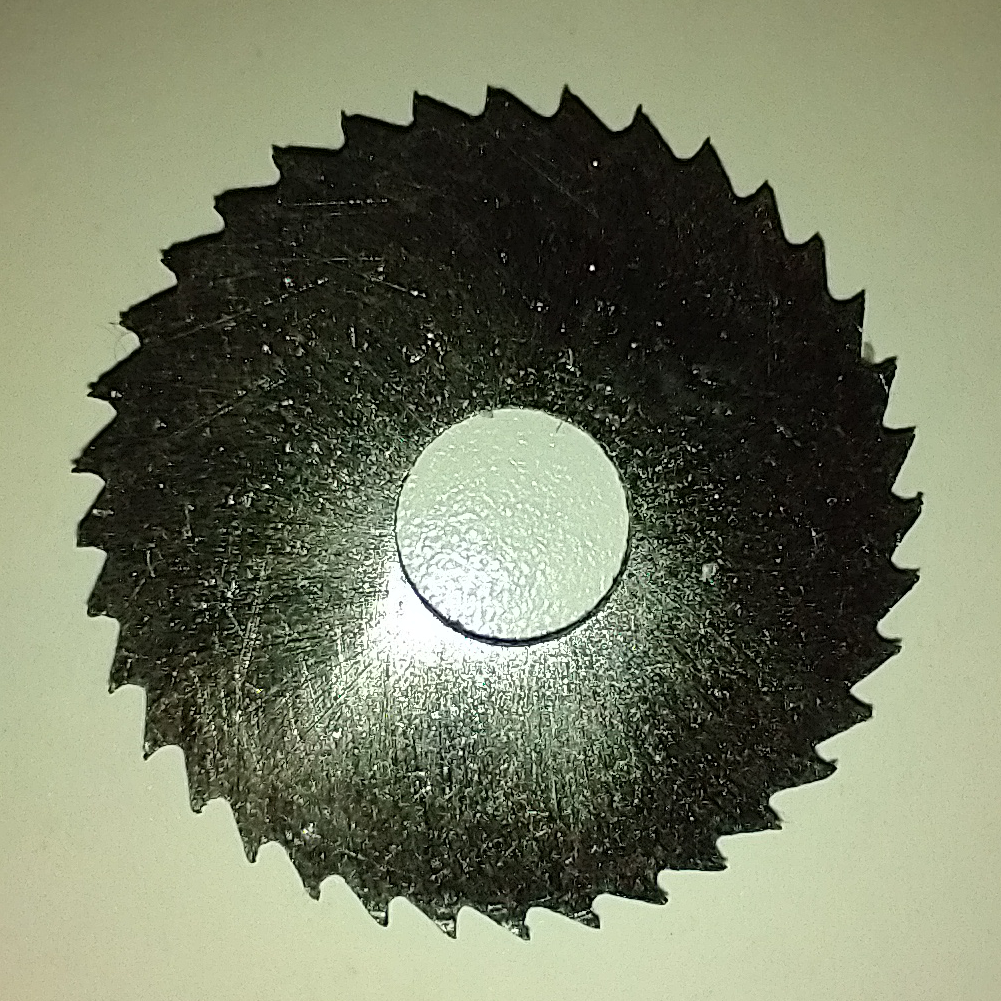
Here, at long last, is what you've been looking at this month from me: |
Nov 20th |
 |
| 53 |
Nov 20 |
Reply |
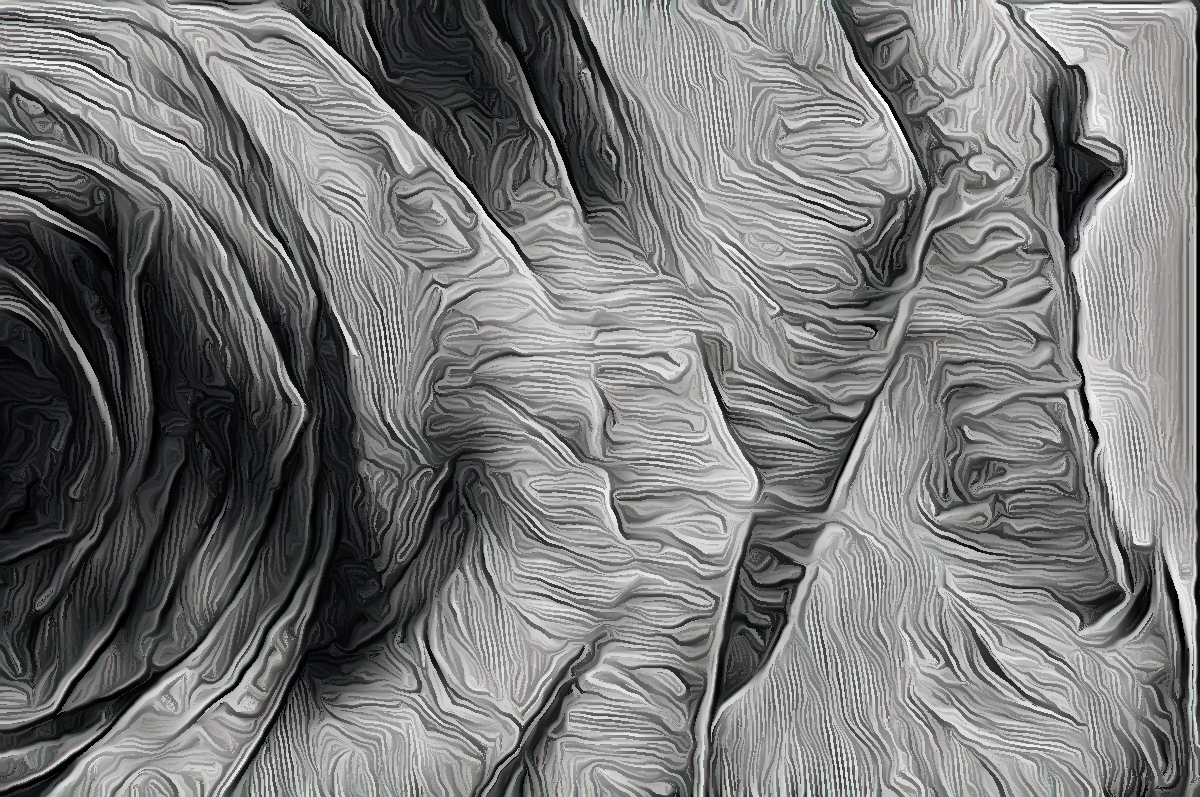
I can see where you might think that, but no. |
Nov 20th |
| 53 |
Nov 20 |
Reply |
I think all will be surprised at the origin. Coming soon . . . |
Nov 19th |
| 53 |
Nov 20 |
Comment |
Well, here I am to weigh in on what I find in your image. d;¬{D
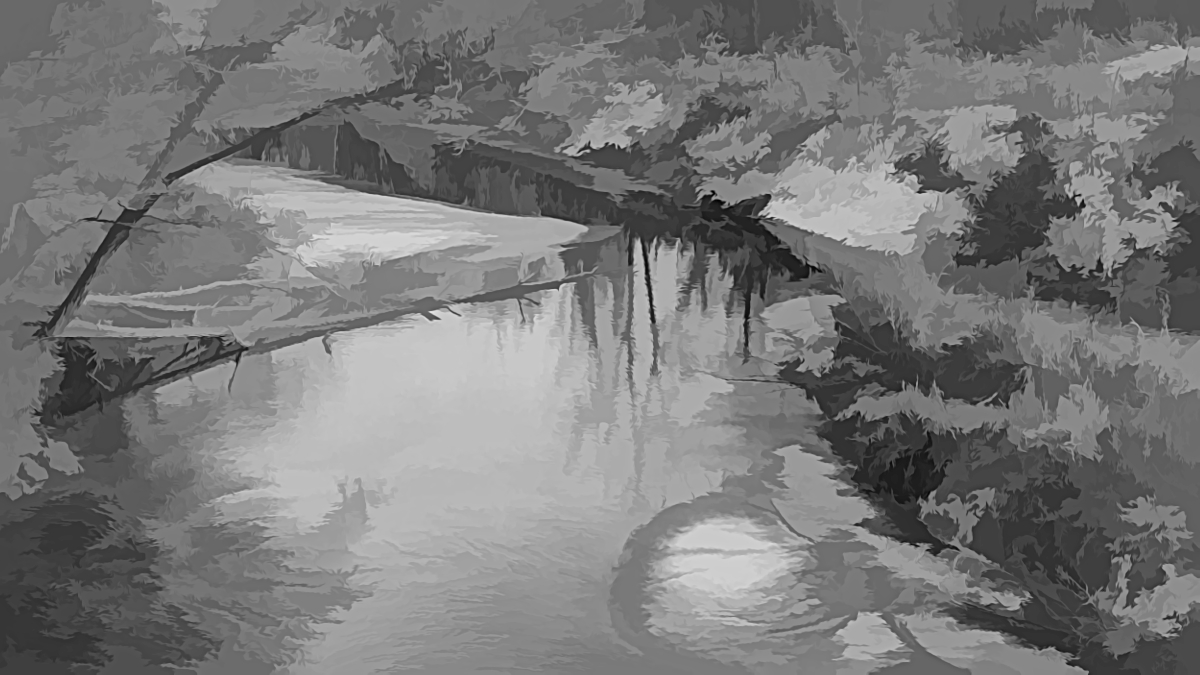
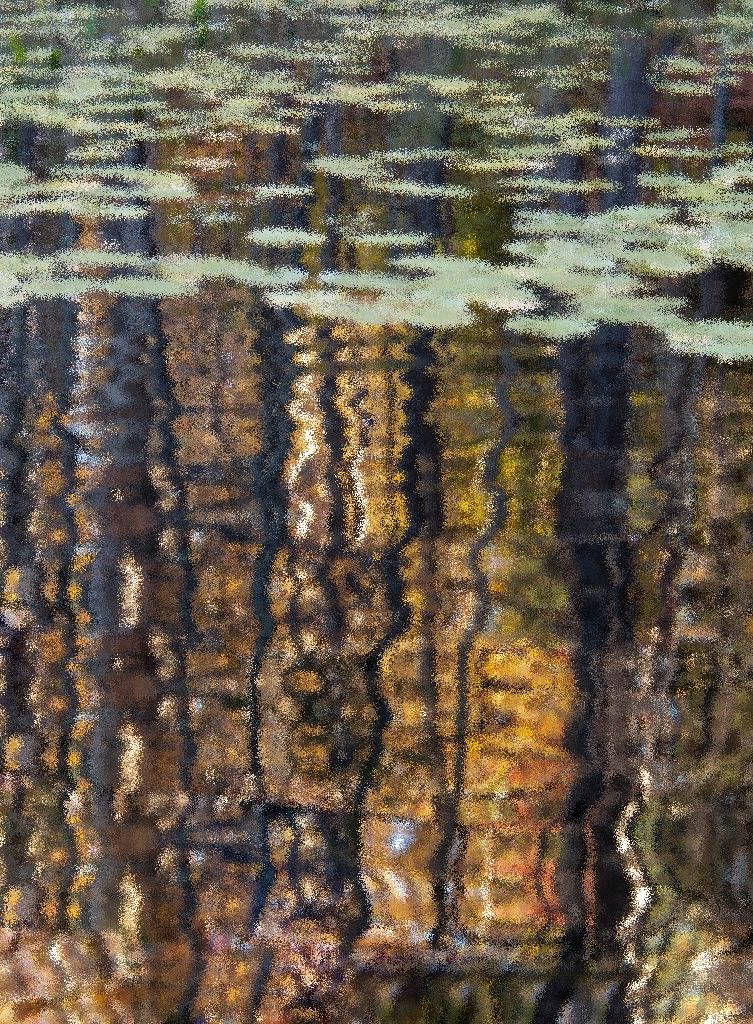
For the most part, I like this as it is. The lily pads become the leafy tops to the reflected trees below, creating a sort of impressionist view of a forest. SO I wouldn't crop it at all.
I did think it might be fun to emphasize that impressionist look, so I took it into Affinity Photo and healed some of the out of place colors near the bottom, then applied 1% of the Diffuse filter to pixelated it ever so slightly. What do you think? |
Nov 19th |
 |
| 53 |
Nov 20 |
Comment |
I think this is a great portrait of a technician at work. I wouldn't remove any more of the foreground than you already had as it sets context and actually does a good job of framing the face and working kinda like a vignette.
The shine on the face is a definite issue, so I took this into Affinity Photo, applied its Frequency Separation filter to alter the colors in the shiny areas to blend in better, as well as adding a little dodging and burning to sculpt things a bit. Finally, I added a Clarity filter to his hand so it was a little sharper, since this is about the work he's doing. Thoughts? |
Nov 19th |
 |
| 53 |
Nov 20 |
Comment |
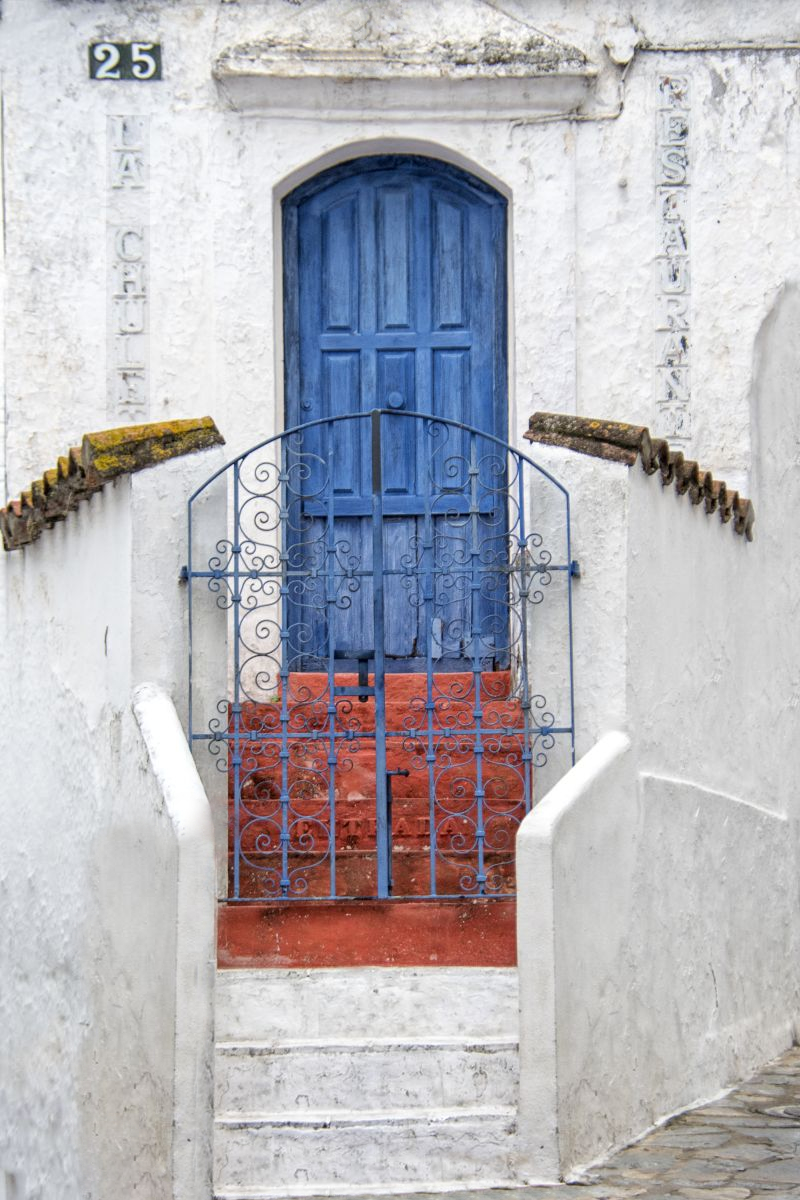
I love the lines and curves of this image. The colors pop nicely and there's a lot to like.
I agree about the black gate at the left bottom, so had a go with removing it in Affinity Photo. I cloned the right side with the Flip set to Horizontal. It looked a bit funky, so I worked with the InPainting Brush (Healing Brush in PS) and the Clone tool to make the bottom of the image make more sense. I did some cleanup of other areas on and around the door, then finally enhanced the lettering. Thoughts? |
Nov 19th |
 |
| 53 |
Nov 20 |
Comment |
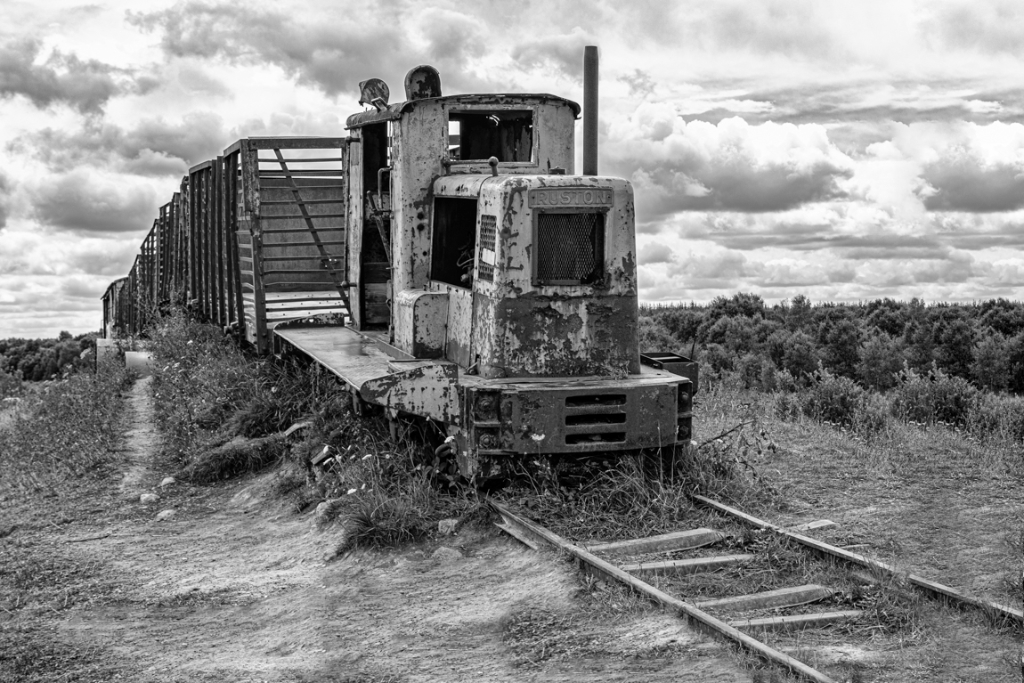
I think monochrome is a great choice for this image. There is plenty of tonal range and the sky adds a moody feel to this derelict train.
I had a go at giving it a bit more track in Affinity Photo. First I extended the canvas proportionately on the right and bottom. Then I did an InPainting Fill (the equivalent of Photoshop's Content-Aware Fill). This wasn't too pretty to see, so I used a combination of the InPainting Brush (PS's Healing Brush) and Clone Stamp to create a seamless extension of the scene. Thoughts? |
Nov 19th |
 |
| 53 |
Nov 20 |
Comment |
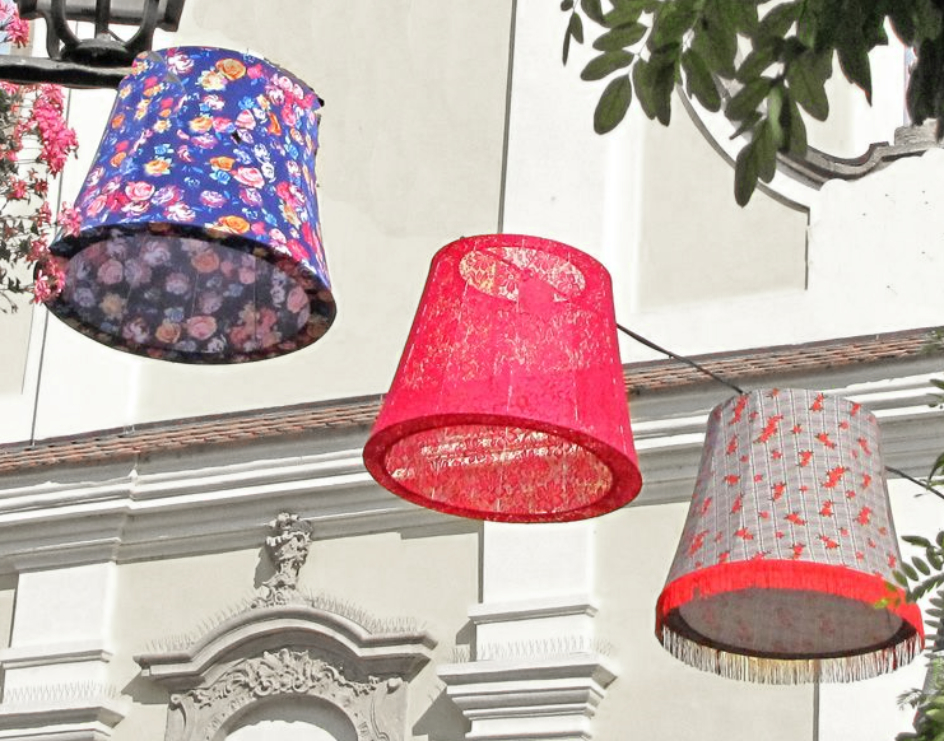
As others have said, you have a lot going on here and there are many focal points that could be made the star of the image. Certainly, by position, the lampshades are the obvious first choice, so I concentrated my efforts there.
Rather than employ a vignette, which does really pull the viewer's eyes to the lampshades, I chose to apply an HSL filter to the image, desaturating the wall so that it no longer competed, and cropped in to eliminate some of the other distractions. Thoughts? |
Nov 19th |
 |
| 53 |
Nov 20 |
Comment |
You manage to visit the most amazing places!
It appears that there are several levels to this structure. What about this position compelled you more than others?
As Dan mentioned, seeing people helps us get a sense of the sheer immensity of the place and is an important element to the total image.
Did you do any post-processing of this image or is it basically SOOC? |
Nov 19th |
| 53 |
Nov 20 |
Reply |
Your finishing touches is just what this image needed. Well done! Which tool(s) did you use in Luminar to bring out the detail? |
Nov 19th |
| 53 |
Nov 20 |
Reply |
I think I see what you're talking about, but, no, it's not that either. |
Nov 19th |
| 53 |
Nov 20 |
Reply |
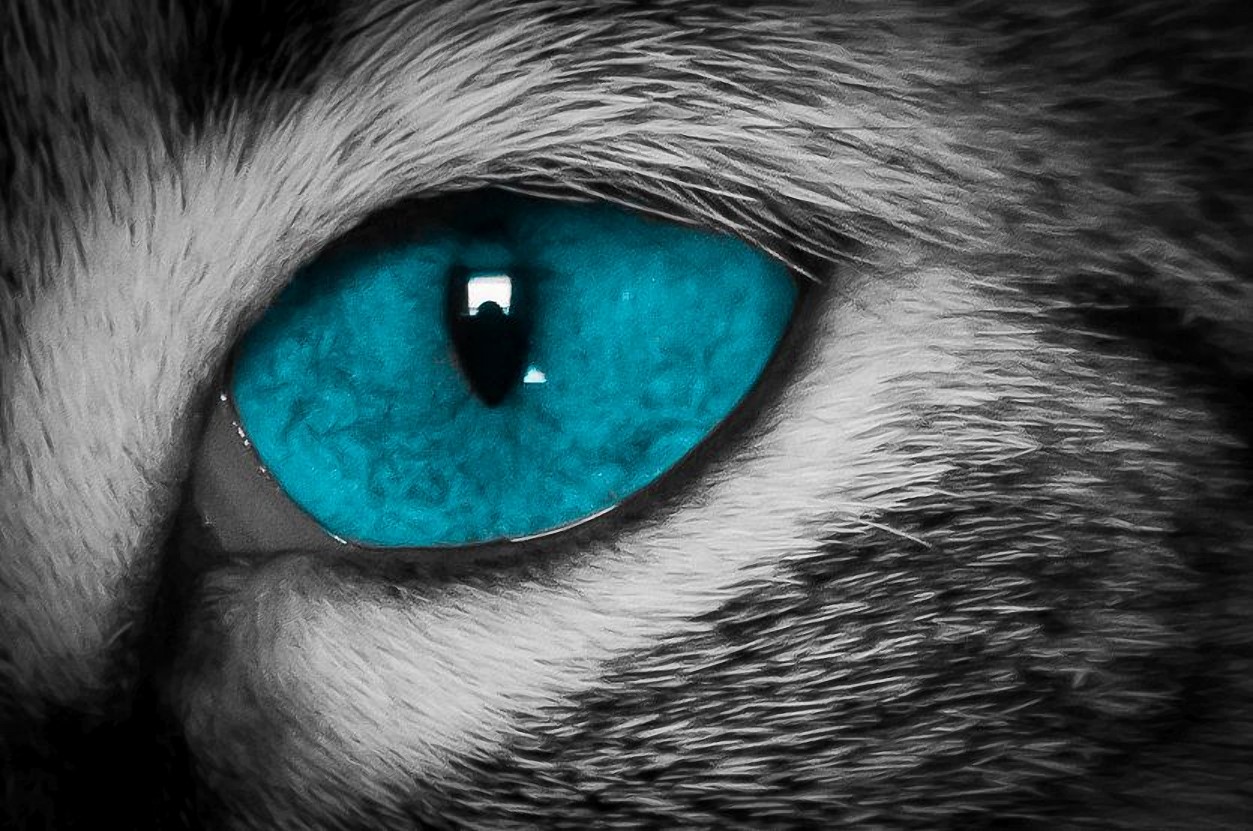
You're right that it's a macro shot, but hair is not involved. |
Nov 13th |
| 53 |
Nov 20 |
Reply |
Great guesses all, but wrong. d;¬{D |
Nov 10th |
| 53 |
Nov 20 |
Reply |
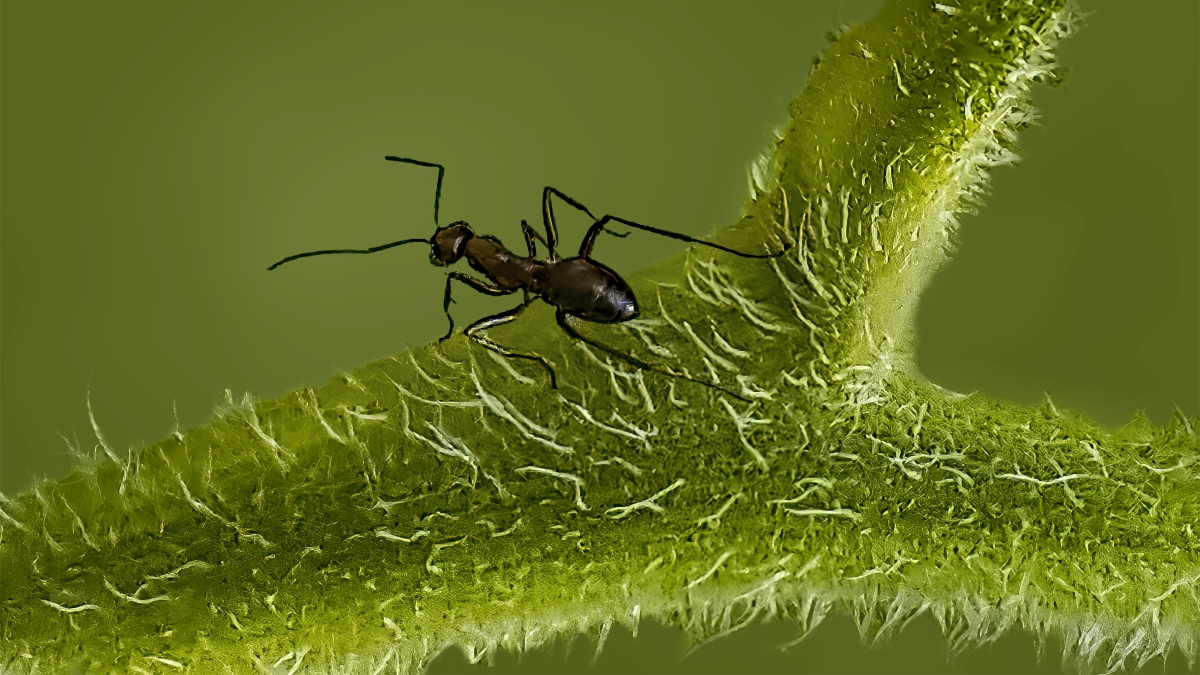
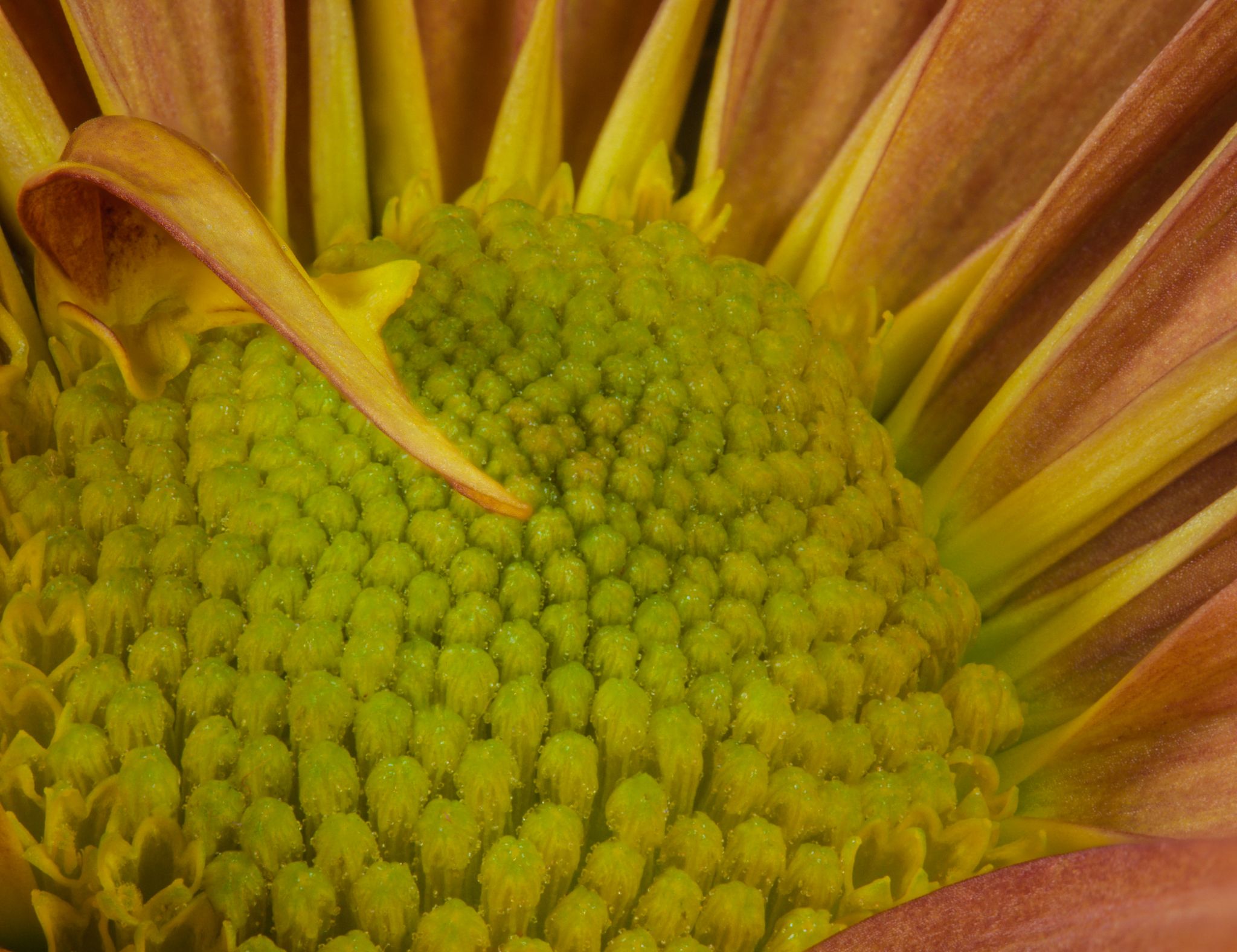
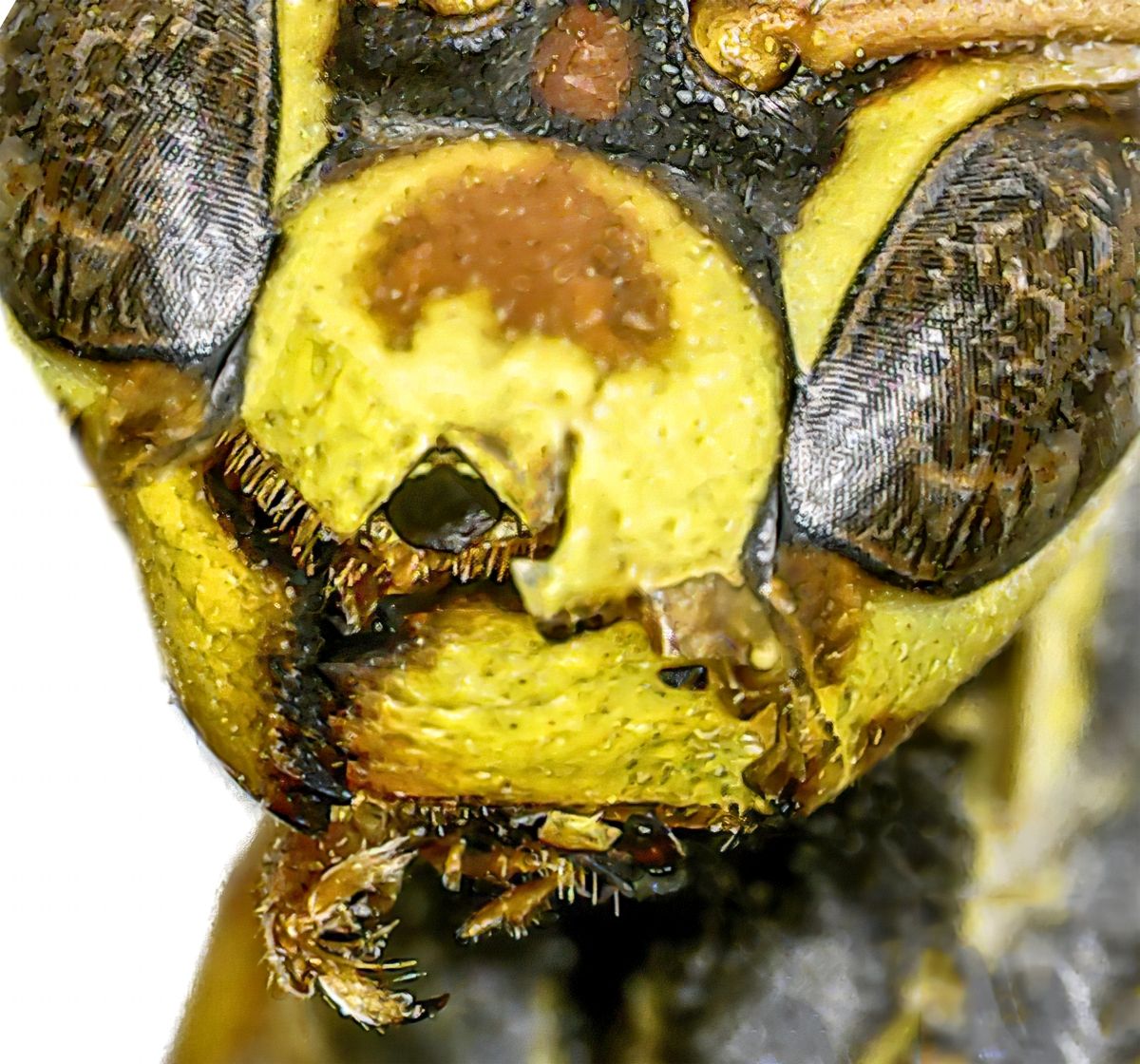
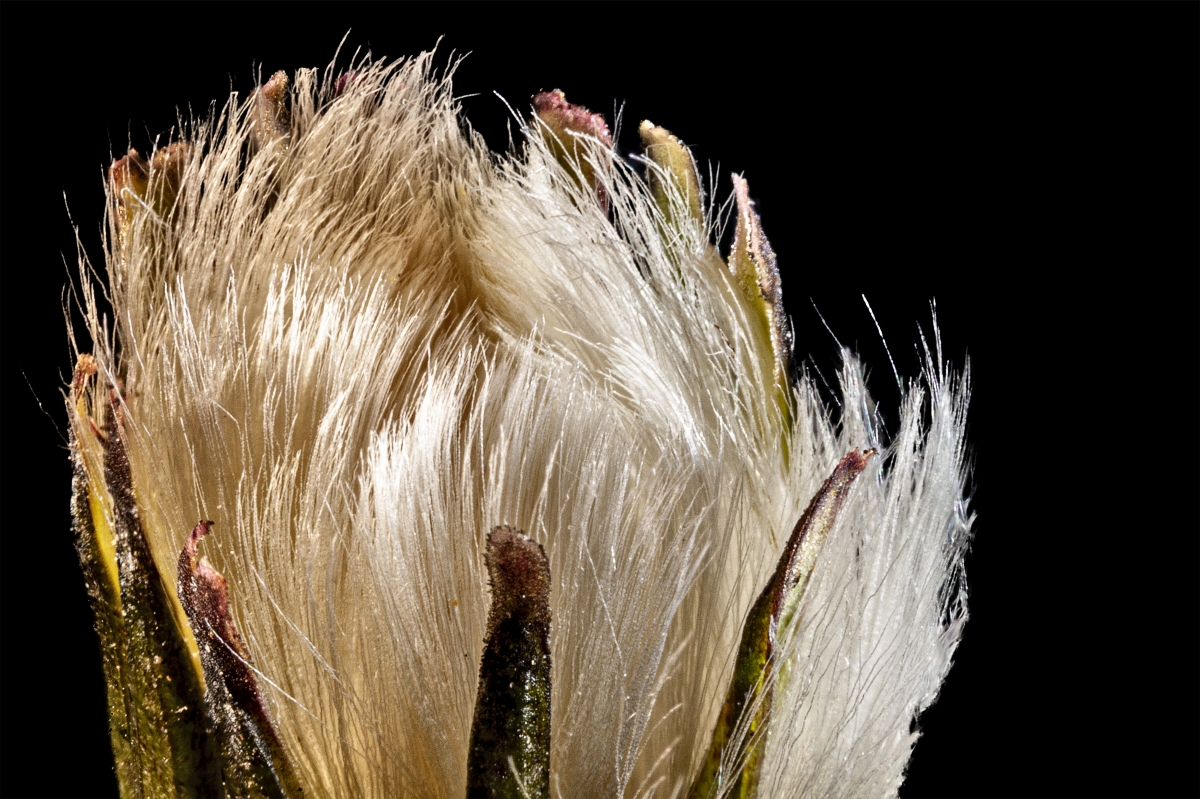
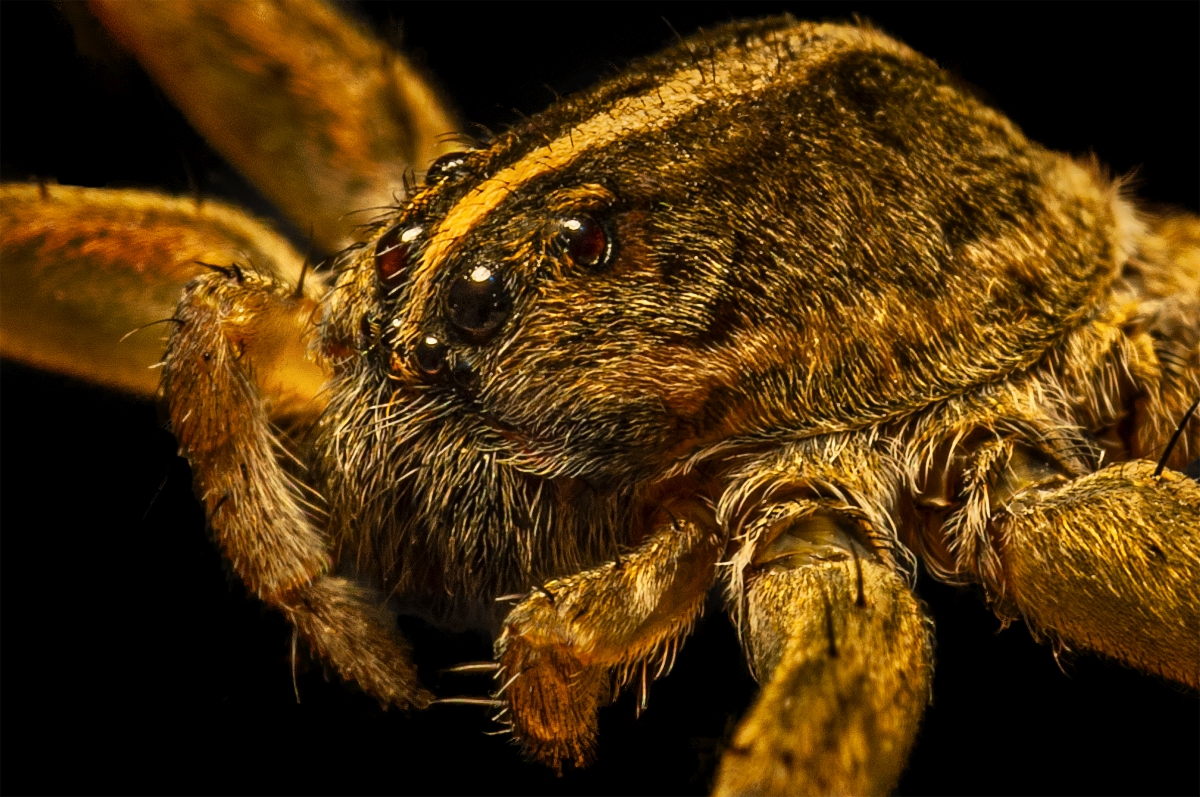
You're getting close - I used a digital microscope connected to my smartphone. |
Nov 9th |
| 53 |
Nov 20 |
Reply |
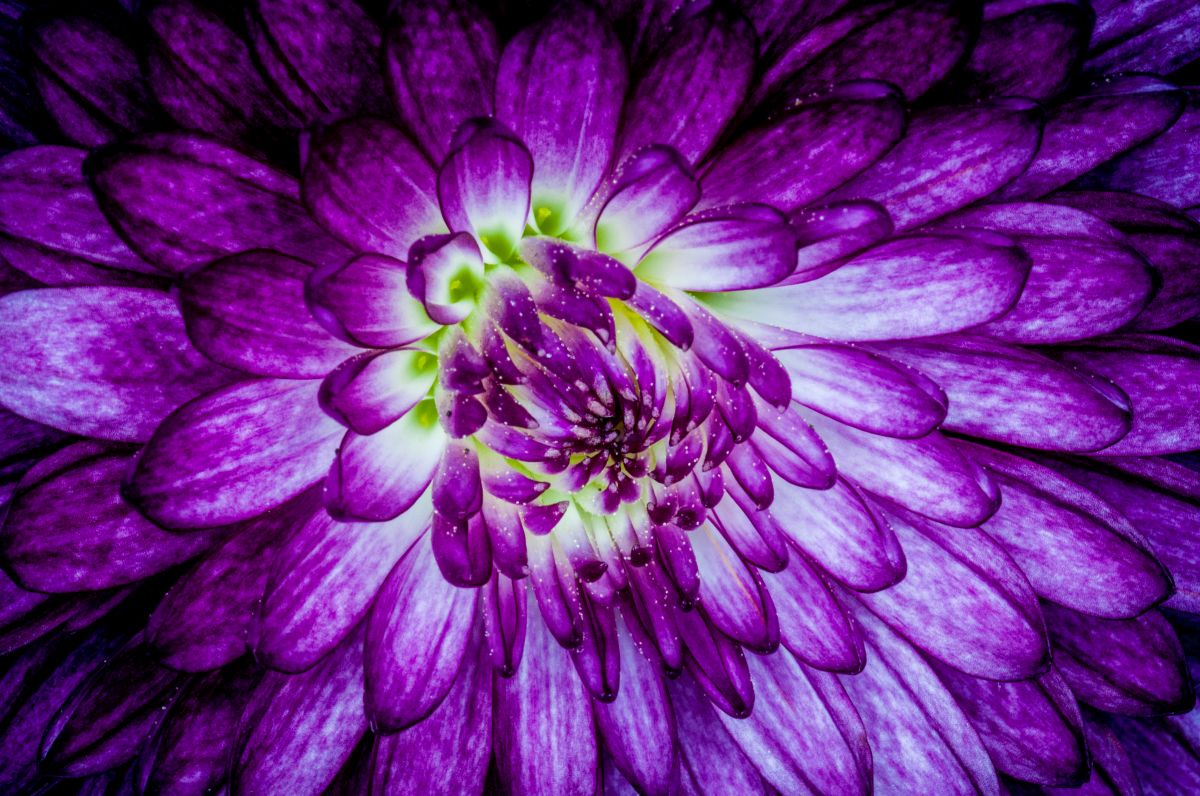
Nice job. The mix of colors adds some vibrance and dimensionality to the image. I'd love to know more detail of your process. |
Nov 8th |
7 comments - 16 replies for Group 53
|
| 86 |
Nov 20 |
Comment |
The Ivy on the trees on the right remind me of an effect in Affinity Photo on my desktop called Diffuse - gives a somewhat impressionist feel and that I've does a similar thing. Very pretty image, well captured and framed for our enjoyment. |
Nov 19th |
| 86 |
Nov 20 |
Comment |
I agree that this would be wonderful as a fabric print - very rich and colorful in a way the original image cannot achieve on its own. I salute your perseverance in fighting your way past the attempts to induct you into a place you don't wish to go to find the effect you were looking for. Good job! d:¬{D |
Nov 19th |
| 86 |
Nov 20 |
Comment |
I think you did a great job with this. The detail in the thistle is super and the bee gives a real sense of the size of the blossom.
I agree that the green of the background is a tiny bit overpowering, but I don't know if it really needs adjustment beyond darkening the greens in SnapSeed. And, yes, it would be best to have the bee sharpened more, but I'm too much of a novice at the apps to know how to do that in a targeted way. |
Nov 19th |
| 86 |
Nov 20 |
Comment |
You've turned a static top-down image of a bouquet into an ever-expanding garden starting to take over its surroundings. What inspired you to go in this direction? |
Nov 19th |
| 86 |
Nov 20 |
Comment |
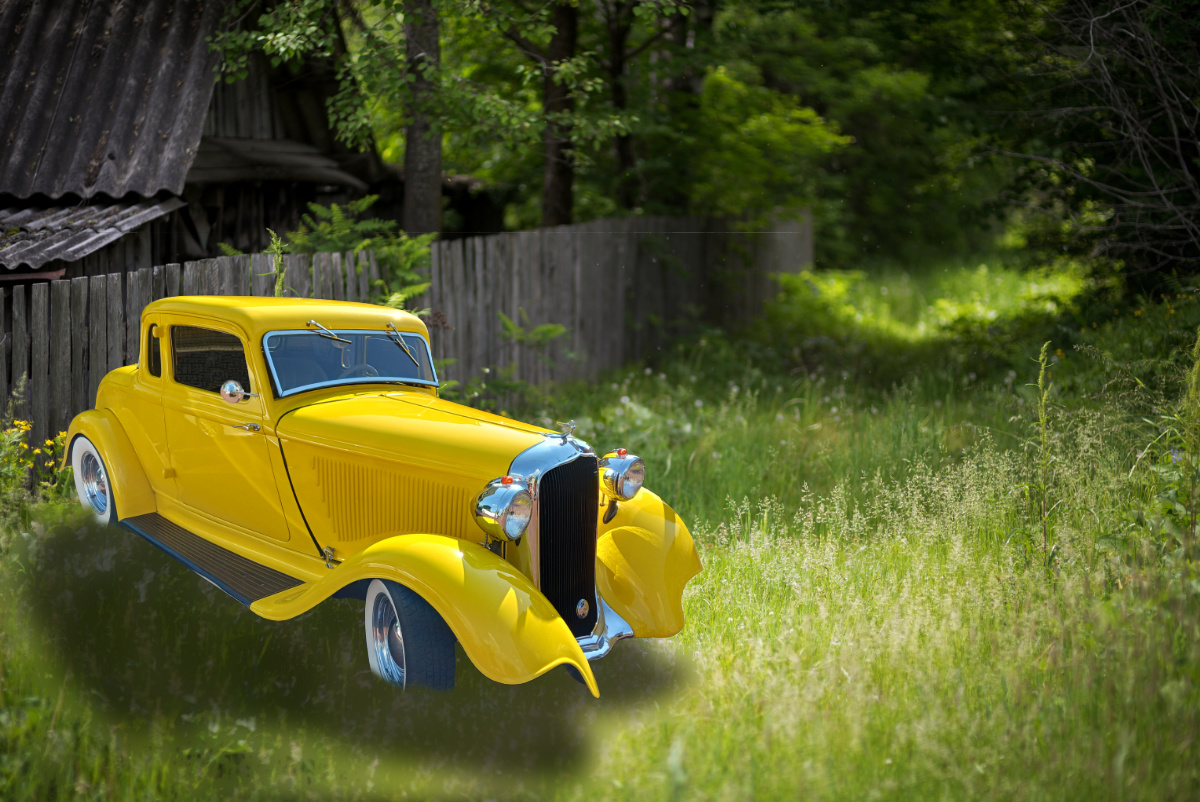
What an amazing composite, wonderfully devised in apps on an Android device. I'd love to see the original components to this. How ever do you come with ideas like this? |
Nov 19th |
| 86 |
Nov 20 |
Reply |
Thanks, Ruth! I'm not leaving DD - it's my baby! I have been made the Director of PSA Study Groups and the PID 2nd Vice Chair, so I'm balancing more hats on my head at the moment. I was having so much trouble making my fat fingers work the apps to do the things I've been doing on the desktop for years - very frustrating for an old nerd like me. d;¬{D |
Nov 19th |
| 86 |
Nov 20 |
Reply |
Yeah, you may be right. I'm really struggling with the process of merging images in the apps I've tried. There doesn't seem to be an effective way for me to isolate a part of the image sharply - the tools are very counter-intuitive for me. Don't know if I'll ever get this right. d:¬{( |
Nov 6th |
5 comments - 2 replies for Group 86
|
| 95 |
Nov 20 |
Reply |
MUCH better! Don't you think so?
What method are you using for Image organization? |
Nov 20th |
| 95 |
Nov 20 |
Comment |
I guess I'm confused. Is the main image your result or one of the slices? What is marked as your original is all in focus, as I would expect of a stack.
The problem with letting the camera alter the focus in incremental steps is that you can't be really getting 1:1. For 1:1, the lens must be set to 1:1 and not changed through all the slices. That requires the camera to move, not the focus point. The way around that is to add extension tubes of around 60mm, then you'll be closer to 2:1 to start. Otherwise, if the focus changes, you're getting a close-up that's nearly macro. |
Nov 19th |
| 95 |
Nov 20 |
Comment |
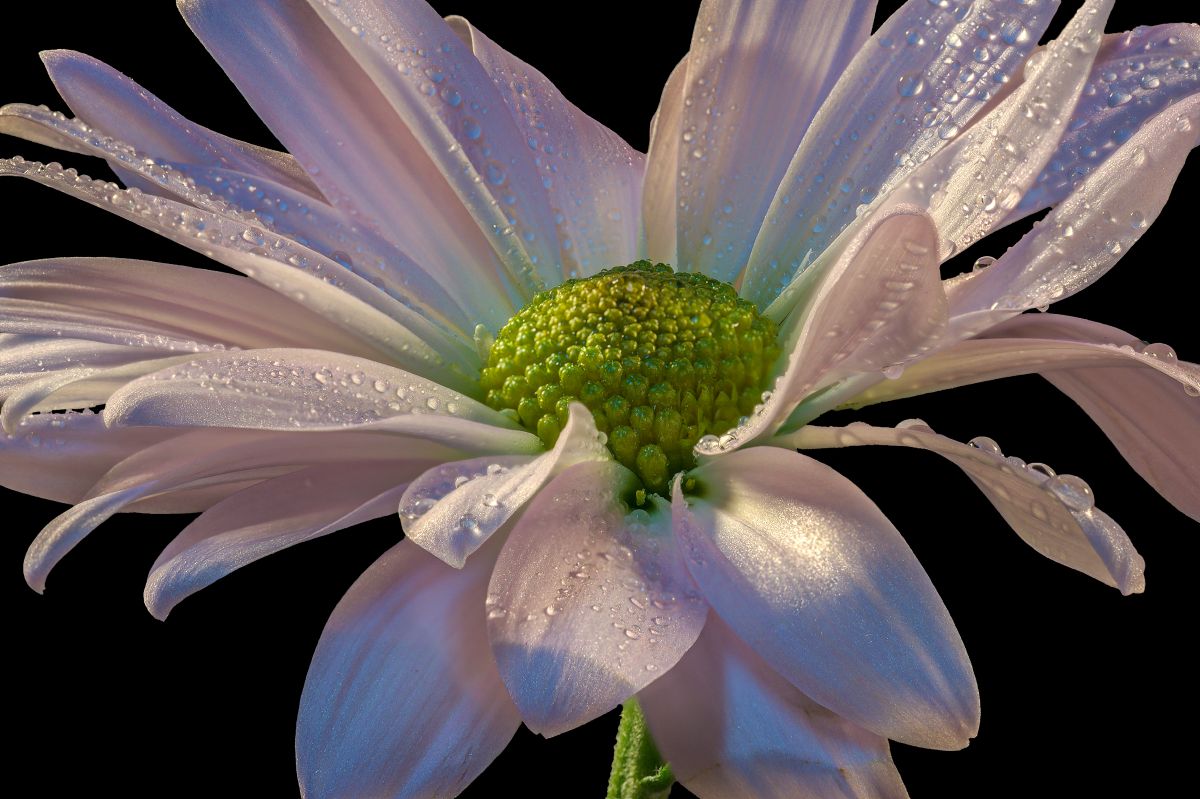
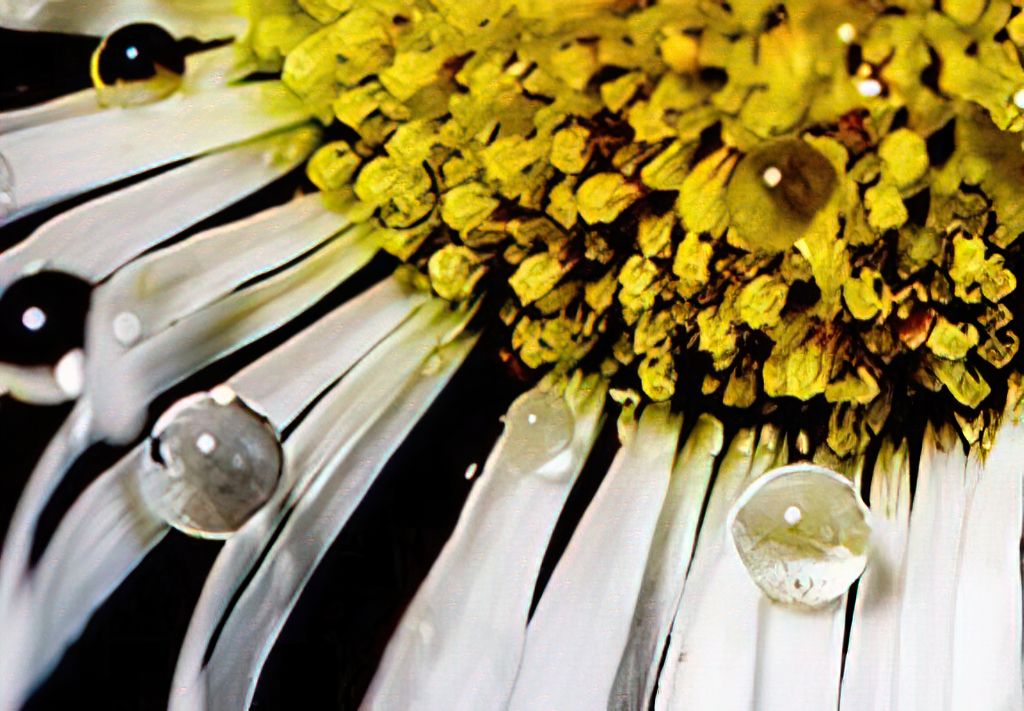
I think the larger water drops messed with the perceived focus. Your best bet is to try and shake off the larger drops next time.
The bottom left quadrant of the flower is the best area from this image. Rather than moving back, find an area that is more in focus than not. |
Nov 19th |
 |
| 95 |
Nov 20 |
Reply |
It has an adapter that converts the standard USB connector, that I use to connect with my desktop, to a USB-C type connector my smartphone uses. Then there's a free app I found to snap the images with. It will also allow me to do video, but that would be ridiculously jumpy at this point. |
Nov 19th |
| 95 |
Nov 20 |
Reply |
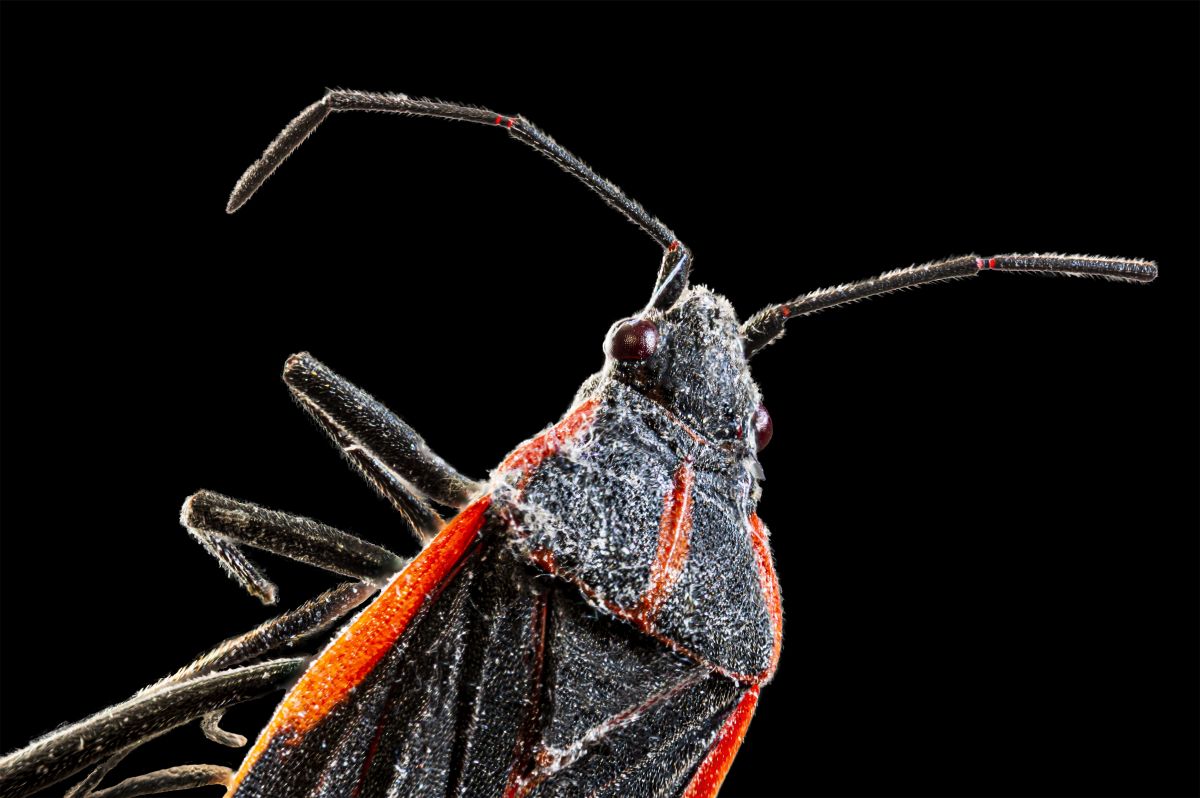
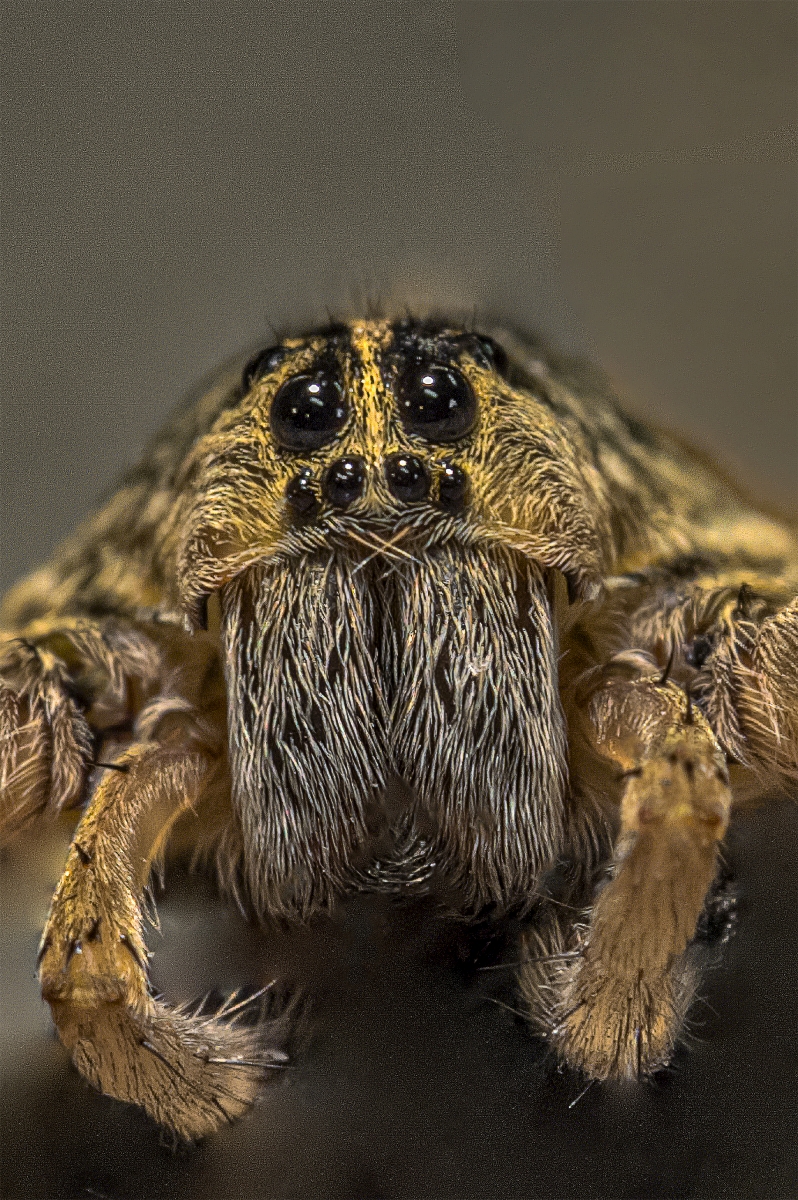
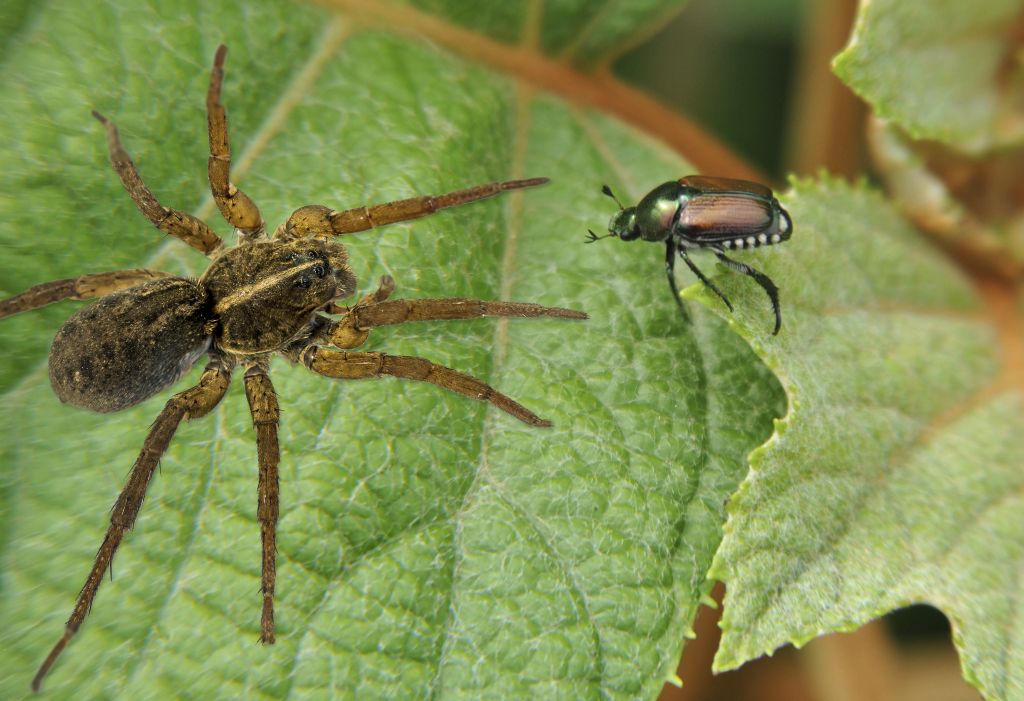
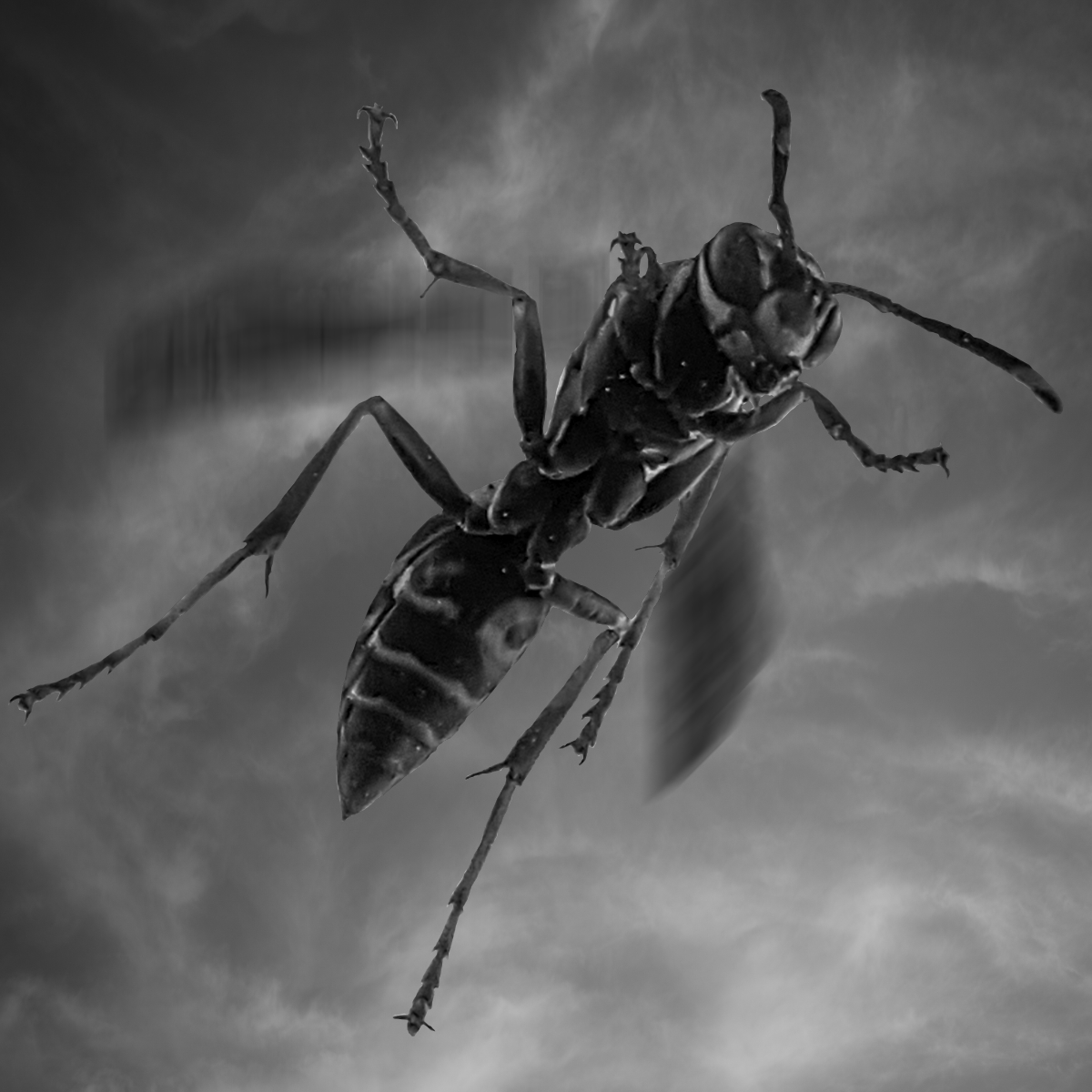
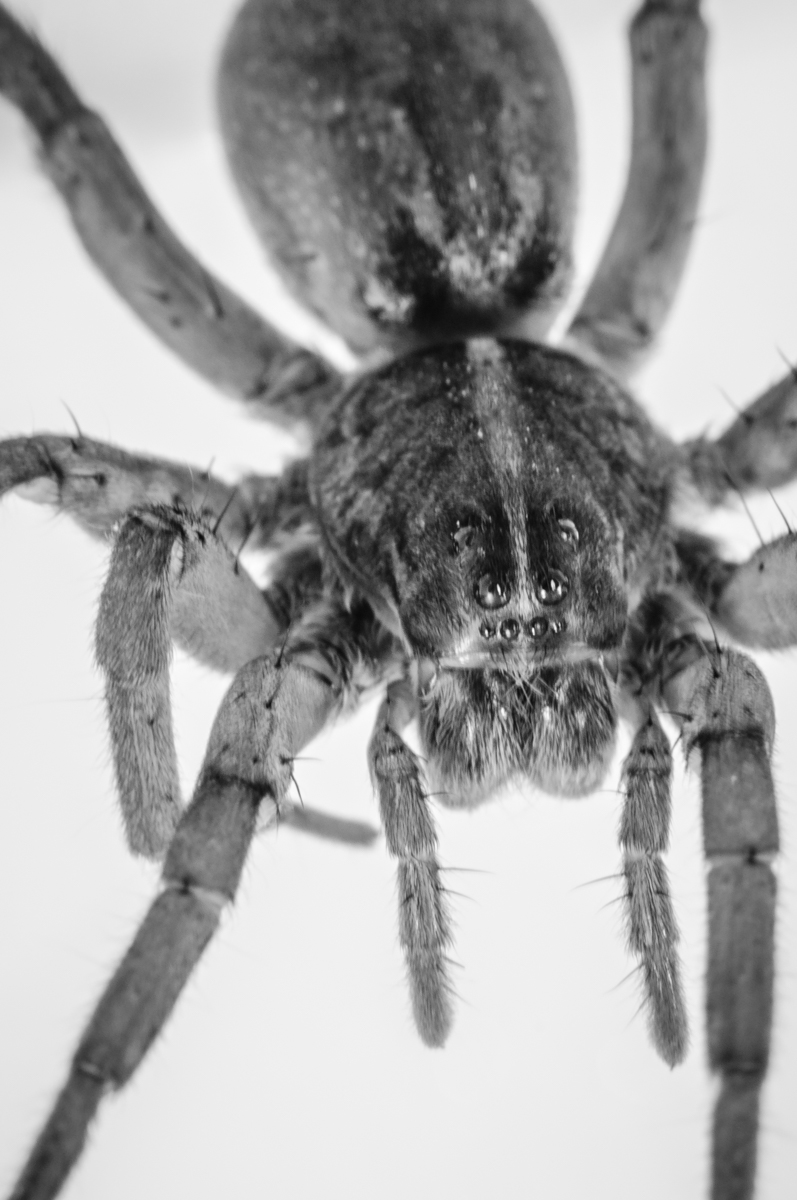
If he was as big as this looks, monster is too tame a word I think. d;¬{D |
Nov 19th |
| 95 |
Nov 20 |
Reply |
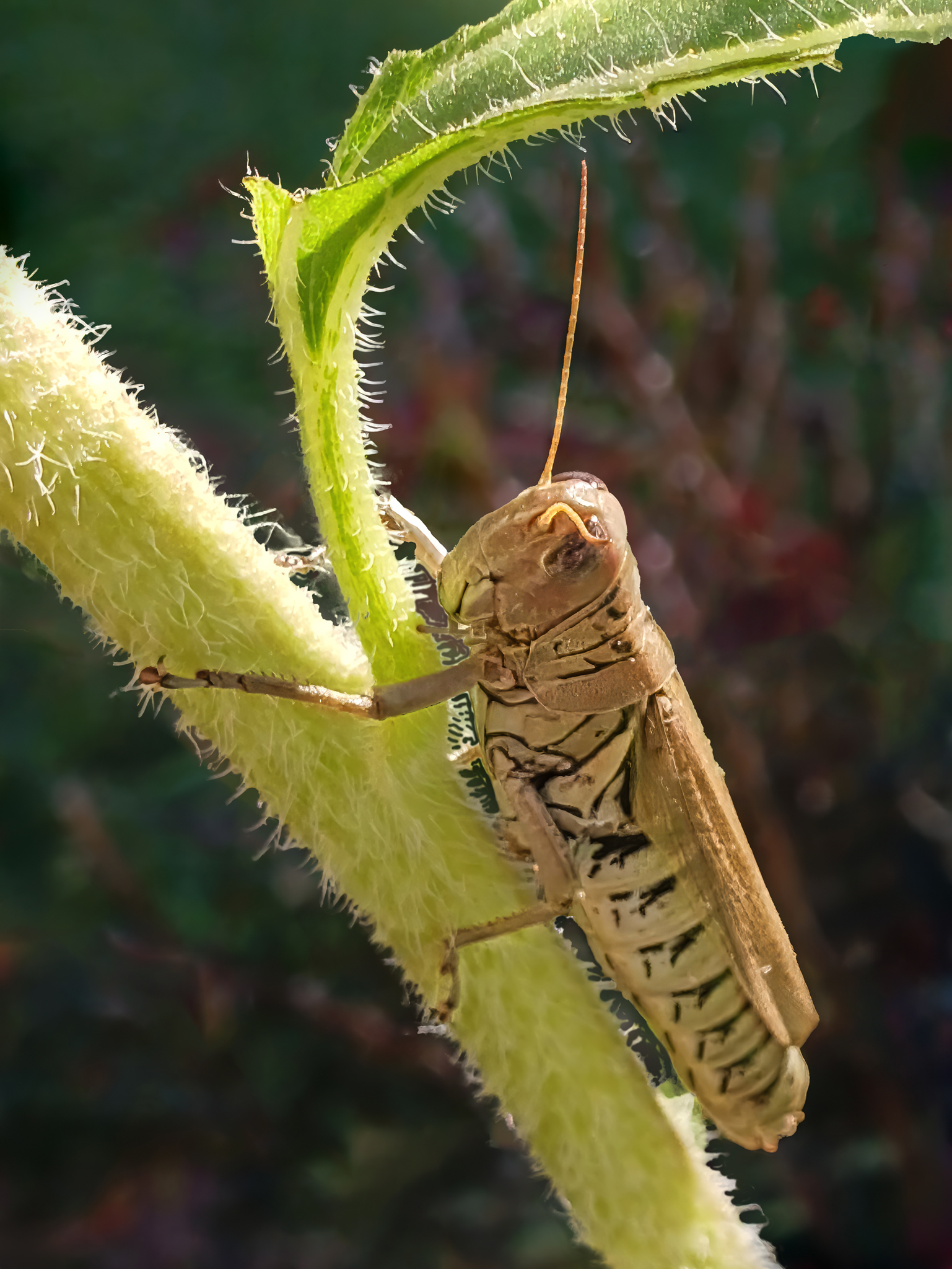
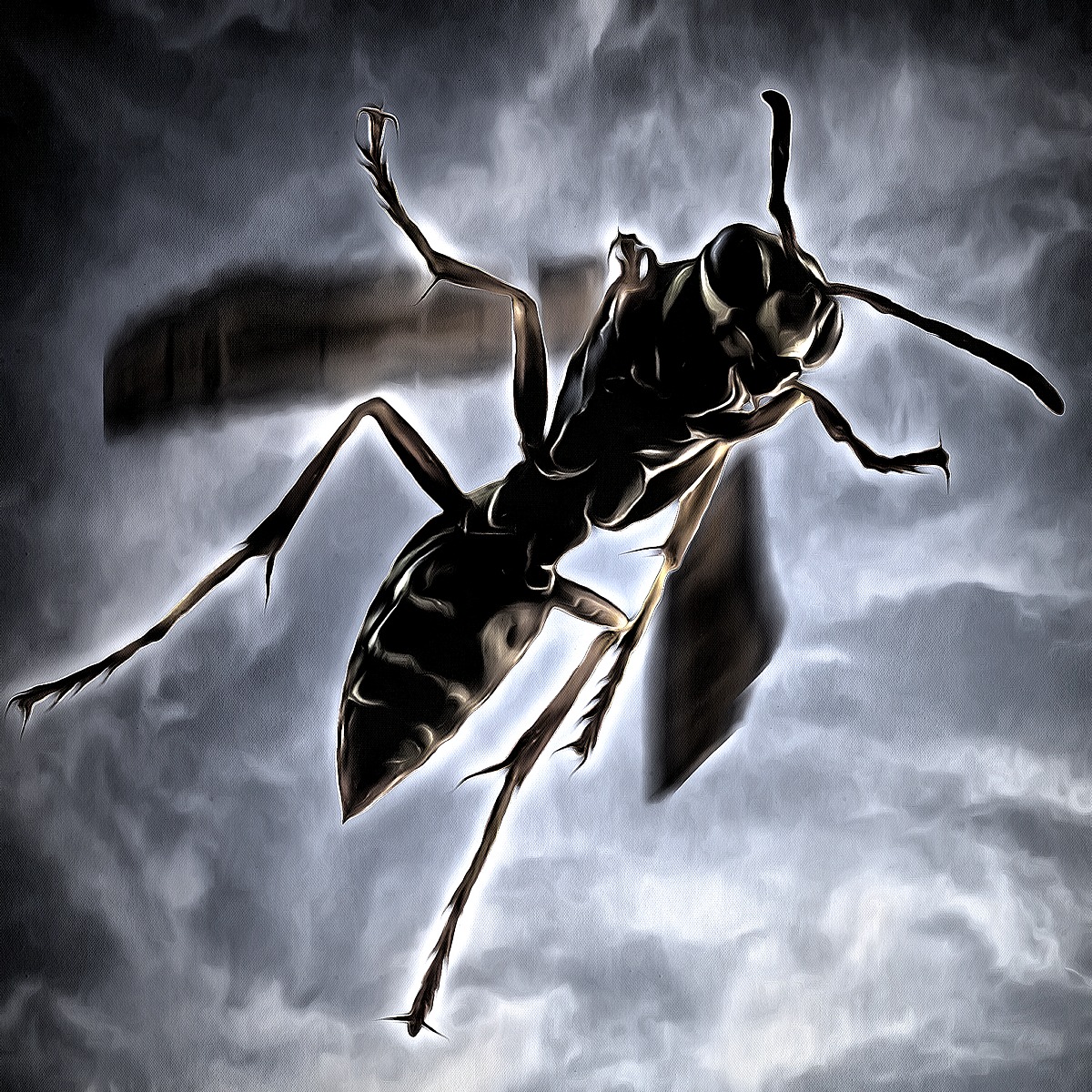
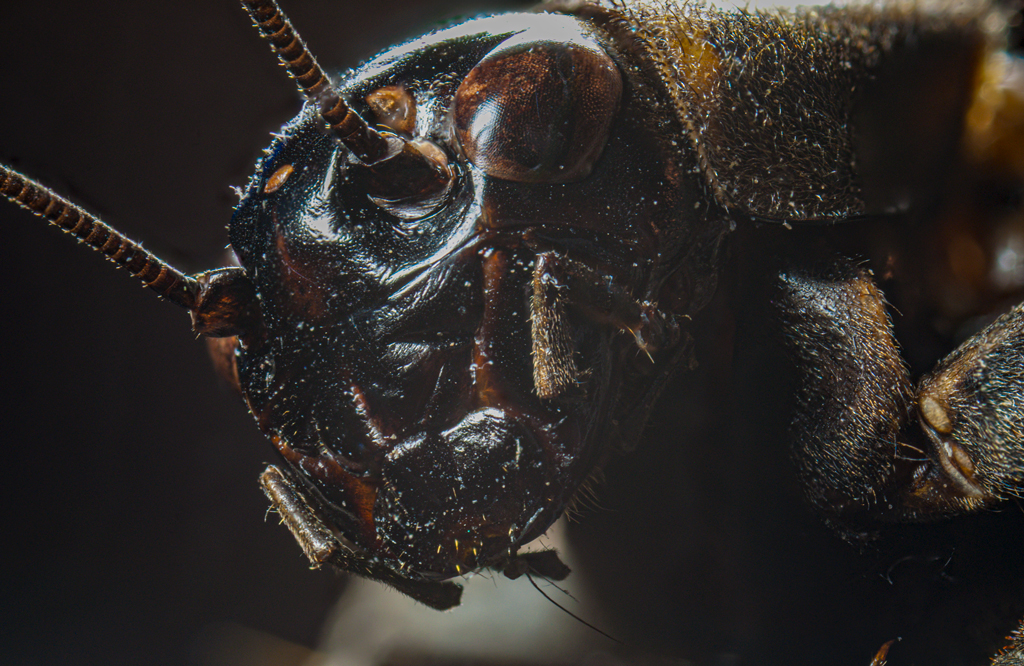
Hmmm. The side of the head measures about 3mm, so this is about 6mm, and I'm not as close as I can get yet, but it's rather difficult to distinguish the really close stuff. Got more experimenting to do. d;¬{D |
Nov 19th |
| 95 |
Nov 20 |
Reply |
I have had little time for play lately, so am still working out my positioning system for critters like this. Feel like a wasp with its head cut off . . . no wait, that's supposed to be a chicken. d;¬{D |
Nov 19th |
| 95 |
Nov 20 |
Comment |
Excellent macro capture. The detail is precisely where it needs to be and your background bokeh sets it off nicely.
Did you shoot this handheld or on a tripod? Inquiring minds want to know all the details! d;¬{D |
Nov 19th |
| 95 |
Nov 20 |
Comment |
Great subject and background choice, Stuart. It's certainly hard to imagine this is a coffee bean on ground coffee beans.
My only nitpick on an otherwise great image is that your background blurs rather abruptly, rather than gradually as it would naturally. This is likely from your 2 merged stacks. |
Nov 19th |
| 95 |
Nov 20 |
Comment |
If you're using a reversing ring, are you able to manually set your aperture? That's a very important consideration here. Most lens have a sweet spot (usually f8) that needs to be set before you attach it to the reversing ring. Adding an extension tube on top of that will make your focal range very slim as well as your DOF.
As Stuart suggests, flash is essential in order to compensate for a reversed lens and an extension tube. In-camera flash is not enough and will be largely blocked by your extended lens. You'll need an add-on flash, set fairly high, with a diffuser of some sort to soften the light while keeping it bright.
Once your gear is assembled, practice on small leaves that aren't moving. Do not try to focus, manual or auto, but rather move your camera (or body) back and forth until you have the focus you want and press the shutter. It will take a lot of practice to get this right. Once you can get the small leaf in focus fairly consistently, start trying with small insects like your subject here, or ants. With practice, you'll have a good sense of how close you'll need to be and when during your back and forth movement to snap the shot. |
Nov 19th |
| 95 |
Nov 20 |
Comment |
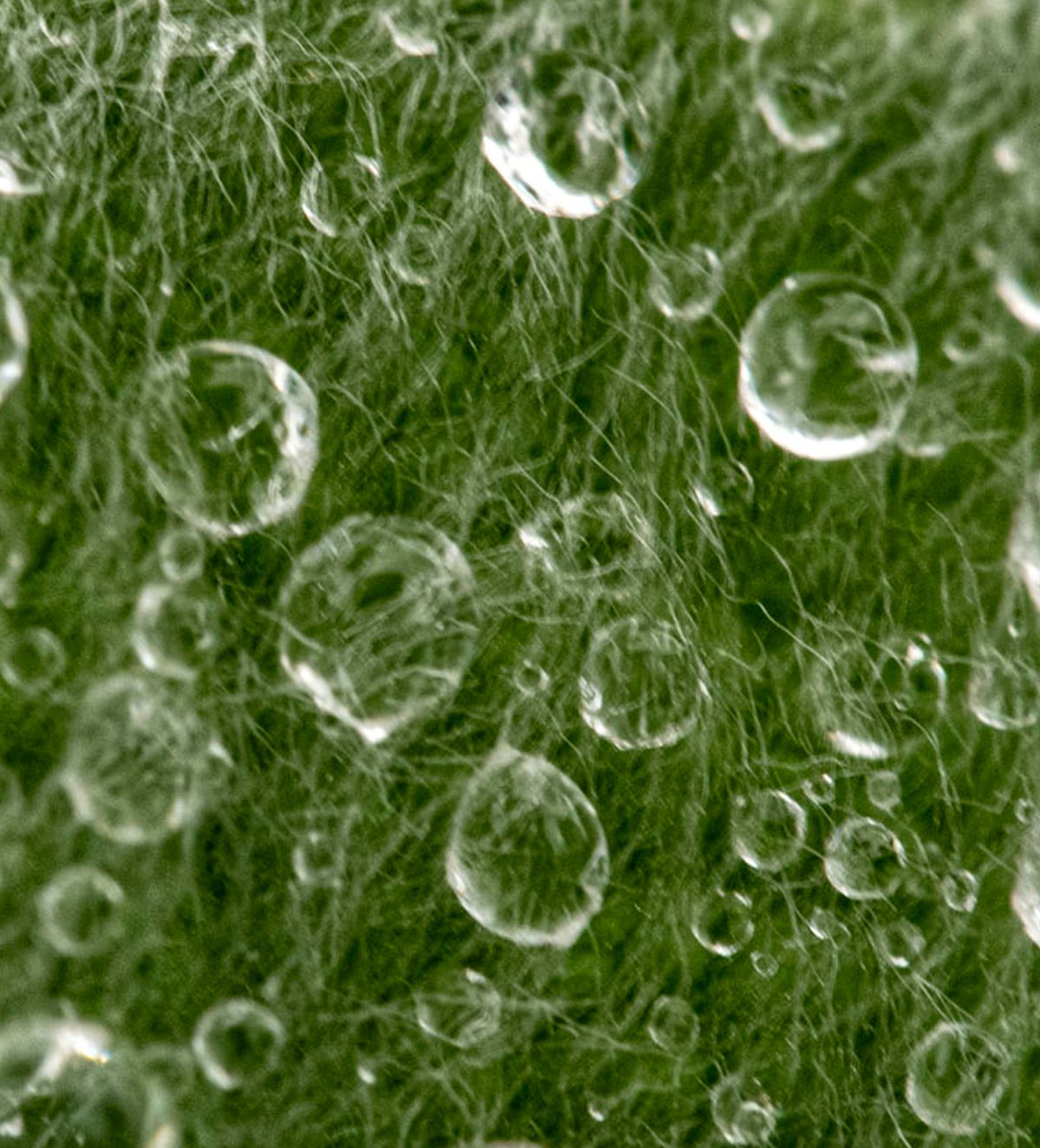
It looks as though your lens is soft at the edges, which I usually see when I add a magnifying lens onto my zoom lens. Did you apply any lens correction in post?
I cropped out the soft edges and added some clarity to really bring out the detailed areas. Thoughts? |
Nov 19th |
 |
6 comments - 5 replies for Group 95
|
18 comments - 23 replies Total
|