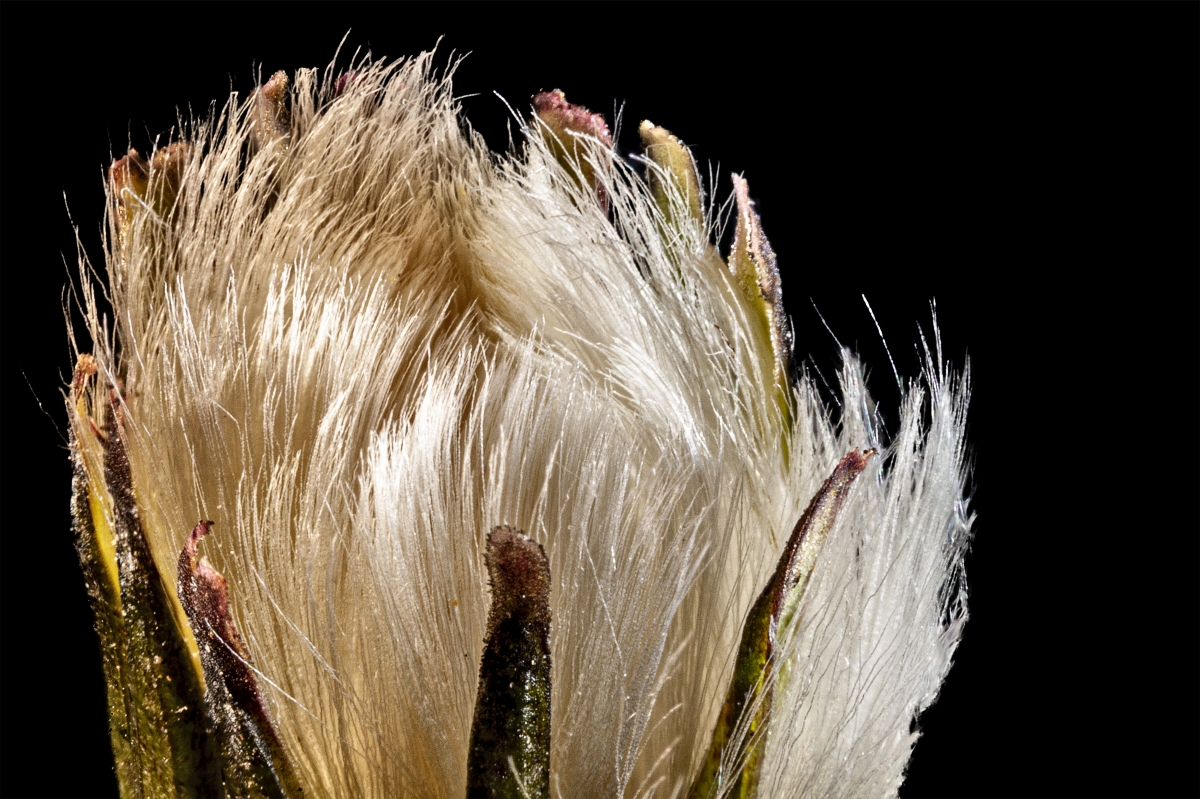
|
| Group |
Round |
C/R |
Comment |
Date |
Image |
| 0 |
Aug 20 |
Comment |
a new comment |
Aug 31st |
| 0 |
Aug 20 |
Reply |
this is a reply to a reply |
Aug 31st |
| 0 |
Aug 20 |
Reply |
this is a reply |
Aug 31st |
 |
| 0 |
Aug 20 |
Comment |
here is a test comment |
Aug 31st |
2 comments - 2 replies for Group 0
|
| 53 |
Aug 20 |
Comment |
Great job with this macro - specially since this is handheld.
I cropped in a little to remove some of the distractions of the lower edge of the image, then added a very subtle vignette to show the effect. |
Aug 22nd |
 |
| 53 |
Aug 20 |
Reply |
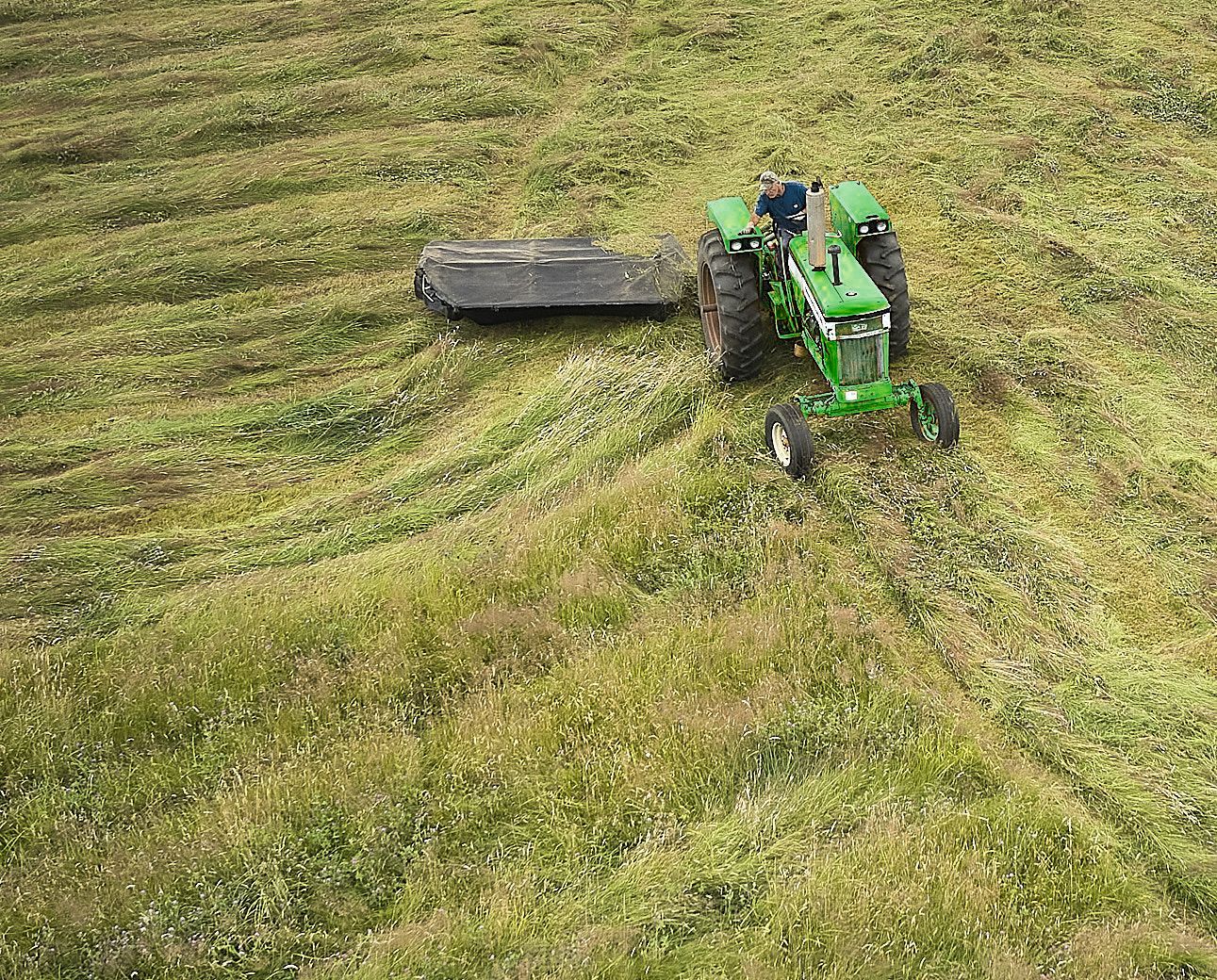
Here's the JD version, though I don't think it pops as much as the red. |
Aug 22nd |
 |
| 53 |
Aug 20 |
Comment |
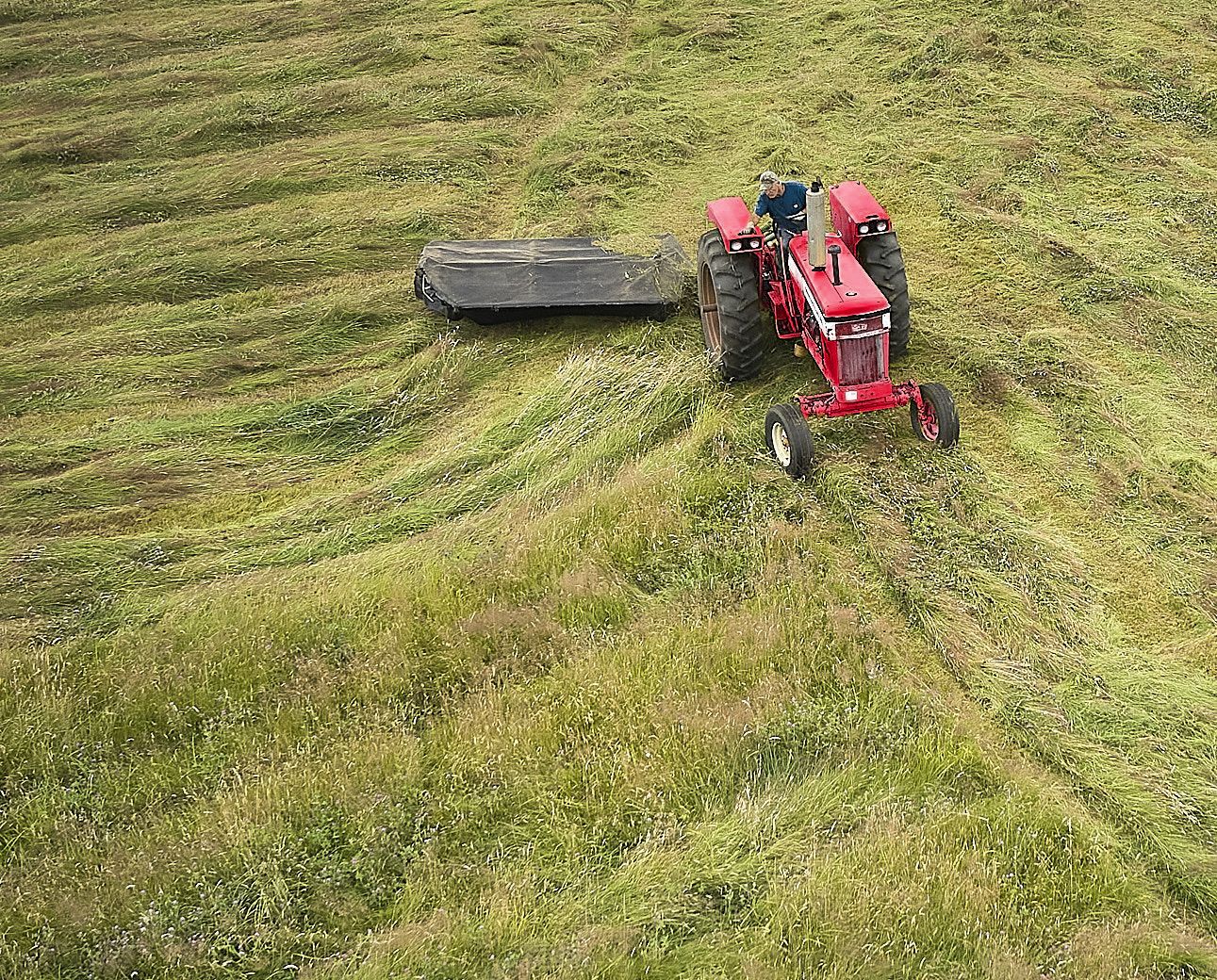
This is way cool, Dan! Your composition is very strong, with the tractor in a sweet spot. There are nice leading lines, too.
For me, the only issue is the color of the tractor, which tends to blend it into the grass. I played around and turned it IH red. I will try again with JD Green. d;¬{D |
Aug 22nd |
 |
| 53 |
Aug 20 |
Reply |
You finished it off very well, Arabella. I doubt I could have done it any better. d;¬{D |
Aug 22nd |
| 53 |
Aug 20 |
Reply |
I think this really helped her main image have more impact. Good job, Rusty! d:¬{D |
Aug 22nd |
| 53 |
Aug 20 |
Comment |
While I love the framing of the original, the tower seems too small, so I had a go at correcting that. I took it into Affinity Photo, copied the layer, selected the inside of the new layer, reversed the selection, and applied a layer mask. Then, I went to the original layer and sized it up until it better filled the framing. What do you think? |
Aug 22nd |
 |
| 53 |
Aug 20 |
Comment |
I agree with everyone else's assessment - the only thing needed was the straightening of the door - everything else is good without adjustment. |
Aug 22nd |
| 53 |
Aug 20 |
Comment |
Love the drama of your sky. For balance, I cropped some from the left side and, like Dan, dodged the house and trees a bit. |
Aug 22nd |
 |
| 53 |
Aug 20 |
Reply |
Maybe women have a thing for men's feet??? |
Aug 22nd |
| 53 |
Aug 20 |
Reply |
Interesting perspective, Arabella. I never looked closely at his feet, which I agree are almost hidden, but are they really an important element of the image? I do like your vertical crop, though. d:¬{D |
Aug 22nd |
| 53 |
Aug 20 |
Reply |
I'd love to see it! d:¬{D |
Aug 22nd |
| 53 |
Aug 20 |
Reply |
Can you tell me more about how you would fix the problems you see, or demonstrate? |
Aug 22nd |
5 comments - 7 replies for Group 53
|
| 86 |
Aug 20 |
Reply |
I also use a tablet - phone is just too small for me. |
Aug 21st |
| 86 |
Aug 20 |
Comment |
Welcome - glad you decided to join us in this cellular adventure. You achieved an excellent capture from the bus - it's doubtful I could do as well. Your processing worked well and I cannot tell you removed anything. I have a lot to learn from you. |
Aug 21st |
| 86 |
Aug 20 |
Reply |
I think the doors add context, though you're probably right from a composition standpoint. |
Aug 21st |
| 86 |
Aug 20 |
Comment |
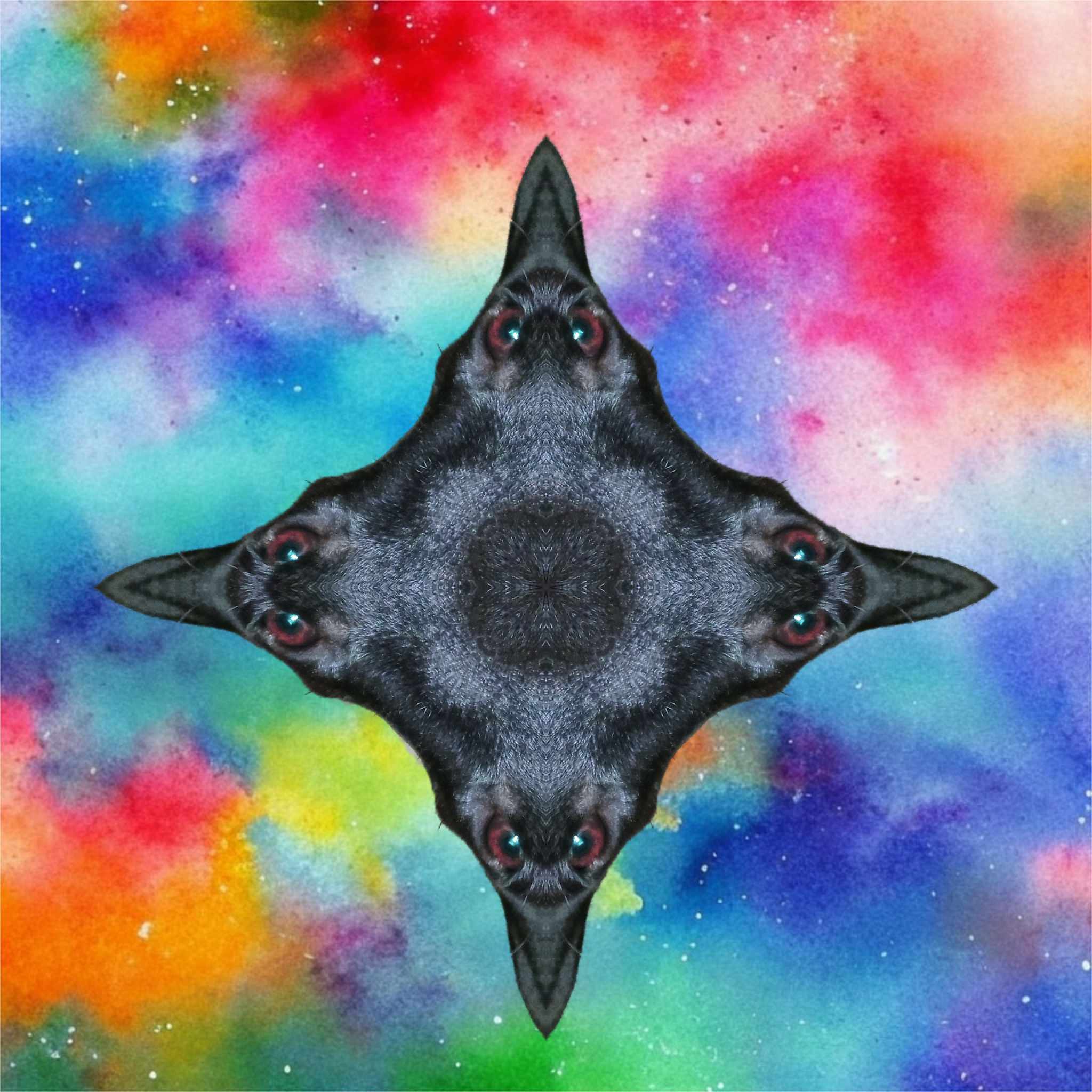
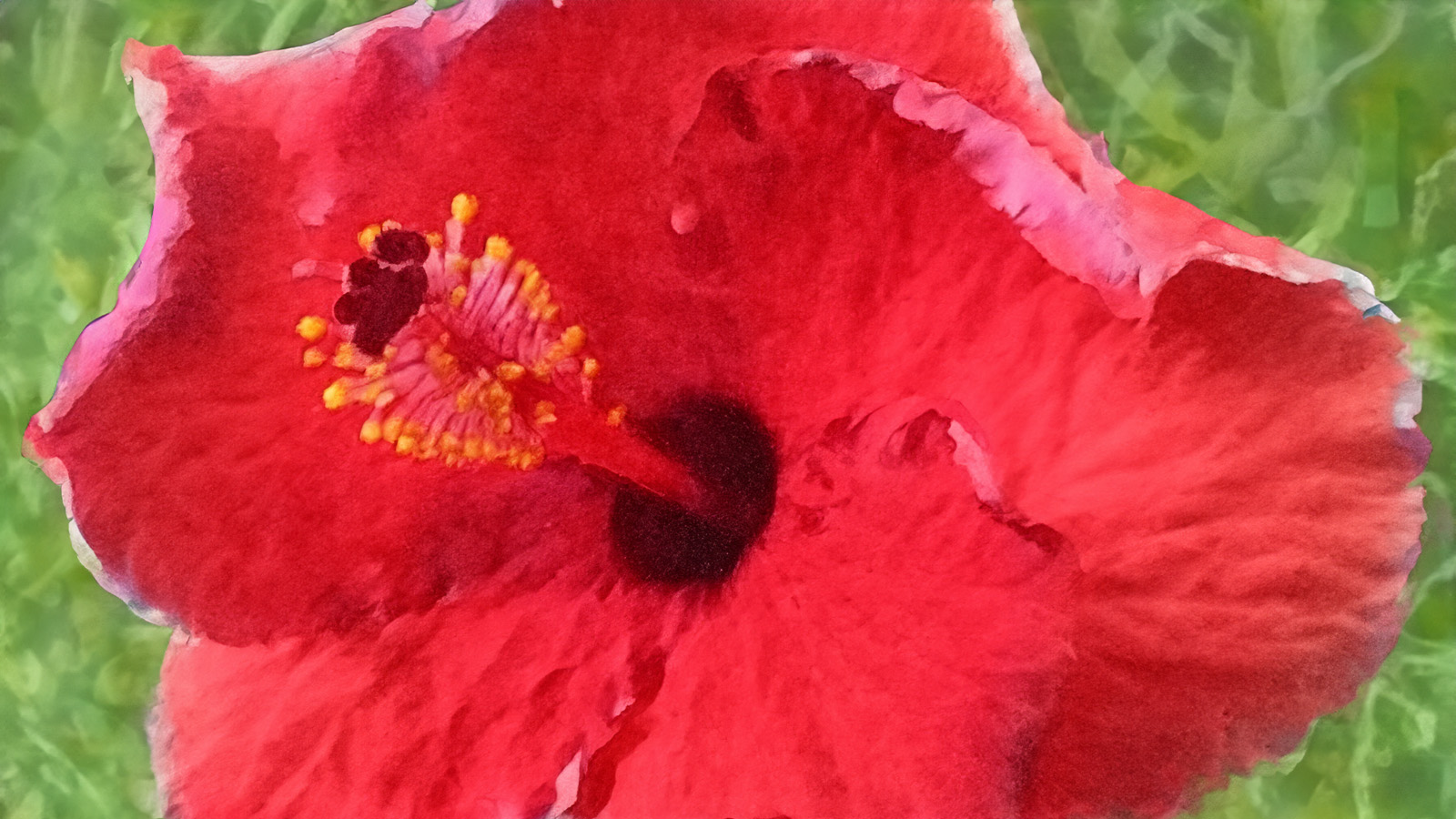
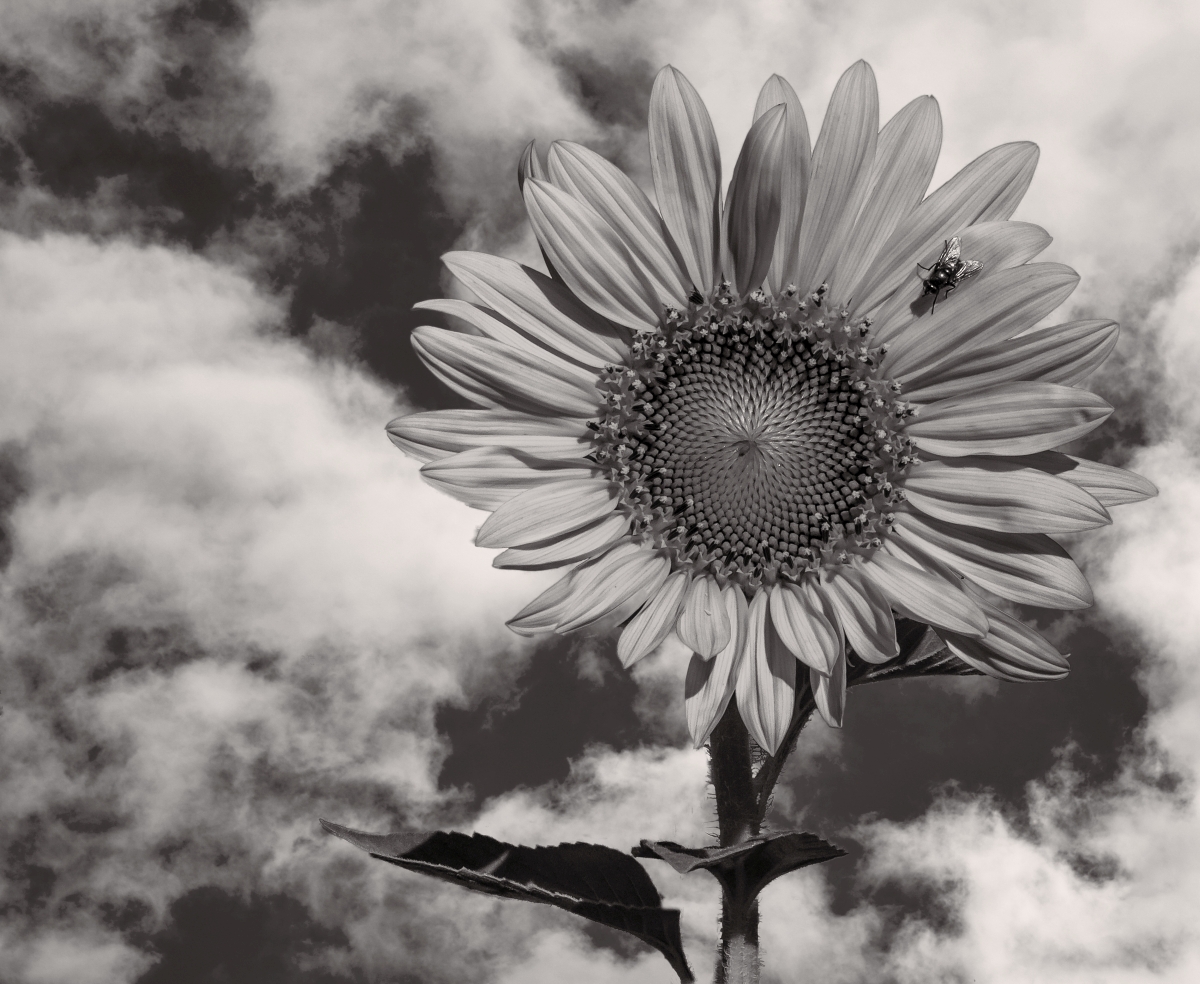
This is very striking, Pat. The thing that jumped out for me is the bit of leaf in the upper right of the flower - comes across as a strange shadow at first until closer study reveals it as a leaf. You might consider eliminating it and then softening the edges of the flower so it melds with the clouds a bit. |
Aug 21st |
| 86 |
Aug 20 |
Reply |
I have that app, but haven't played with it yet. Post-processing on my device is a big switch for me from the desktop - not quite got the hang of finger-painting my way through editing. d;¬{D |
Aug 21st |
| 86 |
Aug 20 |
Reply |
In another image, I experimented with that tool and it works very well, though in some cases I had to do a few times to fully blacken all the background. |
Aug 21st |
| 86 |
Aug 20 |
Comment |
Cool close-up! Do you mind sharing what phone you're using? I just upgraded to a phone that has a dedicated macro lens, so it's cool to see other example of phone macro. |
Aug 21st |
| 86 |
Aug 20 |
Comment |
Excellent, Phil! This is truly amazaing and I can't think of anything to suggest to improve it. Ready for the wall in my opinion. |
Aug 21st |
| 86 |
Aug 20 |
Comment |
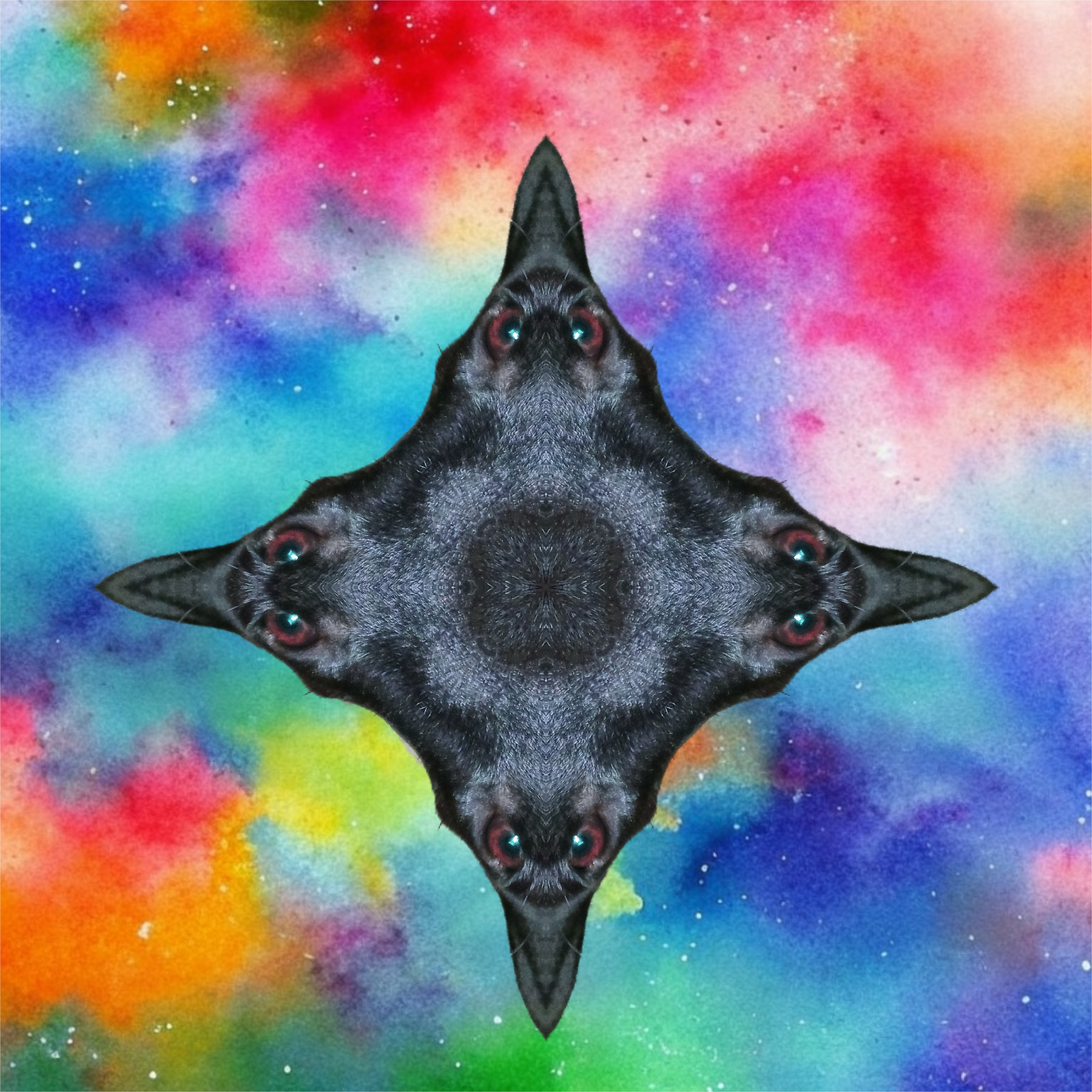
What a clever to transform a very good image into something so very different. I consider myself something of an expert in post-processing on my desktop but so very much a beginner when it comes to doing it on my device. Time will tell if I can get my mojo working with the finger painting that my devices feel like when I use them. Baby steps. Maybe someday I can get as creative as you've been here. |
Aug 21st |
| 86 |
Aug 20 |
Comment |
So glad to have you join us, Marilyn! And what a great start you have with this image. While the suggestions about the foreground would make this a stronger image, I think the star of the image is the sky and you have processed it very well.
My wife and I upgraded phones last week to Moto G Power's, so I'll be experimenting more in the coming months with my new "camera." d;¬{D |
Aug 21st |
| 86 |
Aug 20 |
Reply |
I'll have to give that a try. Thanks! d:¬{D |
Aug 8th |
| 86 |
Aug 20 |
Reply |
If I had processed this at my desktop, that's exactly what I would have done. d;¬{D |
Aug 6th |
6 comments - 6 replies for Group 86
|
| 95 |
Aug 20 |
Reply |
Yes, MOVE THE RAIL ONLY. Set your lens to 1:1 and Manual mode and don't touch it again for true macro. |
Aug 31st |
| 95 |
Aug 20 |
Reply |
(Picture the Lost in Space robot) Warning! Warning! If you're using a focus rail, DO NOT USE AUTOFOCUS!!!!!
Those focus points only apply to autofocus, which you should turn off on your lens. The whole point of using a rail is to move your camera incrementally closer to your subject without changing the focus. The focus ring on your lens should be put to 1:1 and left alone if you're doing macro. This was the hardest thing for me to get through my head when I started doing macro. |
Aug 30th |
| 95 |
Aug 20 |
Reply |
Alas, life has gotten too full to do that in time for the end of the round. Perhaps, in a future round, I'll see if I can manage something more focused. This little beastie is a challenge to focus with. d;¬{D |
Aug 30th |
| 95 |
Aug 20 |
Reply |
I took care of some of the bright areas in my rendition with the clone stamp tool. The best approach is to use a CPF while taking the shot to minimize the glare. After the fact, the best approach is to use frequency separation (a built-in filter in Affinity Photo or via free actions for Photoshop), which creates 2 layers that separate the colors and the details. |
Aug 30th |
| 95 |
Aug 20 |
Reply |
With a standard rail, if you rotate the tripod head, this could end up distorting the result somewhat. There are some rails that allow for adjusting front to back AND side to side:
https://www.amazon.com/Neewer-Focusing-Close-Up-Shooting-Standard/dp/B009SJ7UWU?pf_rd_r=7K7MWXA9JY6GDV4KFMME&pf_rd_p=3fdb7f7b-31a2-4f37-b9bc-1469e3d4fb18&pd_rd_r=deb3f010-9988-4725-9f98-867ed44a6d62&pd_rd_w=JSN6U&pd_rd_wg=jvzRI&ref_=pd_gw_ci_mcx_mr_hp_d
With the shallowness of the focal field, I'm not one to monkey with that sort of thing. If I were to get a rail like above, I would capture a stack, move to the side a bit, and capture another stack, etc, etc. Then I would process each stack separately and finally merge the merged stacks into a panorama.
|
Aug 30th |
| 95 |
Aug 20 |
Reply |
Once you have everything right with the lighting, the aperture, and the shutter speed, you will only be moving the camera forward with the rail in tiny, equal increments. The whole pint is to leave the lens set at the 1:1 focal distance at all times.
Yes, you can also do it by changing the focus (either manually or by Helicon Remote), but you will be ending up with a stack that's not quite 1:1, but then you wouldn't be using the rail. If you're going to do that, add some extension tubes so you're starting closer to 2:1 so there's room for the focus to change. I just a new smartphone that will work with Helicon Remote, so will be experimenting in the near future with just such an approach. |
Aug 22nd |
| 95 |
Aug 20 |
Comment |
Though I often go with a darker background as a matter of course, your vision for this image as representing the sun works with the yellow background. I had a try at replacing the yellow and found the petals too soft for that. I think it's fine that the petals are soft since they aren't the real subject here.
I do have a compositional issue with this image. The orientation of the flower center (pointing upward) causes it to feel too crowded at the corner of the image. If it had been pointing downwards, it would work much better.
In lieu of that, I would suggest flipping the image horizontally to place the center in the upper left corner - more pleasing to my western way of viewing images. |
Aug 22nd |
 |
| 95 |
Aug 20 |
Comment |
This image has important elements - your subjects are in focus and the rest of the image, though soft, sets the scene. The fact that you're able to achieve such a photo handheld makes me envious. d;¬{D
My suggestion is more of a rotation than a crop. Rotating the image so that the stem is diagonal, puts the ladybug on the right on a flat plane. The secondary ladybug then becomes a supporting element to the main one. What do you think? |
Aug 22nd |
 |
| 95 |
Aug 20 |
Comment |
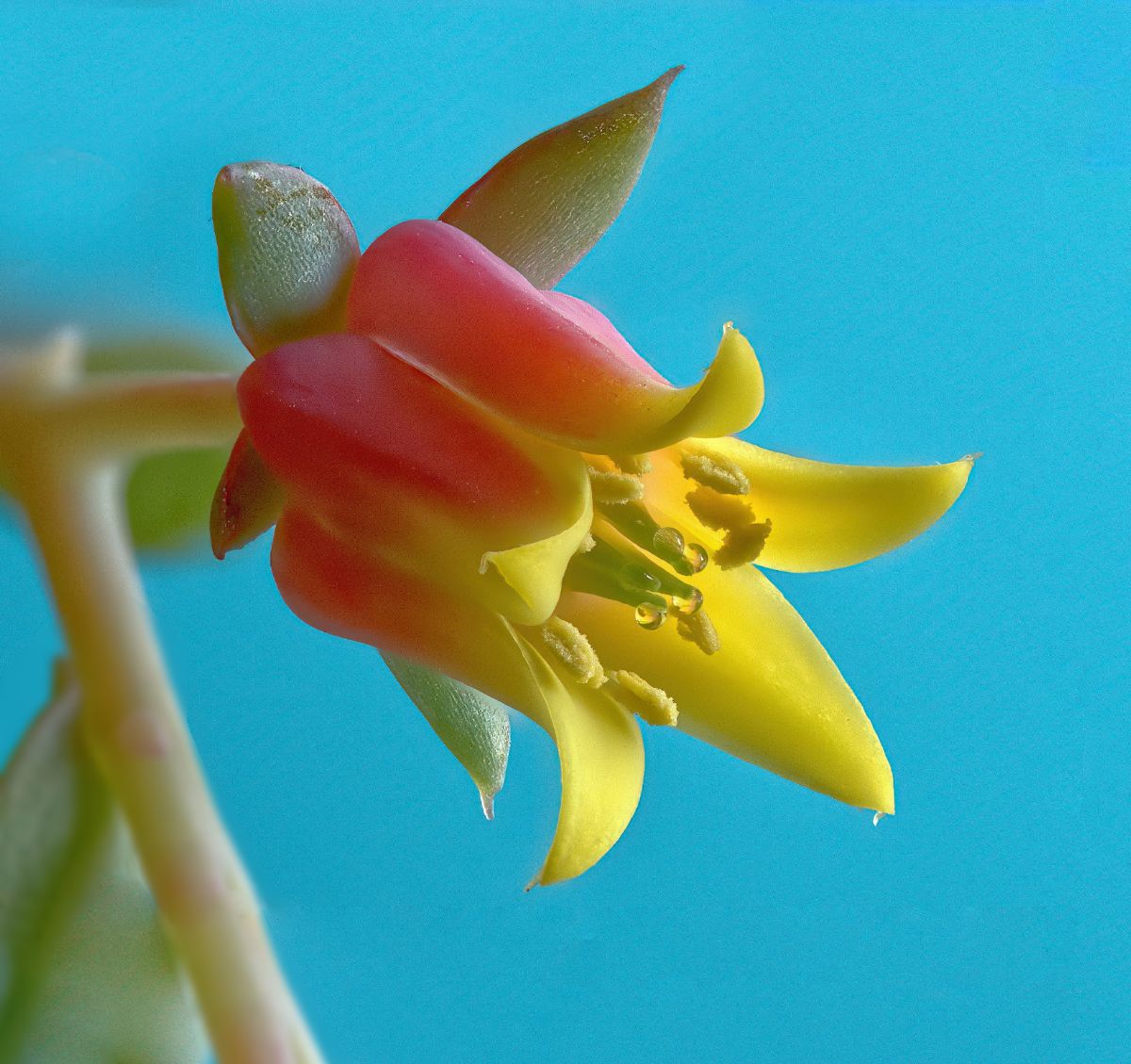
Love the colors, especially the blue background which really sets off the flower.
The soft focus behind the flower would be fine if all the stem was out of focus - having some sharp and some out of focus is distracting. I suggest blurring the in-focus part of the stem.
I think the composition is a little weak with the current crop. I suggest adding some space at the bottom and right to give the flower some room. I've attached an example to illustrate: |
Aug 22nd |
 |
| 95 |
Aug 20 |
Comment |
Not sure why you got the bars, but it likely has to do with choices in your export process from your editor. Easily fixed with the crop tool in your editor.
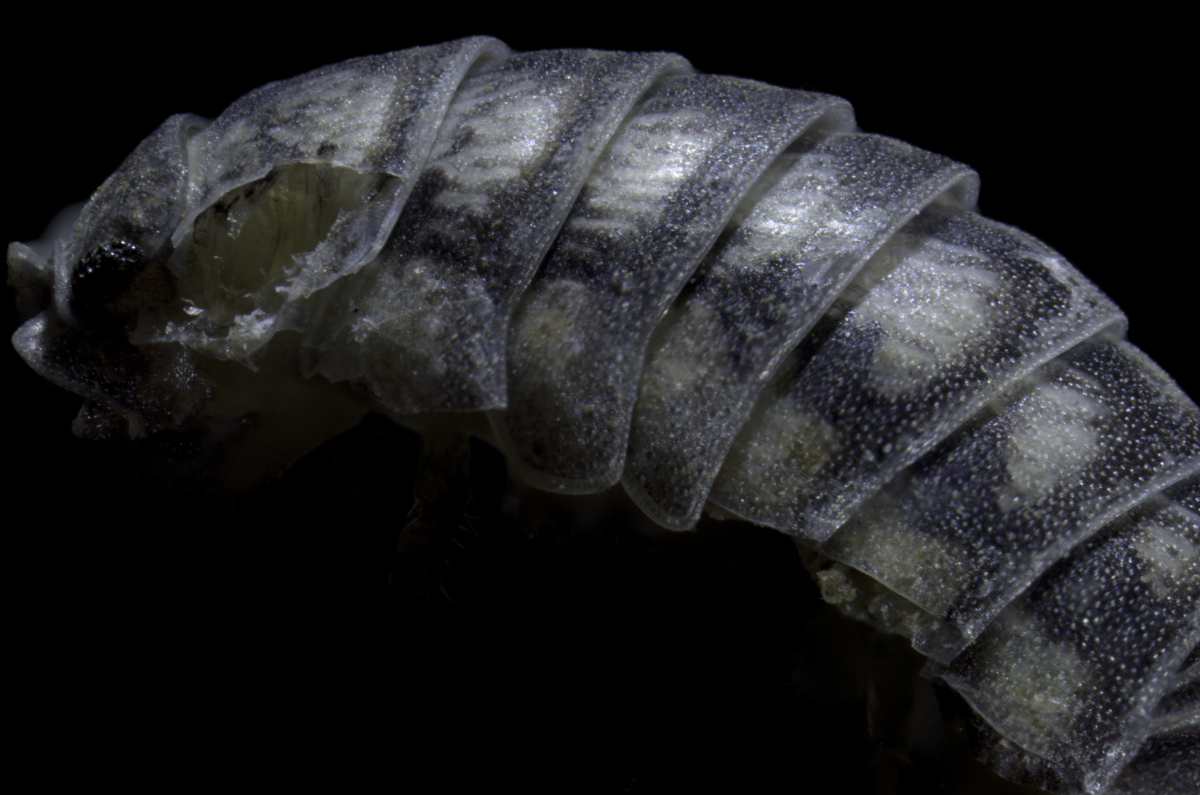
I had a try at partial processing your image using Affinity Photo. I copped to place your millipedes in a good position; cloned out their neighbors; did some cleanup of the scene to help focus the attention on the subject. Thoughts? |
Aug 22nd |
 |
| 95 |
Aug 20 |
Reply |
There is a learning curve to doing focus stacking while keeping at 1:1. Keep the following in mind:
˙ Light your subject as best you can - I find that continuous light will be more consistent.
˙ be sure to do this on a tripod - don't try to use a focus rail handheld, it won't be pretty.
˙ Move the camera on the rail until it is farthest away from the subject
˙ Make sure your lens is at the 1:1 point, and is switched into manual focus.
˙ It's usually best to set your aperture at its sweet spot, which is typically at or near f8.
˙ Set your camera in Aperture Priority while finalizing your setup.
˙ While looking through the viewfinder (or the screen in LiveView), move your subject (or your tripod) until the subject is close to in focus. With a little practice, you'll figure out where a good starting distance will be.
˙ Fine-tune the focus with the rail until the front of your subject is sharp.
˙ Note what shutter speed the camera picks for the aperture, then switch to the camera into Manual mode and set the shutter speed to the value the camera picked.
At this point, you will be ready to take a test shot. If the lighting is not right, adjust and test again until you're satisfied.
Finally, you can start taking your stack, using the rail to move your camera closer to the subject in small increments until the back of your subject is just barely out of focus. |
Aug 22nd |
| 95 |
Aug 20 |
Comment |
I think you made it this time, Barbara. Stuart is right about a smaller aperture if you're going for a single shot to maximize DOF, but I think you did great for a handheld single shot. You're really moving alone well in this big little endeavor. |
Aug 22nd |
| 95 |
Aug 20 |
Reply |
Well, I'm sort of a jolly pink giant and have been known to be scary when I'm ticked off, so maybe your assessment is appropriate. d;¬{D |
Aug 22nd |
| 95 |
Aug 20 |
Reply |
I'm really not a big fan of green vegetables - guess that's proven in my skin here. d;¬{D
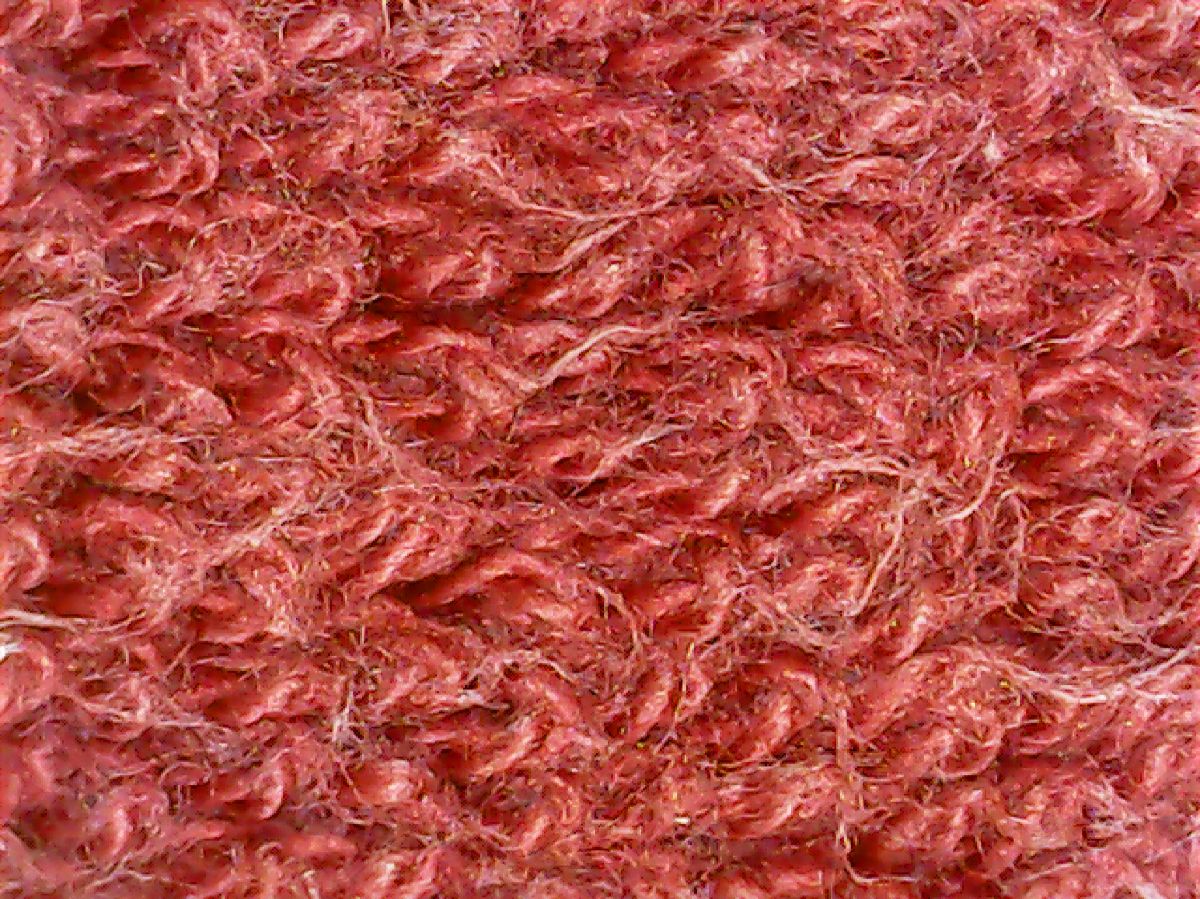
I don't think it's a shutter speed issue, but I have no way to gauge that with this device. I do have rather soft hands, or so my wife indicates, so I think this is an accurate representation. I'll have to repeat the "test" and see if I get different results. |
Aug 22nd |
5 comments - 9 replies for Group 95
|
18 comments - 24 replies Total
|