|
| Group |
Round |
C/R |
Comment |
Date |
Image |
| 53 |
Jun 20 |
Reply |
Hmmm . . . I've never done a video presentation like that. When I was in my local camera club, I gave live presentations demonstrating Photoshop techniques, but nothing was ever recorded. Hmmm. I'll have to look into what it would take to upgrade my computer to handle this.
What I can do now is look up some existing YouTube tutorials to help y'all get up to speed with Affinity Photo. Would that be of interest to you?
I'm still trying to get up to speed with AP. It's very close to Photoshop in capabilities, plus it does some things actually better, in my opinion. It can be a challenge to figure out how to do things in AP that I'm used to in PS and AP's Macro capabilities are disappointing by comparison. But for a one-time fee of $50 and it's yours, I'm learning to live with it. One day, I hope to cut the cord from PS, but it will be difficult to lose all those actions I've made and collected along the way. |
Jun 28th |
| 53 |
Jun 20 |
Reply |
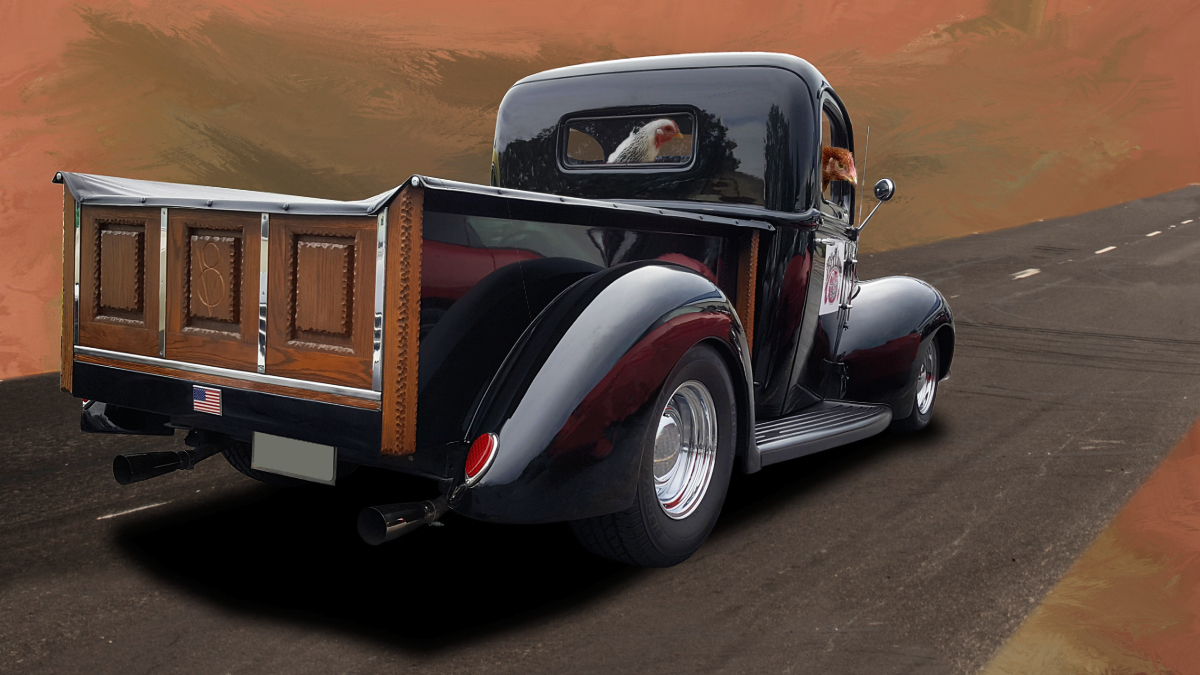
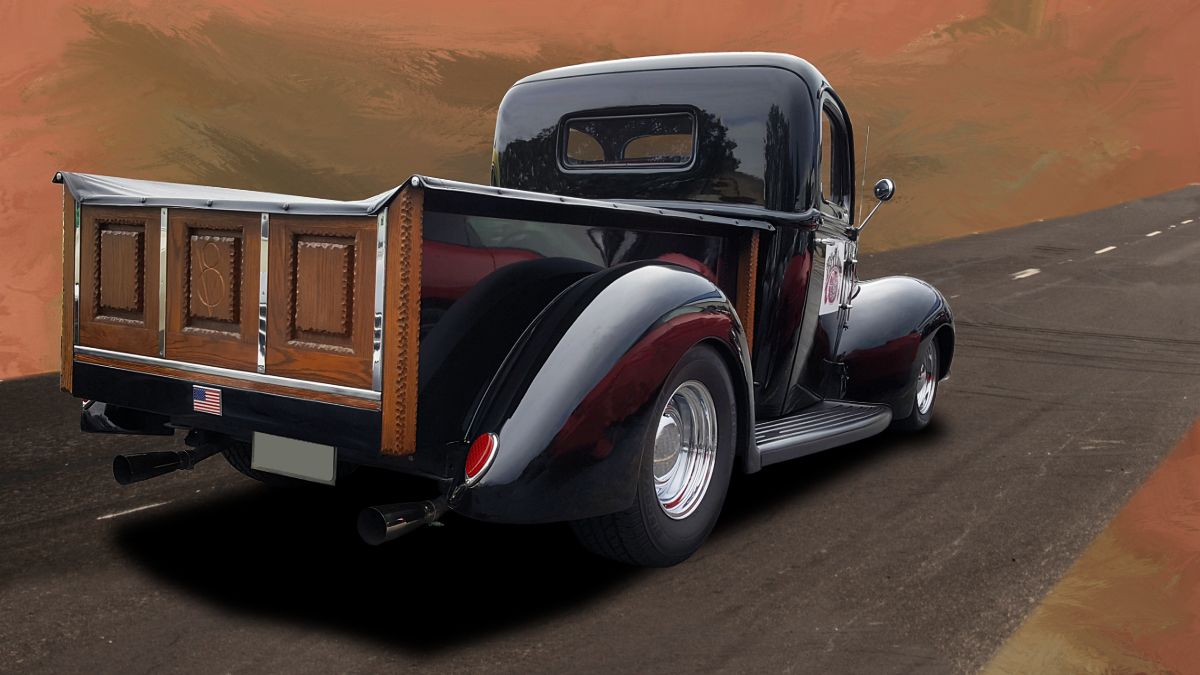
Found a couple of different images of chickens on Google Images, brought them into Affinity Photo, where I selected the portions I wanted, applied a layer mask to each, copied those layers to the main image, placed them in the right position and adjusted the layer masks to make it look like they were in the cab of the truck looking back at the photographer. |
Jun 28th |
| 53 |
Jun 20 |
Reply |
See my reply to Arabella. d;¬{D |
Jun 27th |
| 53 |
Jun 20 |
Reply |
You asked for chickens? Click on the thumbnail to see larger. d;¬{D |
Jun 27th |
 |
| 53 |
Jun 20 |
Reply |
How's this? |
Jun 12th |
 |
| 53 |
Jun 20 |
Reply |
Oooo . . . I'll work on that! d:¬{D |
Jun 12th |
| 53 |
Jun 20 |
Reply |
It's made by a company called Serif, and they have a version for Mac, Windows or iPad. It's the closest thing to Photoshop and there's no subscription. They're currently selling their software for half-off, so it's $25 for software that's almost as good as Photoshop (and in some ways better).
https://affinity.serif.com/en-us/photo/ |
Jun 12th |
| 53 |
Jun 20 |
Comment |
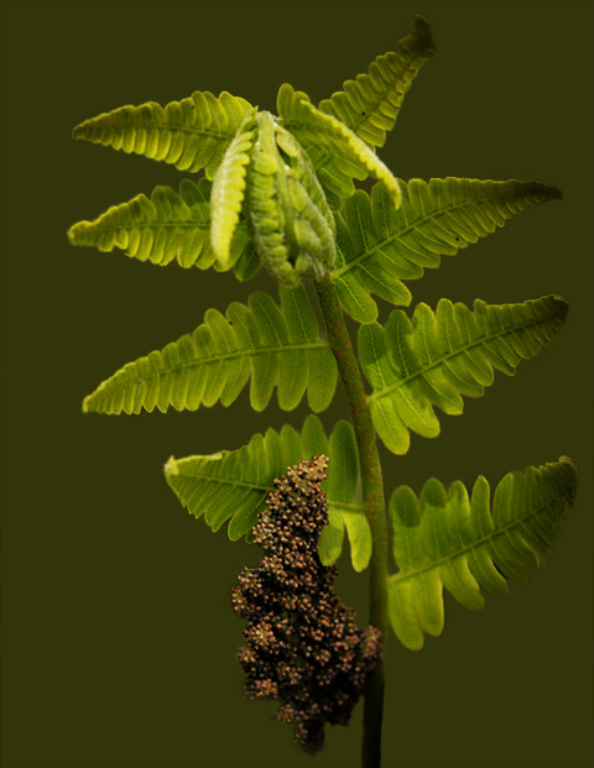
I think this image has a lot going for it, though the current background is distracting. That probably has to do with the way the LensBaby lens shifts the focus. I've not worked with one before and likely won't anytime soon. This old dog has a harder time with new tricks these days. d;¬{D
Taking this into Affinity Photo, I had a go with applying an Average Blur to the background, then darkening it. Then I used curves to add some contrast to the fern. Thoughts? |
Jun 12th |
 |
| 53 |
Jun 20 |
Reply |
It's possible that your editing added to the file size, putting it over the 1Mb limit, or it was in a format that won't display properly.
Please check those things and try again. |
Jun 12th |
| 53 |
Jun 20 |
Comment |
Very poignant and applicable to the season. In this time of lockdowns and fear of the world, it's good to remember those brave men and women who got past their fears and faced our enemies on our behalf.
Your composition and processing present s well-finished piece, suitable for the wall. No suggestions from me. |
Jun 12th |
| 53 |
Jun 20 |
Comment |
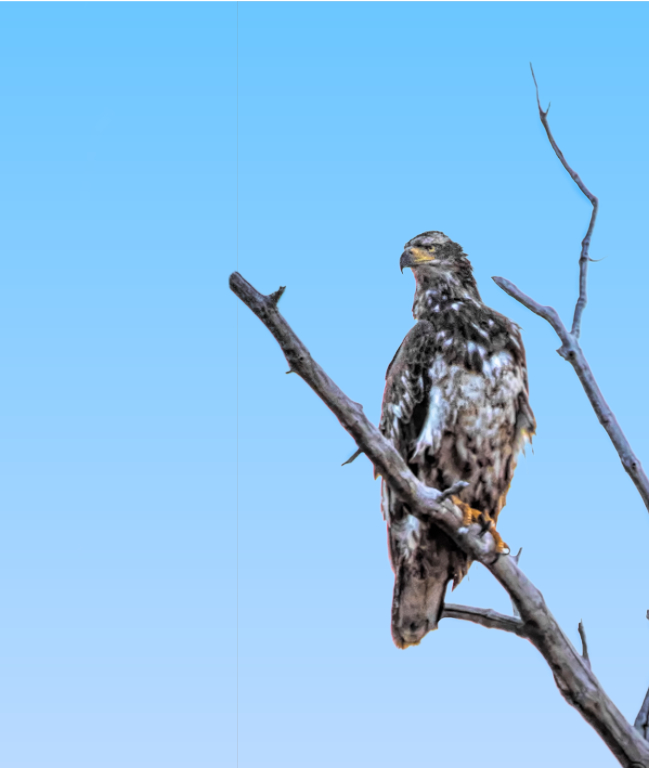
I agree with the other regarding the nice framing from the branches. It does seem to me that everything is cramped up against the left edge of the image, which causes a visual discomfort to the viewer.
I played around with it and added some canvas to the left and cropping some from the right and bottom. Thoughts? |
Jun 12th |
 |
| 53 |
Jun 20 |
Comment |
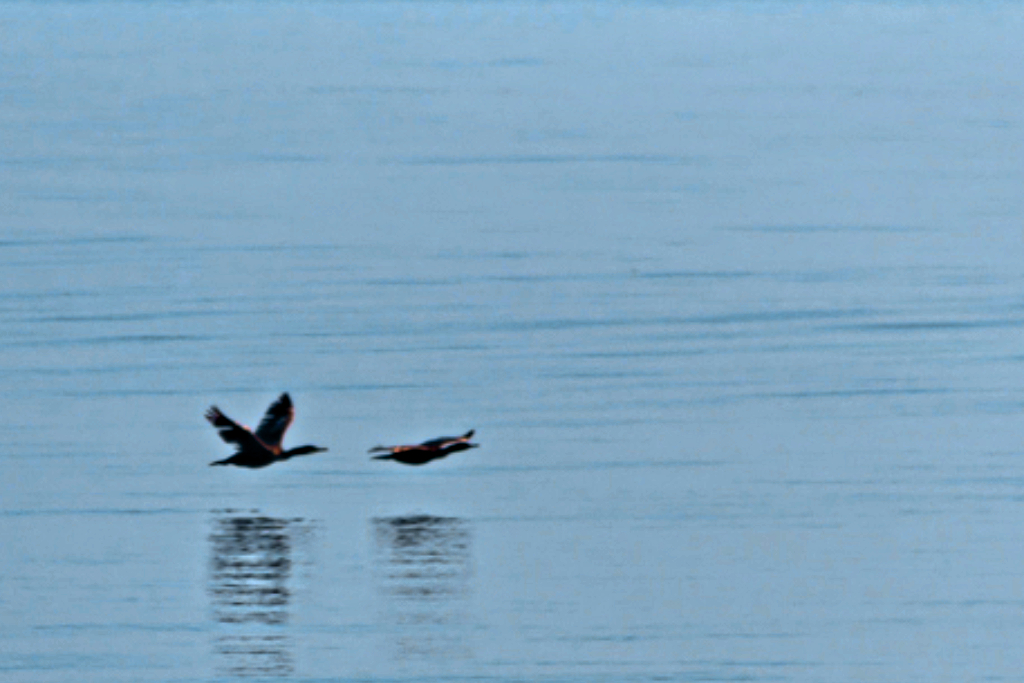
Minimalism has at its heart, tranquility, using tiny details (like reeds sticking up from water) to break the monotony of an otherwise stark scene. To really work, there should be little to no movement. Your shags, were they floating in the water, would be just the tiny details needed. Their being in flight, however, makes them the true subject rather than the scene itself.
That said, it's important to put the emphasis on the shags, so a closer crop like Dan proposed is more appropriate. Reversing their direction works better for a western audience. Keeping the blue of the original is also important contexturally, though the darker band of water at the top is actually a distraction. |
Jun 12th |
 |
| 53 |
Jun 20 |
Comment |
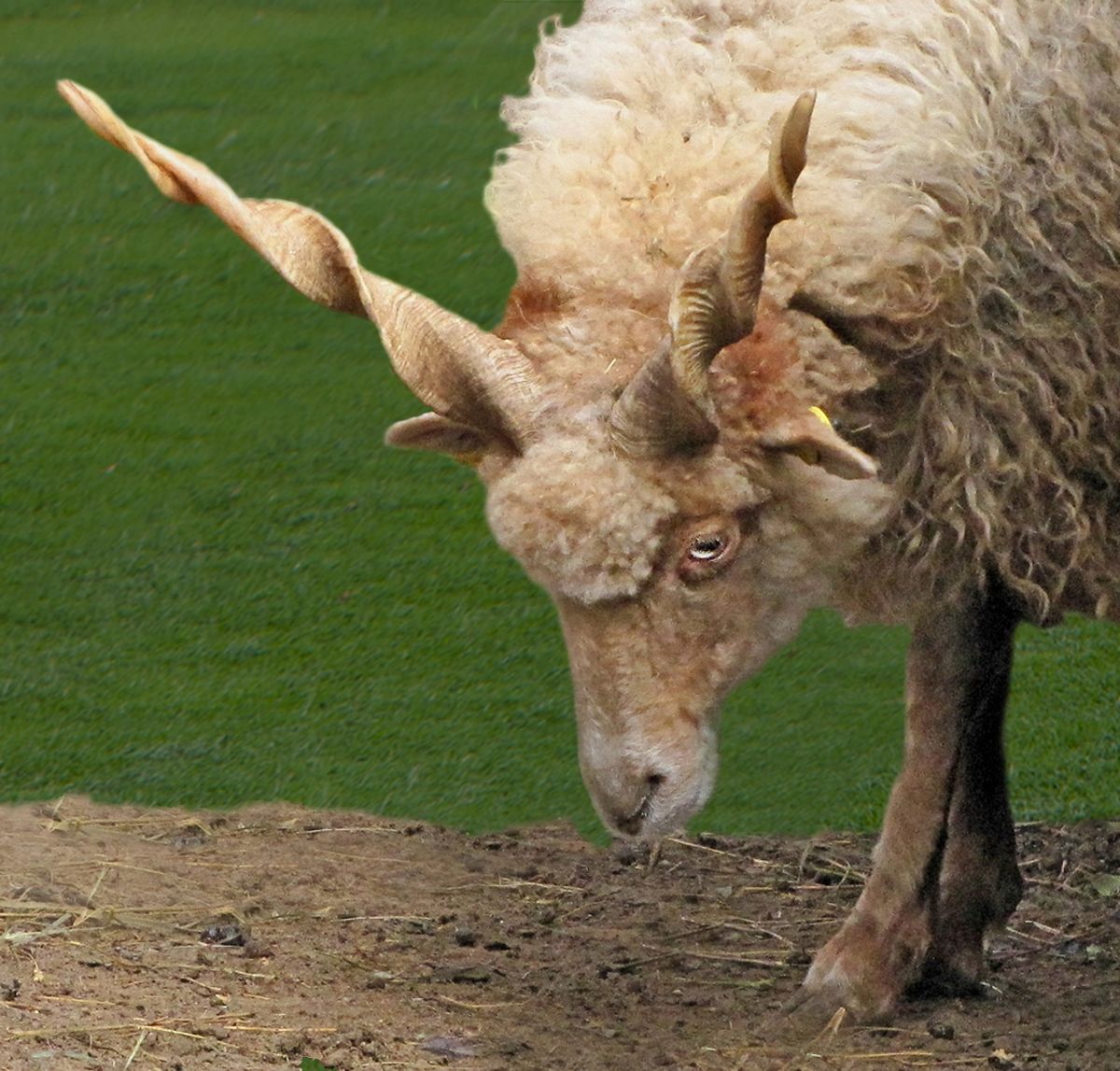
Fascinating animal and you've captured it at a great angle to show off those magnificent horns.
As is often the case, when we get opportunities to capture an interesting subject like this sheep, the surroundings can be less than ideal. In this case, the bright green grass showing through the slats of the fence is a distraction, which Dan managed quite well. Beyond that for me, the fencing is too close tonally to the sheep and tends to flatten the sheep into its surroundings.
I gave a try at removing the fencing and bright grass completely, replacing it with just grass, which I darkened to halp the sheep pop more. I also applied some targeted dodging and burning to bring out more interest in the horns. Thoughts? |
Jun 12th |
 |
| 53 |
Jun 20 |
Reply |
What do you suggest? |
Jun 12th |
| 53 |
Jun 20 |
Reply |
There is a Select Subject function that works pretty good 50-60% of the time. I still choose to use something like Topaz ReMask to do my mask work. It works the best for me. |
Jun 11th |
| 53 |
Jun 20 |
Reply |
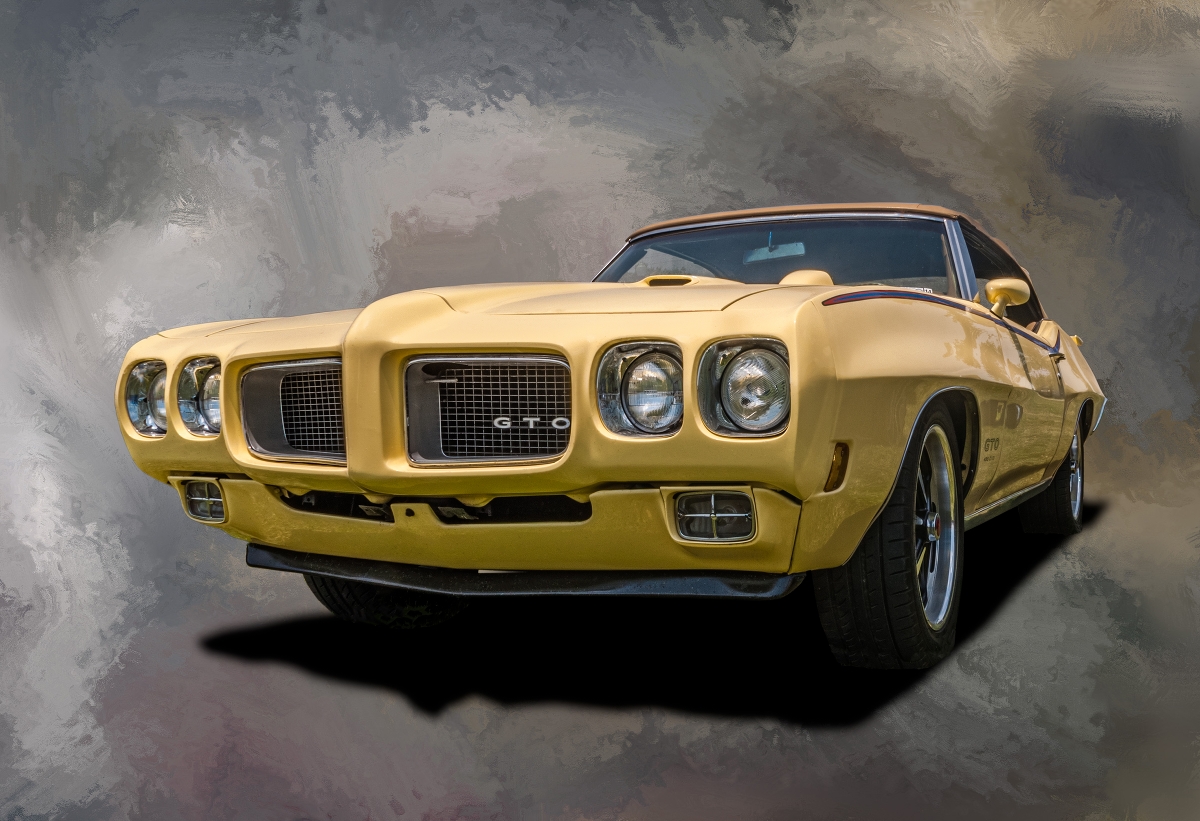
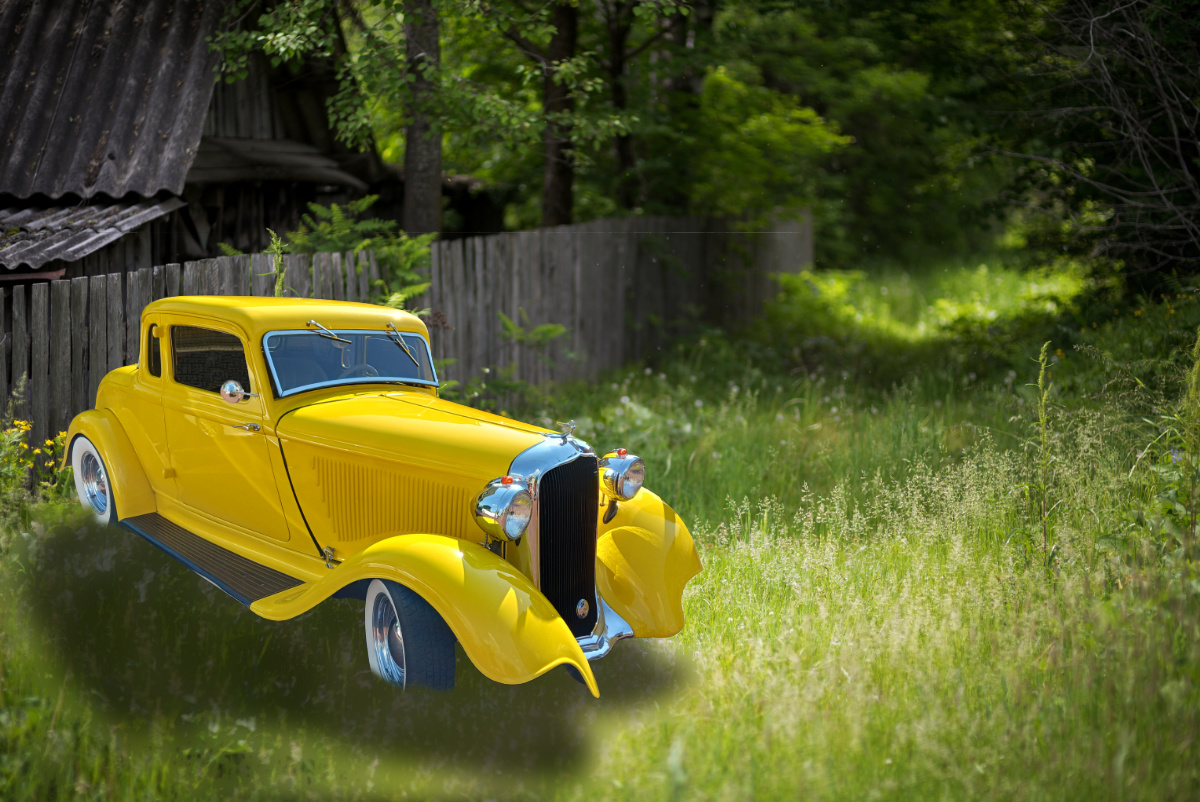
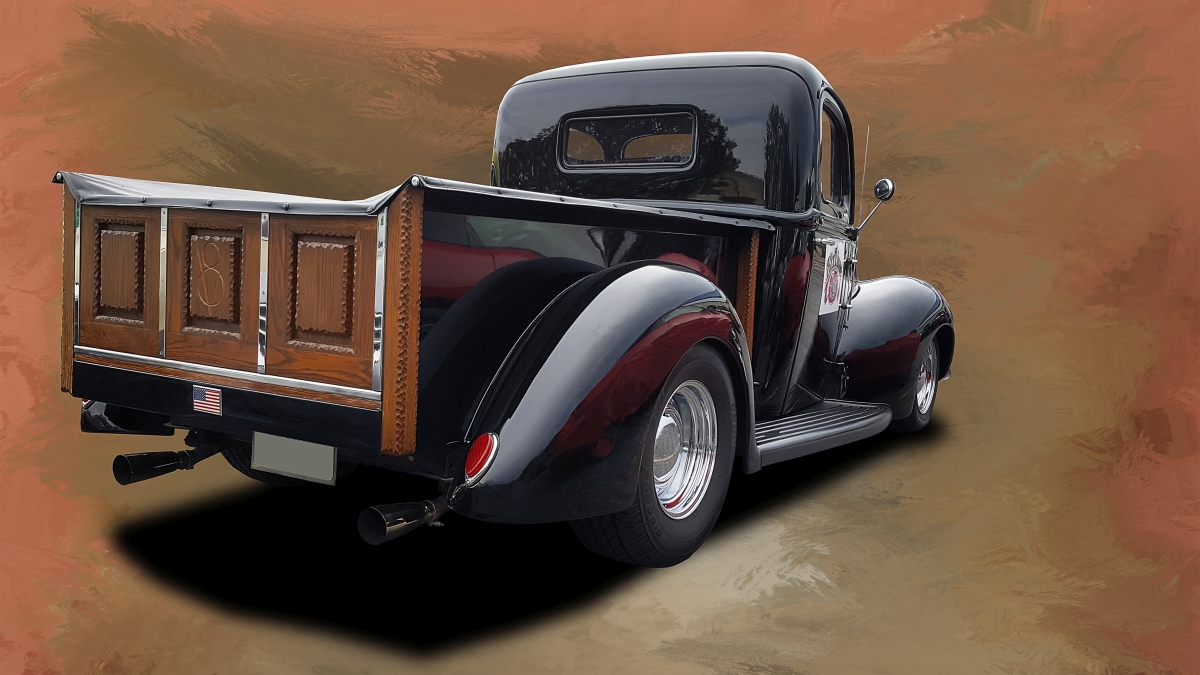
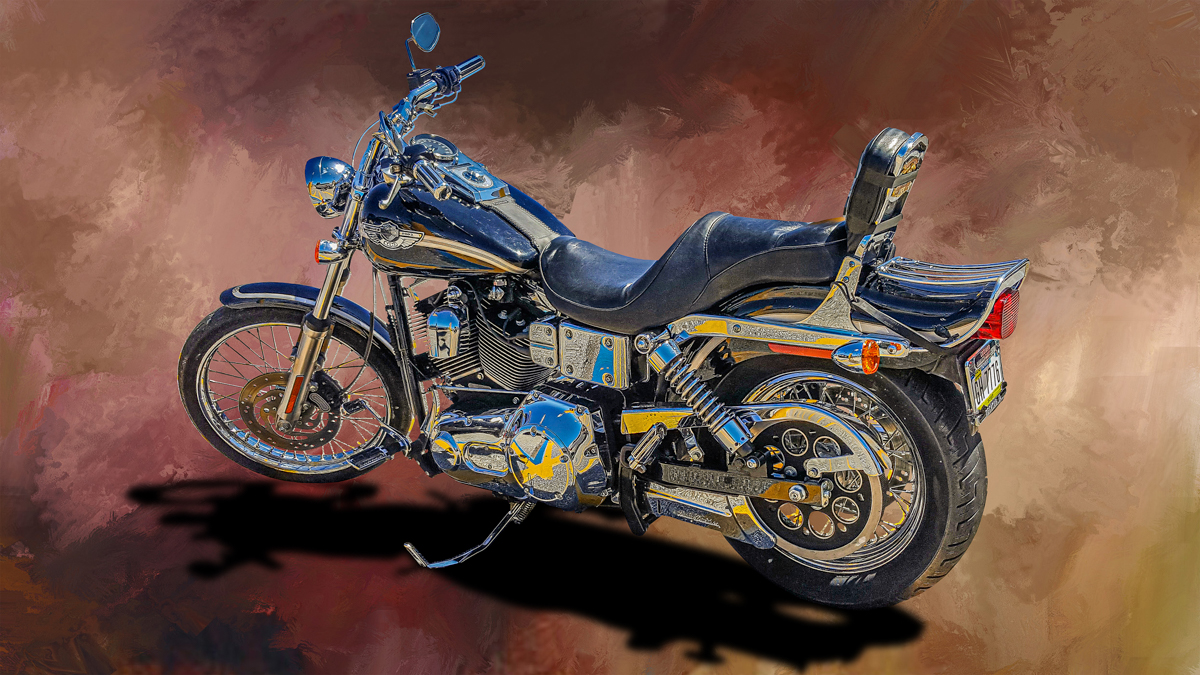
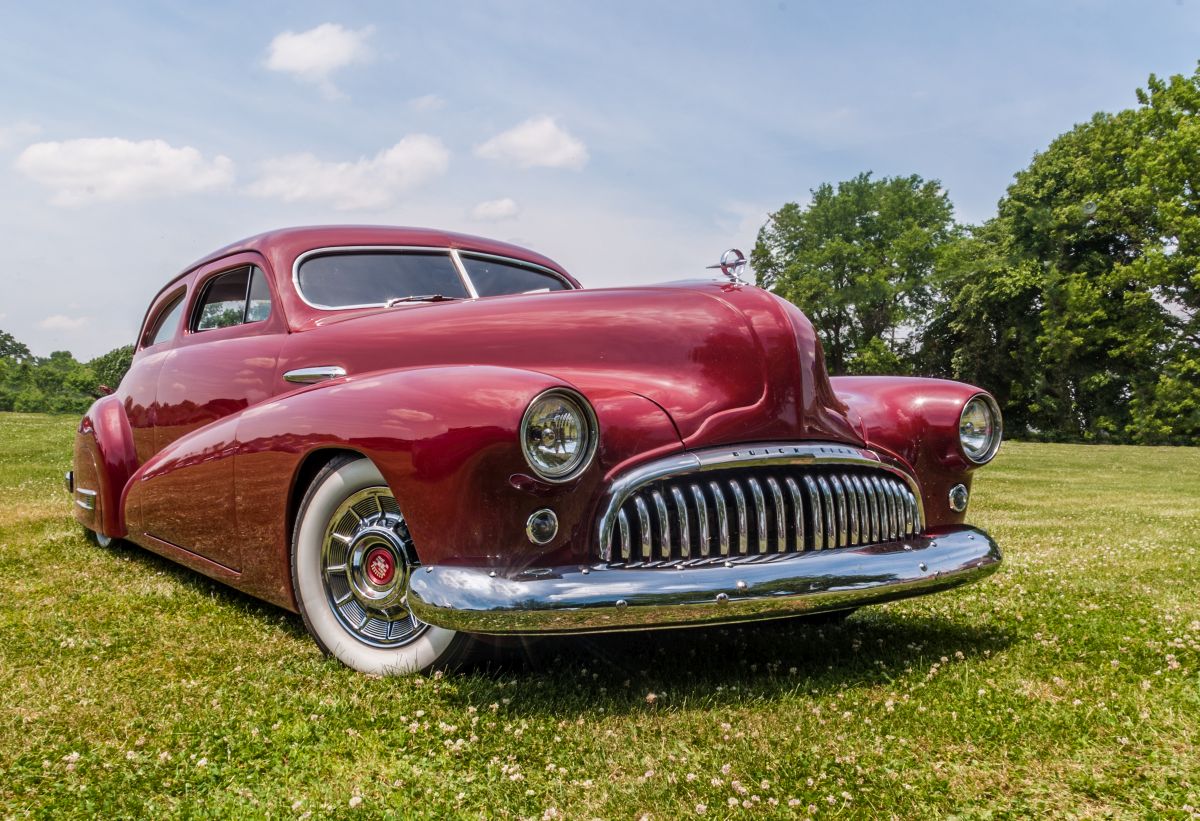
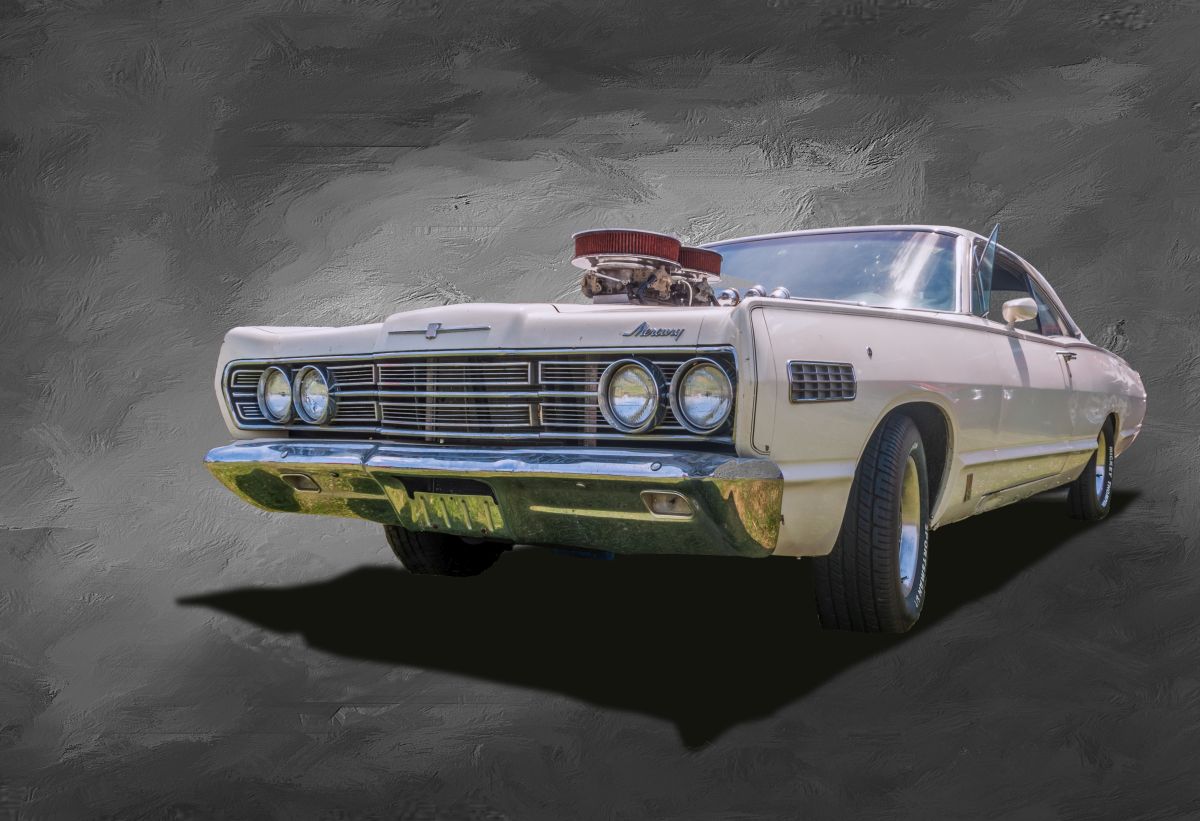
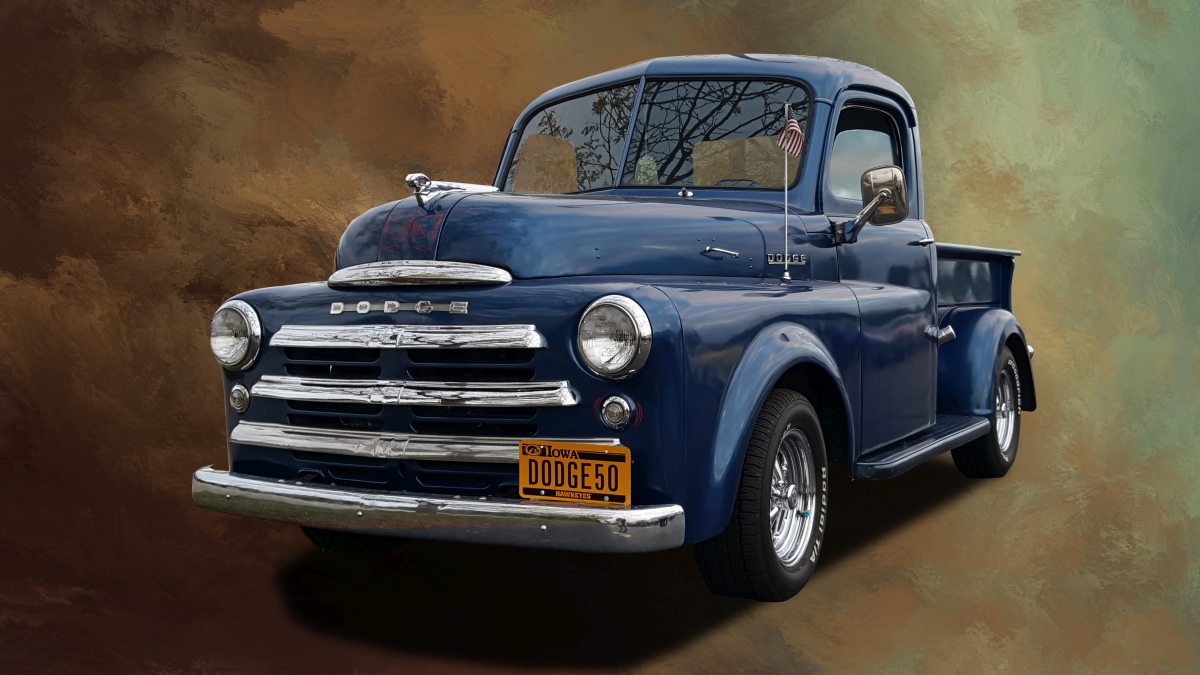
I get it. As a former power car owner, just seeing one's car in a clean setting is a pleasure. I usually feature a front angle rather than a back and I guess that works better. Here's one from the other angle: |
Jun 11th |
 |
5 comments - 11 replies for Group 53
|
| 86 |
Jun 20 |
Reply |
You're making assumptions about the food. d;¬{D |
Jun 24th |
| 86 |
Jun 20 |
Comment |
We have a neighbor down the street that decorates like this for the holidays, putting an Uncle Sam in the tree for the 4th or a Santa Claus there for Christmas, etc. I immediately thought of them when I saw your image.
Putting it against the virus map was so intuitive and, as Belinda said, this would make for a great public service announcement (another meaning for PSA).
I'm also struggling a bit learning new tricks for I am an old dog now. I know PS forwards and backwards and, lately, have begun teaching myself Affinity Photo in place of it. Using my finger in place of my Wacom tablet is kicking my butt as I was never very good at finger painting. d;¬{D |
Jun 13th |
| 86 |
Jun 20 |
Comment |
What talked to me from this image was the rainbow being under the umbrella - a juxtaposition that's unexpected and made me think. I'm afraid I don't get the silhouette of the tree above and to the left of the umbrella, though. I guess I'm just not very imaginative. d:¬{(
Can you tell us a bit about which software you used to put this together? |
Jun 13th |
| 86 |
Jun 20 |
Comment |
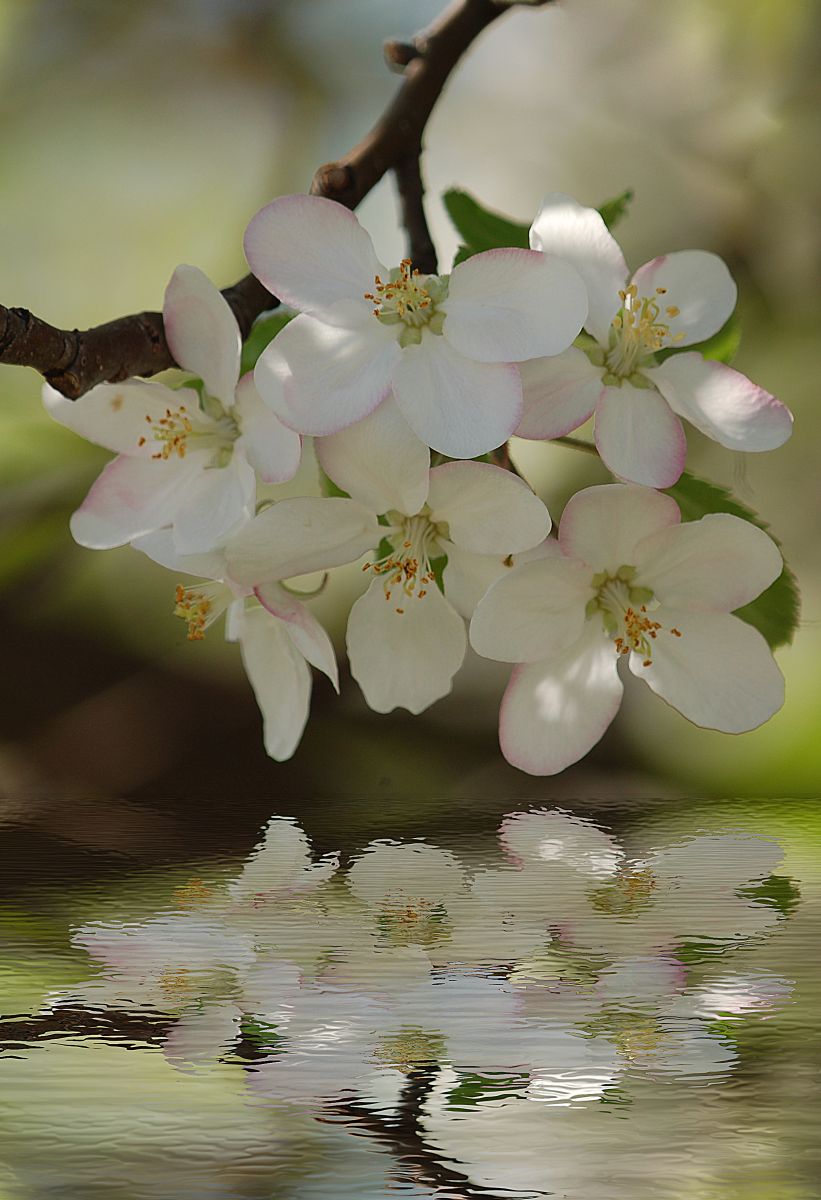
I found your original peony image enchanting. Your eye for composition is very refined.
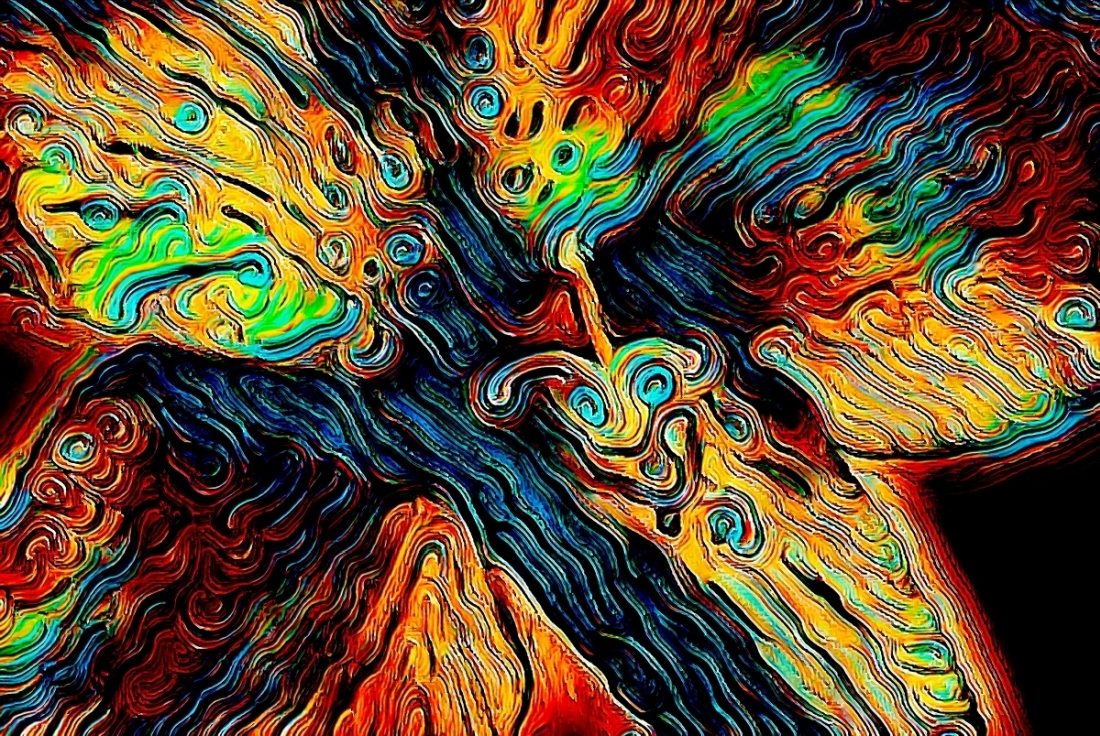
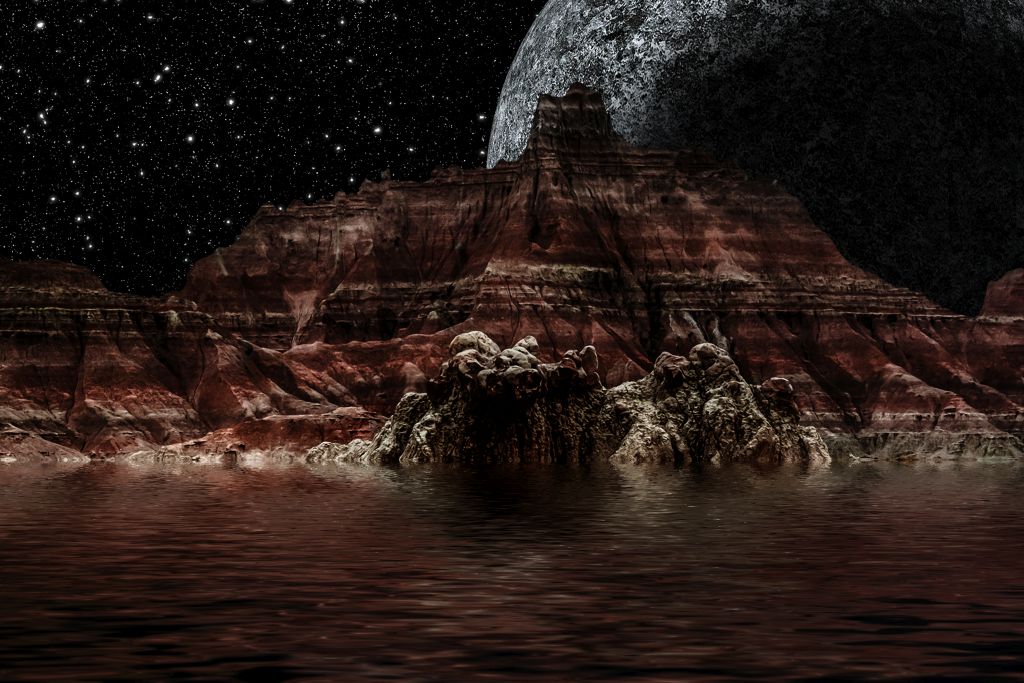
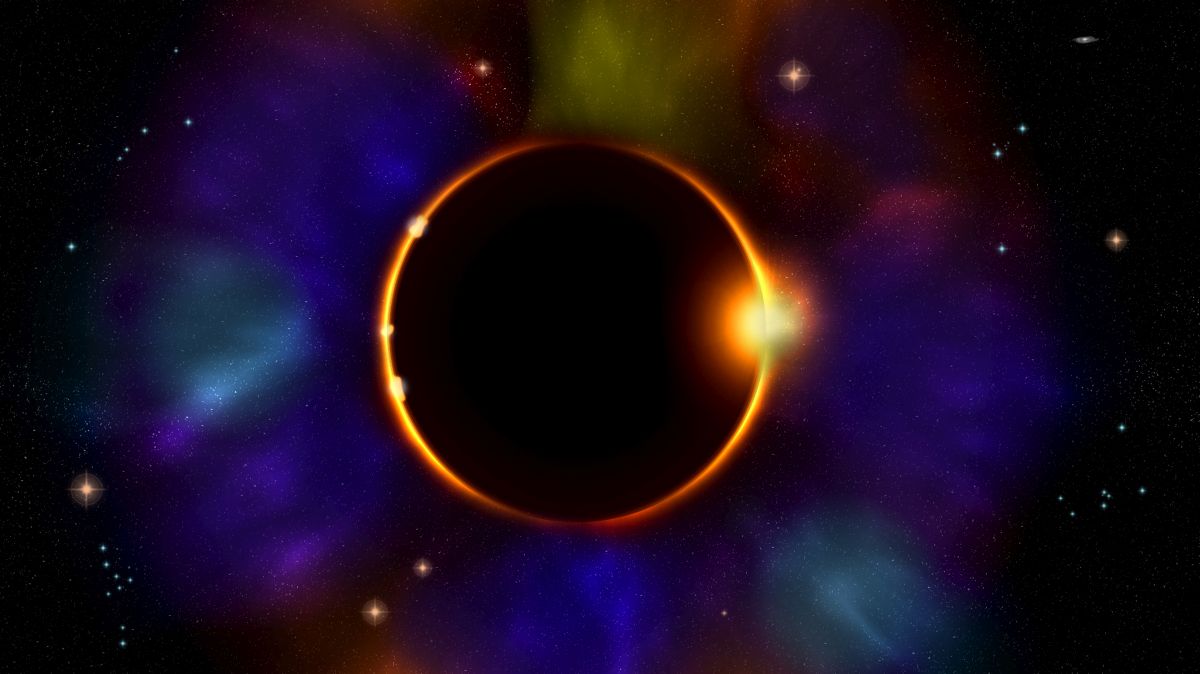
In viewing your creation, my eye is drawn to the crescent moon first, then to the splashes of orange, and finally to the bright green areas. I'm not sure what I should focus on as the "subject". I'll freely admit to not understanding this type of art, so my ability to provide a qualified critique is rather limited. |
Jun 13th |
| 86 |
Jun 20 |
Reply |
PHEW!!! I thought I was a gonner fer sure! d8¬{O |
Jun 5th |
| 86 |
Jun 20 |
Reply |
Does that mean I can stay? d;¬{D |
Jun 3rd |
3 comments - 3 replies for Group 86
|
| 95 |
Jun 20 |
Comment |
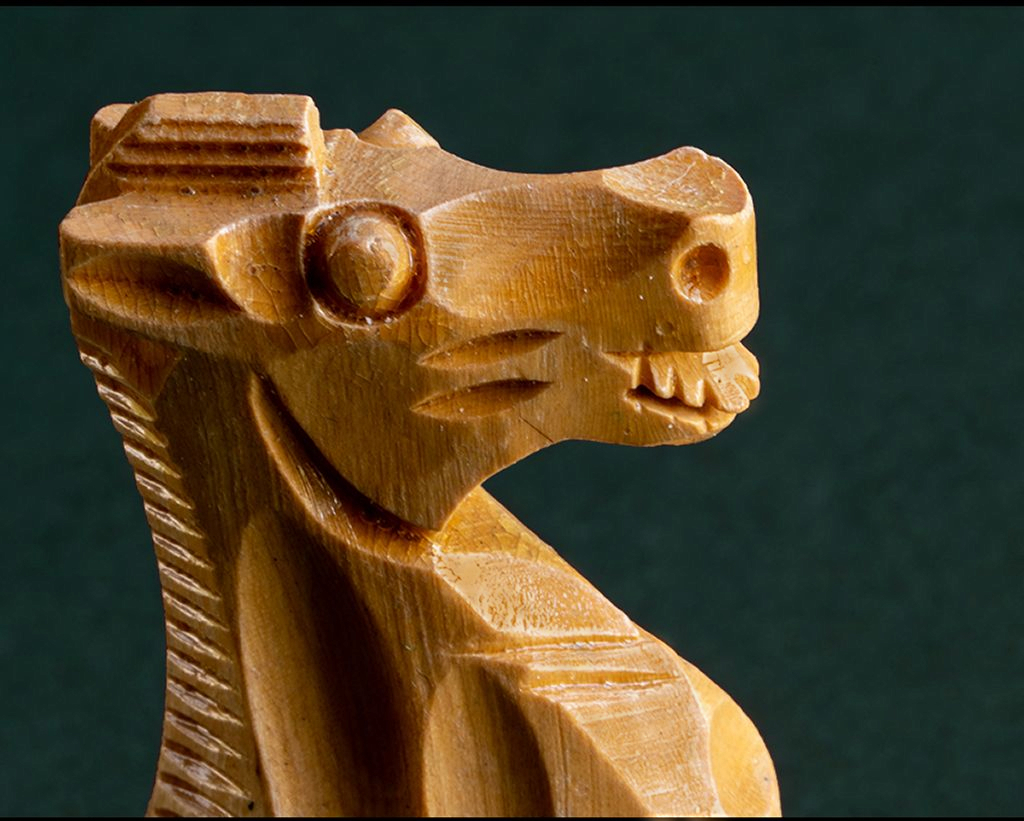
You got great detail in this shot and it looks like I can reach out and touch it. I've certainly never been so up close and personal with a knight (at least of the chess variety). d;¬{D
I'm thinking that F32 is the smallest aperture your camera can manage - it is in my lens. This is part of why you've gotten some bright spots, too, because of the way lens work - what is called diffraction. When attempting to get the most detail from a single shot, I will go to the smallest aperture and go larger by 1 or 2 clicks. I recently purchased an inexpensive polarizing filter, too, which goes the rest of the way to reducing those hot spots.
I took your image into Affinity Photo and used its Frequency Separation filter to separate the texture of the image from its colors in different layers, so that I could remove the hot spots. Thoughts? |
Jun 13th |
 |
| 95 |
Jun 20 |
Comment |
Welcome, Nilan! Glad to have you with us!
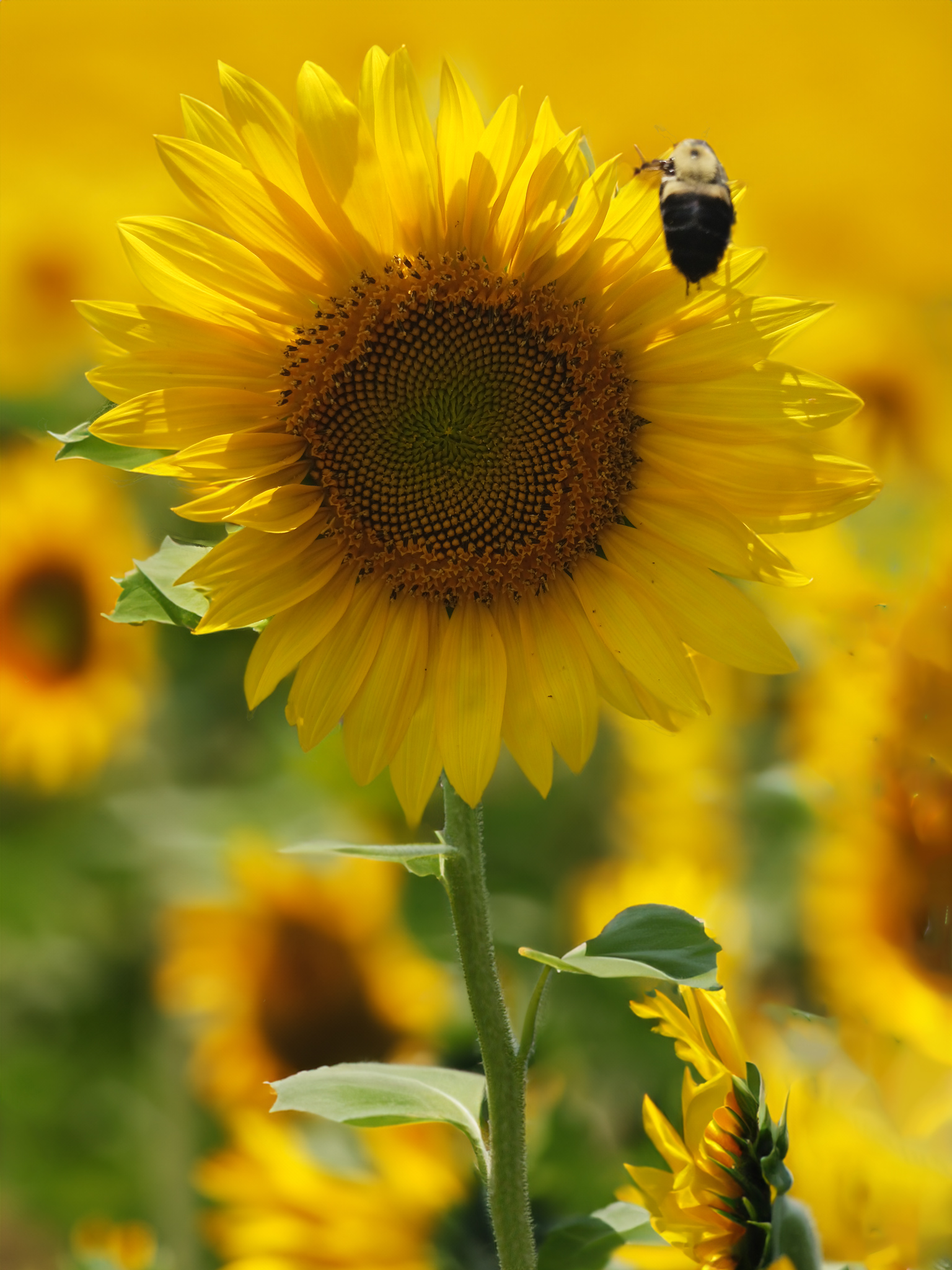
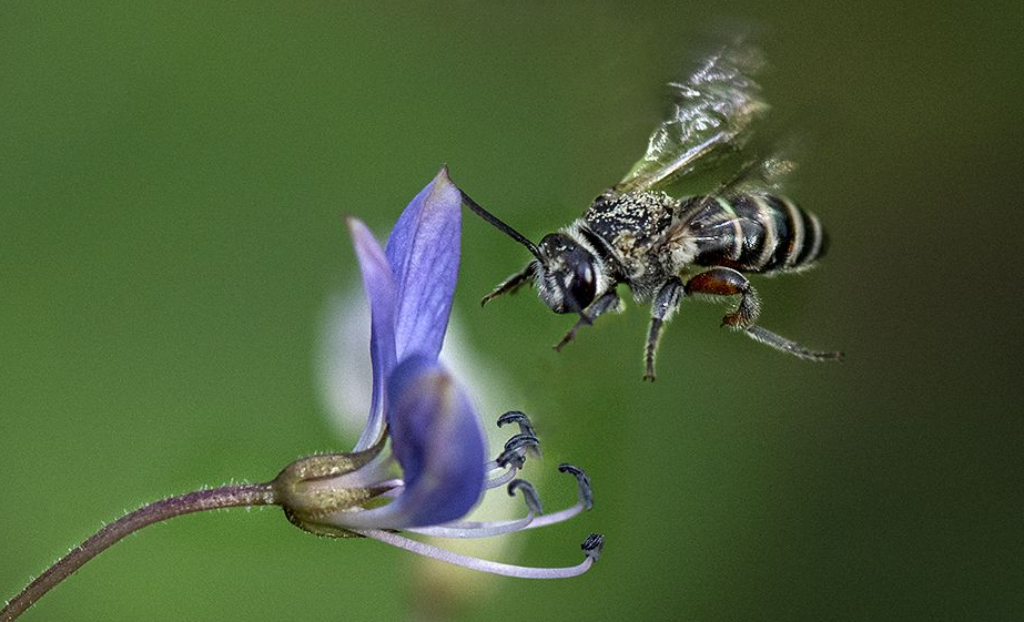
You're off to a good start with this image. The images tells an interesting story. Based upon the size of the bee in relation to the flower, it looks like the flower won't accommodate its size. This builds some anticipation in the viewer as we wait to see what will happen. Your timing was very fortuitous.
As others have noted, the background is somewhat distracting, especially the yellow that transects the bee. If you intend on putting this image into a nature competition and, thus, cannot remove this distraction, you may find you lose some points, proving that timing isn't everything. However, for other presentations, you would be better off to remove at least the yellow.
I took the liberty of working on this in Affinity Photo, removing the yellow with its InPainting Brush and then doing a bit of dodging of the bee to help it pop a bit more. Thoughts? |
Jun 13th |
 |
| 95 |
Jun 20 |
Comment |
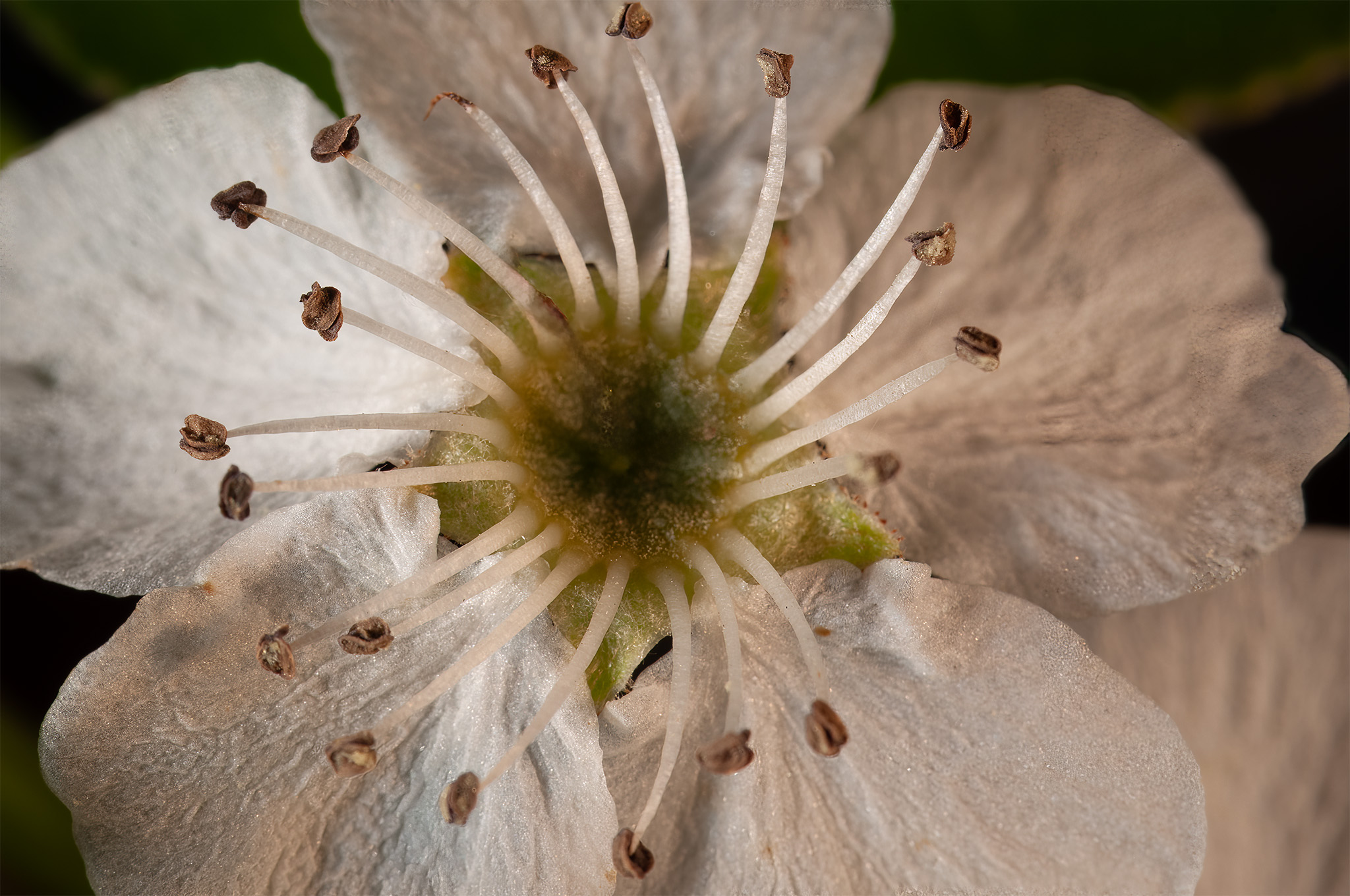
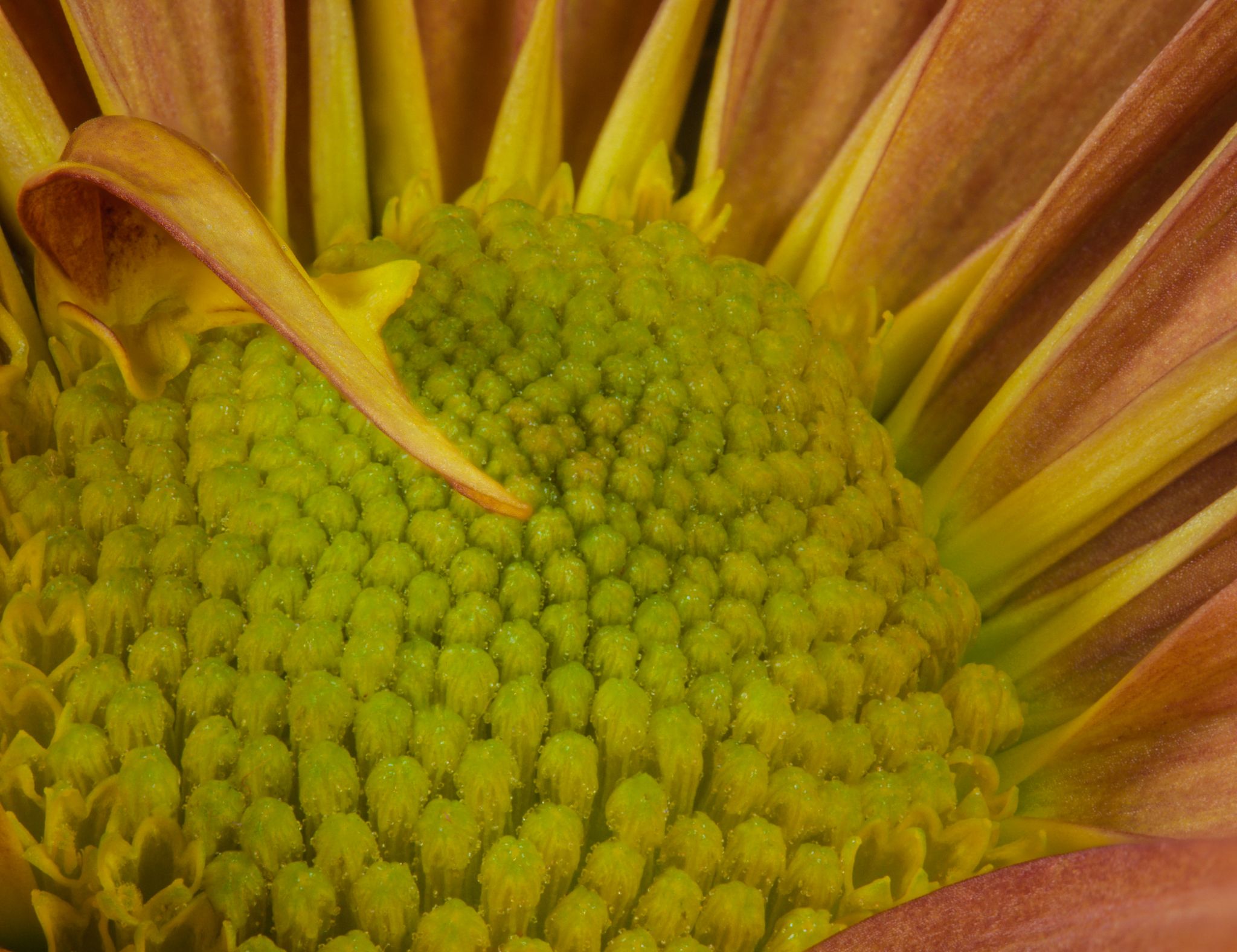
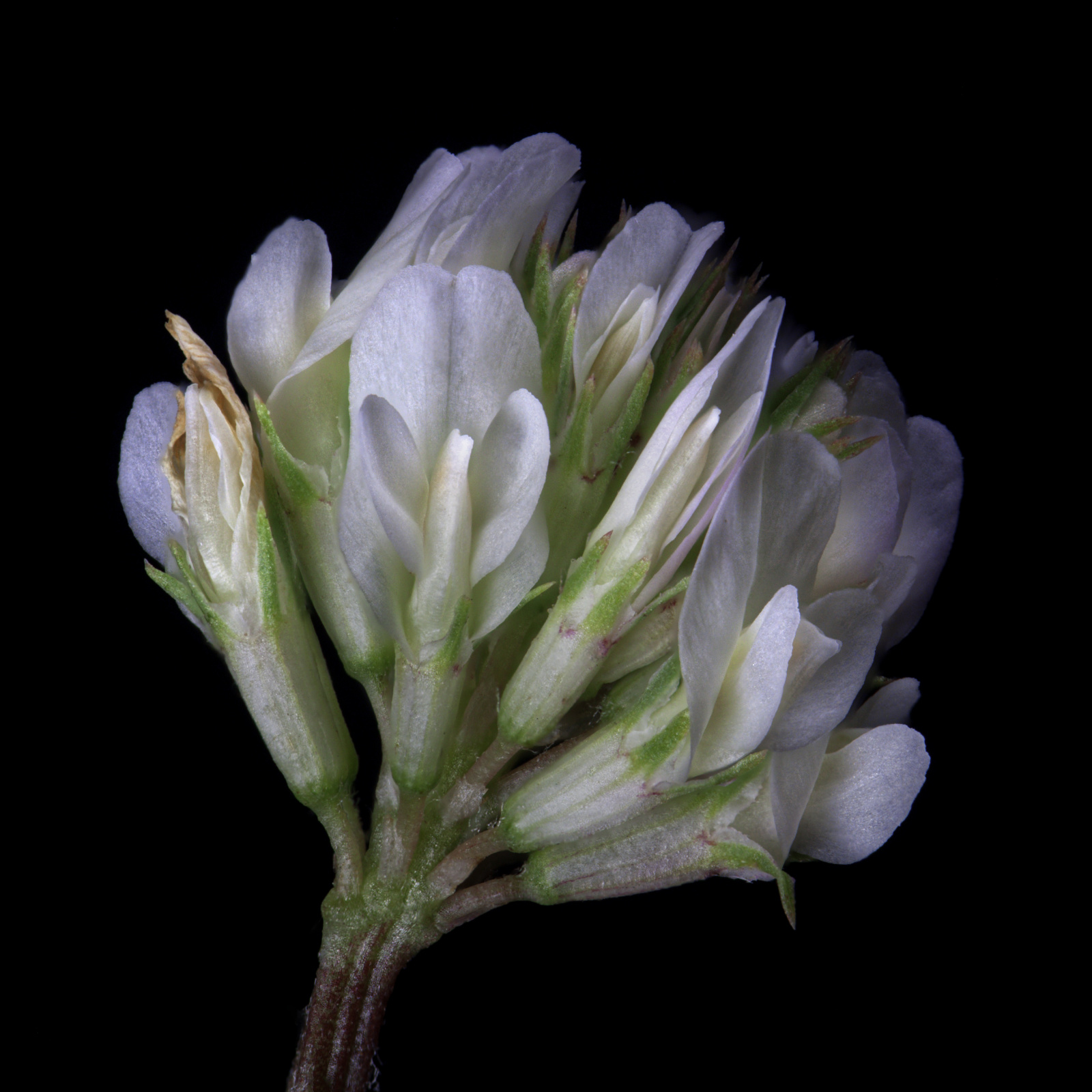
Excellent capture, Stuart. Your stack is very pristine, though there is one tiny area where one stamen is crossing another that showed some fuzziness. It really wasn't visible until I studied the image closer.
Because this blossom is so bright, I would strongly suggest some targeted dodging and burning to add some more dimensionality to your great image. Thoughts? |
Jun 13th |
 |
| 95 |
Jun 20 |
Reply |
For me, the capture portion typically takes a while depending on the lighting. I often prefer to just use room light, which means longer shutter speeds (my camera doesn't do high ISO well at all and my macro lens sweet spot is F8). My camera doesn't have a lock-up mode, so I must use a delay to allow the mirror to lift, so each slice can take from 5 to 30 seconds. My focus rail is a cheap one so I must manually advance which adds another couple of seconds to let everything settle. So, a 50-slice stack can take several minutes. The software side is much like Stuart describes, with Helicon Focus and Affinity Photo taking about the same amount of time. |
Jun 13th |
| 95 |
Jun 20 |
Comment |
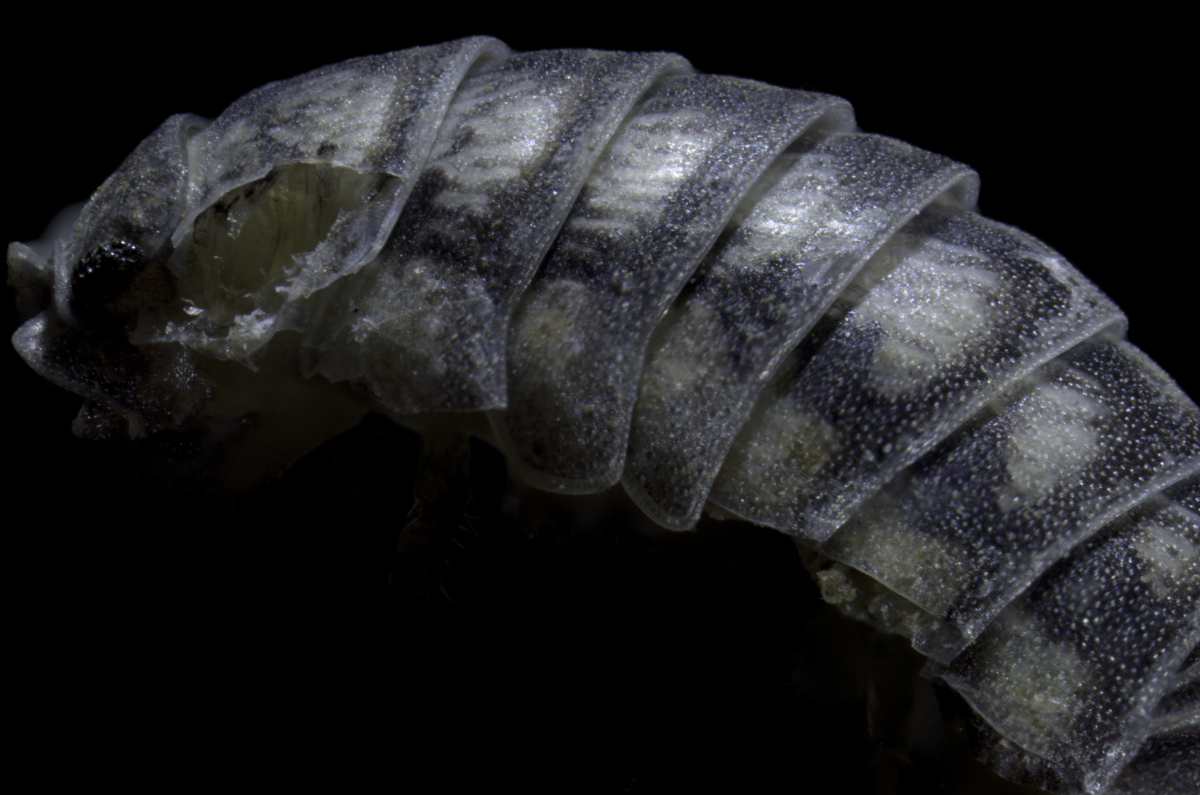
I think you did a great job with this capture, Bill. Your subject is clear & colorful (without appearing oversaturated) and just enough DOF to have a blurry background yet a well-defined subject. I think these larvae are about 10mm, are they not? |
Jun 13th |
| 95 |
Jun 20 |
Reply |
Although it can be done, focus stacking handheld is a tricky endeavor for the steadiest of hands - impossible for my shaky hands. |
Jun 13th |
| 95 |
Jun 20 |
Reply |
I have tried that method also with less success so far. Problem is I have a bit of hand-shake which makes this process all the more difficult. Still, it's fun to get so close without getting a 10x microscope objective for my camera setup. |
Jun 12th |
| 95 |
Jun 20 |
Reply |
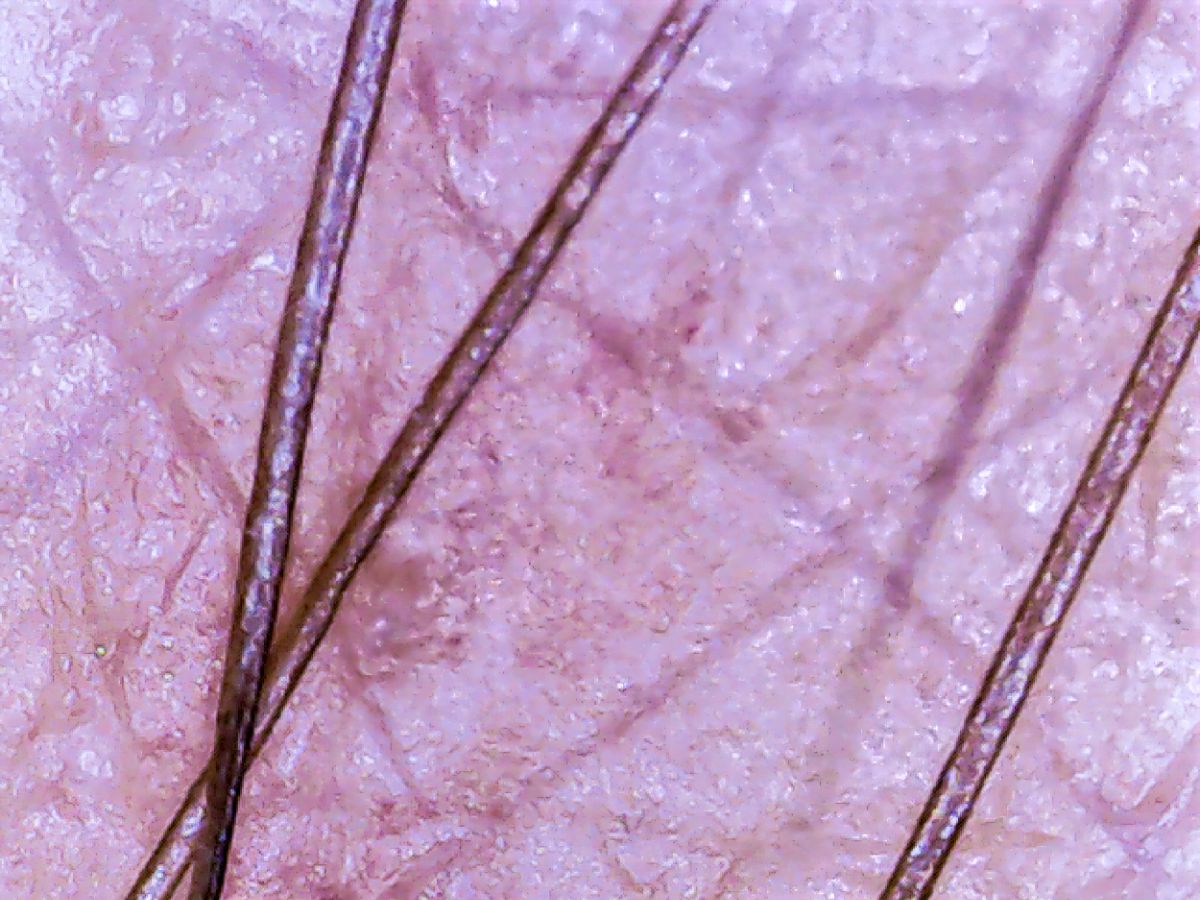
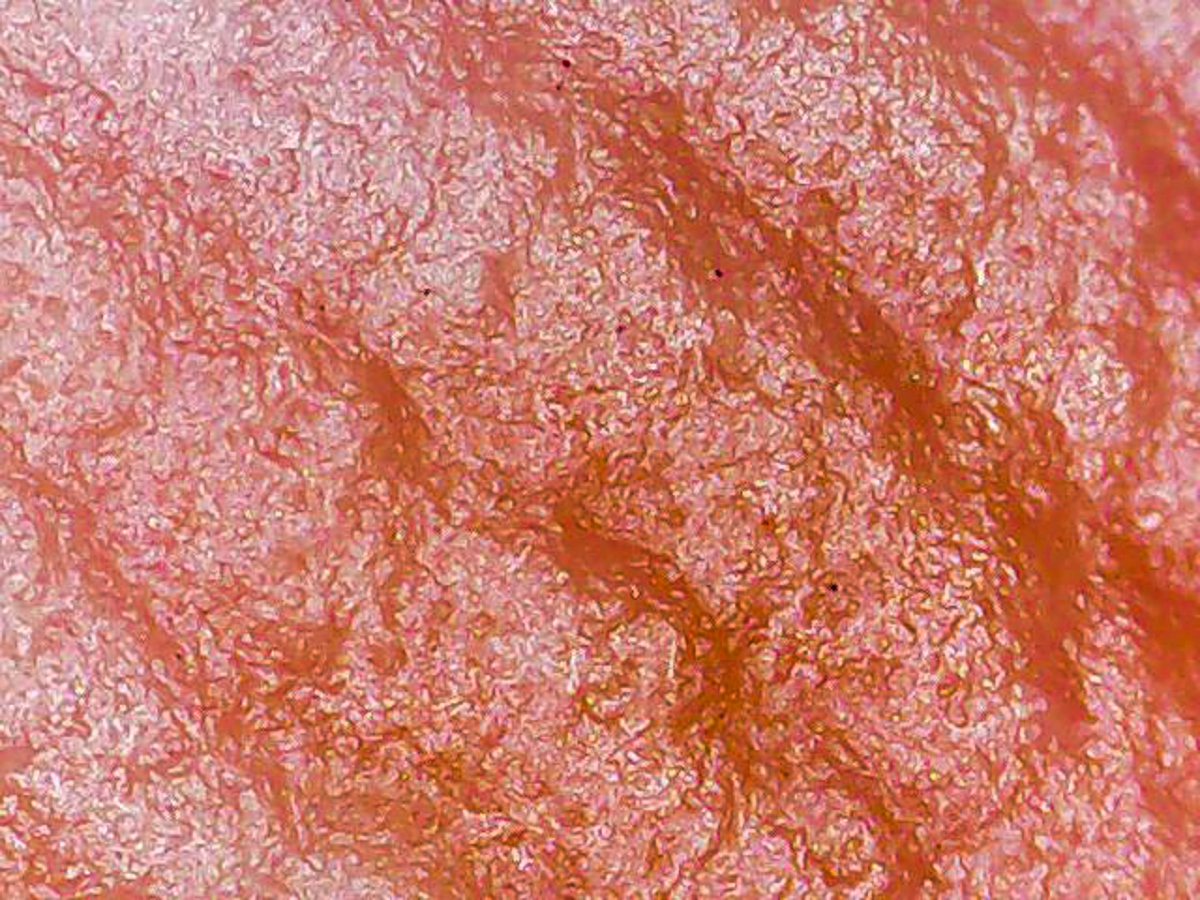
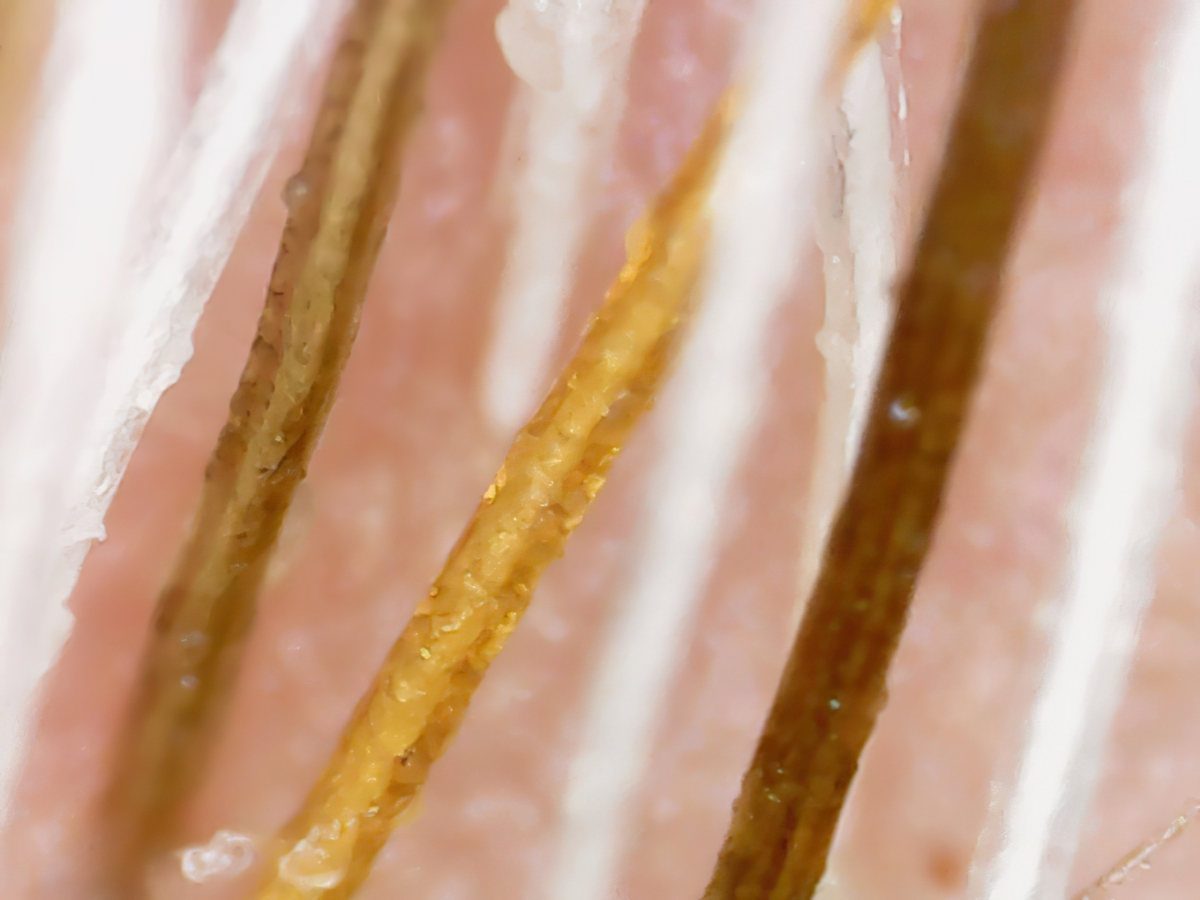
This would be a useful page for someone using a traditional microscope (I used to have one decades ago). Alas, this is a cheapie USB microscope and if you look closely at the pic of the device (Original 1), the focus ring is not accessible unless I break it apart - not going there. d;¬{D |
Jun 9th |
| 95 |
Jun 20 |
Reply |
I am still experimenting. It is very difficult to use. The focus "ring" is very stiff and I end up losing my subject while trying to focus - very annoying. d:¬{| |
Jun 9th |
| 95 |
Jun 20 |
Reply |
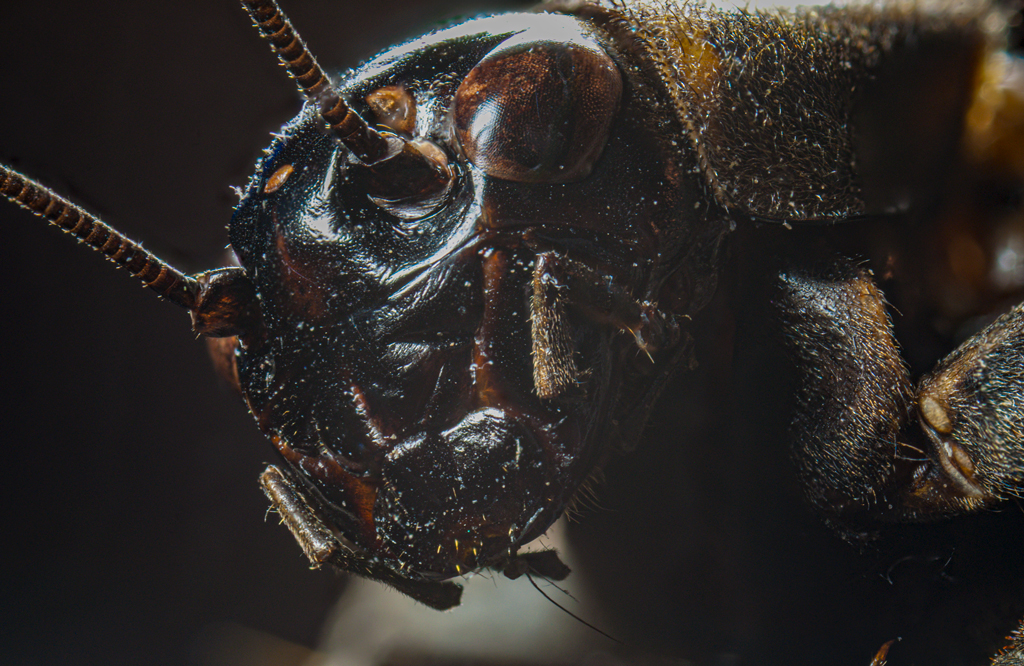
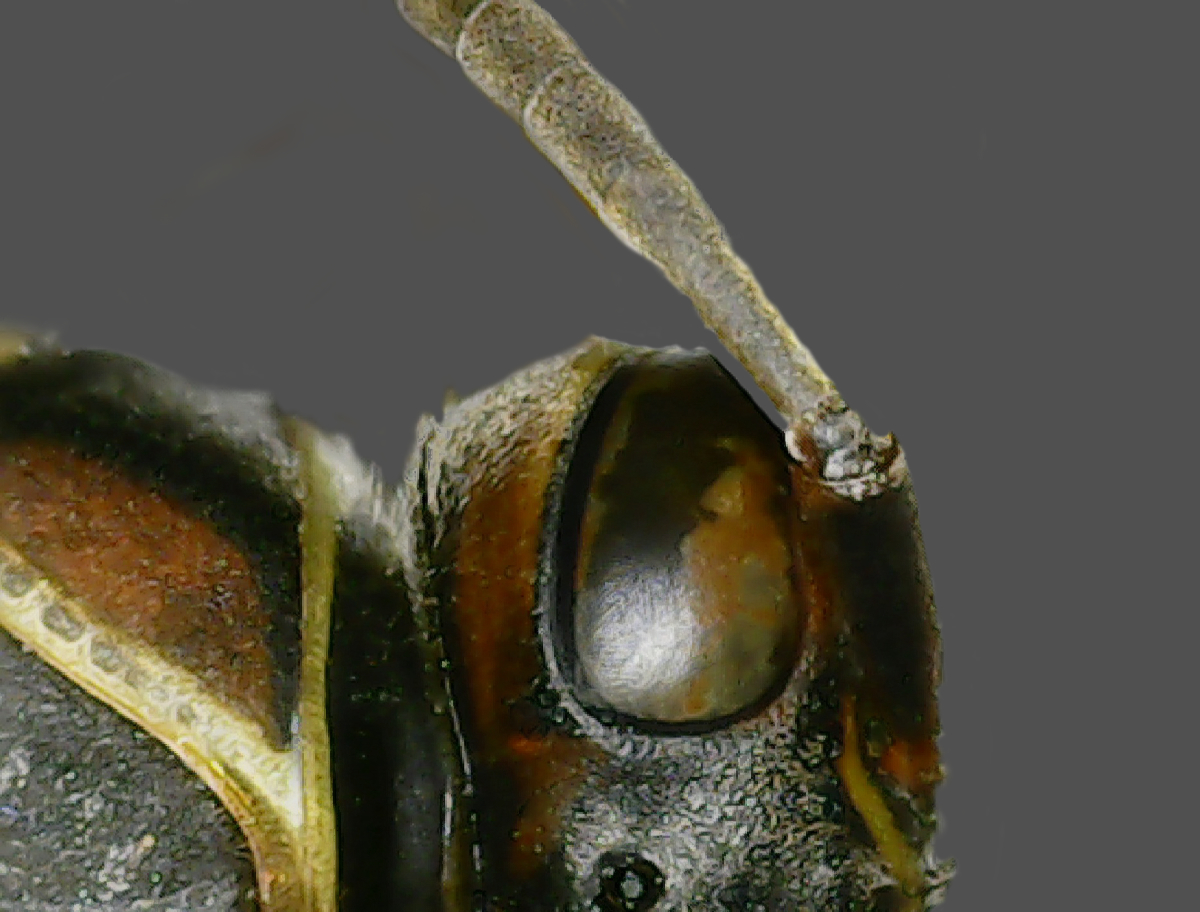
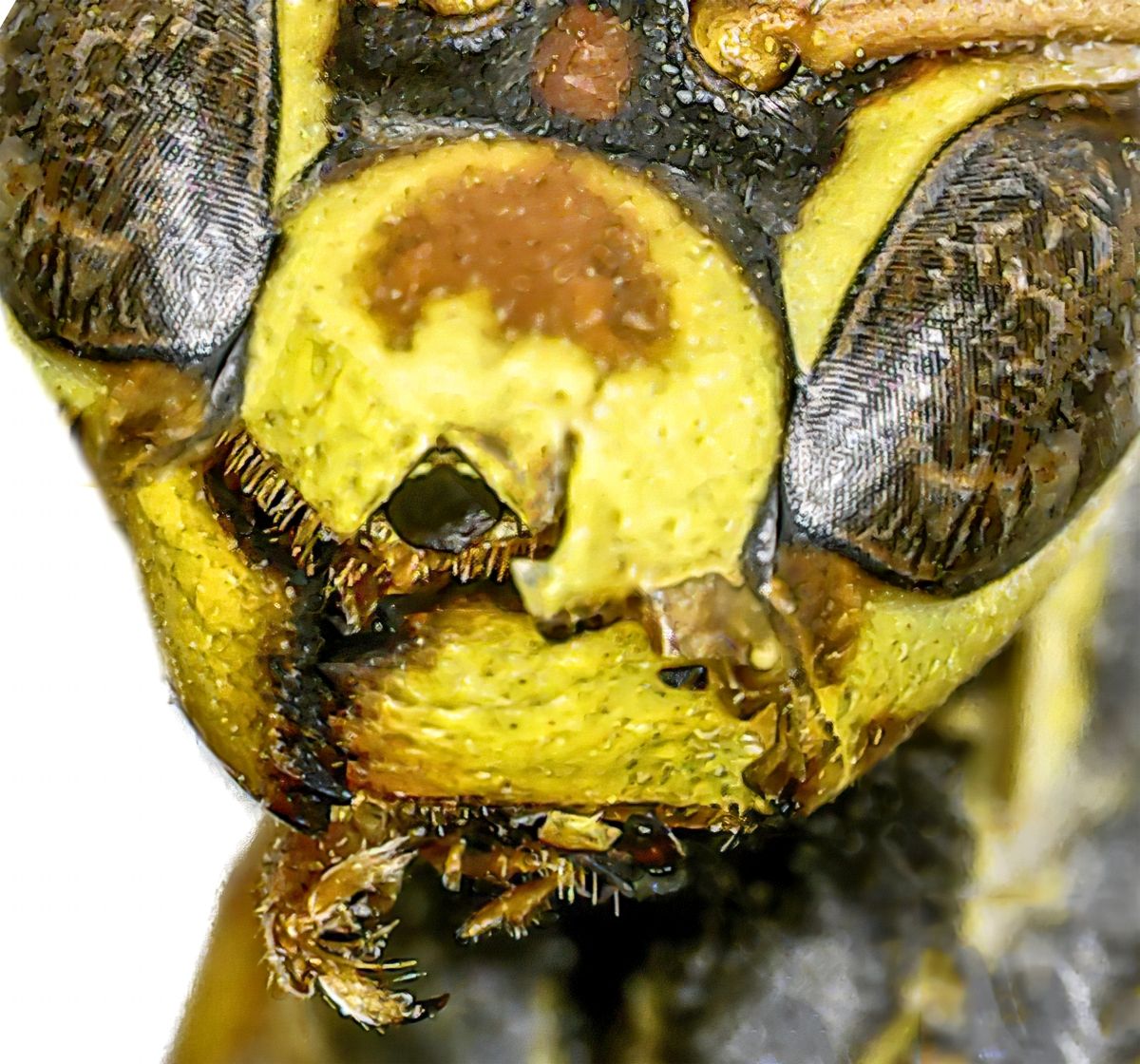
Didn't intend to show the full insect, but thought folks would be interested in the microscope used for this capture. |
Jun 6th |
| 95 |
Jun 20 |
Reply |
Thanks, Barbara. It's not easy to use this "microscope" as the slightest touch moves it a lot, but I thought this turned out fairly well. |
Jun 3rd |
4 comments - 7 replies for Group 95
|
12 comments - 21 replies Total
|