|
| Group |
Round |
C/R |
Comment |
Date |
Image |
| 70 |
Feb 17 |
Reply |
With the filter in place use a gray card reference and take a photo of it. Mine has four patches containing light gray, medium gray, highlights and shadows. Do this in the field prior to taking pictures - preferably in raw with auto white balance enabled. When you are processing your images look at the photo of the reference card photo and manually adjust the white balance to suit your taste. Then apply the same adjustment to the images from your outing. If you don't have the reference card with you out there in the wild, with the filter in place take an image containing a patch of white-say white sky, exposed so that it is appx. white. Then when you are processing your images adjust the white balance to your reference image to recover "white". Apply the same setting to your images.
Since your polarizer's result depends on the polarization state of the light you are focusing on, neither of these methods is guaranteed to exactly match your reference shots, but should be close. That is, of course, provided you want to change the white balance in the first place. But your question was, how does one check the white balance with the filter in place. |
Feb 11th |
| 70 |
Feb 17 |
Comment |
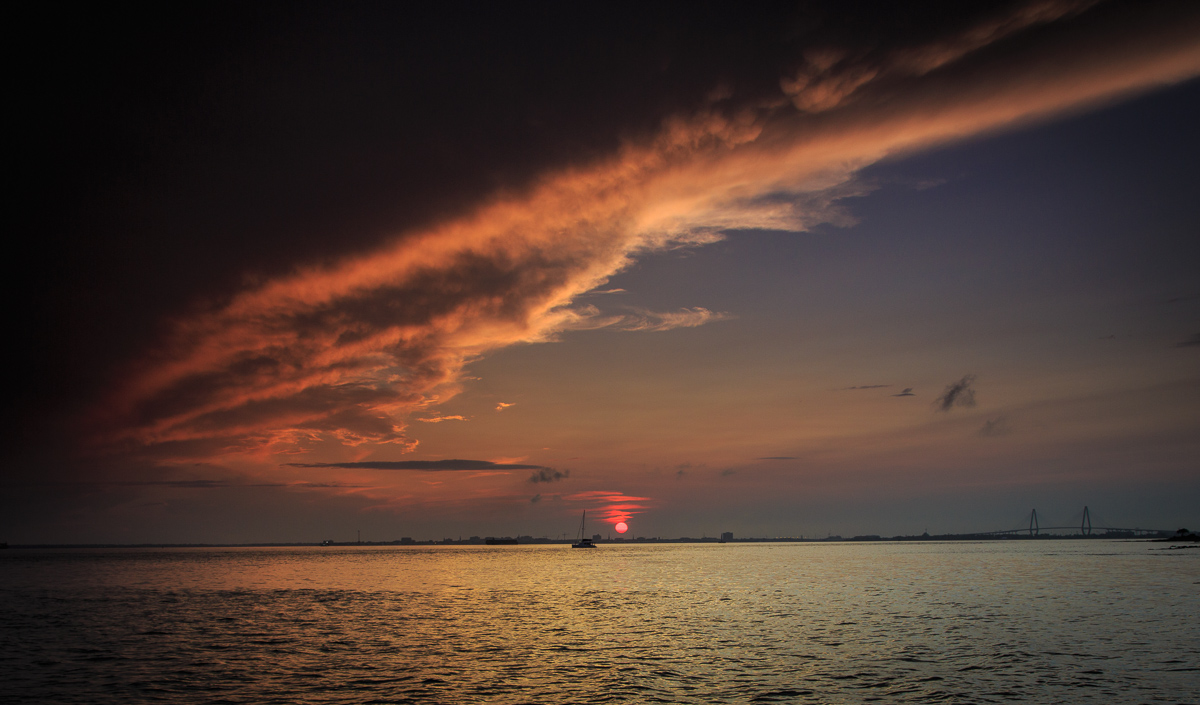
It's a pleasing image that communicates the quiet and stillness of a sundown at the marina. Sky tones are pretty well preserved during the lightening to restore what was approximately the state of the light when the image was taken with details coaxed effectively out of the shadows. Noise in the shadows -a frequent traveler in lightened images - is not visible at this image size. It is an image that does not have a single focal point or point of interest , but instead has multiple sights of interest in this integrated , maritime scene. |
Feb 10th |
| 70 |
Feb 17 |
Comment |
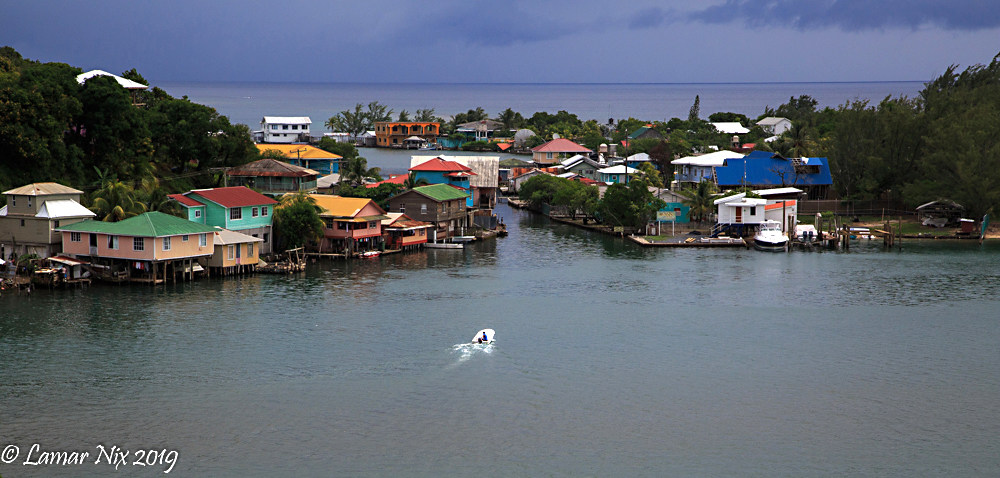
This is an interesting maritime scene from early morning ( or evening ). I tend to like the various lights playing in the water, which can be better emphasized in a darker setting - say 1 stop less exposed. To my eye that also helps to obscure the "busy-ness" of the nest of boats in the background. |
Feb 5th |
| 70 |
Feb 17 |
Comment |
The sunset light against the pattern of the wharf pilings makes a striking image. As composed most of the action in in the foreground and toward the setting sun. Did you consider moving up the beach ( to the right ) and composing with the sun just outside the frame. I think that would have the illuminated wharf as a leading line to the cement ship wreck. |
Feb 5th |
| 70 |
Feb 17 |
Comment |
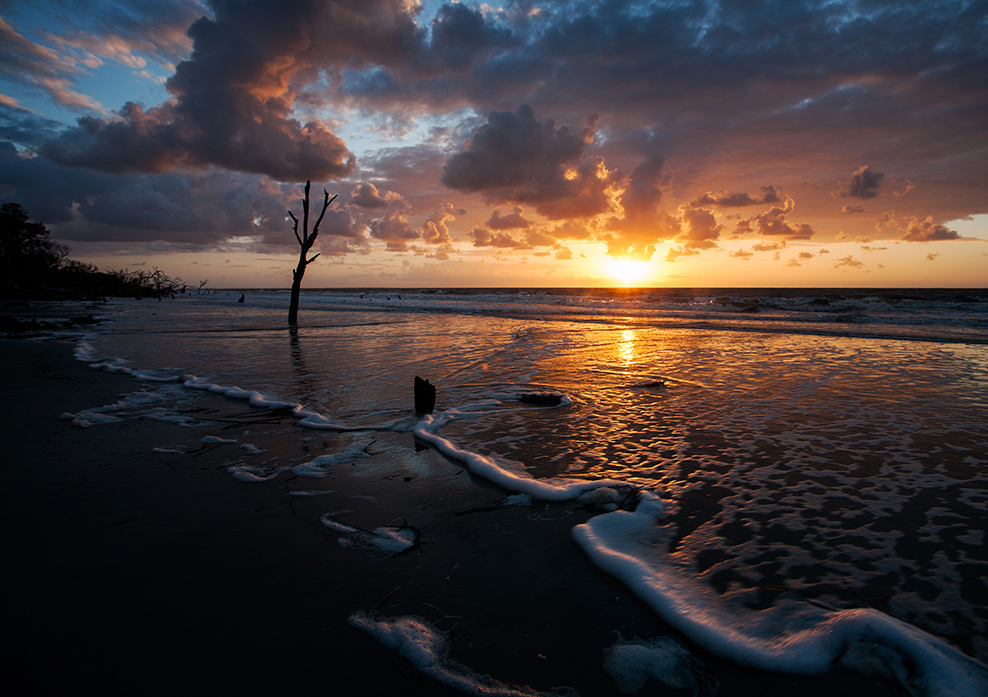
A very nice composition taking advantage of the visual play between cloud/light rays and the central tree. The shadows are somewhat deep but this pre-sunrise image looks fairly natural. |
Feb 5th |
| 70 |
Feb 17 |
Comment |
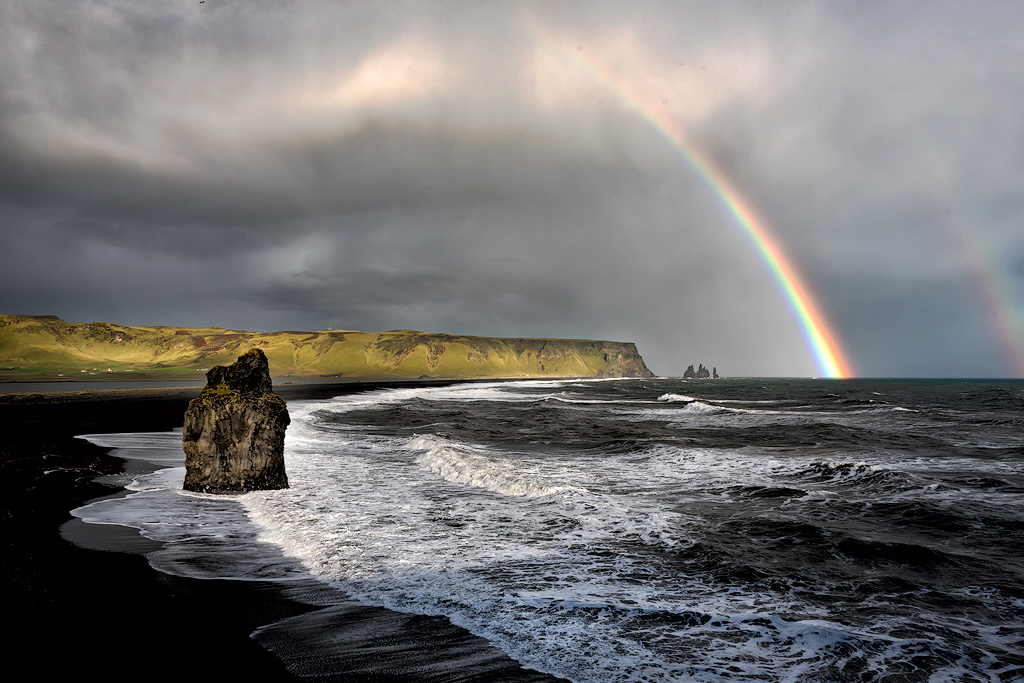
A lovely image with white water along the strand's edge connecting foreground to the distant rainbow. The dark sand creates a strong contrast in the image and amplifies the light falling along the distant dunes.
The principal rainbow is slightly "hot" with the violet & blue hues barely visible. I lowered the tones in the rainbows and upper clouds slightly using a mask and curves selectively applied in Photoshop.
Overall a competition grade image! Congrats. |
Feb 5th |
 |
5 comments - 1 reply for Group 70
|
5 comments - 1 reply Total
|