|
| Group |
Round |
C/R |
Comment |
Date |
Image |
| 75 |
Apr 23 |
Comment |
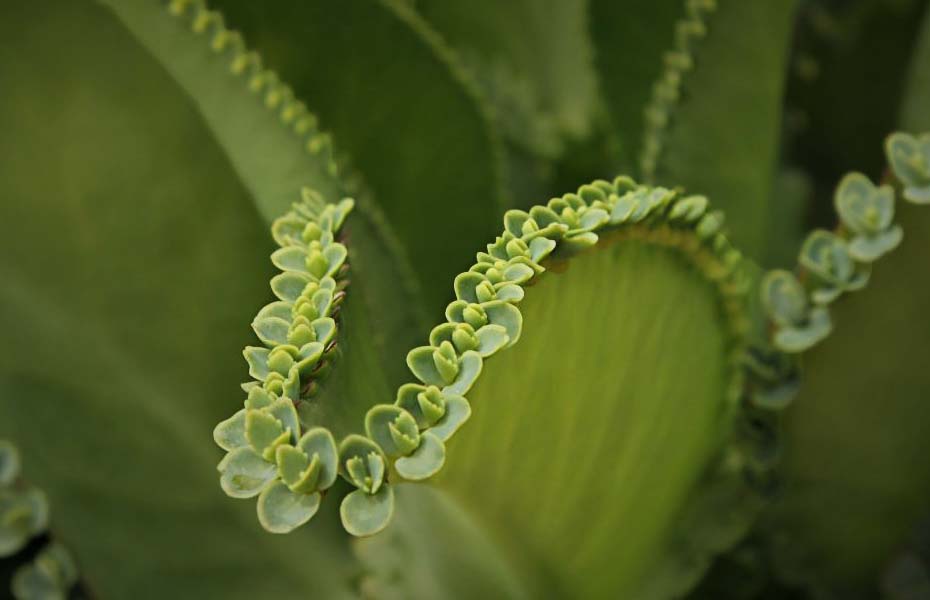
There is a lot of interesting things going on here. You have done a wonderful job in using the natural undulations of the subject to create effective flow and points of interest in this image. Your use of selective focus also makes this such a pleasing presentation. To my eye it does appear a bit flat, as the tonality of the image is somewhat uniform. If one were to darken some of the background elements this might introduce a bit more depth to the image. I might also suggest cropping a bit from the top and left sides as well to increase the predominance of the central "pearl like" structures. I have included a image version where I have done this to illustrate my points.
Let me know what you think ...
A very interesting and artful presentation though.
|
Apr 14th |
 |
| 75 |
Apr 23 |
Comment |
I agree with the comment offered thus far, so I will not dwell upon them. I will note that the masking (or selections) used to isolate the bloom from the background was not as precise as needed, and that several areas between many of the filaments were missed, resulting in the dark black areas that are scattered throughout the image.
One of the challenges with these types of shots is the balance between what is in focus and what is not, and making a conscious decision to capture the elements you intend to. Here your depth-of-field used clearly capture the stem, the inner base of the bloom and many of the filaments toward the back of the bloom. However, many of the more forward filaments are blurred. This is not necessarily a bad thing, but to me they appear to be somewhat distracting. Here I am referring more to the filaments in front of the base of the bloom more than those on the outside where they tend to blend into the scene more effectively. I will note though that the extent that this bothers one, is truly a personal choice, so feel free to disagree with me here.
If this does bother you, there are not a lot of "right" choices here though. Increasing the depth-of-field to make everything sharp would do just that, but then some of the distinction between the filaments and the base might get lost. If more of the interesting detail in the base were visible that might alter the balance here, but to do so one might need to physically clip away some of the filaments (a destructive solution), or to engage in some difficult cloning
|
Apr 14th |
| 75 |
Apr 23 |
Comment |
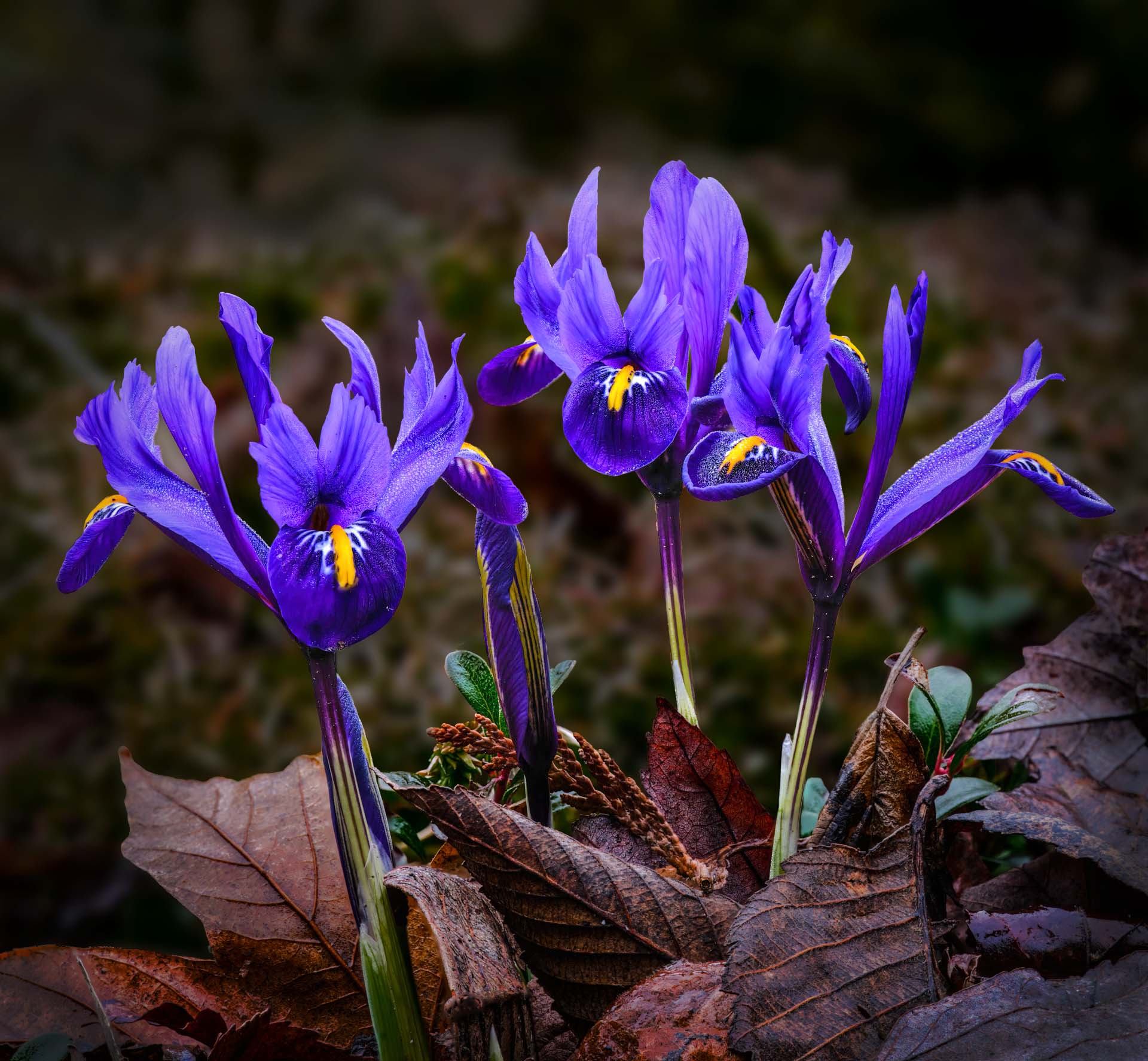
Nice image. Your subject and foreground are nicely shown, and your background add context to where you found these blooms. The exposure here was challenging. Several parts of the bloom are deeply shadowed. While you captured a lot of detail in these parts, this image does not show it. May I suggest that you could bring out considerably more detail in the shadowed parts of these bloom without disrupting the naturally occurring shadows.
You also note that in this version of the image, the background is rather noisy, and I don't disagree. Context is important, but not when it begins to compete with your subject. To me, that appears to be the case here.
Now that you have noted this, why not do something about it? One could go back to the site and try re-shooting it again with a different aperture, but that may not be a reasonable option. Why not select the background and darken and blur the background to allow the main subject to stand out more.
I have included a version of this image which illustrate the two main point I have made here. See what you think …
|
Apr 14th |
 |
| 75 |
Apr 23 |
Comment |
I agree with all of the earlier comments, A visually stunning image. I see that you also submitted an "original" image as well, and I wonder why. What is the difference between the two that you are trying to show us?
While it is true that the people in the are not as sharp as possible, I may ask "why does this matter?" (an odd question from one who is always commenting on the sharpness of images). To my eye the strength of this image is the colors and lines associated with the blooms, in the stunning setting we find ourselves in and in showing us such are large expanse of the landscape. The fact that elements far way are not as sharp as nearer objects is an essential part of the image, and adds depth to the image. This is part of the concept called "distance perspective".
Great shot, both in seeing this and in providing it to us.
|
Apr 14th |
| 75 |
Apr 23 |
Comment |
By the way (BTW):
Photoshop is getting even better. There is a new tool called the "Remove Tool" that is under development. It is in the current Photoshop Beta version (V 25.5.0) and is truly remarkable.
This tool works differently from the Healing Brushes and / or and Content Aware fill / Content Aware Remove tools currently in Photoshop, and appears to be vastly superior.
Here is a link to a video demonstrating this new feature.
(https://www.youtube.com/watch?v=bXqFJZtoAXk)
If you have the Adobe subscription, you can download the current Photoshop Beta version (V 25.5.0), and try this out. Note that if you do download the Photoshop Beta version, this should not impact the current version of Photoshop that you have on your system. Just realize that this is a Beta version of Photoshop (a pre-release development version), so there may be bugs that still need to be ironed out.
I used this tool to remove the "intruder" in 2-3 min, and if you did not know it was originally there, you would be hard pressed to see anything out of the ordinary (see attached). Even knowing that it was there, the corrected image looks perfectly normal. I am not claiming that my edited version is better than others, only that this tool worked really well. |
Apr 14th |
 |
| 75 |
Apr 23 |
Comment |
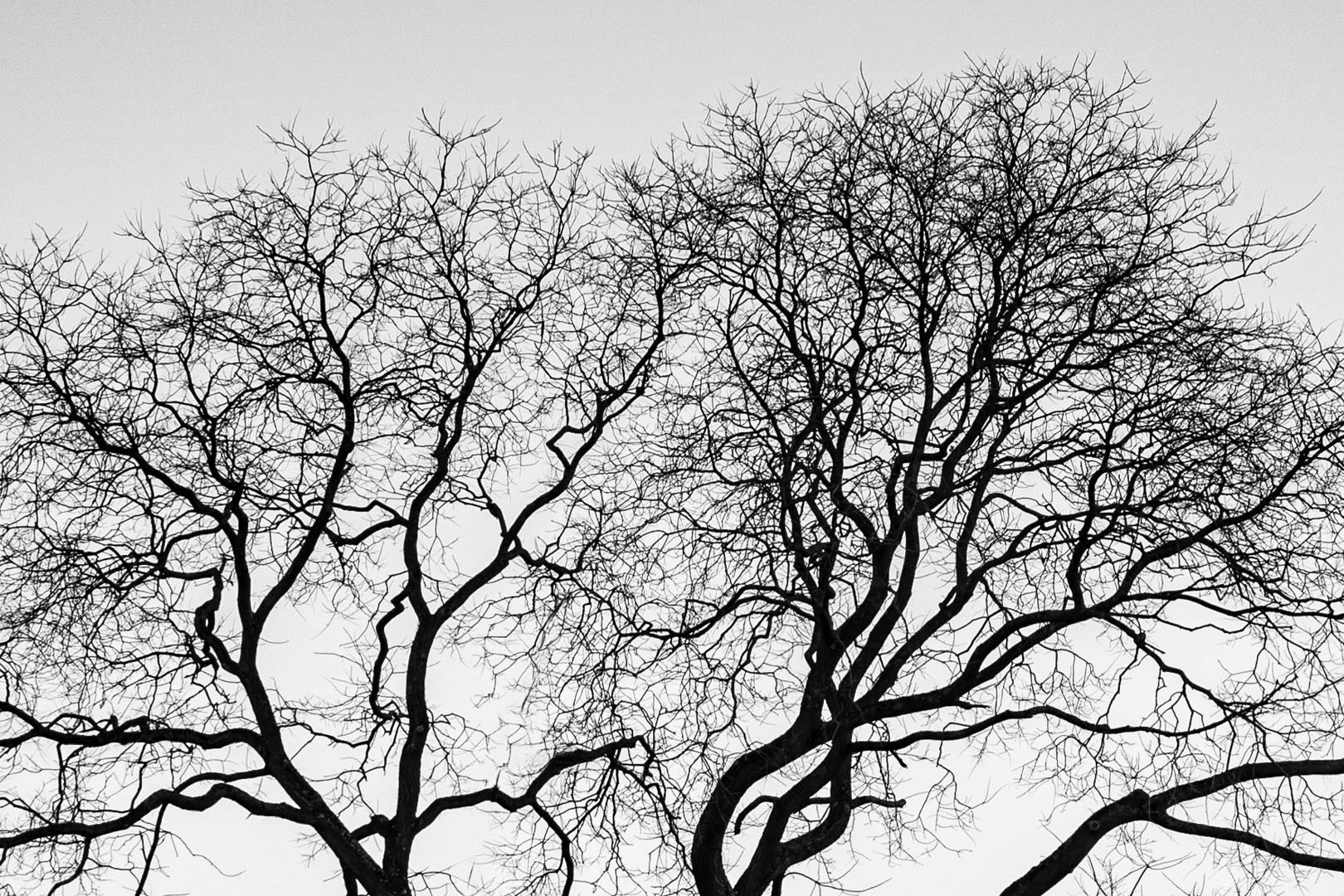
Let me mirror the thoughts that your crop of this image converted an average image to one with a vision and impact. Well done !
You suggest that your aperture was insufficient in this image. Here I respectively disagree with you. Since the trees are shown as a silhouette, more depth-of-field is not required. In Dan's edit, he reduced the contrast and increased the detail visible in the dark tree limbs (something your rendition did not include), so some detail in the tree limbs is now visible, but I am uncertain if this would be impacted by using a smaller aperture (higher f value). I am also not certain that Dan's edits made the image better, only different. I think showing the trees as a silhouette in your version is a valid and appropriate choice.
Personally, I did not see the "intruder" until Dan pointed out where he thought it was. In this specific image removing this is not a difficult task as there is not a defined pattern to replace the cloned out content with, and there is sufficient material available to replace the object with material that looks consistent with the rest of the image. Raymond did a great job showing this.
In a separate comment I will describe a new tool in Photoshop that makes the removal of this intruder even easier than ever.
|
Apr 14th |
| 75 |
Apr 23 |
Reply |
In my images I run into a lot of "hair selection" issues. To date I have not found any Photoshop tool that consistently selects these essential elements. I generally revert to doing the best selection I can, converting the selection into a mask, and then hand painting on the mask with the paint brush to include each hair. I call this "selecting like a 3 yr old". I have my box of crayons, and I color in the selections. It actually is not that hard, but it can take some time. In doing so I enter into my "Zen photoshop" mode and music in the background and a glass of wine helps. |
Apr 14th |
| 75 |
Apr 23 |
Comment |
Great image with a nice mix of detail in the bloom and soft background.
In terms of your focus stacking, I am wondering if you are making life a bit more difficult than you need to. Using a 100 mm macro lens, I might be able to capture all of the detail of this subject with 20-30 slices. I generally use an aperture of f/8 to f/11 when I collect my slices as I don't need a lot of depth-of field (the stacking process will provide this) and this is the area my macro lens performs best. Most 100 mm macro lens perform optimally in this aperture range.
How I collect those slices varies. In the field with this type of subject I might adjust the focus by hand between each slice (takes practice and a gentle touch), or I might use the automated function in my camera which collects the slices automatically and adjusts the focus between each slice. Of course, this later method requires that your camera can do this (newer more advanced models are now adding this capability), and a macro lens with autofocus. One needs to play with the settings as well to ensure that your start and stop points are appropriate and that your travel between each shot is appropriate. Note that although this feature may be referred to as "focus stacking" it really is only helping you in collecting the slices, and you still need to do the actual stack out-of-camera (only a few models do some rudimentary stacking in camera). At times (less so with my newer camera) I might also use a focus rail to slightly adjust the distance between the lens and subject between each slice. This method is a bit more cumbersome in the field but it's not too bad.
There is nothing wrong with capturing 300 slices at f/4.5, and only using 150 in the actual stack, but for this type of subject my guess is that this might be a bit of overkill. In my experience, the number of slices is driven by the amount of magnification, the size of your subject and the depth of the field-of-focus that you wish to capture.
Generally, if the distance my stack needs to capture is 10 - 30 mm or so, 20-40 slices often works. More really small and detailed subjects (grains of salt, poppy seeds or closeup of insects) which require a lot of magnification, and a very small field depth, might require more slices with a greater precision in the adjustment between slices. In those cases, I might use an automated focus rail as the adjustments between slices is really small (1/10 of a millimeter or so), and I might collect 150 - 200 slices, again using an aperture of f/8 to f/11. While the automated focus rail is a cool tool, it is a bit expensive and requires a fair amount of set-up. I don't need it often, but for those really small subjects it can be essential, and using it satisfies my need to collect and use cool toys.
|
Apr 14th |
| 75 |
Apr 23 |
Reply |
Thank you Raymond, Murphy and Dan for your comments. I really did not notice the white areas that you noticed, as they tended to add a bit of reality to the image. I tend to clone out such elements, at times making the flowers look a bit too perfect. But now that yon mention them, I too am having a hard time not seeing them. Great comments ! |
Apr 12th |
7 comments - 2 replies for Group 75
|
7 comments - 2 replies Total
|










































