Activity for User 677 - Allen Calopisis - acalopisis@hotmail.com

Close this Tab when done


345 Comments / 28 Replies Posted

  = Current Round   = Previous Round
Group Round C/R Comment Date Image
10 Oct 22 Reply Thank you. Oct 18th
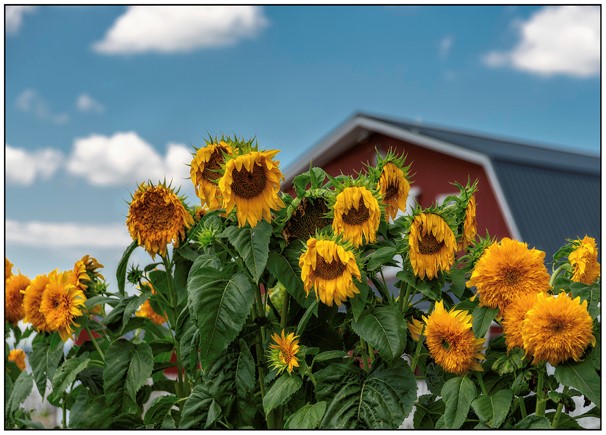
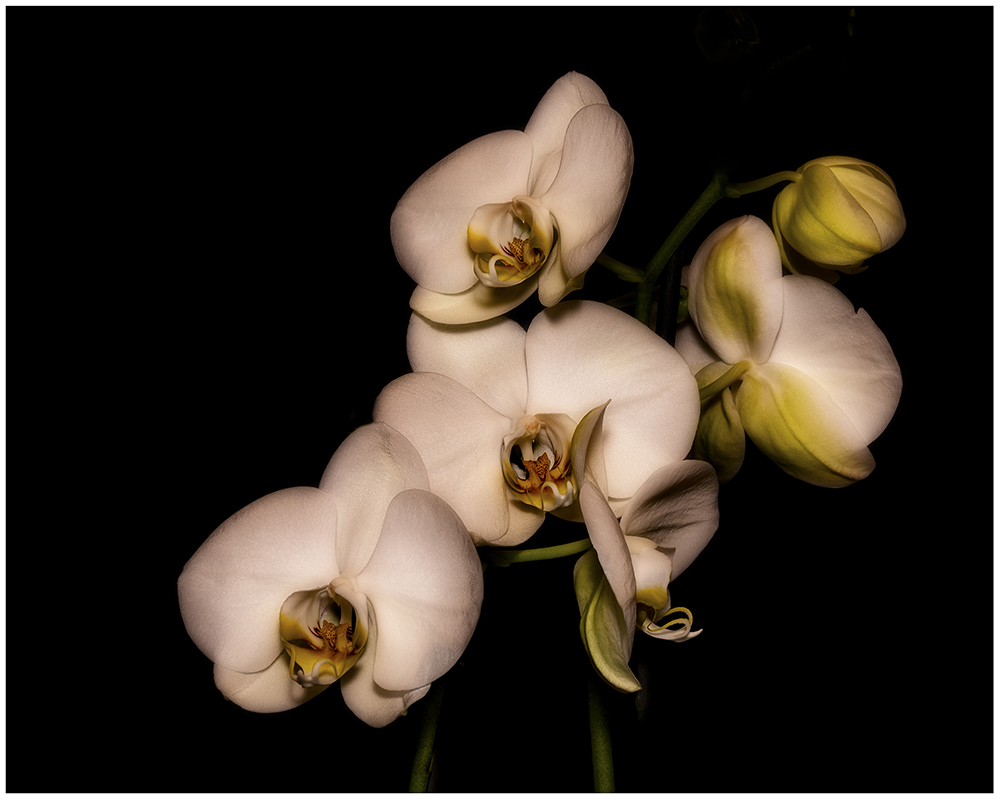
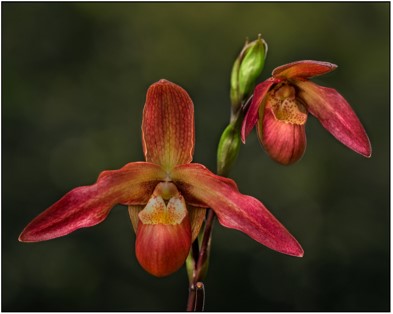
10 Oct 22 Reply The flowers were positioned on the plant as taken. What I did is focused on each flower and then in Photoshop I blended them together, so each flower was sharp. Basically, I photo stacked them. Oct 18th
10 Oct 22 Comment This is a very interesting photo, and I can see how all the symmetry would catch some one's eye. It is a bit too busy, and I feel the Carrie's crop cleans it up nicely and yet the symmetry still comes out. This is also a photo where you can crop it in a variety of different spots. Oct 18th
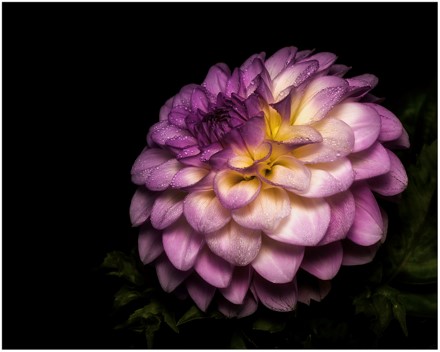
10 Oct 22 Comment Your dahlia looks very nice. I like how the two petals frame the center of the flower. I also feel that your background goes well with the dahlia. this is the type of image you could crop in a variety of ways, and they would all look good. Oct 18th
10 Oct 22 Comment The dehaze worked well but it may have too much contrast in the image now. The snaking river travels thru the photo well giving your eye something to follow. I do like how the colors pop in the photo. Oct 18th
10 Oct 22 Comment You captured the moment on this image and I like how my eye travels through the surfers. It helped that you included the shoreline and the base of the bridge support in this shot and helps define it. Oct 18th
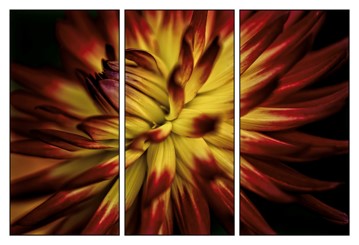
10 Oct 22 Comment Very nice composition of the flower. I find no issue with how you cropped the image. I feel that you captured the texture and the colors of the dahlia very good. The background compliments the dahlia and brings the dahlia forward in the image. Oct 18th

6 comments - 2 replies for Group 10


6 comments - 2 replies Total


73 Images Posted

  = Current Round   = Previous Round
Group 09

Aug 22

Jul 22

Jun 22

May 22

Apr 22

Mar 22

Feb 22

Jan 22

Dec 21

Nov 21

Sep 21

Aug 21

Jul 21

Jun 21

May 21

Apr 21

Mar 21

Feb 21

Jan 21

Dec 20

Nov 20

Oct 20

Sep 20

Aug 20

Jul 20

Jun 20

May 20

Apr 20

Mar 20

Feb 20

Jan 20

Nov 19

Dec 19

Oct 19

Sep 19

Jul 19

Jun 19

May 19

Apr 19

Mar 19

Feb 19

Jan 19

Dec 18

Nov 18

Oct 18

Sep 18

Jul 18

Jun 18

May 18

Apr 18

Mar 18

Feb 18

Jan 18

Dec 17

Nov 17

Oct 17

Sep 17

Aug 17

Jul 17

Jun 17

May 17

Apr 17

Mar 17

Feb 17

Jan 17
Group 10

May 23

Apr 23

Mar 23

Feb 23

Jan 23

Dec 22

Nov 22

Oct 22

Close this Tab when done