|
| Group |
Round |
C/R |
Comment |
Date |
Image |
| 41 |
Jan 21 |
Comment |
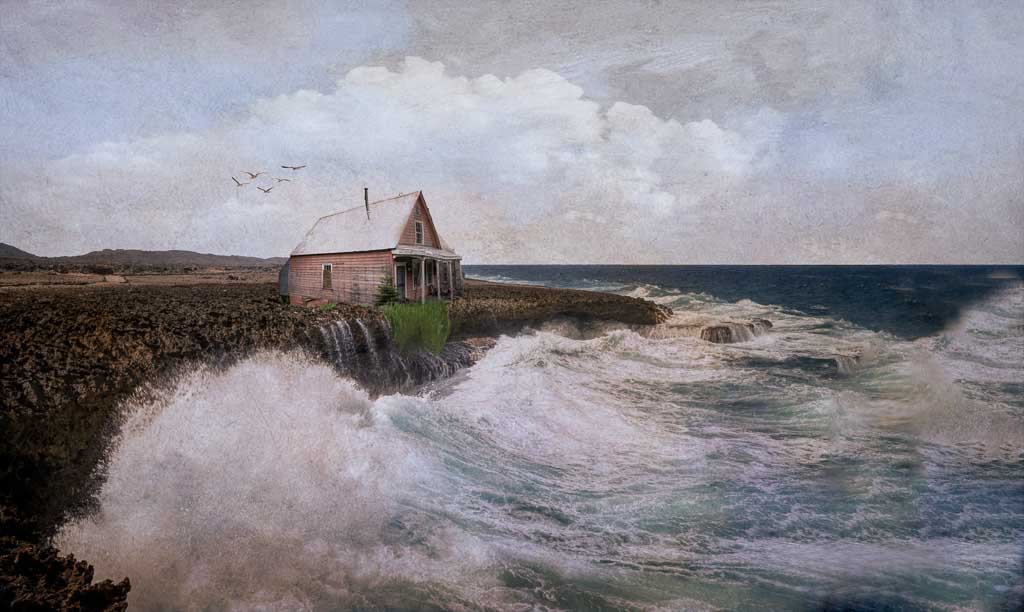
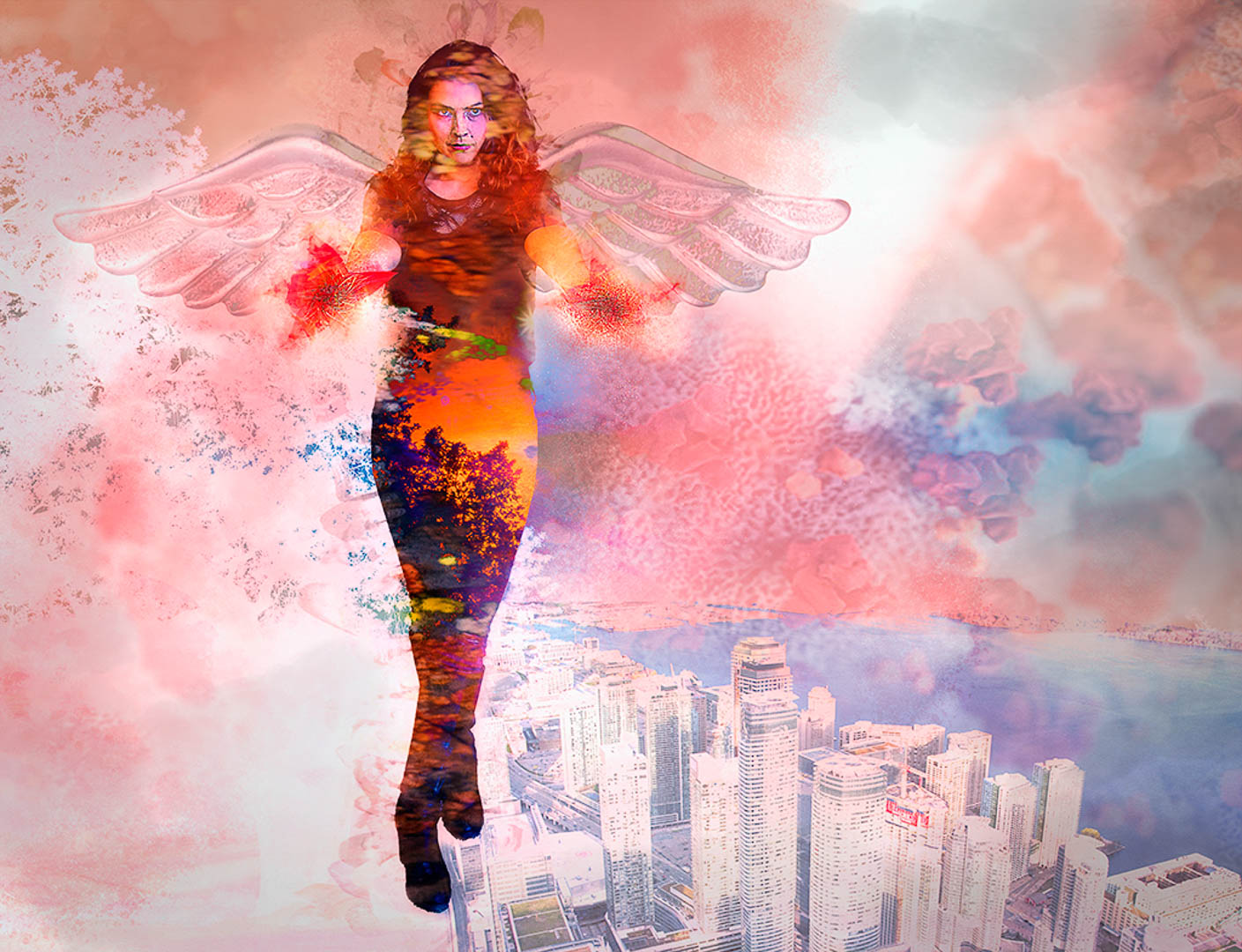
Thanks Jan and Lisa for pointing out the obvious detail that I COMPLETELY missed, hah hah!
I'm going back and cloning all that stuff out. |
Jan 17th |
| 41 |
Jan 21 |
Reply |
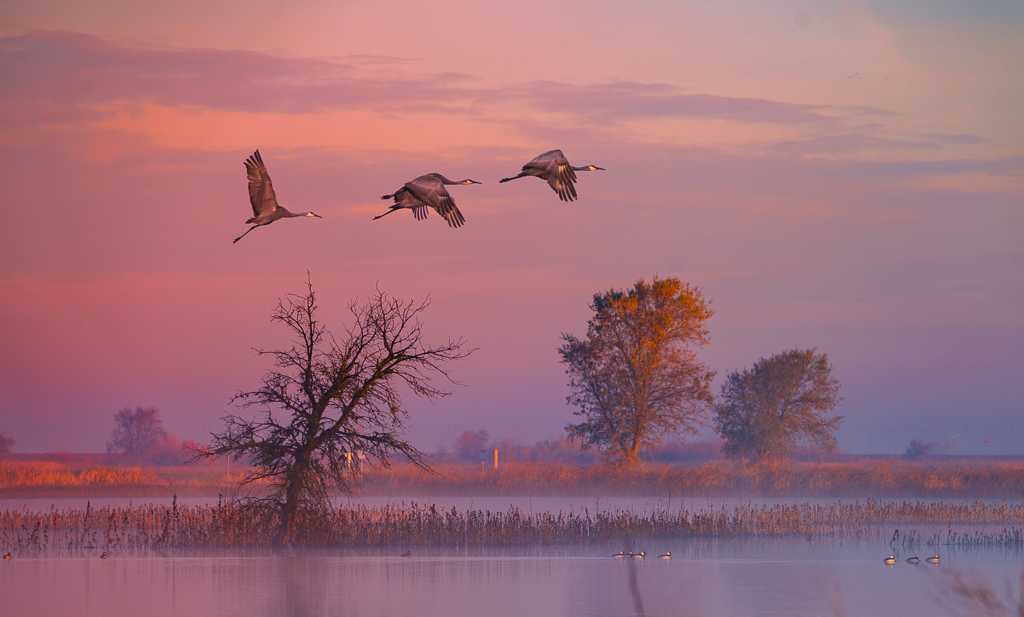
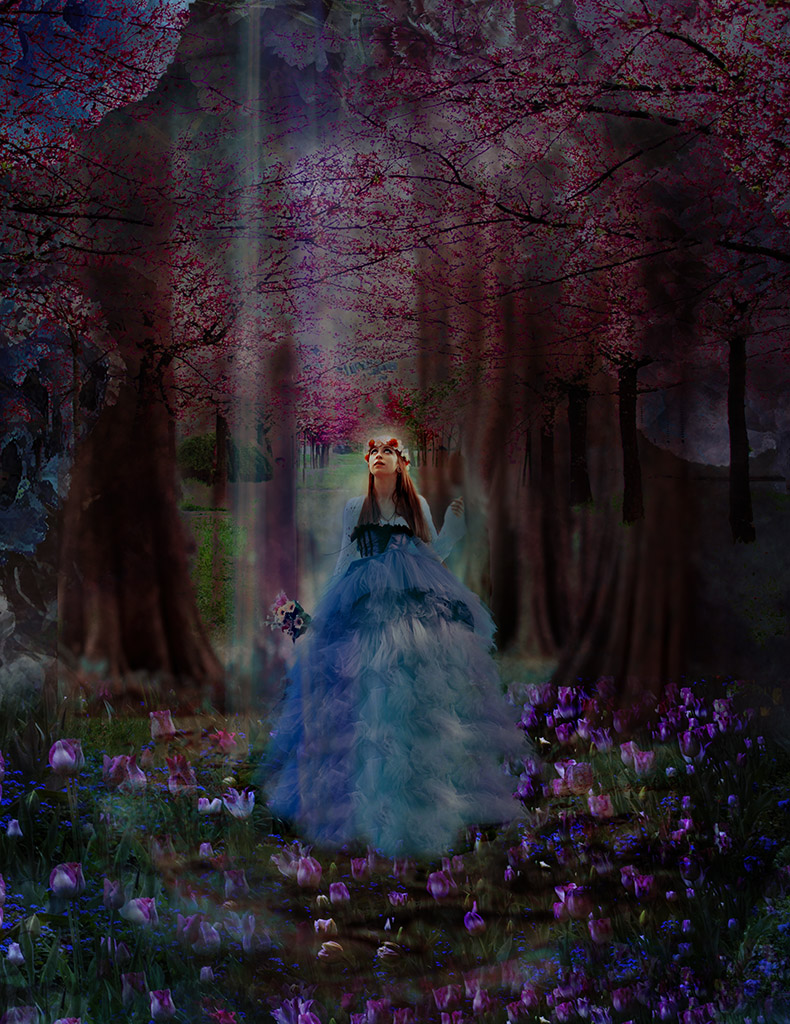
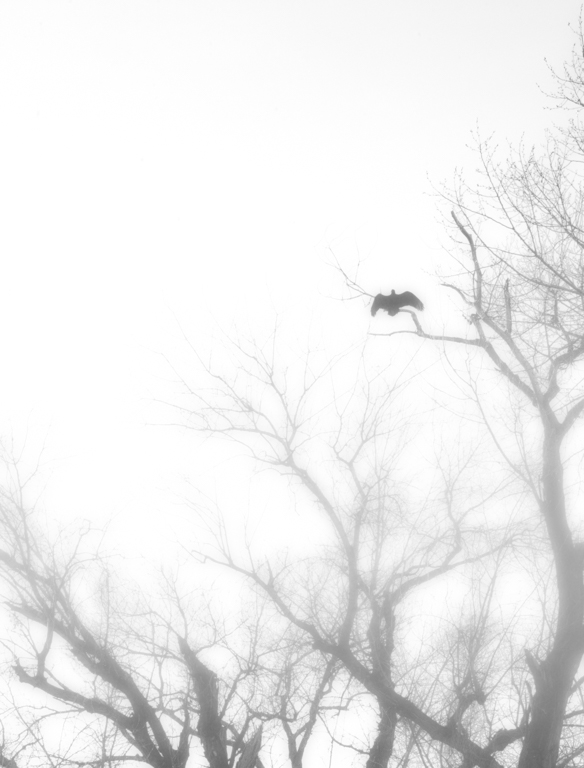
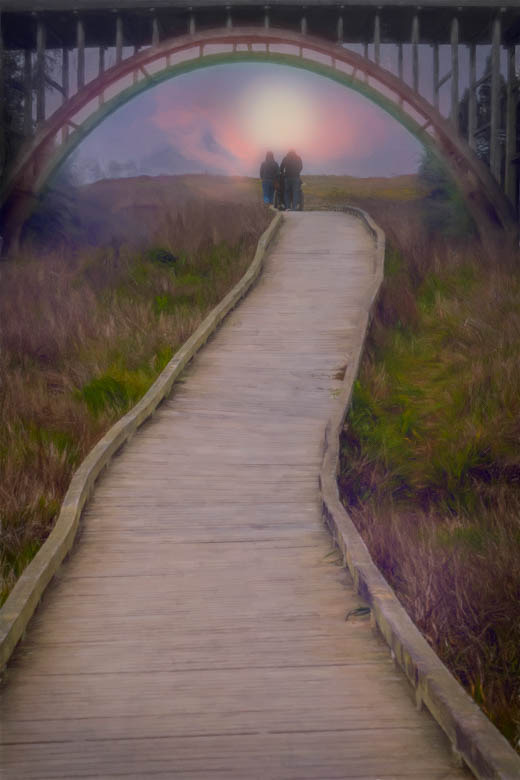
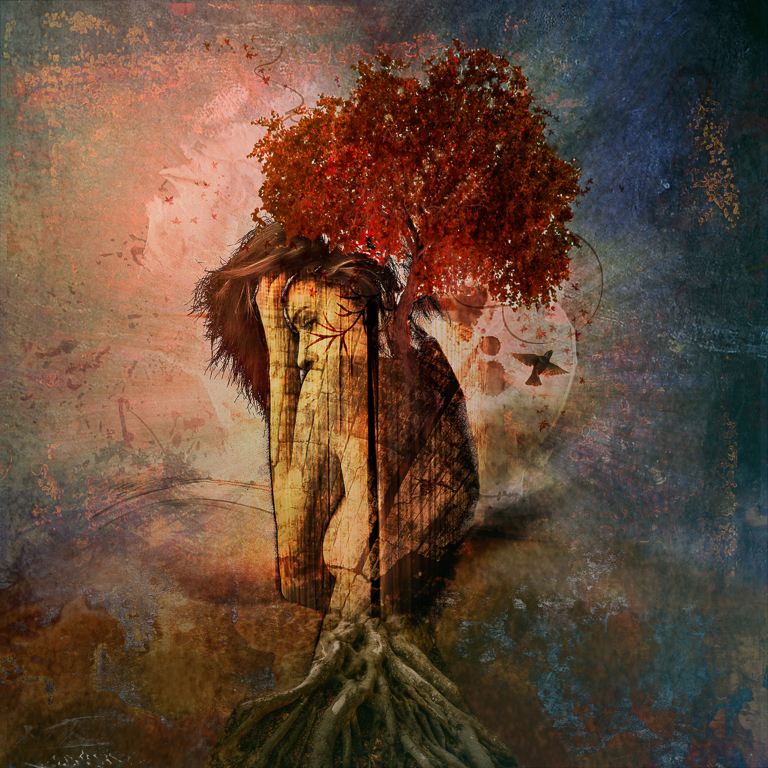
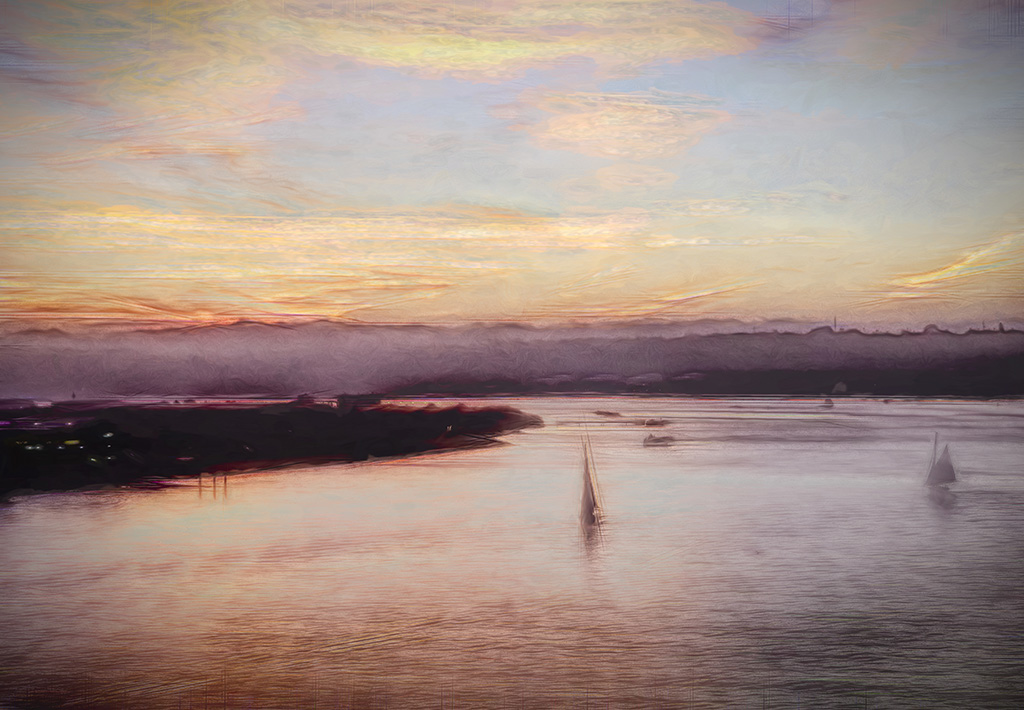
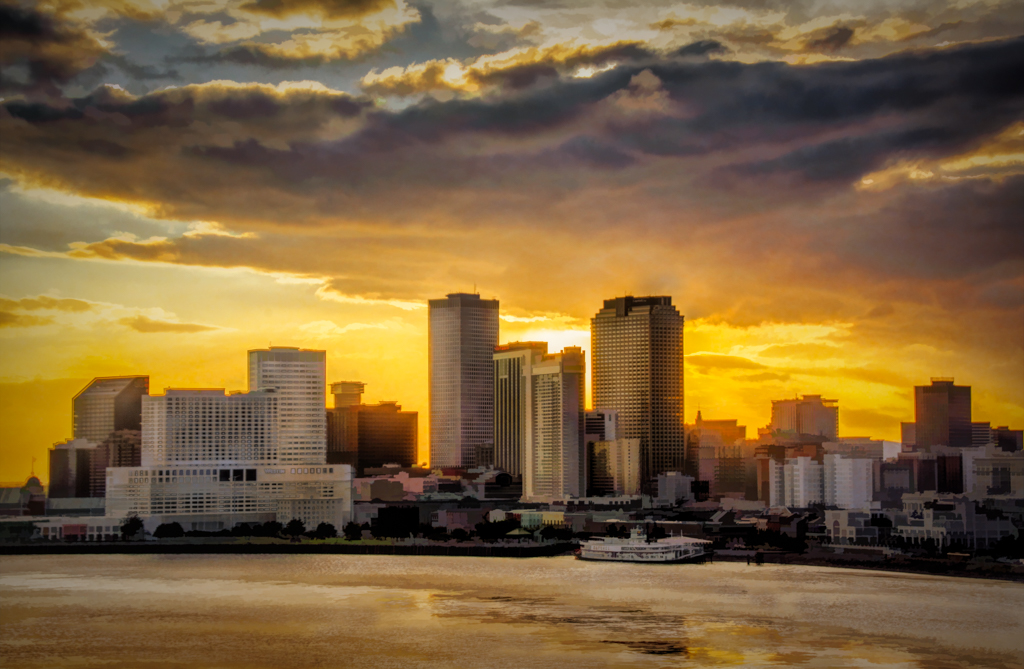
Thanks Brad! It really reflects how I felt that morning as the sun rose and the fog covered everything with a rosy mist. |
Jan 14th |
| 41 |
Jan 21 |
Reply |
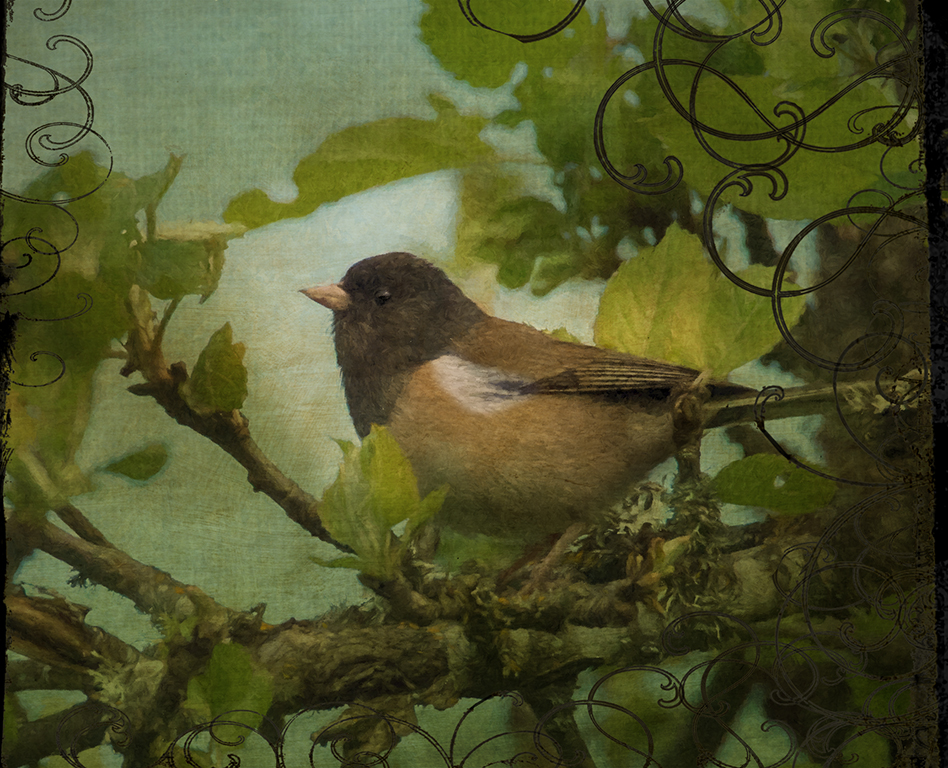
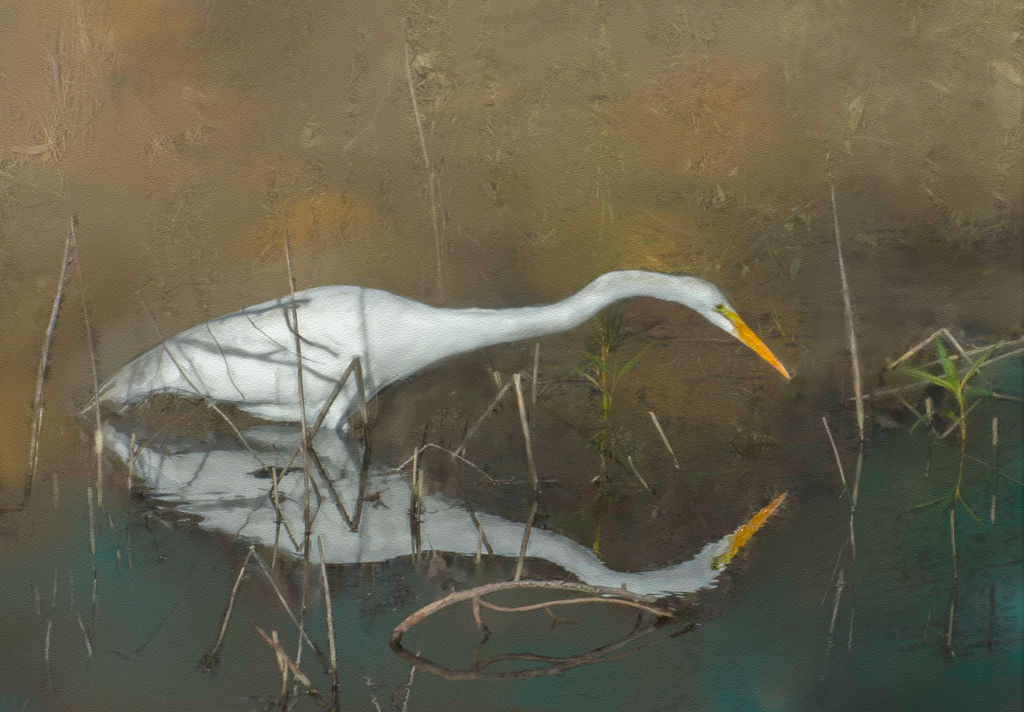
Thanks Henry! These are magnificent birds. If you ever get a chance to see them in person, don't hesitate. They are not only beautiful and elegant, they make the best trilling sound.
|
Jan 14th |
| 41 |
Jan 21 |
Reply |
Absolutely!! You have a great creative vision so we all just have to consider and then we get to be us! |
Jan 14th |
| 41 |
Jan 21 |
Comment |
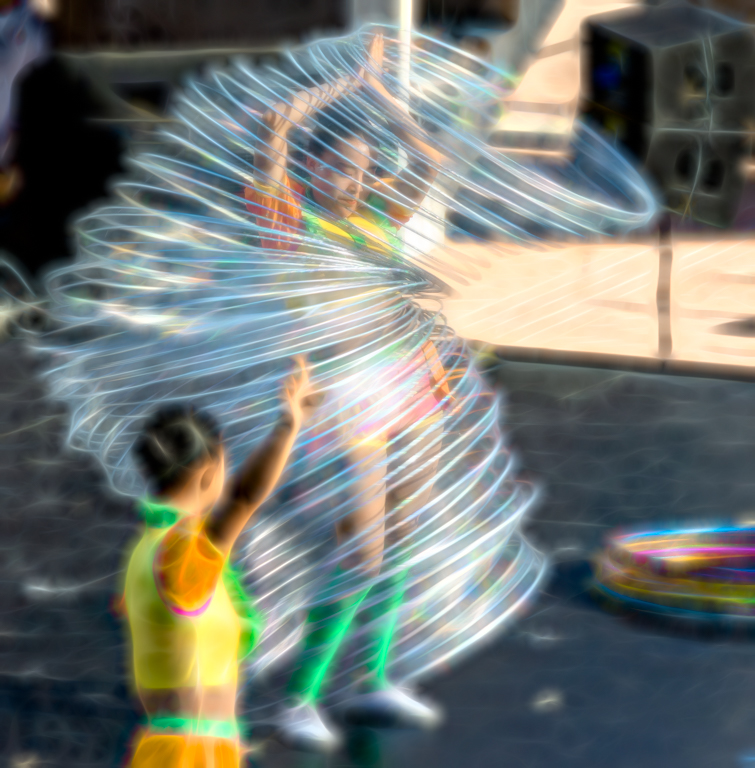
Lisa,
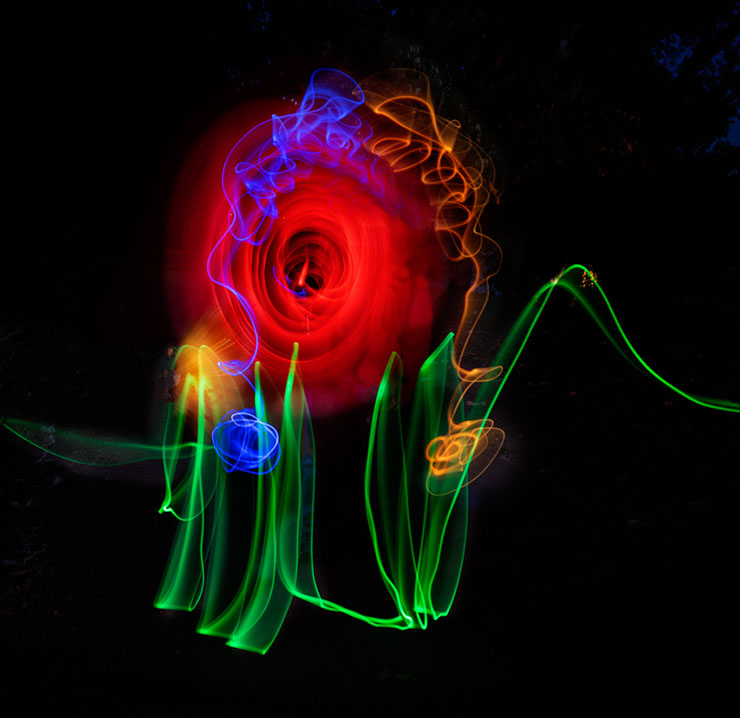
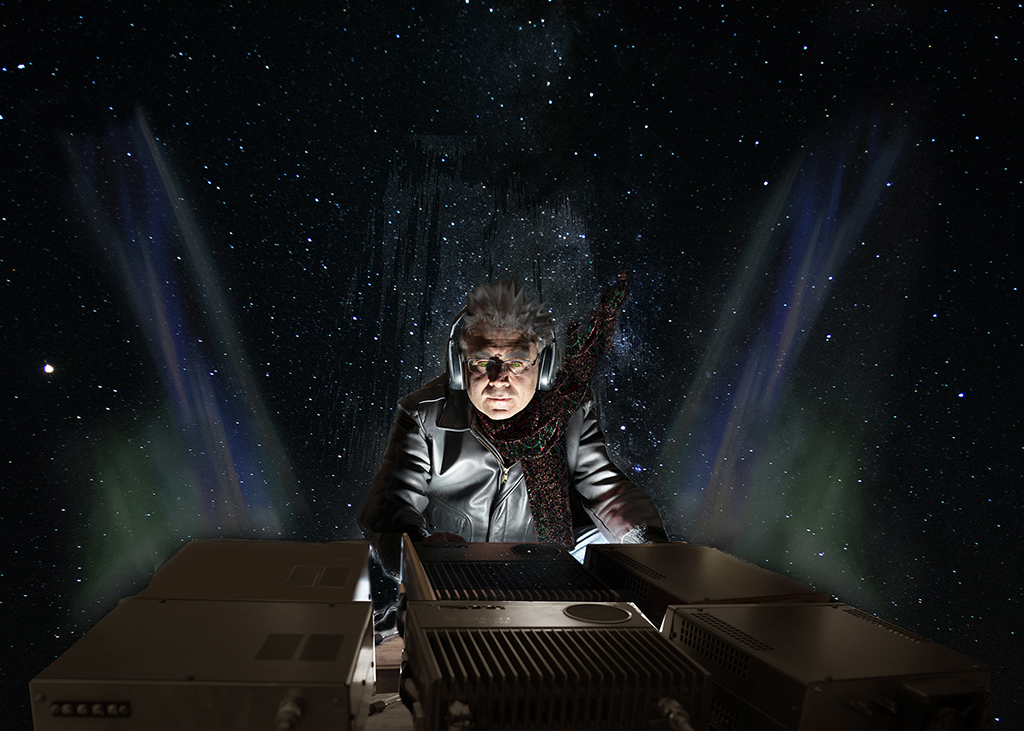
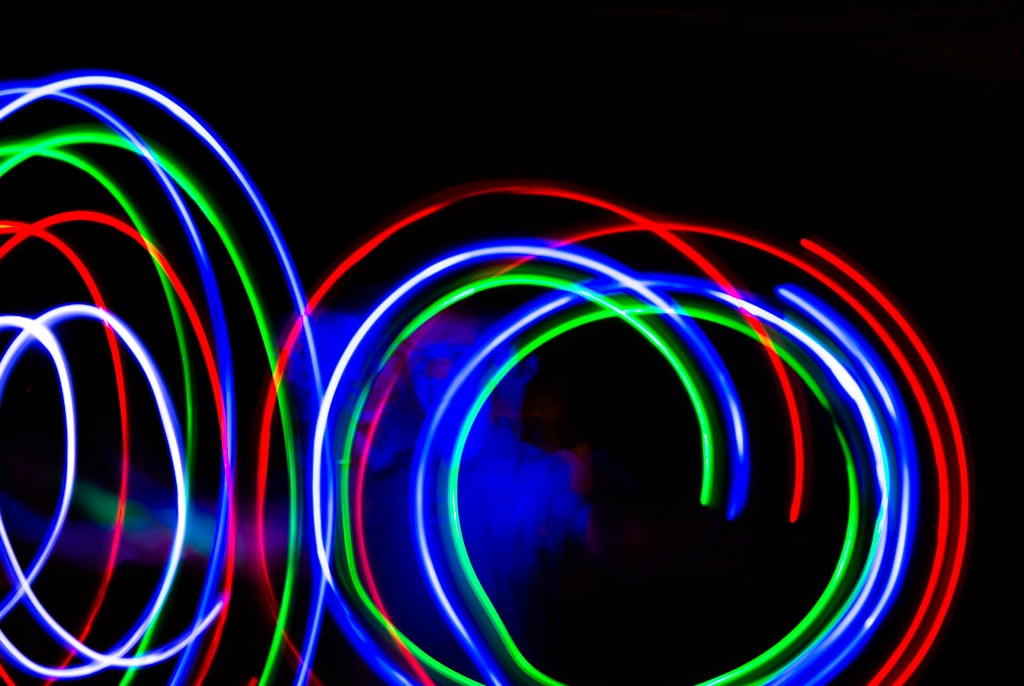
I really like this light painted photo. What is live composite? Are you working in layers in PS to produce this?
Questions, questions.... |
Jan 14th |
| 41 |
Jan 21 |
Comment |
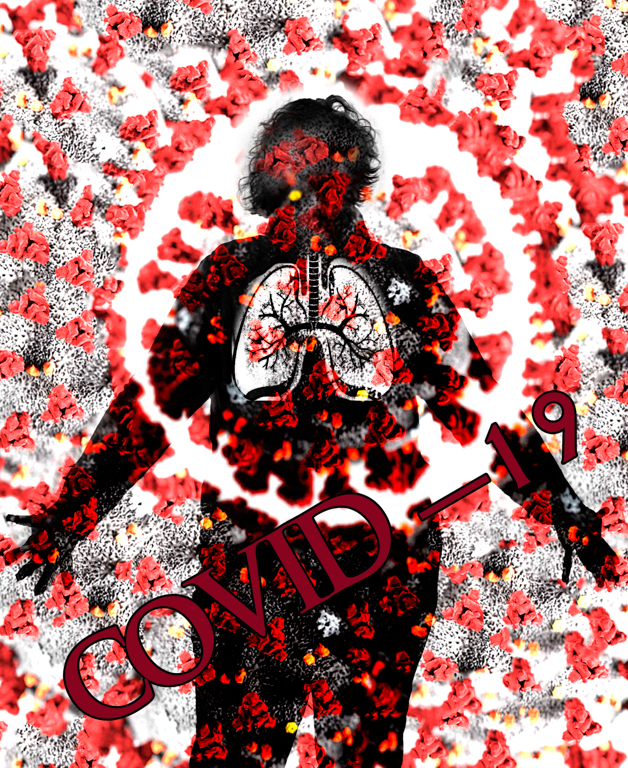
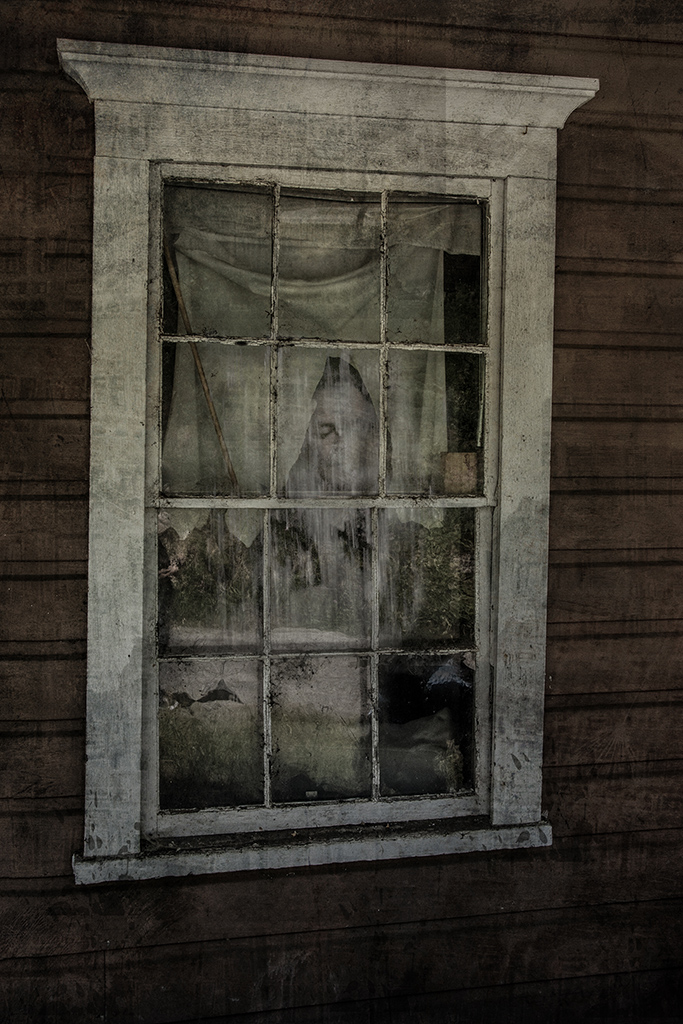
Jan,
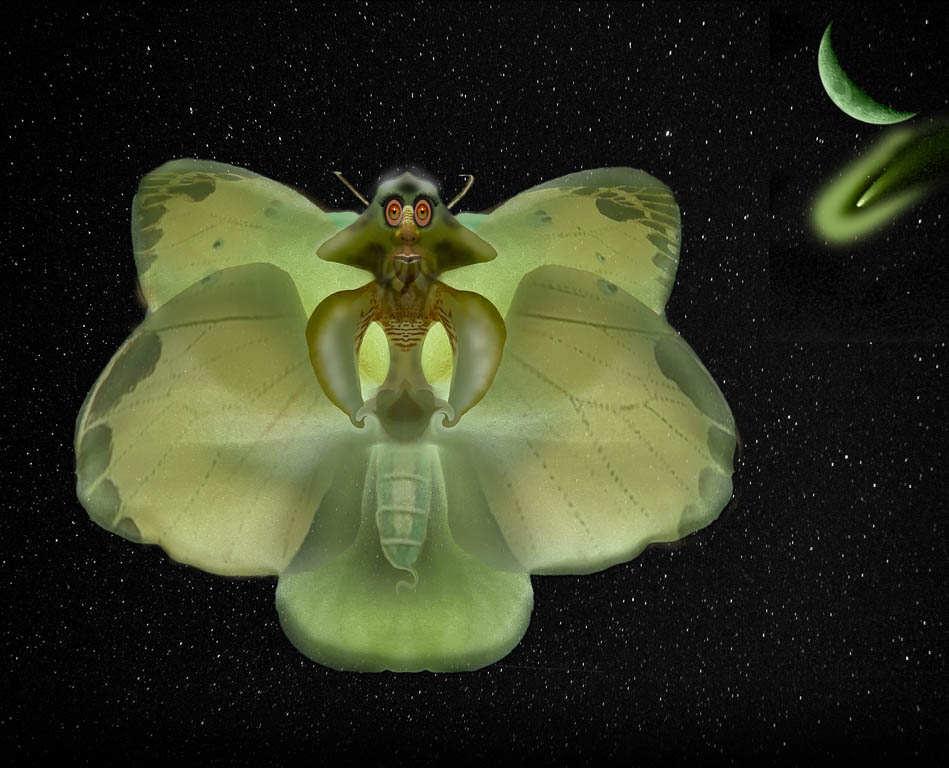
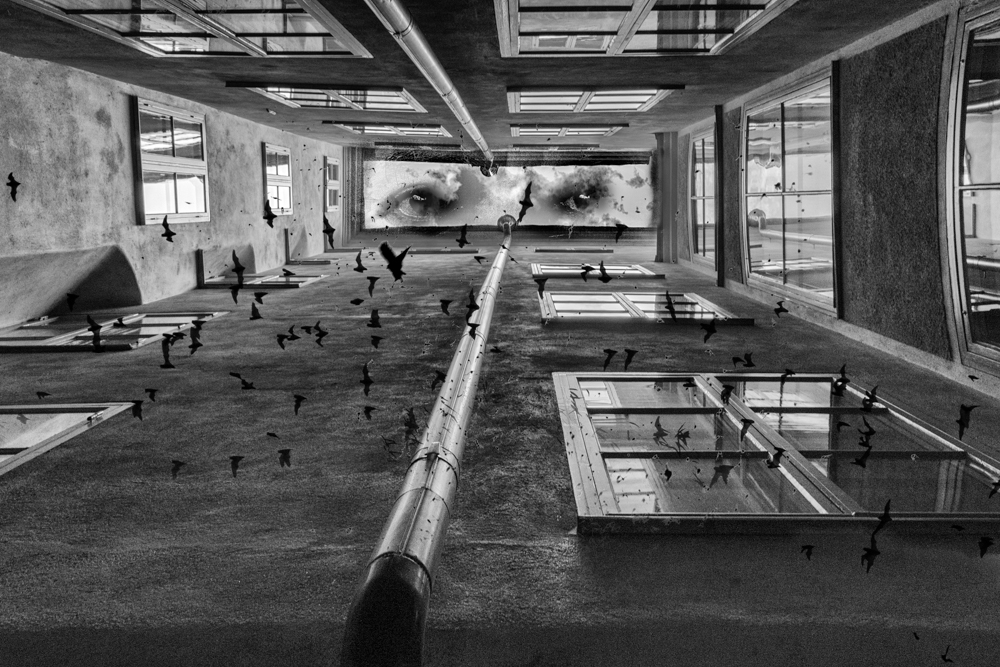
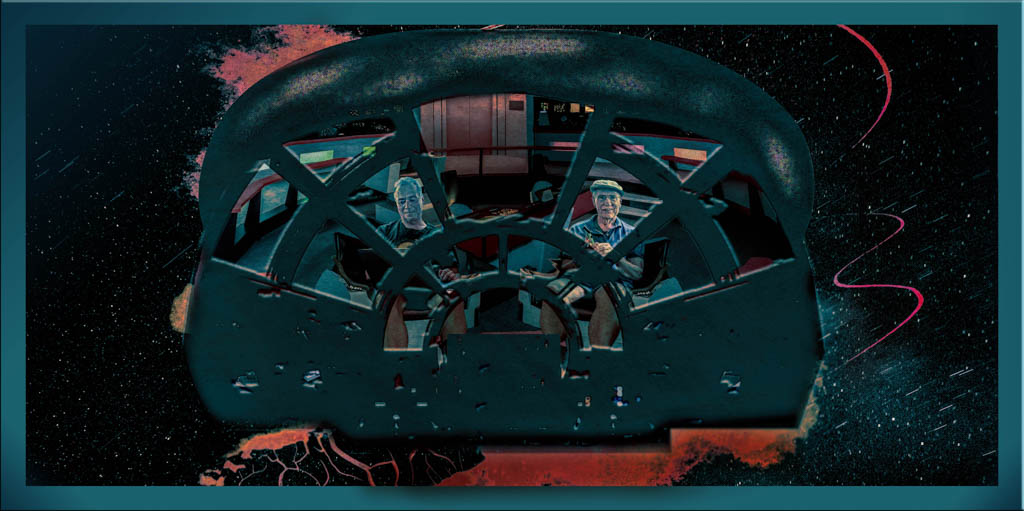
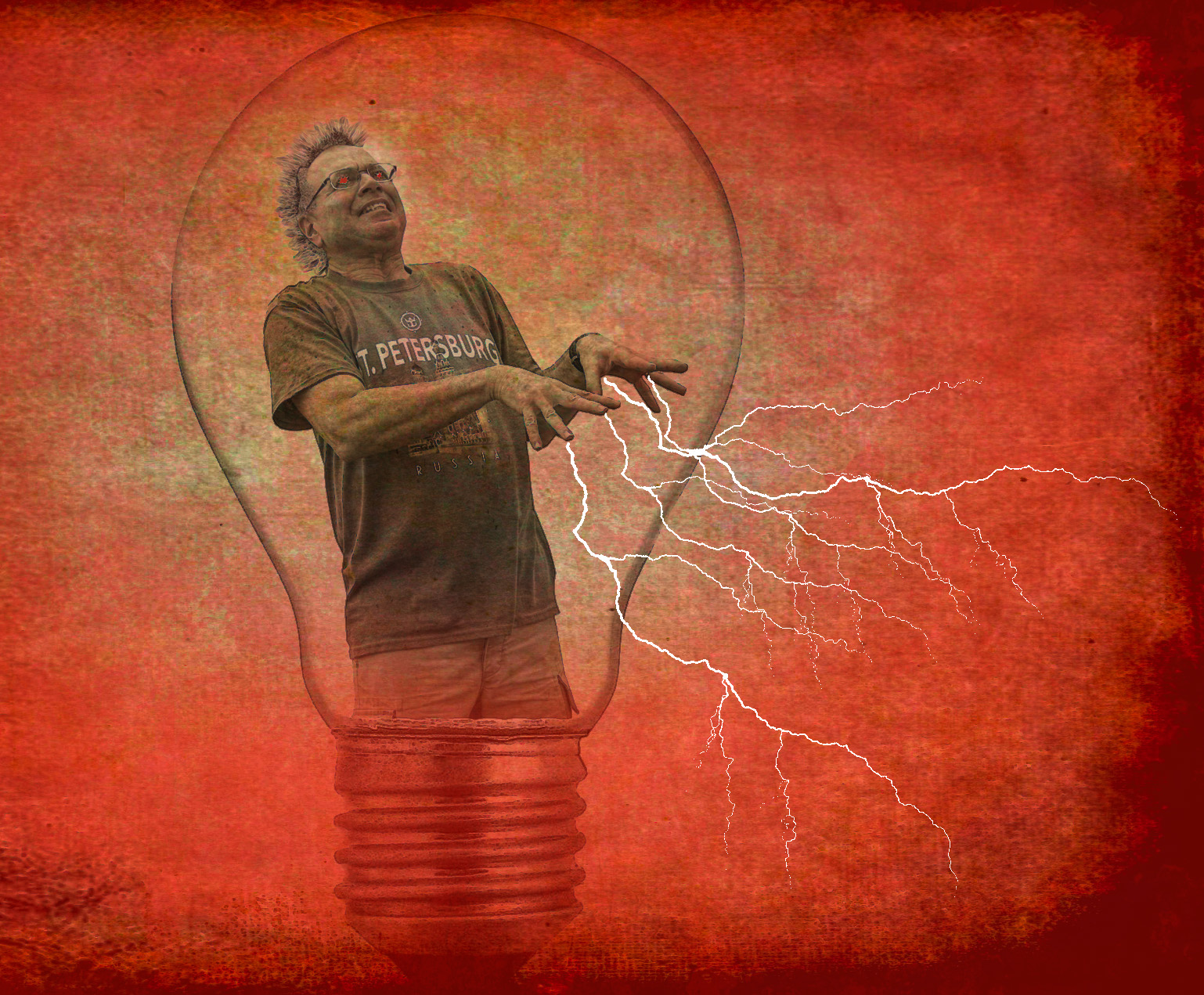
That's really spooky and a great setup for a bad sci-fi movie, hah hah
The link didn't come through... I'll look for rafy A...Thanks for the tip! |
Jan 14th |
| 41 |
Jan 21 |
Comment |
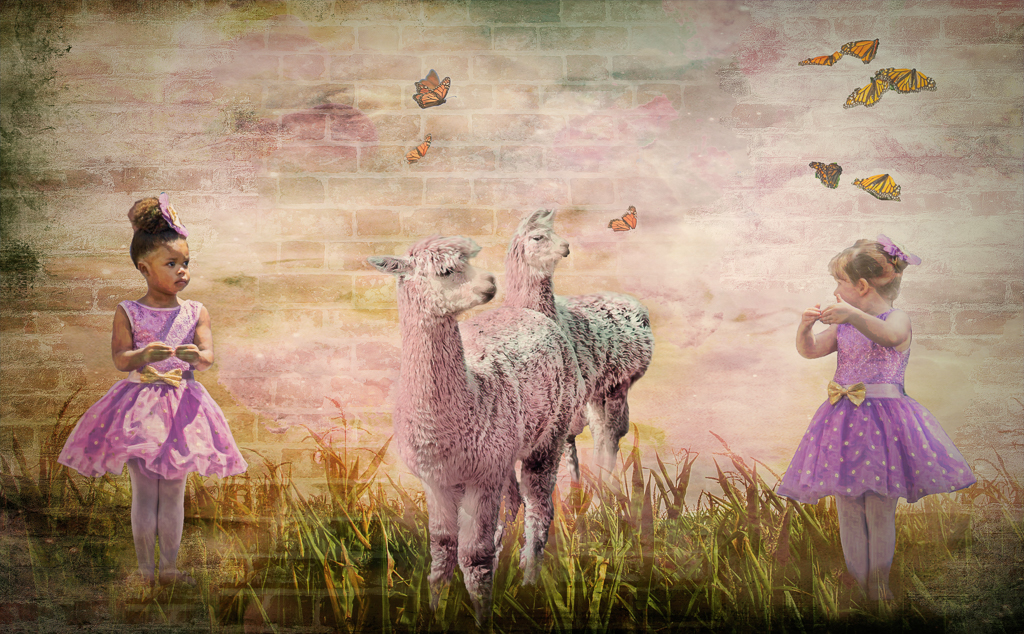
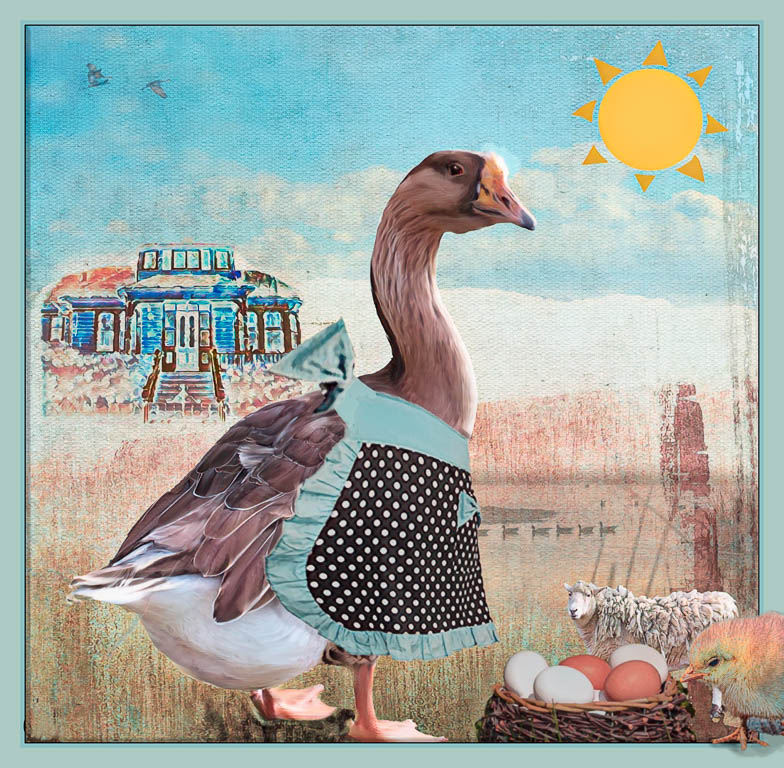
So striking and lovely!!
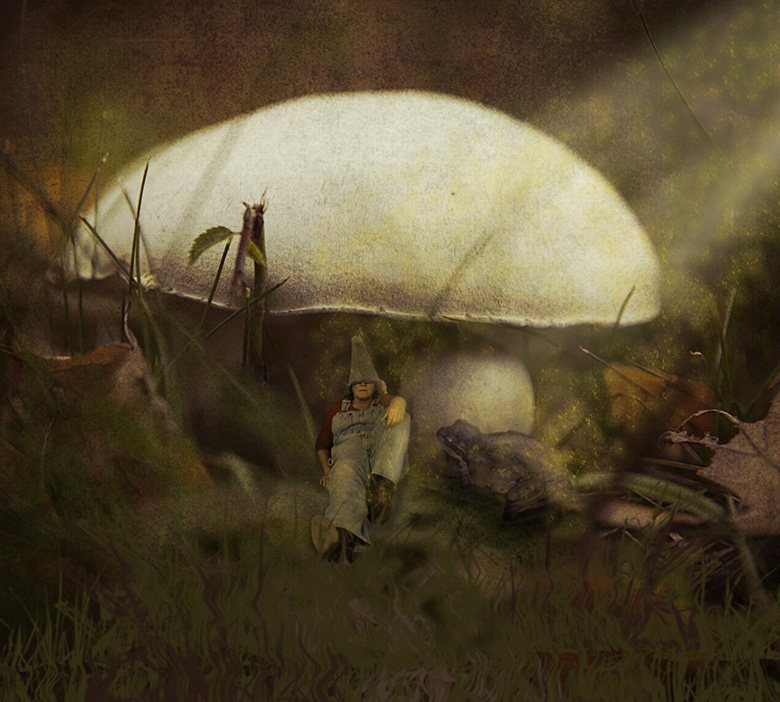
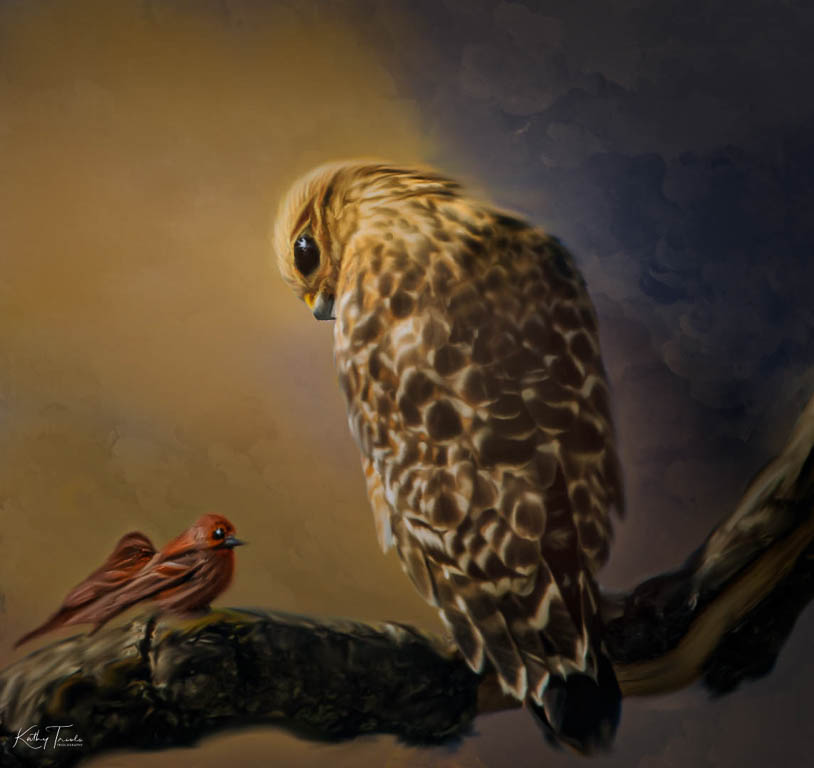
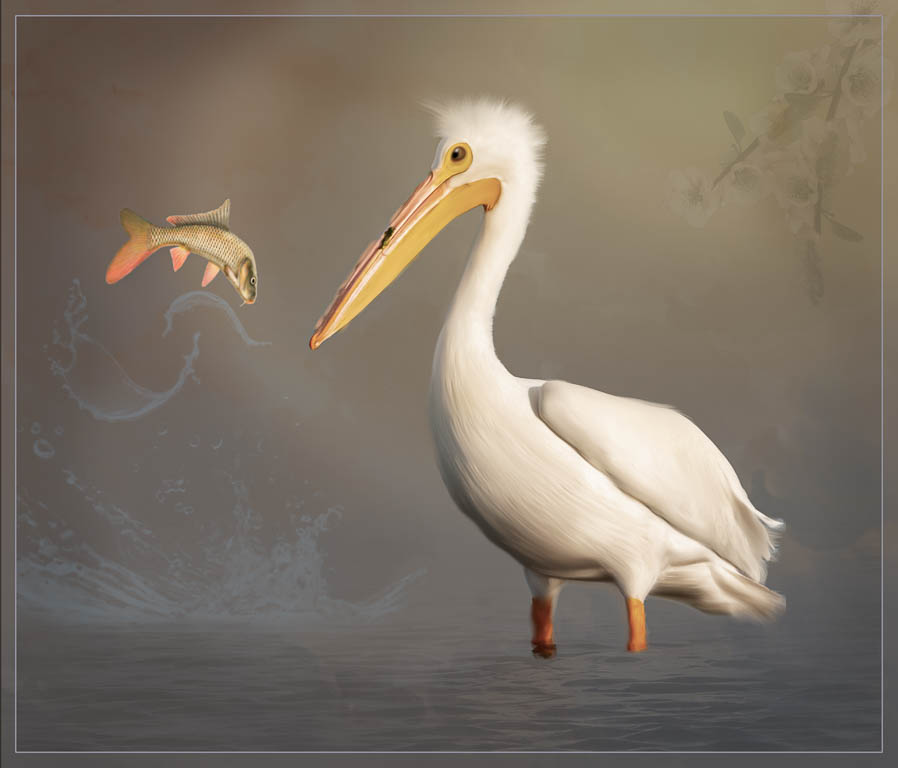
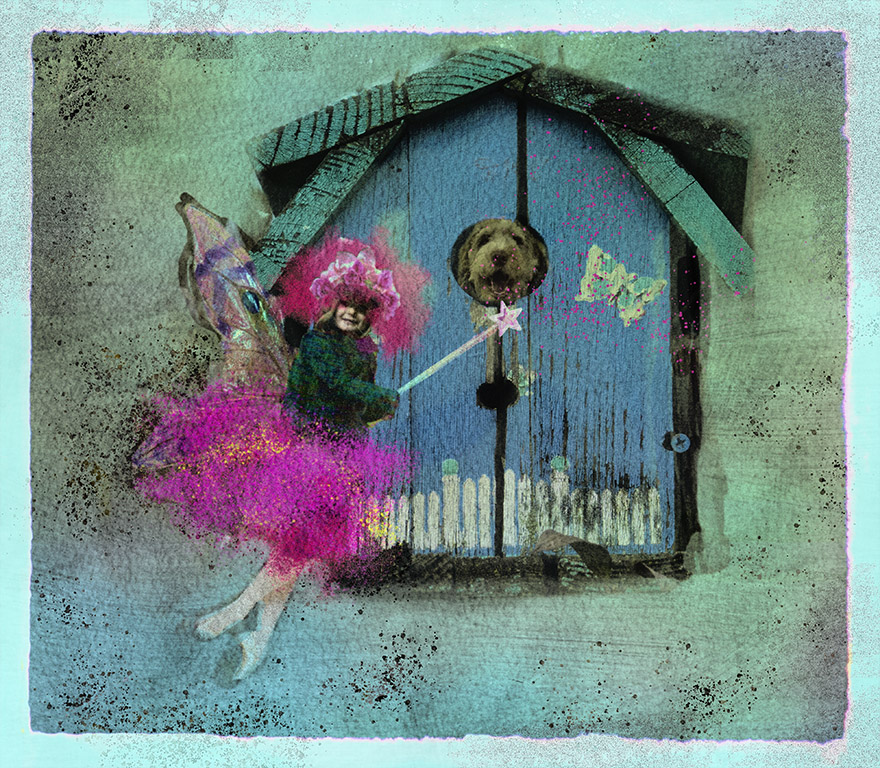
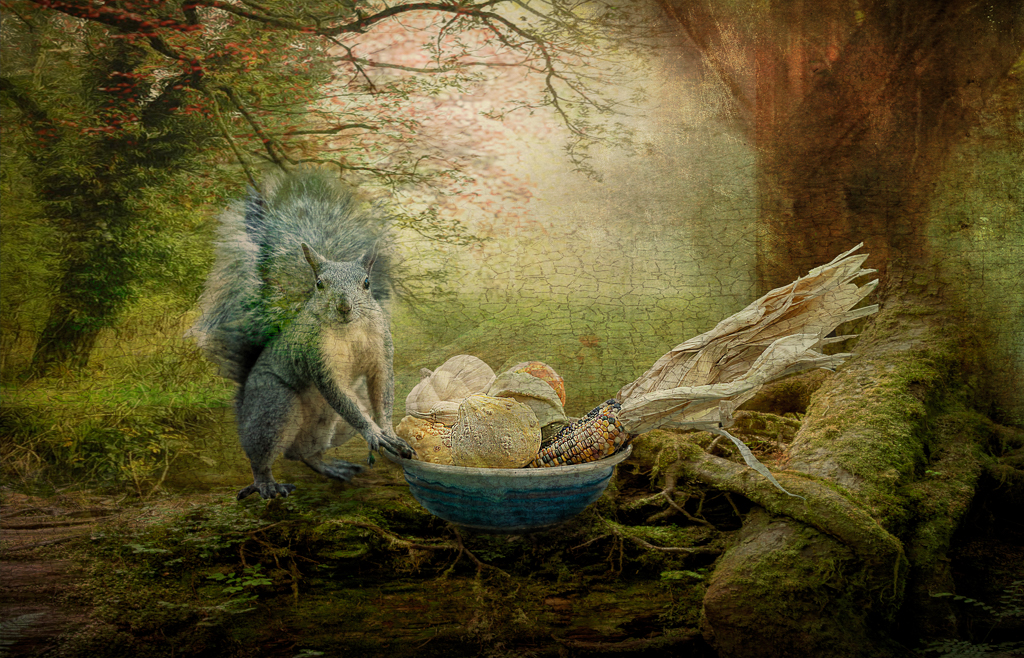
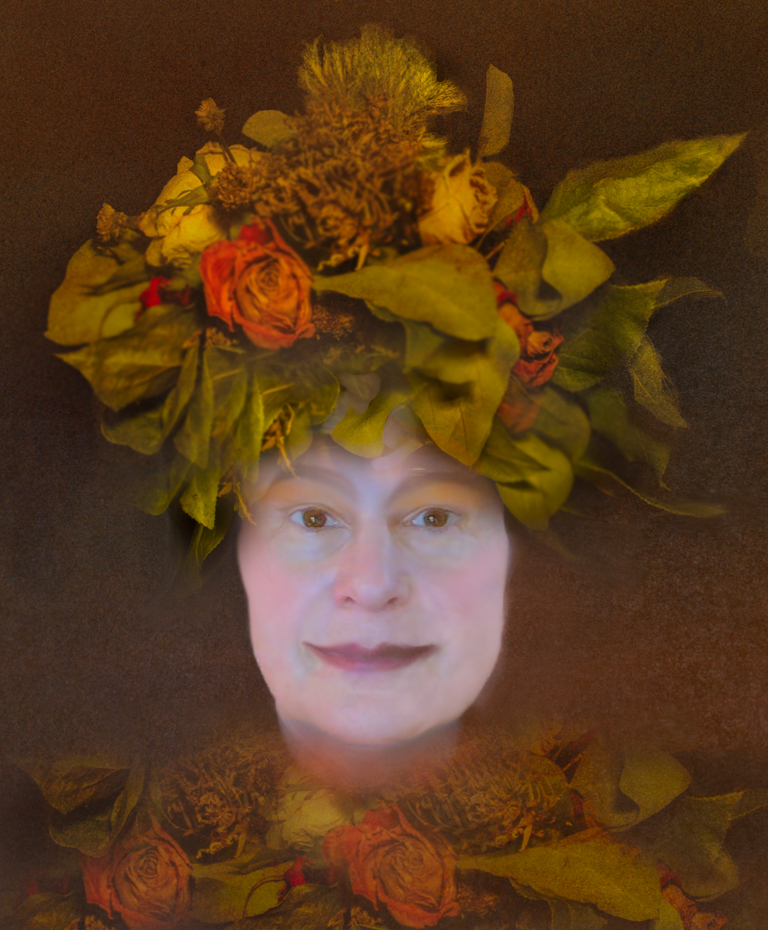
I think your treatment is perfect for your little friend! Only one suggestion is that, for me, I'd love to see just a bit more "breathing room" around the margins.
I do love the use of the digital frame too! |
Jan 14th |
| 41 |
Jan 21 |
Comment |
Henry,
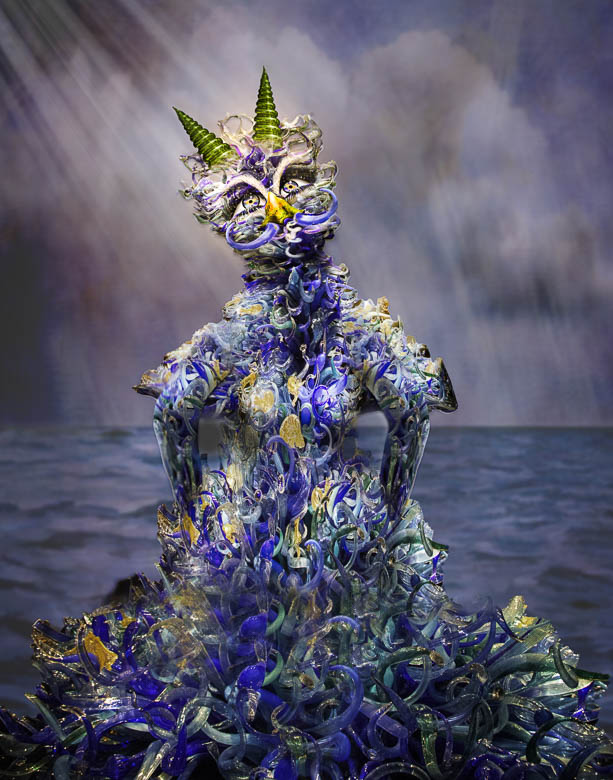
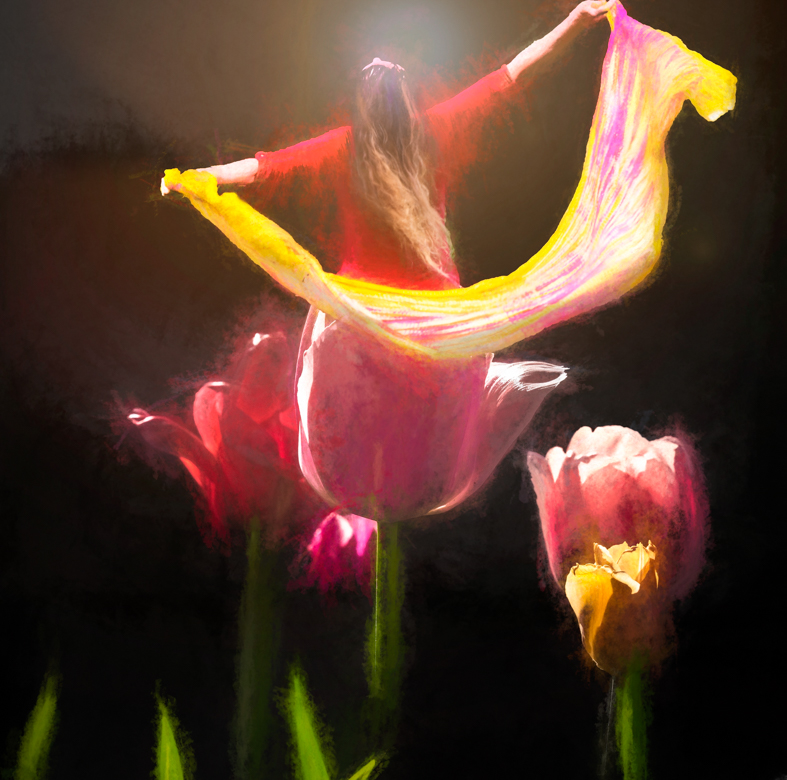
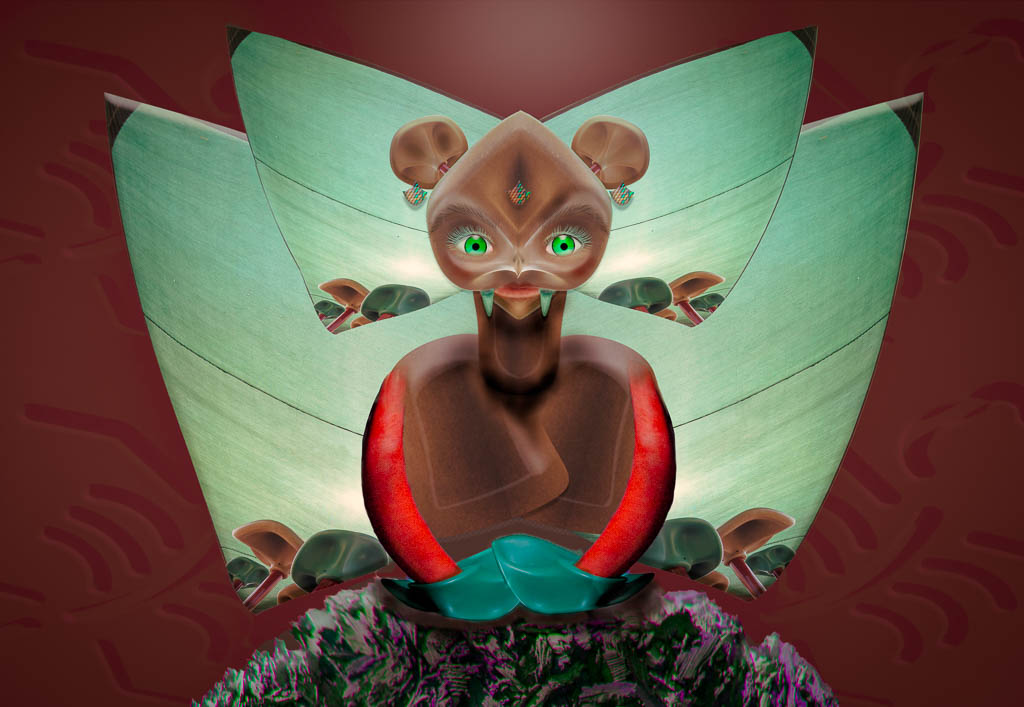
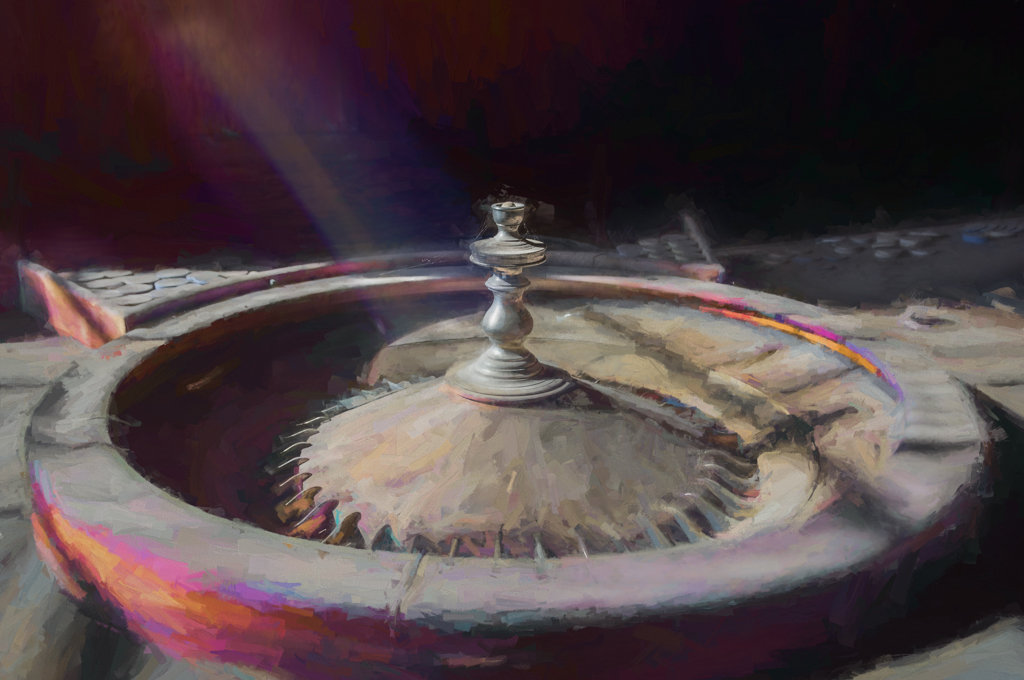
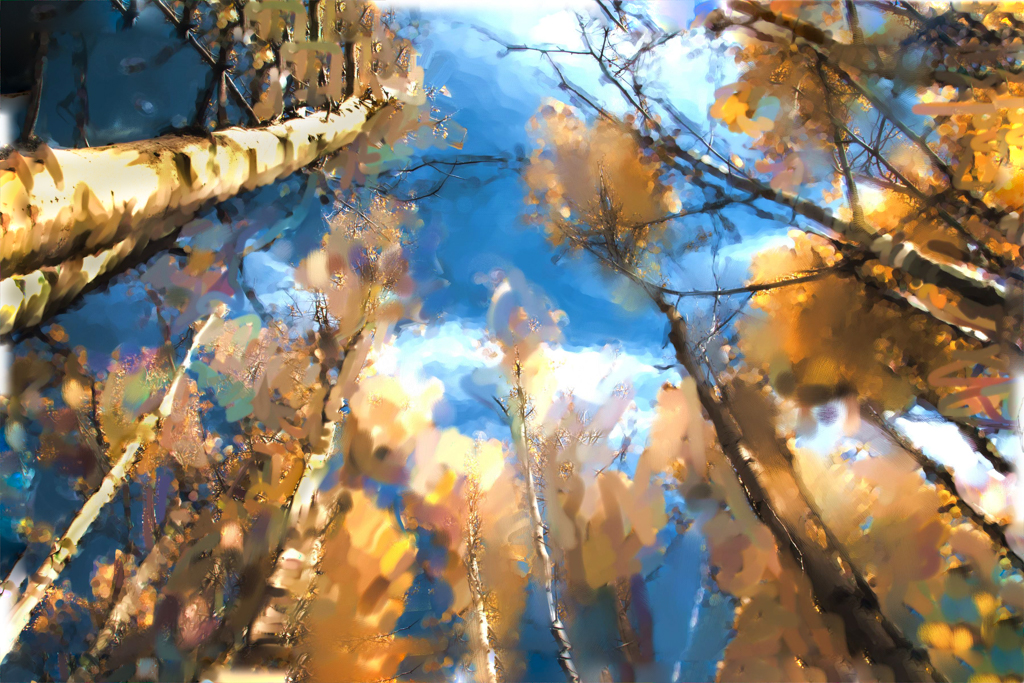
You certainly had a great time creating this abstraction!
I love the bold colors and the movement within the final piece. This would be perfect in any Contemporary Art Museum for display.
I could envision a "series" from this.
|
Jan 14th |
| 41 |
Jan 21 |
Comment |
Brad,
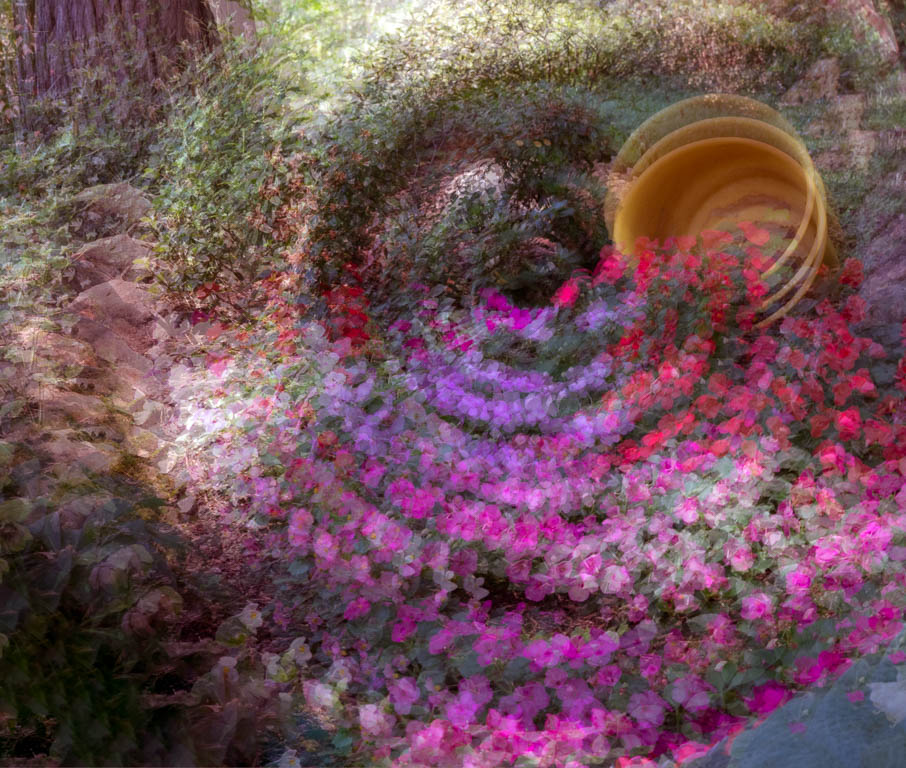
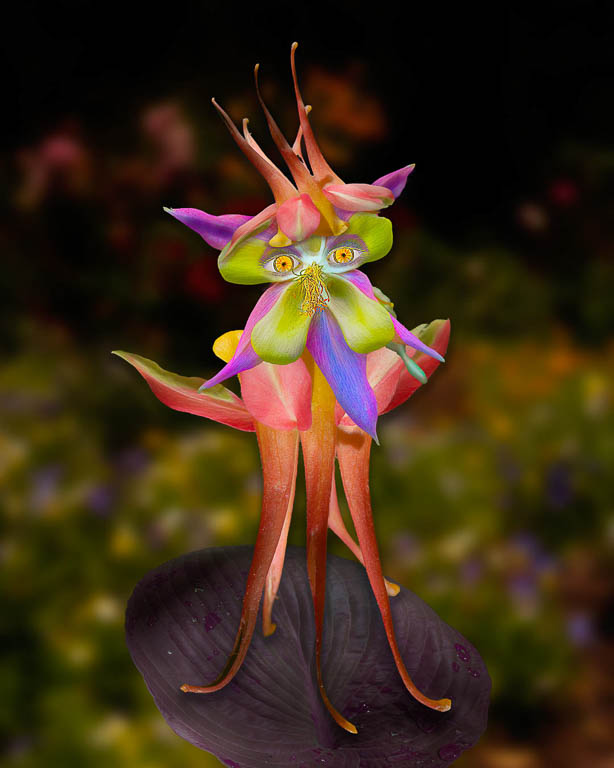
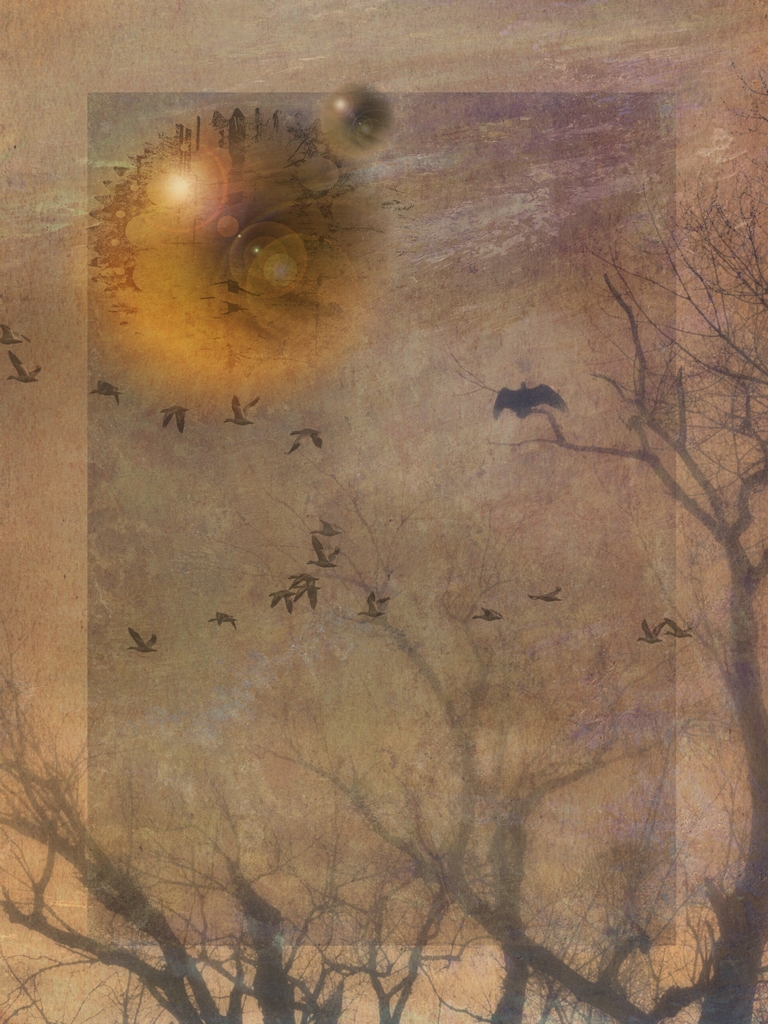
I love the bold colors and lines of your composition! You definitely gave it a "magical" feel.
I like Henry's question and feel that this could have been treated any number of ways. There are so many choices and you picked the one that spoke to you. |
Jan 14th |
6 comments - 3 replies for Group 41
|
| 54 |
Jan 21 |
Reply |
thank you! |
Jan 29th |
| 54 |
Jan 21 |
Reply |
Thanks so much Peggy! One of my friends husband bought it in Canvas Wrap for their walls...I'm so happy! |
Jan 23rd |
| 54 |
Jan 21 |
Reply |
Thanks so much Peggy! One of my friends husband bought it in Canvas Wrap for their walls...I'm so happy! |
Jan 23rd |
| 54 |
Jan 21 |
Reply |
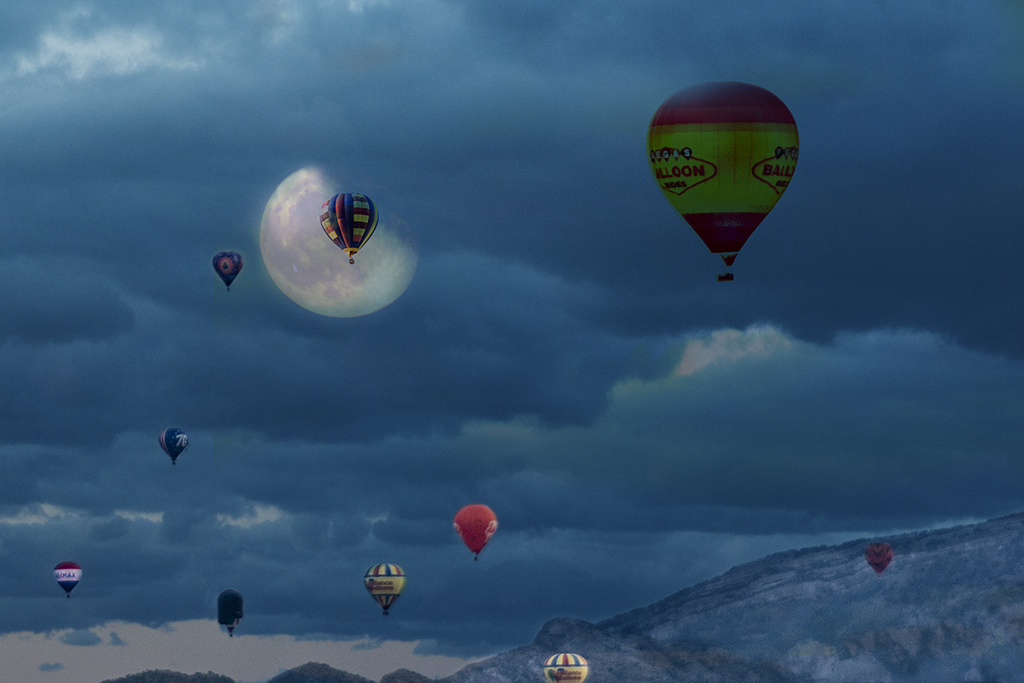
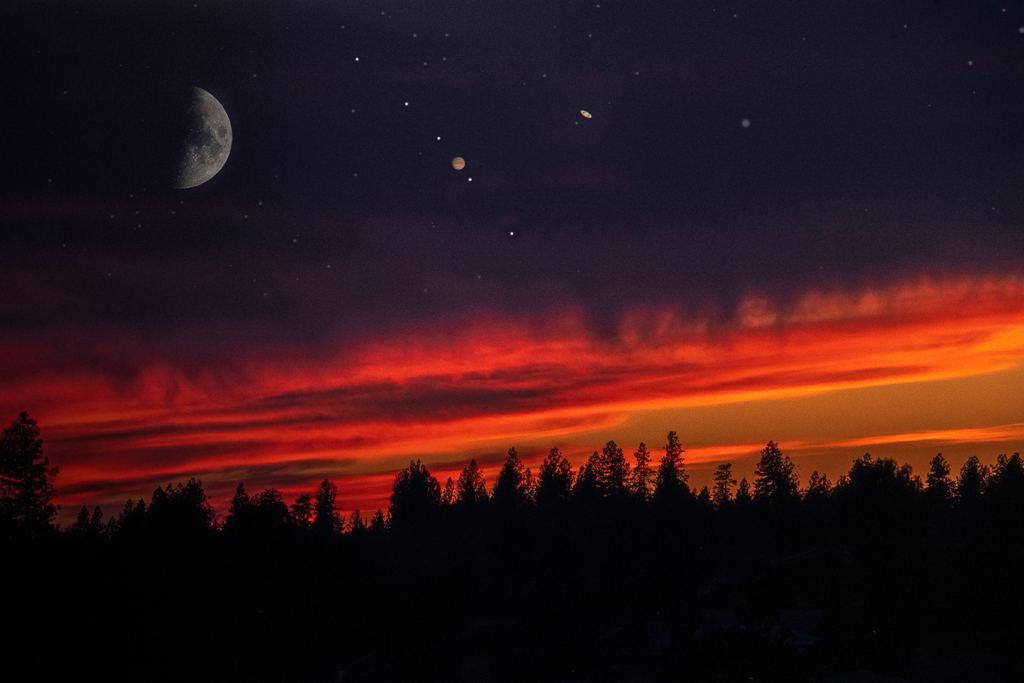
Hah hah, you wouldn't have seen it quite like this even if you had been standing right next to me.
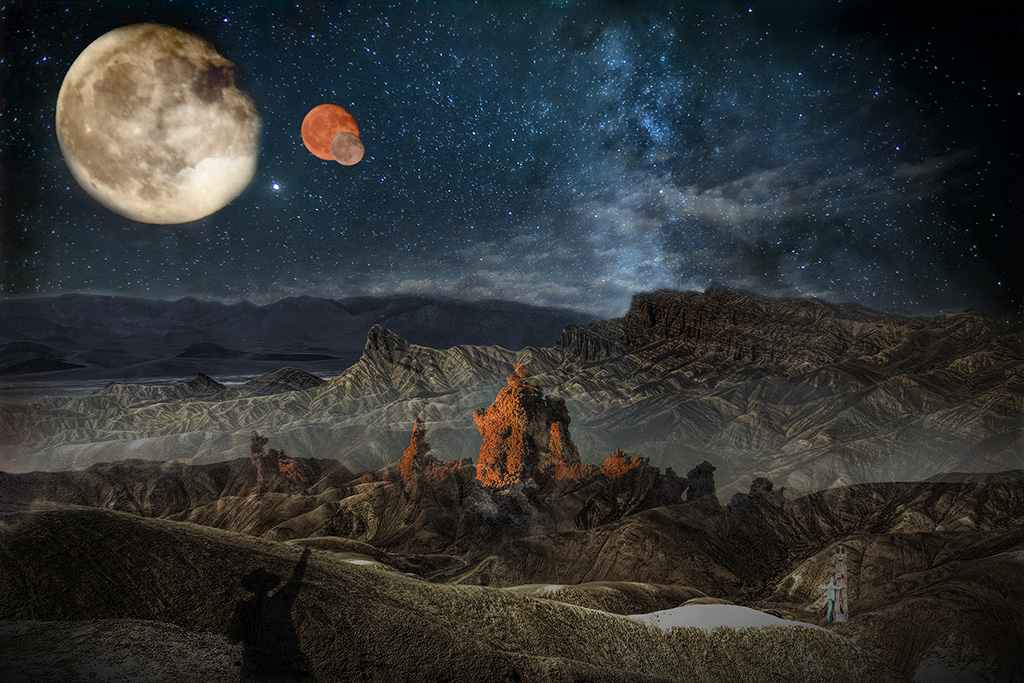
The Moon was over to my left shoulder. The planets were teeny tiny...even in my viewfinder. I was shocked to see the rings when I magnified the shot.
The sky was truly a blazing sunset with all the rich colors of a changing sky. So while this is composited together, it's also what I saw and experienced over an hour. So happy the clouds didn't get in our way. |
Jan 14th |
| 54 |
Jan 21 |
Reply |
No catching, just working as a teammate, lol! |
Jan 14th |
| 54 |
Jan 21 |
Comment |
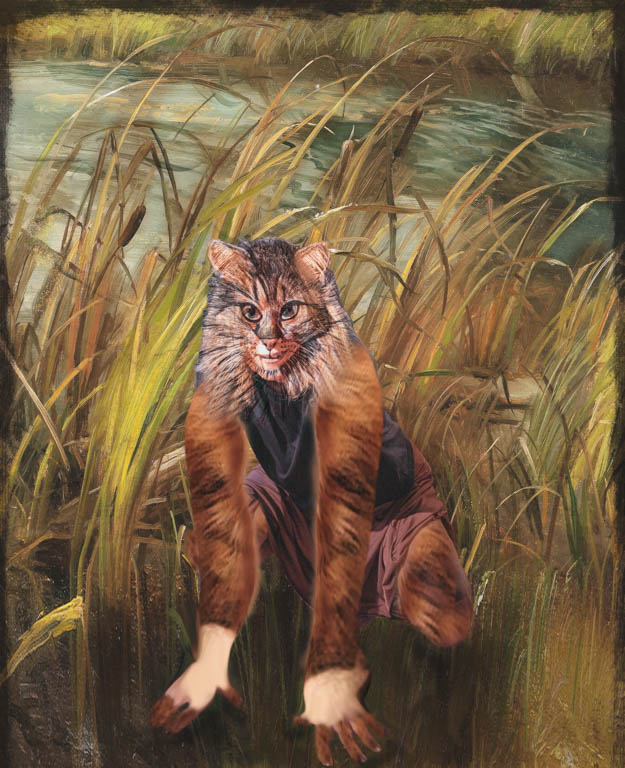
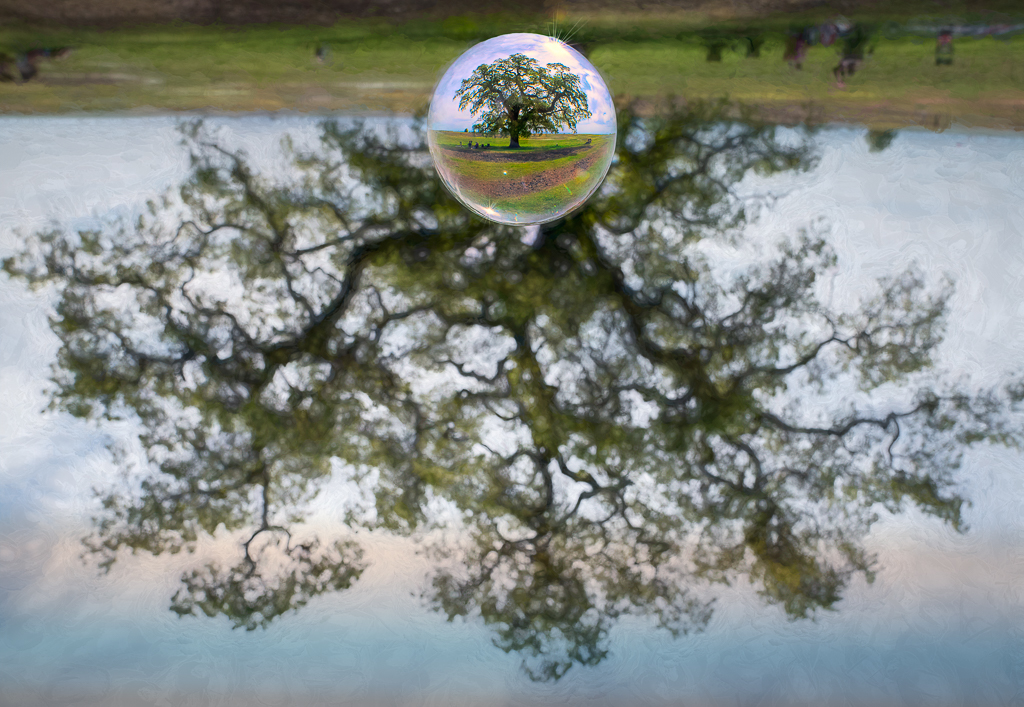
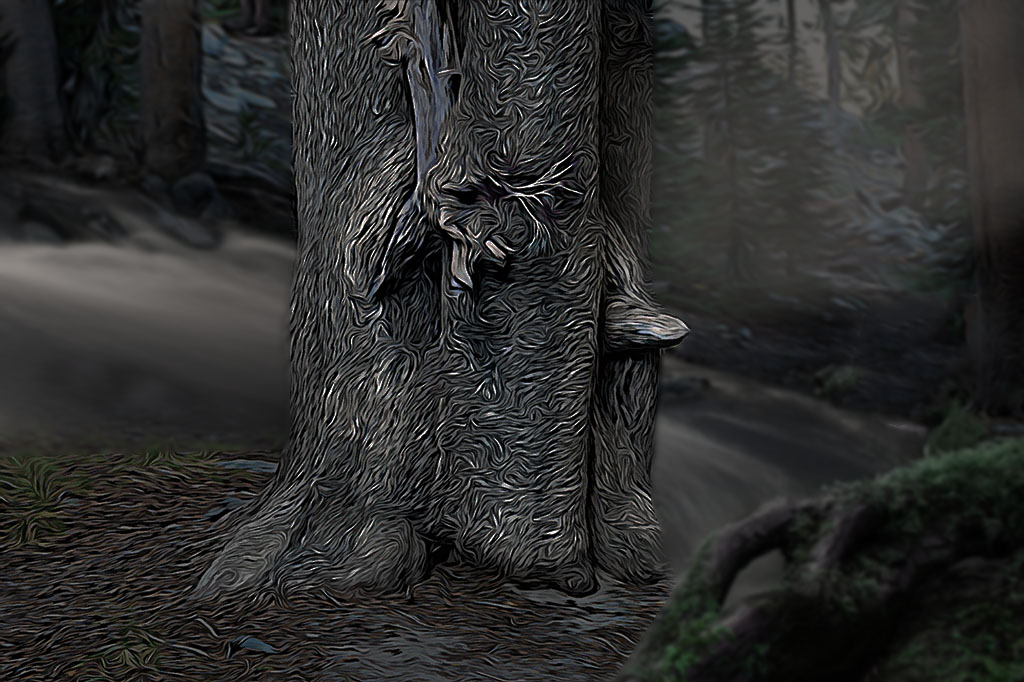
Brad, I love that you're playing around and discovering new options.
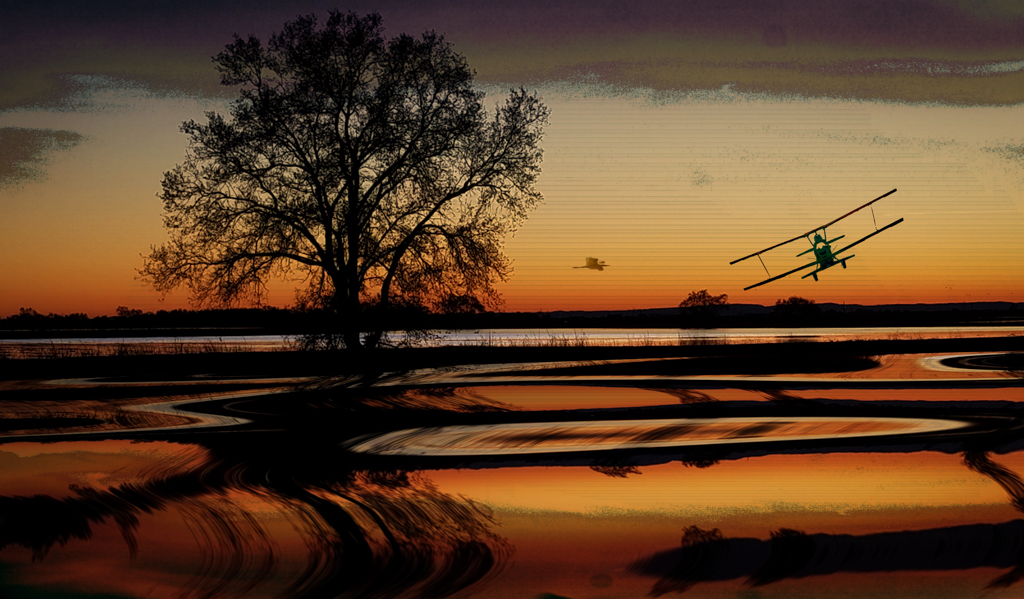
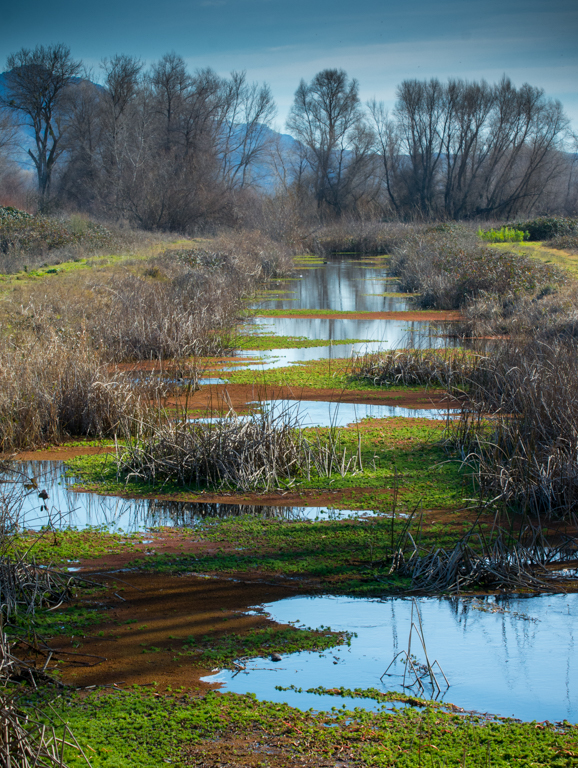
I feel that there is more than one story here so would like to see the focus on one element. Right now, there's the horse, the tree and the water. All three, very different techniques/styles.
Maybe stay focused on the tree and take out the horse.
Here's another version for you to consider. |
Jan 14th |
 |
| 54 |
Jan 21 |
Comment |
So cute and compelling! I can see a crown on the big guy with his princely entourage, hah hah!
I also agree with the gents... it needs shadows under the frogs so they integrate more with the background. |
Jan 14th |
| 54 |
Jan 21 |
Reply |
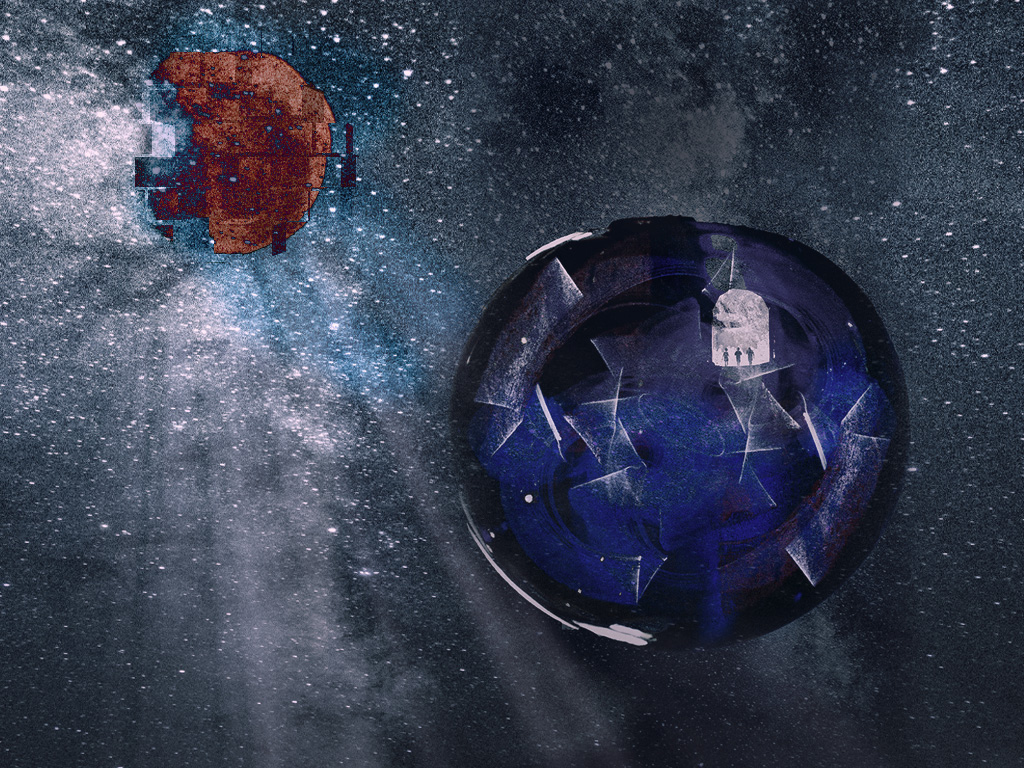
Thank you Alan.
All photos were taken by me. I did color Jupiter over my original photo in Photoshop, which is probably what you are referring to.
|
Jan 14th |
| 54 |
Jan 21 |
Reply |
Thank you! |
Jan 11th |
| 54 |
Jan 21 |
Reply |
Thank you! |
Jan 11th |
| 54 |
Jan 21 |
Reply |
Thank you Aavo.
The small dots are Jupiter's moons. I think Jupiter has 79 moons and these are the brightest.
The larger oval in the back is Saturn. |
Jan 11th |
| 54 |
Jan 21 |
Comment |
Happy New Year all!
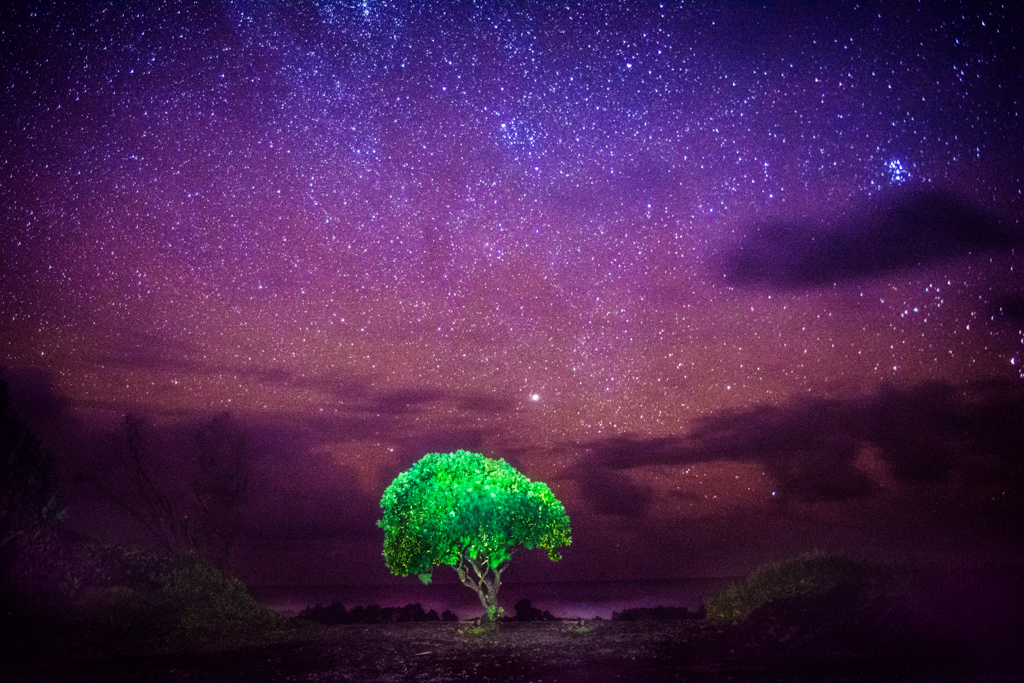
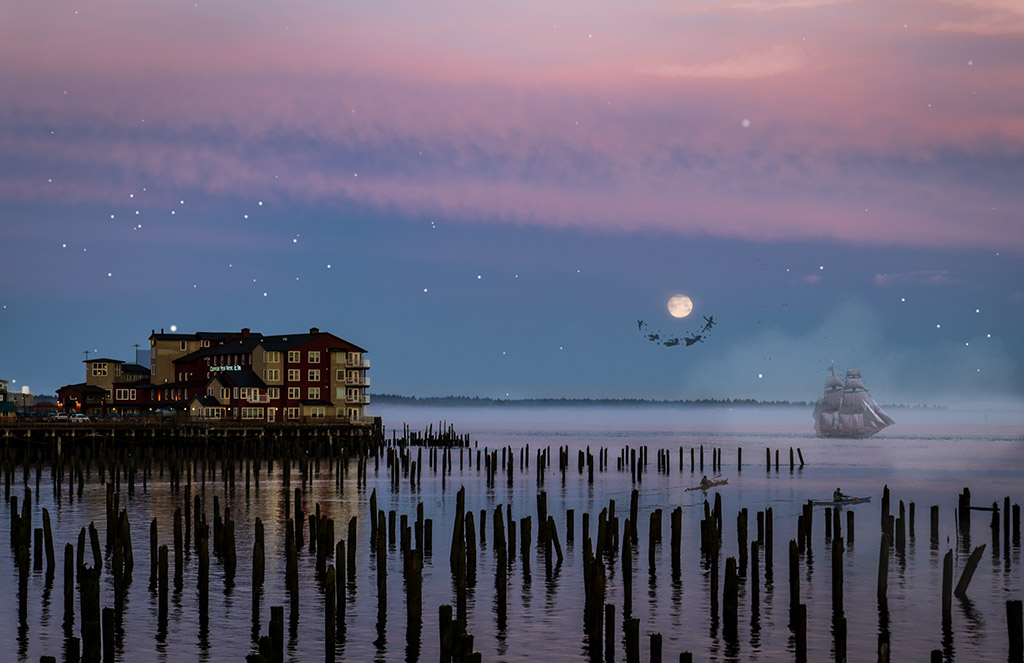
Peggy asked me to expand on my process, lol, I thought I had but I'm going to try to give you even MORE detail about my photo so here goes.
On the original landscape, I used a layer mask to delete all the lights in the bottom half of the photo. I may have used Topaz DeNoise to reduce the noise in the original as well.
I then added the moon layer and masked out the left side that was black to make it blend into the purple.
I added the planets layer and increased the size to make it more recognizable in relation to the moon. I used "Blend If" to make it blend into the original purple sky.
That's about it.... |
Jan 4th |
3 comments - 9 replies for Group 54
|
9 comments - 12 replies Total
|