|
| Group |
Round |
C/R |
Comment |
Date |
Image |
| 41 |
Dec 20 |
Comment |
Definitely agree with Brad! Very commercial and just right! |
Dec 11th |
| 41 |
Dec 20 |
Comment |
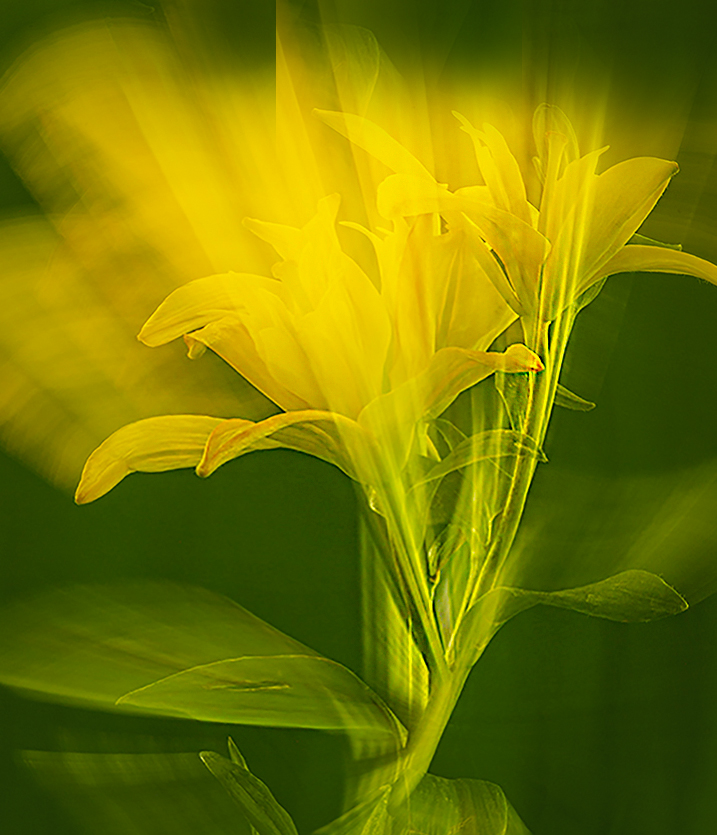
I'm so glad you got a good review from your wife Henry!! That's the best review, lol!
I like this and really enjoy Charles Needle too! He is a superb macro artist.
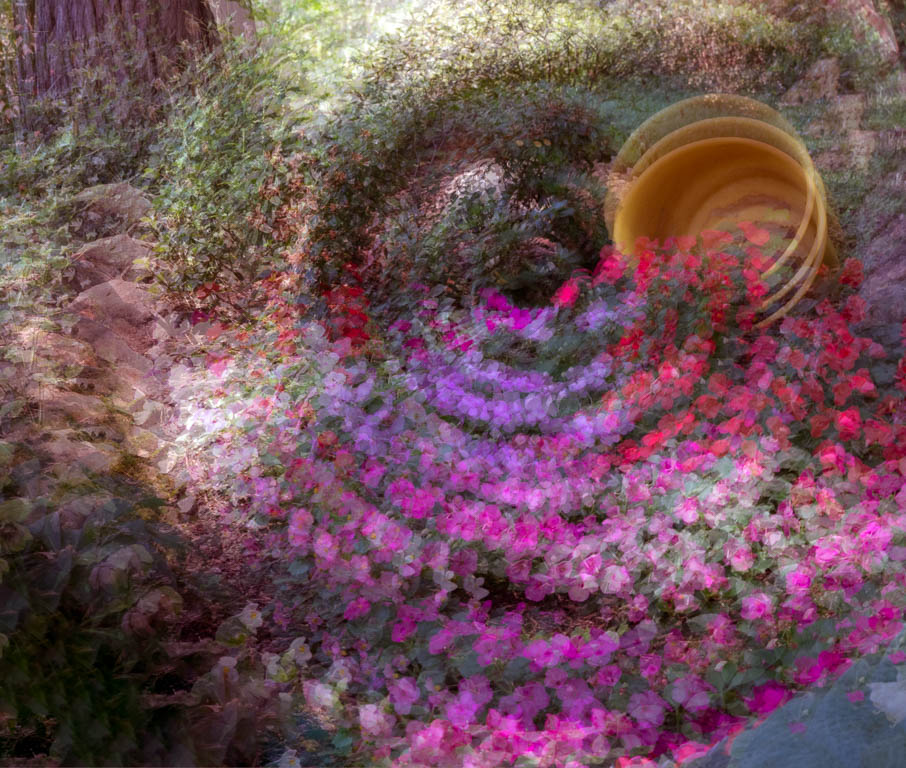
There are two things I wonder about. One is the yellow going off the top of the photo. It pulls my eye right out of the picture with no ability to return back.
Second is the inclusion of the vase on the bottom. It's a beautiful vase and it's a snag to my eye as well. So I played and here's an alternative version for you. Happy Holidays! |
Dec 6th |
 |
| 41 |
Dec 20 |
Comment |
Fun idea Brad!!
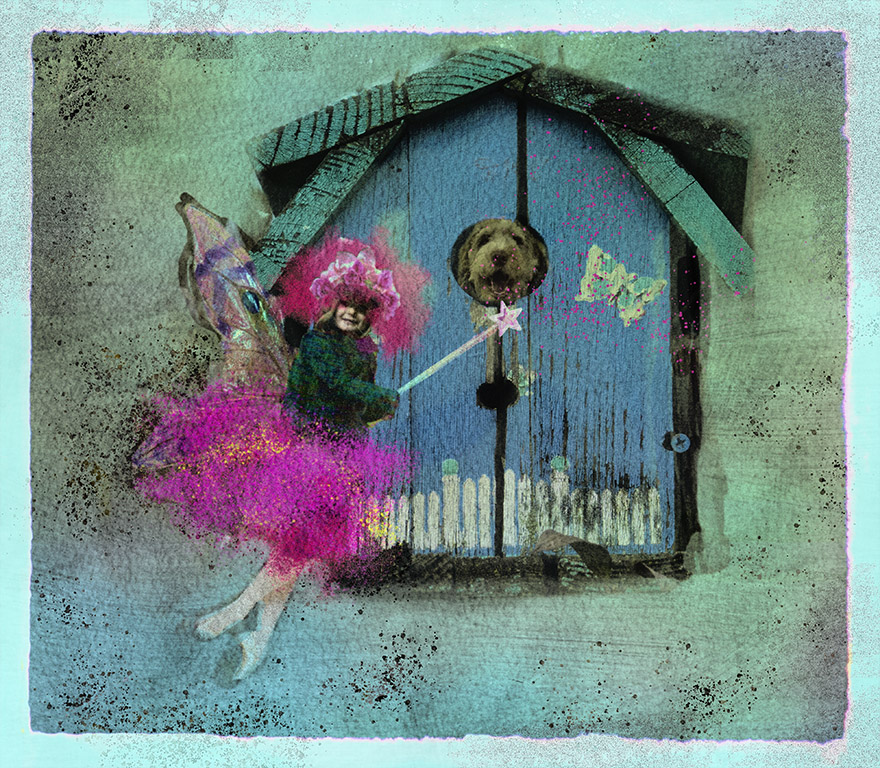
I like the concept and think working with Stephens idea is a good one.
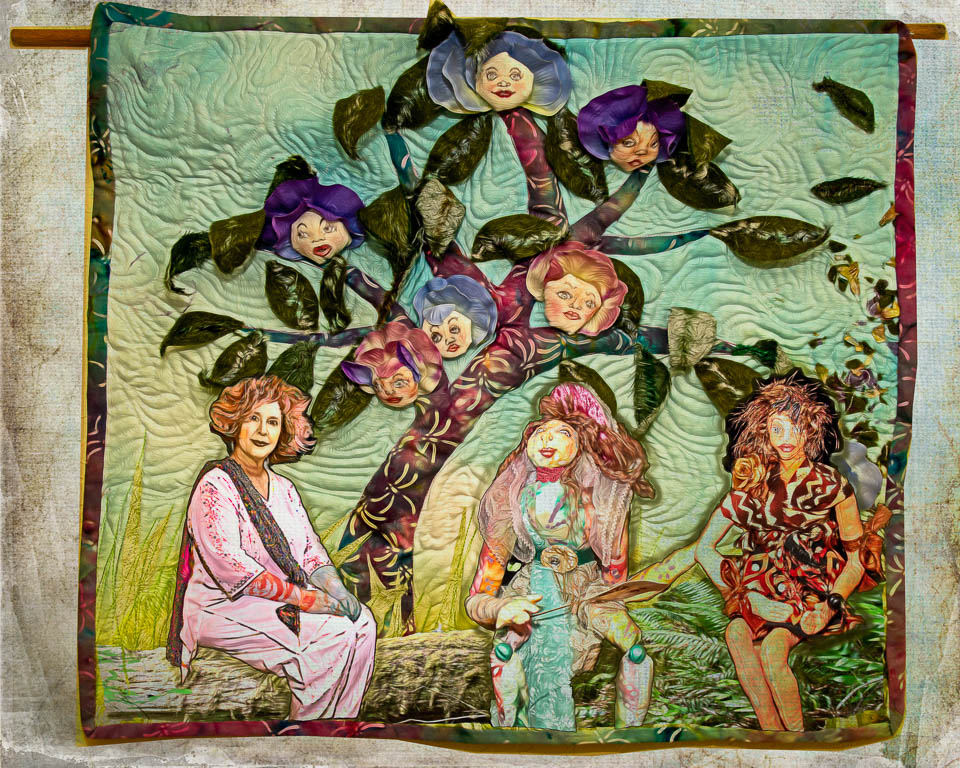
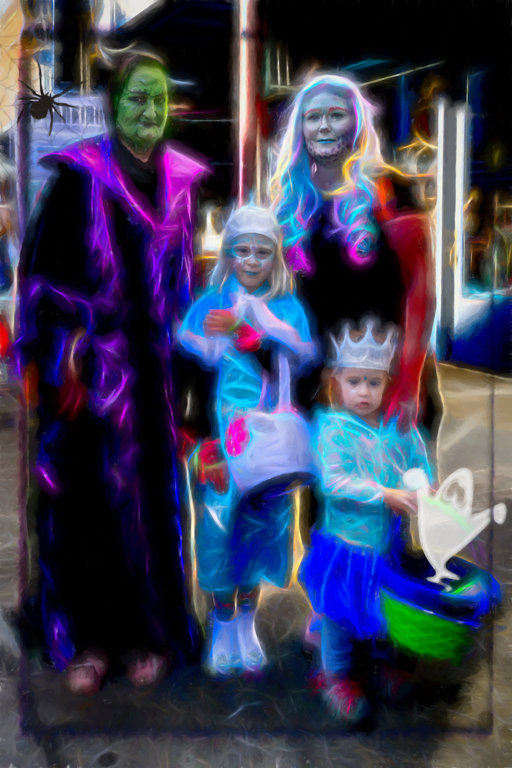
You might also try making the layers a bit closer together as you really want us to see your lovely family as the main subject. In addition, maybe keep the base layer heavily painted and then lighten up until you get to the top shot that is not painted.
Just some thoughts for you to pay with. |
Dec 6th |
3 comments - 0 replies for Group 41
|
| 54 |
Dec 20 |
Reply |
Very nice improvement to the overall lighting! I like this version better. |
Dec 11th |
| 54 |
Dec 20 |
Comment |
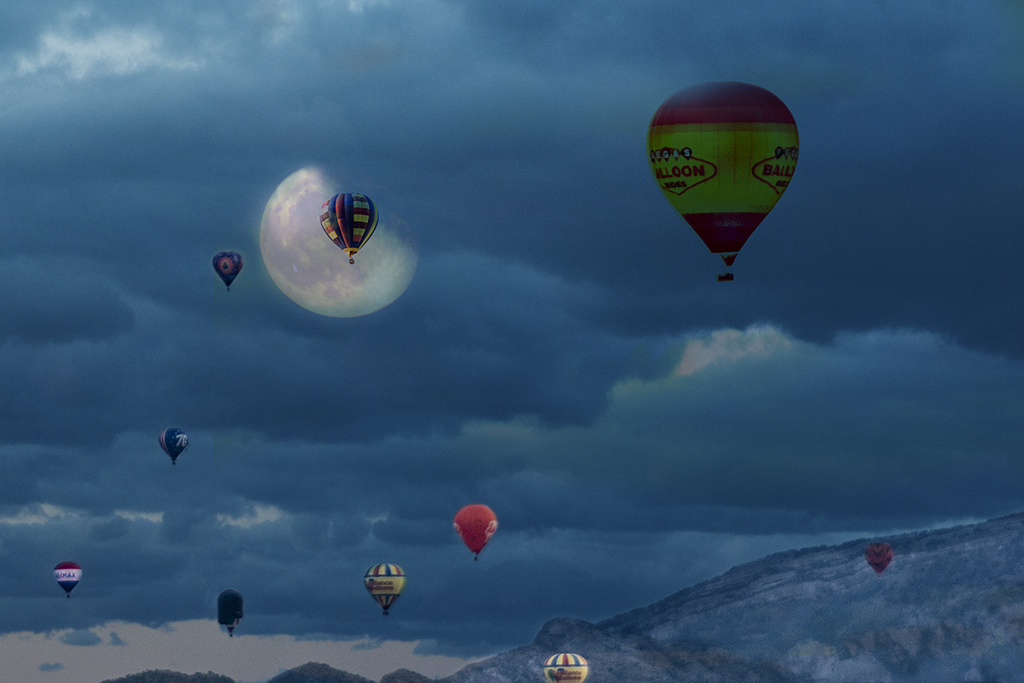
I really love this Peggy! How fun!
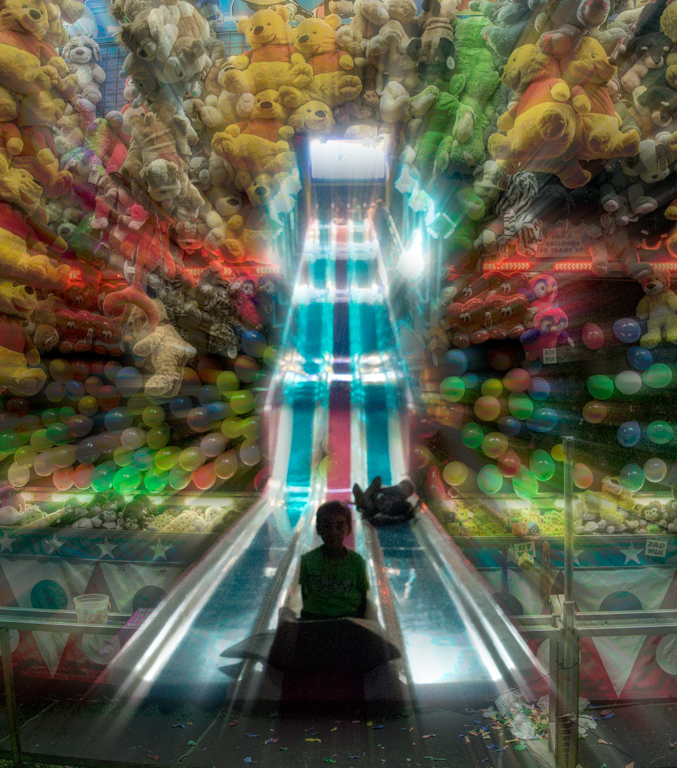
I usually like less but in this case, I'd love more. Yes, put more things in the higher bubbles for our eyes to catch. |
Dec 11th |
| 54 |
Dec 20 |
Comment |
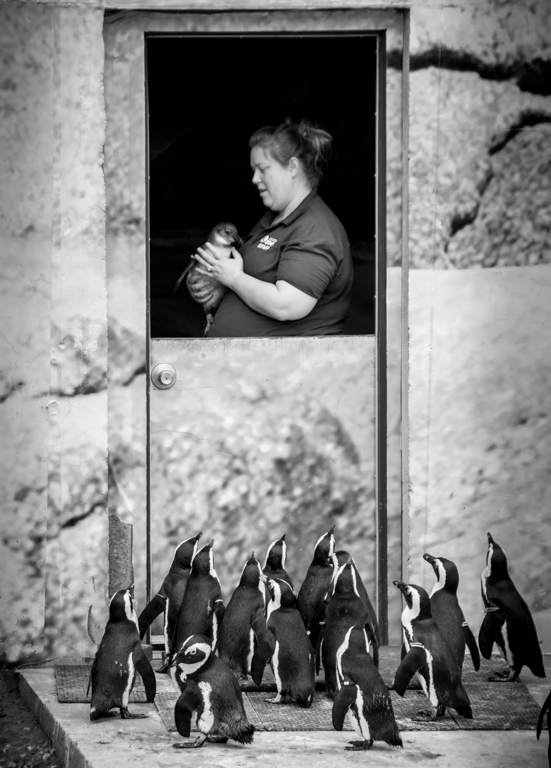
Love Penguins too!
Happy Holidays to you as well! |
Dec 6th |
| 54 |
Dec 20 |
Comment |
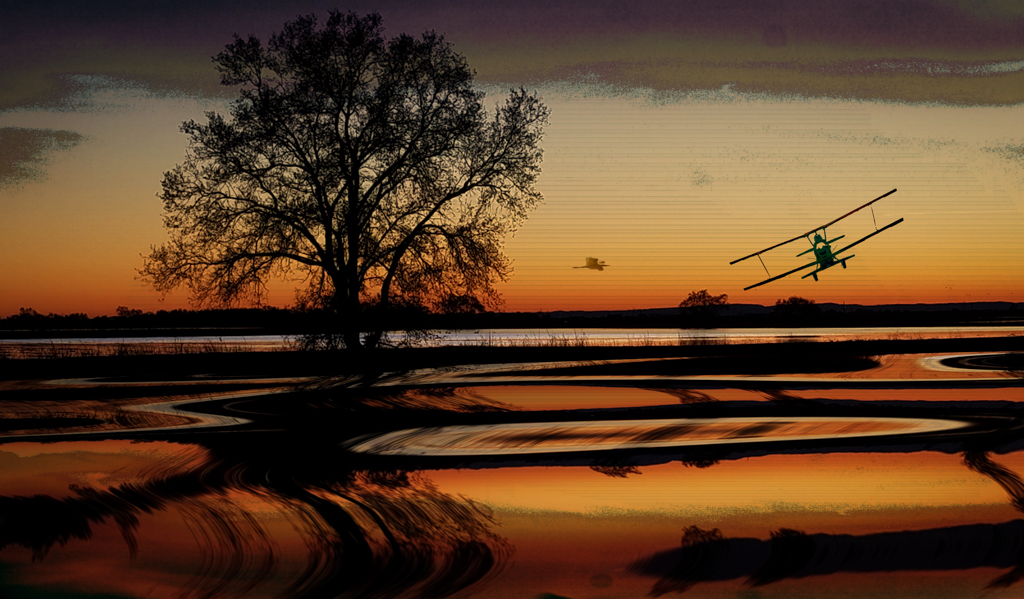
I like your themed work Brad! Love the vibrant colors and the fun with egrets. |
Dec 6th |
| 54 |
Dec 20 |
Comment |
Marilyn,
I really like your Aquarium idea and since I have no clue about which are salt water vs fresh, I like the mix!
My only suggestion is the areas around the jelly fish. If you look closely at both the original jellys and your composite, there is a white cloudy area where you added your jelly's that is not in the original. It's just the difference in tones that hasn't been blended enough. If you haven't already, you might try putting them on a separate layer and using a blend mode with blend-if to get it to match better as the lighter tone catches my eye. |
Dec 6th |
| 54 |
Dec 20 |
Comment |
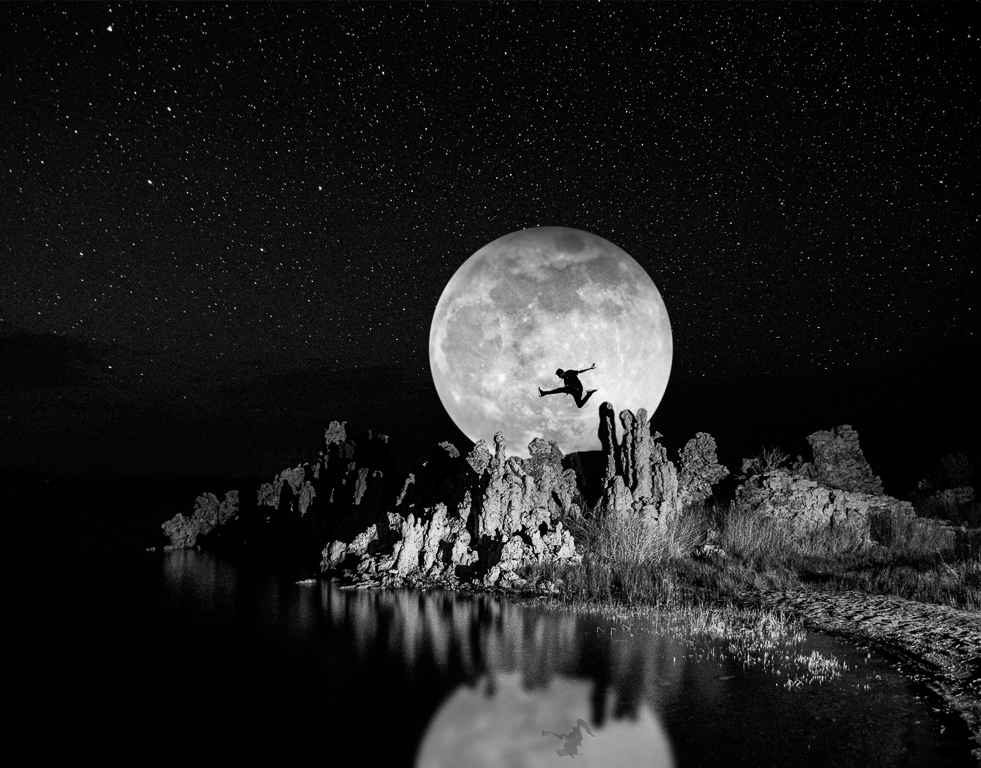
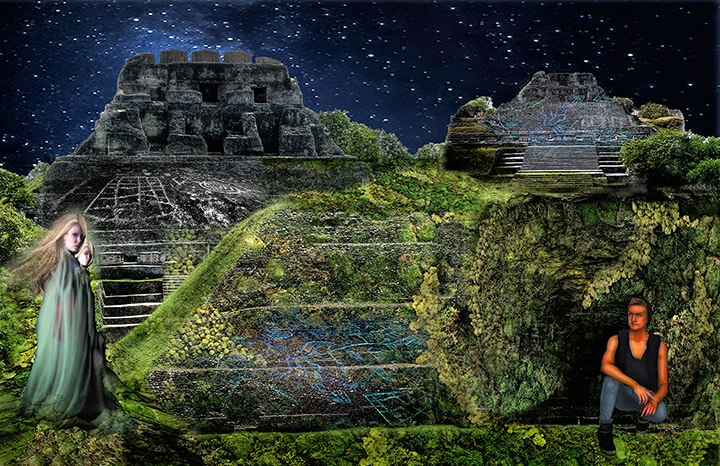
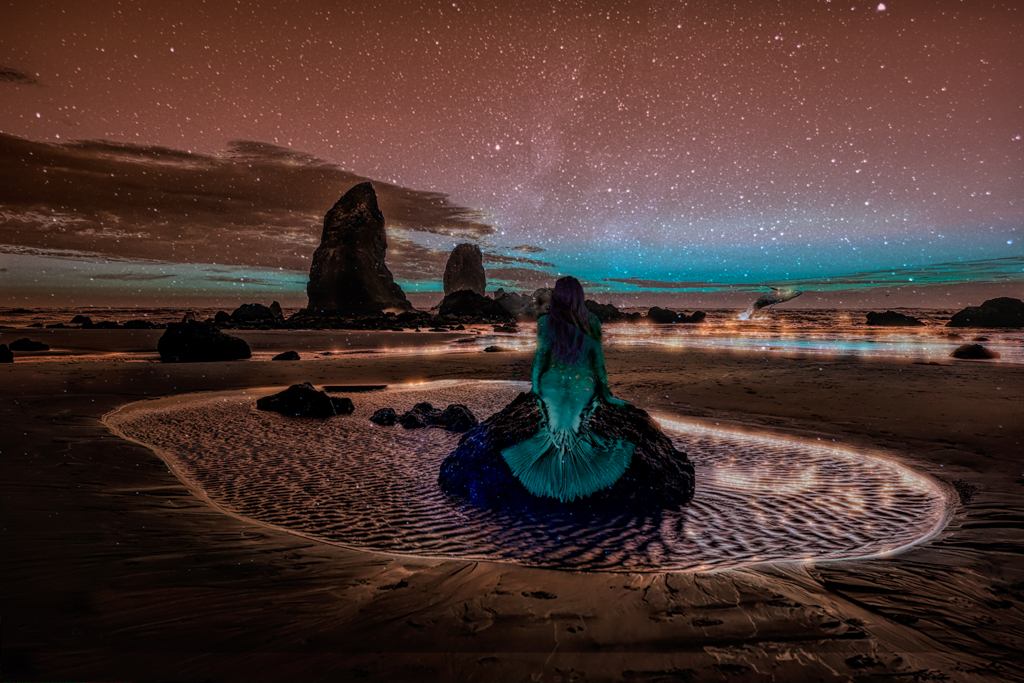
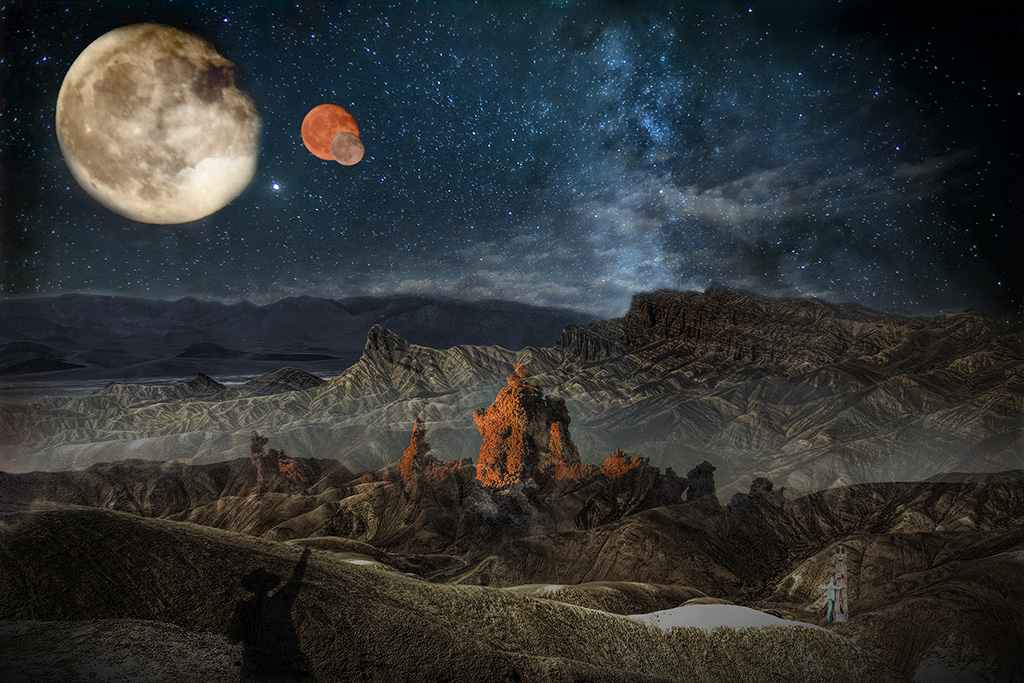
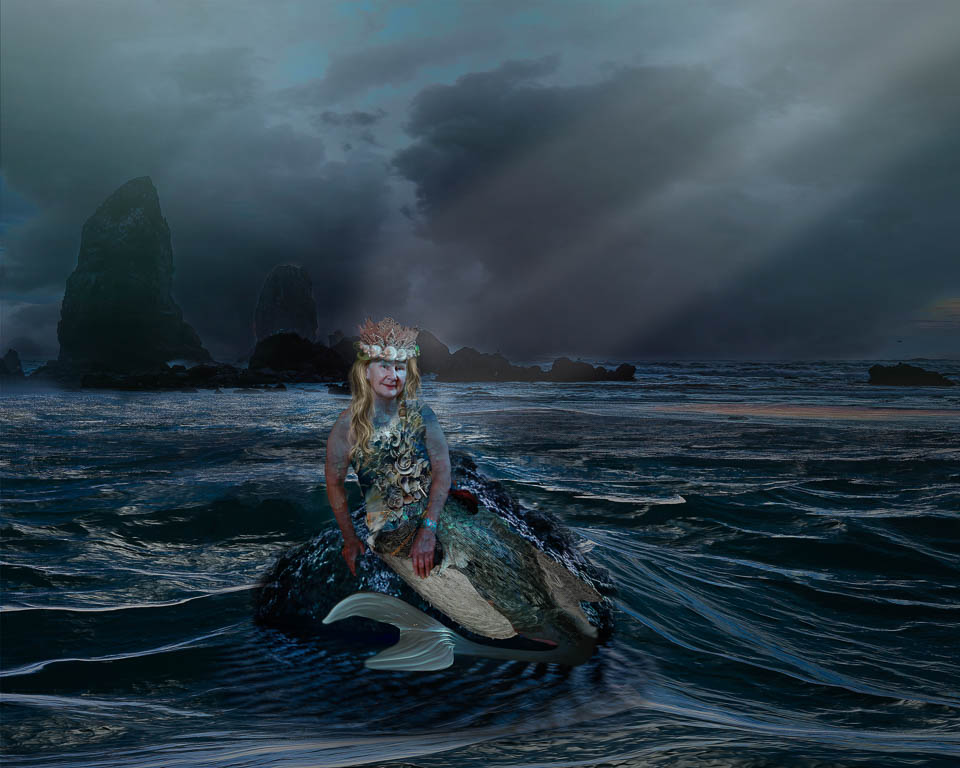
Alan, I like your image very much. I think you did a good job with the placement of the woman and the toning.
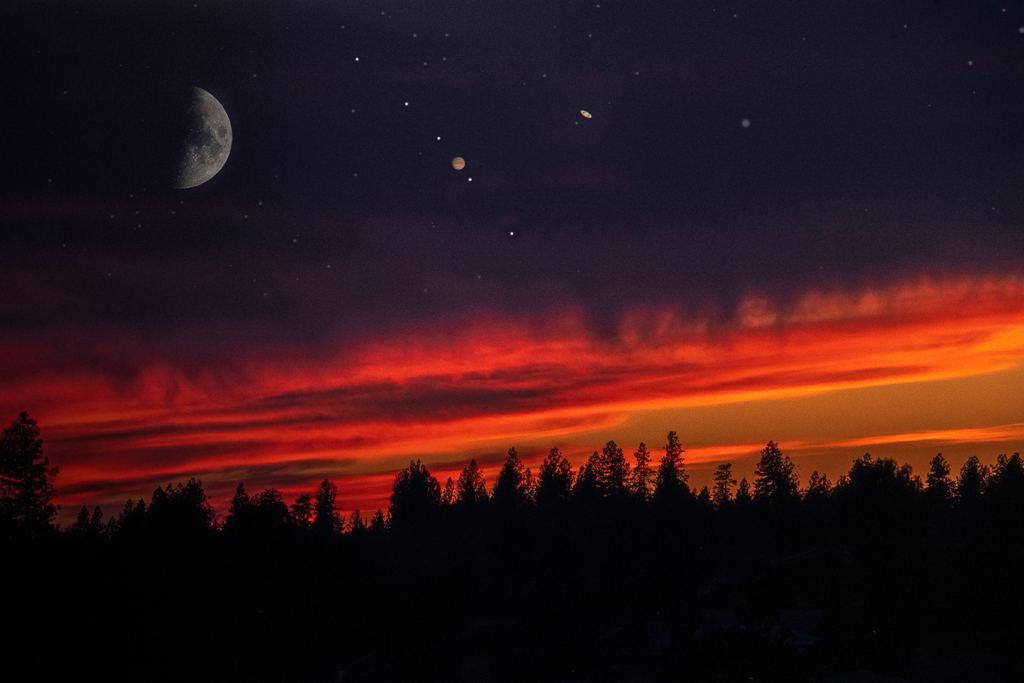
For me, I'd like to see more shading consistent with the light source. It looks as if everything is full daylight but the sky and moon suggest nighttime.
You might add a new layer in PS, call it "shadows" and then use a black brush at `5-20% flow to brush in some shadows consistent with your designated light source. |
Dec 6th |
| 54 |
Dec 20 |
Reply |
Thanks Brad! Good suggestion and I'll work with that. |
Dec 6th |
| 54 |
Dec 20 |
Reply |
Glad you find this helpful! |
Dec 5th |
| 54 |
Dec 20 |
Reply |
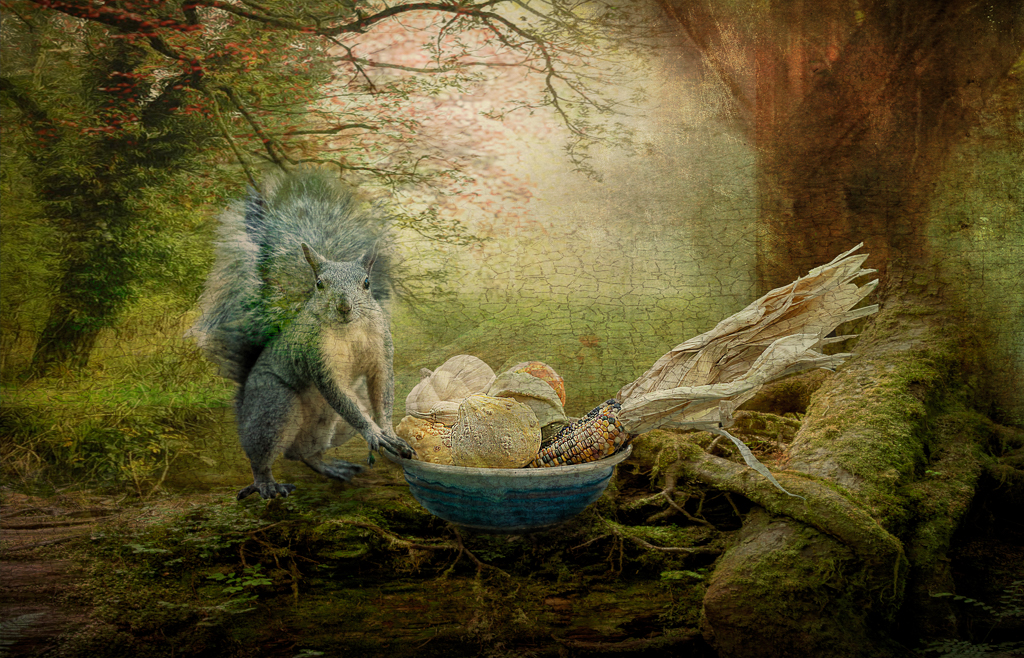
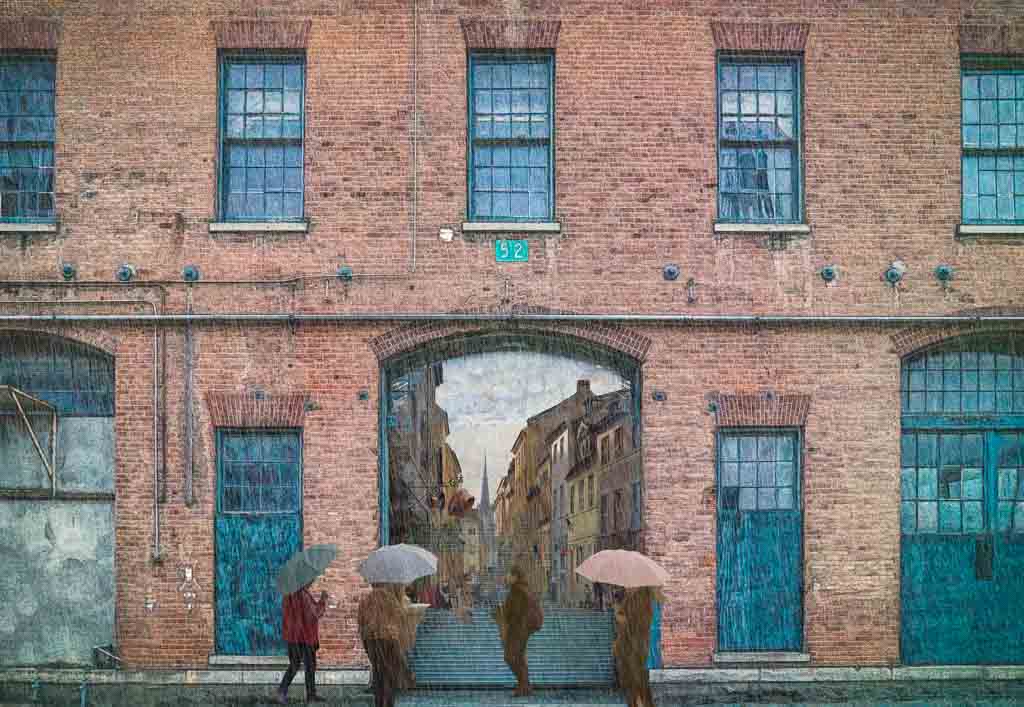
Thank you Alan for your thoughtful response.
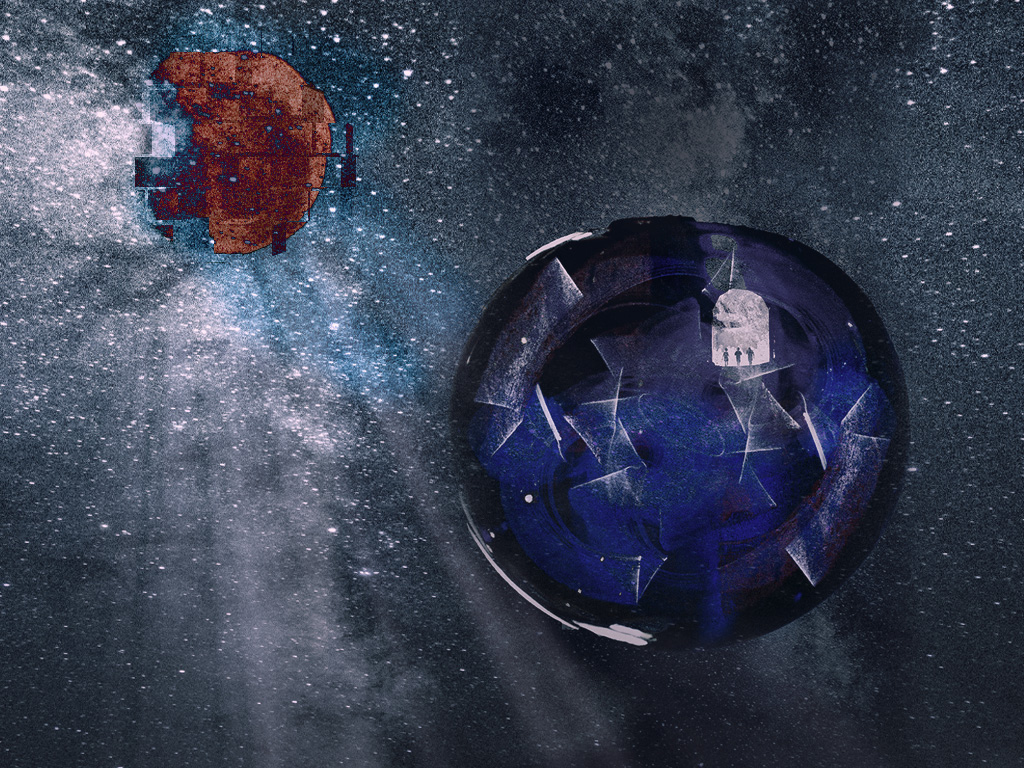
I'm not sure how to answer your request for more detail of the steps I took but I'll try and you can let me know if this is what you're looking for.
1. Make a New document the size I want the final photo to be.
2. I bring the Background Photo in first.
3. I use the select and mask tool in PS to select the objects I'd like in the final comp. I usually check my selection using the optional colored overlays in the masking tool.
When I bring the object into the layers panel, I use the move tool, Transform tool and mask tool in the Layers panel to adjust and set the object where I find most pleasing.
after I bring all the objects in, place them and make sure they fit the overall composition, I use Gaussian blur to make sure they fit with each other.
As a final touch, I use the Merge Command to bring the pieces together as one photo on the top of the layers panel and then export to Topaz. In Topaz, I audition many presets to see what I like. In this case, I'm not sure I found anything so I brought in a "cracked" texture to PS and finished with that.
Hope this is what you're looking for Alan. |
Dec 5th |
5 comments - 4 replies for Group 54
|
8 comments - 4 replies Total
|