|
| Group |
Round |
C/R |
Comment |
Date |
Image |
| 63 |
Sep 25 |
Reply |
Thanks Barbara
|
Sep 22nd |
| 63 |
Sep 25 |
Reply |
Thanks Alane. |
Sep 16th |
| 63 |
Sep 25 |
Reply |
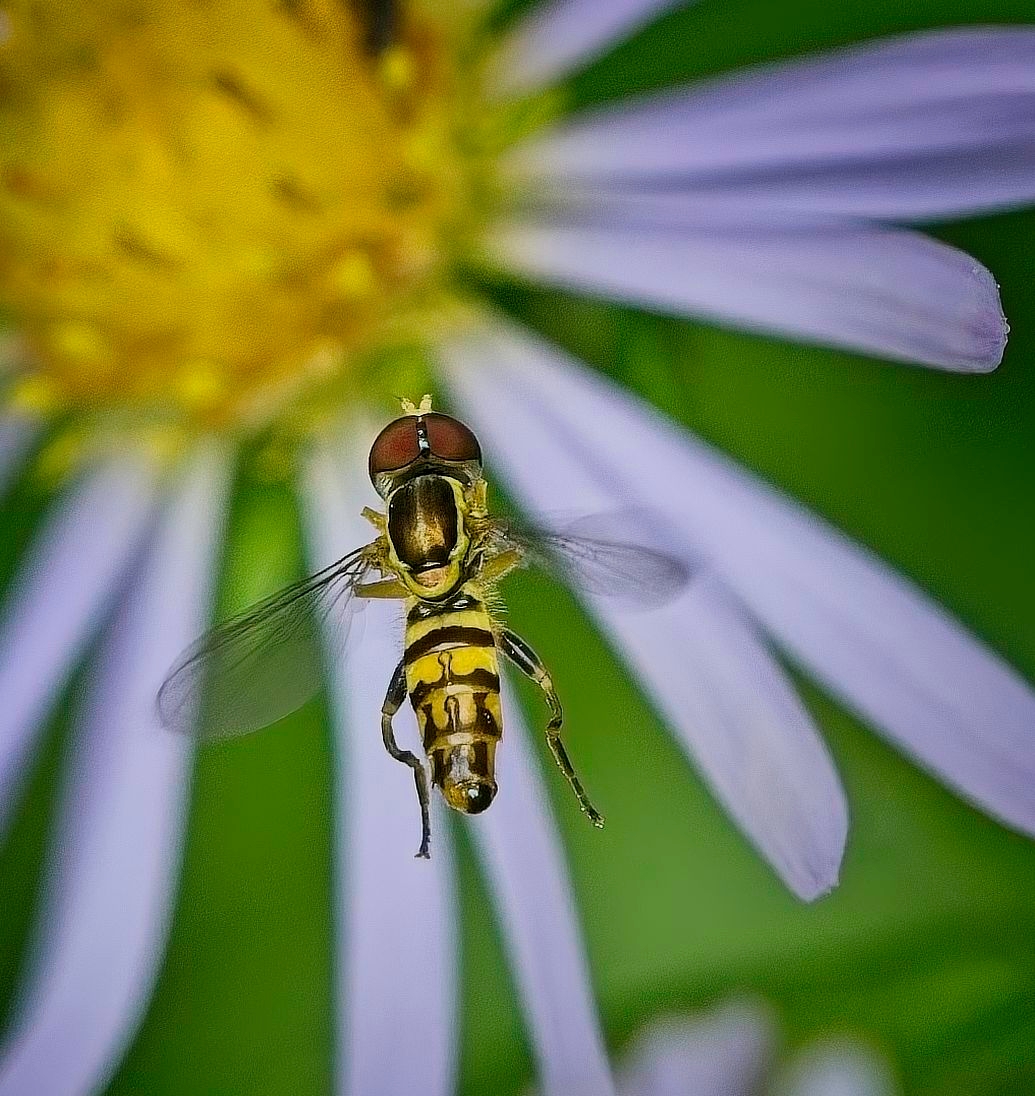
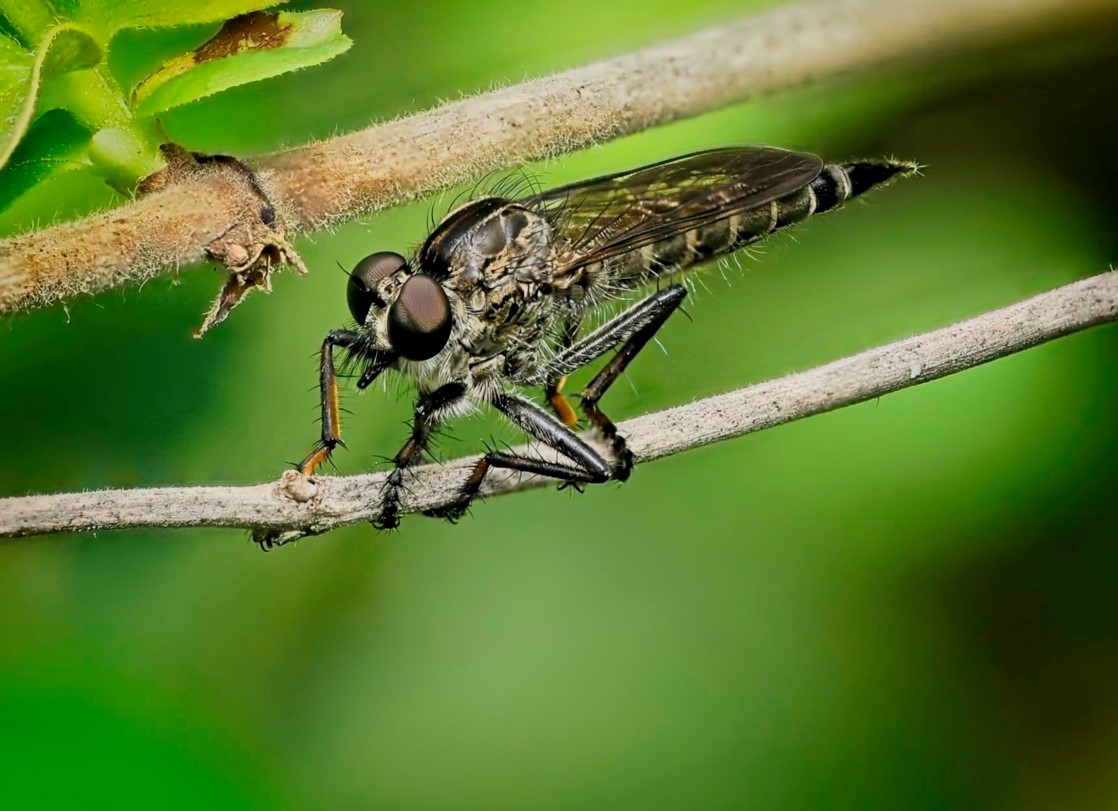
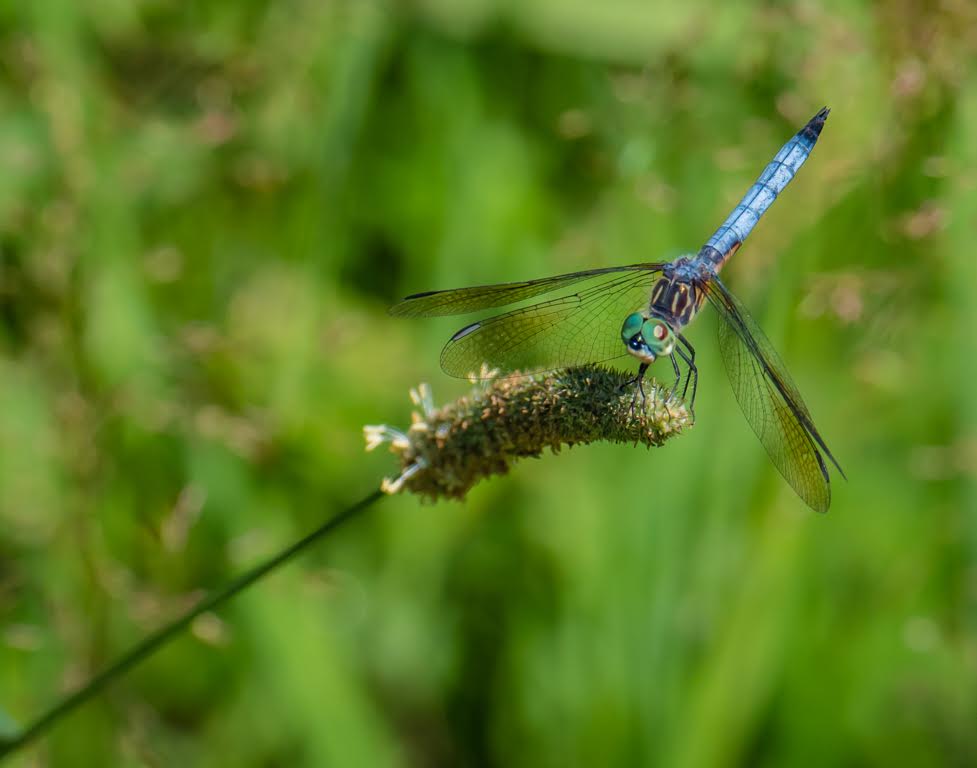
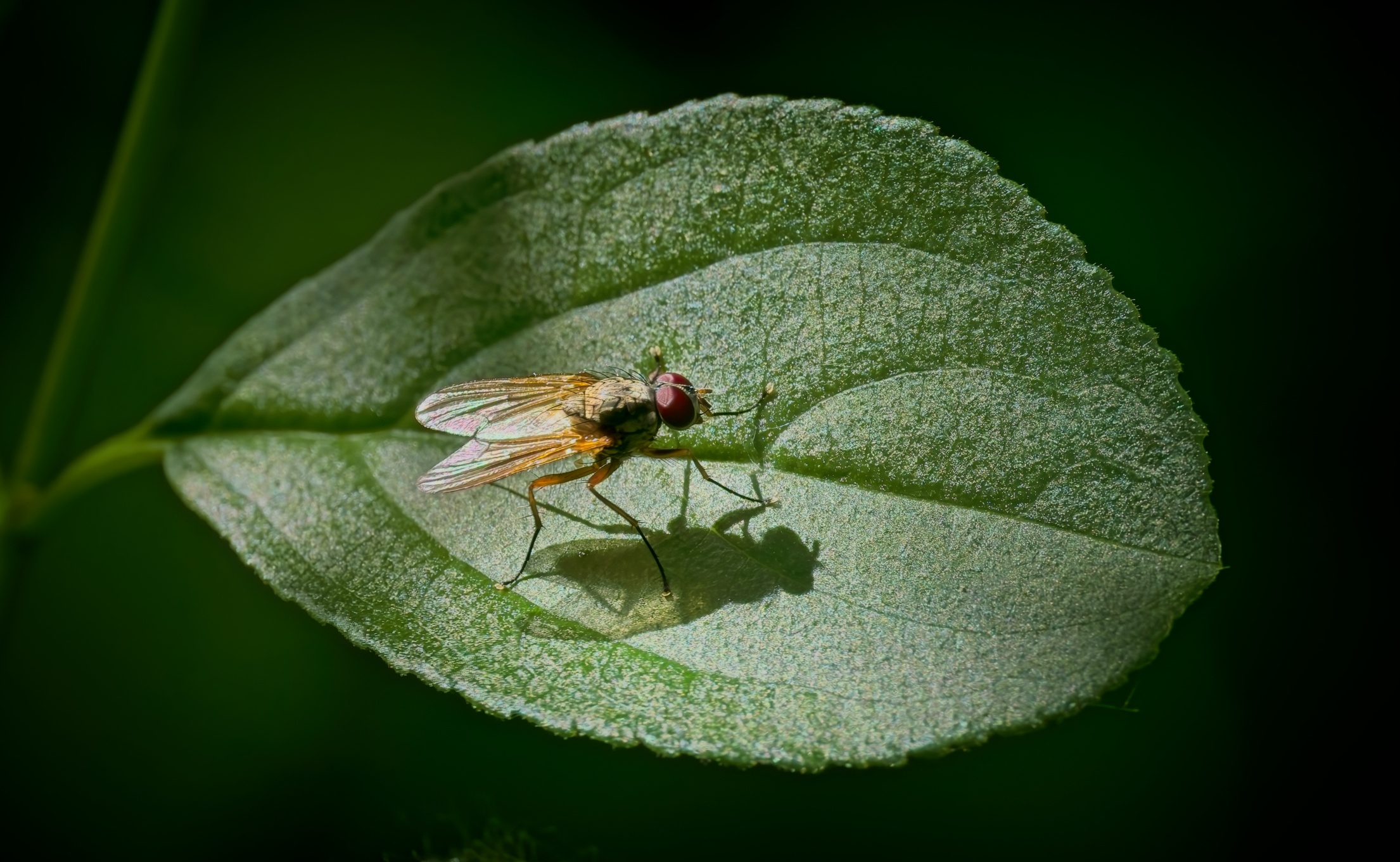
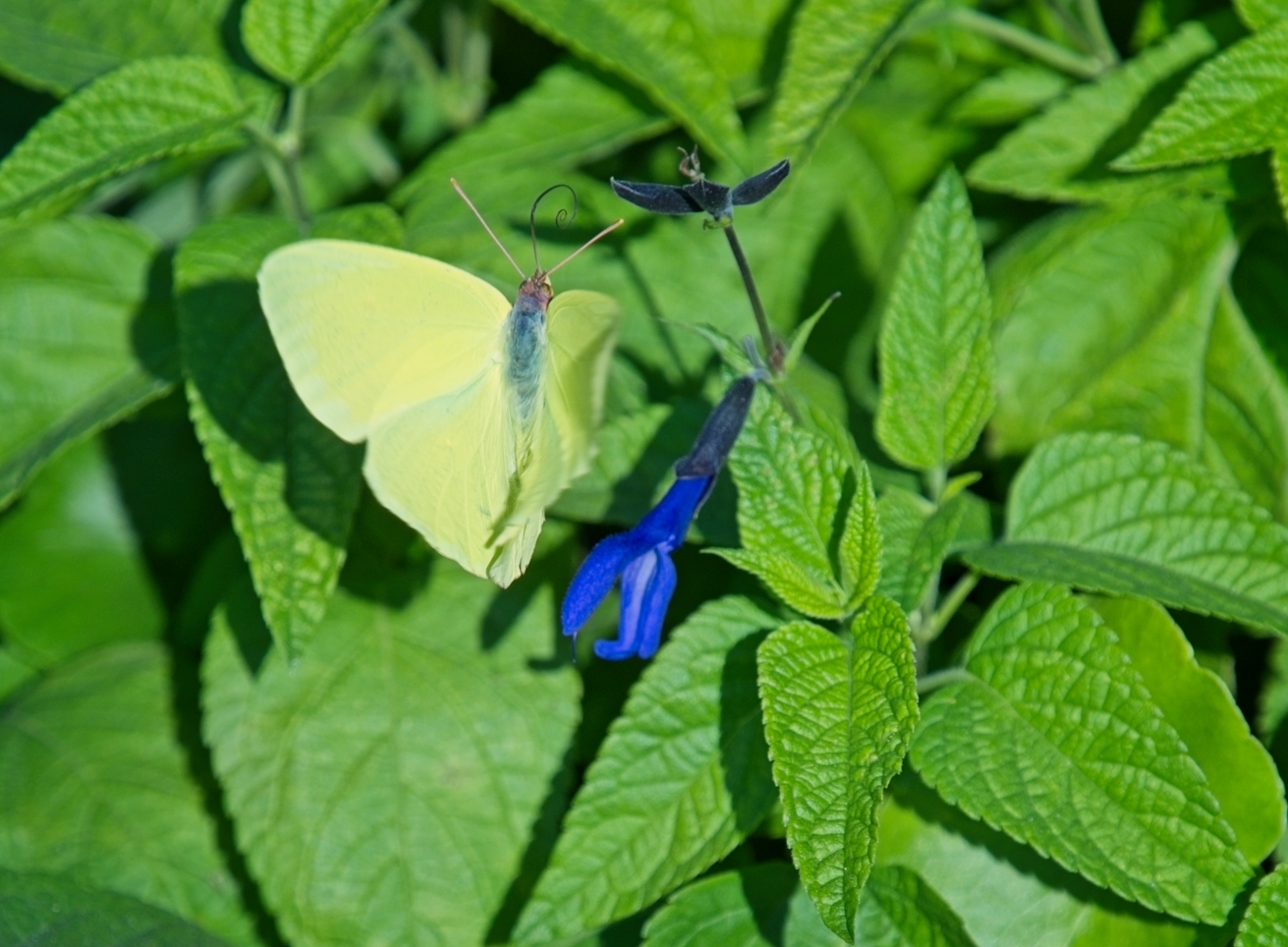
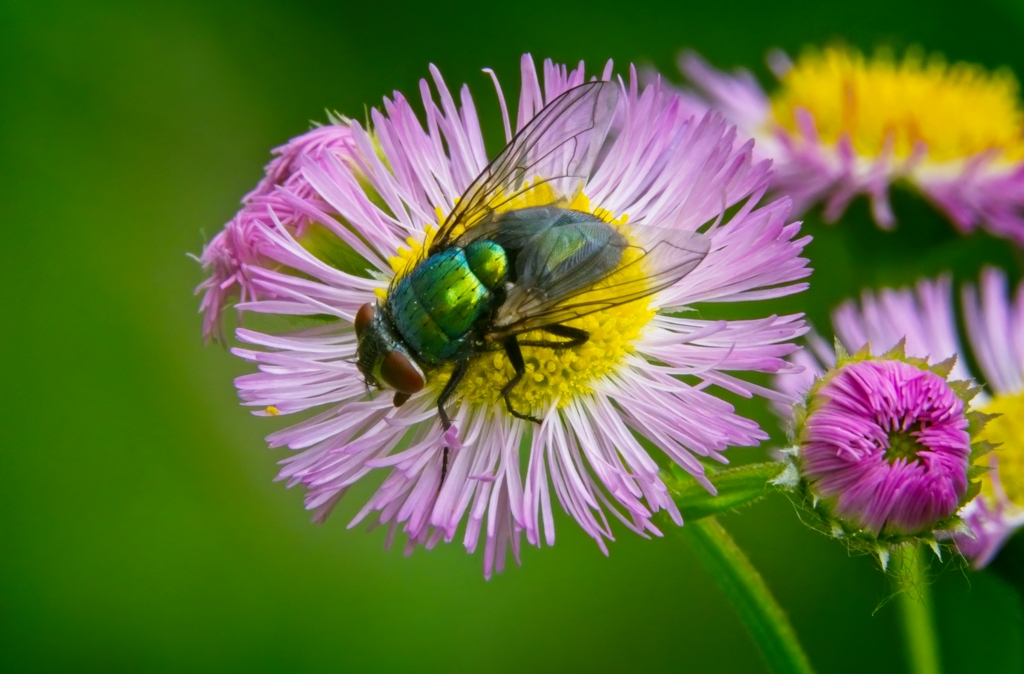
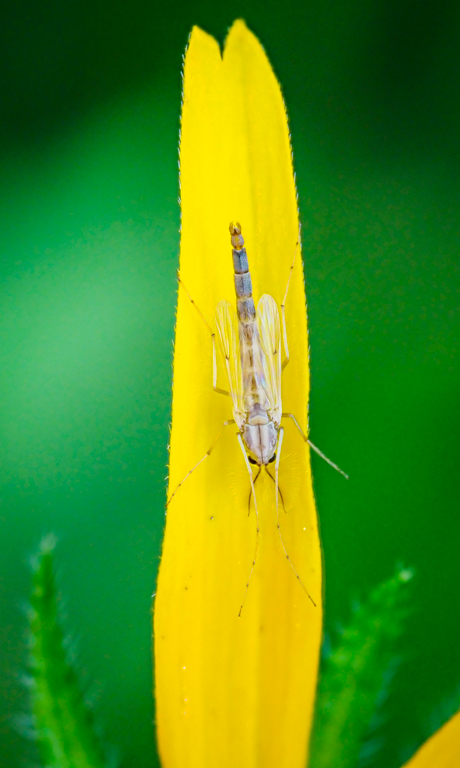
Thanks Murphy. You are right, this Male Eastern Caligraphy fly was on its way to the flower, but not on yet! |
Sep 16th |
| 63 |
Sep 25 |
Comment |
Ni Murphy,
Lovely and nicely detailed image of this rusty mechanical instrument.
I completely agree with your crop and image orientation.
One thing that I frequently do with old and rusty structures is to add a "grunge" filter.
Great work. |
Sep 9th |
| 63 |
Sep 25 |
Comment |
Wow. I love it.
I agree with Murphy re crop. The edges are a little out of focus, which brings the viewer gaze to the center of the image. Despite the thickness of this flower center, the subject is tack sharp.
Lovely details.
A winner.
Just an observation/question: You have 2 insects on your image. This is something that I find most of the time in my own image, despite the fact that I did not see them during the capture. I sometimes will be able to "erase" them, but they also tell a story. So, to keep or not the keep the insects is the question! |
Sep 9th |
| 63 |
Sep 25 |
Comment |
Hi Alane,
Beautiful image. Tack sharp, nice framing. Nice gradation between full black to full white.
I really like this B/W version, but a little curious in respect of your reasons for this conversion.
I also agree with Murphy suggestion.
Well done. Congrats. |
Sep 9th |
| 63 |
Sep 25 |
Comment |
Hi Barbara,
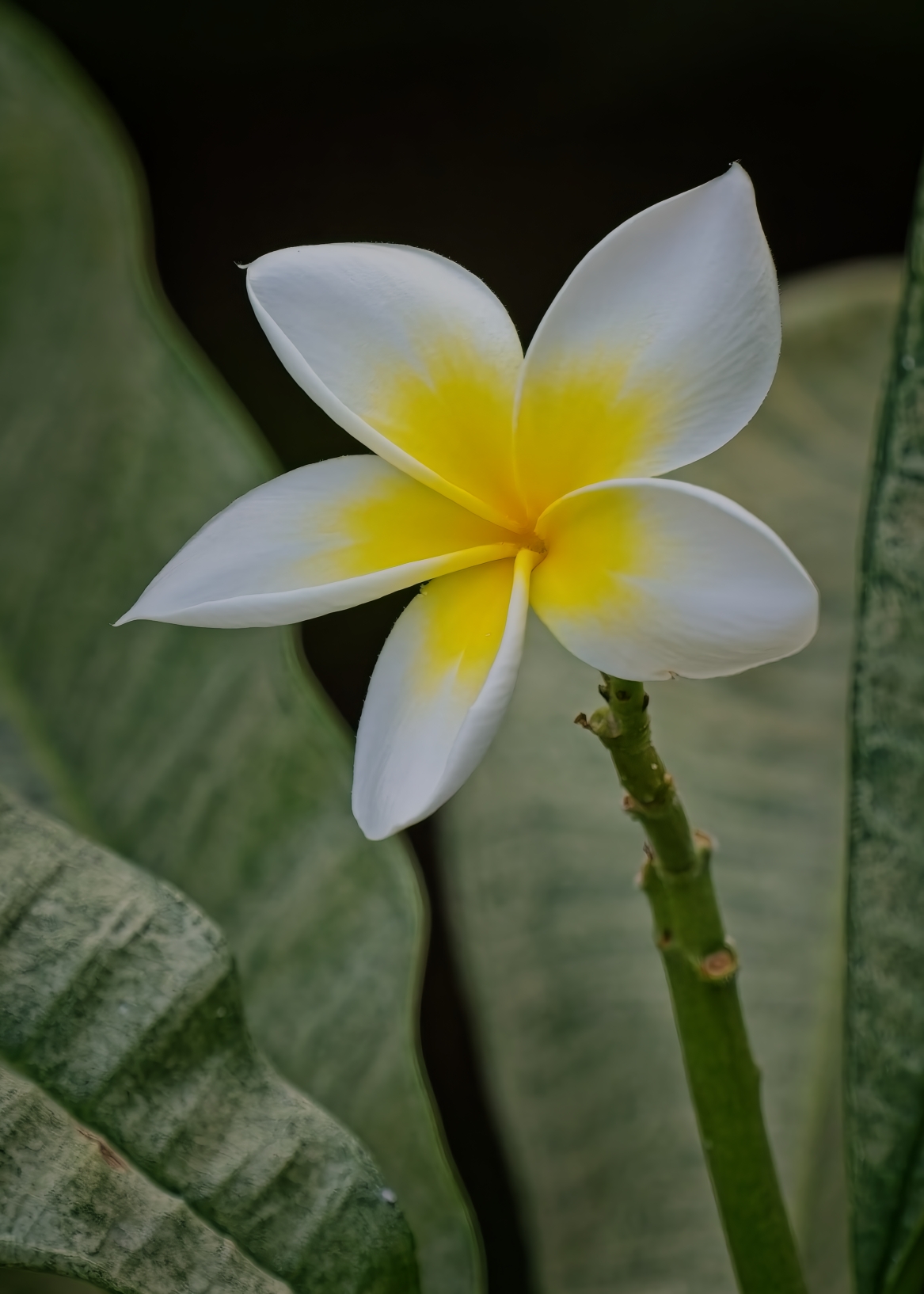
Beautiful water lily. Very crisp and rich colors.
I agree with Murphy. Even though you avoided over-exposing your subject, the direct light at noon, especially if no clouds, produces very harsh shadows. It is sometimes possible to improve this in post-processing (reduce these by decreasing the "black", "shadows", "highlights", and "contrast while increasing the "exposure") but much easier to use a different time of the day, a cloudy day or using a diffuser (easier if you have an assistant or a tripod that can be used to hold the diffuser).
|
Sep 9th |
4 comments - 3 replies for Group 63
|
| 69 |
Sep 25 |
Reply |
Hi Diane,
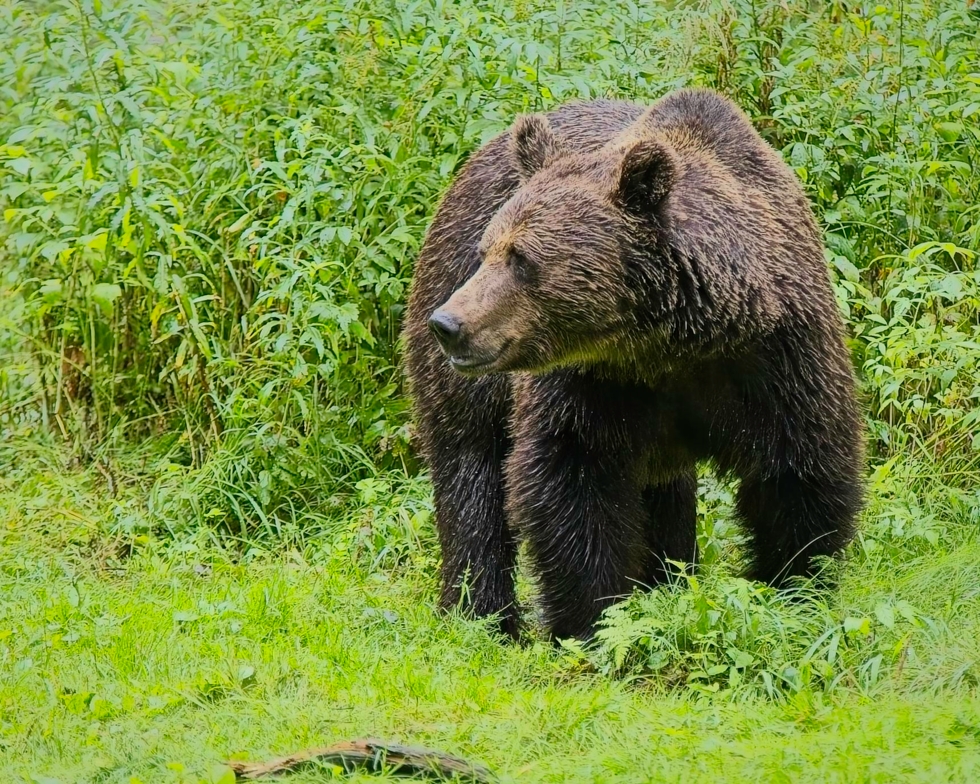
This capture was in the early evening (when the bears come out of the woods to get a snack!), and due to this, my ISO was fairly high (8000). Maybe I push a little too much the exposure and decreased too much the shadows.... |
Sep 16th |
| 69 |
Sep 25 |
Reply |
Thanks Jacob. |
Sep 16th |
| 69 |
Sep 25 |
Reply |
Thanks Mervyn.
Agree with cloning the grass over the piece of wood. I would prefer not to crop any tighter. |
Sep 16th |
| 69 |
Sep 25 |
Reply |
Thanks Cindy. I agree. |
Sep 16th |
| 69 |
Sep 25 |
Comment |
Hi Dean,
Nice half moon. It is not always easy to catch it without blowing the "whites" while keeping out of the "full black" areas on the subject. Great job.
I frequently bracket my moon images to prevent this, especially if one wants to integrate a closer reference point.
Nicely done. |
Sep 16th |
| 69 |
Sep 25 |
Comment |
Hi Diane,
Nice capture.
I agree with previous comments.
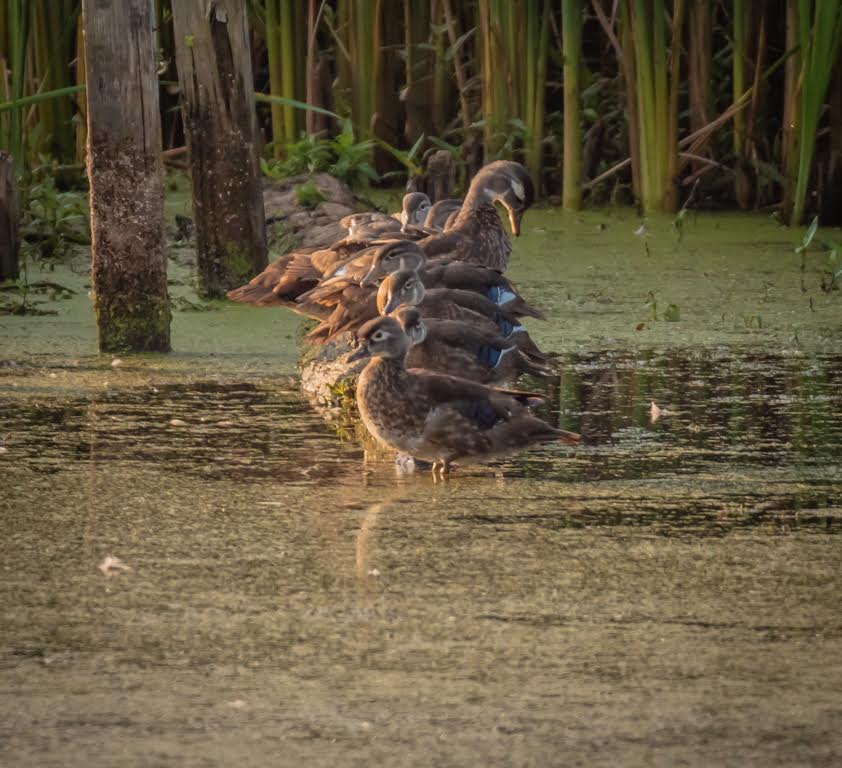
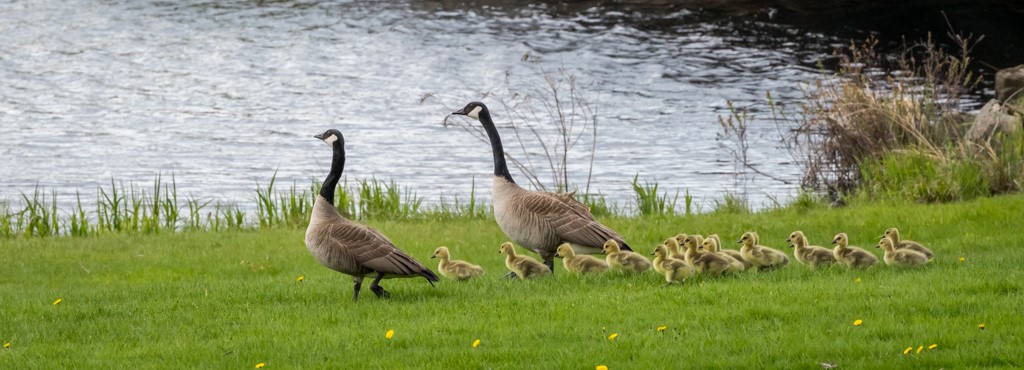
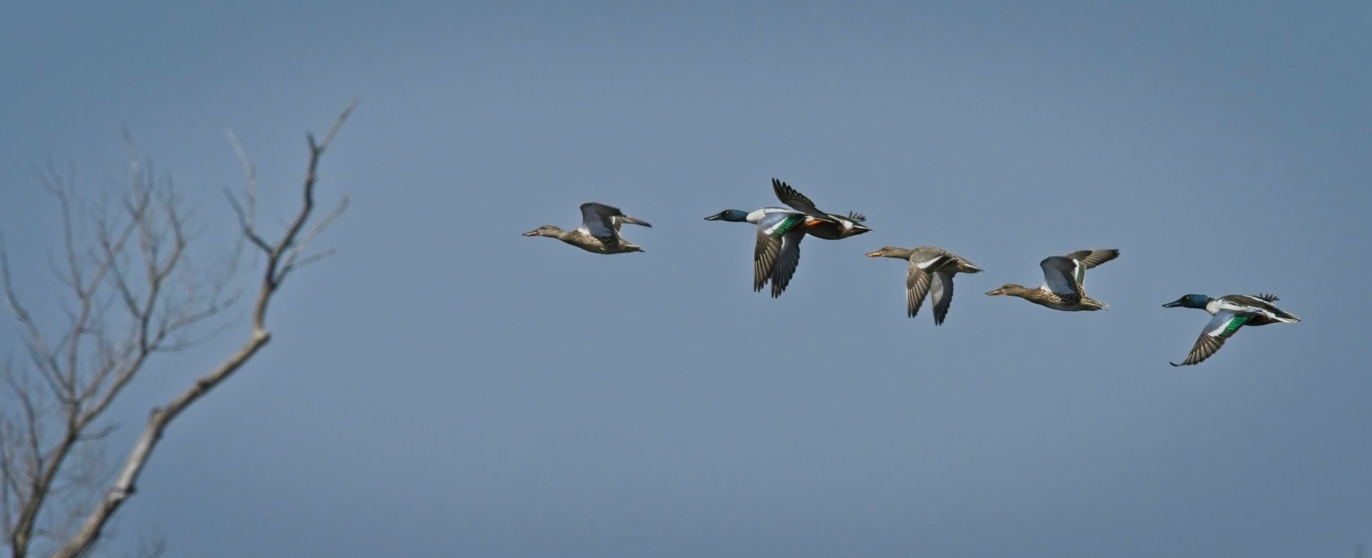
I found that the birds are pixelated, especially the back one. This could be due to 1) the low f/stop considering the focal length (When several birds are not in the same plane, I normally select a f/stop of 9 or more), 2) the high ISO setting, 3) did you "de-noise" the image? 4) small size of JPG file (you can submit images up to 1 mb) - Try using the highest quality JPG file and resize as closely as possible to 1 mb (without exceeding it).
I do not believe that you needed such a fast shutter speed. Likely 1/500 sec would have been sufficient - allowing you to increase your f/stop and decrease your ISO.
As long as you have enough pixels available, I would suggest a tighter crop. |
Sep 9th |
| 69 |
Sep 25 |
Comment |
Hi Cindy,
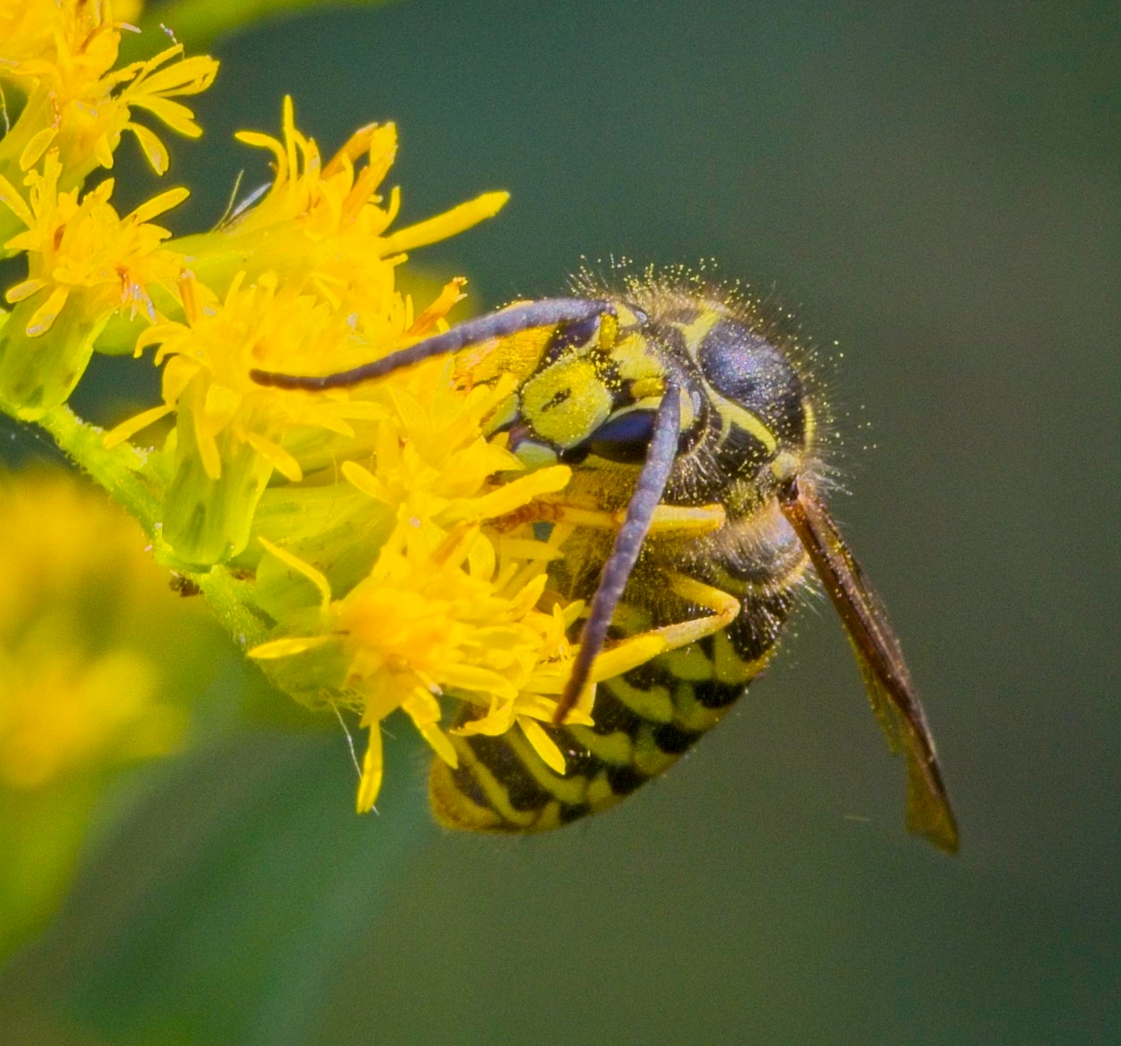
Very nice capture and processing. I also appreciate the information about this insect - very interesting.
My only suggestion would be to decrease the shadows.
Great catch. |
Sep 9th |
| 69 |
Sep 25 |
Comment |
Hi Mervyn,
I love Iceland. I am assuming that you were visiting the North Western Fjords.... Although there is a lot of Puffins there, they are not easy to shoot considering the locations of the cliffs. Getting they at "eye" level is almost impossible.
Another spot to see these Puffins with a much better angle is in New Foundland by the town of Twillingtate.
The image is really sharp and the colors are perfect. Although both versions are excellent, I prefer the 1st one...
Another keeper! |
Sep 7th |
| 69 |
Sep 25 |
Comment |
Really nice Jacob.
Nice to see an image from your DSLR.
Close-up photography can be really tricky! You obtained a nice result here, but you had to do a very significant cropping that can decrease the detail and increase the possible noise.
To get more details, adding an extension tube (a tube without any glass between the lens and the camera) would allow you to use essentially any lens into a macro lens.
This is a great start! Continue with the good work.
p.s.: This appears to be an Orchard Orbweaver. |
Sep 7th |
| 69 |
Sep 25 |
Comment |
Thanks Dean,
I was in a blind, and could not fit him fully at 200 mm with my other camera…
I also realised that this is not a Black Bear. It is an Eurasian Brown Bear (male).
|
Sep 2nd |
6 comments - 4 replies for Group 69
|
| 70 |
Sep 25 |
Reply |
Hi Kirk,
I agree with you. I would have loved to have a nearby focus point, but unfortunately, using a 200-800 mm lens on a small boat made this difficult. A small island close by would have been fantastic.
Here, I did not really have the time to "work" this image. More of a snapshot! |
Sep 25th |
| 70 |
Sep 25 |
Reply |
Thanks Frans |
Sep 22nd |
| 70 |
Sep 25 |
Reply |
Thanks Scott. |
Sep 16th |
| 70 |
Sep 25 |
Comment |
Hi Scott,
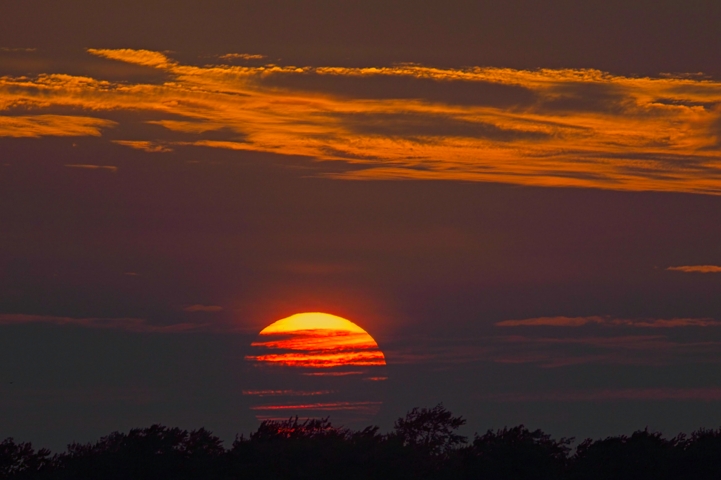
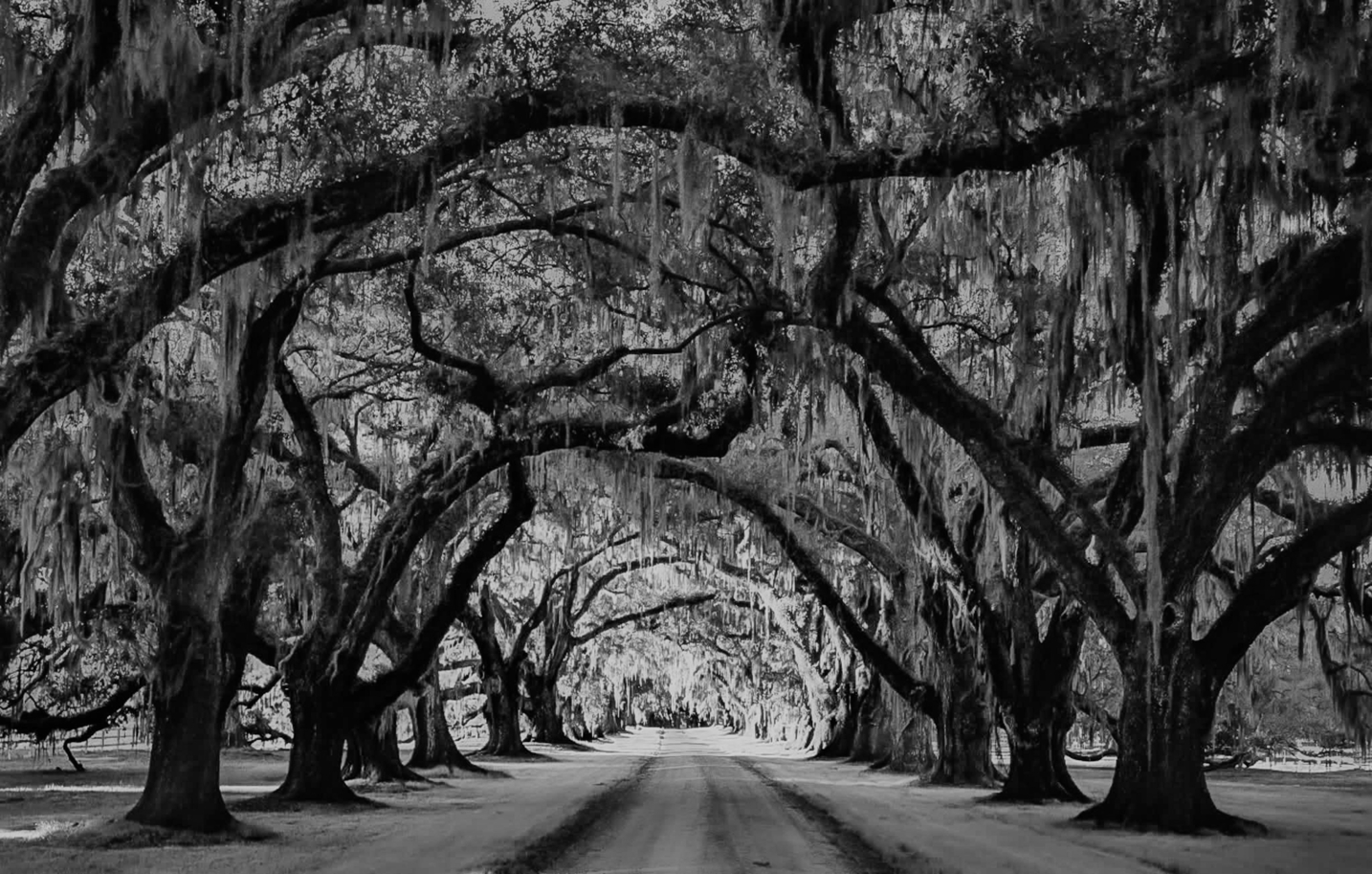
I tried to tweek the white balance, but was not successful.
Instead, I did a B/W conversion. This type of image, with alternances/patterns, can benefit from this type of conversion. |
Sep 16th |
 |
| 70 |
Sep 25 |
Comment |
Hi Scott,
The Histogram and the white balance are 2 different things.
The Histogram (either general or with the color channels) allows you to avoid bright "clippings" or completely black pixels.
The White balance allows your camera profile to adjust to the type of light that surrounds you. For example, the light balance during a cloudy day is different than a sunny day. If you are inside and have lighting with a Tungsten light, your camera needs to know that.
When one shoot on RAW, you can correct your white balance in post-processing.
Usually, the "AWB" (Automatic White Balance) setup on your camera should be pretty accurate (most of the time).
|
Sep 16th |
| 70 |
Sep 25 |
Comment |
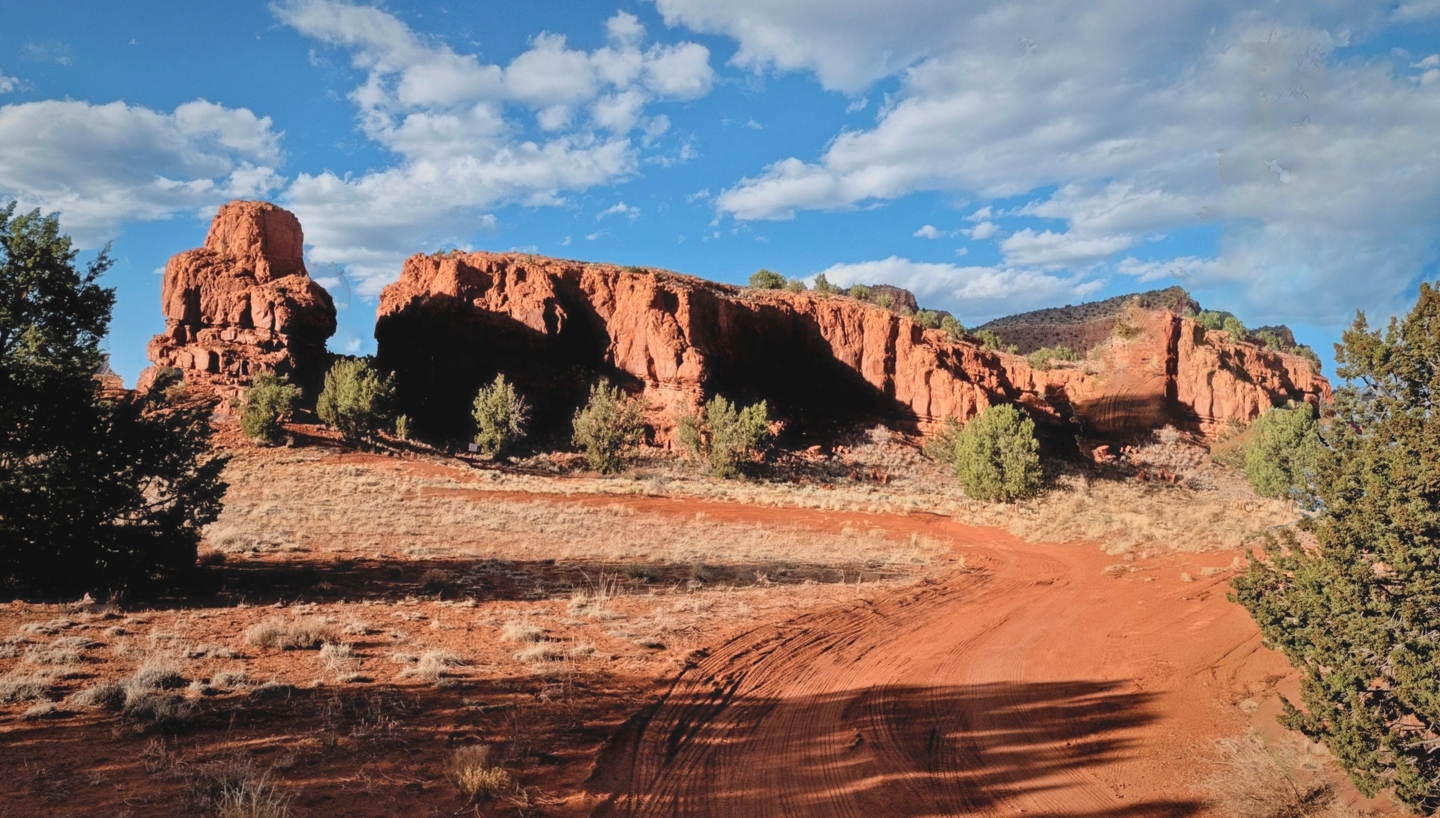
Nice scenery with excellent depth. The shadows are long, suggesting that the sun was somewhat low. Even then, I find the light contrast quite harsh.
My only suggestion would be to decrease the contrast and the "shadows" as details are lost in these area.
I took the liberty of playing on these parameters, and adding a slight vignette, to illustrate my vision. |
Sep 9th |
 |
| 70 |
Sep 25 |
Comment |
Hi Frans,
You raise a very interesting question. How to determine the "keepers" and how to crop them?
This image is crisp throughout with plenty of details.
I personally prefer the tighter one as the marine mammals are easier to see, while still preserving the proportions and depth provided by the multiple planes - Mammals, Ship, Peoples, Mountains, snow caps and clouds.
The larger crop is also nice, but I am more drawn in the tighter one.
Really nice capture. |
Sep 9th |
| 70 |
Sep 25 |
Comment |
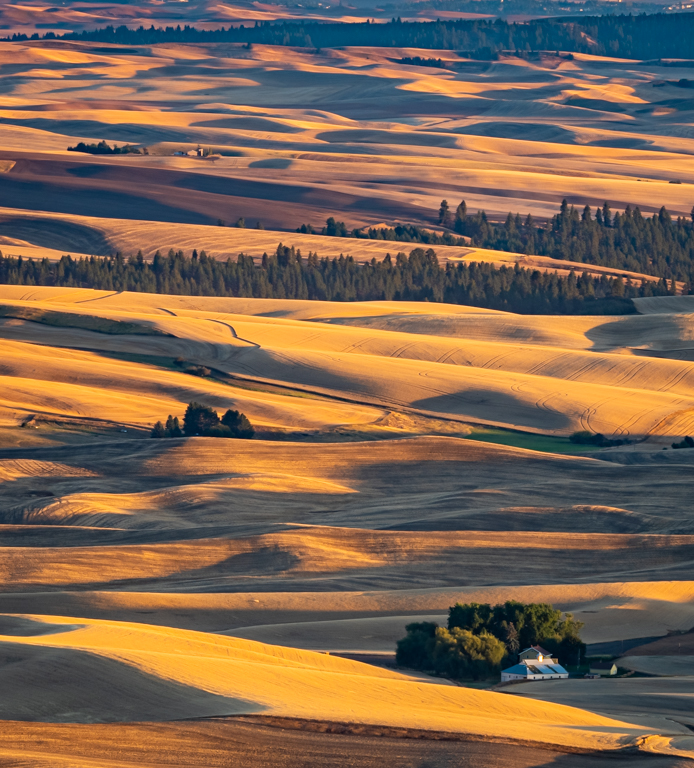
Another very interesting image, almost abstract.
Very pleasing, but I am not sure what I am seeing. How wide is this area? How high was your drone? (presuming that you used one).
Can you explain what we are seeing? |
Sep 9th |
| 70 |
Sep 25 |
Comment |
Hi Scott,
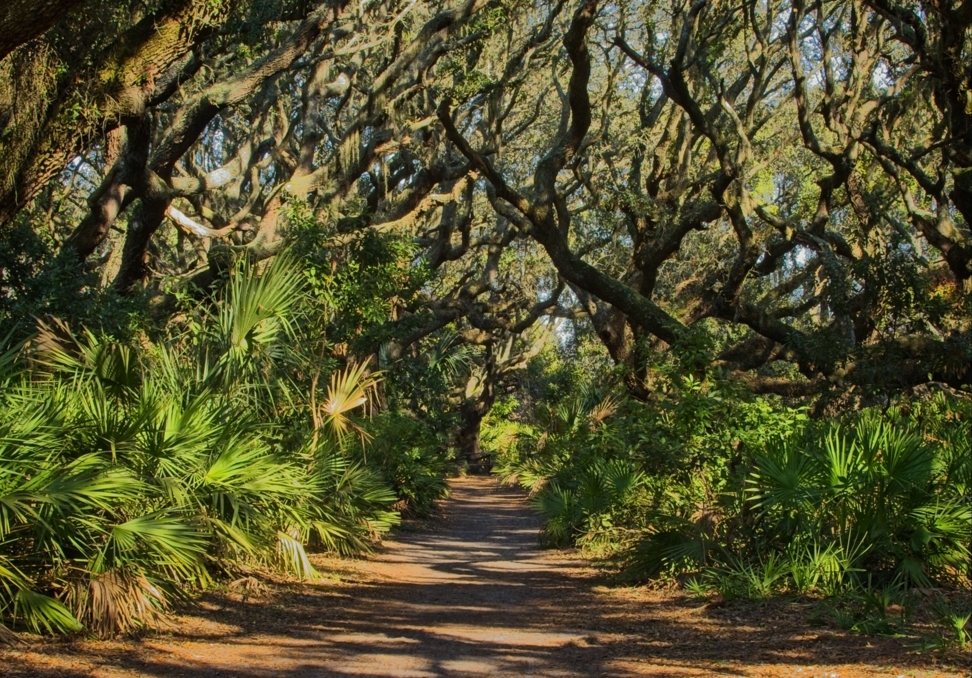
I love the tunnels created by the Southern Live Oaks covered with Spanish Moss that are seen frequently in South Carolina and Georgia.
This image is nicely framed, and the strong directing lines are providing great depth.
I found the colors a little "off" but acceptable. I am curious on how you performed your white balance. Did you modify the channel saturations? Increased the contrast?
|
Sep 9th |
6 comments - 3 replies for Group 70
|
16 comments - 10 replies Total
|