|
| Group |
Round |
C/R |
Comment |
Date |
Image |
| 63 |
Aug 24 |
Reply |
Thanks Barbara. I like your crop.
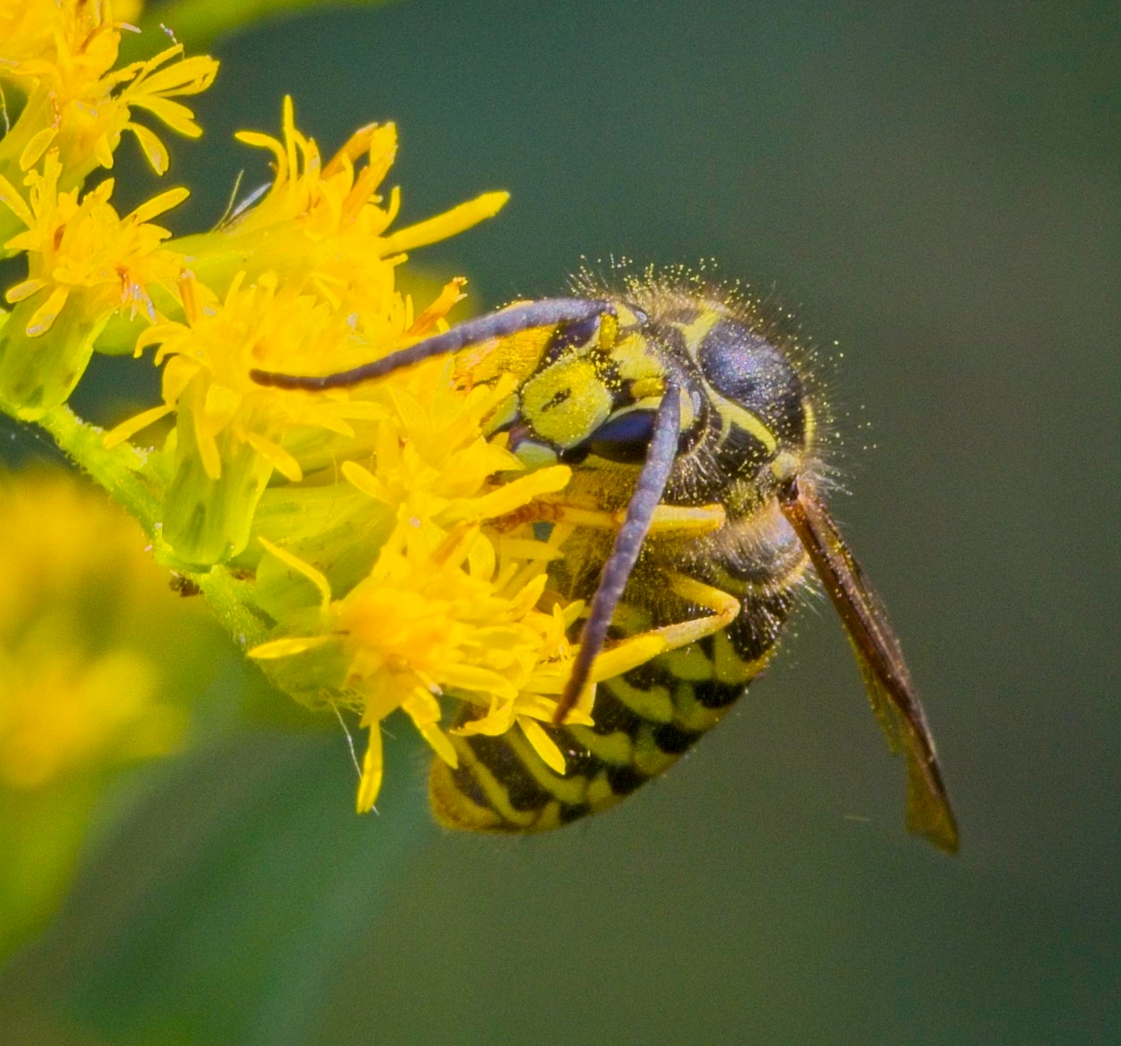
I successfully did some focus-stacking images using a focussing rail and the Helicon program, as long as there is no plane close to the lens superposed with a deeper plane - having in mind images of Orchids.
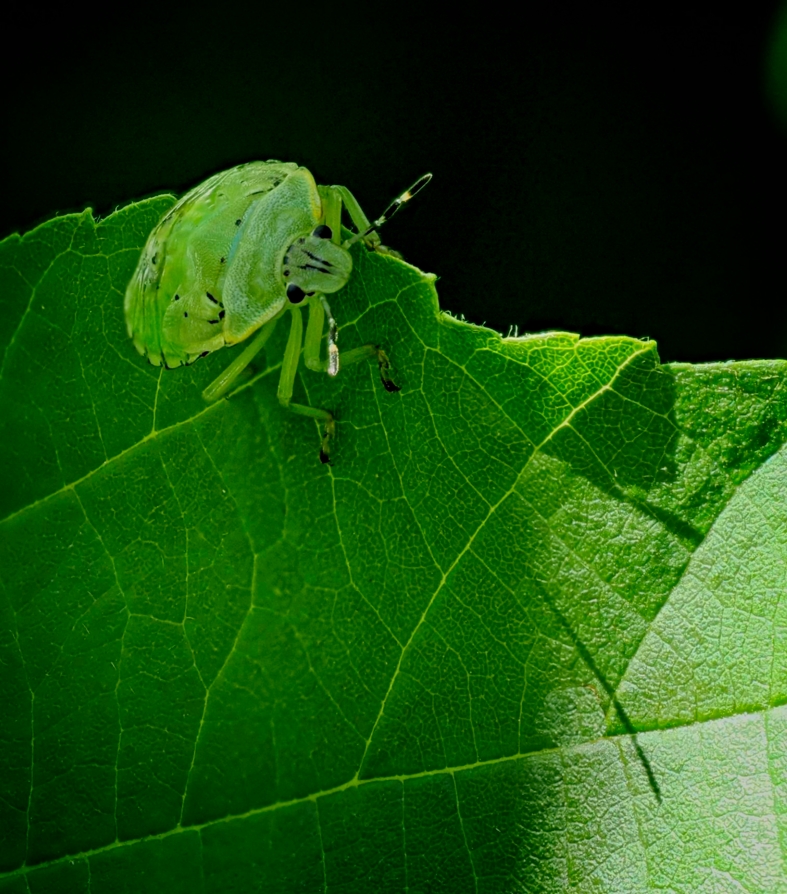
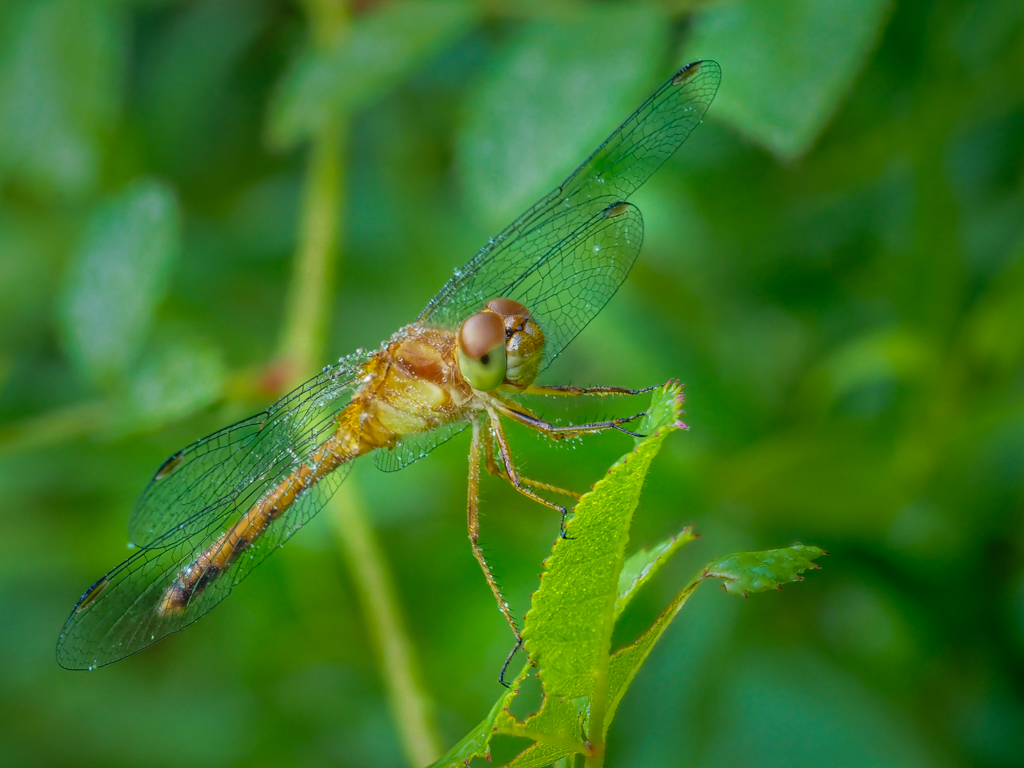
I am quite happy with the fairly easy in-camera focus-stating option available on the Olympus, and now OM system cameras. It allows me to capture, fairly quickly, live insects, as long as 1) they are not moving, 2) I am stable, and 3) no wind! Patience is key.
If the camera can't process the images, normally due to motion, one will be alerted that the stacking was unsuccessful. The main drawback, is that one need to wait for the camera to process the images before the next capture - a few seconds.
I obviously have many trials for a few keepers, but it is a fun exercise. It is easier to get the best conditions early in the morning, when it is still cool outside, as the subjects are not moving as much (with the potential added benefit of having dew on the subject and vegetation).
As all the slices are saved both in JPG and RAW, I can also process them via Helicon focus if needed. |
Aug 16th |
| 63 |
Aug 24 |
Reply |
Hi Murphy, I just want to clarify the whole process:
Many cameras are offering "focus-stacking" - and/or "focus-bracketing" modes. Using these, with one push on the shutter, the camera will go through a burst of captures at various focal lengths. Some cameras will then integrate all these images into a single focus-stacked image. With others, one would need to use all (or some) of the slices and then do the focus-stacking in a different program (Helicon focus for example, photoshop to some extent). It does not take very long to capture, but still, everything, including the subject, needs to be immobile... |
Aug 13th |
| 63 |
Aug 24 |
Reply |
Hi Murphy,
Thanks for these comments.
How much should be, or should not be, in focus is an artistic question with no single right answer.
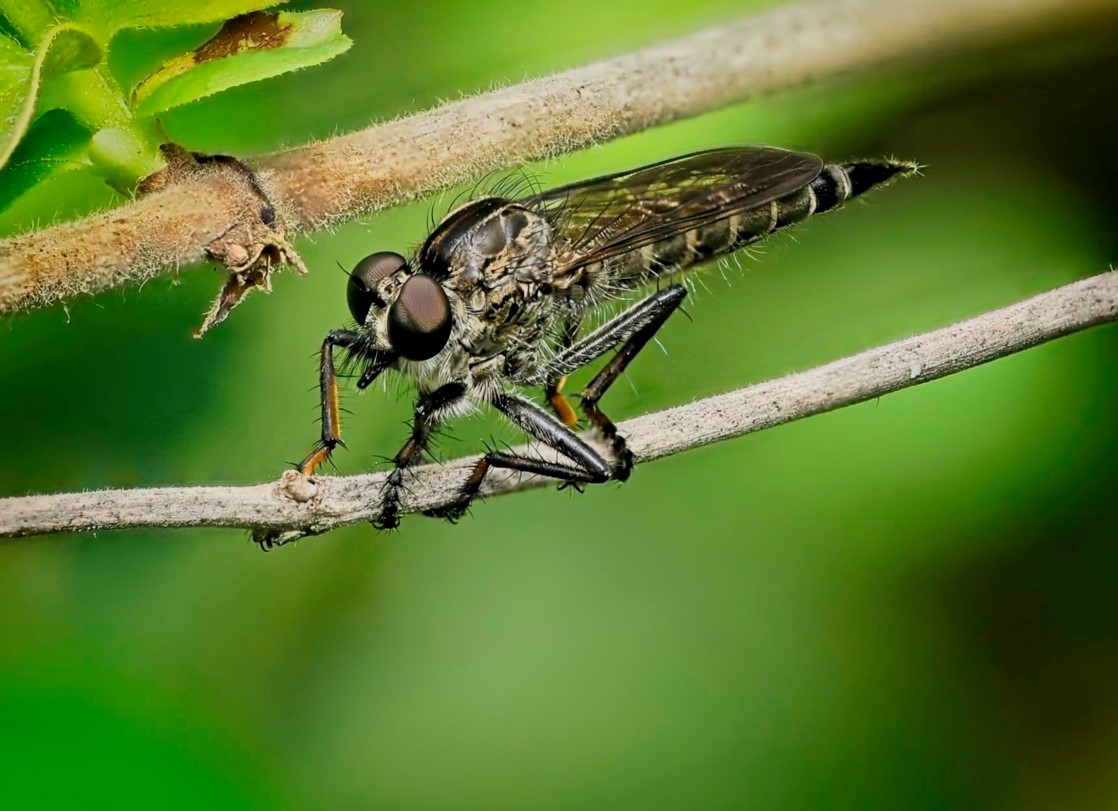
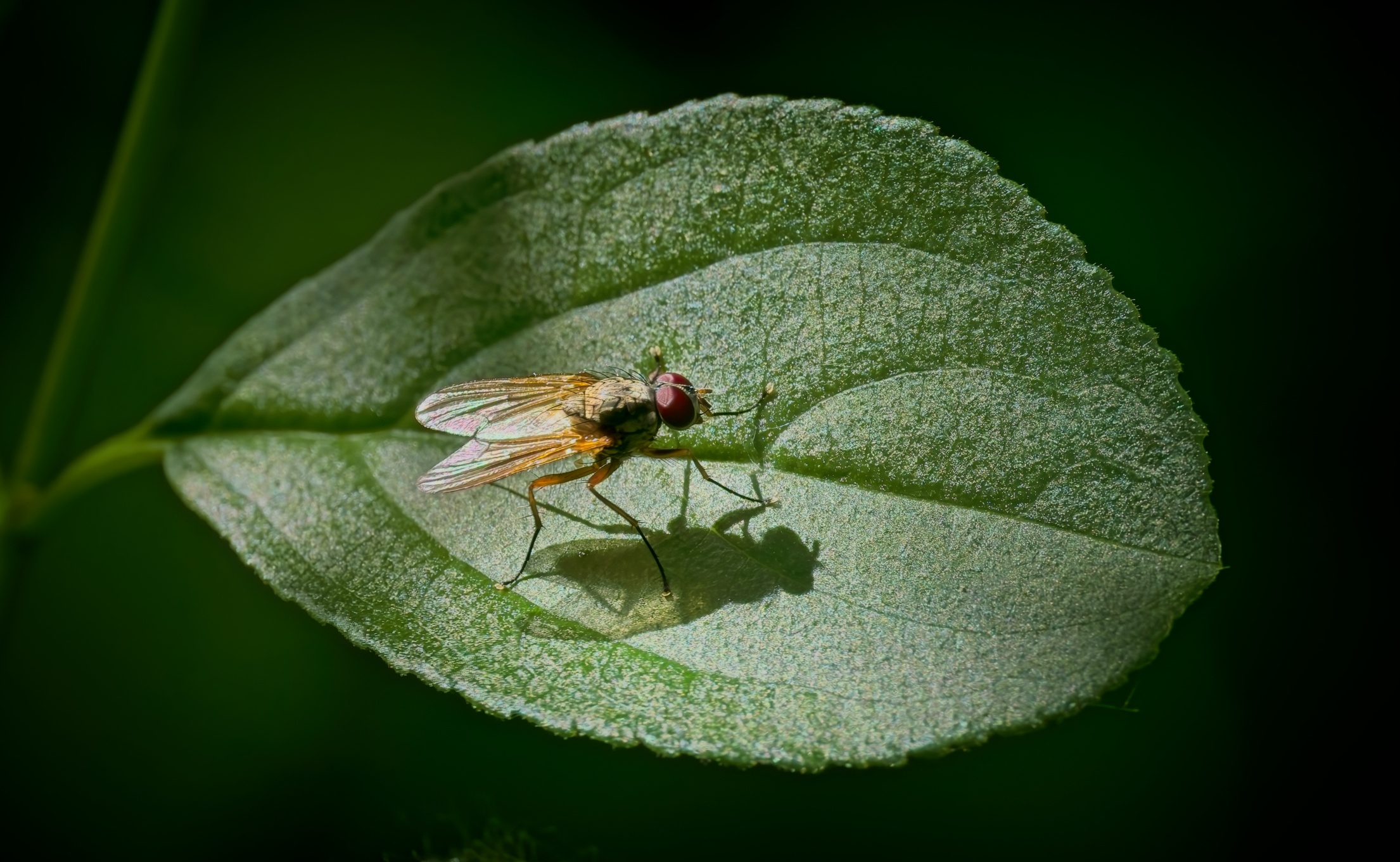
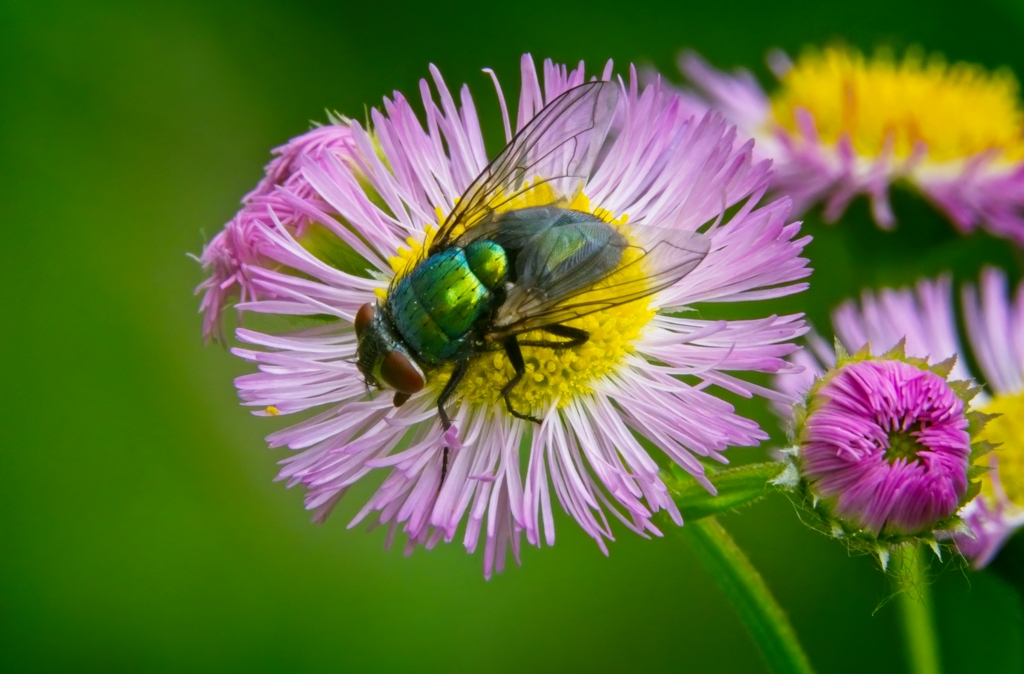
As this is a combo of 10 images, each at f/11, I am not sure that increasing the f to 16 would have significantly affected the results. (The thickness of the subject and of each 10 slices should have covered this fly.) I believe that my main issue is motion. Even though each image was at 1/2000, the fly can slightly move in the span of the 10 images. |
Aug 11th |
| 63 |
Aug 24 |
Reply |
Hi Alane,
Thank you for the suggestion. Unfortunately, I do not have enough room around the Robber fly to allow significant rotation without clipping part of the subject. |
Aug 11th |
| 63 |
Aug 24 |
Comment |
Thanks Charles. All very good points. I agree. |
Aug 8th |
| 63 |
Aug 24 |
Comment |
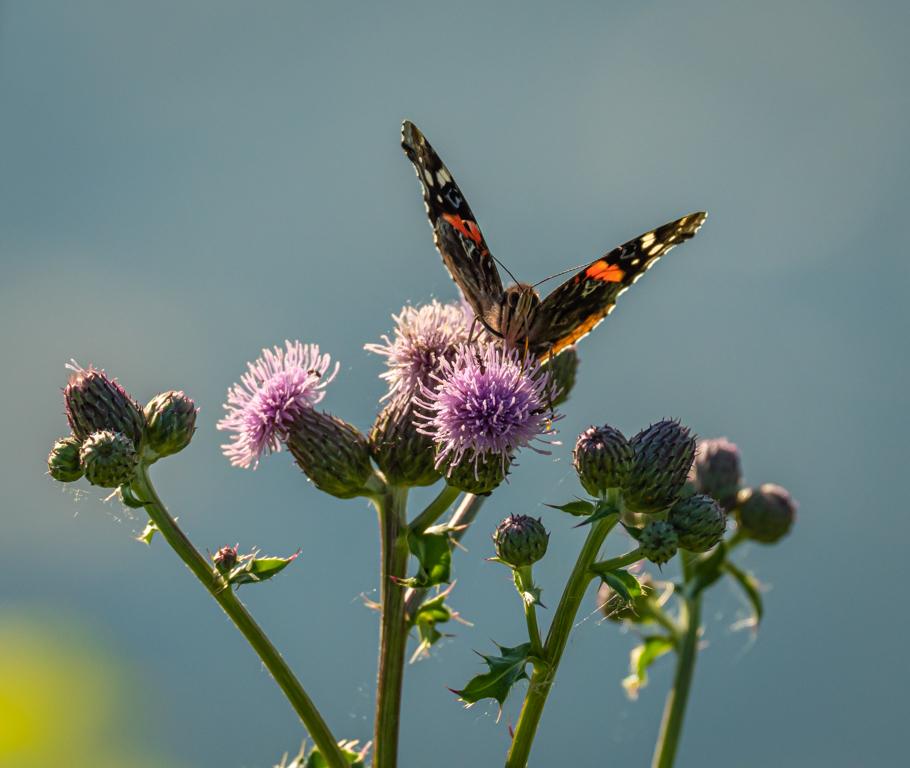
Nice. I like the non-competing background. I like the flower positioning.
I found the image a little dark with the shadows a little strong.
I took the liberty of working a little bit on it by cropping a little on the right, increasing exposure, decreasing shadows and highlights and adding a gentle vignette centered on the middle of the left flower.
These "tweaks" are just suggestions as everyone will have different tastes.
I personally would have liked a little more room on the top of the tall flower.
|
Aug 8th |
 |
| 63 |
Aug 24 |
Comment |
Impressive close-up image with lots of details. The high f-stop of the camera on cell phone helps with the depth of field.
Fantastic color contrast between the Swallowtail and the purple flowers.
Impressive what can be achieved with cell phone cameras nowadays!
My only suggestion would be to slightly crop the left side of the image. This would provide for relatively more space in the direction pointed by the subject.
|
Aug 8th |
| 63 |
Aug 24 |
Comment |
Beautiful creative image. I love the subtle light effects, composition, framing, etc. Very artistic.
I am sure that you spent a fair amount of time cleaning the glass and the bottle as finger prints can be really annoying to discover in post-processing, especially with this lighting.
Interesting Info about the bit size. I believe that 16-bit files allows for a much broader color palette (gamut) and thus explains the decreased banding effect.
Another keeper! |
Aug 8th |
| 63 |
Aug 24 |
Comment |
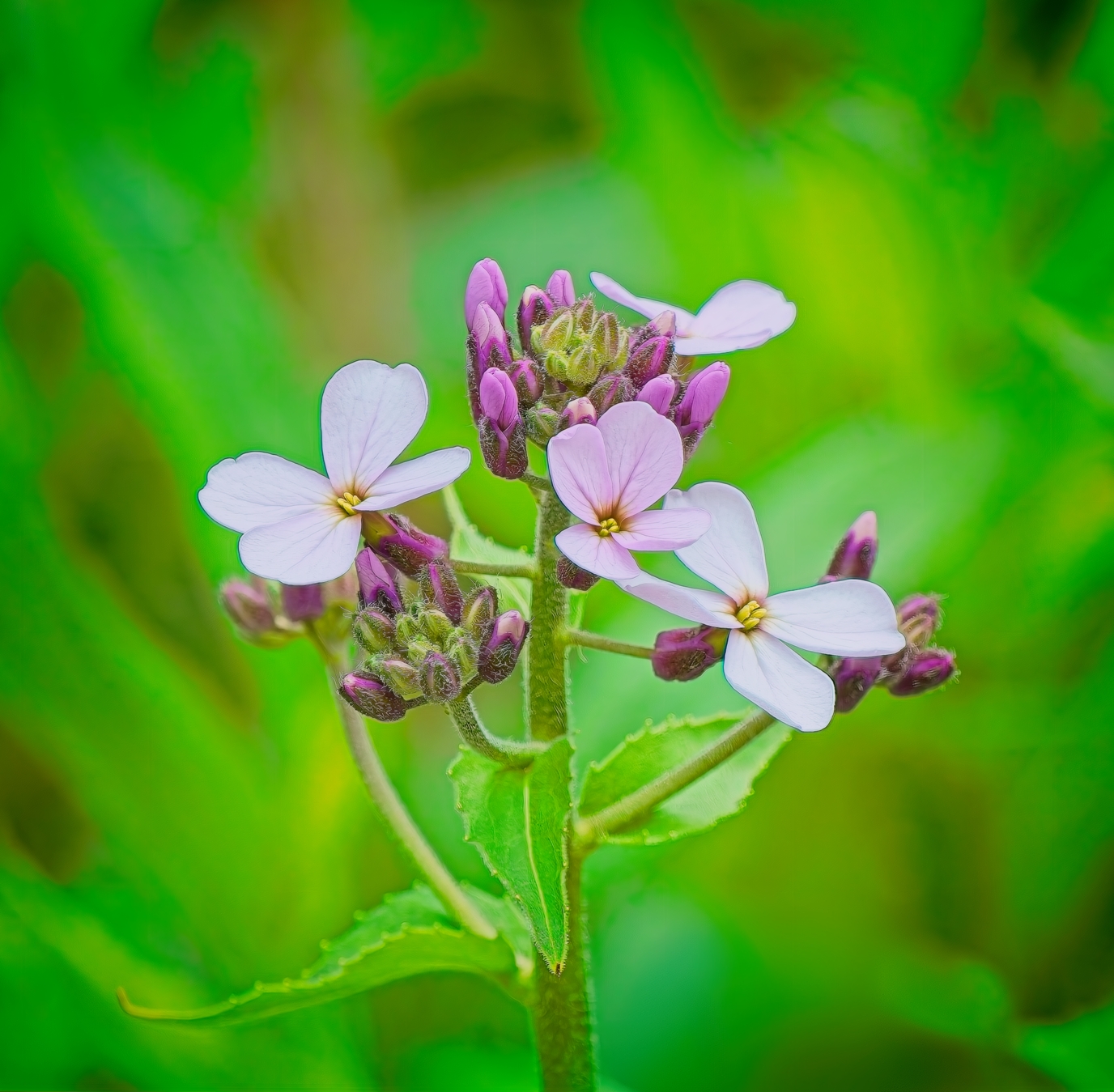
Lovely flower. Nice details - Perfect framing - a Vignette allowing to reduce distractions from surrounding structures.
A keeper!
The only suggestion would be to slightly decrease the shadow on the bottom left corner to see this green leaf better. |
Aug 8th |
| 63 |
Aug 24 |
Comment |
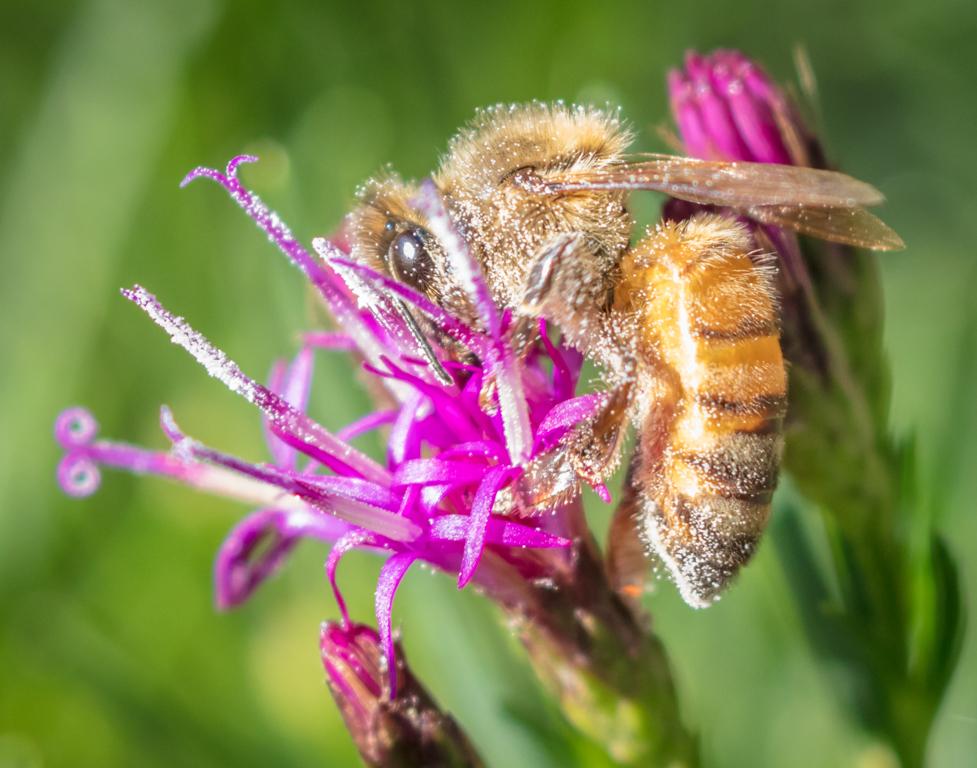
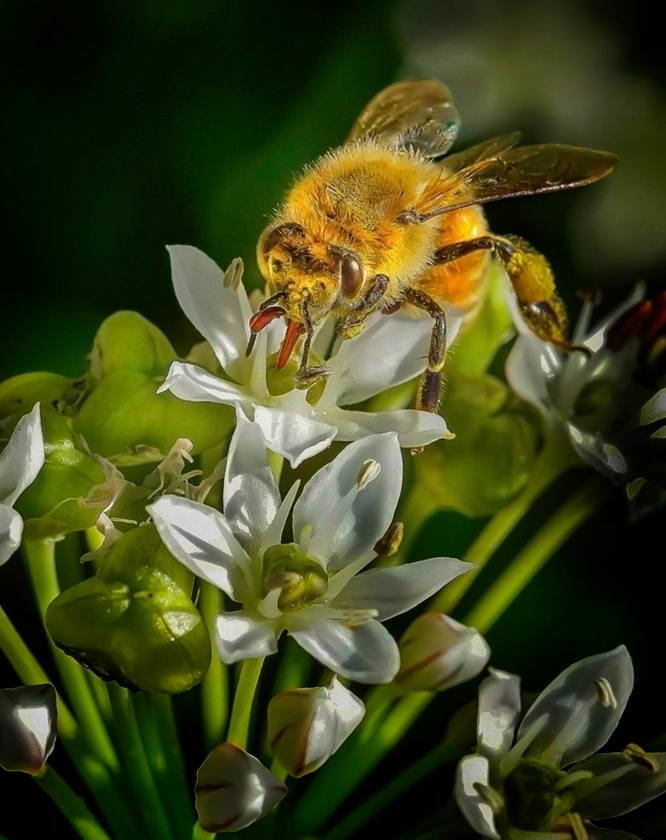
I love all the details seen throughout the flowers and the bee, especially its face - WOW!
I ponder about your issue with the upper left dark corner considering that the image if fairly bright throughout. Here is what I came with: I added a fairly strong vignette off-centered on the head of the bee - I think that it allows a better balance and makes the top left a little brighter! One could try the same technique after cropping the bottom 1/3 of the image.
Please let me know what you think. |
Aug 8th |
 |
| 63 |
Aug 24 |
Comment |
Wow. This is a very artistic image of a frog. Perfect sharpness of the right eye, right nostril, a few right fingers and lips gently transitioning to a slight out of focus blur makes it very appealing to me. Up close and intimate. Nice pastel tones and cool details...
This image keeps the dialogue going between "all in perfect focus" and an artistic blend.
I love it!
|
Aug 8th |
7 comments - 4 replies for Group 63
|
| 69 |
Aug 24 |
Reply |
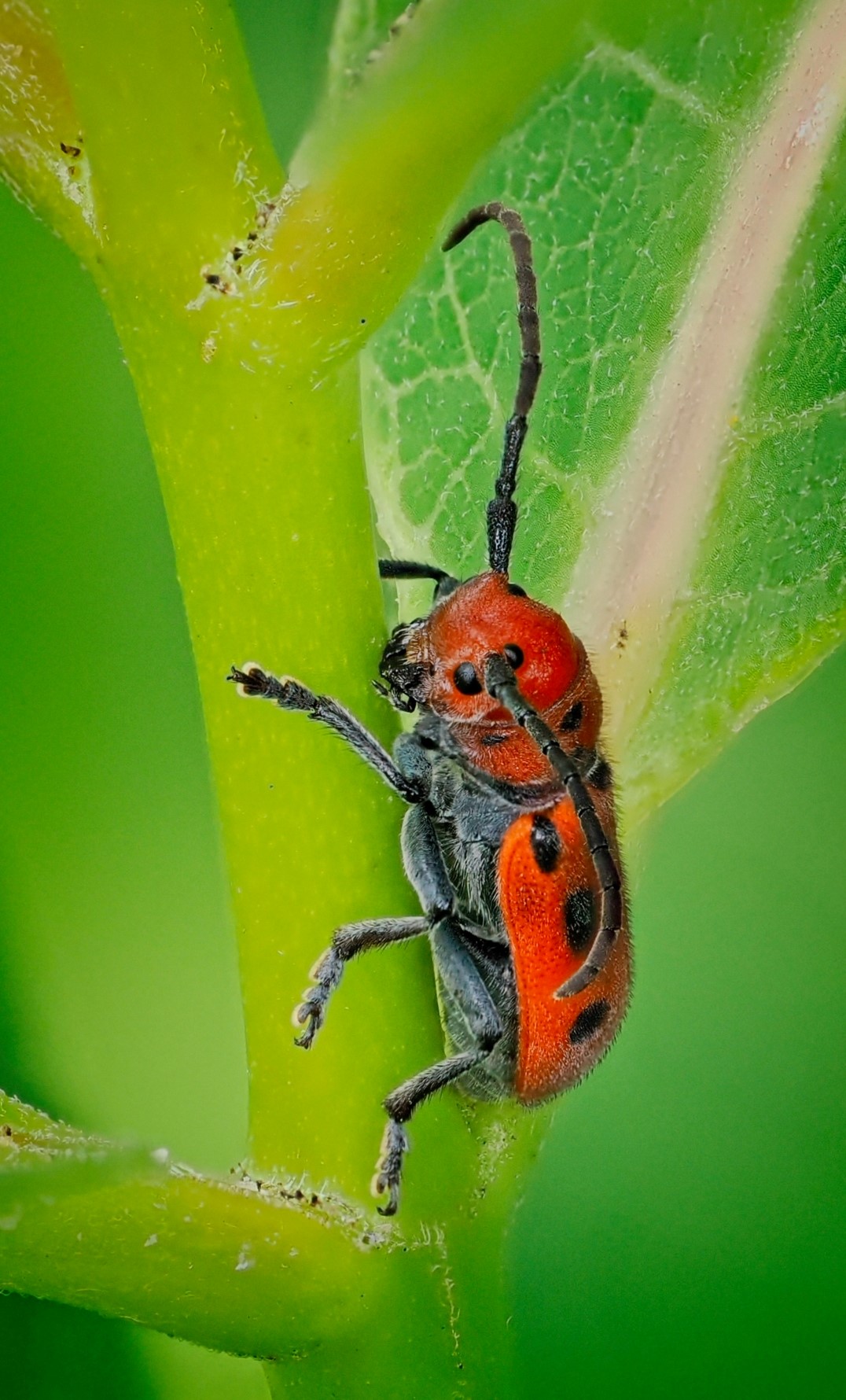
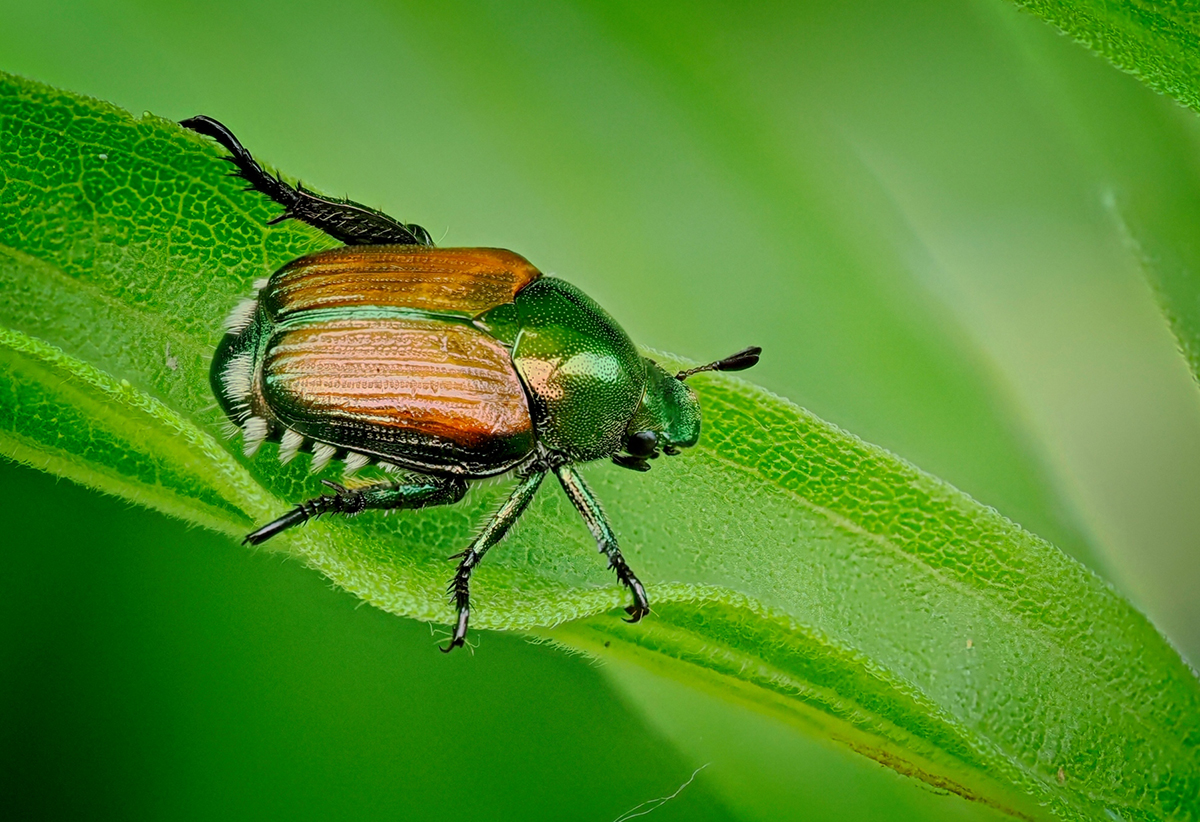
Hi Cindy, you are quite right. These Japanese Beetles are everywhere. They are considered an invading bug and will squeletonize the leafs - quite destructive.
"Beautiful… but deadly!"
|
Aug 14th |
| 69 |
Aug 24 |
Comment |
Hi Jacob,
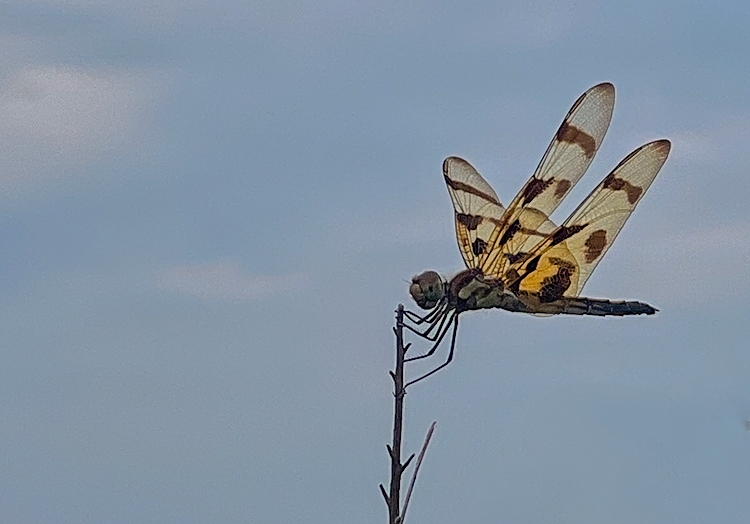
Nice dragonfly. I am still of the image you capture with an iPhone.
As the dragonfly was backlit, the details on texture and colors are not coming through very well.
I tried to open the shadows, decrease the highlights and increase the contrast with the result attached.
I like the way you cropped your image.
Now.... one of the advantages of using an iPhone, is that there is an integrated flash! Next time, please make sure that the flash is on. That flash with bring out the details. This technique is called: "fill flash". This image would have been greatly improved using this simple technique. |
Aug 8th |
 |
| 69 |
Aug 24 |
Reply |
Thanks Jacob |
Aug 8th |
| 69 |
Aug 24 |
Comment |
Hi Cindy,
Lovely image. I also agree that the "chick" adds to your image, even is a little blurry.
I believe that this is Chachalaca.
Great capture. |
Aug 6th |
| 69 |
Aug 24 |
Comment |
Hi Mervyn,
Thanks for your kind words. I have lots of trials for not a lot of keepers! With focus-stacking on live subjects, any wind, or subject motion can lead to disastrous results (extra legs, extra antennae, blur, etc.....) Tricky but fun to practice! |
Aug 6th |
| 69 |
Aug 24 |
Reply |
Thanks Diane |
Aug 6th |
| 69 |
Aug 24 |
Reply |
Thanks Dean. These are beetles are quite shiny. Despite their appearances, these are quite destructive/invasive. |
Aug 6th |
| 69 |
Aug 24 |
Reply |
Hi Jaswant,
Thanks for the suggestion. |
Aug 6th |
| 69 |
Aug 24 |
Reply |
You are welcomed. One of the chalange of "bug" photography, is to identify the subject..... not always easy! |
Aug 6th |
| 69 |
Aug 24 |
Comment |
Hi Diane,
The blur in your image is not caused by motion, as even during a windy day, 1/4000sec should have prevented motion artefacts. At f/2 your depth of field is very shallow, and because of this, most of the paws are not in focus.
If this is the effect you wanted, you did well and I found the result pleasing.
To catch everything in focus, I would have selected a f stop of 16 or so.
|
Aug 3rd |
| 69 |
Aug 24 |
Comment |
Intimous capture. It takes a lot of effort to get there, but what a shot.
A keeper. No suggestion to offer. |
Aug 2nd |
| 69 |
Aug 24 |
Comment |
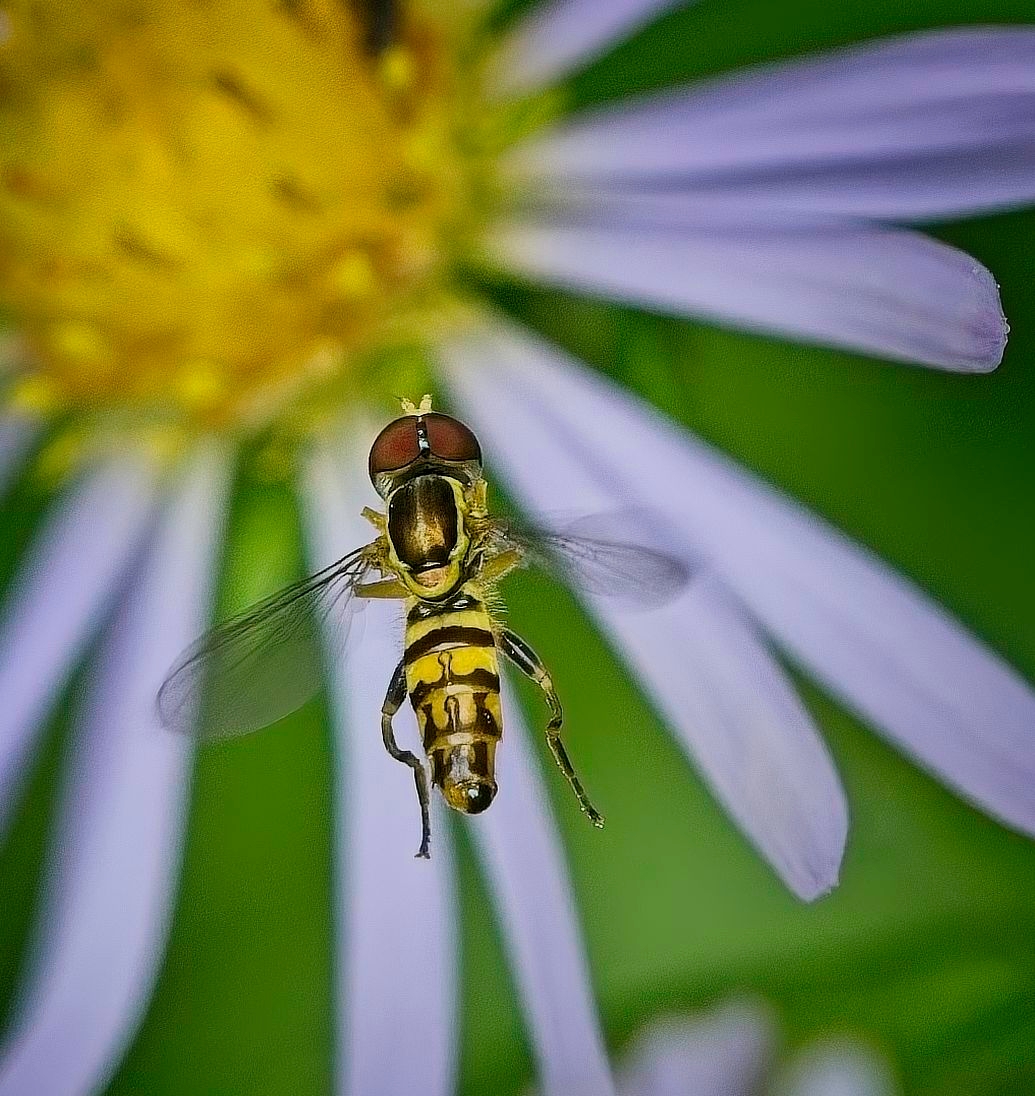
Beautiful. A transverse banded drone fly! Nice details and colors. I like the crop. Very nice Macro-photography shot!
Congrats. |
Aug 2nd |
| 69 |
Aug 24 |
Comment |
What a beautiful capture. Vivid colors and details.
The only improvement would be an eye-level shot (either by being further away - (longer telescopic lens) or getting wet!
Very nice. |
Aug 2nd |
7 comments - 6 replies for Group 69
|
| 70 |
Aug 24 |
Reply |
Congratulations Kirk! |
Aug 27th |
| 70 |
Aug 24 |
Reply |
Hi Frans,
Thanks for these nice comments and suggestions.
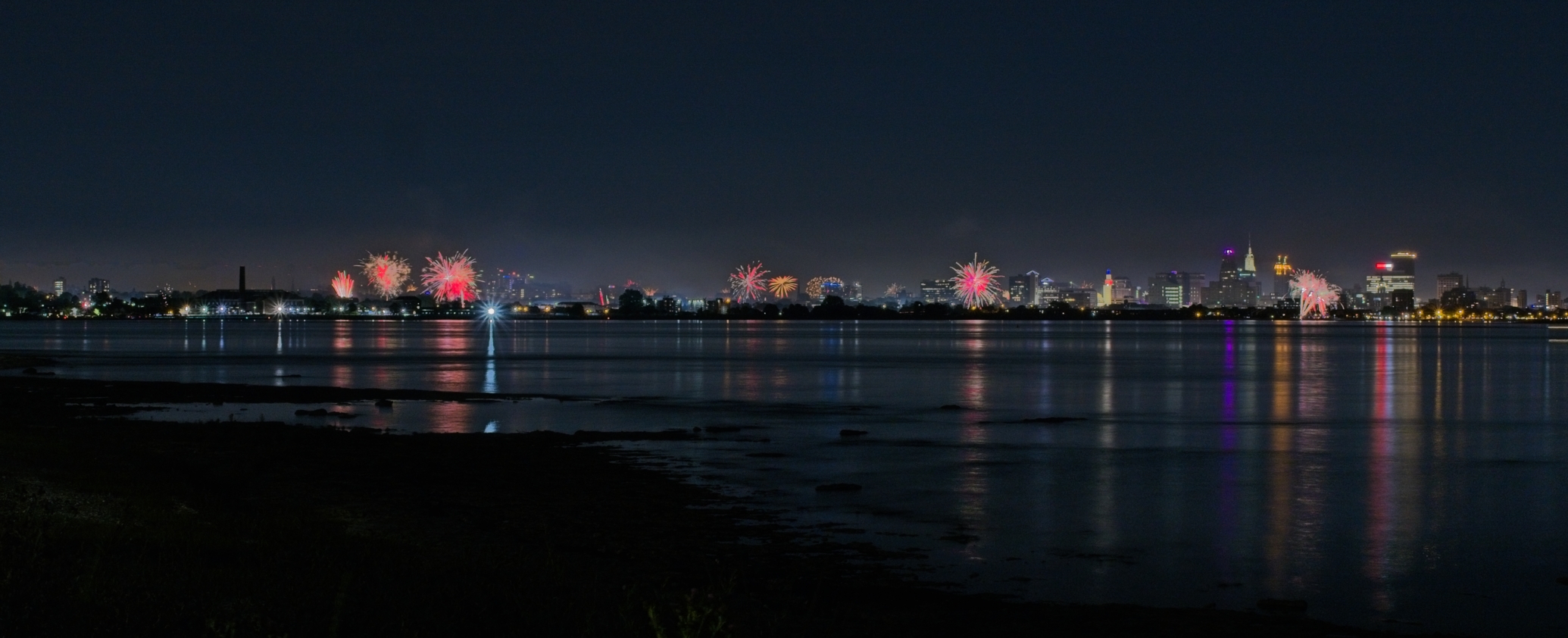
As mentioned above, Olympus / OM Systems makes it easy to capture this type of images with their special Bulb Mode "Live Time" that allows to capture a first image and then only add up the new lights coming in the scene. Fun feature, especially for fireworks and for photographers that want to play with light painting. |
Aug 27th |
| 70 |
Aug 24 |
Reply |
Thanks Kathryn
|
Aug 21st |
| 70 |
Aug 24 |
Comment |
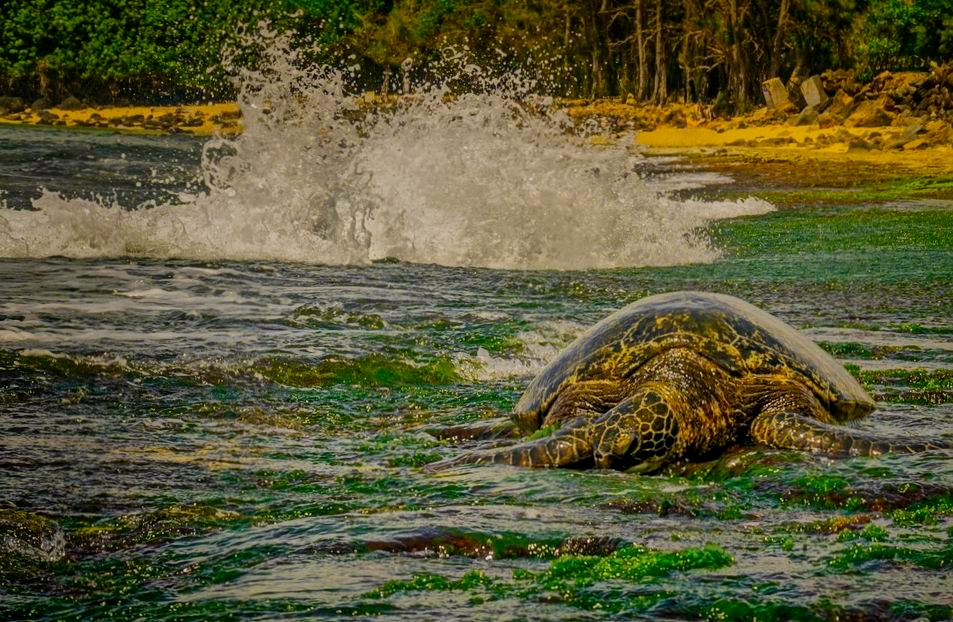
And the second version: |
Aug 9th |
 |
| 70 |
Aug 24 |
Comment |
Hi Tami,
Nice dynamic image with wave crashing behind the turtle. Unfortunately, the sky was not interesting and the is a background blur, probably due to high wind conditions.
Furthermore, the turtle appears to be "lost" in the image.
I took the liberty to offer 2 possible versions.
The first one: using a strong vignette with centered on the turtle. The second one: cropping more tightly.
Please let me know what you think. |
Aug 9th |
 |
| 70 |
Aug 24 |
Reply |
Quite right! This is an amazing technological improvement. As mentioned before, the best camera is the one you have with you when you need it! |
Aug 8th |
| 70 |
Aug 24 |
Reply |
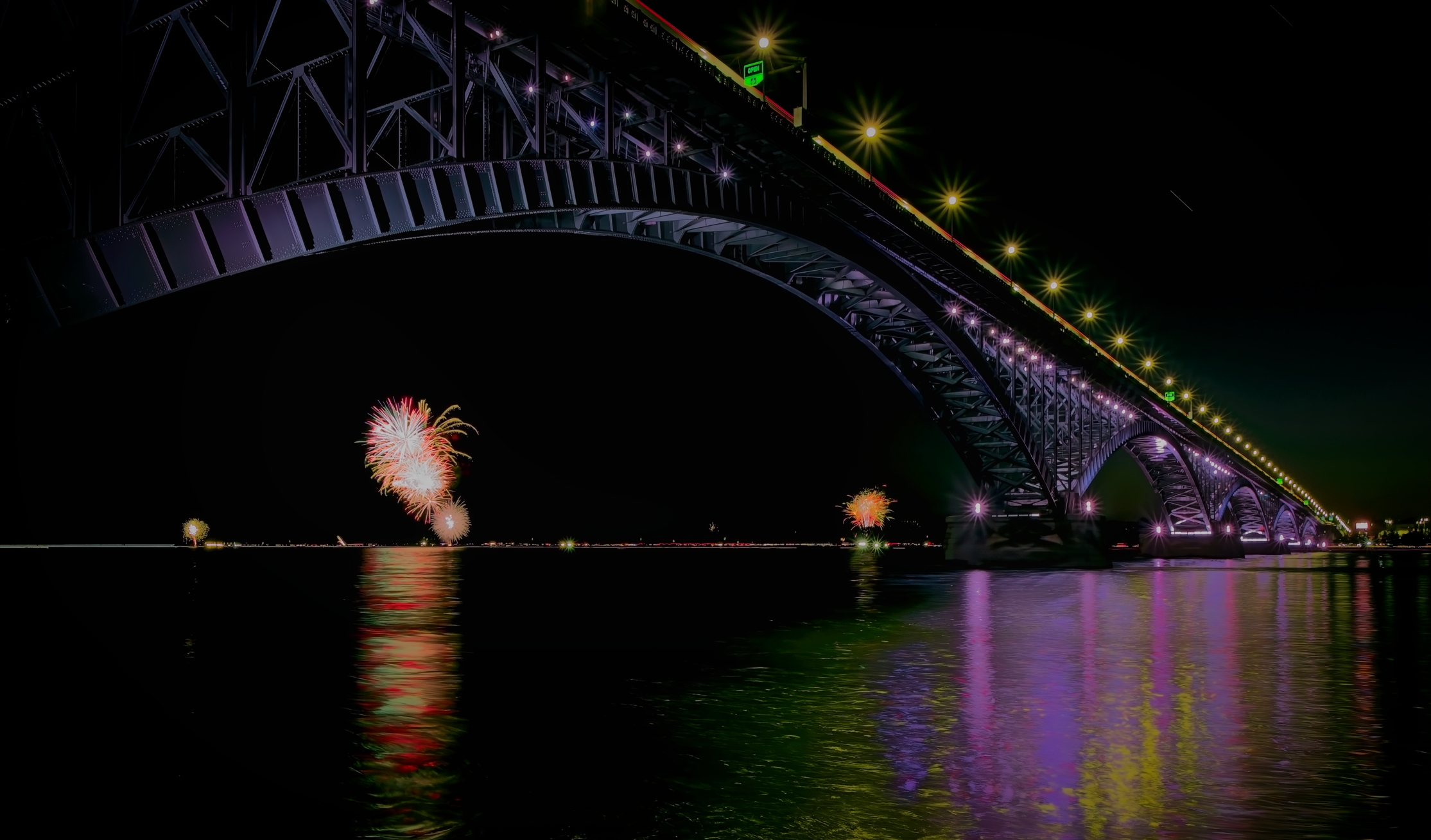
WOW! I also like that one. I saw multiple images of that bridge during the day, but not at night. |
Aug 8th |
| 70 |
Aug 24 |
Reply |
Thanks for this nice and accurate analysis. I have multiple images of this bridge without fireworks, both from the New York, USA side and from the Ontario, Canada side of the Niagara river. On these, the bridge is the "subject".
Here, I tried to have 2 subjects that were not well matched!
I was mainly having fun and understanding how to use this feature.
|
Aug 8th |
| 70 |
Aug 24 |
Reply |
Thanks Geoff. |
Aug 8th |
| 70 |
Aug 24 |
Reply |
Hi Kirk,
You are quite right. I was very close to the "big" bridge and far away from the relatively "small" fireworks. I found your "tweaks" quite helpful. Thanks.
In respect to this special "computing" mode, several photographers are using this specific one for "light painting". I believe that this is a "proprietary" feature offered by Olympus/OM System cameras (micro 4/3).
|
Aug 8th |
| 70 |
Aug 24 |
Comment |
Wonderful image. Horizon in mid-field very pleasing with this interesting cloud formation (possibly slight tilt). Fantastic "orange" hour and lights between layers of clouds. Perfect positioning of the beach as well as the lonely walker. Nice gradation of grays in the mountains and lower clouds.
No question about it, this is a keeper.
I have no suggestions - Great work. |
Aug 6th |
| 70 |
Aug 24 |
Comment |
Hi Frans,
You did it Again! Eloquent demonstration on what can be done: Perfect blend of your boring cloudy image with your image of the Golden Gate Bridge.
Very artistic, yet very realistic.
Another keeper. |
Aug 6th |
| 70 |
Aug 24 |
Comment |
Hi Kathryn,
Lovely image. I love the multilayer clouds, the horizon in mid-frame, the color palette, plays of lights and shadows, and the directing lines. Everything is crisp sharp.
Did you use a polarized filter?
My only minor suggestions would be to slightly open-up the shadows and, potentially, a touch of dehazing on the land, under the clouds.
Another WOW! |
Aug 6th |
| 70 |
Aug 24 |
Comment |
Hi Geoff,
This is probably the best image of this Opera House I have seen!
Lovely lights and shadows, amazing details.
I am impressed by what you were able to achieve with an iPhone.
This is a big WOW! |
Aug 6th |
| 70 |
Aug 24 |
Comment |
Hi Stefaan,
A nice "new look" to a frequently photographed bridge.
Nice sharpness, color palette, geometry and directive lines.
This is a great image. I do not have any suggestion for improvement.
Another keeper! |
Aug 6th |
| 70 |
Aug 24 |
Reply |
Hi Geoff,
I was trying this "Live Time" mode on my OM System camera. My goal was to capture the July 1st fireworks in Fort Erie, Ontario, but I also wanted to have the illuminated Peace Bridge in the image.
So, the First image, f11, ISO 800, 1/2 sec captured the bridge over the river. During this first shot, there were no fireworks. Following this first exposure, my screen was refreshing every 1/2 sec, capturing only the "new" lights that were not seen on the 1st shot. During this process, approximately 5 to 10 min, multiple firework came live on different area of the shores of Fort Erie (but not at the same time). I was able to follow "live" the progressive superimposition of the new "added" lights and decided to stop at that point, avoiding overexposure. I was happy with the results, especially considering that it was my first trial using this technique. |
Aug 6th |
7 comments - 9 replies for Group 70
|
21 comments - 19 replies Total
|