|
| Group |
Round |
C/R |
Comment |
Date |
Image |
| 69 |
Jun 24 |
Reply |
Thanks for these kind comments. |
Jun 25th |
| 69 |
Jun 24 |
Reply |
Thanks Jacob |
Jun 13th |
| 69 |
Jun 24 |
Reply |
Thanks Jaswant |
Jun 13th |
| 69 |
Jun 24 |
Comment |
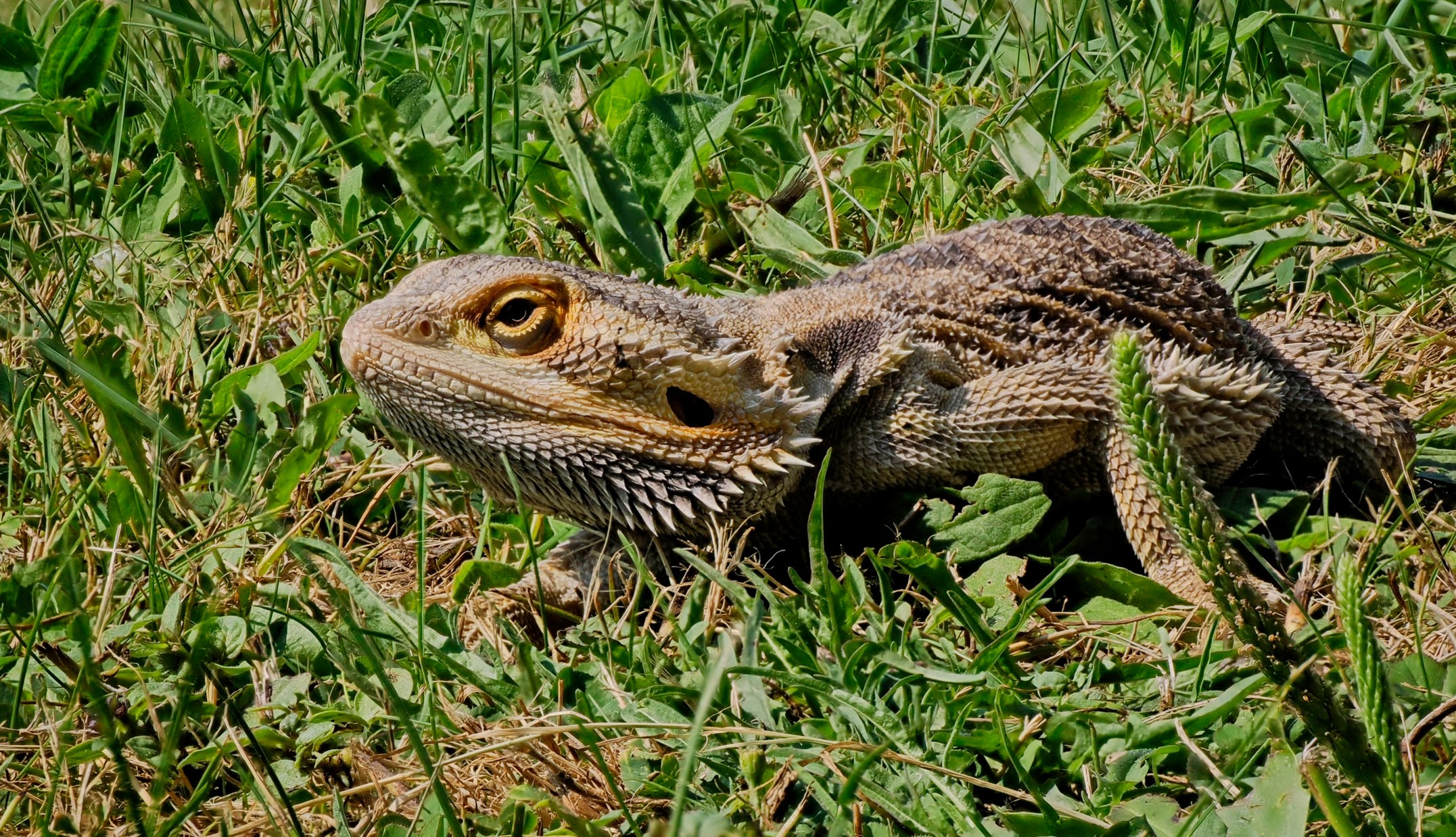
Maybe not a picture I would put on my living room wall! |
Jun 13th |
| 69 |
Jun 24 |
Reply |
Thanks Mervyn.
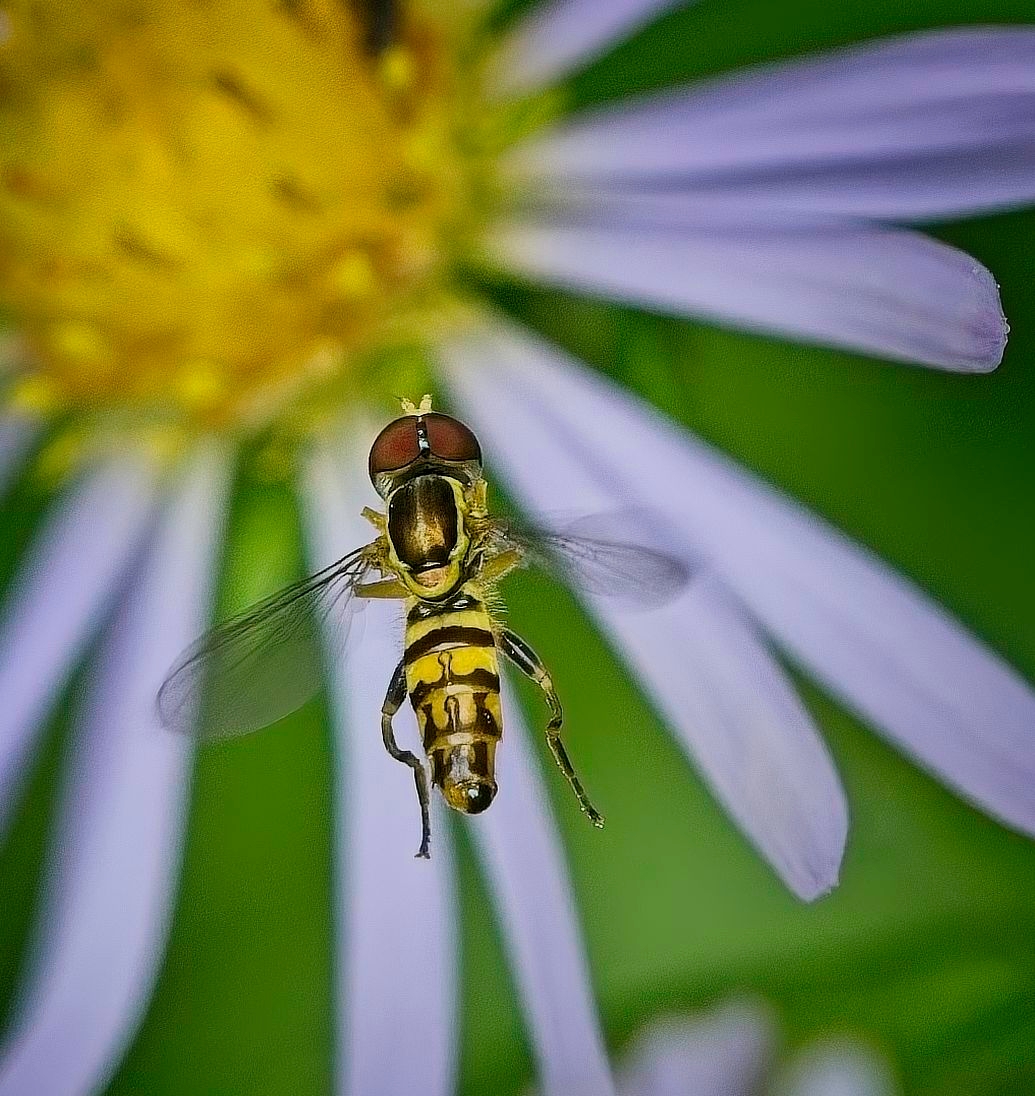
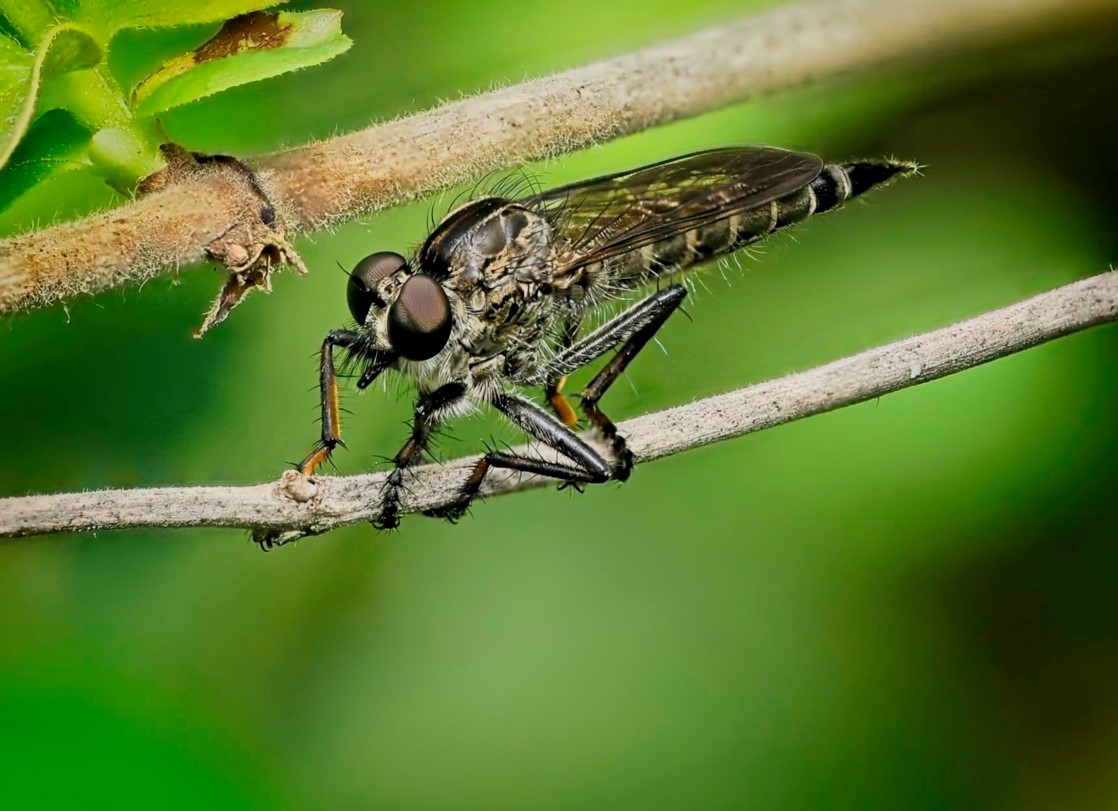
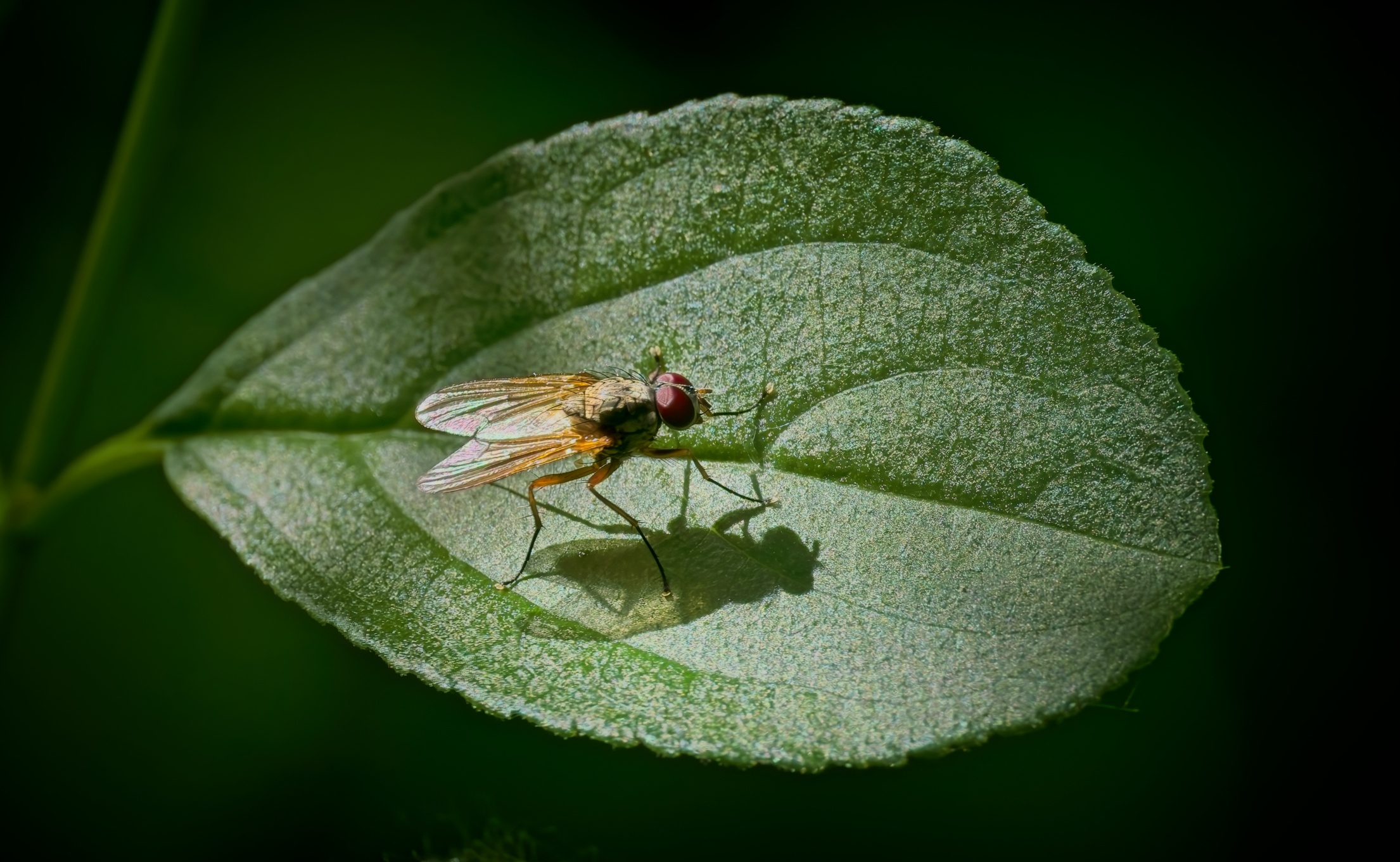
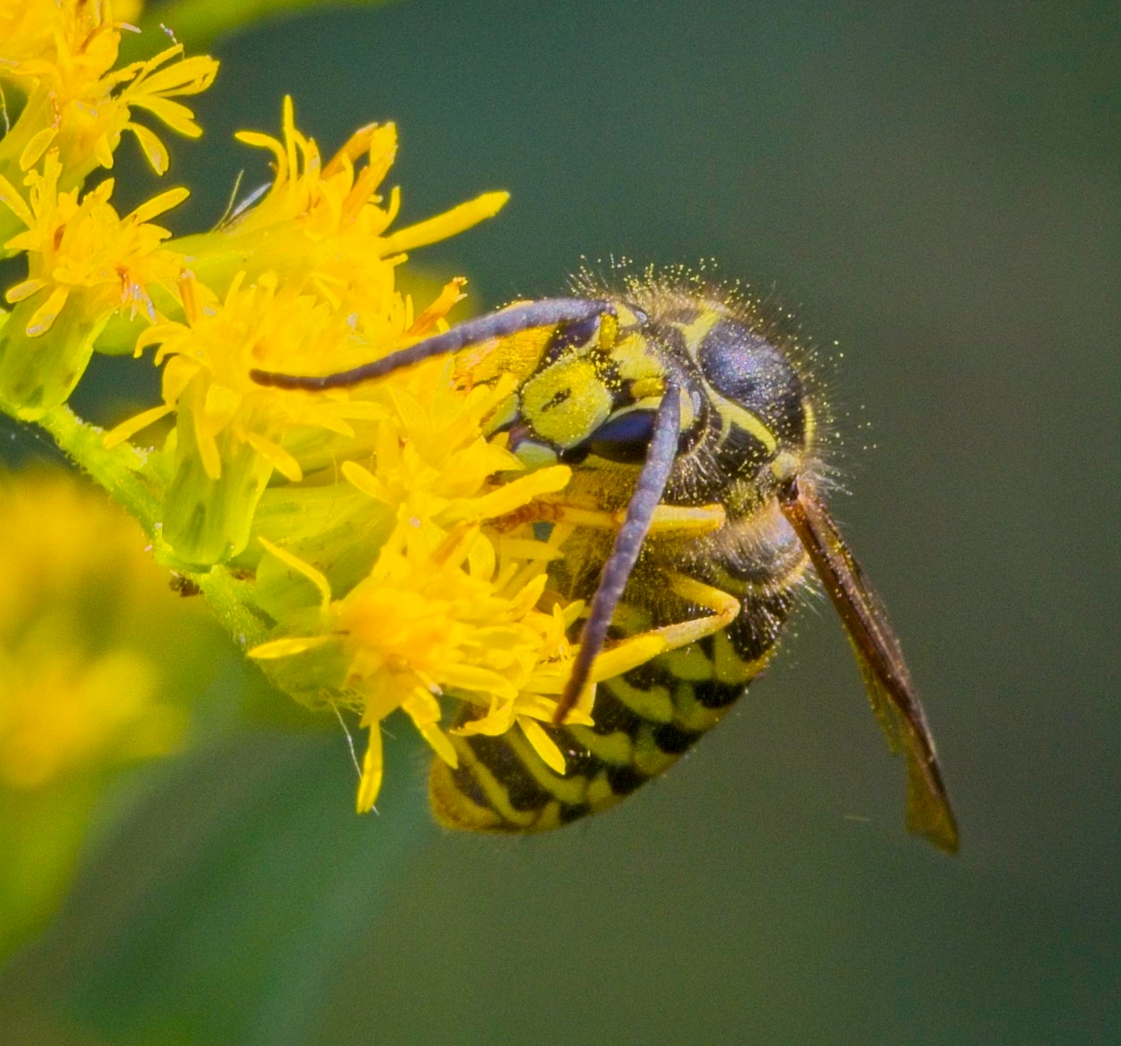
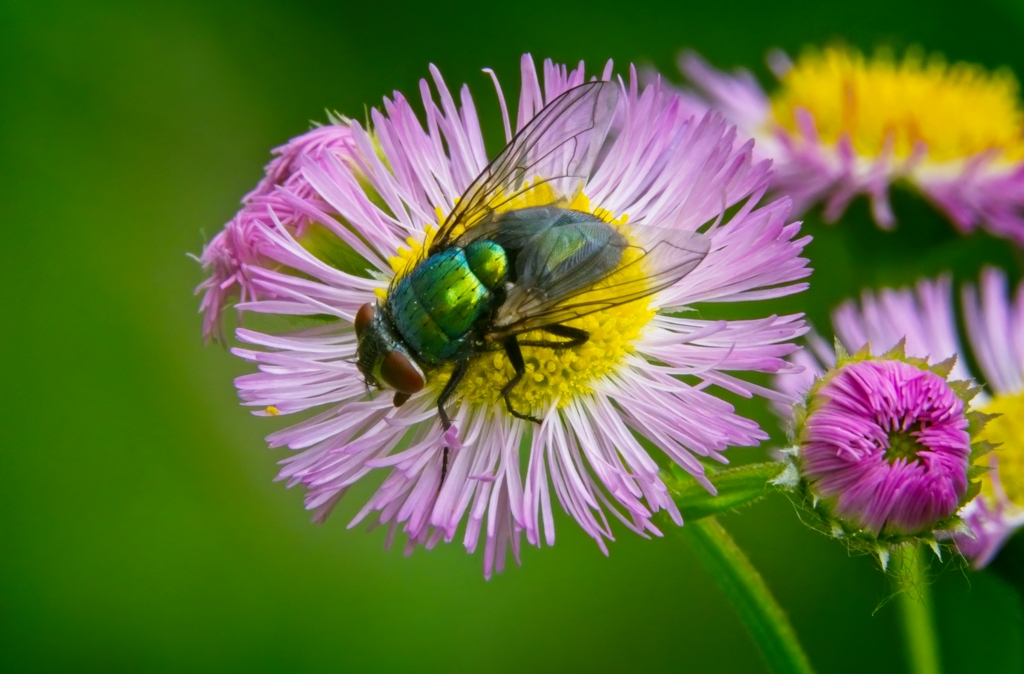
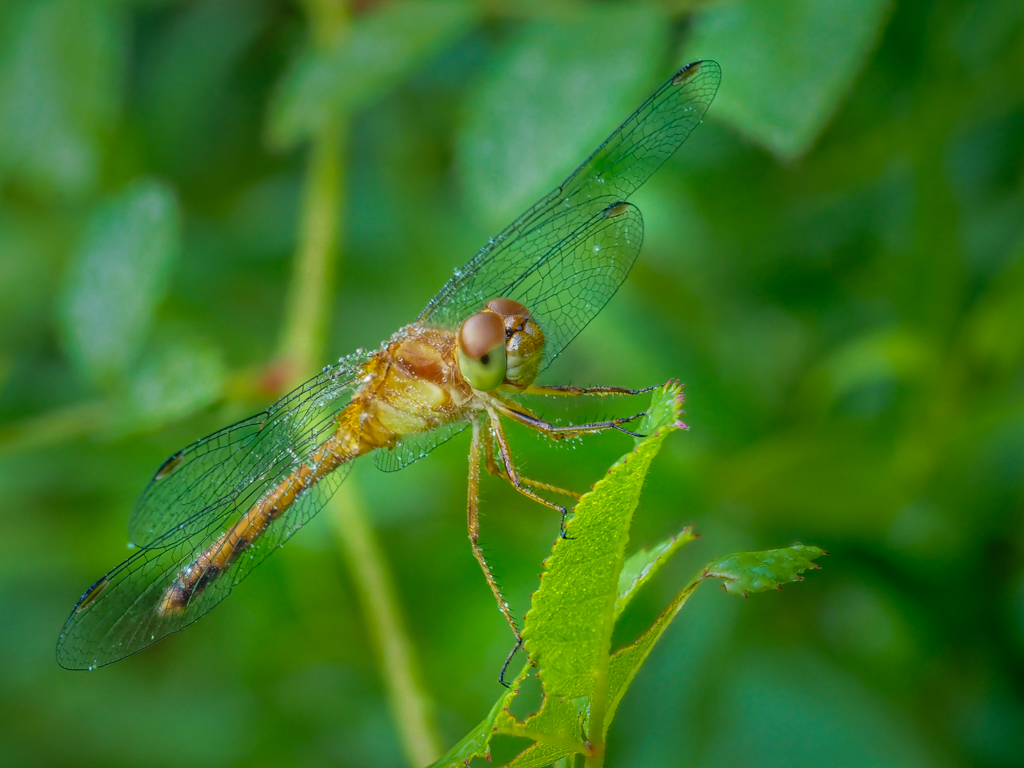
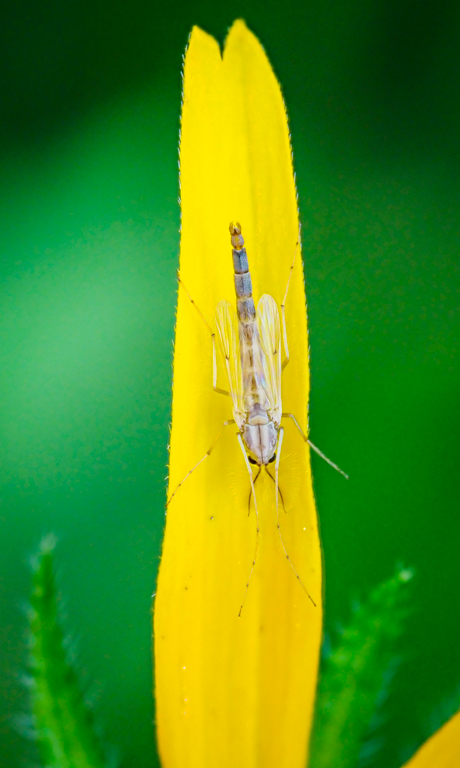
In fact, my main goal for that day was to test my new macro lens (OM Systems). Because of this, I was looking for small subjects (flora or fauna) around a pond.
Still, I agree with you, normally flies will not stay around very long, especially in a "perfect" spot with great lighting (I did not use a flash). I was lucky!
|
Jun 8th |
| 69 |
Jun 24 |
Comment |
Hi Jacob,
I remained impressed with the images you obtain with an iPhone 13 pro.
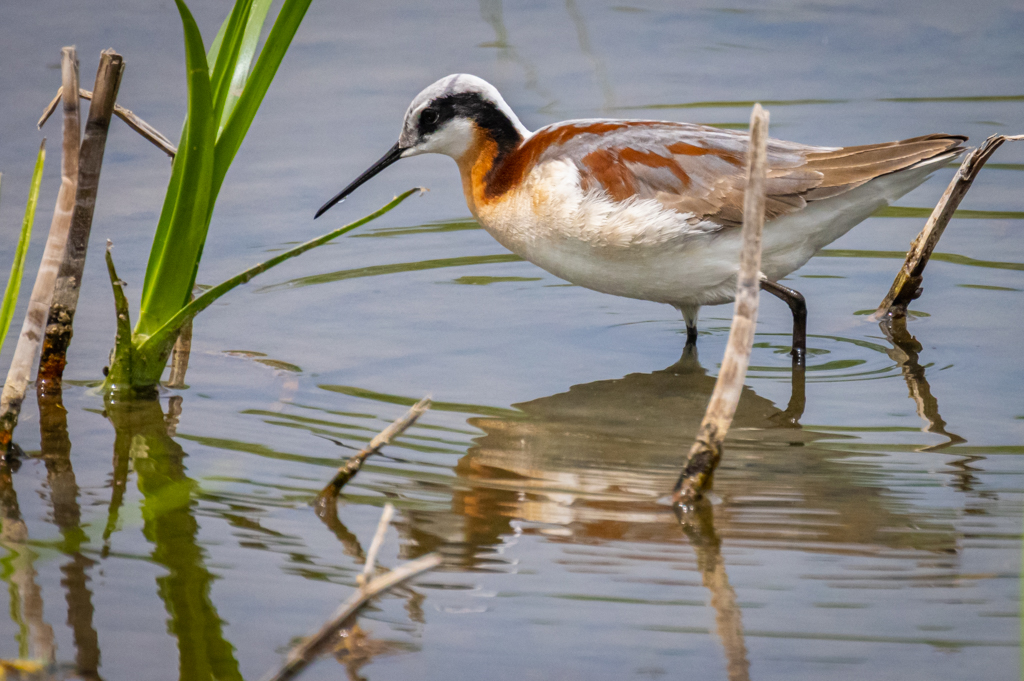
This bird looks like a Marble Godwit to me.
Issues: The more one needs to crop, the less pixels one can use, the more pixelated the image becomes. Unfortunately, there is not much one can do about these simple facts. Furthermore, your Godwit was partially backlit, which brings the left side of the bird much darker. Furthermore, the wave above behind the bird is picking up the light and become pretty bright.
I tried to work using your original version. I tried to decrease the highlights, decrease the shadows, decrease the noise, etc.... with limited success due to the JPG format and small size of the file. I also tried to sharpened the image without significant improvement.
I like to use ON1 2024 photo Raw, but I do not believe that the results that can be achieved are that different than on LightRoom.
Suggestions: 1_ try to fill up your frame with the subject (without clipping), 2_ try to get the sun either on your side or behind you to light up your subject. The most important portion of the work is done when you take the picture. Try to work on the angle, try to get closer or zoom in, etc.... Take multiple images. Before leaving the scene (as long as your subject stays there...), see what else you can do to improve your capture.
Here is what I was able to obtain with some quick adjustments.
|
Jun 8th |
 |
| 69 |
Jun 24 |
Reply |
Thanks Cindy |
Jun 8th |
| 69 |
Jun 24 |
Reply |
Thanks Diane
|
Jun 6th |
| 69 |
Jun 24 |
Comment |
Hi Jaswant. Another "WOW" image.
Zoom lens are great! 40 ft away would have been way to close for my comfort zone. Good thing that she was not hungry..... |
Jun 5th |
| 69 |
Jun 24 |
Comment |
Very nice image of a Purple Gallinule in its environment. The bird is sharp throughout and well exposed. A keeper!
I agree with Dean. I am not sure if I understand your cropping issue. The size of your file will depend on the format of the image. A Raw image will be much bigger than a JPG for example.
If you do not change the format, the cropped image should be a smaller file unless you artificially "resized" it. Another factor would be the definition of your file (300 dpi (dots per inch) will be a bigger file than 200 dpi for example.
I am not sure it that answer your question, but might generate more discussion. |
Jun 5th |
| 69 |
Jun 24 |
Comment |
Hi Dean,
Nice sunset and submission.
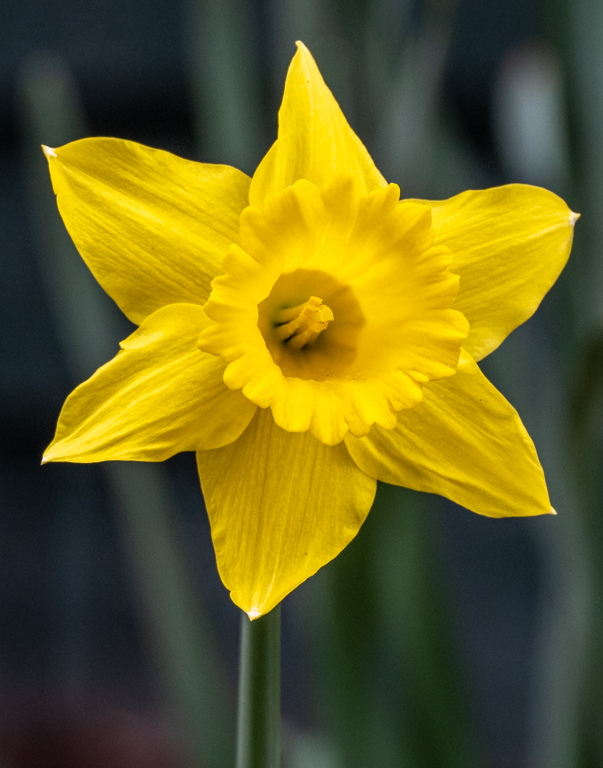
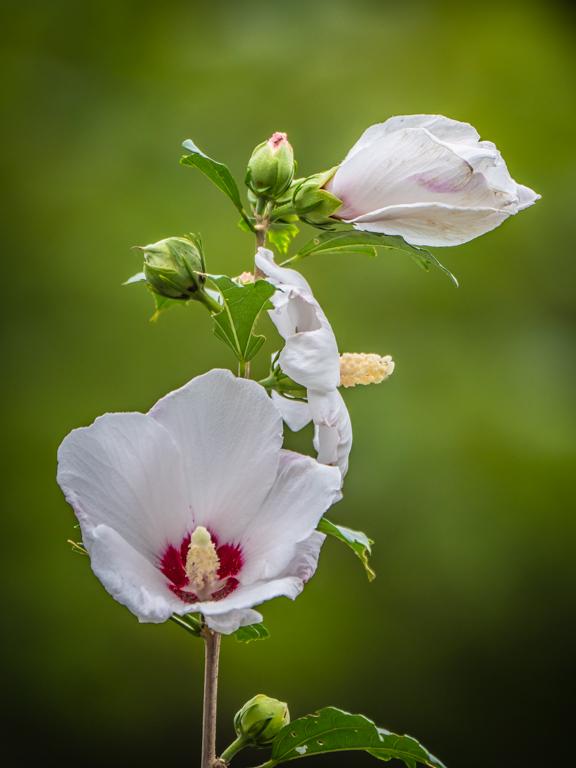
Lovely image, but I think that I would elect a much tighter crop on the main flower.
I took the liberty to crop it to eliminate the surrounding distractions.
Here we go! |
Jun 5th |
 |
| 69 |
Jun 24 |
Comment |
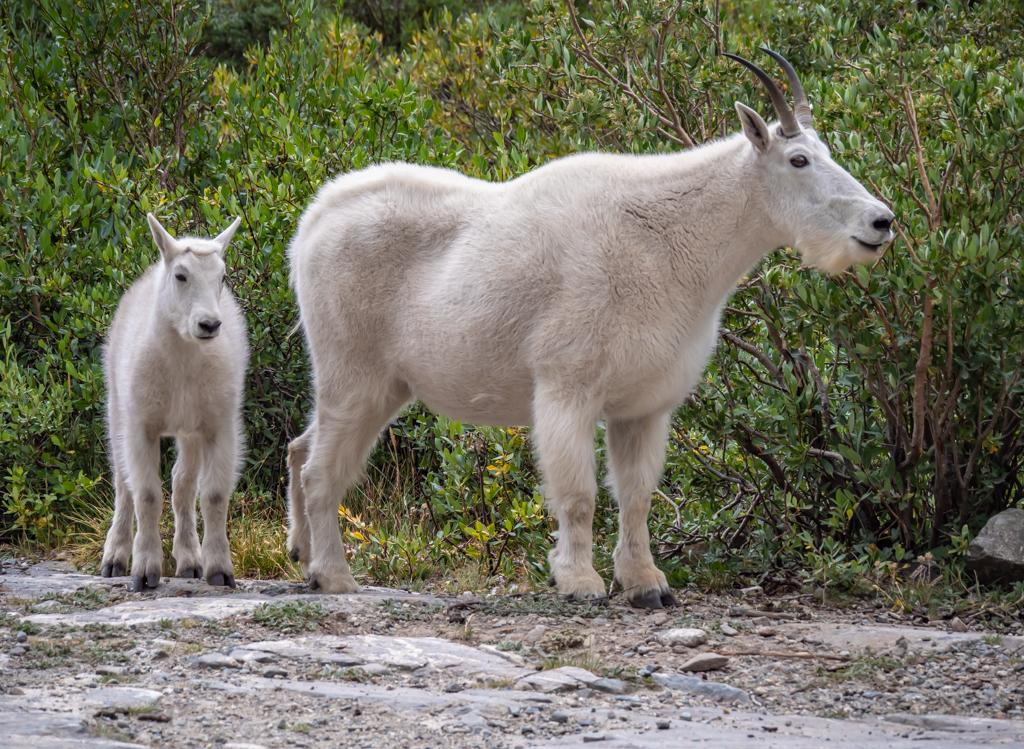
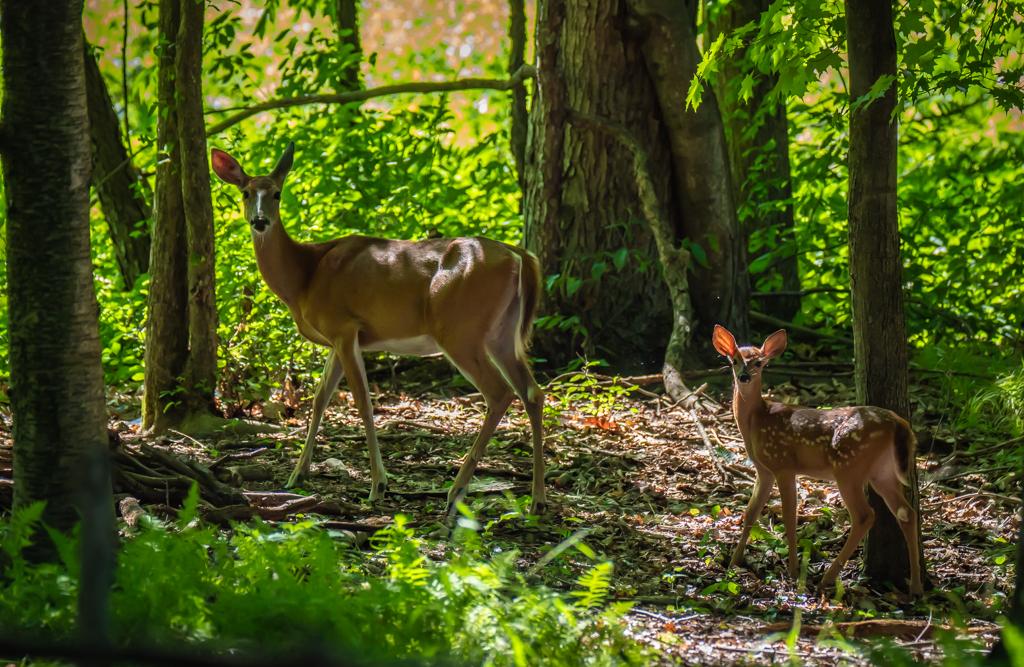
Great image with the calf framed by a "door" made by the by the front legs, trunk and head of the mother.
Story telling.
I believe that the image is stronger like this than the original.
Another keeper! |
Jun 5th |
| 69 |
Jun 24 |
Comment |
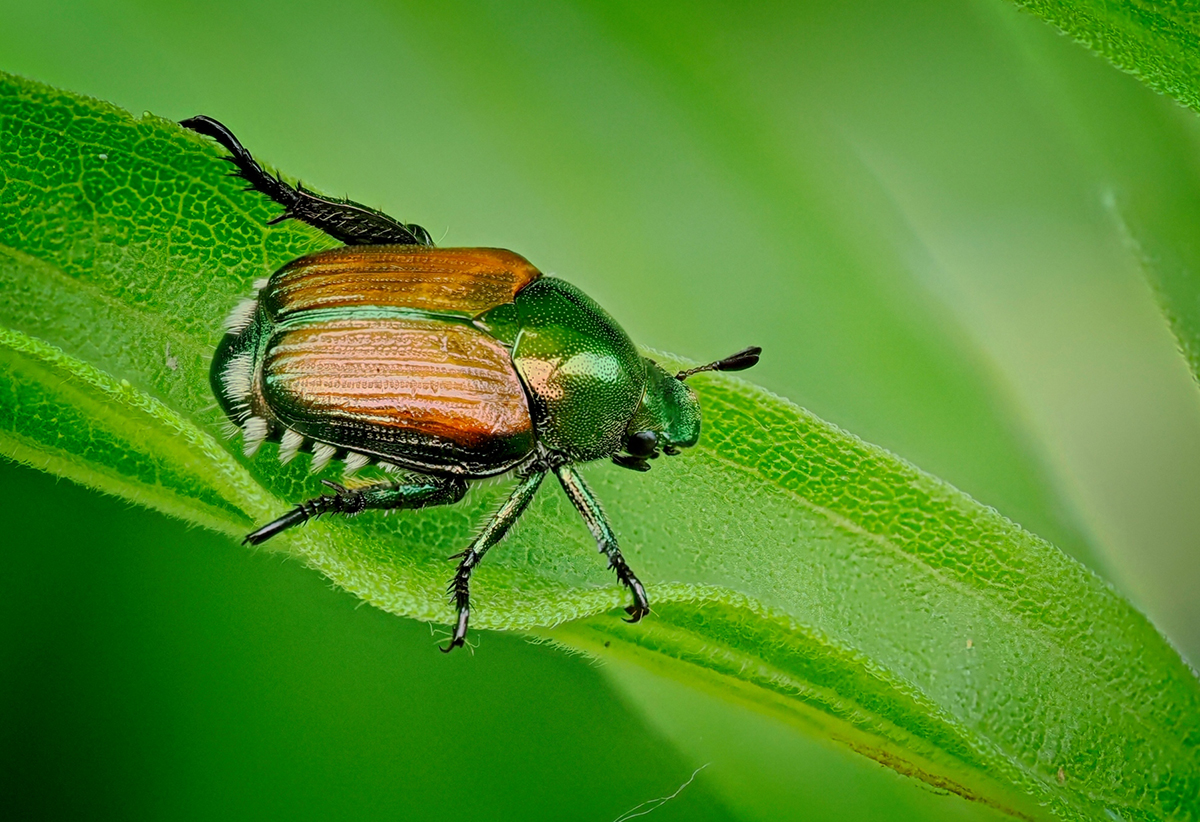
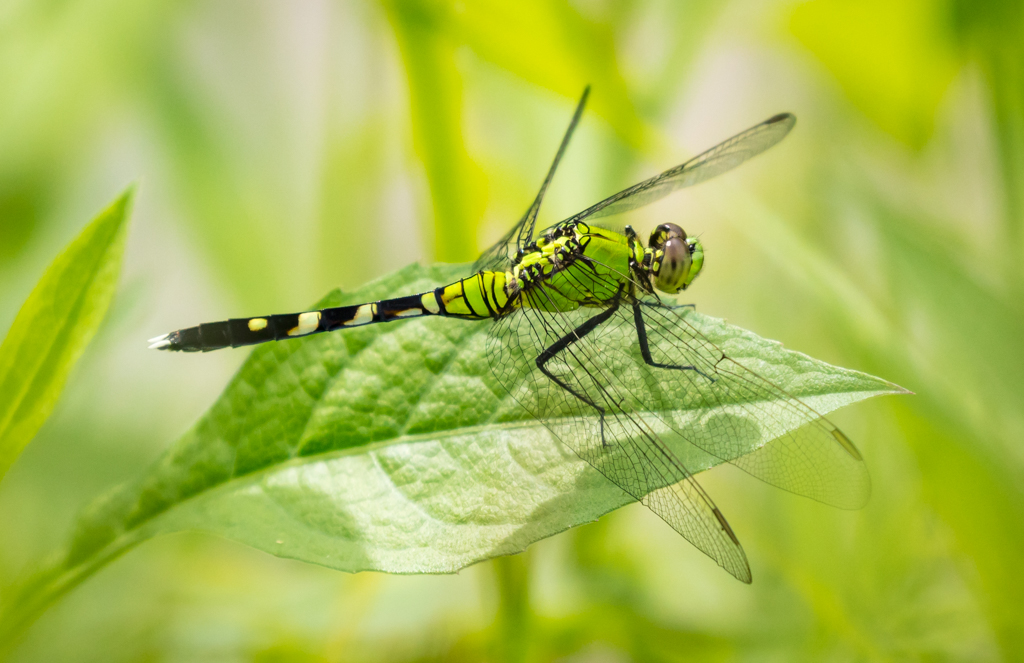
Thanks Dean. I was very happy with the location of the fly as well as the lighting spot on it filtered through the leaves.
I do not believe that they bite but they put their eggs on leaves and the larvae will borrow into the leaf hollowing out large patches of the leaf between leaf surfaces, often killing large parts of the leaf. |
Jun 5th |
| 69 |
Jun 24 |
Comment |
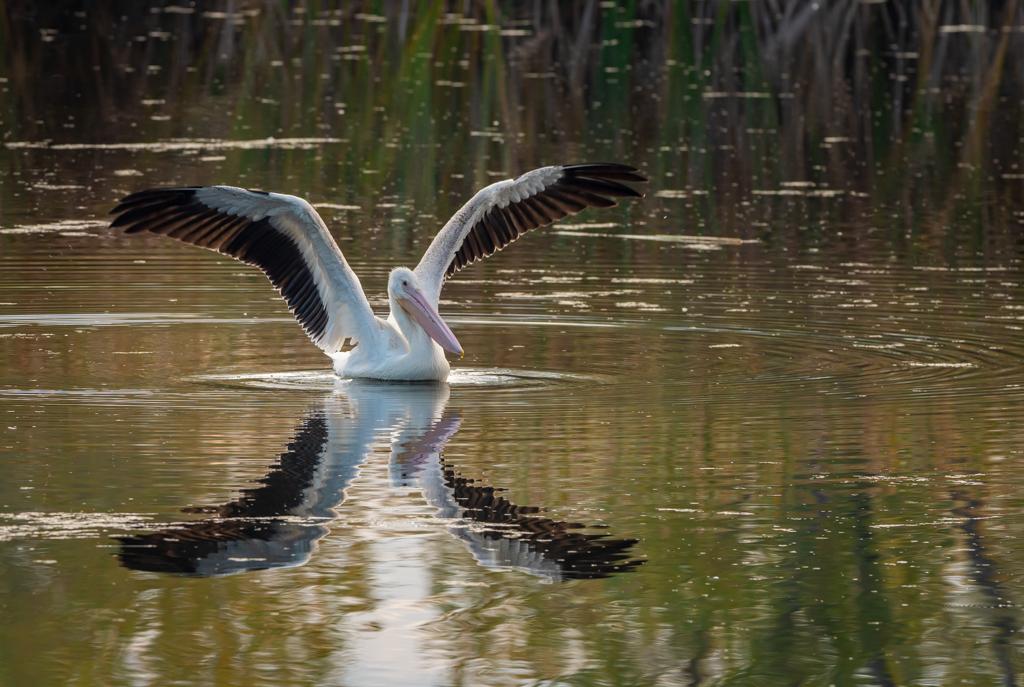
This will be interesting to see! I like the crop like this, but I would have preferred to have the pelican and its full reflection. Working on a raw file also allows much more latitude but the site prevents uploading this format.
I just made minor adjustments (contrast, decreased shadows, slight increase in saturation) and a mild vignette. |
Jun 4th |
 |
8 comments - 6 replies for Group 69
|
| 70 |
Jun 24 |
Reply |
Thanks Kirk |
Jun 24th |
| 70 |
Jun 24 |
Comment |
Thanks Kathryn |
Jun 24th |
| 70 |
Jun 24 |
Reply |
Thanks Frans,
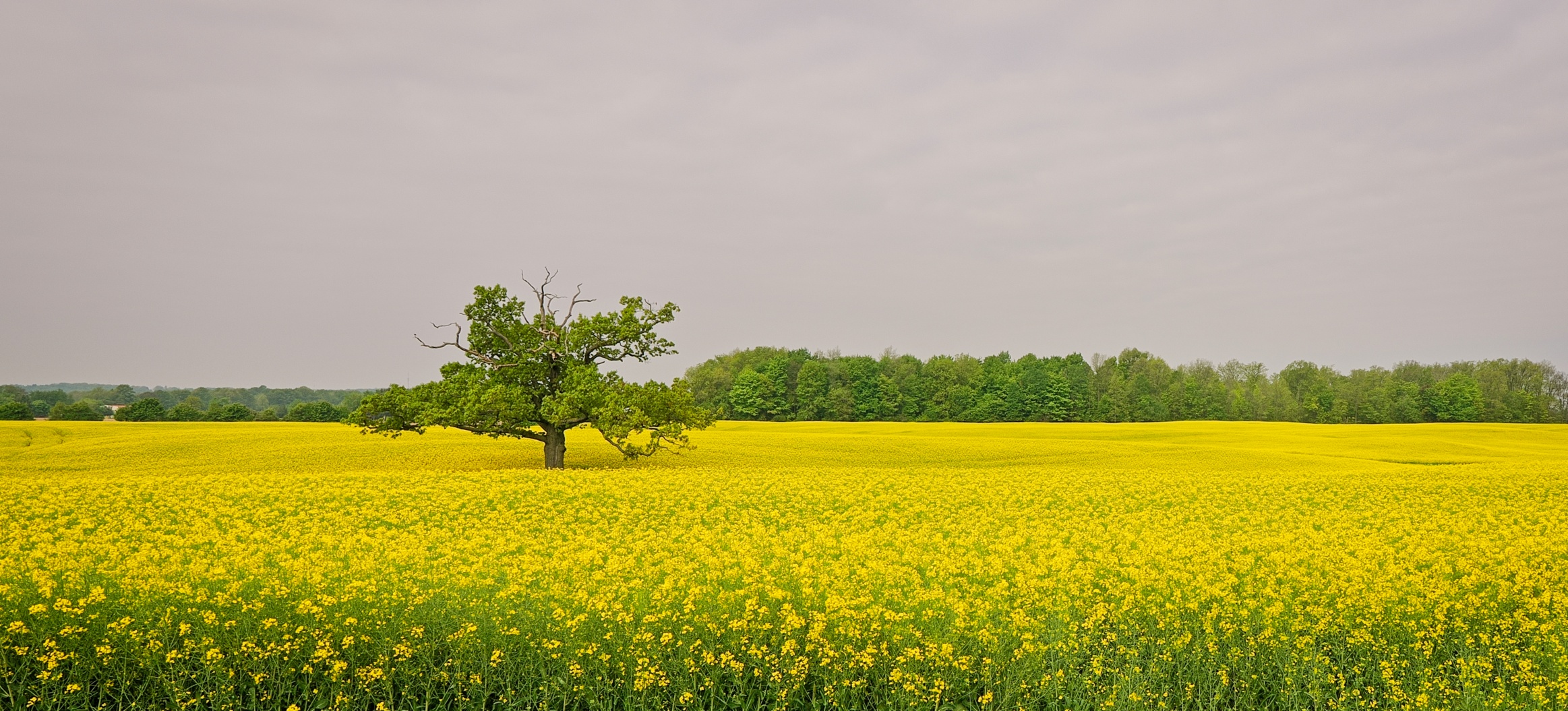
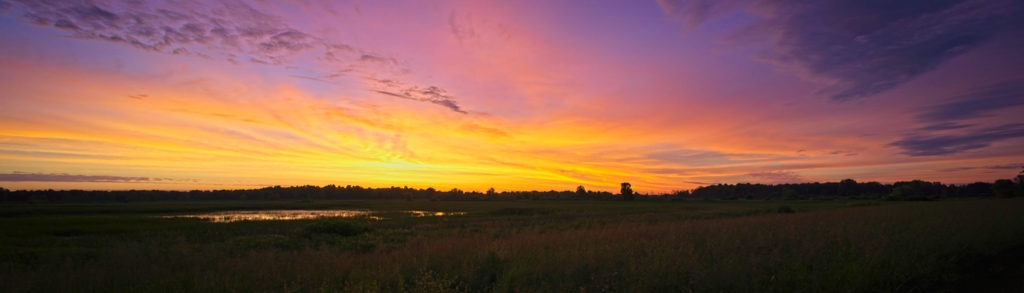
I did not think about cropping as I purposely used a wide angle to capture the whole field....
You made an excellent point. |
Jun 24th |
| 70 |
Jun 24 |
Reply |
Much bigger drone! |
Jun 16th |
| 70 |
Jun 24 |
Reply |
Thanks Geoff. I was thinking of taking another shot very close to a yellow canola flowers using a very wide angle lens, like some of the images with fields of sunflowers.
I drove back to that site a few weeks later, but unfortunately all the flowers were now green - nothing worth of capturing! Oh well, next time..... |
Jun 16th |
| 70 |
Jun 24 |
Comment |
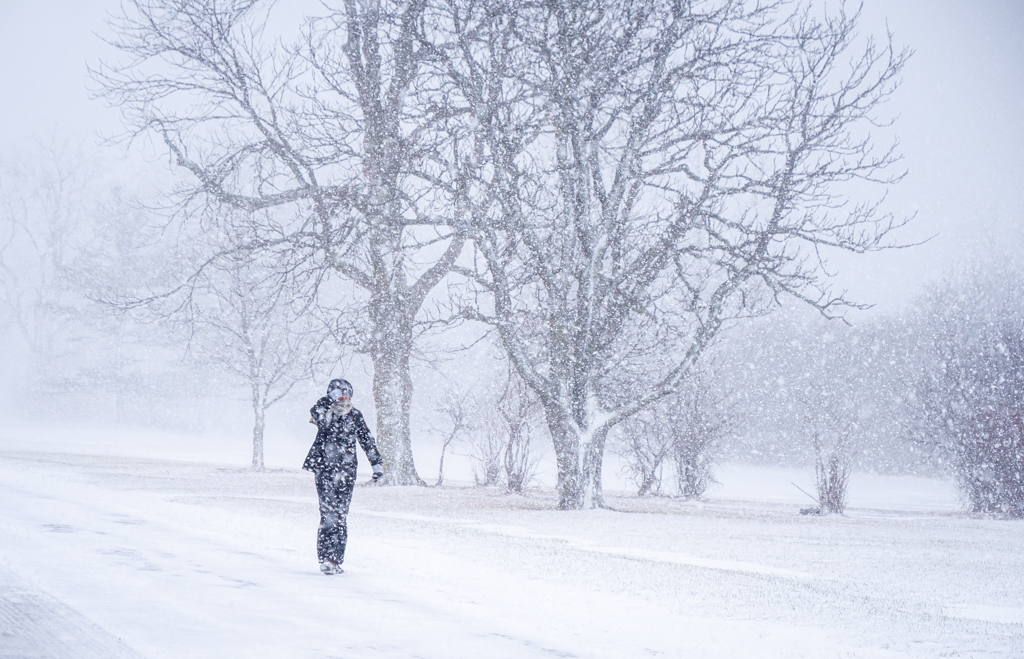
Yikes.... a storm is coming!
Nice cropping with the hat framed by the trees. Ominous clouds and wind. Nices tones.
Well done. |
Jun 13th |
| 70 |
Jun 24 |
Comment |
Hi Kirk,
Nice image. I like the use of the frame when possible. Here your broken down sign did the trick.
I would have preferred if the frame was around all the buildings with some clearance on both sides. I believe that the only way you could have accomplished this would have been to displace the sign much further away from the buildings - probably not possible, nor a good idea!
Everything is crisp sharp. |
Jun 5th |
| 70 |
Jun 24 |
Comment |
Hi Frans,
This is a very nice demonstration of what the newer versions of photography programs can do. To remove a tree like this and "recreating" the background behind the obstacle would have been extremely difficult to do just a few years ago.
I agree with you that your "new version" of the scene is much more appealing.
Alternatively, another option would have been, when possible, to move to the right and not having the tree in the way. Unfortunately, the "tree" issue can become much more obvious once we download the images....
So.... might as well use the tools to recreate the scene. |
Jun 5th |
| 70 |
Jun 24 |
Comment |
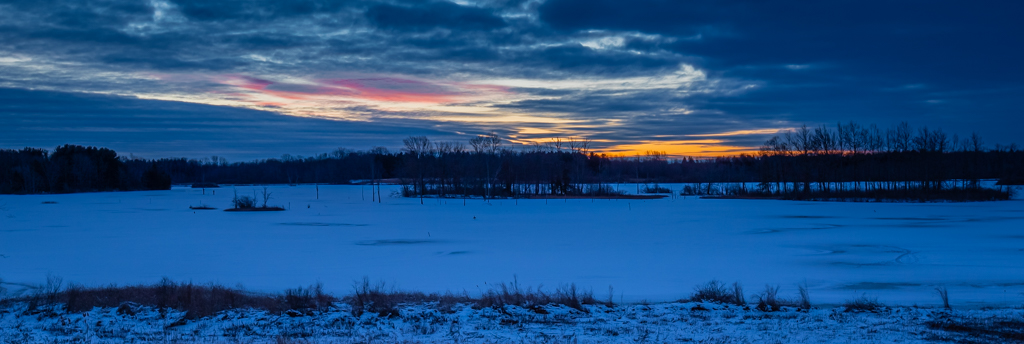
Hi Kathryn,
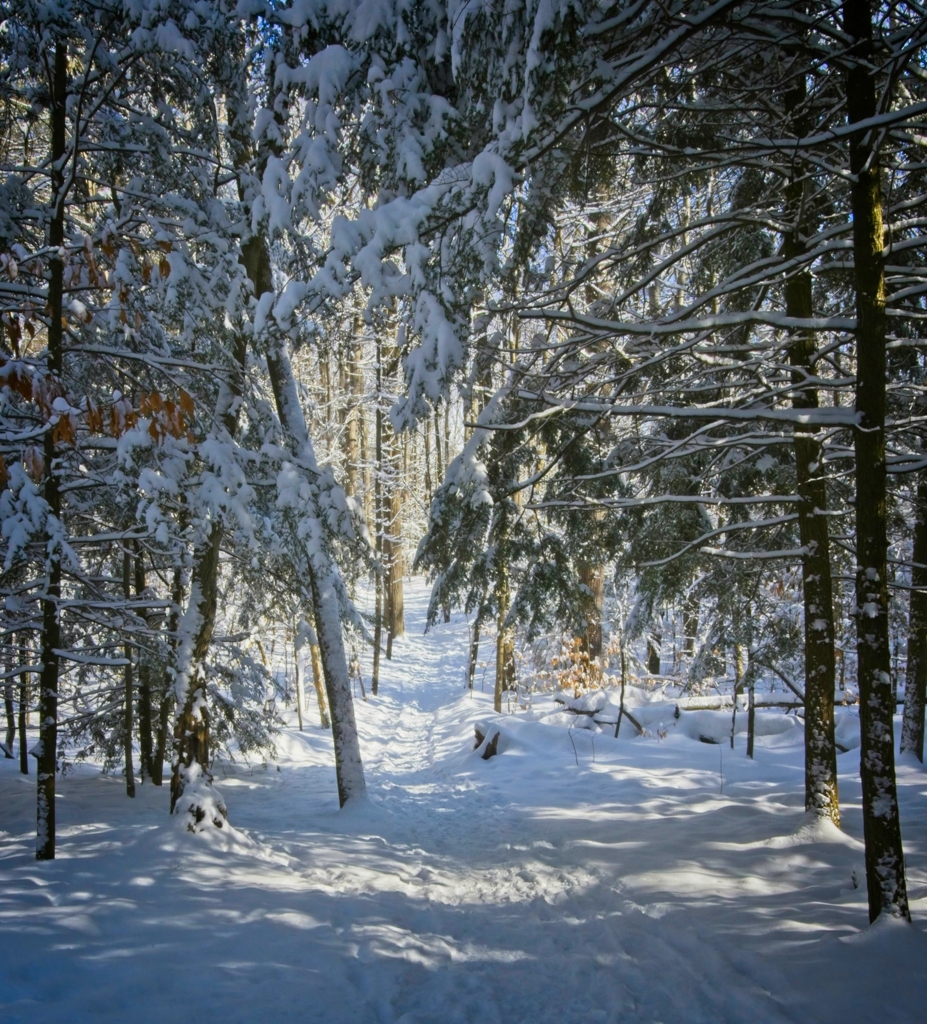
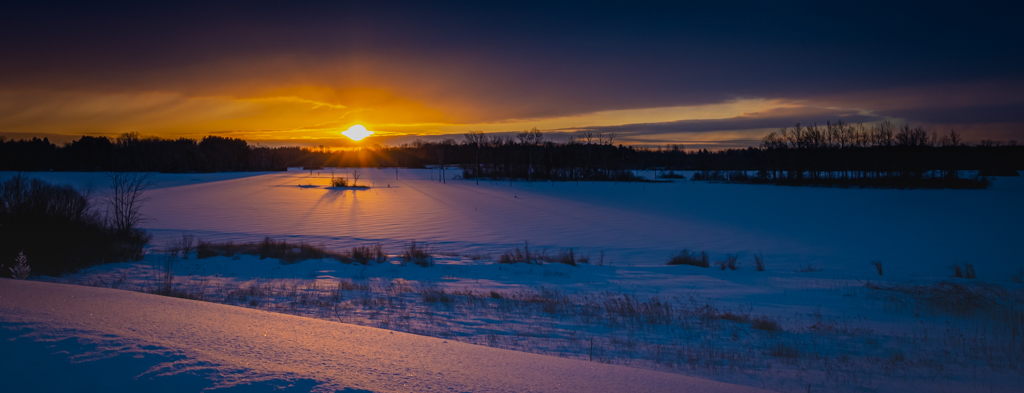
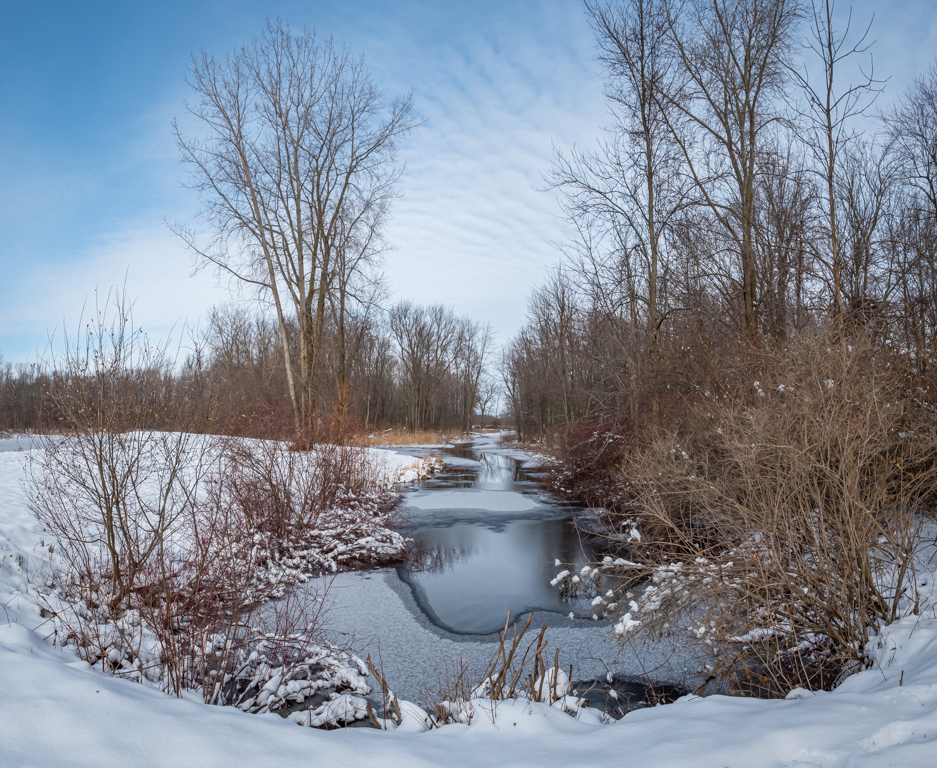
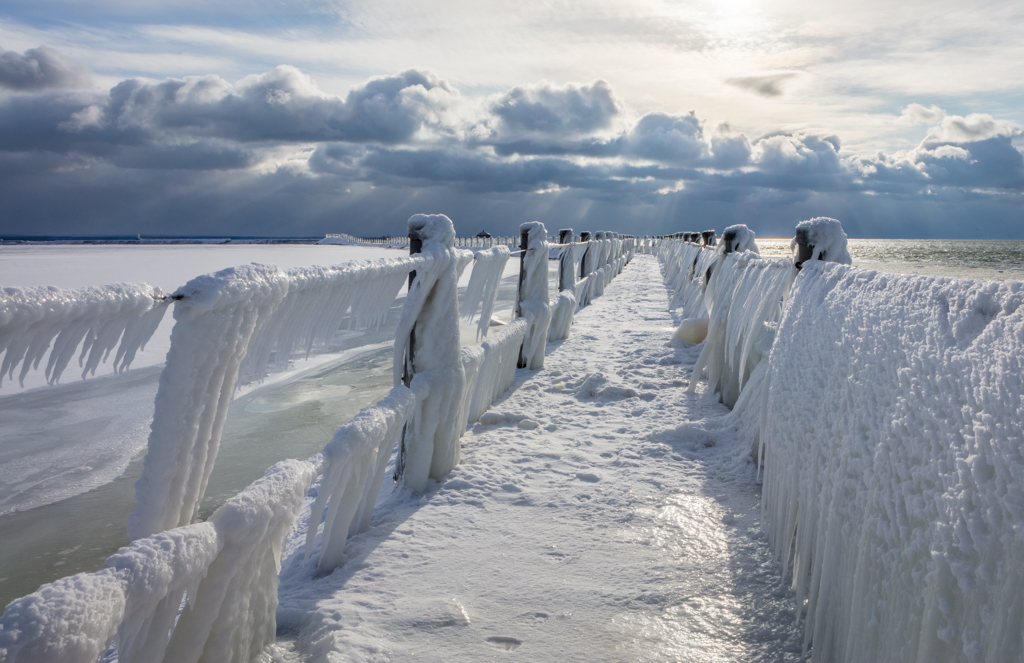
I love to photography in cold weather (except for the need to dressed up appropriately!)
The air is so dry and clear, that one could see over vast distances without have any problem with the haze. Everything is sharp. (Your contribution from last month demonstrated this very well.)
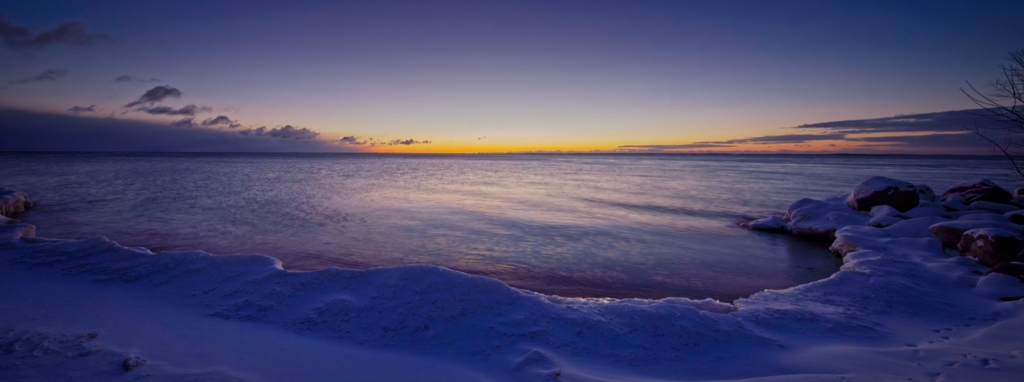
I believe that part of your problem with the blue tone is from the camera that tries to give an over all "Neutral" gray tone. The camera can believe that everything is so bright, and so, will automatically shoot somewhere between -2 and -0.5 EV even if you shoot at 0 EV. Because of this, I will always take images of snowy landscapes at +1 to +2 EV to compensate.
A wite fox on pure snow makes it very hard to keep a contrast between the animal's fur and the surrounding snow (in this case the fox behind blends in). I tried to increase the exposure, contrast, etc.... and although I could get white snow and fox, I could not prevent this blend. Lovely image. |
Jun 5th |
| 70 |
Jun 24 |
Comment |
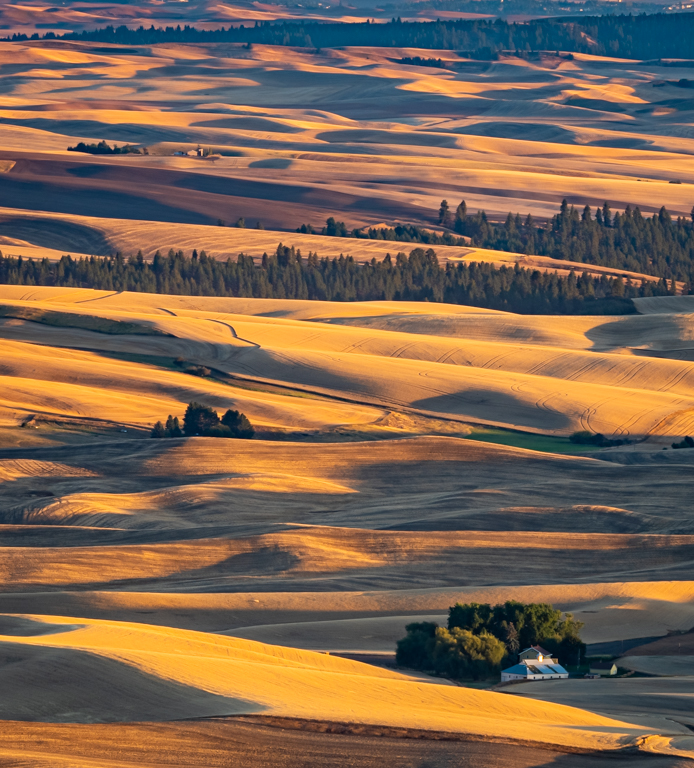
Lovely site and fantastic light/shadows created by the overlying clouds (I am assuming). Very interesting details/textures. Very pleasing.
Do you have a drone that can cover long distances or were you able to get close to this site despite the aborigines blockades? |
Jun 5th |
6 comments - 4 replies for Group 70
|
14 comments - 10 replies Total
|