|
| Group |
Round |
C/R |
Comment |
Date |
Image |
| 33 |
Oct 19 |
Reply |
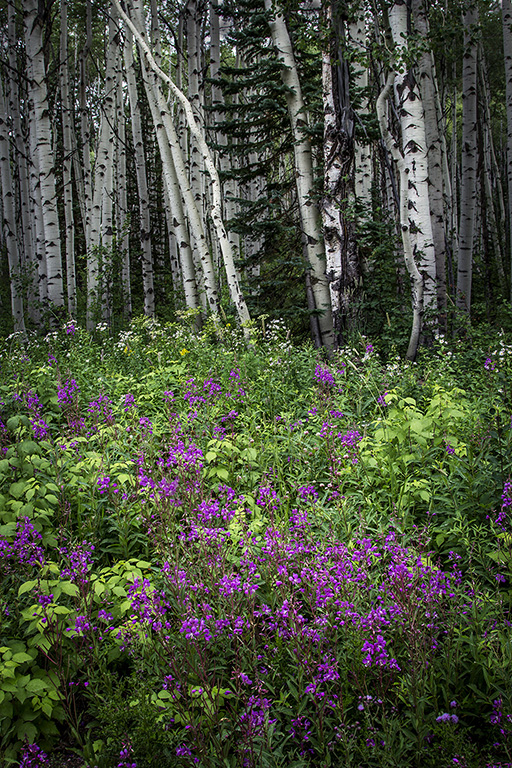
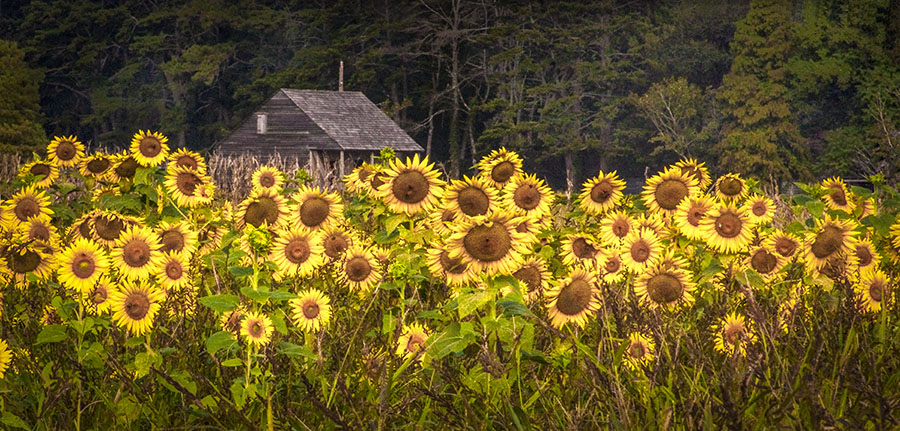
Thanks, Paul. The birch and the aspen fascinate me. But I like all trees. They seem to hug, protect, and comfort. Maybe I am a tree nut. The oaks that grow here are magnificent! Every one is a story. |
Oct 14th |
| 33 |
Oct 19 |
Comment |
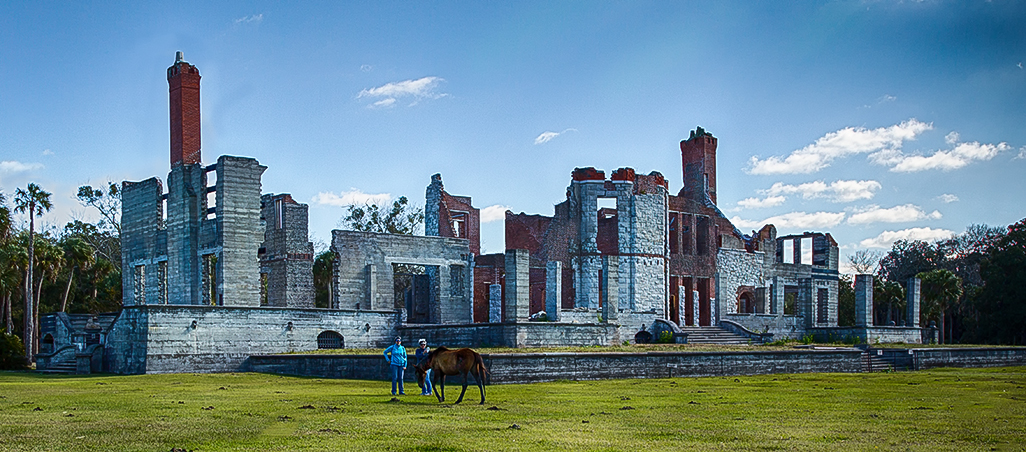
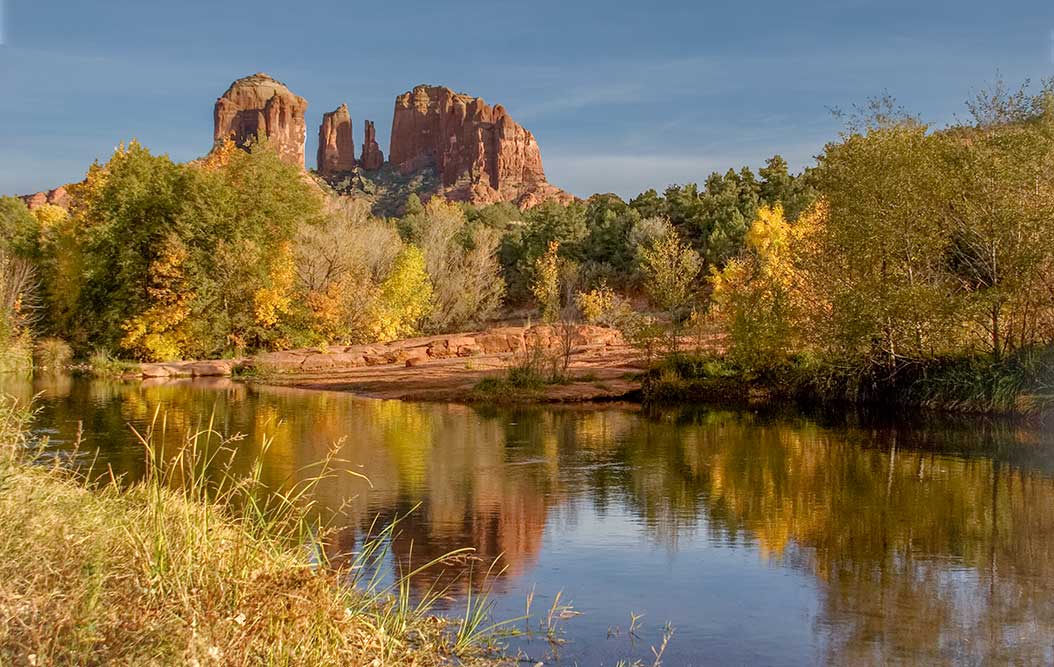
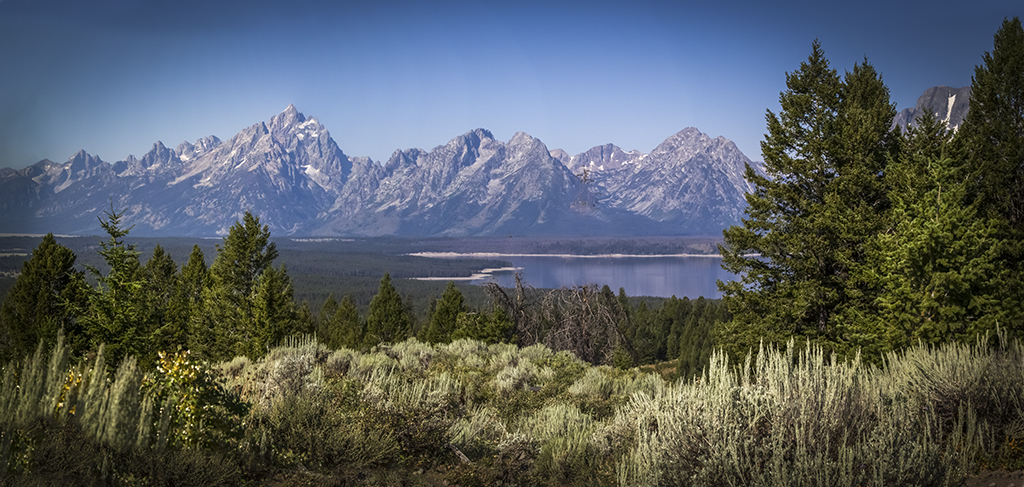
My first impression: "I want to go there." What a beautiful image-and it is beautifully captured. I do agree with the other members that the left is so strong and beautiful, it can stand alone. I love the pano, but the left is just so fine the eye wants to stay there. Wonderful capture, A+ IMHO. |
Oct 11th |
| 33 |
Oct 19 |
Comment |
Oops! |
Oct 11th |
 |
| 33 |
Oct 19 |
Comment |
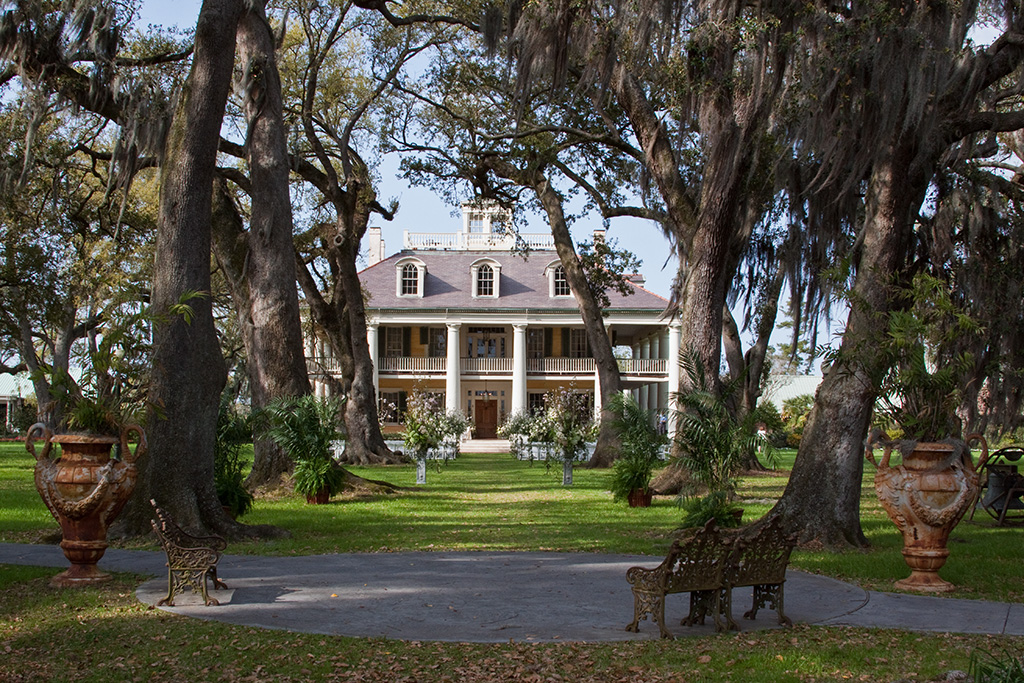
This is a beautiful setting and you captured it well. As mentioned the shadows are wonderful. I also think that the reflections would be a nice inclusion in total. I love the colors and composition. I feel that I cannot improve any of that capture, so just for you, I loolked at it totally different. First I cropped to 9X16 so as to include the stained glass and the reflections. I then "healed" out a portion of a chest on the lower left. I wanted to clone out the green table drape on the lower right, but needed to do that prior to cropping to get the correct color to use in cloning. I tried the paint brush, but could not get my eyedropper to select that color. (I haven't used that in a long time and may have forgotten something that would make it work.) I feel that the big chunk of green is distracting, but did not start over. If you like this, you can do it first. It is just a different mindset on framing up. Your version is certainly great and worth keeping. I try to make myself take a wide frame and then zero in of what I find most interesting. I sometimes get so excited about what I first "see" that I forget, but it does help me often. |
Oct 11th |
| 33 |
Oct 19 |
Reply |
Thanks for the laugh. I will try not to bite. |
Oct 11th |
| 33 |
Oct 19 |
Reply |
Sorry, Bob. I just realized that I mixxed up my Bobs. Please forgive. |
Oct 10th |
| 33 |
Oct 19 |
Reply |
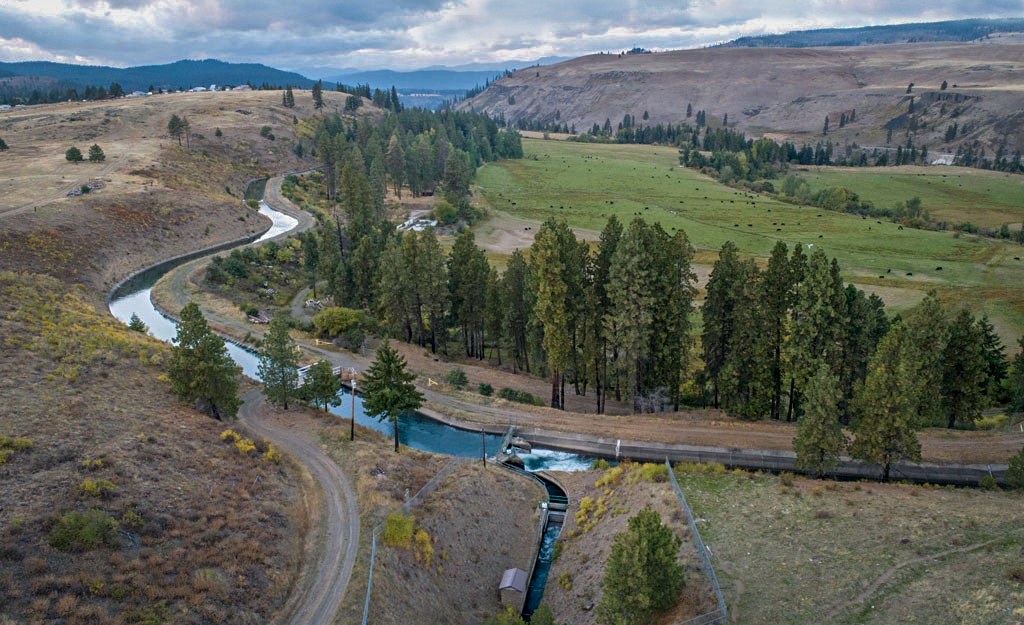
How wonderful to explore the drone photography world. You are doing some nice drone images. Since you dangled the bait I did work on your image a little. It looks bright in the thumbnail, but it looked a little hazy when I down loaded it. To correct that I checked the histogram and tightened it slightly, then used "my old faithful basic 4 steps":In Camera RAW I moved the (with options compressed) highlights slider all the way to the left, shadows all the way to the right. Then with options compressed moved the whites slider until the color just began to show through, and repeated with the black slider. Clarity and contrast were increased to add depth. I found that I could only up the contrast to +8 without loosing too much detail, so upped the clarity to+54. It rarely works that way, but in this case I only lost a little detail on the tree truncks, which did not seem to be a problem. I cloned (at 67%) a little color into the sky where there were large white areas. Lastly I added a vignette of -8. You can decide if it it better or worse. Either way it is a really nice image. I love the lines of the canals. It is well balanced and a veiw that few have. Very nice. |
Oct 10th |
 |
| 33 |
Oct 19 |
Comment |
You really struck our fancy with this "frozen puppy" jumping out at us. I love it. It is exciting and fun. Also beautiful. I would leave it as is so that it doesn't look manipulated. |
Oct 10th |
| 33 |
Oct 19 |
Reply |
Thanks, Raymond. |
Oct 10th |
| 33 |
Oct 19 |
Reply |
Thanks, Marilyn. |
Oct 10th |
| 33 |
Oct 19 |
Reply |
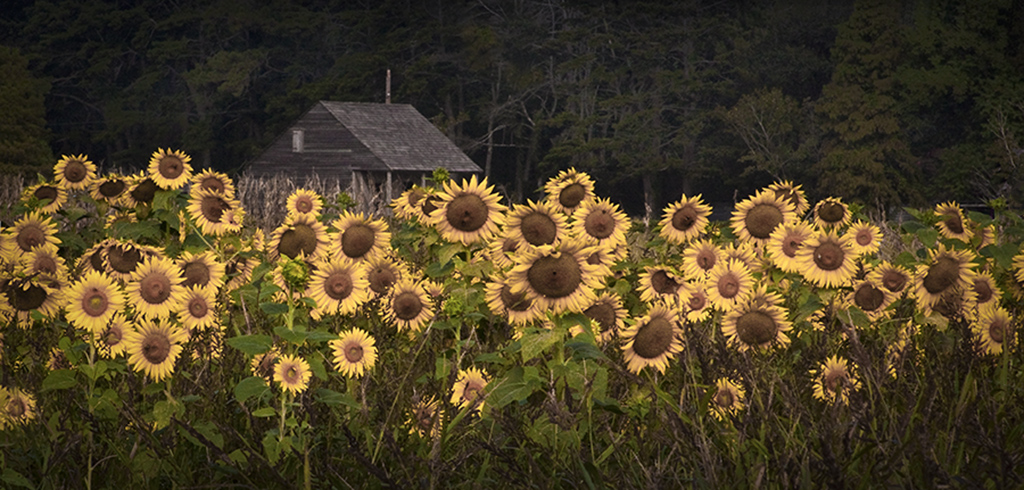
That is an interesting idea, Bob. I will try it and see how it works. I have thought of cropping to just the flowers, but that is an entirely different photo. I may try cropping the top for one picture and the bottom for another. You spured my thoughts on this image. Thanks. |
Oct 10th |
| 33 |
Oct 19 |
Reply |
Thanks, Ken. |
Oct 10th |
| 33 |
Oct 19 |
Comment |
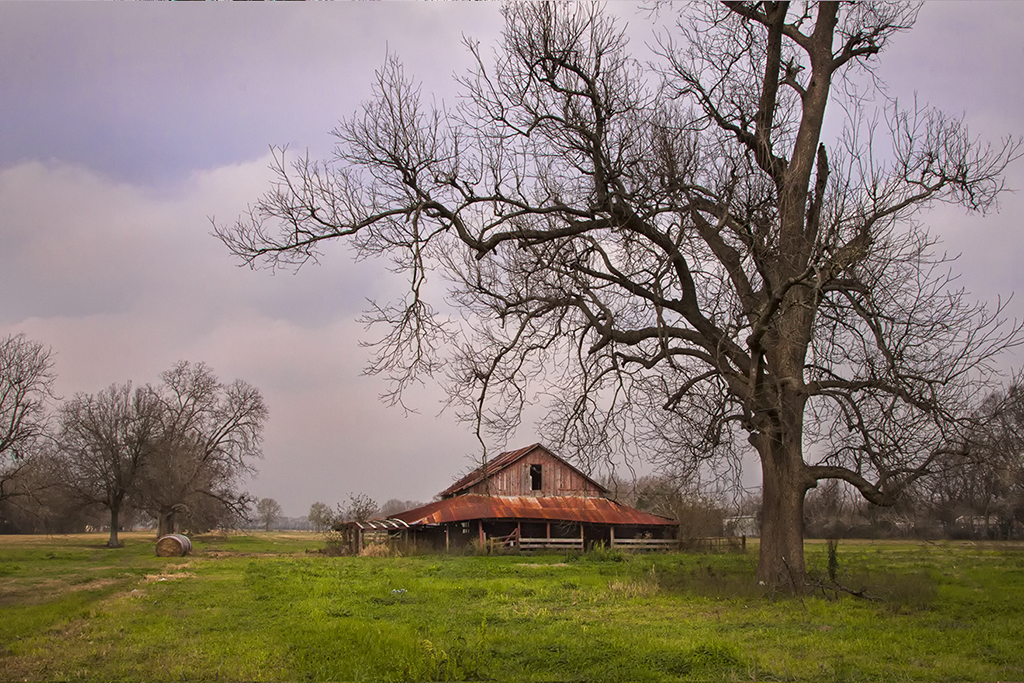
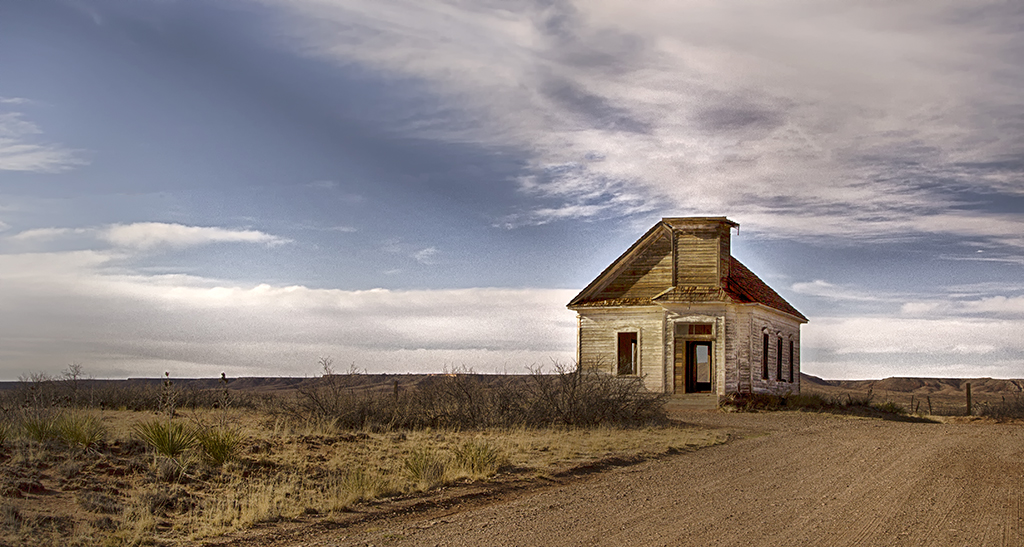
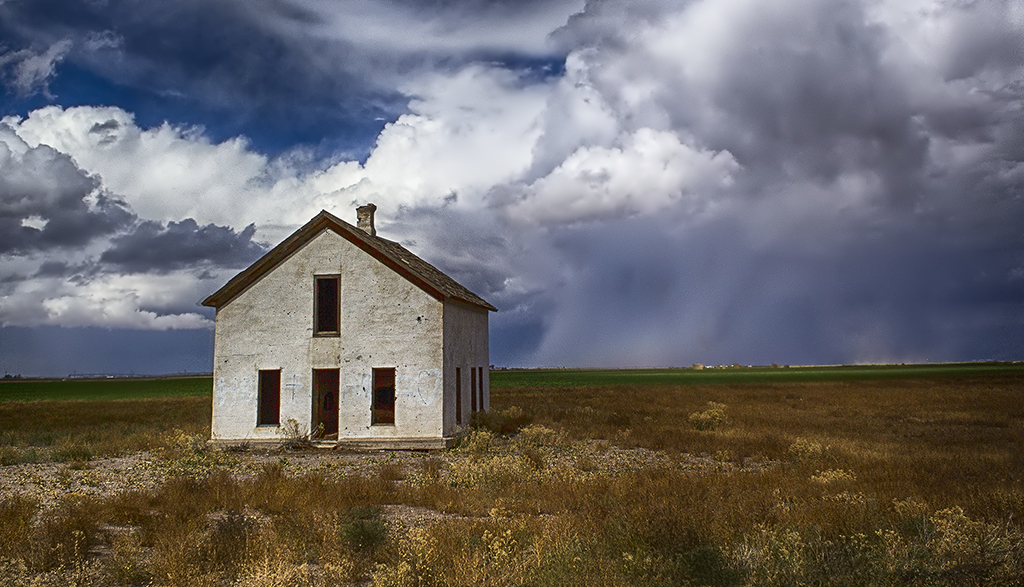
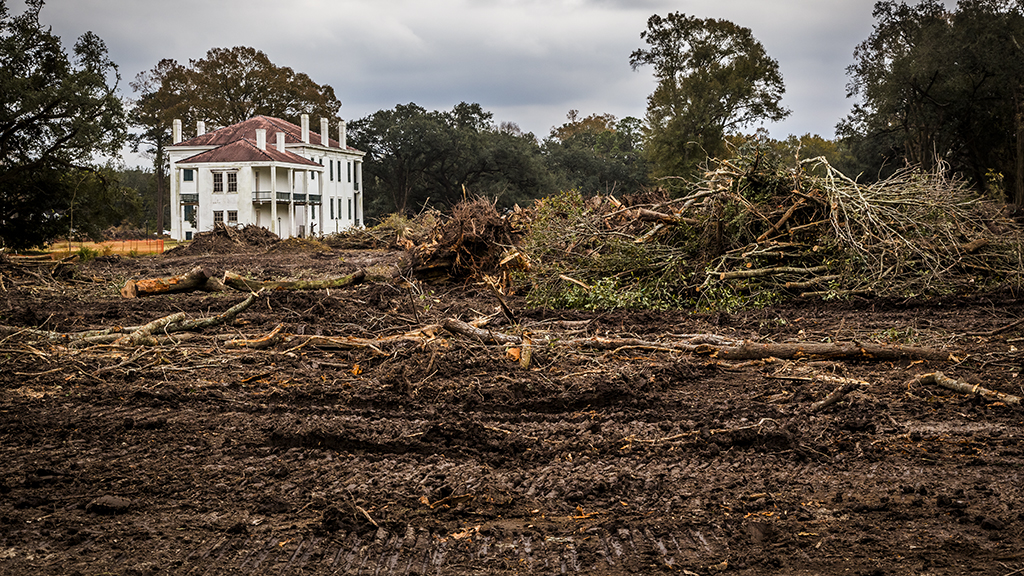
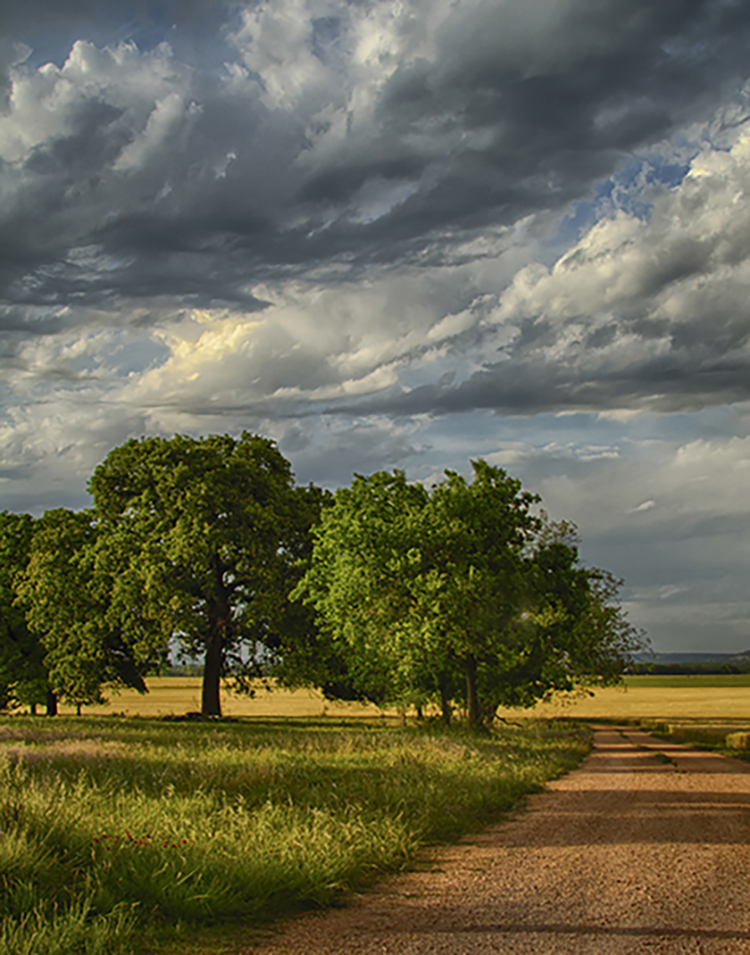
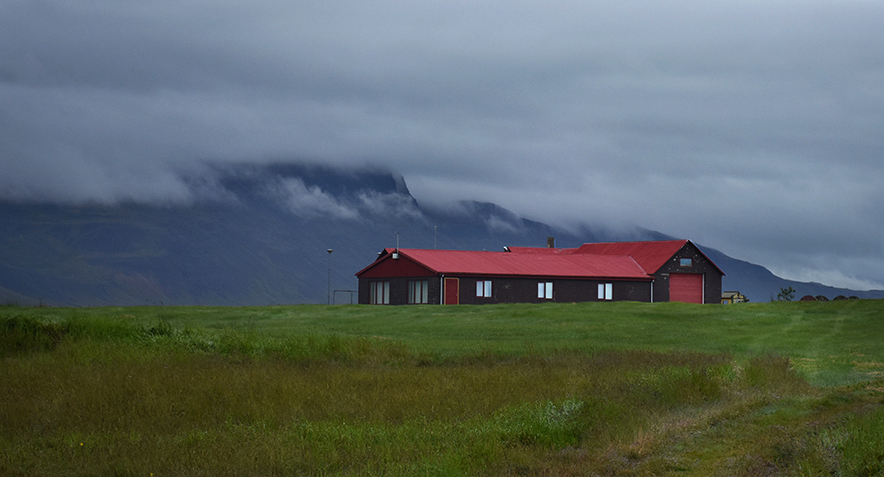
Wow, Marilyn, you are learning fast. I am so happy for you. You will love using PS. This is an interesting scene and I understand why you liked it. I am uneasy changing someone else's image, but I played with yours. I am fine with it, if you don't like it. I went to Adjustments in PS and pulled up levels. I then moved the lower arrows to bring both the light and dark into the edge of the rise on the graft. I then used the Camera RAW filter to adjust the clouds by using the adjustment brush to bring them down about 3/4 of a stop, then I added a vignette of -7.5. That emphasized the stormy look you wanted. And I cropped it a little. Then I used the adjustment brush again to lighten the path of tire marks slightly so as to lead the eye up to the horizon and the building.
I can't say that it is better, just a little different. |
Oct 9th |
 |
| 33 |
Oct 19 |
Comment |
Raymond. you have made the perfect photograph, IMHO. The beauty of the scene is breathtaking. I feel the boats add another layer to the story. Perhaps two fishermen stopped off to explore something along the way. Or maybe a young couple stopped for a swim or picnic. The image is bright, but no ugly shadows or bright spots, the sky looks polarized, but a nice deep blue, it is well focused, and nicely framed up. Beautiful. |
Oct 9th |
6 comments - 8 replies for Group 33
|
6 comments - 8 replies Total
|