|
| Group |
Round |
C/R |
Comment |
Date |
Image |
| 34 |
Jan 25 |
Reply |
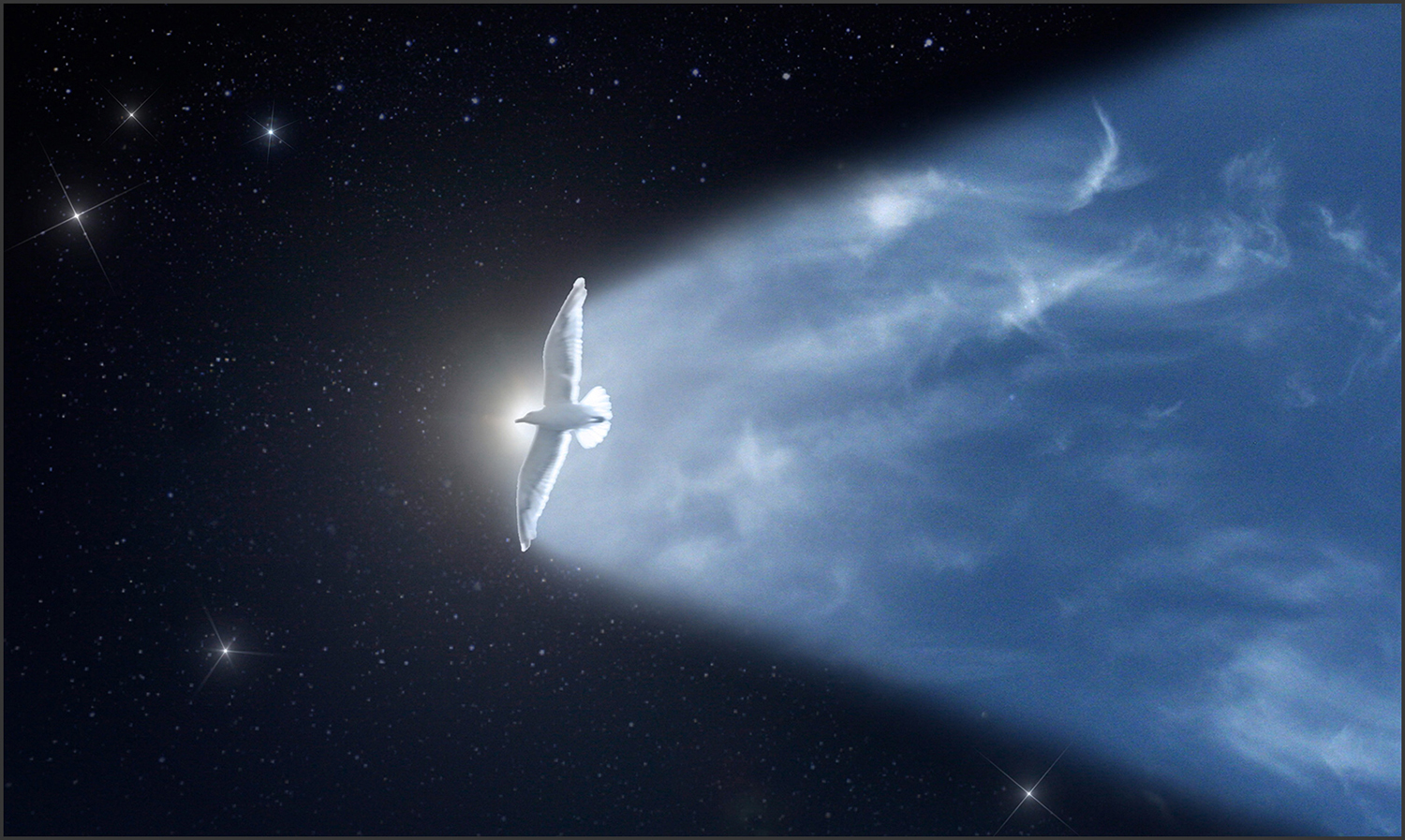
Wow, your bird image is amazing. So, is the image a composite? Did you add the foreground with Lumenzia? I haven't tried luminosity masks very much. I think I don't understand how they work, because they never seem to work very well for me. |
Jan 23rd |
| 34 |
Jan 25 |
Comment |
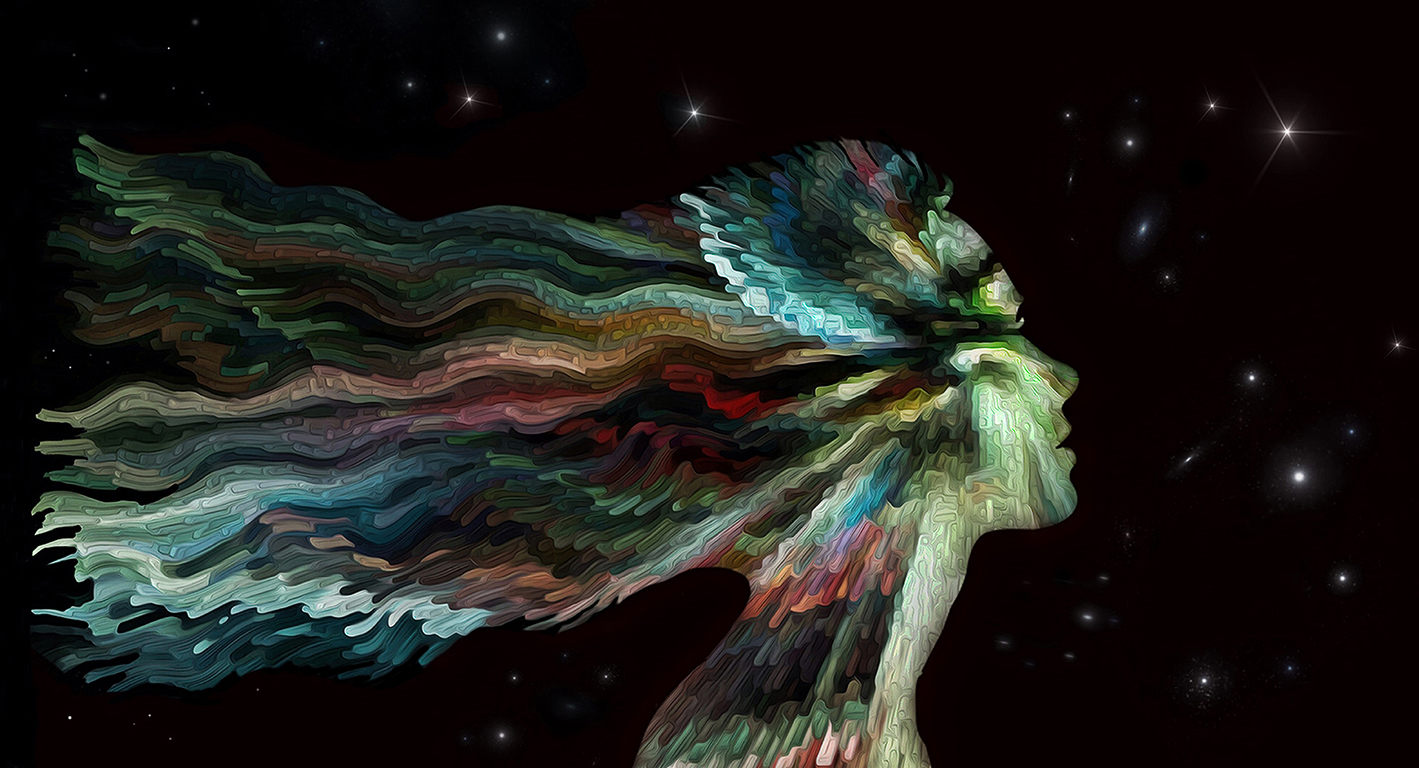
I prefer the surreal version, mostly because it has much more depth and texture than the other one. The bright area in the upper right original detracts from the torso, so I would suggest cloning the shadow portion of the background to that area before your other processing. This is really creative enhancement on your part that takes a simple snapshot into the realm of art. Well done. |
Jan 17th |
| 34 |
Jan 25 |
Comment |
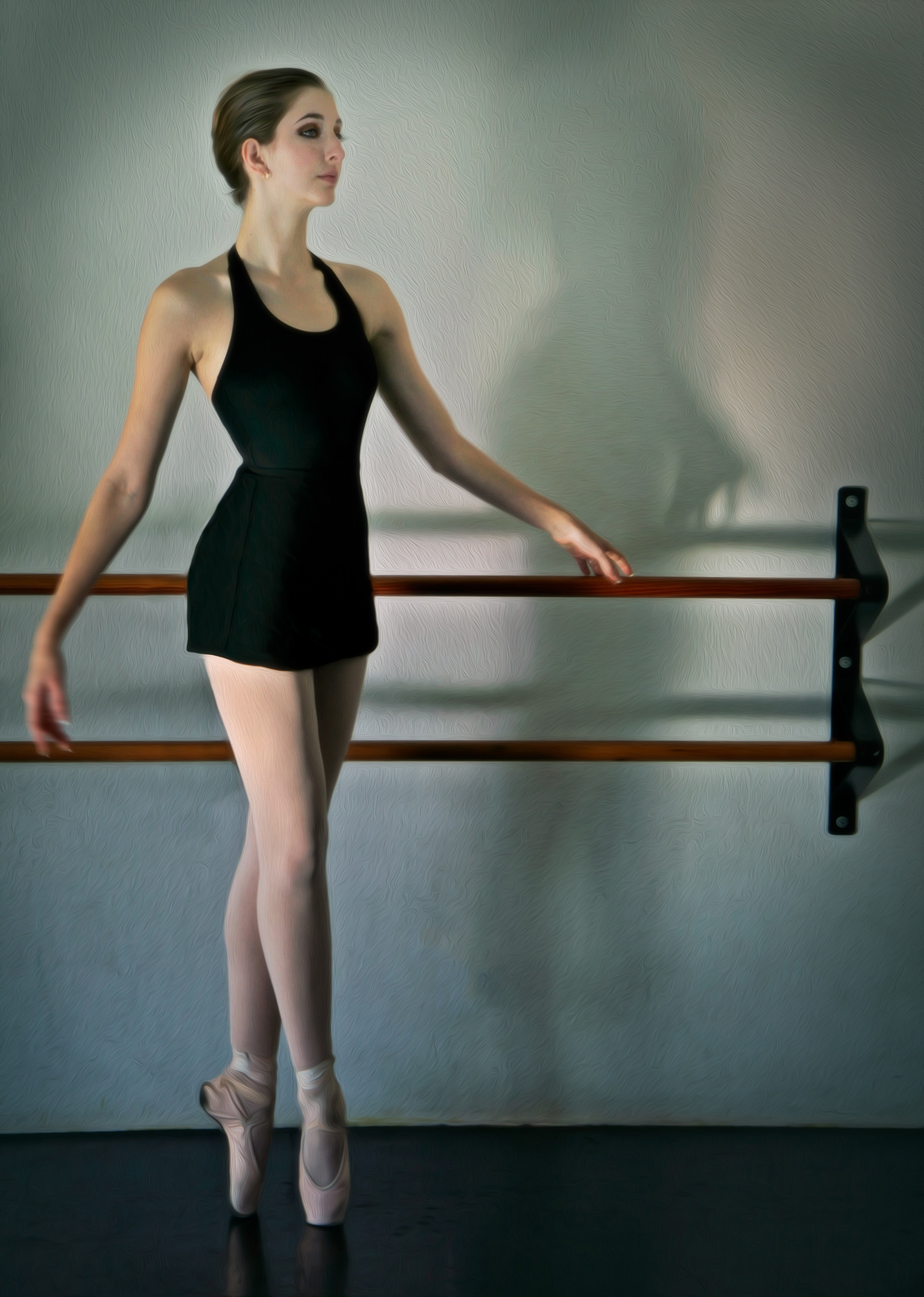
This is a very striking image Frans. The colors are wonderful and vibrant. The mood is nice and dramatic. The light cloud of smoke in the original transferred nicely to the composite. I would very much enjoy learning more about what software you used and some of the steps you performed to create the final image. I agree that the right foot is a bit too dark, so I used the Dodge tool in PS to lighten it up. It still didn't look right, so I used the Clone tool to bring the colors from her leg (for the skin on her foot) and dress (for the slipper) at 30% opacity so that the textures of each would still be visible. |
Jan 17th |
 |
| 34 |
Jan 25 |
Comment |
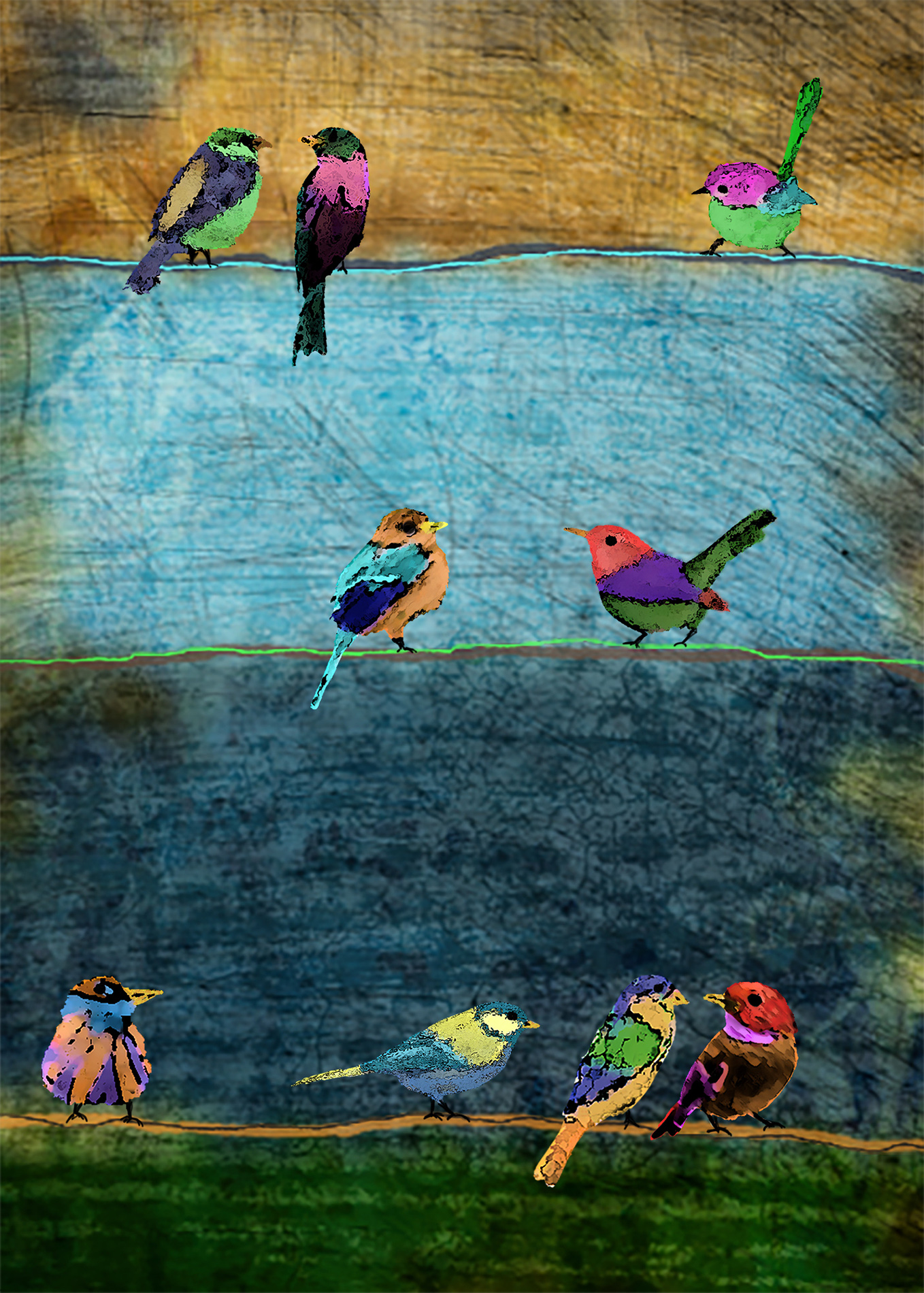
How cool that you saw birds in this piece of driftwood. Adding the eyes completed your vision. I like the sky textures you added to bring a lot of drama to the scene. I do agree with Mike that it's dark, but it's also creative and unique. |
Jan 17th |
| 34 |
Jan 25 |
Comment |
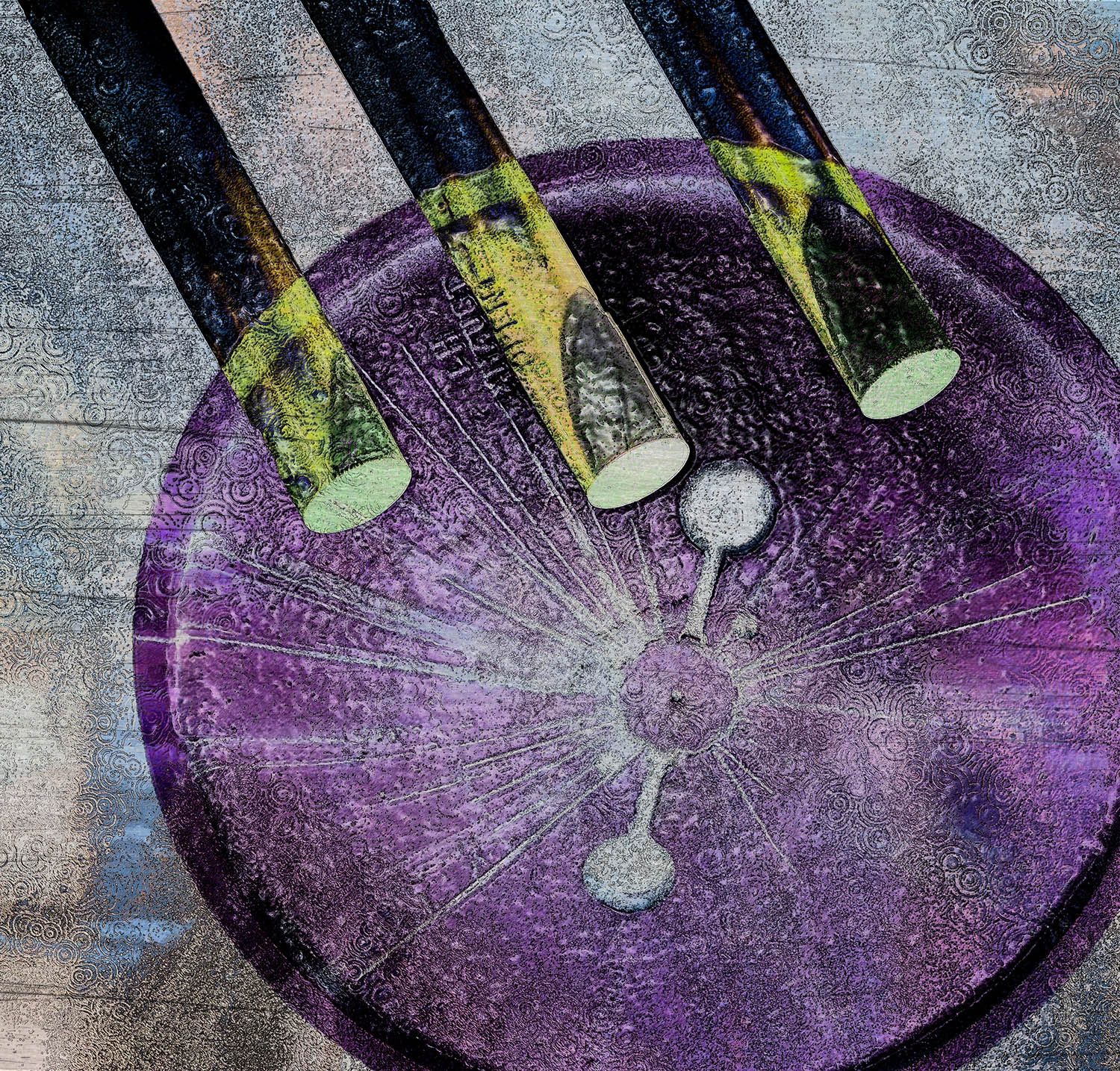
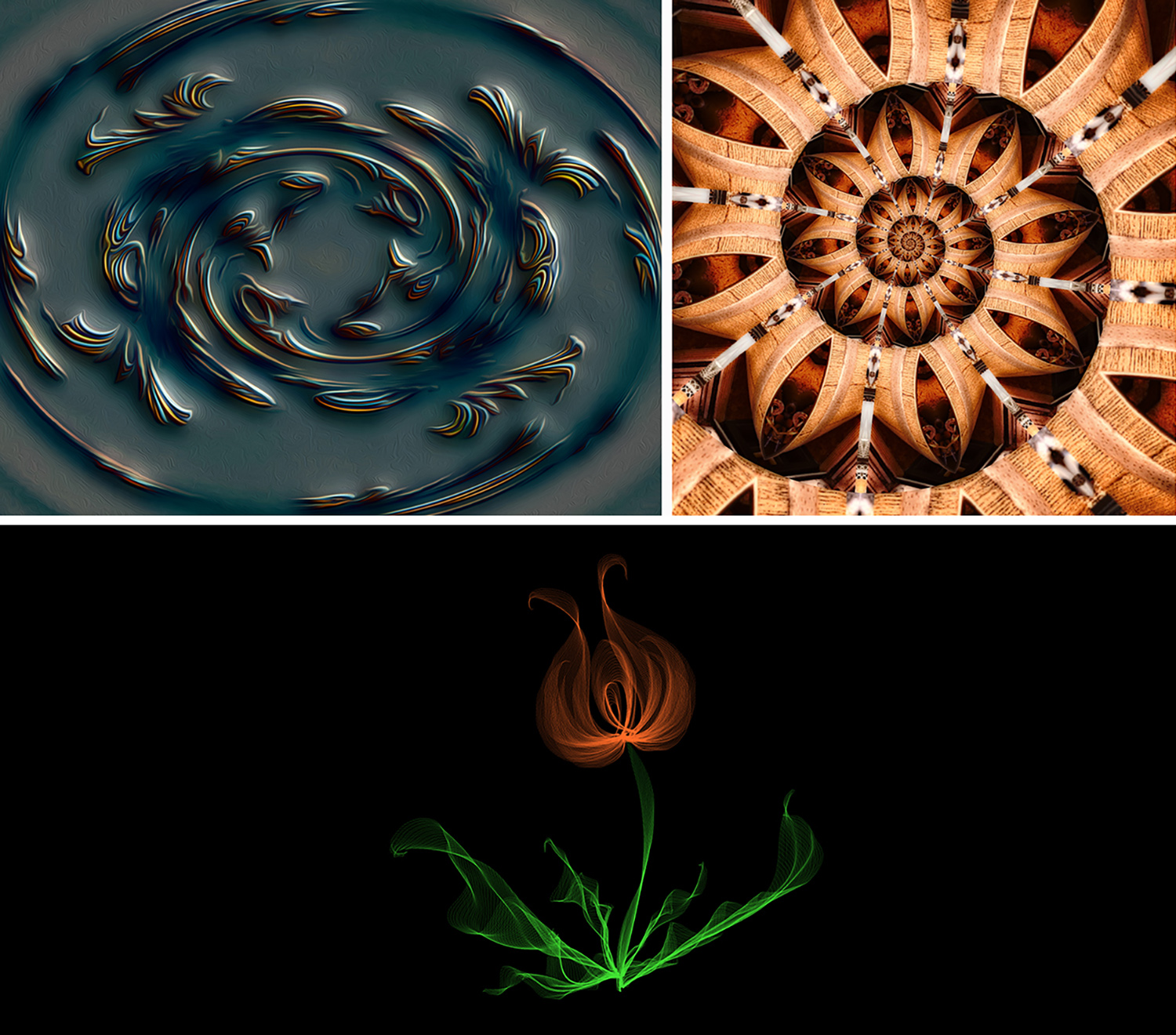
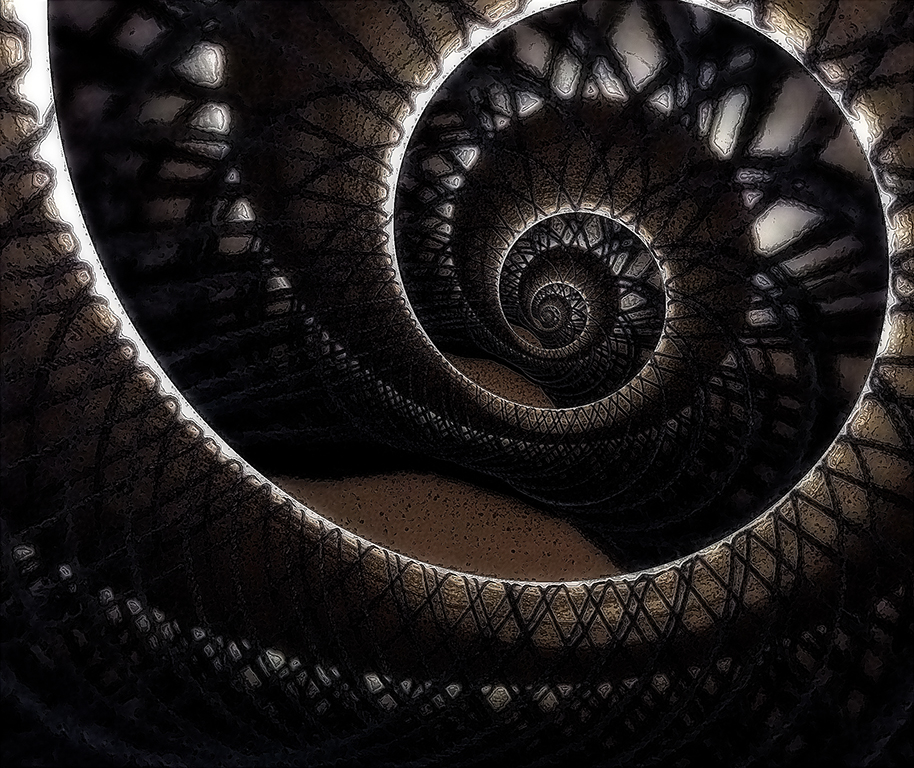
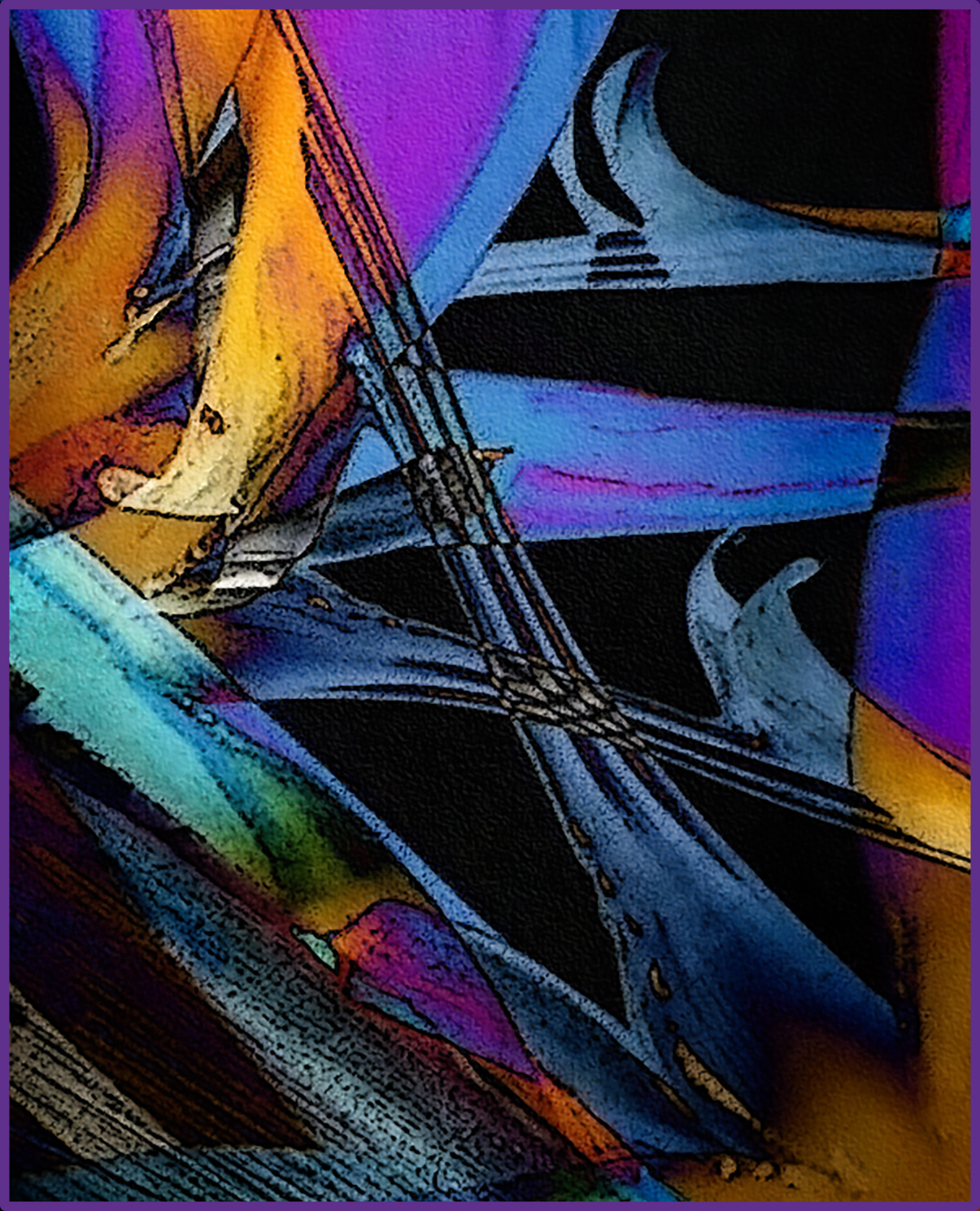
The shapes in your final image are great Gunter. The viewer's eye is teased in all kinds of directions. I tried a couple of adjustments in PS to simplify the image, since you wanted suggestions. The only one I found that made the image less detailed but still kept the flavor of it, was the Cutout filter. For a gloss finish, I tried adding a glow in On1 and then a starlight in the center. Not sure if this looks like a gloss finish, but it was as close as I could come. I like the direction you took the image from your original photo. |
Jan 14th |
 |
| 34 |
Jan 25 |
Comment |
This is an interesting composite. It sort of seems to me that the duck is too small in comparison to the flower. I'm curious -- was your intention to show a duck emerging from the center of a flower? Or, to show a duck emerging from the center of some unrecognizable, colorful object that was propelling it forward? Or something else? Your title suggests to me that adding some movement might give it more impact. I played with radial motion blur on the flower and bird separately so there was less blur on the bird than the flower. Maybe this is way off of what you were aiming for, but I had fun playing. I love the lively colors in the image. |
Jan 14th |
 |
5 comments - 1 reply for Group 34
|
| 77 |
Jan 25 |
Reply |
Thanks Rita. My cell phone images are usually larger than our parameters for submission to DD, so most of the time I have to make them smaller, rather than larger. Cell phone cameras are pretty amazing these days for generating quality images - at least for posting at 72 dpi. |
Jan 23rd |
| 77 |
Jan 25 |
Comment |
This image is full of attitude Rita. You did a good job as photographer to get everyone to put on their most fun expression. Using a vintage filter seems like a must for this photo. Family dynamics par excellence! |
Jan 17th |
| 77 |
Jan 25 |
Comment |
Very nice composite Mary. You did a good job of selecting the second child and placing her in the scene. I agree with Denise on the crop, so that the children aren't quite so much right in the center of the image. You worked hard on the shadows, but they're so good in the original photos, I'm wondering why you didn't just use them. They're very realistic! :-) My eye got drawn to the electrical towers in the background close to the violinist's face, and then I couldn't unsee them. So maybe take them out with the spot healing tool in PS. This is an endearing image that will be a special memory for years to come. Well done. |
Jan 17th |
| 77 |
Jan 25 |
Comment |
Like Denise, I feel the color version is better suited to the subject than B/W. Or maybe it's just the grunge vignette that seems to make the image somber rather than sweet. I think your composition is very nice and the doll's pose is so cute. |
Jan 17th |
| 77 |
Jan 25 |
Comment |
Love this Georgianne. Your processing took it into another realm for sure. I do love the original detail of the lower part of the tree trunk, which has been covered up by the white text. I can just imagine a sweet little fairy peeking from behind the house to tease someone walking by. Nice discovery, and well imagined. |
Jan 17th |
| 77 |
Jan 25 |
Comment |
What a charming image Carol. So sweet. I love all your additions. One note: even before I read your description, I noticed the green tinge on the left side of the lower tail and the right side of the upper tail (on the curve). It's a nitpick, but it looks like your desaturation technique worked well for the most part, but maybe could go a tad farther in those spots. Or maybe it's just my old eyes that aren't working very well! Good idea to remove the reflection in the eye and add a nice clean catchlight. Beautifully photographed and processed! |
Jan 17th |
| 77 |
Jan 25 |
Comment |
Love this Denise. You really nailed the abandoned aspect, especially in the B/W version. The grunge look is perfect for communicating the gloomy, sad vibe. All the textures are wonderful. My only nit-pick is to eliminate the light pieces of grass in the dark area on the right. My eye kept being drawn there. I also felt the tonal range of the ball and little glass bottle could use some tweaking, so I used the Dodge tool to pump up the contrast and hopefully draw the viewer's eye to those important pieces of this great image. Nice capture on your part to see and then process this humble image full of ambiance! |
Jan 12th |
 |
| 77 |
Jan 25 |
Reply |
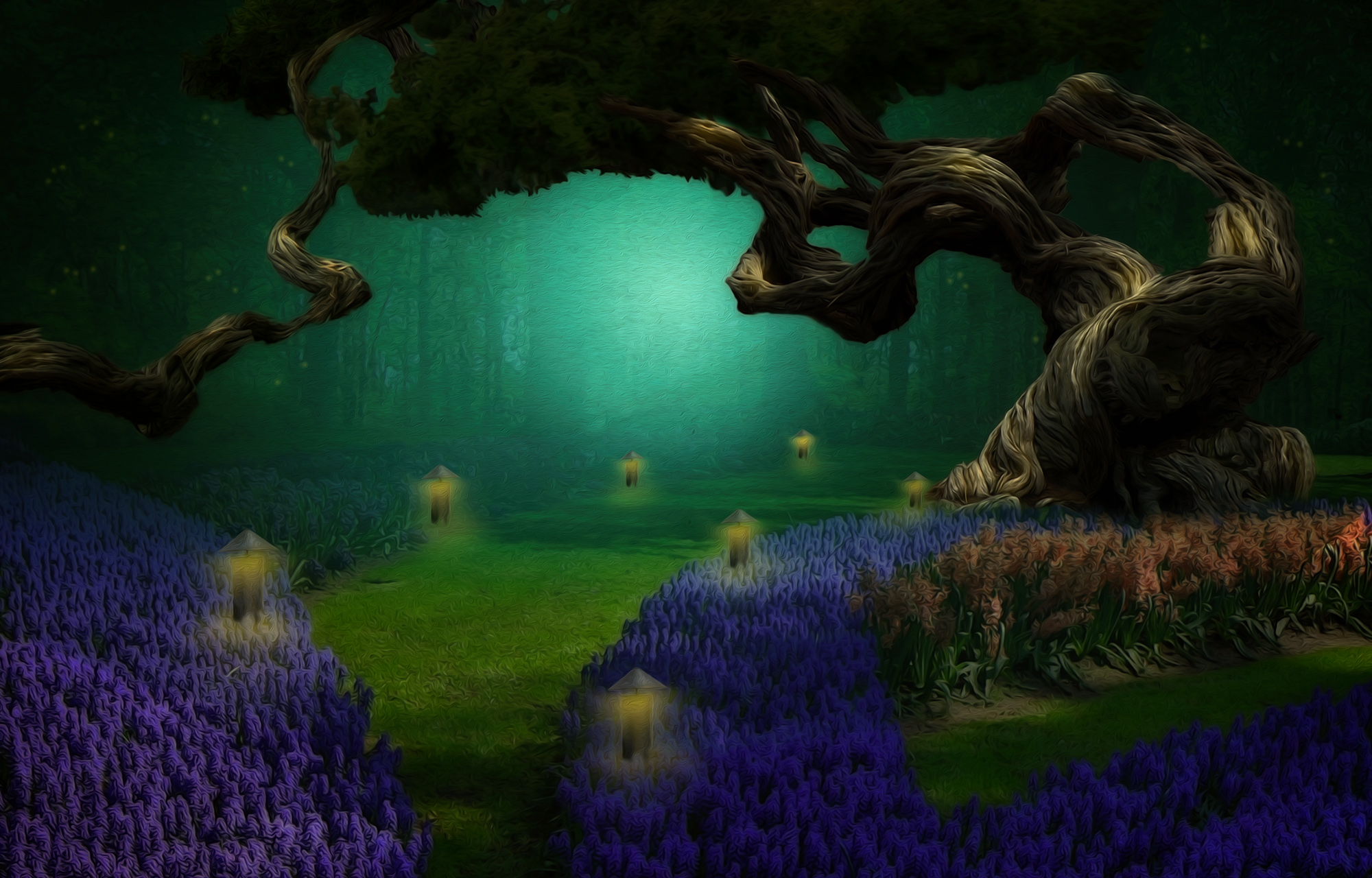
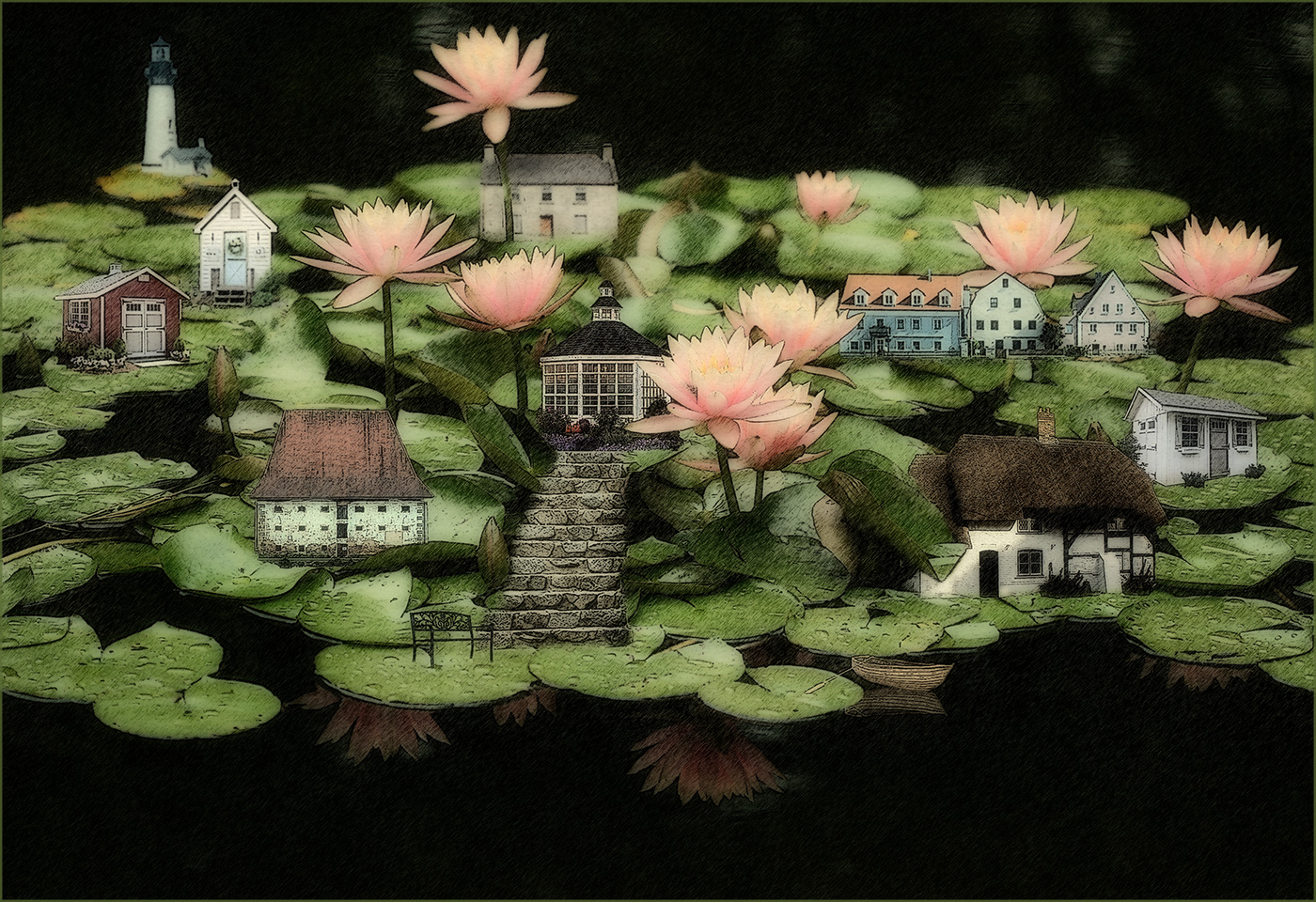
Thanks Denise. Both of your versions are improvements to my image. I use the PS oil paint filter frequently for my composite images in my other DD group, so I was trying to branch out and use a different filter. I like your B/W version better because it keeps the sketch aspects and doesn't have the distracting light outlines around many of the individual blooms that the oil paint filter created in the color version. I thank you for taking the time to work with my image! |
Jan 12th |
| 77 |
Jan 25 |
Reply |
You're right Connie; that's better. Thanks! |
Jan 12th |
6 comments - 3 replies for Group 77
|
11 comments - 4 replies Total
|