|
| Group |
Round |
C/R |
Comment |
Date |
Image |
| 34 |
May 22 |
Reply |
I wish you well on your compositing journey Bob. I've been doing composites for quite awhile and thoroughly enjoy the process of creating a story out of many photos. Recently, I've been more focused on minimalist and abstract photos, but if there's ever any way I might be able to assist, please feel free to ask. Enjoy your journey! |
May 29th |
| 34 |
May 22 |
Reply |
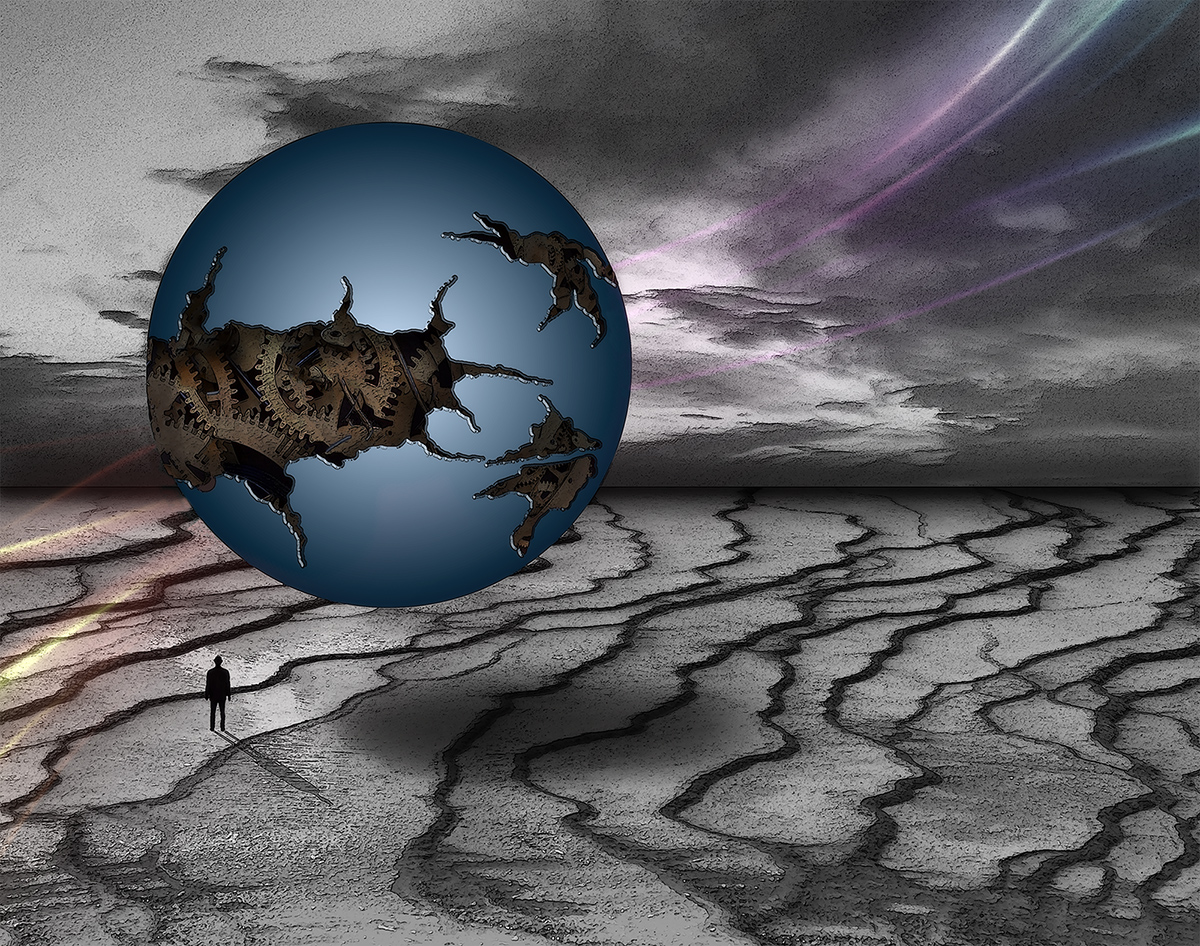
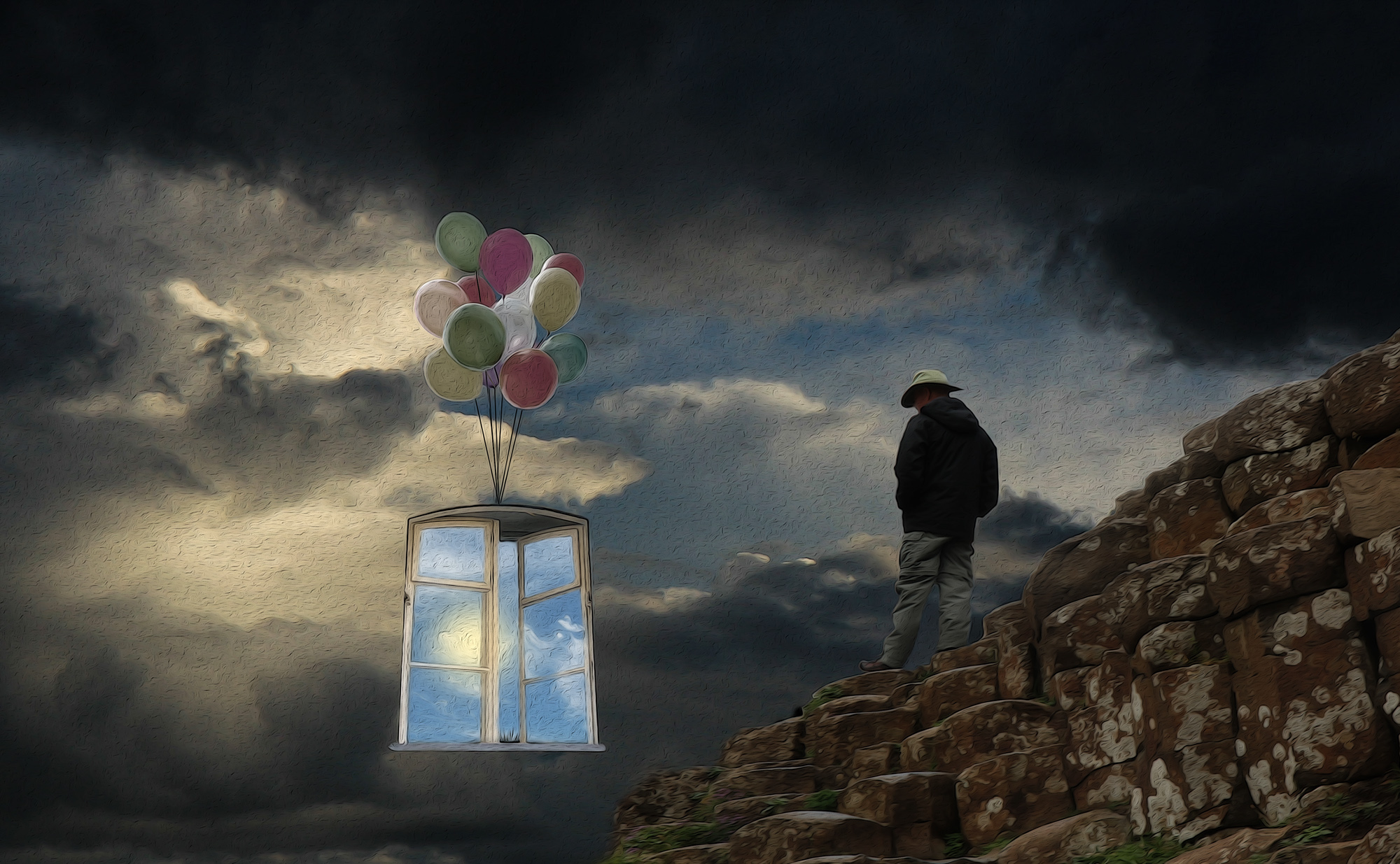
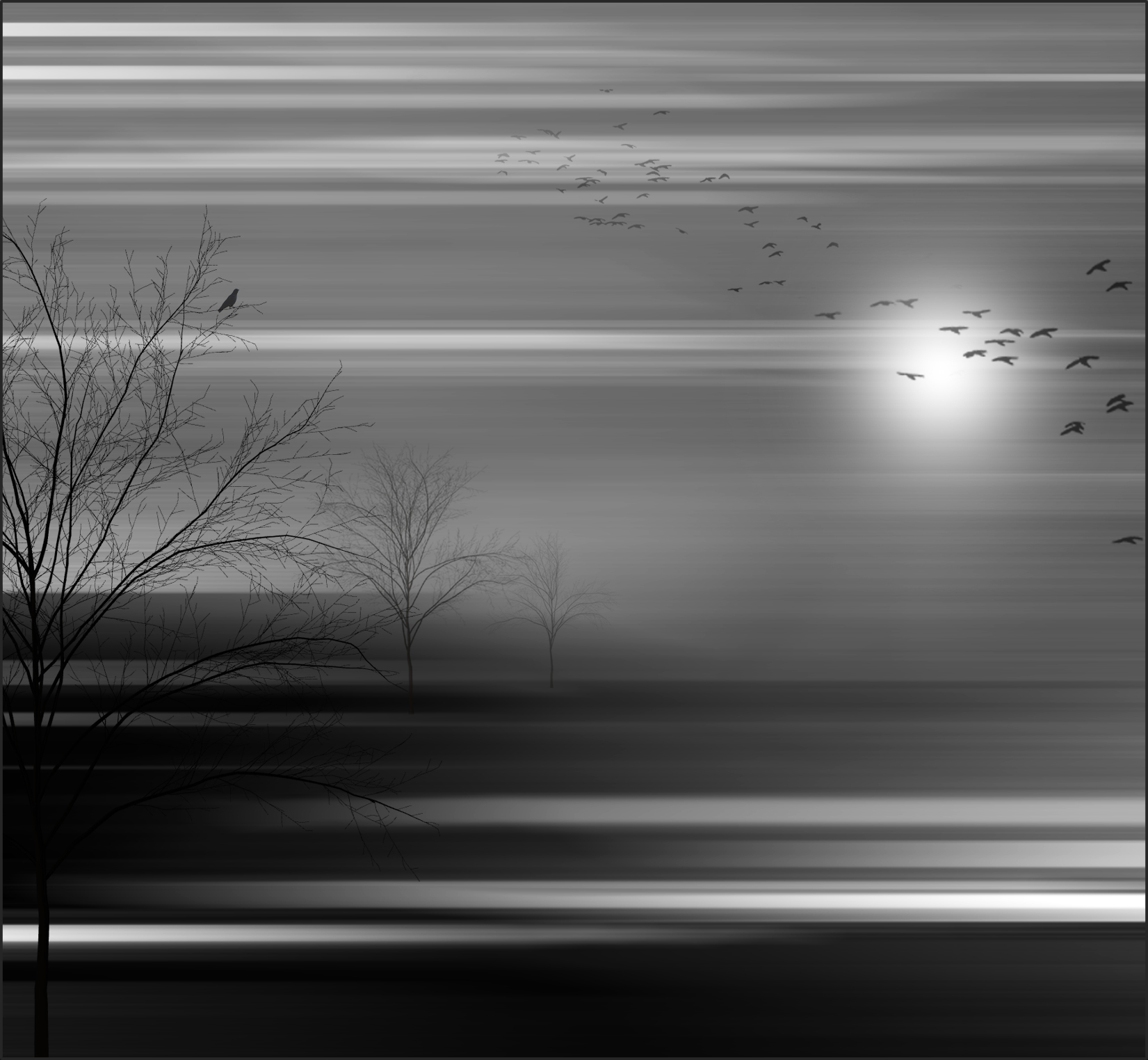
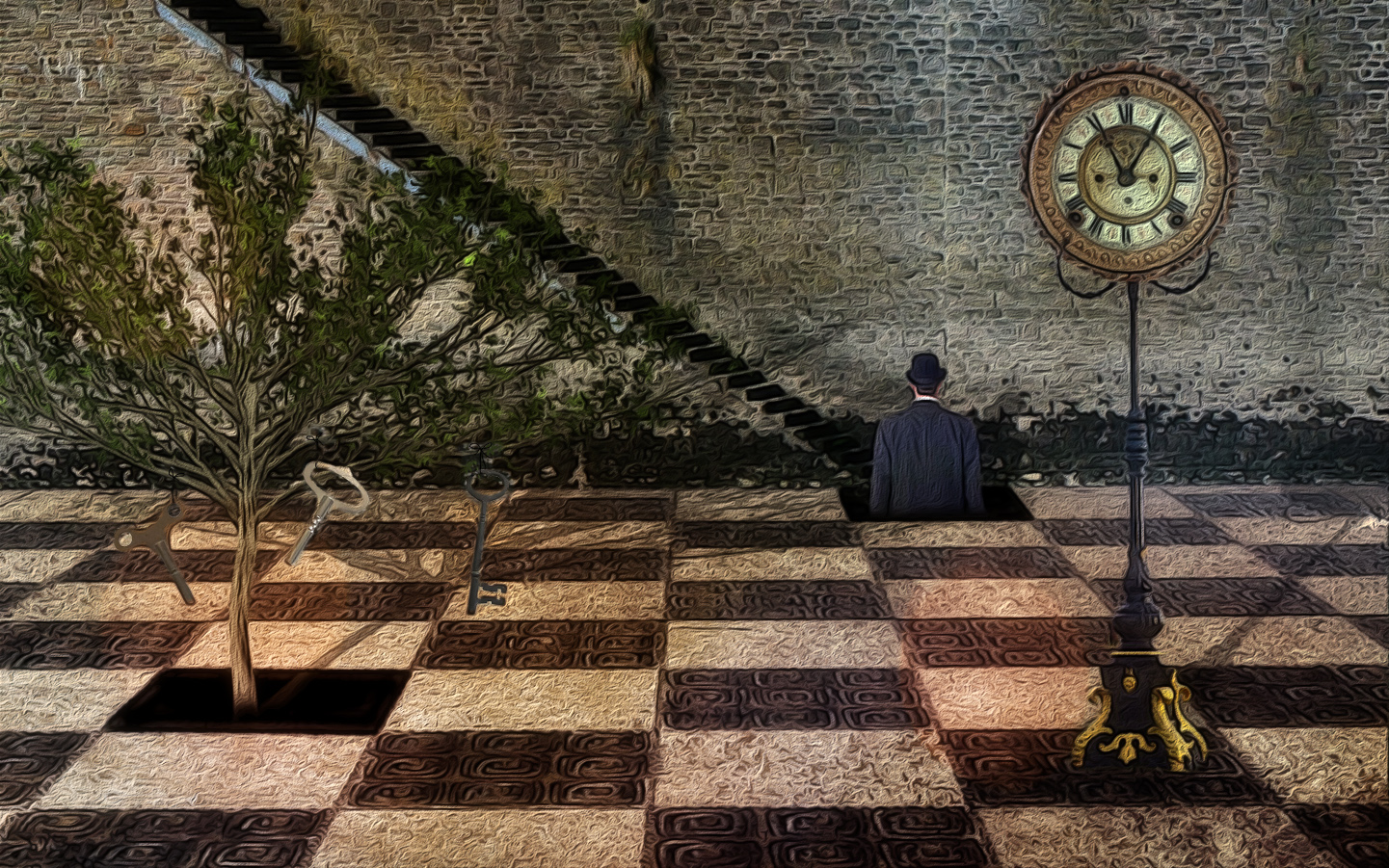
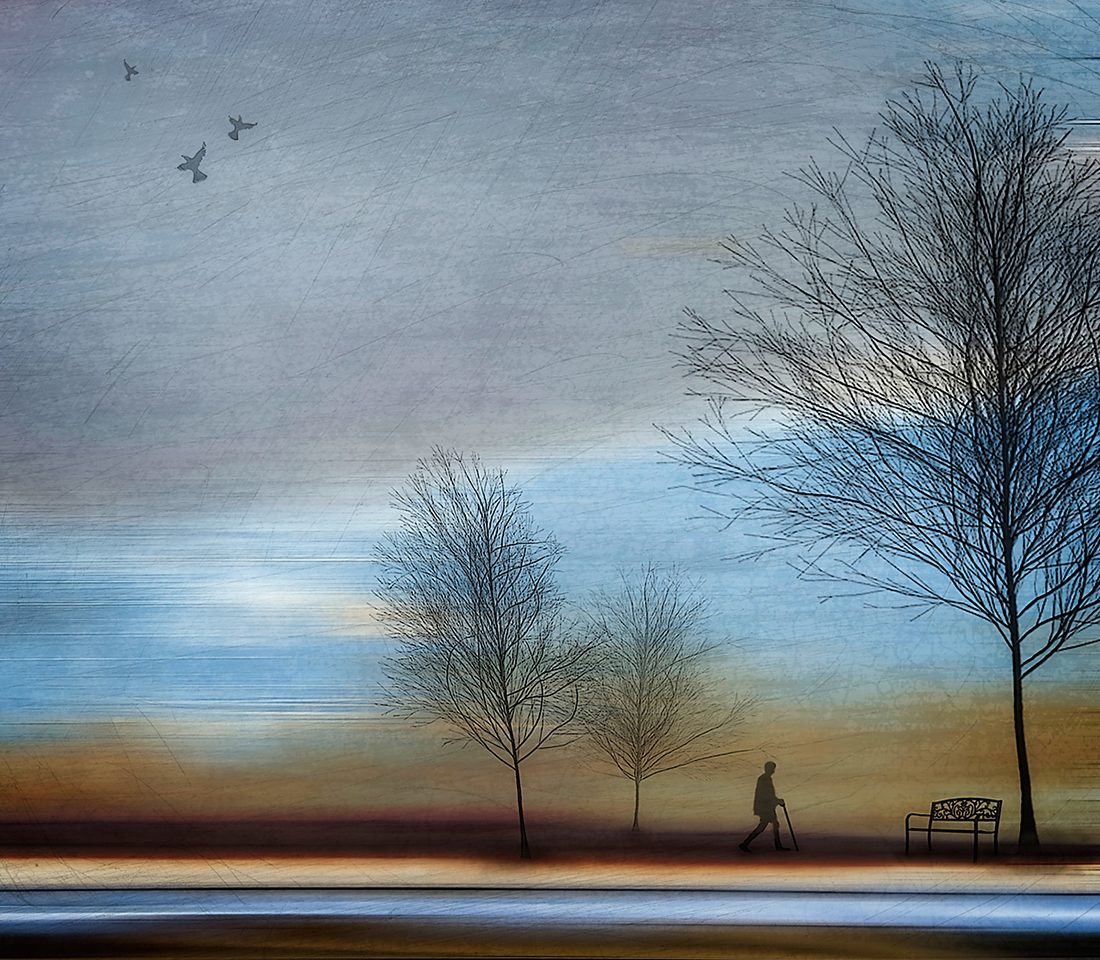
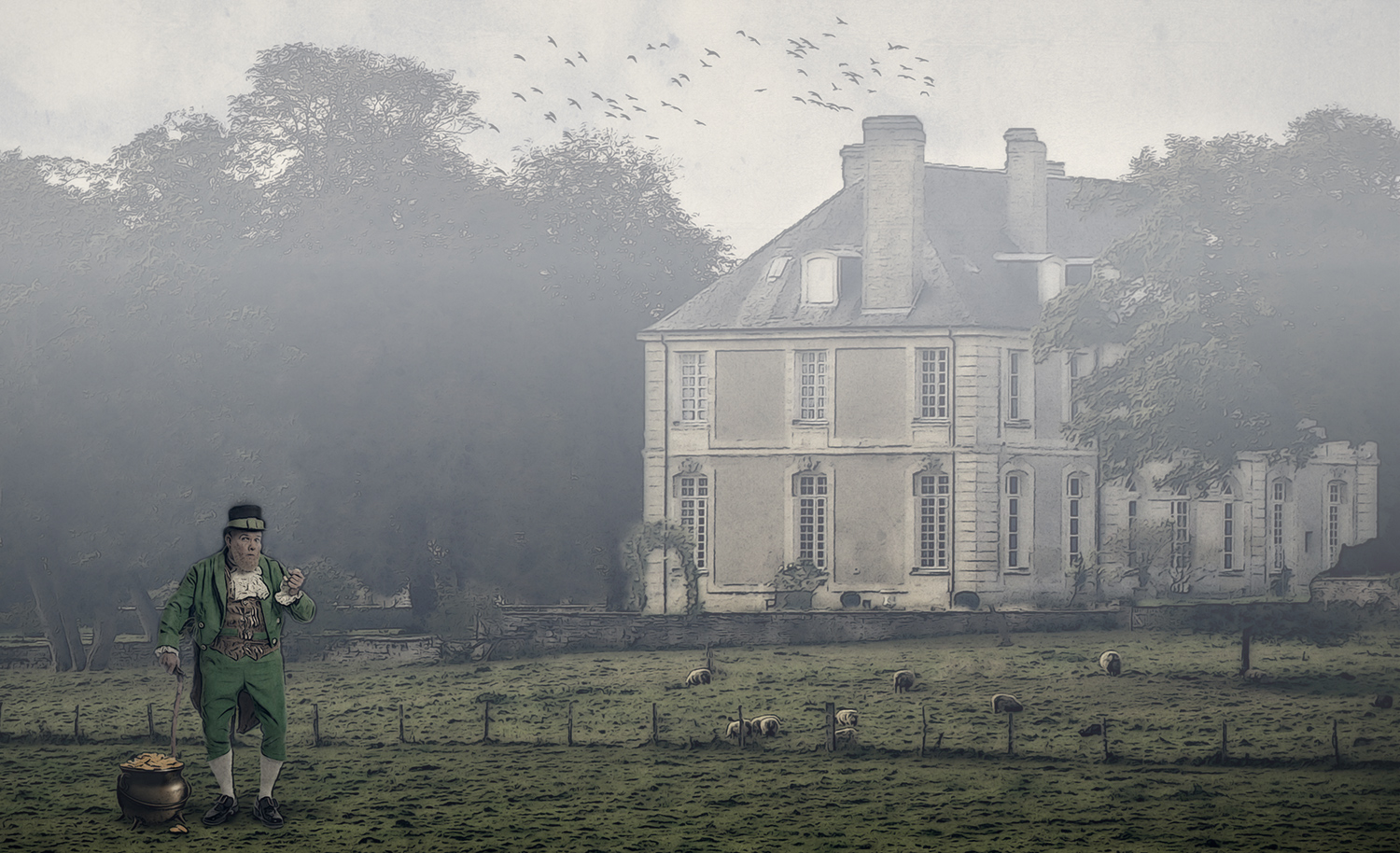
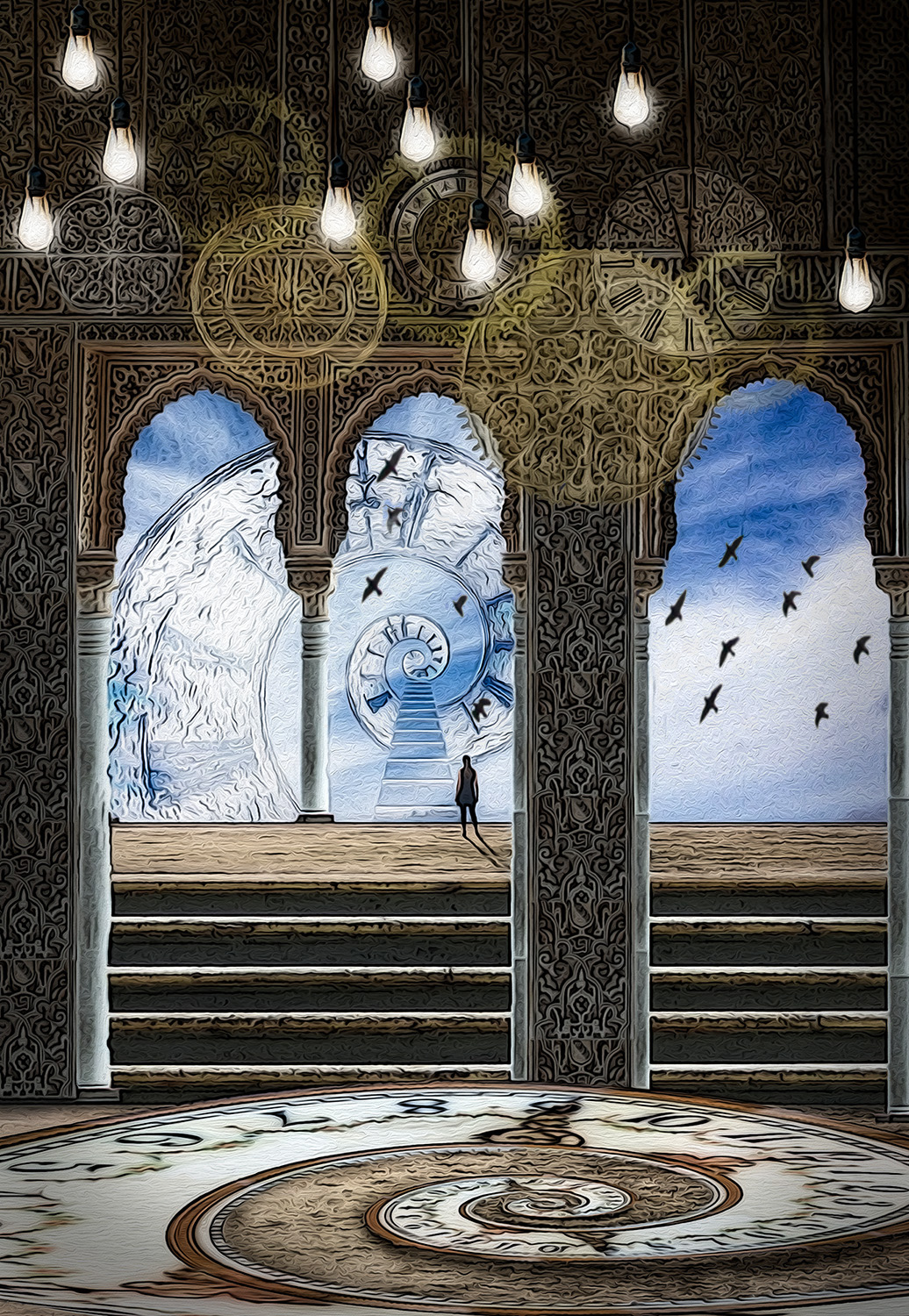
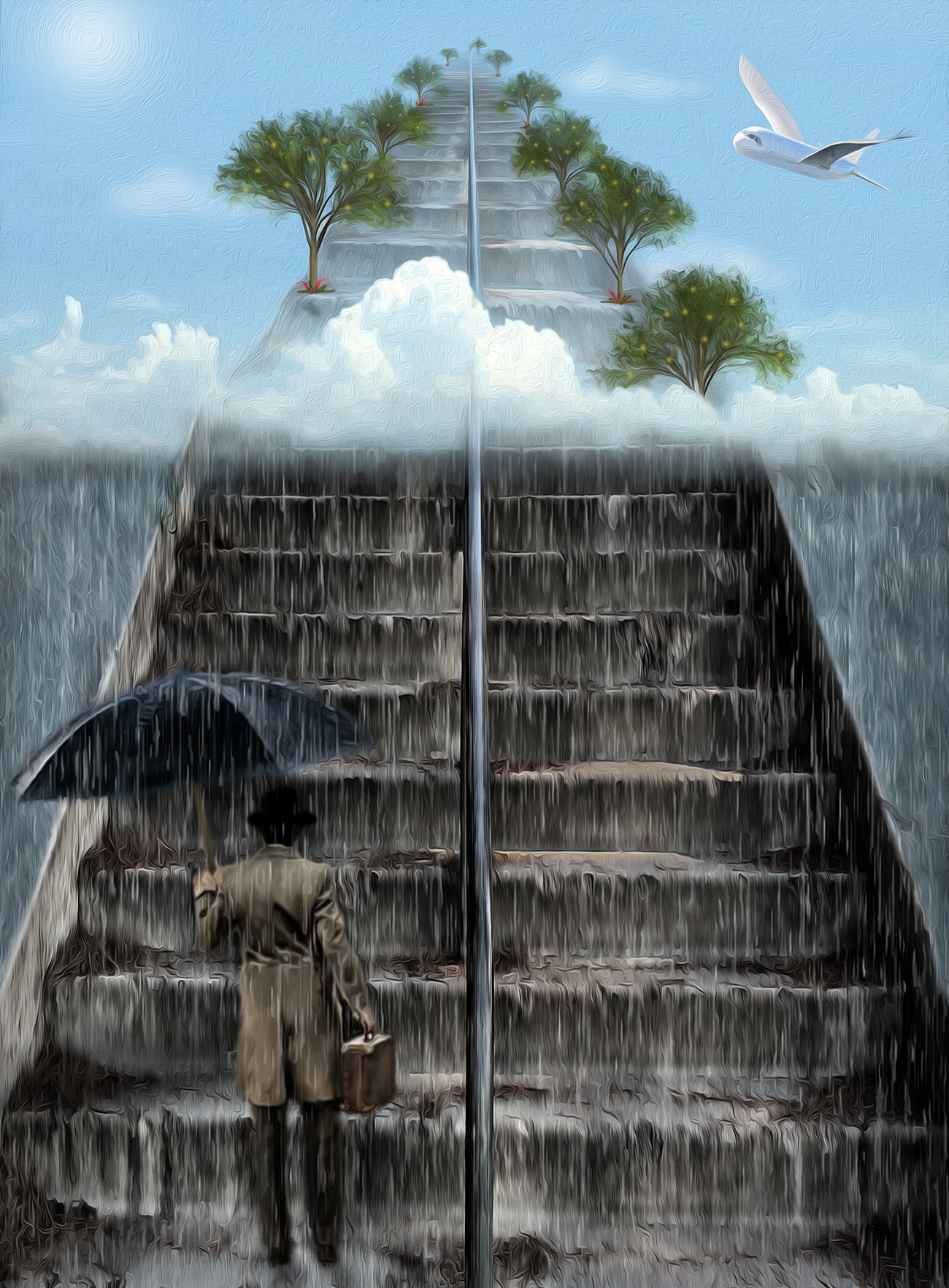
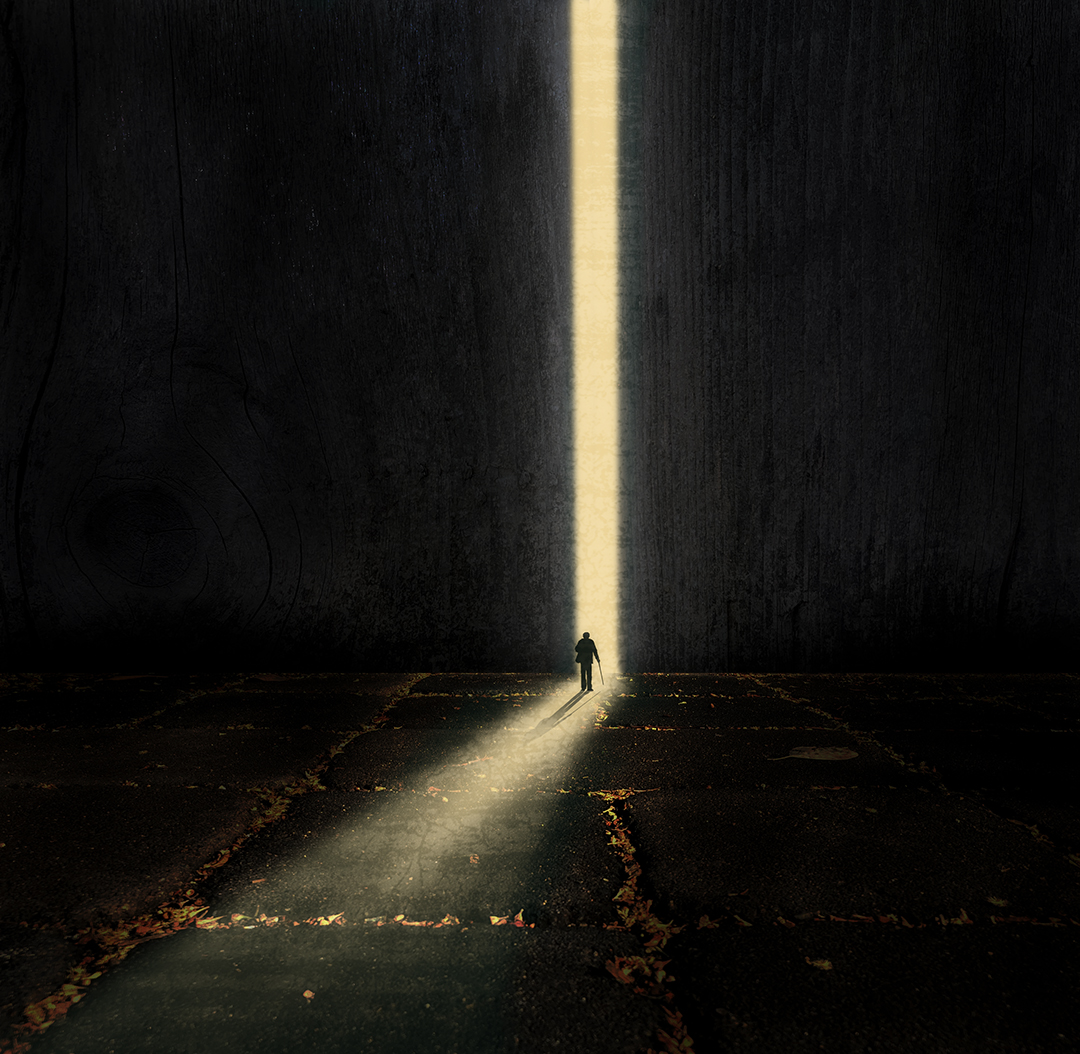
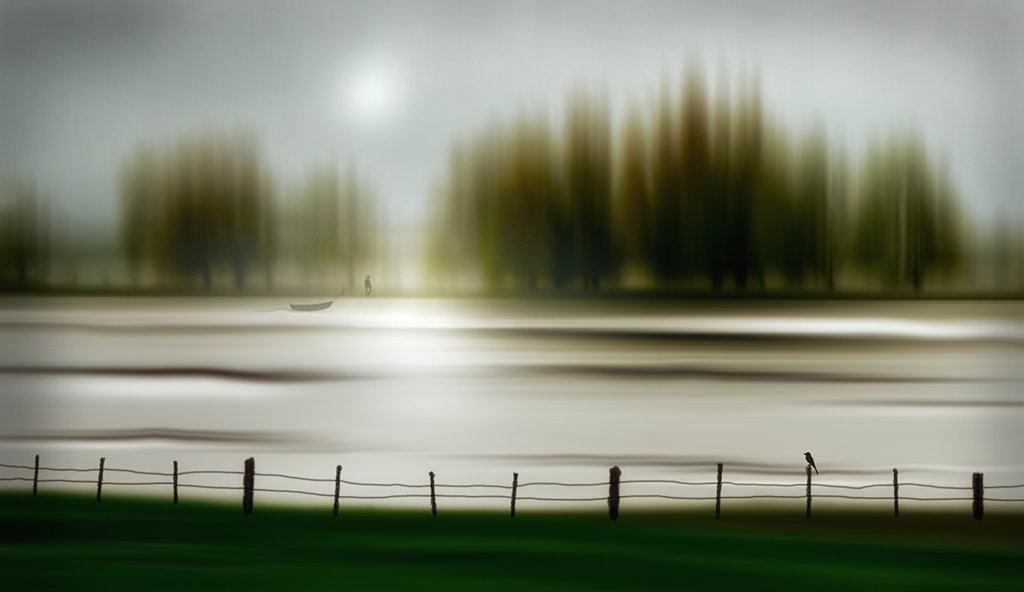
Thanks for your kind words and your comments Bob. When I placed the birds in the scene, I made them gray rather than black because they would be partially covered by the clouds or fog in the sky. And I felt like they were an added living element to keep the man company so that he wasn't all alone; I didn't want the scene to be interpreted as depressing. Thanks for visiting! |
May 27th |
| 34 |
May 22 |
Reply |
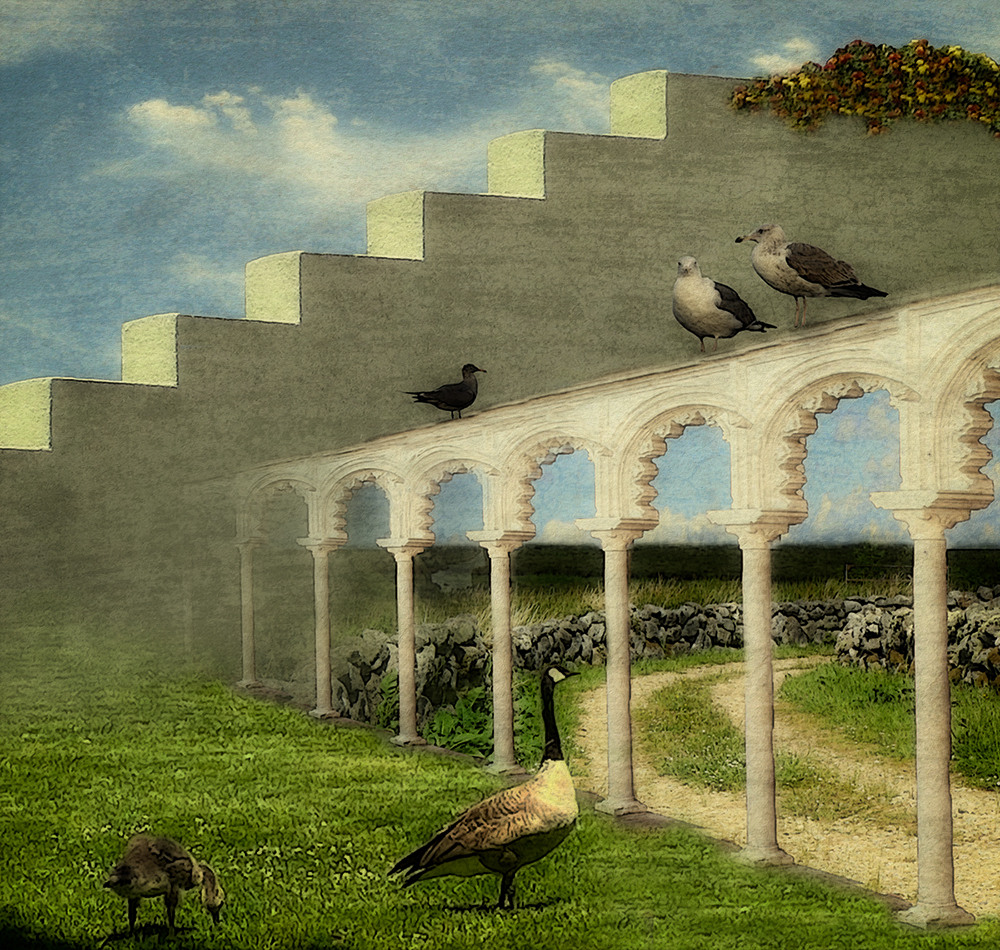
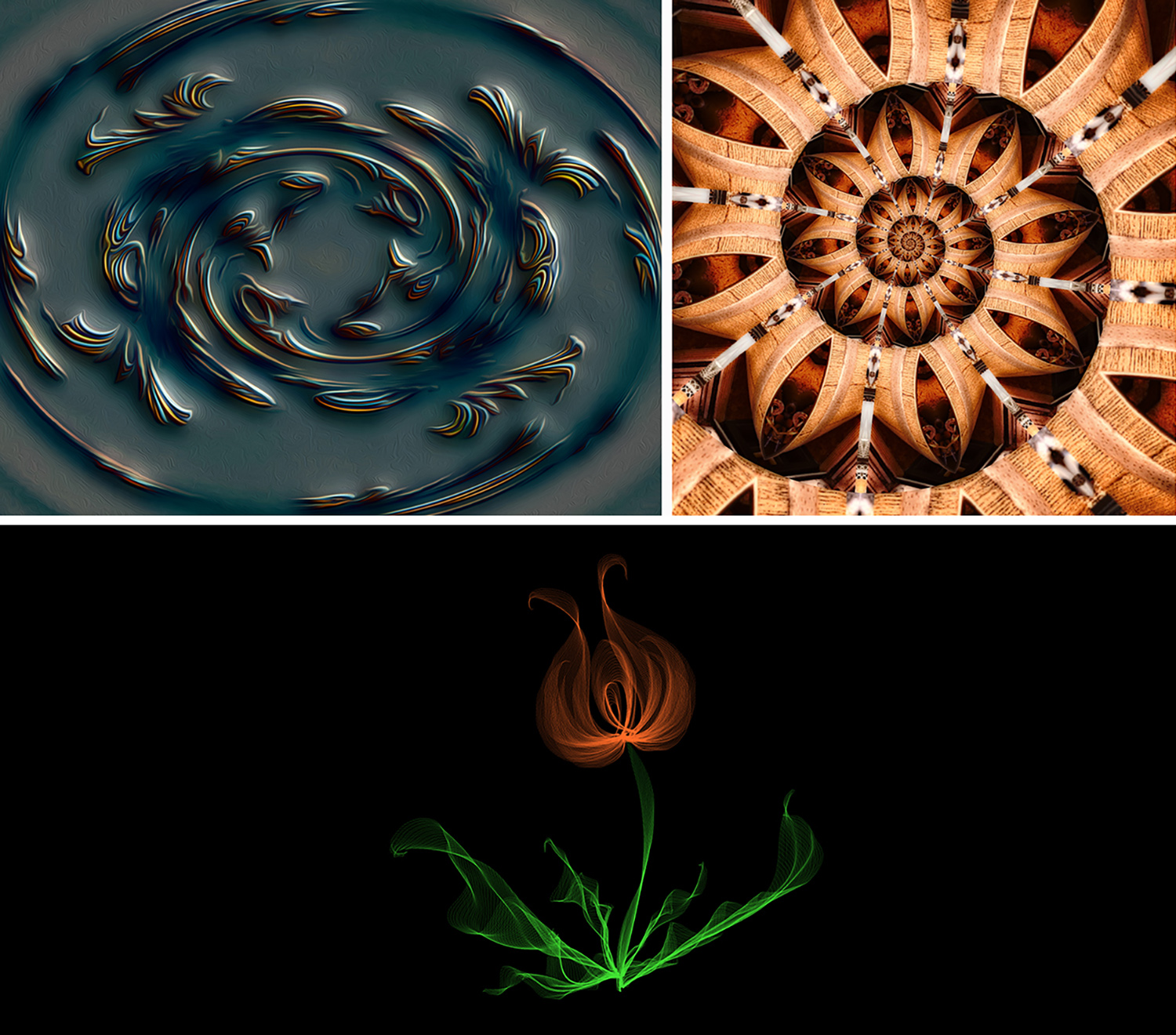
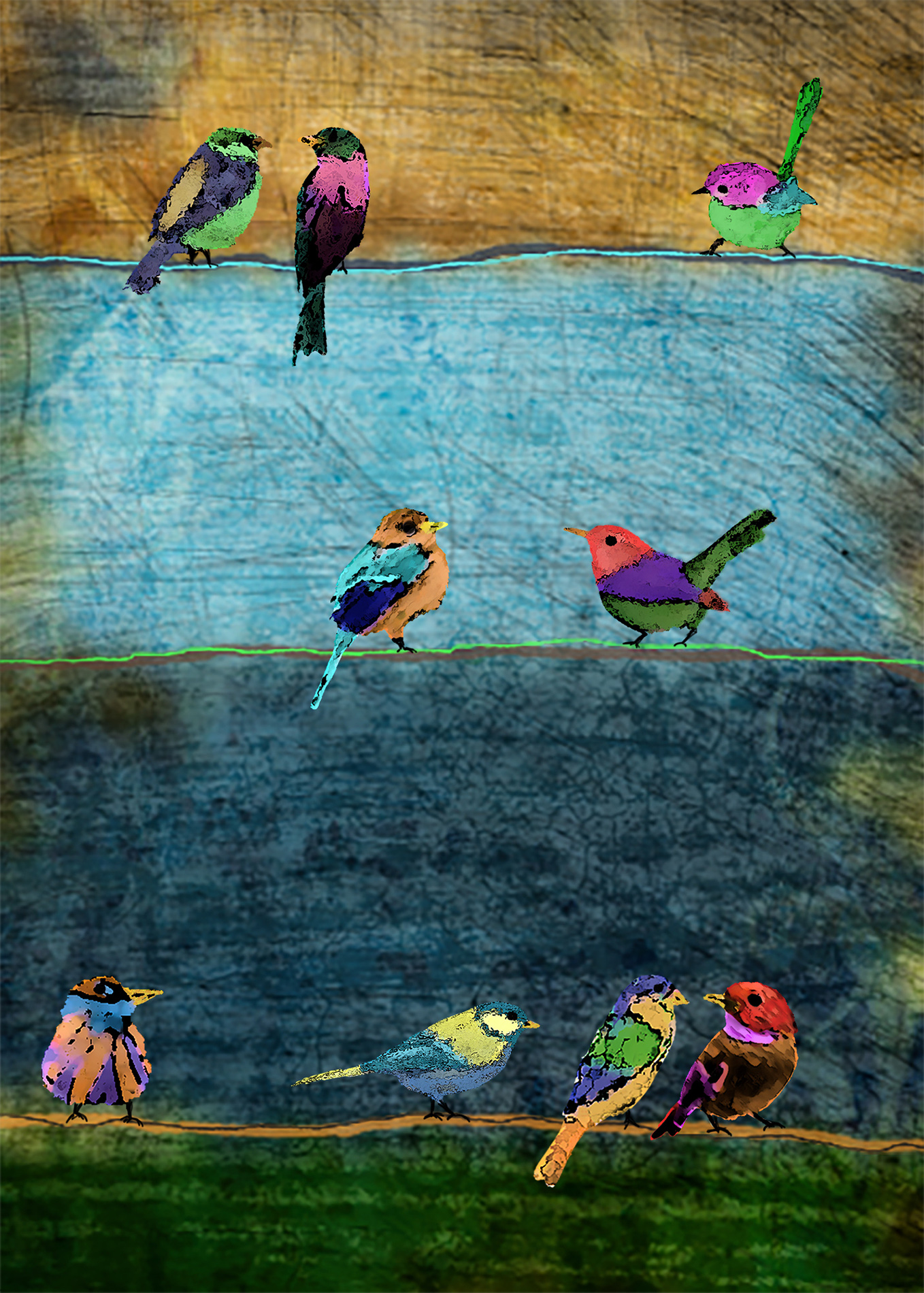
So did Topaz create the illusion of the "feathers" being conformed to the steps in the zigzag pattern? Maybe it's just an optical illusion that the feathers bend where the steps bend (at the edge where the white stripes meet the grey stripes). Interesting effect at any rate! |
May 13th |
| 34 |
May 22 |
Comment |
Very nice cityscape Brian. You did a great job replacing the sky -- a big improvement. I was struck by the fact that the main building is still very much under construction but there are already inhabitants? (lights) on the lower levels. The blurring of the buildings and watery waves in the reflection worked well. I agree with Gunter that the brick texture doesn't quite work with this particular image. I do like the cranes being there though; they add an element of building and progress that appeals to me. |
May 10th |
| 34 |
May 22 |
Comment |
I like this a lot Gunter. The treatment to convert the feathers to splashes of paint is really nice. Your idea to add the steps also was a "stroke" of genius; it added a lot to the piece. How did you get the splashes of paint to conform to the zigzag perspective of the steps? This is such a lively and happy image -- it makes me smile. :-) |
May 10th |
| 34 |
May 22 |
Comment |
What a great job you did Candy of completely changing the mood of both the castle and the 'gator. Your lake treatment came out nice. Love the enlarged and glowing eye. You also did a good job of taking the castle back in time by altering the modern windows and railings. The round and arched black windows near the top of the castle appear to be changed in the final version, but I kind of like them as they were in the original. This is a very nice composite. Well done! |
May 10th |
| 34 |
May 22 |
Comment |
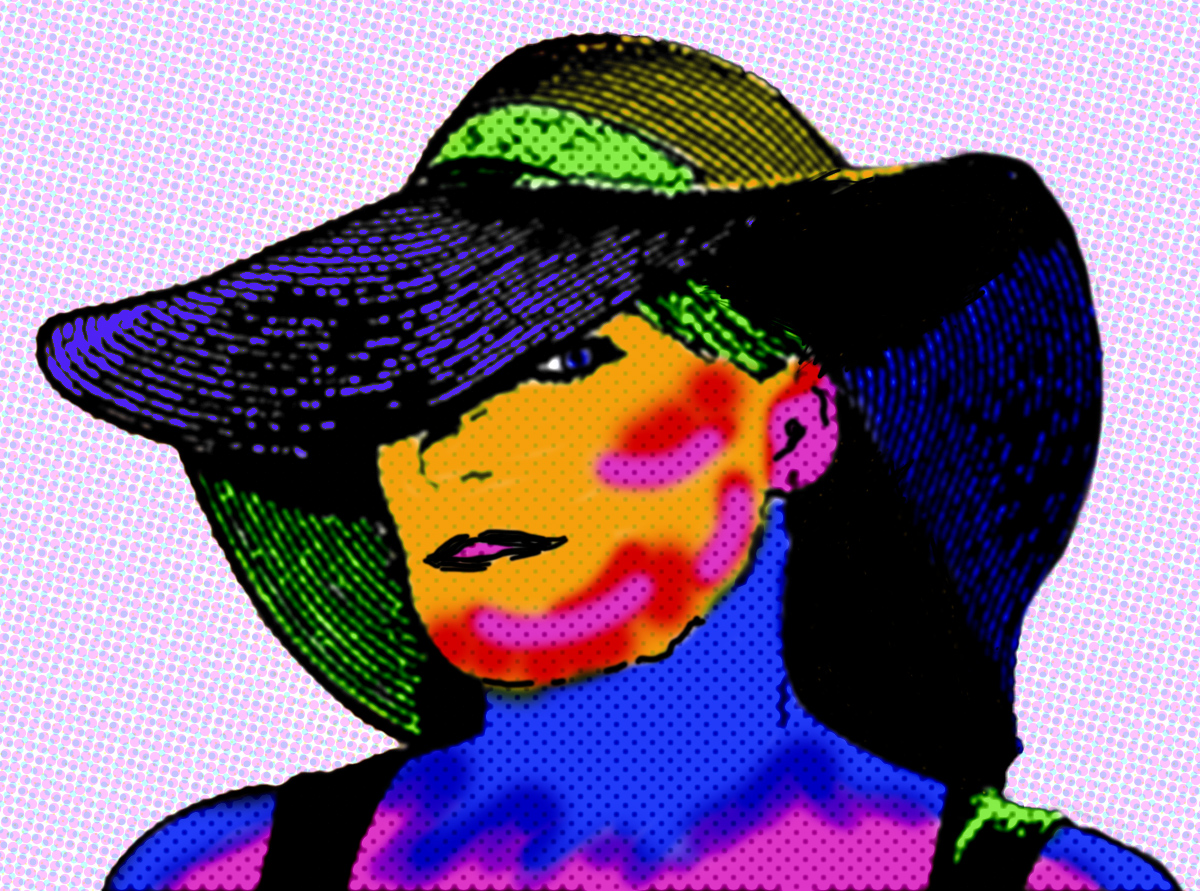
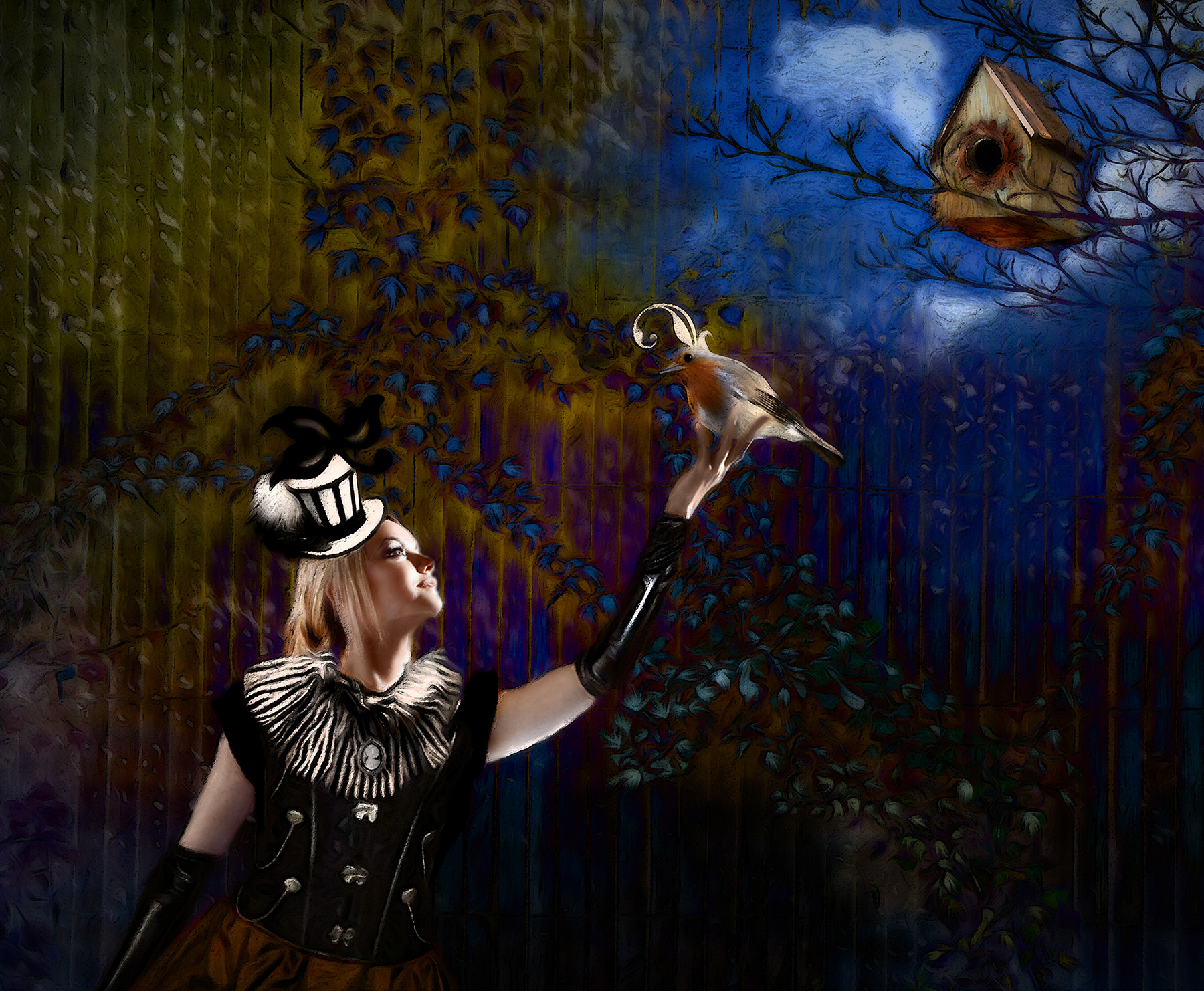
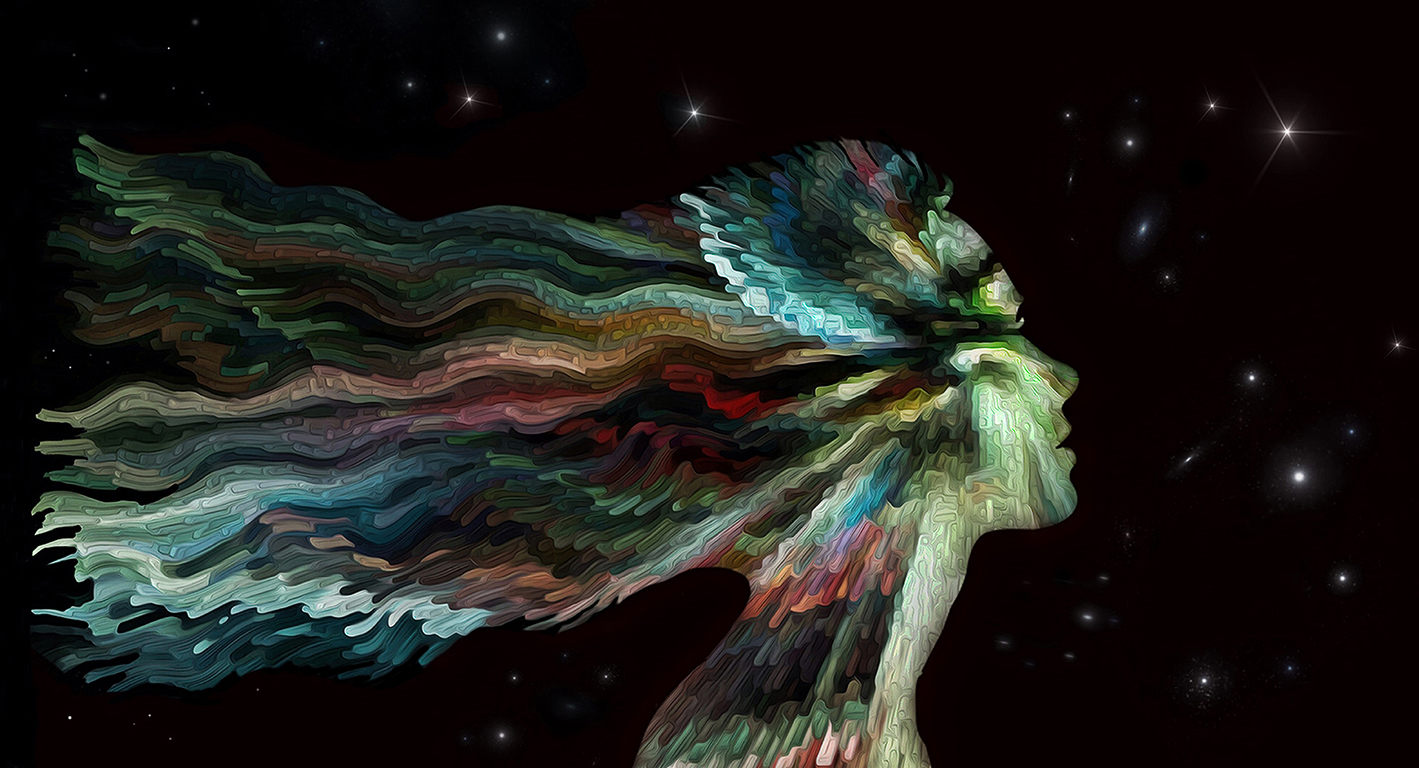
Super image Steve. The Goth beauty has such a nice look in her eyes for your story. Even though her hair probably wasn't blowing in the wind in actuality, it totally looks like it was once you placed her at the ocean. Your treatment of Barnacle Bill is perfect. I do agree with Brian and Gunter about the dark hills behind your lady's hat; at first glance it looked like her hat was more like a witch's hat rather than a nicely domed one. Your treatments all worked well, and I like that you ratcheted back the saturation on the lady a bit. Nicely composited! |
May 10th |
| 34 |
May 22 |
Reply |
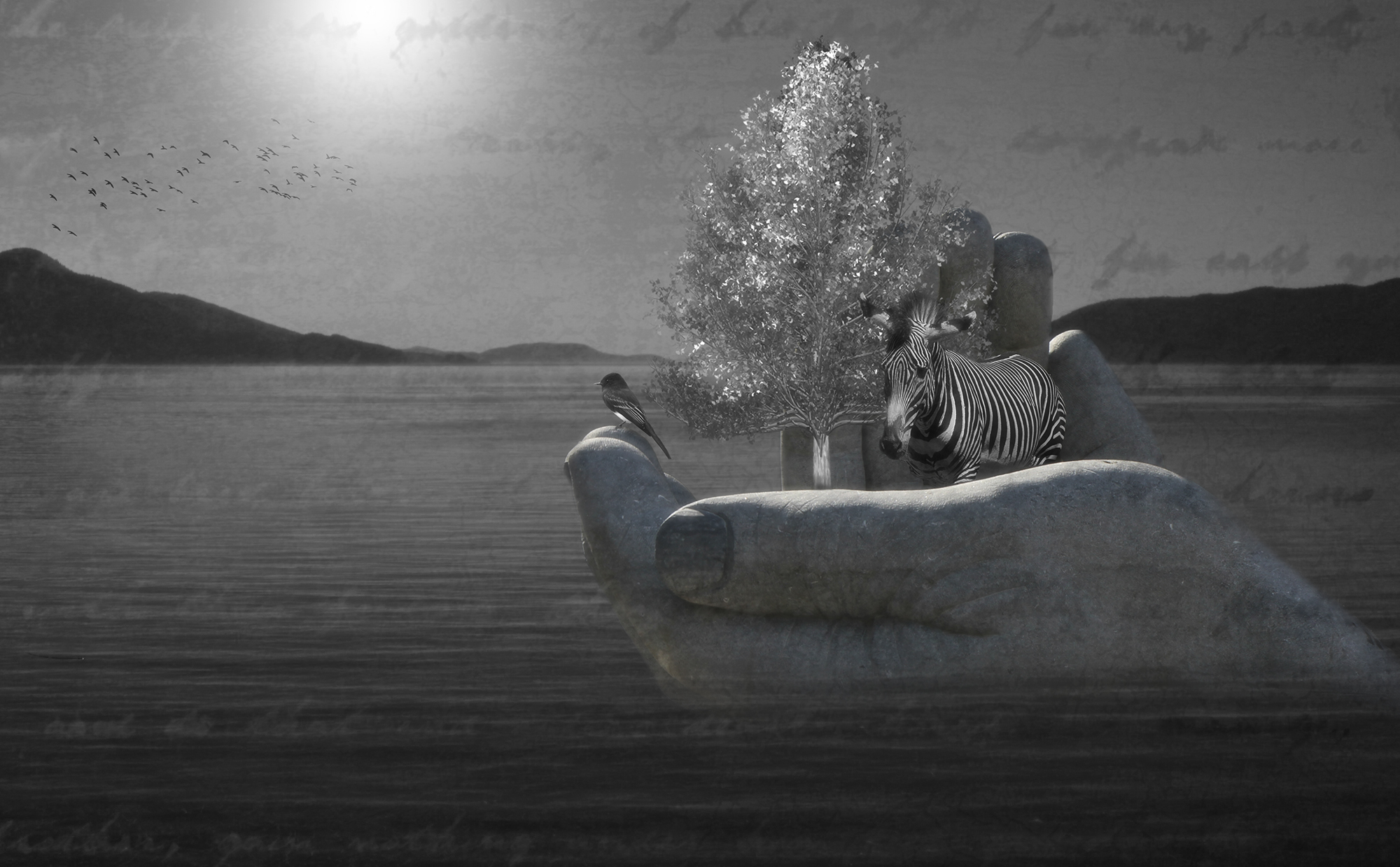
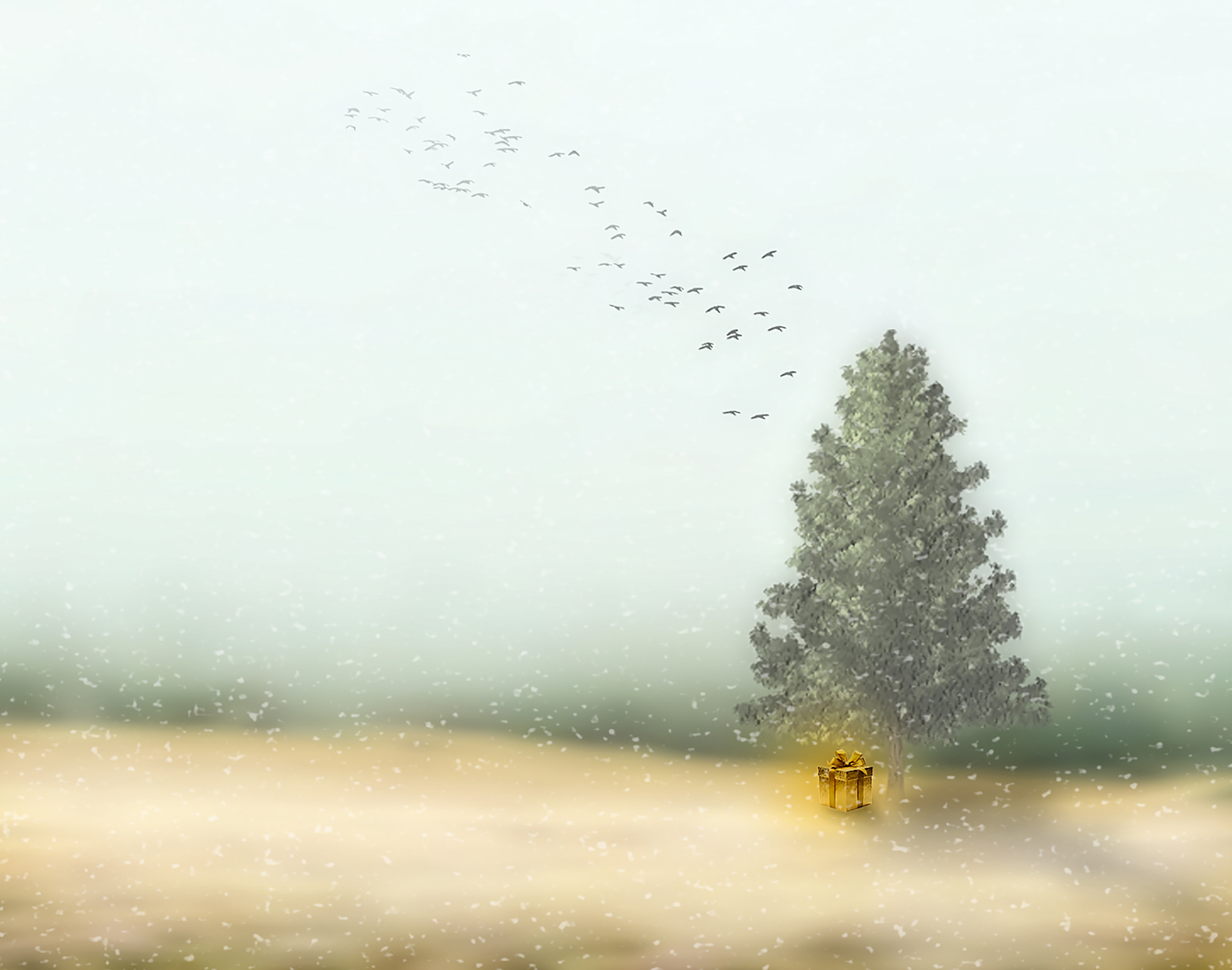
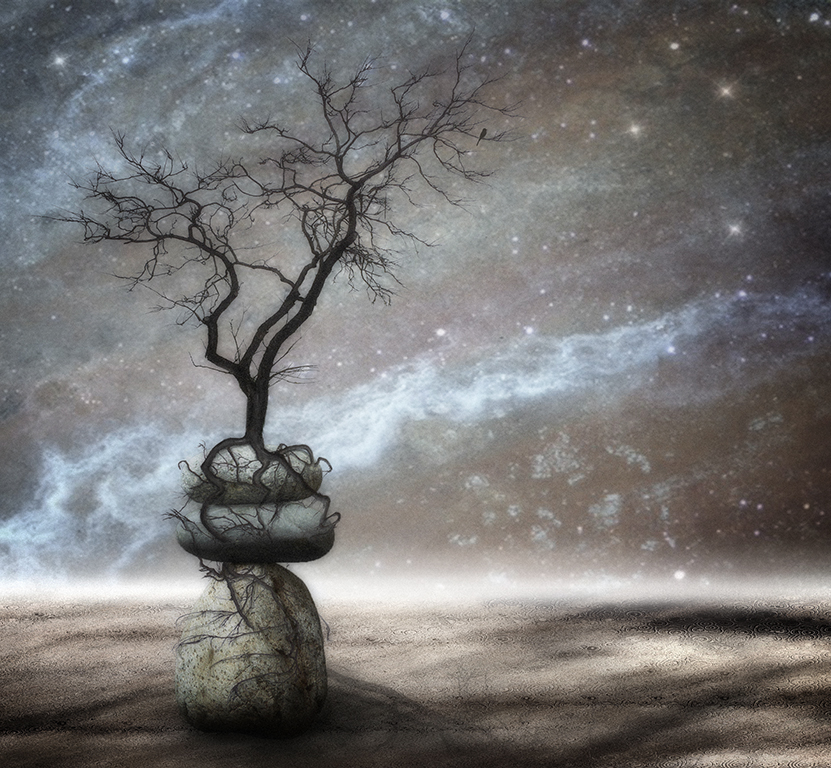
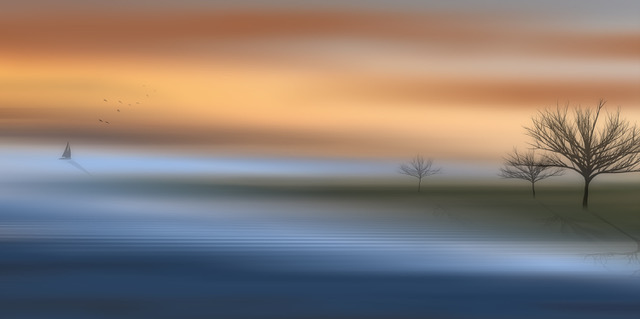
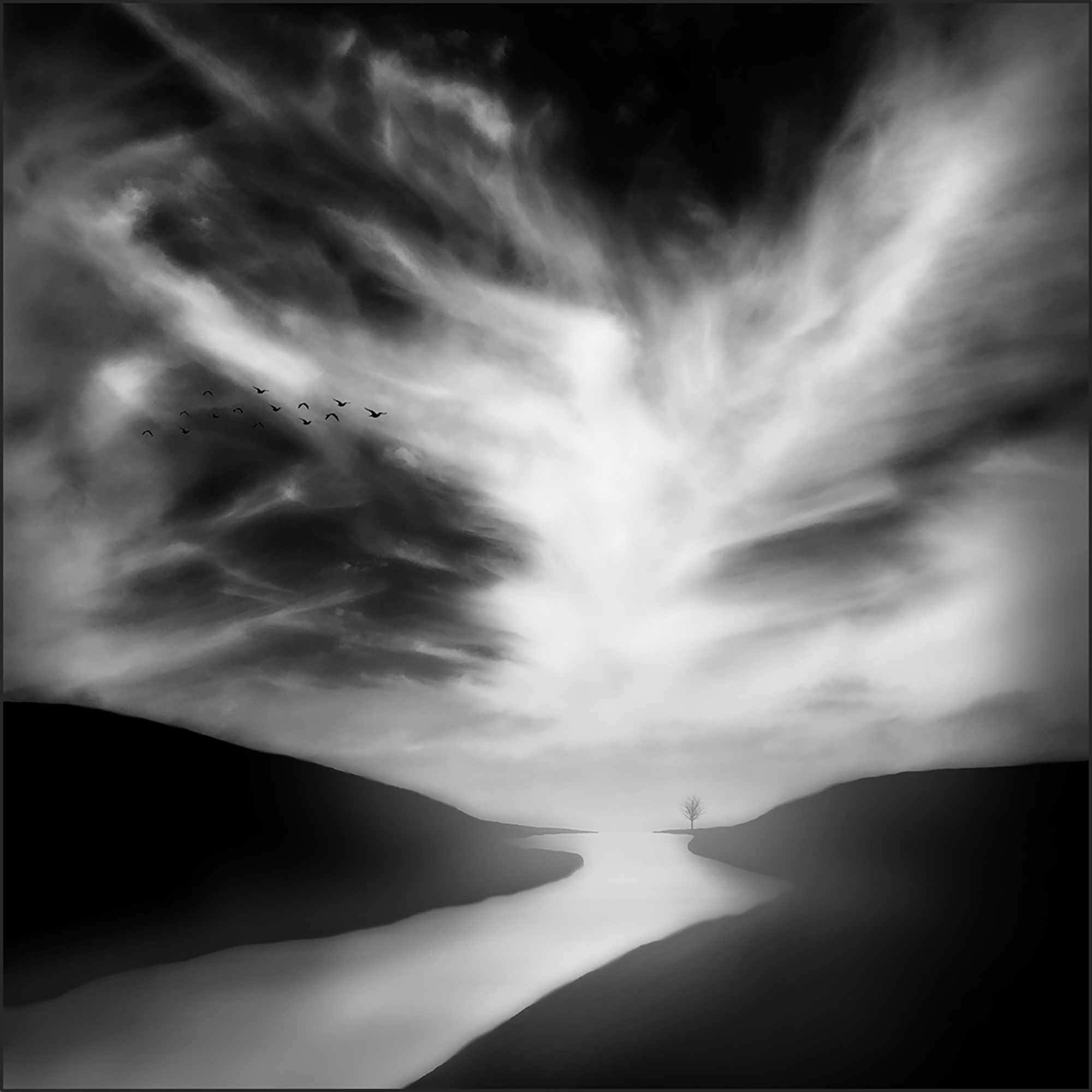
Thanks for your feedback Brian. Regarding the trees, in PhotoShop you can create a myriad of pretty realistic looking trees by selecting "Filter" in the top menu bar. Once the drop down menu opens, select "Render" and then "Tree." I usually create a new layer first so I can delete it and not affect other artwork below if necessary. Once you're in the tree creation menu, it's such fun to experiment with the many types of trees shown at the top, and then use the slider bars to change how many leaves you want, branch height, etc. The possibilities are endless. Most of the time I end up making them into a silhouette, as I did in this month's image, because sometimes the rendering looks more like a drawing than an actual photo. Hope I explained it okay. Let me know if you have any other questions. |
May 10th |
4 comments - 4 replies for Group 34
|
4 comments - 4 replies Total
|