|
| Group |
Round |
C/R |
Comment |
Date |
Image |
| 34 |
Jul 17 |
Comment |
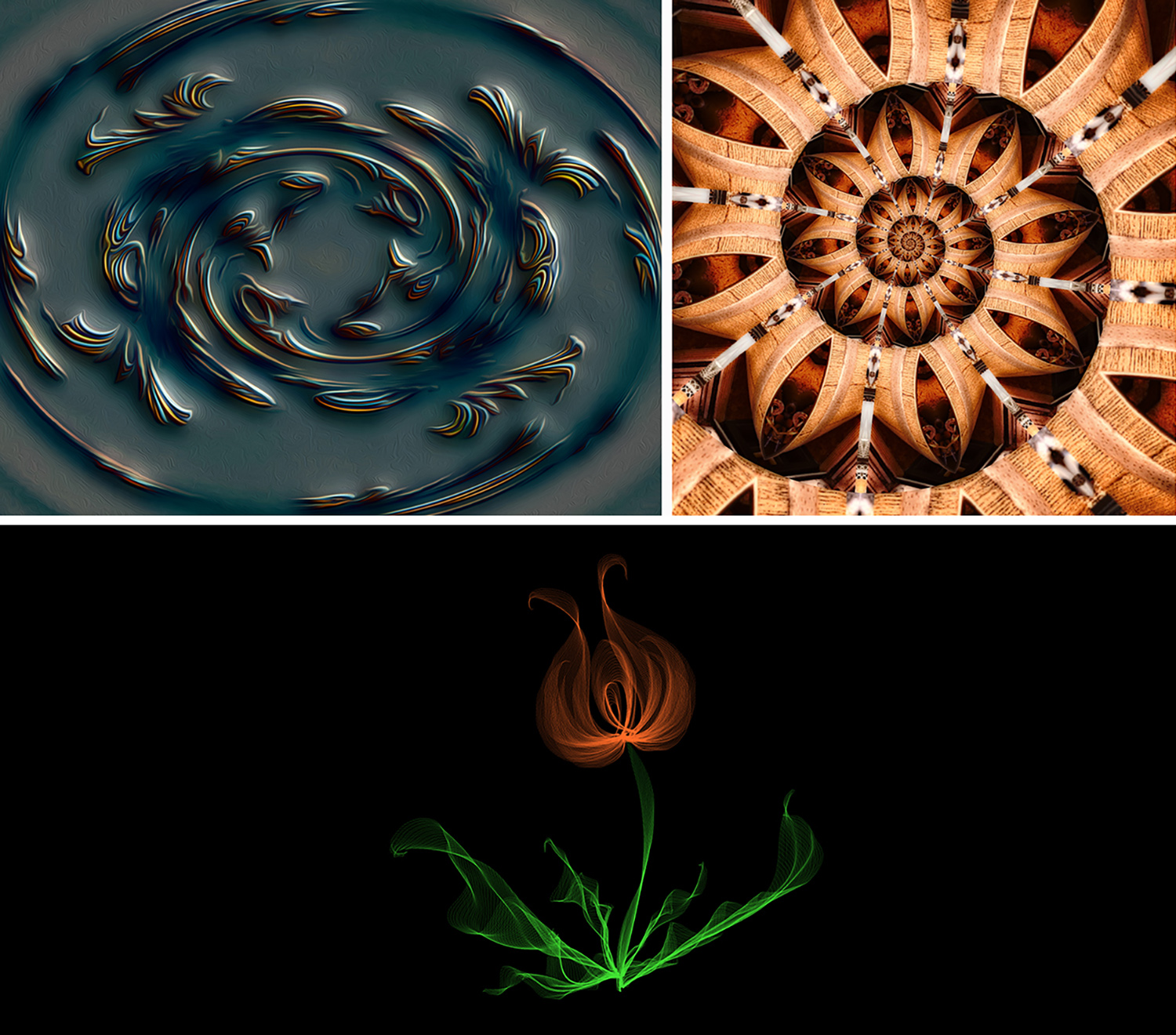
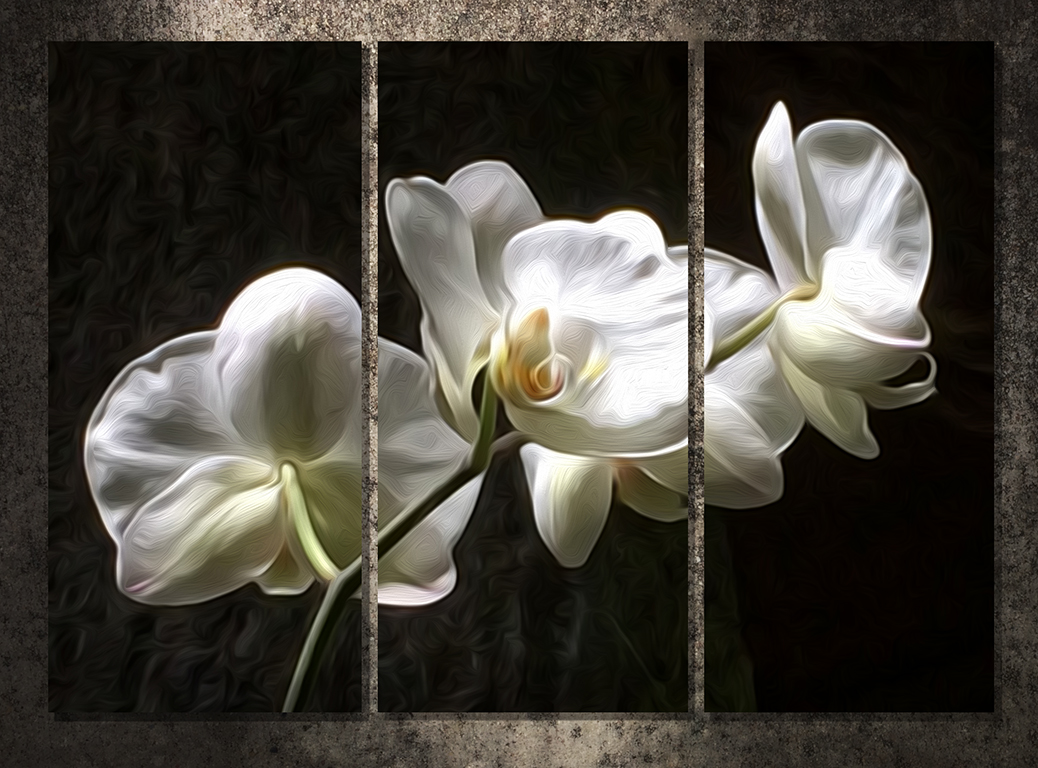
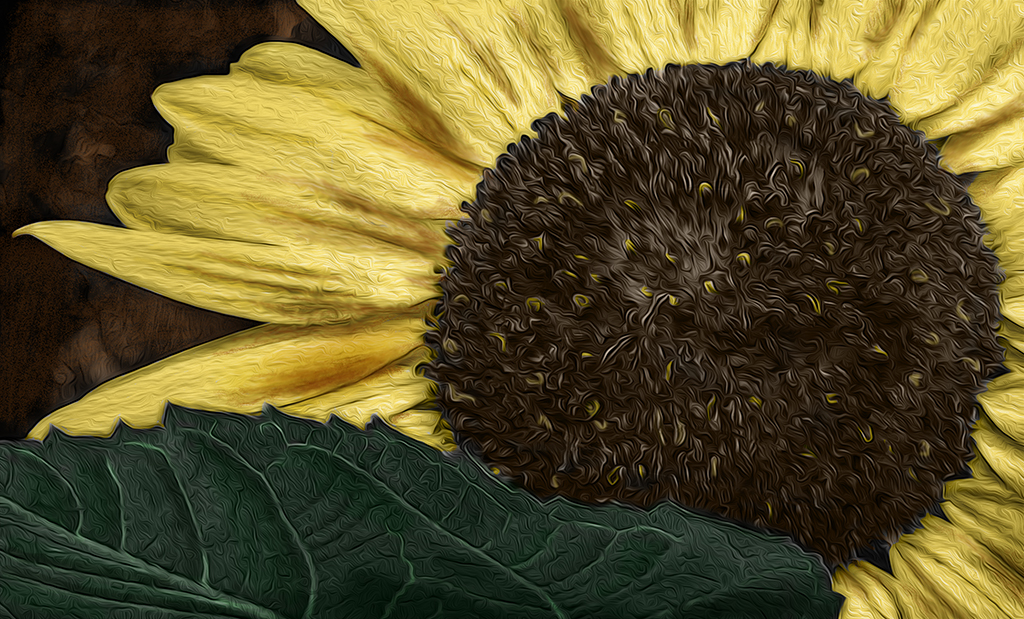
I like this a lot Helen. The detail in the green portion is really nice and the backlighting adds a nice mood. I especially like the way you added the inner frame to be behind some of the petals, but the outer frame does seem just a bit too large to my eye, although I really like your idea of using a second one. My eye seemed to go right to the bright tips on the two top petals petals, so I might have colored those in with yellow. The oil paint filter in PS is absolutely one of my favorites and I like its use here. Beautiful image! |
Jul 12th |
| 34 |
Jul 17 |
Comment |
This is a cool image Christine. I can't imagine going golfing and coming across one of these guys! You got a great capture and I like your treatment of it. I do agree with the comments about his chest area. The enhanced lighting in your final is really nice and the bushes and tree stump are much richer and elevated in character. Nicely done! |
Jul 12th |
| 34 |
Jul 17 |
Reply |
Hi Steve. I've been previewing Topaz free trial for about a week and the only module that has really impressed me so far is the Denoise one. The rest of them are sort of underwhelming and it's such a pricey bundle that I think I'll be passing when the trial period is up. I may buy just Denoise alone. |
Jul 12th |
| 34 |
Jul 17 |
Comment |
This is a fun image Georgianne. Especially now when it's a too-hot day and I'd like to be right where this guy and his dog are. The painterly treatment works well and you did a really nice job with the light and shadow extremes in the image. I like the amount of saturation too--really amps up the fun factor. Well done! |
Jul 12th |
| 34 |
Jul 17 |
Reply |
Cool! Do you use all their programs or just Flood? |
Jul 9th |
| 34 |
Jul 17 |
Comment |
I'm torn between the ethereal softness of your final and the vibrancy of your original. But in both images, the beautiful shapes formed by the blossom are very lovely. Nicely seen, well photographed, and beautifully processed! |
Jul 9th |
| 34 |
Jul 17 |
Reply |
Hi Steve. I've never heard of Flaming Pear, but I did just Google it to check it out. I'm always so leery of downloading programs without knowing whether they're kosher or not, so having a recommendation from you makes me think I should try it out. Thanks! |
Jul 9th |
| 34 |
Jul 17 |
Comment |
Great image Candy. Frank Gehry buildings make great photos. I haven't seen this one, but the Disney concert hall in Los Angeles is quite similar. You did a great job of bringing out the detail and enhancing the mood of the final. I like the reflection and the color gradient you used to give it a different look than the upper part. Nicely done! |
Jul 9th |
| 34 |
Jul 17 |
Reply |
Hi Georgianne. You might try taking a photo of a fence or wall with cracked paint, and then importing it as a layer over whatever image you want. Then just experiment with blending modes and/or opacity settings to get a look similar to Steve's. Here's a photo I took in my neighborhood out on a walk. No On1 necessary! |
Jul 9th |
 |
| 34 |
Jul 17 |
Comment |
I like your treatment with this Steve. It's nice and sharp all the way from the eye to the nose. Putting the filters over the cow helped camouflage all the schmutz on his nose. The sepia was a good idea. I might have used a mask on the cracked paint layer to ever-so-slightly reduce the opacity just on his face. I like the way you took this from a mundane image to a really interesting one. Well done. |
Jul 9th |
| 34 |
Jul 17 |
Reply |
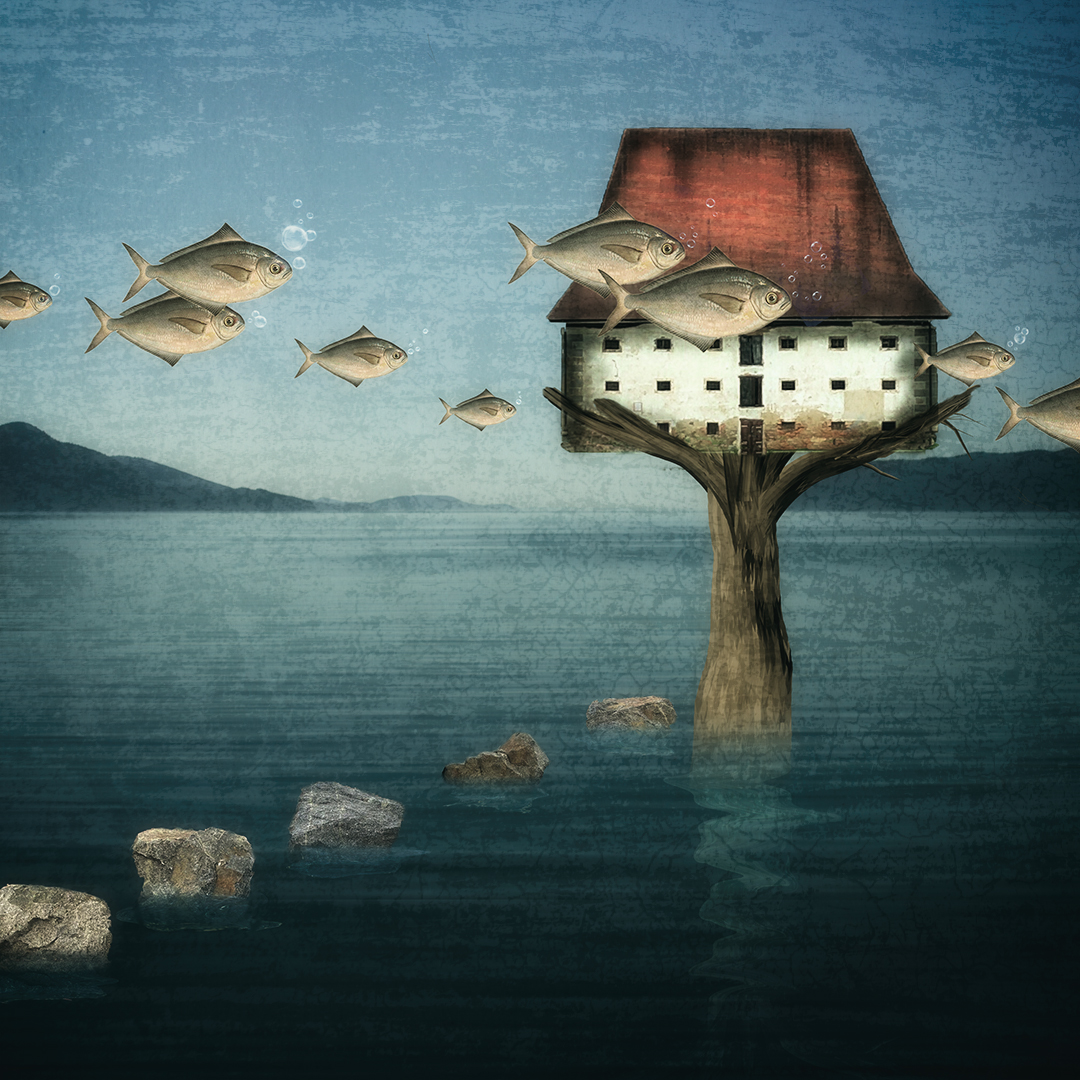
It didn't really take too long to work the roots. The puppet warp tool is pretty good for that type of thing. |
Jul 9th |
| 34 |
Jul 17 |
Reply |
Thanks Marie! |
Jul 9th |
6 comments - 6 replies for Group 34
|
6 comments - 6 replies Total
|