Activity for User 642 - Jan Handman - jhandman61@gmail.com

avatar
Avatar

Close this Tab when done


719 Comments / 410 Replies Posted

  = Current Round   = Previous Round
Group Round C/R Comment Date Image
34 Jan 17 Reply I know what you mean Helen. I've been working on an image off and on for weeks that I already know the title of ("In the Land of Nod") and can see in my minds eye, but can't quite find the right combination of pieces for. I've tried so many failed elements, now I'm giving it a rest and will maybe go back to it at some point. Jan 23rd
34 Jan 17 Reply Cool. Thanks Steve. I never knew that option existed under Adjustments. I'll give it a try! Jan 23rd
34 Jan 17 Comment "Raymond" is a great subject. Love his black dreds, white beard, and funky hat. I think I would have cropped right below his beard to remove the other distractions. The idea of him being behind the weathered door is a great concept, and I love where you placed his eye. I agree with Phil's comment about the transparent part of the door not quite working across his face, but I think you're on a good path to figuring out what combinations of photos will work well together for nice effects. Looking forward to your next image! Jan 10th
34 Jan 17 Comment This is a heartwarming image, but I agree with the comments about it not quite feeling like moonlight. My thought was that moonlight tends to wash color from objects, so I tried converting the image to black and white first, and then adding a subtle blue filter in On1. The faces of the horses and the chaos of the hay in the tire are the most charming parts of the image to me, so I tried cropping in on those aspects. This is a great image for experimentation! Jan 10th
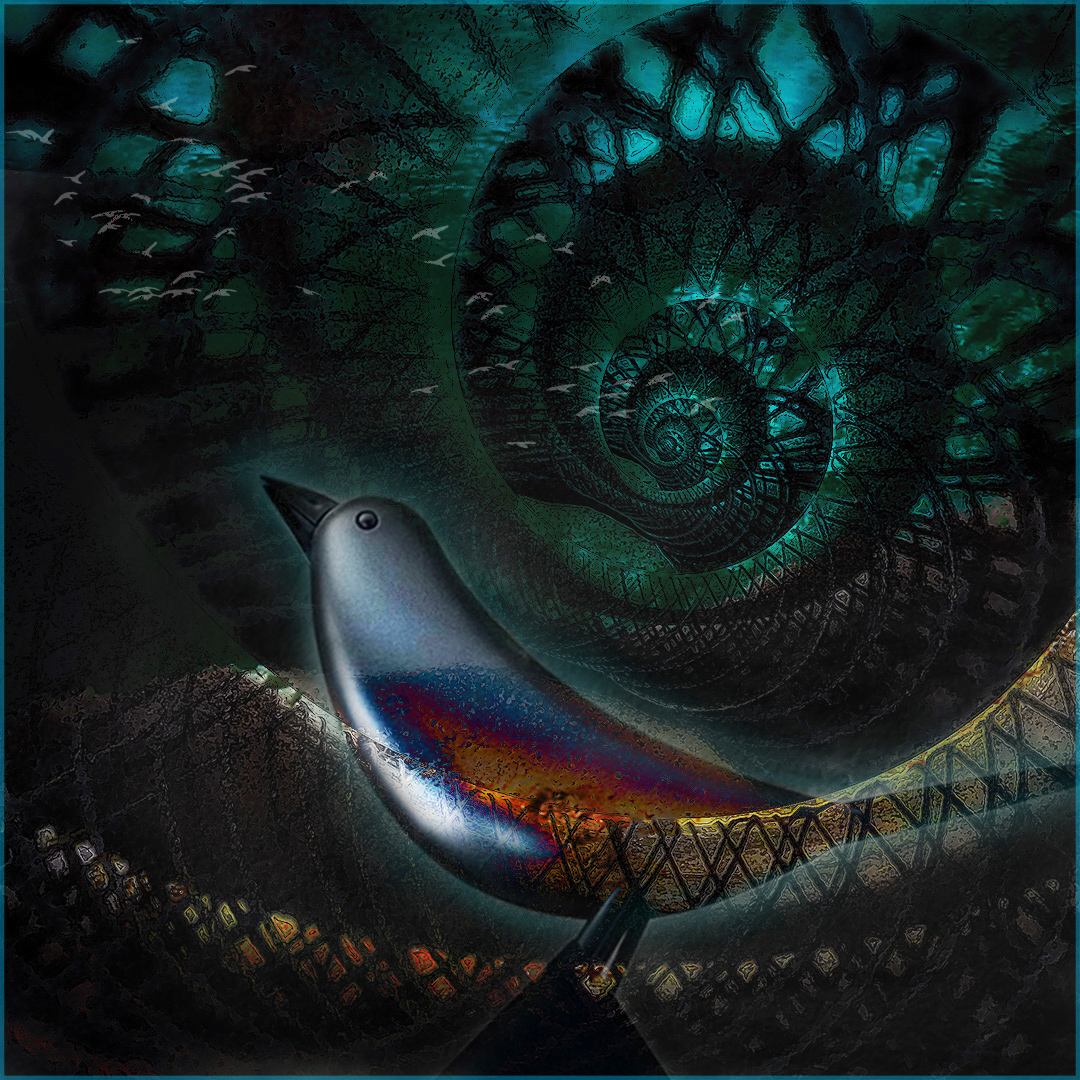
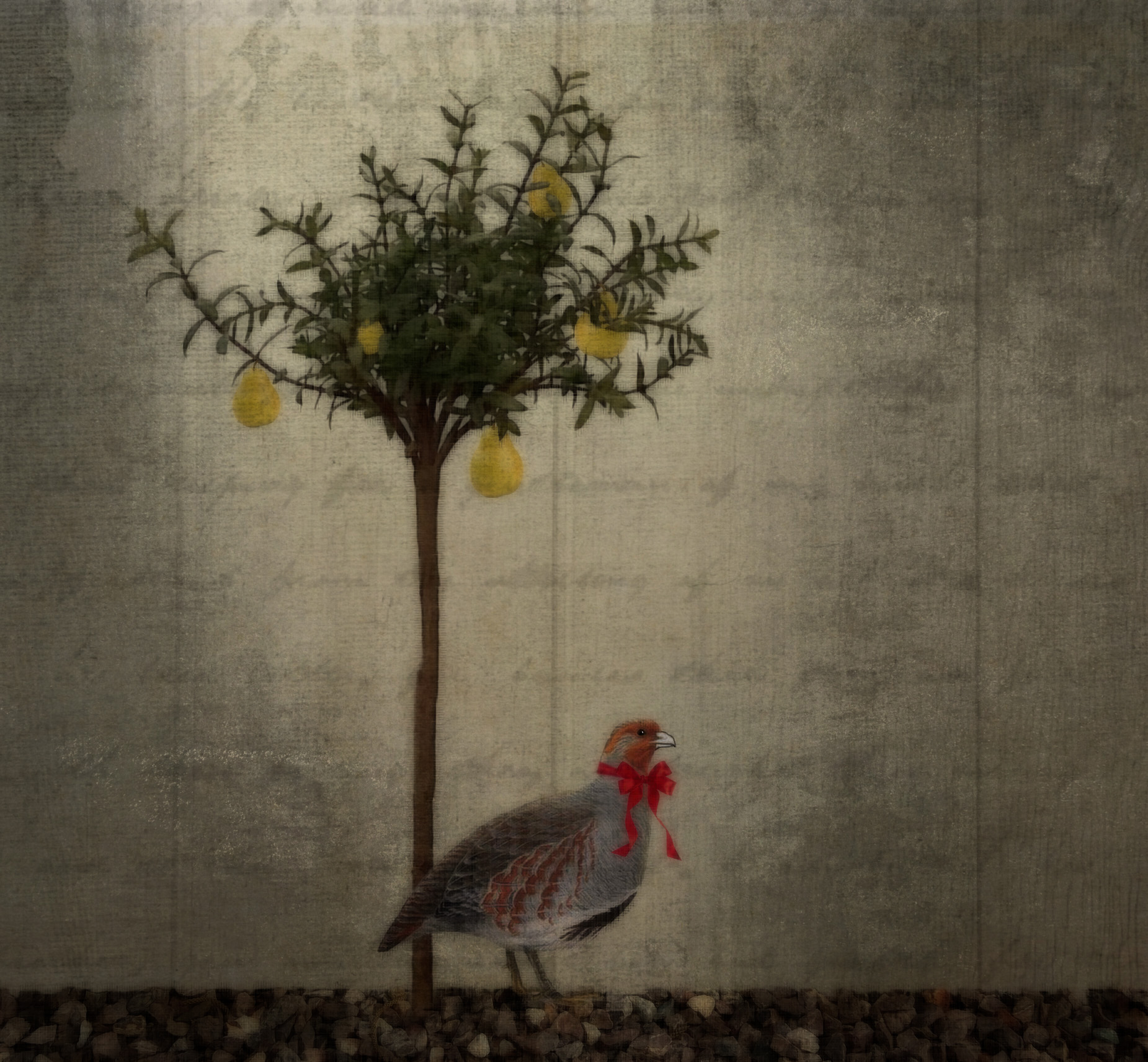
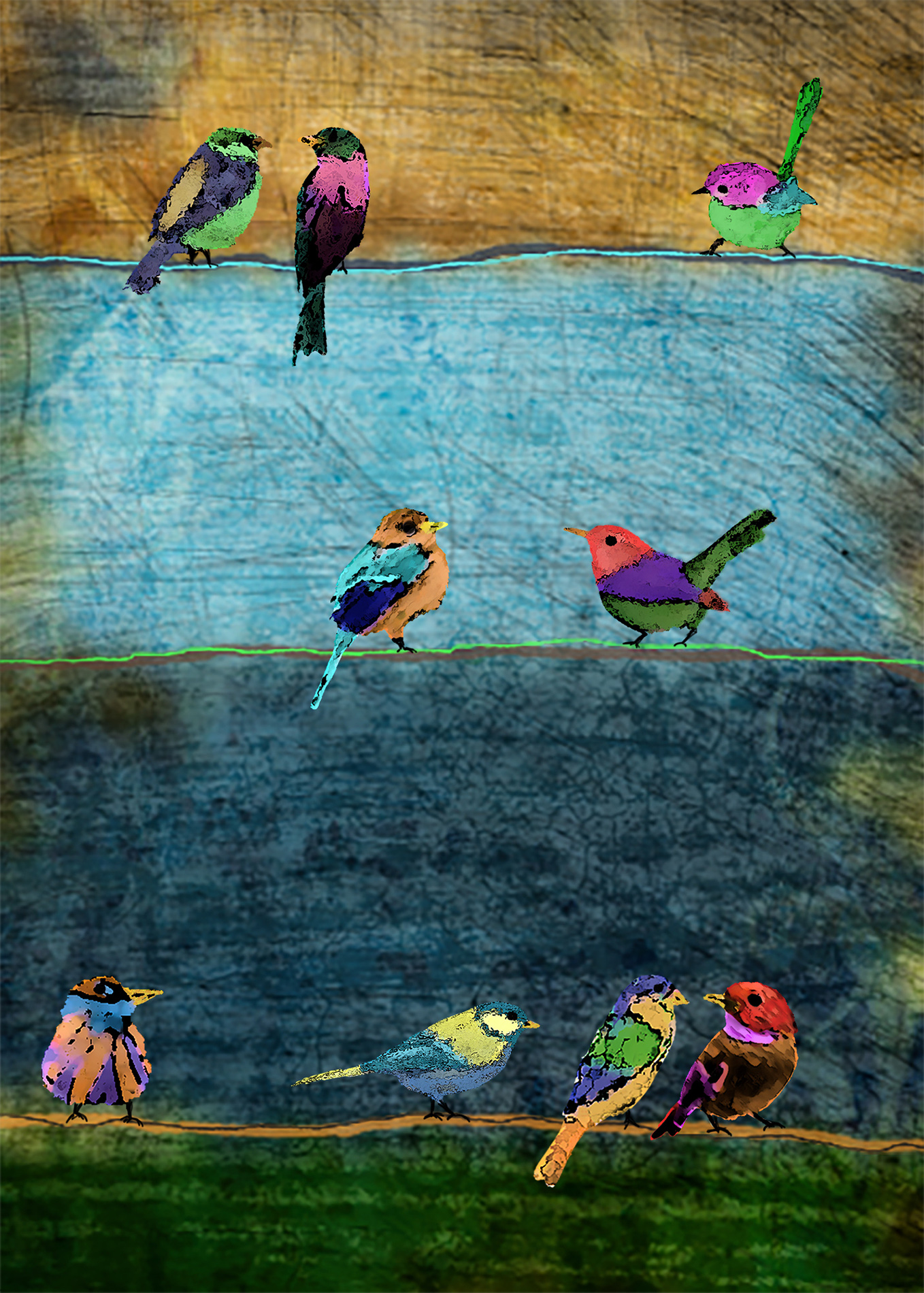
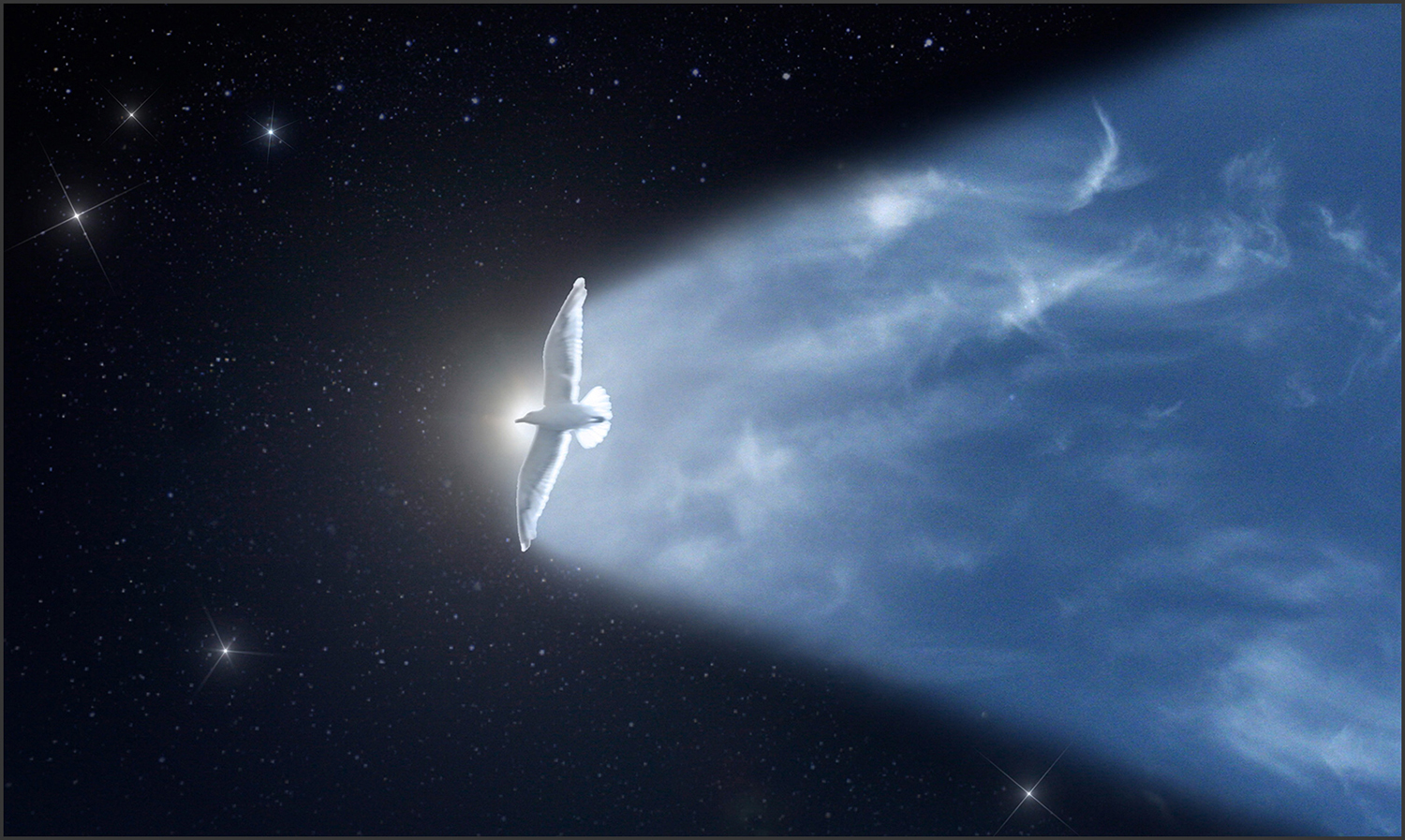
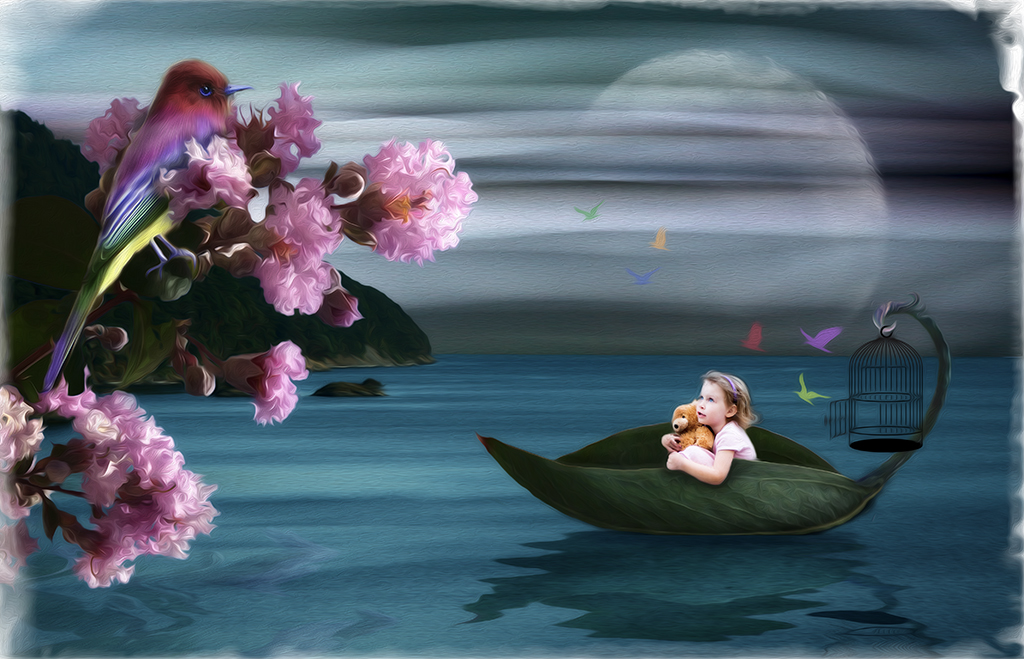
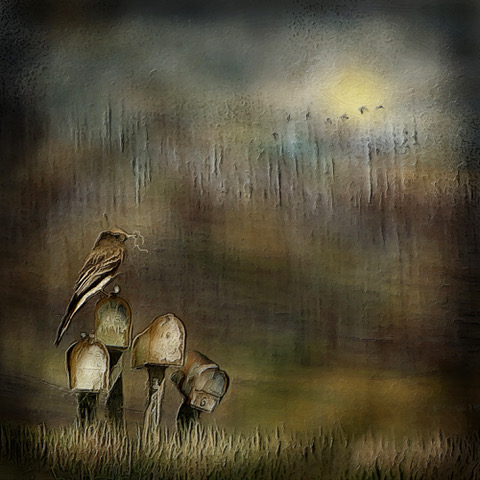
34 Jan 17 Comment I like this image. The contrasted colors between the background and the bird appeal to me. I do agree with the balance issue and your comment about needing the eye to be much more noticeable at the power point. It also seems that everything but the bird's feet got affected by the Difference blend mode, so to my eye, they don't quite fit with the rest of the image. This looks like a fun thing to try. Nice creativity! Jan 10th
34 Jan 17 Comment I don't think you did "violence" to nature, I think you beautifully transported it to another world. It looks like it's from the scenery in "Avatar." I do agree with Georgianne regarding the darkening of the background to eliminate the blurred bright green areas. You did a nice job with the focus stacking to get uniform clarity. Very nice image. Jan 7th
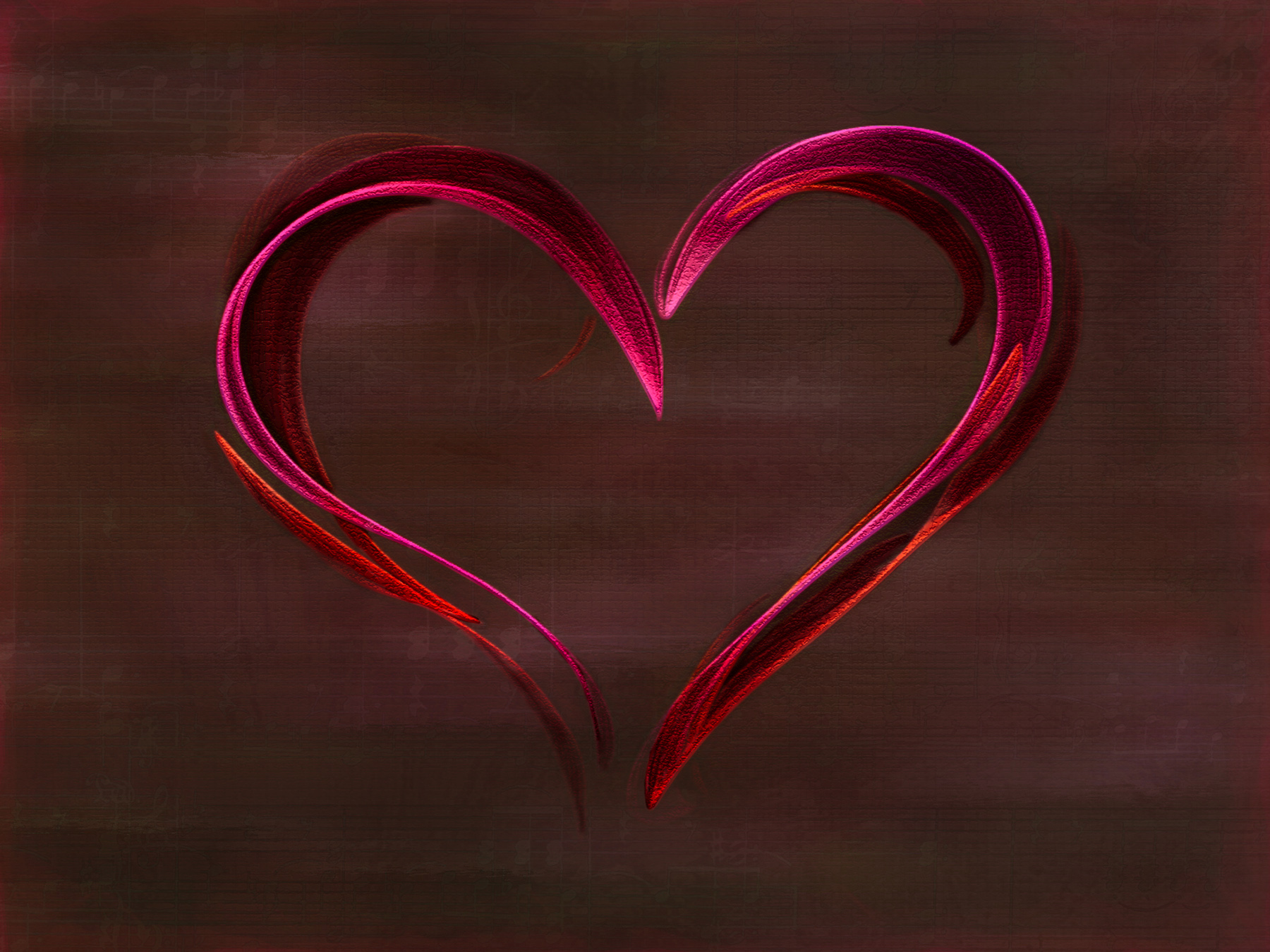
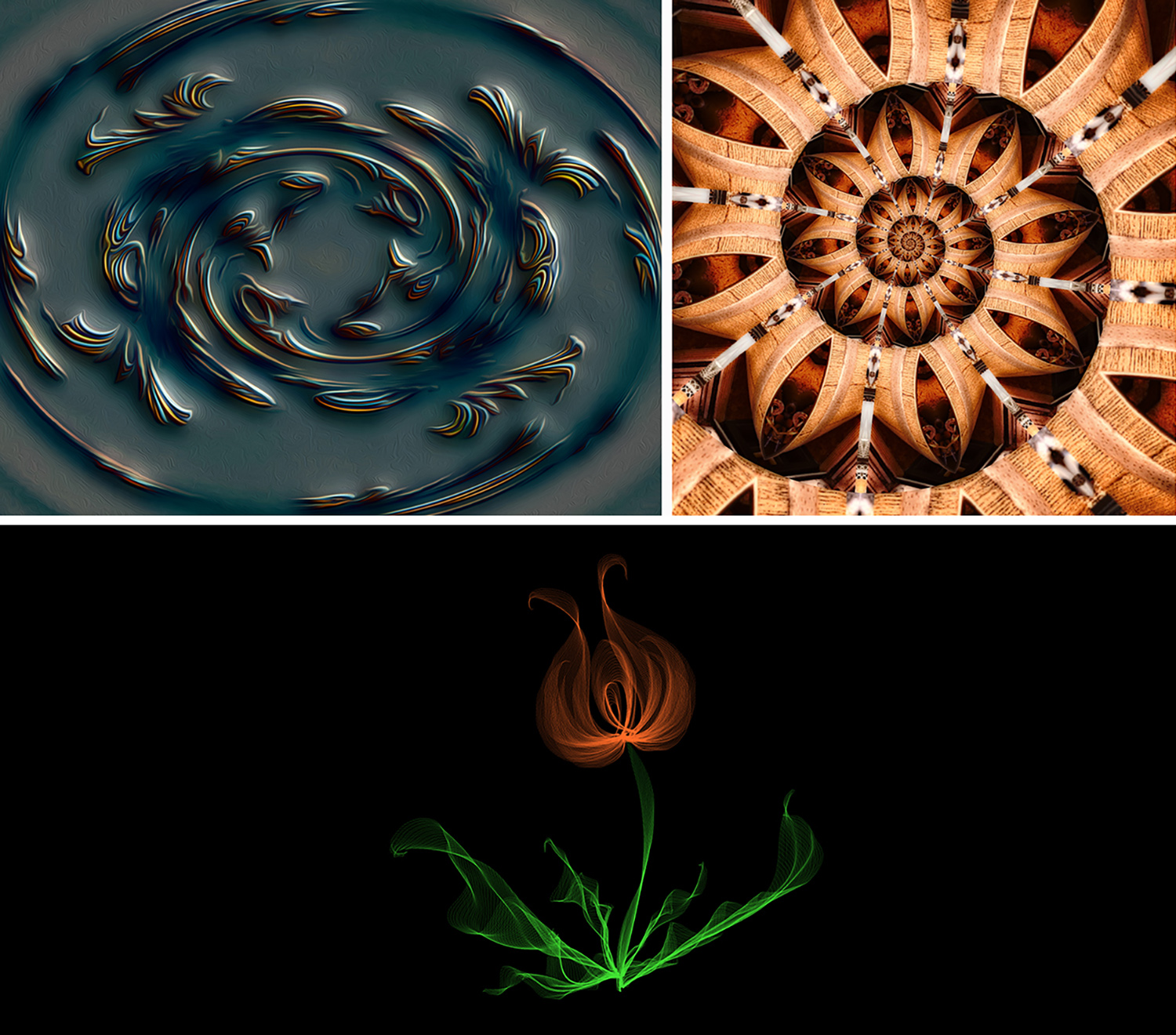
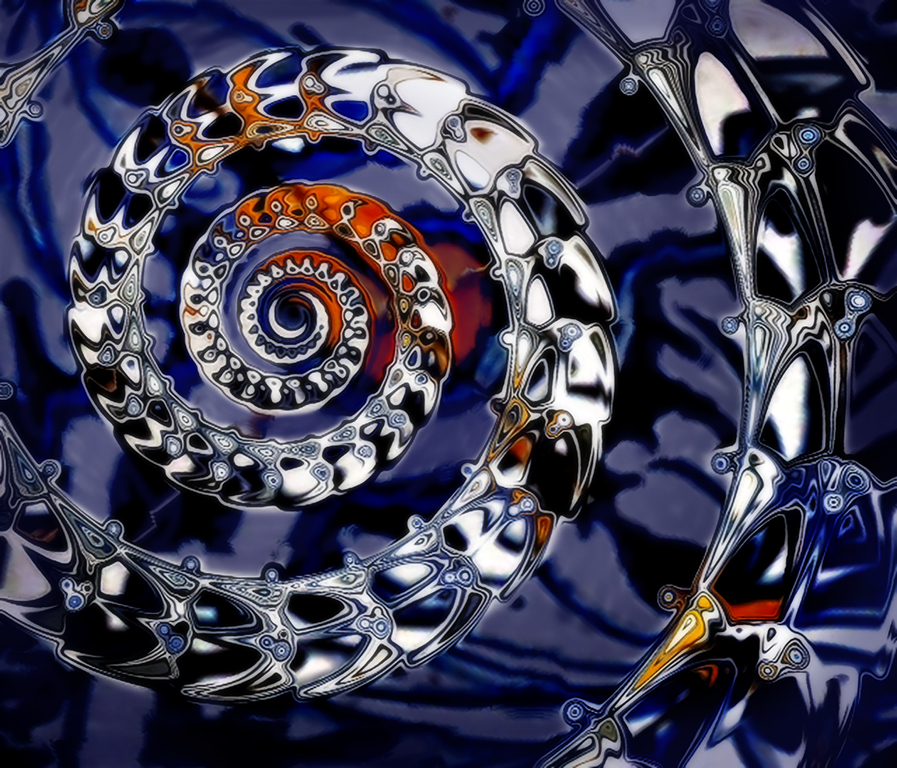
34 Jan 17 Comment What a beautiful image, Candy. I'm curious to know -- did you complete each step with a vision of where you wanted to end up or did you decide on your next step after completing the previous one? The colors you chose are very lovely, but it occurred to me that a black background might enhance the center image by creating more contrast. So I played with it in PS, but I was wrong, the pinks didn't look good on black. But in my Replace Color preview window, the pinks were changed to blacks and the background was white. I liked the B/W look, so I just inverted the colors, played around with a few filters in Color Efex and settled on Extract Details and Monday Morning. Really fun image to experiment with! You did a great job of keeping the look of a flower, while also creating a kaleidoscope. Jan 7th
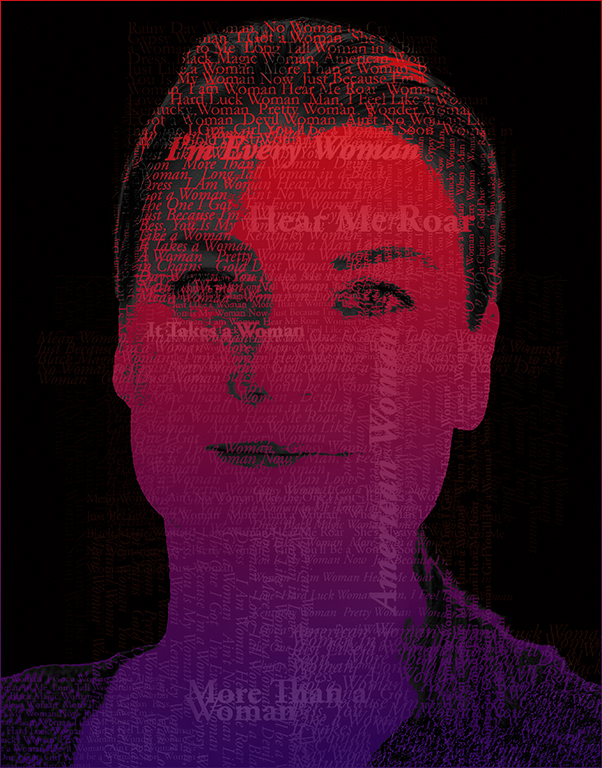
34 Jan 17 Comment Once again you've got a standout Goth image, Steve. You did a great job of eliminating the shadow on the right side of her face and extracted a lot of detail at the same time. I love the "look" you gave her -- she still looks like a real person, but has an artistic finish that really enhances her. I also like the way you filled out and enhanced her hair. At first look, I thought she had feathers on her head too.

I'm impressed that you got rid of the busy background just using a mask. I struggle all the time with eliminating backgrounds behind hair, trees, etc. On1 was supposed to really help with that in Layers, but I've found that it only works well with plain backgrounds. And 9 times out of 10 a good subject is in front of a complex, multi-colored background. You did a very nice job here!
Jan 7th

6 comments - 2 replies for Group 34


6 comments - 2 replies Total


129 Images Posted

  = Current Round   = Previous Round
Group 34

Dec 25

Nov 25

Oct 25

Sep 25

Aug 25

Jul 25

Jun 25

May 25

Apr 25

Mar 25

Feb 25

Jan 25

Nov 24

Oct 24

Sep 24

Aug 24

Jun 24

May 24

Apr 24

Mar 24

Feb 24

Jan 24

Dec 23

Nov 23

Oct 23

Sep 23

Aug 23

Jul 23

Jun 23

May 23

Apr 23

Mar 23

Feb 23

Jan 23

Dec 22

Nov 22

Oct 22

Sep 22

Aug 22

Jun 22

May 22

Apr 22

Mar 22

Feb 22

Jan 22

Dec 21

Nov 21

Oct 21

Sep 21

Aug 21

Jul 21

Jun 21

May 21

Apr 21

Mar 21

Feb 21

Jan 21

Dec 20

Nov 20

Oct 20

Sep 20

Aug 20

Jul 20

Jun 20

May 20

Apr 20

Mar 20

Feb 20

Jan 20

Dec 19

Nov 19

Oct 19

Sep 19

Aug 19

Jul 19

Jun 19

May 19

Apr 19

Mar 19

Feb 19

Jan 19

Dec 18

Nov 18

Oct 18

Sep 18

Aug 18

Jul 18

Jun 18

Apr 18

Mar 18

Feb 18

Jan 18

Dec 17

Nov 17

Oct 17

Sep 17

Aug 17

Jul 17

Jun 17

May 17

Apr 17

Feb 17

Jan 17
Group 77

Nov 25

Oct 25

Sep 25

Aug 25

Jul 25

Jun 25

May 25

Apr 25

Mar 25

Feb 25

Jan 25

Nov 24

Oct 24

Sep 24

Aug 24

Jun 24

May 24

Apr 24

Mar 24

Feb 24

Jan 24

Nov 23

Oct 23

Sep 23

Aug 23

Jul 23

Close this Tab when done