|
| Group |
Round |
C/R |
Comment |
Date |
Image |
| 43 |
Apr 20 |
Reply |
If you were in my club you would just put it in this photo. |
Apr 7th |
| 43 |
Apr 20 |
Reply |
Thanks. That is a problem. I think I am more of a technician than a photographer at this point.Well I will have to catch up. |
Apr 7th |
| 43 |
Apr 20 |
Reply |
I think it is an improvement. It would be cute to put a small animal in that corner, like a field mouse or squirrel It would probably take away from the subject though. |
Apr 7th |
| 43 |
Apr 20 |
Comment |
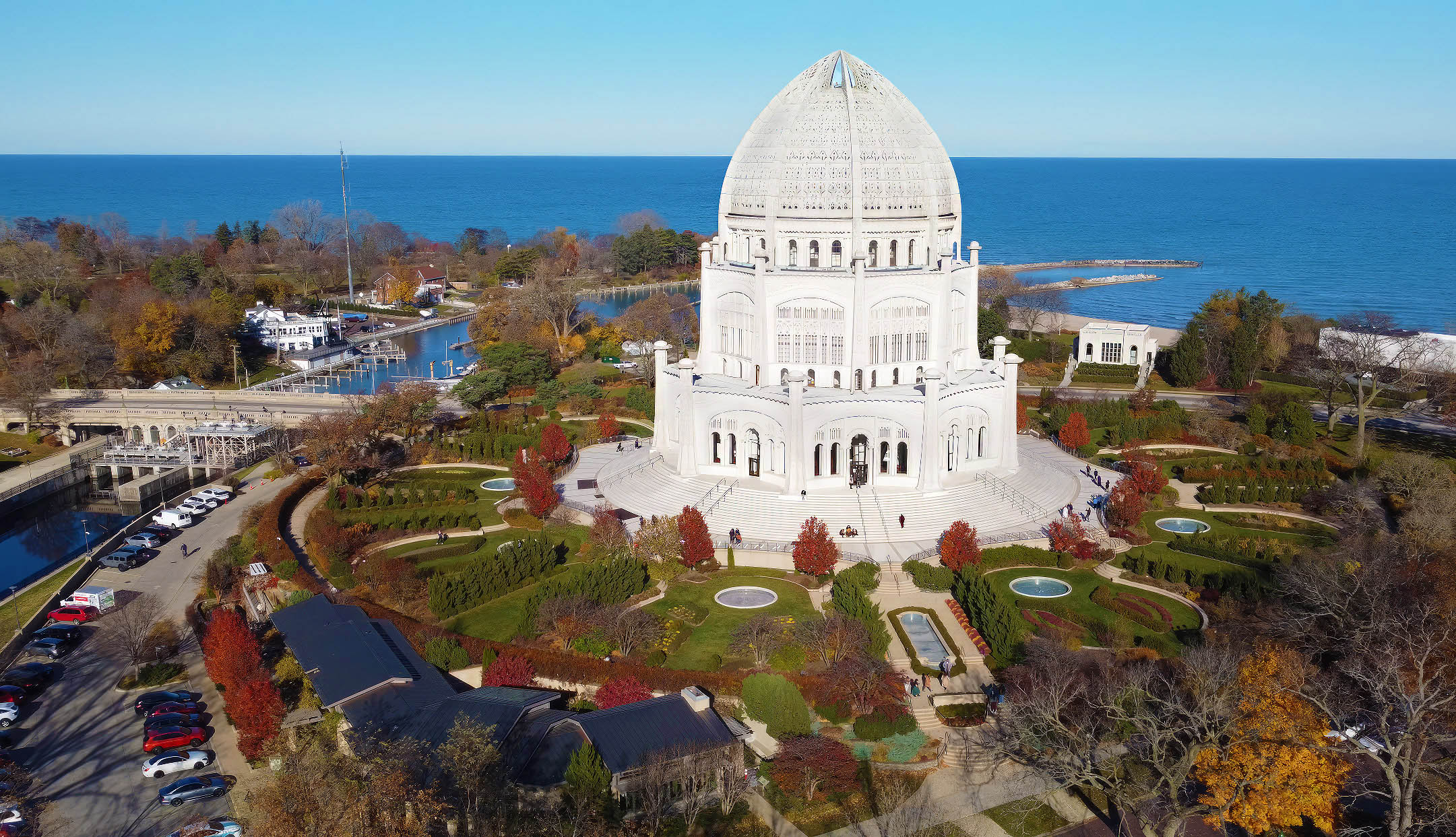
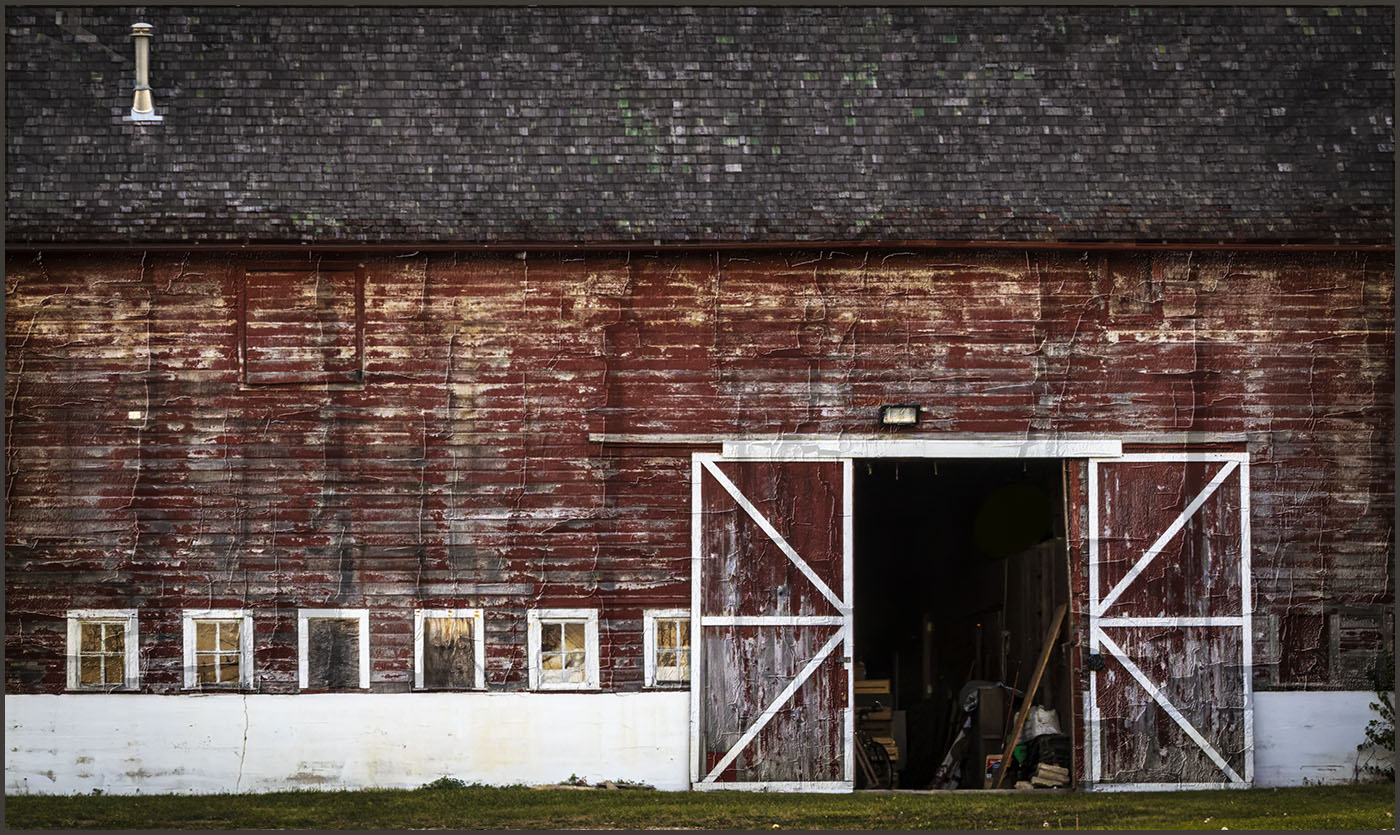
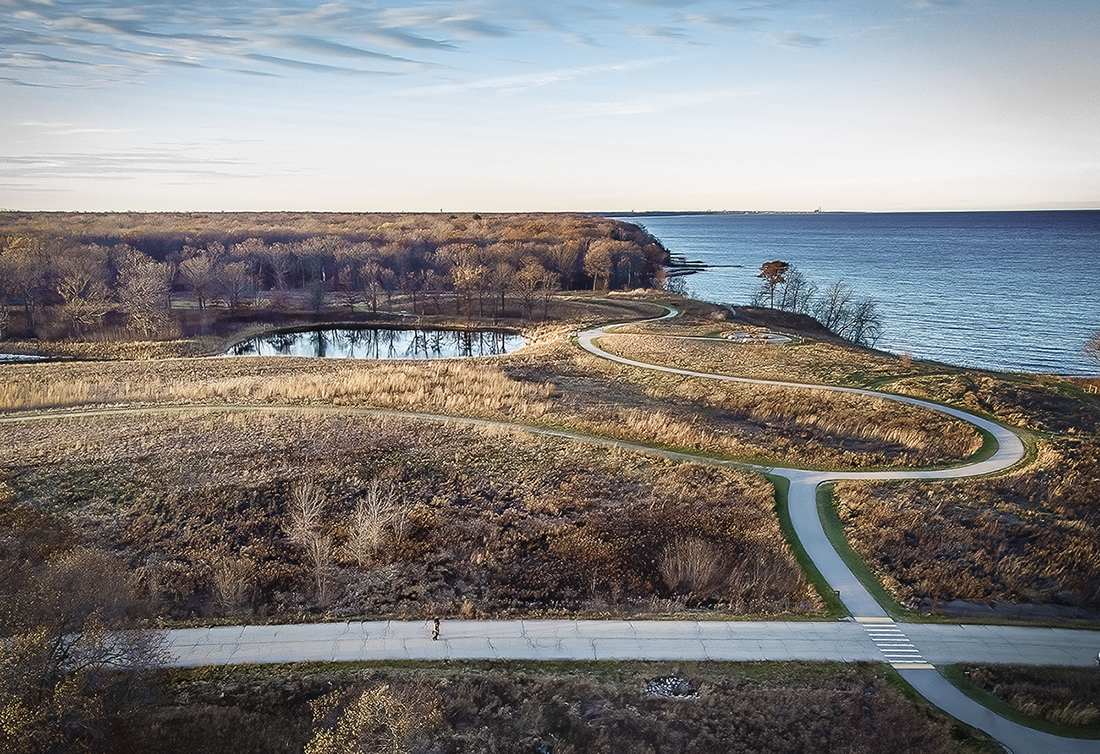
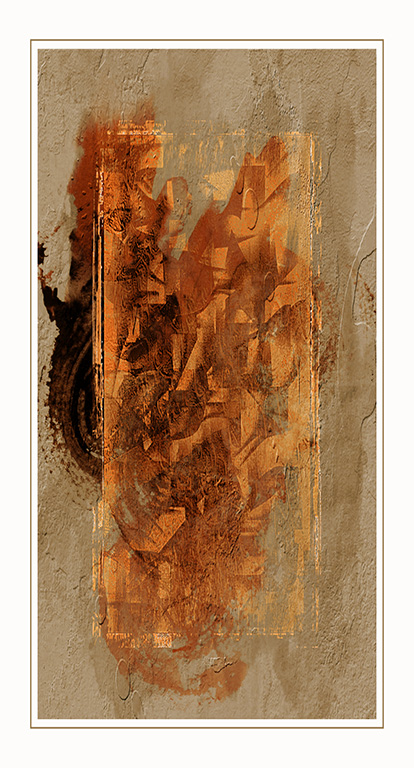
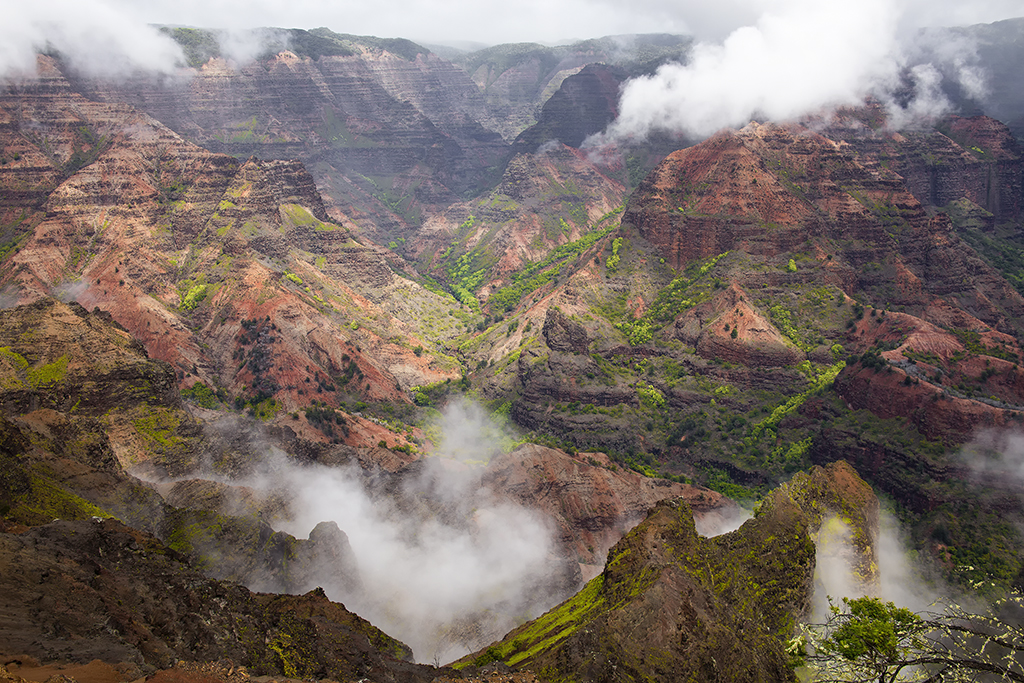
Looks good, I agree cropping out the top and bringing the main repetitive theme up higher would be good. I would want to see if contrast, sharpening and or clarity would accentuate the lines. |
Apr 7th |
| 43 |
Apr 20 |
Comment |
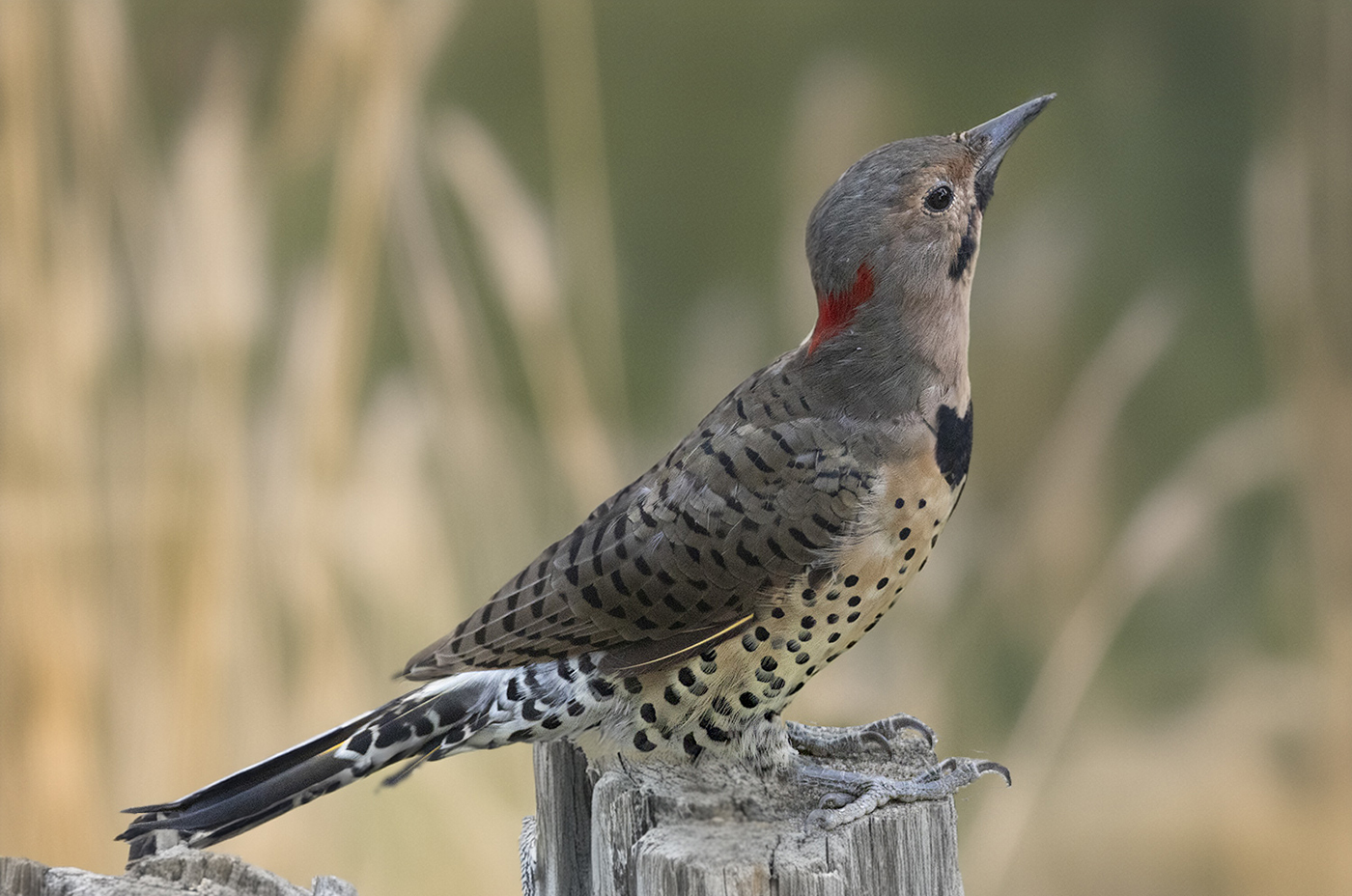
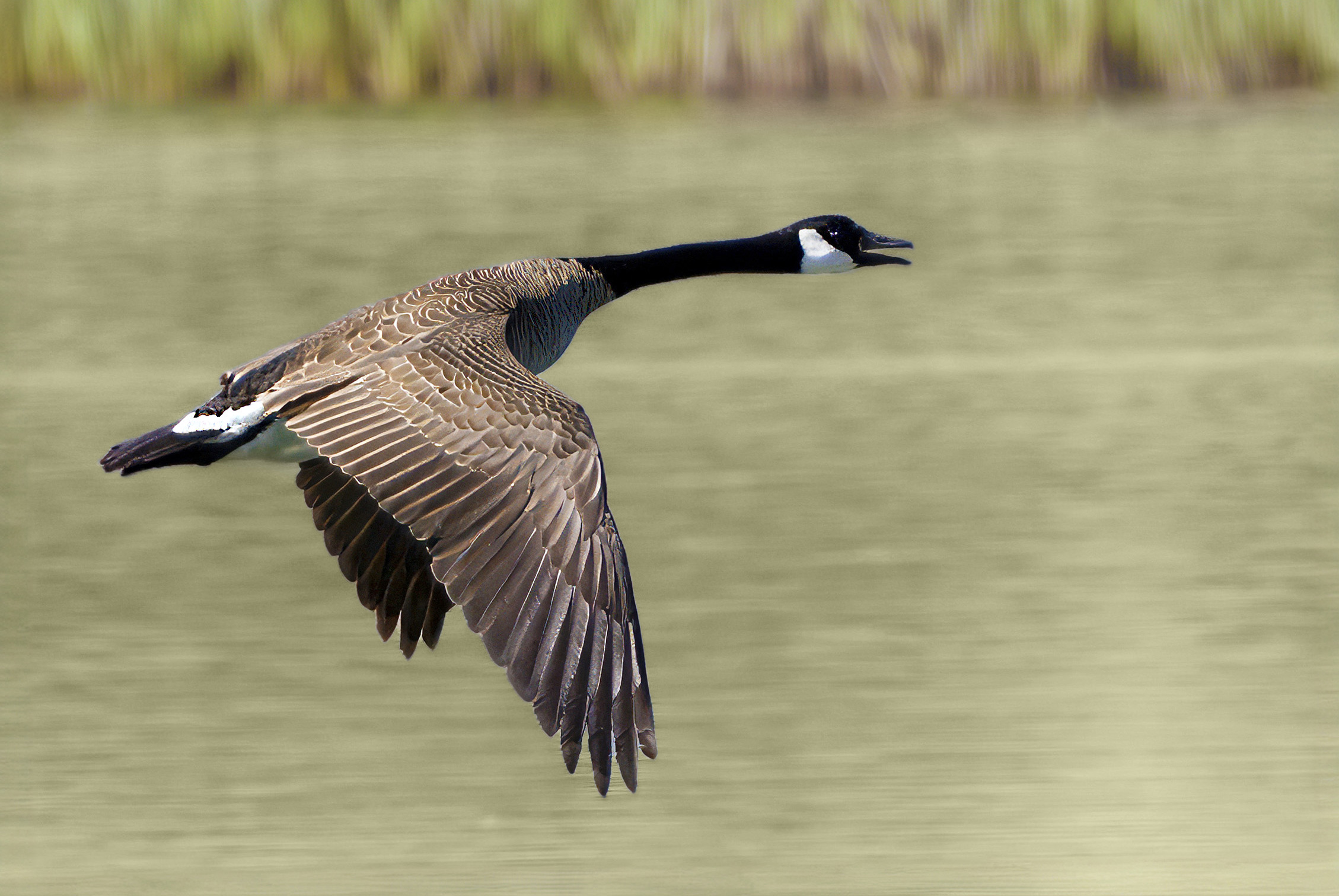
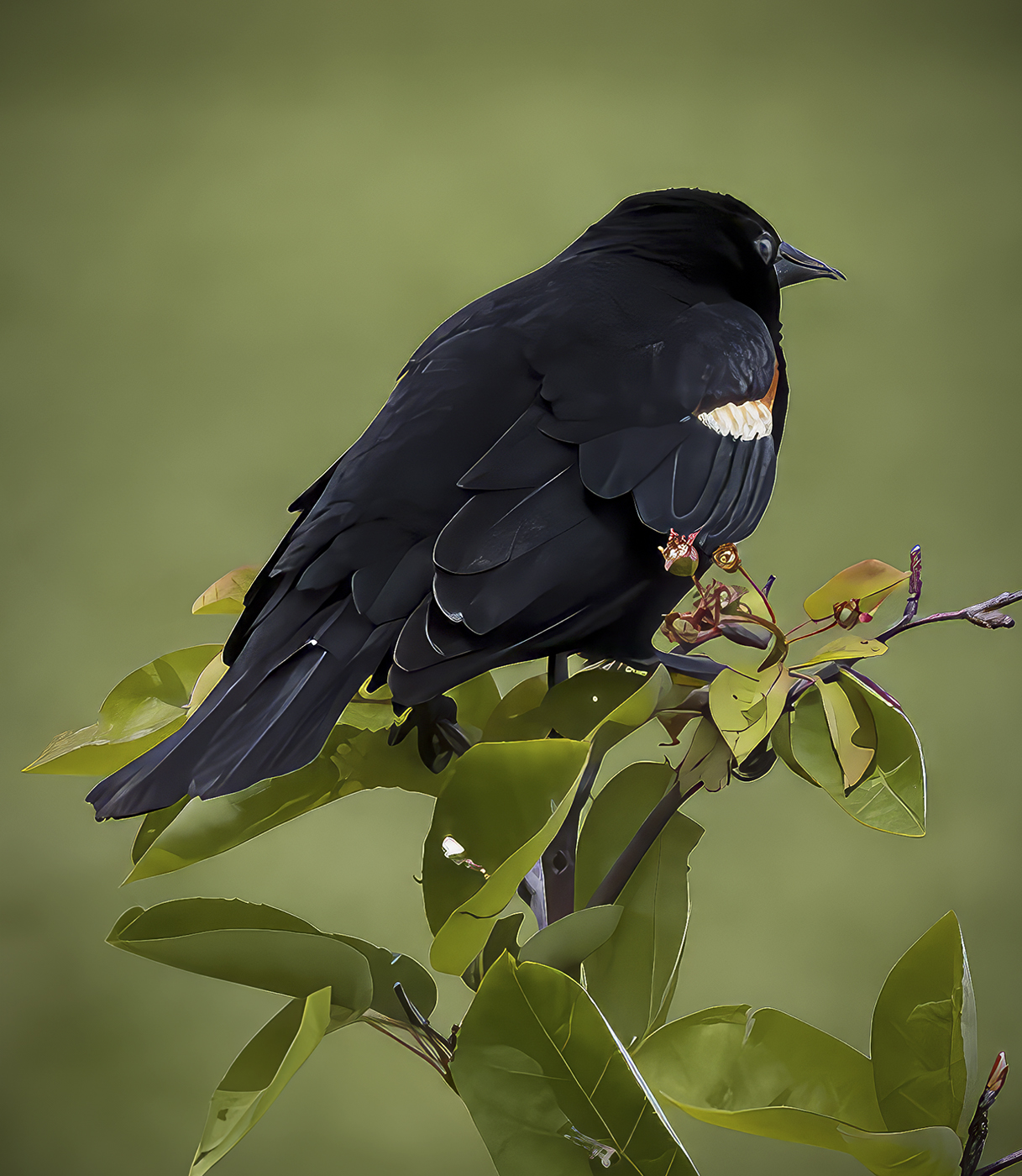
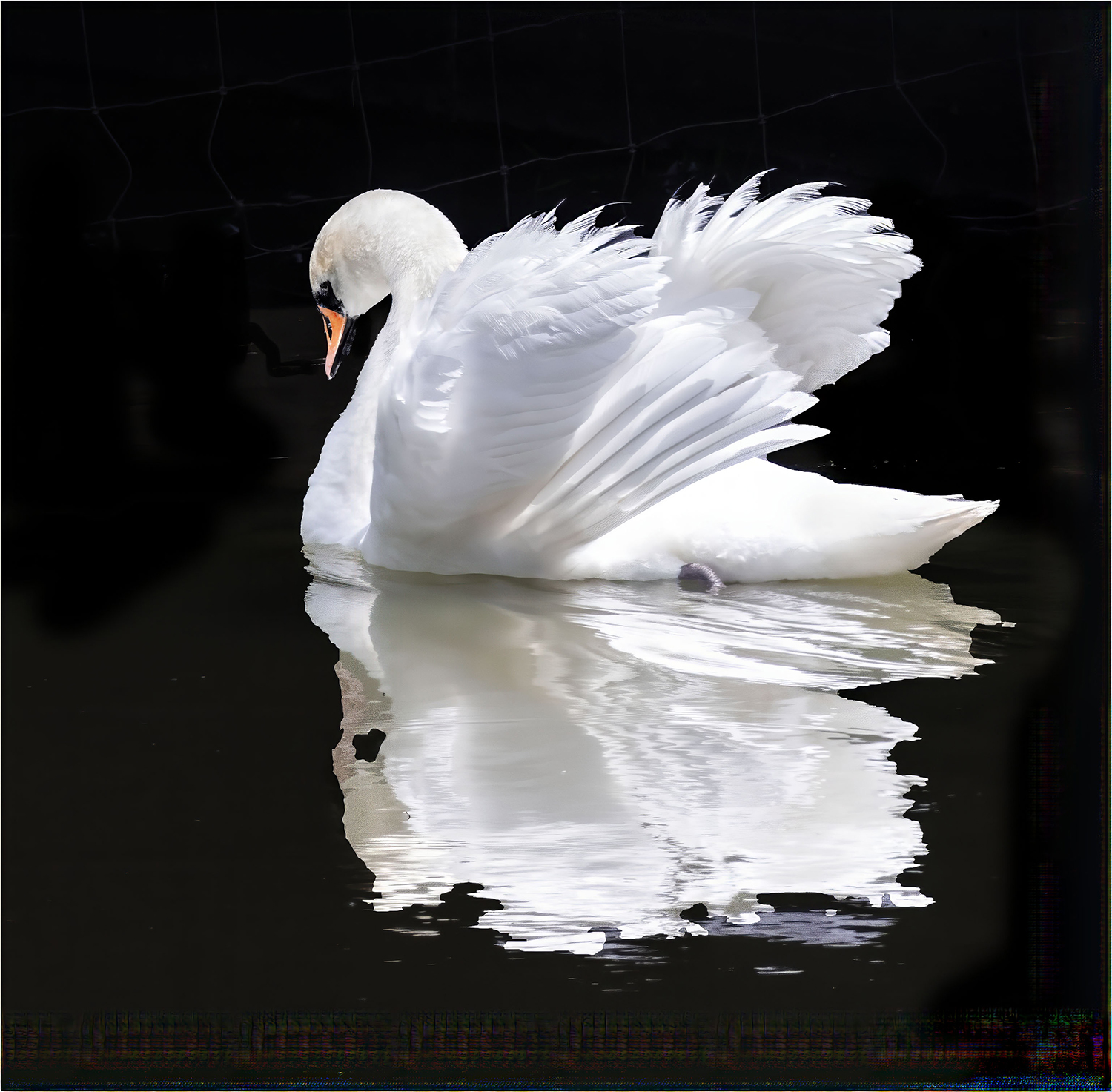
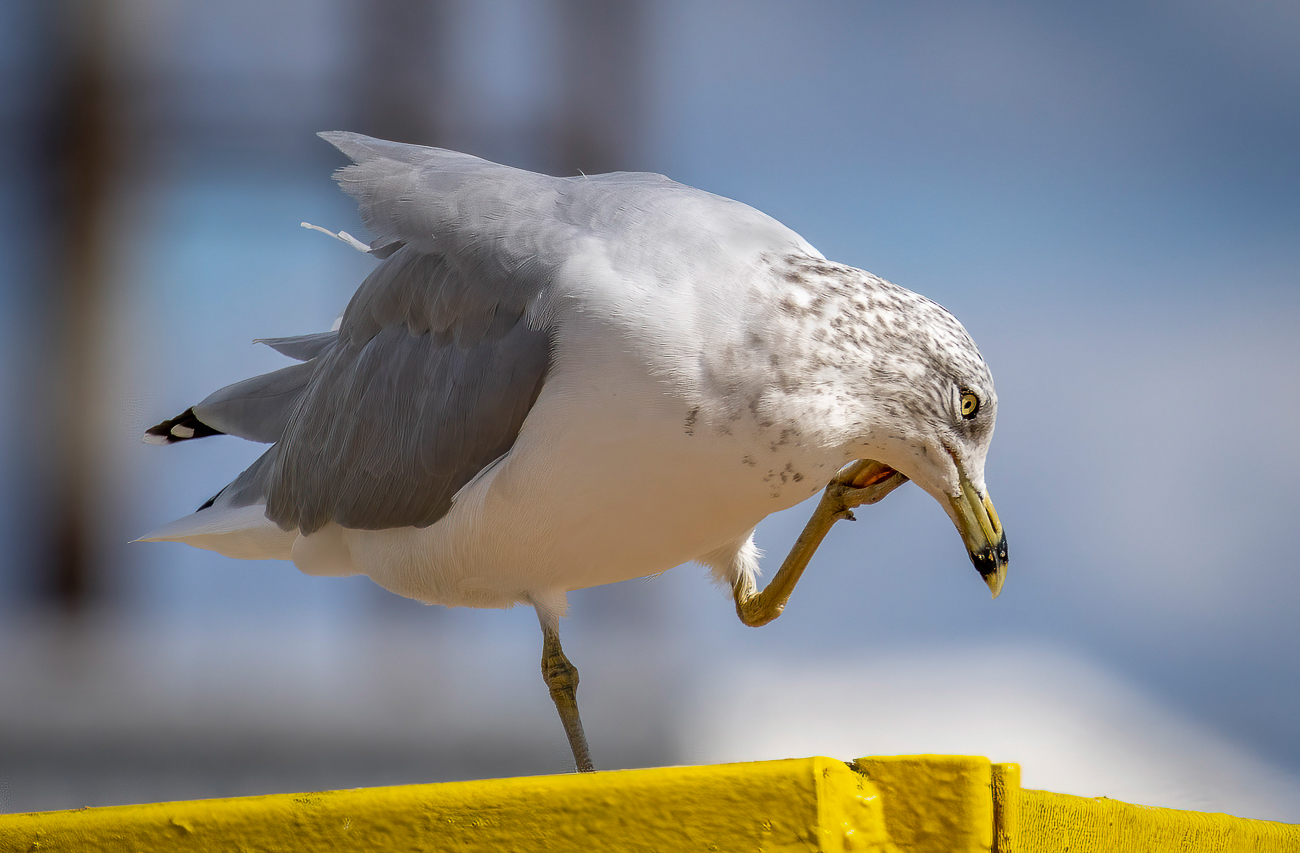
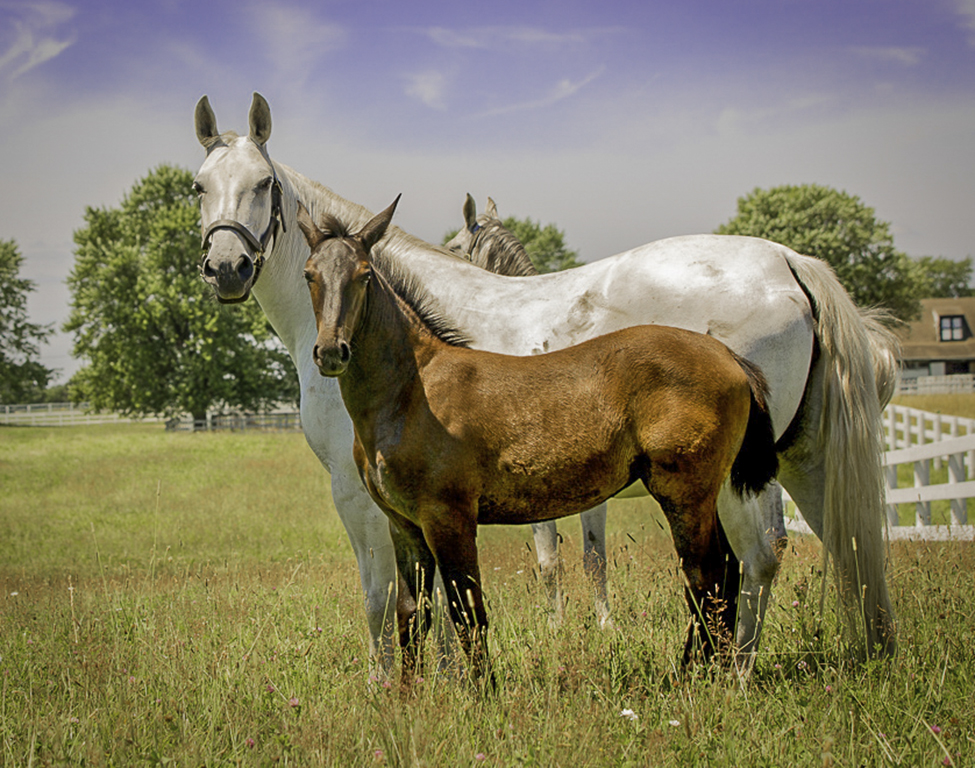
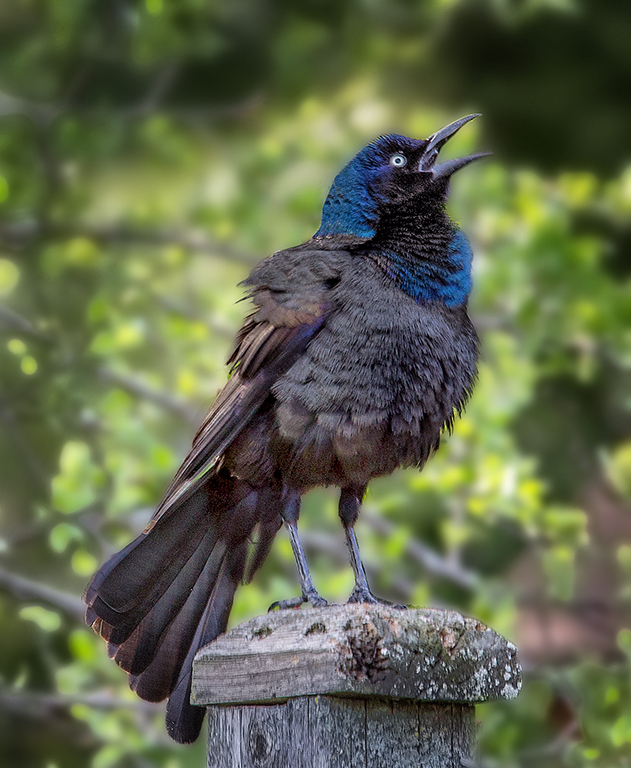
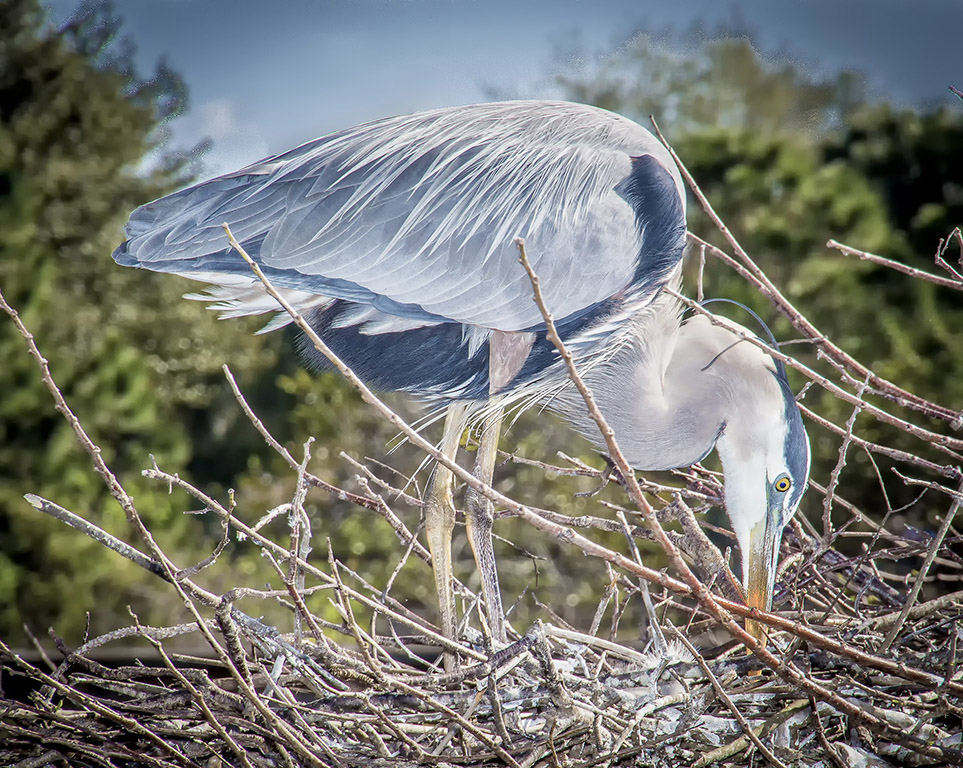
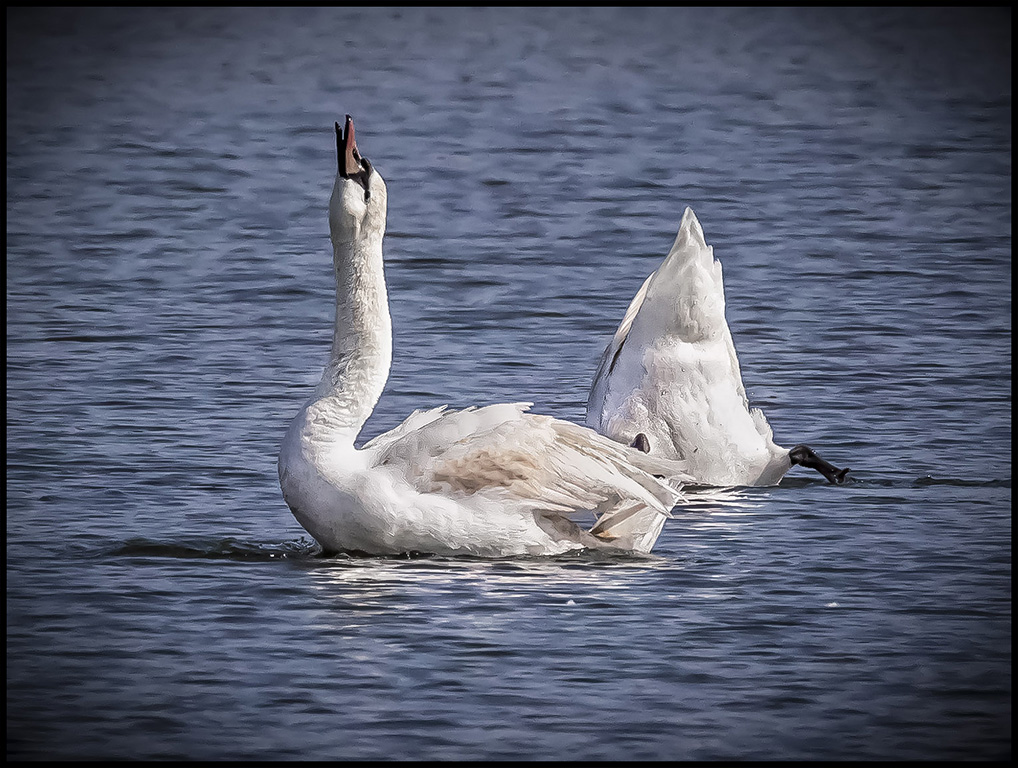
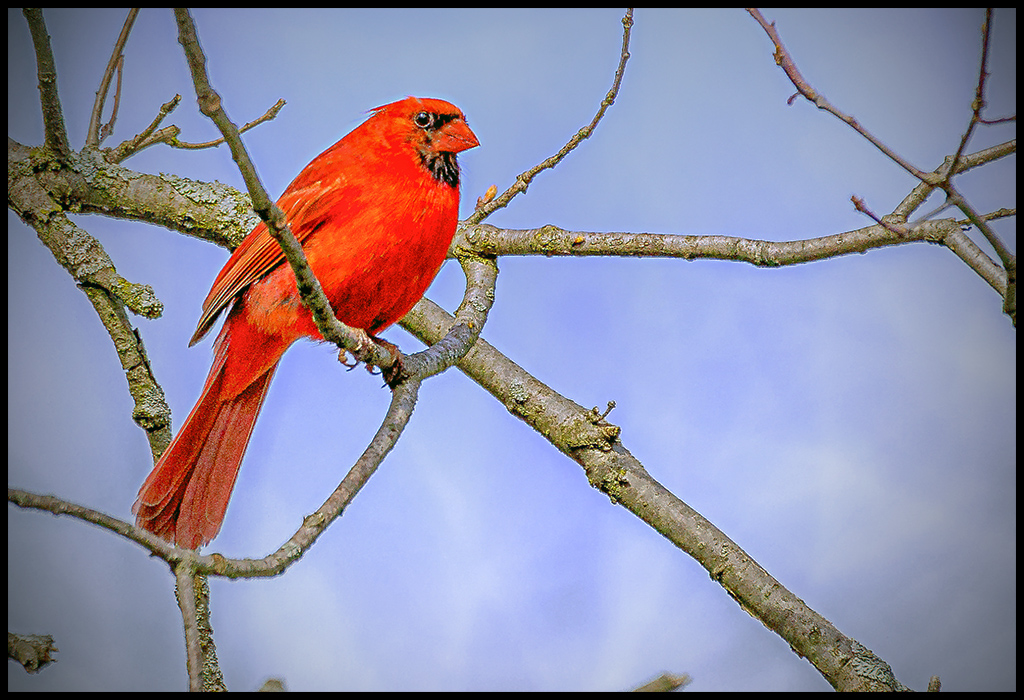
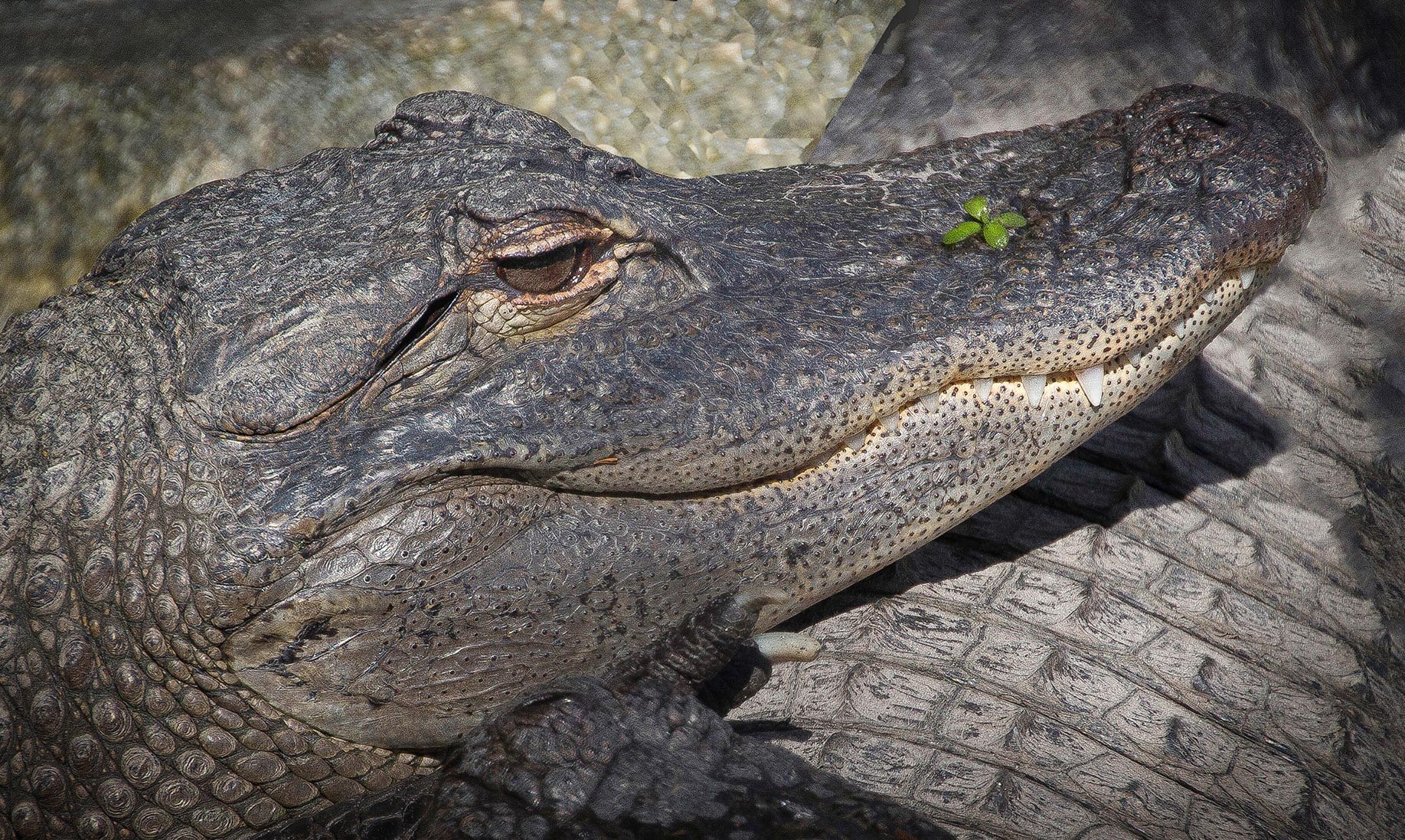
Not much more to add. I could not even tell that that is the tail so cropping it out wouldn't hurt.It is sharp clear and lightening it up where Mark, Bruce and Larry say is a good suggestion.I am wondering if there is a way to get the eyes to pop. Not sure if the image is a raw file with enough info to do that. I do not see the way you shot it or edited it. Beautiful image non the less. |
Apr 7th |
| 43 |
Apr 20 |
Comment |
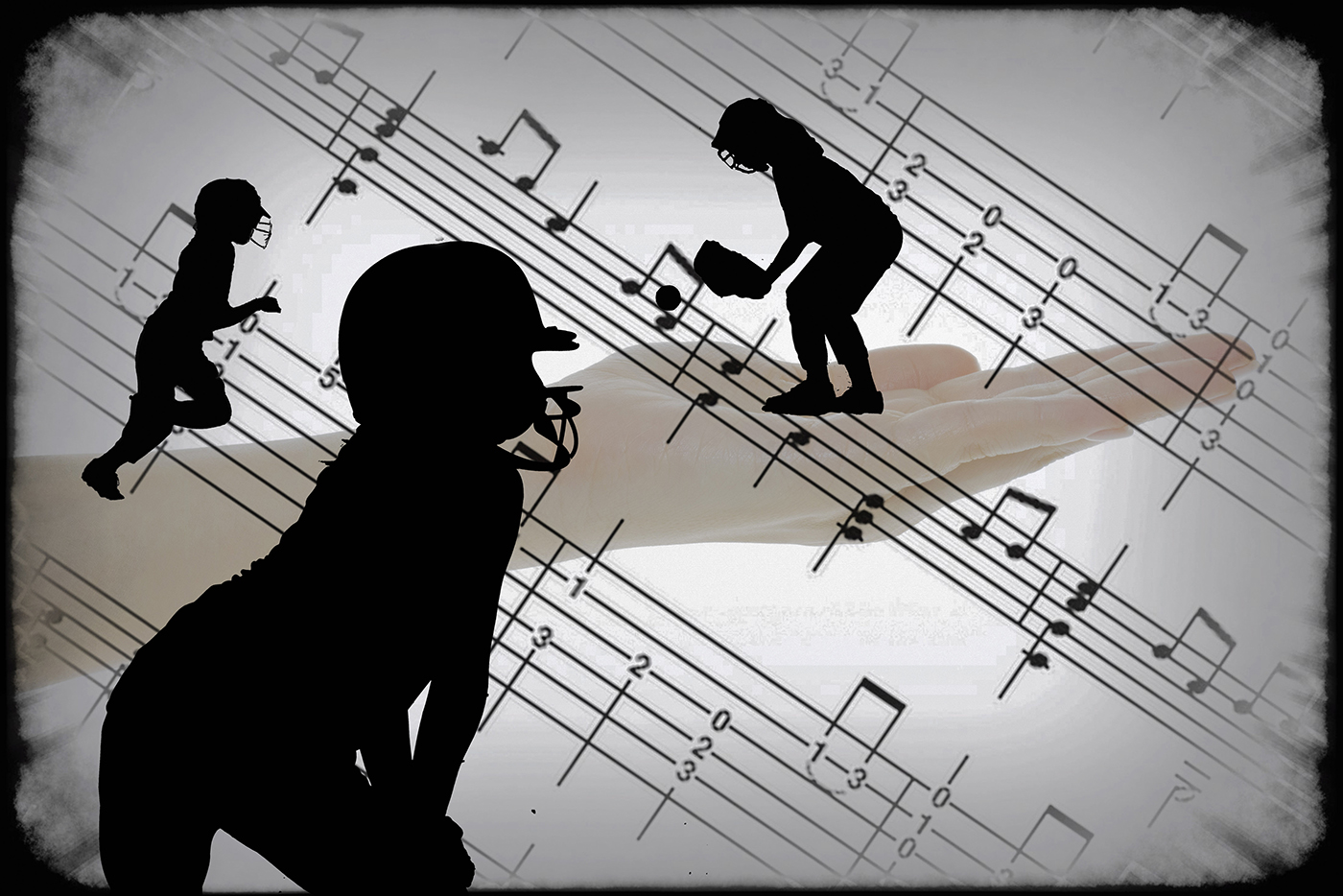
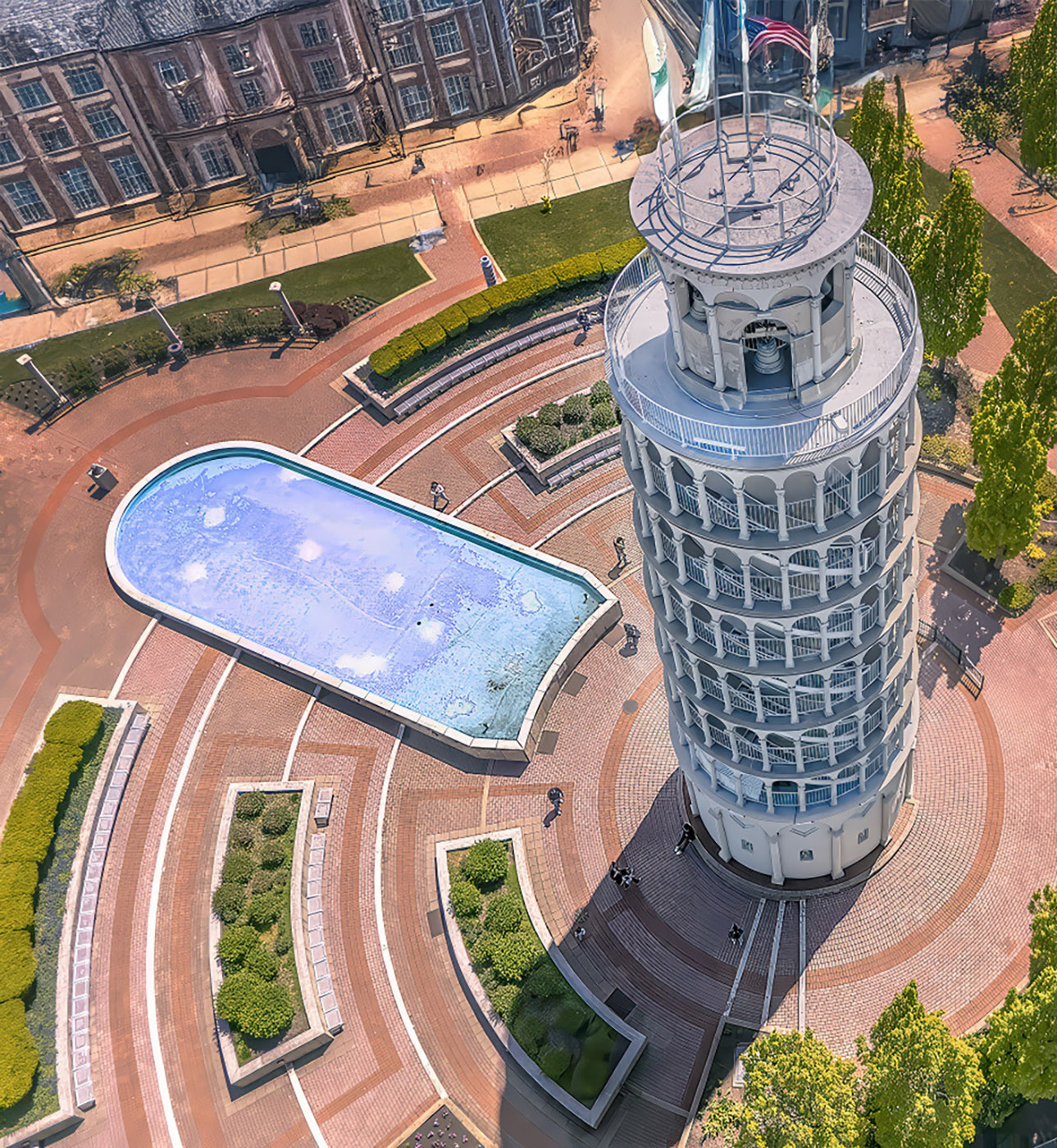
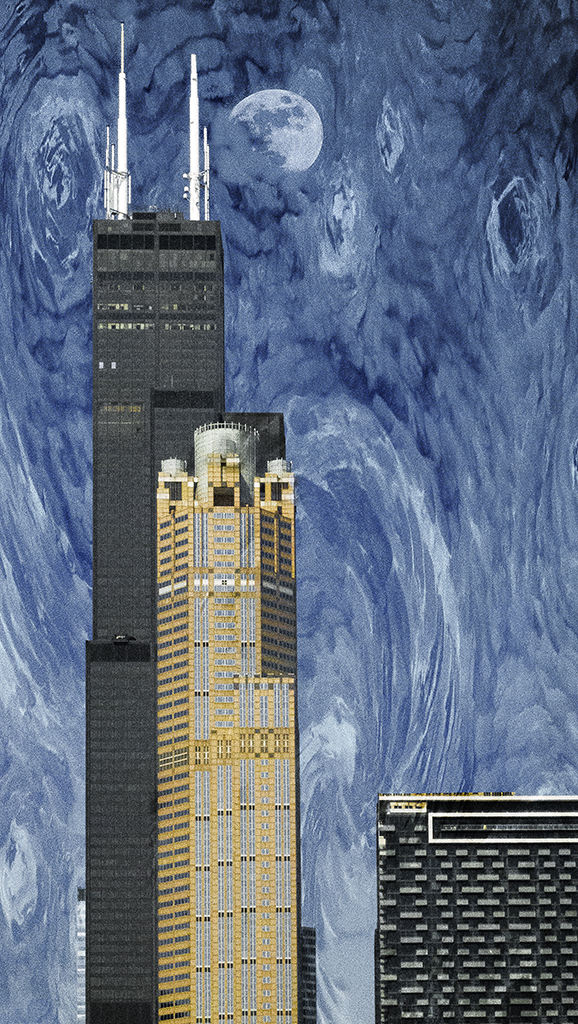
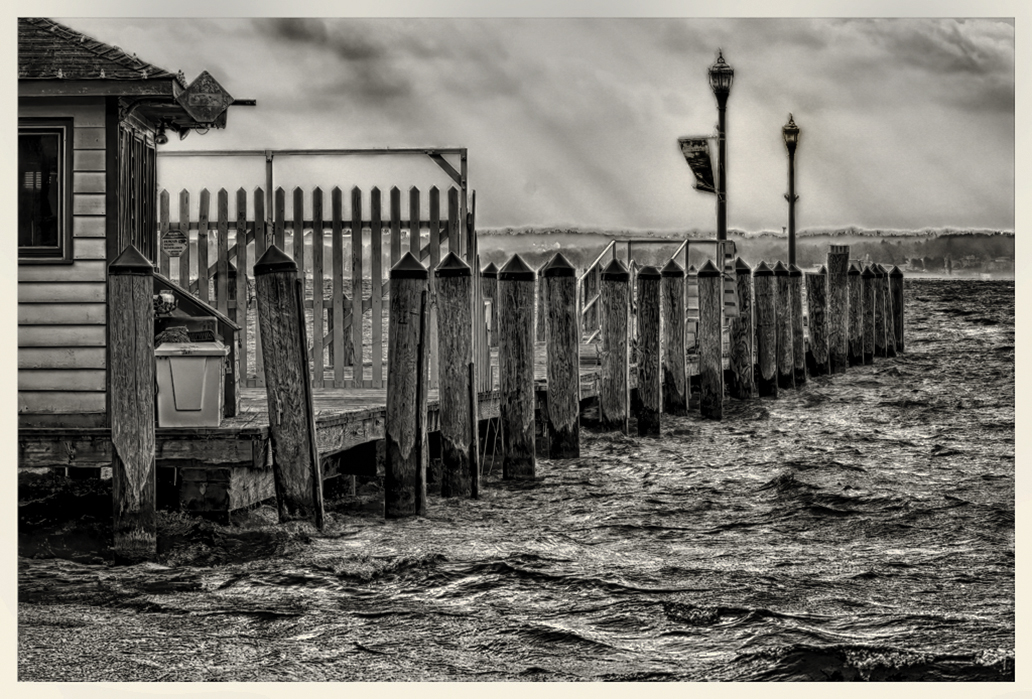
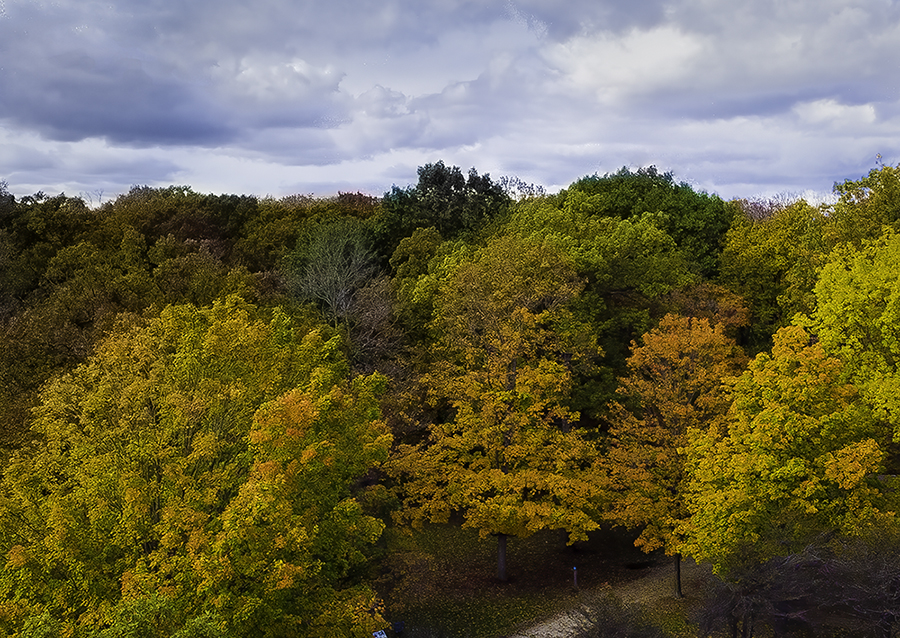
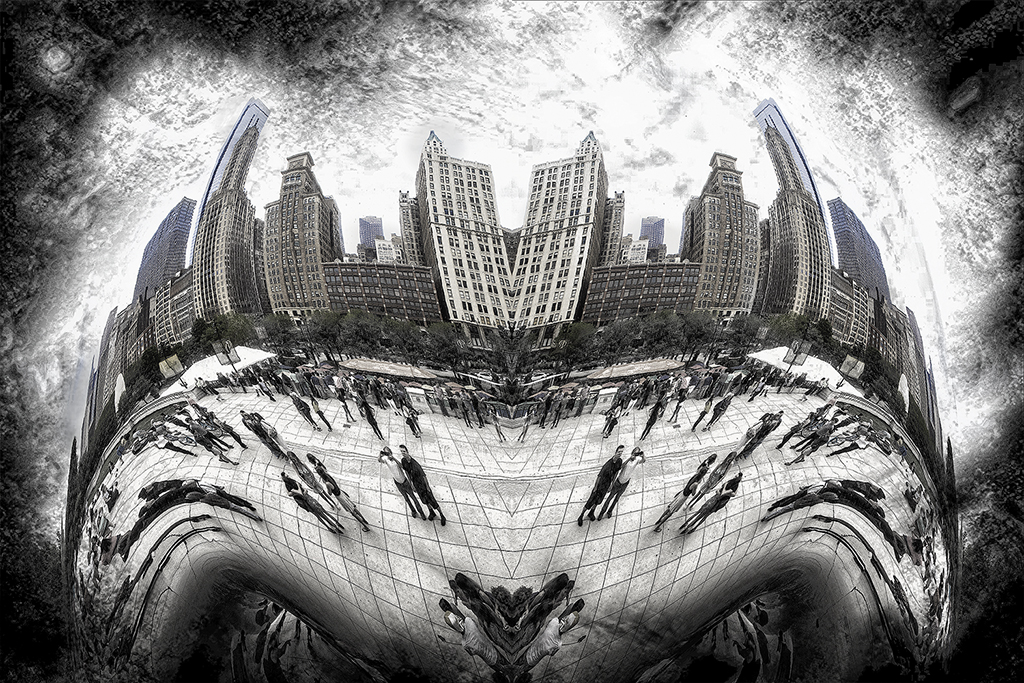
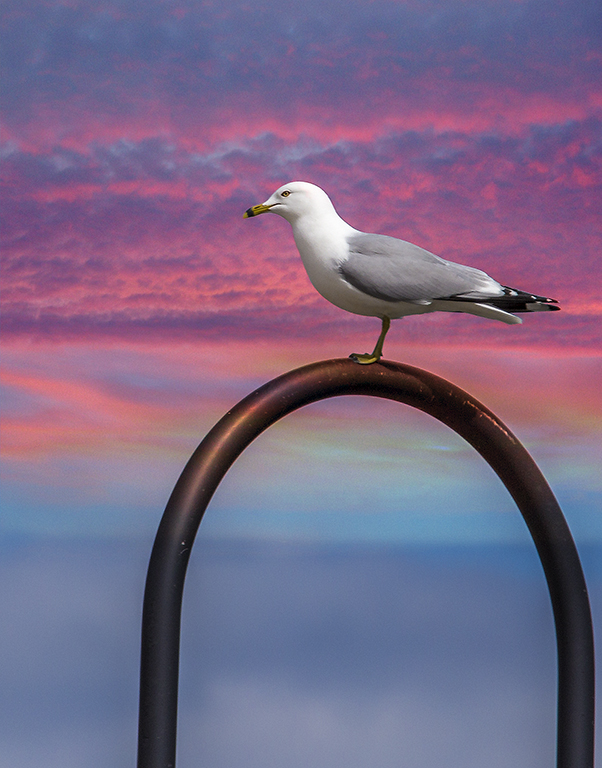
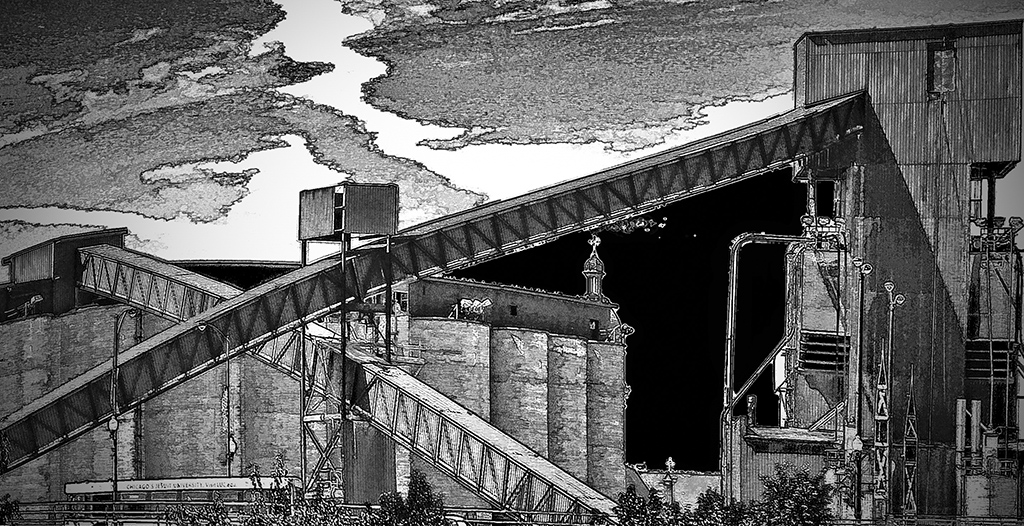
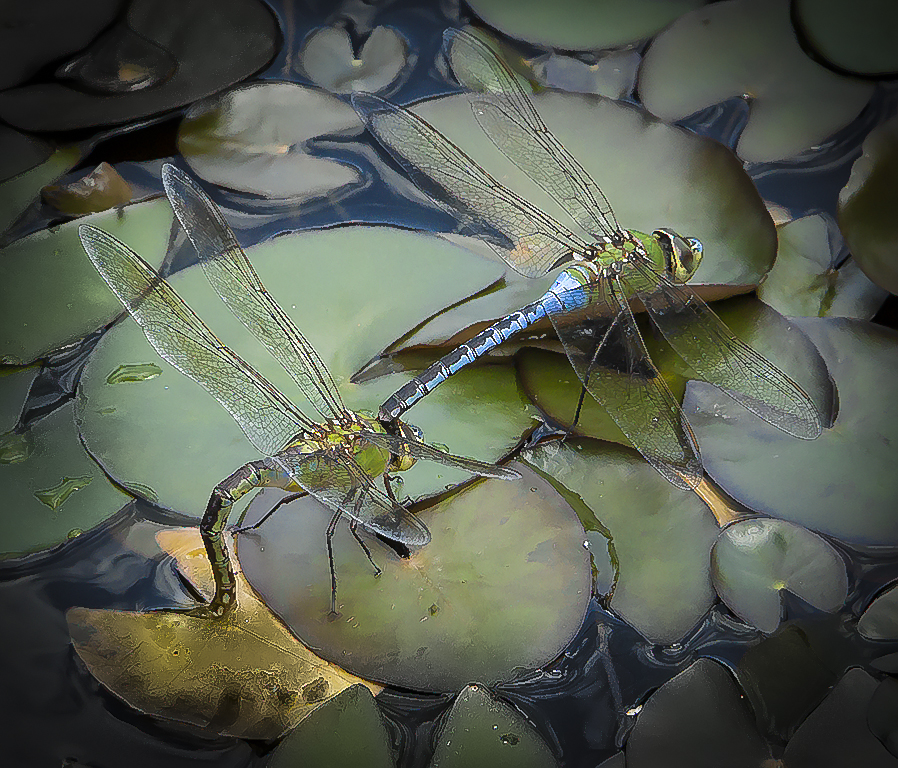
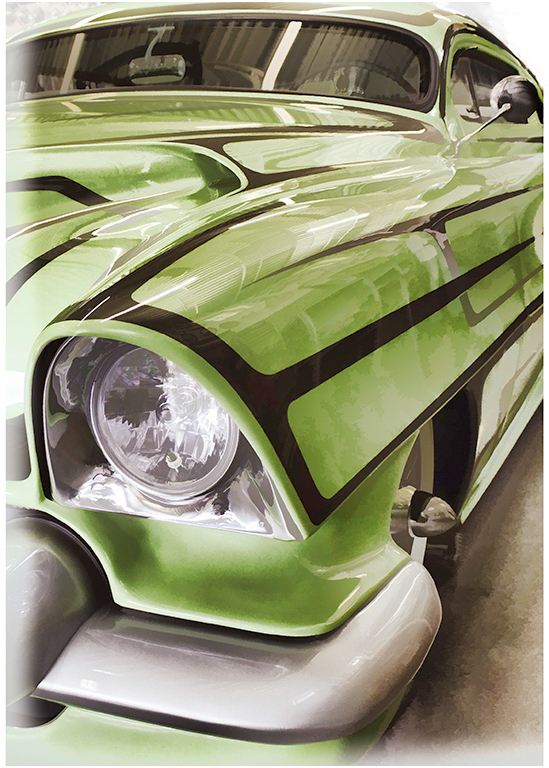
I was thinking the same as Bruce in all regards.Only thing I may add id to try and remove dark clouds on the right. I do not think they add anything. Nice mirror. |
Apr 7th |
| 43 |
Apr 20 |
Comment |
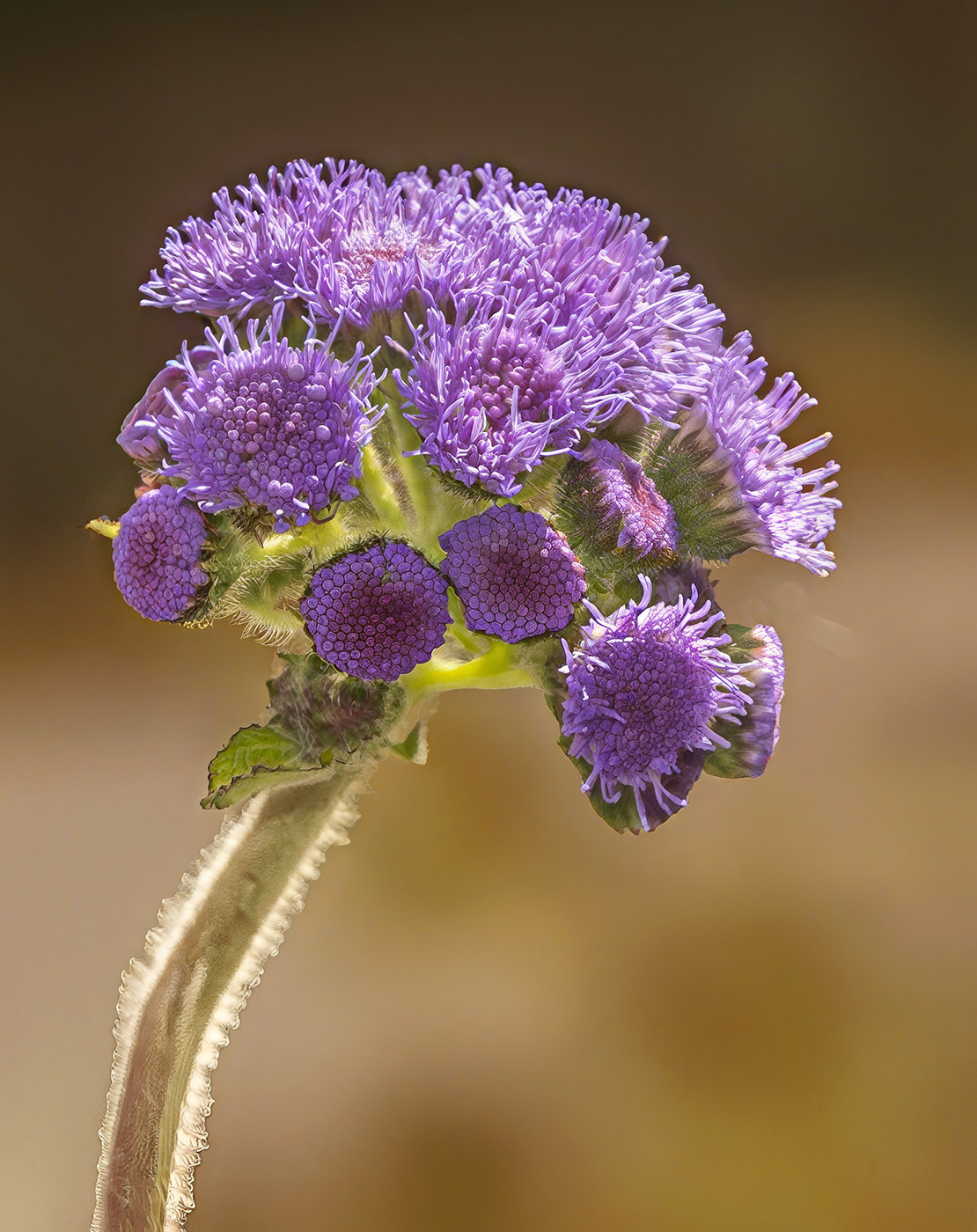
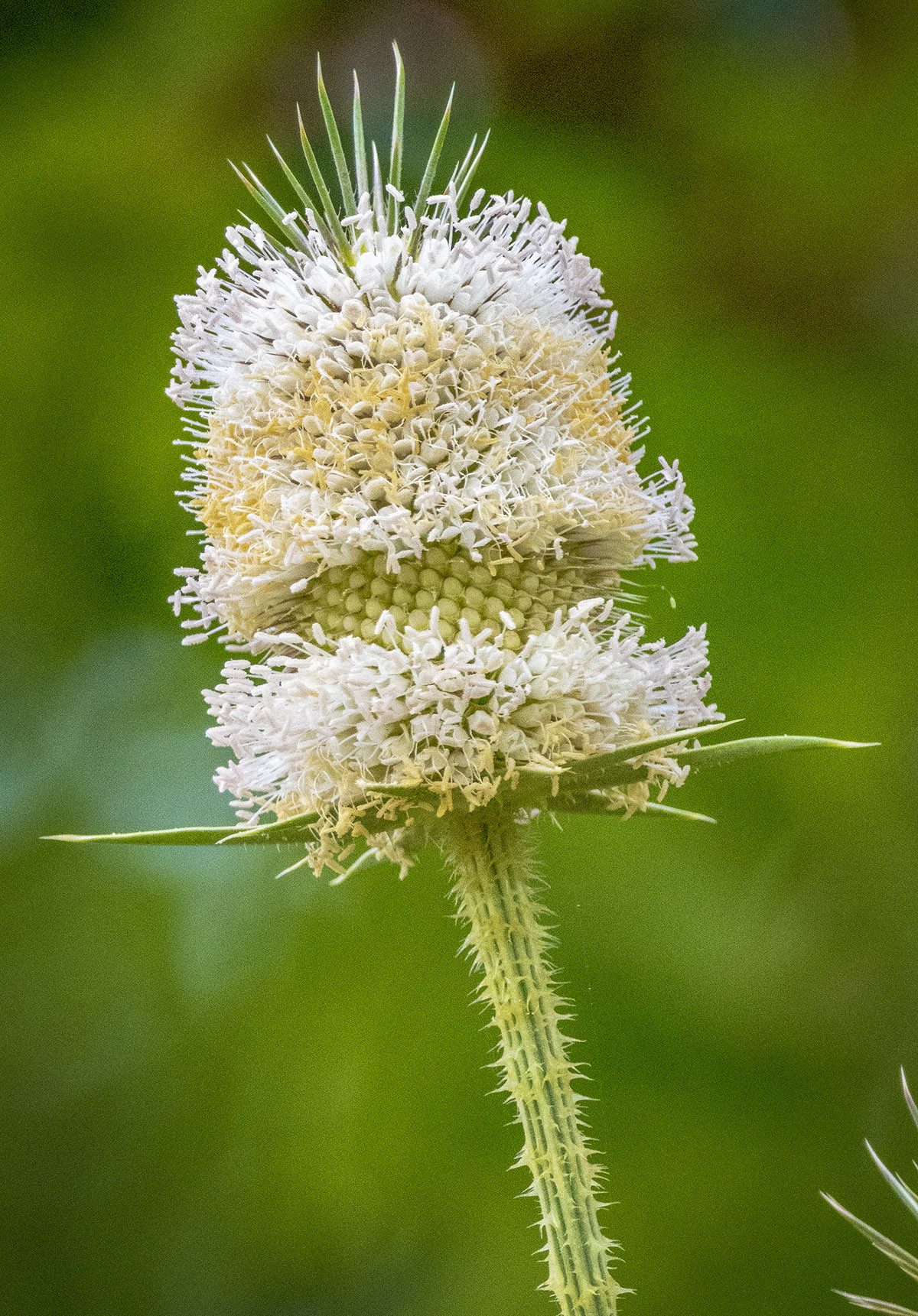
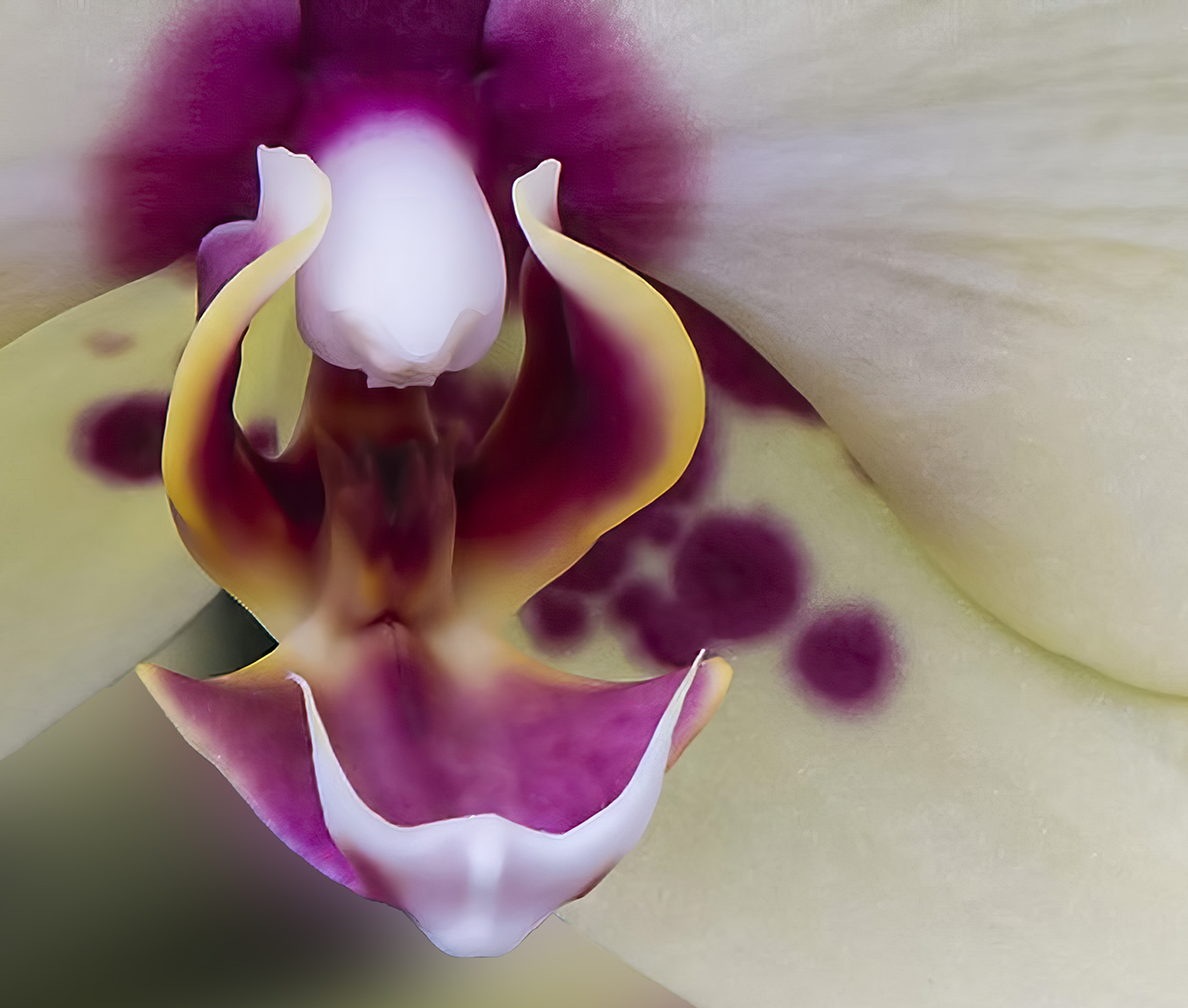
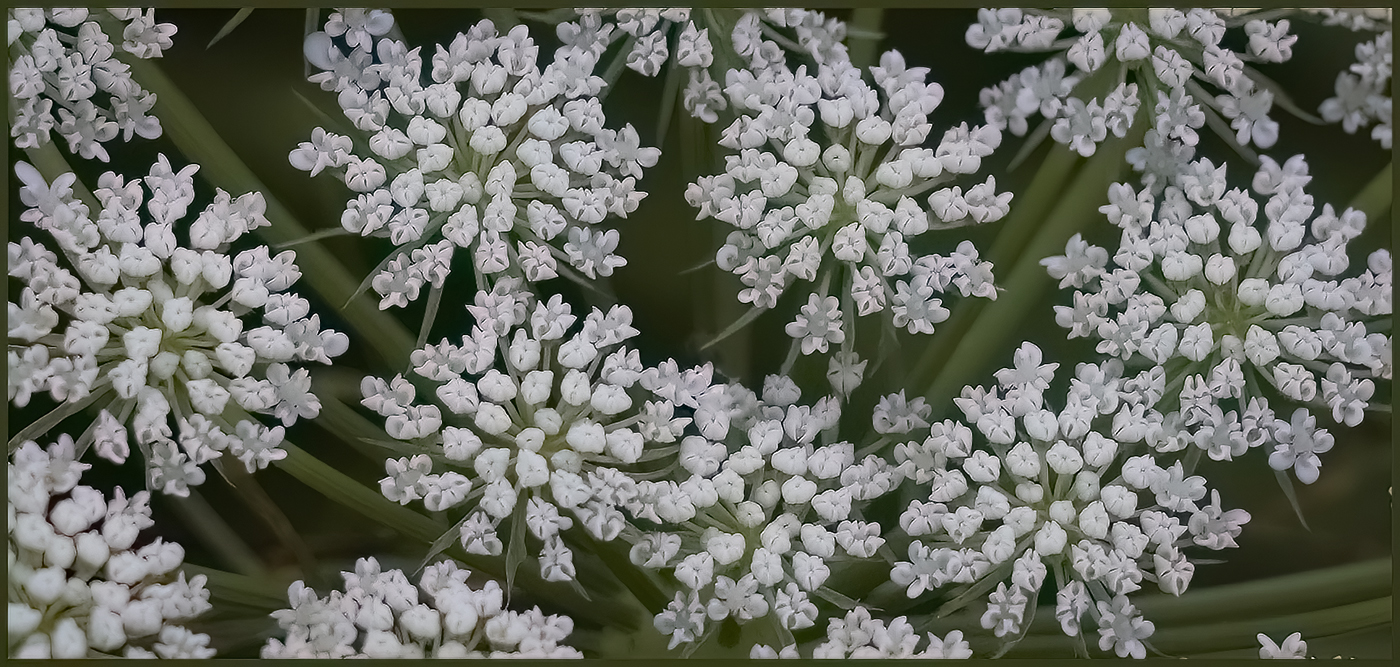
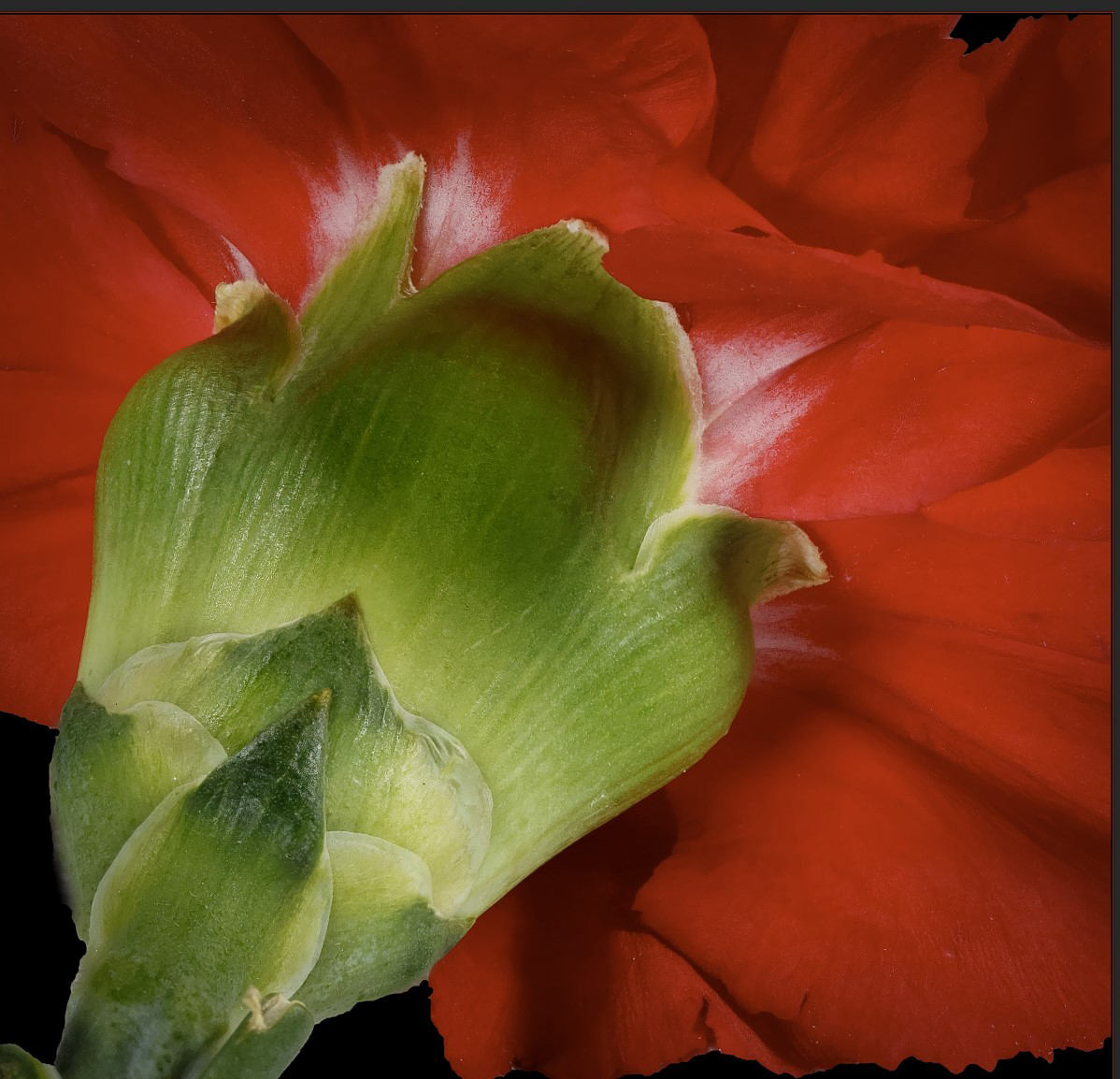
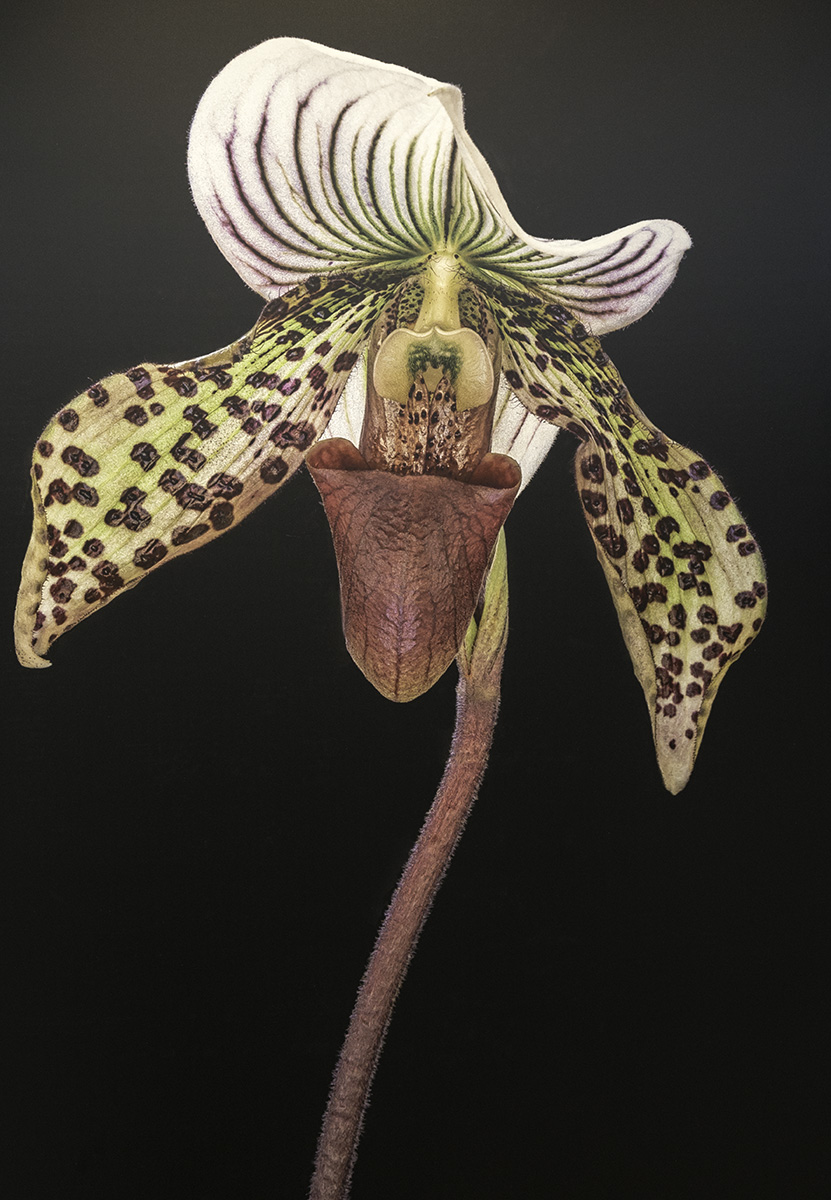
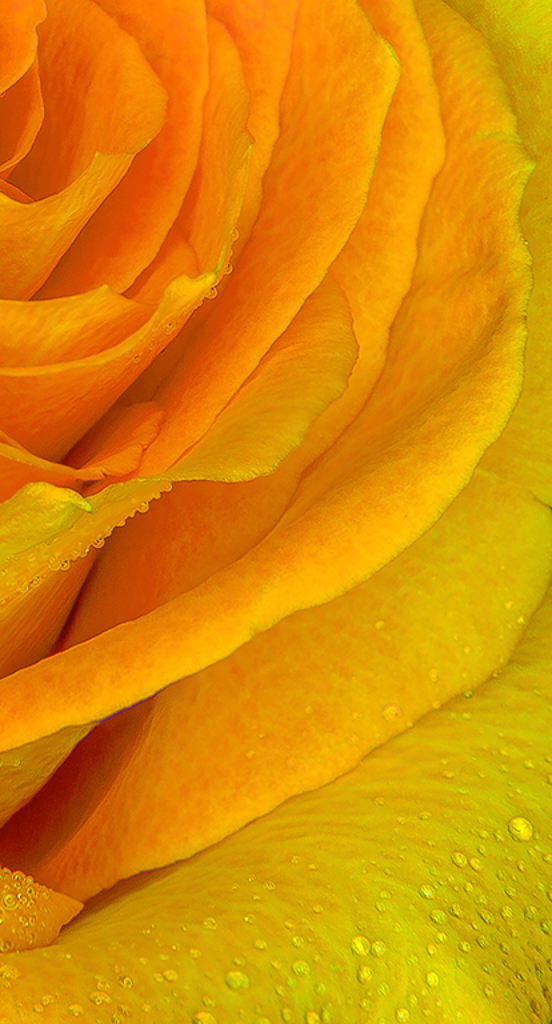
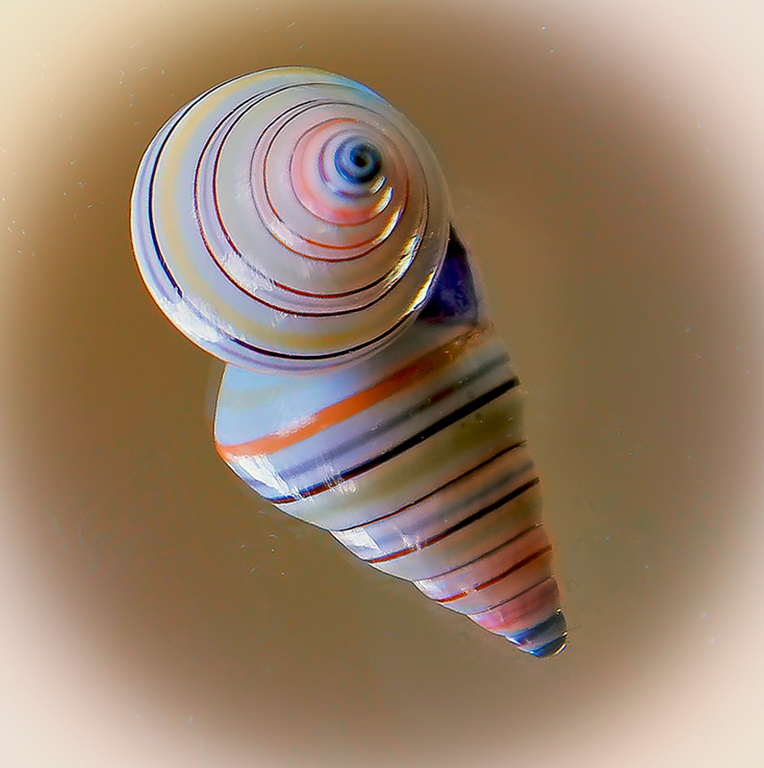
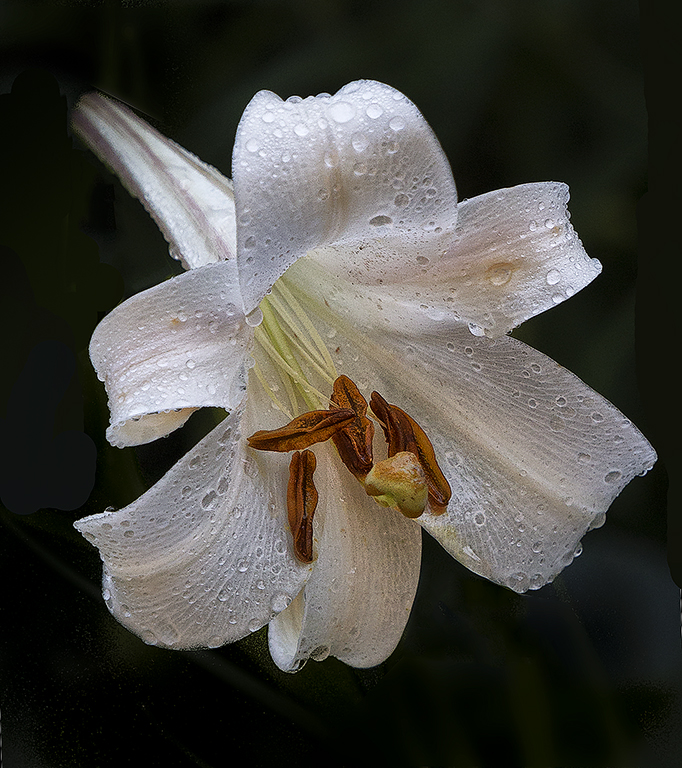
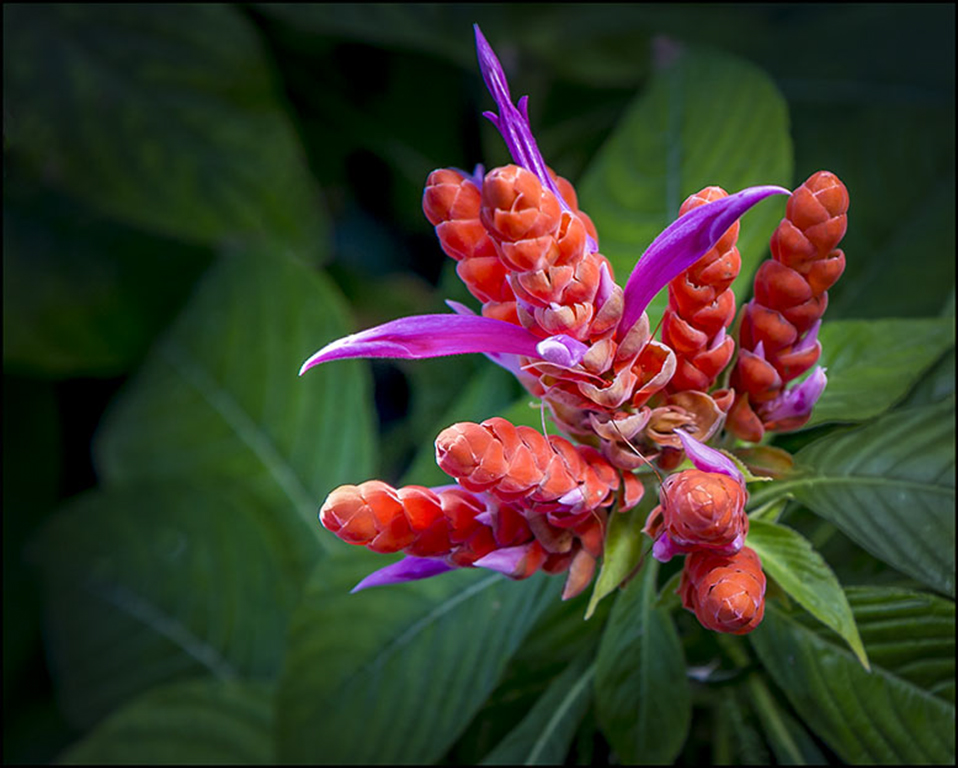
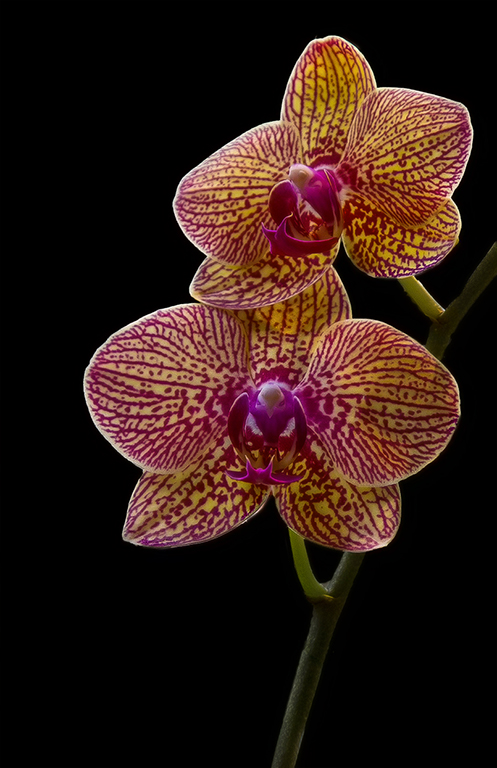
Beautiful job. I have a rail but have used Helicon focus instead . Yours is better. I agree with your thinking about stem. Photos I have of flowers floating in space seem strange and disorienting. Maybe you could darken the stem so it kind of gradually blends into the background.
The rail takes a lot of patience. Beautiful. |
Apr 7th |
| 43 |
Apr 20 |
Comment |
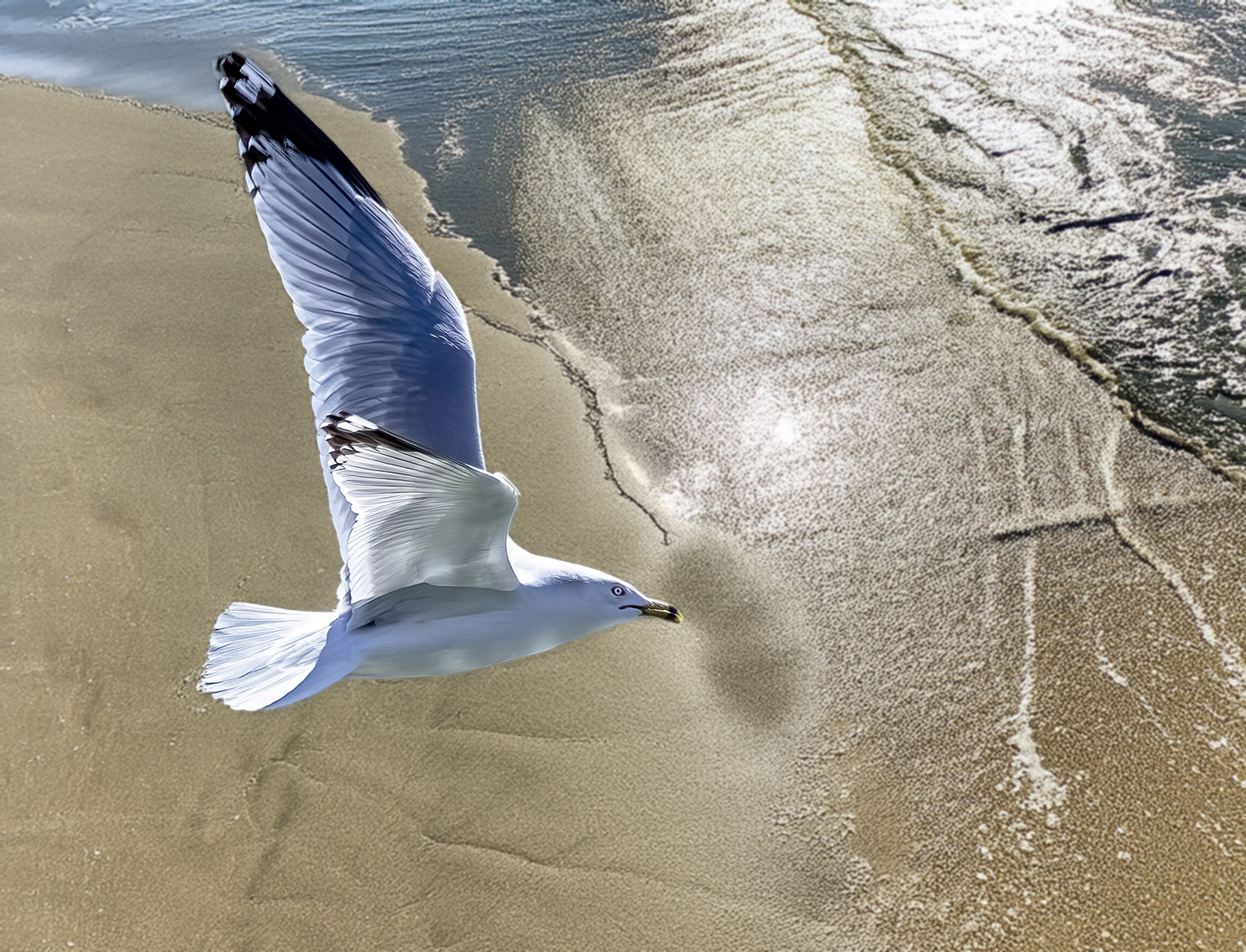
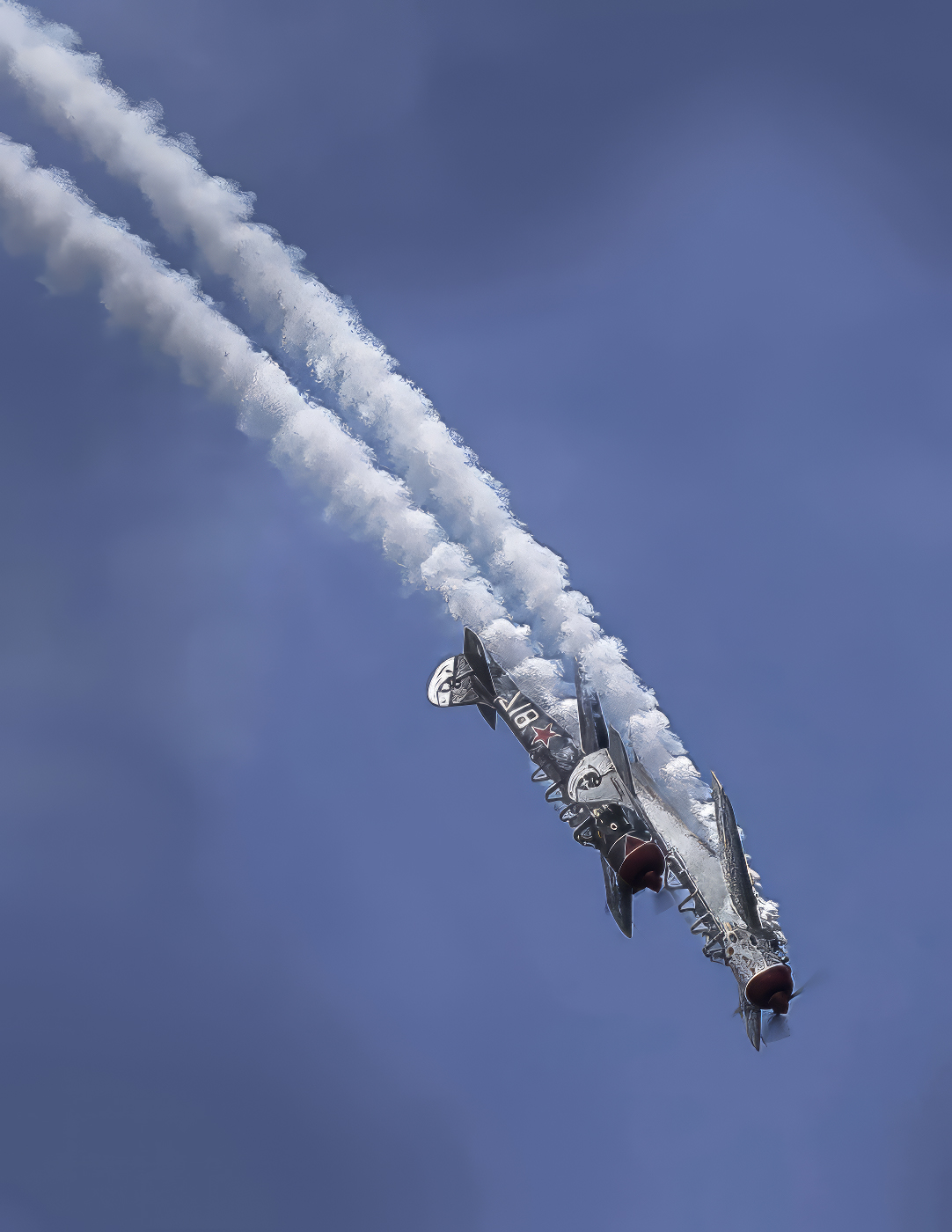
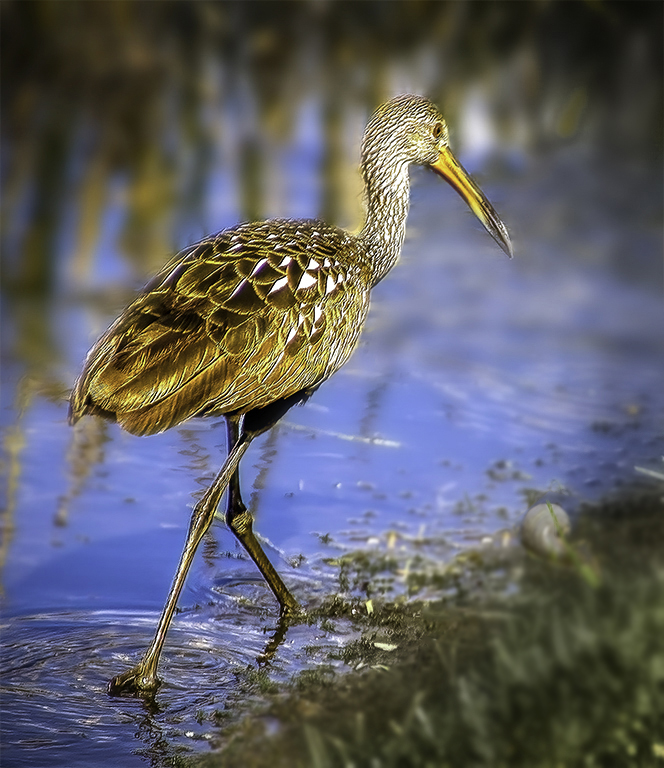
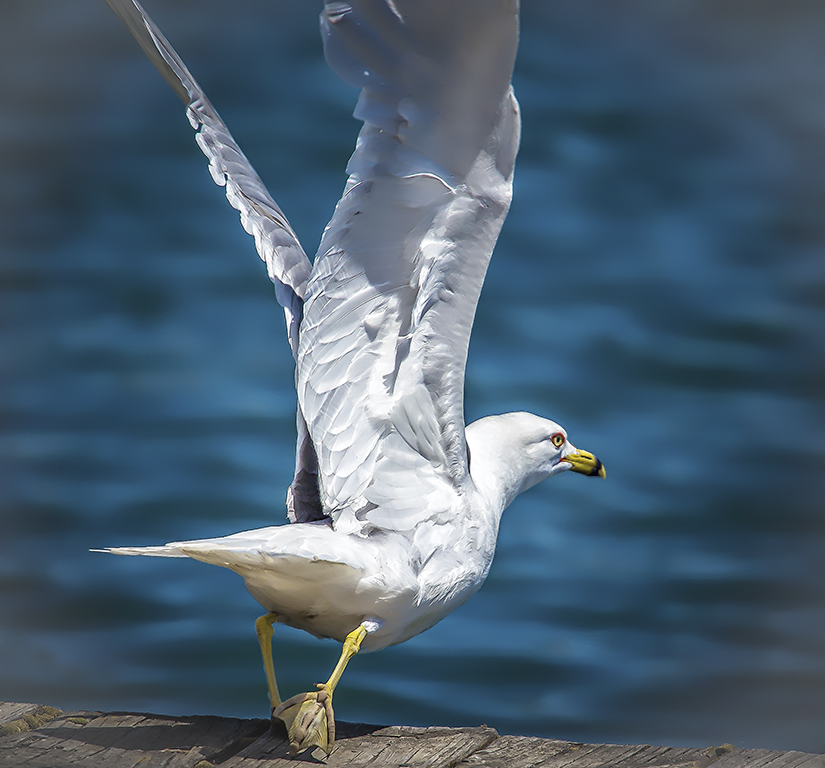
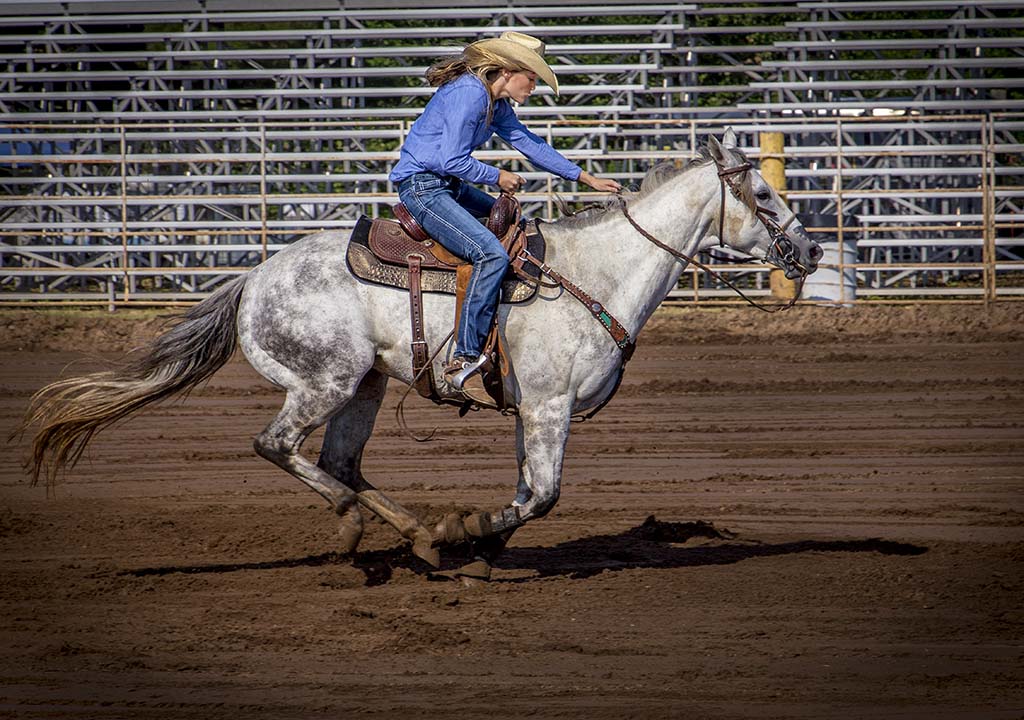
Very sharp and the high ISO and speed sure stopped him in mid air. I agree room on the right would make the Bird look like it had someplace to move to. Blurring the background with a mask and possible gradient for DOF may add something. I wonder if there is a way to make the Pelican pop more with brightness, contrast and intensifying color and darkening the background. It would separate the bird, caught so well, from the background. Wonderful catch in flight Linda, always impossible for me to catch with the spread just so.
Great Shot Linda |
Apr 7th |
| 43 |
Apr 20 |
Comment |
The leaves pop and are sharp drawing attention to them as the main subject. Just saw lecture on Norman Rockwell. He used a style that took the eye in curves around the picture. The more I look the more curves I see-the tree trunk and background plants. I too feel like I am in the Woods and love all the different plants. I don't see any lichens but they must be there. It may be a point on the light grey twig. Very nice Picture. |
Apr 7th |
| 43 |
Apr 20 |
Reply |
Thanks
|
Apr 7th |
| 43 |
Apr 20 |
Reply |
Just for the sake of trying, I applied a Gaussian blur, made a mask and used gradient tool to add depth of field. It may be more blurred than you thought, but I also like the original better. Interesting. |
Apr 7th |
 |
| 43 |
Apr 20 |
Reply |
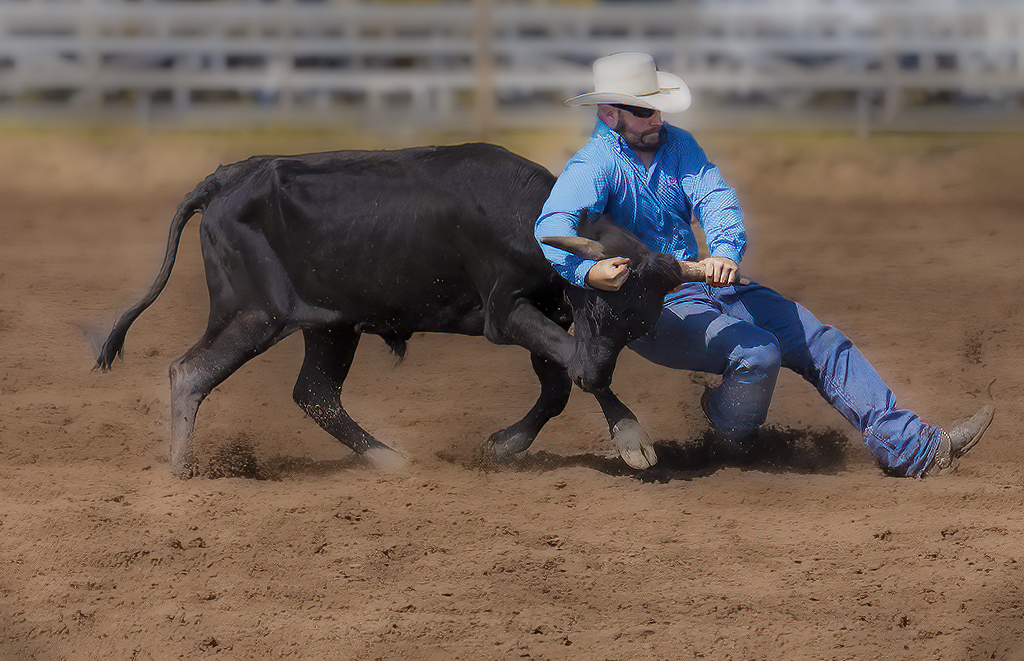
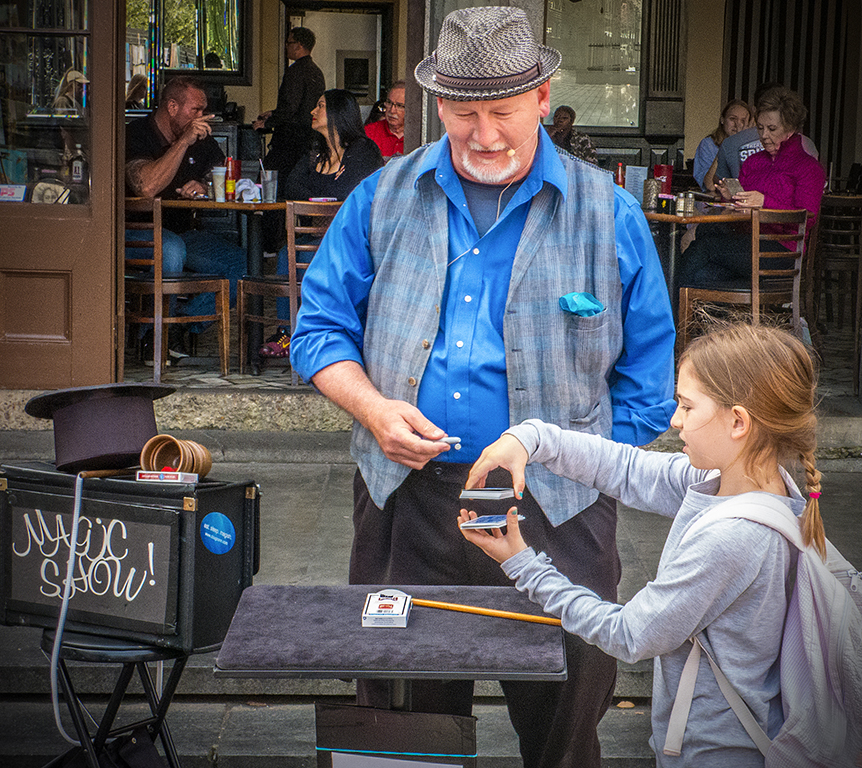
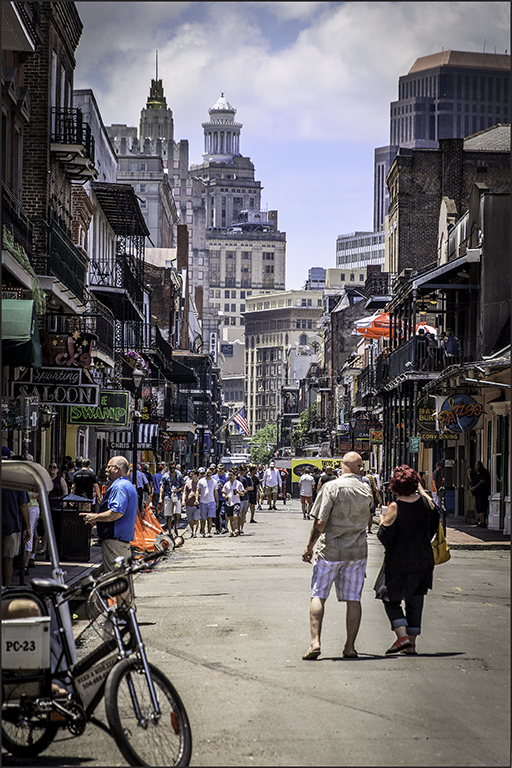
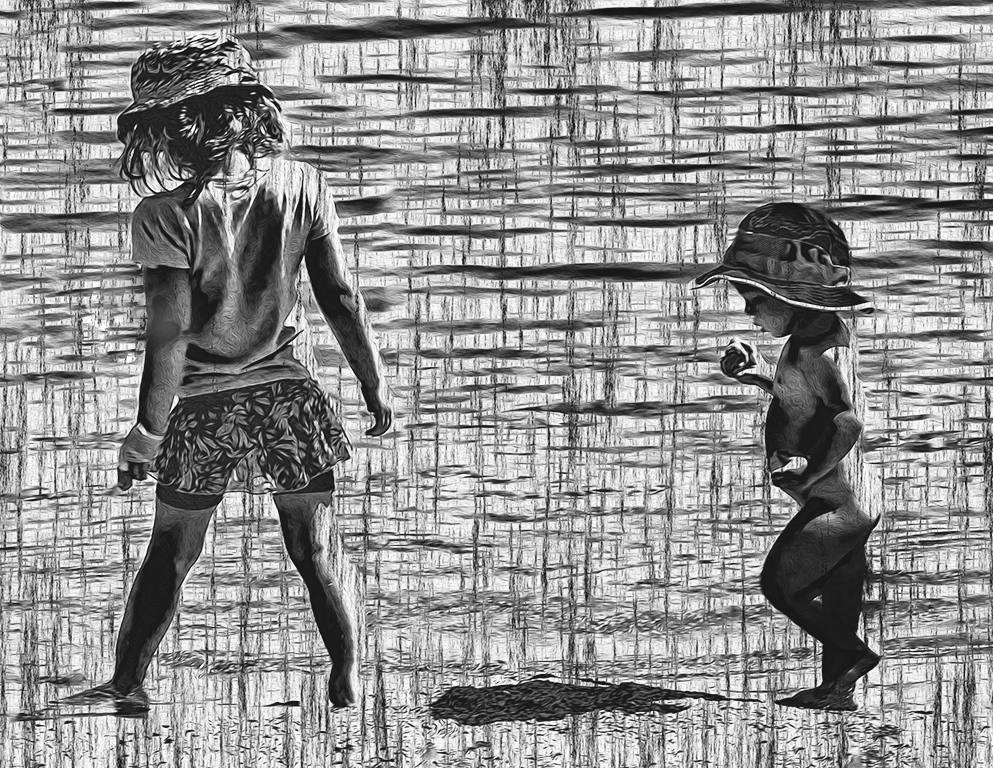
I am not sure I am a street photographer, but I thought in this case, darkening the figures and Vignetting drew attention to the subjects. The people's animation in the background, though not the main focus, added context. Blurring is also a possibility though. I will have to try that. |
Apr 6th |
| 43 |
Apr 20 |
Reply |
Thank You Mark. |
Apr 6th |
6 comments - 7 replies for Group 43
|
6 comments - 7 replies Total
|