Activity for User 625 - Mervyn Hurwitz - mervmel@yahoo.com

avatar
Avatar

Close this Tab when done


1219 Comments / 141 Replies Posted

  = Current Round   = Previous Round
Group Round C/R Comment Date Image
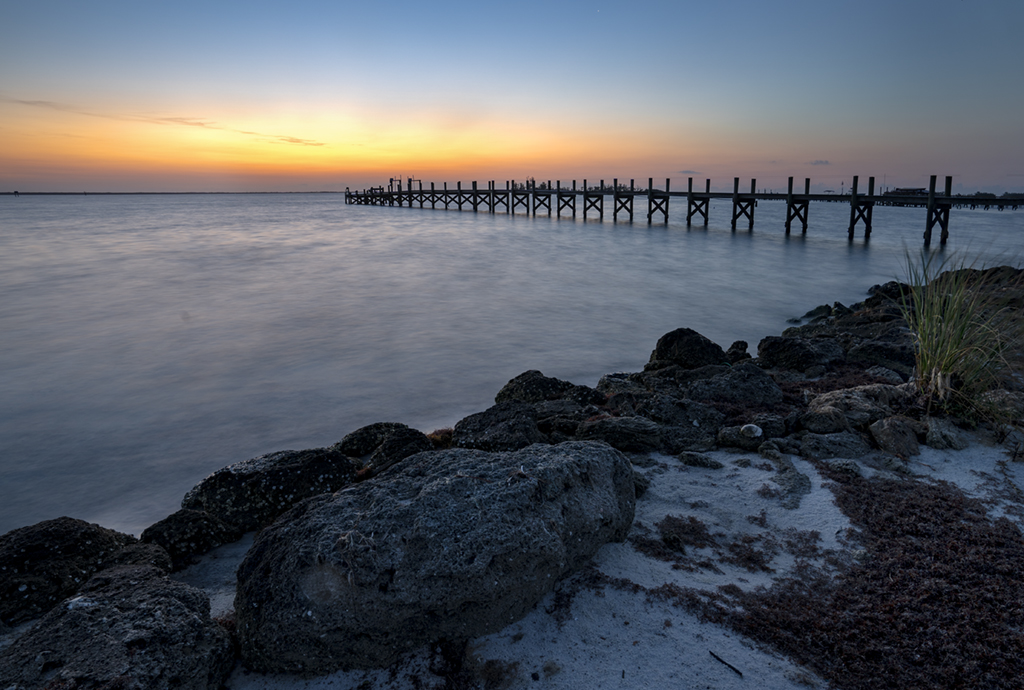
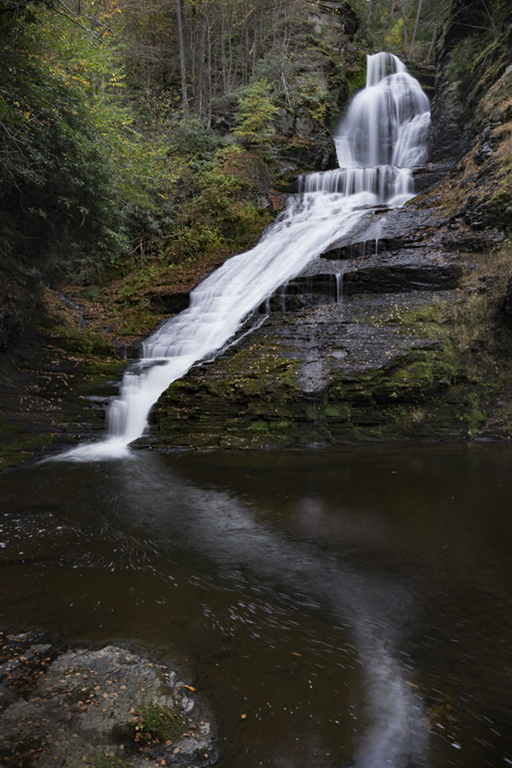
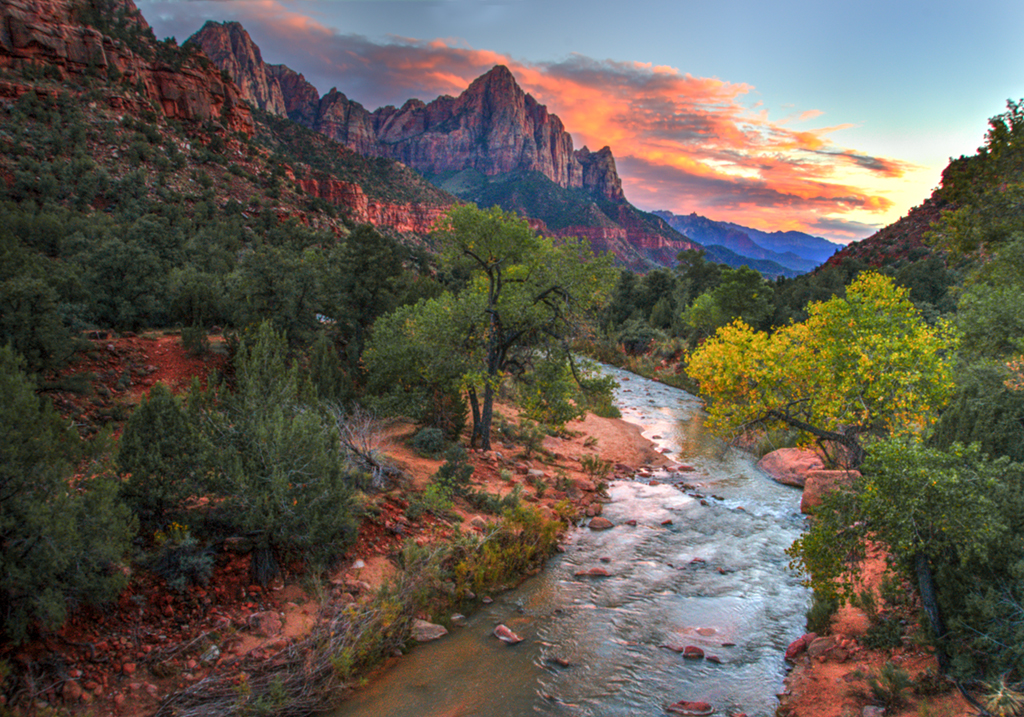
26 Jan 21 Comment I like this image very much. You have good balance with the rocks on the right and the water on the left and the slow shutter speed has smoothed the water beautifully. And the sky is magnificent with the streaks in the clouds helping to lead my eye back to the focal point of the rocks on the horizon.

Your post process has brought out all the great detail in the rocks and the trees above. I like the image as it is and I would not change a thing.
Jan 4th
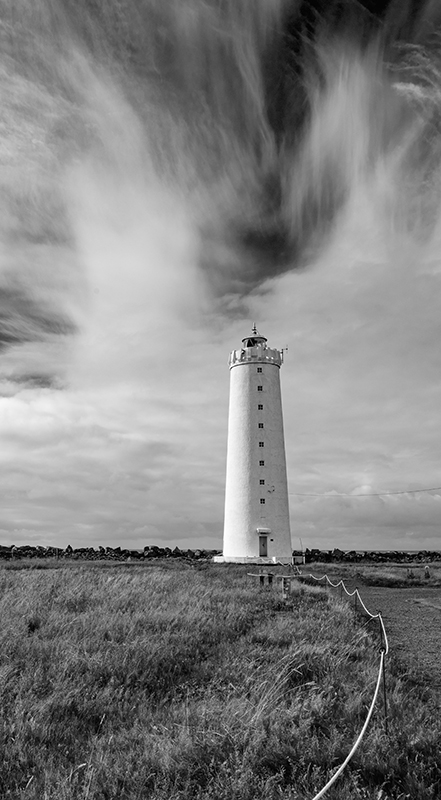
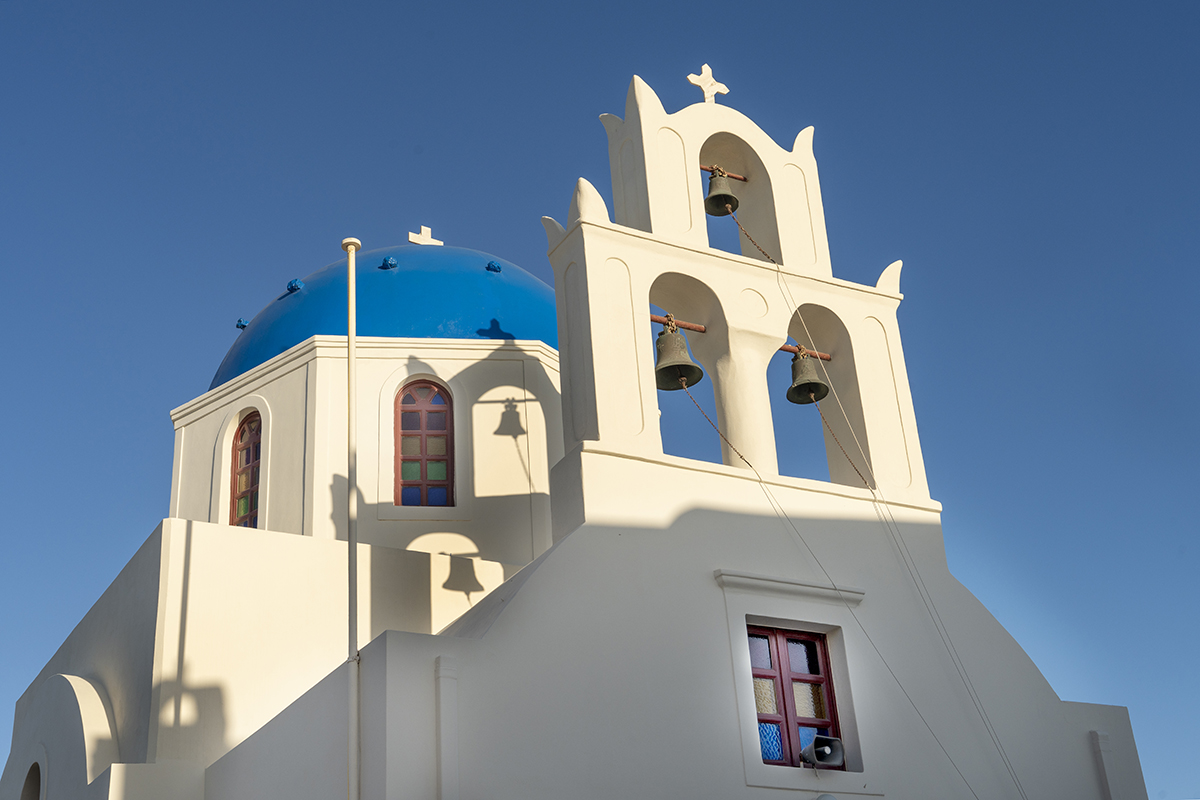
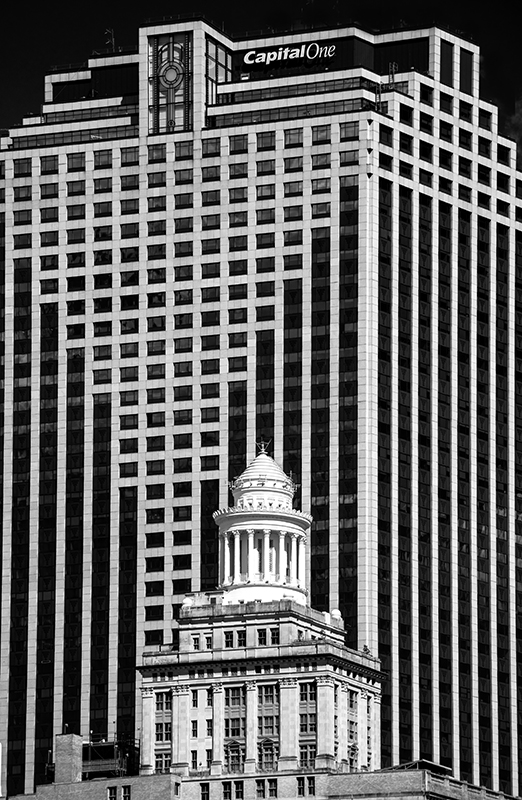
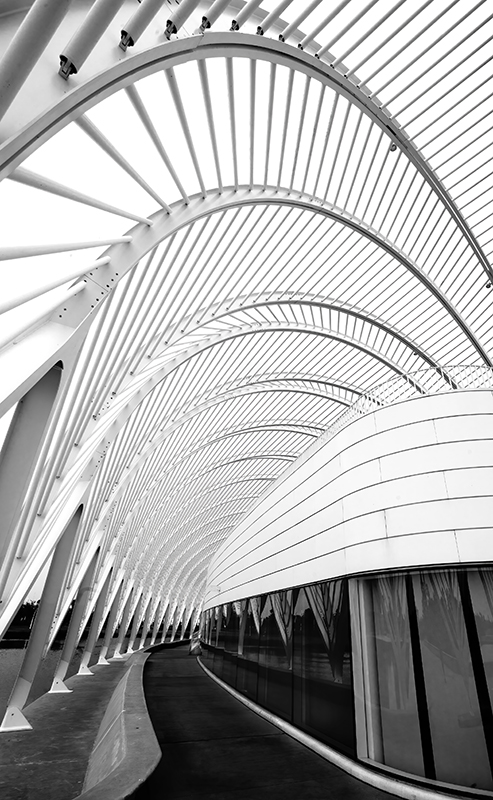
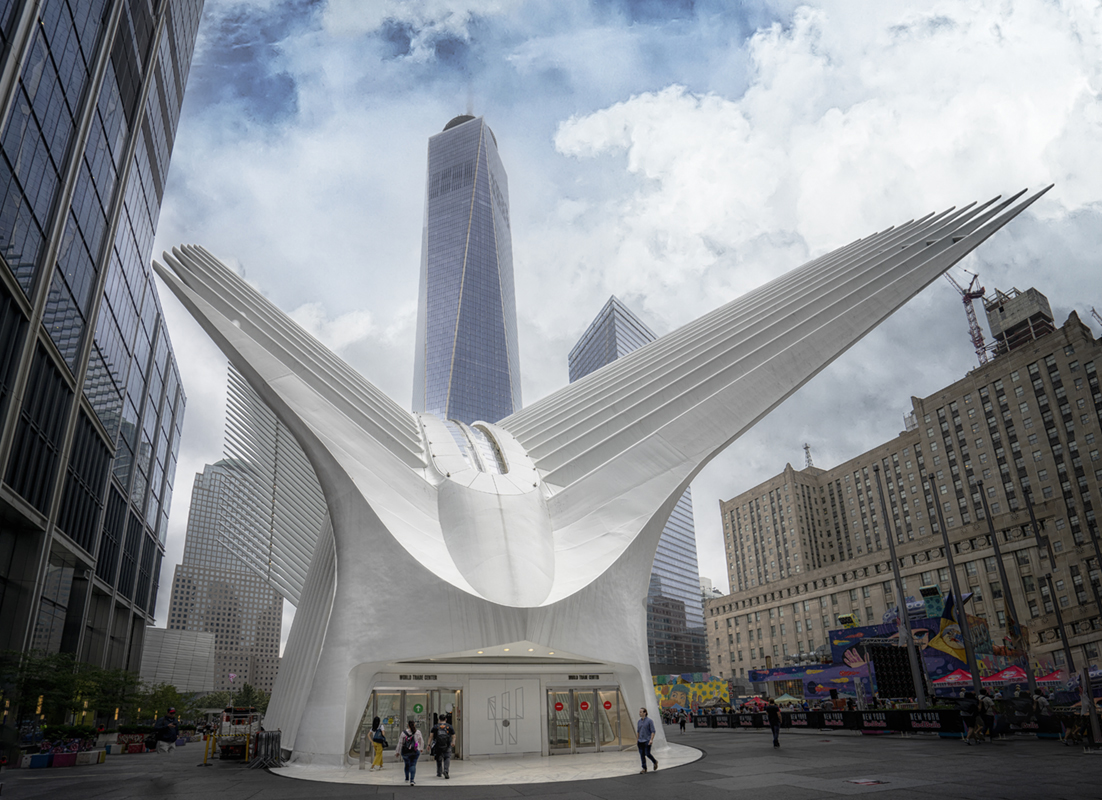
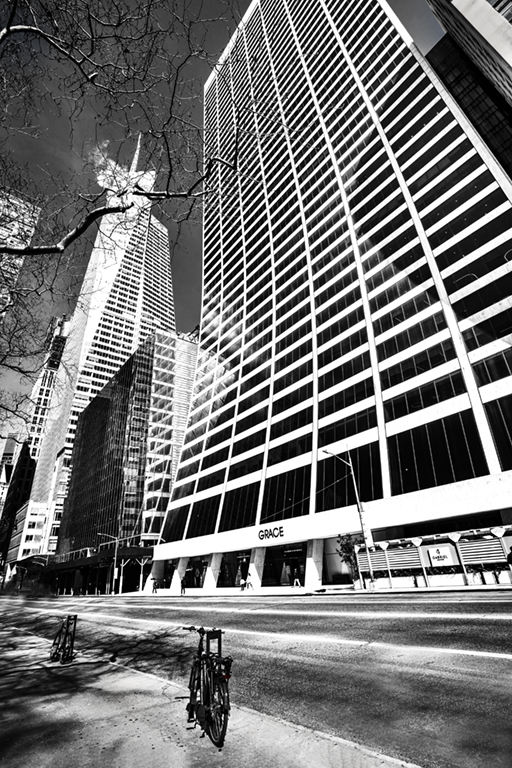
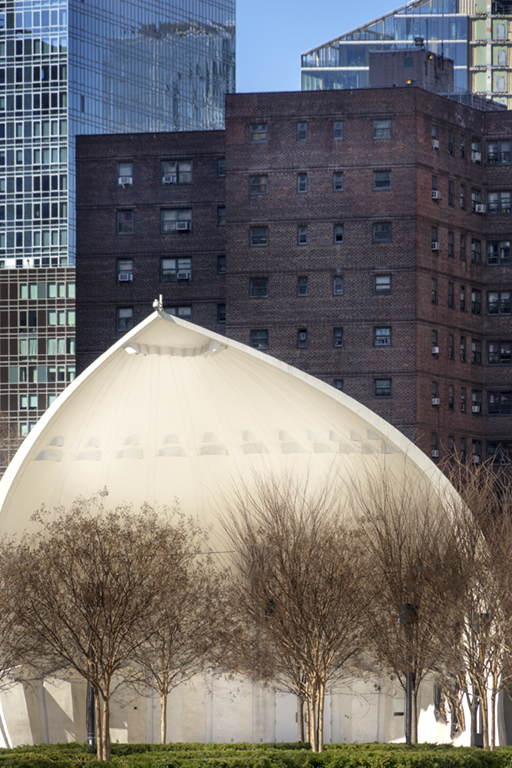
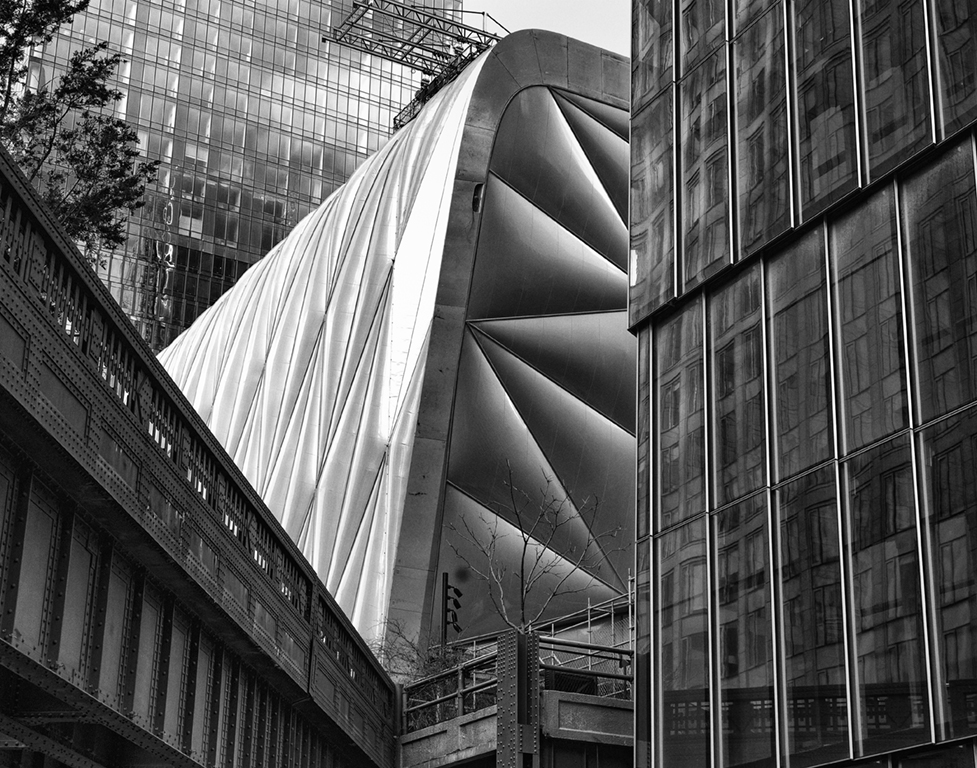
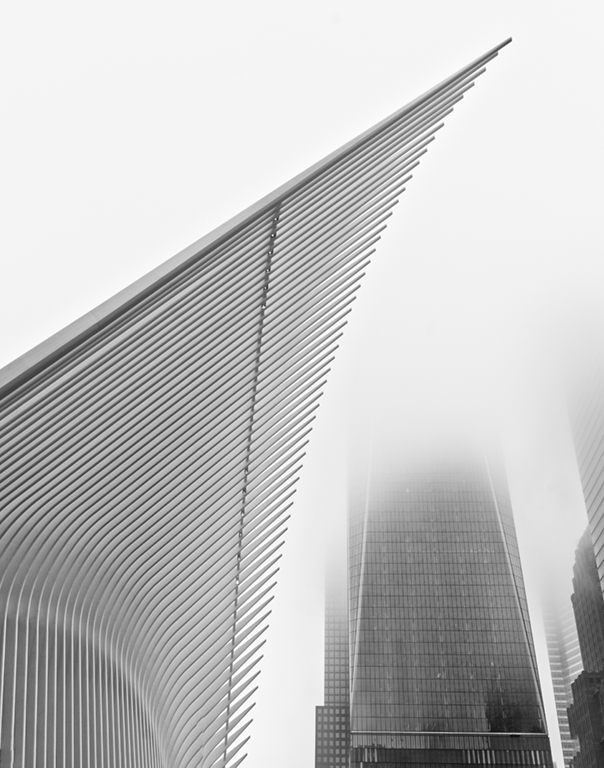
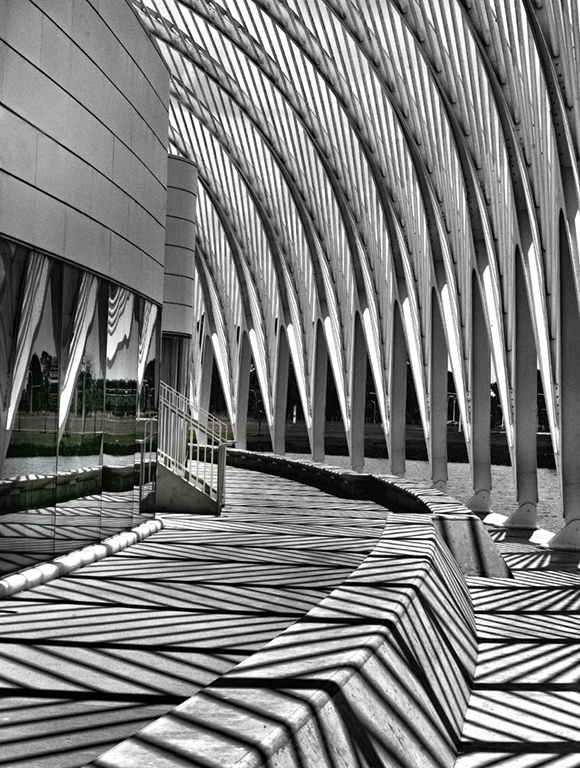
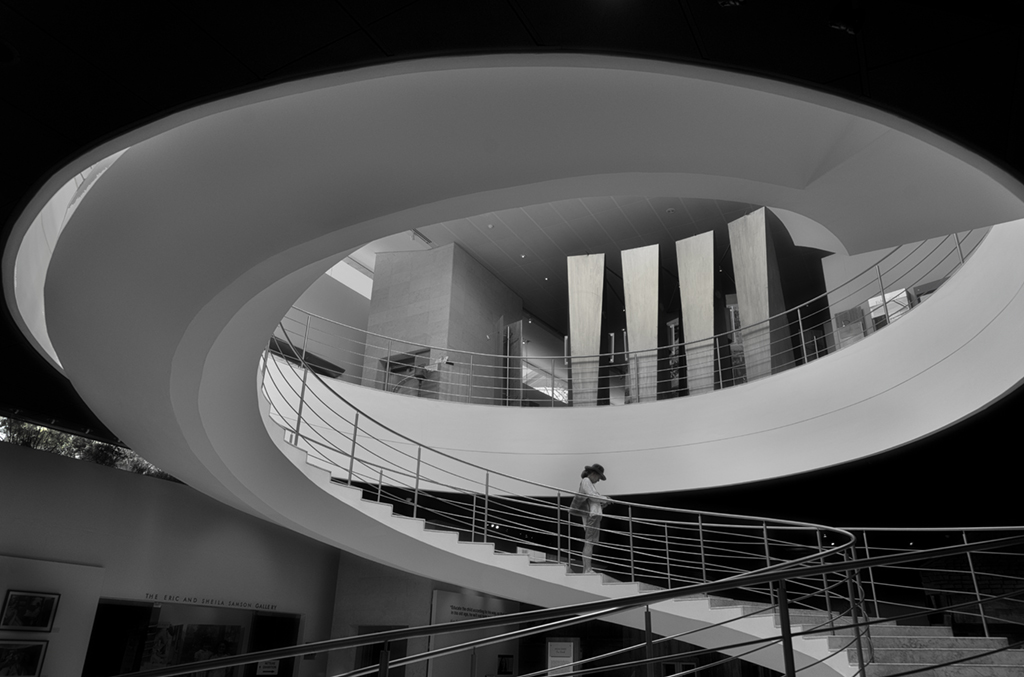
26 Jan 21 Comment This is certainly a most interesting building, but I feel that the way it is presented here is documentary and a little boring. I like the techniques added above by our members, or a closer crop to create more of an abstract feel.

Well done in eliminating the distractions on each side.
Jan 4th
26 Jan 21 Comment I'm not familiar with this software, but the result you have achieved is very interesting. It is almost 2 pictures in one, with my eye drawn to the bud and bee.
I hope we see more of these Mirror Lab pictures in the future.
Jan 4th
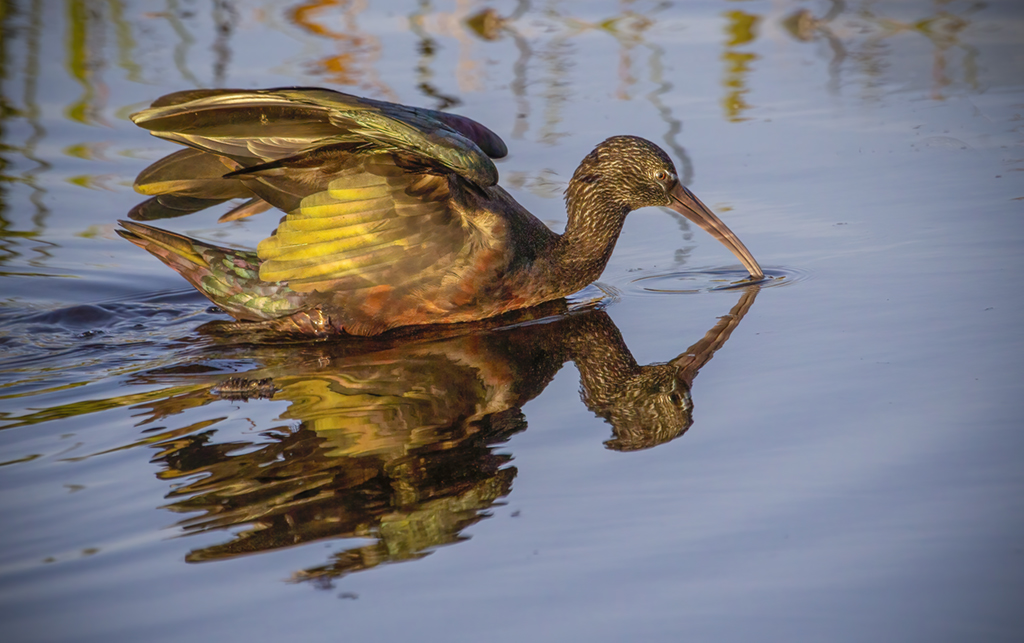
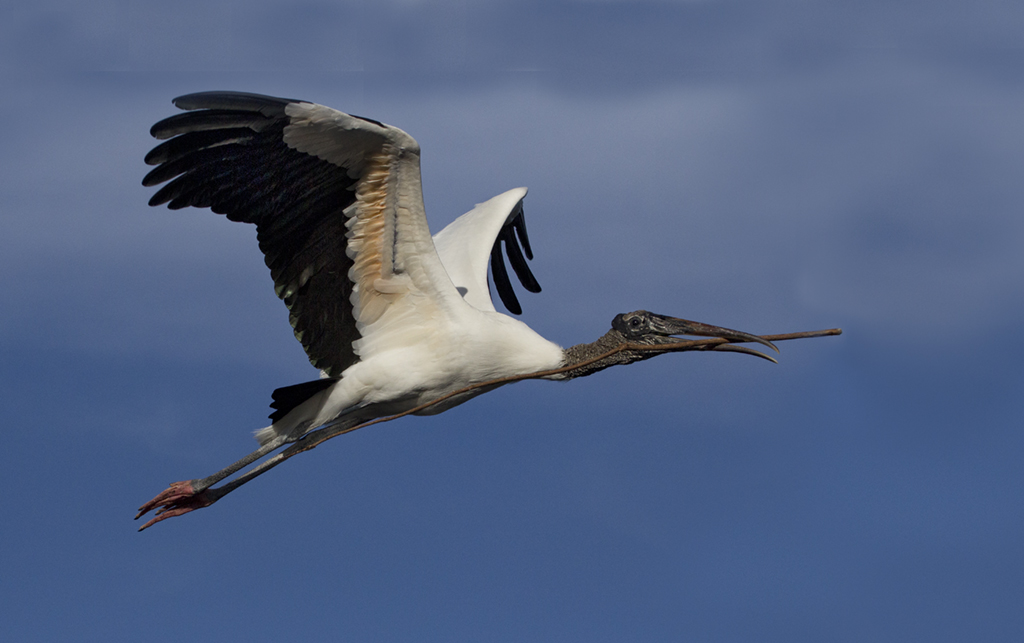
26 Jan 21 Comment This is a great nature shot and you have captured the action at the right moment. The blue color from the water reflected in the feathers does not bother me as it is natural.
I would suggest brightening the eye and possibly adding a highlight and a slight crop on the right side. A moving subject, whether animal or human should have more space in front to walk into than behind!
Jan 4th
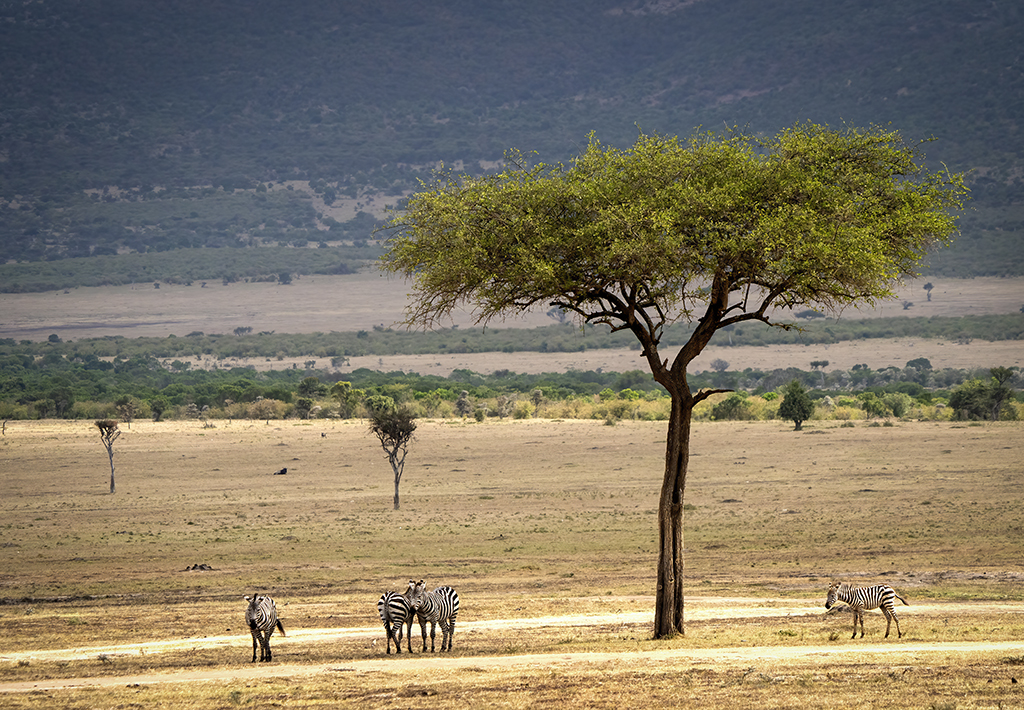
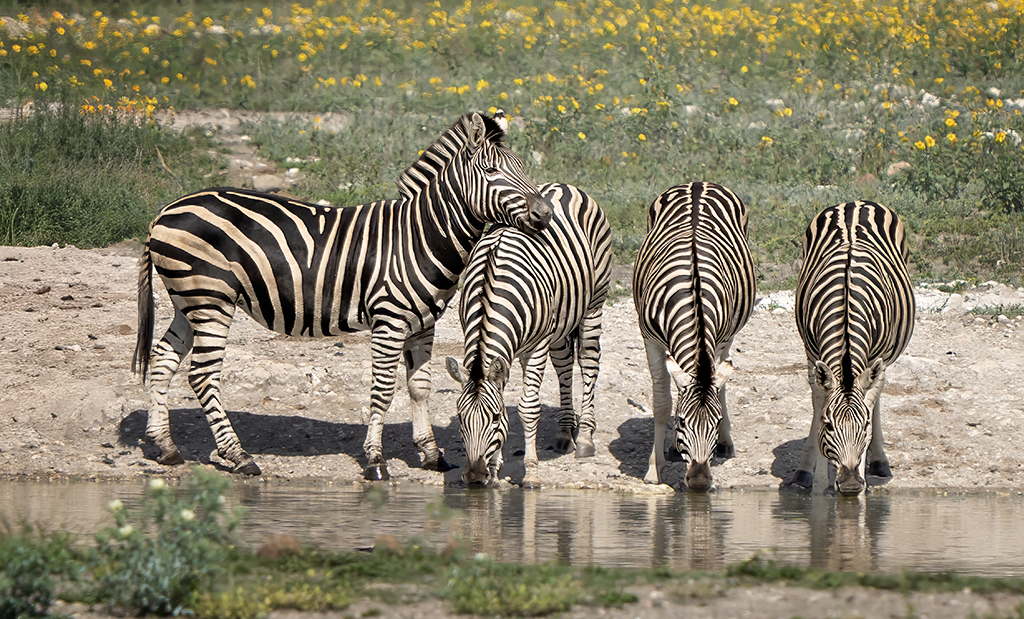
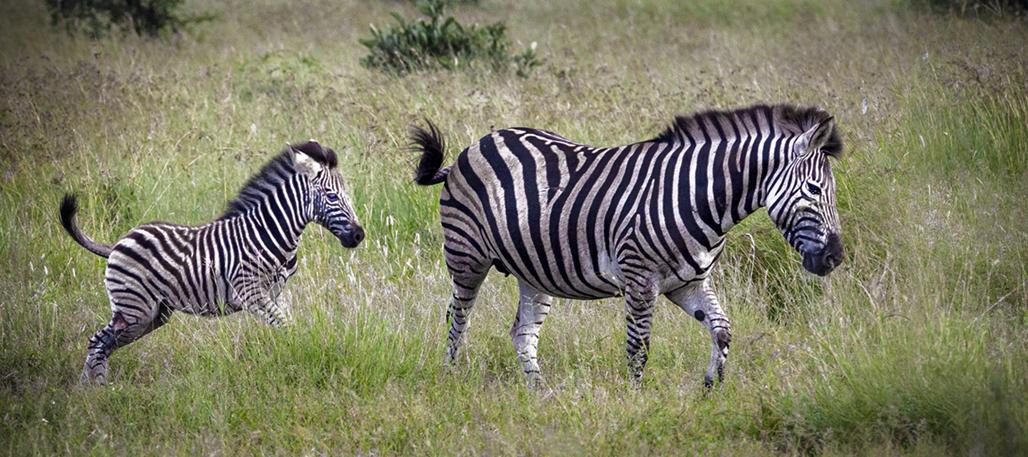
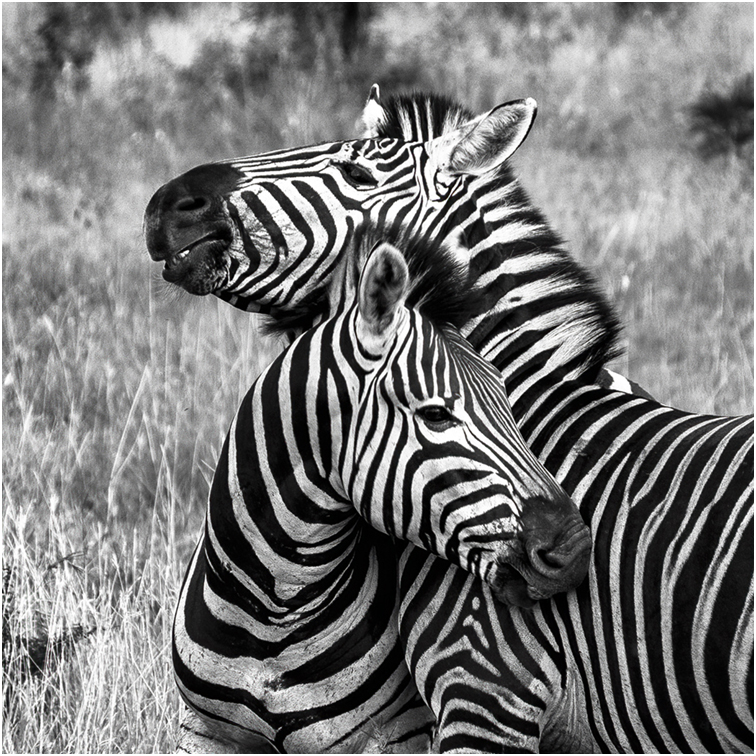
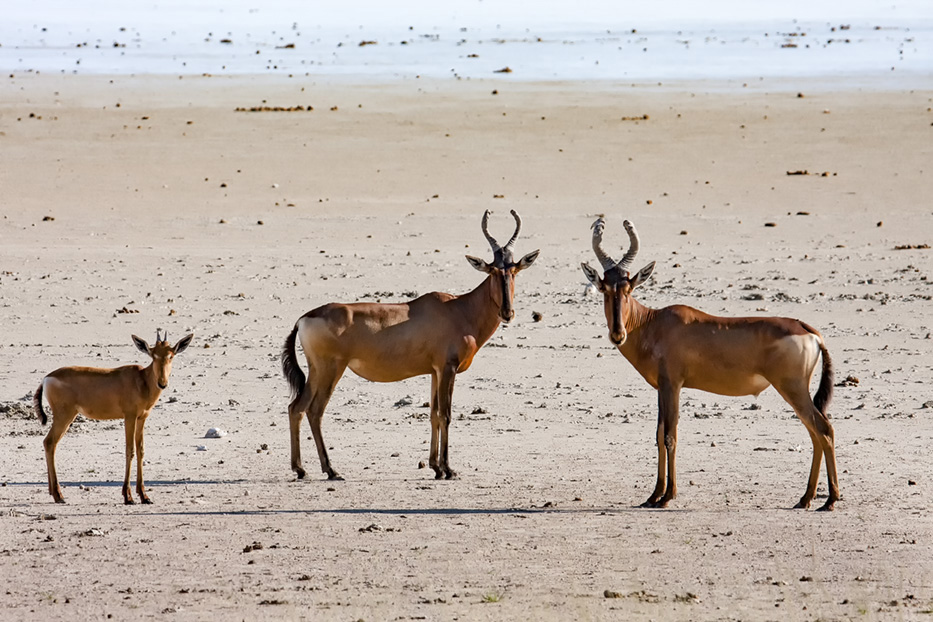
26 Jan 21 Comment I love the interaction between the 2 central Zebra. To me this accentuates the nature story strength of the picture. Therefore I find the young foal on the left to be a distraction that draws my eye away from the main action. The foal is also brighter (lighter) than the rest of the image which adds to the distraction, so I would crop it out. Cropping is acceptable in the Nature division. This would leave 3 subjects, and an odd number is always preferable. Jan 4th
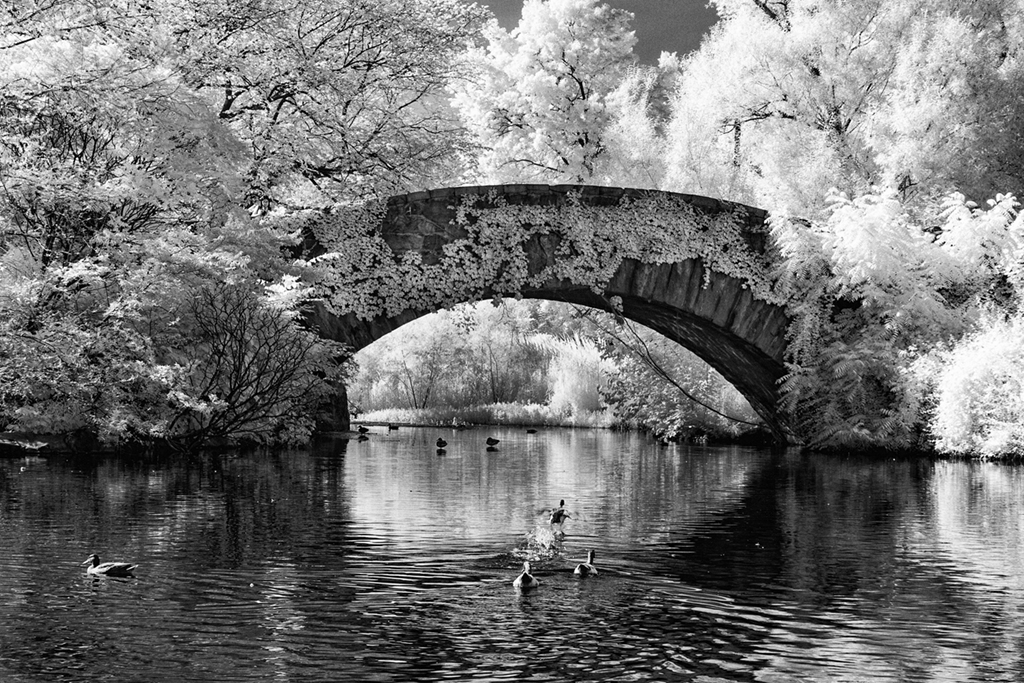
26 Jan 21 Reply Thanks for your positive feedback.
The actions were provided free from Life Pixel when they converted my camera. I am sure they are available on their website. It is called IR adjust w/Channel Swap, and IR Channel Swap w/White Foliage
Jan 3rd

5 comments - 1 reply for Group 26

69 Jan 21 Reply Well done, Brenda. The bird now really stands out from the background and "pops" Jan 27th
69 Jan 21 Reply Thanks, Brenda Jan 27th
69 Jan 21 Reply The image presented is not cropped. This is how I composed it in the camera. Jan 24th
69 Jan 21 Comment Jacob, you have done well with your processing to lighten the pond. But the picture does lack a center of interest for my eye to settle. Perhaps if you could get closer to the branch in the lower part of the frame that could be your center point. Jan 9th
69 Jan 21 Comment Your hours chase was well worth while.
The eyes make this picture so compelling and it works by being dead centered. The feathers standing up on his head add interest. In Covid lockdown, I always feel that my hair is standing up straight!
Jan 9th
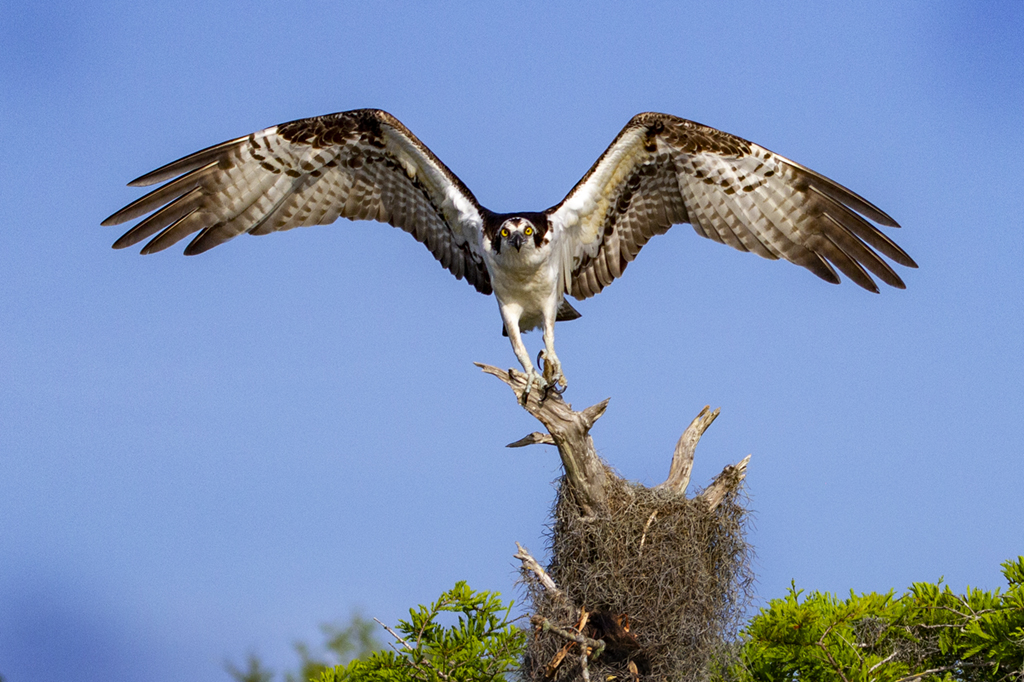
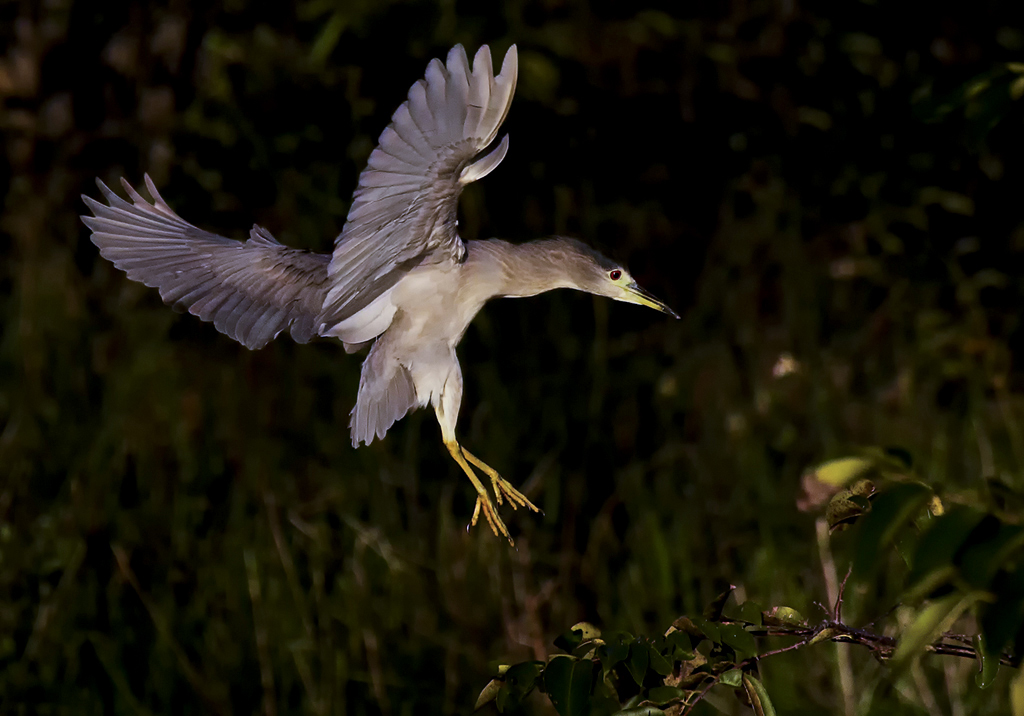
69 Jan 21 Comment Wow, to capture the bird in mid air shows that your reflexes are great! Nice action, well cropped, and you have handled the difficult background adequately.
My only suggestion would be to add a highlight in the eye. In the old slide days we would do this with a tiny pin prick through the emulsion.
Jan 9th
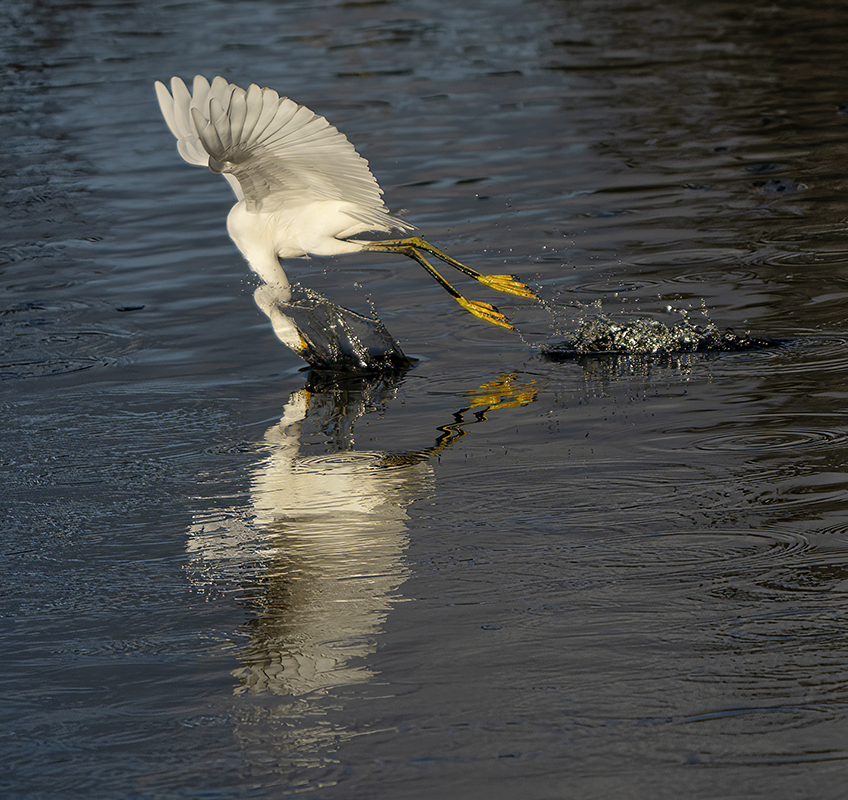
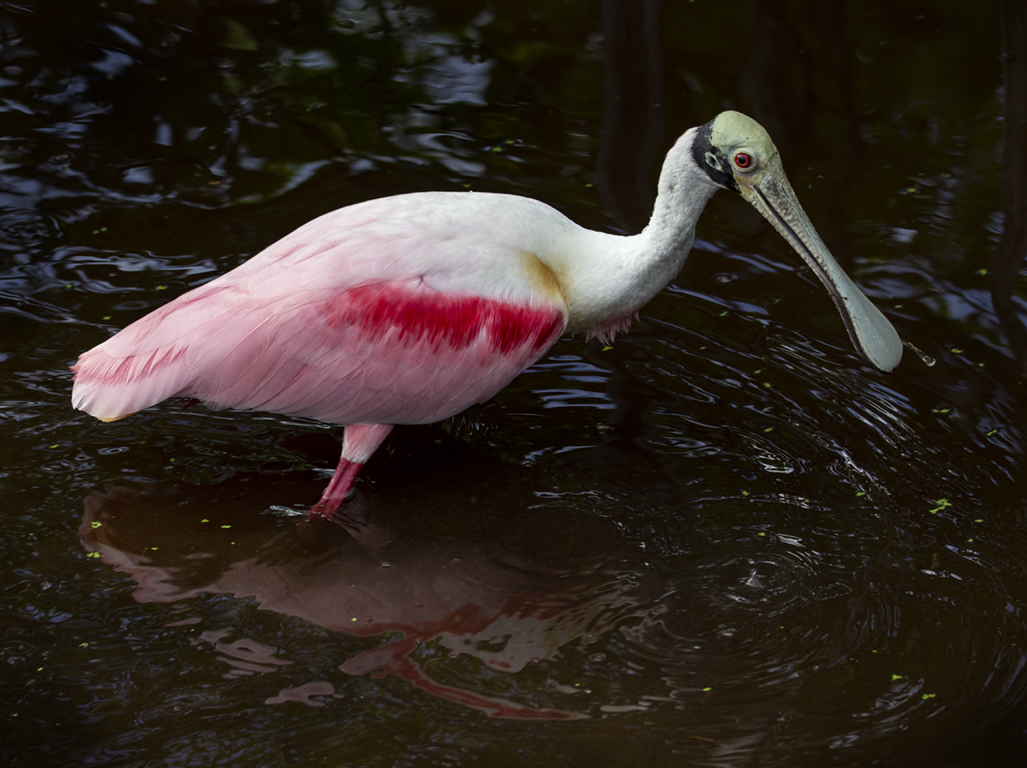
69 Jan 21 Comment The Reddish is probably my favorite egret and you have captured the action extremely well. It is perfectly sharp and you have shown the feather texture perfectly in the outstretched wings.
Nice reflection in the water, and the blue color helps to show off the color of the wing feathers.
Jan 9th
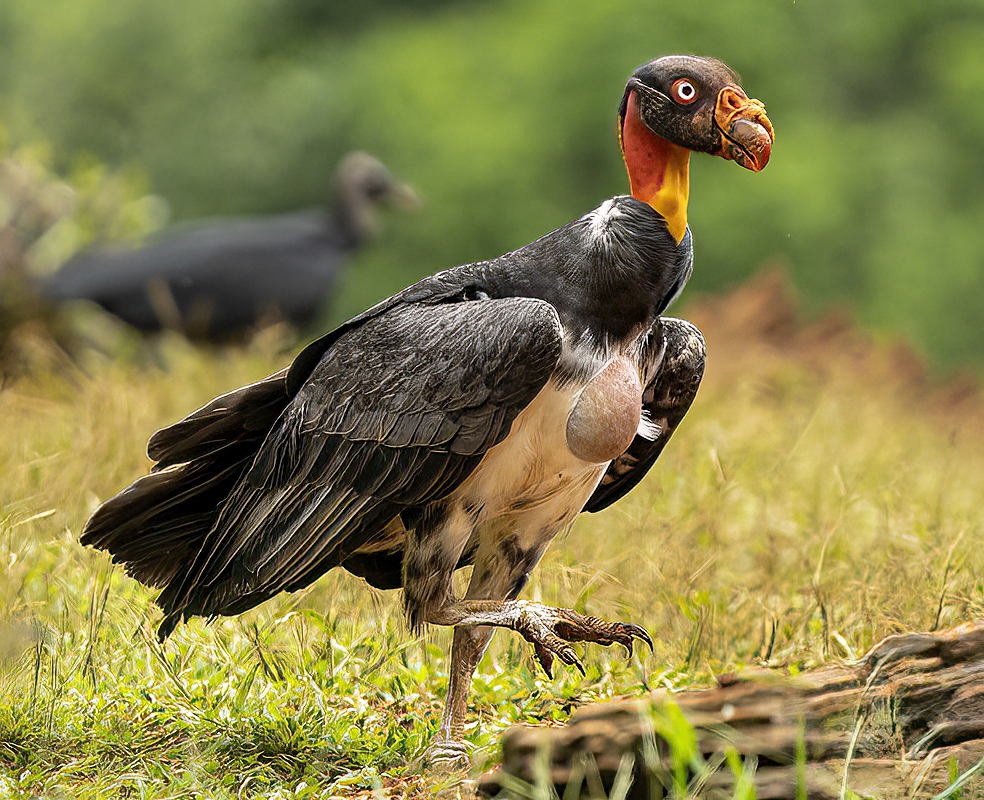
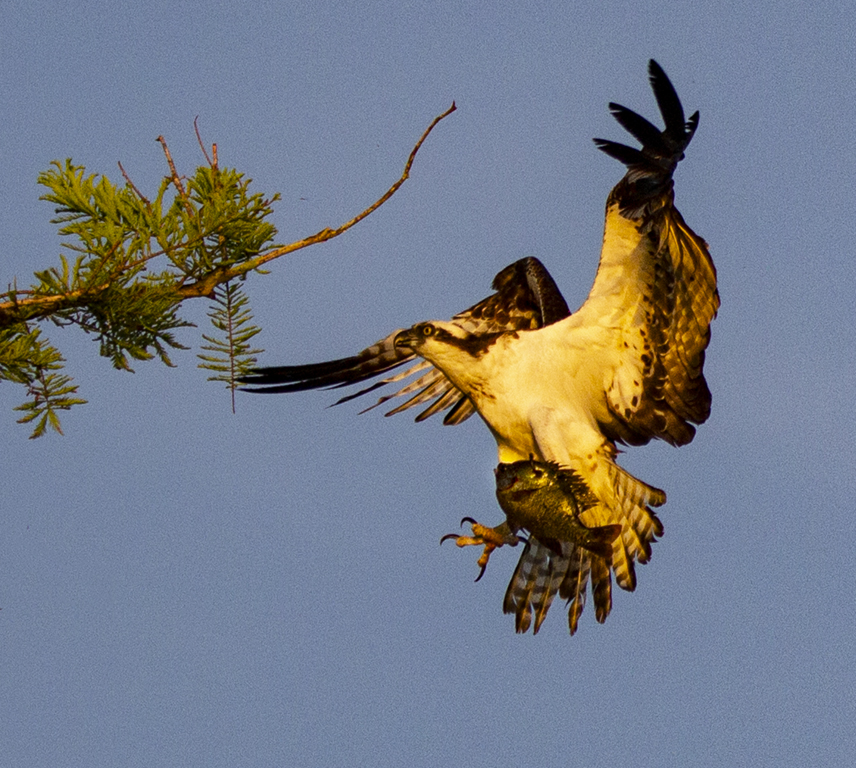
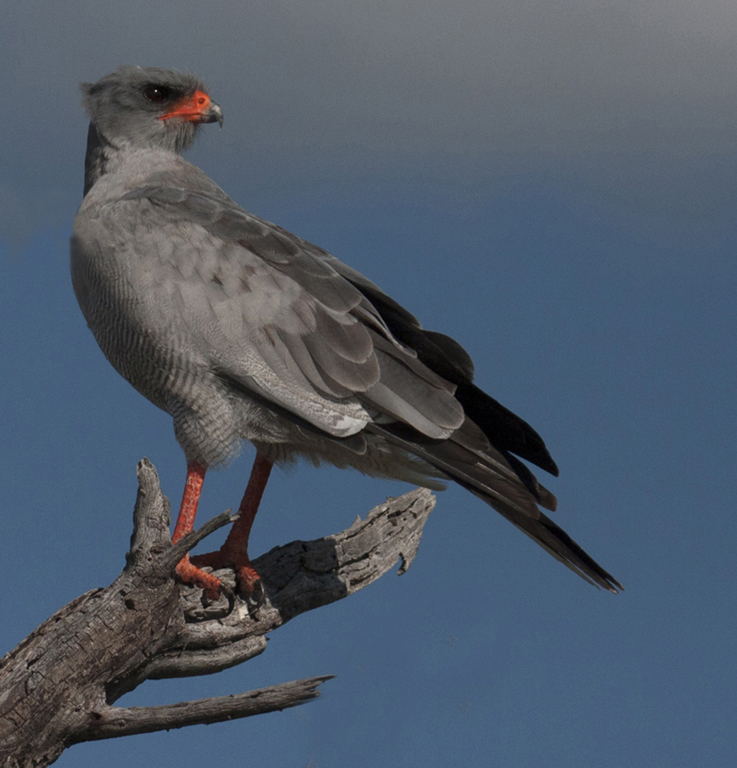
69 Jan 21 Comment Beautiful bird captured in beautiful light. I agree with removing that curved branch just above the head. Cropping some off the left is also a good idea. Jan 9th
69 Jan 21 Comment Once again you have presented a lovely scene. However, compared to last month, this image lacks the punch that we saw in your previous image.
This one appears washed out. I think you should give us more contrast by enhancing the blacks.
I use in Photoshop - Image Adjustment- Selective color. Choose Black and adjust the slider to the right to deepen the blacks. Can also choose white and increase whites by sliding to left. Hope this helps.
Jan 9th
69 Jan 21 Reply Thank you for your comments, Brenda. Here is the previous frame of the same scene, which shows more of the stream, but too me is not as dramatic. Jan 9th

6 comments - 4 replies for Group 69


11 comments - 5 replies Total


208 Images Posted

  = Current Round   = Previous Round
Group 26

Sep 25

Aug 25

Jun 25

May 25

Apr 25

Mar 25

Feb 25

Jan 25

Dec 24

Nov 24

Oct 24

Sep 24

Aug 24

Jul 24

Jun 24

May 24

Apr 24

Mar 24

Feb 24

Jan 24

Dec 23

Nov 23

Oct 23

Sep 23

Aug 23

Jul 23

Jun 23

May 23

Apr 23

Mar 23

Feb 23

Jan 23

Dec 22

Nov 22

Oct 22

Sep 22

Aug 22

Jul 22

Jun 22

May 22

Apr 22

Mar 22

Feb 22

Jan 22

Dec 21

Nov 21

Oct 21

Sep 21

Aug 21

Jul 21

Jun 21

May 21

Apr 21

Mar 21

Feb 21

Jan 21

Dec 20

Nov 20

Oct 20

Sep 20

Aug 20

Jul 20

Jun 20

May 20

Apr 20

Mar 20

Feb 20

Jan 20

Dec 19

Nov 19

Oct 19

Sep 19

Aug 19

Jul 19

Jun 19

May 19

Apr 19

Mar 19

Feb 19

Jan 19

Dec 18

Nov 18

Oct 18

Sep 18

Aug 18

Jul 18

Jun 18

May 18

Apr 18

Feb 18

Jan 18

Dec 17

Nov 17

Oct 17

Sep 17

Aug 17

Jul 17

Jun 17

May 17

Apr 17

Mar 17

Feb 17

Jan 17
Group 69

Jan 26

Dec 25

Nov 25

Oct 25

Sep 25

Aug 25

Jul 25

Jun 25

Apr 25

Mar 25

Feb 25

Jan 25

Dec 24

Nov 24

Oct 24

Sep 24

Aug 24

Jul 24

Jun 24

May 24

Apr 24

Mar 24

Feb 24

Jan 24

Dec 23

Nov 23

Oct 23

Sep 23

Jul 23

Jun 23

May 23

Apr 23

Mar 23

Feb 23

Jan 23

Dec 22

Nov 22

Oct 22

Sep 22

Aug 22

Jul 22

Jun 22

May 22

Apr 22

Mar 22

Feb 22

Jan 22

Dec 21

Nov 21

Sep 21

Oct 21

Aug 21

Jul 21

Jun 21

May 21

Apr 21

Mar 21

Feb 21

Jan 21

Dec 20

Nov 20

Oct 20

Sep 20

Aug 20

Jul 20

Jun 20

May 20

Apr 20

Feb 20

Jan 20

Dec 19

Nov 19

Oct 19

Sep 19

Aug 19

Jul 19

Jun 19

May 19

Apr 19

Mar 19

Feb 19

Jan 19

Dec 18

Nov 18

Oct 18

Sep 18

Aug 18

Jul 18

Jun 18

Apr 18

Mar 18

Feb 18

Jan 18

Dec 17

Nov 17

Oct 17

Sep 17

Aug 17

Jul 17

Jun 17

May 17

Apr 17

Mar 17

Feb 17

Jan 17

Close this Tab when done