|
| Group |
Round |
C/R |
Comment |
Date |
Image |
| 52 |
Jun 25 |
Comment |
Thanks Tom. Yes, Cape Coral is the capital for sure. Thanks |
Jun 24th |
| 52 |
Jun 25 |
Reply |
Thanks Pamela! |
Jun 23rd |
| 52 |
Jun 25 |
Reply |
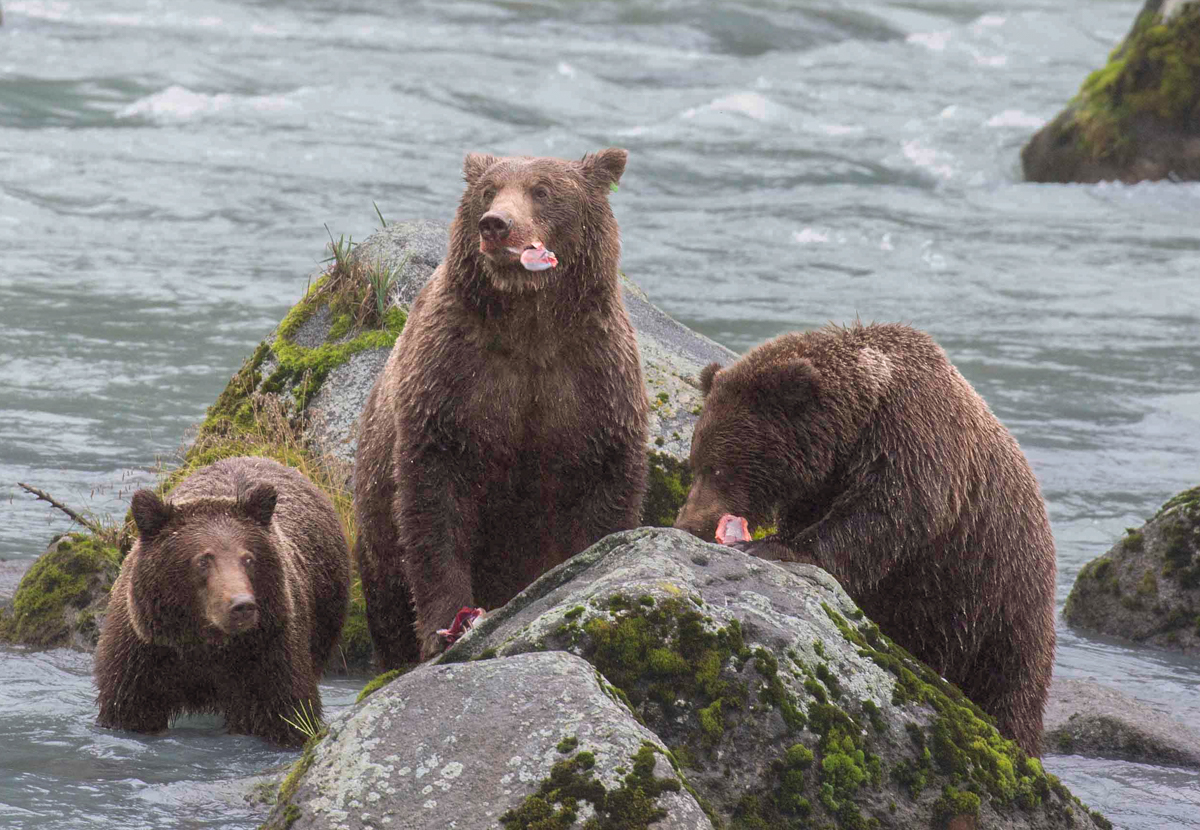
Thanks Polly. I don't think what the camera presents is necessary natural. Every camera has its own way of treating colors and depending upon your particular white balance, it further alters it. However, if you saw a magenta cast on the bears, then I would agree, it was natural. For me, I always go for what looks right to my eye. For example, sometimes the horizon looks out of level when it is perfectly level. Unless I am going for an out of level look, I'll rotate it out of level to look level to my eye. |
Jun 23rd |
| 52 |
Jun 25 |
Reply |
Very nice compliments, Thanks! |
Jun 18th |
| 52 |
Jun 25 |
Comment |
I always look forward to your creativity. Although lovely and etherial, the pure whiteness of the upper corner does bother me. Maybe by adding a blur and painting in just a touch of color would do the trick, at least for me. Also, the foreground has blended into the background more than shown in the original and I prefer the layered look. I might include some of the darker green bush in the foreground that would act as a natural framing device. Definitely an image worth playing with because of its etherial quality and beauty. |
Jun 17th |
| 52 |
Jun 25 |
Comment |
I'm sure it was the weather conditions but I thought I'd try to bring out more of contrast on the bears. I started with the technique I mentioned on Sharon's image. I also cropped out the bit of vegetation on the bottom that gave a green shadow. Adding some black and exposure to the bears and darkening the highlights and exposure to the background looked better to me. I also added a bit of light to the eyes of the center and left bear. After I saved the image and opened it to attach here I saw a color cast or magenta on the bears. Going back and warming them up a bit made a big difference. Wonderful scene and image. |
Jun 17th |
 |
| 52 |
Jun 25 |
Comment |
This image gives a great sense of place. I like the side light and would emphasize it with a lot of dodging and burning, particularly in the foreground and the second hill in the middle left. Just darkening the shadows a tiny bit. The same could be done to the sky. It very well may be natural but the area of blue seems concentrated in the center of the sky and I would try to even that out. Pure subjective taste, as always. |
Jun 17th |
| 52 |
Jun 25 |
Comment |
I love this image. I agree that it's very rare for the male not to have taken the head for himself. To have just the eye pointed perfectly toward the camera is amazing. Maybe not for the living room but it is incredible. The expression of the chick ready to get the prize is also outstanding. Bravo! |
Jun 17th |
| 52 |
Jun 25 |
Comment |
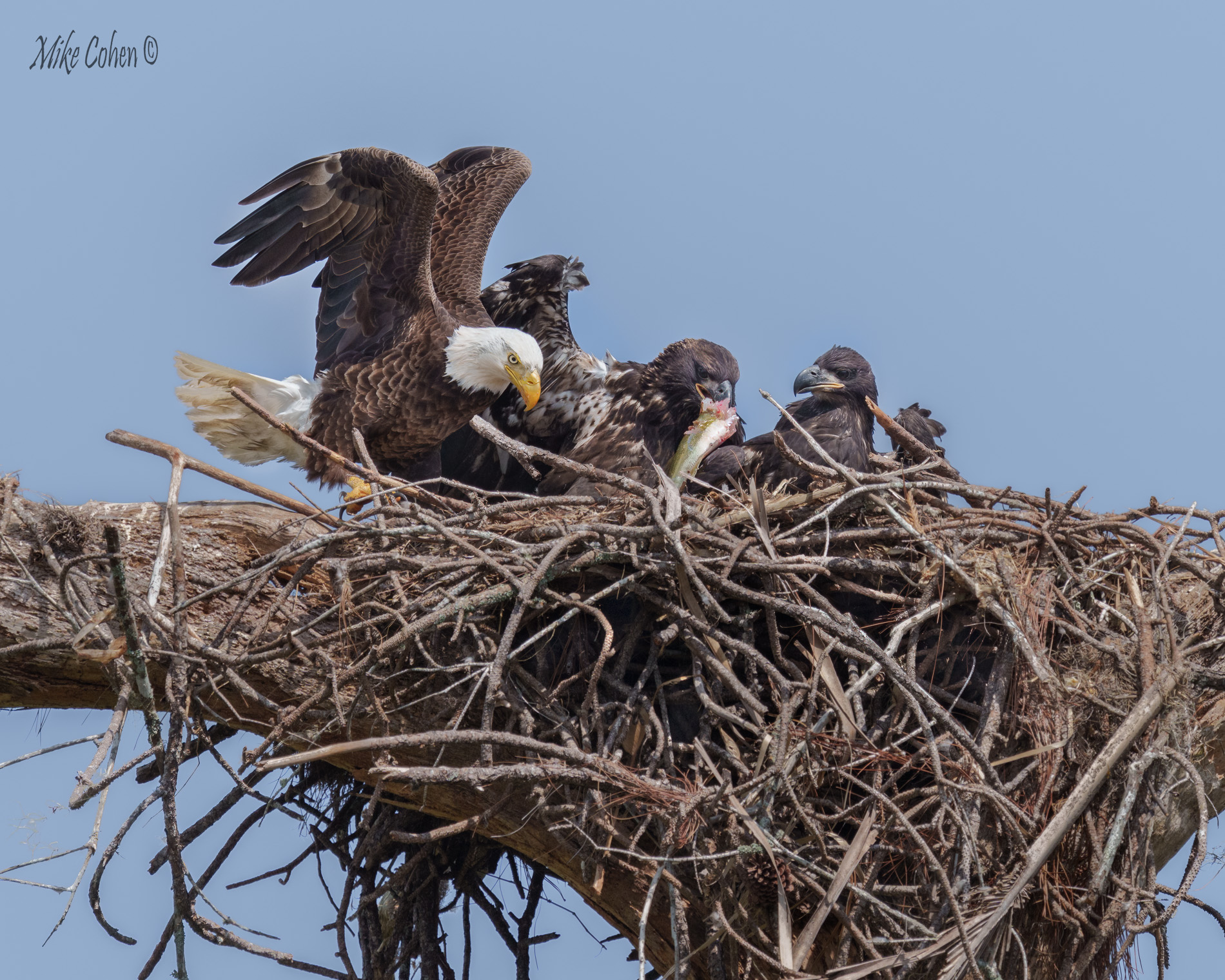
Wonderful image of the family's interaction. Besides the birds, the nest is beautiful. I like your crop and post processing. I might add a blur layer and just apply it lightly to the vegetation on the upper left. I might also do some dodging and burning. I'm not sure if it's dung or just highlights on the left edge of the nest, but if hightlights, maybe tone it down a bit, particularly where it intersects with the second chick. Sweet image. |
Jun 17th |
| 52 |
Jun 25 |
Comment |
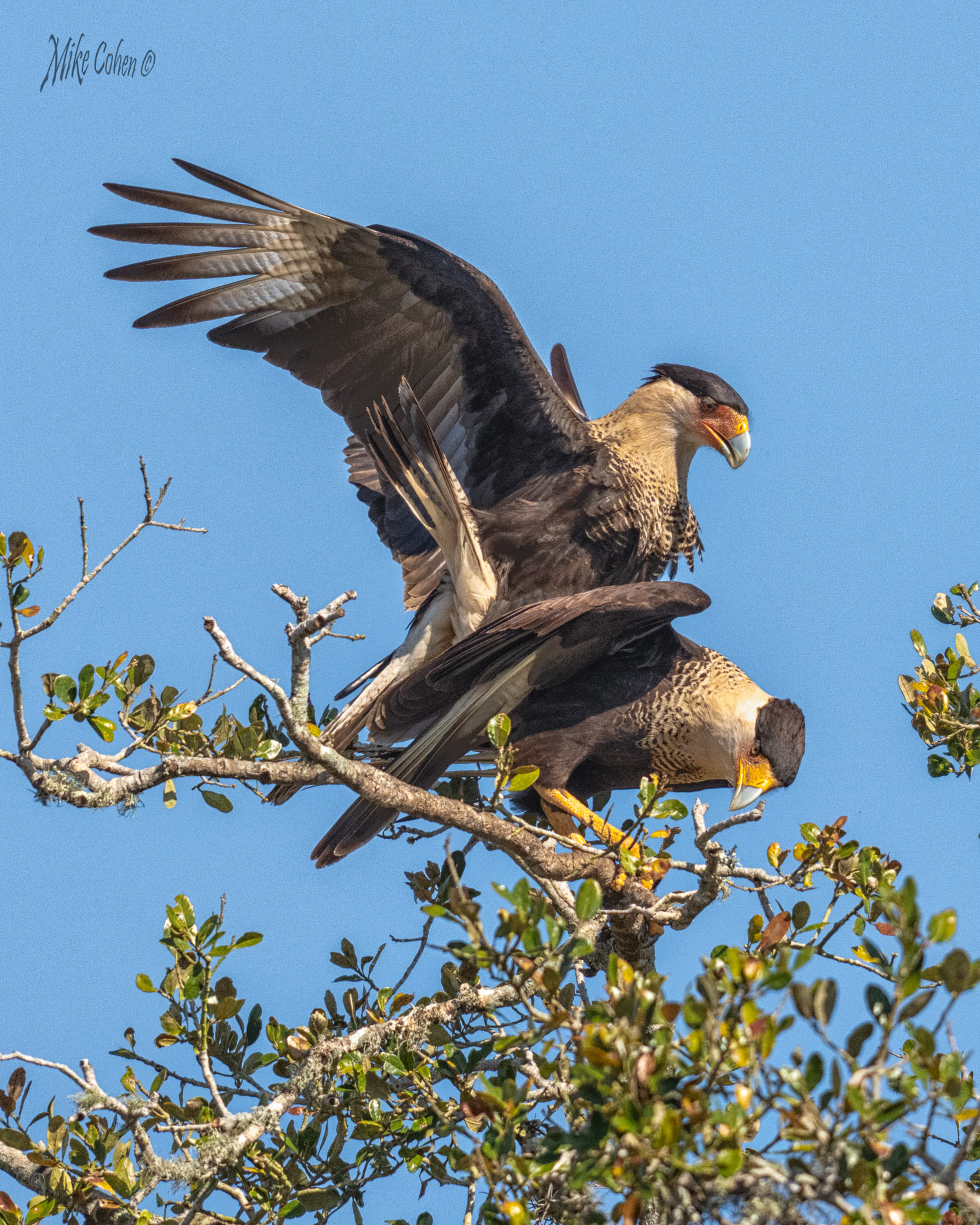
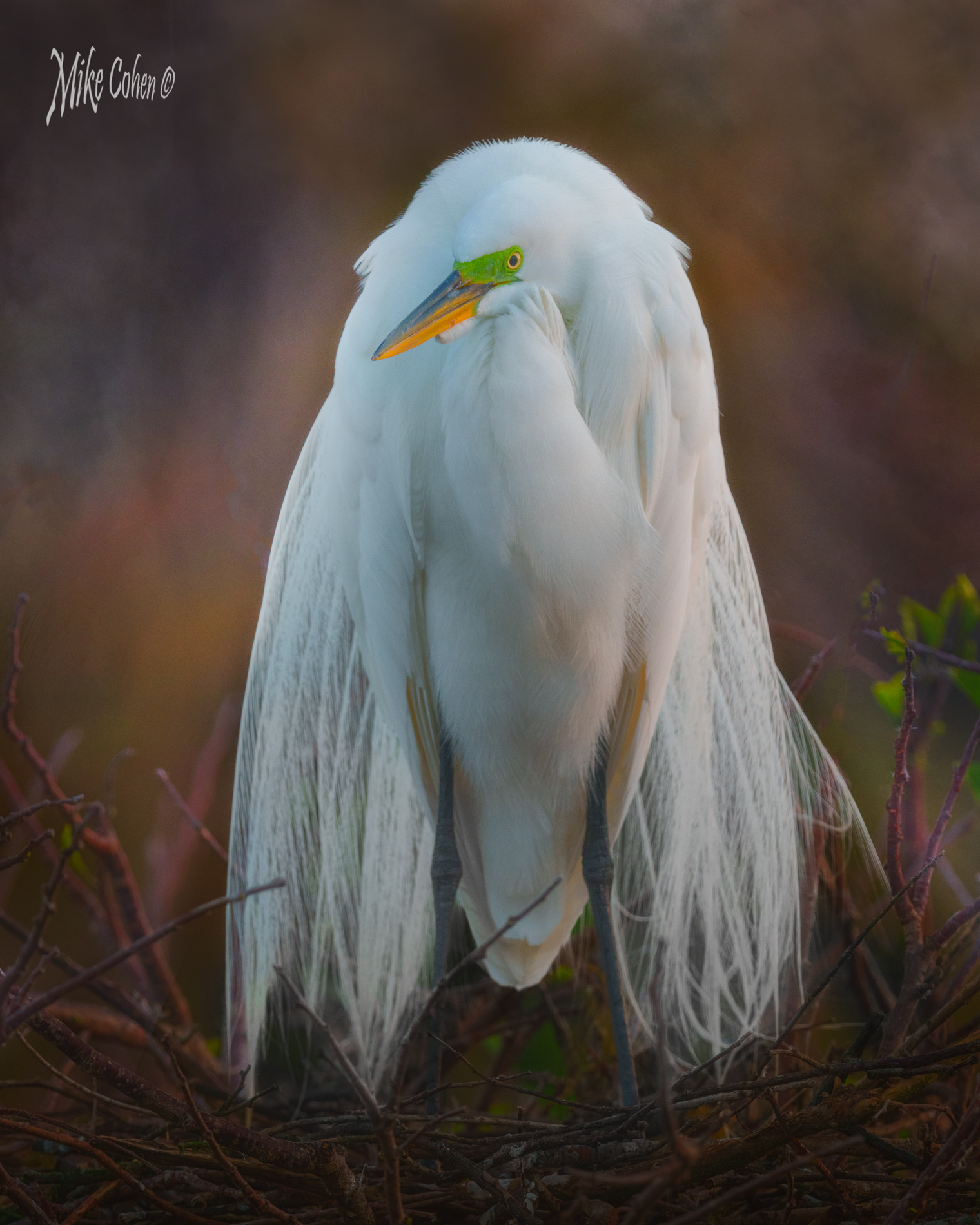
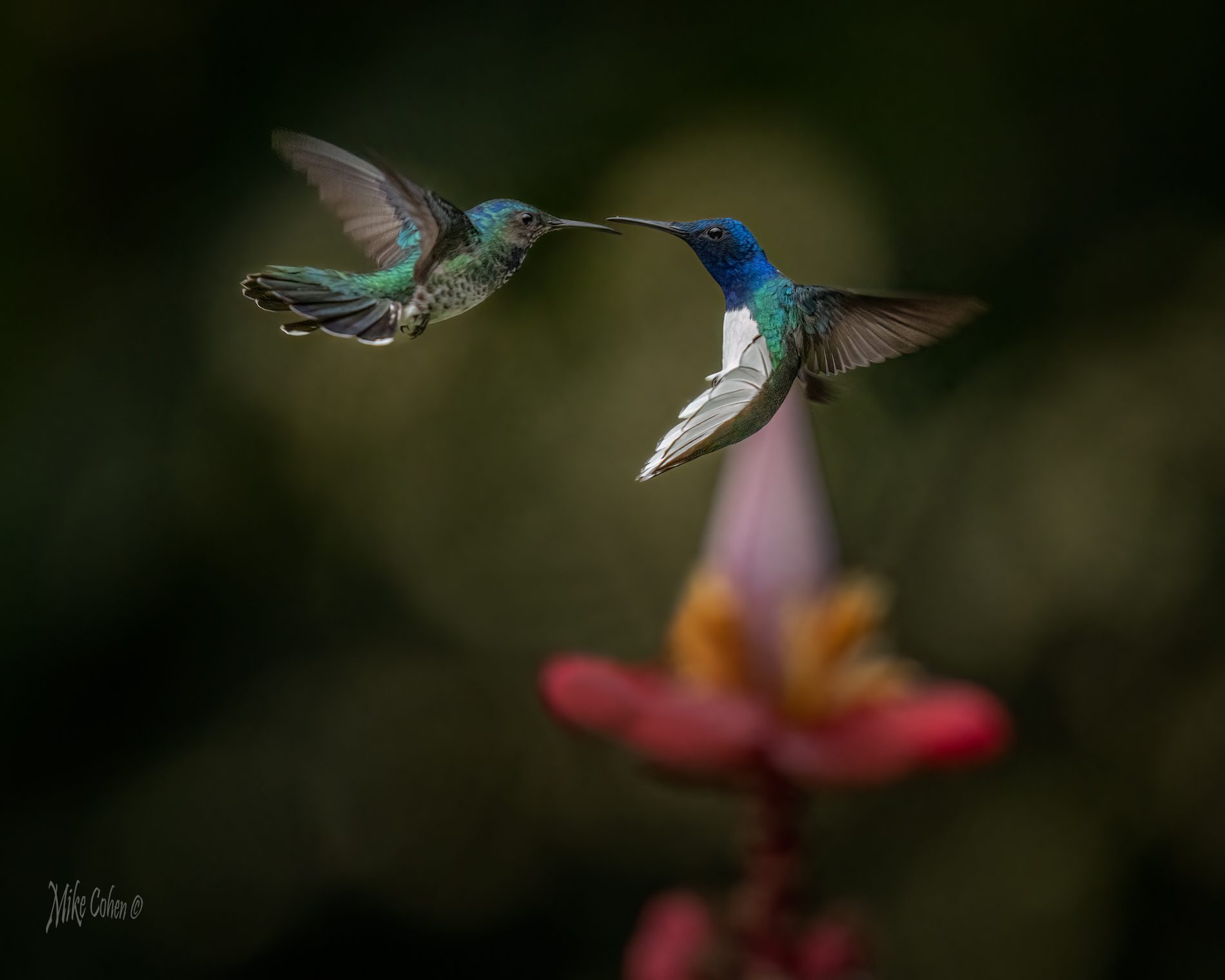
Gorgeous birds in wonderful plumage. I love their body positions and both are displaying their colors. Very nice. What I often do with the new masking tools in Lightroom is make a selection of the subject, using object selection. It may take more than one or two objects and have to be cleaned up a bit. My changes are subtle so the selection doesn't have to be perfect. I then would adjust the birds and add a touch of texture. I then duplicate and inverse the mask and tone down the background by nudging the exposure down as well as highlights and other sliders. I generally do that before going to PS with the image. It might be worth a try here. |
Jun 17th |
7 comments - 3 replies for Group 52
|
7 comments - 3 replies Total
|