|
| Group |
Round |
C/R |
Comment |
Date |
Image |
| 40 |
Jul 24 |
Comment |
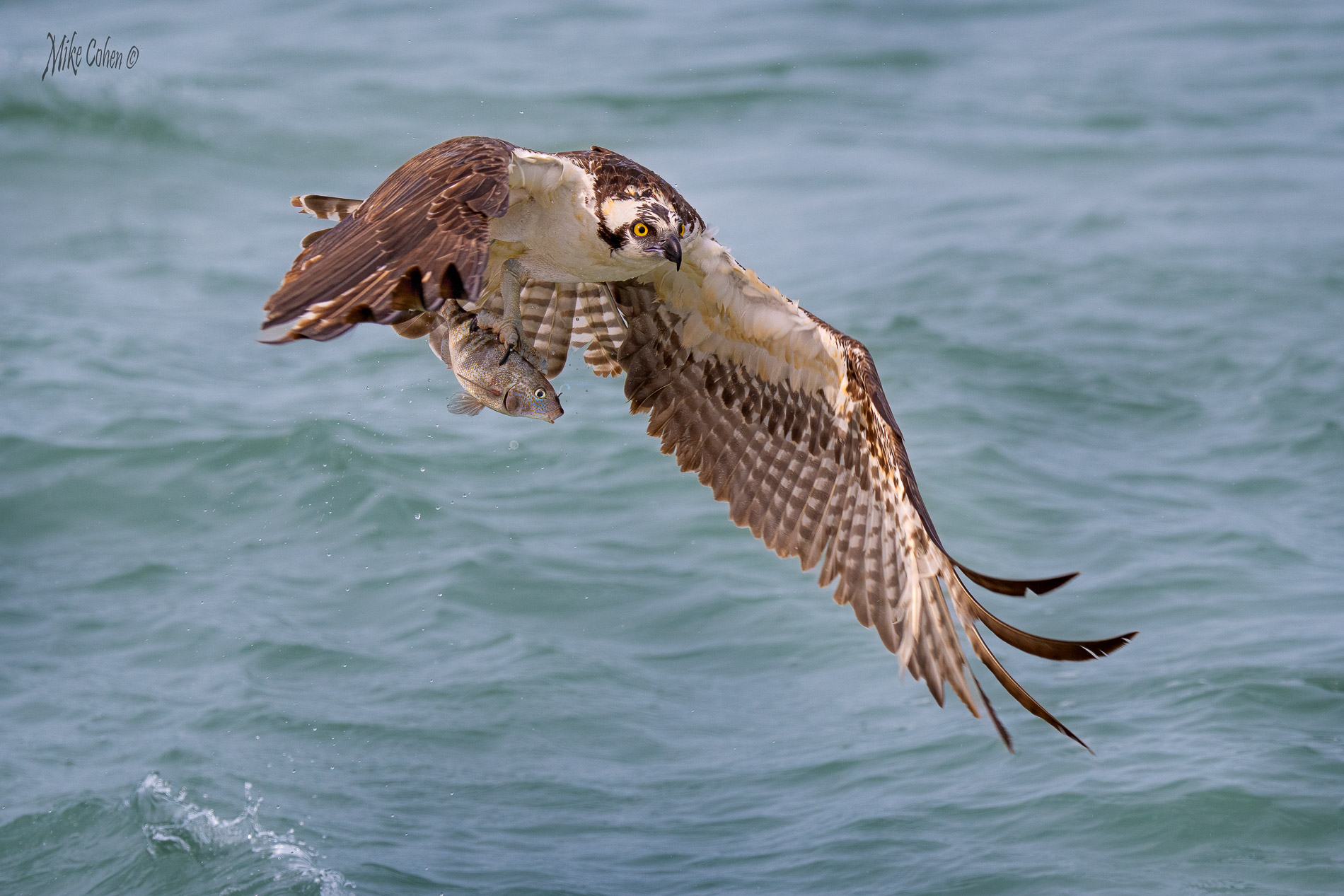
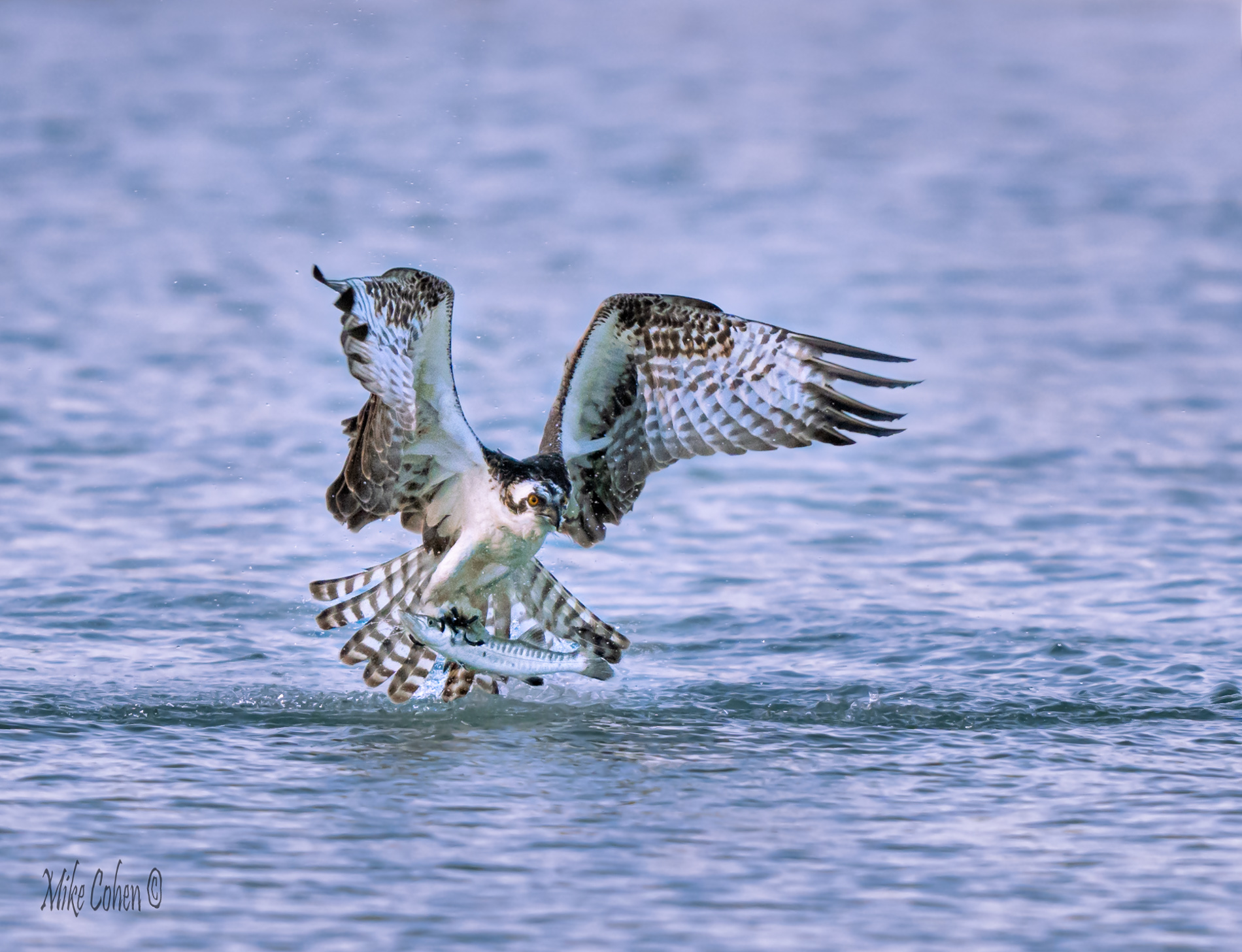
Hi Janice. I'm a visitor from Group 52 that Andrew sometimes invites to comment on nature pictures, particularly birds. I've long wanted to go to Conowingo Dam and will get there one day. I love the subject matter and the size of the fish is impressive. I think you were fast enough from this distance at 1/1600, which is what I would consider relatively slow for birds in flight but the eagle doesn't look like it was flapping fast and I think it was sufficient given this setting. Exposure was tough as I see the whites of the tail a bit overexposed and the shadow areas as dark as they could be. So I think you did a good job given the conditions. I'm not sure of your equipment but you could have used a wider aperture to render the background more out of focus. I see the Great Blue Heron just behind the eagle, and would remove it. If you have enough resolution I think I'd also crop in tighter as there is a lot of foreground and space around the bird making it almost centered. If the resolution is too low, Adobe and Topaz can up the resolution which might be worth a try. You could add a blur layer to smooth out the background, masking out the area you want to keep sharp. One last suggestion would be to add a very slight vignette to help draw attention to the subject. Not so strong as to be noticeable but enough to slightly darken the border areas. Good luck, Mike |
Jul 8th |
1 comment - 0 replies for Group 40
|
| 52 |
Jul 24 |
Comment |
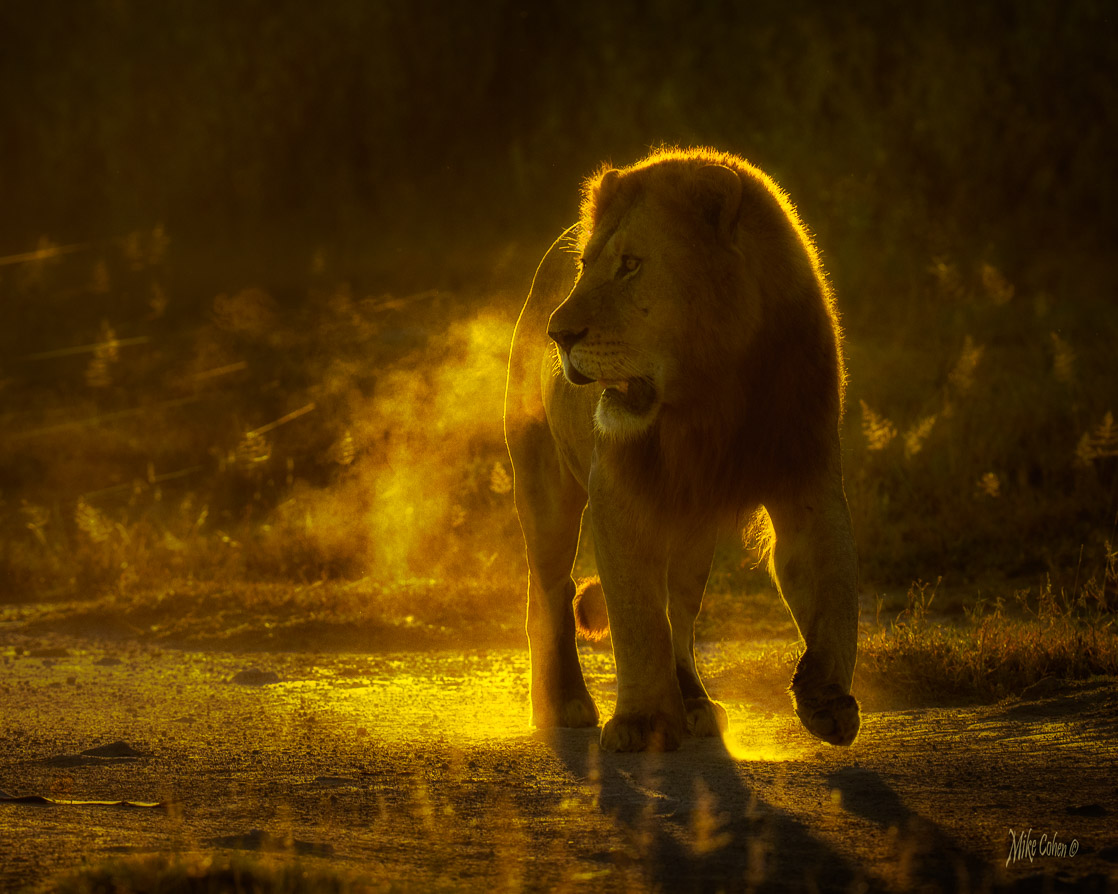
Thanks everyone. I played with a different crop, taking out some of the space behind the lion and it is a big improvement. I appreciate the feedback. |
Jul 16th |
| 52 |
Jul 24 |
Reply |
If I can chime in, I too generally use manual for birds in flight primarily because they can fly in front of a bright or dark background too fast to dial in any exposure compensation. If they are in the same light, manual will result in a good exposure without having to make any changes. 90% of the time I'm in manual. However, if the background is consistent and the light is changing, such as with passing clouds, I'll often switch to manual with auto iso. In this mode the aperture and the shutter speed are set by the photographer and the camera sets the ISO. It's very similar to AV where the shutter speed is what changes. With slow moving subjects, I don't think it makes a difference how you get to the correct exposure taking into consideration what depth of field is desired and trying to keep the ISO as low as possible. |
Jul 16th |
| 52 |
Jul 24 |
Reply |
Thanks for the good comments. Ally, now that I look at it I agree about the spacing in front. I didn't capture any but AI would have been able to create some. Good point. |
Jul 12th |
| 52 |
Jul 24 |
Comment |
Thanks Ally. Lightroom added a remove tool that uses AI. It shows up on the panel as Beta, meaning it's still somewhat in development. Just pant on what you want to remove and see how it does. It worked fine in this case on the first attempt but sometimes you have to make a different selection. |
Jul 10th |
| 52 |
Jul 24 |
Comment |
|
Jul 10th |
 |
| 52 |
Jul 24 |
Comment |
|
Jul 10th |
 |
| 52 |
Jul 24 |
Comment |
Very pretty and nice job holding it steady at 1/40 second. The sensor in your camera is a very good one and another technique in situations like this is to purposely underexpose to get more shutter speed, then bring up the exposure in post. With my Sony, I often use an ISO of 500 or 640 when I need a higher one to get correct exposure, but the noise at those ISO settings is much cleaner and I feel I end up with a better result. Just a thought.
I thought the bright area behind the bird was a bit too bright, obsurring some of the bird's body. I played with toning that down using masks and a few sliders in LR. |
Jul 10th |
| 52 |
Jul 24 |
Comment |
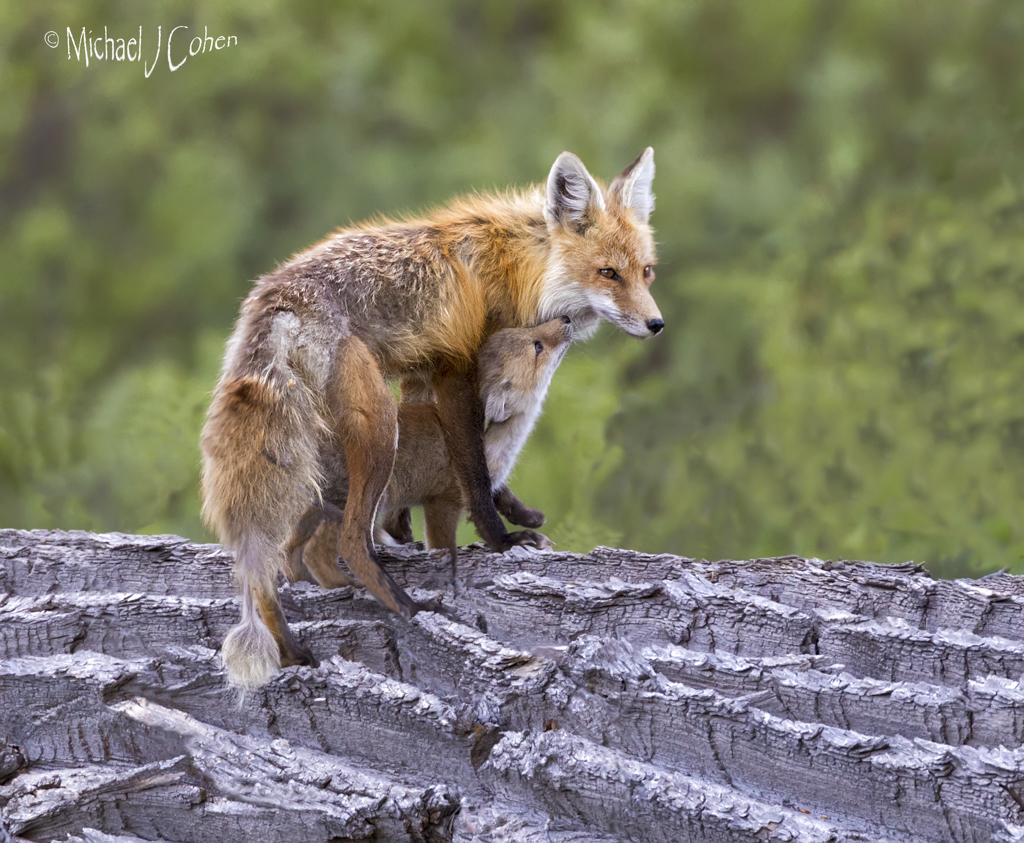
I bet your heart was pounding then as the fox approached. Fox are so photogenic and I love prey shots, so I love this one as well. It does look a bit too warm to my eye. I'm guessing the sun was very low. Sometimes, even though that's the true light, I cool it down a bit in post. Purely a subjective taste thing.
It also looks a tad soft to me, but not so much as to ruin it. I only mention it in case your raw image has more detail than shown in the processed version. There may be some techniques that could retain more detail. Maybe upscaling it before cropping would help. I've also had Topaz AI Sharpen sometimes work to improve cases like this. |
Jul 10th |
| 52 |
Jul 24 |
Comment |
Beautiful image. I think the orange horses really stand out against the greenery. I'd suggest straightening the horizen a bit as it looks to me to be a bit tilted. I'd also take out the horse behind the two in front. |
Jul 10th |
| 52 |
Jul 24 |
Comment |
Nice job getting this difficult subject. I think you also did a nice job in post sharpening it up a bit. If this were mine, I think I'd use the new AI tools in PS to remove the background stems and tha bit of dark on the left with a bit of orange and crop some in on the left side as well. |
Jul 10th |
| 52 |
Jul 24 |
Comment |
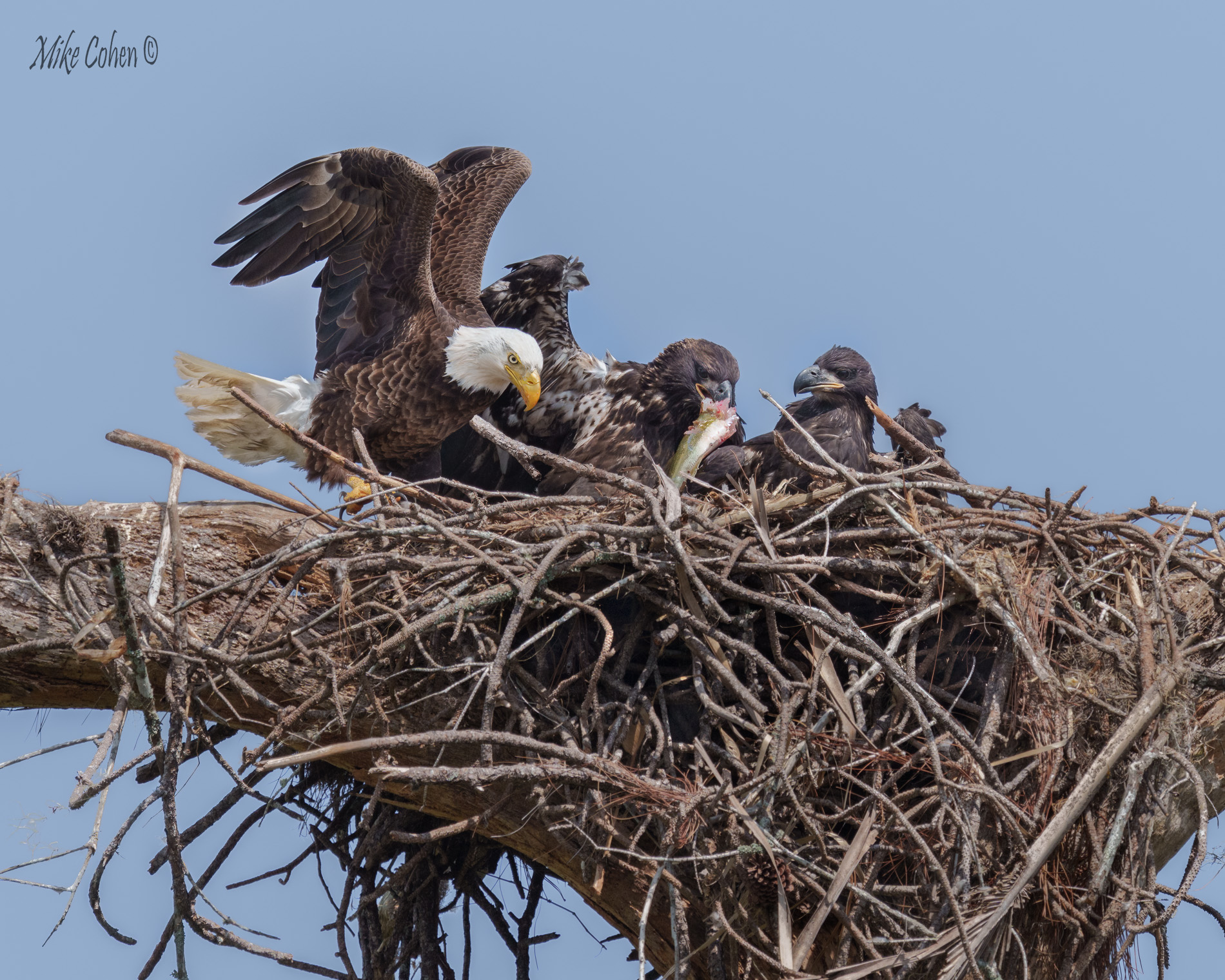
Nice shot and I like your crop. I might have used the leaves around and above the eagle to give it a frame but am guessing I'd like your treatment better. It does look a bit flat to my eye. I played with the whites and contrast to punch it up a bit. Nice work! |
Jul 10th |
 |
| 52 |
Jul 24 |
Comment |
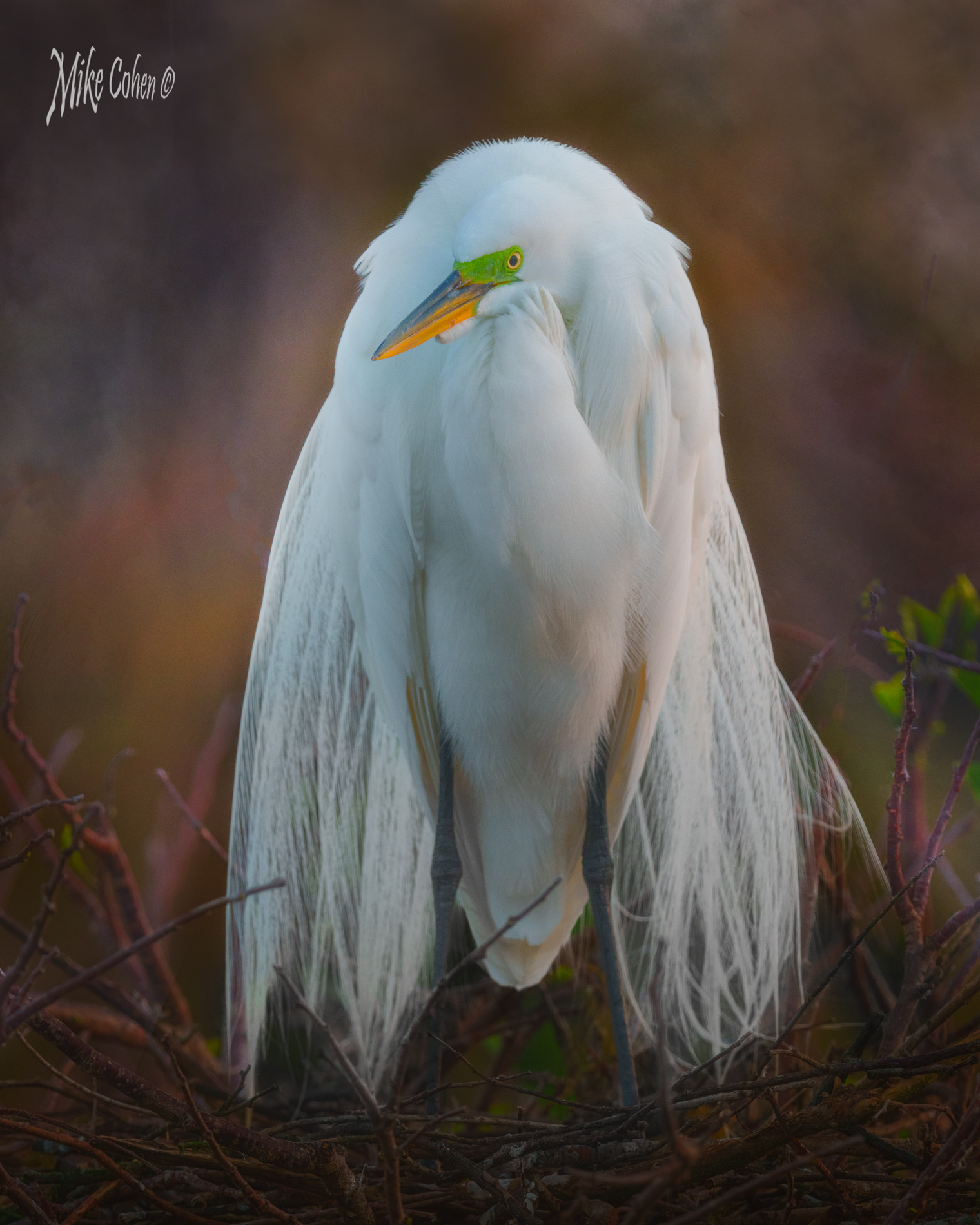
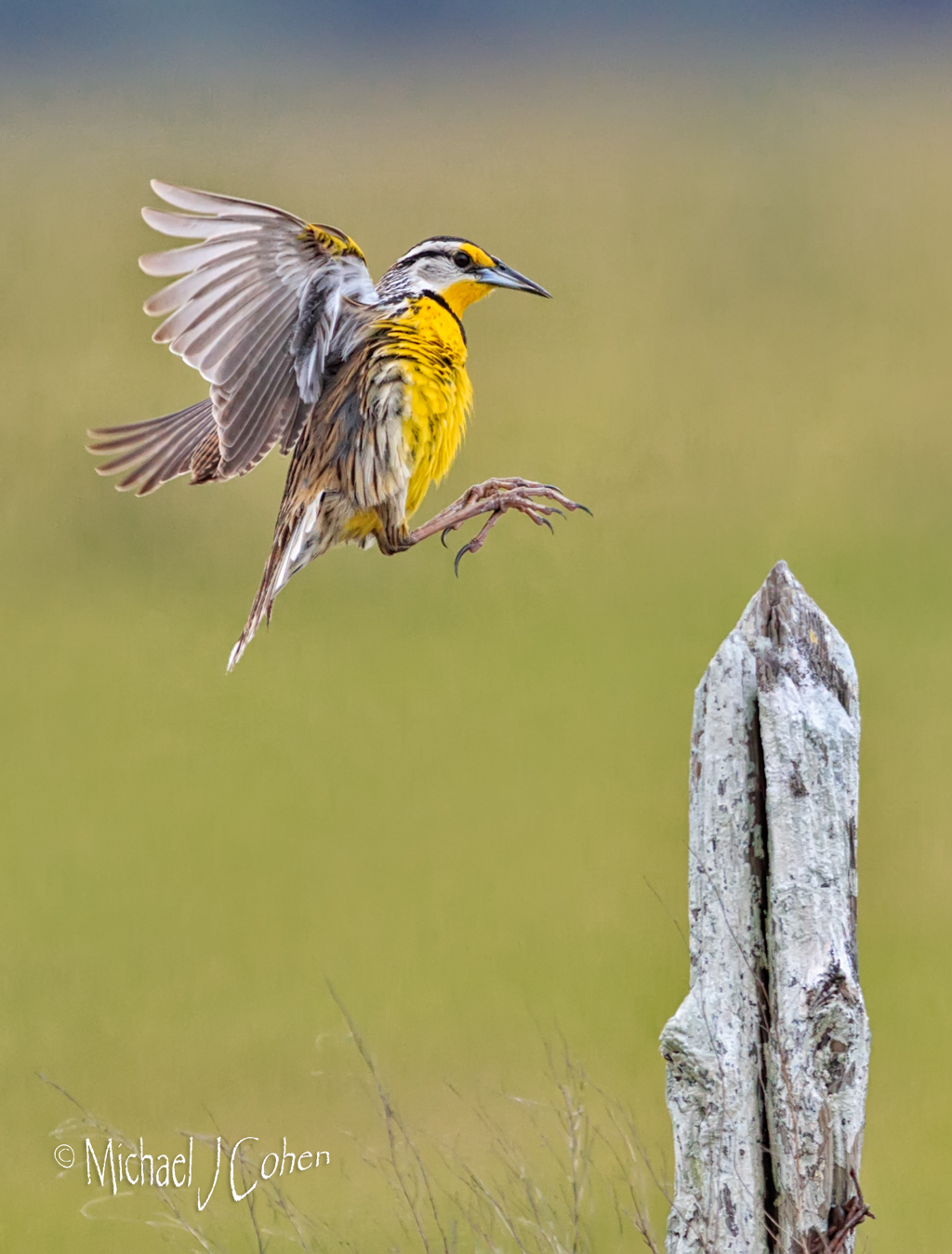
Very pretty Sharon. When I pixel peeped, as best as we can at these resolutions, it looked like the bird's head might have been slightly out of the plane of focus. I also feel that the dark area on the bottom right weighs the image down or pulls my attention there instead of to the subject. To address these points I played a bit and added some color and contrast to the bird's head and tried to lighten up the dark area. |
Jul 10th |
 |
10 comments - 2 replies for Group 52
|
11 comments - 2 replies Total
|