|
| Group |
Round |
C/R |
Comment |
Date |
Image |
| 40 |
Nov 22 |
Comment |
Hi Henry. I have an FLM tripod which I absolutely love. It's light, strong and breaks down easily. It replaced a Really Right Stuff tripod which I also liked, but which was much heavier. My head is a bit unusual for wildlife. Here's a link:
https://www.bhphotovideo.com/c/product/1623682-REG/flexshooter_fs02011_flexshooter_pro_lever_ballhead.html/?ap=y&ap=y&smp=y&smp=y&lsft=BI%3A6879&gclid=Cj0KCQiA37KbBhDgARIsAIzce15XJERwunXssbg4926_aONAWaw2MnKpicdalD5PFpAOe1TEwAq9FNAaAhjKEALw_wcB
Because I travel a lot, I wanted a head that would work well both for landscape and for wildlife. It's not as good a a solid ballhead like the RRS BH55, or a pure gimbal, from Wimberly or one of the knockoffs, but it does well, is light and easy to travel with.
I haven't been to Nebraska but based on your suggestion I'll research it and maybe put it on my list.
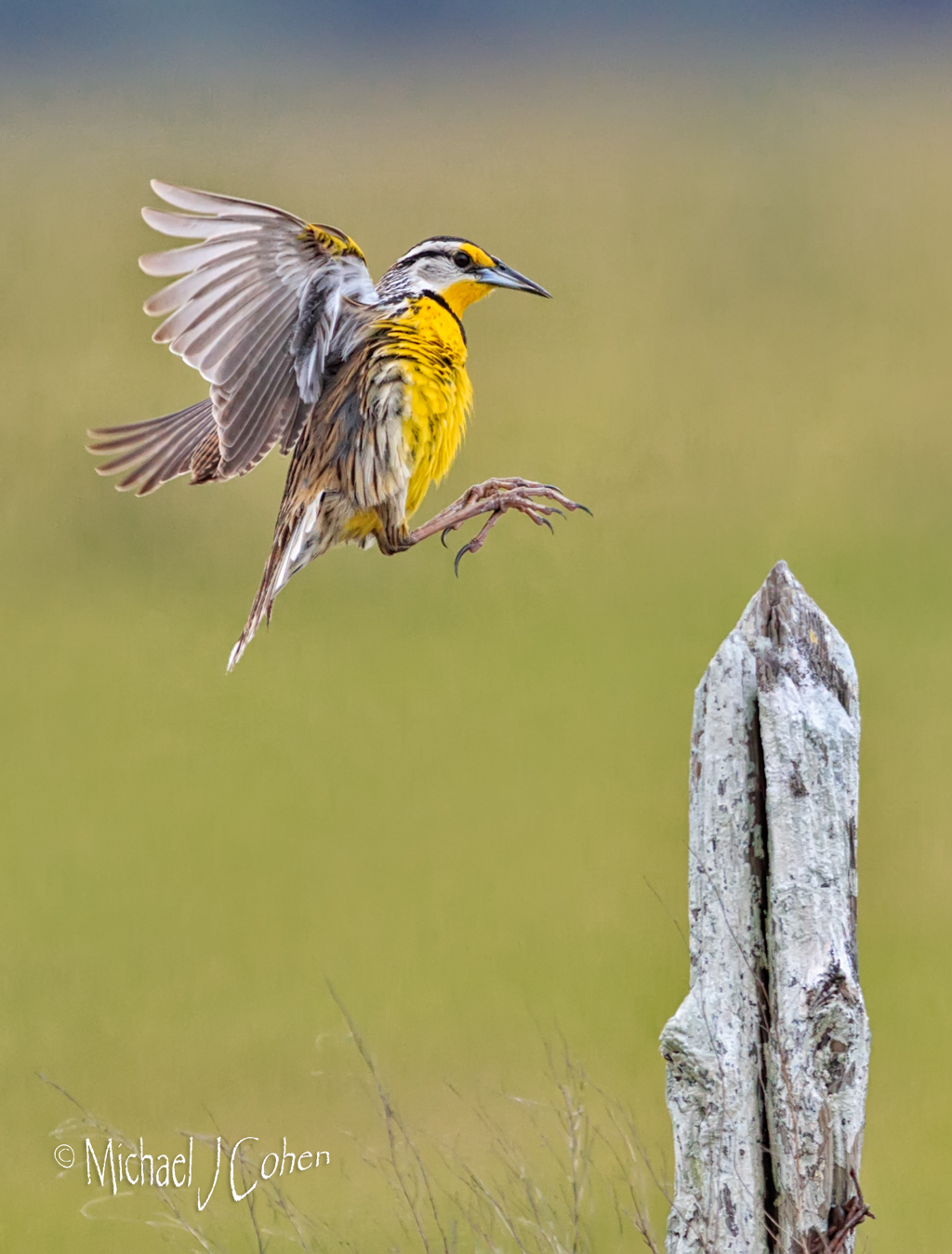
I used to teach birds in flight photography before the pandemic to raise money for one of our local refuges. I'm happy to do a regular or zoom call if you'd like some pointers or have any specific questions.
Take care,
Mike |
Nov 10th |
| 40 |
Nov 22 |
Comment |
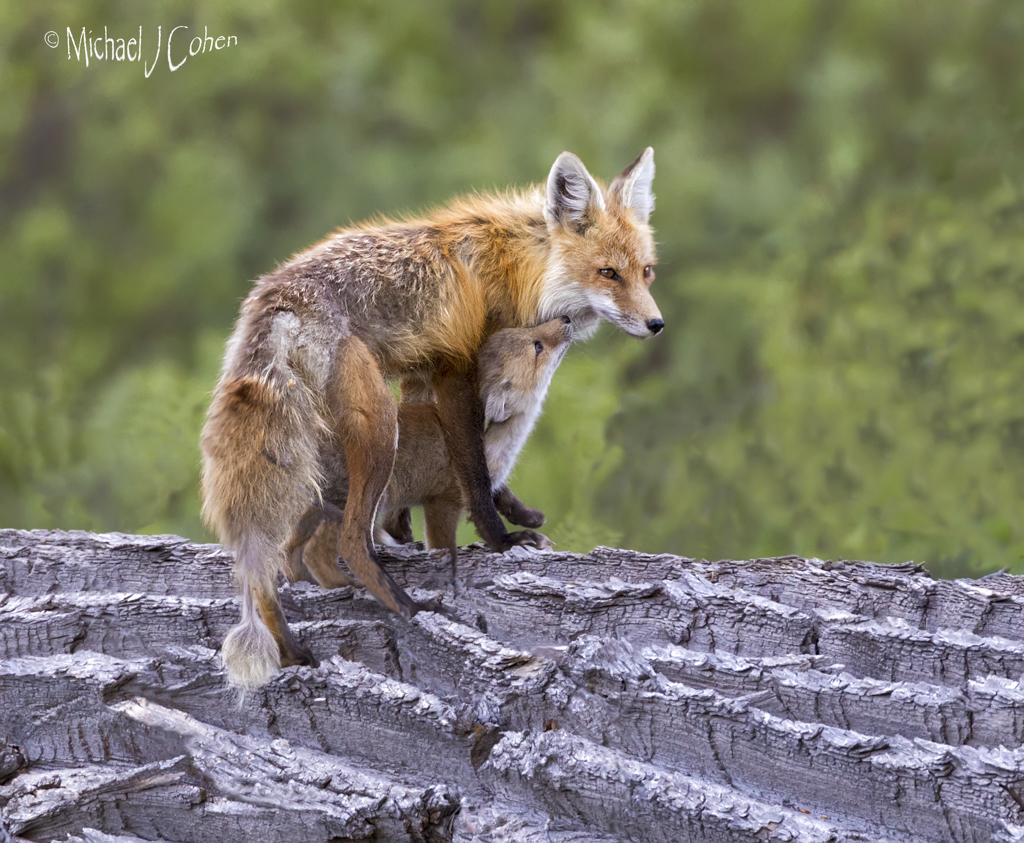
Hi Julie. Andrew invited me to comment on the nature images of your group. I agree with both Don and Dr. Vaisman and might even crop in tighter if there is enough resolution to do so. Maybe go for Mom's head and arms and all of the juvenile. When cutting off parts of animals, I like to go big! Very nice moment you have captured. |
Nov 6th |
| 40 |
Nov 22 |
Comment |
Hi Henry. Andrew invited me to comment on the nature images in this group. Coincidentally, I'm headed to Bosque del Apache in a couple of weeks to shoot cranes. I haven't heard of Crex Meadows but will research it. To answer your question, I am usually hand holding even my big glass and generally feel that for flying birds a tripod is restrictive. It comes in most handy for perched birds or where the target area is tight enough not to require wide swings of the lens. At 1/4000 of a second it is not needed for sharpness. I think your settings are fine. Compositionally, my very subjective feeling is that you were torn between the pretty clouds as your subject and the cranes. By included this many of the cranes in the frame, it diminished their size and, to my eye, takes away from the power of the image. Just as an example, I cropped in on birds that were not overlapping in an attempt to show you what I am talking about. Your camera would allow a significant crop so you could try it and see how it turns out. On the clouds, the bright area below the last two cranes and along the bottom is distracting. It's hard to tell from the low resolution we have to work with here but your processing may have caused or exaggerated those areas. Just food for thought from a different perspective. |
Nov 6th |
 |
3 comments - 0 replies for Group 40
|
| 52 |
Nov 22 |
Reply |
Good to hear. Have a wonderful Thanksgiving.
Mike |
Nov 20th |
| 52 |
Nov 22 |
Comment |
Thanks for the feedback everyone. All very helpful. |
Nov 19th |
| 52 |
Nov 22 |
Comment |
I love your creativity and eye but must say that this one doesn't work for me. I like the black and white treatment but the composition is kind of helter skelter to me and the water on the window in front of the large subject in the center is a bit distracting. It's definitely worth taking risks and I look forward to more. |
Nov 4th |
| 52 |
Nov 22 |
Comment |
I like this image and don't know that I would do much with the sky. With Adobe's new sky selection mask it would be easy to play with the sliders and see if you saw something you liked. I think adding some saturation to the blue might help. I might also remove the small wispy cloud that looks lonely in the sky to me. |
Nov 4th |
| 52 |
Nov 22 |
Comment |
Comparing my edit to Judith's, I like her crop better and her reduction of the brightness of the rear end but I wouldn't otherwise change the colors. |
Nov 4th |
| 52 |
Nov 22 |
Comment |
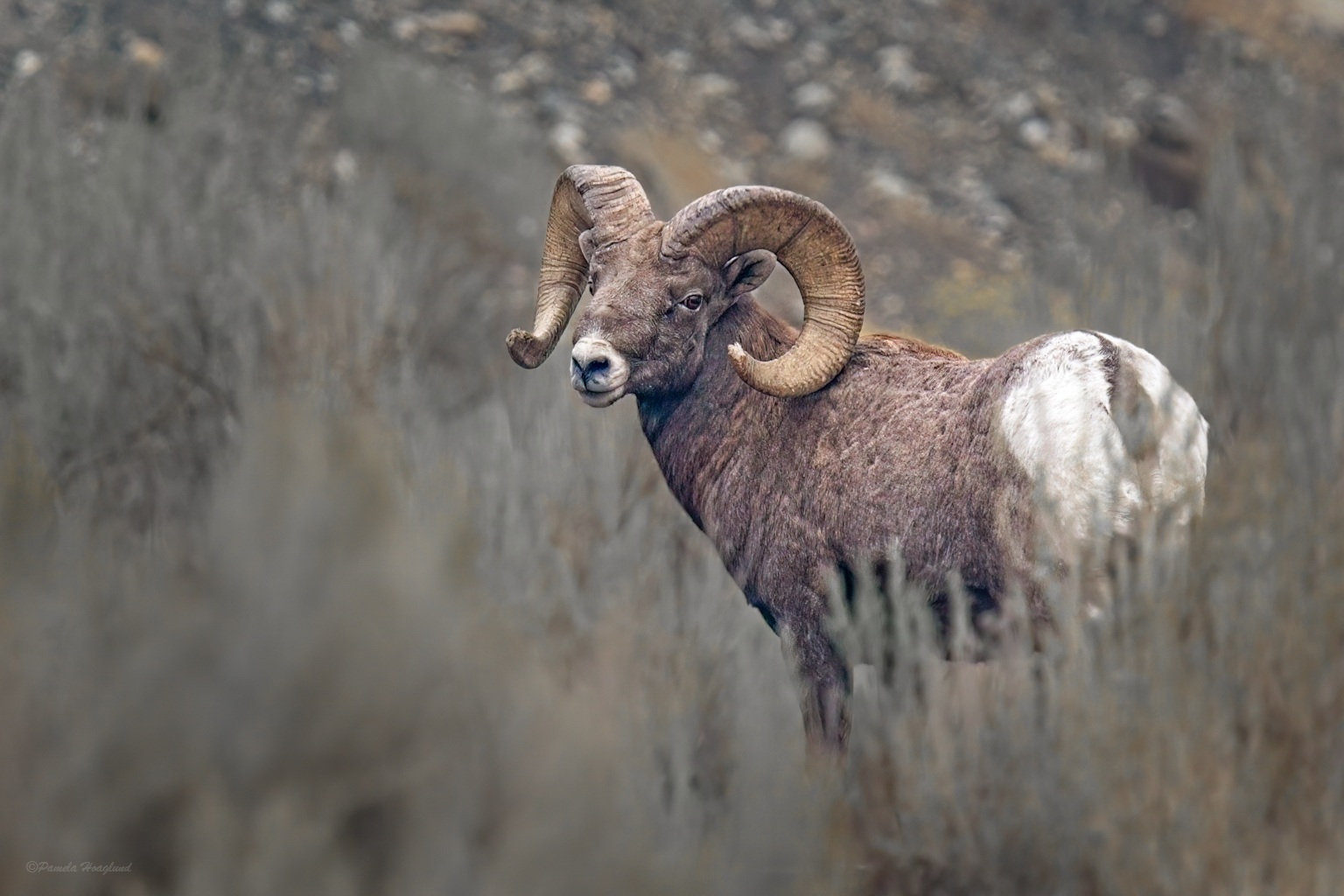
I immediately liked your image and wouldn't even consider ditching it. I like it a lot. The issues I see are the out of focus vegetation on the lower right, which is more out of focus than I might like and not consistent with other areas, drawing attention to it. And the rocks in the back, are jittery or something I can't put in words. Both of these issues I think can be easily handled. In Lightroom, I selected the subject and brought out the shadows a bit and added texture. I then reversed that mask and reduced contrast and related sliders to blur the background. I also suggest going into PS and adding a gaussian blur, particularly to the rocks in the background. I then added a vignette. My goal in all these steps was to address the initial concerns and separate the animal from the background. |
Nov 4th |
 |
| 52 |
Nov 22 |
Comment |
Sharon, can you explain in more detail how you combined the image with a black layer? Which blend mode did you use and did you lower the opacity? Thanks |
Nov 4th |
| 52 |
Nov 22 |
Comment |
I love your post processing and feel that I could learn from several of your steps. The image has great immediate wow factor with such a beautiful foreground. There's something about the sky that bothers me a bit. I don't know why, since the rocks were far away and sharp, but the appearance of the sky looks a bit soft to me. At 21mm everything was in reality sharp, so it's just an appearance. I think I would use a luminosity mask and attempt to select the stars and add some sharpening or some type of contrast. Possibly darkening, as Judith suggests, would do the trick. I do like the compatibility of the colors of the sky and the foreground so I wouldn't move away from that. Great job. |
Nov 4th |
7 comments - 1 reply for Group 52
|
10 comments - 1 reply Total
|