|
| Group |
Round |
C/R |
Comment |
Date |
Image |
| 52 |
Feb 19 |
Reply |
I sense your frustration, which I'm going through right now trying to do something on my website that is so simple, they can't explain it to me. Anyway, I didn't have any problem adding text. I opened your image in Photoshop, Selected the type tool ("T"), clicked on the image, and was able to type. Once you click on the image there is a panel along the top of my screen, your's might be configured differently. In the block there is a block filled with white. If you click on that it opens a color panel and you can change the color of the type. It's also possible to change after the fact but give this a try first. Fingers crossed! |
Feb 18th |
| 52 |
Feb 19 |
Reply |
Great job Sharon. I think your interpretation is wonderful. |
Feb 18th |
| 52 |
Feb 19 |
Reply |
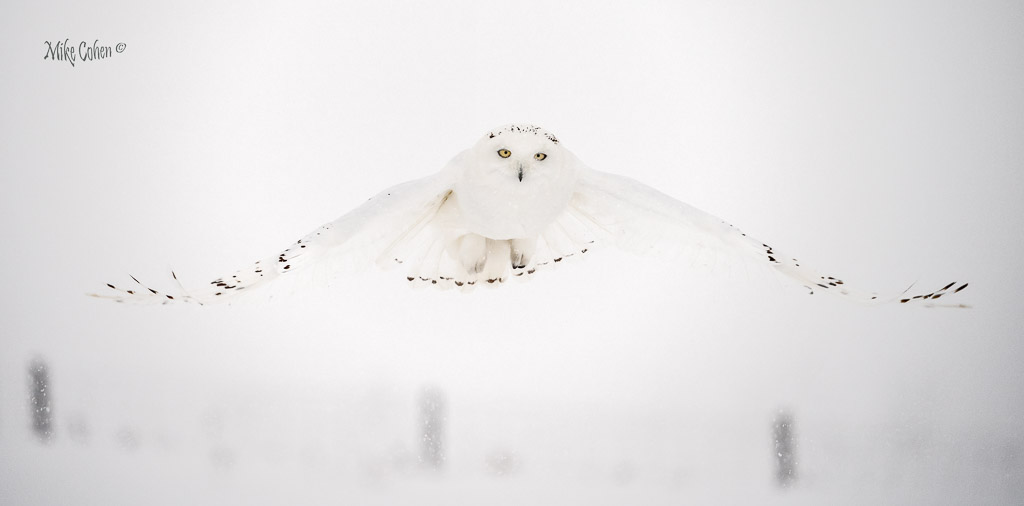
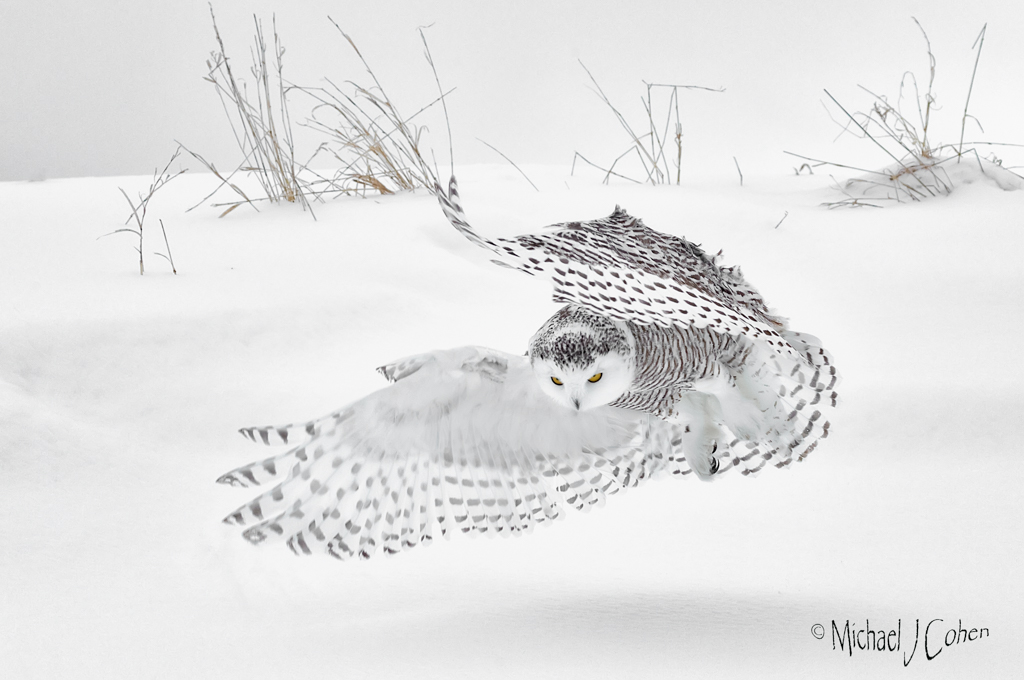
Thanks Sharon. I agree completely but the conditions, as they were, did not allow for more definition. I was lucky, on this image, to get the eyes in sharp focus, without adverse effects of the snowflakes. Much different in sunny weather, which is, frankly, my favorite. But the challenge of shooting in such inclement conditions turned out to be fun, in strange kind of way. |
Feb 18th |
| 52 |
Feb 19 |
Reply |
Very nice of you Mark. Thanks for visiting our group!
|
Feb 18th |
| 52 |
Feb 19 |
Reply |
Thanks John. I respect your opinion. For me, I like that the darkness of the fence shows the heavy snow falling which would otherwise be lost. |
Feb 14th |
| 52 |
Feb 19 |
Reply |
I thought it was on my website, which they somehow were able to hijack. However, I just checked and I guess one removal was enough. I have no idea how to prevent them from using the blog address since I gave up the domain several years ago. I hope they sell good shoes but somehow I doubt it given their methods.
Thanks again,
Mike |
Feb 12th |
| 52 |
Feb 19 |
Reply |
Thanks Isaac. I've been hijacked before. It's bots that somehow went from a blog post I had to my website. I removed it once but I see it's a work in progress.
Much appreciated,
Mike |
Feb 12th |
| 52 |
Feb 19 |
Reply |
Thanks Lisa. I'm not sure I can pull out any more contrast without making the owl look artificial. To me, I kind of like it blending into the conditions. I'm not sure what you are referring to as to the specks. The markings on the owl are it's own and on my monitor I can clearly see the body of the owl, although it does blend subtly with the snowy background. Maybe it's my familiarity with the owl that allows me to see it more clearly. Not sure. |
Feb 10th |
| 52 |
Feb 19 |
Reply |
Thanks Donna. Welcome |
Feb 10th |
| 52 |
Feb 19 |
Reply |
Thanks Stephen. I'll check them out. I appreciate your visit to our group. |
Feb 10th |
| 52 |
Feb 19 |
Reply |
Thanks Carol. I share some of your concerns but I think I'm still affected in my own assessment by the crazy conditions and how the owl blends in. I'll need more time to distance myself from the experience and will look back with your comments in mind. |
Feb 10th |
| 52 |
Feb 19 |
Comment |
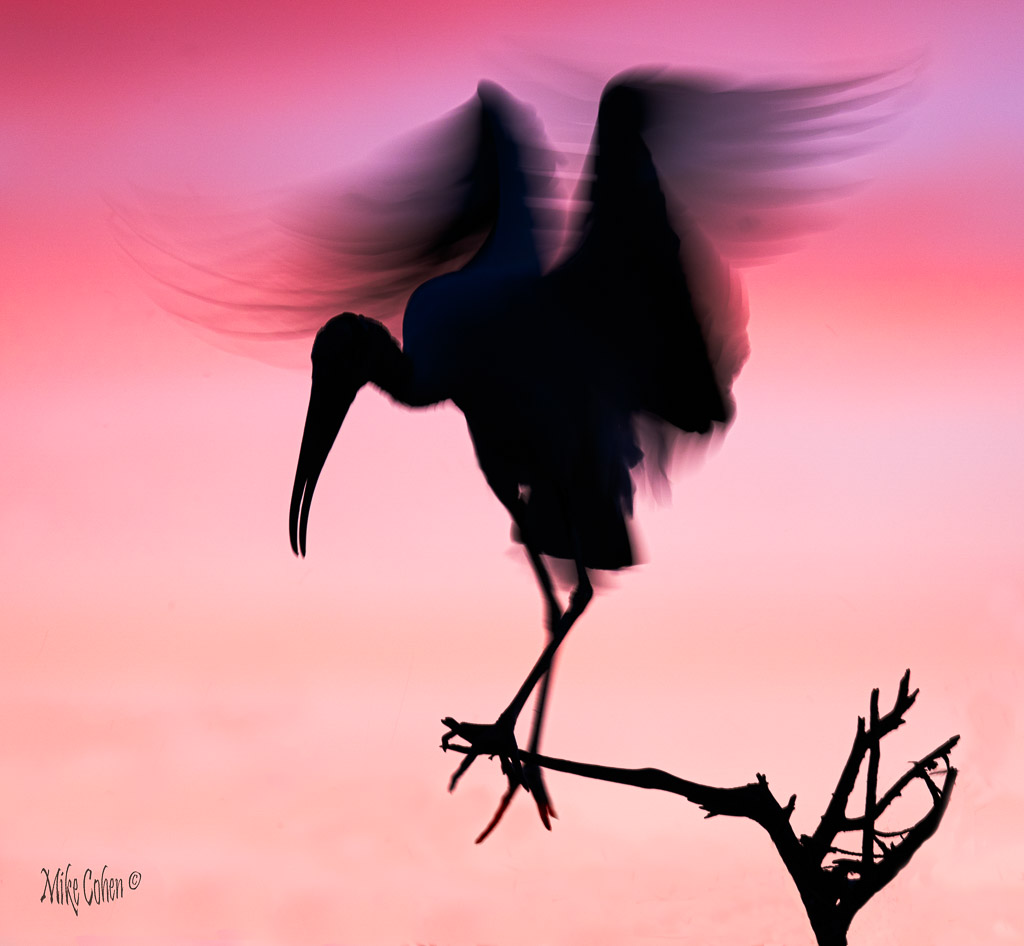
Bravo. I love the color and the composition. Immediate wow factor. A sharper rendition would be something different. I'm not sure which I would like better as the softness works with this presentation. Nice job. |
Feb 10th |
| 52 |
Feb 19 |
Comment |
I agree with everyone. This is superb. The wound tells a wonderful story of the battle for survival this bear must face in life. I think it's a prize winner. |
Feb 10th |
| 52 |
Feb 19 |
Comment |
It is a cute scene. I like your Degas style the best. I can imagine the bunny just disappearing under the tree in the next instant. |
Feb 10th |
| 52 |
Feb 19 |
Comment |
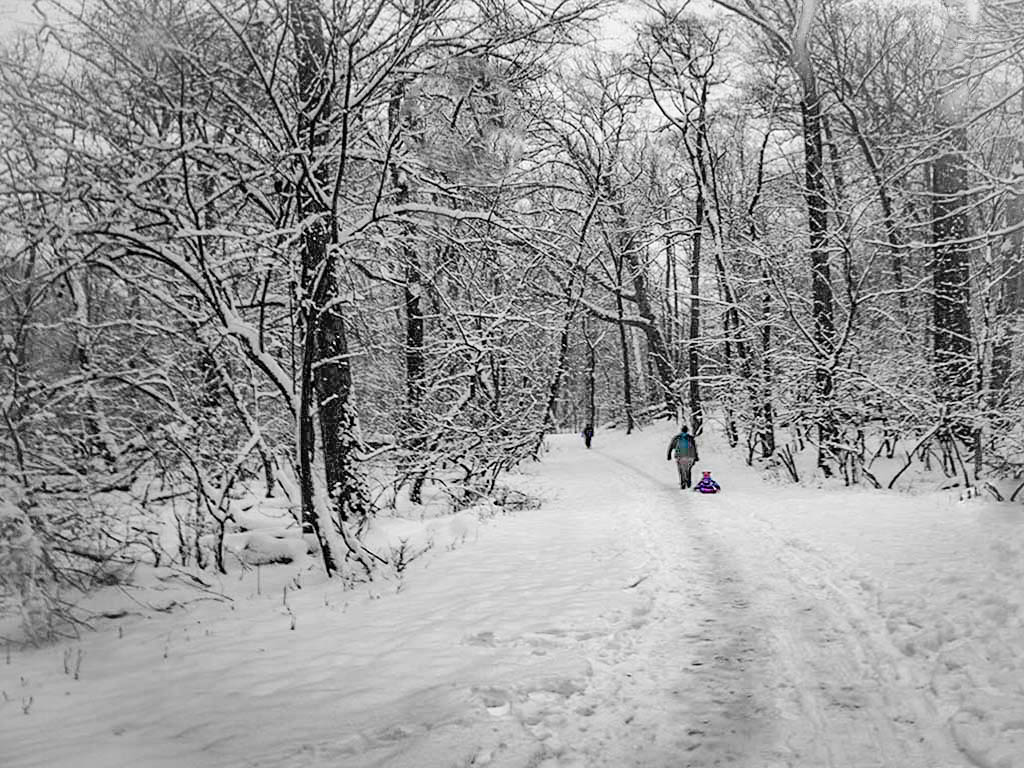
Before I read your description I thought how much I liked the scene but felt it was underexposed. Snow generally needs added exposure to avoid coming out grey. I boosted the exposure and there appeared to be some vignetting, especially on the lower left. I went to effects in LR and brightened the corners a bit. finally I added a bit of clarity.
Text. Not sure what is going on. If your text is white and happened to fall on a white area of the image, you might not be able to see it. When you hit "T" in photoshop, the text layer should go onto it's own layer without having to do a Control J. In the text dialogue box you should be able to change the font size, type and color. I hope that works for you. |
Feb 10th |
 |
| 52 |
Feb 19 |
Comment |
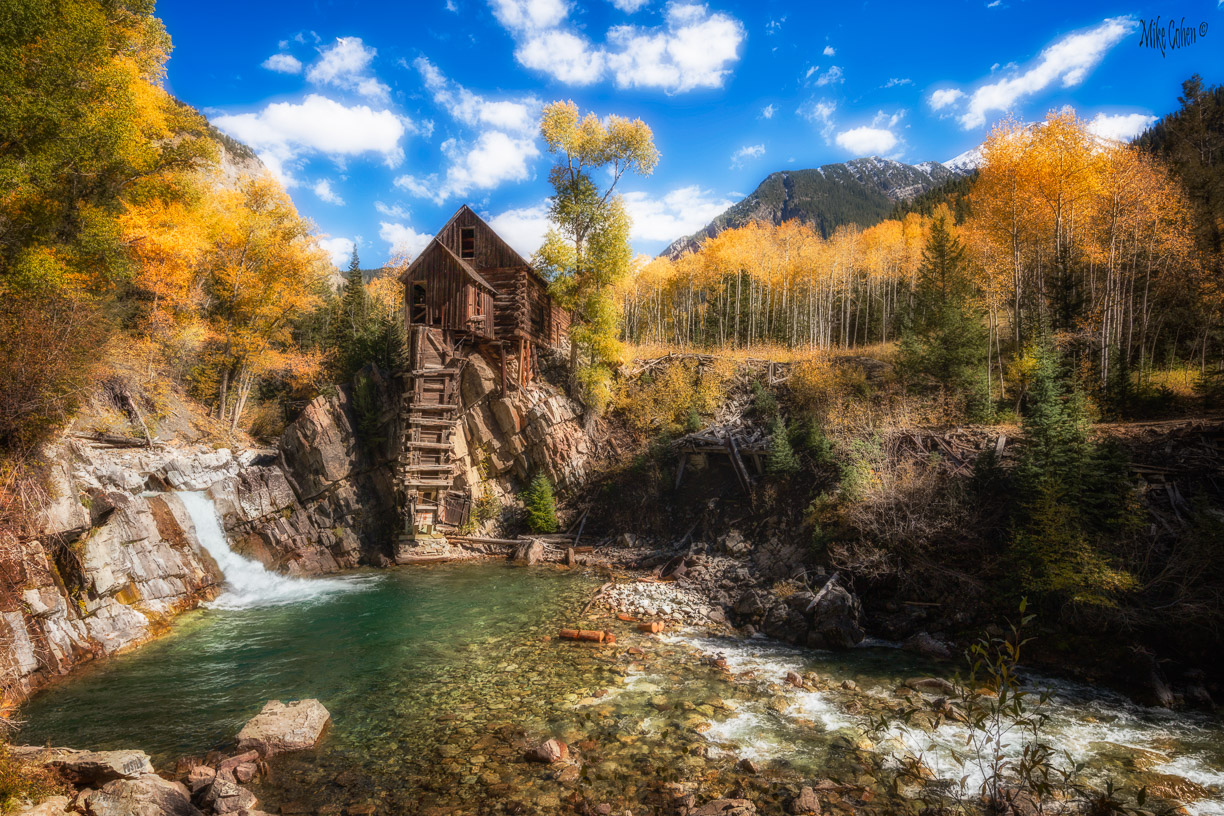
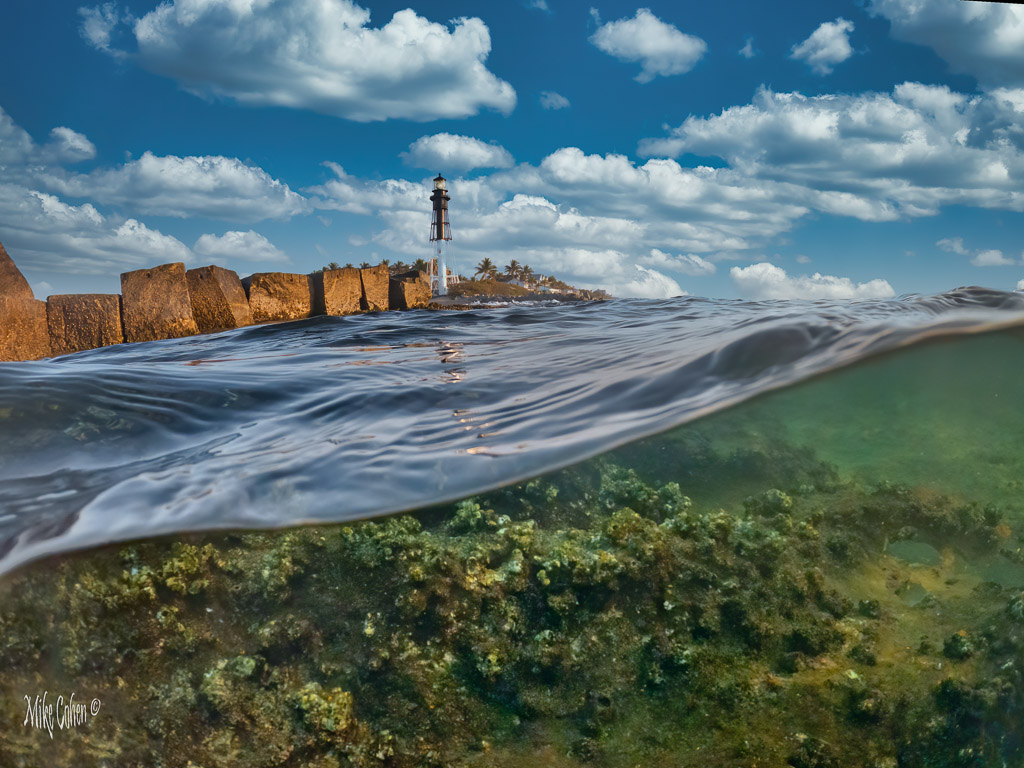
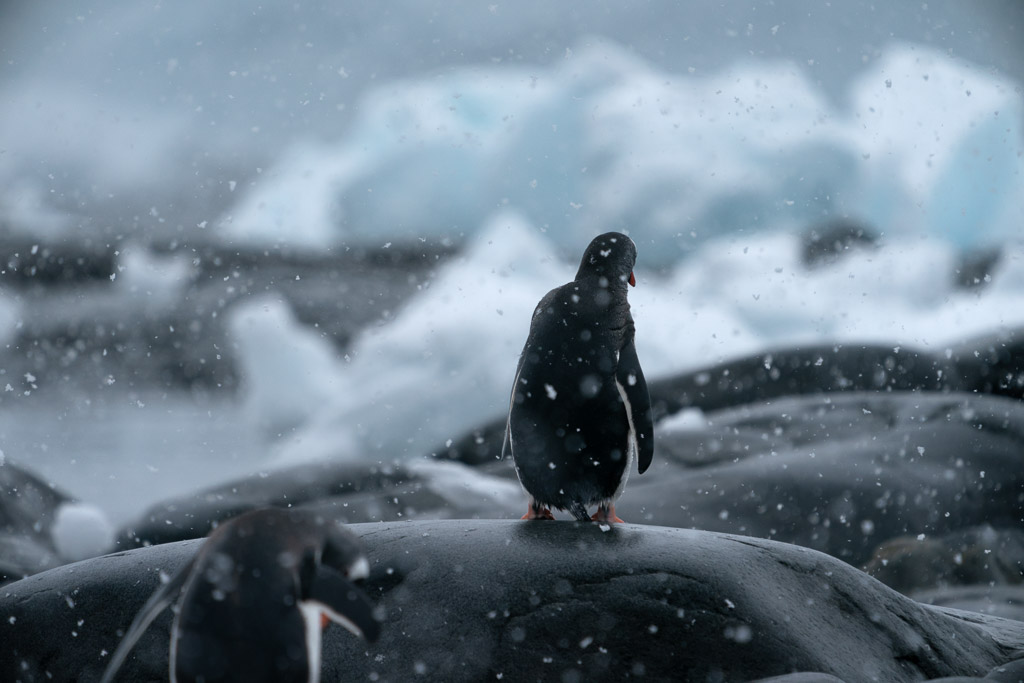
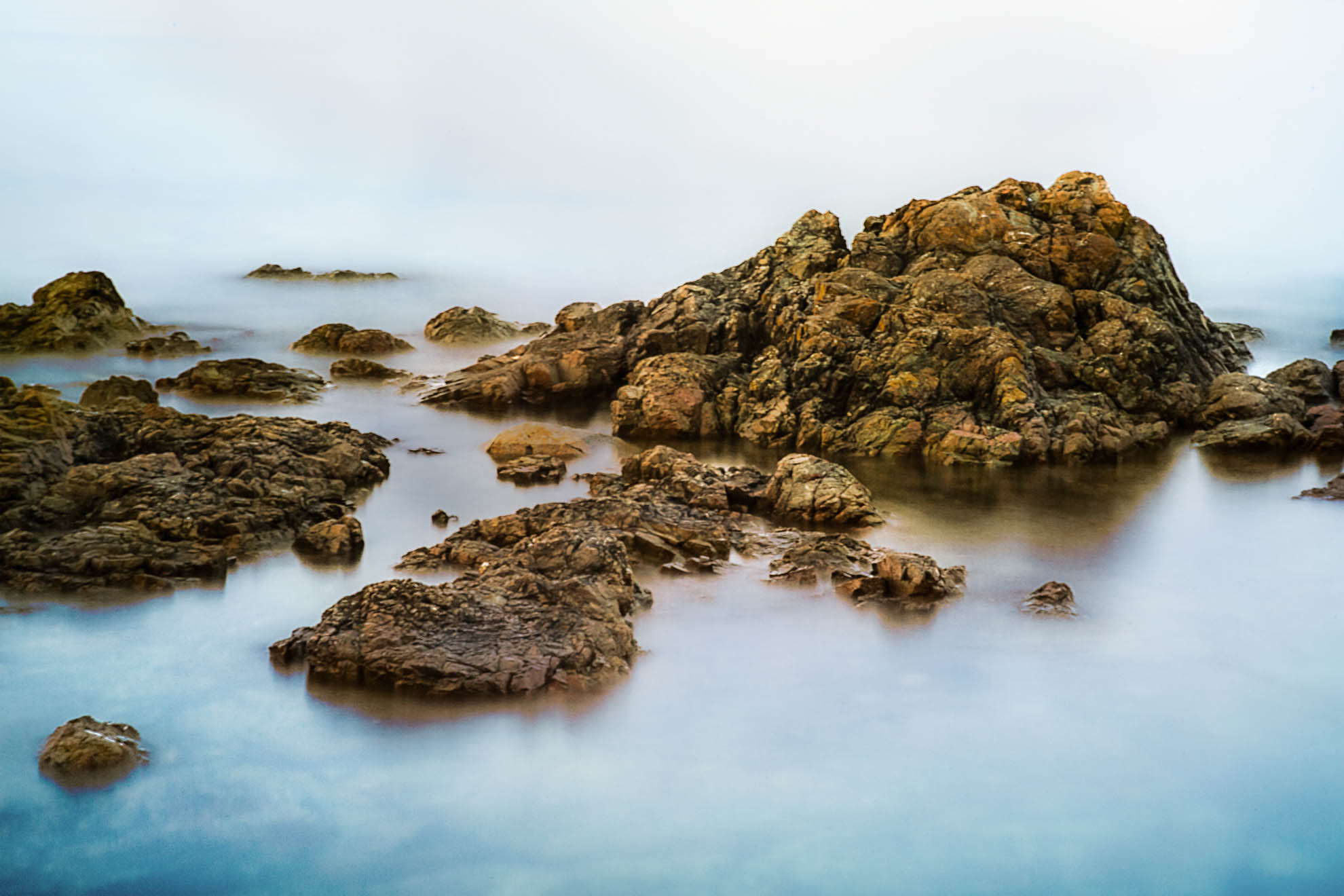
I like this image a lot and can't separate my feelings from the meaning it has due to your connection there. I played with the image and could have come up with lots of different interpretations. The area in the center of the sky has a large circular area I found problematic when I tried to paint in some blue and darkening in that area. If it were my image, and if I wanted to go that way, I'd replace that portion of the sky, or go a different way, as I ultimately decided to do. I did quite a lot of dodging and burning to darken down the rocks that seemed a bit too bright for the conditions, and lighten those that looked to be too much in shadow. I added some negative clarity to add to the dreamy effect you created. The image has a lot more potential and if you intend on printing it I'd try processing it in different ways first. I can see it on canvas or a matte paper looking very nice. |
Feb 10th |
 |
| 52 |
Feb 19 |
Comment |
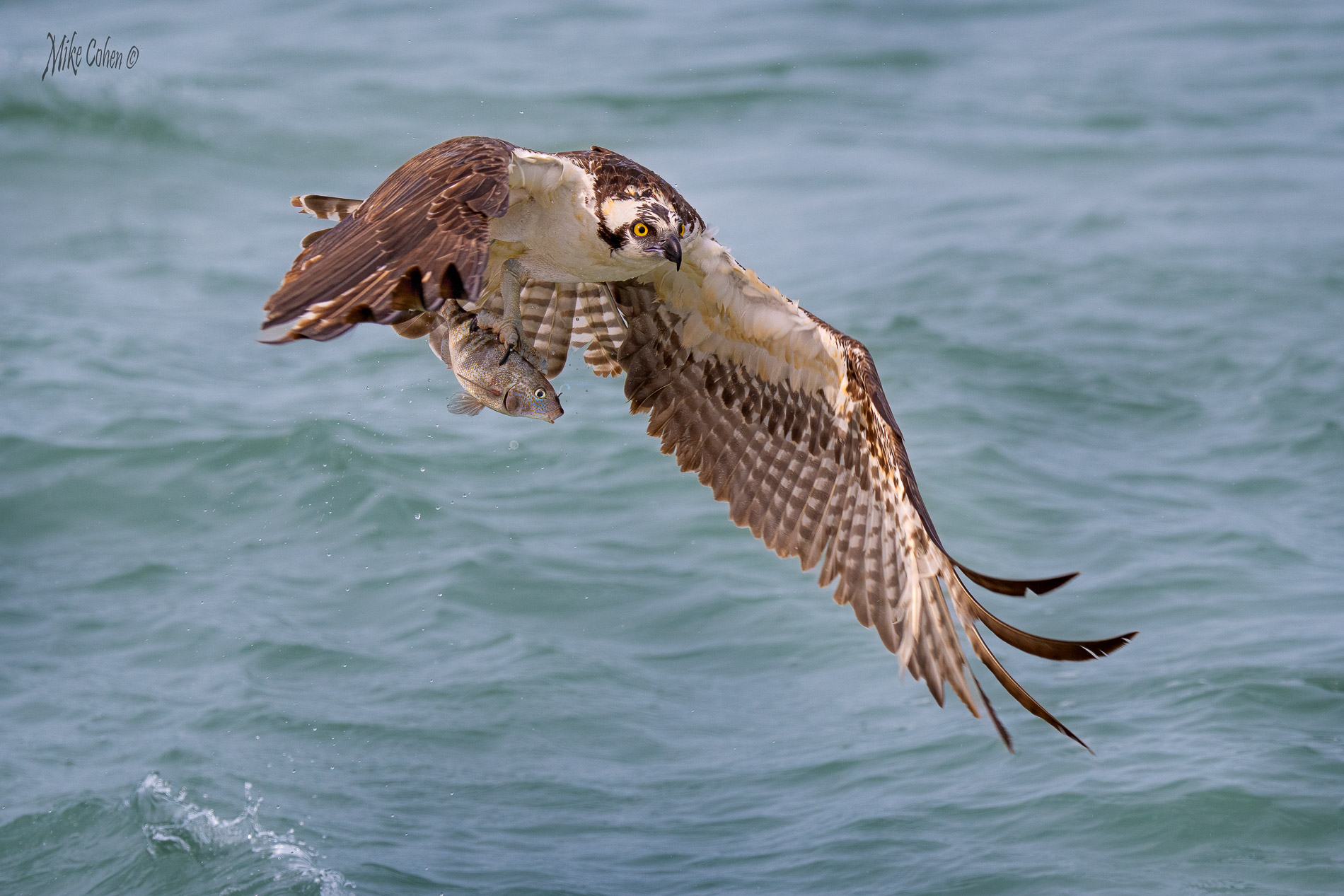
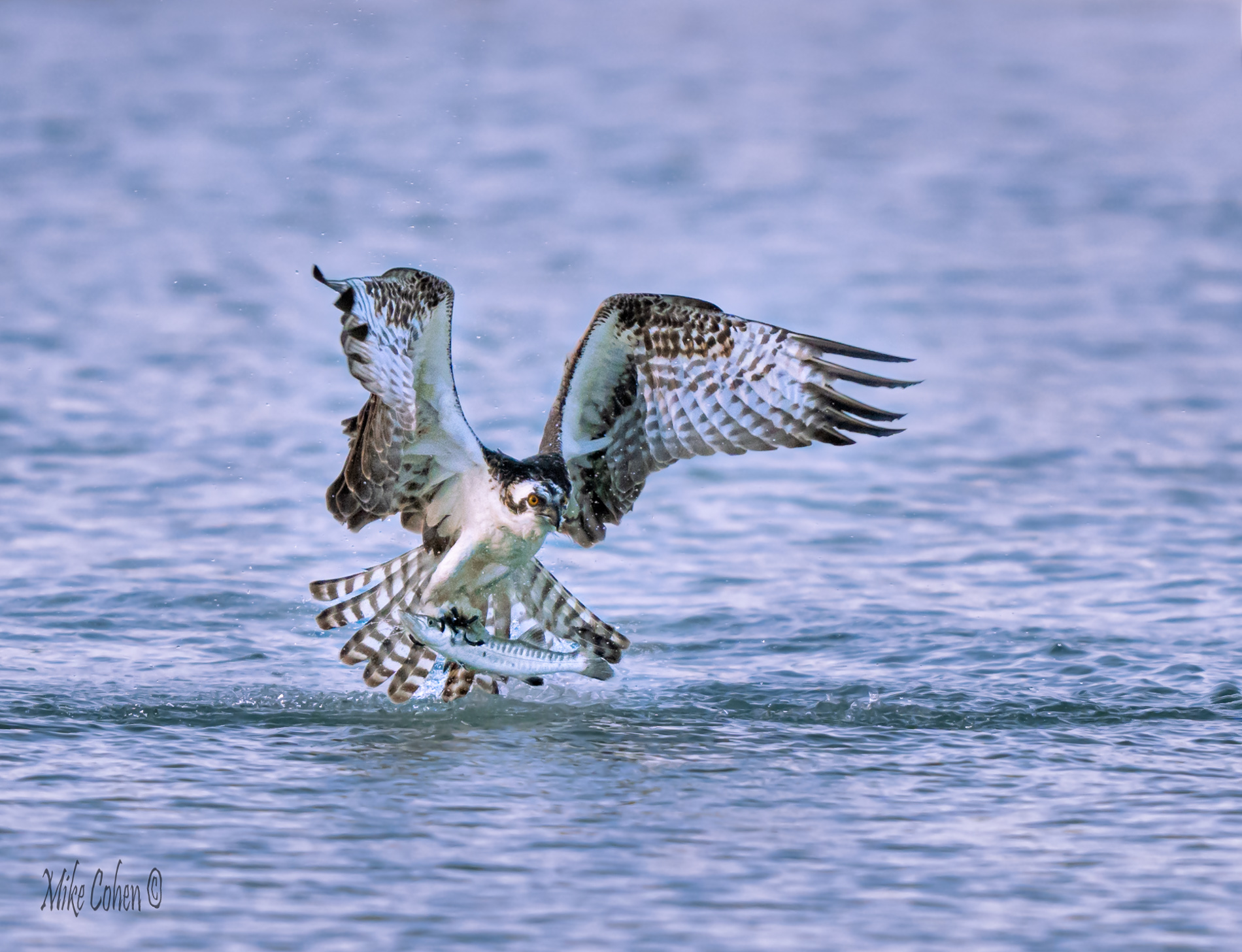
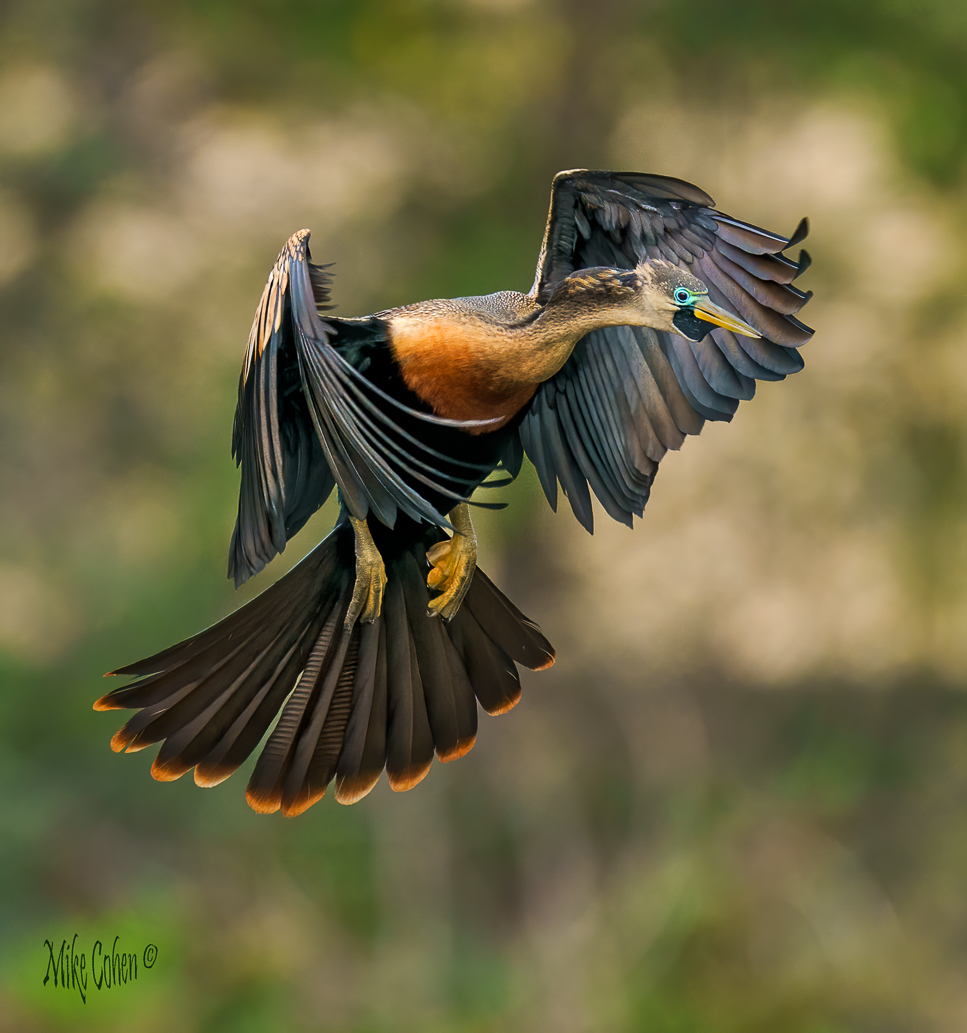
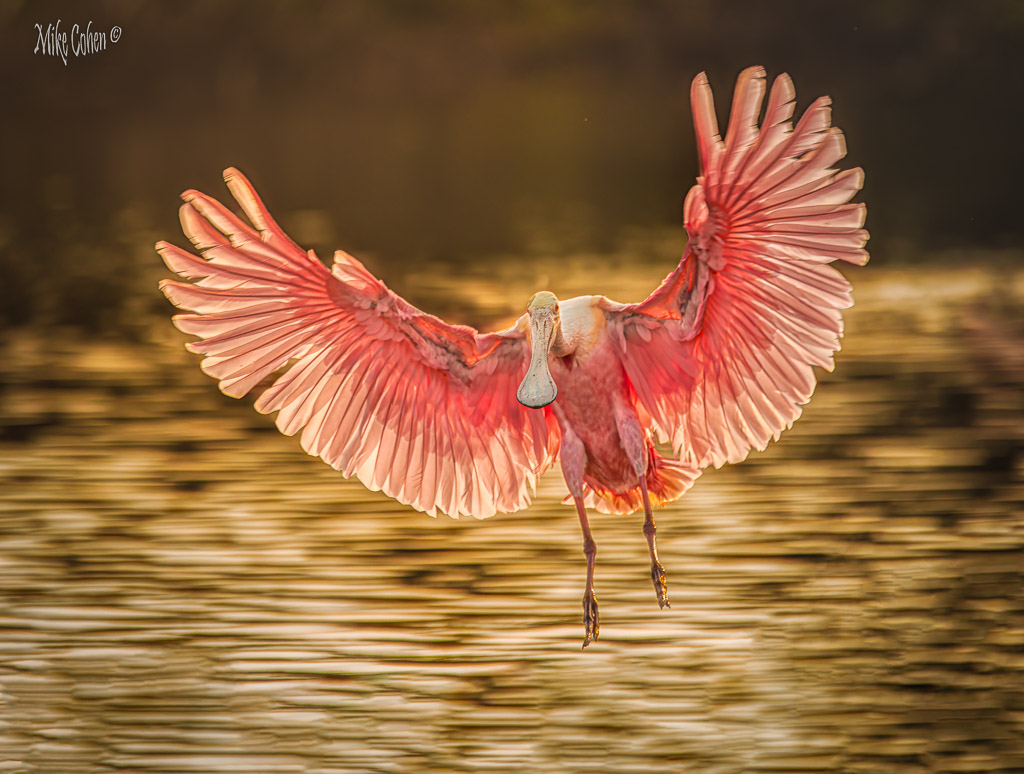
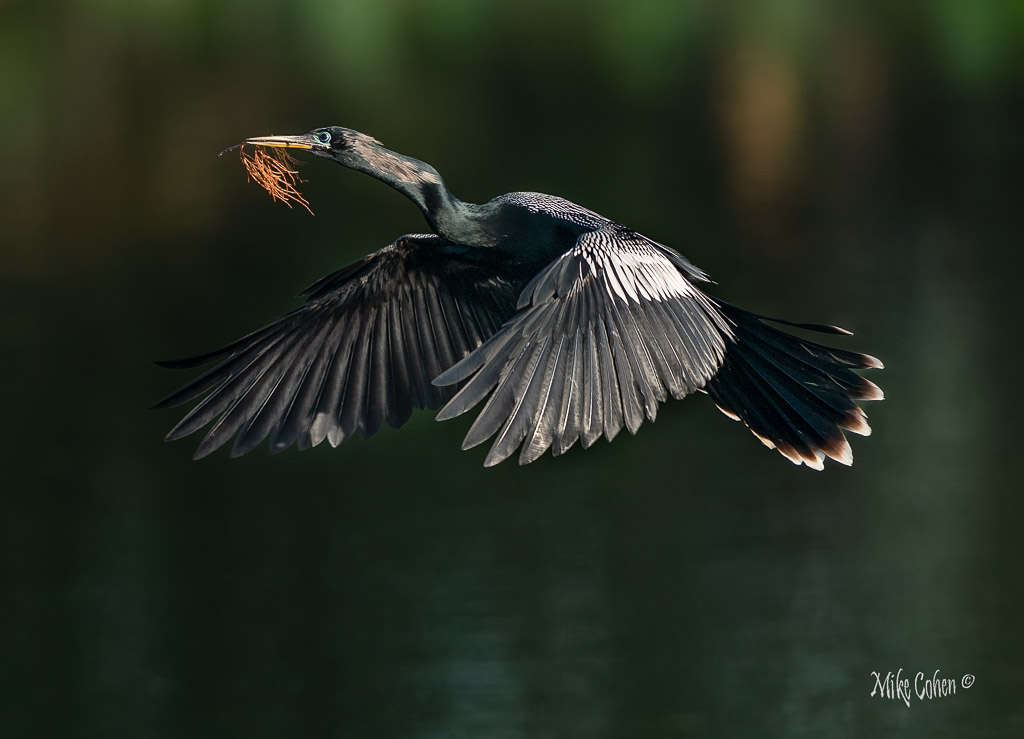
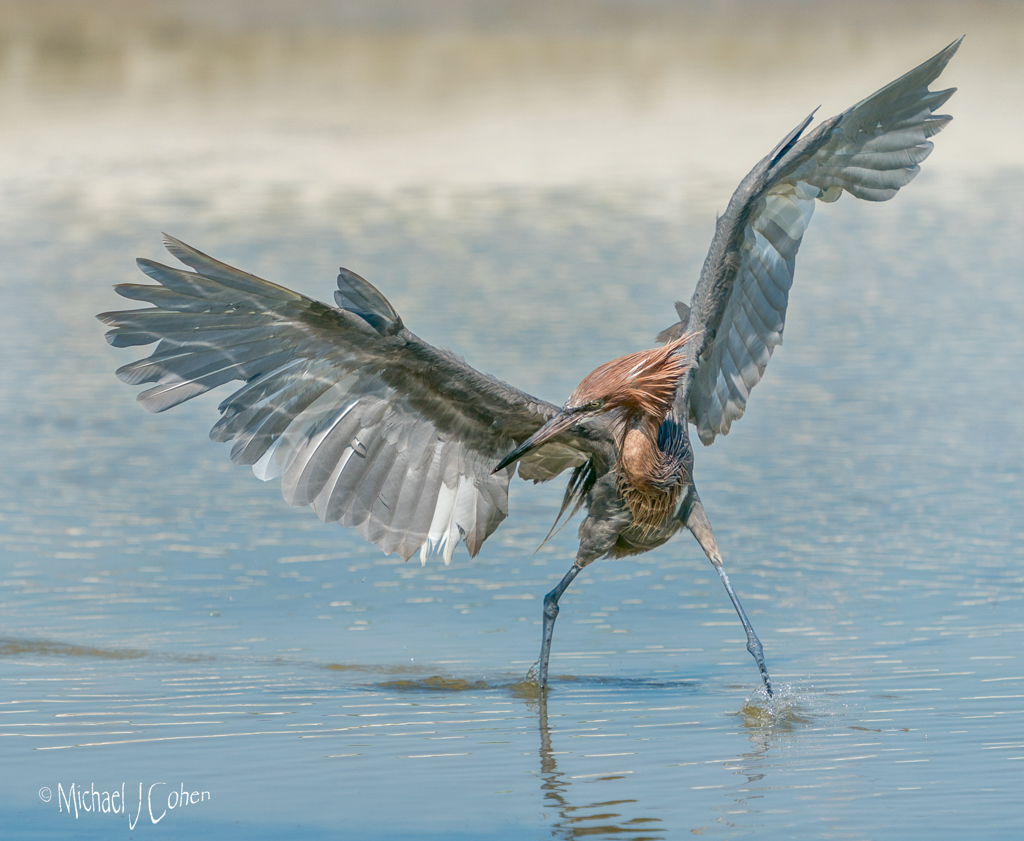
I also go with Wow factor. Unlike Lisa, my initial attention goes right to the eye, and I like where it is placed in the composition. I also love the texture of the feathers, which is where my attention goes next. My suggestion would be to burn in the feathers on the neck slightly and dodge some of the dark part of the bill. I might also see what Shadows/Highlights does in PS as it might provide a nice adjustment in total or selectively. Last, I can't make up my mind if I would crop out a portion off the top of the image. I'm leaning toward a crop as I don't think it adds to the composition and less water would still provide environmental context. I would at least look at it both ways and then decide. Nice job! |
Feb 10th |
6 comments - 11 replies for Group 52
|
| 69 |
Feb 19 |
Comment |
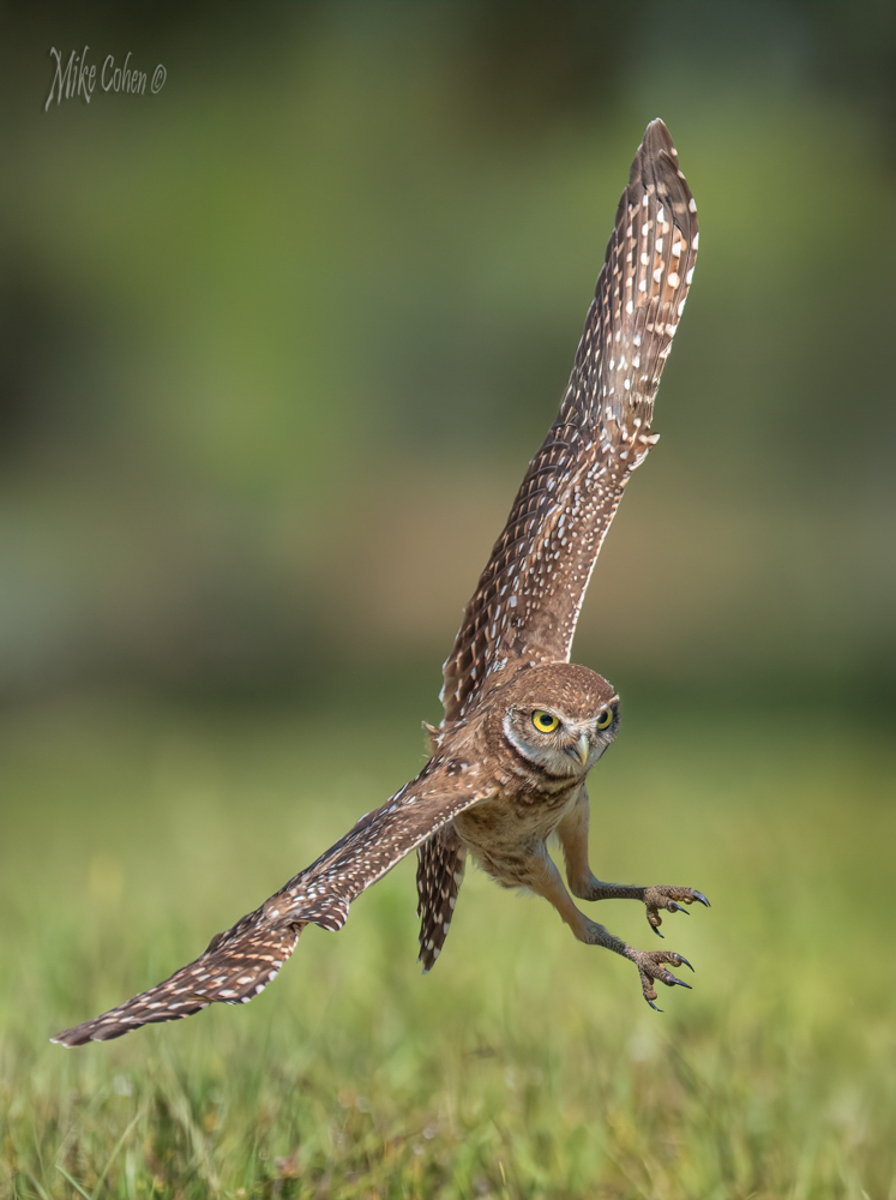
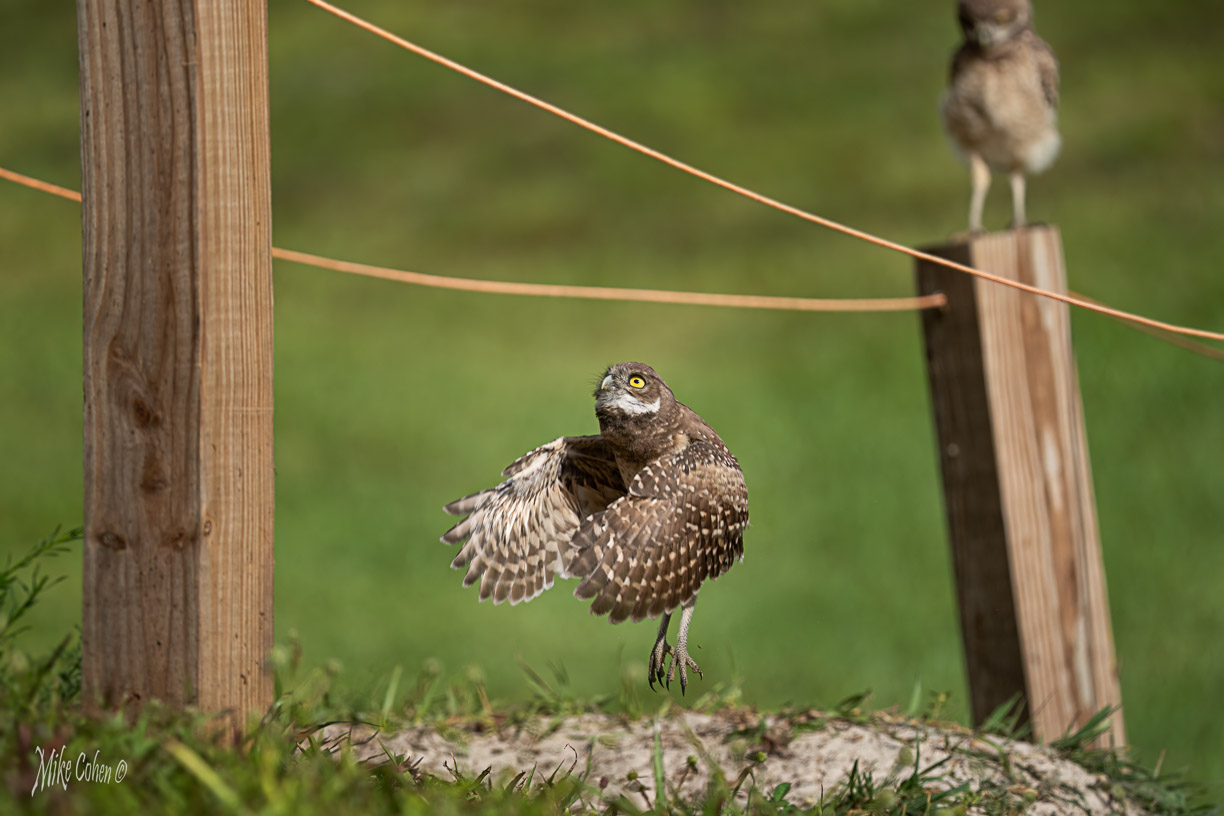
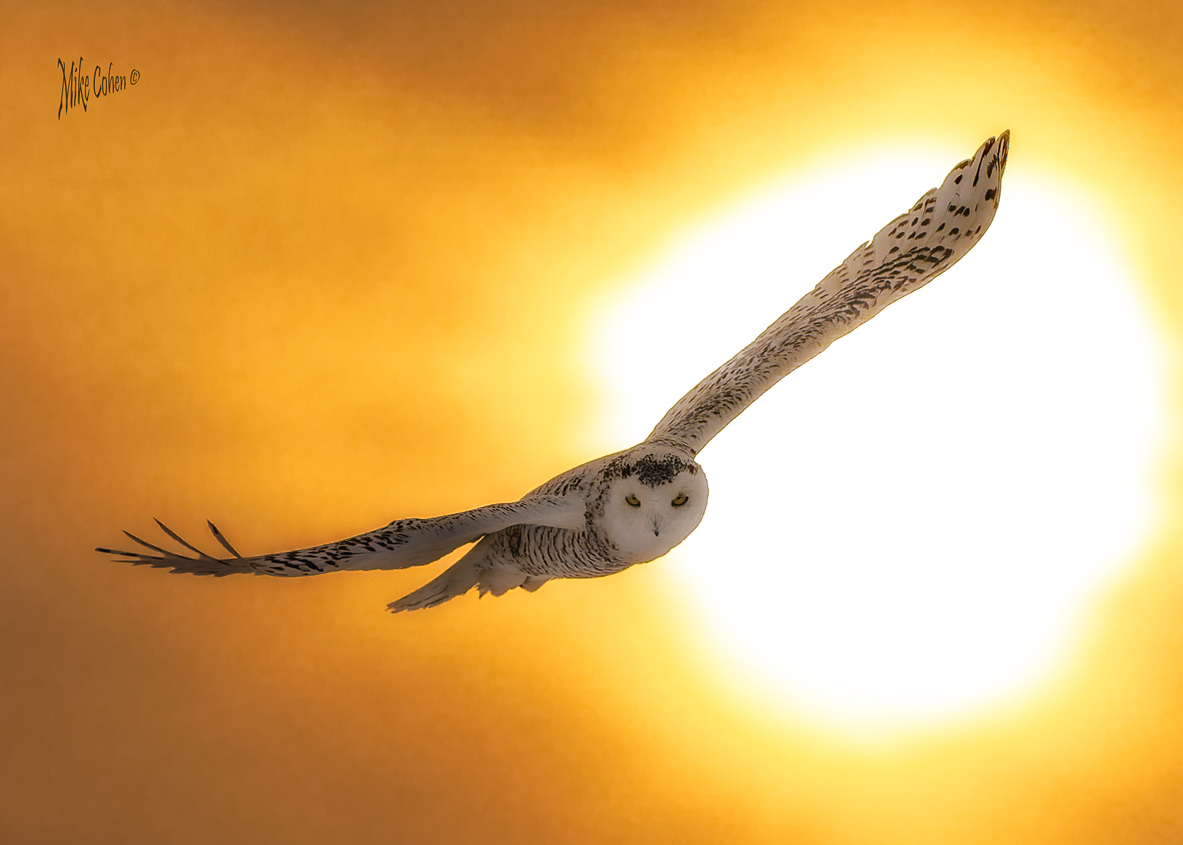
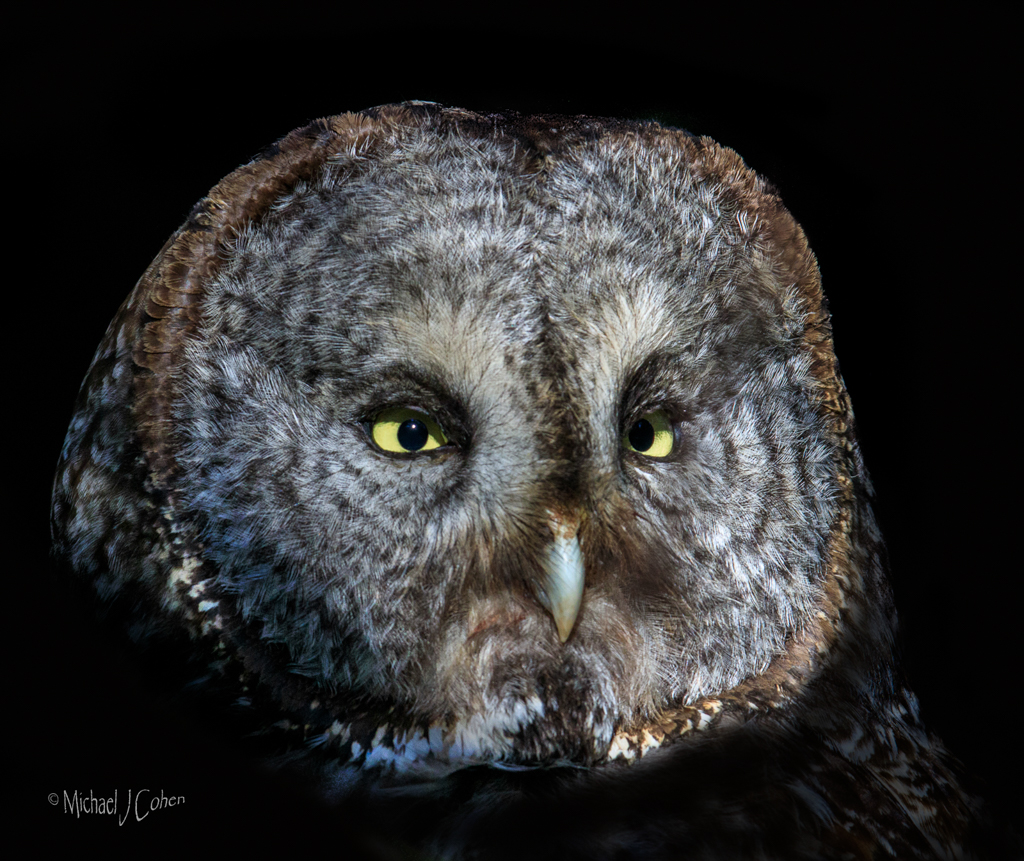
I love those yellow eyes. You captured it well coming almost right at you. Congrats. |
Feb 10th |
1 comment - 0 replies for Group 69
|
7 comments - 11 replies Total
|