|
| Group |
Round |
C/R |
Comment |
Date |
Image |
| 25 |
Sep 18 |
Comment |
Not a problem using 80 steps. It means you put in the extra effort and it shows. Nice job capturing this and I wouldn't change anything. |
Sep 18th |
| 25 |
Sep 18 |
Comment |
You definitely captured a great moment in your son's life. I love the pop of color from the kite against the green background. My only thought would be to crop off a lot of the right side so that your son is on the left side of the frame which would give the illusion of running into the frame instead of out of the frame. |
Sep 18th |
| 25 |
Sep 18 |
Comment |
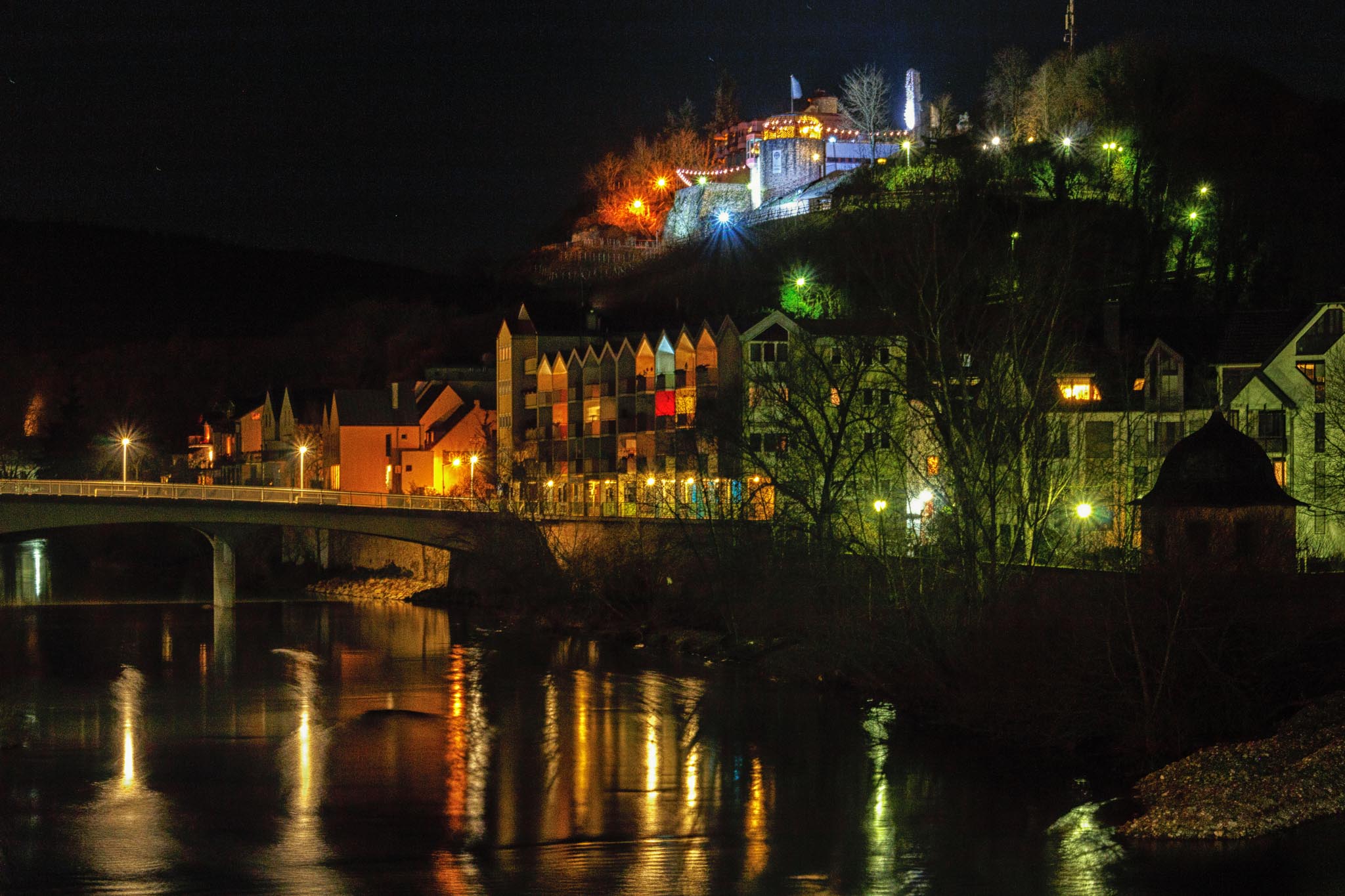
Nice photo and I look forward to seeing more from your trip. I love the reflections from the wet pavement. My only thought was to try backing off on the contrast or clarity. To me, it seems a bit over done, but it will be interesting to see what others think. |
Sep 18th |
| 25 |
Sep 18 |
Comment |
I like this picture because I don't think I have ever seen what garlic looks like when it grows. It's a fun picture. Enjoy! |
Sep 18th |
| 25 |
Sep 18 |
Reply |
I might have gone a bit far with the tint slider, so you might want to try playing with it yourself. |
Sep 18th |
| 25 |
Sep 18 |
Comment |
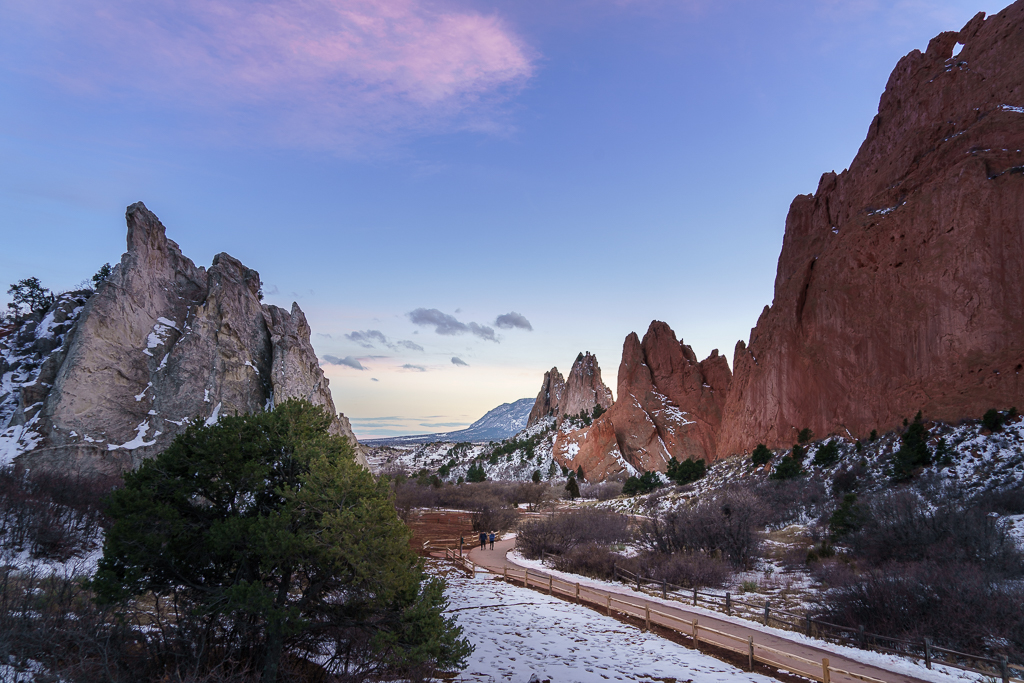
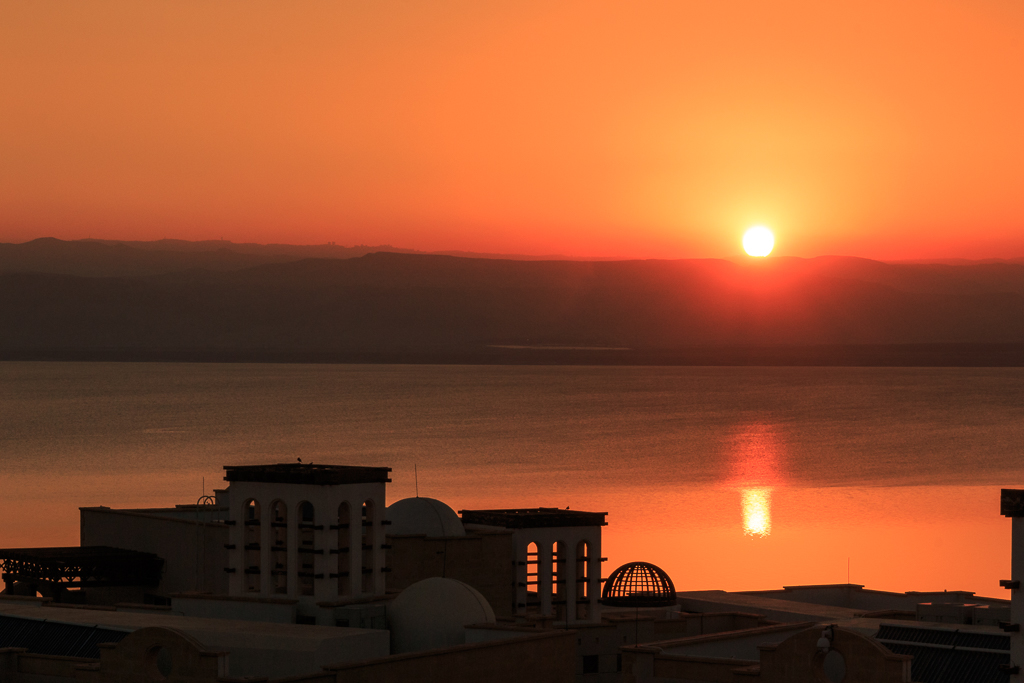
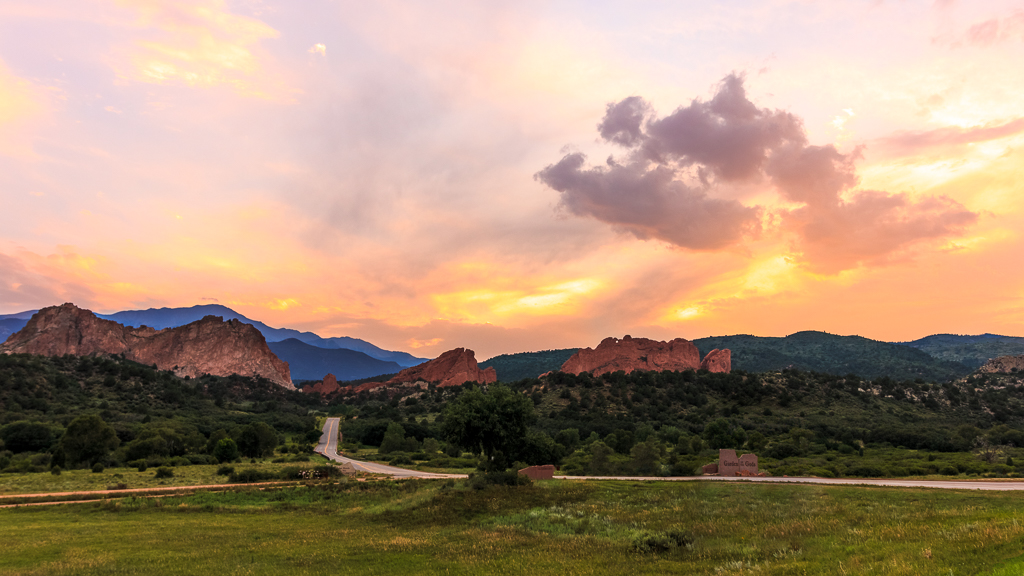
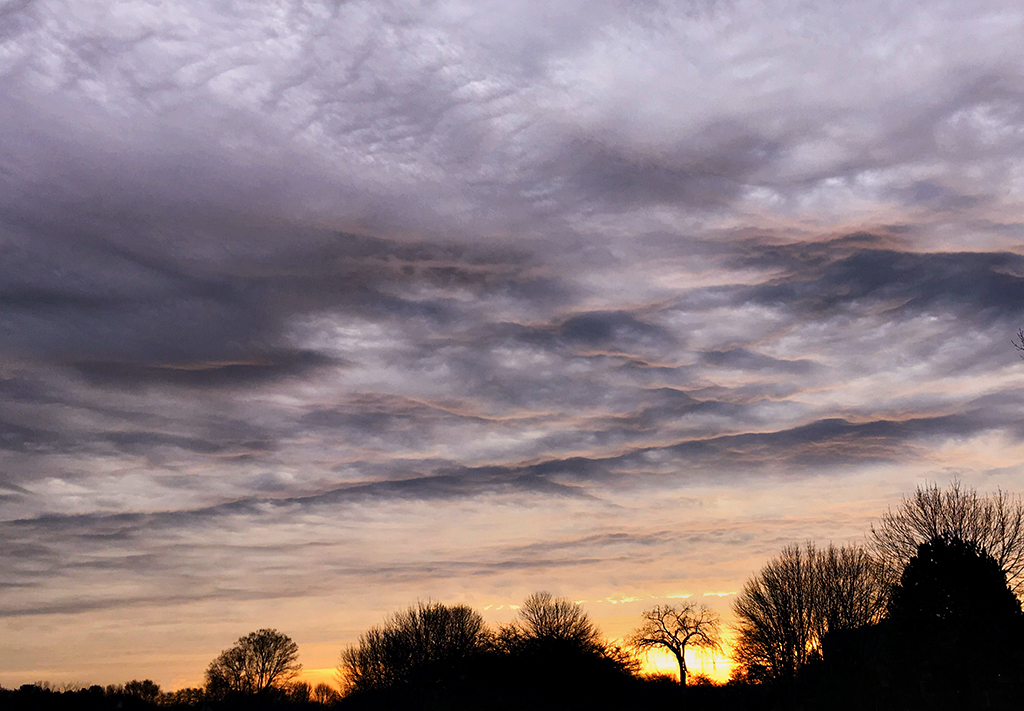
I really like this photo. Removing the signs and cropping allows us to focus on the clouds. You mention the pink in the clouds, so I took it into PS camera raw and added some tint to bring out a bit more pink. It is something I often do with sunrise/sunset pictures. You can decide if you like it. |
Sep 18th |
 |
5 comments - 1 reply for Group 25
|
| 71 |
Sep 18 |
Reply |
Thank you. |
Sep 19th |
| 71 |
Sep 18 |
Reply |
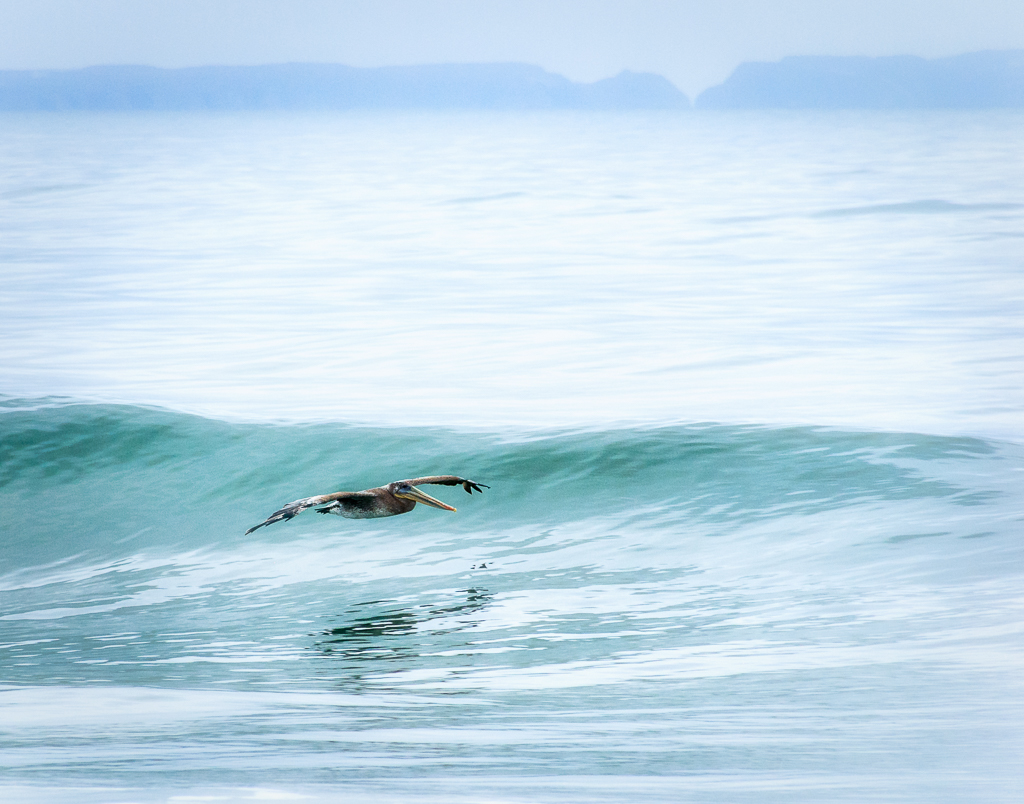
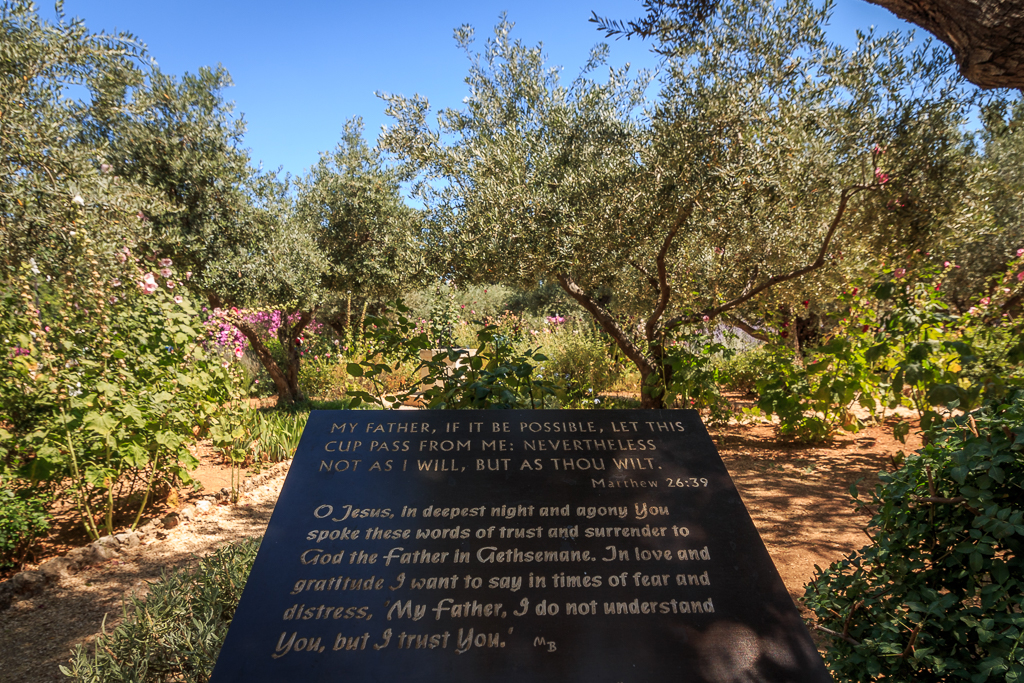
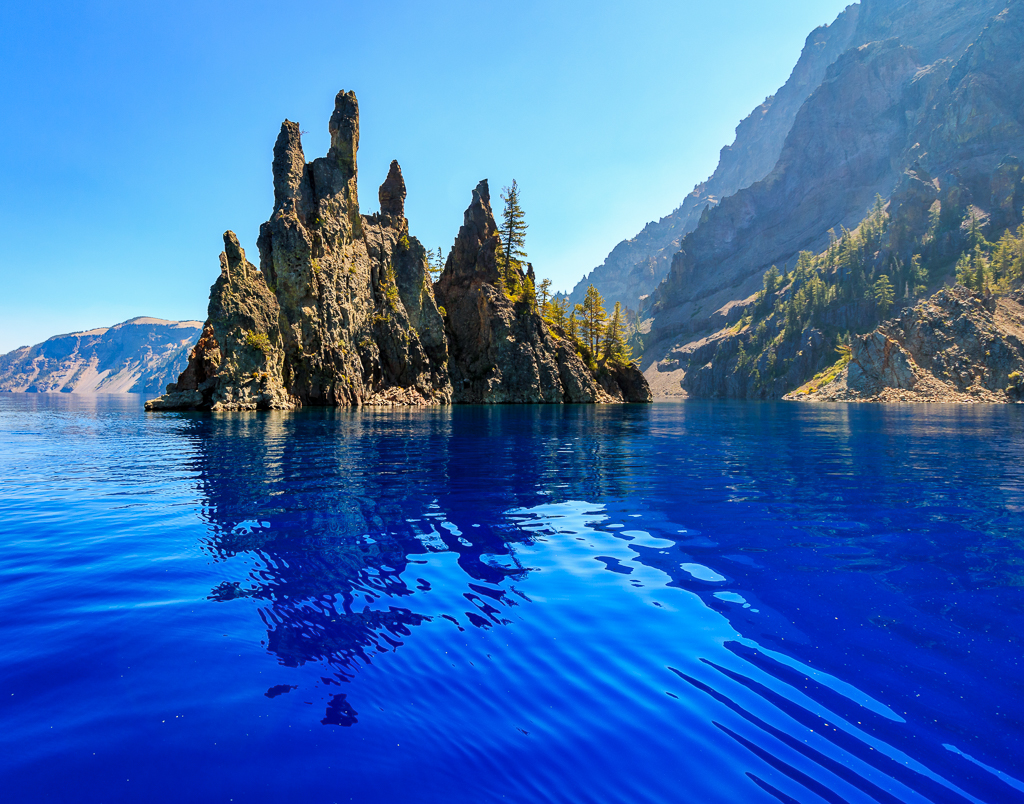
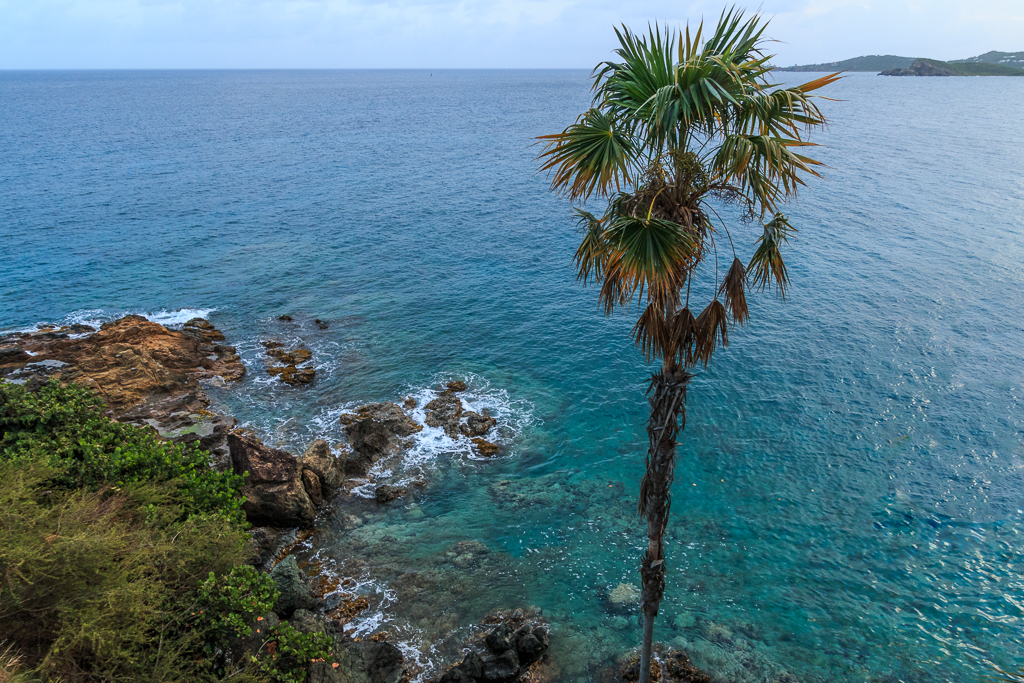
Actually, the water really is that blue. It's part of what makes this place so unique. :) |
Sep 19th |
| 71 |
Sep 18 |
Reply |
Here is another reason for banding that showed up in an email this week. I don't know if it applies to what you do processing, but I thought I would pass it along. https://mattk.com/do-your-photos-look-funky-in-lightroom/?utm_source=Matt+K+Subscriber+List&utm_campaign=706bf3efd8-EMAIL_CAMPAIGN_2018_01_10_COPY_01&utm_medium=email&utm_term=0_3ac5889bd7-706bf3efd8-417950965&mc_cid=706bf3efd8&mc_eid=d1ce1393a8 |
Sep 18th |
| 71 |
Sep 18 |
Reply |
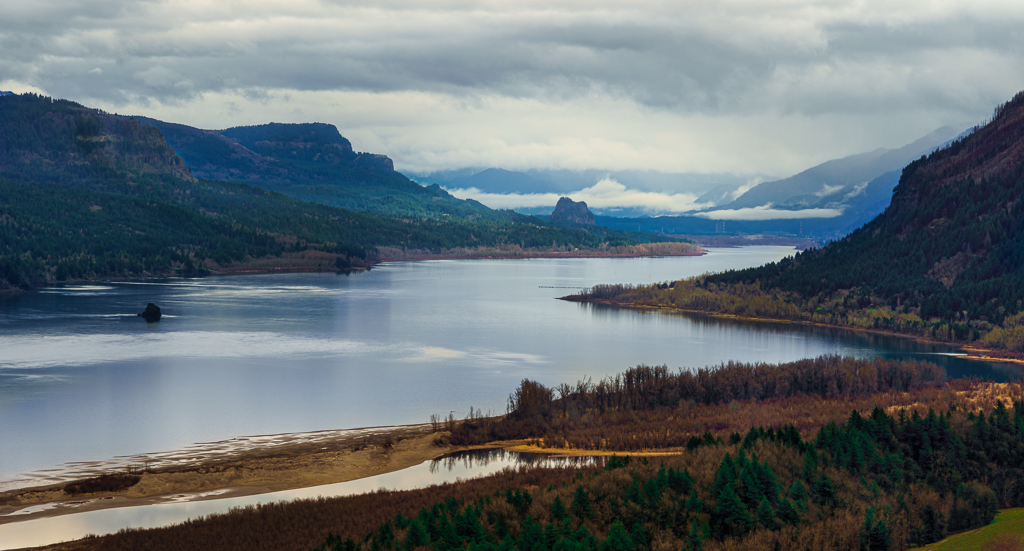
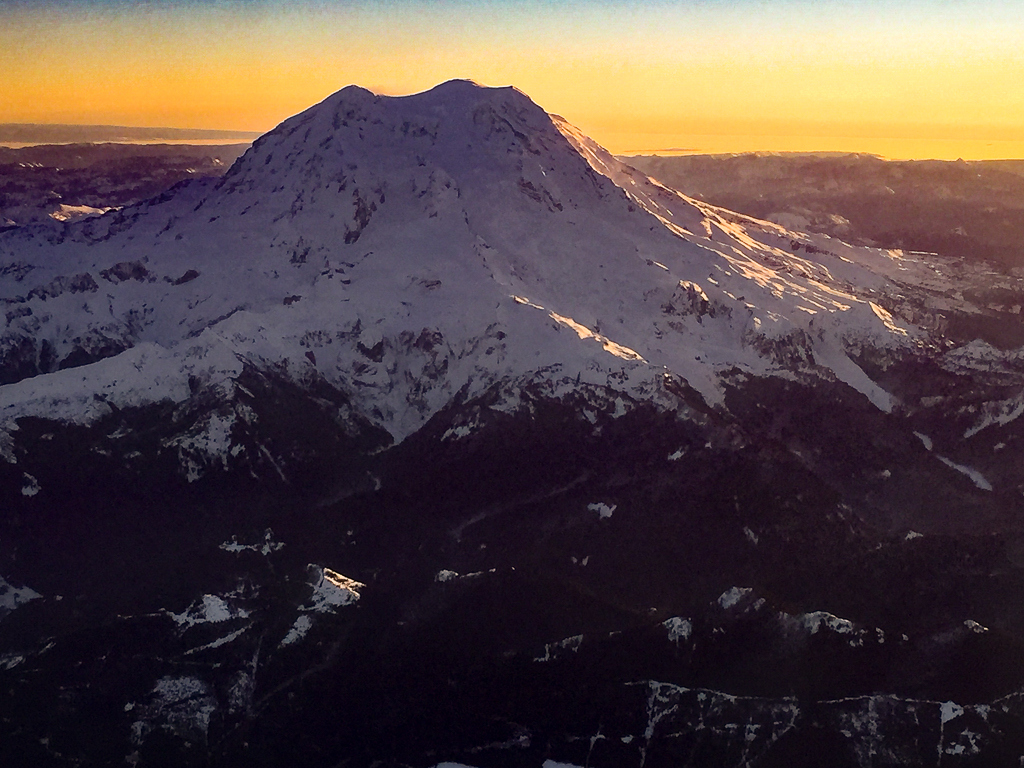
I used dehaze on the entire photo because there were fires in the area, but nothing extra on the island. It was as you see it. Yes, you do have to hike up. Down isn't bad. That took about 20 minutes. Up took about 45-50 minutes. They have benches to rest on along the way up, but it is strenuous as they say. We took it easy going up and I would definitely do it again if I have the chance. Tell your friend to take plenty of water and a snack for the trip down and up as there is no where to get it (unless you get the water out of the lake). |
Sep 17th |
| 71 |
Sep 18 |
Comment |
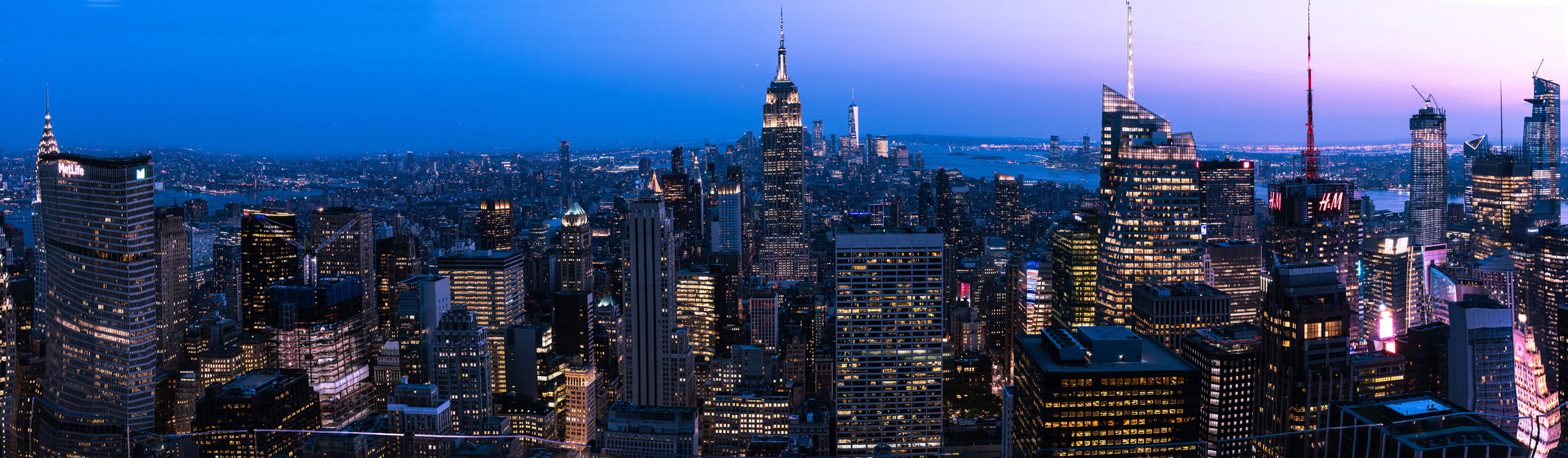
After trying several options, I used Puppet Warp in PS to straighten it as much as I could. If you spend more time on it than I did, you might get it even straighter. One thing you want to do, make a copy of the layer (cmd J) and make sure to Convert to Smart Object before opening Puppet Warp. I did this so I could keep making minor adjustments, check how it looked, and then adjust again. |
Sep 8th |
 |
| 71 |
Sep 18 |
Comment |
I love this photo! There is nothing I would change. |
Sep 8th |
| 71 |
Sep 18 |
Comment |
I like the lighthouse. I think Mike's suggestions would help. |
Sep 8th |
| 71 |
Sep 18 |
Comment |
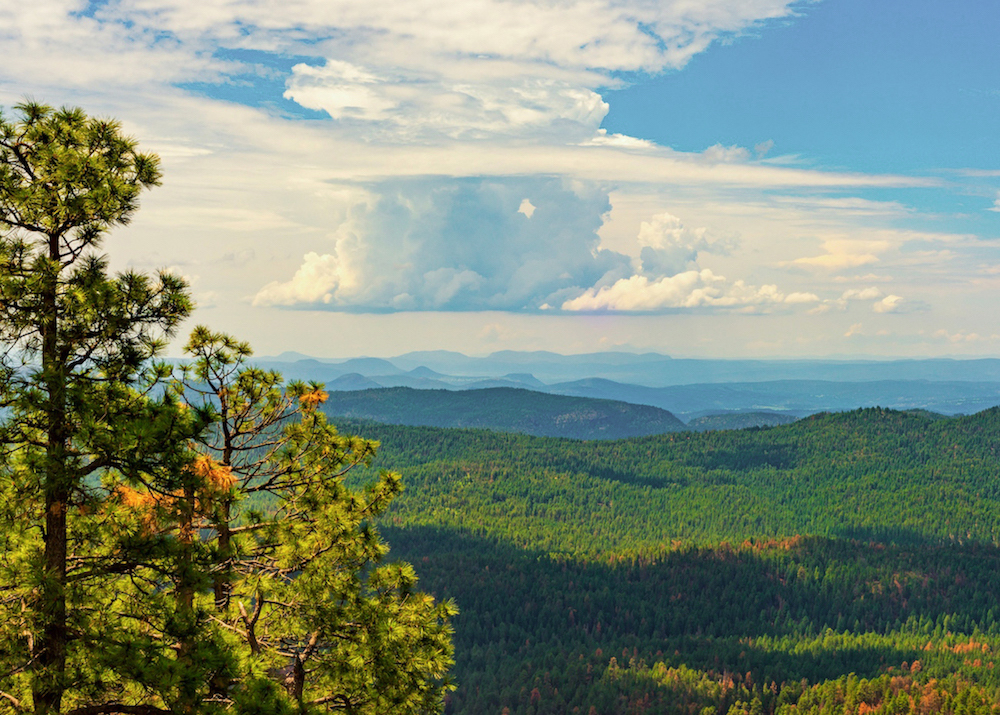
I really like the clouds in this photo. Good job going back and getting this shot. I pulled it into PS and reduced the blue saturation, which I thought made the sky more realistic in color. You can decide if you like it. |
Sep 8th |
 |
| 71 |
Sep 18 |
Comment |
Great photo! Definitely want the horizon in the center for this photo. When I have gotten banding in the sky, I have found the best thing to do is start over with the processing. Do a few global adjustments, then make the rest of the adjustments with the "Adjustment Brush" in LR or Camera Raw in PS. I have found banding comes from too much processing on the sky. |
Sep 8th |
5 comments - 4 replies for Group 71
|
10 comments - 5 replies Total
|