|
| Group |
Round |
C/R |
Comment |
Date |
Image |
| 25 |
Mar 18 |
Comment |
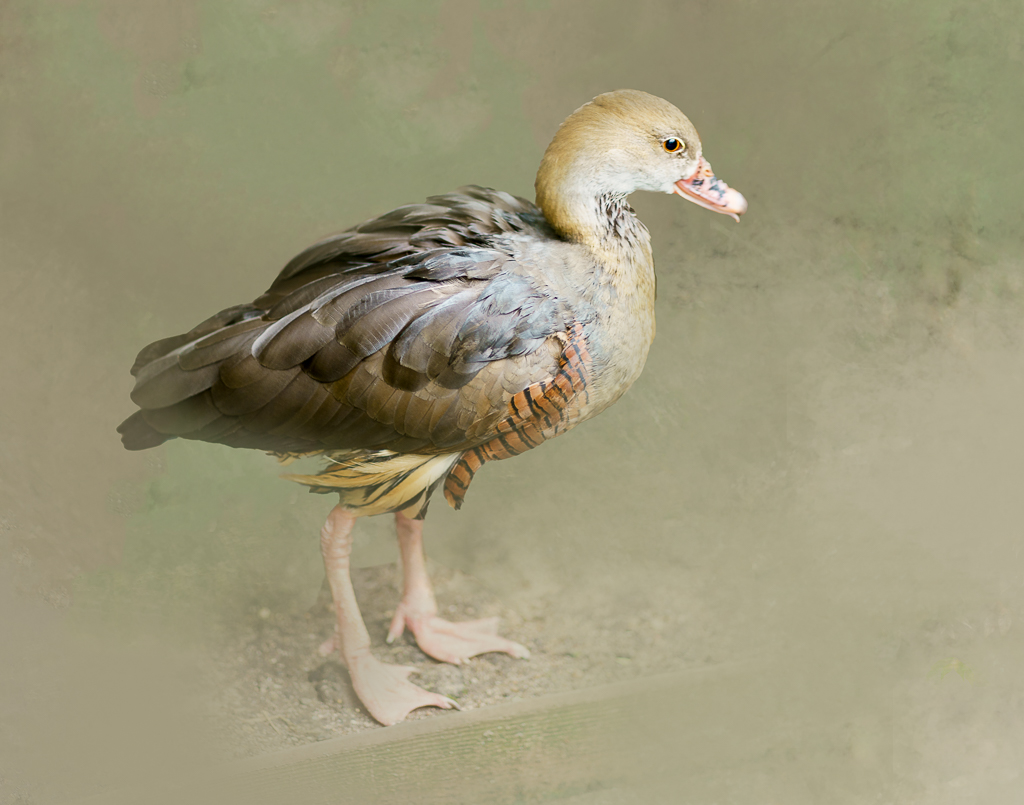
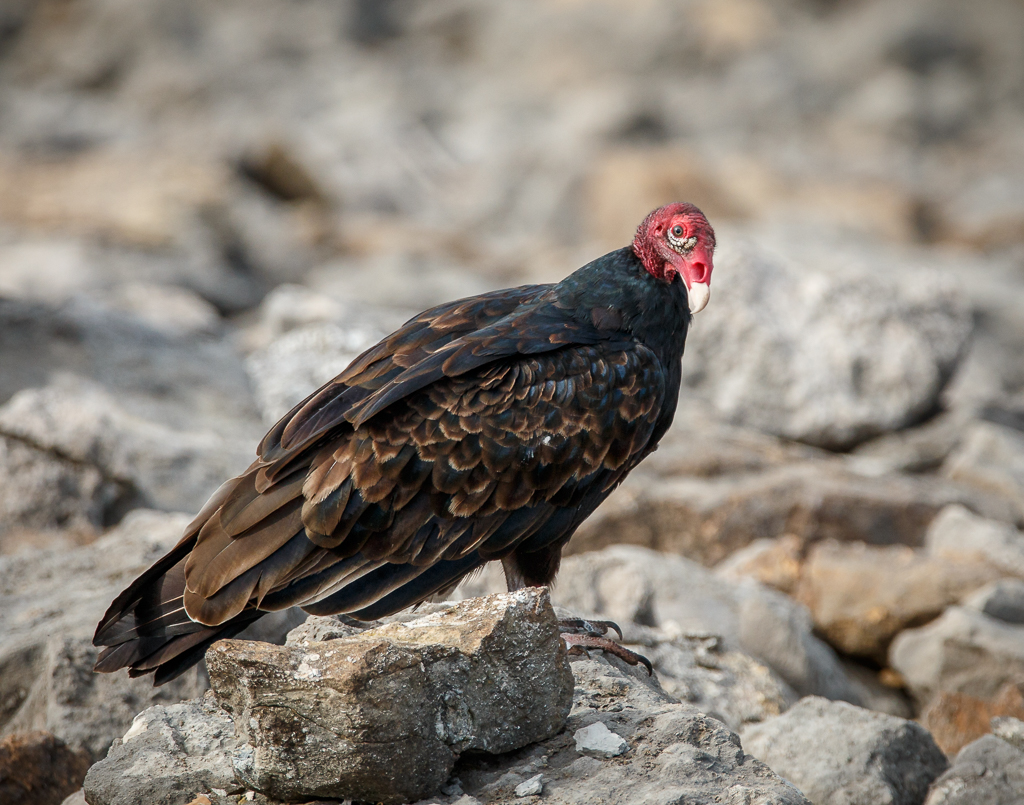
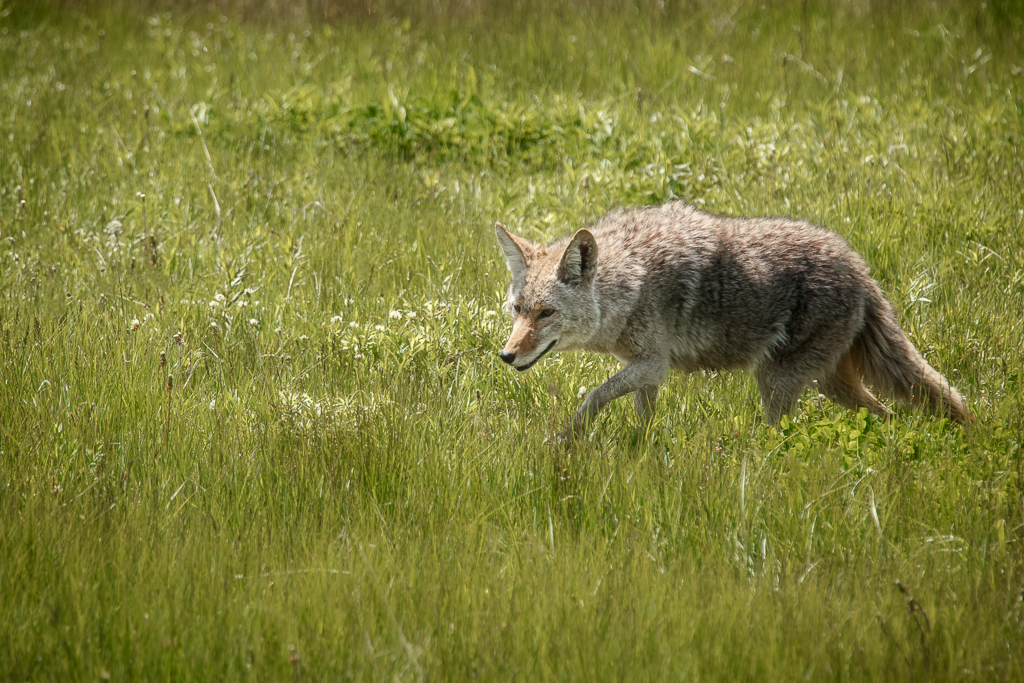
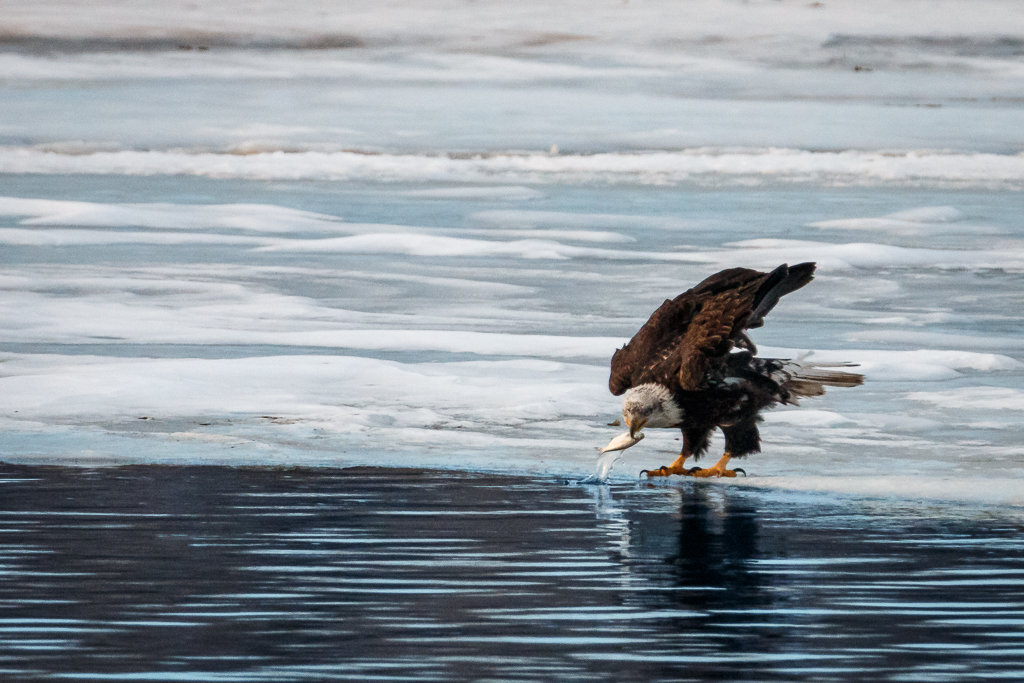
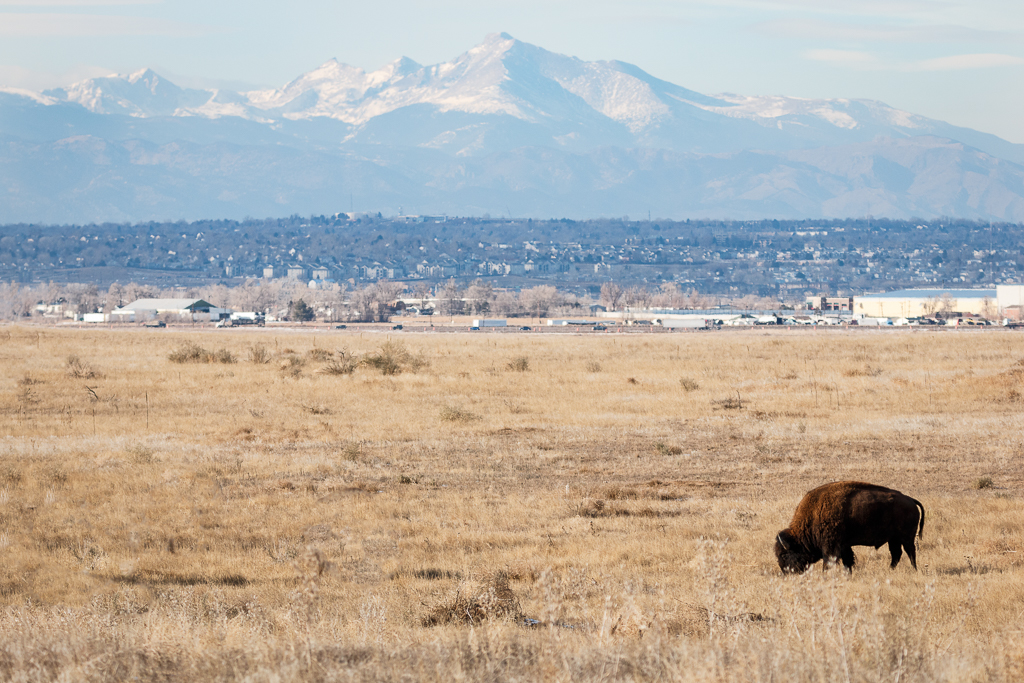
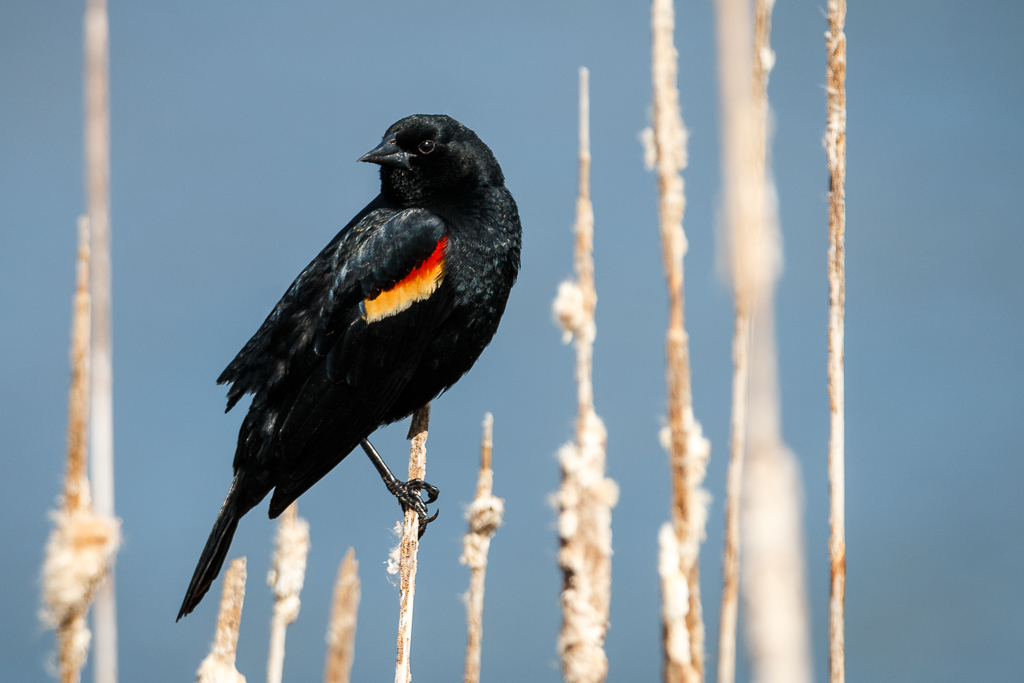
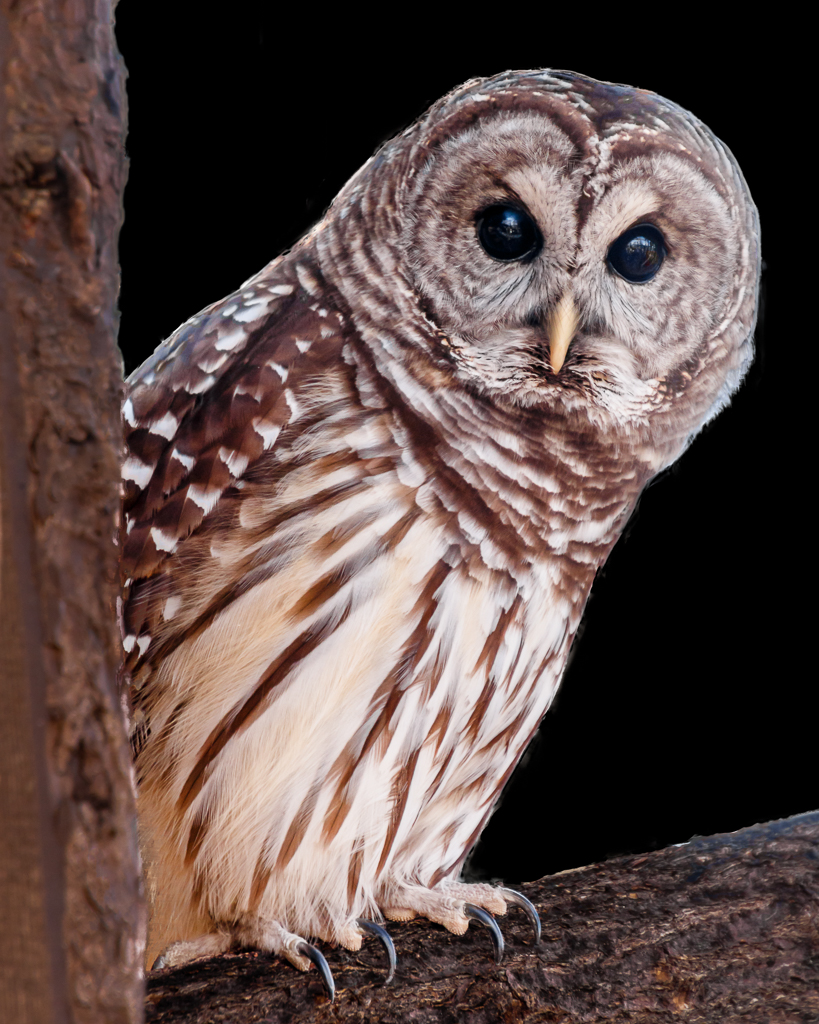
I'm going to Yellowstone this summer. Maybe I can get a warmer shot of this guy. lol I love this photo. You did a great job with the post processing. I actually like that he is not looking at the camera because it has me wondering what has his attention off to the right. |
Mar 23rd |
| 25 |
Mar 18 |
Comment |
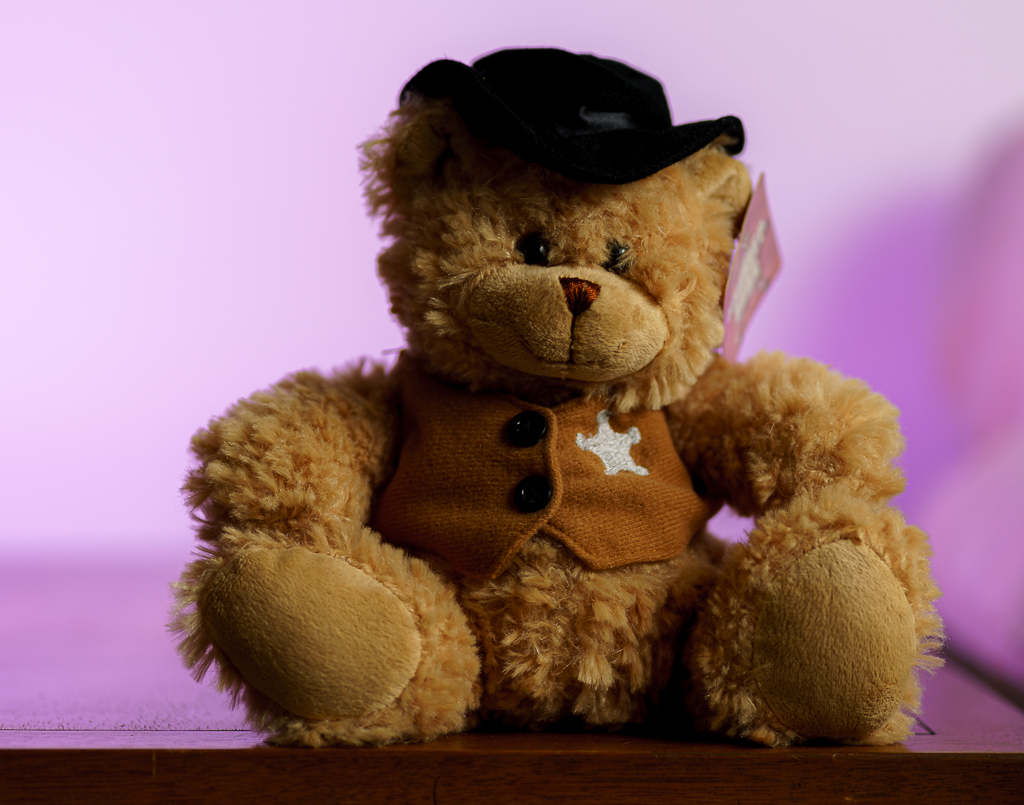
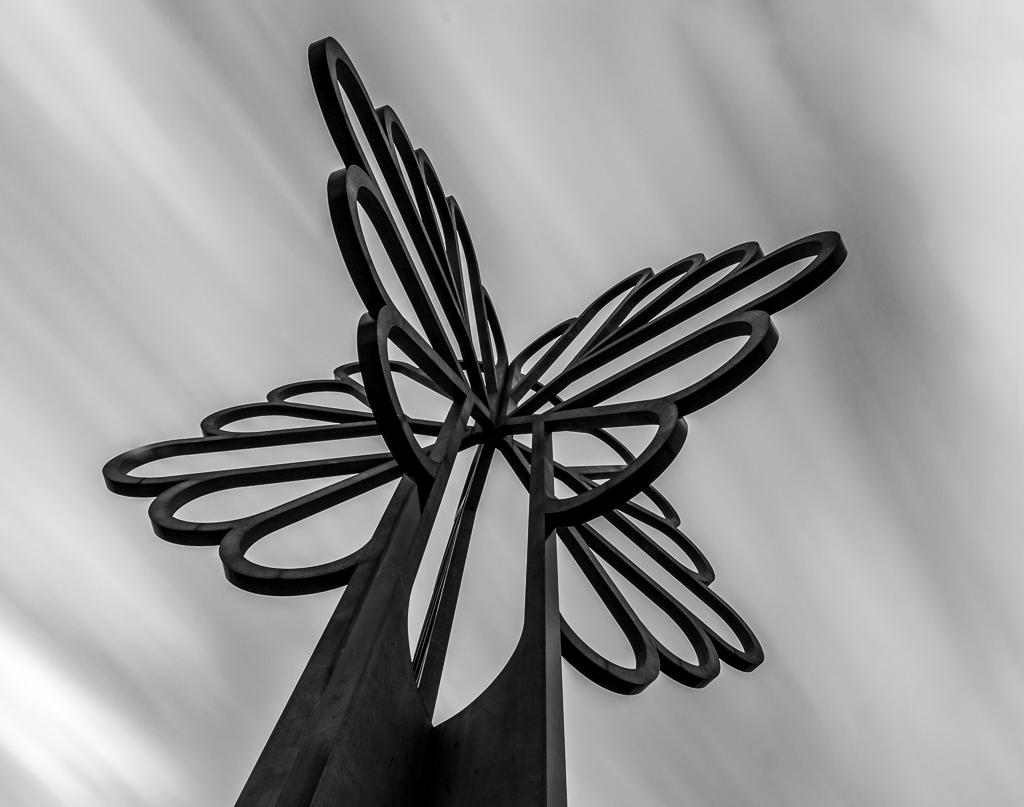
I love experiments like this. This is a great first attempt. Looking forward to seeing more |
Mar 23rd |
| 25 |
Mar 18 |
Comment |
I like the composition of the photo. I agree with the previous comments. If you ever get a chance to take this photo again, try using the sliders on the phone camera. If you hold your finder on the screen before you take the picture, it will pop up some sliders that may help. |
Mar 23rd |
| 25 |
Mar 18 |
Comment |
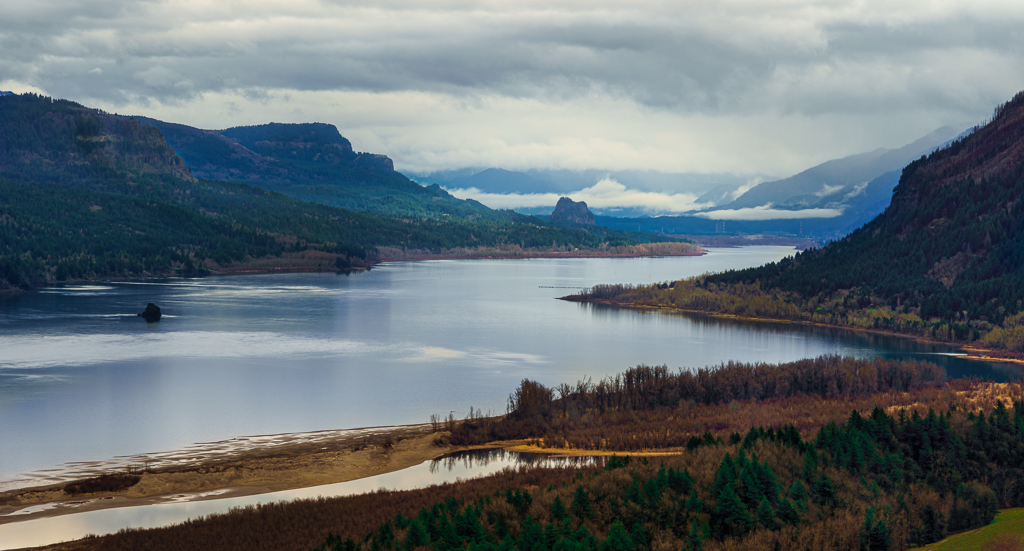
I have not made it to eastern Washington yet, but hope to someday. I agree with all the previous comments. It's a great shot. Enjoy! |
Mar 23rd |
| 25 |
Mar 18 |
Reply |
Thank you. It was not cropped. |
Mar 23rd |
| 25 |
Mar 18 |
Reply |
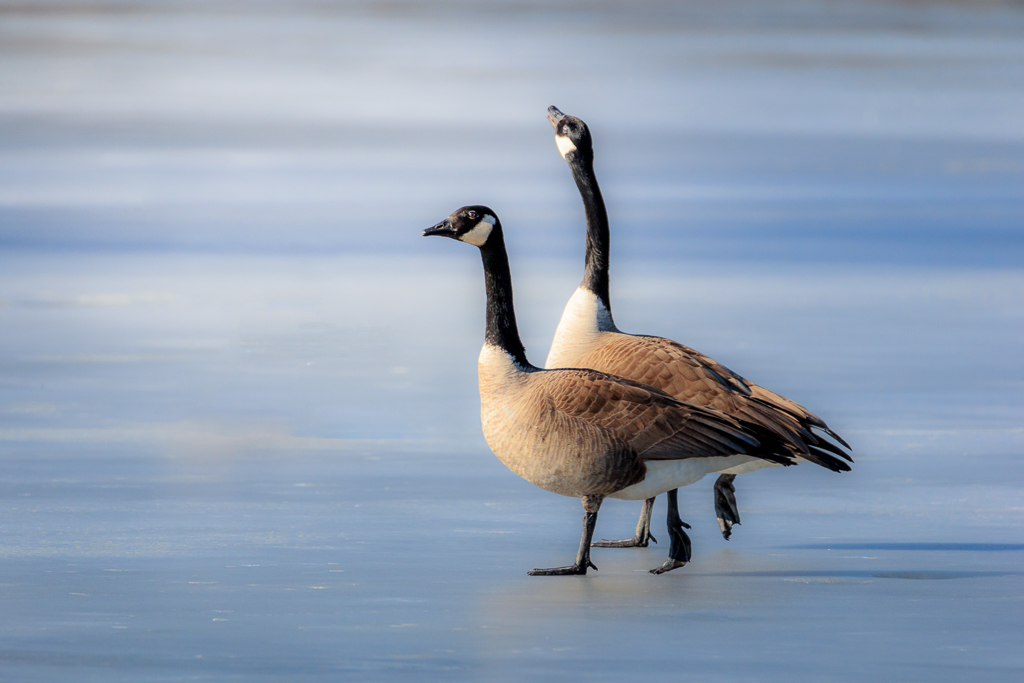
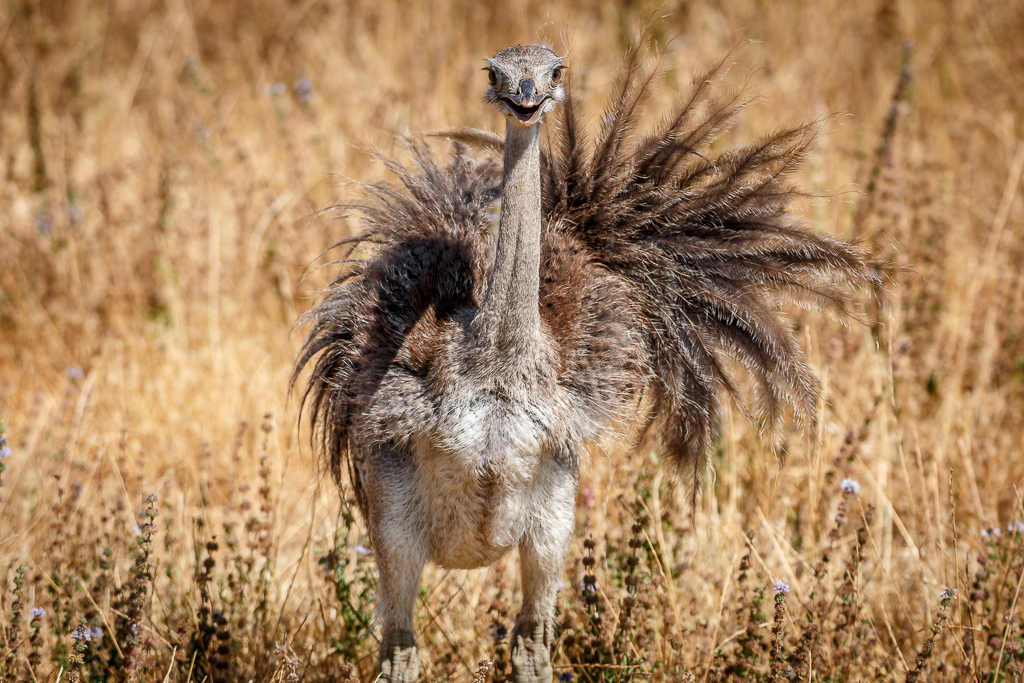
Actually, I did have the back goose looking at the camera since I took several shots as he was strutting around, but I didn't like it as much. I thought this one showed his personality more. |
Mar 23rd |
| 25 |
Mar 18 |
Reply |
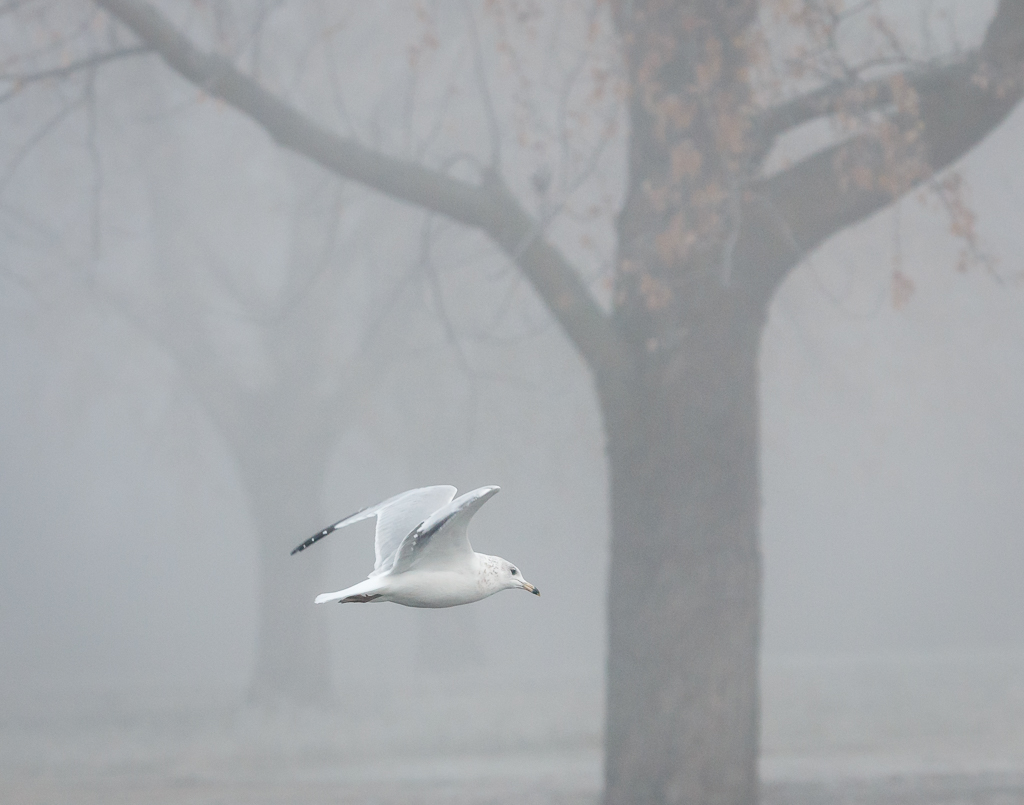
Looking back, I softened all of it. My guess is that the geese didn't match the feel of the picture if I didn't. I am not sure why I had my shutter speed so fast (I was probably shooting them flying too). If I had lowered that, it would have dropped the ISO. |
Mar 23rd |
4 comments - 3 replies for Group 25
|
| 71 |
Mar 18 |
Reply |
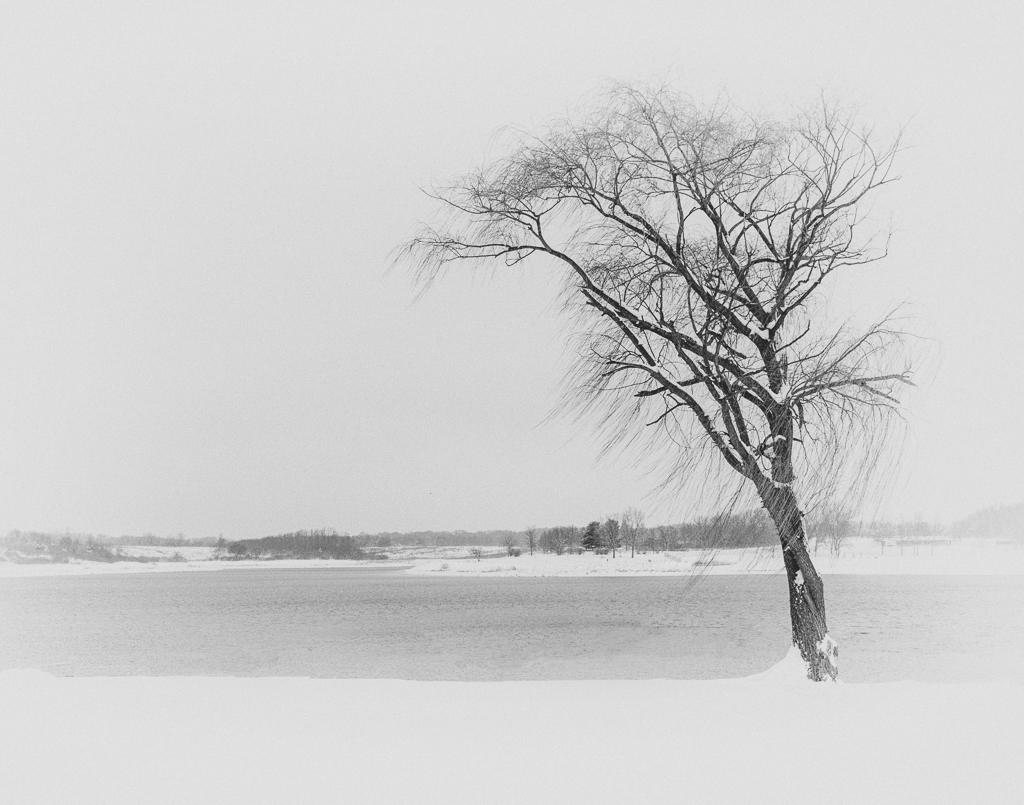
Actually, what I did messed with the color of the snow. Would need to desaturate that weird color and then it might work. |
Mar 23rd |
| 71 |
Mar 18 |
Comment |
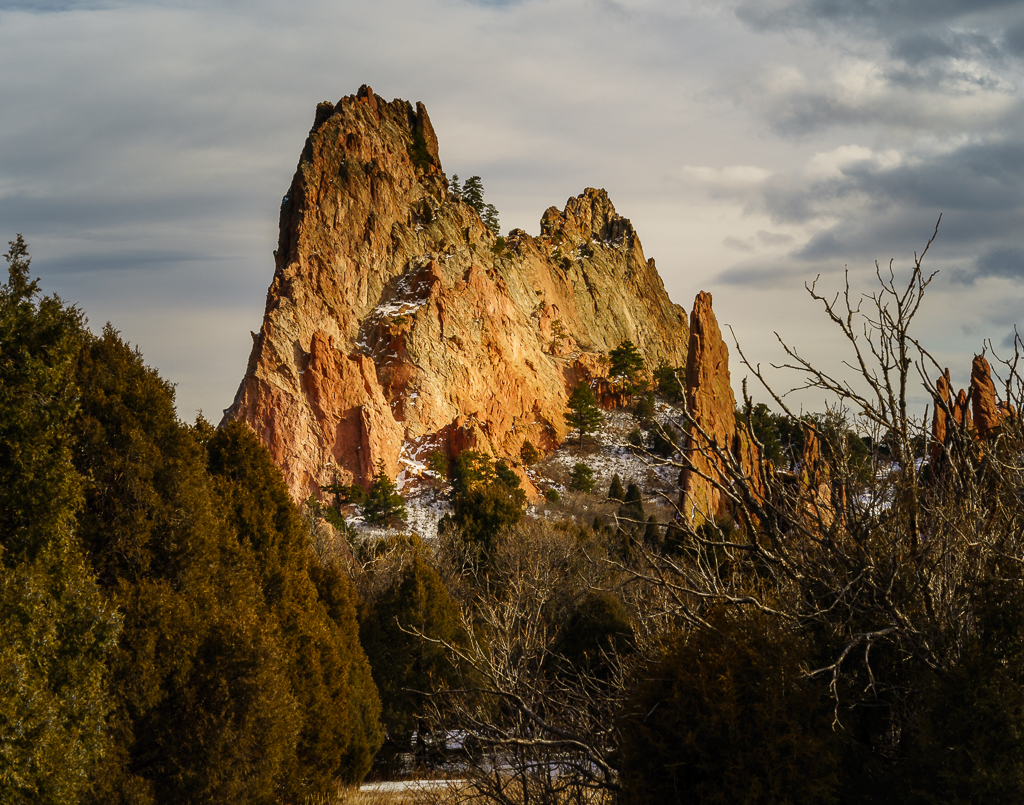
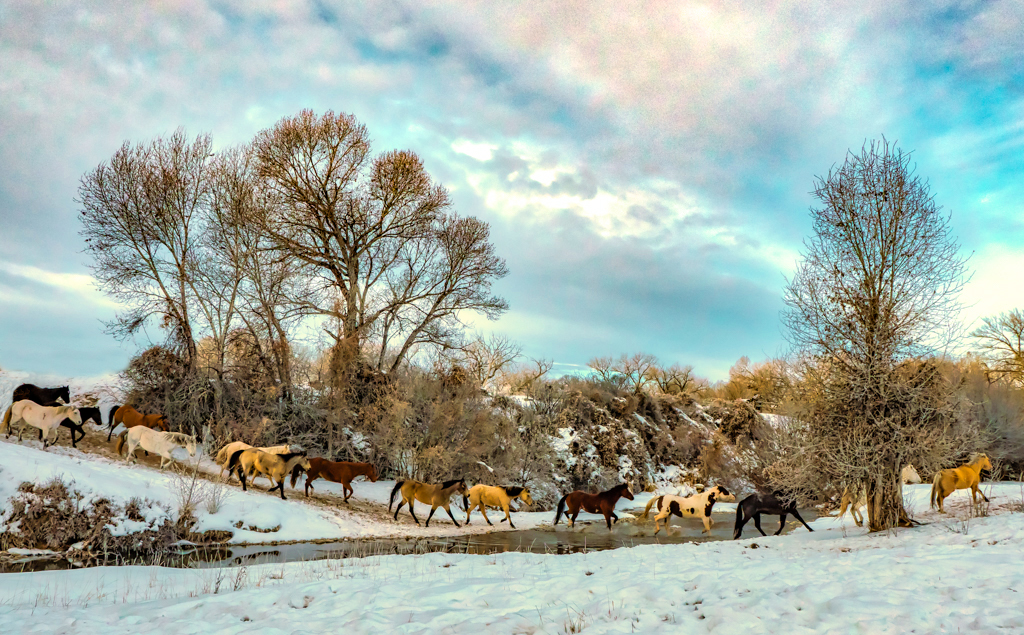
I love this photo. I took it into PS and just removed the two cropped horses on the right. That left the other 3 that I felt added balance to the photo. I cropped the bottom a bit and then took it into Luminar and used the Auto Smart Enhancer at 50%. I thought it made the sky pop a bit more. |
Mar 23rd |
 |
| 71 |
Mar 18 |
Reply |
Hi Virginia. I find the presets too strong too. If you hover over the preset after you have applied it, it has a slider. It is set to 100%. I decrease it to between 50% and 70%. |
Mar 14th |
| 71 |
Mar 18 |
Reply |
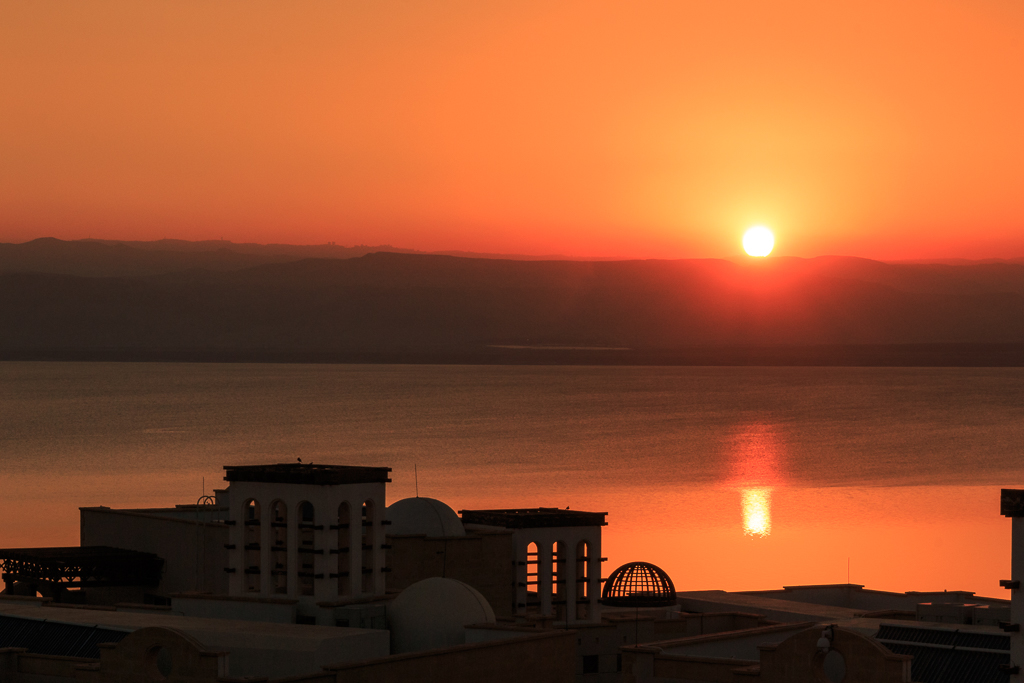
It's an opinion that you have to decide. I know having been there at sunset, the red, orange, and yellow colors really come out. You can certainly play with the adjustment brush and adjust them to your taste. |
Mar 7th |
| 71 |
Mar 18 |
Comment |
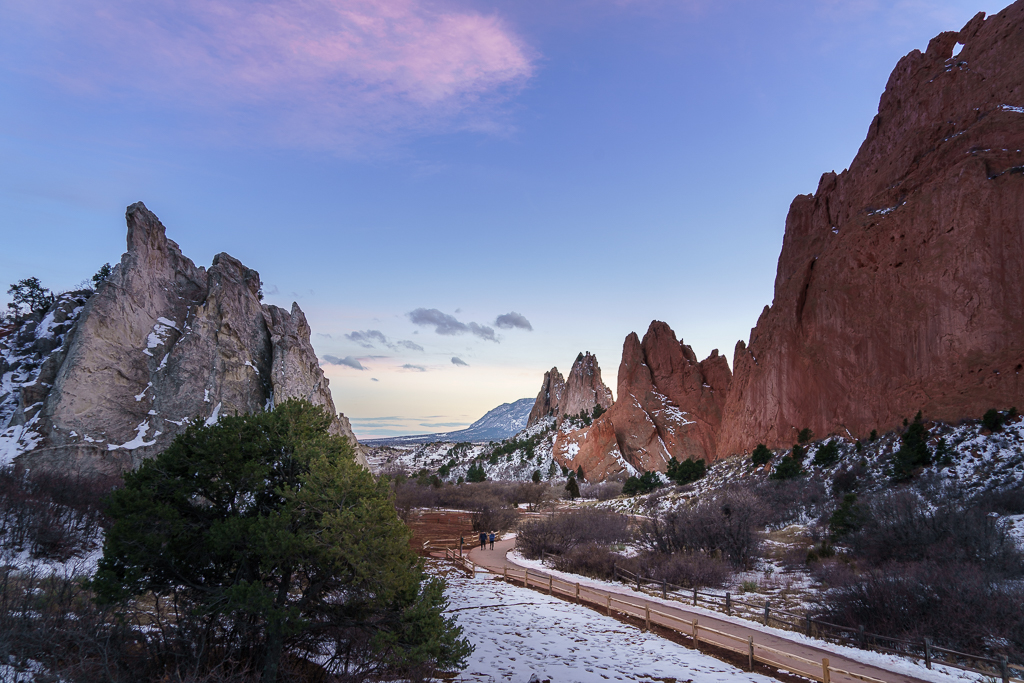
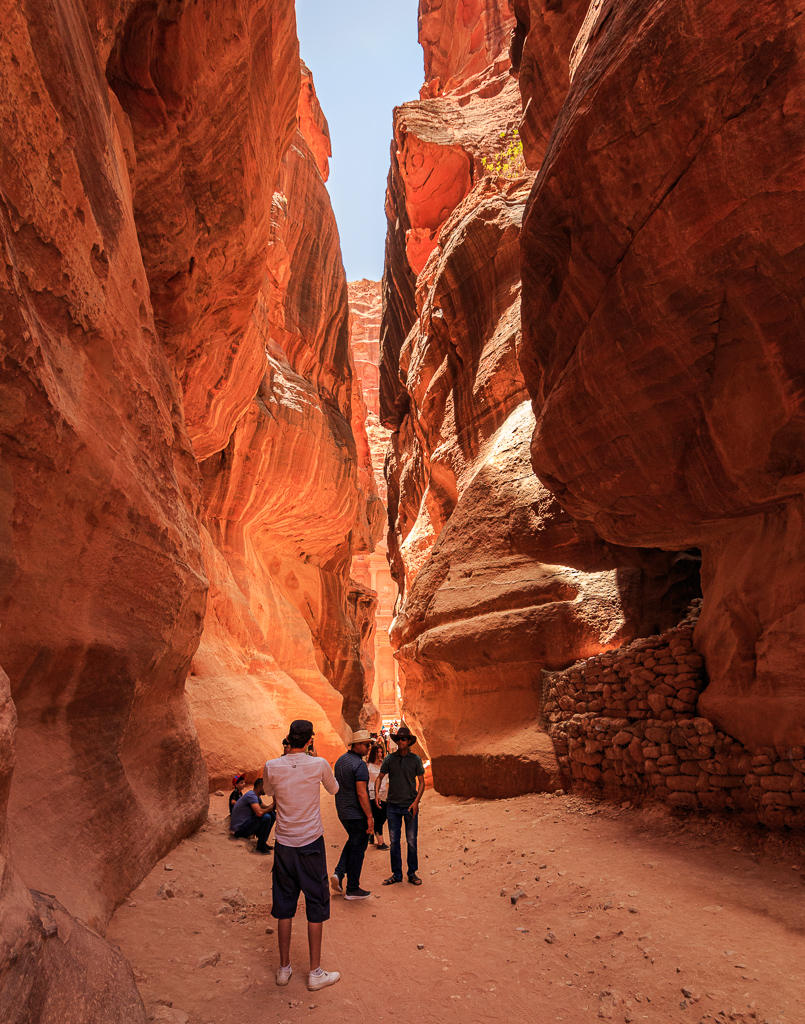
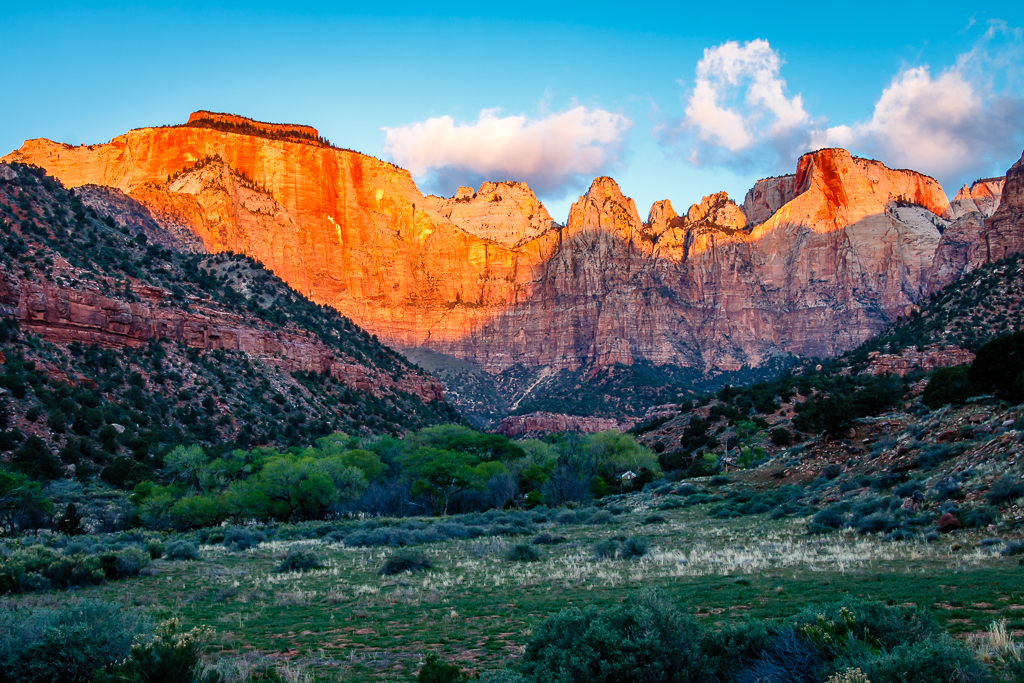
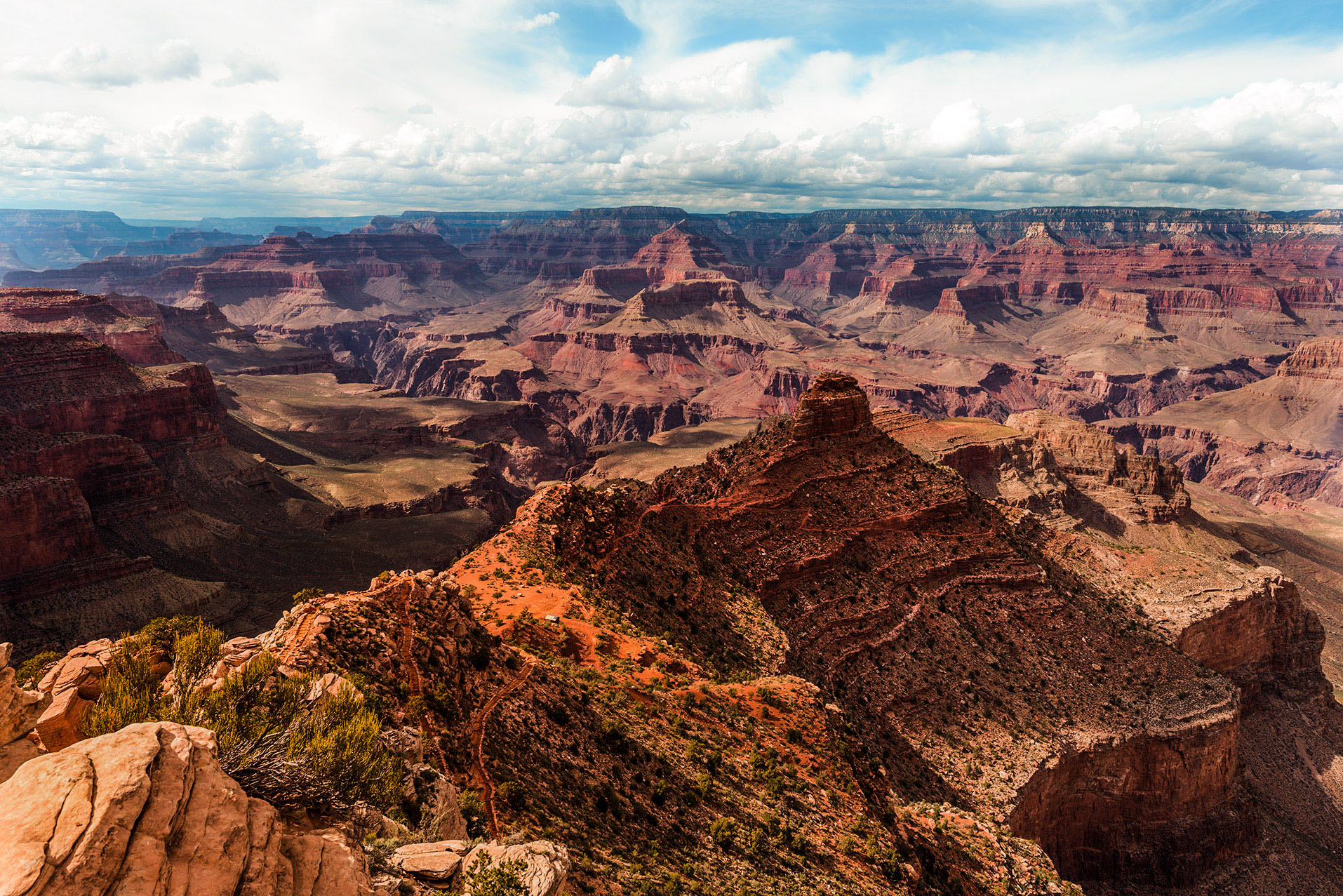
I love the composition of this photo. I just felt it needed some more processing to bring out the colors better. I took it into PS Camera Raw and changed the white balance by using the eye dropper on the clouds. That added more yellow and magenta. I then used the adjustment brush on the clouds to soften them by decreasing clarity and contrast. I also used the adjustment brush to add clarity and contrast to the canyon area, and decrease exposure. I also added a bit of dehaze. Your decision if you like what I did. |
Mar 7th |
 |
| 71 |
Mar 18 |
Comment |
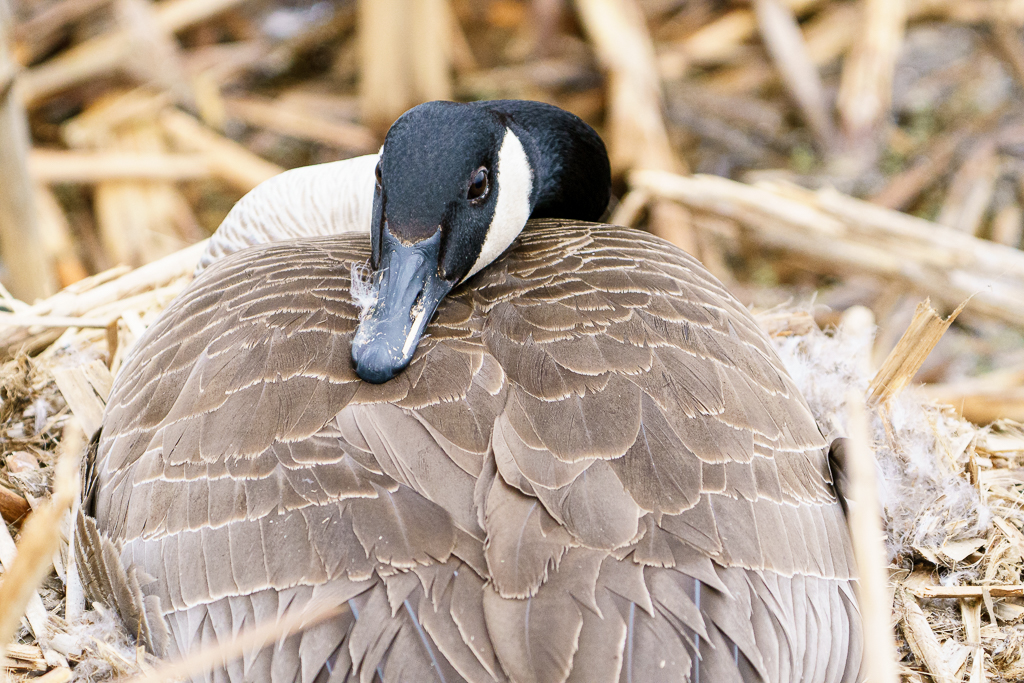
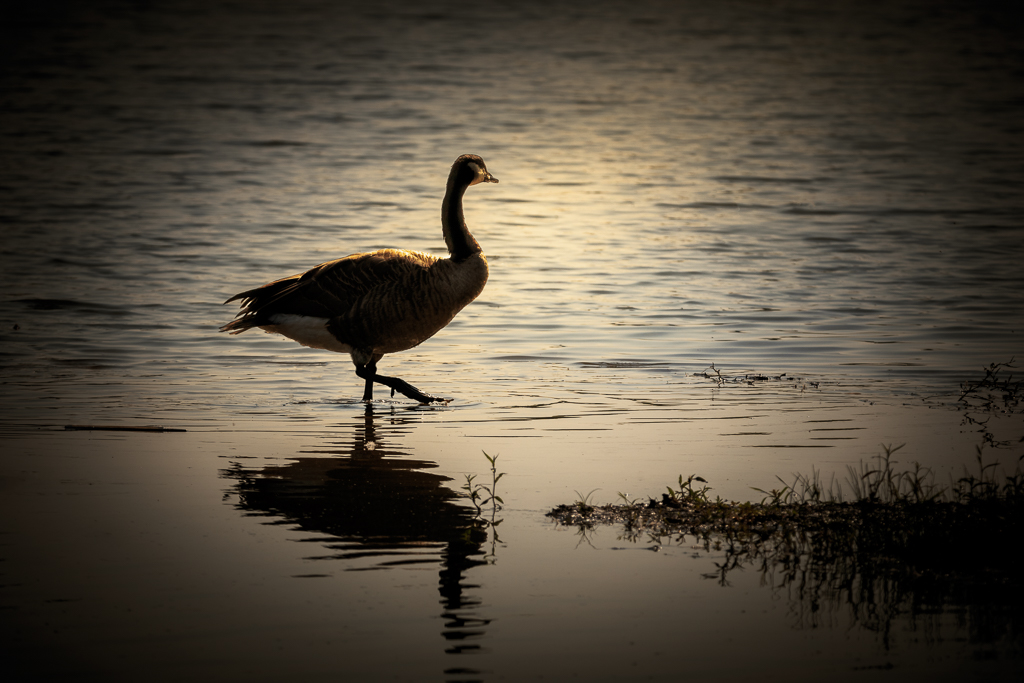
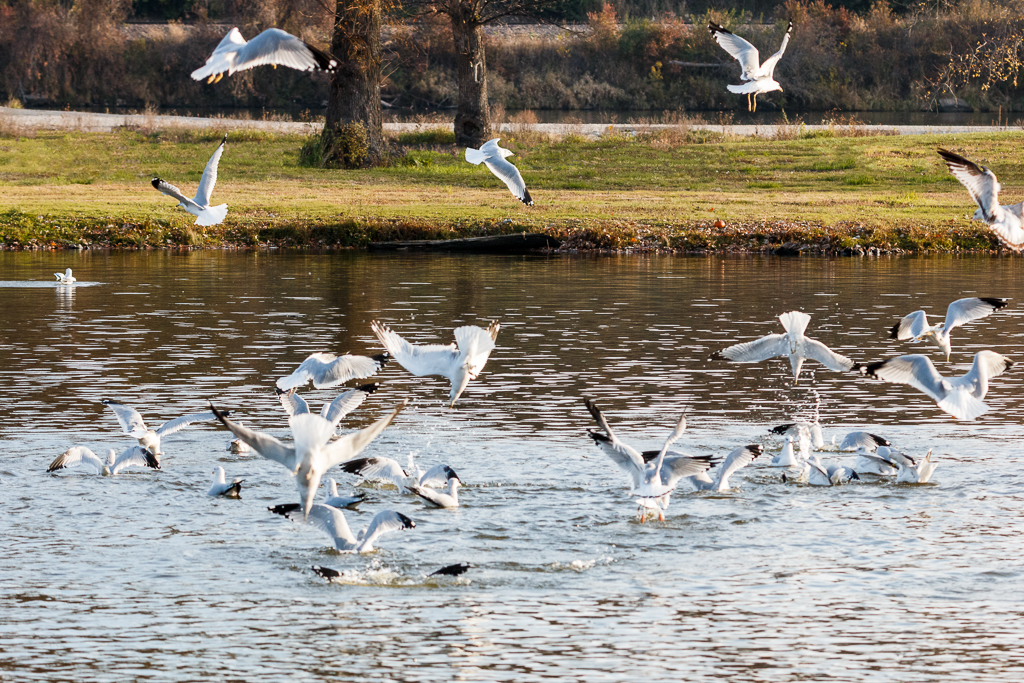
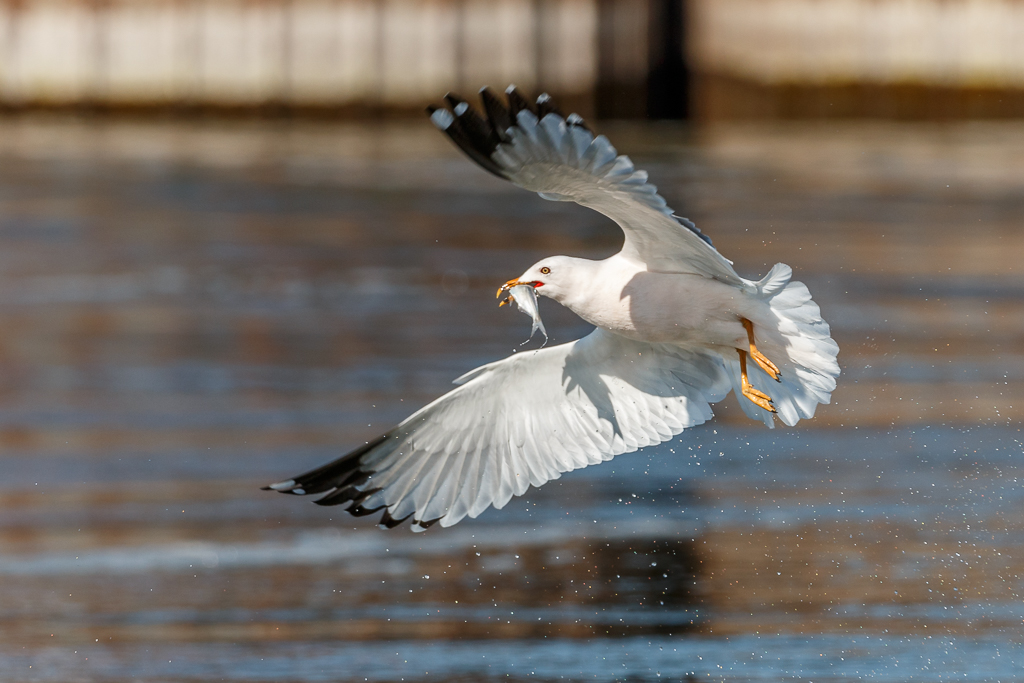
I have been seeing a lot of these shots lately as the geese are also in western Iowa. However, I like this one the best with the dark background. Nice job! |
Mar 7th |
| 71 |
Mar 18 |
Comment |
I like the photo, but there is what looks like a light spot caused by water on your lens. It's on the left side, center. I've had this and the way I fixed it was to take it into PS Camera Raw and with the adjustment brush, I added dehaze (+35) and clarity (+10). It fixed it up nicely. |
Mar 7th |
 |
| 71 |
Mar 18 |
Comment |
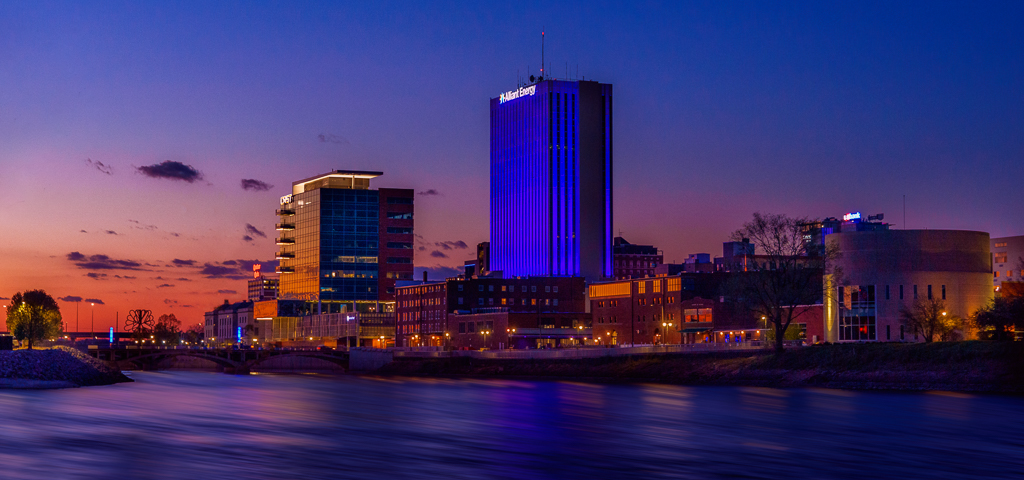
This is a great shot. Nice job with the processing. I wouldn't change a thing. |
Mar 7th |
5 comments - 3 replies for Group 71
|
9 comments - 6 replies Total
|