|
| Group |
Round |
C/R |
Comment |
Date |
Image |
| 20 |
Feb 18 |
Reply |
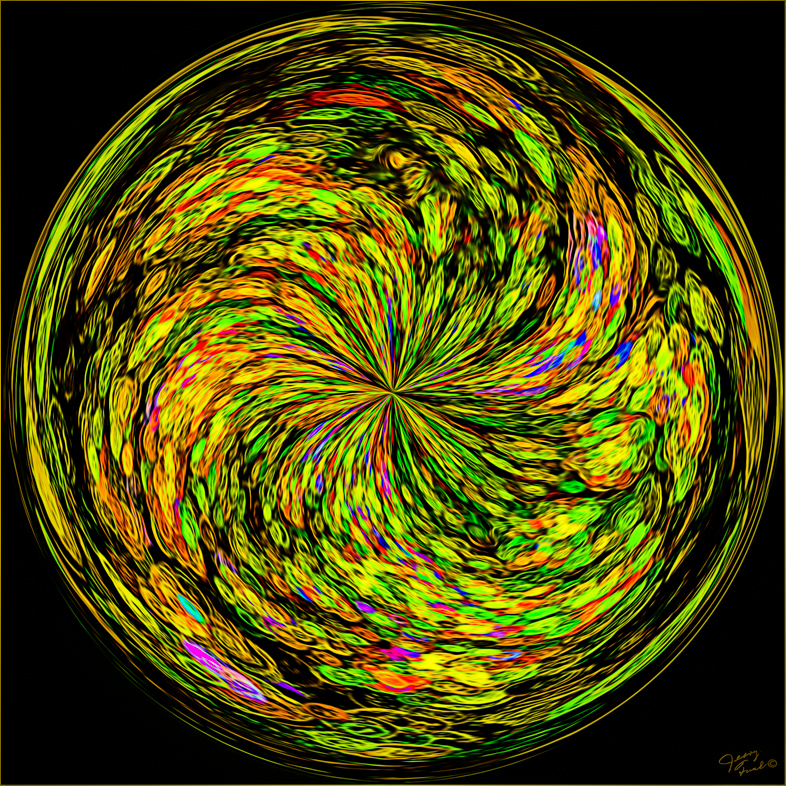
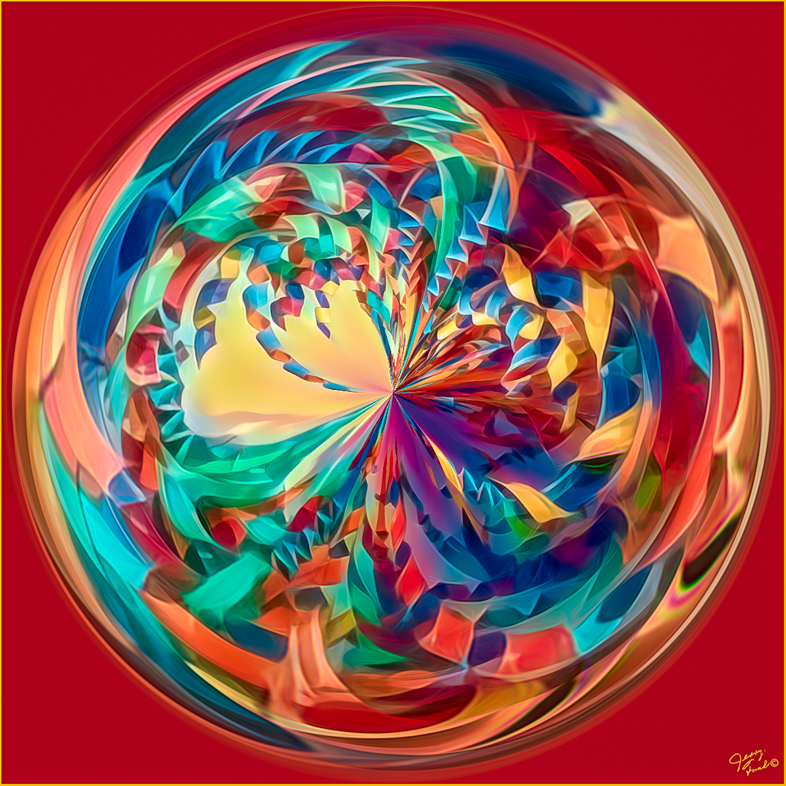
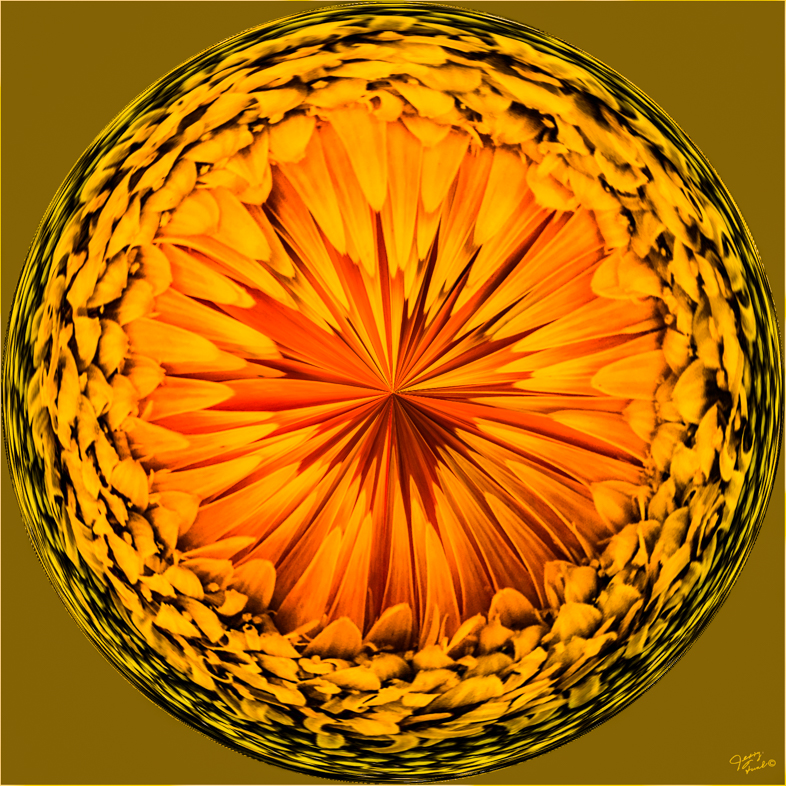
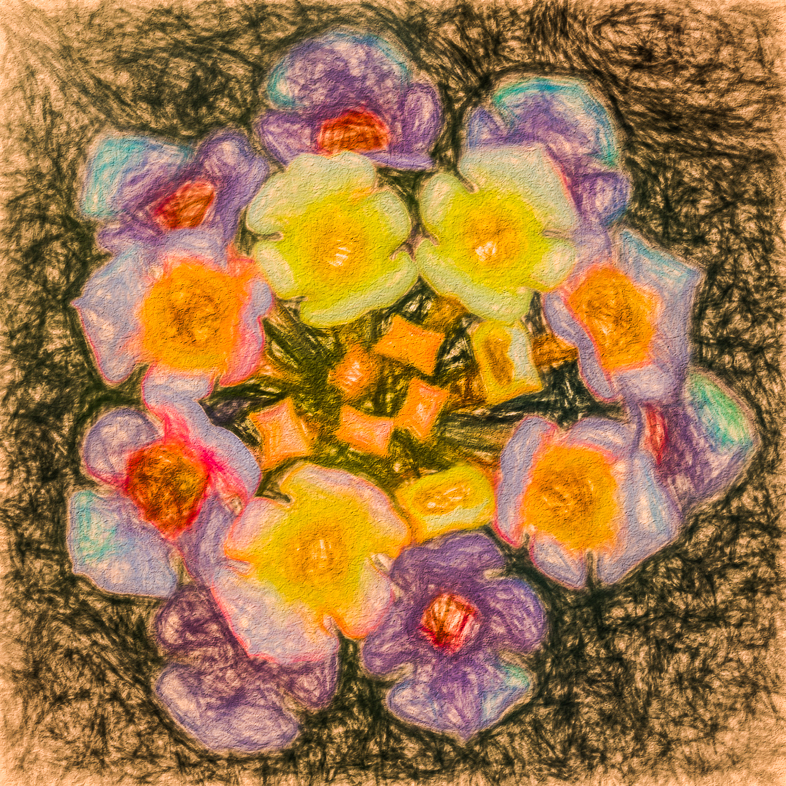
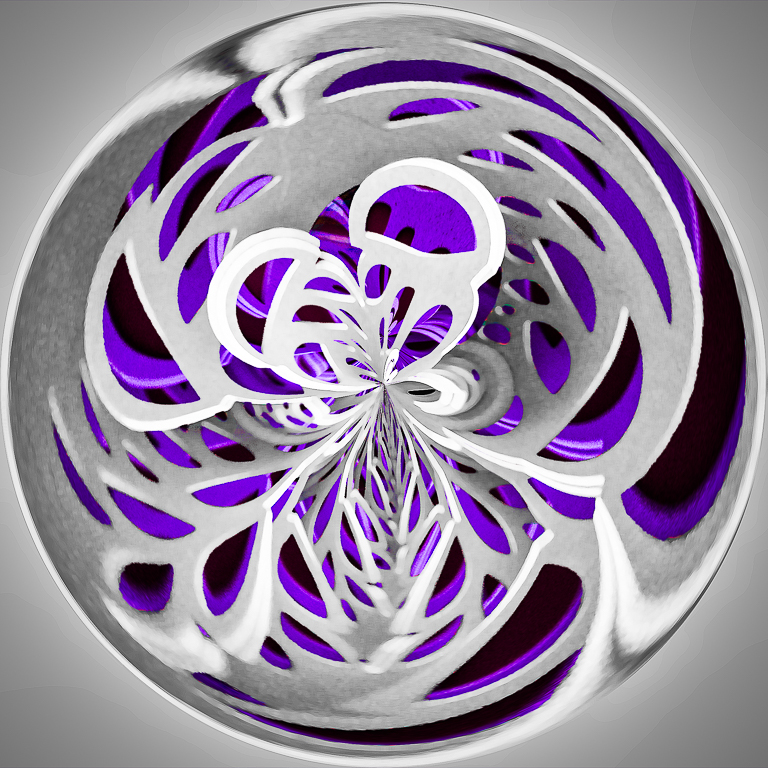
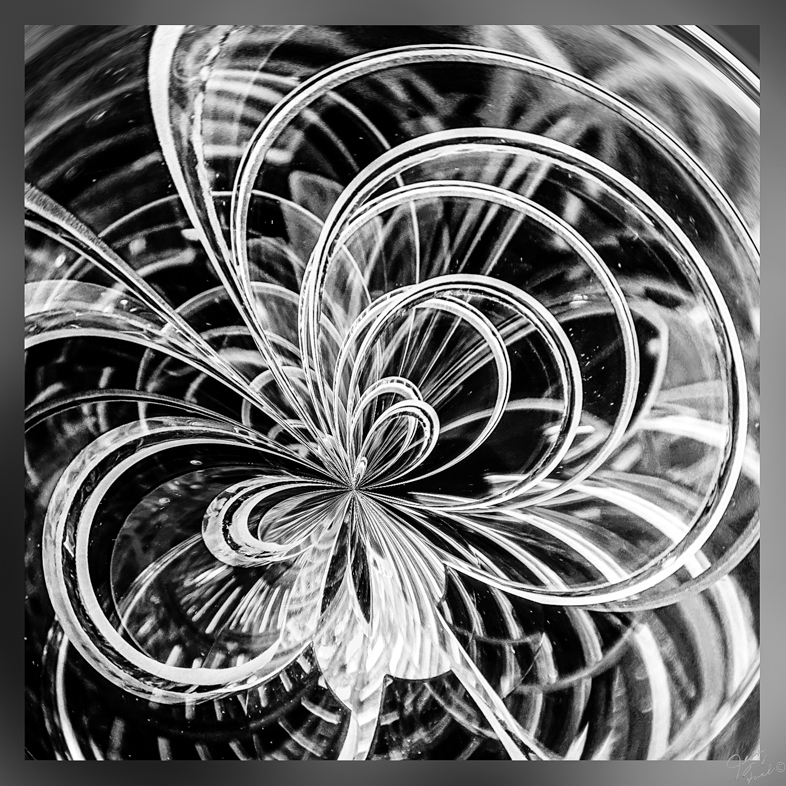
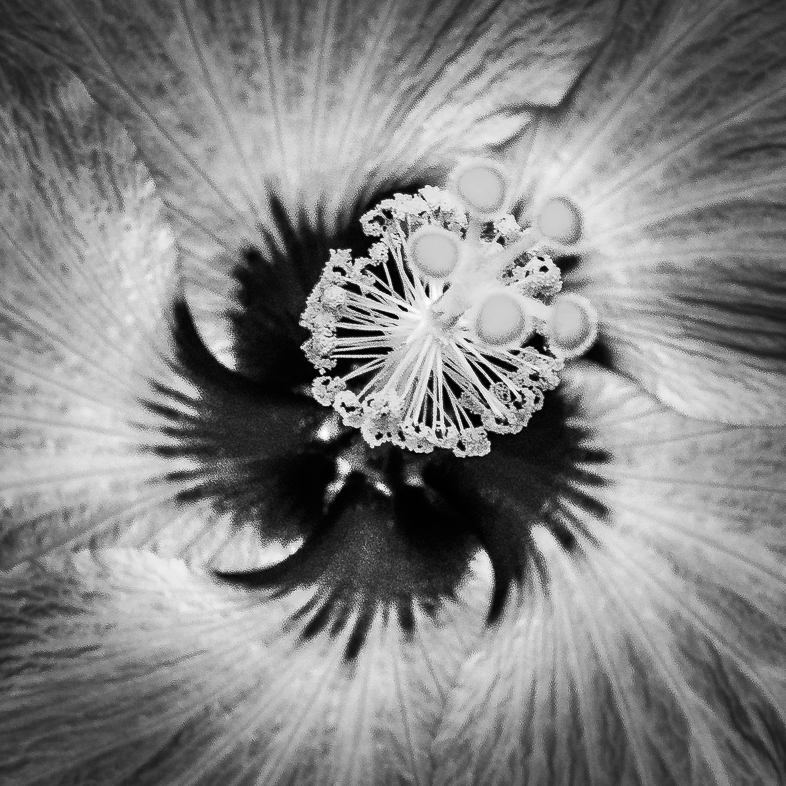
Try it on a single flower centered in a square. You will be hooked for life! |
Feb 10th |
| 20 |
Feb 18 |
Reply |
I forgot to hit reply. But I answered your question. |
Feb 10th |
| 20 |
Feb 18 |
Comment |
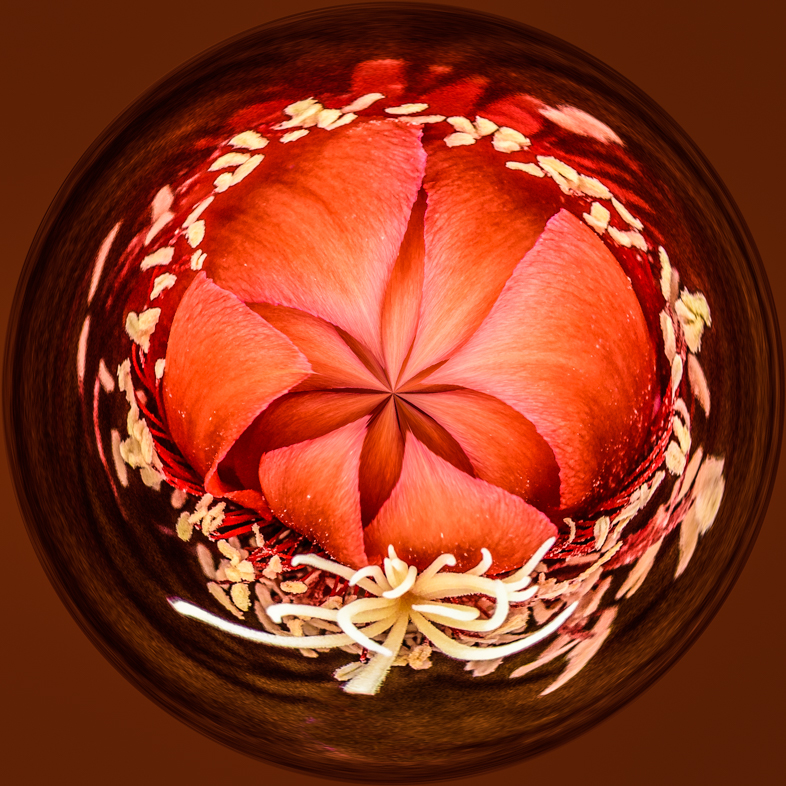
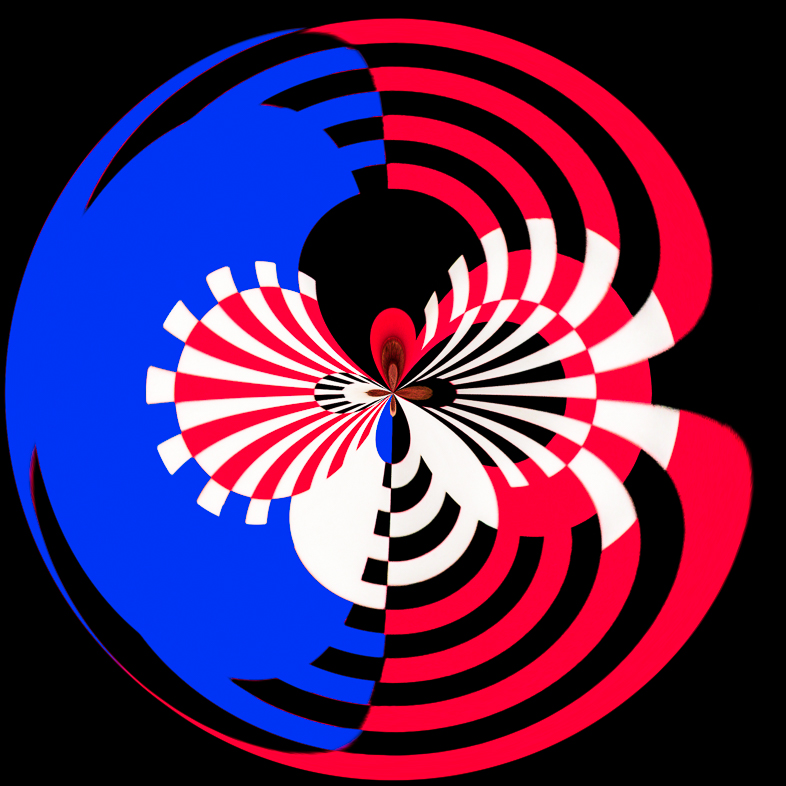
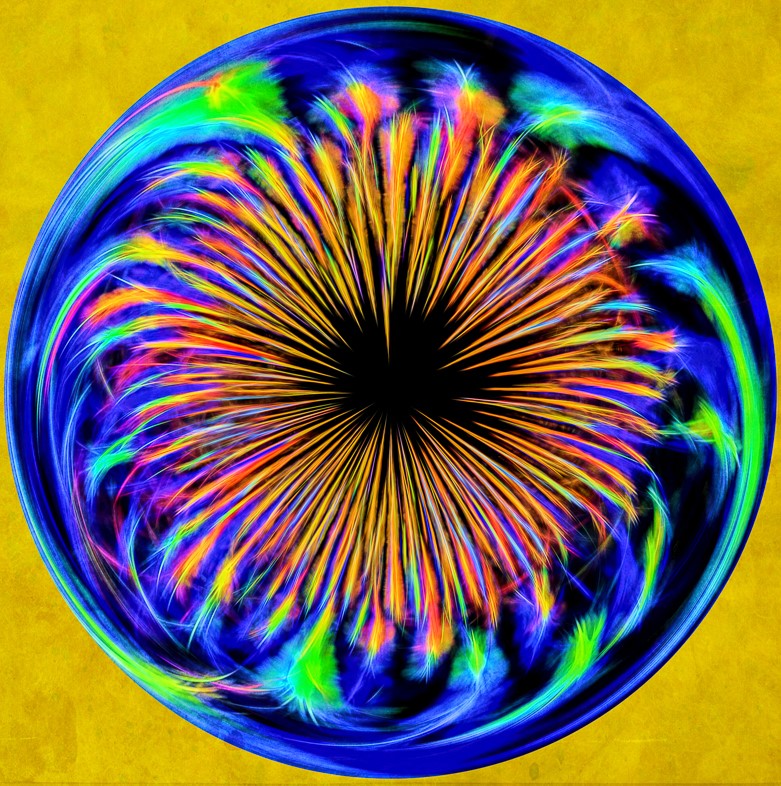
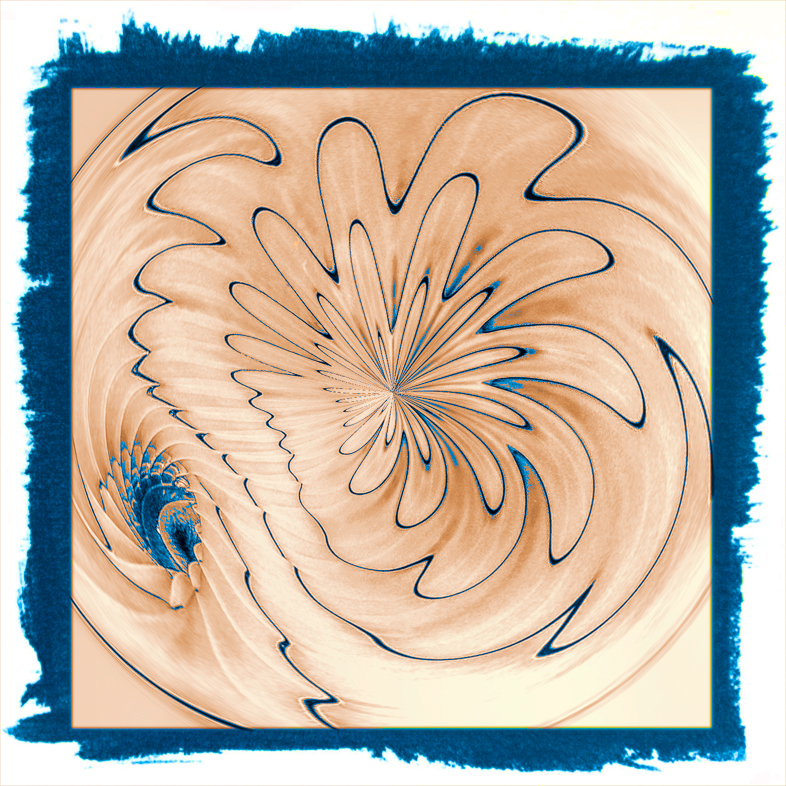
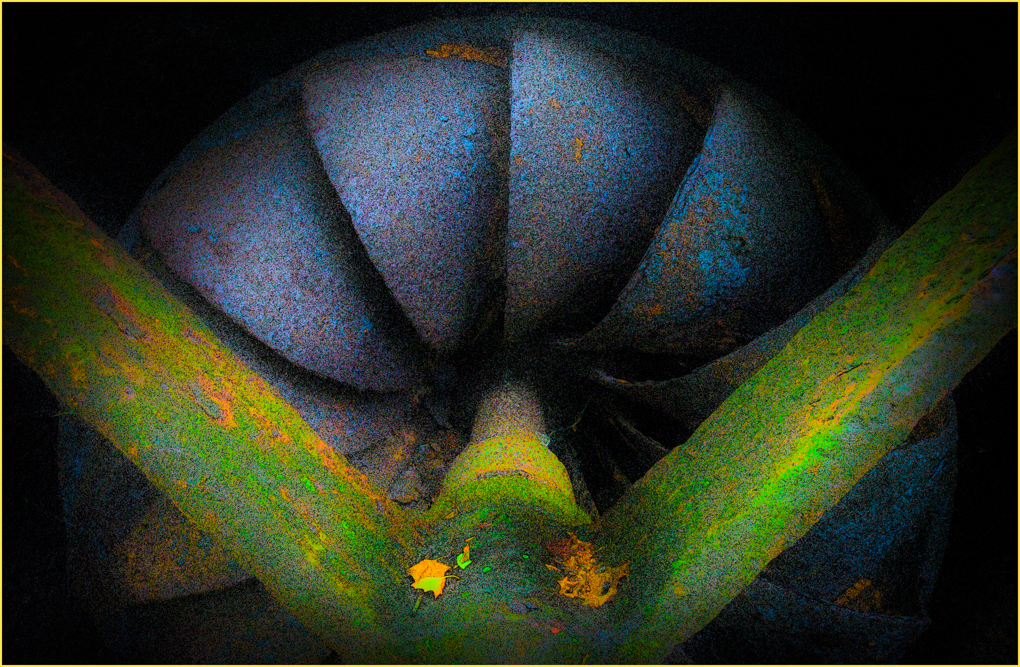
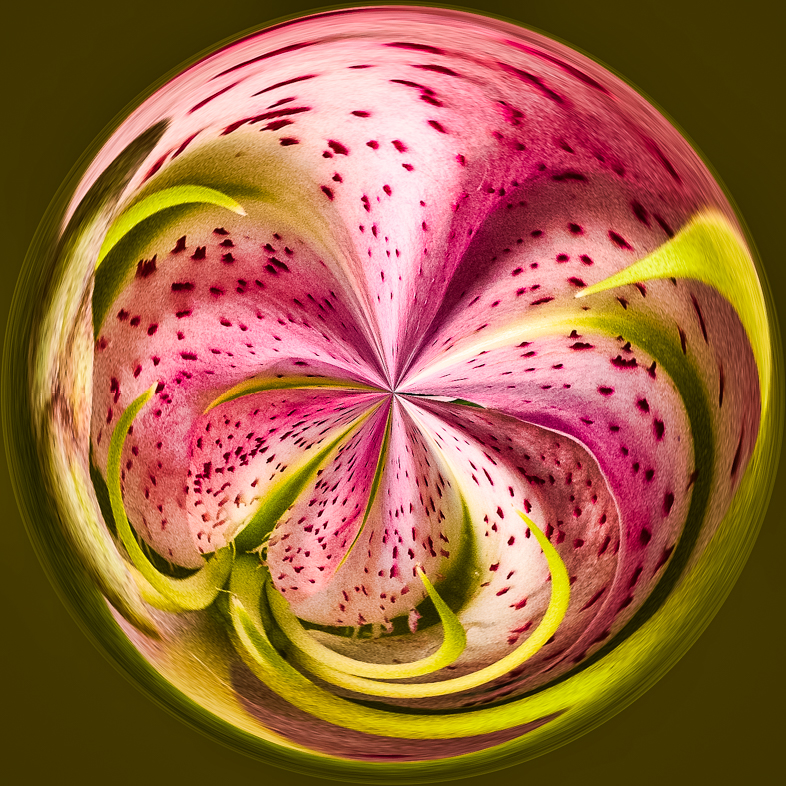
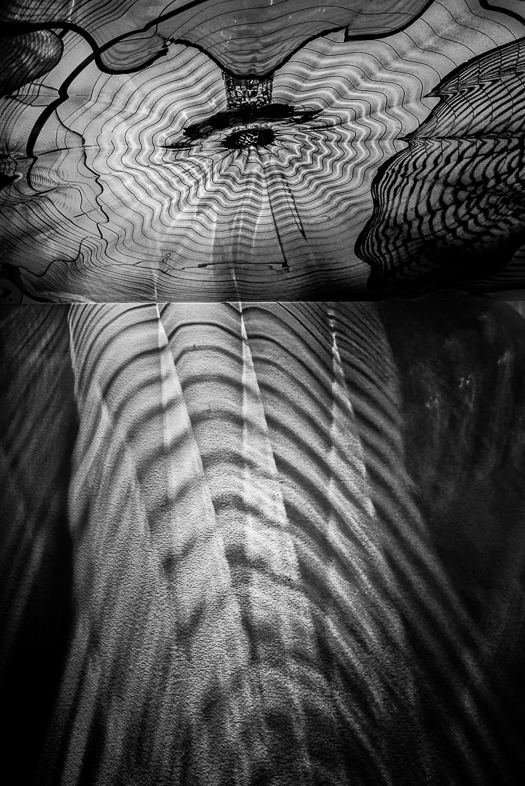
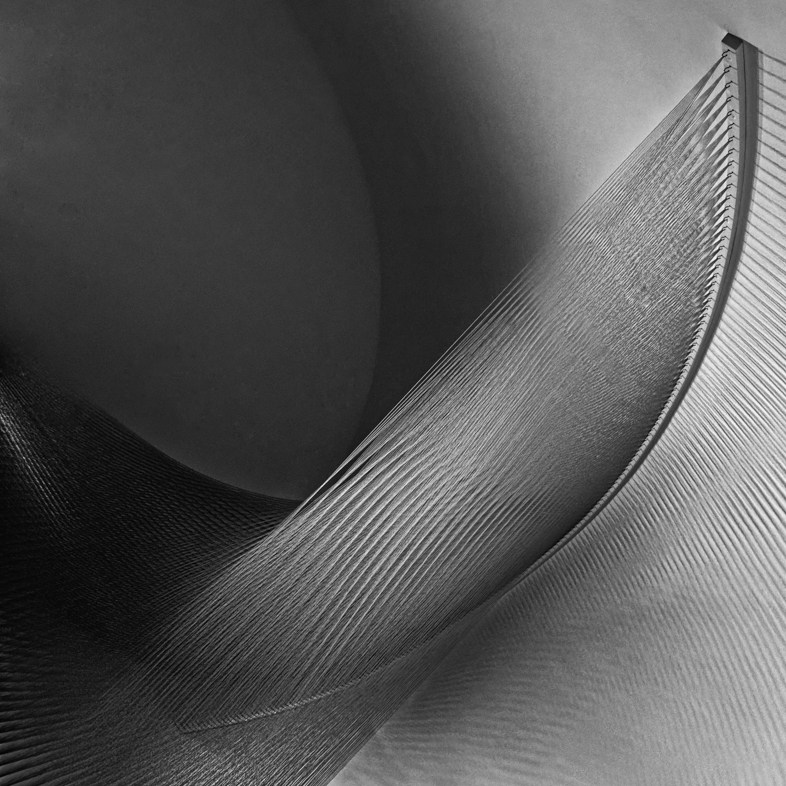
I was reminded today about the process.
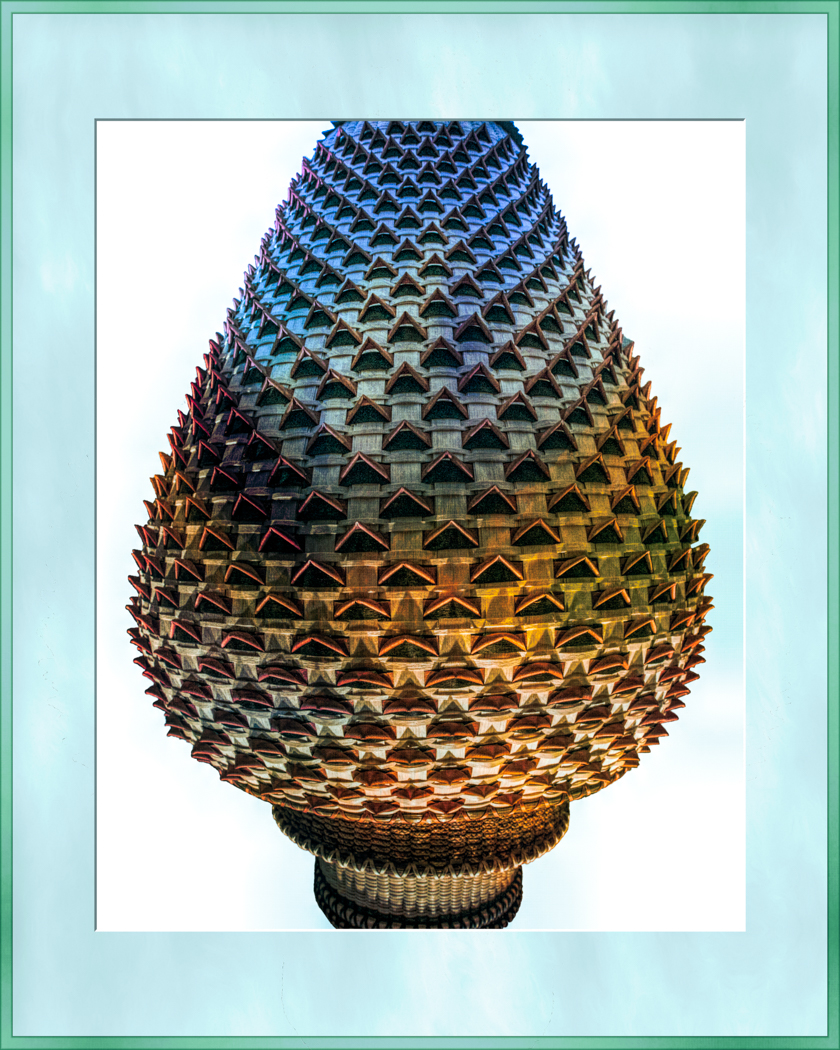
In Photoshop select the distort filter, polar coordinates, check polar to rectangular.
Rotate 180 degrees
Use polar coordinates again bu check rectangular to polar.
Depending on what you want as a result, you may prefer to start with a square image as I did.
Simple, once you know the 3 or 4 steps. |
Feb 10th |
| 20 |
Feb 18 |
Comment |
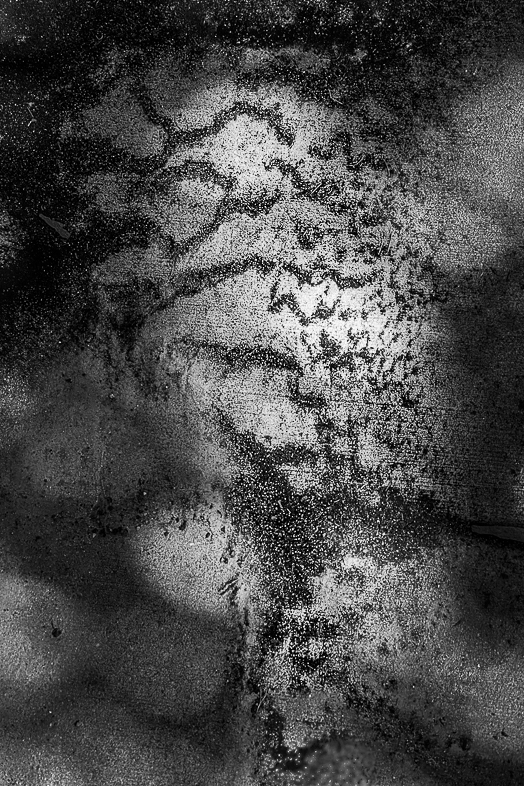
Great concept and i'm very happy with the composition as is.
I am bothered by the strong contrast though. I assume that resulted from the filter you used. I suggest trying a different filter, but I don't have a specific one in mind. |
Feb 8th |
| 20 |
Feb 18 |
Comment |
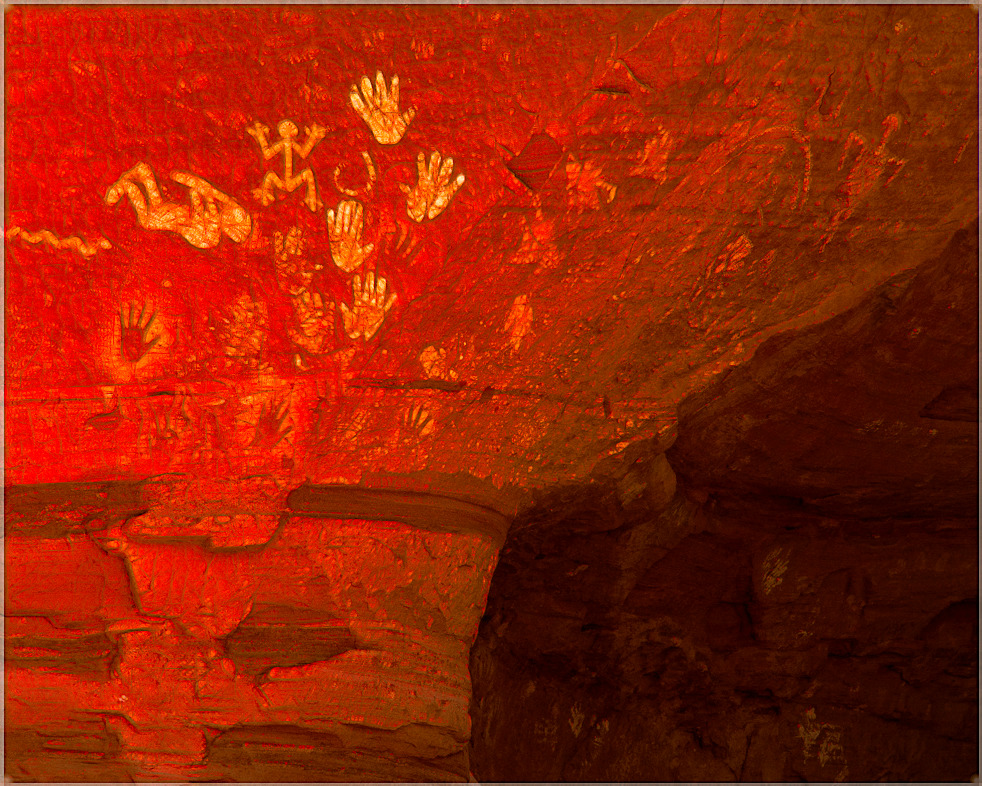
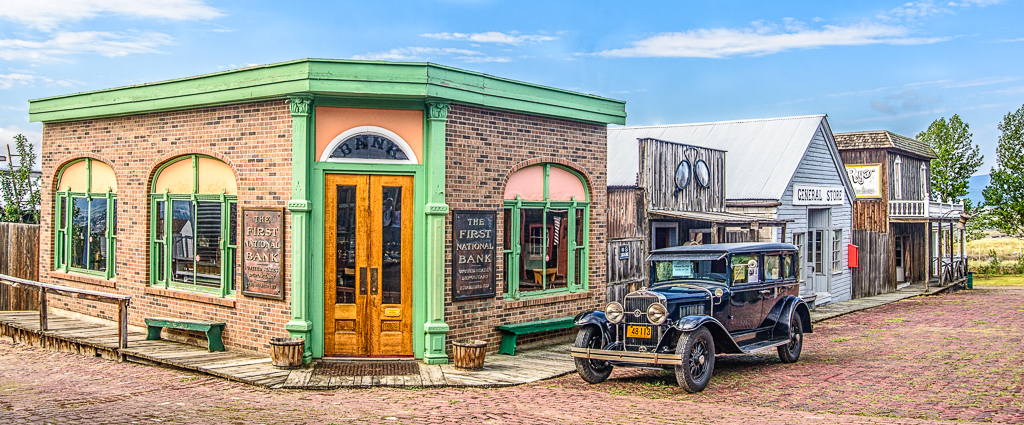
This is excellent. I only suggest darkening the distracting bright line on the right. No need to crop.
Fix that and I'll give in 9 out of 9!} |
Feb 8th |
| 20 |
Feb 18 |
Comment |
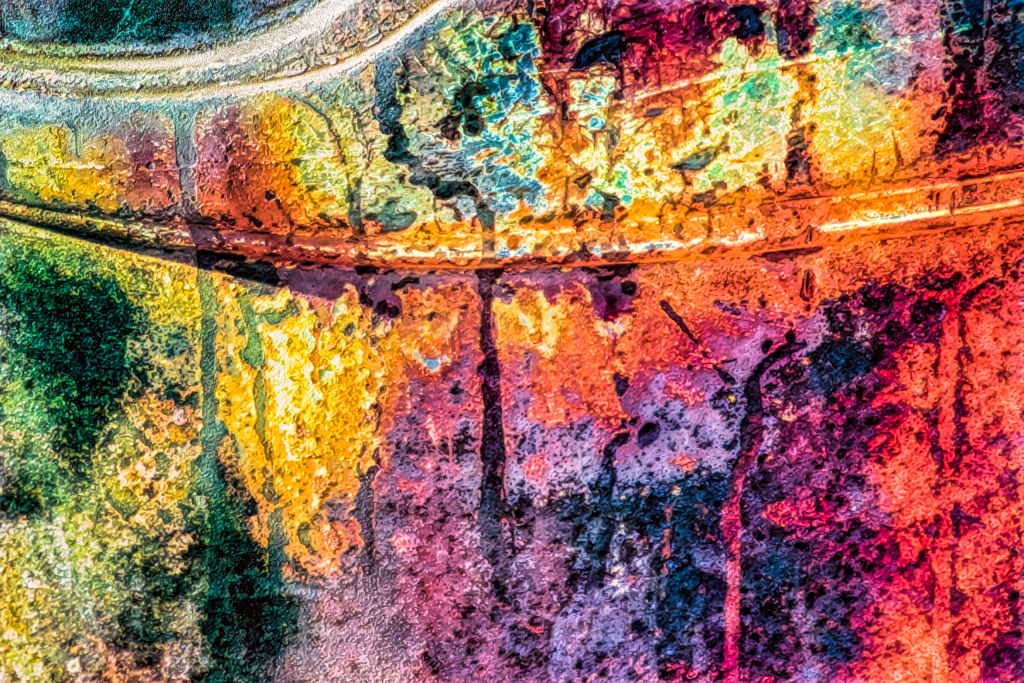
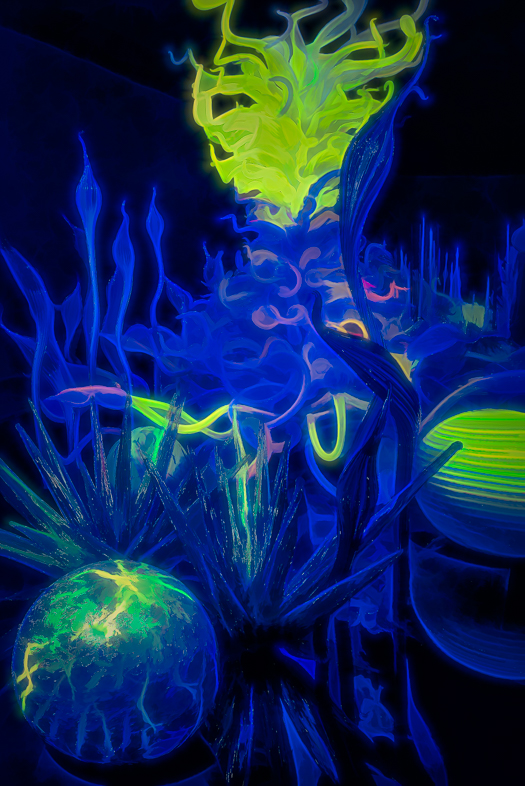
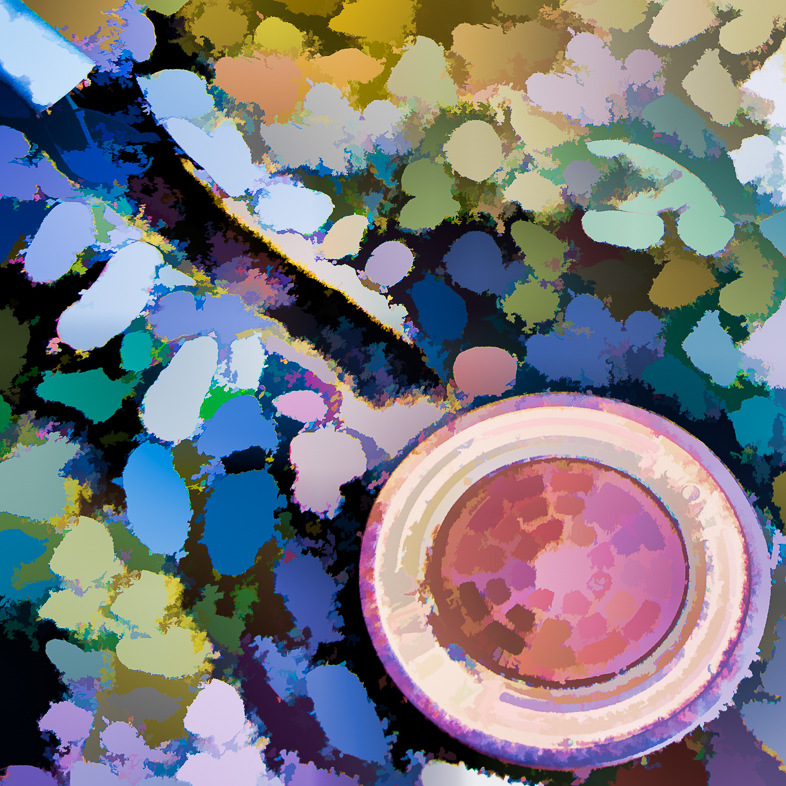
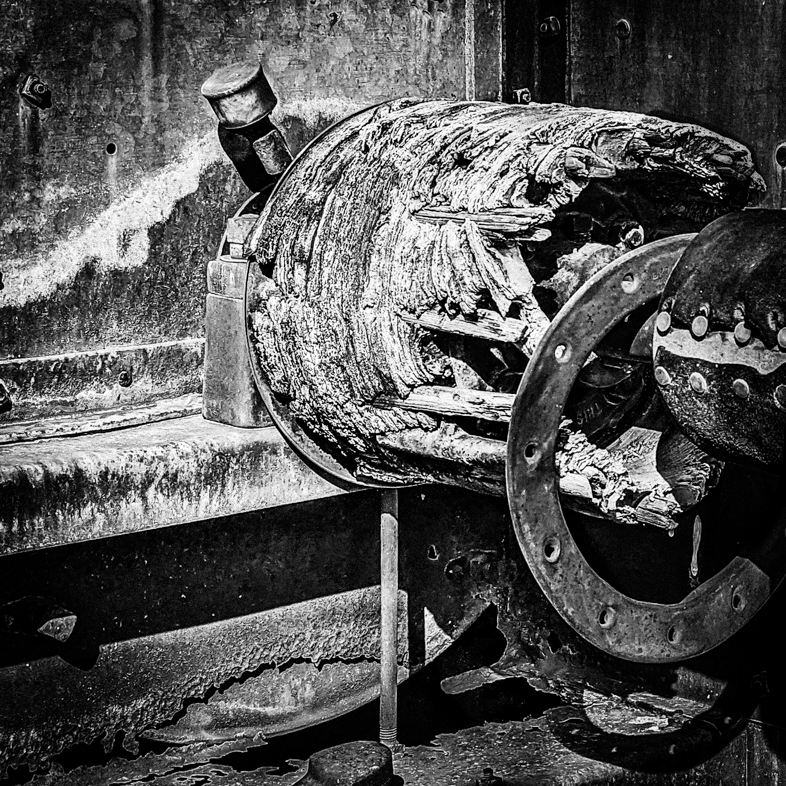
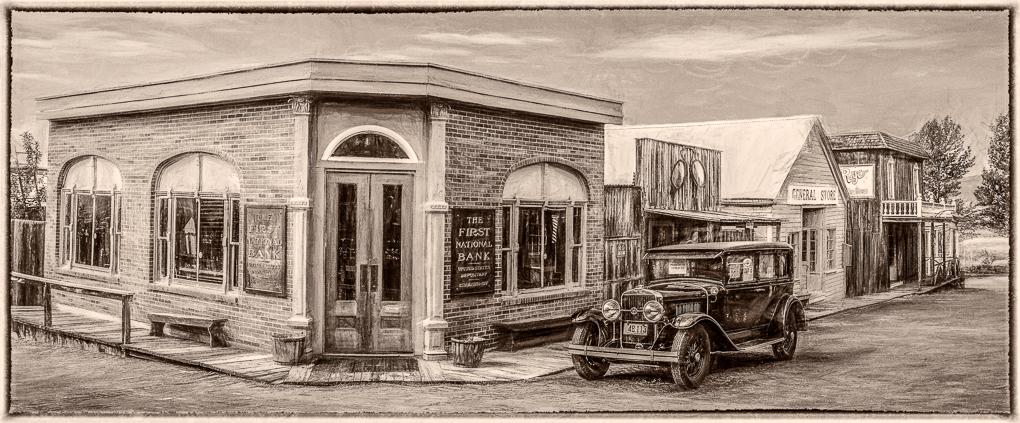
I've used Topaz Glow a number of times and have developed a preference to use it more subtly by toning down the highlights. The top of the wheel and it's hub to the left distract me.
This strong image lends itself to many different variations. |
Feb 8th |
| 20 |
Feb 18 |
Comment |
Great!
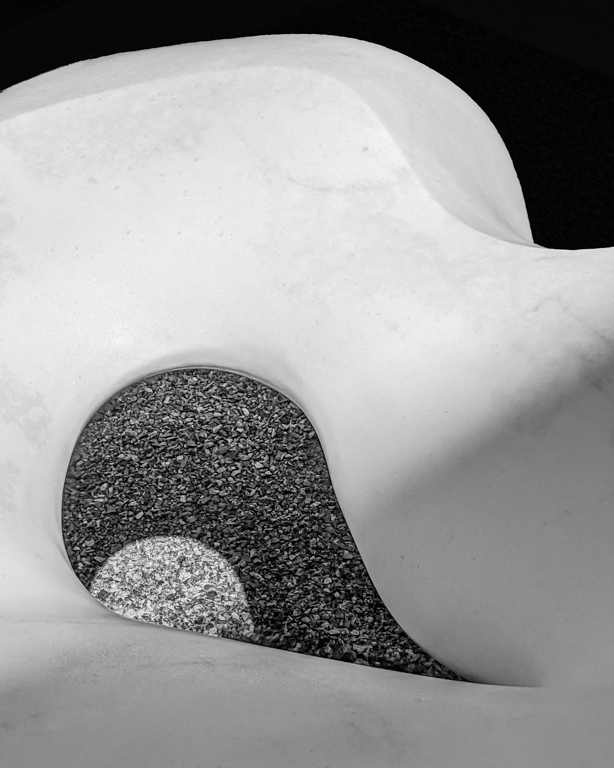
I think it's an expert example of well designed background creation. |
Feb 8th |
| 20 |
Feb 18 |
Comment |
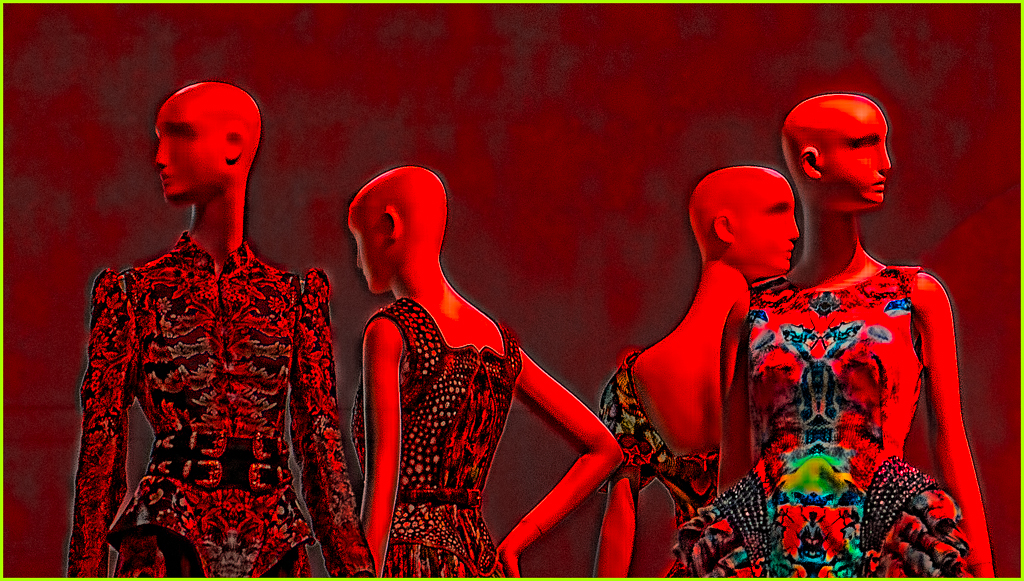
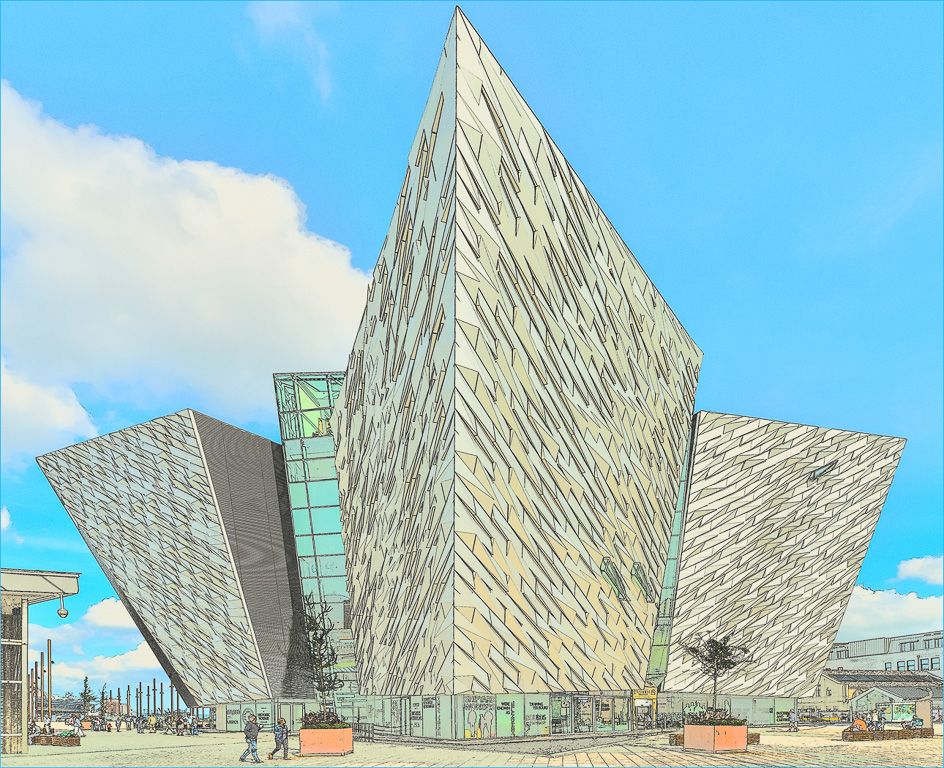
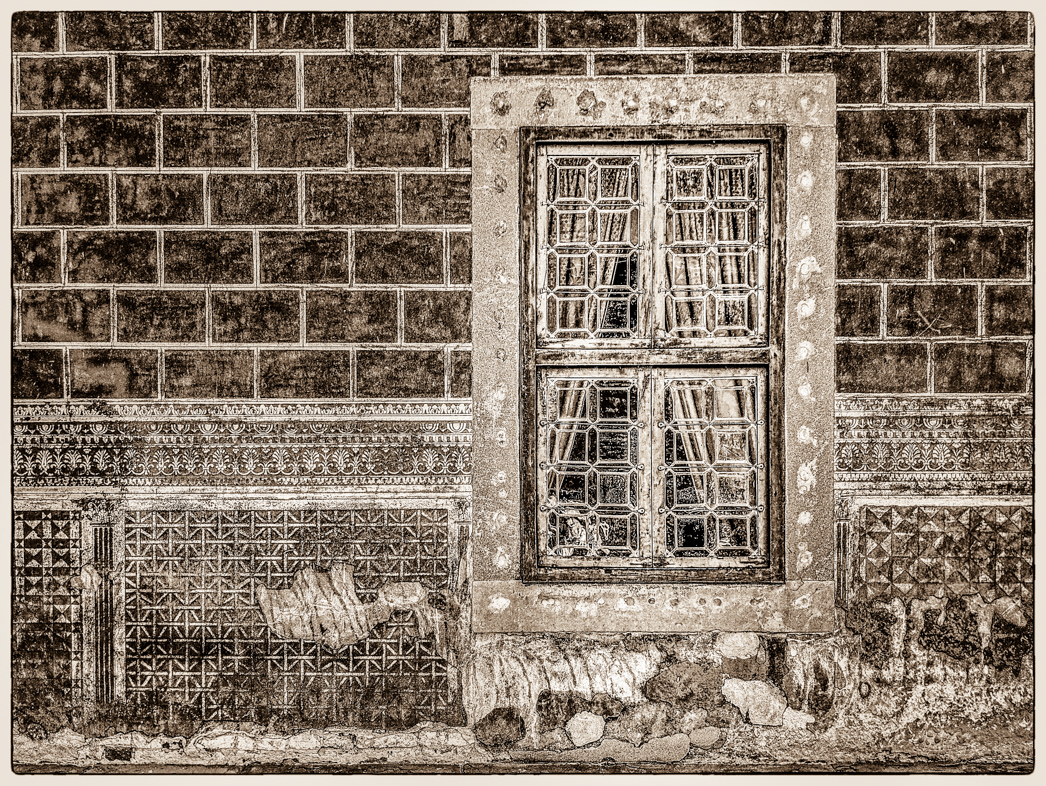
Beautiful job in every way! The poster edges emphasize the graphic qualities very well, and that's what was important in this subject. |
Feb 8th |
| 20 |
Feb 18 |
Comment |
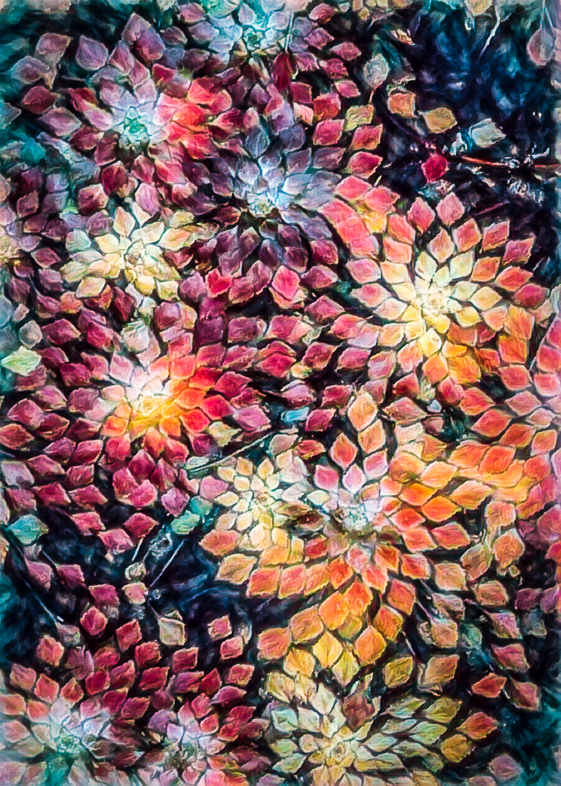
Thanks. I'm sorry to say I have forgotten how I distorted it and will have to ask a friend about the technique again. |
Feb 7th |
7 comments - 2 replies for Group 20
|
| 64 |
Feb 18 |
Comment |
Thanks. I will look into joining Nikonians. I 'm not certain if I used Silver Efex or just Lightroom on this image. I generallly explore a number of variations of my images, but i'm still in the early stages of learning how to best present black & white and will be working with a friend locally. I've never heard of Tonaliity but use the Topaz Suite frequently.
I captured hundreds of desert images this summer that are on my to-do list for monochromatic treatment. Soon, the desert flowers will be blooming, but I enjoy those colors and haven't considered them for monos. |
Feb 9th |
| 64 |
Feb 18 |
Comment |
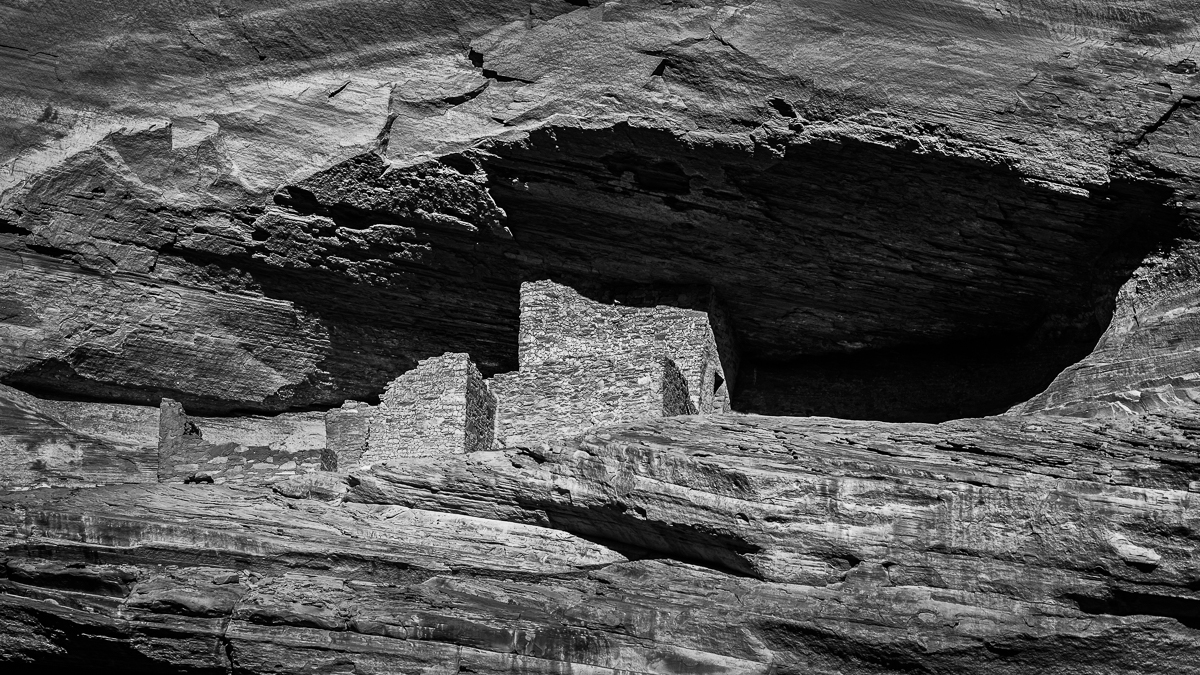
Near perfect in every respect in my opinion. I only suggest selectively opening some shadows to show a bit more detail in the Palace. |
Feb 8th |
| 64 |
Feb 18 |
Reply |
I'm pleased that you saw other possible subjects. My wife always asks me, "What is it". I respond, "it doesn't make any difference. Enjoy what you see." |
Feb 6th |
| 64 |
Feb 18 |
Comment |
Do owls ever look friendly? Surely this one is considering doing harm. Excellent! As previously sugggested, i'd Like to seee a single catch light with no detail reflected in each eye. |
Feb 6th |
| 64 |
Feb 18 |
Comment |
I think your "bonus" bird and the clutter on the sidewalk makes the image most interesting to me. I'd crop down about 25% and clone the bird to a position higher and to the right, giving it more room to lead out of the image and be more noticeable. Very nice street scene! |
Feb 6th |
| 64 |
Feb 18 |
Comment |
Initially, I thought this image was perfect to my liking. Then, I realized there is a sharply defined shadow of a branch on the eagle's body. What a shame, but that's reality. Perhaps a fill flash could have overcome the problem. |
Feb 6th |
| 64 |
Feb 18 |
Comment |
I like this very dramatic image, but I too would prefer to see the blacks opened a bit.
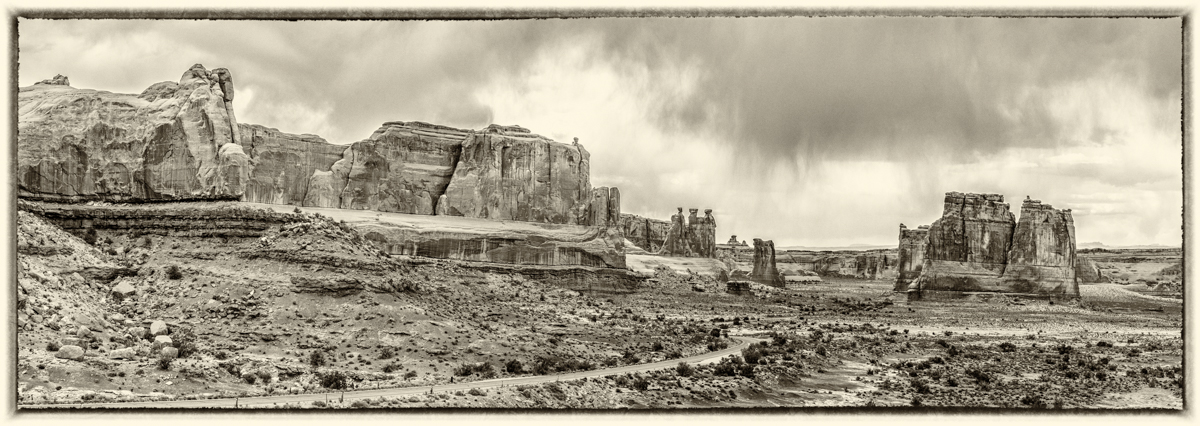
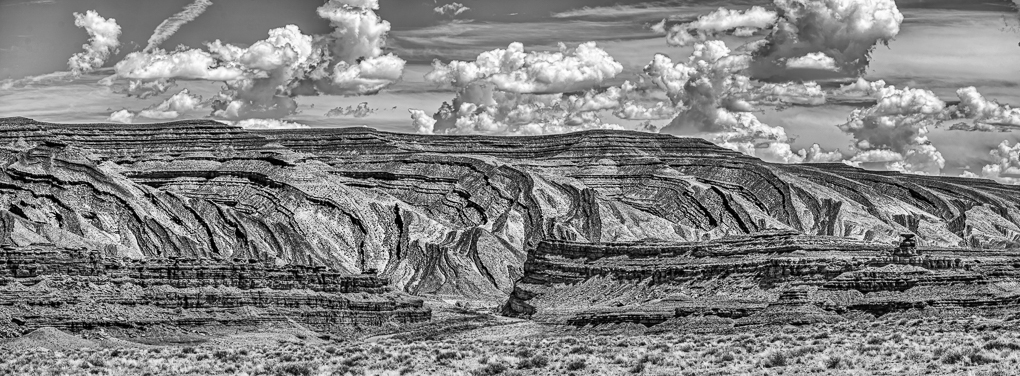
Given the title "Hay Bales" I would suggest emphasizesing them more by cropping off all but the lower layer of clouds. The hay bales and ground are marvelously presented and the sky would still be dramatic although greatly diminished.
I captured a number of dramatic sky's this summer during monsoon season and found myself with the same dilemma you have here. I decided to have some images emphasize the sky and others the attractive ground subjects.
I like your panoramic presentation: another version to consider is cropping about 20% off the right. |
Feb 6th |
| 64 |
Feb 18 |
Comment |
I think both your original #2 and your monochrome version are very attractive and perfectly exposed, etc. I find it interesting that each emphasizes different aspects of the subject. I would only suggest removing the blurred leaf jutting in from the left.
My interpretation of #2 would be more graphical by cropping off the cup portion of the flower and retaining the leading line coming in from the left and the beautiful striated leaf. My version would also need some burning on the bottom where I see a face. Perhaps a slight rotation would help too. |
Feb 6th |
| 64 |
Feb 18 |
Comment |
We are always faced with the limitations of the media used to view our images. Most computer monitors are very poor, the 1MB limitation is unnecessarily low, papers and printers vary tremendously. We have a lot of limitations and try our best to deal with them. Many refuse to accept changes in technology.
My Club refuses to up its maximum file size for projected images even though it will soon use a 4K screen for judging! I wish more people would push to raise all club standards and also embrace photography as art. |
Feb 3rd |
8 comments - 1 reply for Group 64
|
15 comments - 3 replies Total
|