|
| Group |
Round |
C/R |
Comment |
Date |
Image |
| 35 |
Jan 17 |
Comment |
I like this image and think that you did a great job at B&W conversion. A minor suggestion would be to reduce a bit of noise in the sky. Otherwise, I really the composition, texture, and shadows in this image. |
Jan 24th |
| 35 |
Jan 17 |
Comment |
A very nice IR monochrome image! I like its composition with leading line on the foreground and dynamic clouds in the sky. My only suggestion is that lower the brightness and increase contrast of the foreground. Otherwise, it is a great B&W image. |
Jan 24th |
| 35 |
Jan 17 |
Reply |
Thank you Stuart for your positive feedback! |
Jan 15th |
| 35 |
Jan 17 |
Comment |
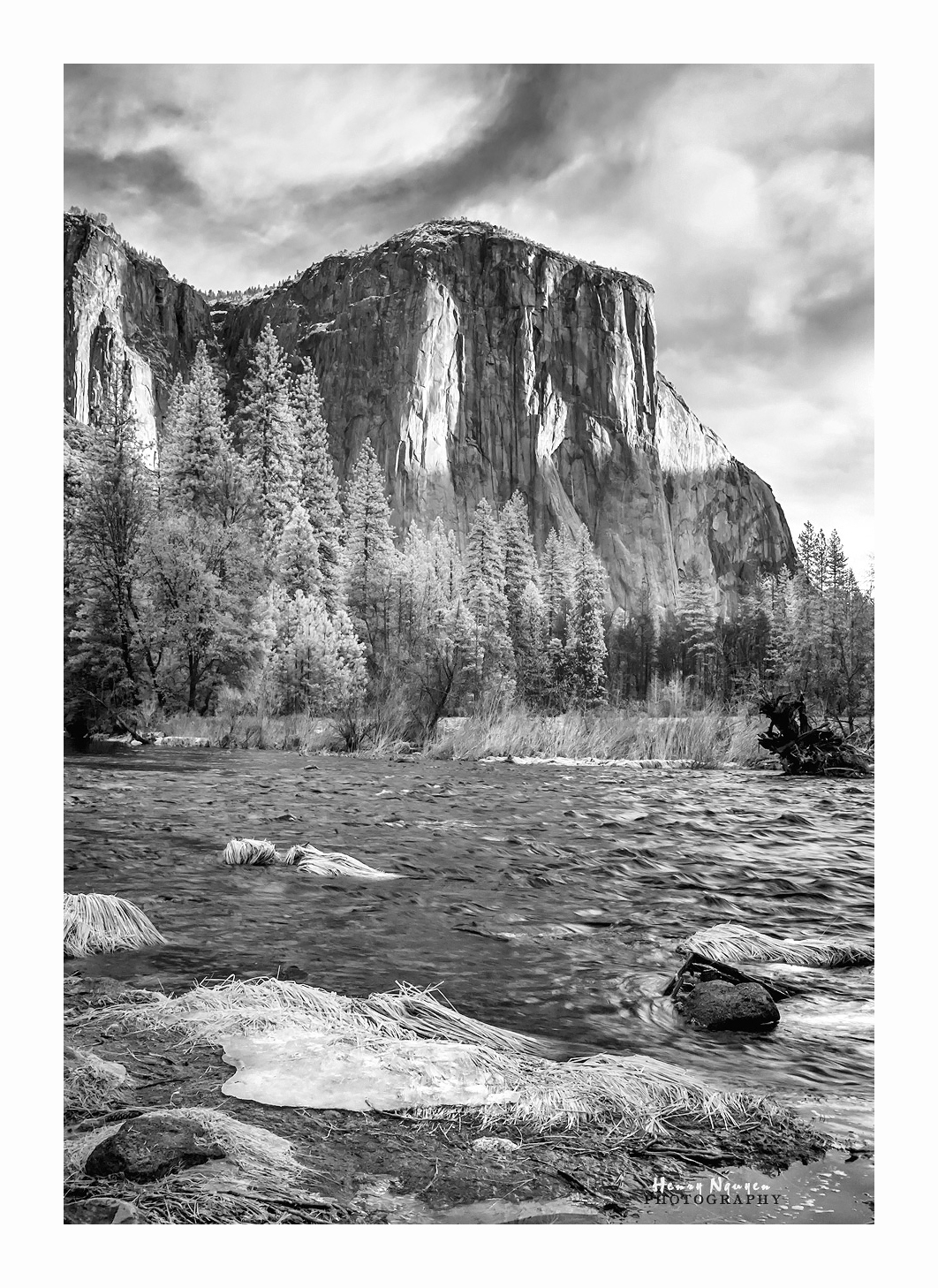
If you did not tell us, I would not think that you were half awake! Your choice of aperture f/7.1 was not wide at all. It is certainly a good aperture for landscape photography. However, at such a high shutter speed 1/1600sec, I would expect to see the grasses on the foreground to be tack sharp. They look little soft, but somehow it gives the image an interesting soft look. I like it.
Your image also has good composition, and I like the mountains with clouds in the background. |
Jan 13th |
| 35 |
Jan 17 |
Reply |
I do like the blurred background vs the textured one that you used earlier. However, I noticed that you also blurred the coversheet on the foreground. It unfortunately made the entire still life objects appeared floating. My suggestion is to blur only the background (behind the subject), while keeping textures on the coversheet (under the subject). Of course, your image has lots of merits, especially aesthetic aspect! |
Jan 13th |
| 35 |
Jan 17 |
Comment |
Although I am not a big fan of Topaz Impression, I do like your creative idea and work on this IR still life photograph. I also like the color separation and balanced composition in the image. One of the most important parts of the still life photograph is the shadows which you have it here. In my humble opinion, the texture used in the background does not seem to go well with the image. |
Jan 13th |
| 35 |
Jan 17 |
Reply |
Glad to hear that you are going for another B&W enhanced conversion. I can't wait to see your images off that camera. |
Jan 13th |
| 35 |
Jan 17 |
Reply |
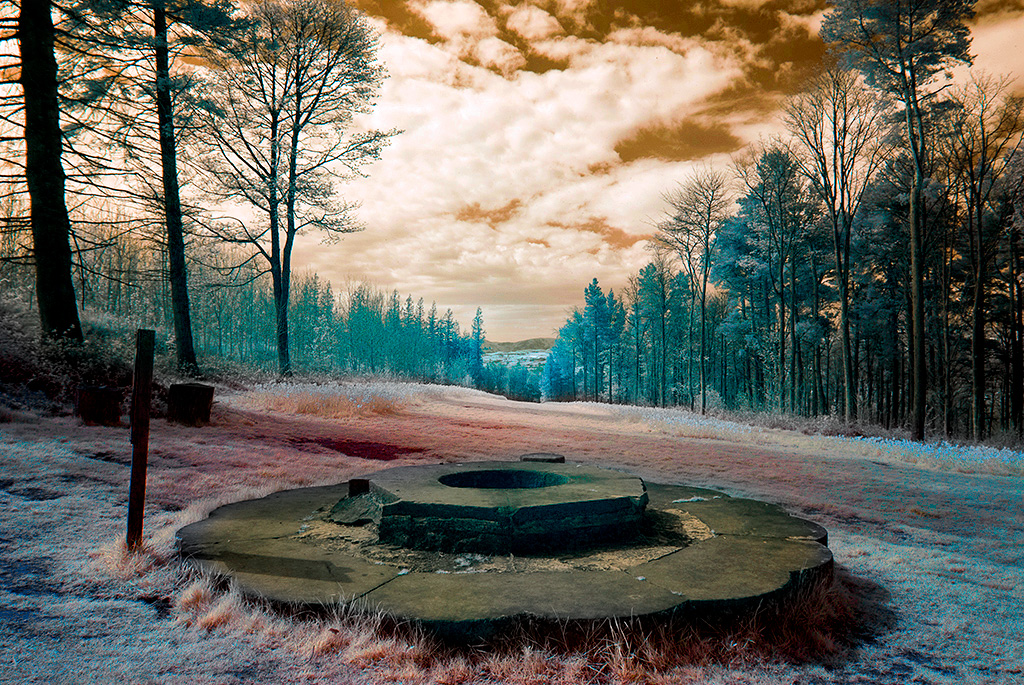
Helen: You do not need to convert another camera to 590nm since your current camera with 720nm offers lots of colors. I chose 590nm for my camera conversion for the most flexibility, but I can still get most colors with a typical 720nm camera after little more image manipulation in PS. To demonstrate this idea, I hope you and Sharon do not mind that I convert your original image to a colored version and attach here. |
Jan 13th |
 |
| 35 |
Jan 17 |
Reply |
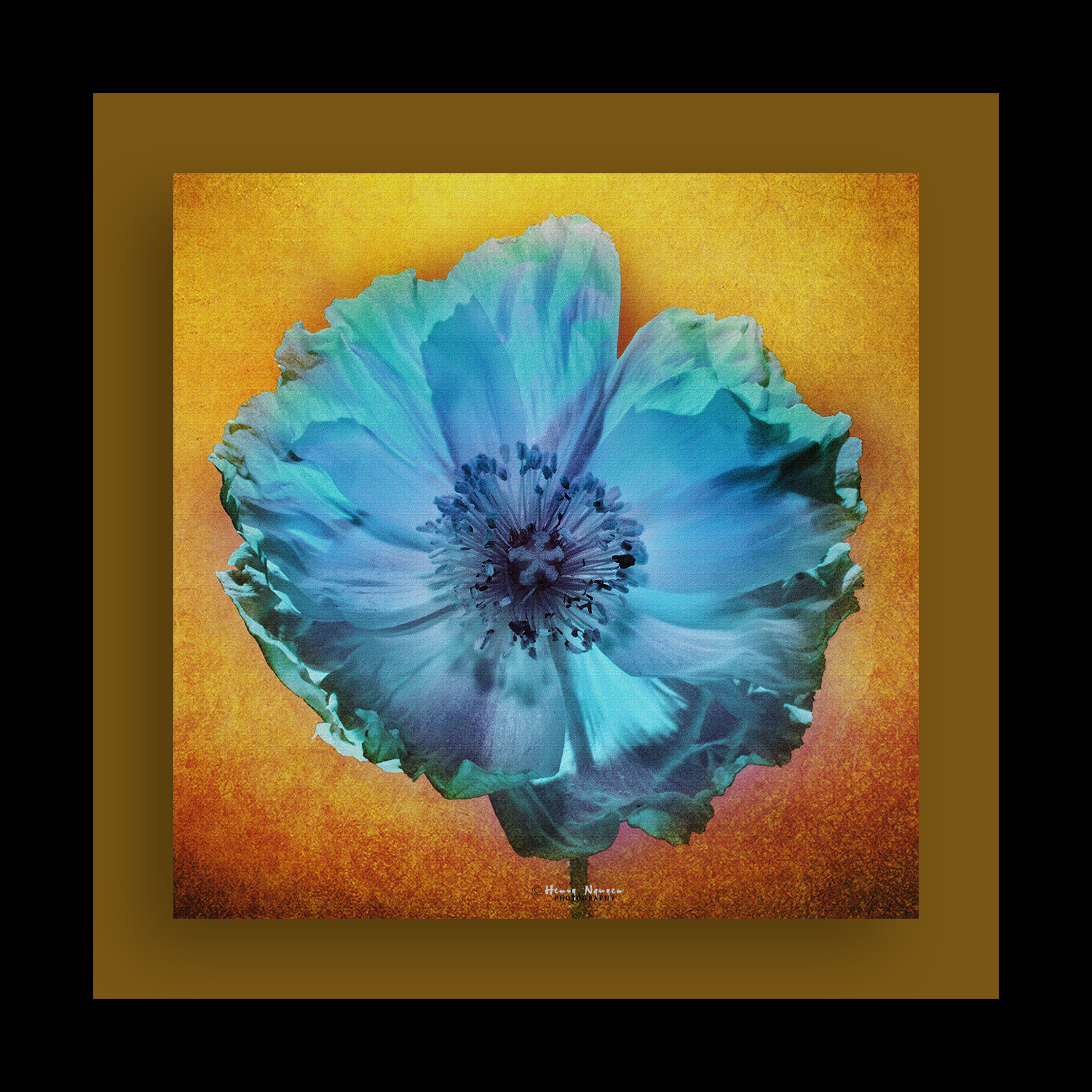
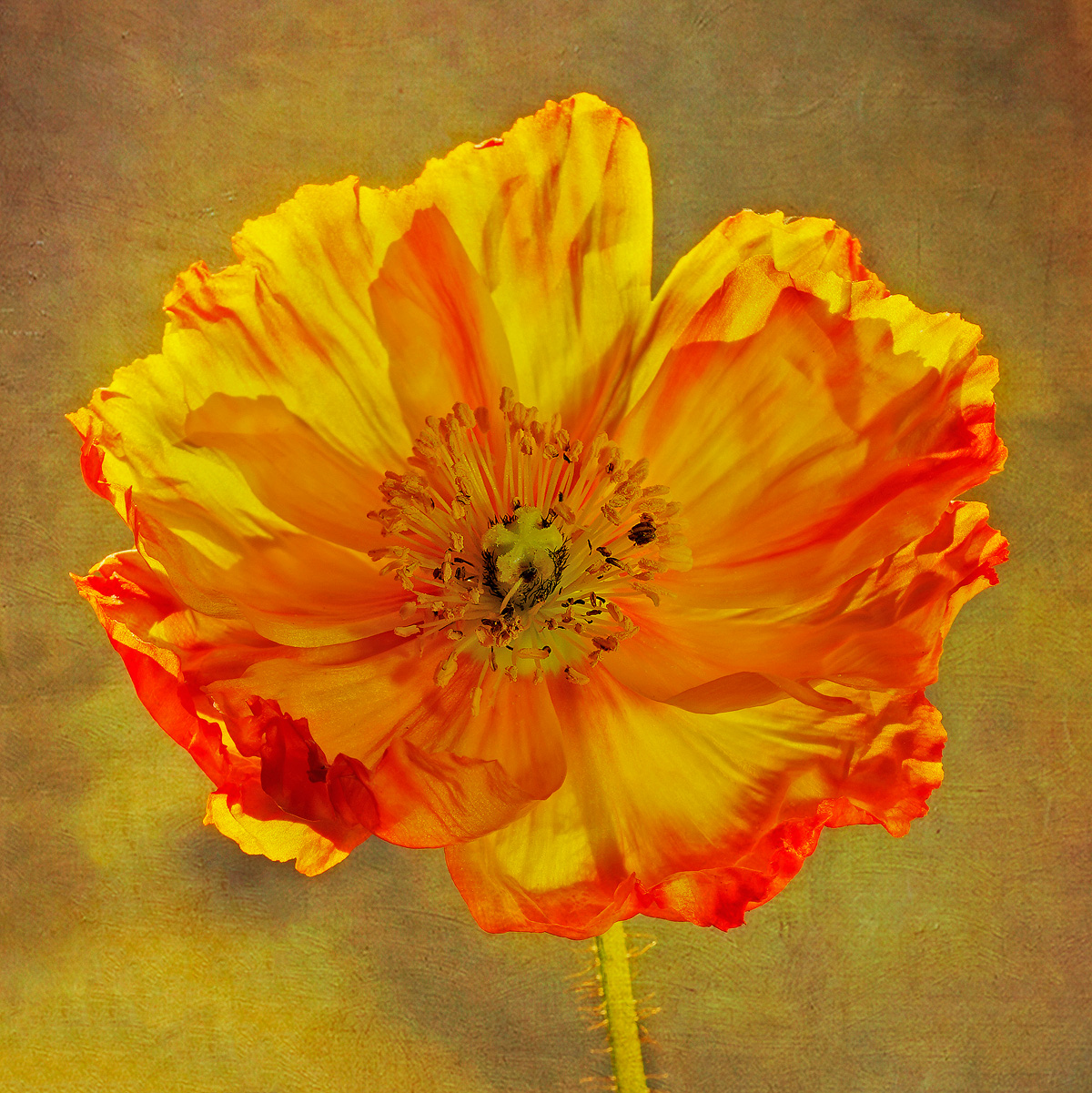
Thanks Sharon for your feedback. I was just playing around with complimentary colors while editing the image in PS. I am not quite sure if you refer the blur to the petals or the background, but I mostly controlled the blur/softness of the image by choosing the right aperture in camera. For colors, there are many ways, one of which is to use Nik collection control points. |
Jan 13th |
| 35 |
Jan 17 |
Reply |
Thanks Helen for your positive feedback! Besides shooting studio portraits, I do sell fine art photographs such as one from this image and offer professional printing services, especially on large-size premium canvas, on either Epson 9900 or Canon ipf Pro-4000.
Lightroom (LR) was designed to access to easy workflow, in which images can be imported, organized, and initially adjusted with simple panels. However, Lightroom does not have most important image editing and manipulation functions, such as layer masking, which Photoshop offers. For the most part, you can use Adobe Camera Raw (ACR), and if you use ACR effectively to its highest potentials, you do not need to use LR. Also, LR is cheaper than Photoshop if you purchased individually before Adobe offer a Creative Cloud Photography package. That is why most people like to purchase LR for basic image editing work. Nowadays, professional photographers can use both LR and PS. They import and organize images in LR for preview, and initial edits, then export the images to PS for further and detailed editing/compositing. Again, you can do all of them in just PS/ACR. If you are a wedding photographer with thousands images to process, I would suggest that you start editing them in LR, then transferring them to PS. However, if you are only to edit a few images, do them all in PS/ACR.
|
Jan 13th |
| 35 |
Jan 17 |
Reply |
Please see my feedback below! Hope it helps. |
Jan 12th |
| 35 |
Jan 17 |
Comment |
Overall, I like your attempt at IR portraiture. Your model skin is very smooth (or perhaps flawless like Sharon mentioned above). It is mainly due to the IR effect on human skin, not because of skin softener. It seems to work well on young model, but it could be a problem on an elderly model whose veins will be more visible and look like dark veins upon exposed to IR treatment. So, what you got from the IR shot are very smooth skin and good B&W toning. Congrats!
In my humble opinion, there are a few MINOR things you should be aware of:
1. Background color choice: Your model is wearing a red dress, but your background is also red which does not help to bring out the model. However, you have 2 kicker lights on the sides to create rim lights to separate model from the background. Although you did not mention, it appears that you do have another light source right behind the model (perhaps its stand was cloned out or cleverly hidden). That additional light source could have created a circular white blob of light on the background (right behind the model). All of these lights (kickers and back) help to separate the model from the background. Otherwise, I would suggest to use a backdrop of different color.
2. Light bleed: There appears a light bleed on the model's chest. Tighter control of light spread could have avoided it.
3. Posing: The shot looks more like a straight-on shot which makes the model look rather "wide". For this type of model, it would be more appropriate to rotate the model slightly to the side to make the model look "slimmer"
4. Model's iris: Although the model's eyes look lovely with catch lights, each iris is quite big. It is mostly due to the IR effect. I suggest that you could shrink it down a bit further.
I hope you do not mind that I gave you a more detailed feedback. I have a portrait studio and most of my paid work come from shooting studio portraiture. That is why I see more and simply want to help you out!
|
Jan 12th |
| 35 |
Jan 17 |
Comment |
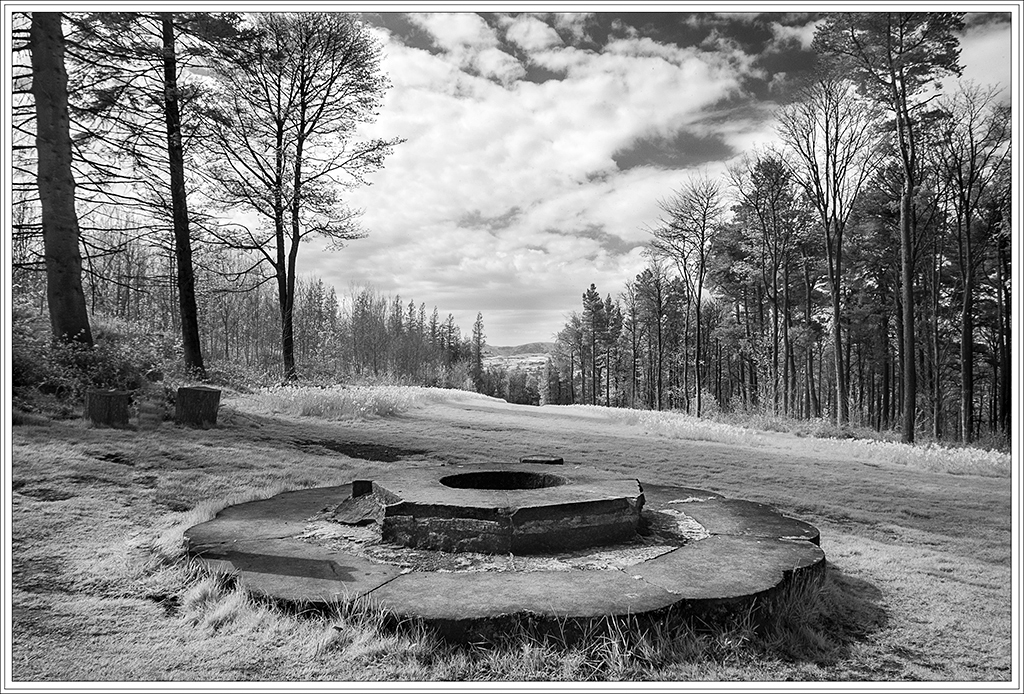
I like this image a lot, Helen! Great job at composing it with prominent foreground element, converging trees, and dynamic clouds. Also, you converted the image well to B&W with good tonal range.
It is just my personal taste to see a little more contrast in the entire scene, so I made a MINOR adjustment to your edited image, mainly by moving the black point and enhance the contrast level. Please see my visual feedback.
|
Jan 12th |
 |
6 comments - 7 replies for Group 35
|
| 37 |
Jan 17 |
Reply |
Thanks Gunter for the feedback. I will try a more contrasty background. |
Jan 27th |
| 37 |
Jan 17 |
Comment |
Very nice angle of view and good use of ND filter to create motion blur of water. I think that it could be a good image for B&W conversion. |
Jan 27th |
| 37 |
Jan 17 |
Comment |
Wow, I like this image a lot, Gunter! A wonderful observation and good timing. Also very nice color balance. |
Jan 27th |
| 37 |
Jan 17 |
Comment |
A lovely image, Subhash! I do like the light striking the peak and the blue color overcasting the entire mountain range. I agree with others' opinion that the bush in the foreground is little obstructive. If the bush is little smaller, it would be a great addition to the scene.
|
Jan 27th |
| 37 |
Jan 17 |
Comment |
I like this image a lot! Wonderful photojournalistic image! You also did a good job of monochrome conversion. |
Jan 25th |
| 37 |
Jan 17 |
Comment |
You captured a magnificent scene. I like the composition, reflection of mountains and snow. You also captured a beautiful sky with colorful clouds. Like you said, this Lake Louise is indeed a must-see destination.
|
Jan 25th |
5 comments - 1 reply for Group 37
|
11 comments - 8 replies Total
|