|
| Group |
Round |
C/R |
Comment |
Date |
Image |
| 50 |
Jun 21 |
Comment |
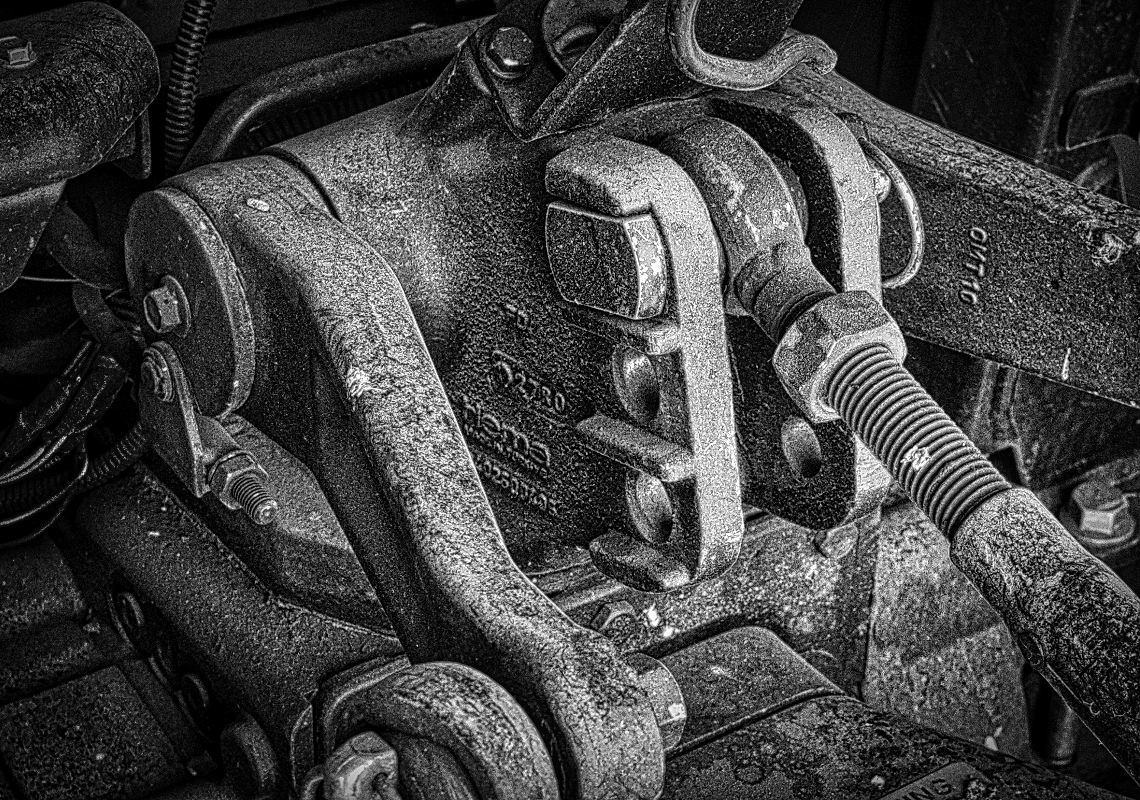
For the mono version, I did pretty much the same thing, I went into Luminar 4 and used AI Structure, but used the settings of +40 with a boost of +45, then Detail Enhancer with Small detail at +36, Medium detail at +39, and Large detail at +22. Then went into the Pro section to do burn and dodge and darkened the wires on the left side. Then went into the vignette and darkened the outer edges. Finally, I cropped off the left side to bring the right third into the main part of the 3 point hitch. I like the grunge look that you can get to make the parts look older.
I think of the two, I like the color version slightly better than the mono version. |
Jun 13th |
 |
| 50 |
Jun 21 |
Comment |
I like both, but have a few suggestions, first the color version; I took it into Luminar 4 and in the �AI �Structure, I used +27 with boost of +47, then went into Detail Enhancer and used the following settings Small detail +17, Medium detail +28 and Large detail +27. This brought out more of the grunge of old equipment. I then cropped off the left where there were some wires that pulled my eye away from the main subject. �Then I vignetted the subject to bring your eye more to the center. |
Jun 13th |
 |
| 50 |
Jun 21 |
Comment |
I like the mono version and I do like the textured background that you chose. Nice timing on getting the posed position the way you have done. I would not change anything. |
Jun 13th |
| 50 |
Jun 21 |
Comment |
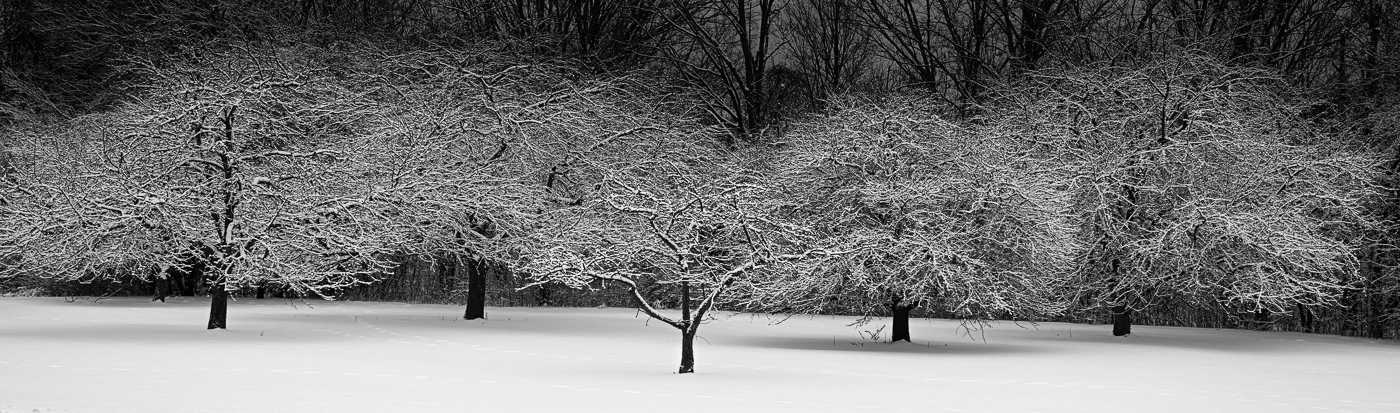
Nice composition, I like that you captured 5 trees. The part I don't like as much is the background, Cindy's idea is interesting but probably very difficult to accomplish. I went the other way and tried darkening the background to make the trees and the snow stand out more. I did it quickly but taking your time could help the trees stand out a little more. I darkened the background to -1.25, dropped the whites down about -30, and also dropped the clarity - 40. It might work, something to think about. |
Jun 13th |
 |
| 50 |
Jun 21 |
Comment |
An interesting version going high key. At first, I thought I liked your color version, but then looked at it closer and decided I like your high key version better. I agree with Cindy that flipping works better, I am also left-handed, but I read from left to right, so I feel more comfortable with the image flipped. I also think you need to add just a little more contrast to make the blacks black instead of dark grey, I added +20 in contrast and - 20 in the blacks, plus a little more clarity to almost get it to a line drawing effect. Good eye and thought of going to High Key, I would not have thought of that, but it works. |
Jun 13th |
 |
| 50 |
Jun 21 |
Comment |
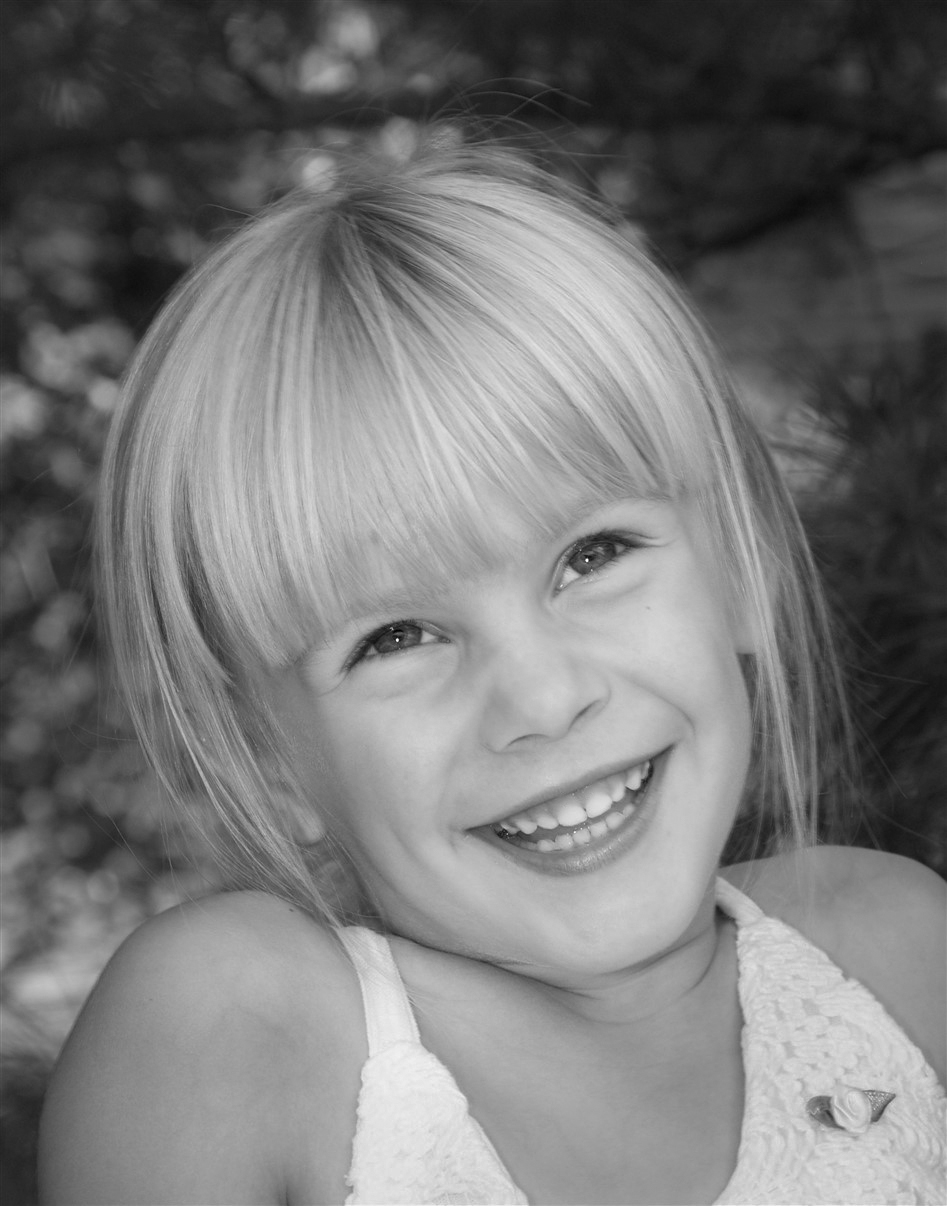
The color image is nice, but you need to remove the red object in the background and remove some of the light spots that pull your eye away. Also like I did in the Mono version I got rid of the highlight on her nose and on her teeth and gum. Plus used the radial filter to darken the background and blur it slightly with a minus clarity. Both are nice portraits. |
Jun 13th |
 |
| 50 |
Jun 21 |
Comment |
Nice portrait, I like the monochrome version best because of the background. Just a couple of suggestions; there is a spot on her nose that is probably a reflection from the light, I would clone that out, along with a few spots on her gum and teeth. Then I would suggest a vignette of the background to make it slightly less noticeable. I did a vignette in Camera Raw using the radial filter and darkened the background about -.75, then also dropped the clarity to -30. In the overall image, I darkened it about -.25 and upped the contrast at about .50. |
Jun 13th |
 |
7 comments - 0 replies for Group 50
|
7 comments - 0 replies Total
|