|
| Group |
Round |
C/R |
Comment |
Date |
Image |
| 15 |
Jul 23 |
Comment |
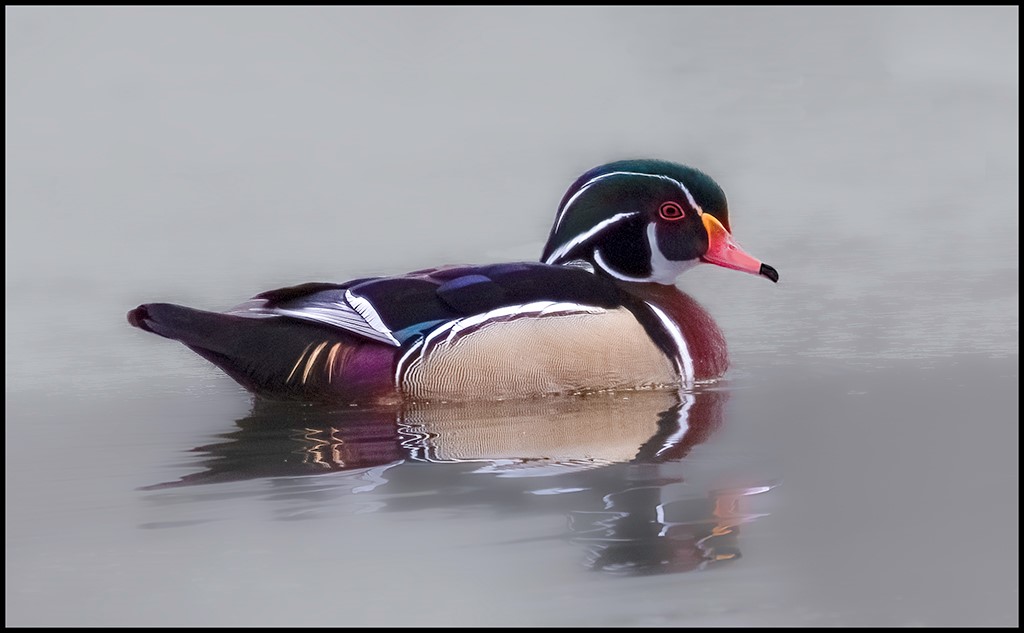
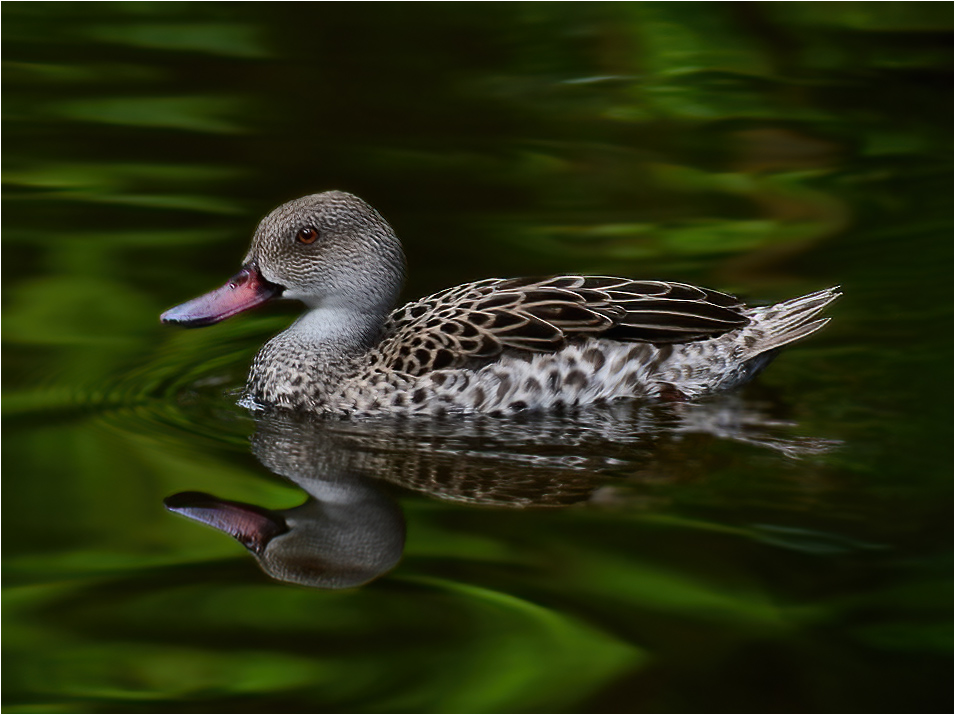
Hi Kathy, What a magnificent portrait of this duck. Beautiful reflections and great contrast of colors. Good detail in the duck's feathers. I used Photoshop to fixed the clone part on the bottom right. I crop the image to have the duck's eye in the rules of thirds. Looks like a winner. Great catch. |
Jul 9th |
 |
| 15 |
Jul 23 |
Comment |
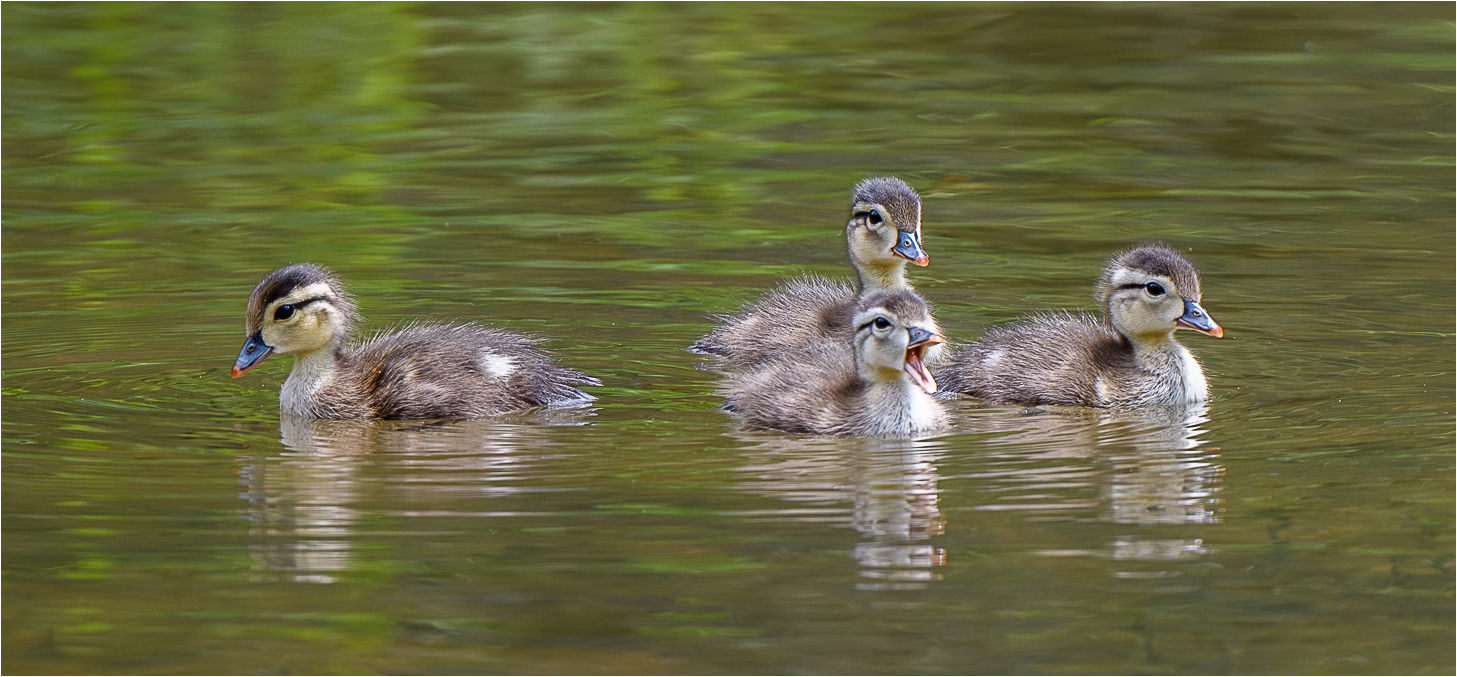
Sarita, I really love this image. Love the contrasting colors. The green color in the water makes the ducks stand out. Great expression on the little duck's faces. Love the attitude of the one duck and the story it could tell. The only thing that I thought about is to flip the image and have the duck on the right be on the left to make him a leading line to the other ducks. I cropped it a little too. Got them in the rules of thirds more. |
Jul 9th |
 |
| 15 |
Jul 23 |
Comment |
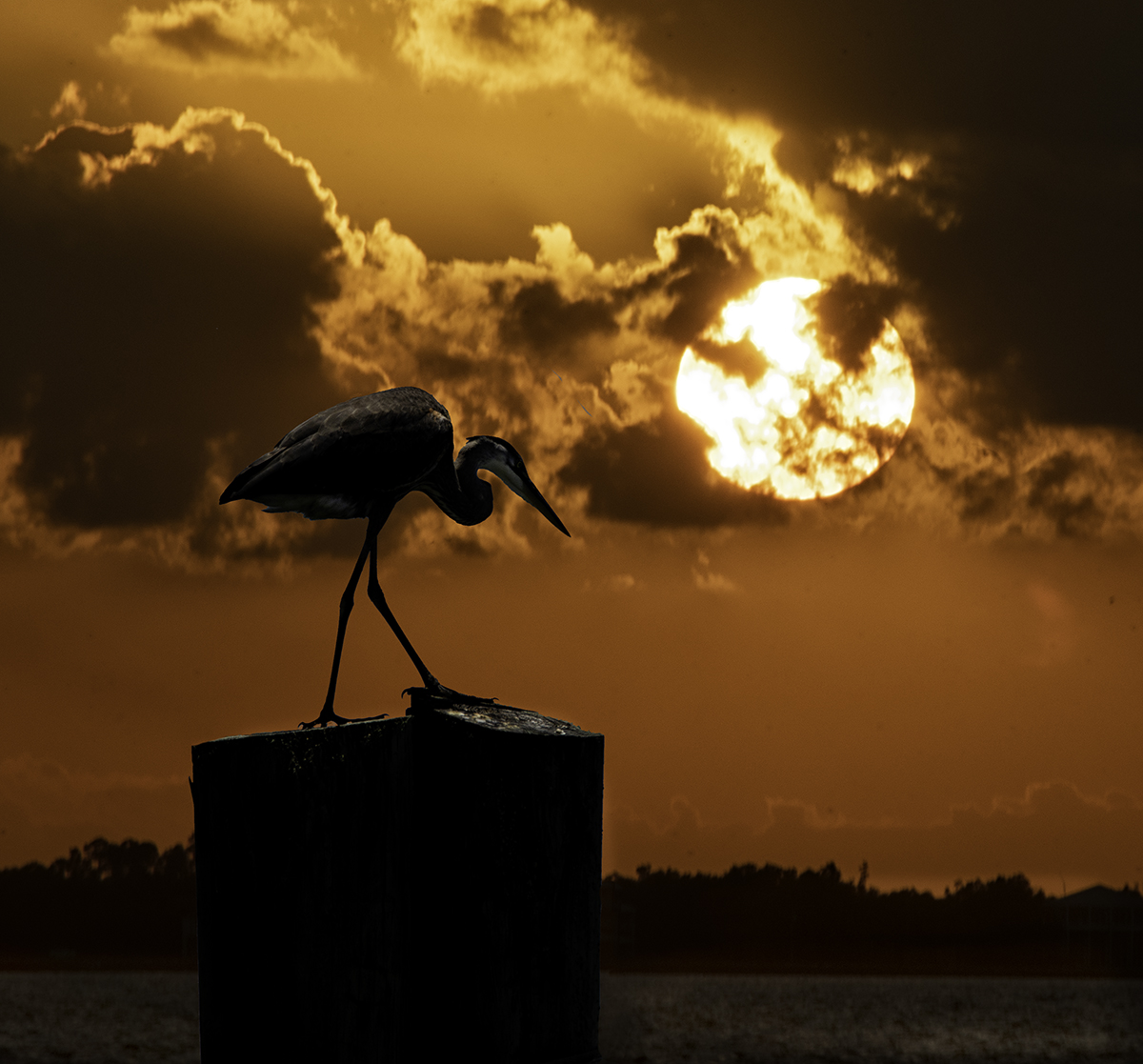
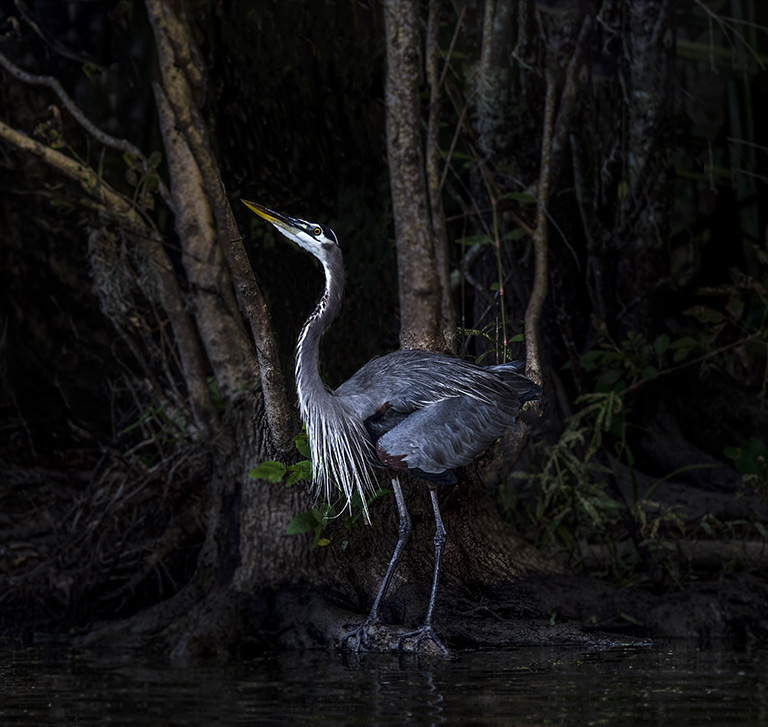
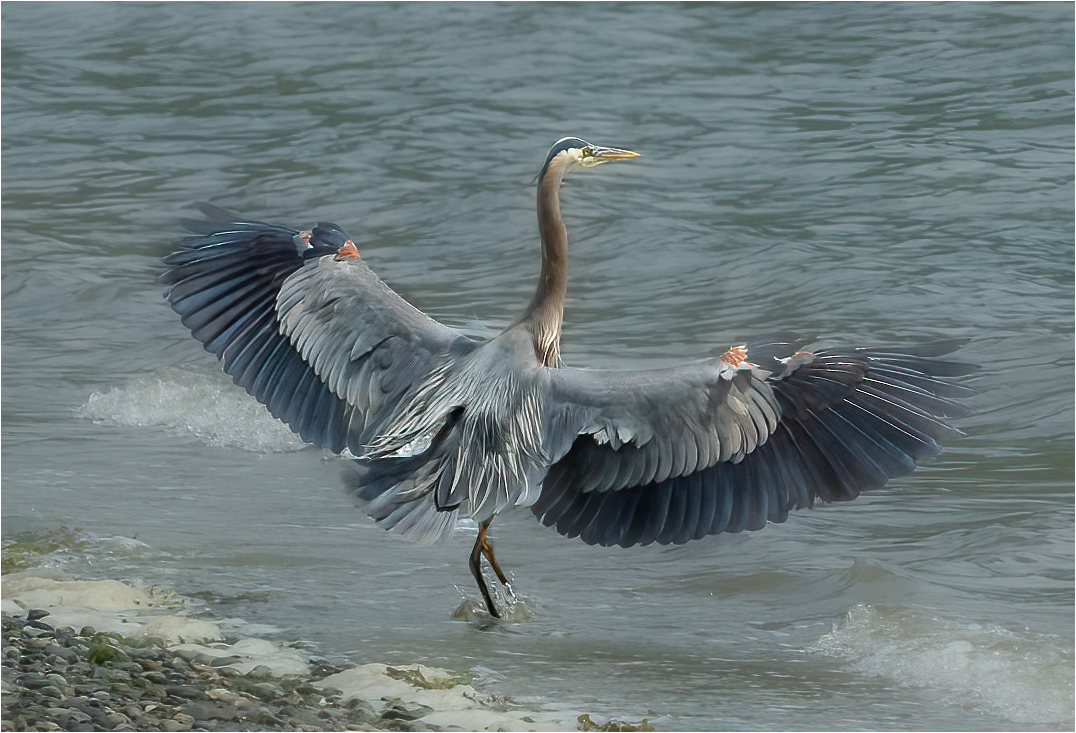
Hi Mike, Love the Blue Heron. In South Louisiana we have them around the bayous just about year around and I love photographing them. They can blend into the environment so good. It is very hard to get an image of them because they are skittish. Great job on catching this one fixing to fly off. I see the water around its legs slashing up. I have a visual feedback. I tried to soften the background. I used camera raw and photoshop. I selected the subject and inverted the subject to get the background and I soften the textures and decreased the sharpening. I also blurred the background just a little. I was trying to have the bird and its beauty to stand out more with a softer background |
Jul 9th |
 |
| 15 |
Jul 23 |
Comment |
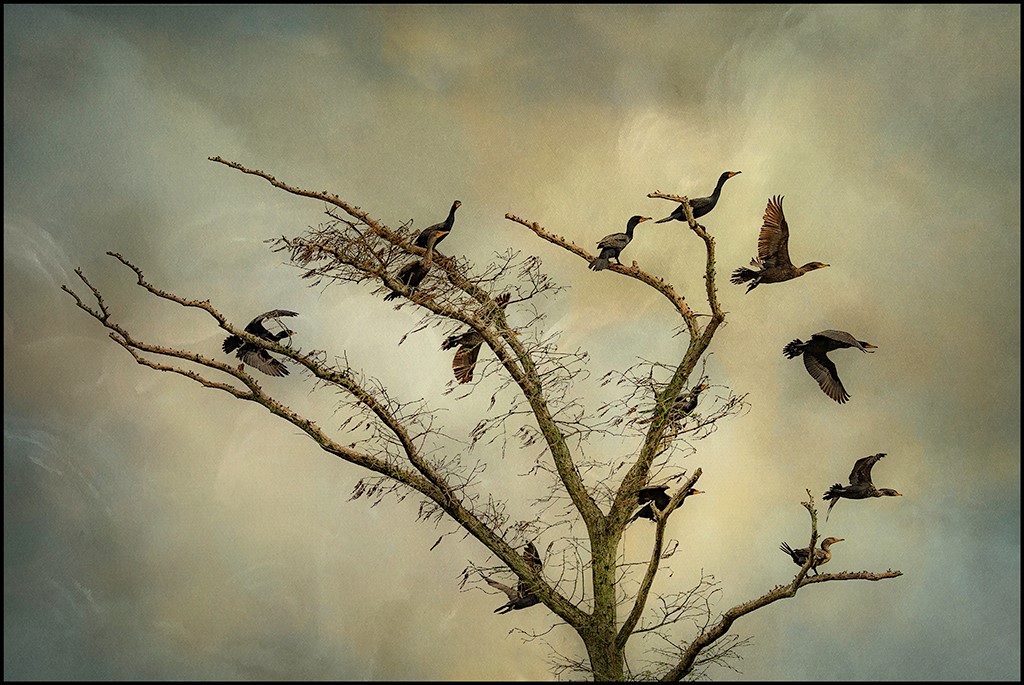
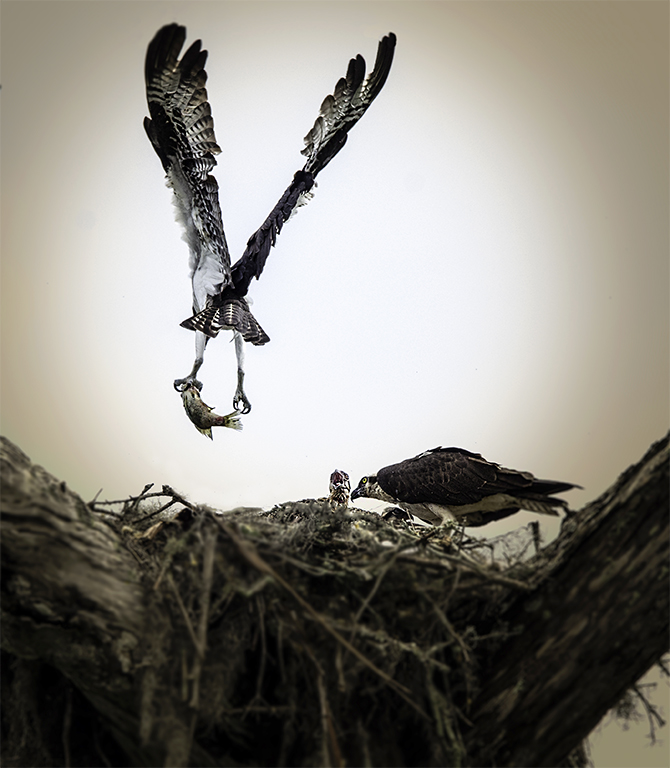
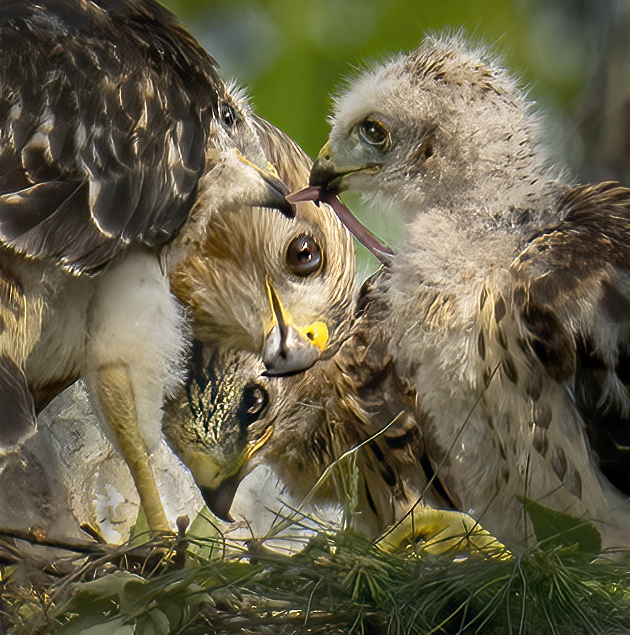
Hi Jim, Wow, great catch of these beautiful birds. There is a lot going on in this nest. I too have a visual feed back. My thoughts was to crop in closer to get the viewer to look just at the action and the eyes of the birds. I did lighten the meat for the viewer to look at the action. The other thing I did was to put catch lights in all the birds eyes. I tried lightening the bird in the shadow. I darkened the white tree on the bottom left side. |
Jul 9th |
 |
| 15 |
Jul 23 |
Comment |
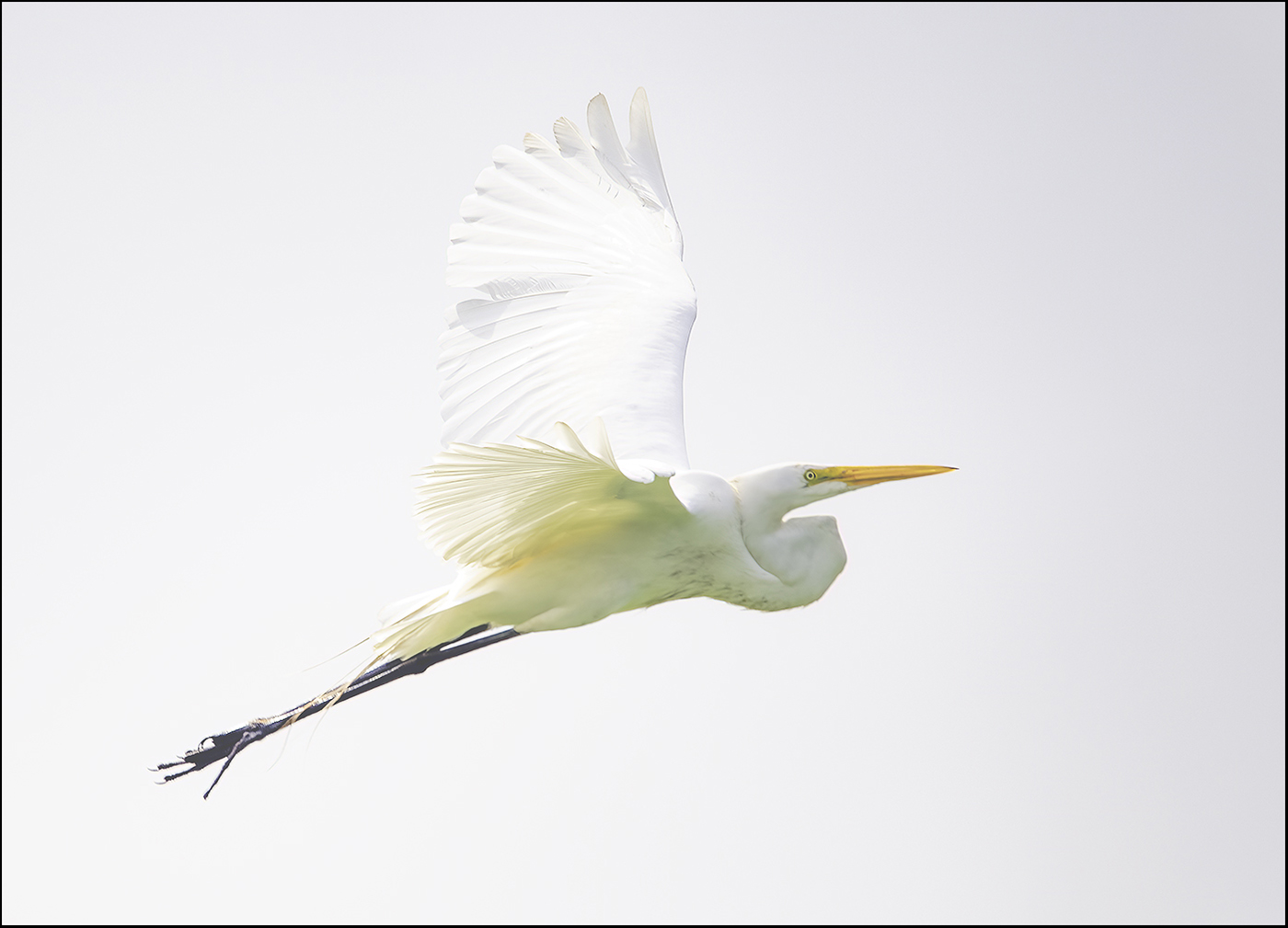
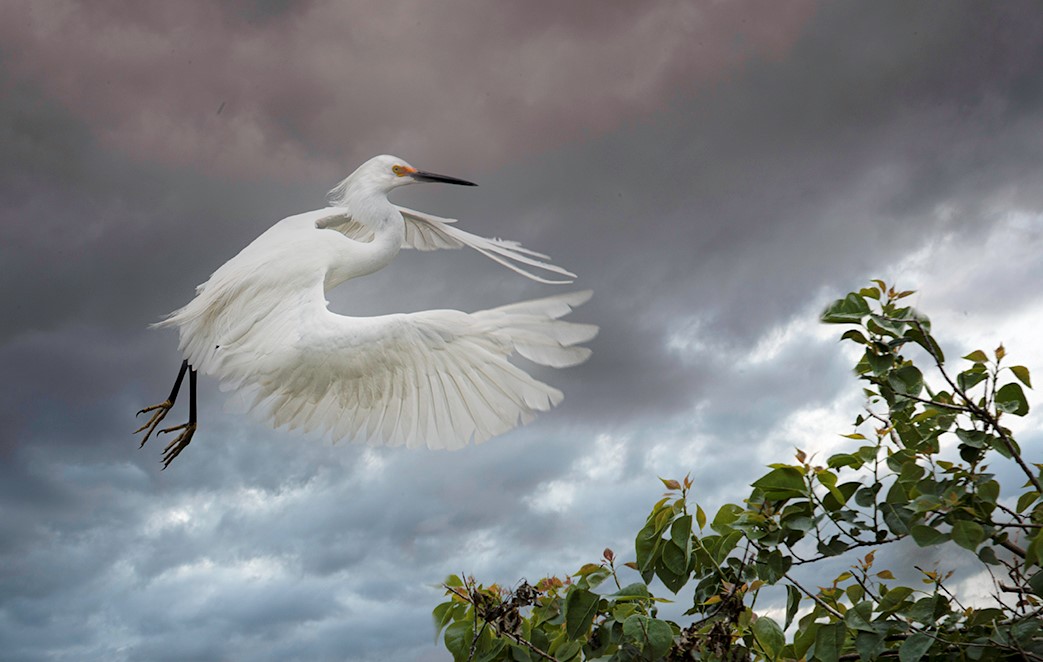
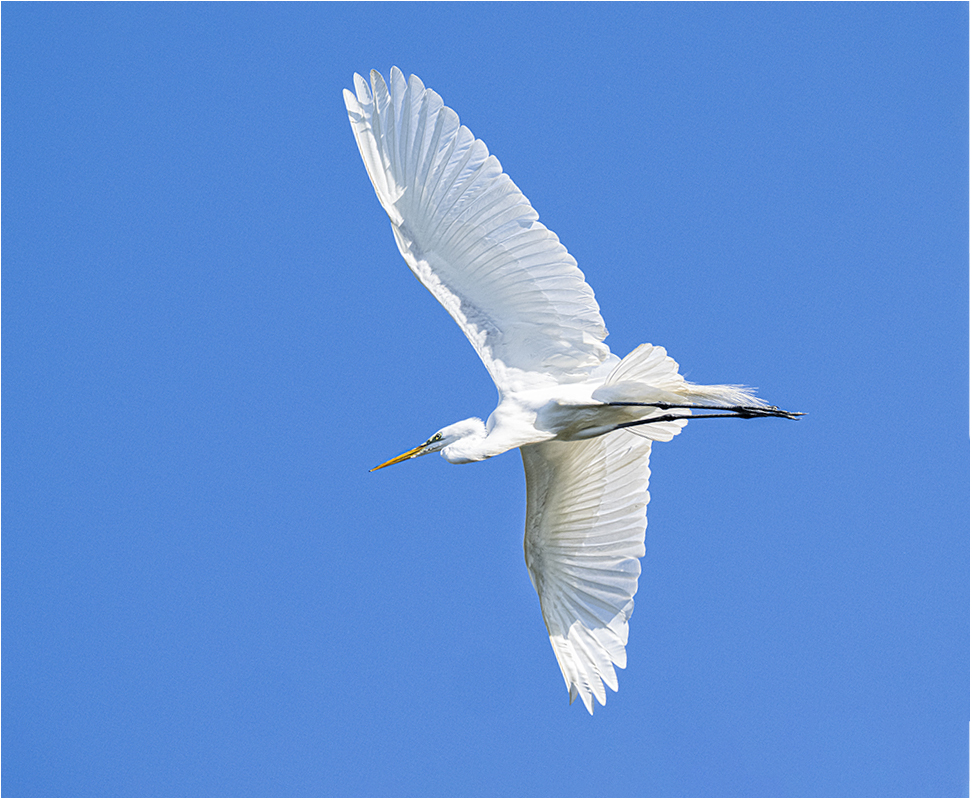
Dr. Isaac, Love your Egret. I love the blue clear sky and the contrast to the bird. Great detail in the feathers. The only thing that I change was the crop to get a little angle and give the bird a little more room at the bottom of the image. I also lighten the darkness under the wing and stomach. I used camera raw in Photoshop. |
Jul 9th |
 |
| 15 |
Jul 23 |
Comment |
Jim, Yes, I like Photoshop too. Yes, I was going for high key. Your processing really makes the detail pop. Thanks for the positive feedback. |
Jul 2nd |
| 15 |
Jul 23 |
Reply |
Kathy, I liked what you did. I used Camera Raw in Photoshop and used a brush and selected the wings and used dehaze to bring out more detail. Yes, it does work. I left the background white and that was what I was going for. Thanks again for the positive feedback. I am looking forward to learning how to process birds better. It helped. |
Jul 2nd |
6 comments - 1 reply for Group 15
|
| 43 |
Jul 23 |
Comment |
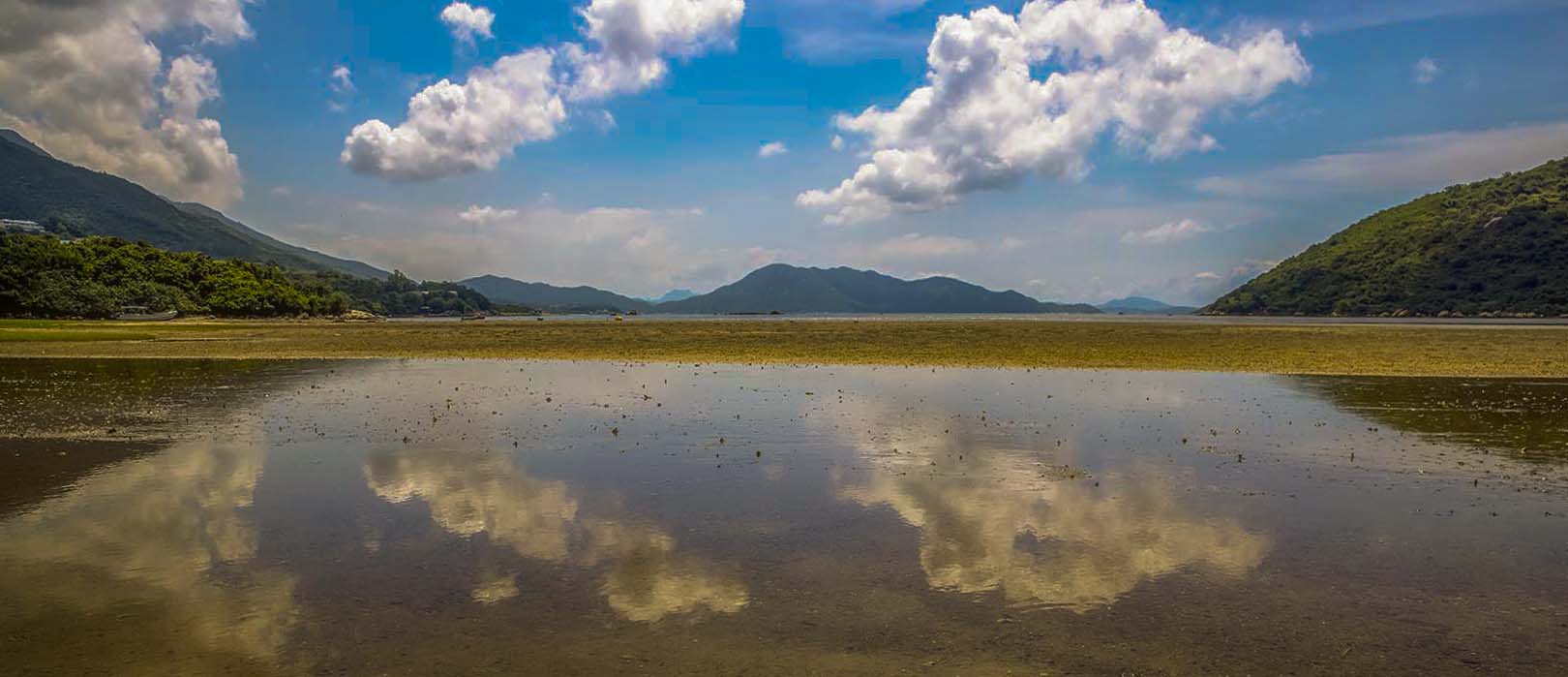
Hi Leo, Pretty landscape image. Beautiful blue sky and puffy white clouds. Love the reflections in the foreground in the water. I have a vital feedback. I cropped the image from the bottom. I wanted to bring more color out of this image. |
Jul 9th |
 |
| 43 |
Jul 23 |
Comment |
Lane, I really like this image. I like the leading line from the mountain to the tree. I like the starburst coming though the tree. I love puffy clouds and it looks great in black and white. To me it is braking some of the composition rules, like having the horizon in the middle and having the tree in the center of the image. Sometimes breaking the rules is ok in photography and the image still look Great. Would not change a thing. |
Jul 9th |
| 43 |
Jul 23 |
Comment |
Bruce, I did smile when I saw this image. I would remove the rocks. My eye was drawn to the two rocks and I would darken the shadow in the water. I also put a little 2 pixel black border around the image. |
Jul 5th |
 |
| 43 |
Jul 23 |
Comment |
Mark, I love this image. You did a great job on the lighting and the black backdrop. They look like very gentle hands.Thank her for her service. Love her nails and the beautiful color she picked out. Nice bracelets too. The only thing I would do, is to give the image a little white boarder to separate the image from a black background. |
Jul 5th |
 |
4 comments - 0 replies for Group 43
|
| 61 |
Jul 23 |
Reply |
Great exercise. Good Job.
Like them both!
|
Jul 17th |
| 61 |
Jul 23 |
Comment |
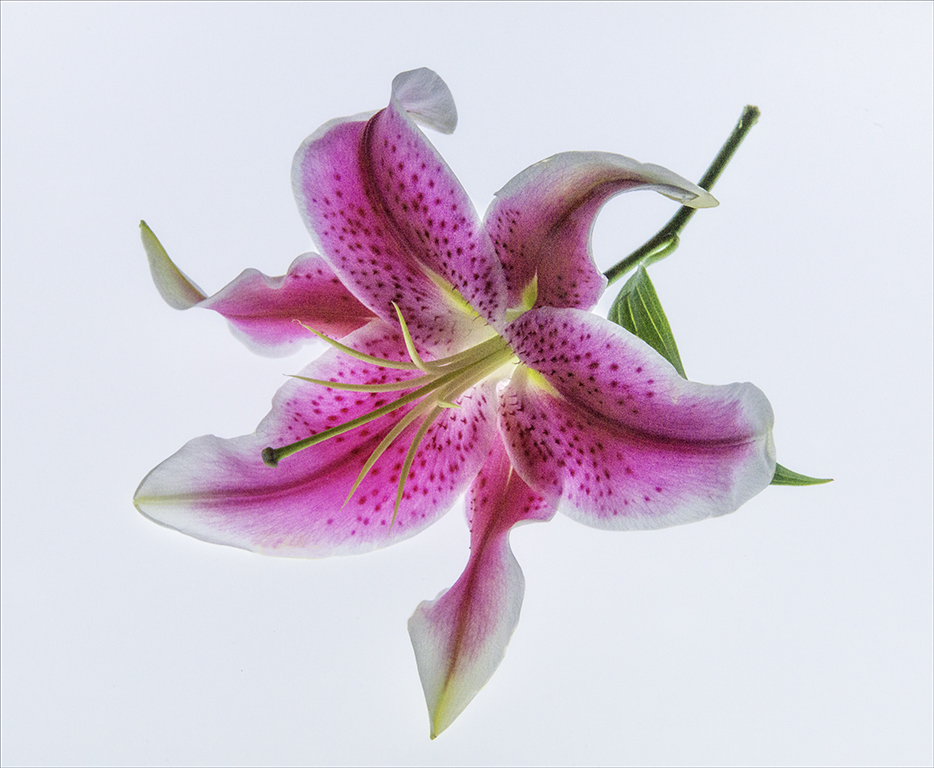
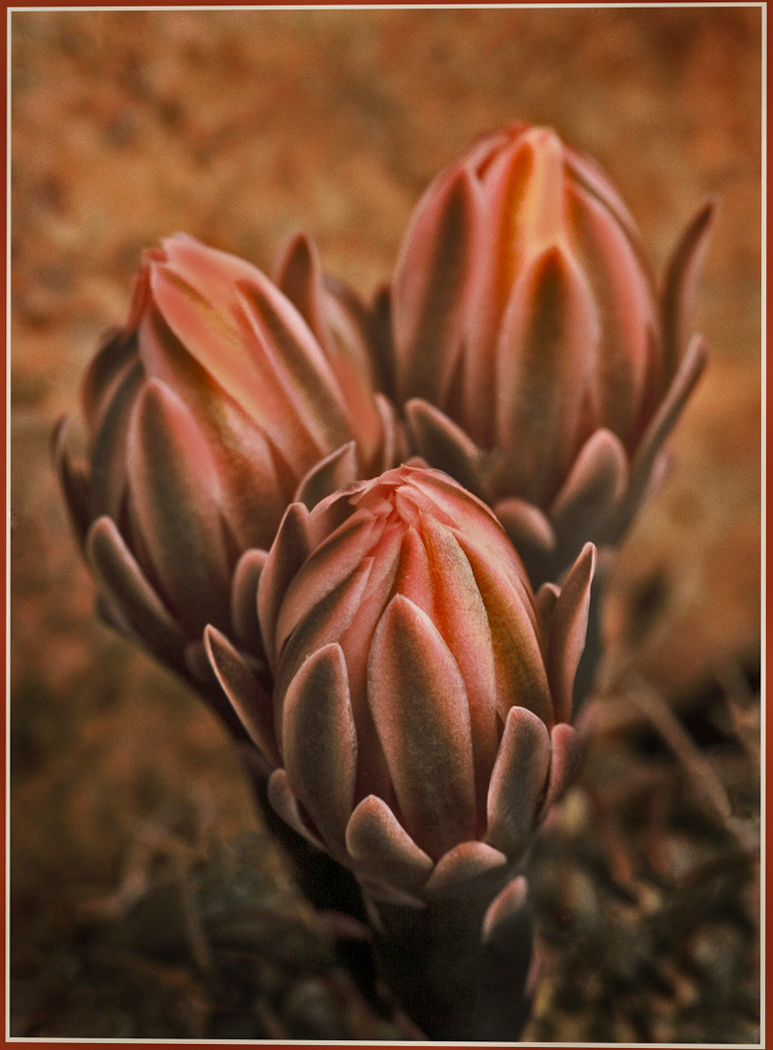
Hi Shirley, Love this image. Great tones. Beautiful composition. I do have a visual feedback. I used photoshop and camera raw to bring down the highlights. I painted in some color in the lighter petals. I pulled out the shadows a little. Tell me what you think. |
Jul 17th |
 |
| 61 |
Jul 23 |
Comment |
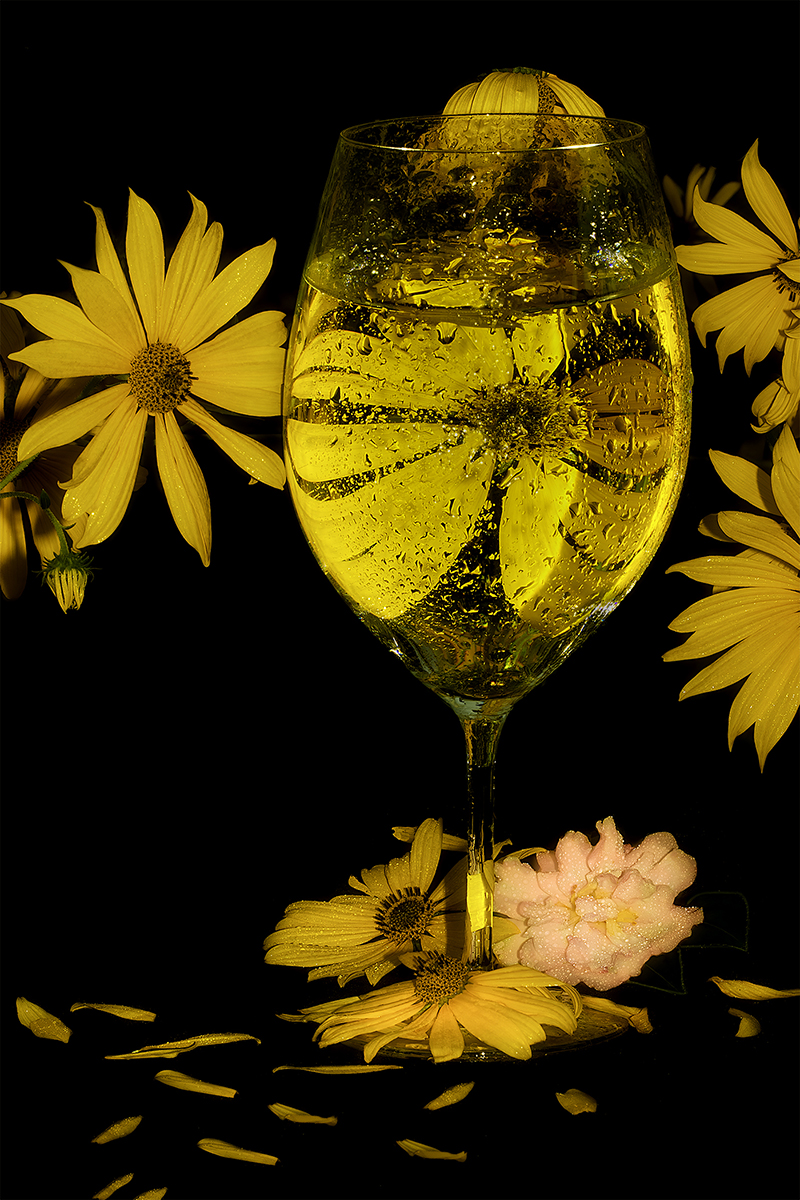
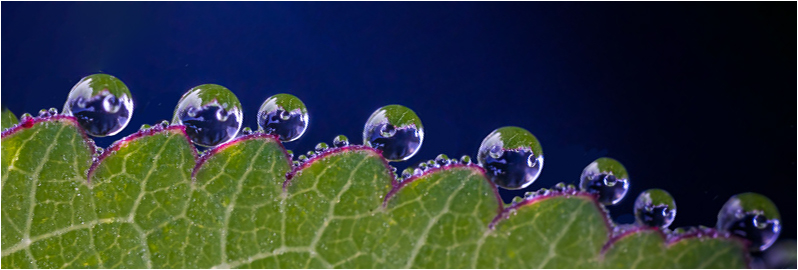
Hi David, This is a very interesting image. Love the colors and the refractions of the water and the leaves and blue background. I have a visual feedback. I feel like this is the image. I am focusing on the detail and the uniqueness of this image. What do you think? |
Jul 17th |
 |
| 61 |
Jul 23 |
Comment |
Perfect! The only thing I would do would be to put a 2 pixel white border to see where the image started and the background starts. |
Jul 16th |
| 61 |
Jul 23 |
Comment |
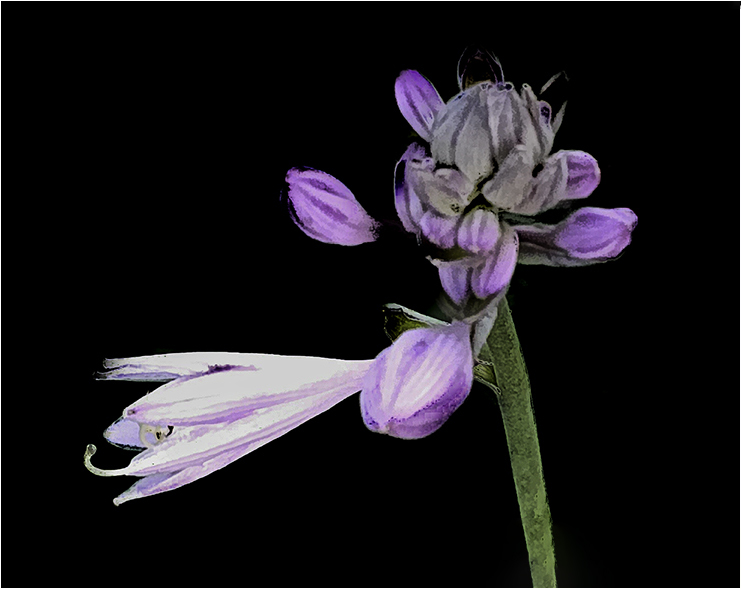
Marti, What a lovely image. Love the black background of this image. I just cropped the bottom flower off. I wanted the viewer to look at just the top flower. Just a suggestion |
Jul 16th |
 |
| 61 |
Jul 23 |
Comment |
Randall, Very nicely done. I have a suggestion. I cropped it a little and put a vignetting to make the background a little darker. |
Jul 16th |
 |
5 comments - 1 reply for Group 61
|
| 77 |
Jul 23 |
Comment |
Thank you so much for taking the time to improve this image. I do see what you did. I will redo and try what you have suggested. That is how I will learn to improve my work. |
Jul 15th |
| 77 |
Jul 23 |
Comment |
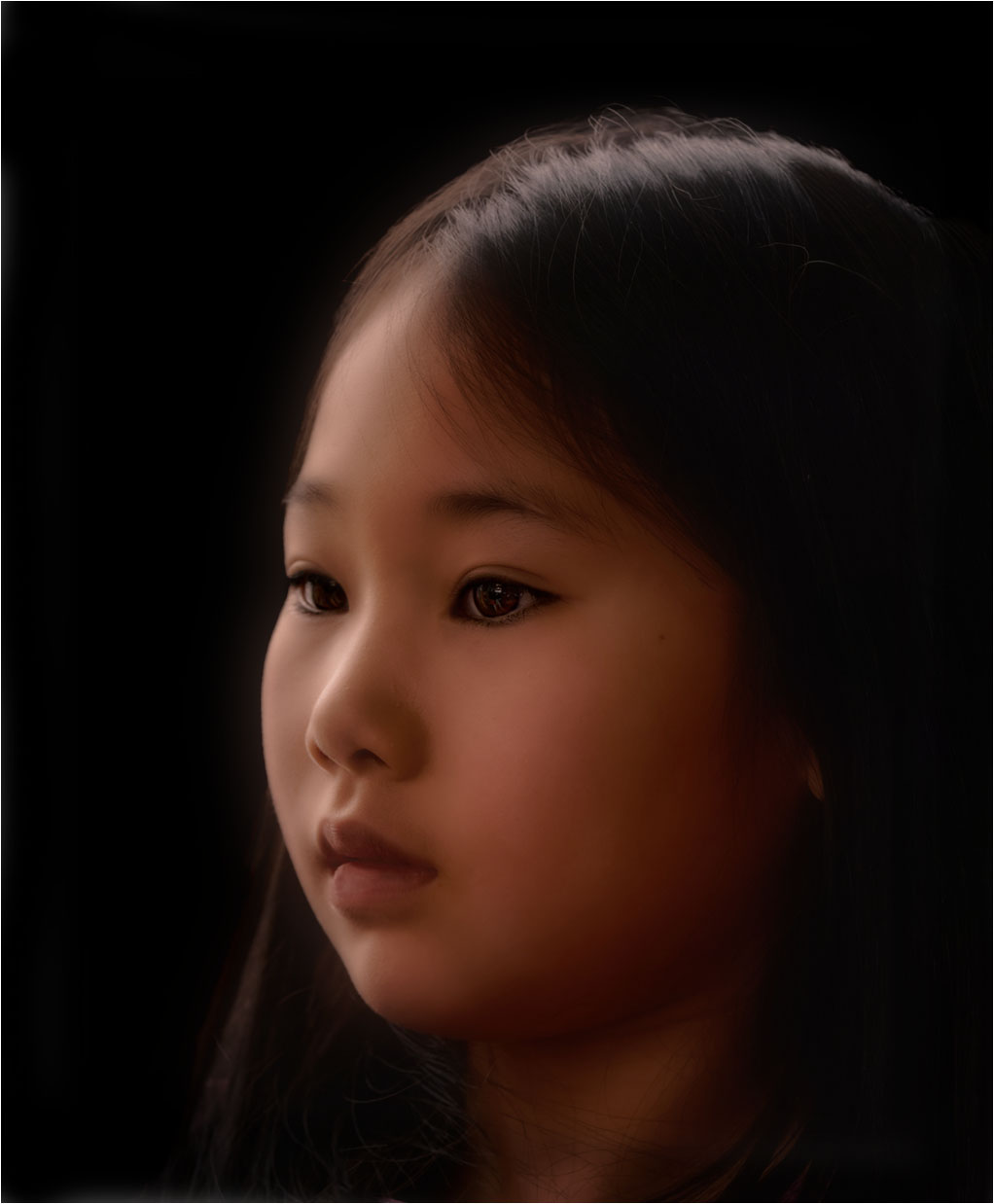
Mary, Beautiful Child. I used camera raw and photoshop. I enlarged the crop a little. I used Blur, Gaussian Blur, and went into Blend Mode. I used a layer and brush the blur off her eyes and her lips. I also worked on the her lips a little. They looked a little chapped. |
Jul 11th |
 |
| 77 |
Jul 23 |
Comment |
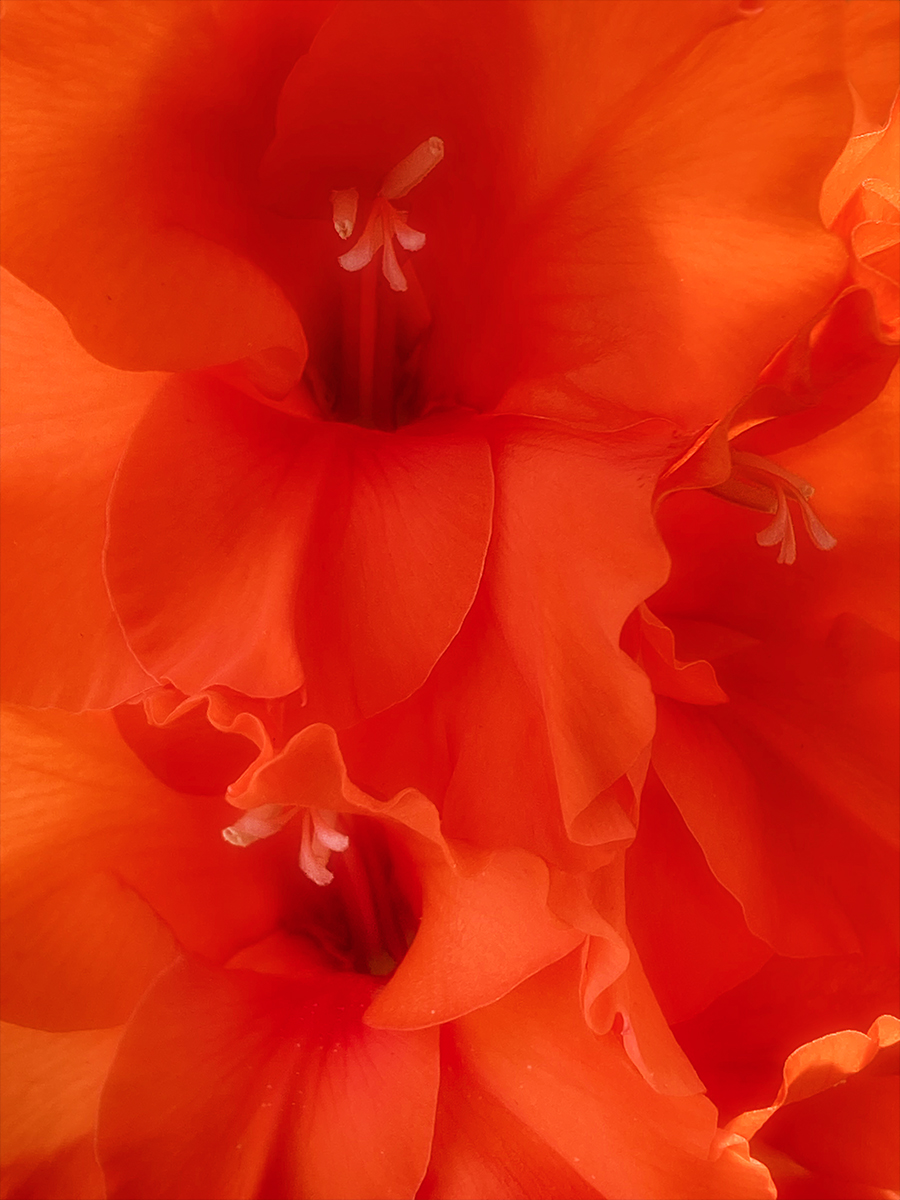
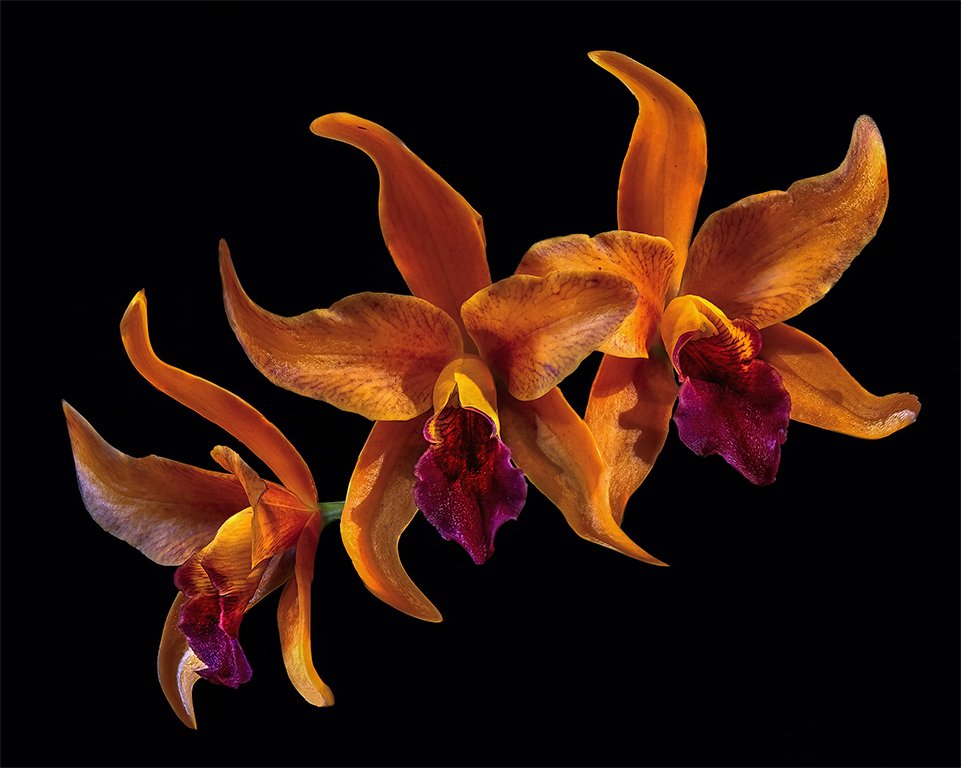
Jan, Nice Fine Art. I do have a visual feedback. I eyes go to the whitest part of the image and not to the beautiful orange flowers in the center. I darken the white parts and brighten the subject. Love this image. |
Jul 10th |
 |
| 77 |
Jul 23 |
Comment |
Connie, Very nice image. I agree with you on the flower on the left. I think it would be better if it was in focus. I have a visual feedback. I took the large flower and copy and paste it on the left. |
Jul 10th |
 |
| 77 |
Jul 23 |
Comment |
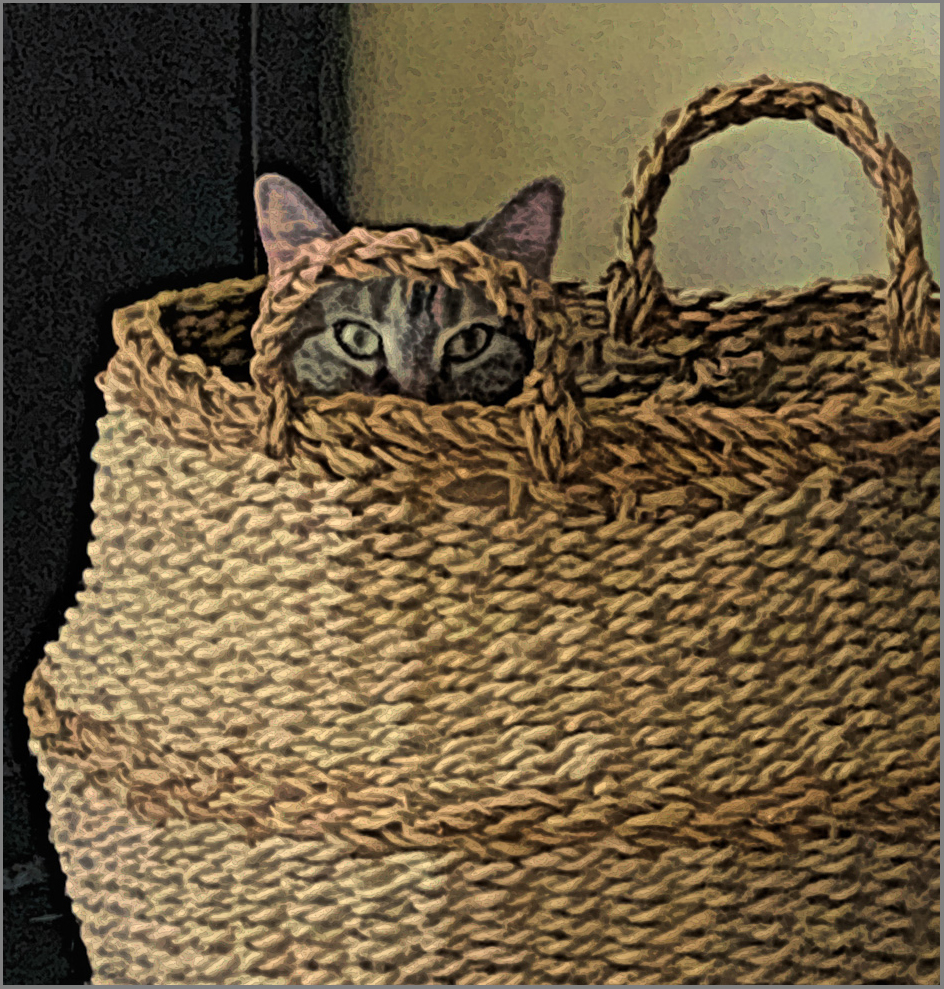
Hi Denise, Nice image of your cat Gabby. The only thing that I would change is the cropping. I like the balance of the cat and the handles. Nice texture and beautiful contrast colors. I like the finish that you used. It looks Fines Artsy, if that is word. Very creative. |
Jul 10th |
 |
| 77 |
Jul 23 |
Comment |
Jodi, I loved everything you did to get this image. Good idea. The only thing I did was to put the opposite color on the color wheel on the background to have this beautiful image pop. |
Jul 9th |
 |
| 77 |
Jul 23 |
Comment |
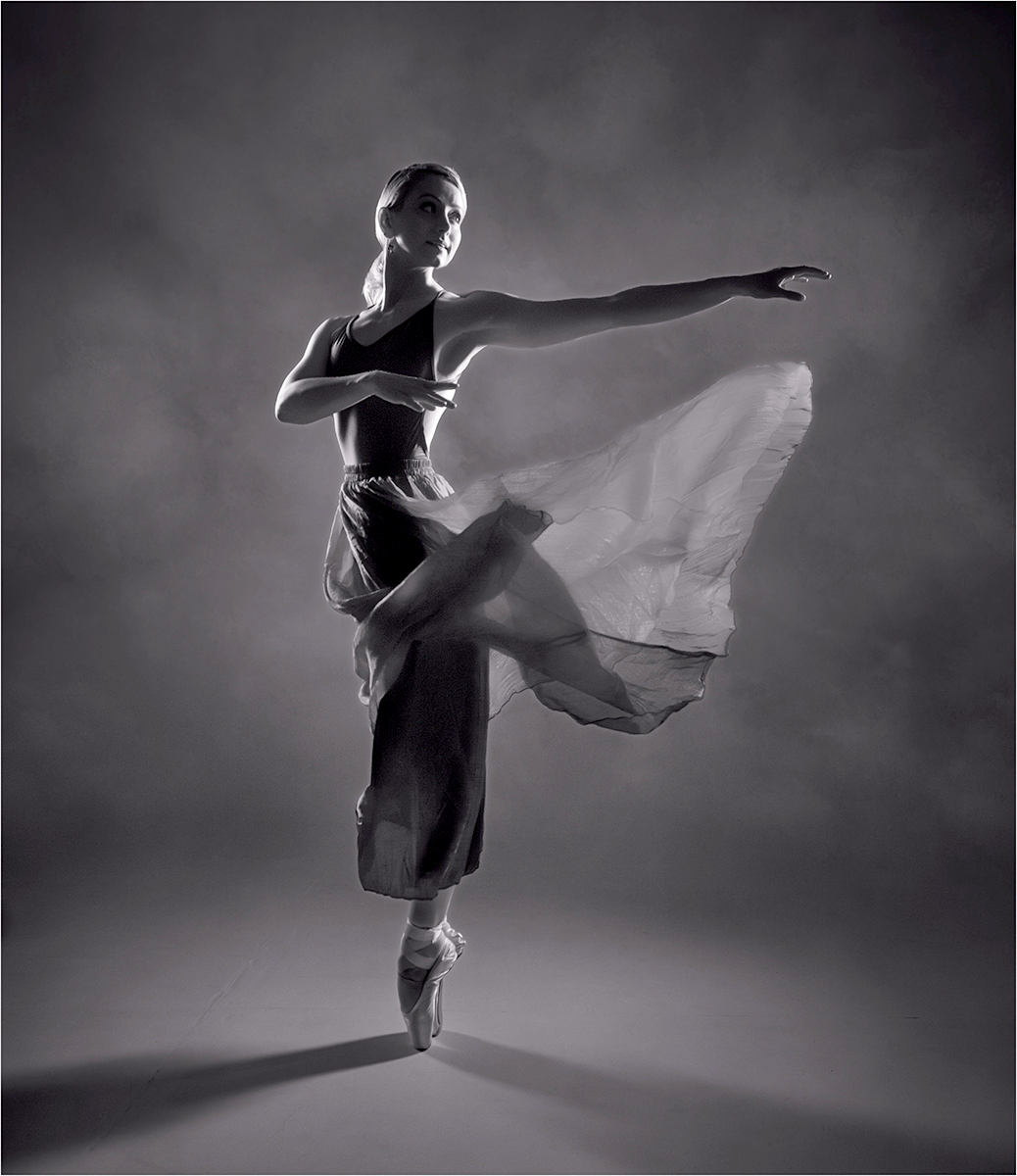
Hi Carol, What at beautiful image. Love it. There is just a few things I would change. Her scarf looks like it is coming from under her chin. I cloned that out. I went into levels and hit auto and give it a little more light. Use a white brush and lighten the eye on the darker side. Very Nice image. |
Jul 9th |
 |
7 comments - 0 replies for Group 77
|
| 99 |
Jul 23 |
Reply |
Yes Tom. That is a good idea. Thanks, |
Jul 17th |
| 99 |
Jul 23 |
Comment |
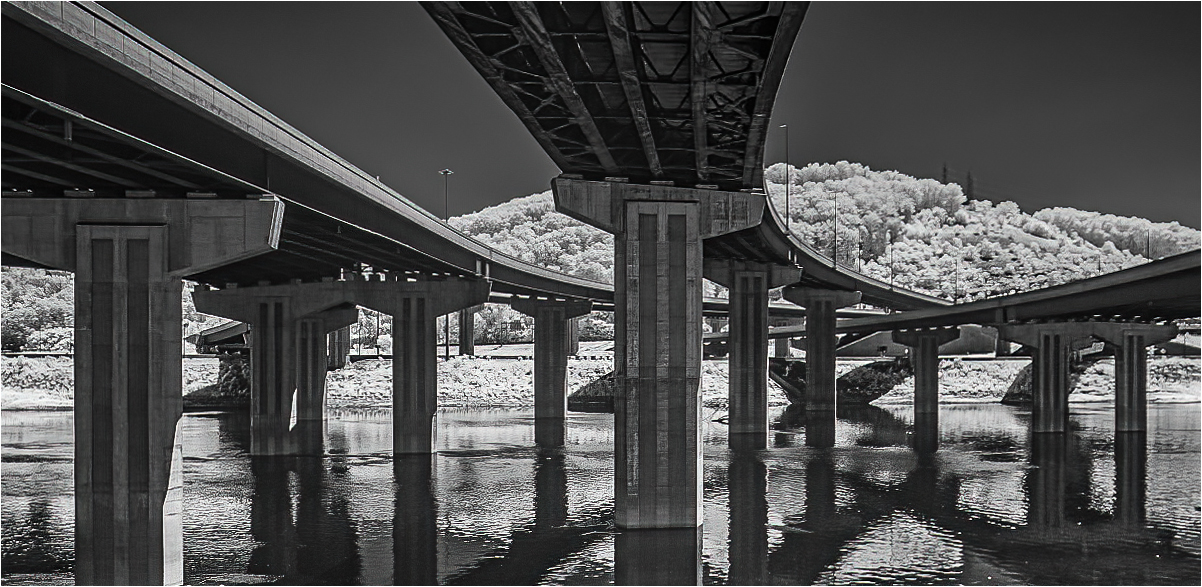
Hi Tom, Very nice and interested image. Like the IR. It does look like snow. I flipped the image to give a leading line on the left side. I used a linear gradient filter in camera raw on the bottom to balance the sky with the water and give it more contrast and balance. Love the lines. |
Jul 9th |
 |
| 99 |
Jul 23 |
Comment |
Hi Kathleen, I really like this image. It is like street photography, it tells a story. I have visual feed back. I agree with most everyone. |
Jul 9th |
 |
| 99 |
Jul 23 |
Comment |
Hi Denice, Yes, Welcome to the Black and White group. I hope you will enjoy the group. I sure have. This is a gorgeous image. I love minimalist images. I was thinking on the same lines as Gerard. I pulled out the shadow on the building. I used camera raw masking and painted the sides and the roof of the building and darken it to give it more contrast. I crop the image to have the building on the rules of thirds. |
Jul 9th |
 |
| 99 |
Jul 23 |
Comment |
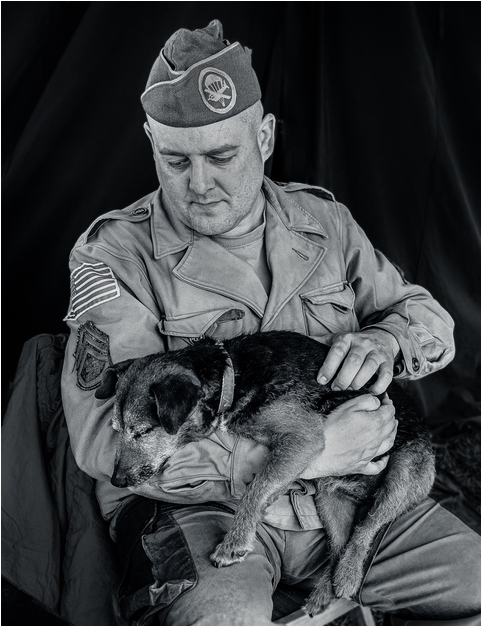
Peter, Very warm and emotional image. I have a dog and I know how I feel about my puppy. I think and black and white adds to this image. I do have a visual feedback. I used camera raw and photoshop and I selected the subject and inverted and darkened the background. I took a black brush and painted black on the high lights on his face and clothes. The brush was on 8% opacity. Love this image. Beautiful portrait of this man and his dog. |
Jul 9th |
 |
| 99 |
Jul 23 |
Comment |
Gerard, I have looked at this image for a very long time. I really like the textures and the tones of Black and White. I am looking at each petal of the flower. The petals looks like they are going all different directions. Some are short and some are long. Some of the petals have a black tip and some have a white tip. Then you have two petals that have found each other and they are holding each other. To me that is the subject and a story. I would like to see the background darker and high light on the right top tone down a little. |
Jul 9th |
| 99 |
Jul 23 |
Comment |
Barbara, I really like the lines and texture in this image. I also like the contrast dark and light on the equipment and the light background to make the equipment stand out. I did used content aware to remove a board in the upper right hand corner that I kept looking at and a tool on the ledge on the left side. It just felt to me a little distracting and my thoughts kept going to those items. I darken the window in the back of the equipment. I feel like this is an outstanding documentary image. |
Jul 5th |
 |
6 comments - 1 reply for Group 99
|
28 comments - 3 replies Total
|