|
| Group |
Round |
C/R |
Comment |
Date |
Image |
| 43 |
Jun 23 |
Comment |
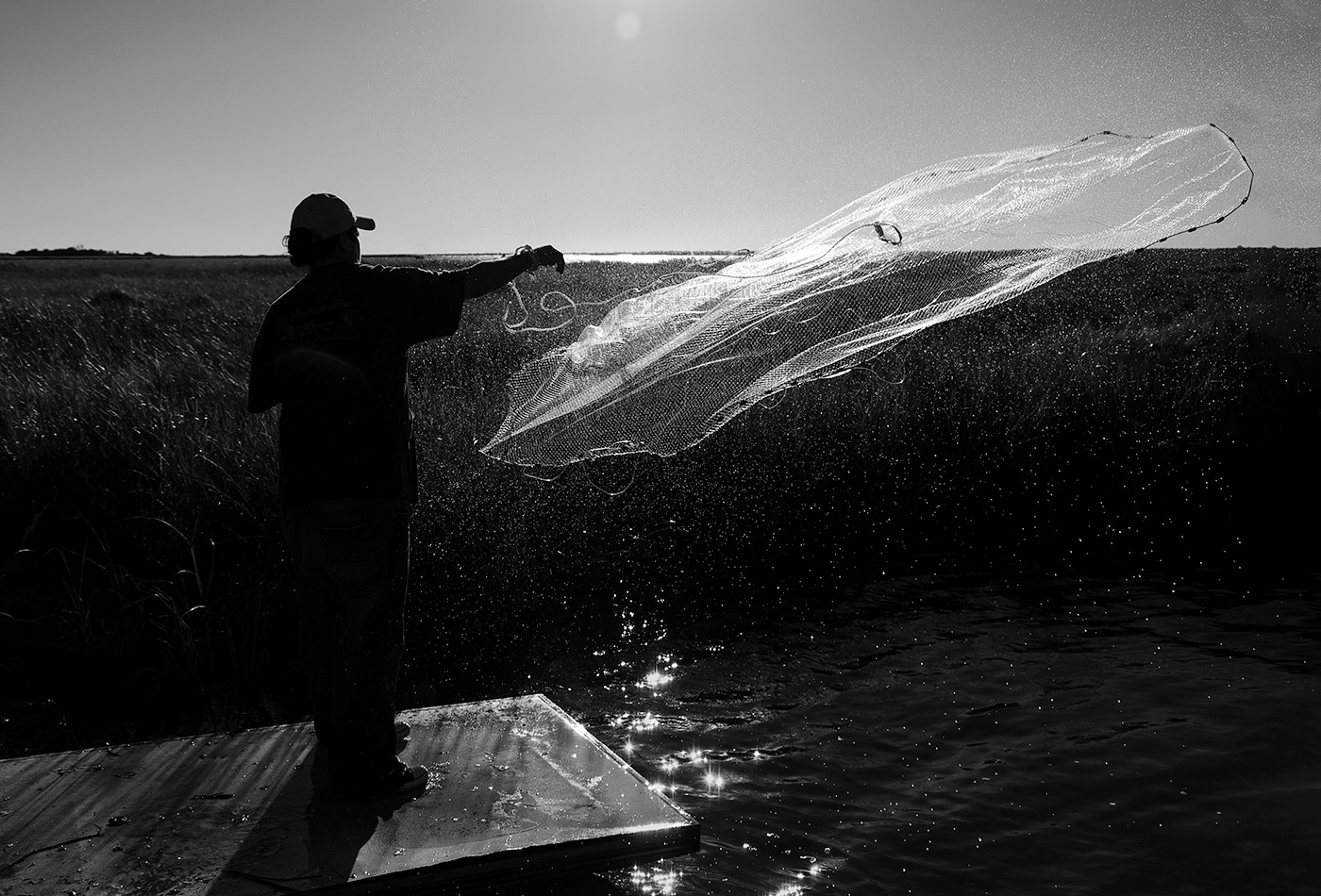
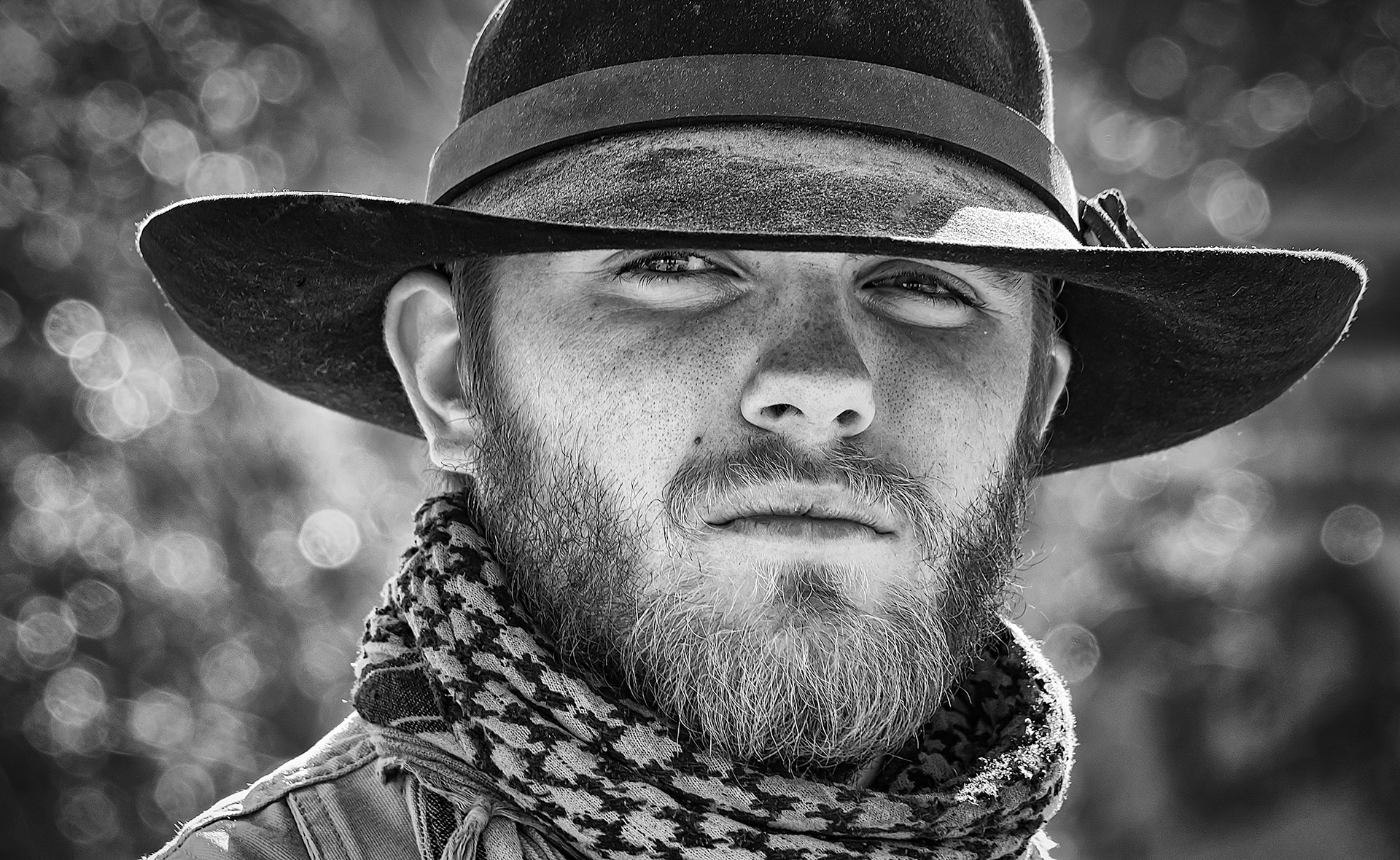
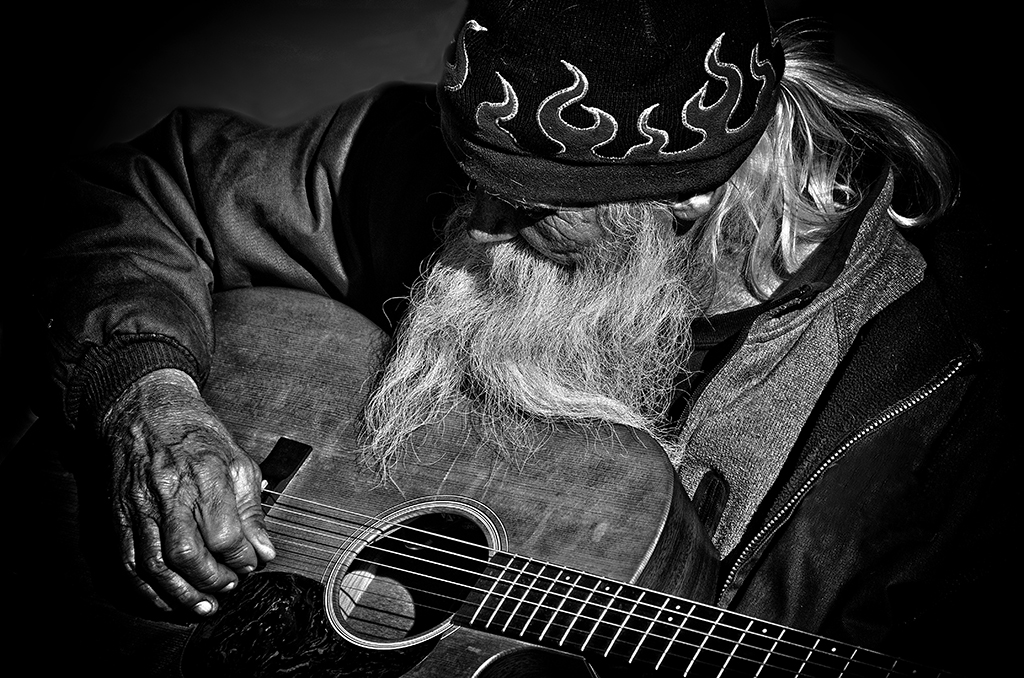
Lane, Congratulations on your image showcased in PSA. Great job. Love the Black and White. Beautiful work. |
Jun 16th |
| 43 |
Jun 23 |
Comment |
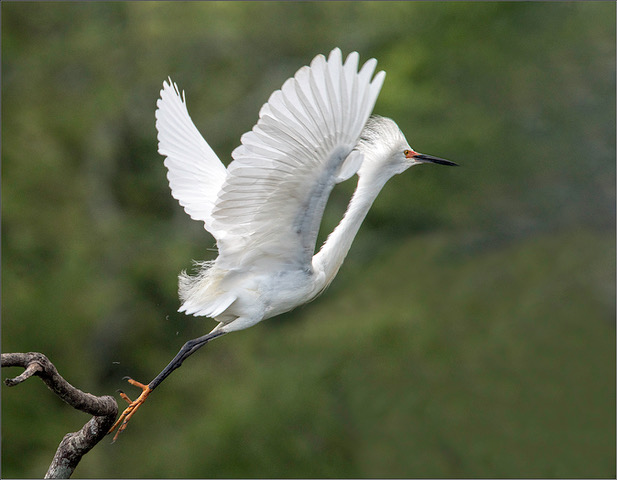
Harley, Yes, that does bring out the bird more. I not a fan of the dark corners. Thank you for your feedback.
|
Jun 12th |
| 43 |
Jun 23 |
Comment |
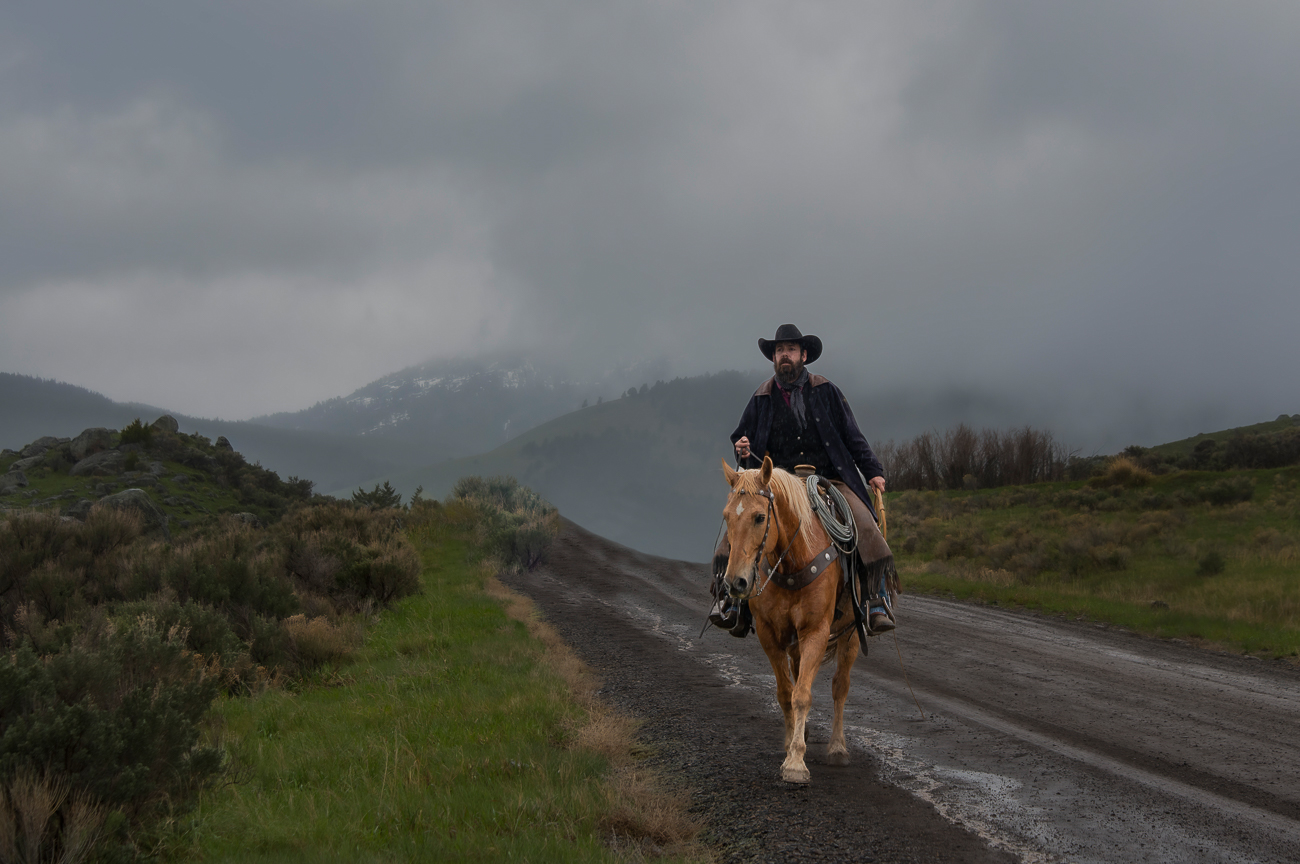
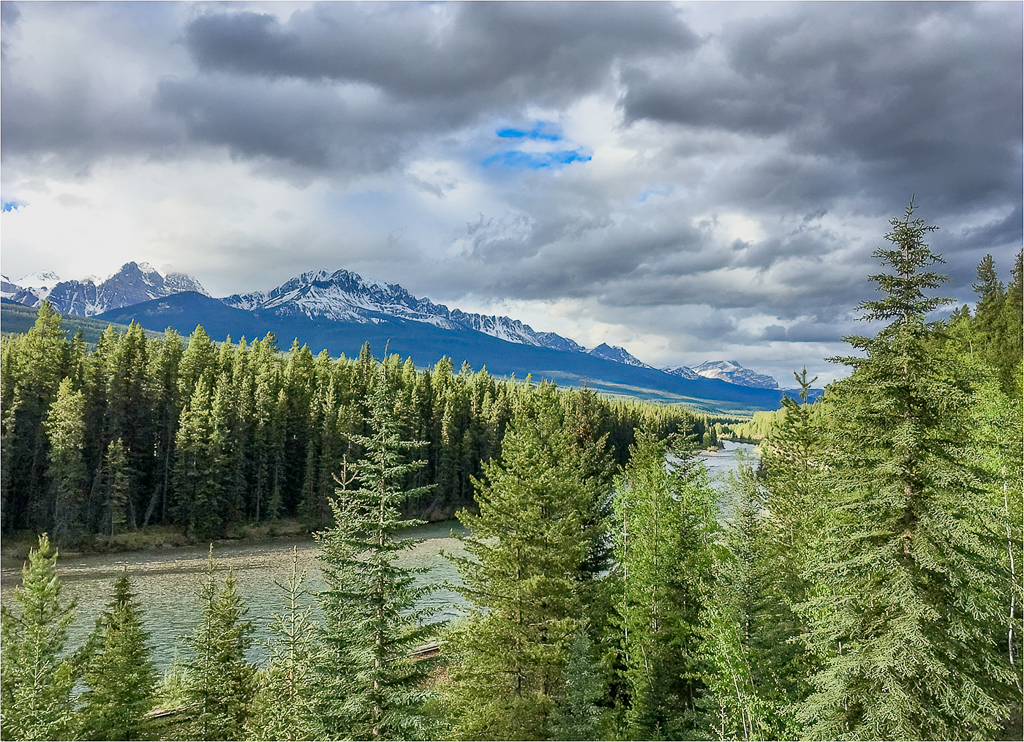
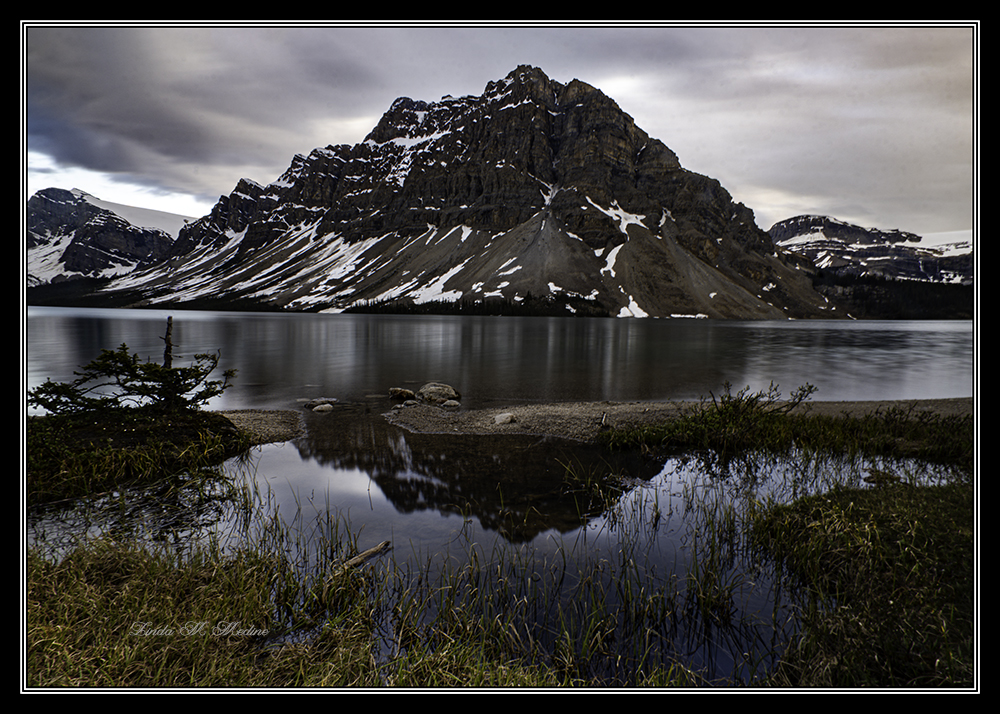
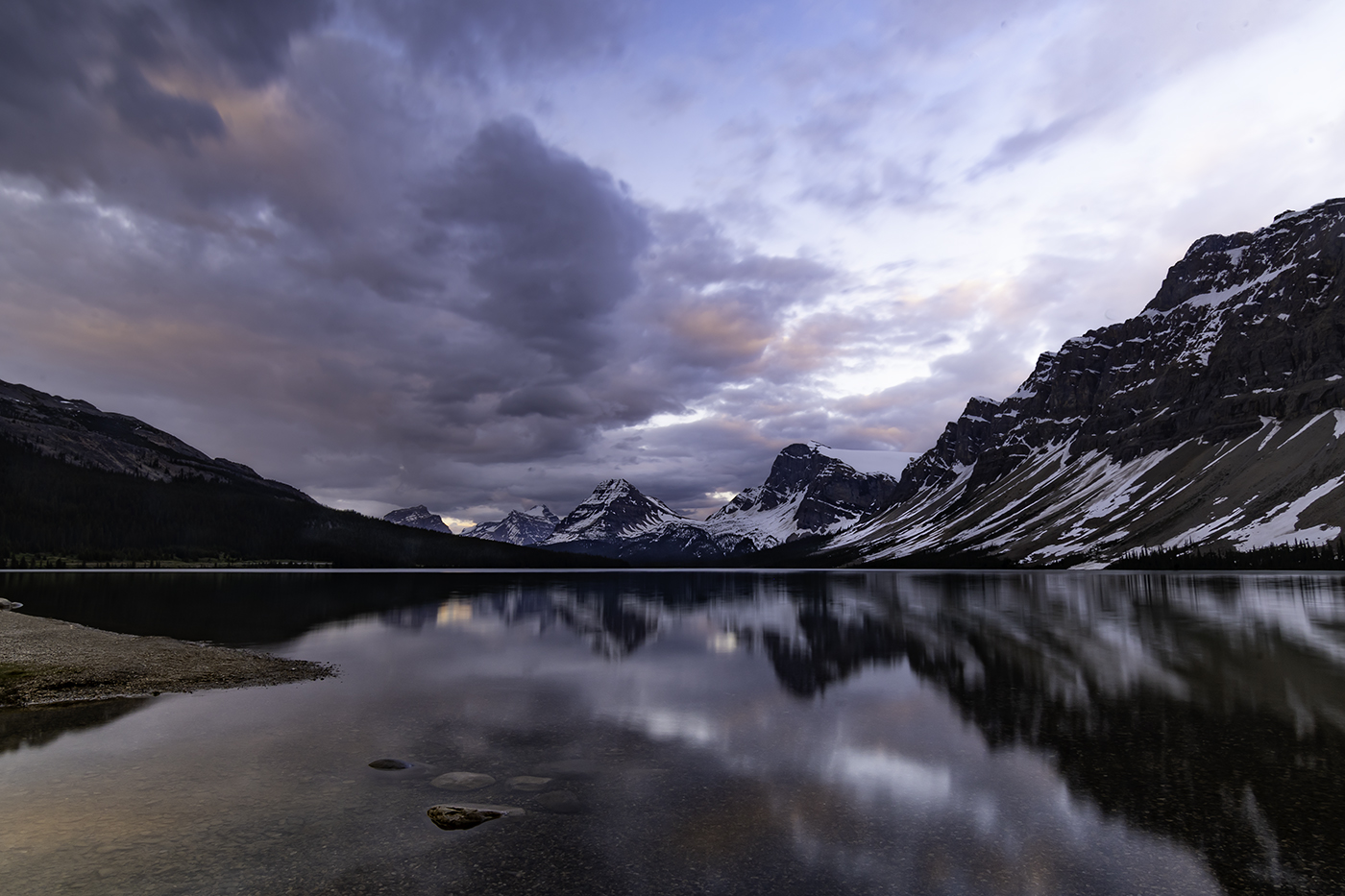
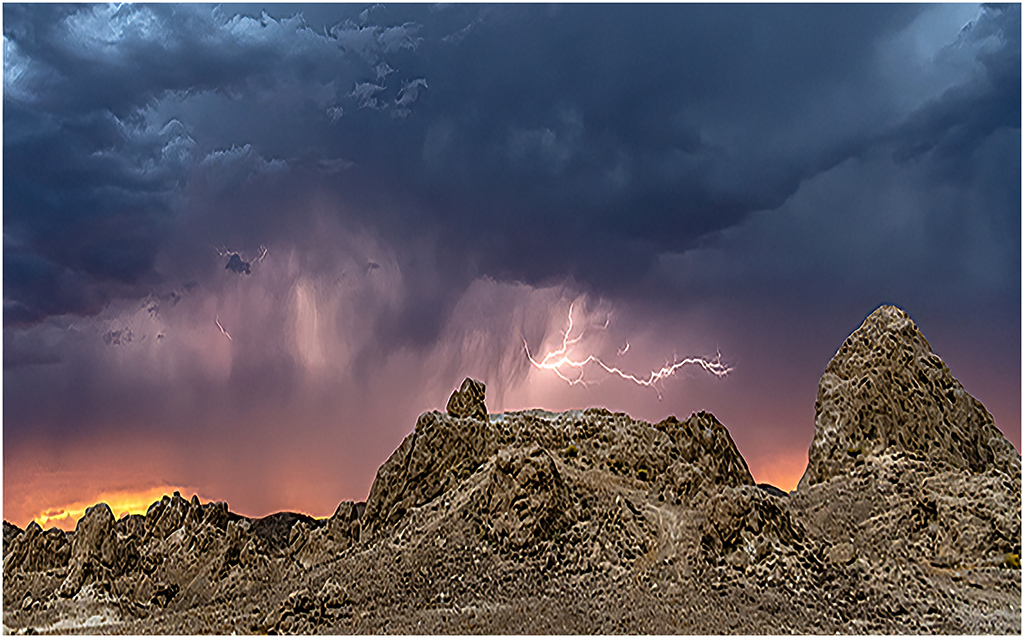
Andrew, This is an outstanding image. Gorgeous colors and beautiful clouds and a big bonus you got the lighting. Just a suggestion. I used the transform tool to make the mountains look a little larger. I darken the sky to give the image more drama. |
Jun 10th |
 |
| 43 |
Jun 23 |
Comment |
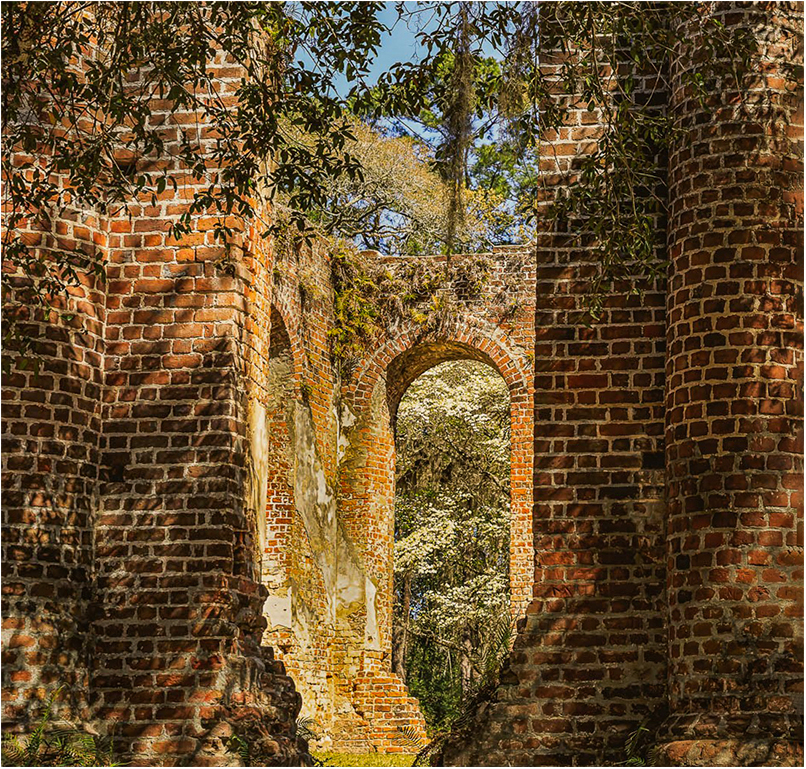
Lane, Yes, I agree with Andrew. Thank you for the history. I darken the blown out wall and I darkened the open in the back so you can see the beautiful trees with white flowers on it. I also brought out the shadow on the bricks in the front of the image. |
Jun 10th |
 |
| 43 |
Jun 23 |
Comment |
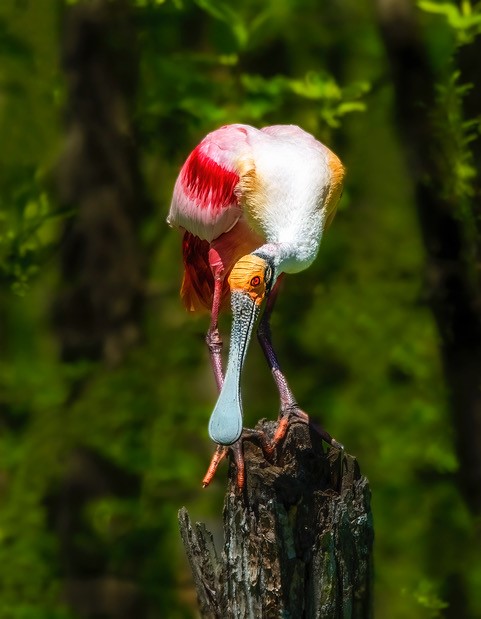
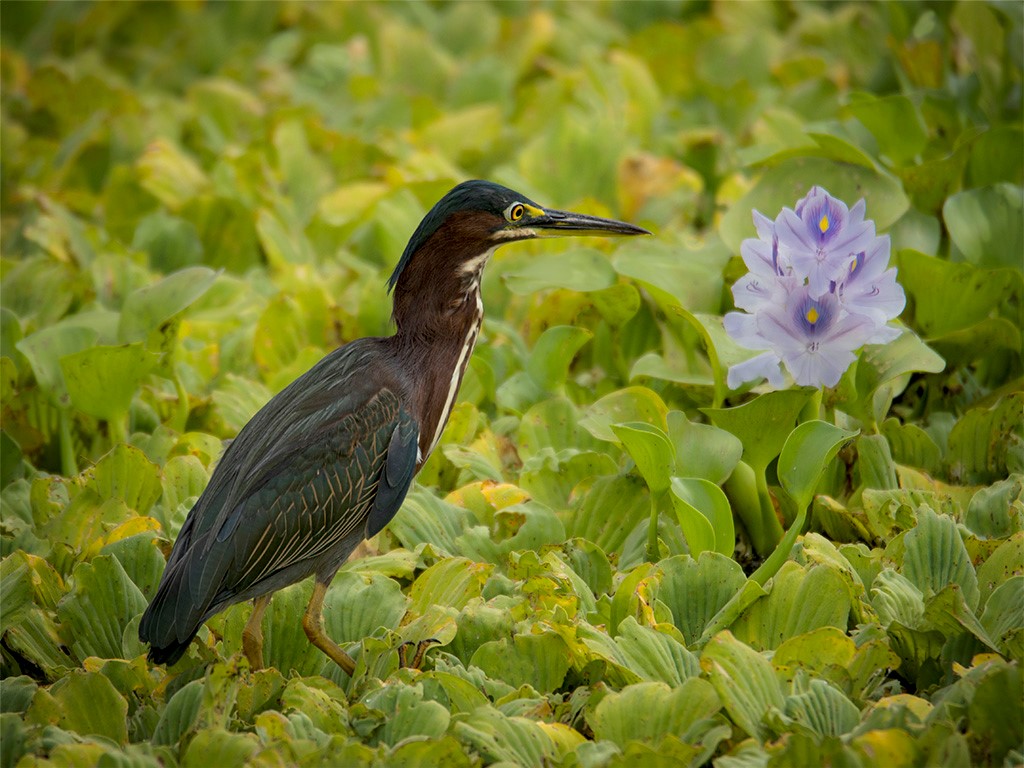
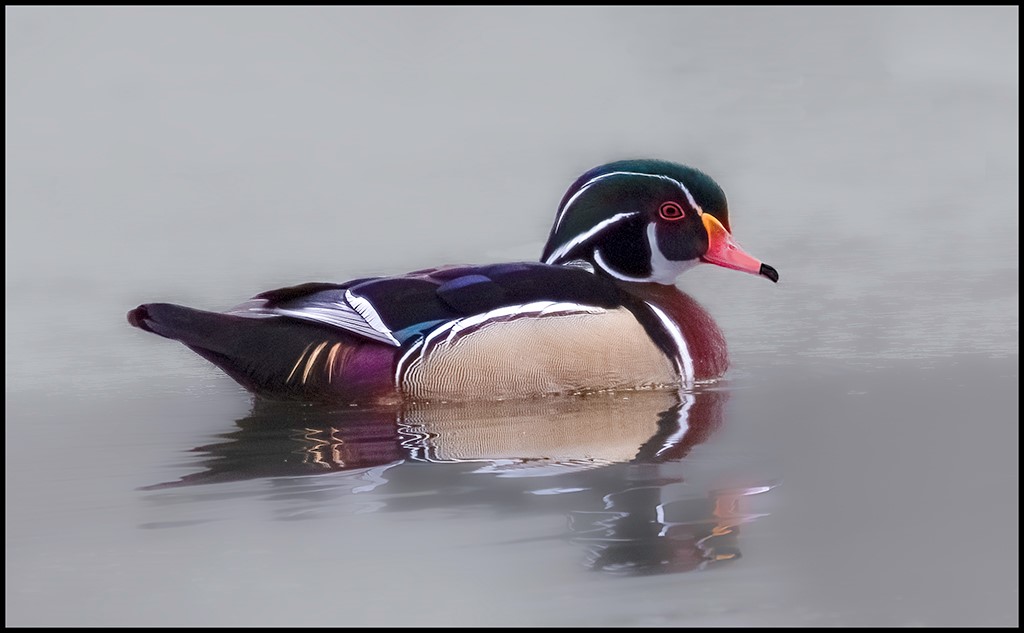
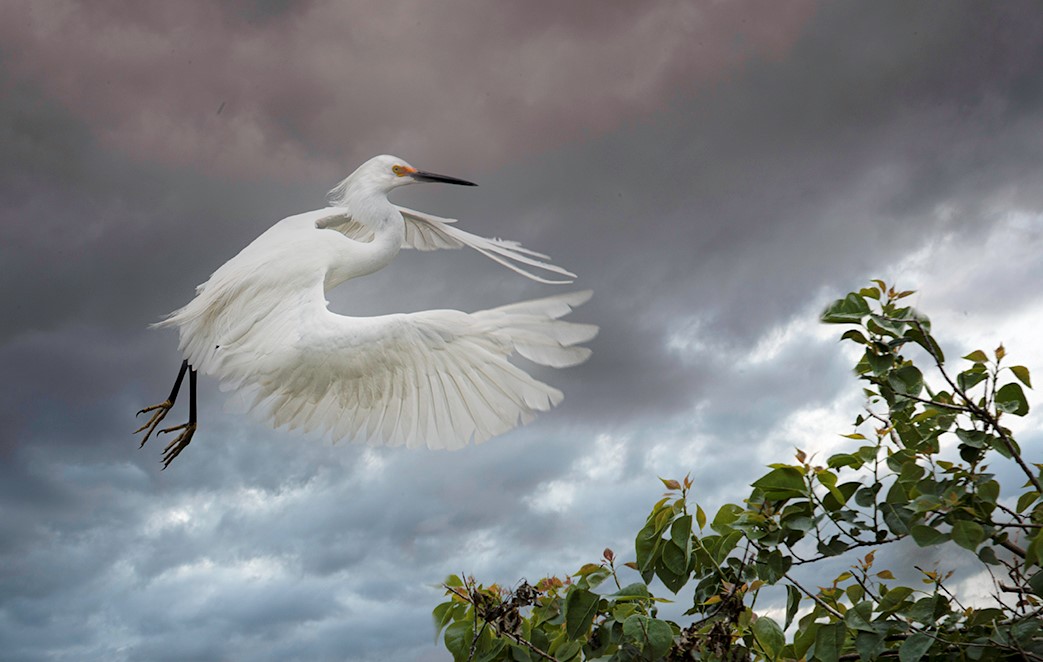
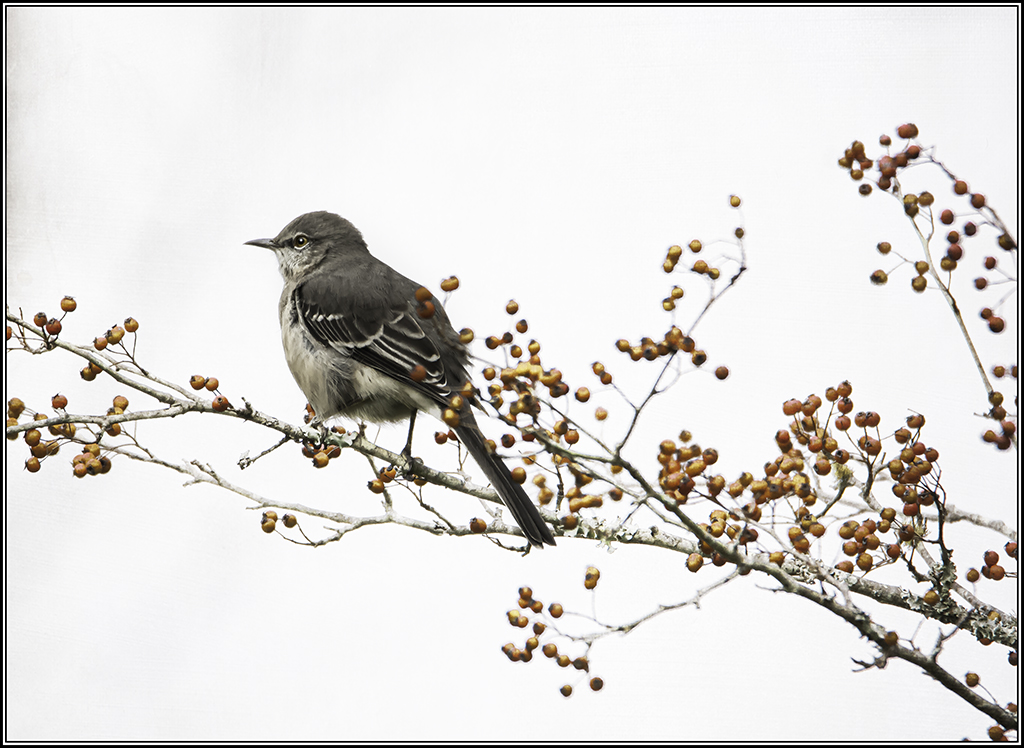
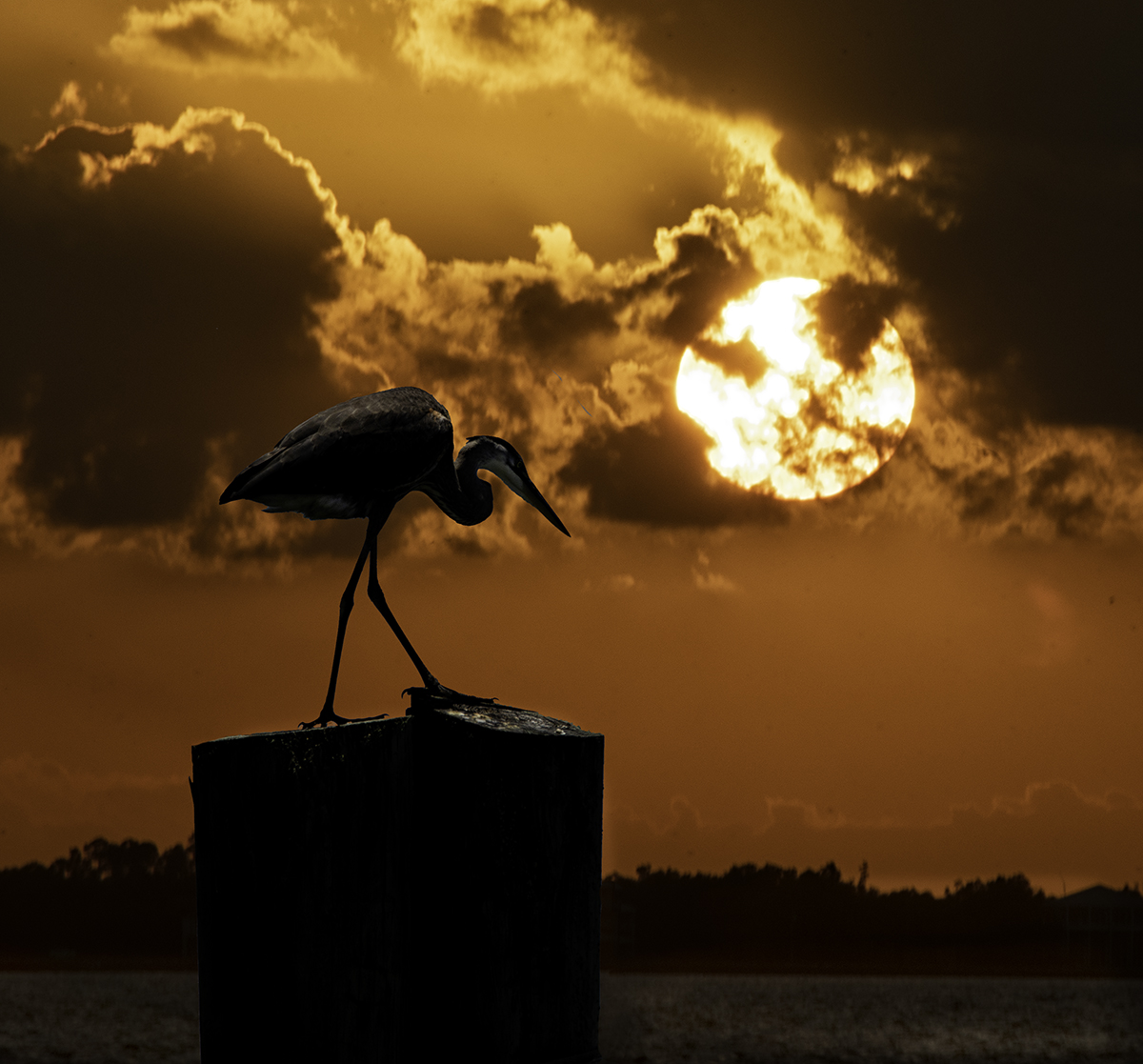
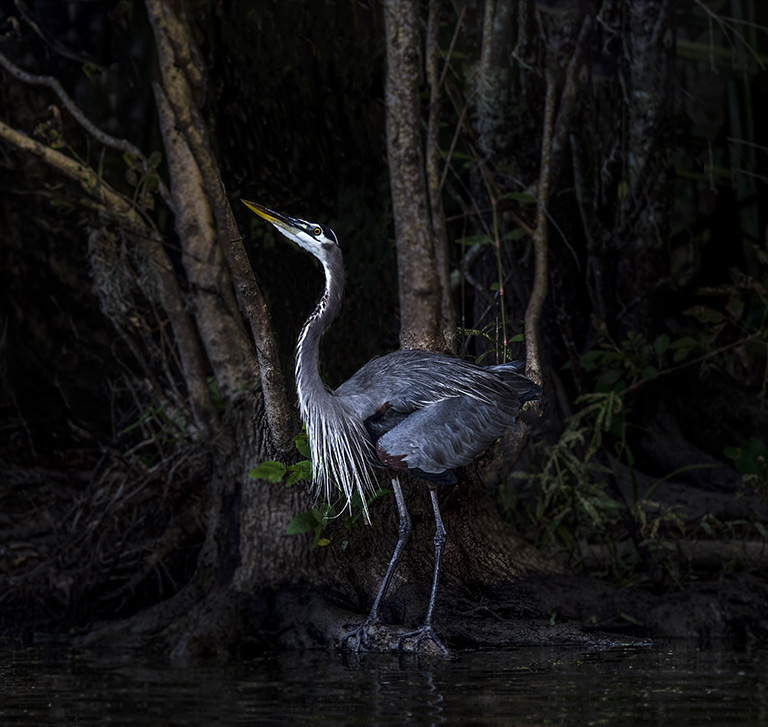
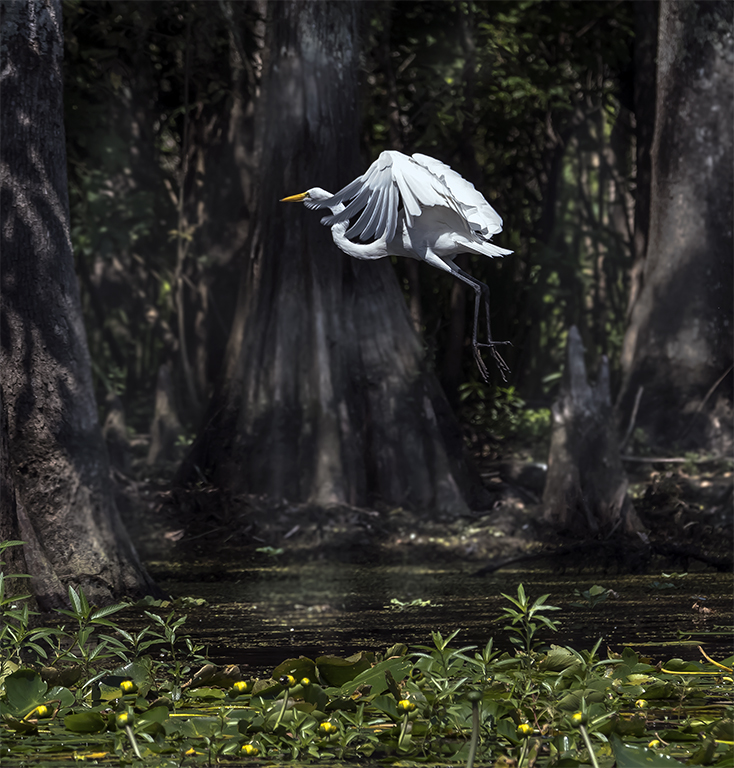
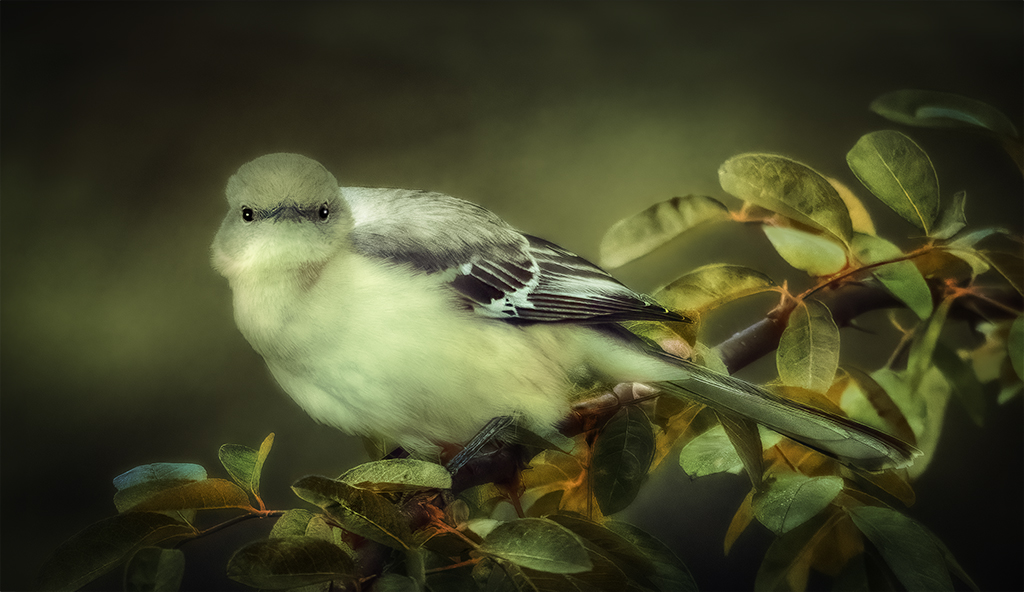
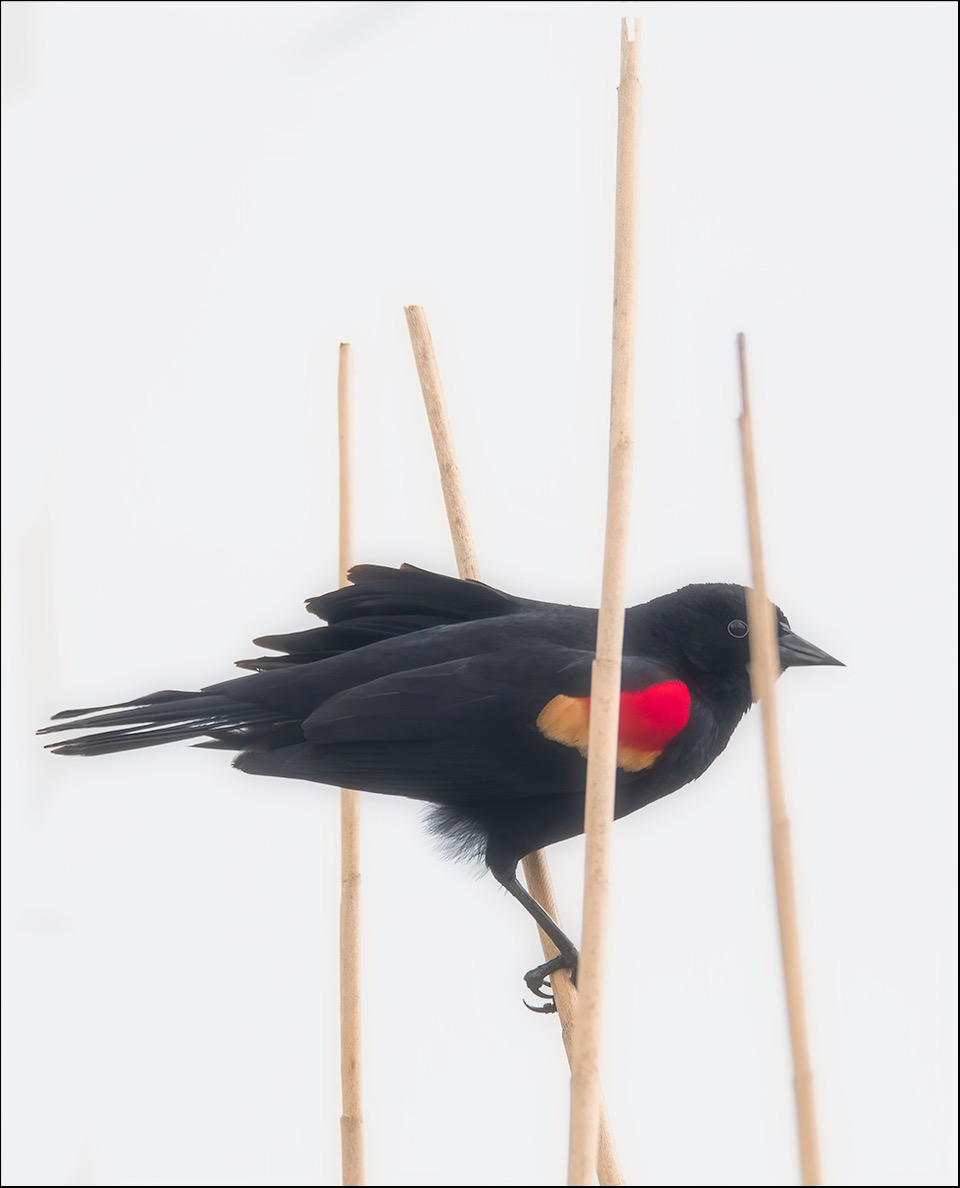
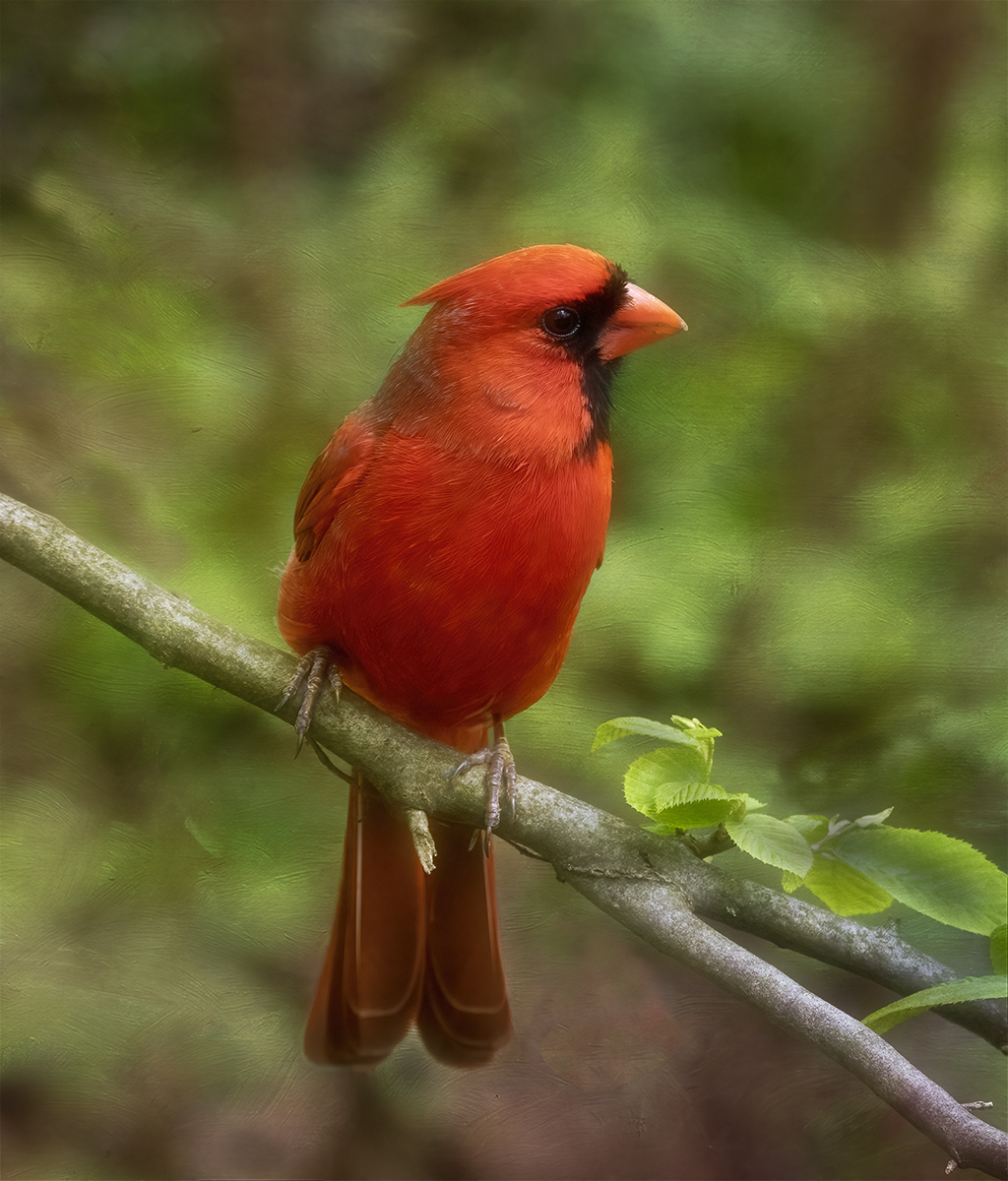
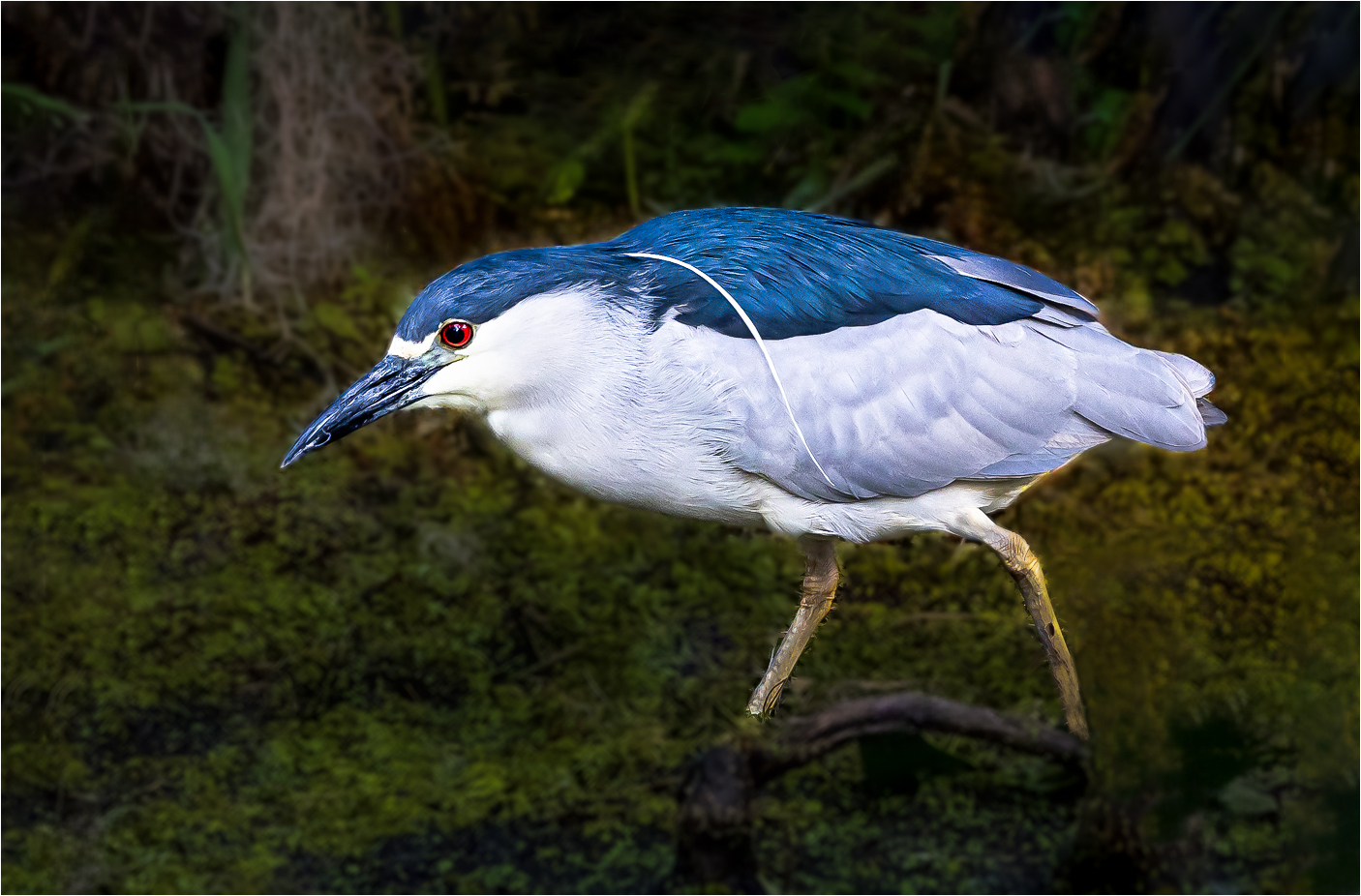
Bruce, What a beautiful image. Sharp, eye is sharp, and colors are beautiful. Good storytelling image. It looks like the is a light color all round the bird. Looks like you tried to darken the background but did not get too close to the bird. I put the image into Photoshop in camera raw and used the masking tool to select the bird and inverted the image to darken, soften, and muted the background. I want all the interest on the bird. I cropped out the log on the right corner. To me that log looked distracting. |
Jun 10th |
 |
| 43 |
Jun 23 |
Comment |
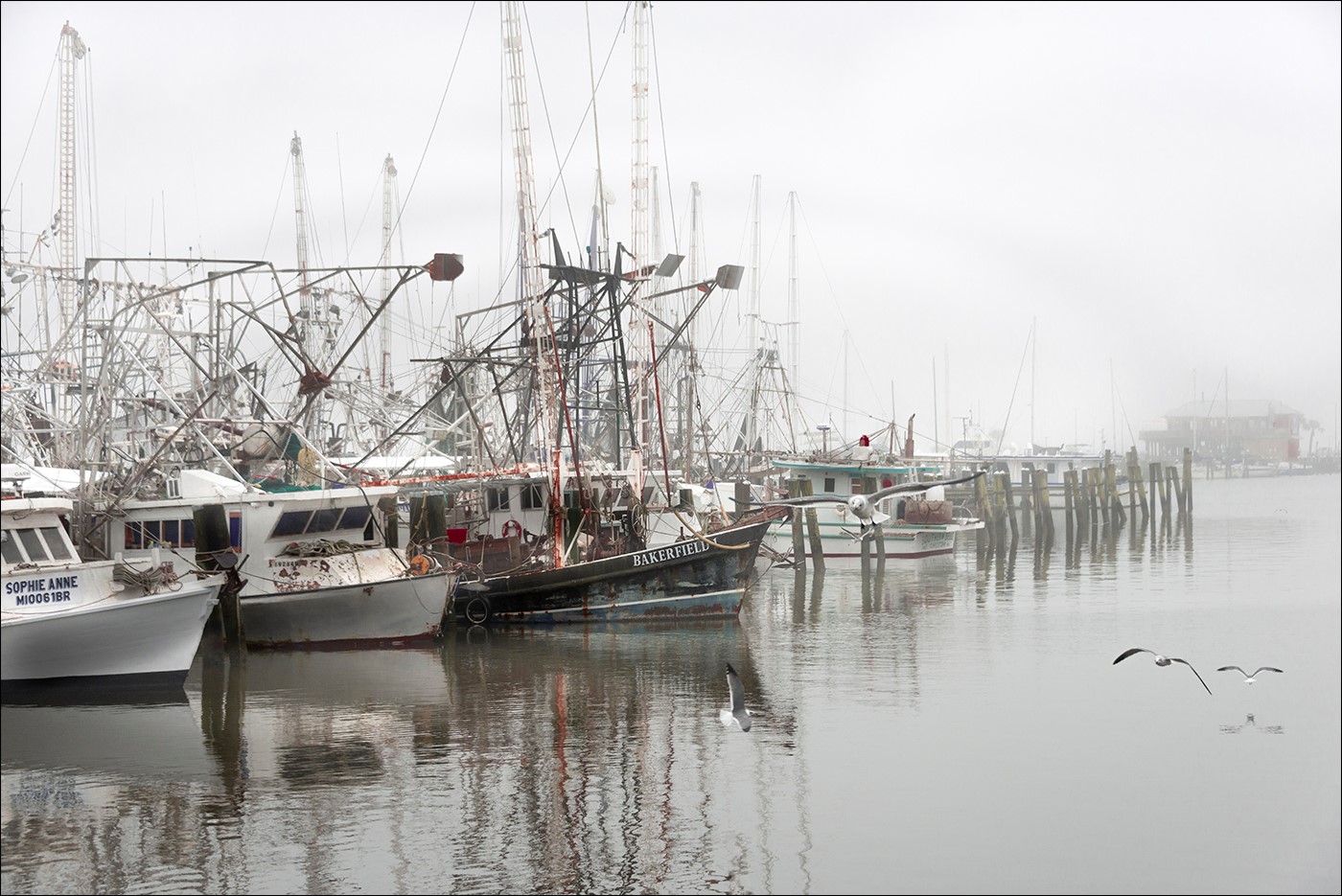
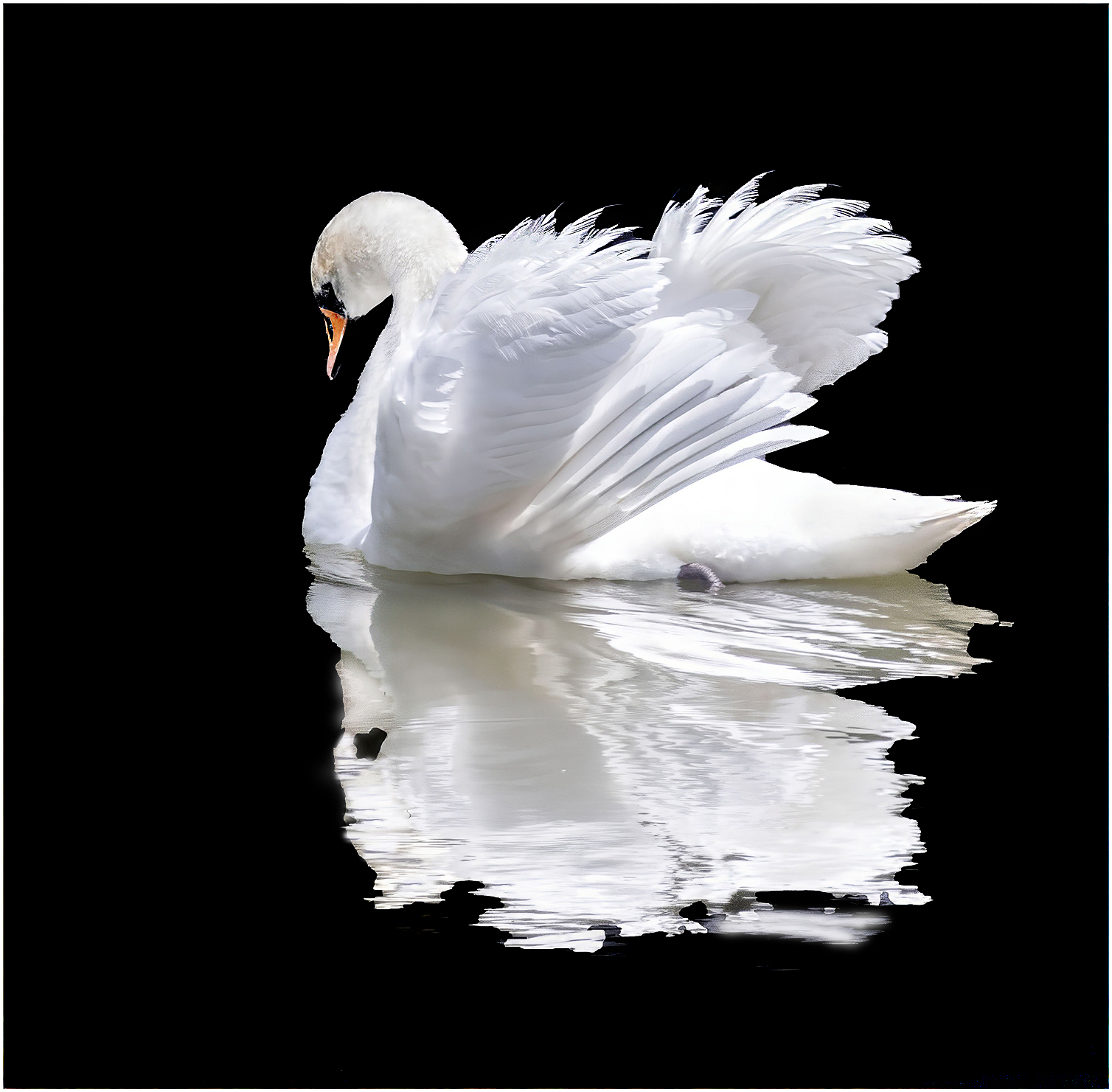
WOW Harley, Great job. I love what you did with this image. I cleaned up the background. I used Photoshop and the mask tool. I worked on the shadow a little bit. This image is so sharp and love the reflections. |
Jun 10th |
 |
| 43 |
Jun 23 |
Comment |
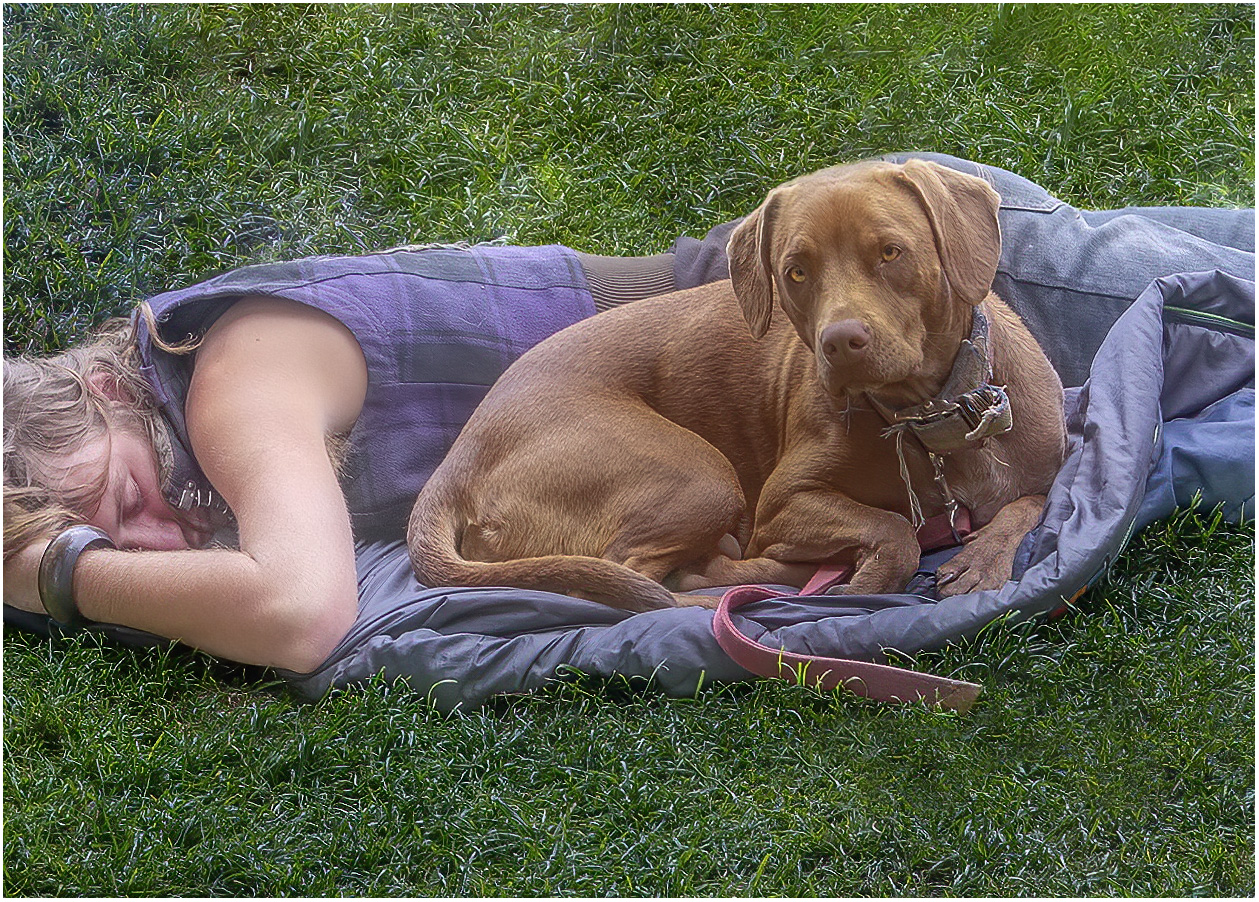
Mark, I really got into this image. I love dogs and have had five dogs since I am an adult. They could be so loyal to their owners. I feel like this image tells a story of the relationship of this dog to his owner. I used the patch tool to copy the grass from below. I crop some of the man off to make the dog the main subject in this image. I really like the contrasting colors too. Good catch. To me this is an emotional image. |
Jun 10th |
 |
| 43 |
Jun 23 |
Reply |
Thank you Mark and Andrew |
Jun 10th |
| 43 |
Jun 23 |
Comment |
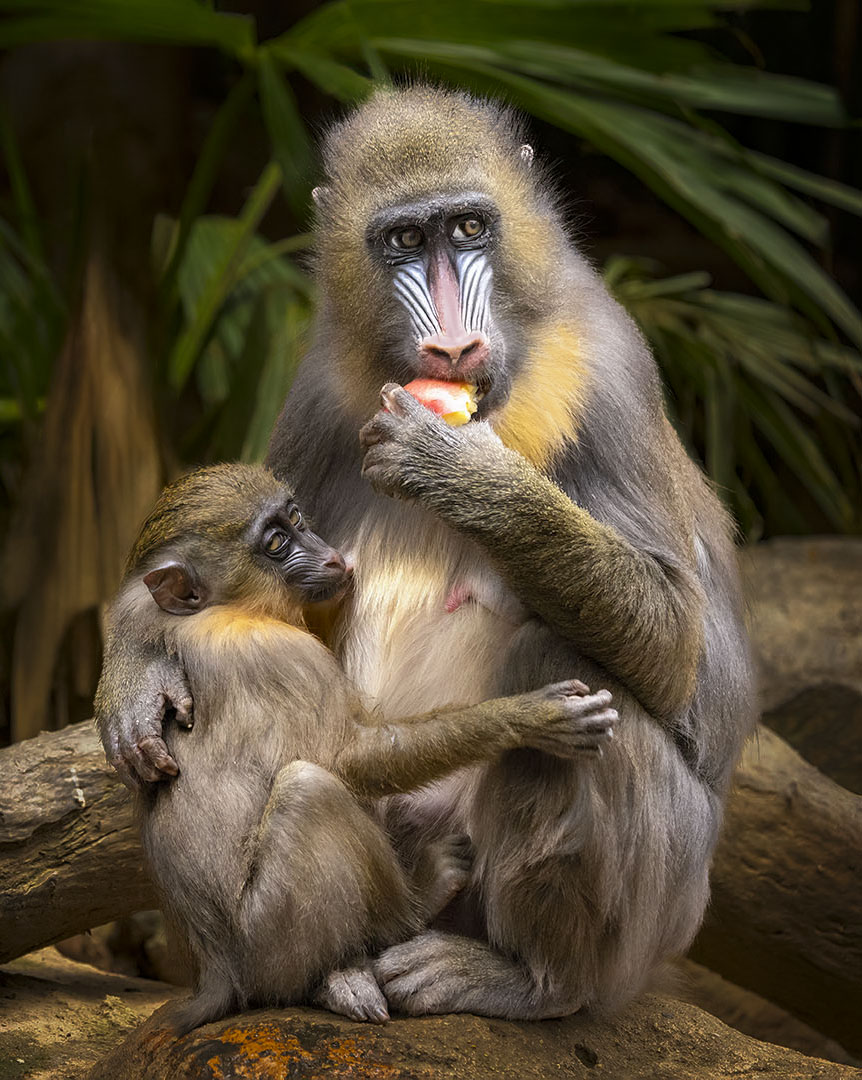
Leo, What a beautiful storytelling image. Love the Male Mandrill. I cropped it and worked on darkening the background and made it a little muted. I darkened the logs around the animals and worked on the adults face. Used a brush to made the gold around his face darker, made the eye brighter, pained pink a little on the mothers nose, there was a hot spot on his nose. Removed the hair that was in front of one of the eyes on the adult. |
Jun 8th |
 |
8 comments - 1 reply for Group 43
|
| 61 |
Jun 23 |
Comment |
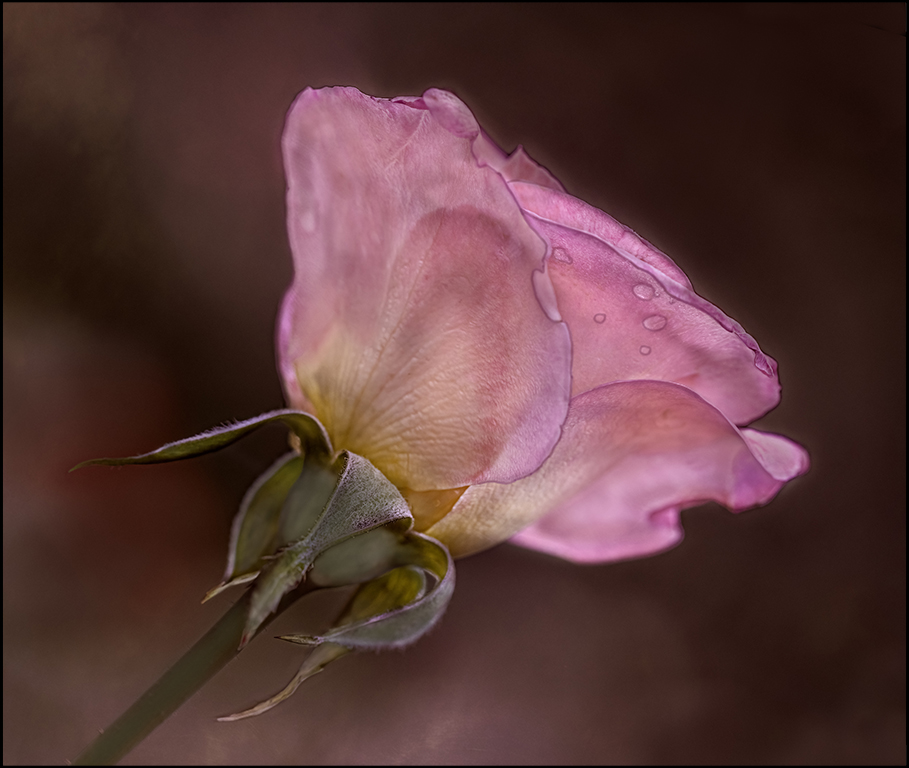
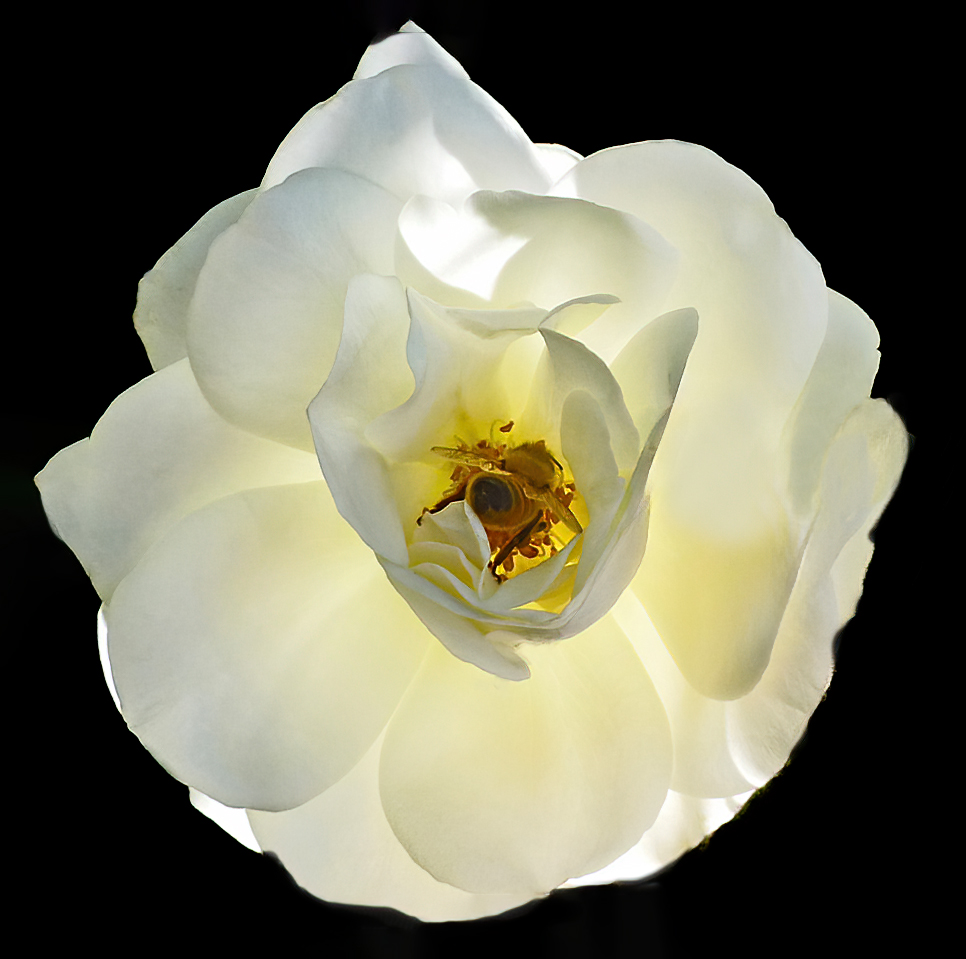
Shirley, I really like the backlit white rose. I have visual feedback. What I would do with this image. The bee outside the rose was a little soft, so I removed it. The rose is the subject. I focus on the rose. Crop it and gave it more room and make the background black. I used the remove tool, photoshop, camera raw. |
Jun 11th |
 |
| 61 |
Jun 23 |
Reply |
Thank you Marti! |
Jun 8th |
| 61 |
Jun 23 |
Reply |
Good idea. I like it. |
Jun 8th |
| 61 |
Jun 23 |
Comment |
David, I would not change not one thing. Looks like a winner to me. |
Jun 8th |
| 61 |
Jun 23 |
Comment |
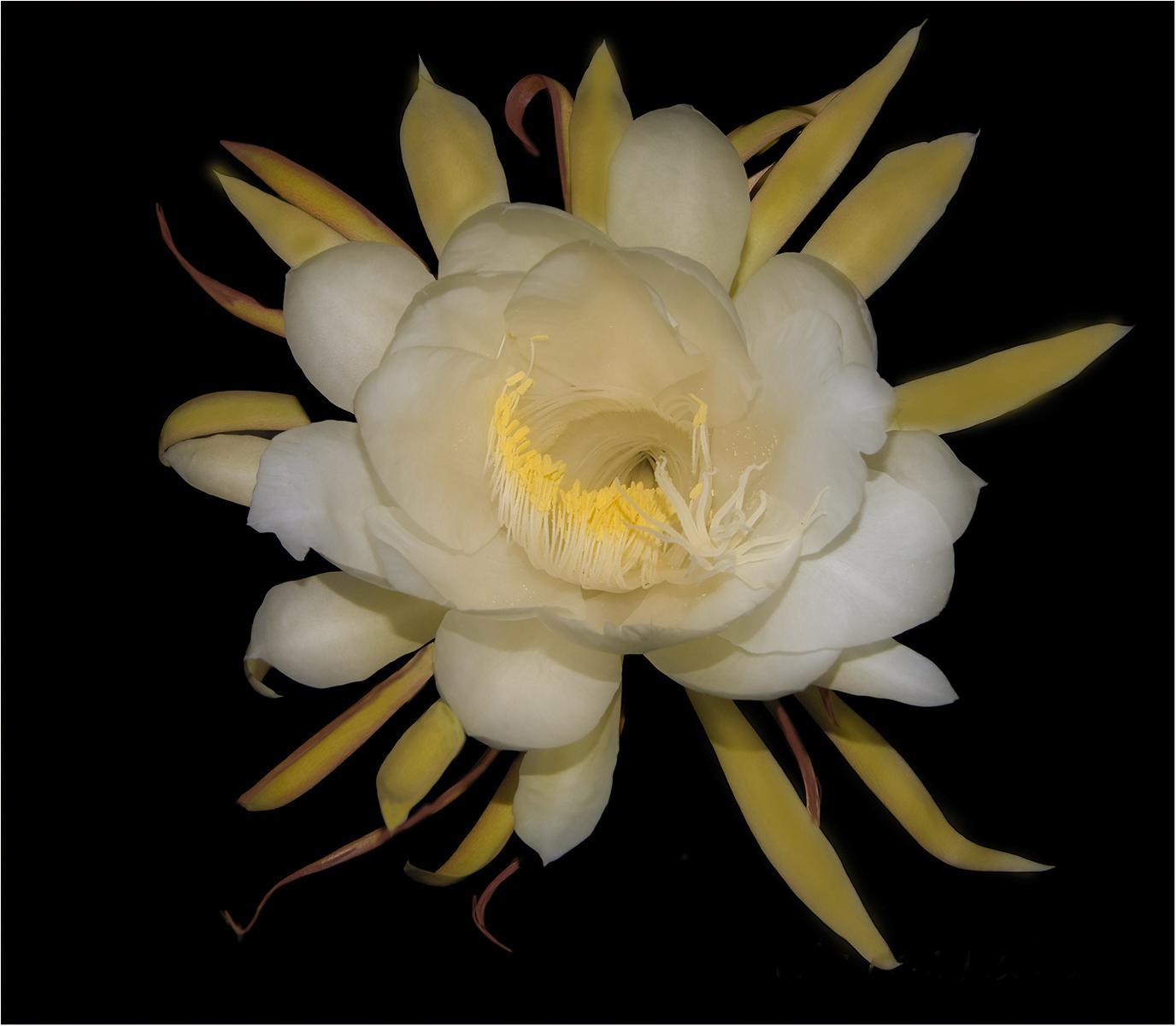
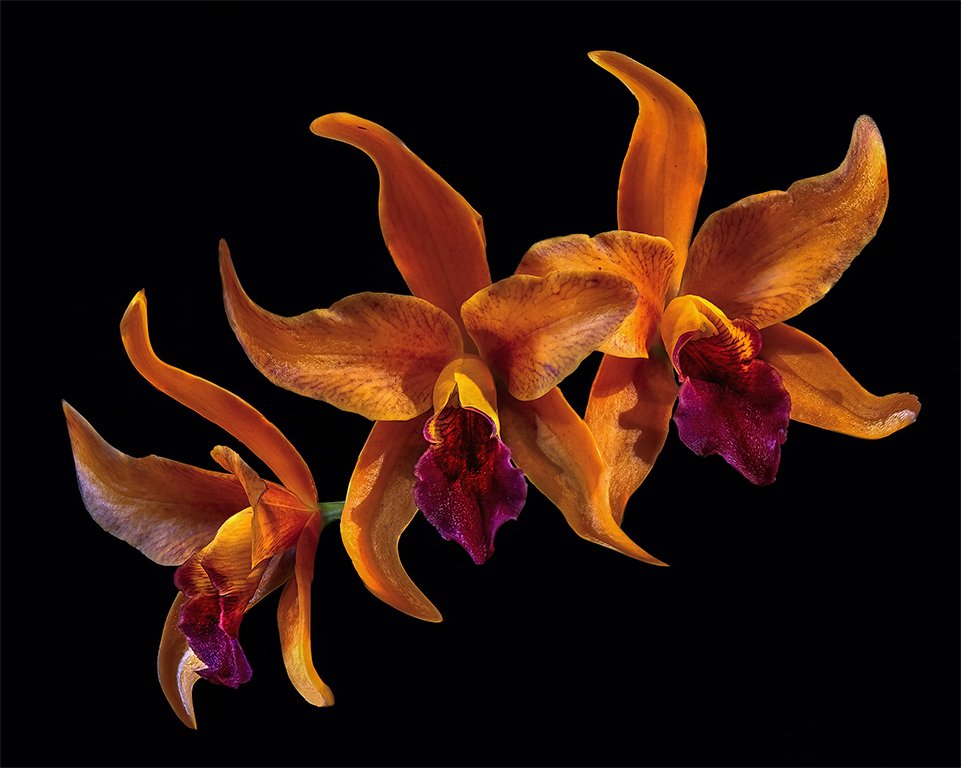
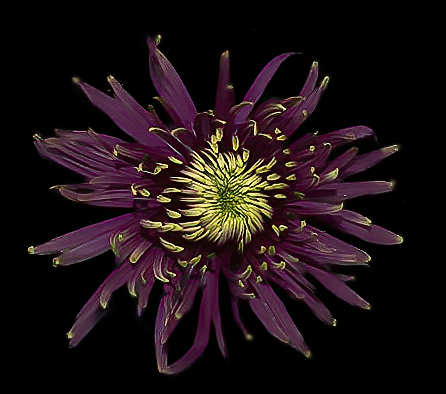
I used the flower in the saucer and I work on getting the background black. I used Photoshop. This is a beautiful flower. |
Jun 8th |
 |
| 61 |
Jun 23 |
Comment |
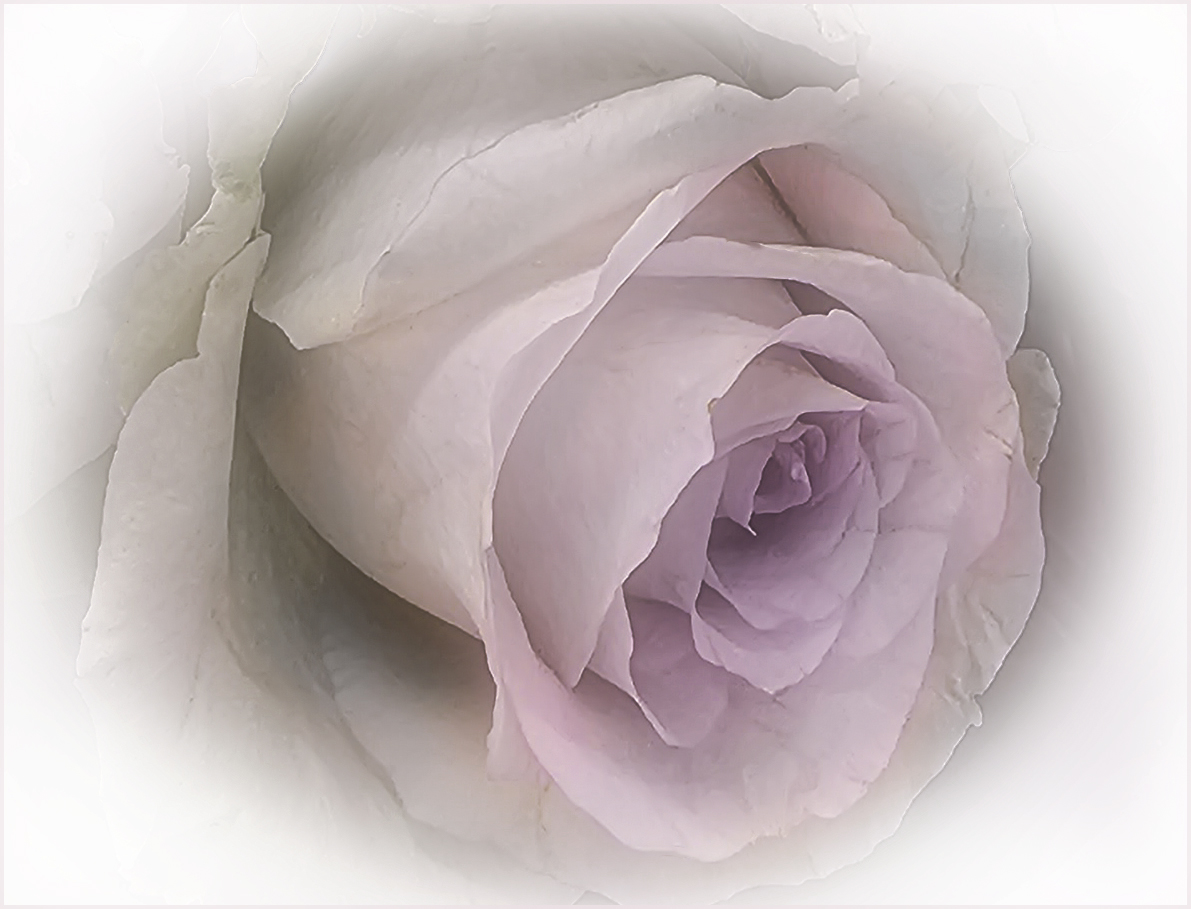
Another version with more color. I painted in a little more pink. |
Jun 8th |
 |
| 61 |
Jun 23 |
Comment |
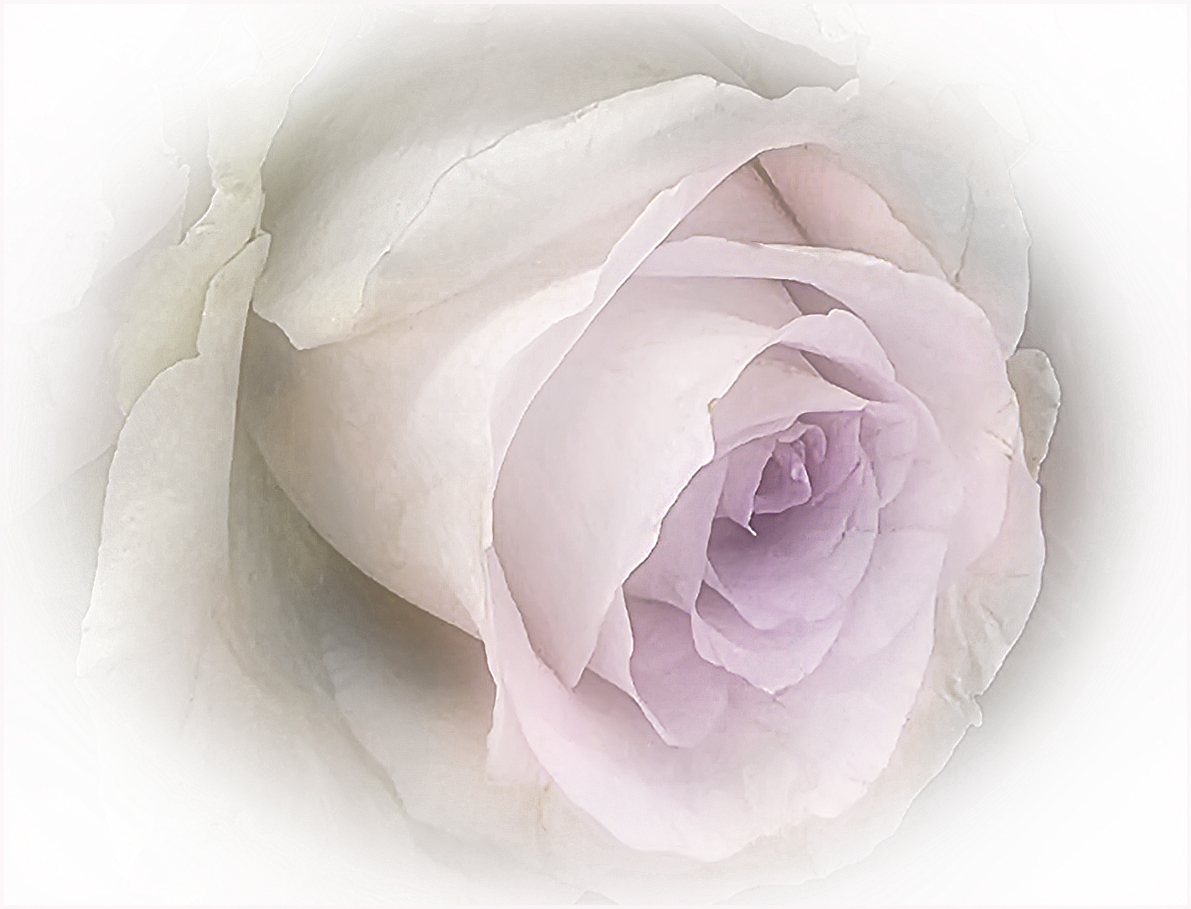
Hi Marti, Love your rose. I just have a suggestion. I wanted to make the rose a little softer. I used the removable tool and removed some of the blemish on the flower. Used blur, gaussian blur, 37.4 pixels, blending mode, screen. Then used sharped tool to sharpen the petals little |
Jun 8th |
 |
| 61 |
Jun 23 |
Comment |
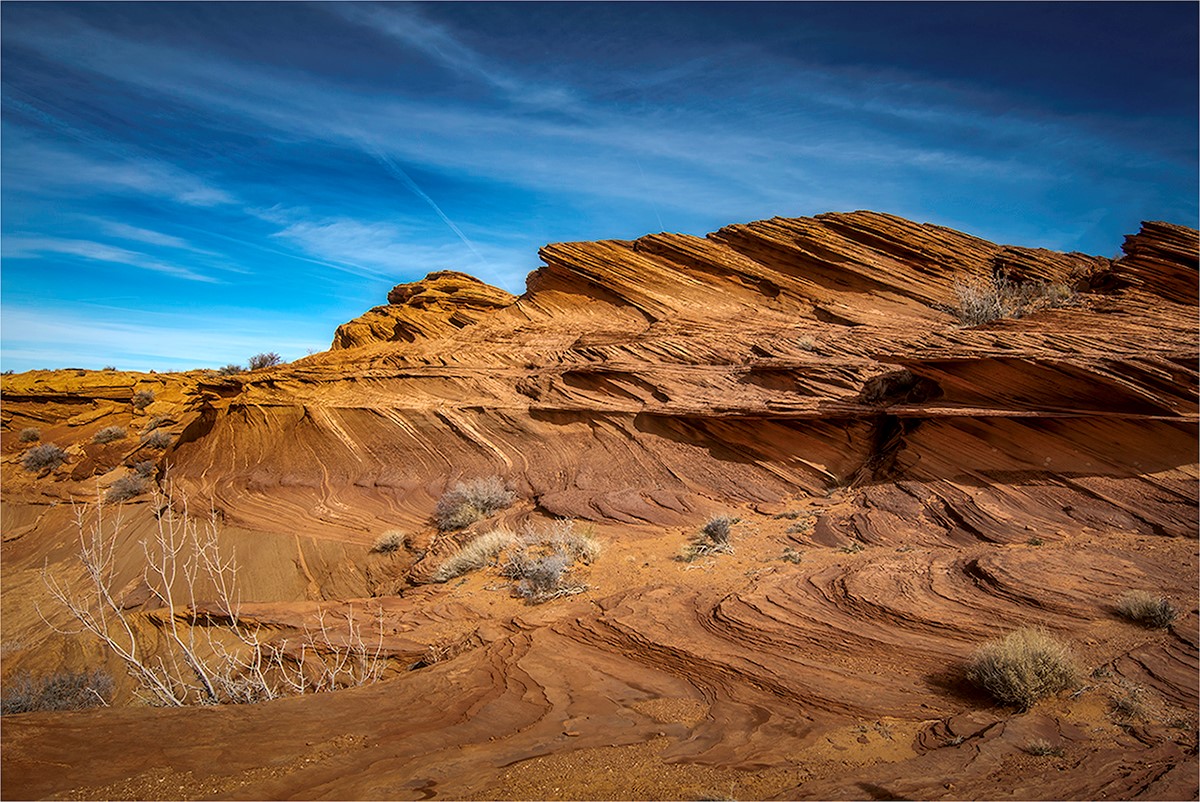
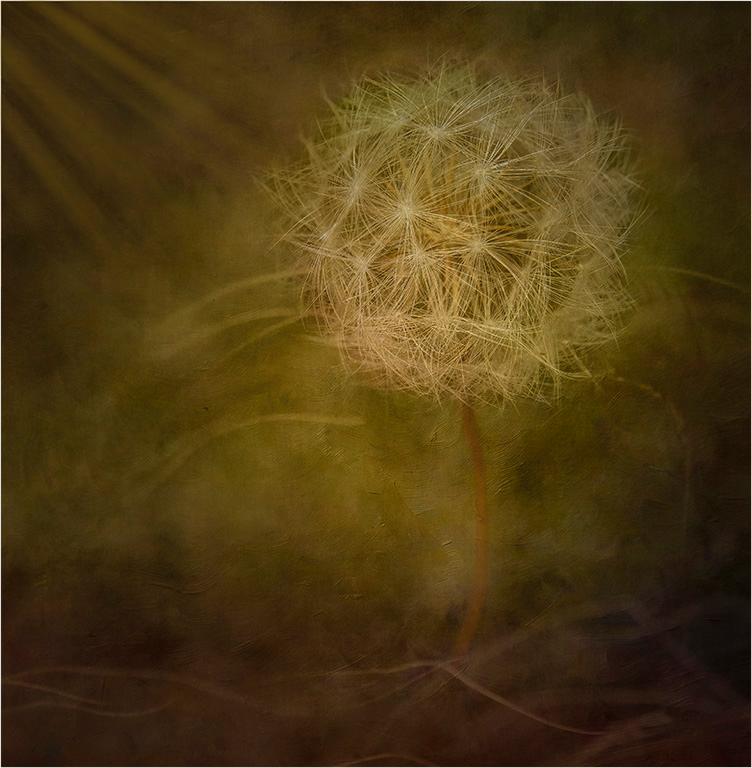
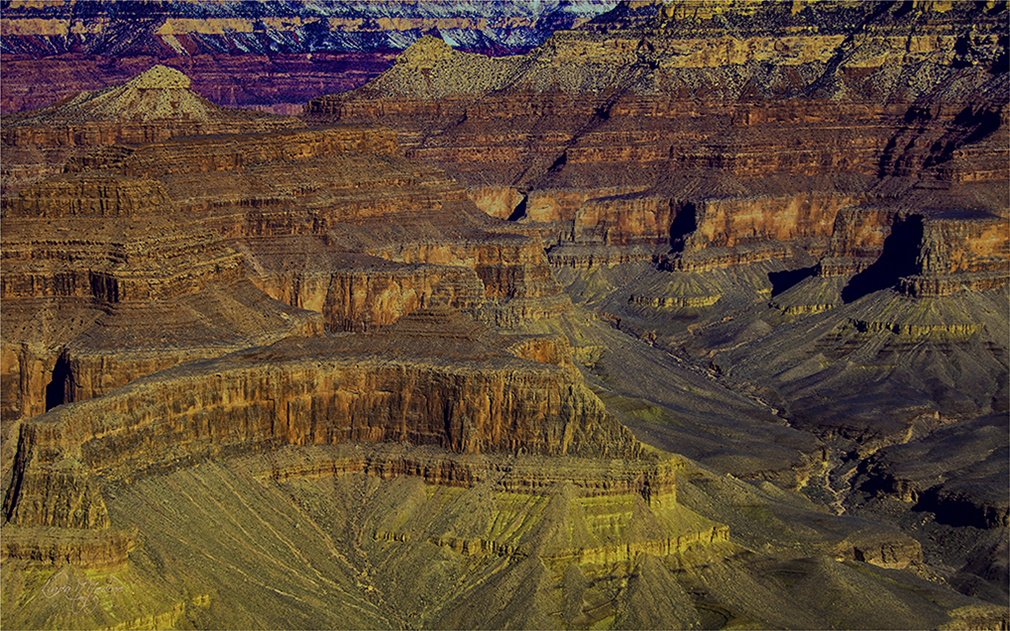
I really like this image. I love the textures and the leading lines. The black space at the bottom of the image is taking my eye there and there I just black space. I want to stay in this image and continue to look around. |
Jun 8th |
 |
6 comments - 2 replies for Group 61
|
| 77 |
Jun 23 |
Comment |
Denise, Yes, you are correct. I do see that. Thank you for the positive feedback. |
Jun 25th |
| 77 |
Jun 23 |
Comment |
Jodi, Congratulation on your image you showcased this month. Great job. Keep up the good work. |
Jun 17th |
| 77 |
Jun 23 |
Comment |
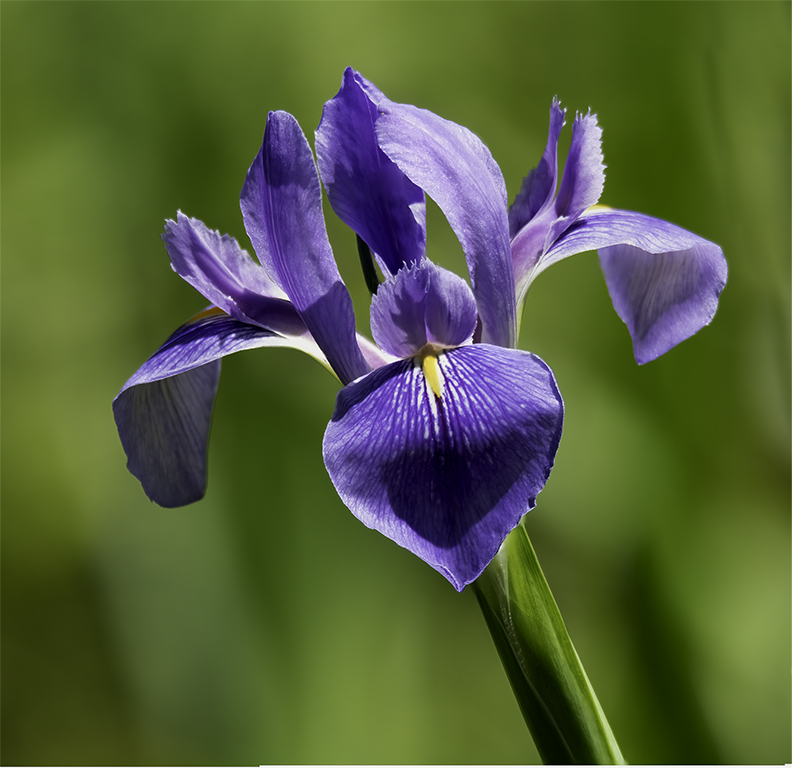
Denise, This is a beautiful image. Looks like a fine art piece. I really like the original images colors the best. I like the rich colors. I just see one flower in the image in focus. I would like to see more flowers in focus That maybe the way you wanted it. |
Jun 12th |
| 77 |
Jun 23 |
Comment |
I used photoshop and used the eyedropper to get a color from one of the lighter petals. Used the brush tool to lightly brush in color in the blown out petals. Lower the opacity and the flow to get lighter layer of paint. You can and a layer to do this. On the left I used the clone tool and shape the leaf at at point like it was before. I hope that helped. You can also YouTube it to get better explanation. I am still learning too. |
Jun 12th |
| 77 |
Jun 23 |
Comment |
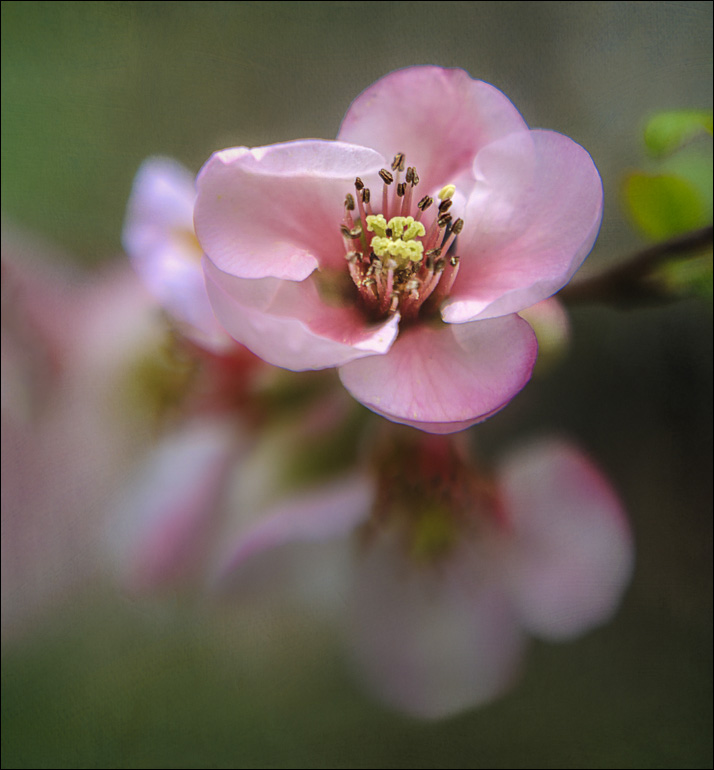
Michael, Beautiful fine art piece. I added just a little more to the left side to give the flower a little more room. I took the radial tool in Camera Raw and darken the shadow to give the flower a little more pop. I cleaned up a few little blemish on the flower. Beautiful Job. |
Jun 12th |
 |
| 77 |
Jun 23 |
Comment |
Mary, What a beautiful image. I love the contrasting colors. I just have a few feedback comments. I see a halo around the lady's head and it look like she is floating in the air. I also see some harsh hi light lines in her dress. |
Jun 12th |
| 77 |
Jun 23 |
Comment |
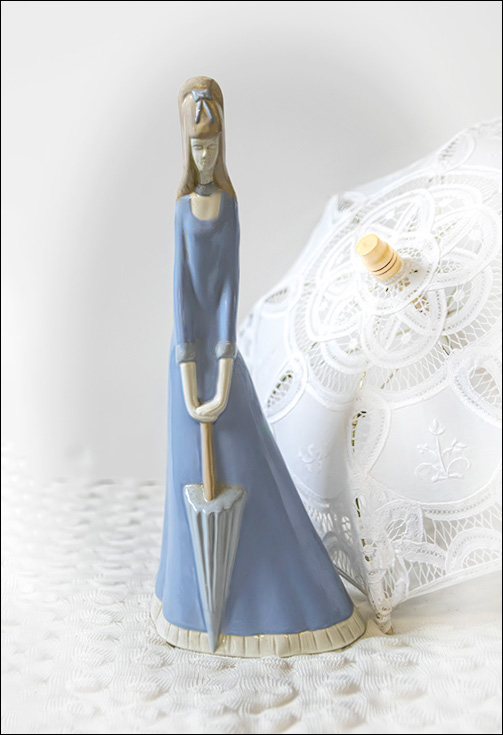
Connie, Very interesting image. This image would be a great one to hang in a little girls bedroom. Visual Feedback, I used remove tool in photoshop to remove black spots on the statue. I wanted to clean up the spots. The wooden part of the umbrella is a little distracting. I lighten that wooden part of the umbrella. I used Photoshop and camera raw to make changes. Cropped a little at the bottom and give the right side a little more room. I also, made the umbrella whiter not to distract from the statue. |
Jun 11th |
 |
| 77 |
Jun 23 |
Comment |
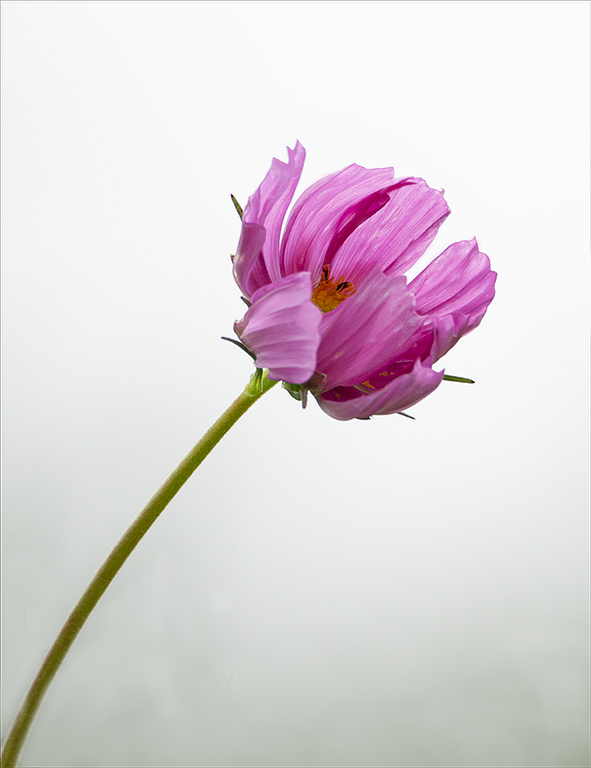
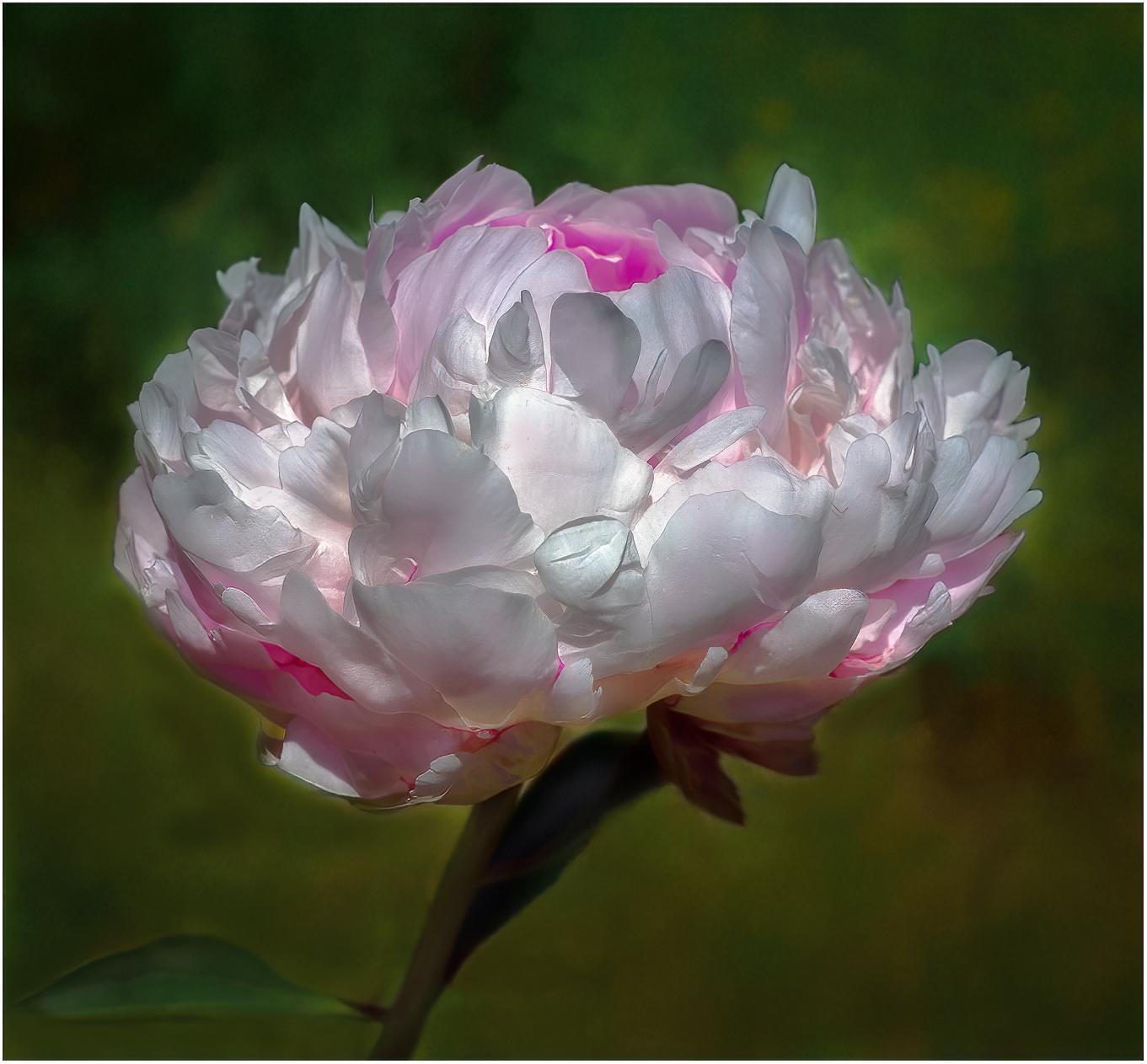
Jodi, This is a lovely image. I love the painterly look. Nice Fine Art piece. I feel like you took this image in the middle of the day?? The petals are a little blown out and under the flower there is a harsh shadow. I have a visual feedback. I used camera raw in photoshop to make the background softer. I painted in some color in the flower that was blown out. The leaf at the bottom left was going off the page so I cut the leaf down a little. I cropped a little off the top |
Jun 11th |
 |
| 77 |
Jun 23 |
Comment |
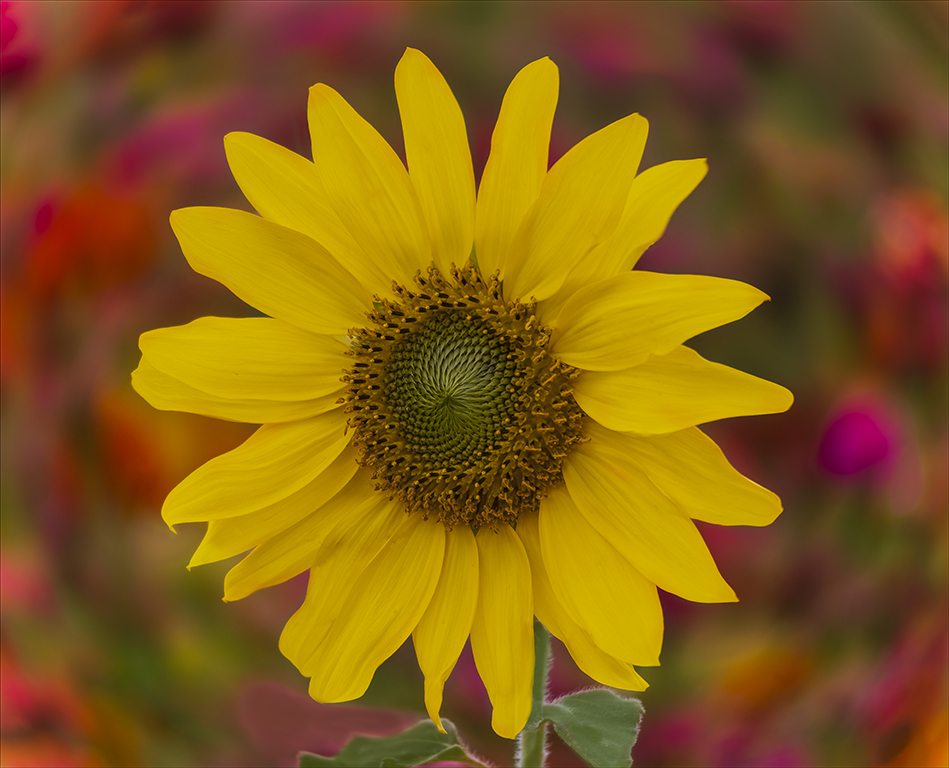
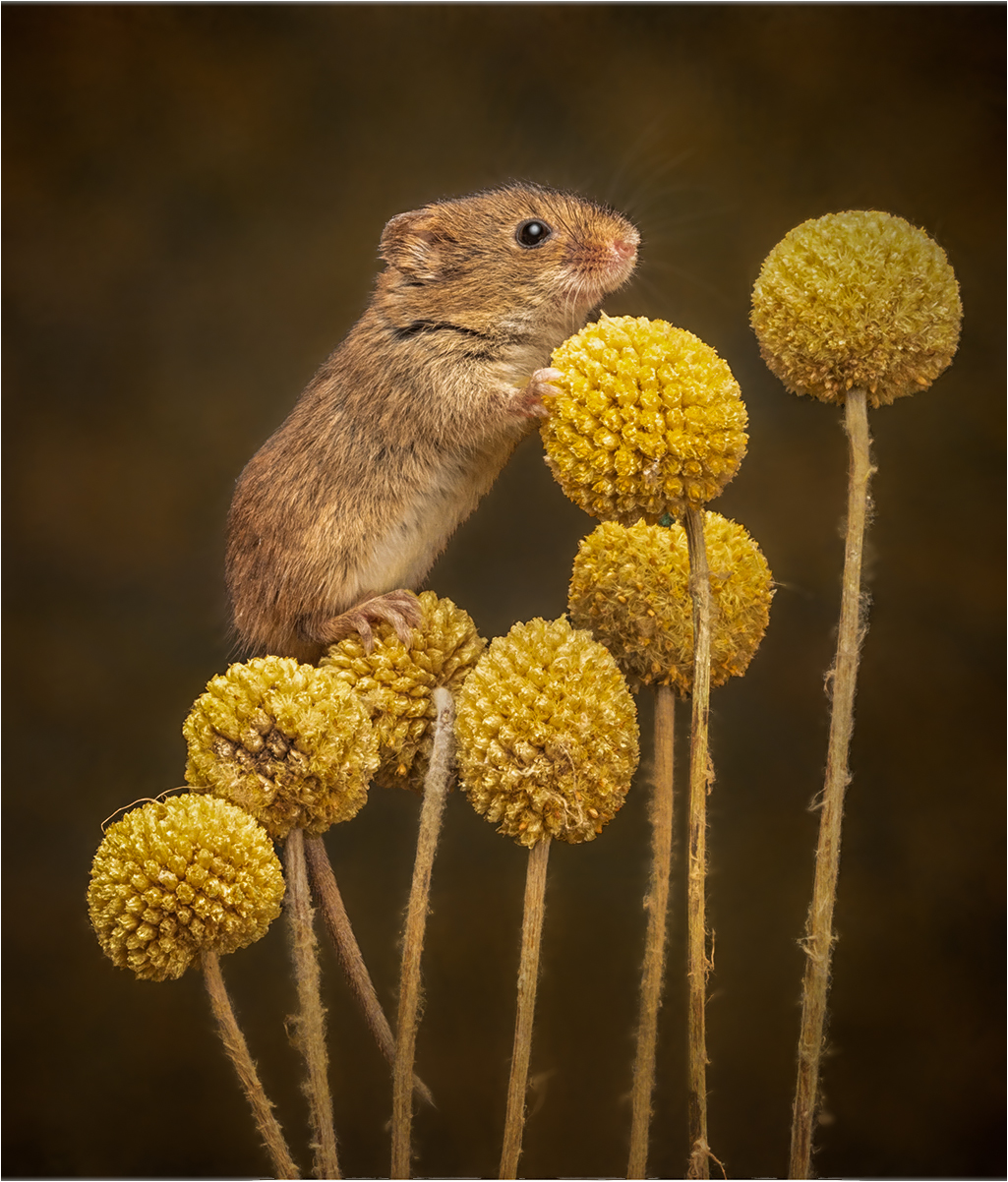
Carol, WOW, Love it. Great catch. Visual Feedback, what I would do. I went into camera raw, photoshop and selected the subject and inverted and change the clarity to make the background softer. I wanted to give the image a little more pop so I took the highlights out a little. Nice work. |
Jun 11th |
 |
9 comments - 0 replies for Group 77
|
| 99 |
Jun 23 |
Reply |
Yes, love it. Looks better. |
Jun 12th |
| 99 |
Jun 23 |
Reply |
Hi Peter, Yes I used the remove tool. It does an outstanding job. You can do some much with this beautiful storytelling image. Keep up the beautiful work. |
Jun 12th |
| 99 |
Jun 23 |
Comment |
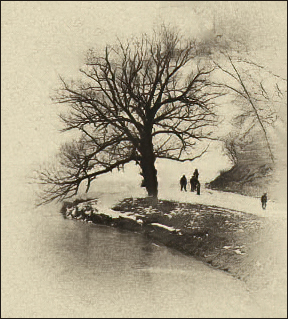
Hi Tom, Welcome to our group. I hope you enjoy it as much as I have. This is a Fine Art piece. Very nice. I do have a visual feedback. I cleaned up some of the spot with the remove tool in photoshop and add a 2 pixel boarder. |
Jun 11th |
 |
| 99 |
Jun 23 |
Comment |
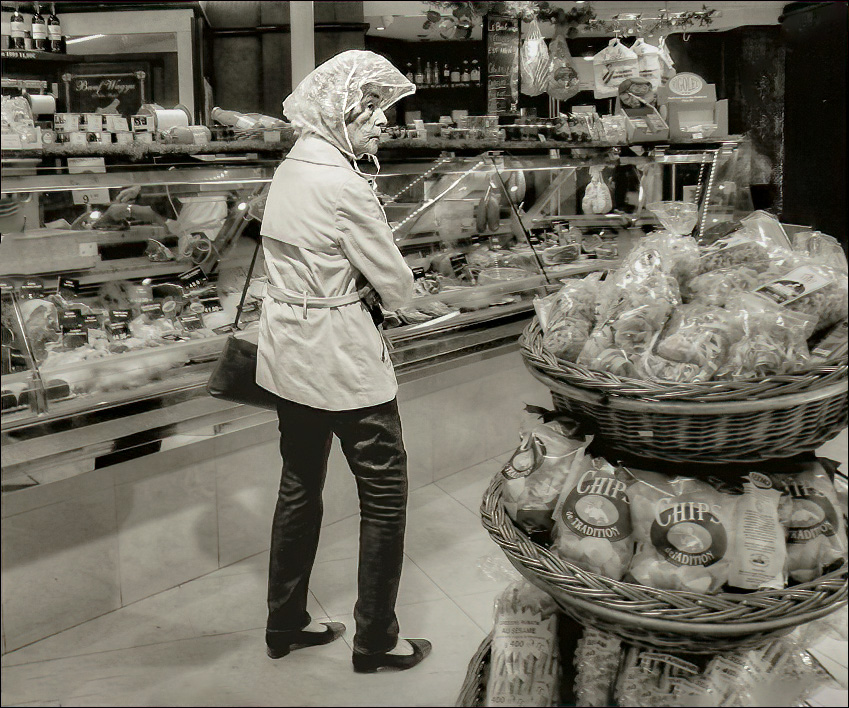
Hi Kathleen, Great catch. I love to take images of peoples expressions. That was my job for 30 years. I took wedding images. It was all about the story. She was probably thinking what was on her list she left at home. I have a visual feedback. I cropped the image and used the new remove tool in photoshop to take out the people at the register. I used camera raw in photoshop to select the lady and inverted and darkened the background and took out some of the clarity. I wanted focus just on the lady. |
Jun 11th |
 |
| 99 |
Jun 23 |
Comment |
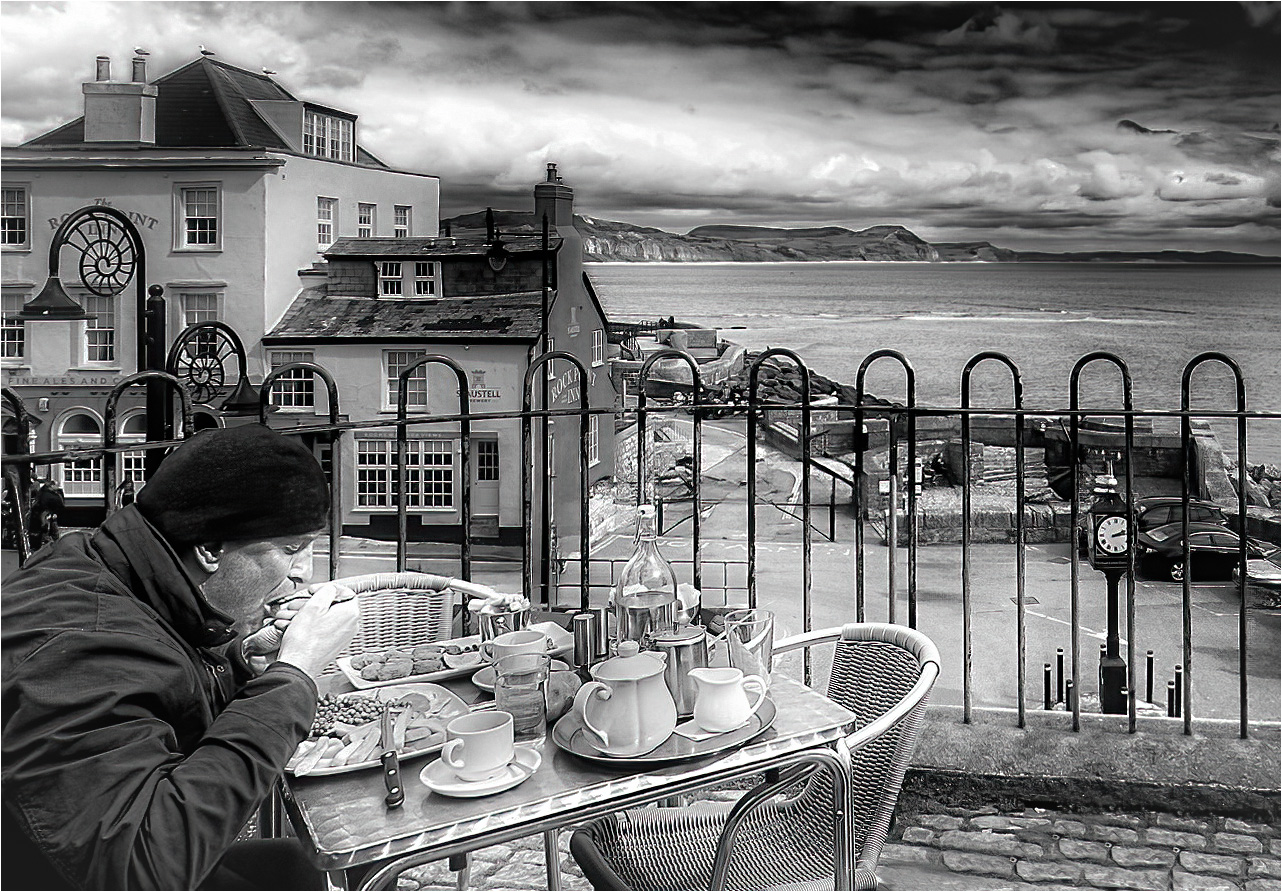
Peter, Love this image. This image could be a post card for this place.I have a visual feedback. I darkened the large building on the left. I darkened the mountain range, to separate the water from the sky. I took the people out of the image. My eyes comes into the image with the man and I feel table and the bars on the fence are good leading lines to the water and dramatic sky. I removed the people because to me they are a distraction and I want to enjoy the beautiful scene of the water and sky. |
Jun 11th |
 |
| 99 |
Jun 23 |
Comment |
Gerard, Love the lines. I feel like this image tells a story. I am thinking, how old is the building, and who would be employed there. I bet it would be a pretty building to photograph at night. Good job. |
Jun 11th |
| 99 |
Jun 23 |
Comment |
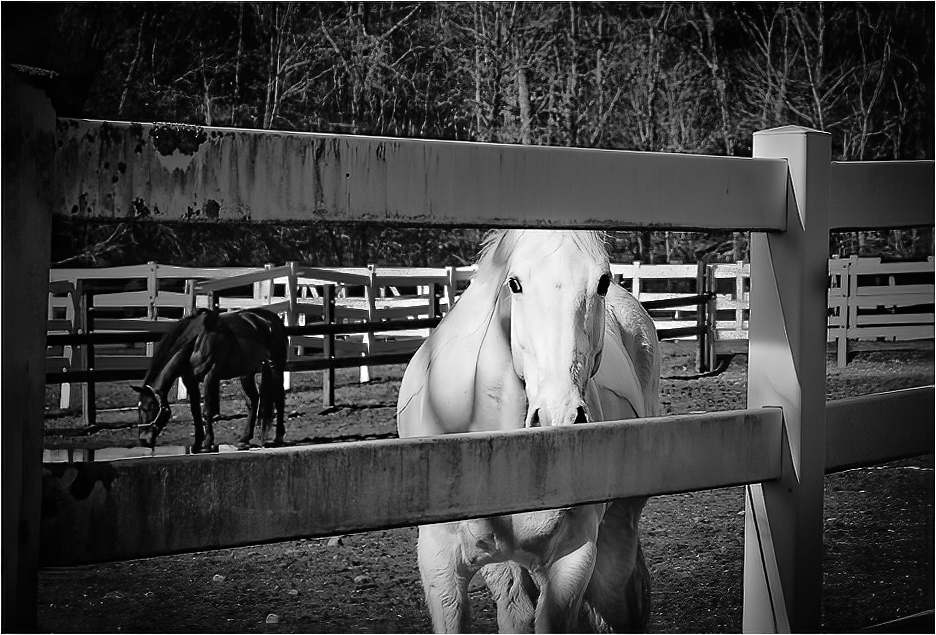
Hi Barbara, I love horses and every time I pass one I want to stop and photograph those beautiful animals. I feel like this image is a wonderful reproduction of what I see. I have visual feedback. I cropped the image and used a little vignetting. Use a radial tool around the white horse. I painted black on the white fence in the background. Let me know what you think. |
Jun 11th |
 |
5 comments - 2 replies for Group 99
|
28 comments - 5 replies Total
|