|
| Group |
Round |
C/R |
Comment |
Date |
Image |
| 43 |
Jan 23 |
Reply |
I did work on the Mother's eye too. I cloned from the other eye. |
Jan 17th |
| 43 |
Jan 23 |
Comment |
Thank everyone for your feedback. You have given me some great ideas. Have a Great week. |
Jan 17th |
| 43 |
Jan 23 |
Comment |
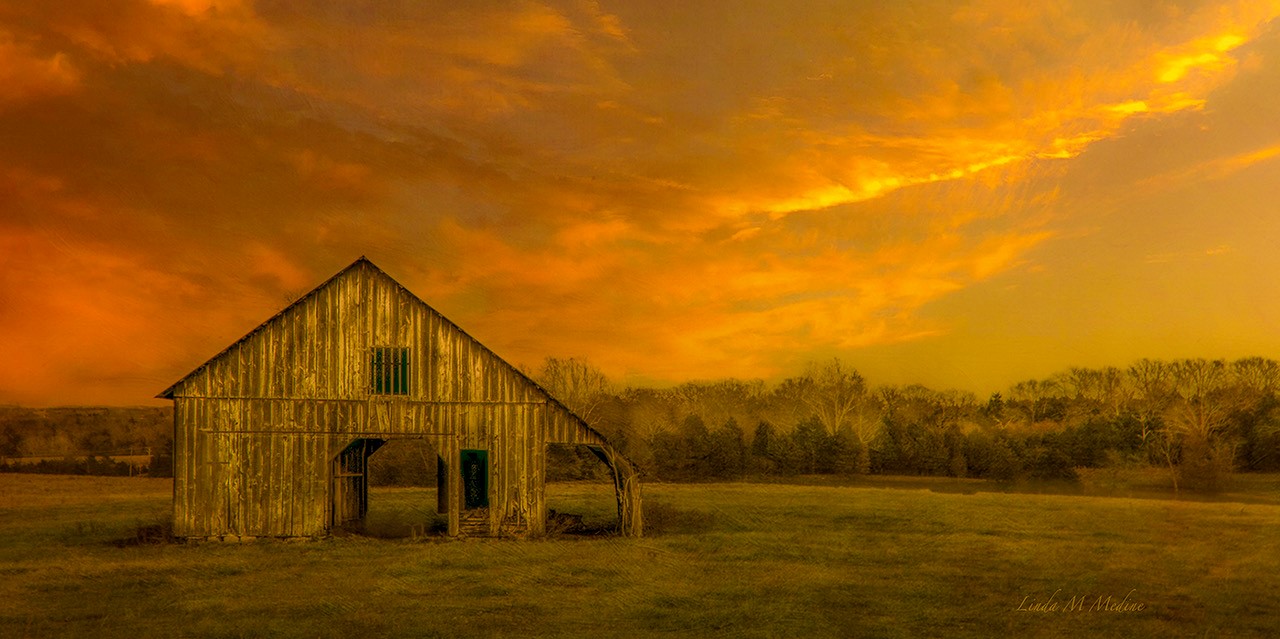
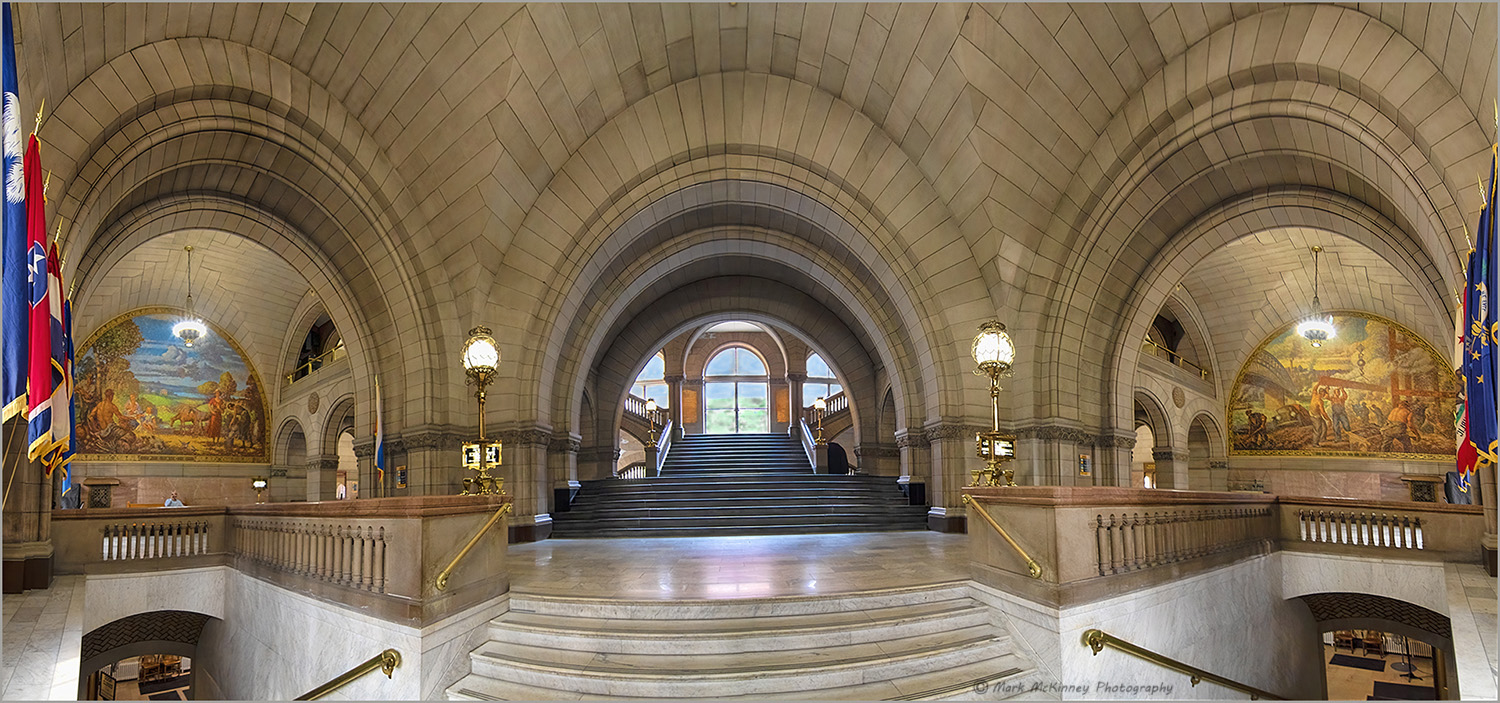
WOW. Great job on your panorama. I have been debating if it would be better with the two offices at the bottom cropped out. My eye keeps going down to the right and down to the left. I would work on the sky and grass background a little bit more. I can see the brush strokes. I feel this is an excellent image and I can tell you put a lots of work into it. |
Jan 11th |
 |
| 43 |
Jan 23 |
Comment |
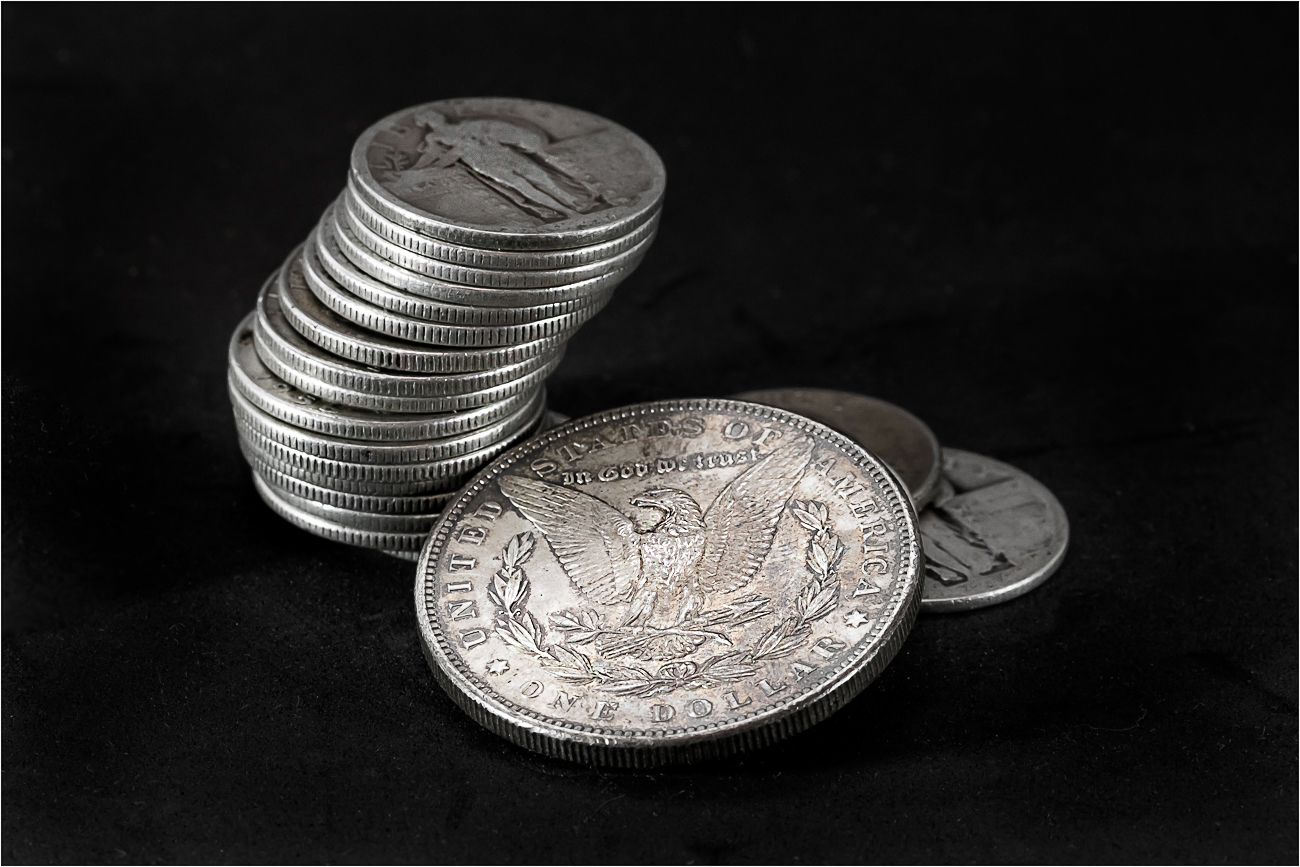
Bruce, Good Job. All Silver, you don't see those anymore. I used Camera Raw and used the masking tool and selected the coins and inverted to get the background with no dust spots. I used high pass tool to sharpen the coins. |
Jan 11th |
 |
| 43 |
Jan 23 |
Comment |
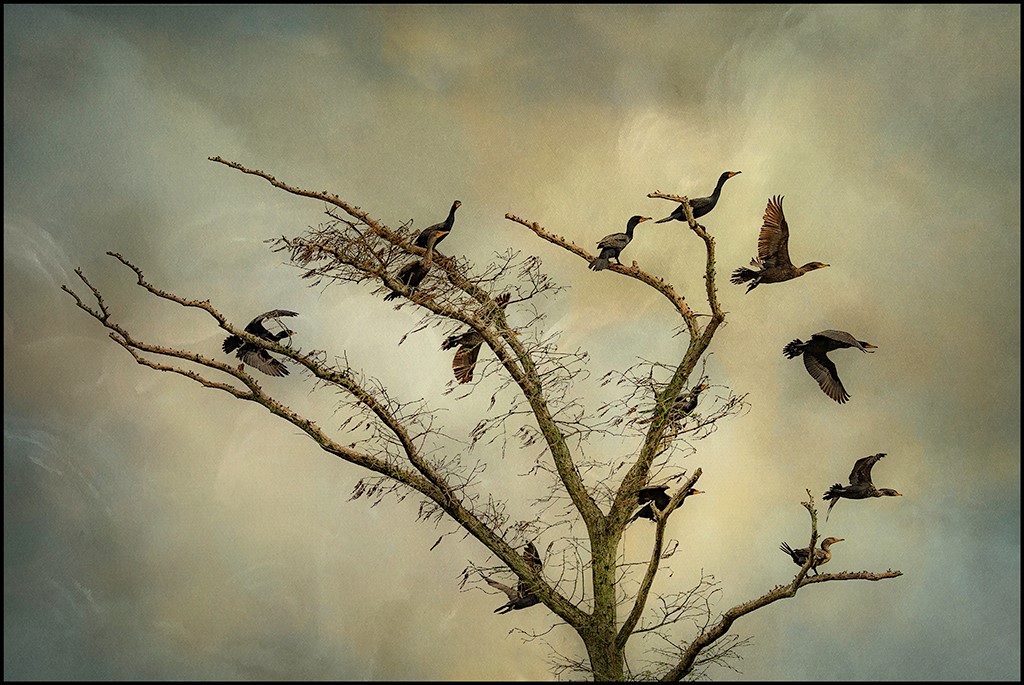
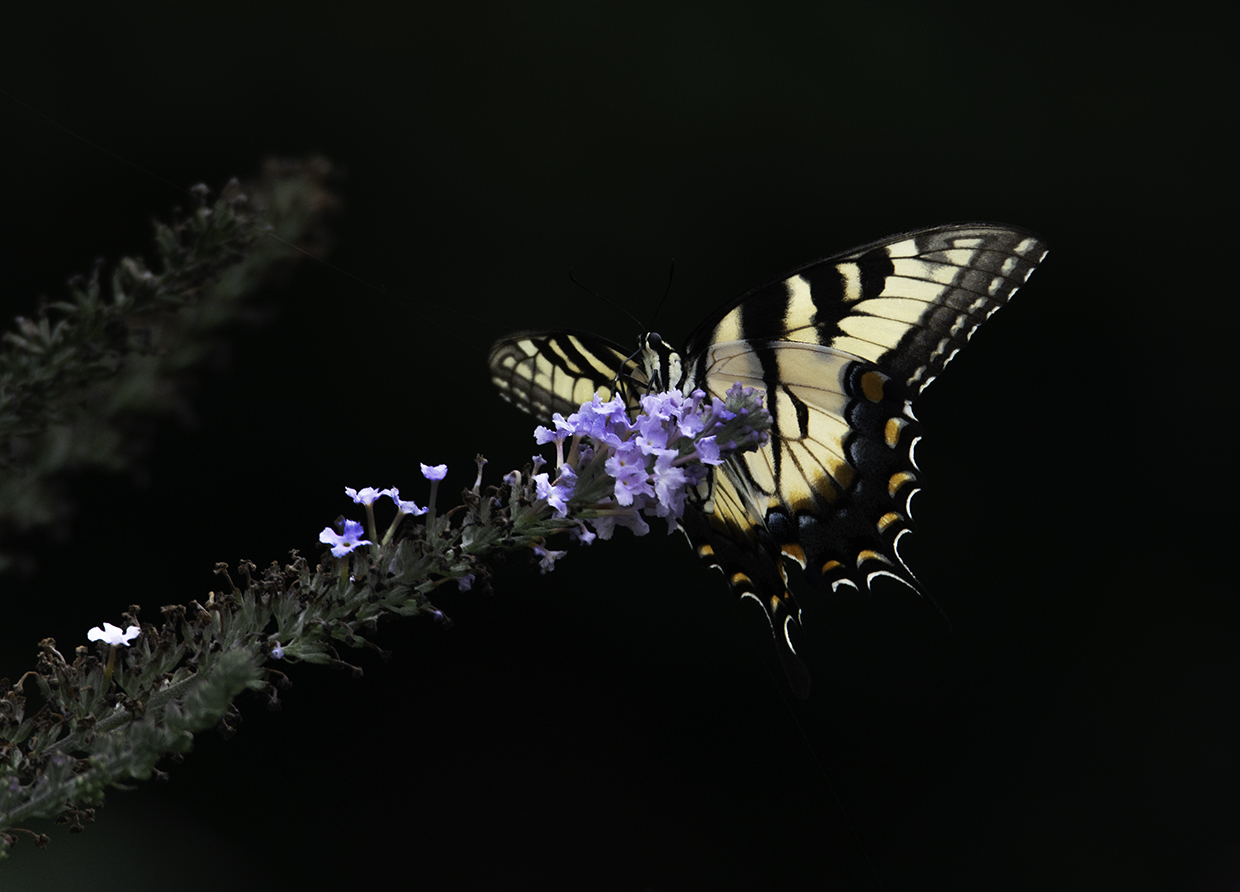
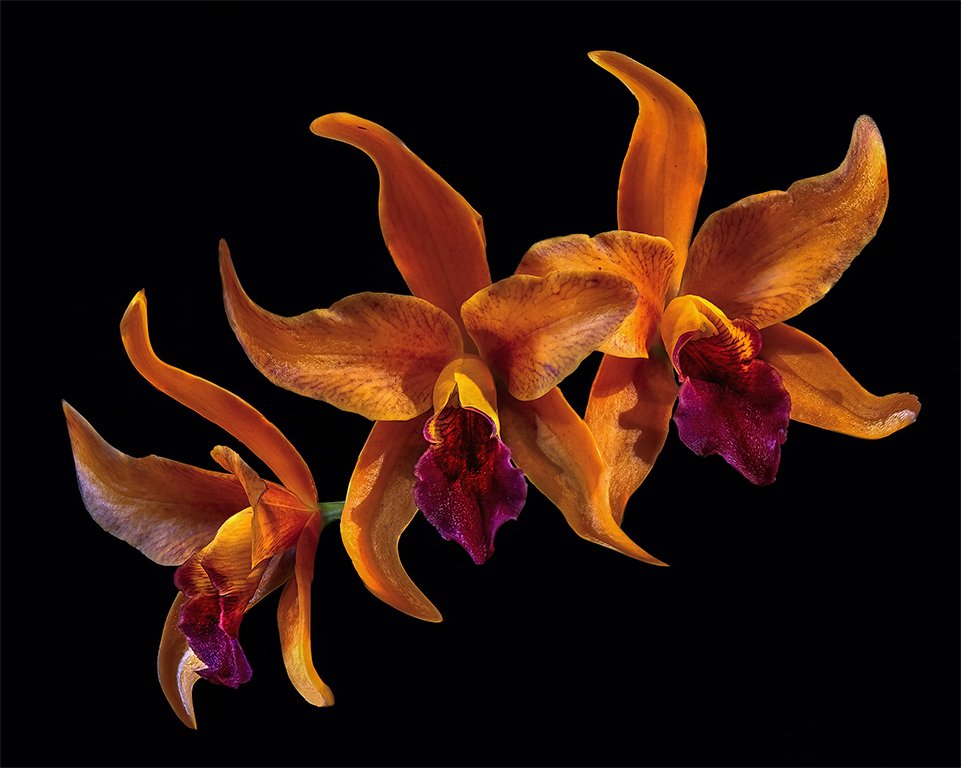
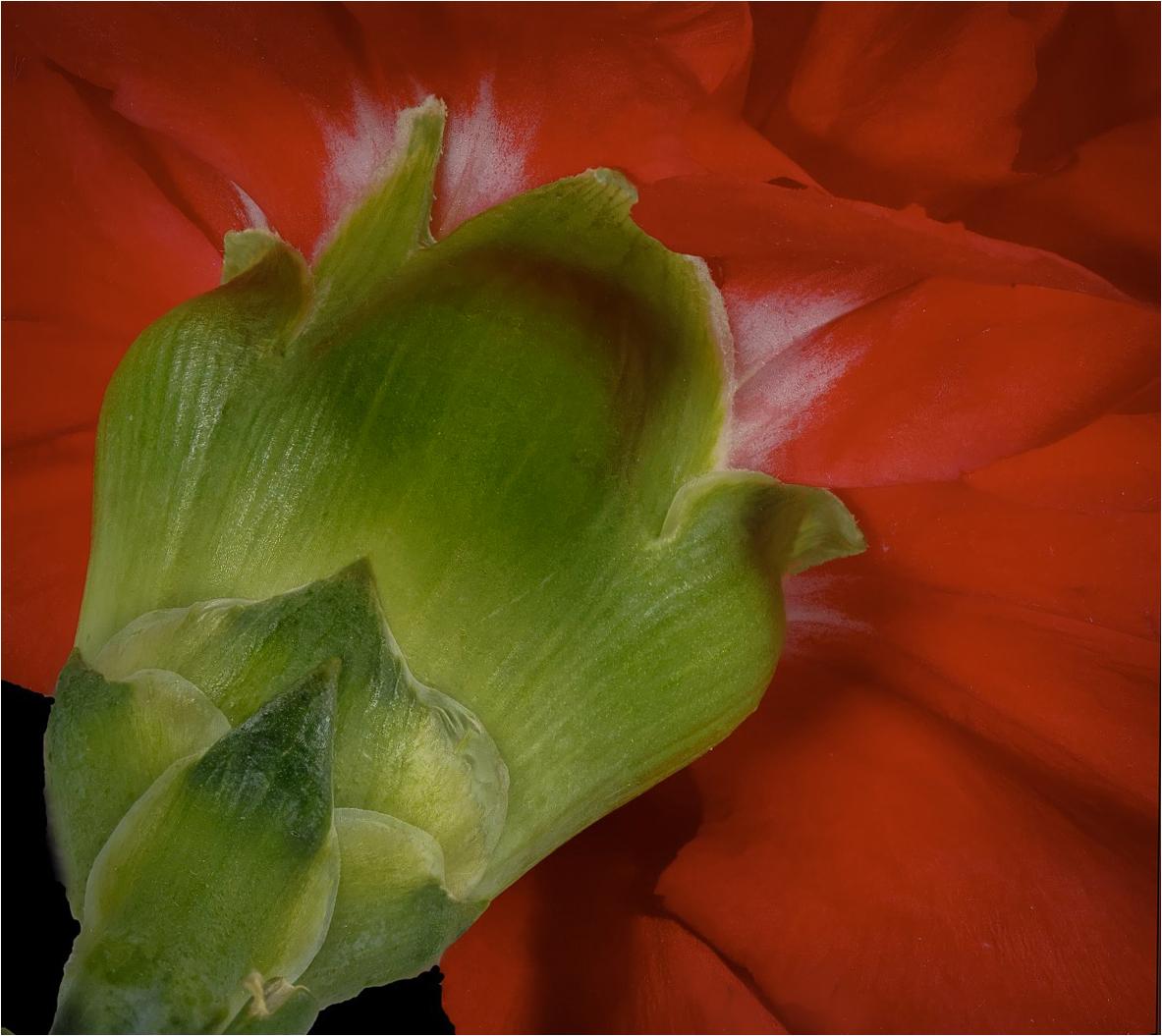
Beautiful contrasting colors. I cropped the black out at the top right. I used a brush to paint out the blemish at the end of each limb. I used a white boarder, 2 pixels. Love this image. Good job. Also, I took the image into camera raw and brought the hi lights down. |
Jan 11th |
 |
| 43 |
Jan 23 |
Comment |
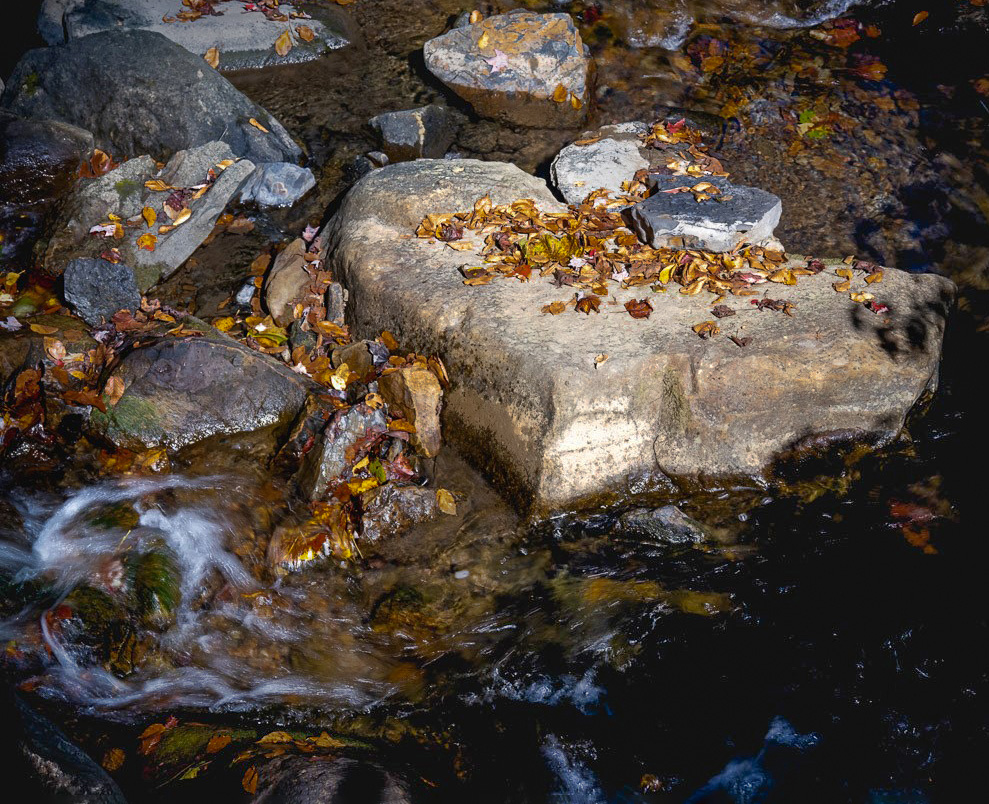
Nice image Lane. Looks like the composition could be the Golden Spiral. It starts at the white water on the left side and goes around the rock and finish seeing all the beautiful colorful leaves on top of the rock. I went into Camera Raw and pulled out the Red, Orange, and Red leaves. I was trying to get the leaves to pop. |
Jan 11th |
 |
| 43 |
Jan 23 |
Comment |
Leo, Beautiful colorful image. I darkened the sides a little more for my eyes to go down the center of the image. Cropped the image a little. |
Jan 11th |
 |
| 43 |
Jan 23 |
Comment |
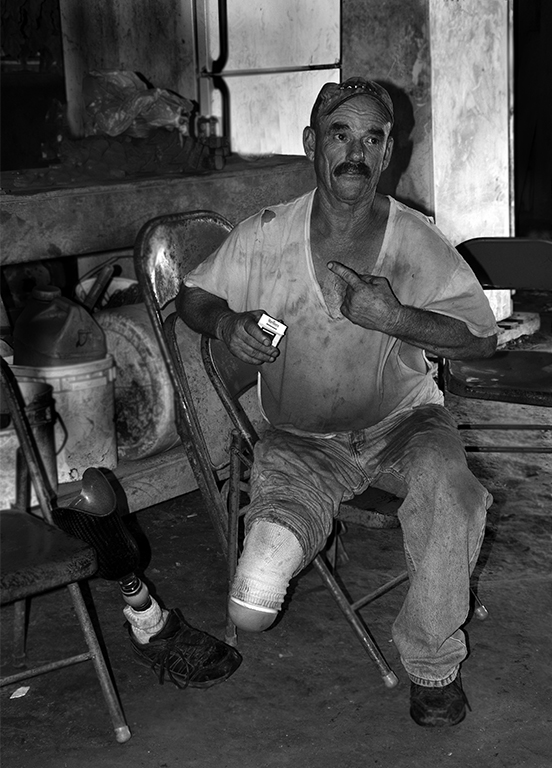
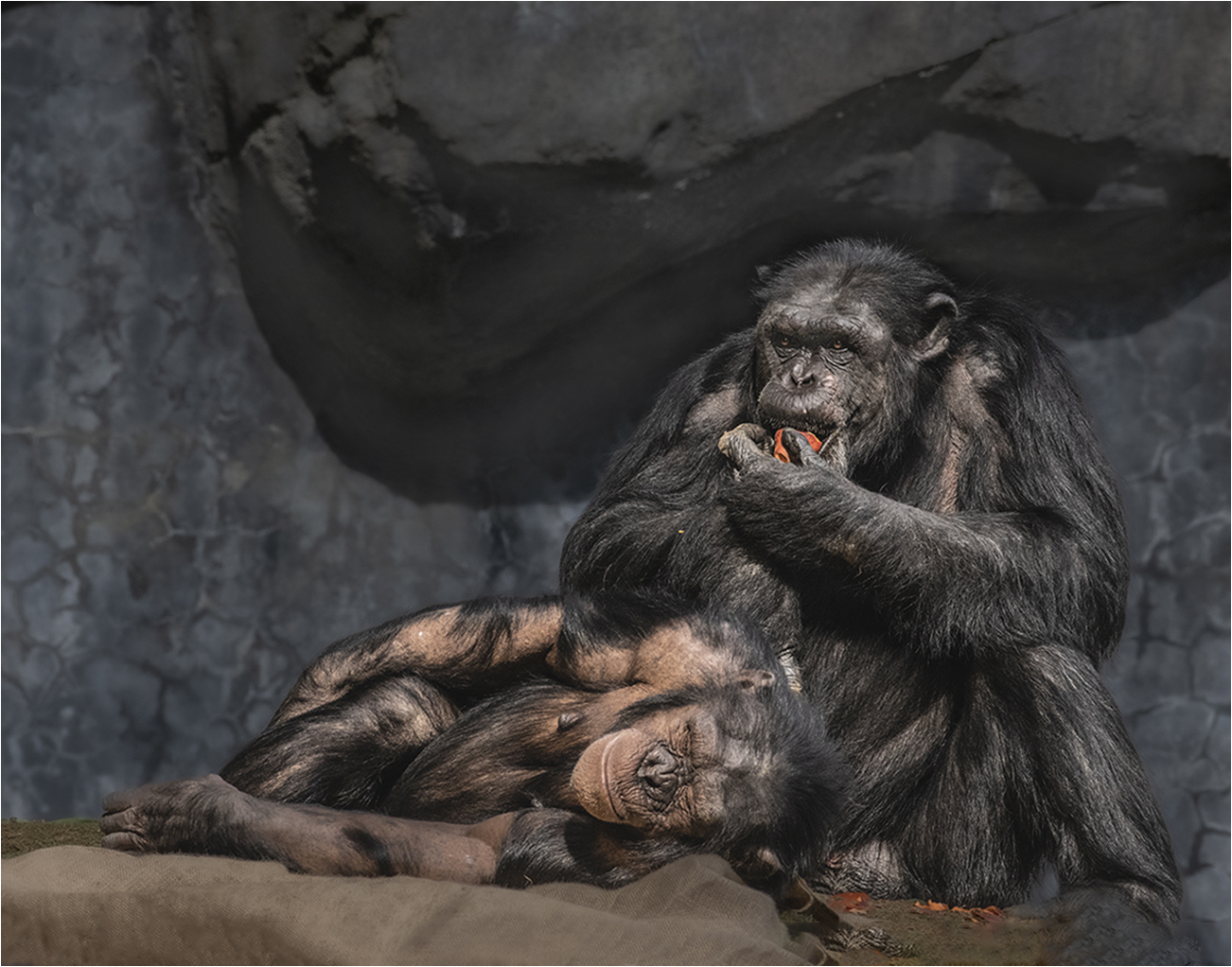
Andrew, I really Love this image. The tones and textures are beautiful. The composition is spot on. I cloned out the stone in the front and used content aware to add material to the cloth that the baby is laying on. I lightened the black swirls on the wall. I added a white boarder. They are human like. Beautiful Storytelling image. |
Jan 11th |
 |
7 comments - 1 reply for Group 43
|
| 61 |
Jan 23 |
Reply |
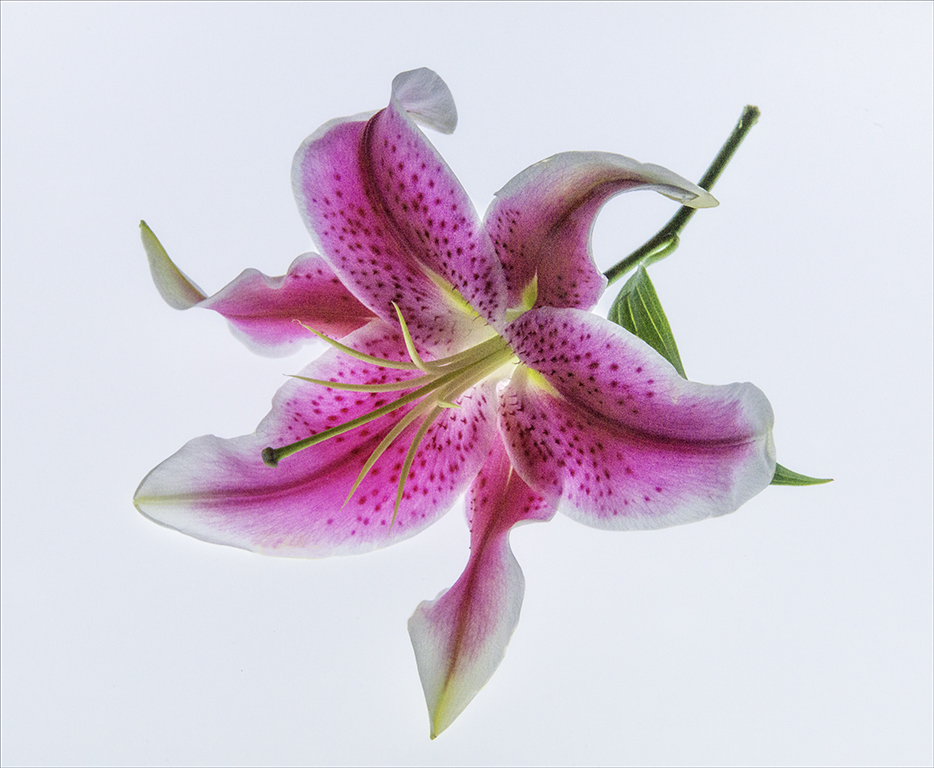
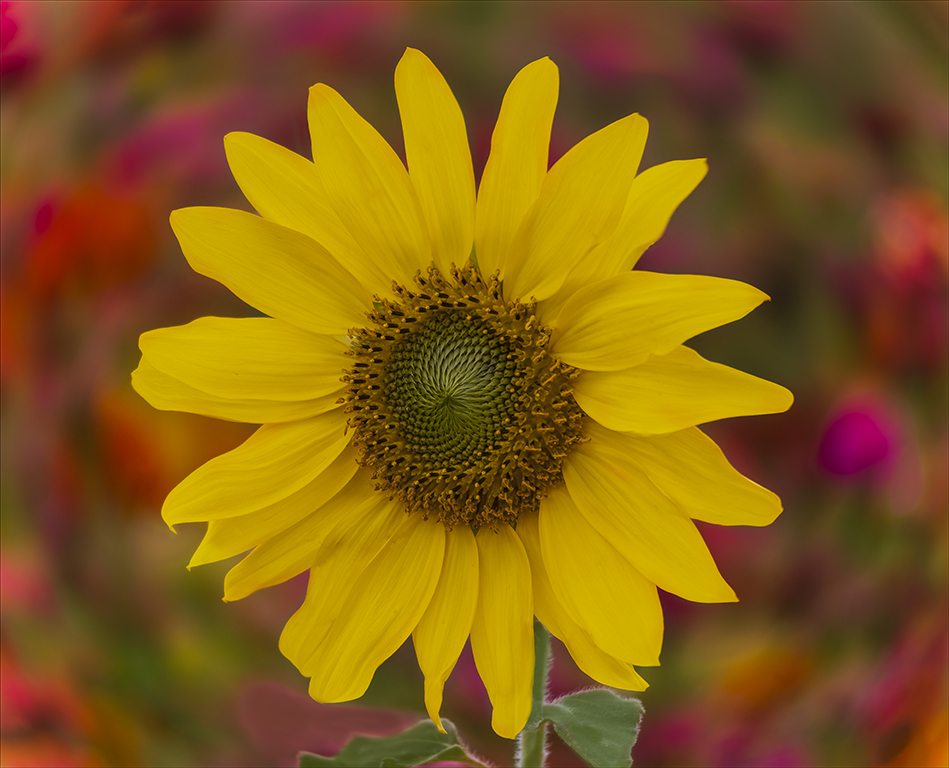
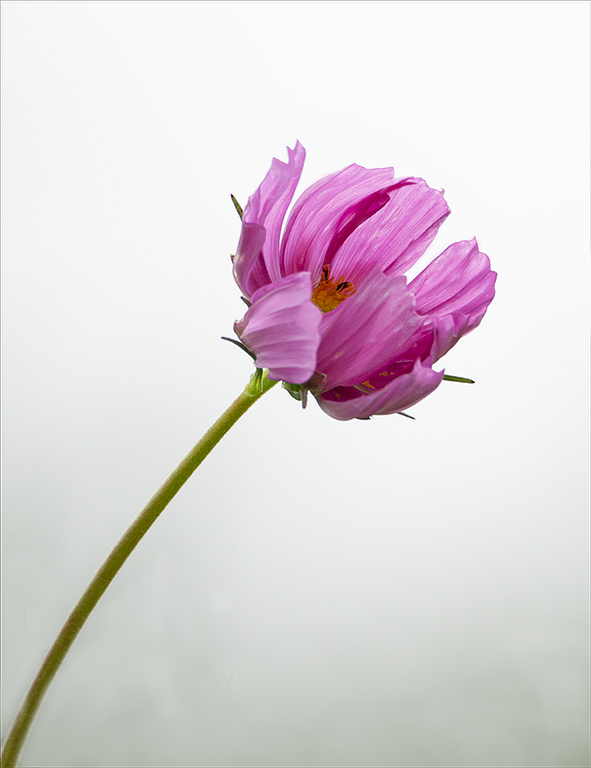
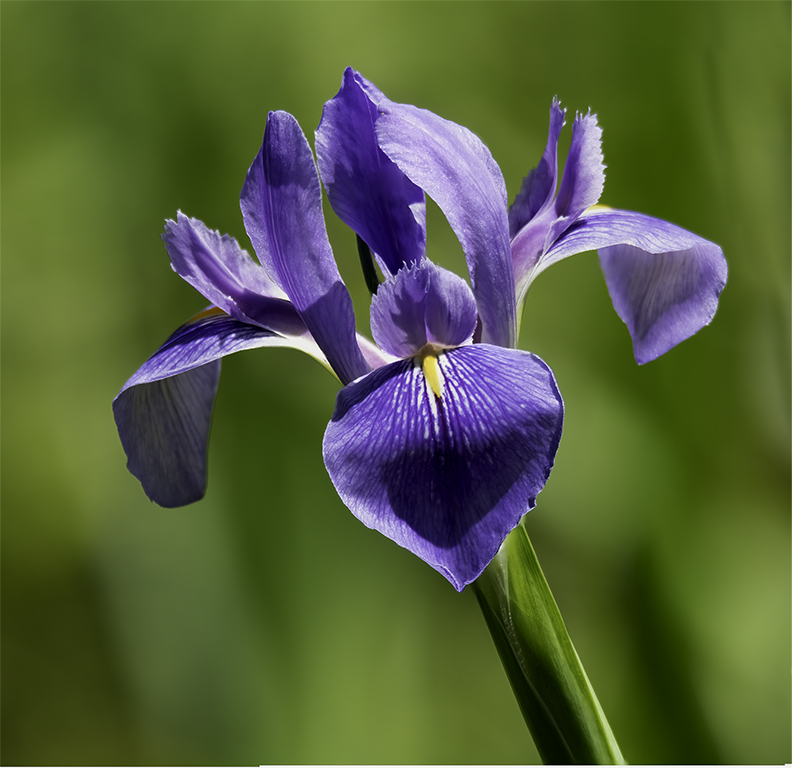
I have been thinking of the "floating flower" and what does that mean. Do I need to have a stem? Do I need to show a background? How can I not make a floating flower? This is Group is a flower PID and I am sure I will do it again. Anyone in the group please help me to understand. I am learning too. |
Jan 17th |
| 61 |
Jan 23 |
Comment |
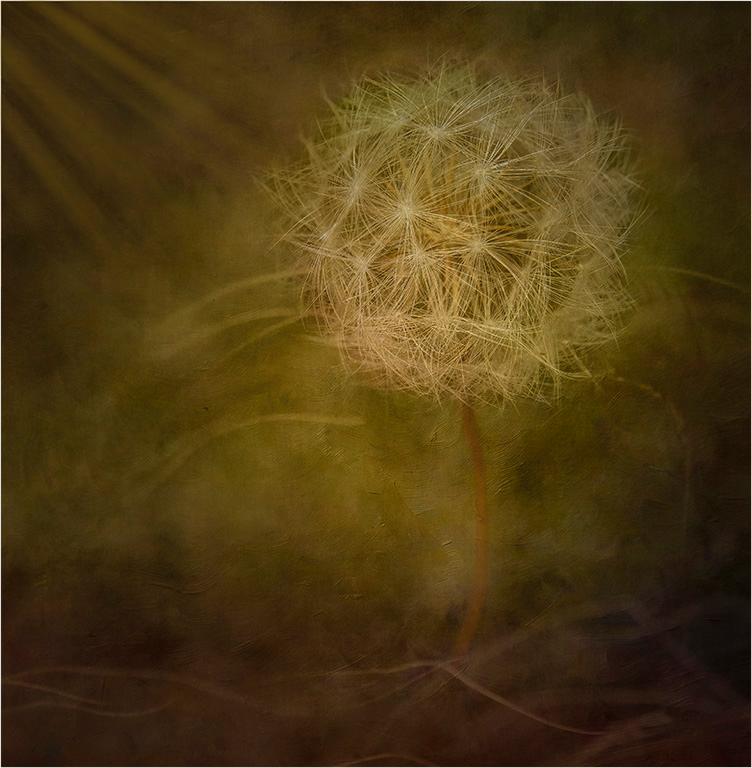
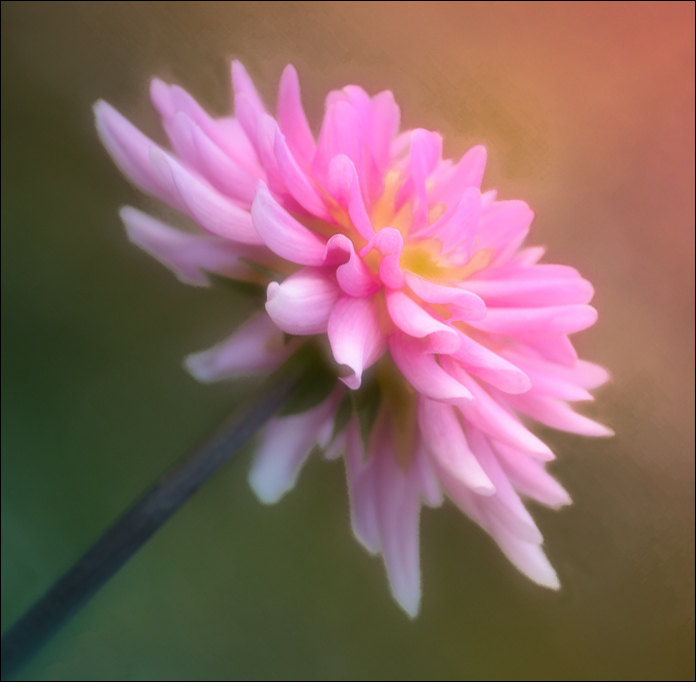
David, I have a Lensbaby too and love playing with it. I feel like you did a good job with this image. I love what you did to this flower. I just have an idea. |
Jan 12th |
 |
| 61 |
Jan 23 |
Comment |
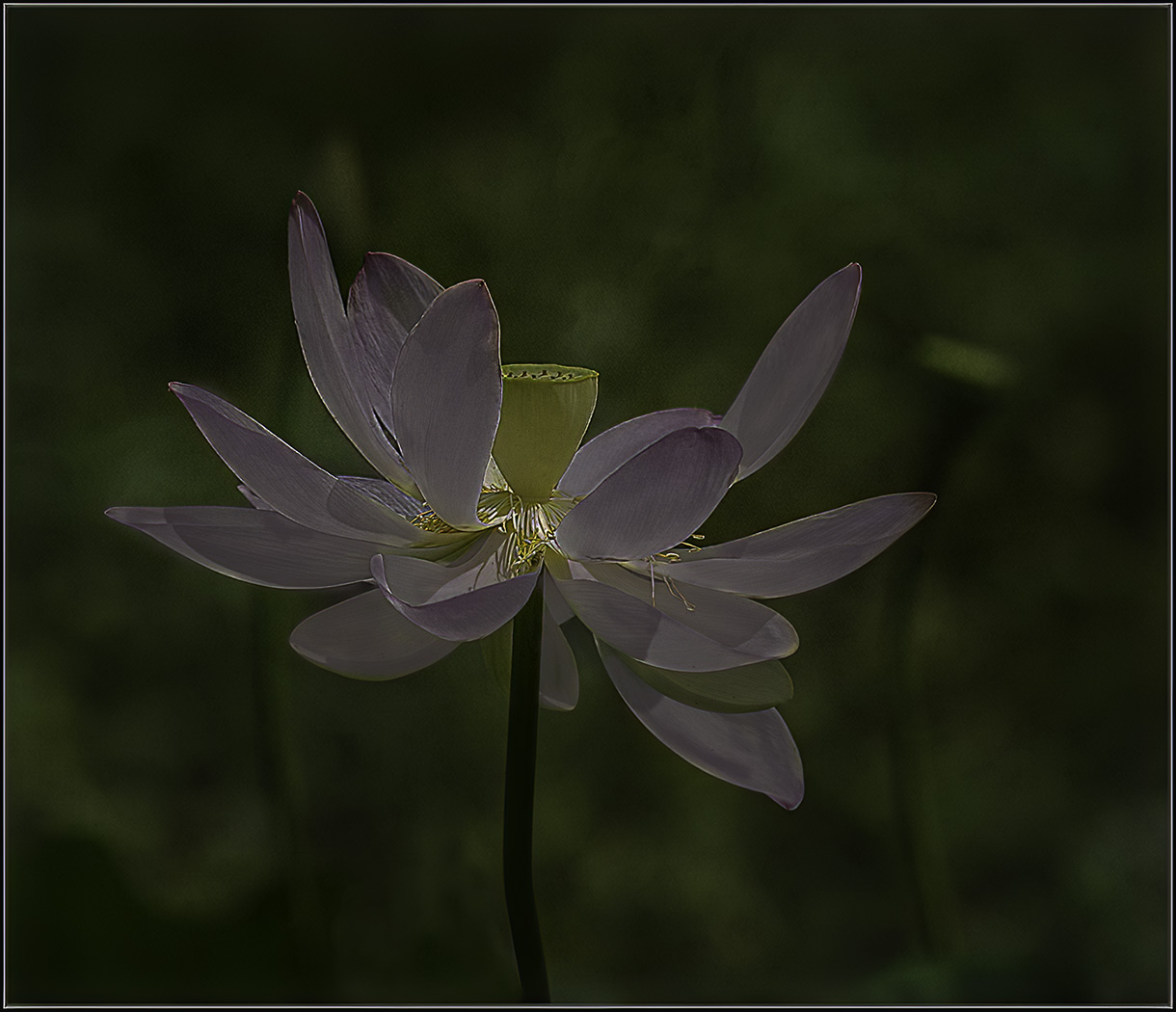
Ingrid, This is such a beautiful and delicate flower. I feel like you made a good change when you darkened the background. Outstanding lighting. I used Camera Raw in Photoshop and darkened the background more and did a white balance on the white on the flower and it whiten the flower up. |
Jan 12th |
 |
| 61 |
Jan 23 |
Comment |
Shirley, Really like the contrast the white roses and the dark green leaves. Love the composition of the roses starting at the bottom left and going to the right corner. This is a good storytelling image. The rain has beat down on the roses but in the long run it helps the plants to grown healthier. I see some red dots at the bottom right. |
Jan 12th |
| 61 |
Jan 23 |
Comment |
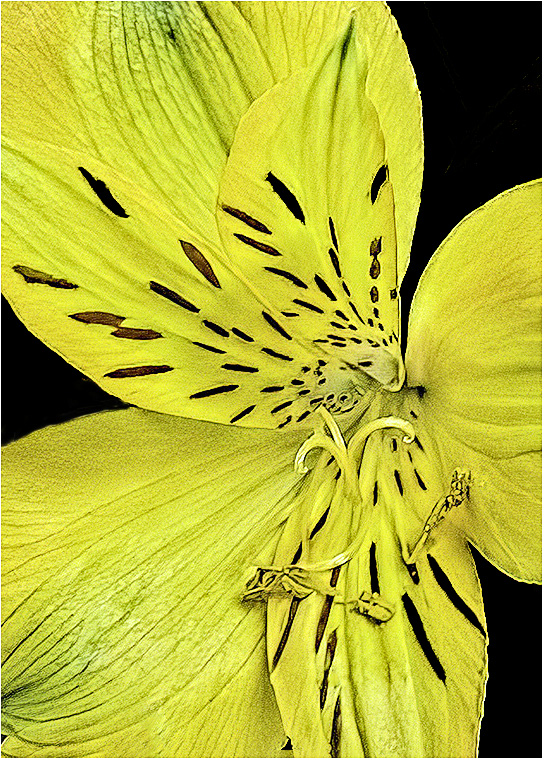
Hi Marti, I love this image. In the bouquet many beautiful flowers. I tried to get the whole flower and make the background muted but it did not work. I worked on this image before reading David and Randall's post so I may have it over processed too. I use Photoshop and camera raw. I took out the black tint you have in the image and took out the background distractions. What to you think? |
Jan 12th |
 |
| 61 |
Jan 23 |
Comment |
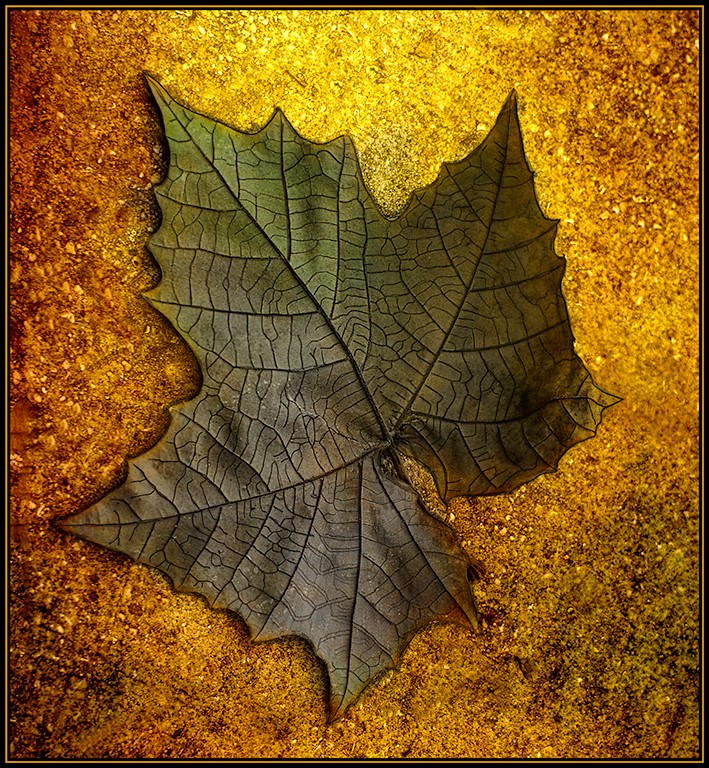
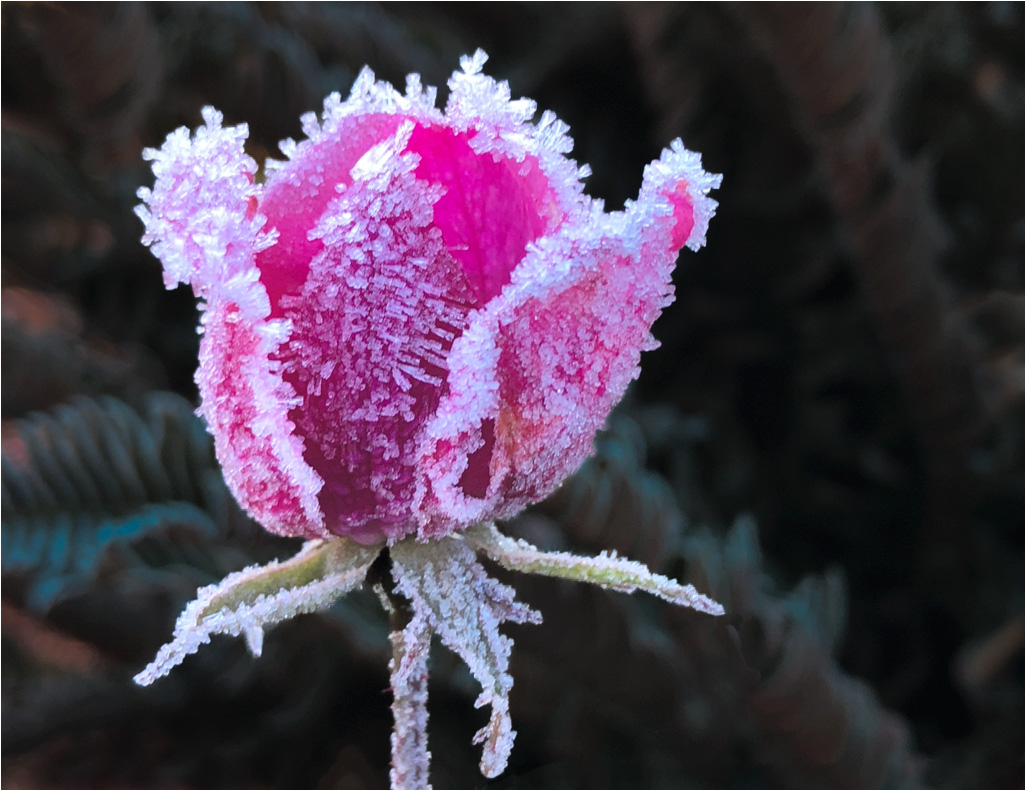
Gene, Great catch. I like the original image the best. I feel like the processed one is too grungy. I added more stem at the bottom by content aware. The limp is cut off. I cloned the hi lights on the left side and add a 2 pixle white boarder |
Jan 12th |
 |
| 61 |
Jan 23 |
Comment |
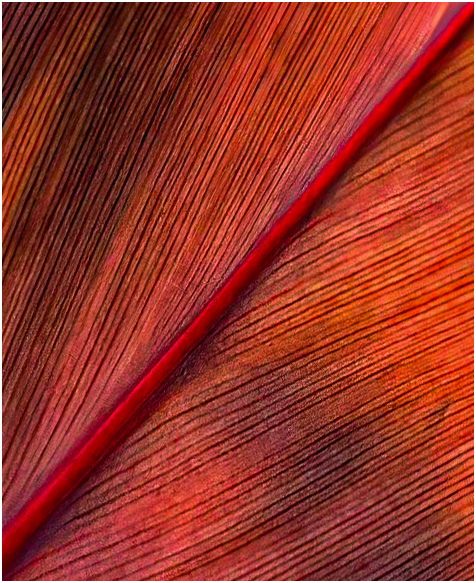
Randall, I love this image. I cropped it. On the right bottom the leaf is blurry. So, I took the image and moved the stem at the left bottom and add some punch in Camera Raw. |
Jan 11th |
 |
6 comments - 1 reply for Group 61
|
| 77 |
Jan 23 |
Reply |
I think it helps with the composition two triangles. One triangle up right and on up side down. Head to the two balls and the feet to the two balls. Does that make sense? |
Jan 19th |
| 77 |
Jan 23 |
Reply |
Thank you Witta for that information. I looked up Puppet Warp and I am going to learn how to do that. Looks very interesting. |
Jan 12th |
| 77 |
Jan 23 |
Comment |
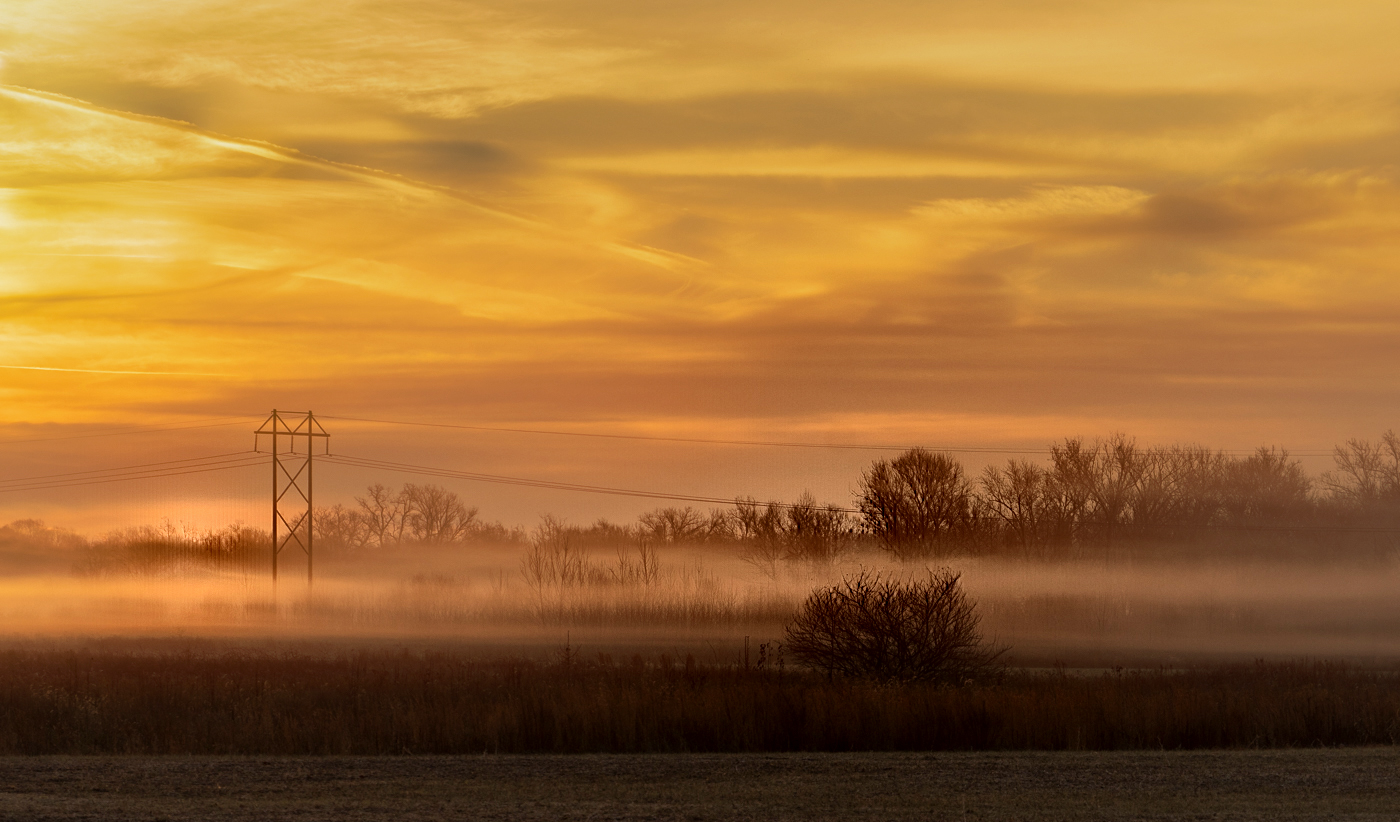
Denise, This is a very beautiful image. I like the color image better for Fine Art. I have a Visual Feedback |
Jan 12th |
 |
| 77 |
Jan 23 |
Comment |
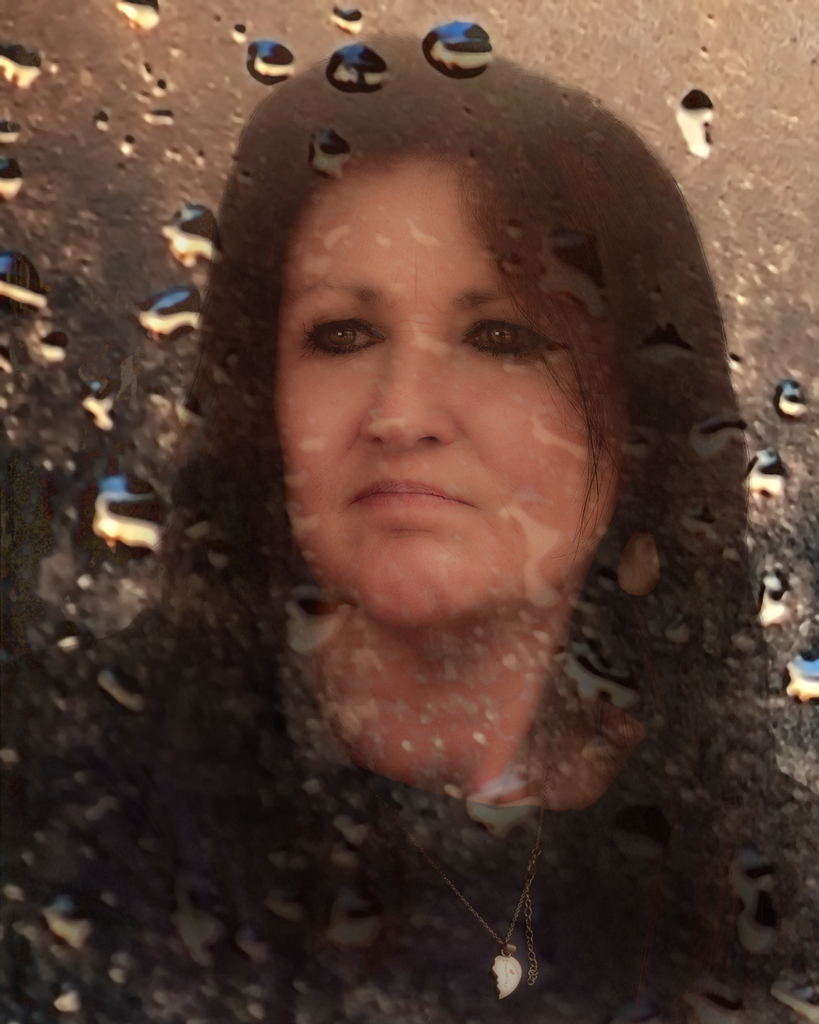
Mary, Your granddaughter is beautiful. Looks like she is having herself a ball. I took the original image and and cut out the child and pasted to a white background and clone out a little bit pixels and this is what I got. Also I lighten the shadow on her face. |
Jan 12th |
 |
| 77 |
Jan 23 |
Comment |
Connie, This is a beautiful image. I feel like the texture you used made the image look old. Like the image was taken a long time a go. I too like the warm colors. |
Jan 12th |
| 77 |
Jan 23 |
Comment |
Beautiful image. I would not change a thing. I feel like the black and white gives the image a more artistic feeling. |
Jan 12th |
| 77 |
Jan 23 |
Comment |
Michael, Love the lines and the texture in this image. If this old wheel could talk of all the place it has been. It has lots of nicks and scratchings. Like Connie and Mary said you kept it simple and is an interesting image. |
Jan 12th |
| 77 |
Jan 23 |
Comment |
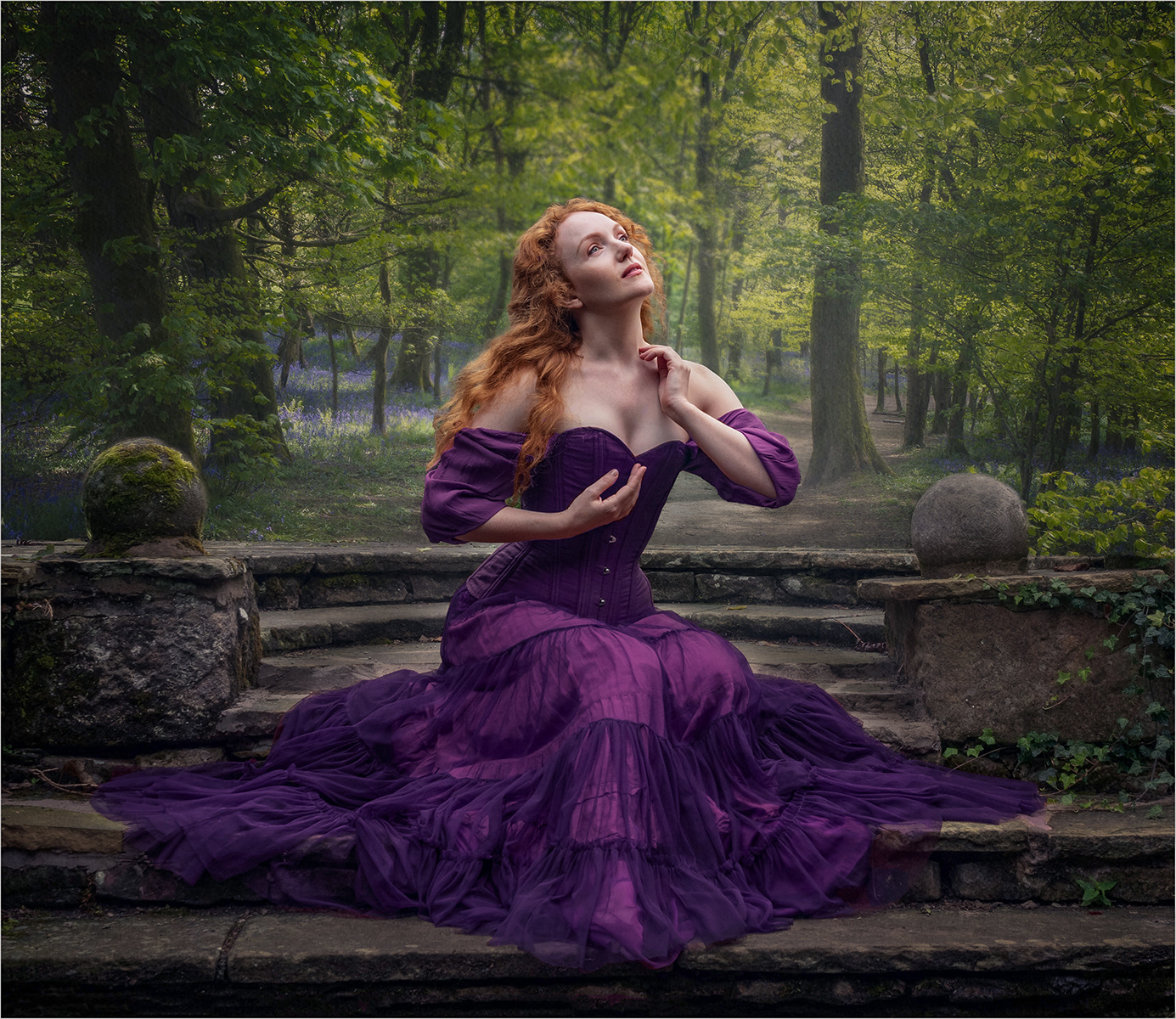
Hi Carol, Beautiful Image. You did an excellent job with this composite. I feel like the background goes very well with the model. The only thing I would do would be to paint out some of the highlights in the stone that she is sitting on and the concrete ball to the right of her. I used camera raw - used dehaze and pulled out the shadows, |
Jan 9th |
 |
6 comments - 2 replies for Group 77
|
| 99 |
Jan 23 |
Comment |
Michael, I would not change a thing. Looks good to me. |
Jan 11th |
| 99 |
Jan 23 |
Comment |
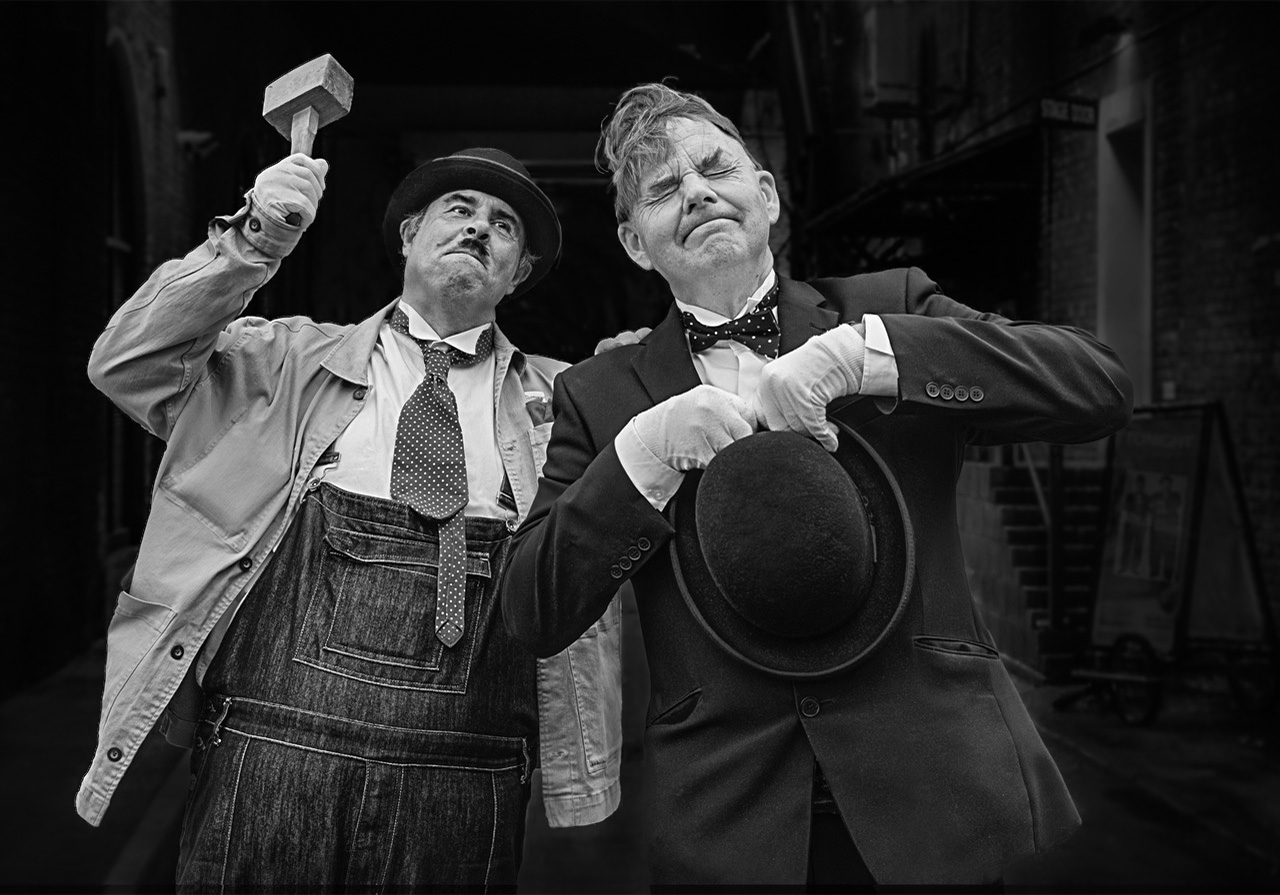
Hello Peter, This is an outstanding image. Love the photo journalistic feel to it. The only thing I would try to do is to work on making the background not so noticeable. I used Photoshop and Camera Raw to select the subjects and invert the subjects and make the background blurry and darker. Good job on the composite.
|
Jan 6th |
 |
| 99 |
Jan 23 |
Comment |
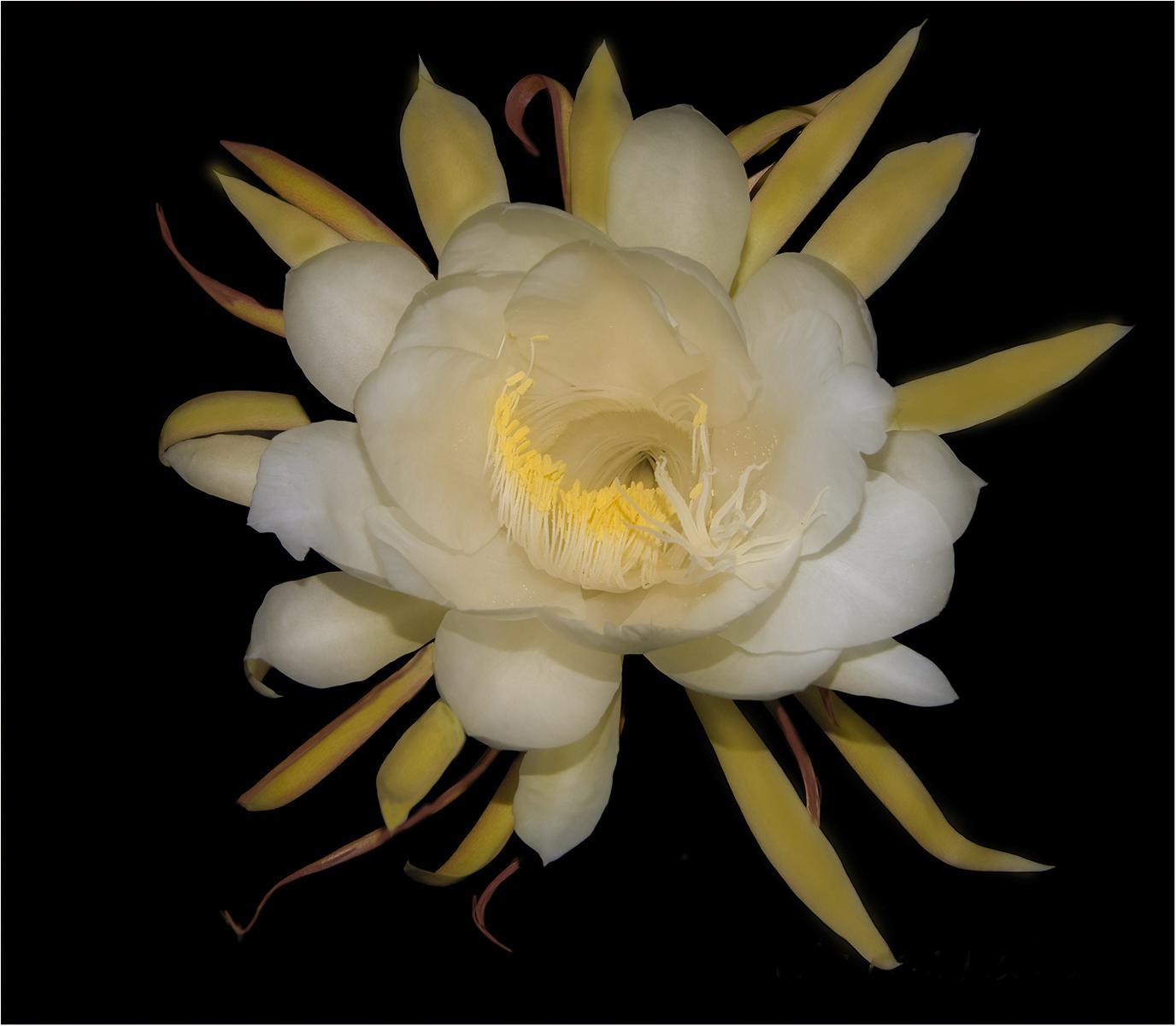
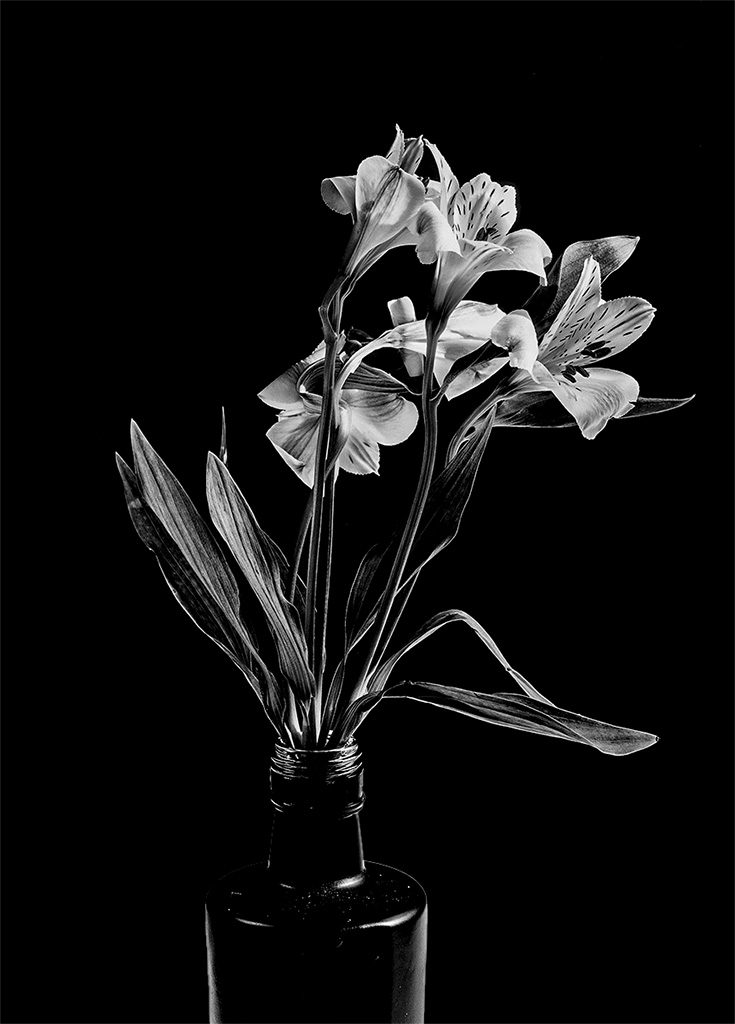
Gerard, I feel like this is an exquisite image. I have a visual feed back. I would make the background black. I feel like the lighting is great. I used Photoshop and Camera Raw to select the background and painted the black background. I did a Black and white balance. I took down the hi lights a little. I wanted the detail in the flower to pop. |
Jan 6th |
 |
| 99 |
Jan 23 |
Comment |
Barbara, I like the tone and the filter of this image. The parts I really like is the outer parts of the image where it is lighter and you can see more detail of the leaves and limbs. I think the center is too dark and all matted together. |
Jan 6th |
| 99 |
Jan 23 |
Comment |
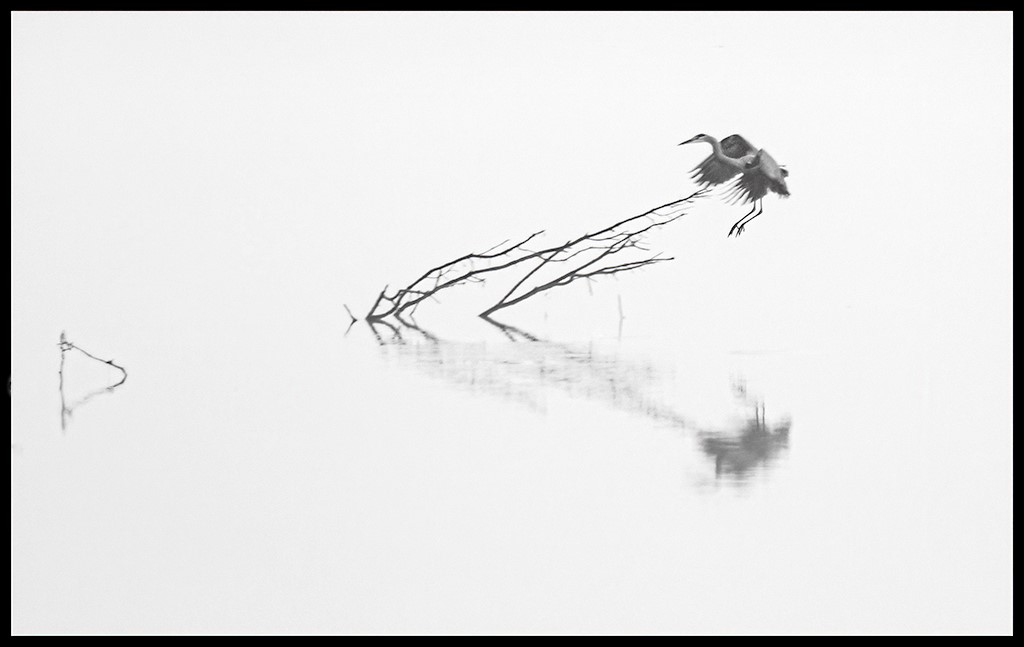
Do you think this is better or too white? |
Jan 6th |
 |
5 comments - 0 replies for Group 99
|
24 comments - 4 replies Total
|