|
| Group |
Round |
C/R |
Comment |
Date |
Image |
| 43 |
Dec 22 |
Comment |
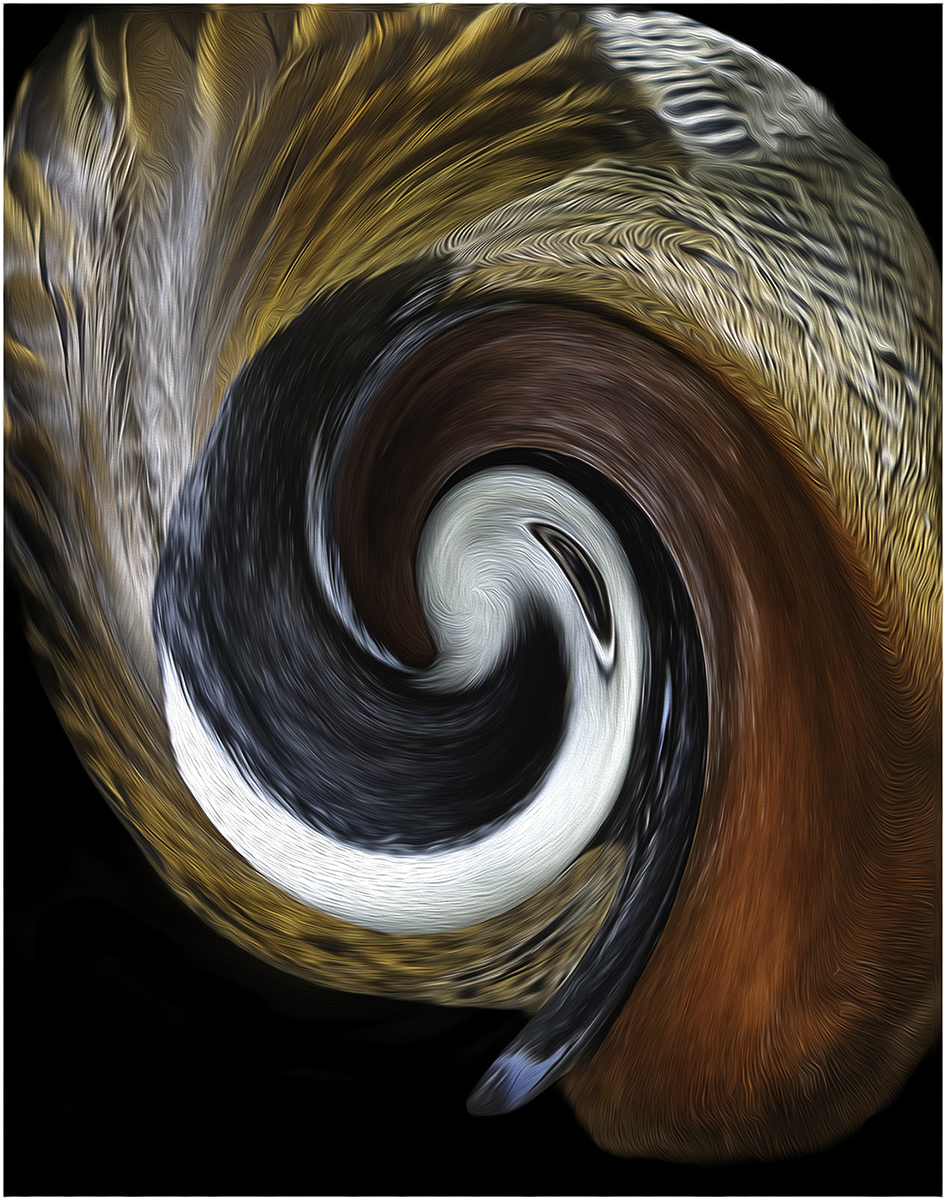
WOW, WOW, WOW. I would not change a thing. Great job. You got this owl spot on. |
Dec 17th |
| 43 |
Dec 22 |
Comment |
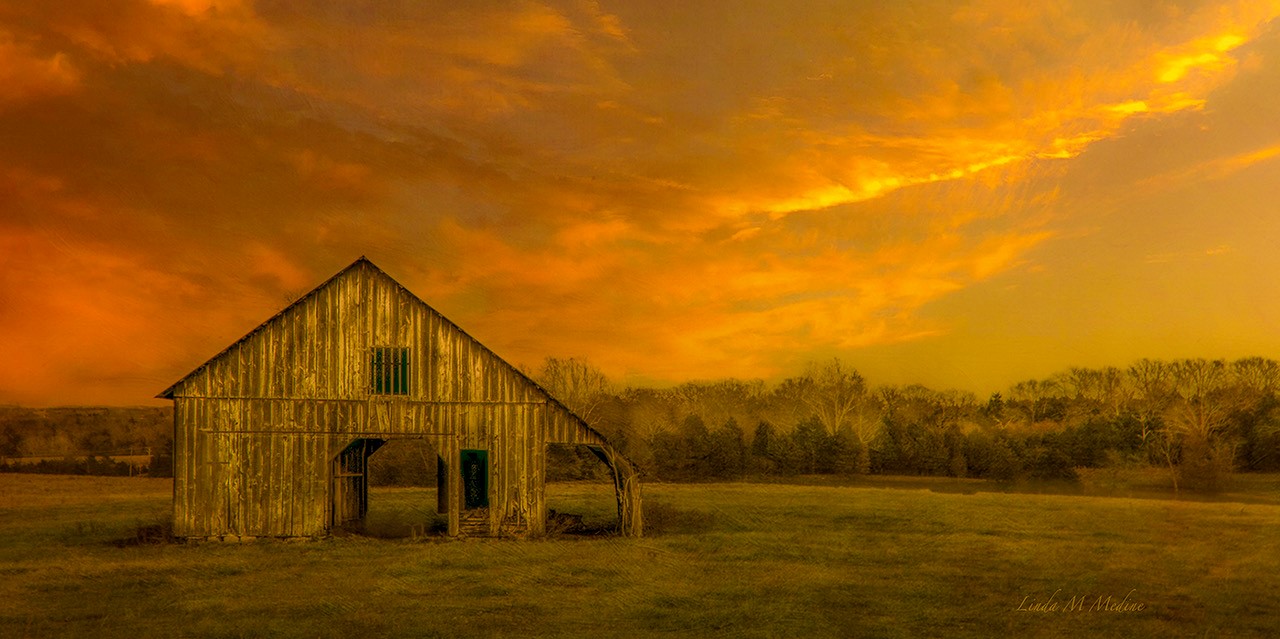
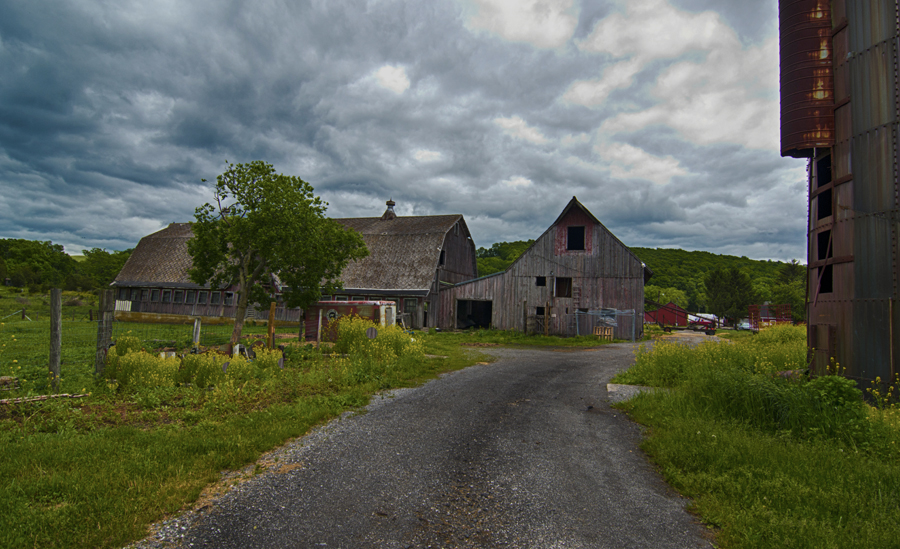
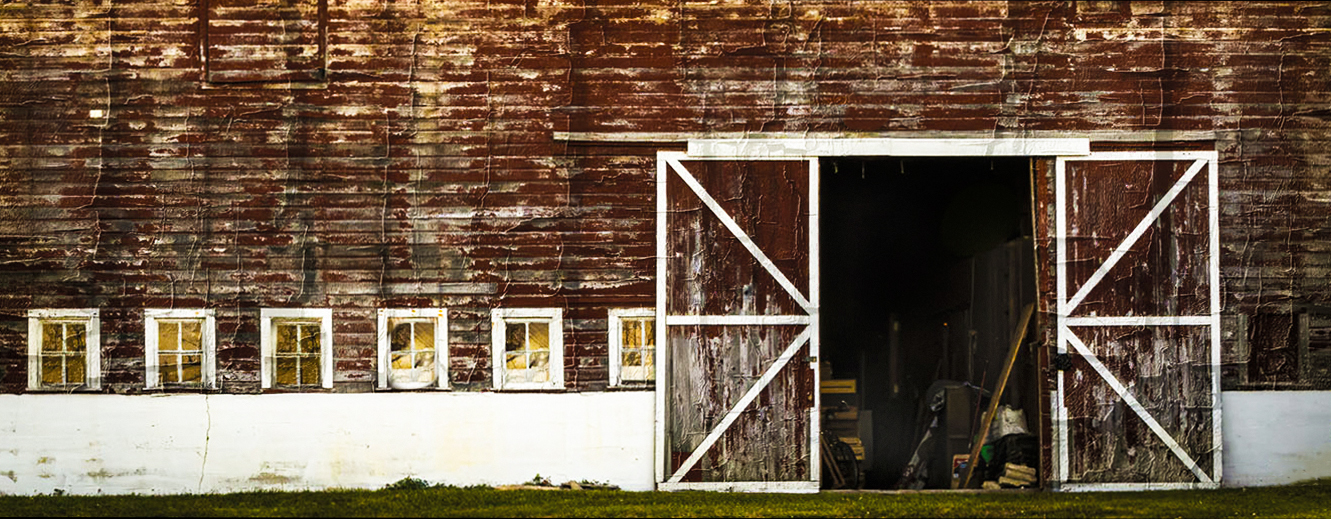
Harley, Love old barns. I will stop the car every time to get a good barn image. I have a visual feedback. I did crop the image. I add window pains in the window. I lighten the stuff in the inside of the barn. It looks like the windows leads you into the barn and there are two arrow on the door that is telling me to go in the old barn to see what treasures are in there. Very nice and interesting image. |
Dec 17th |
 |
| 43 |
Dec 22 |
Comment |
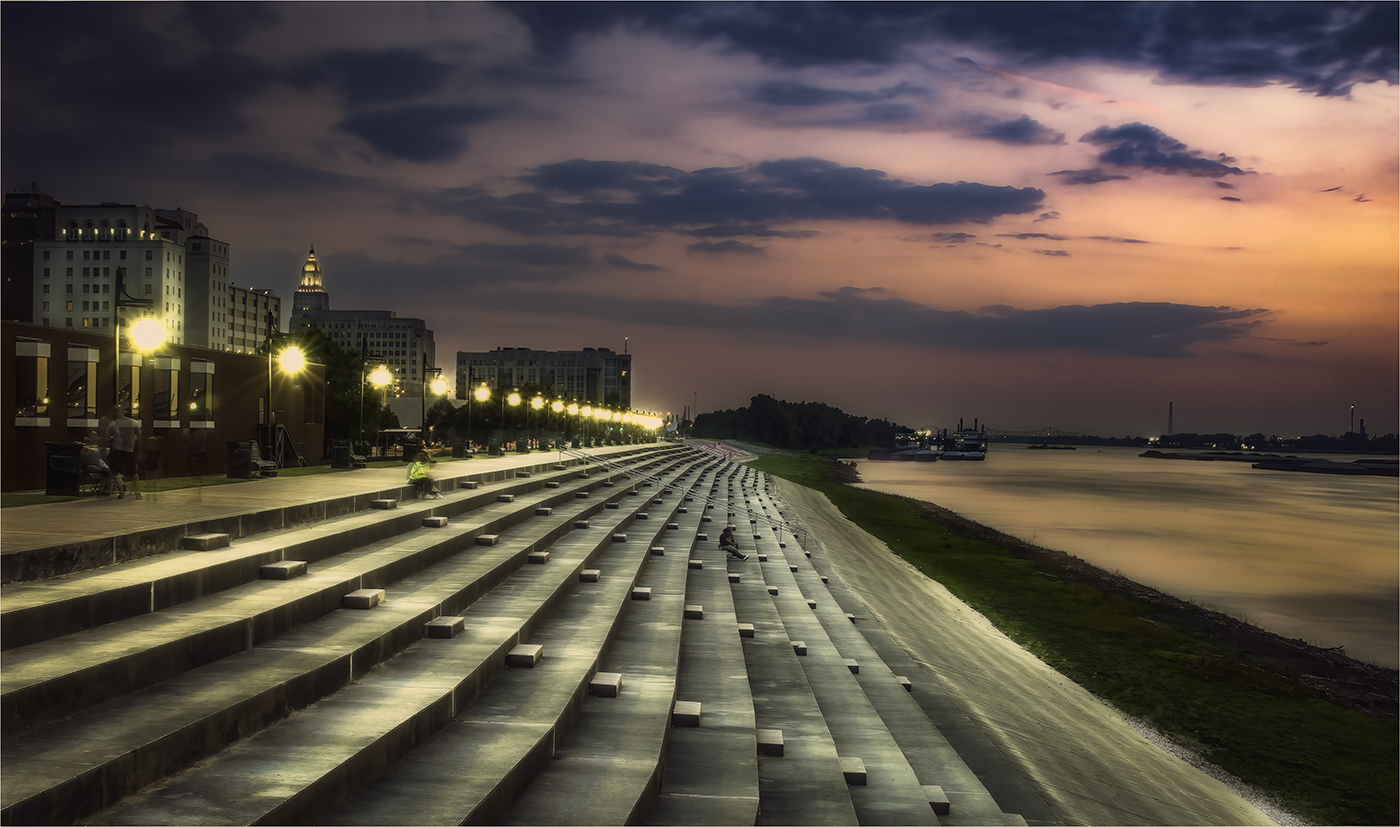
I would not change a thing. Love the way the river is a leading line to the city. Great texture too. Good job. |
Dec 17th |
| 43 |
Dec 22 |
Comment |
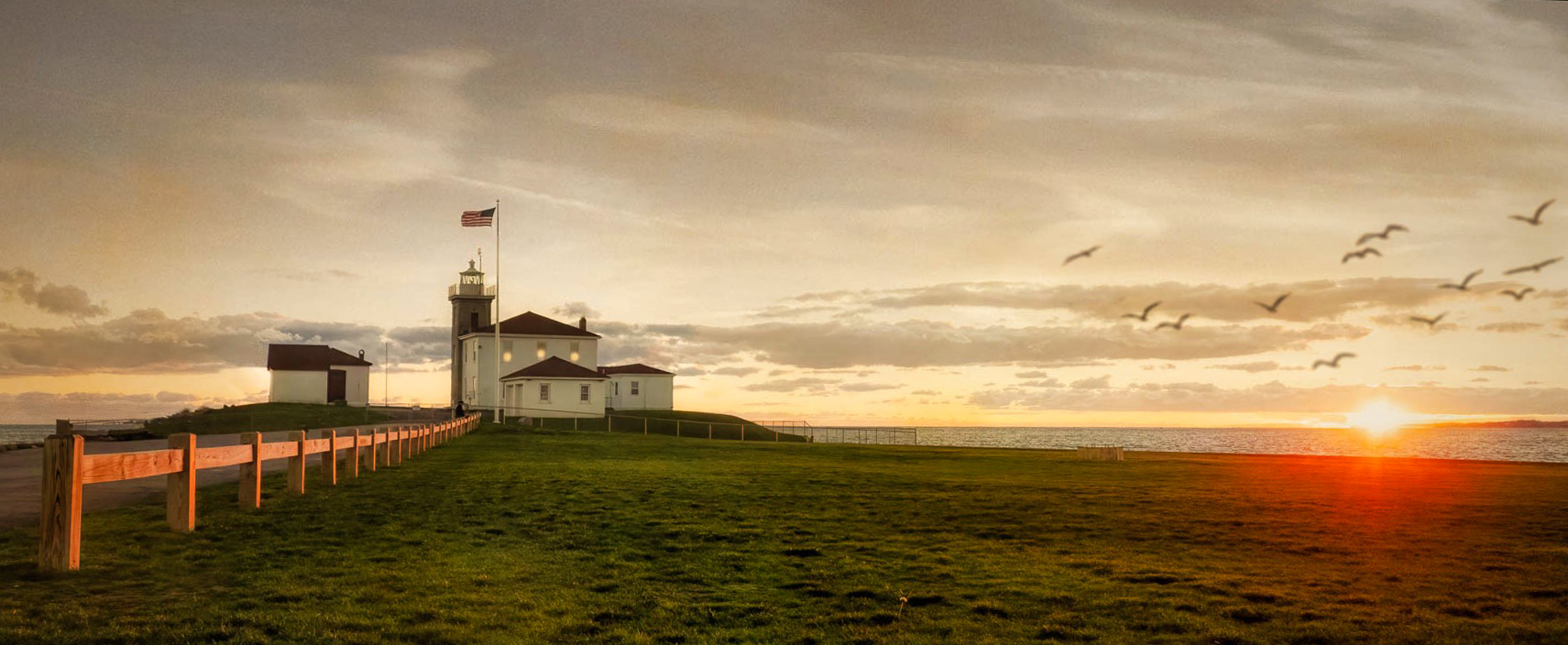
Lane, Beautiful image. It makes a triangle, very good composition. The fence, the building with lighthouse to the birds. I cropped the image. I lighten the two buildings and I darkened the birds with a black brush and darken the sky to bring out some clouds. What do you think? |
Dec 17th |
 |
| 43 |
Dec 22 |
Comment |
Thank everyone for the positive feedback this year. I have really enjoyed all of you this year. Hope you have a very Merry Christmas! My goal in 2023 is to continue improving my images and with your help I can do that. Thank you! |
Dec 16th |
| 43 |
Dec 22 |
Comment |
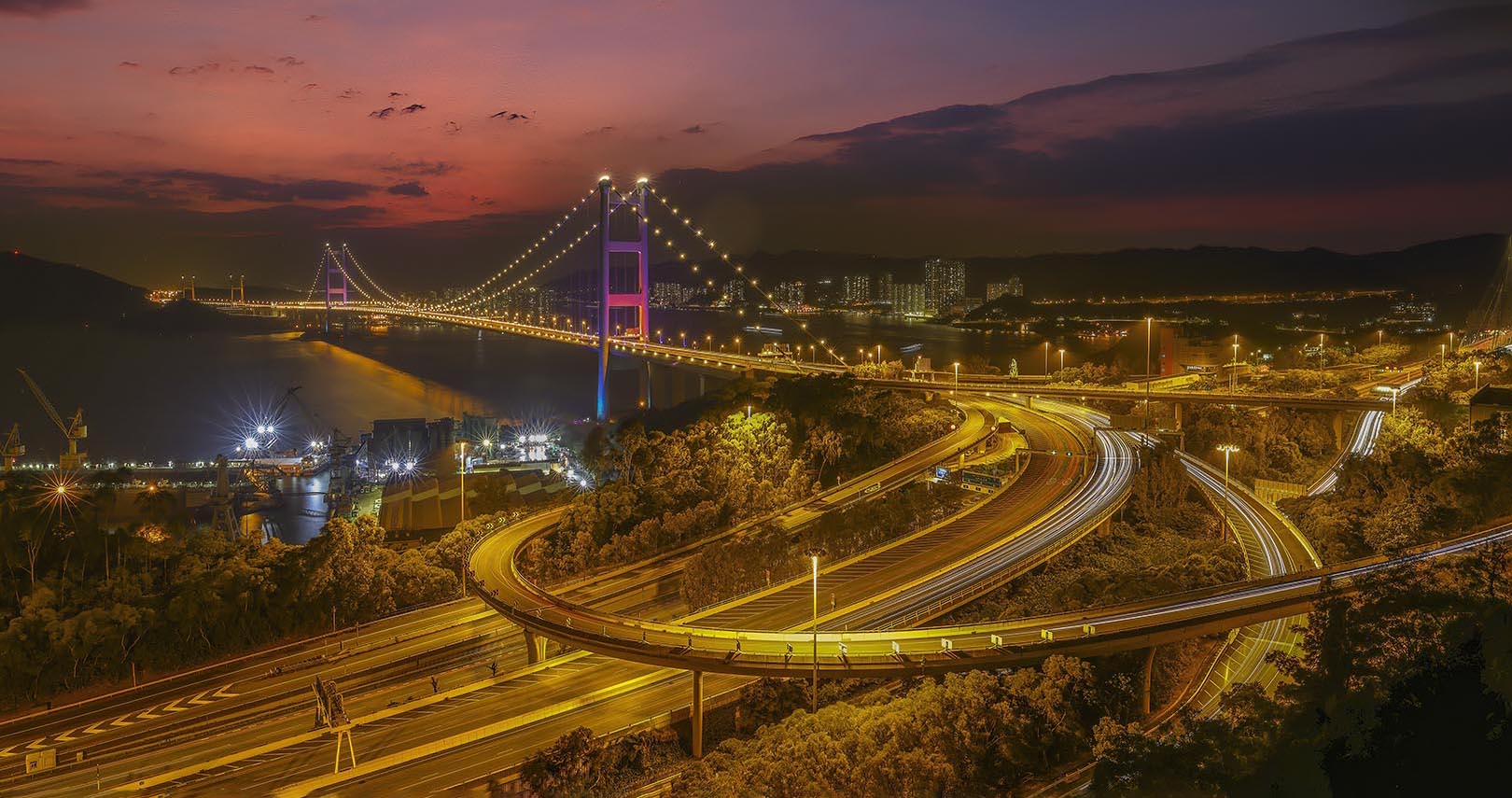
This is a very beautiful image Leo. Love the colors. The only thing that I would change would be the cropping and give the color a little more punch. |
Dec 7th |
 |
| 43 |
Dec 22 |
Comment |
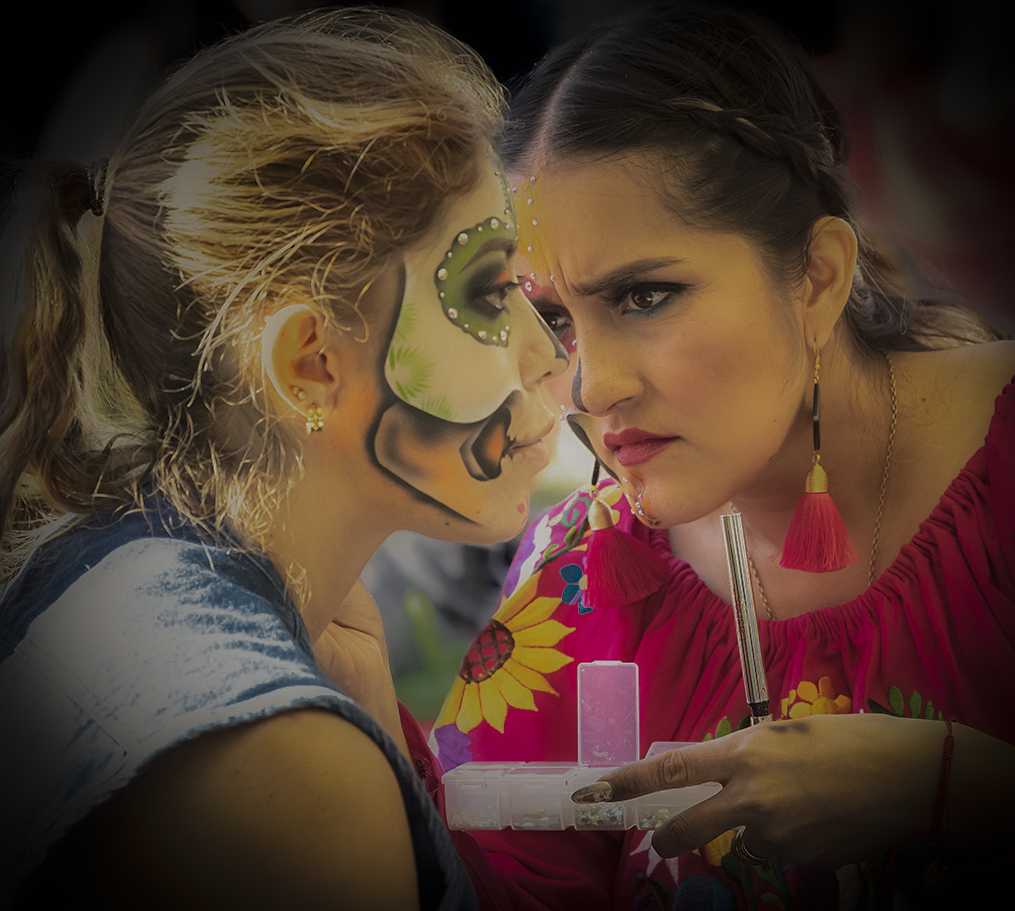
Andrew, I too love this image. Beautiful colors and storytelling image. This image does have some impact because of the colors and expressions on the painters face. I feel like this image was taken at the wrong time of day, the harsh sun cause hot spots on the ladies faces and body in the background. There are hot spots on the lady on the left on shoulder hair and ear. I too tried to home in on just the action of the two ladies. I feel like taking the image from the other side would have gotten you exactly what you was going for. You would have gotten the painter with the brush in her hand and the sun may have been less. |
Dec 7th |
 |
| 43 |
Dec 22 |
Comment |
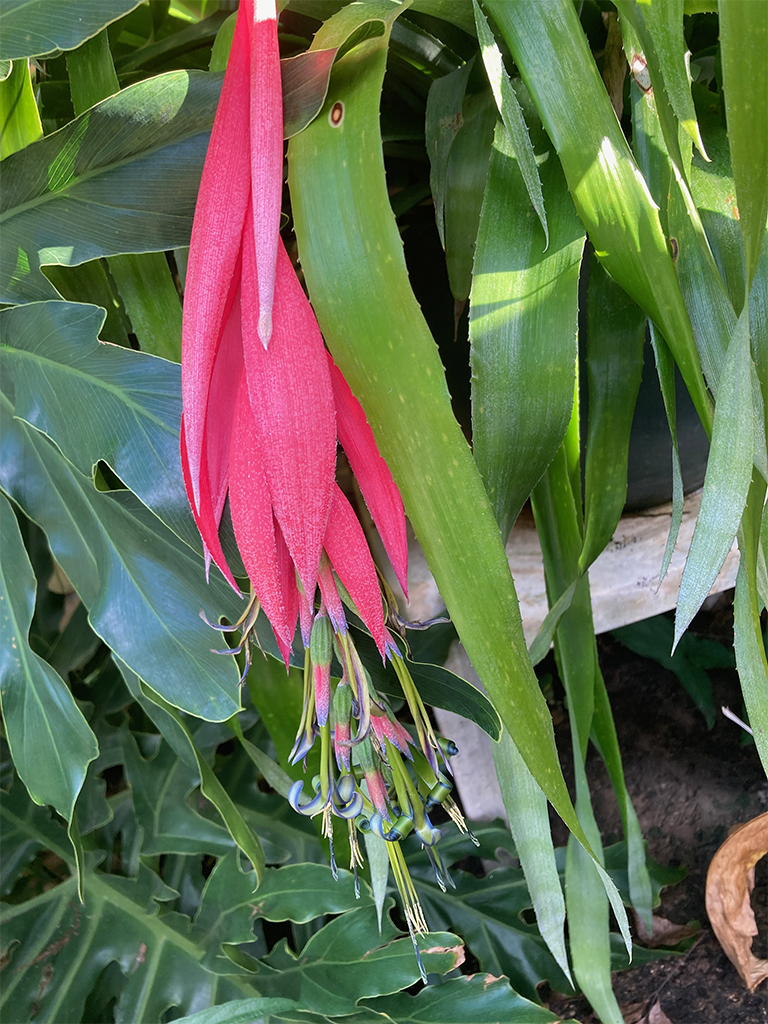
This is a second image taken |
Dec 7th |
 |
| 43 |
Dec 22 |
Reply |
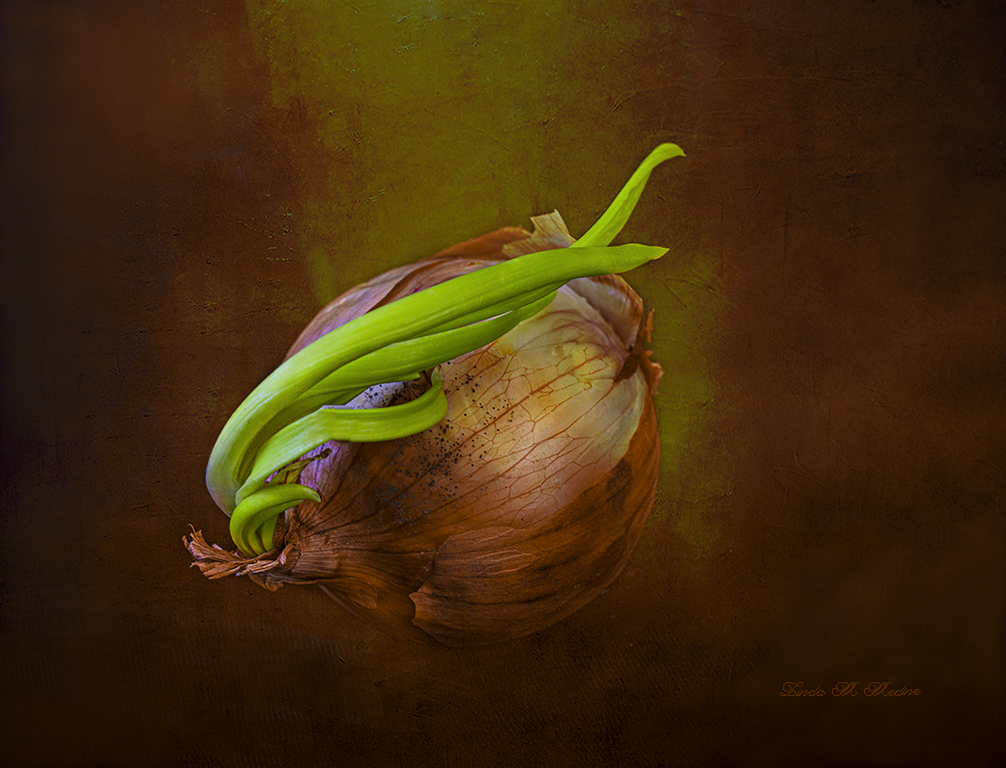
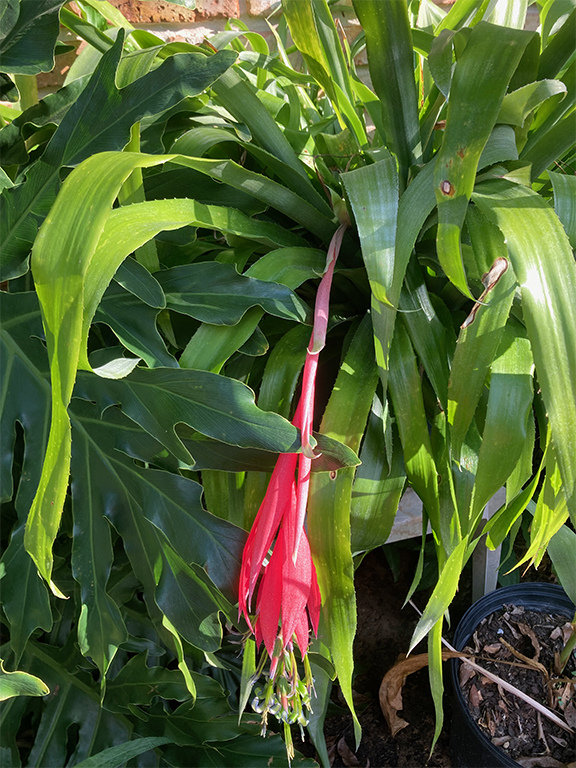
This is a Queen Tear Bromeliad. I have several planet in pots in my backyard. If I lived near you I would surely give you one. |
Dec 7th |
 |
8 comments - 1 reply for Group 43
|
| 61 |
Dec 22 |
Comment |
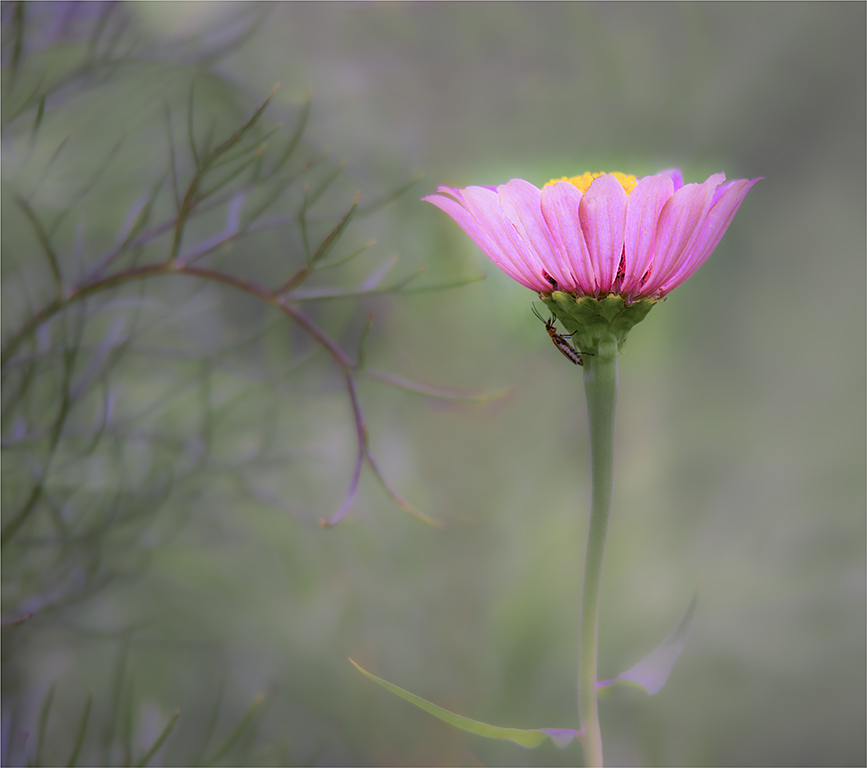
I do put a 2 pixel border. I have a border on this image. I don't know how I can make this image not look floating if the stem is behind the image. Any suggestions? Thank you for all the information and feedback. I feel like this is a very good exercise. See you in 2023! |
Dec 28th |
| 61 |
Dec 22 |
Reply |
Ok I got you. Yes, it is 2 pixels. Will make it bigger. Thanks. |
Dec 8th |
| 61 |
Dec 22 |
Comment |
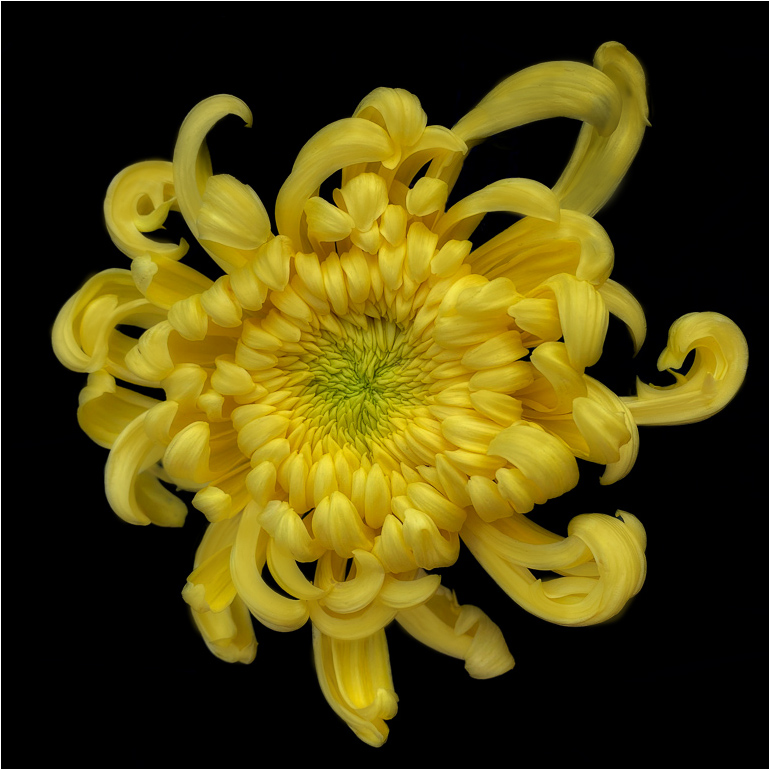
How does this look. There was some blue lines near the flower a the top and some of the leaves was blown out. I painted the petals and used Gaussian Blur and on blend mode multiply and made the yellow pop |
Dec 8th |
 |
| 61 |
Dec 22 |
Comment |
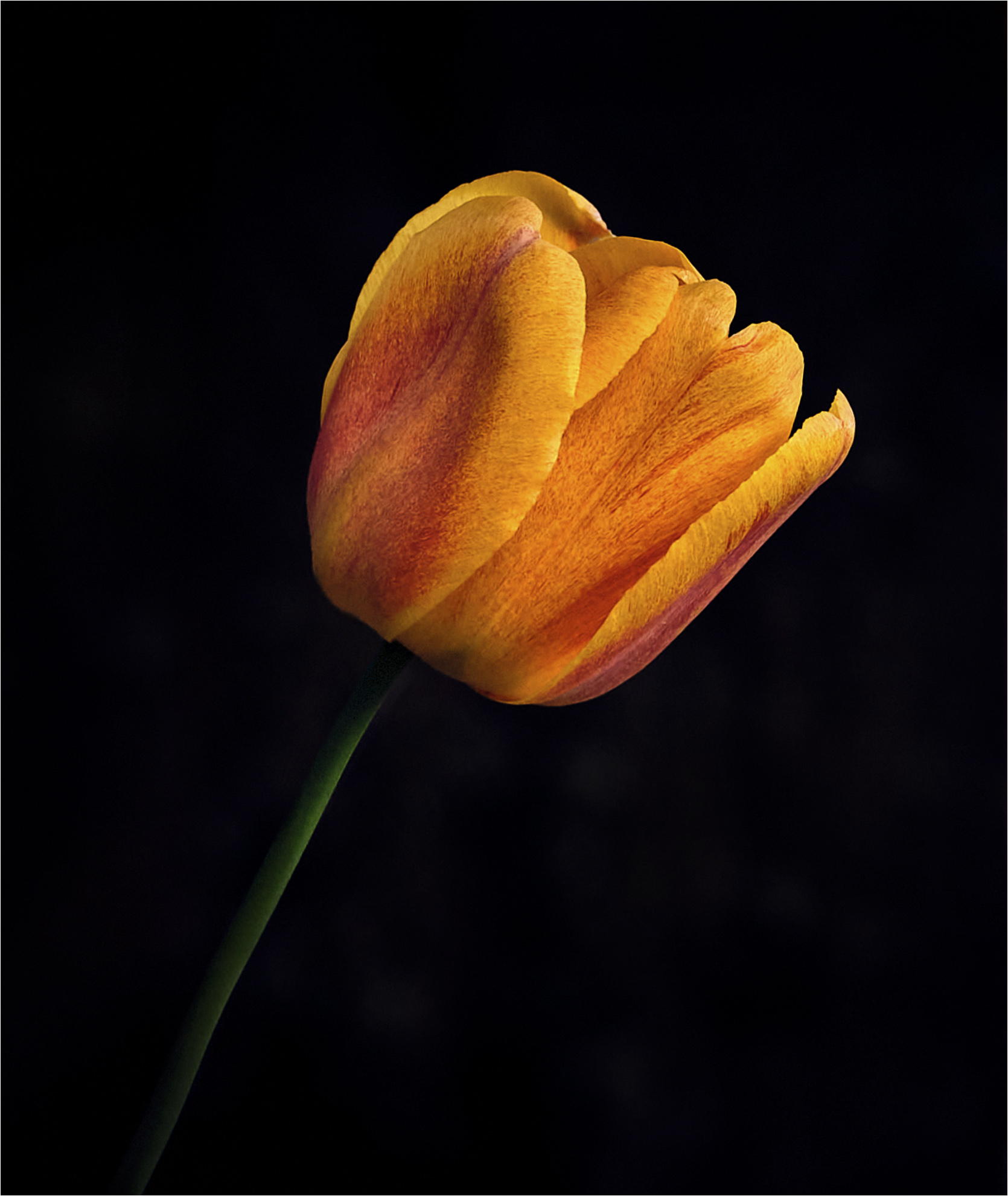
Randall, Beautiful image and gorgeous lighting. I have a visual feedback. I flipped the image and tilted the image a little and made the background darker. I used Photoshop and camera raw. |
Dec 8th |
 |
| 61 |
Dec 22 |
Comment |
Shirley, Like the contrast colors. I was wondering did you have to hand paint this image? I see some white lines through out the image or spot that we're missed. To me it looks a little flat. |
Dec 8th |
| 61 |
Dec 22 |
Comment |
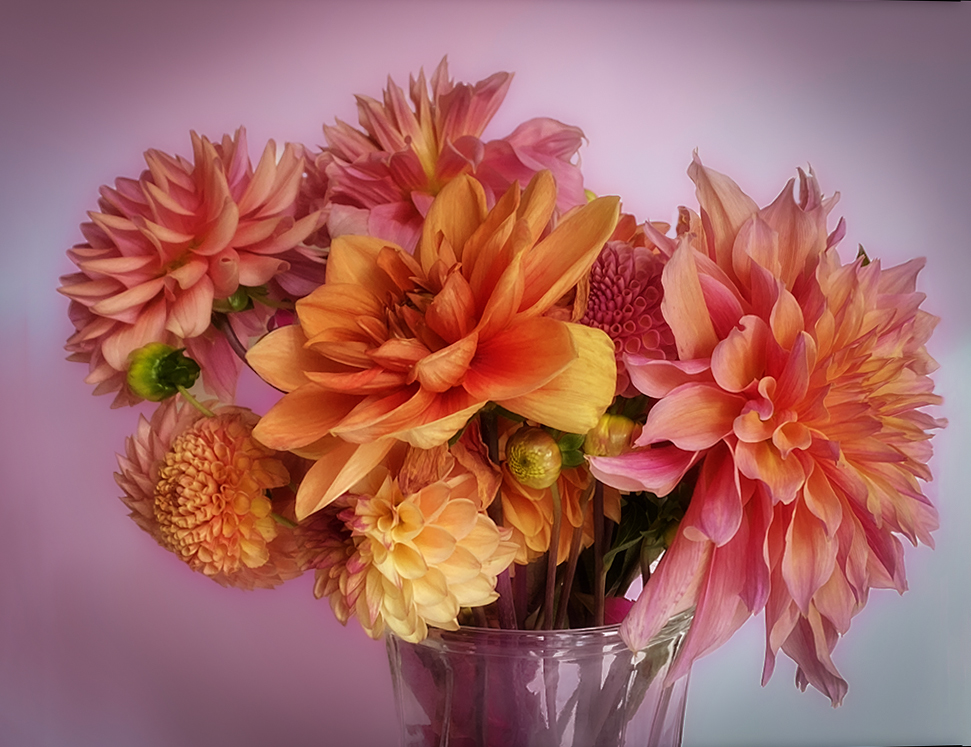
This is a Gorgeous image. Love, Love, Love it. The only thing that I could suggest is to have the color on the background a little darker or a little lighter. To give the image more contrast and to keep the flowers from blending into the background. |
Dec 8th |
 |
| 61 |
Dec 22 |
Comment |
Marti, Very beautiful image of the poinsettia. I like what you did to the image. I like the detail and the sharpness. |
Dec 8th |
| 61 |
Dec 22 |
Comment |
Gene, Very interesting patterns. I really like this image. Good colors and great detail. Keep up the wonderful work. I added a Visual Feedback to add just a little more to it. Went into PS and camera raw and selected the plant and inverted and brought exposure slider down. Put a 2 pixel white border and sharpen a little and went in color mixer and brought out each color in the image a little. |
Dec 8th |
 |
| 61 |
Dec 22 |
Comment |
WOW, great job on getting the beautiful flower out of all that distracting background.
I see just a few little spots that could be cloned. Maybe it is getting too picky.....This is just a thought, have you ever painted in some color where there is some hot spots.
Use a brush and get the same color of the flower and lightly paint over little imperfections or lighter color petals. |
Dec 8th |
| 61 |
Dec 22 |
Reply |
Hey Randall, Can you explain a little more about the stroke around the flower more. Yes, the flower does looks like it is floating.
Marti, No, it would not qualify for nature. I just wanted to give the flower a little more action. For Fun!
Yes David, If I was photographing an orchid that was competing I know Don't add or Thing away anything. Good point. |
Dec 8th |
8 comments - 2 replies for Group 61
|
| 77 |
Dec 22 |
Comment |
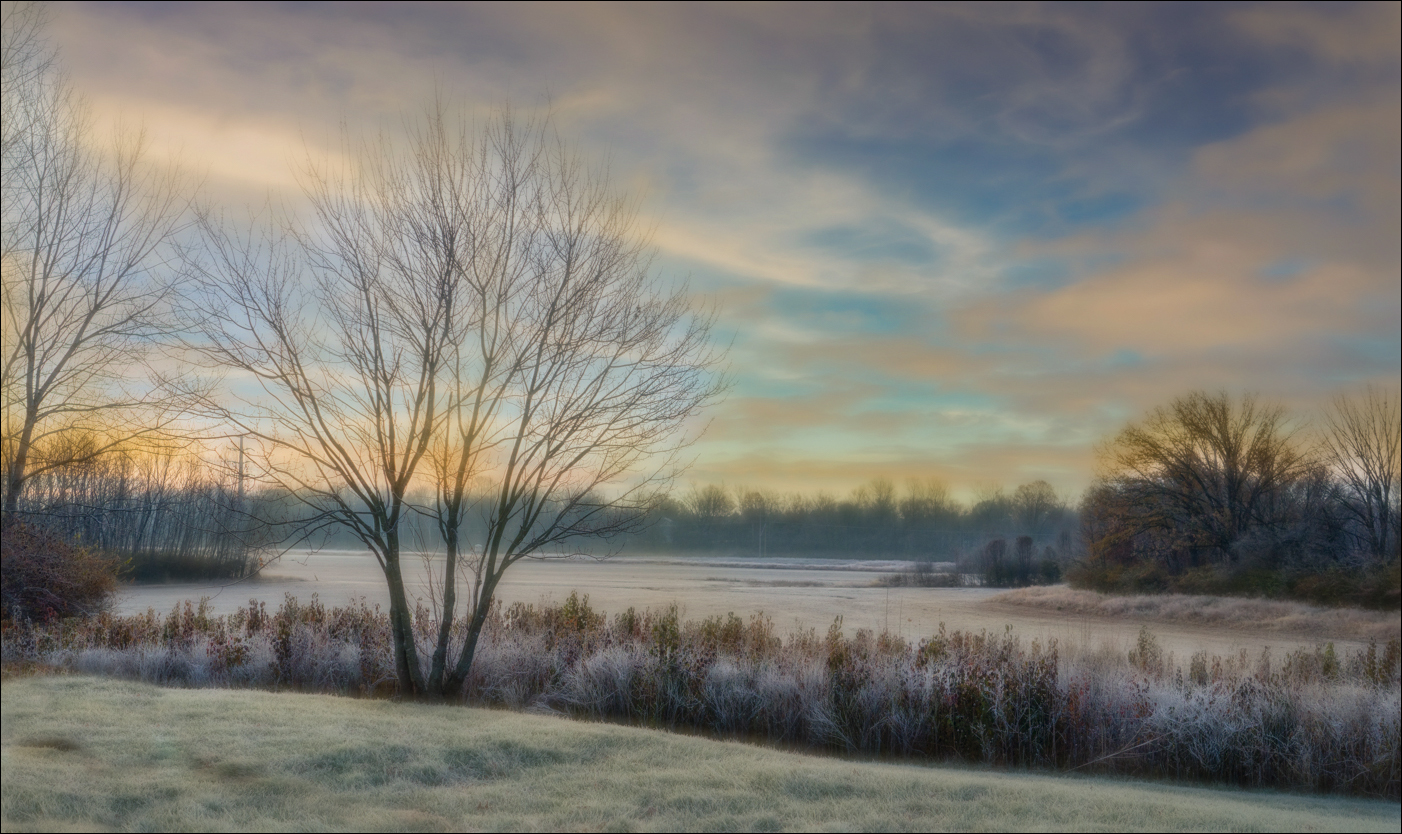
Denise, Beautiful image. There is so much you can do with this image. I just tried to pull out some colors in the image. I did use Camera Raw. I also used Gaussian Blur and brushed out the parts that I wanted to be sharper. Tell me what you think. |
Dec 17th |
 |
| 77 |
Dec 22 |
Comment |
Frank, Great composite. The only thing that I would change is the framing around the image. To me the white is bringing my eye to the white framing. |
Dec 17th |
| 77 |
Dec 22 |
Comment |
Connie, Very nice image. I feel like Denise said what I was think. |
Dec 17th |
| 77 |
Dec 22 |
Comment |
This is a beautiful image. I cropped the image. The line just in the air bothers me. I also did a white balance, and use a radial around the image to give the sky it a little more drama. |
Dec 17th |
 |
| 77 |
Dec 22 |
Reply |
Denise, You did an excellent job on removing the trash can. I tried and it just didn't look that great. I will try my hand at it again. Thanks! |
Dec 14th |
4 comments - 1 reply for Group 77
|
| 99 |
Dec 22 |
Comment |
To me this is a beautiful story telling image. Beautiful in Black and White. The only thing I would have tried to do would be to wait until there was not so many people behind the bars in the window. It is at the bottom center, four people are cut off. The treatment and the composition. |
Dec 17th |
| 99 |
Dec 22 |
Comment |
Amazing work. I love all three images. Love what you have done with them. The way you placed them is very well done too. You have the two on the end facing in. If you had one more face you could add to this? I would like to see three faces. Beautiful work Michael. This presentation looks 3D. |
Dec 1st |
| 99 |
Dec 22 |
Comment |
Oh WOW. This is an awesome image. The sepia color is beautiful. I would not change a thing. But, if you could give her a little more room at the top of the image. |
Dec 1st |
| 99 |
Dec 22 |
Comment |
Gerard, Yes, The placement of the white milkweed floss against the black background looks very nice. Good detail in the milkweed. I also like the leading lines to the subject. I would like to see more detail in the seed and have more contrast to the floss. |
Dec 1st |
| 99 |
Dec 22 |
Comment |
Barbara, I really like this image, it tells a story. The way the sun is making a reflection on the wall, the man's shadow looks different than the real mans shape. The shadow looks like it is standing different too. I like the lines on the building and on the sidewalk. Good contrast. |
Dec 1st |
5 comments - 0 replies for Group 99
|
25 comments - 4 replies Total
|