|
| Group |
Round |
C/R |
Comment |
Date |
Image |
| 43 |
Jul 22 |
Comment |
Mark, You can tell you put a lots of planning and effort into this image. This is Beautiful Native American Art. I can tell you and your wife is very proud of them. I feel for this image less is better. There is a lot going on with the colors and the shapes and the pattern in the blanket on the table. I do like the shadows. I would try just photographing three and changing the blanket to a solid color that would complement the art work. |
Jul 25th |
| 43 |
Jul 22 |
Comment |
Lance,
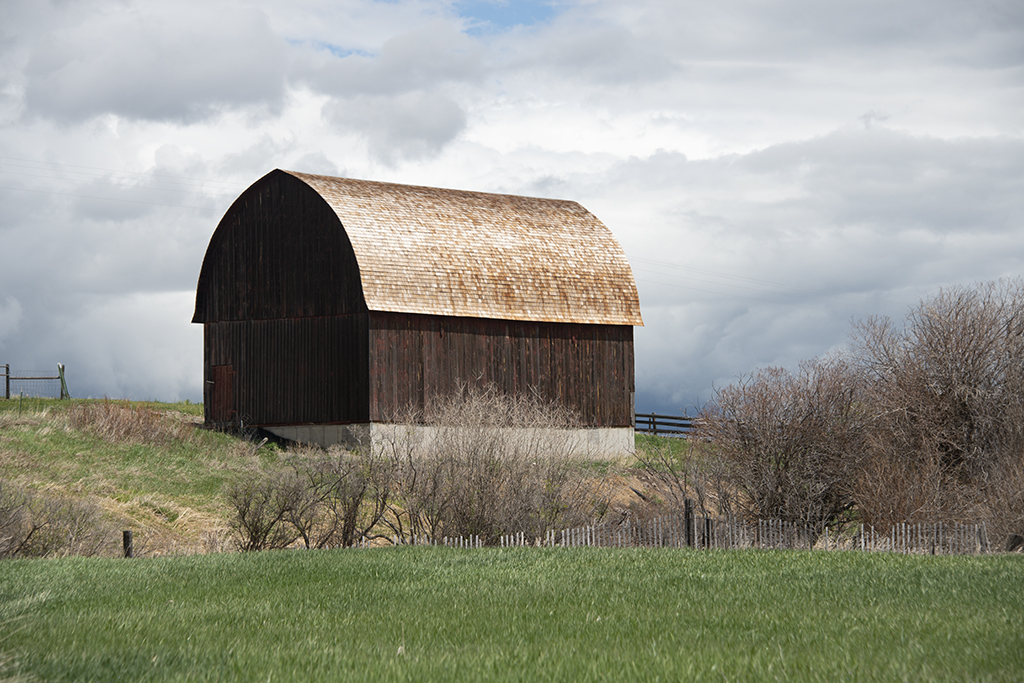
Thank you so much for the critique. I was in a field taking this image. I was in a rush without a tripod. I will crop the original image. I am doing well. I do appreciate you. This is the original. What do you think? |
Jul 25th |
 |
| 43 |
Jul 22 |
Reply |
This is the redo. |
Jul 5th |
 |
| 43 |
Jul 22 |
Comment |
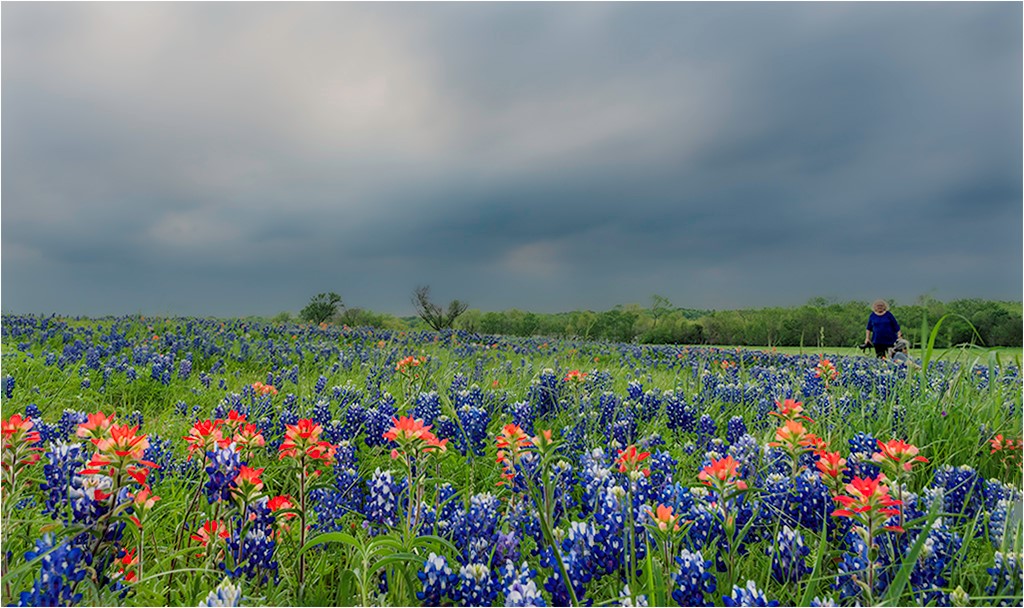
Andrew, That was a great exercise. I would not change a thing with this image. You have the frame around the person, it showing you are taking the image from outside. Great color of the flowers. This is a storytelling image. Sometimes we are looking at the big picture and we miss the small detail and what is going on around us. |
Jul 2nd |
| 43 |
Jul 22 |
Comment |
Bruce, Beautiful image. You only need one image. I feel like photographing children and animals you better get it on the first few shots because once they know what you are doing they stop paying attention. I really like the contrast of the red and brown. I went into camera raw and used a radial tool to select the background and darkened it. I use a radial tool to select the dog and got more detail in the hair and brought down the highlights. I used a white brush to bring out the eyes and used a black brush and got out some of the highlights on the nose. |
Jul 2nd |
| 43 |
Jul 22 |
Comment |
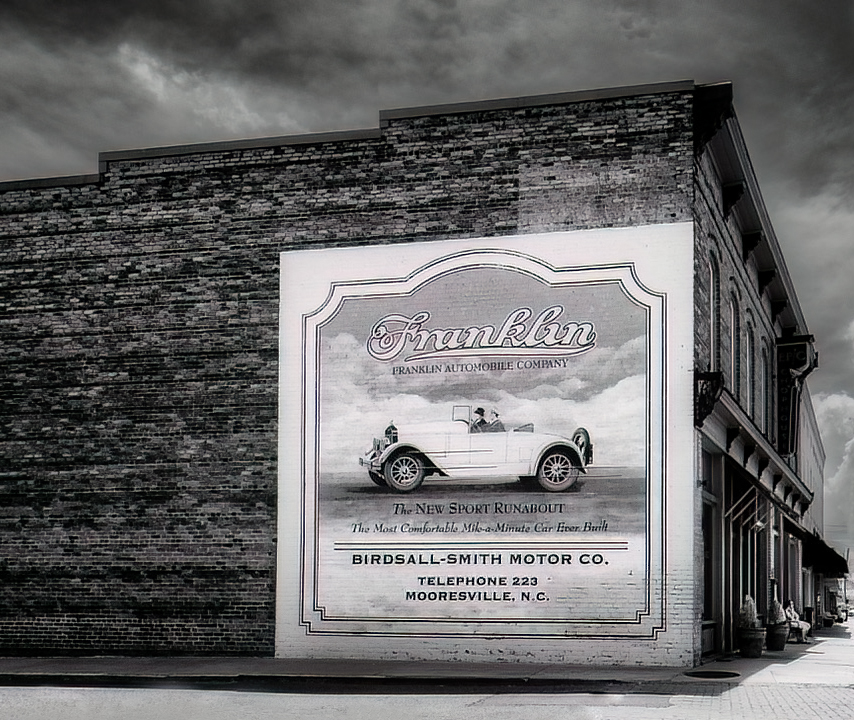
Lane, I looked up Mooresville, to see what state is was in. I watched a few YouTube video it looks like a neat place to live or visit. I really love visiting North Carolina. I love this image in black and white. If it was my image, I would have cropped the bush out of the image and give the mural on the wall all the attention. I cleaned up the road on the side of the building. I went into camera raw and used the radial tool to take the front of the building out of the shadow a little. |
Jul 2nd |
 |
5 comments - 1 reply for Group 43
|
| 77 |
Jul 22 |
Reply |
LOL!!! NO Problem |
Jul 18th |
| 77 |
Jul 22 |
Reply |
Yes, I like this. Thank everyone for their suggestions. I will make some changes. |
Jul 18th |
0 comments - 2 replies for Group 77
|
| 99 |
Jul 22 |
Reply |
Will try that. I too feel like the sky is too dark. Thanks for all the help. |
Jul 18th |
| 99 |
Jul 22 |
Comment |
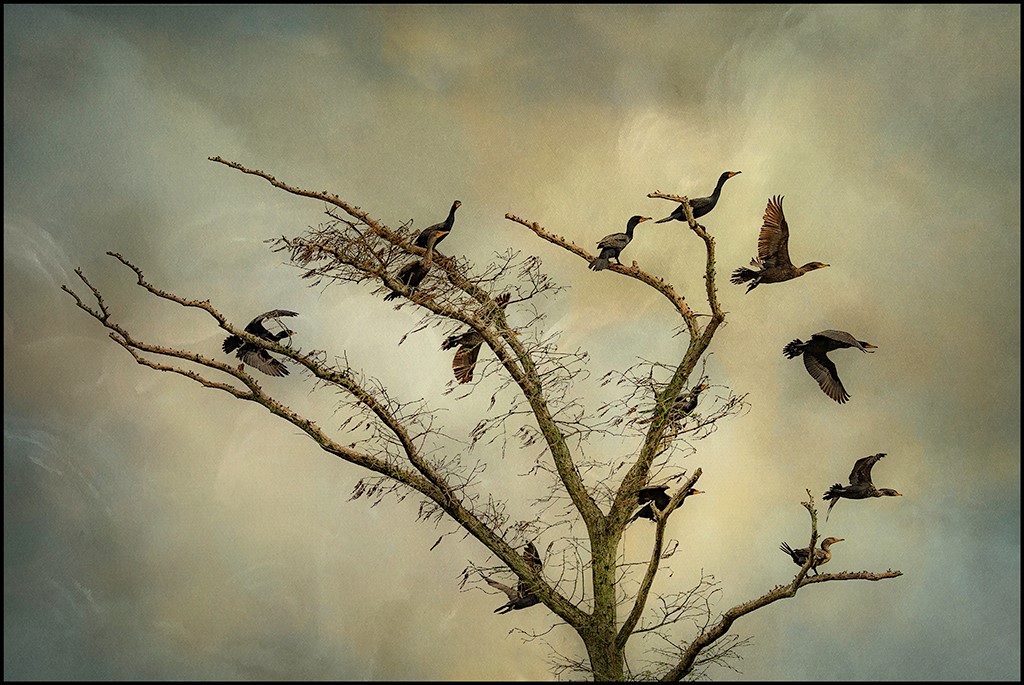
Michael, I used the soft round 2 pressure side brush to brush in some darkness in the limbs of the trees. I used Nik's Color Efex Pro 4 and used Detail Extractor and in the largest trees to give more detail. I used the control points to give more details int the limbs of the trees. So I used one brush and control points on the limbs in the trees. I hope I explained it ok for you to understand. |
Jul 5th |
| 99 |
Jul 22 |
Reply |
Thank you Michael.
|
Jul 2nd |
| 99 |
Jul 22 |
Reply |
Thank you. Do you like what I did to this image? |
Jul 2nd |
| 99 |
Jul 22 |
Comment |
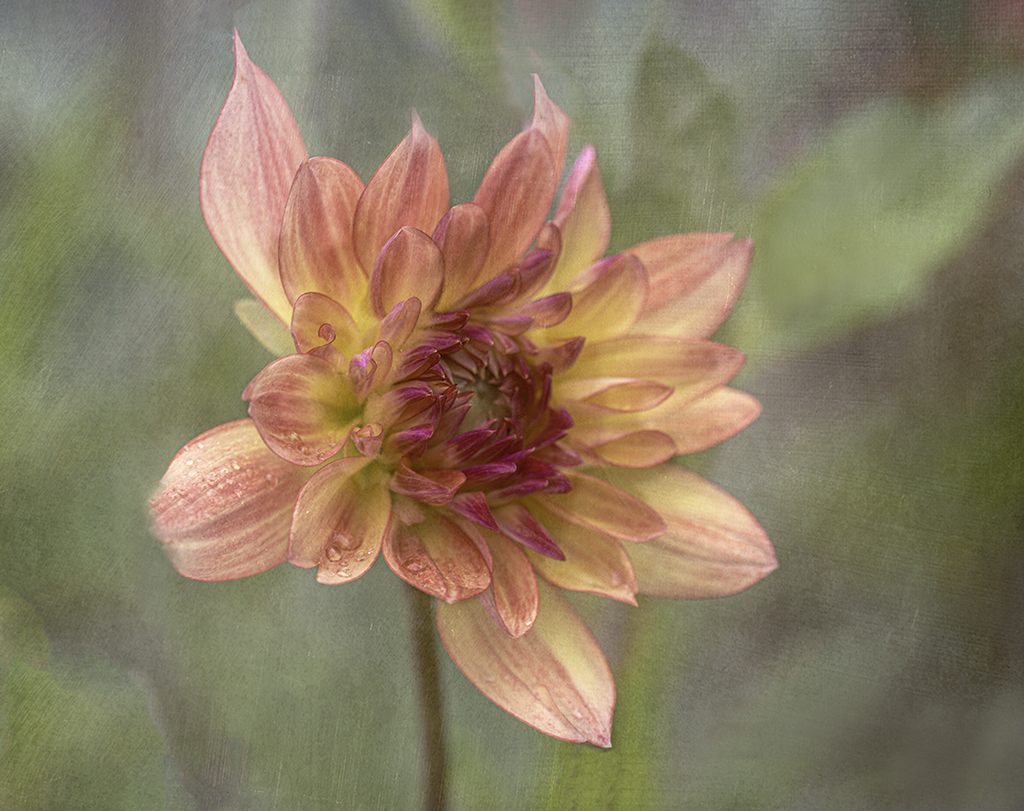
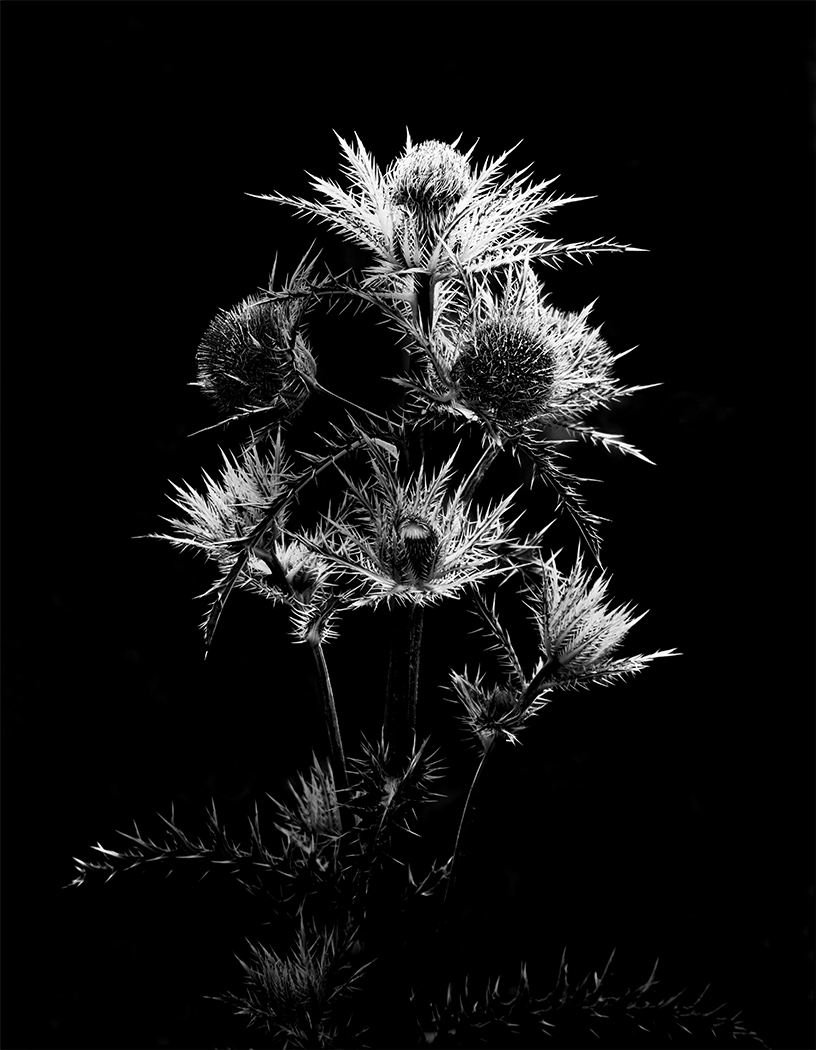
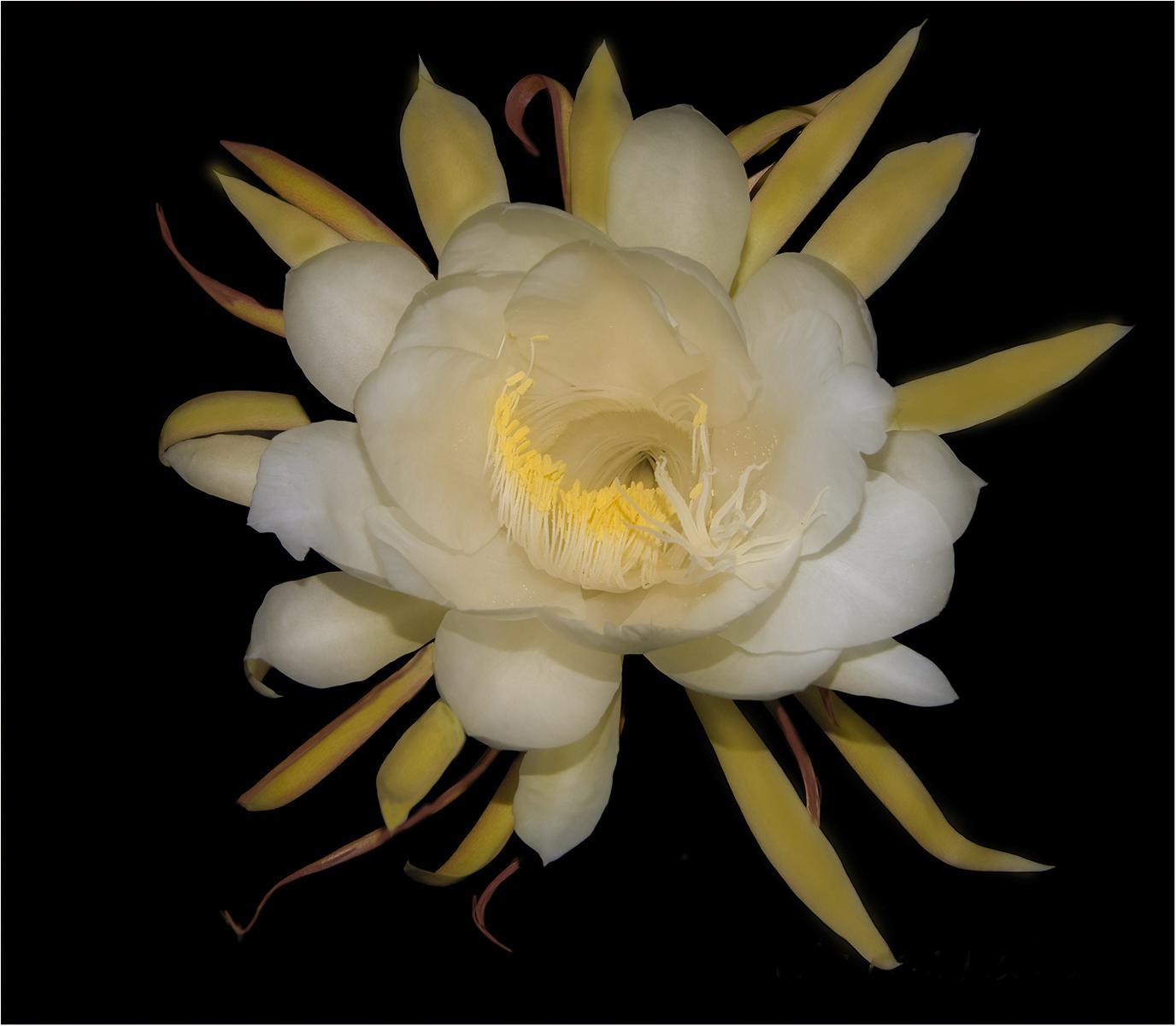
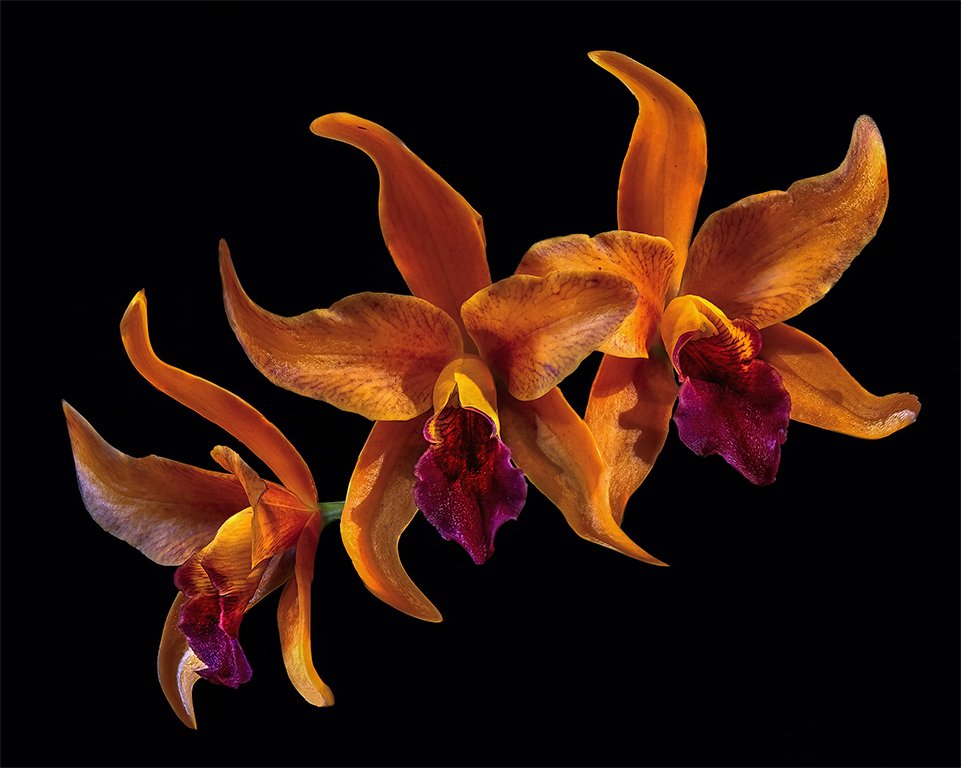
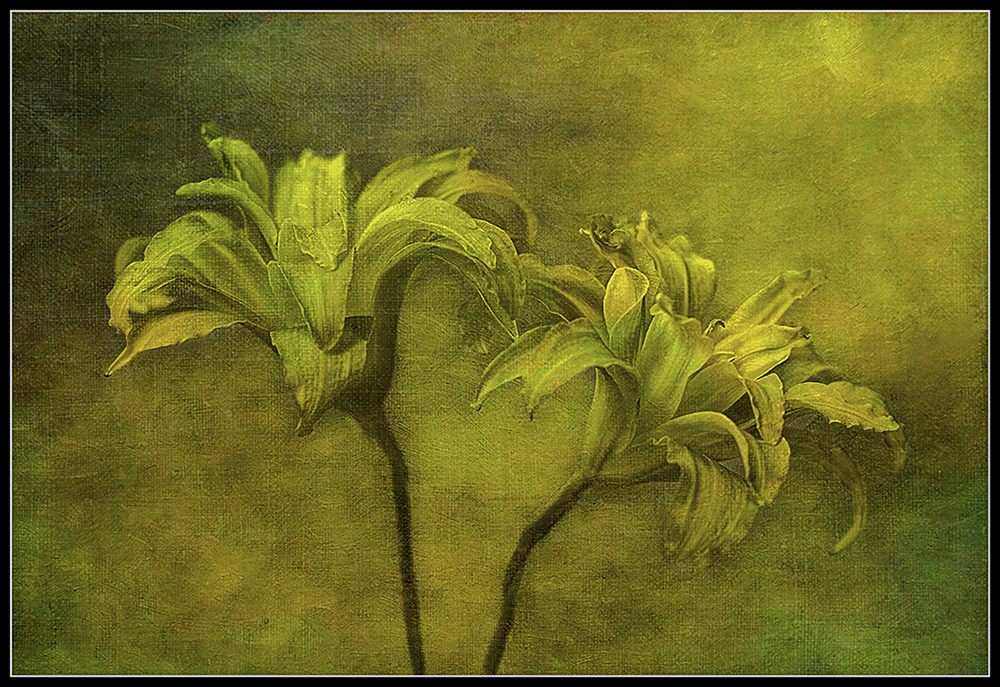
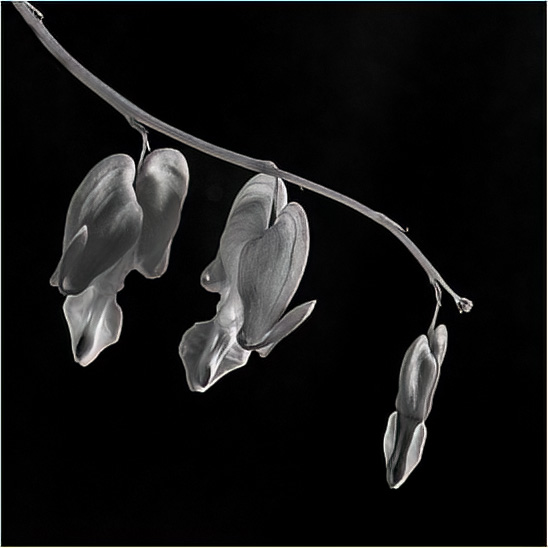
Gerard, It is very hard to make a black and white look great with this color image. It is so beautiful in color. I did work on a black and white of this image. I would put just the last three flowers. The last two are blended together. I feel like you did a great job in bring out the stamen of the flower and keeping it separated to the flower petal. I would try it with just three flowers. |
Jul 2nd |
 |
| 99 |
Jul 22 |
Comment |
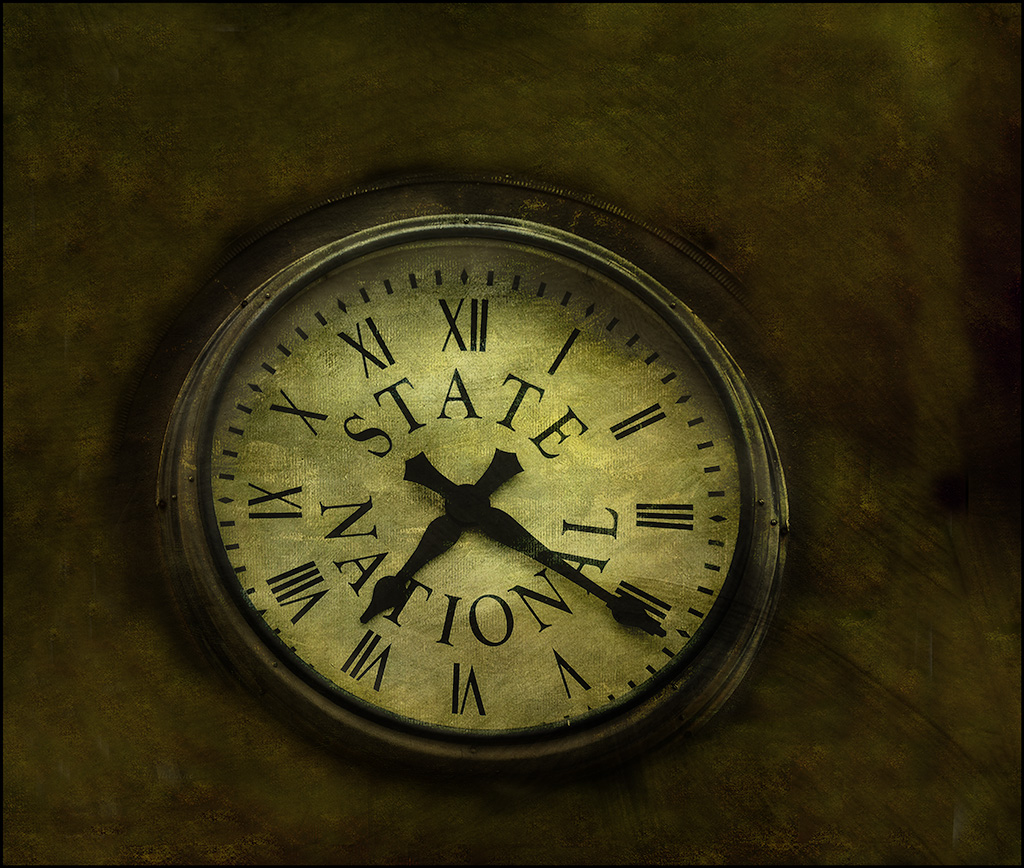
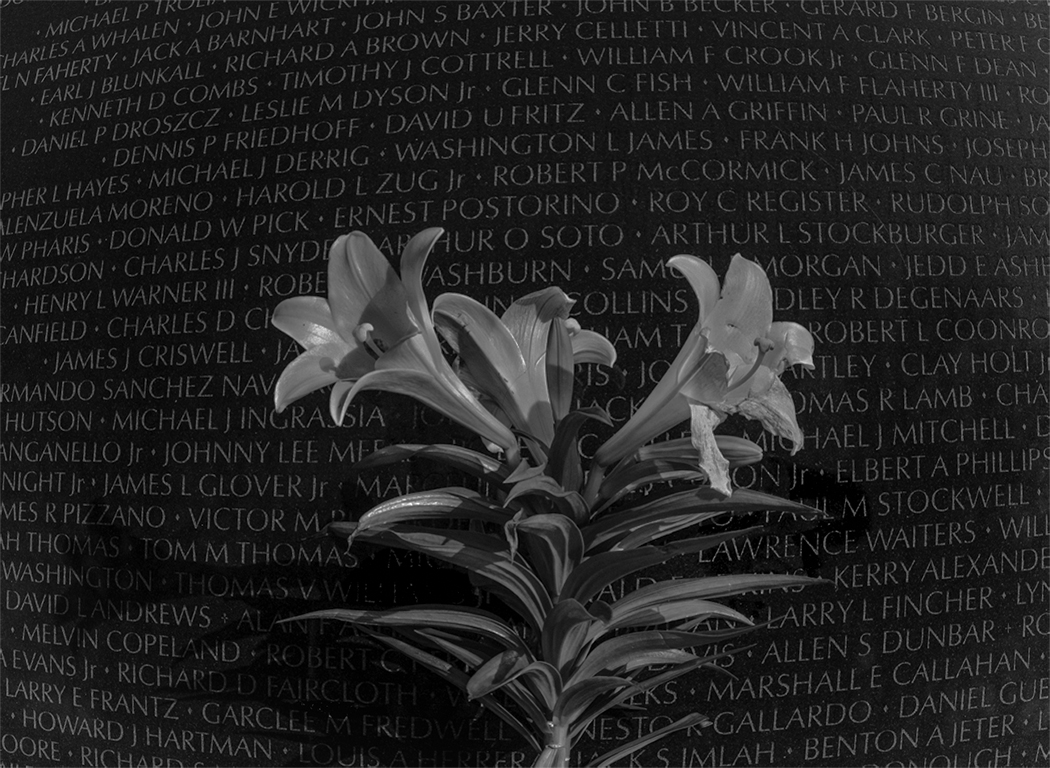
Randy, This image is very timely it is 4th of July 2022. Thank everyone that has help keep this country free. I have a visual feedback on your image. I used camera raw and used setting optics - distortion to give the background a different look. I used a little white vignetting to bring out the white on the letters. I used Camera Raw to select the flowers and darken the background. |
Jul 2nd |
 |
| 99 |
Jul 22 |
Comment |
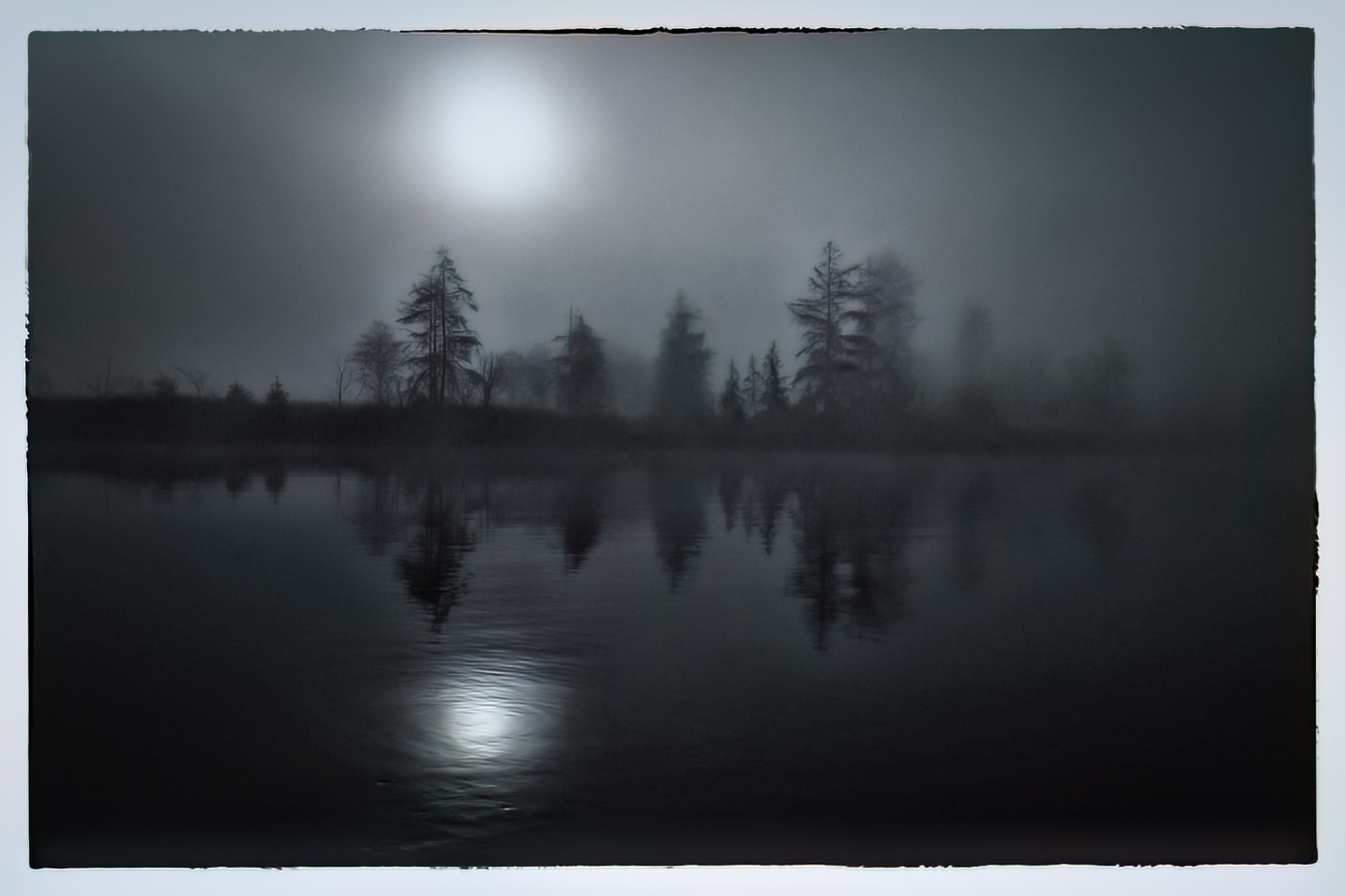
Hi Michael, I love what you did to this original image. I tried my hand at what I would do if it was my image. I used Nic's Silver EFEX too. Then I put into Photoshop and used a black brush to see if I could paint in some detail in the tree limbs. I used the control points in Nic's to bring more details in the trees. I used a small vignette and AI denoise. |
Jul 2nd |
 |
| 99 |
Jul 22 |
Comment |
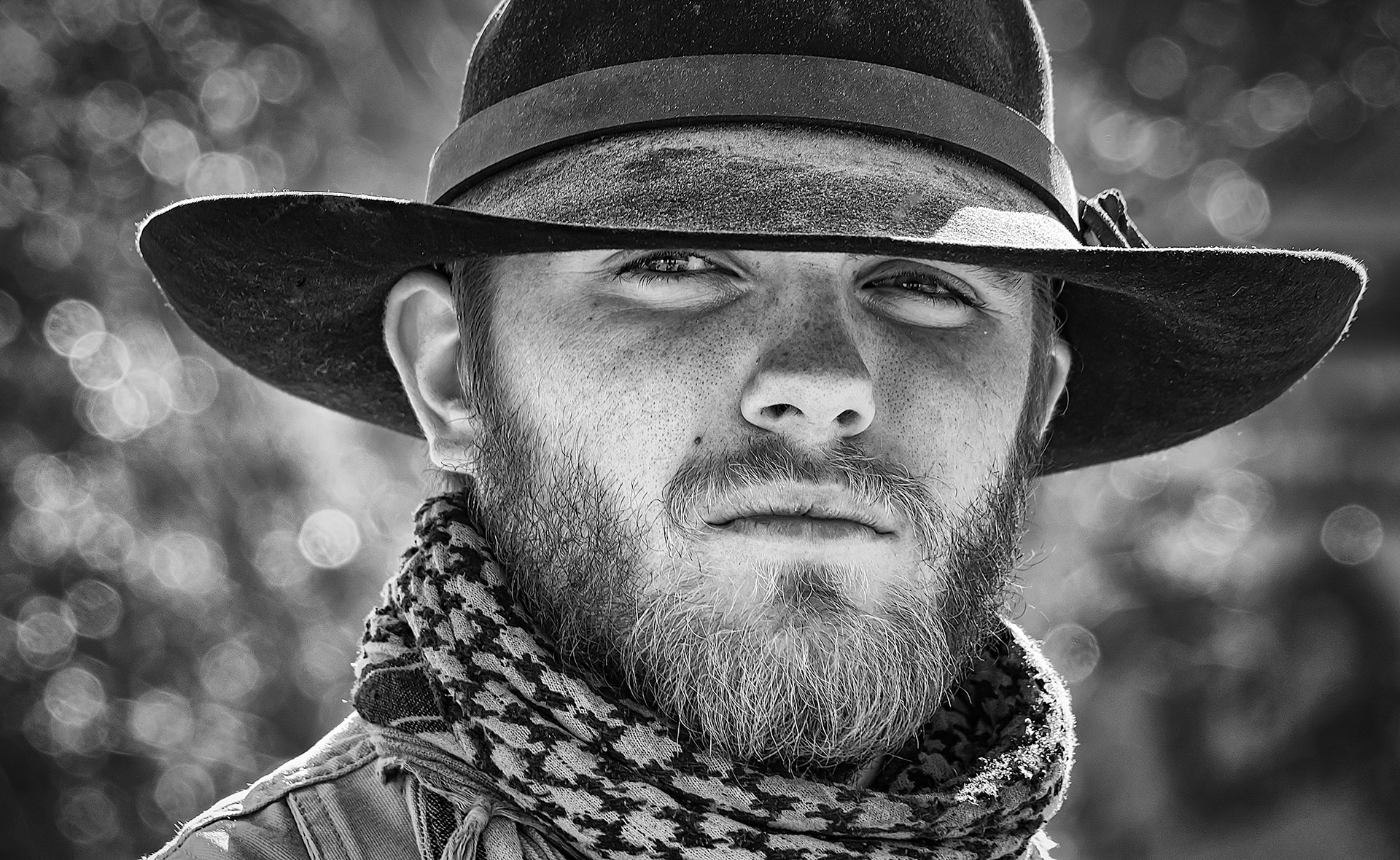
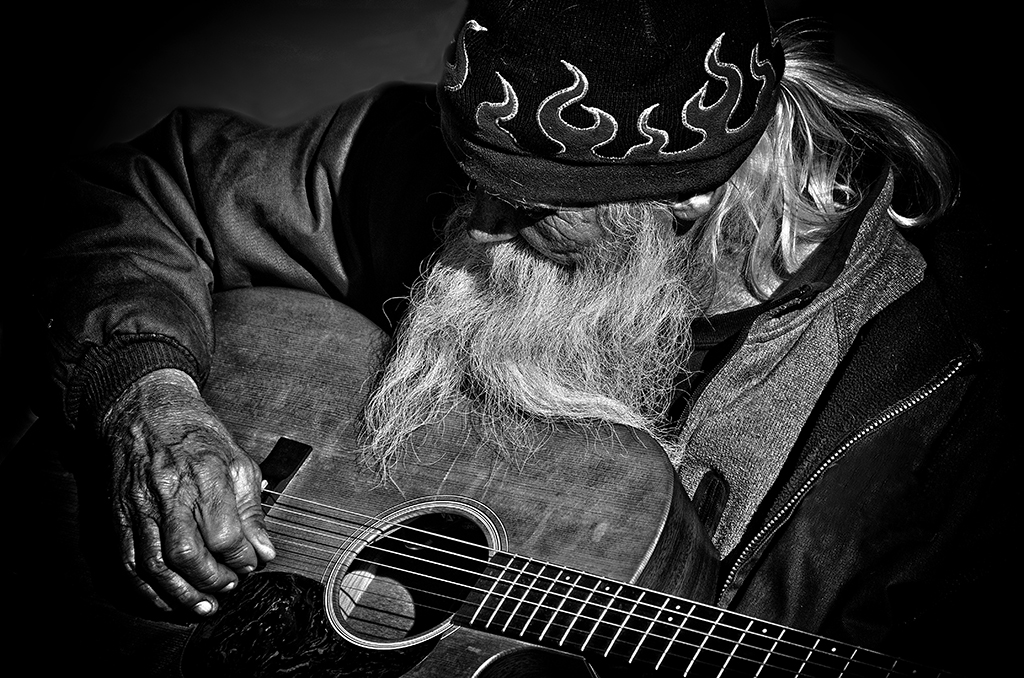
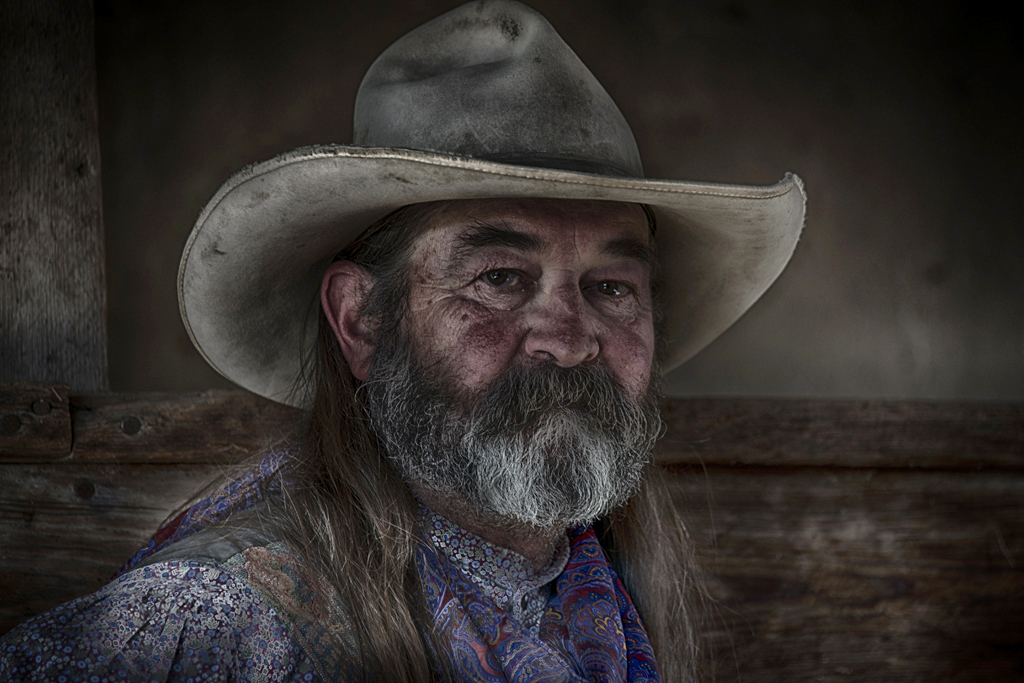
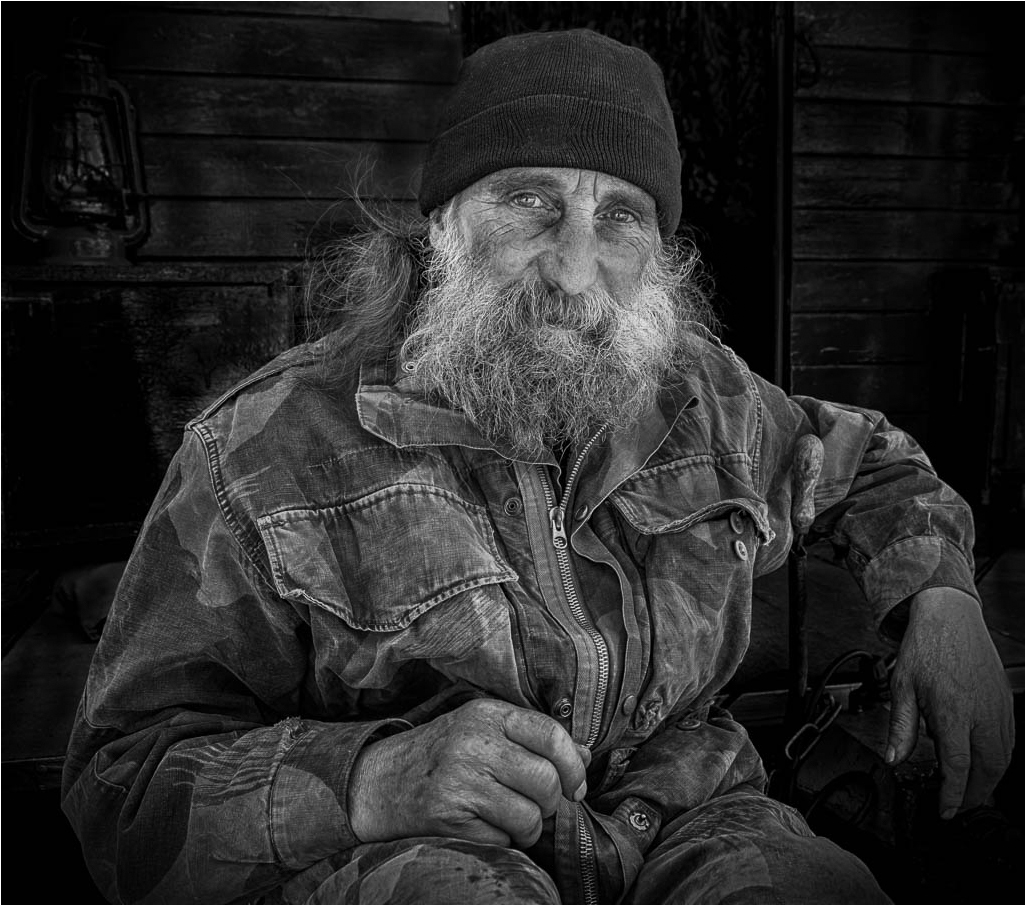
Peter, This is a great image. I love taking images of old men and especially with beards. I went to Dollywood TN many years ago and my challenge for the day was taking image of old men with beards. That was so much fun. I have a visual feedback. I darken the image and used a radial filter to bring out the face. I focused on the eyes. I took a black brush at a very low opacity and outlined the eyes and a few of the lines around the eyes. I want the eyes to be the first thing you look at. |
Jul 2nd |
 |
| 99 |
Jul 22 |
Comment |
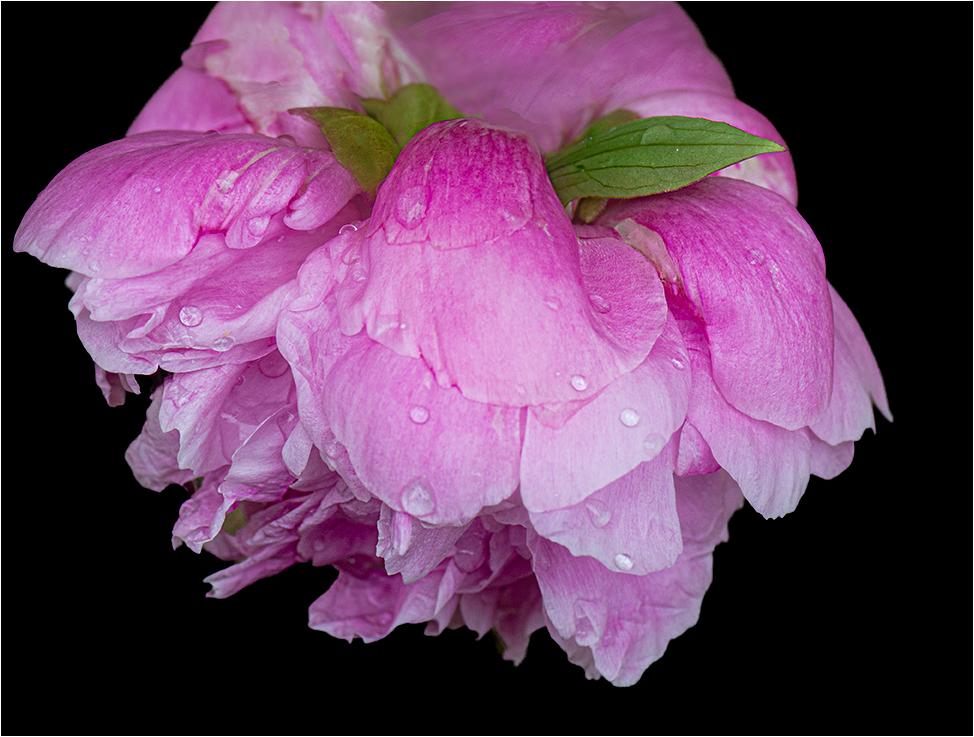
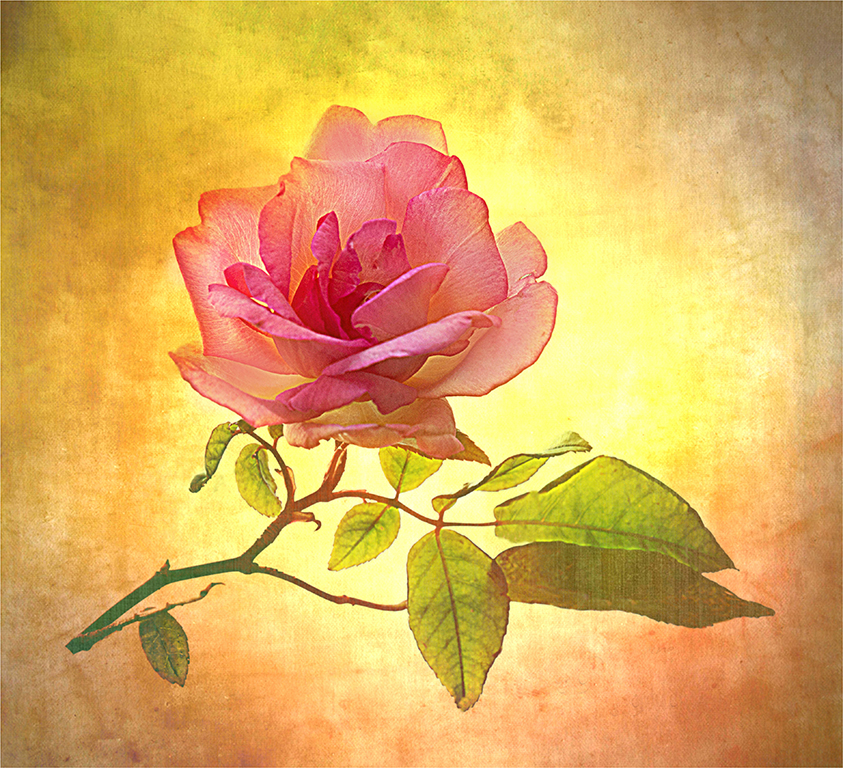
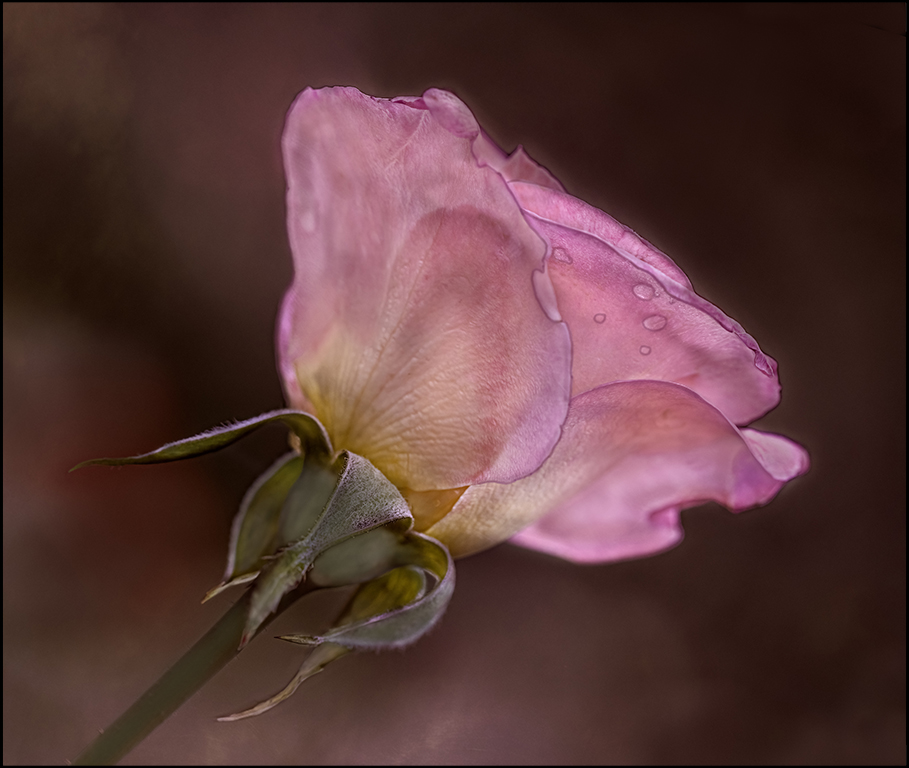
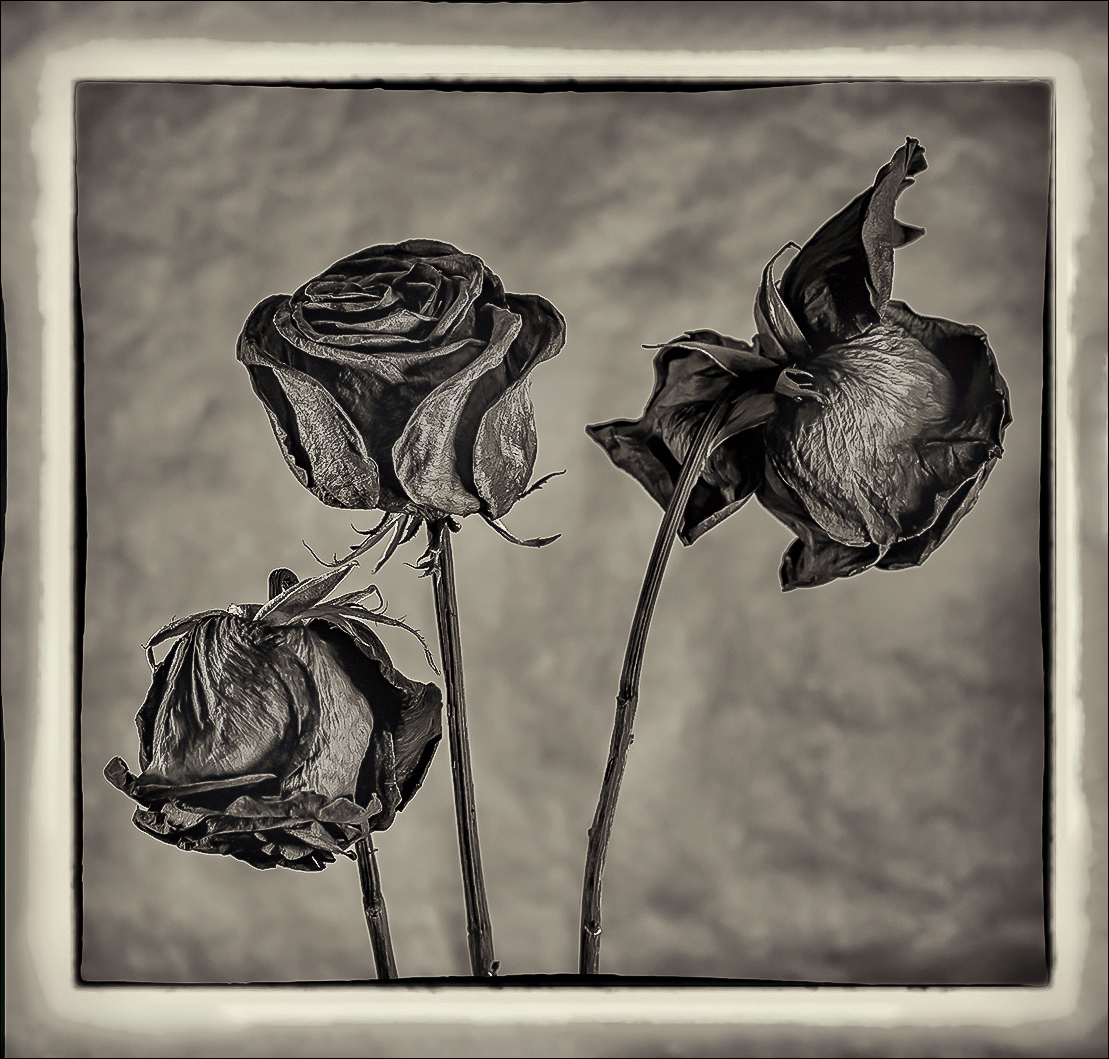
Barbara, This image could sell as a Fine Art piece just the way it is. Just my suggestions, I would give the flowers a little more room. I used camera raw and used a radial filter and pulled out more shadows in the roses. I lighten the highlights on the roses a little. But, the way you have shown it is beautiful and is a winner. |
Jul 2nd |
 |
6 comments - 3 replies for Group 99
|
11 comments - 6 replies Total
|