|
| Group |
Round |
C/R |
Comment |
Date |
Image |
| 43 |
Aug 21 |
Reply |
Yes, maybe a little over the top. Will tone it down. Thank you .
|
Aug 16th |
| 43 |
Aug 21 |
Reply |
Mark, Thank you so much for your feedback. I will look over what you have written and see what I can do. |
Aug 16th |
| 43 |
Aug 21 |
Comment |
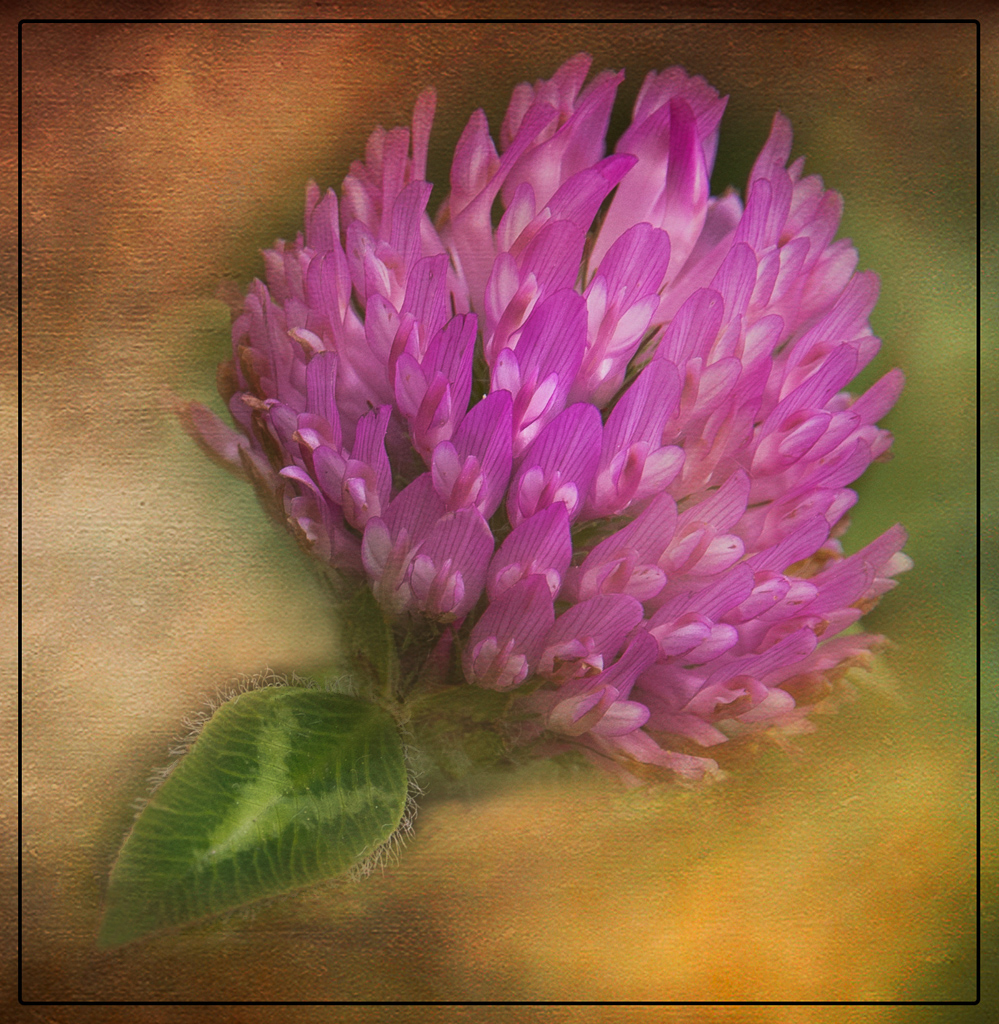
Bruce, Beautiful image. I love using textures. They surely can change a regular image into a master piece or a fine art image. I used the radial tool to darken the top of the clover and another one to darken the green leave. I was trying to give the image more contrast. I cleaned up the leaf too. There was a dark spot on the left side and some white spots. I don't know, but it looks like that some of the textures was not completely brushed off the leaf and the clover at the bottom. |
Aug 15th |
 |
| 43 |
Aug 21 |
Comment |
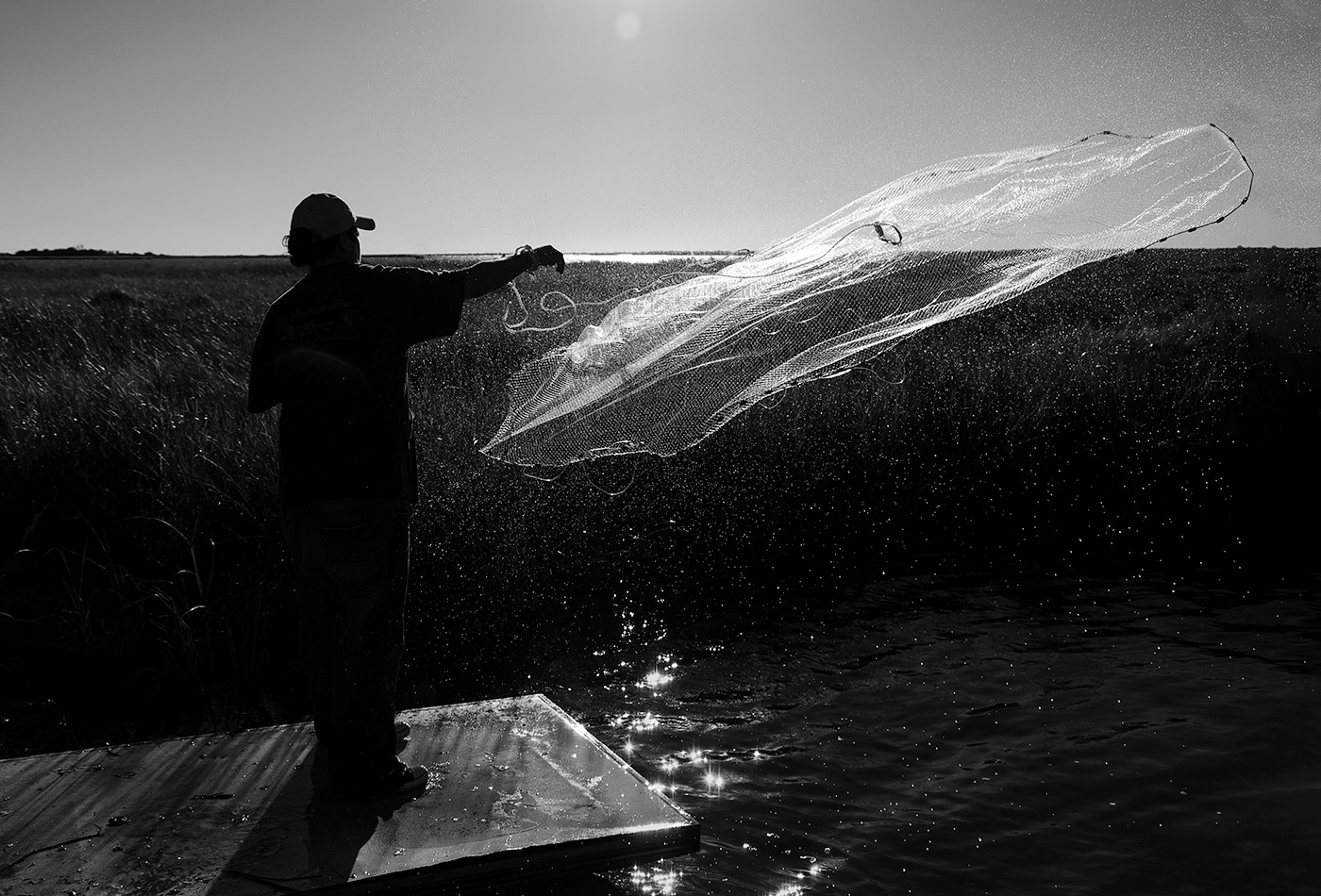
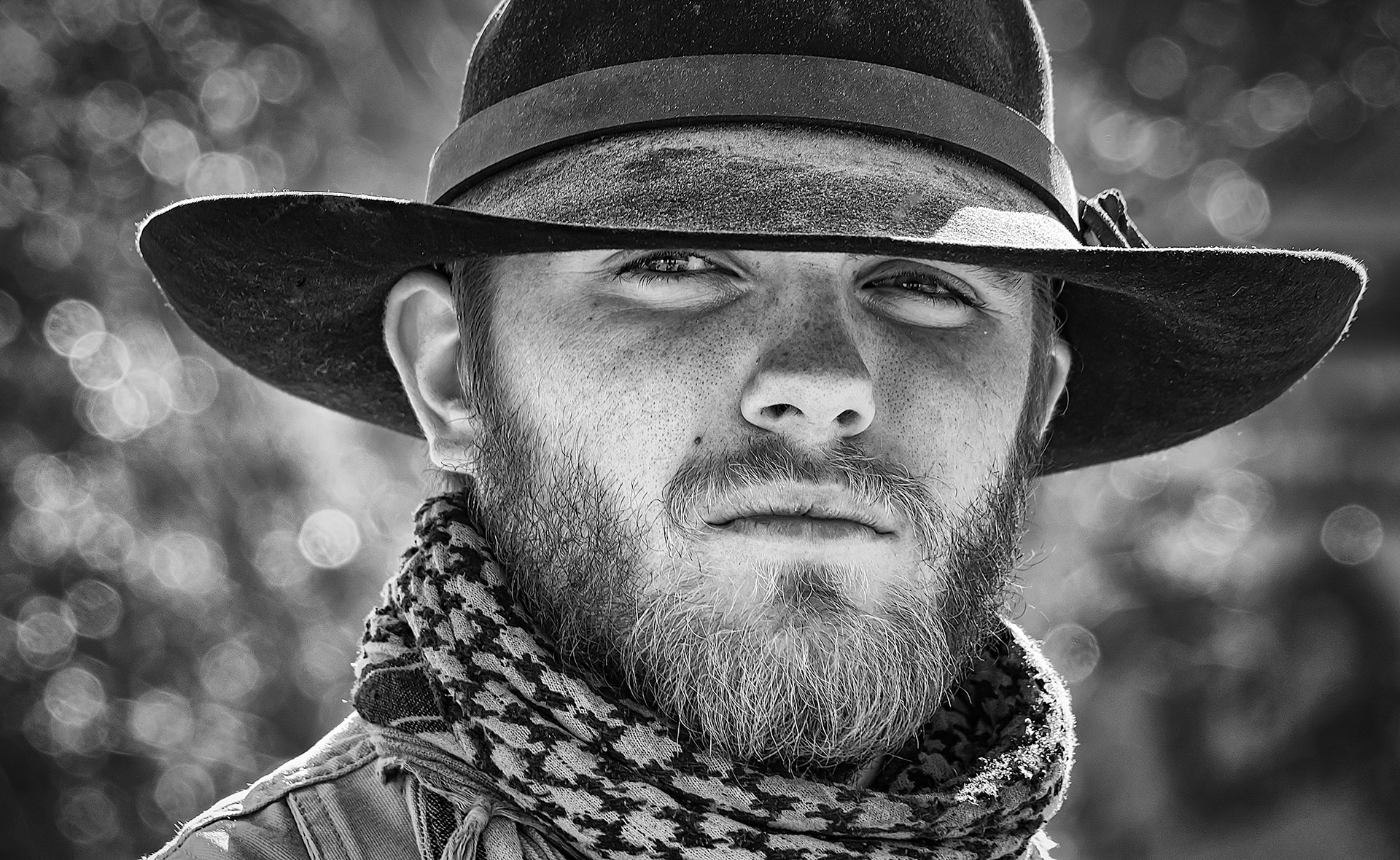
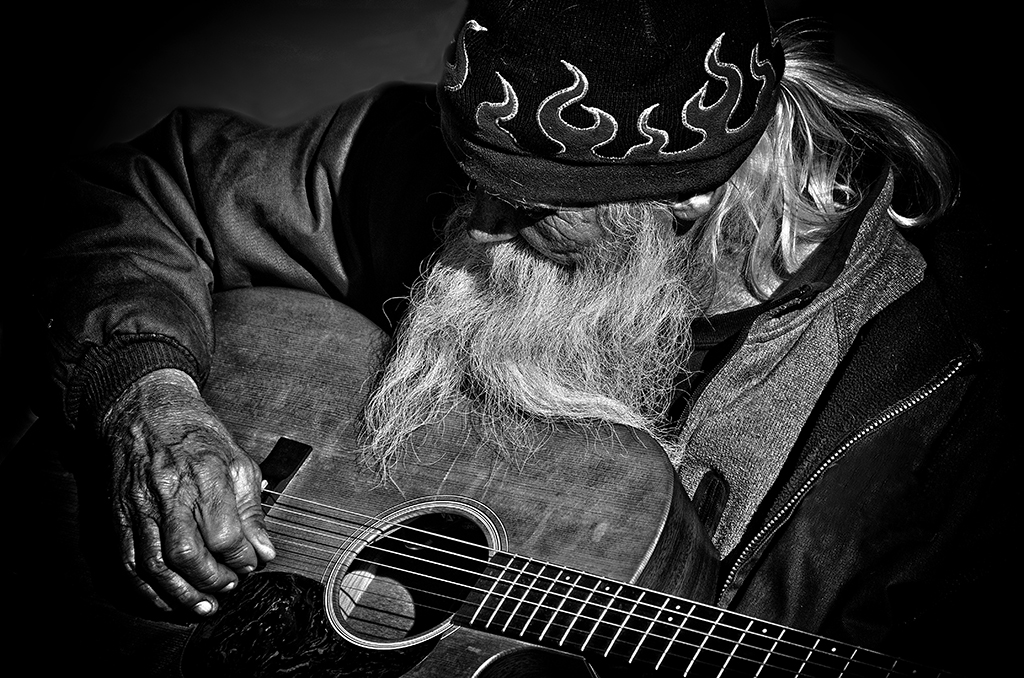
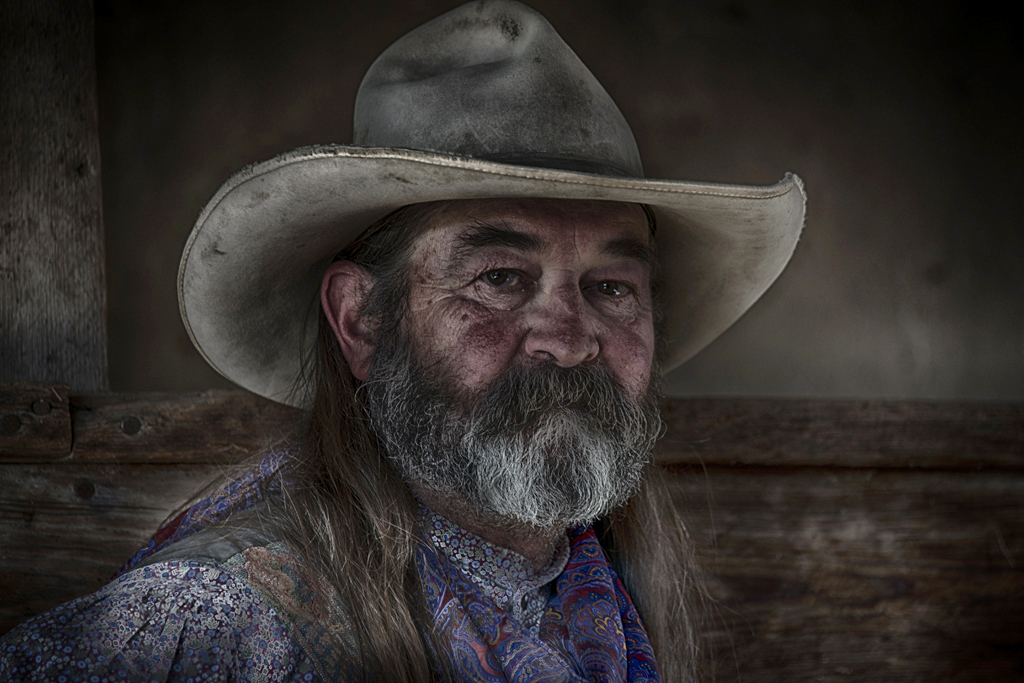
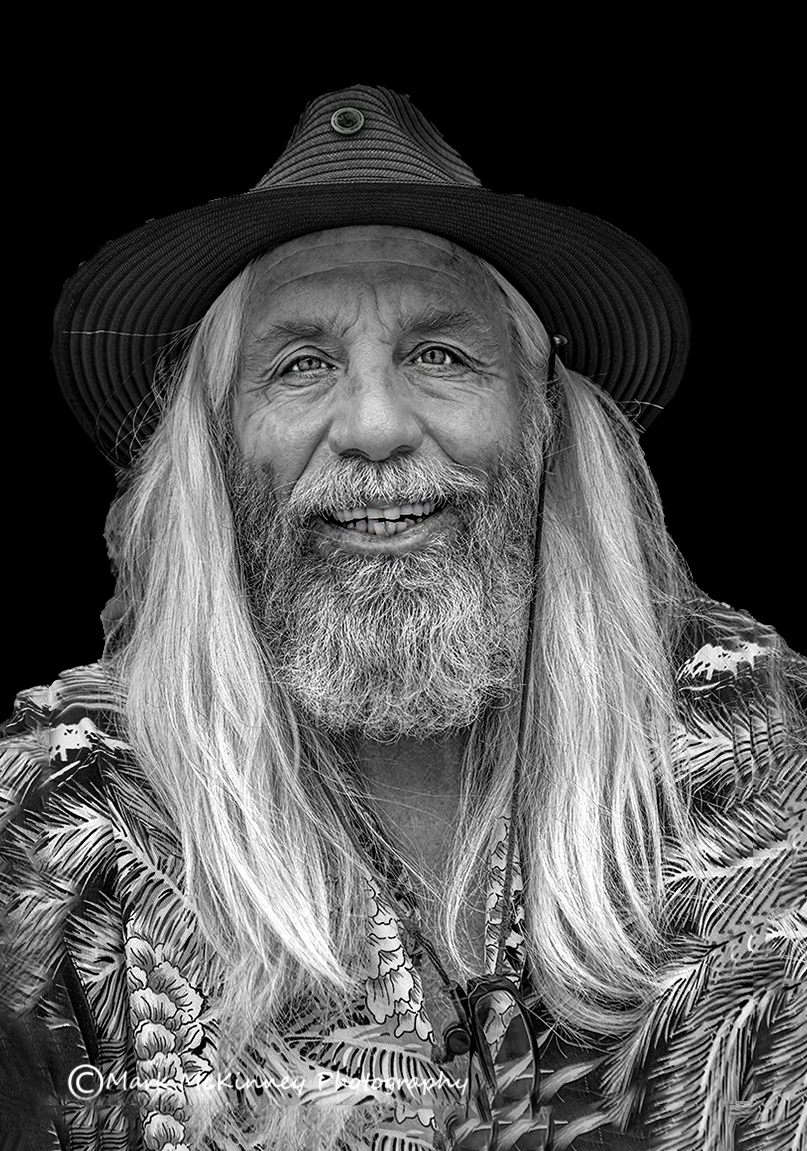
Mark, Great Catch. Love this image in black and white. Love taking images of people too. I have a visual image. I gave him a little more room. I whiten his eyes a little. I gave him a little more dark hair in his beard. I plan was to give him more contrast. He looked too washed out. |
Aug 15th |
 |
| 43 |
Aug 21 |
Comment |
Leo, This is a very unusual image. When I first saw the rocks in the middle, they look like praying hands. I love it. To make them stand out. I went into Camera Raw from Photoshop and put a radial tool around the hands. |
Aug 15th |
 |
| 43 |
Aug 21 |
Comment |
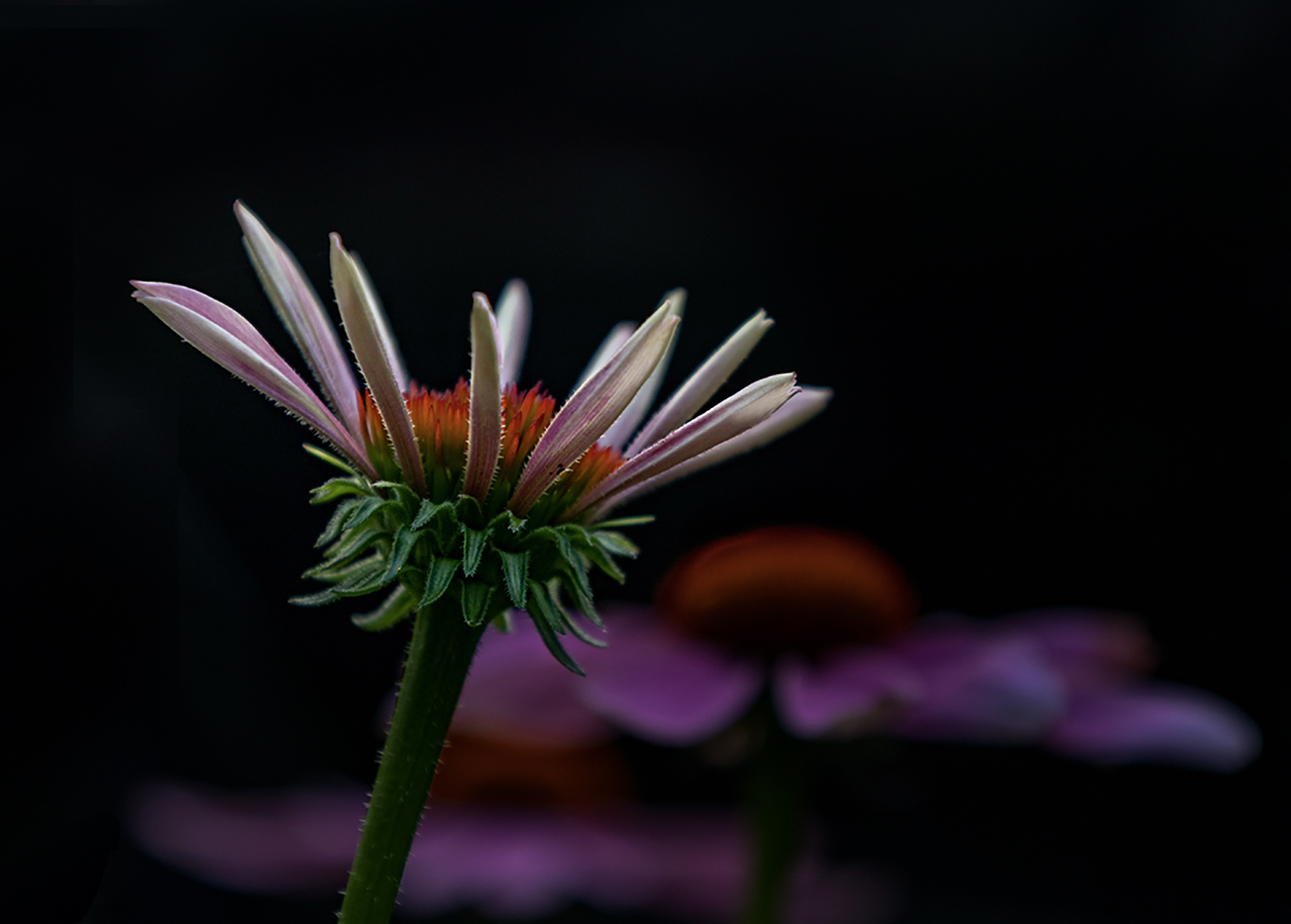
Alex, Good Catch. Really like the contrast the white flower n the front and the background flowers purple. I fixed a few petals on the flower. Looks like a bug like the flowers too. I went into Camera Raw and used a radial tool to darken the background and have all my attention on the flower in the foreground. I have a visual image to show what I did. I also cropped a little to bring the flower more in the rules of thirds. |
Aug 15th |
 |
4 comments - 2 replies for Group 43
|
| 60 |
Aug 21 |
Comment |
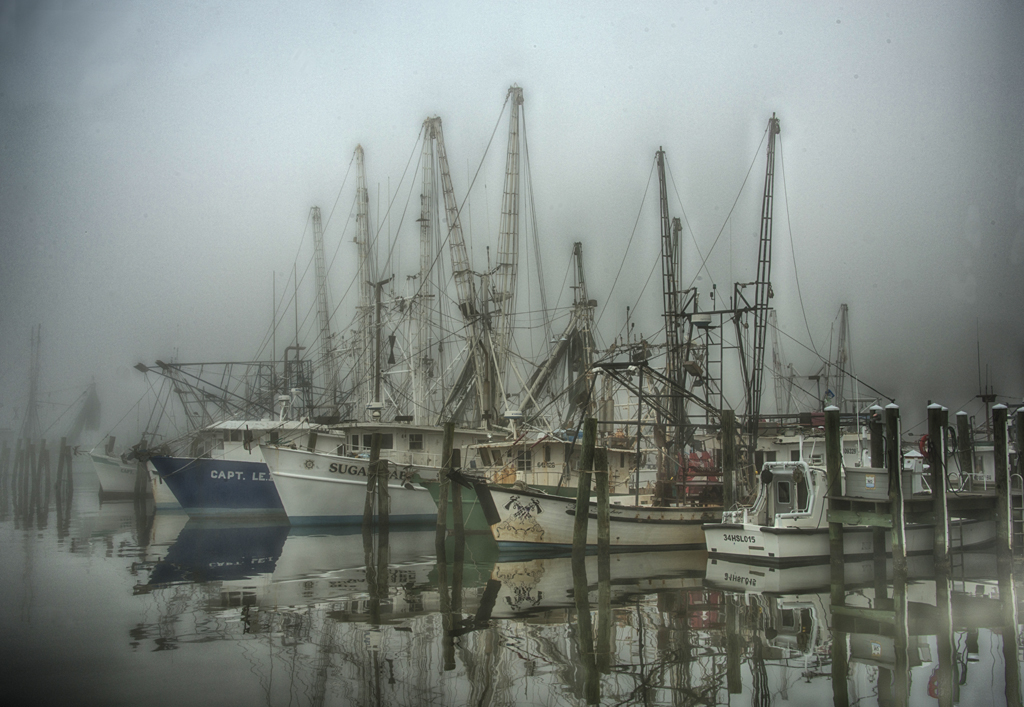
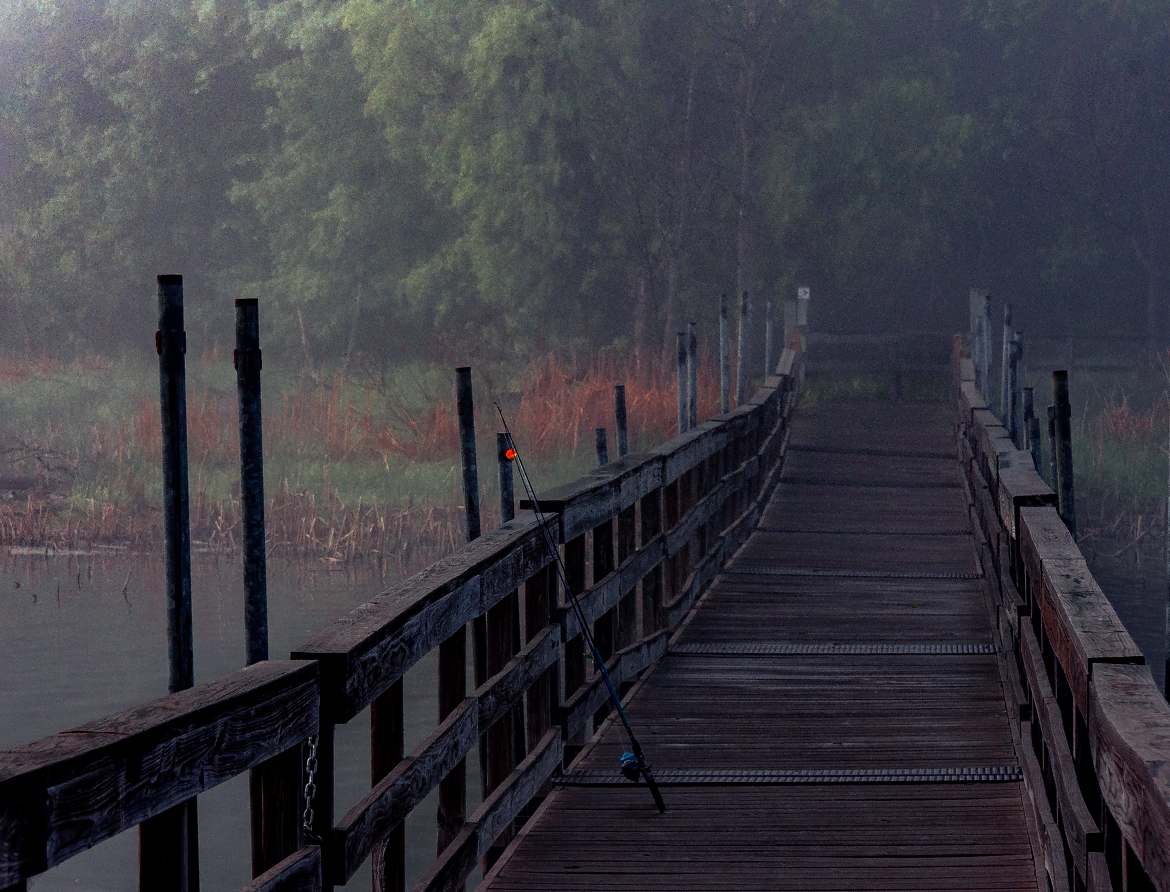
Hi John, I love this image. I am from PID 43. I was just looking around and saw your image. I love the fog in the early morning. Have been camping a good bit lately. So, I get up early and try to get early morning things like fog. I put a visual image. Just some suggestions. I went into camera raw and pulled out some of the colors. I used a brush to darken the path. I flipped the image. I used a little texture to bring you eye down the path to the fish pole. |
Aug 19th |
 |
1 comment - 0 replies for Group 60
|
| 77 |
Aug 21 |
Comment |
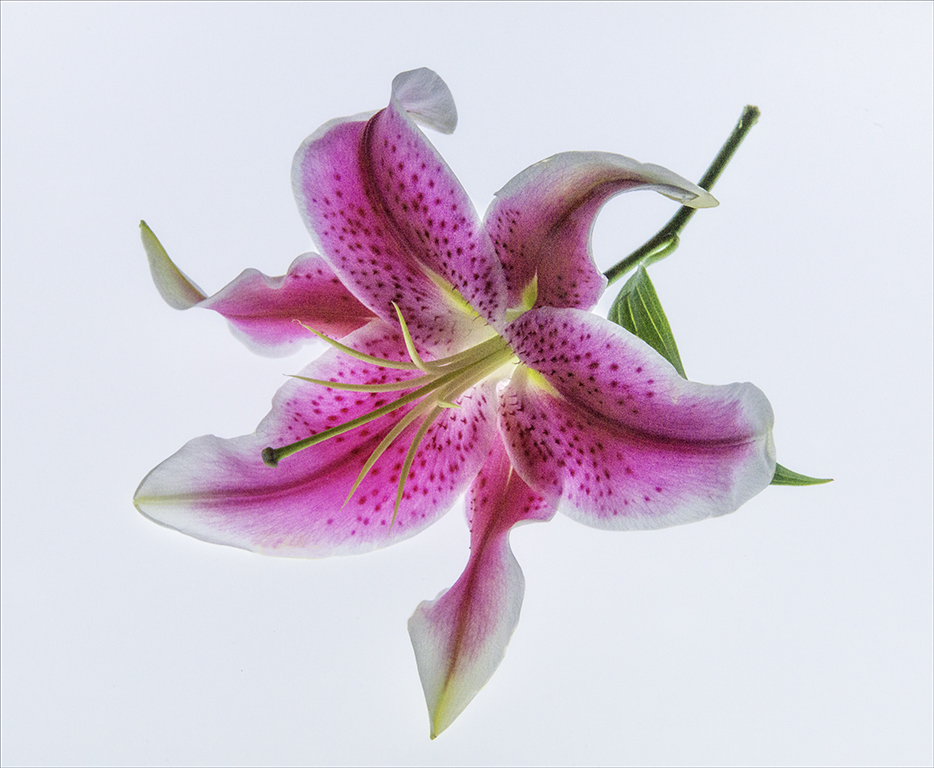
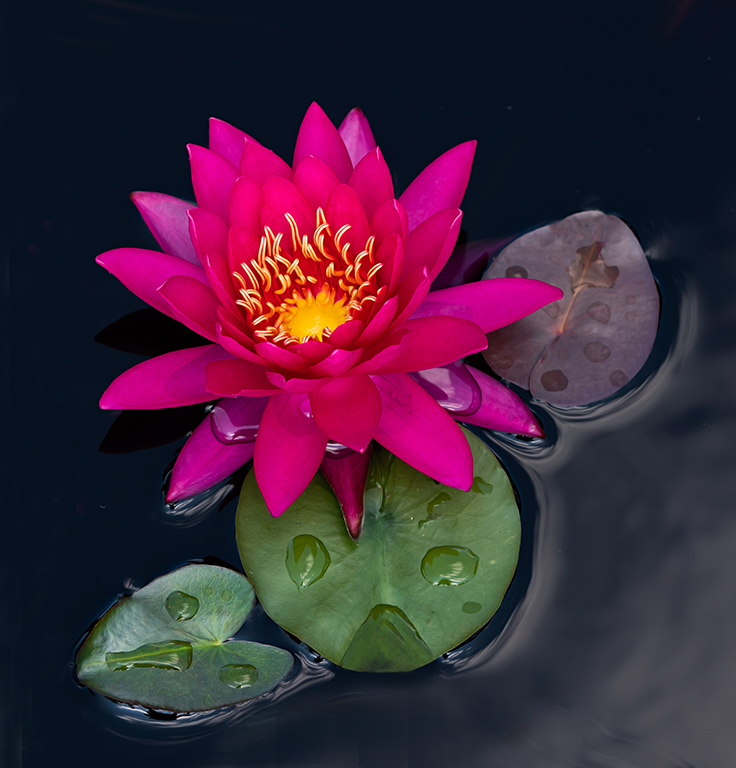
Good morning Denise, this is a gorgeous lily. Beautiful color and great lighting. You captured this lily with outstanding detail. I cleaned up around the leaves that had any blemishes on them. I cropped out the bottom leaves. I didn't change anything with the way you exposured it. Good job. |
Aug 16th |
 |
| 77 |
Aug 21 |
Comment |
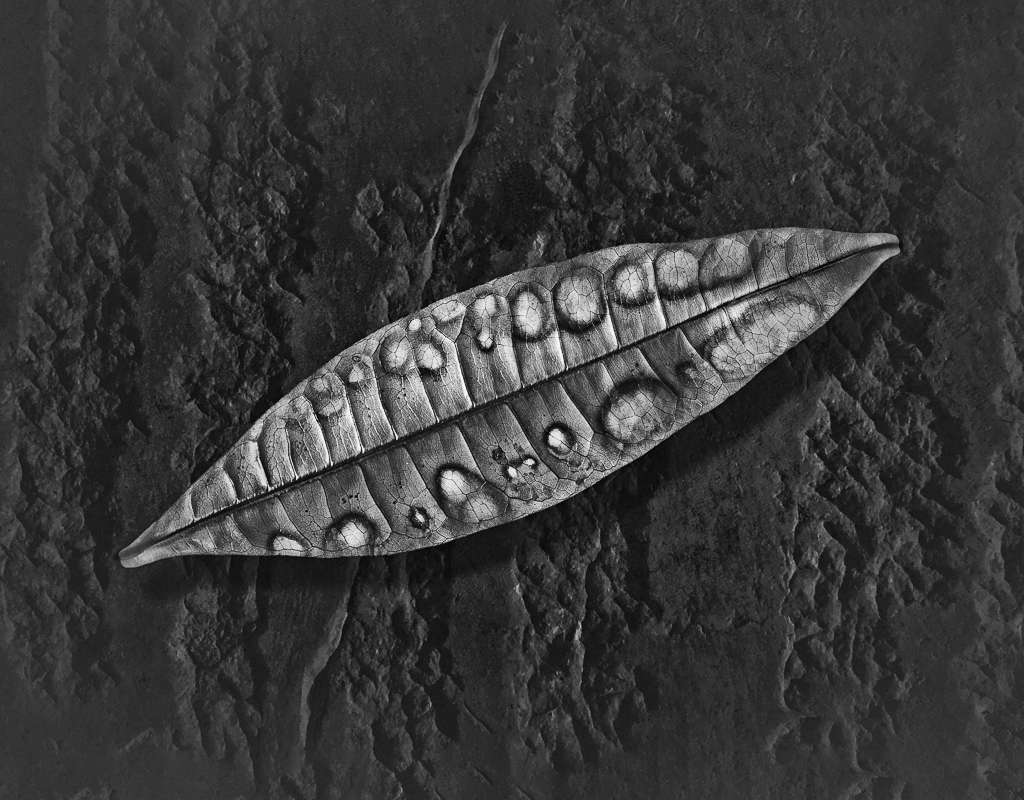
Michael, I really find this image fascinating. I made this image into a Black and White and I can see clearer of all the lines and circles and shapes on the leaf. I could sit and play with this image for hours. I did give the image a little more room. Made the image a little sharper. I took a black brush and gave some of the lines more definition. |
Aug 16th |
 |
| 77 |
Aug 21 |
Comment |
Mary, A beautiful image. Love the textures and the contrasting colors. I feel you captured the season perfectly. I just put into camera raw and checked the white balance and made it a little more contrasting. |
Aug 16th |
 |
| 77 |
Aug 21 |
Reply |
I took this image and cropped it a little and darken it just a little. I feel like you have a beautiful image and a great story. It is a fine art group so you can do so much with this beautiful image. Good Job. |
Aug 16th |
 |
| 77 |
Aug 21 |
Reply |
I like what you did to this image. I was thinking the same thing. The way the stem was crossing the other part of the leaf. I also like the green tint to the background. I like the way Georgianne put color in the flower in the center |
Aug 16th |
3 comments - 2 replies for Group 77
|
| 99 |
Aug 21 |
Reply |
Yes, Good idea about clone out the the tree in the background. Will do that. |
Aug 16th |
| 99 |
Aug 21 |
Reply |
I agree with you on making the sky lighter. Thank you. |
Aug 16th |
| 99 |
Aug 21 |
Comment |
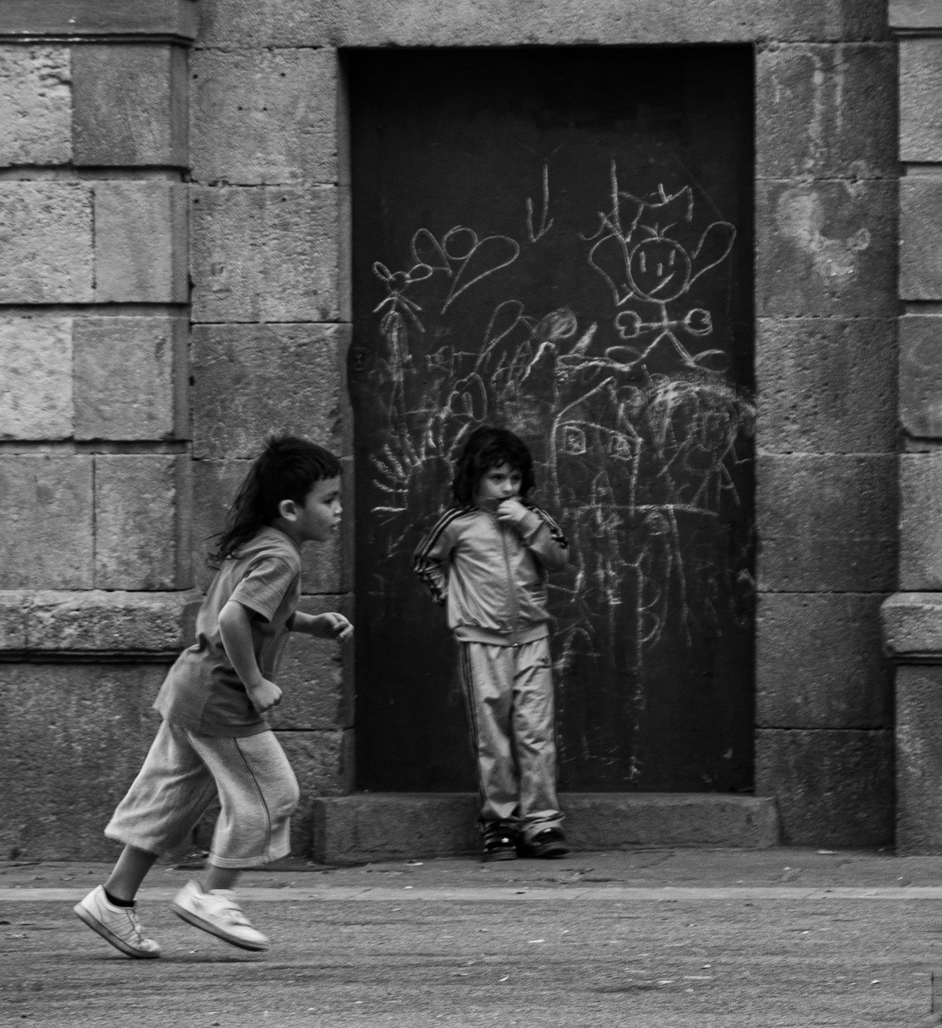
Good Morning Randy, I am a little late working on this PID. I did read everyones suggestions and they are great suggestions. You are the artist and you are going to decide what you like the best. I feel like the subject and the story is with the two little girls playing and their backdrop. I cropped out the little boy and put a visual image. G It makes you think outside the box with this exercise. Good job. |
Aug 16th |
 |
| 99 |
Aug 21 |
Comment |
Leanne, I love working with textures.They can change an ok image into a work of art. The only thing I would suggest is to crop the top and the bottom. |
Aug 16th |
| 99 |
Aug 21 |
Comment |
Good Morning Michael. Sorry I am a little late to the party. But, I love this image. I would not change a thing. Love still life images. Me too, I want to work on more of them. |
Aug 16th |
| 99 |
Aug 21 |
Comment |
Peter, WOW, WOW, WOW. You did a great job on the composite. If you did not tell me it was an composite I would not know. I have just a suggestion. I used a blur tool in Photoshop to blur the background and a radial tool on the subject. I darken his arm a little. What do you think? You did a great job with out my suggestions. |
Aug 15th |
 |
| 99 |
Aug 21 |
Comment |
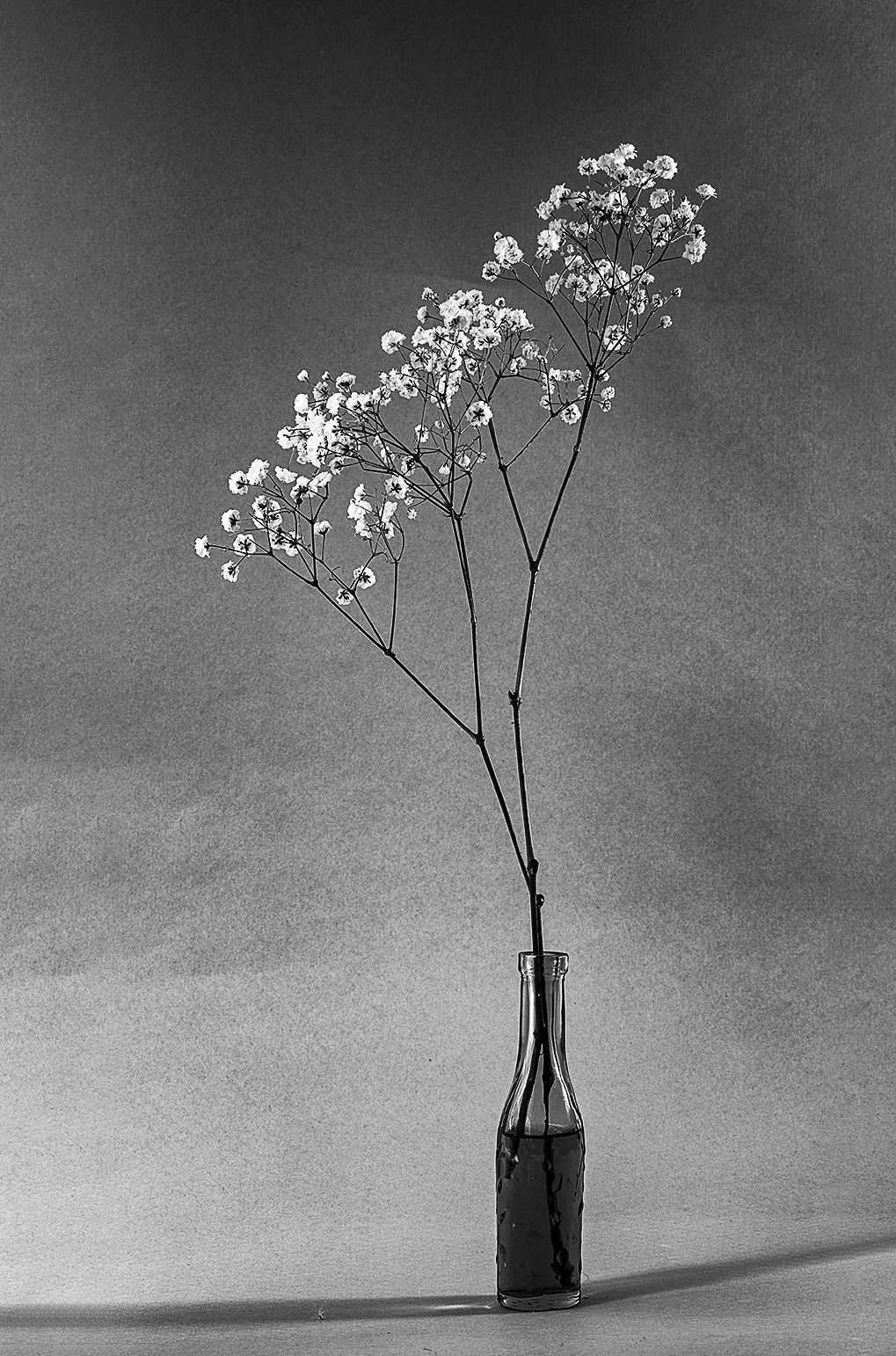
Gerard, Very beautiful image. I give the image a little more room and went into levels and give the image a little more contrast to separate the flower from the background. I like the two shadows it is a great leading line to the subject. |
Aug 15th |
 |
| 99 |
Aug 21 |
Comment |
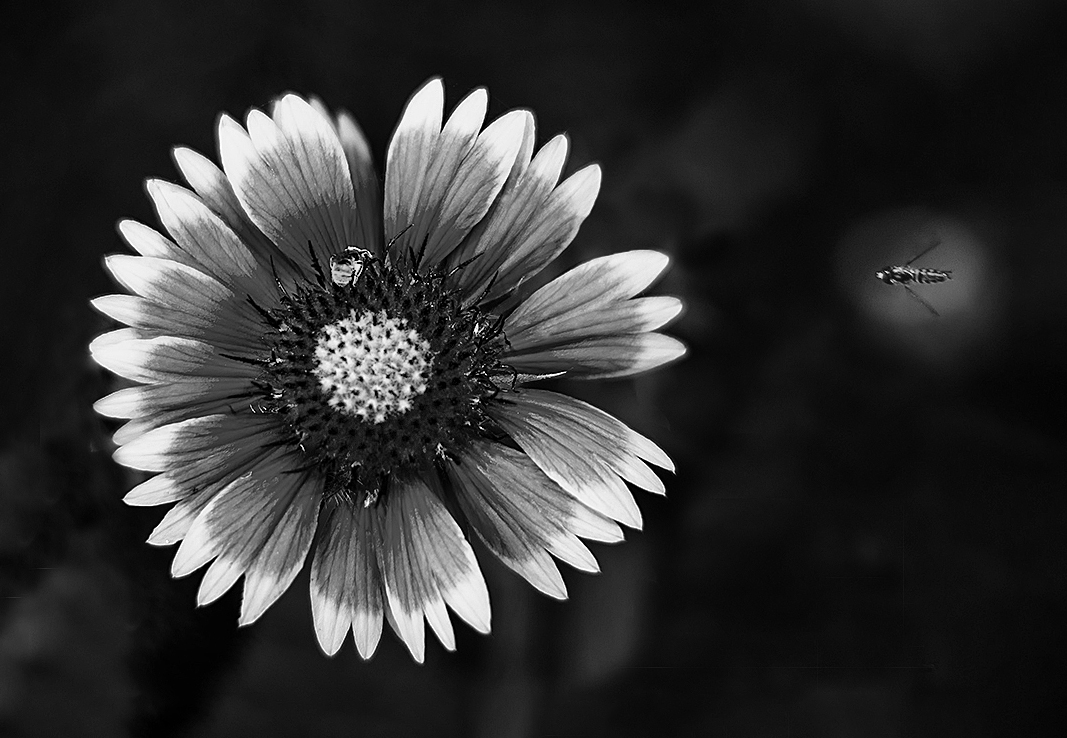
Barbara, Love this image in black and white. Good job. I have a visual image. I gave the image a little more room. I took a radial tool in Photoshop and Camera Raw. I could not see the bee on the flower until I lighten the center. I cleaned up the petals on the flower. I also used the radial tool to give the bee flying more detail. Great catch with both bees. |
Aug 15th |
 |
6 comments - 2 replies for Group 99
|
14 comments - 6 replies Total
|