|
| Group |
Round |
C/R |
Comment |
Date |
Image |
| 43 |
Jul 21 |
Reply |
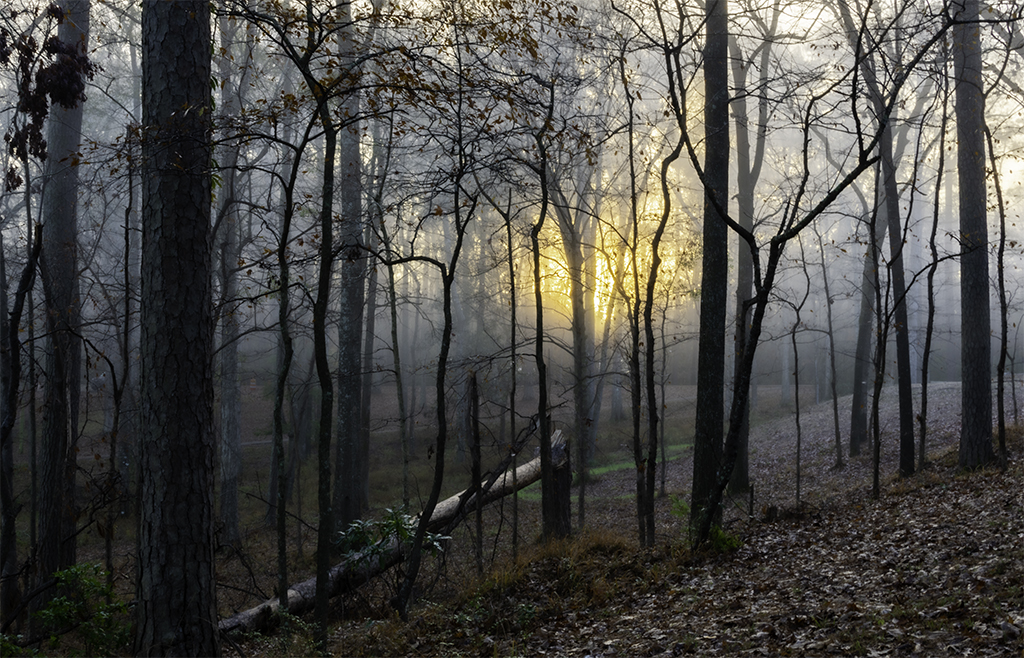
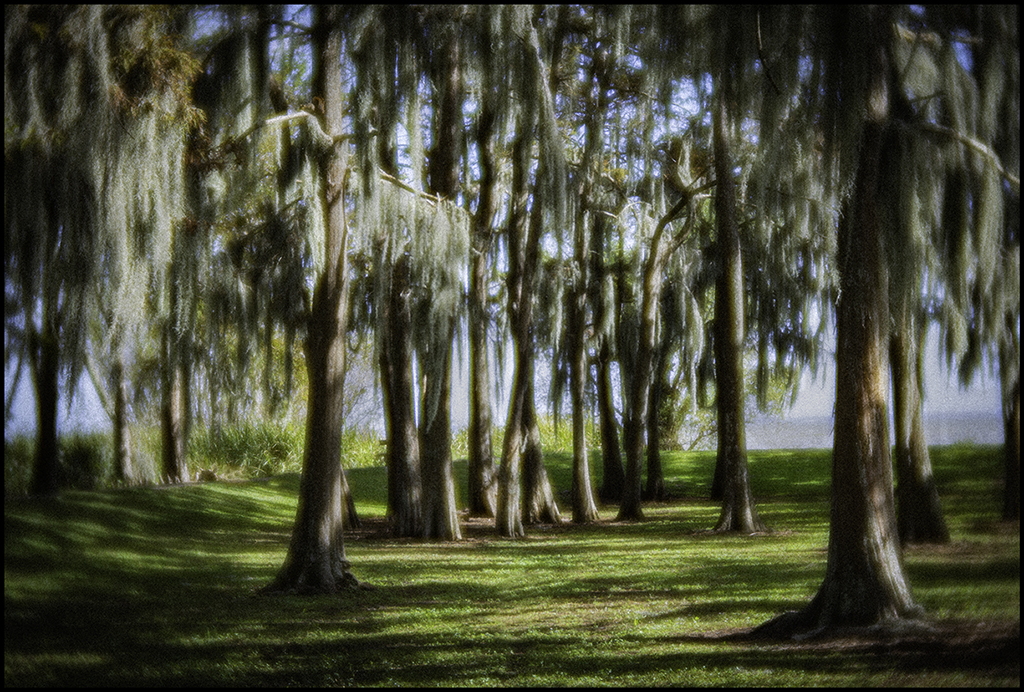
Gave more real estate to image to have more room on the right side. |
Jul 9th |
 |
| 43 |
Jul 21 |
Reply |
Another crop sample. |
Jul 7th |
| 43 |
Jul 21 |
Comment |
I know this is very hard to do and make it look really good and you did an excellent job. I was wondering if you thought about not having you hand in the image? |
Jul 6th |
| 43 |
Jul 21 |
Comment |
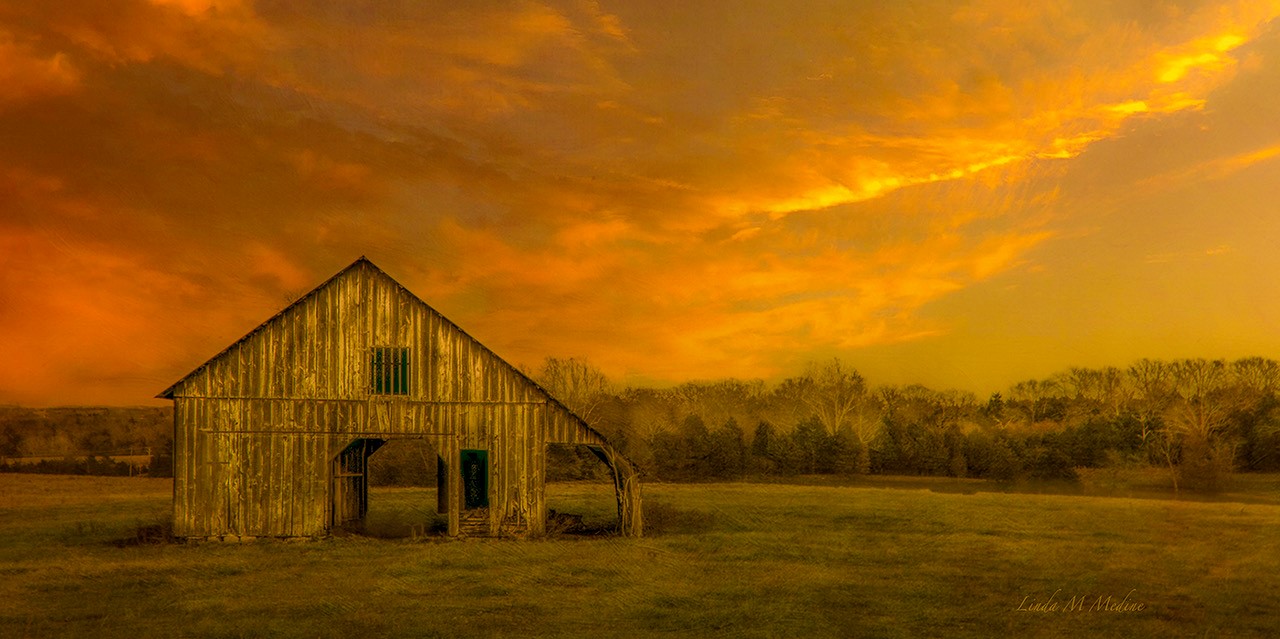
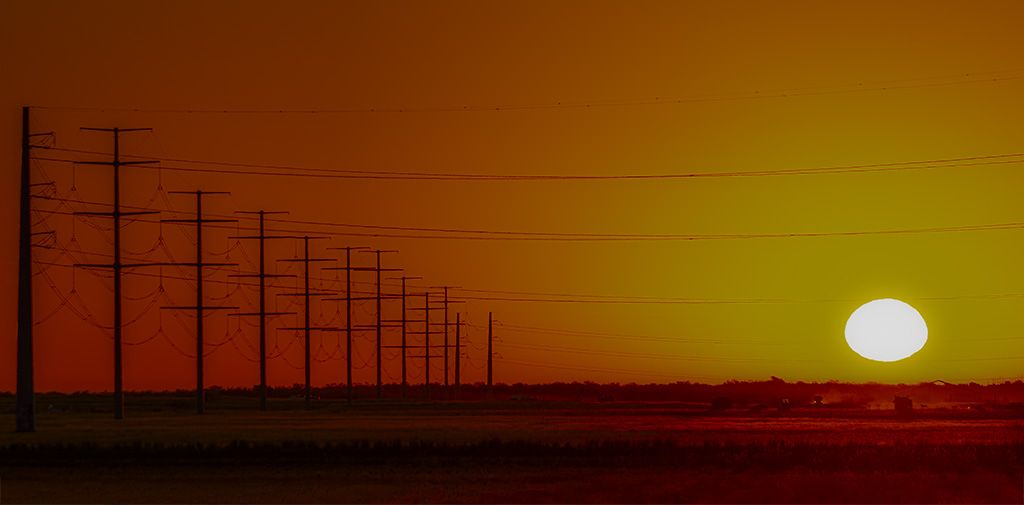
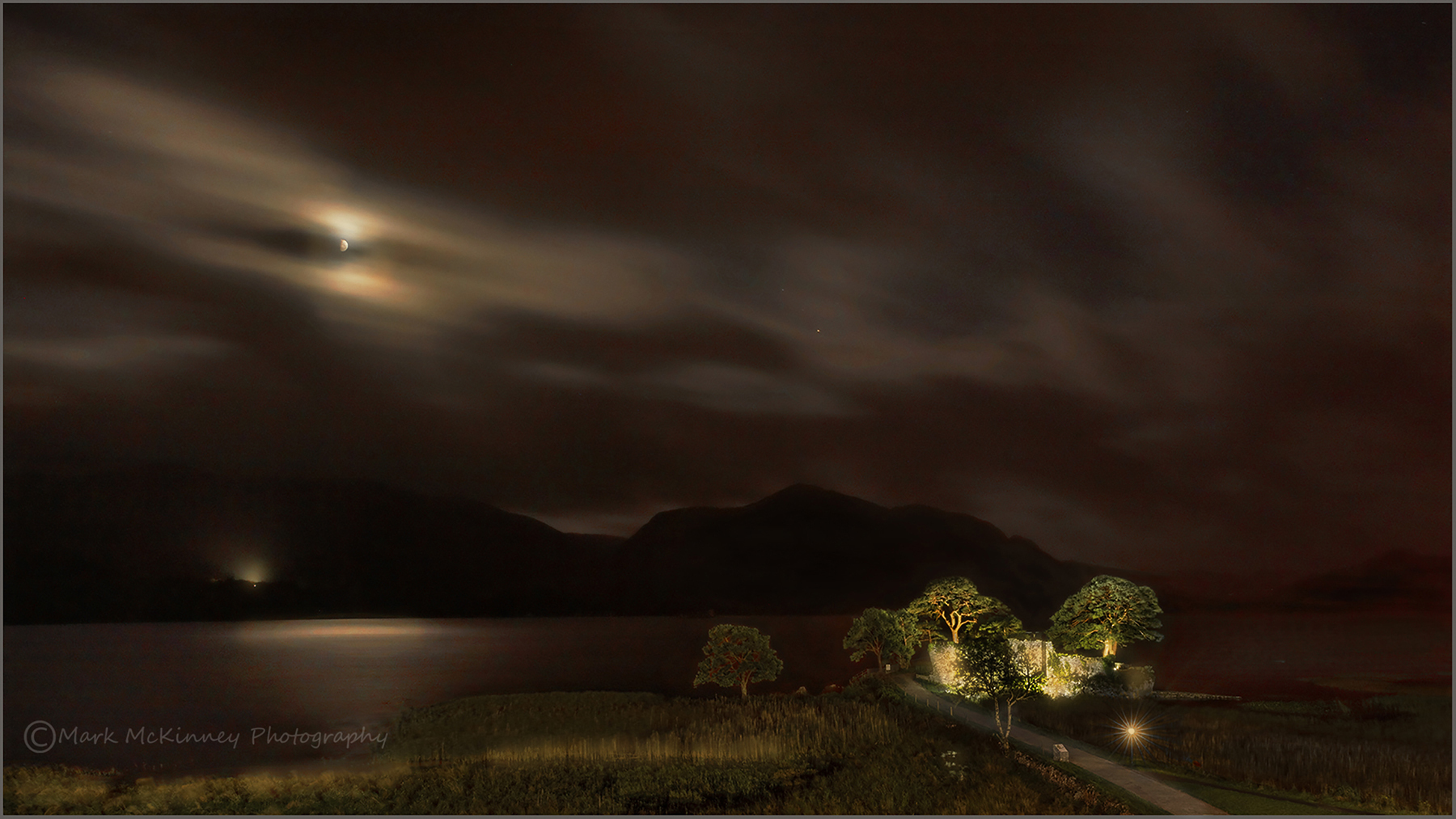
This is one of the prettiest image I have ever seen. Love the darken and the peacefulness in the farmland in the moon light. The only thing I did was to take yellow paint from around the trees and pained over the white light. I wanted to have the image a little warmer. I painted the golden grass coming from the left to the right a little brighter. This is a great leading line to the house. Mark, Beautiful image. |
Jul 6th |
 |
| 43 |
Jul 21 |
Comment |
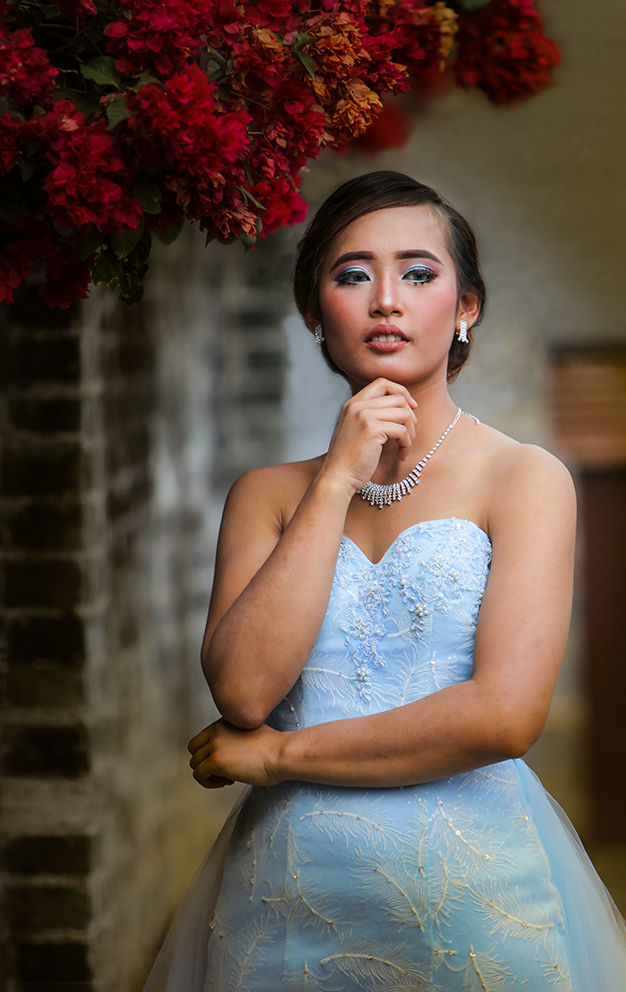
Her dress is blue. Should it be blue or white. Great detail on the dress. I cropped the image on the right side and left side. Cleaned up her hair around hair face on the right. Used a radial filter in camera raw to darken around her. I lightener eyes and whiten her teeth a little. Nice image. |
Jul 6th |
 |
| 43 |
Jul 21 |
Comment |
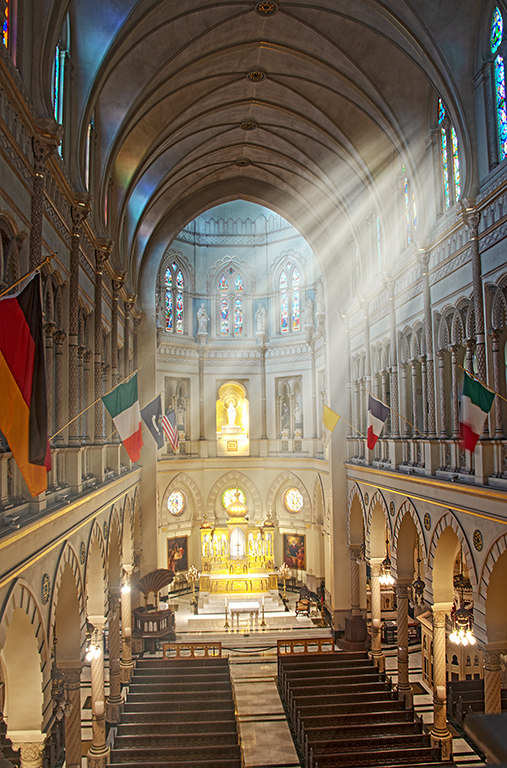
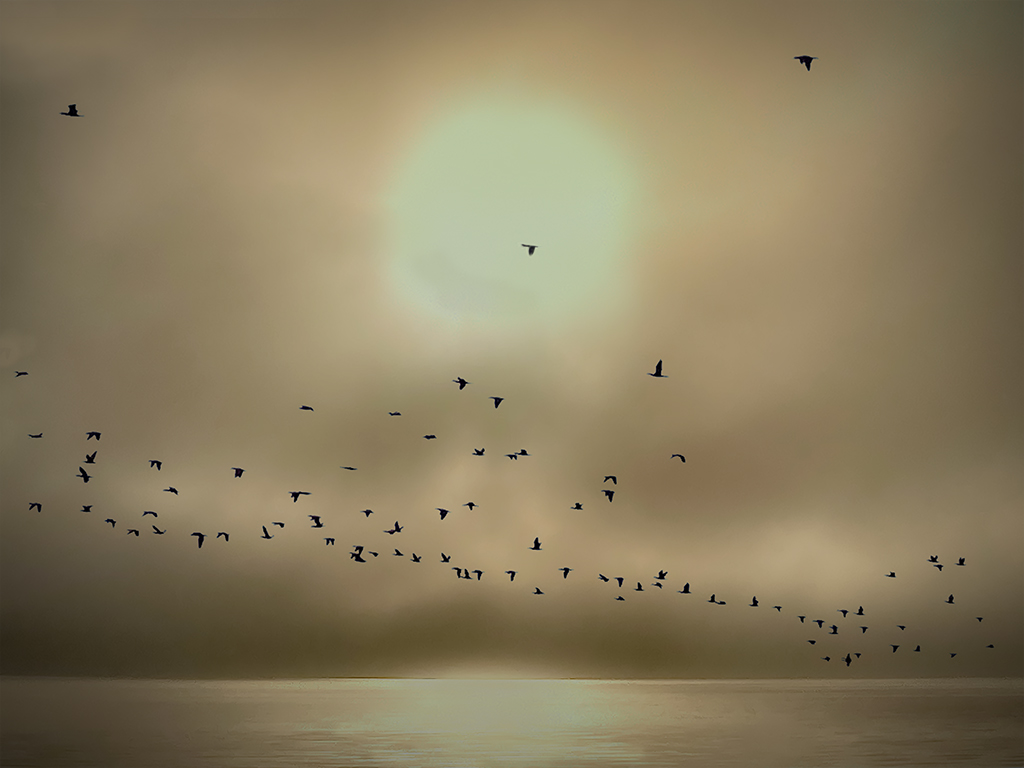
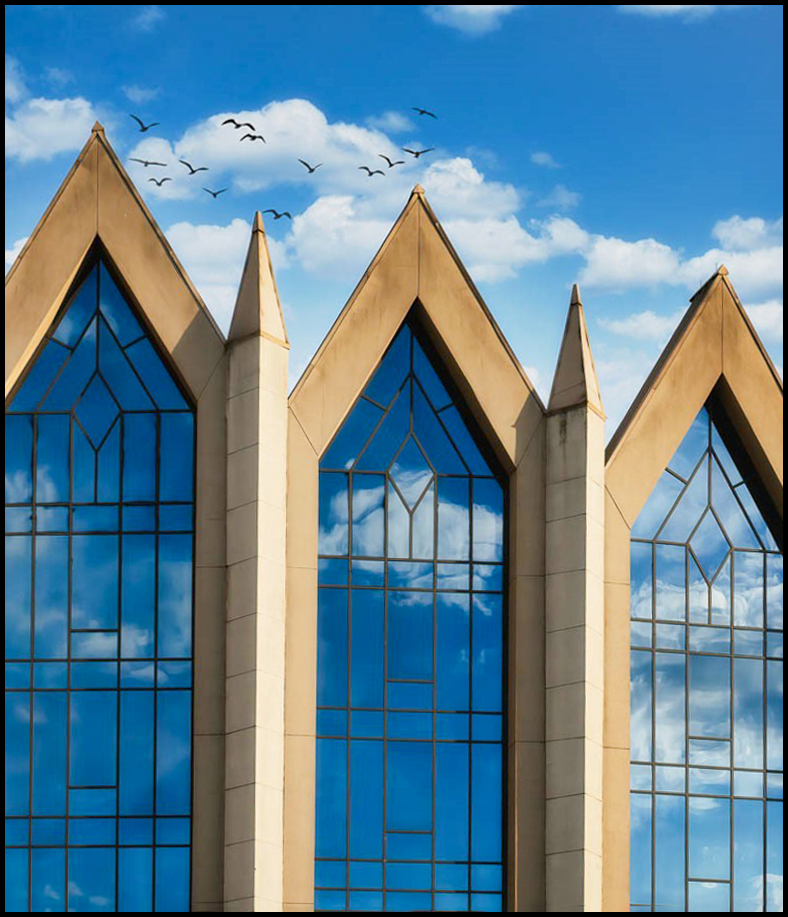
Very interesting image. Like the lines, good contrast, nice curves in the clouds, and very relaxing image. Looks holy and spiritual. I love the reflections too. Lines are pointing to the sky and I love the birds in the image. The only thing I may do is crop some off the top and went into camera raw and auto Geometry to get line straight. I also put a black border around the image to frame the glass. |
Jul 4th |
 |
4 comments - 2 replies for Group 43
|
| 77 |
Jul 21 |
Comment |
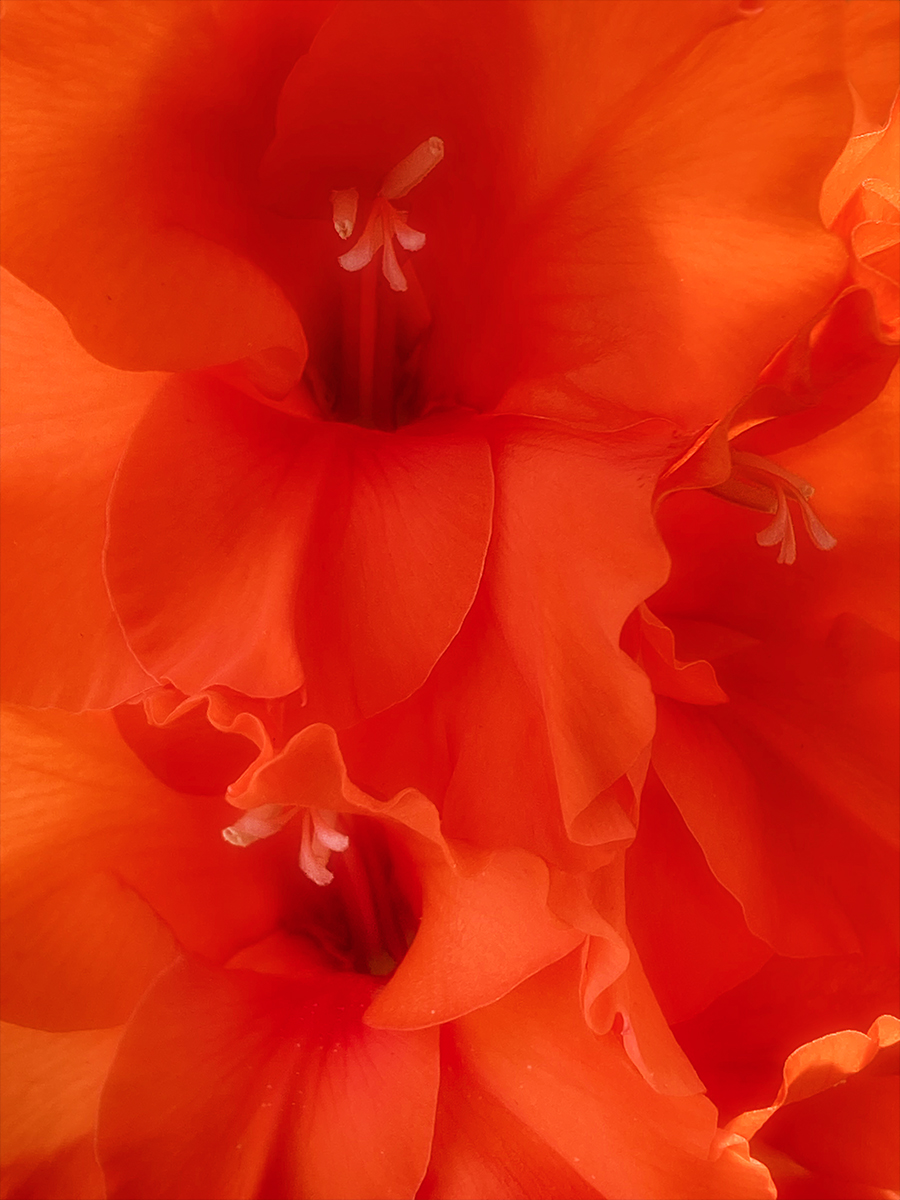
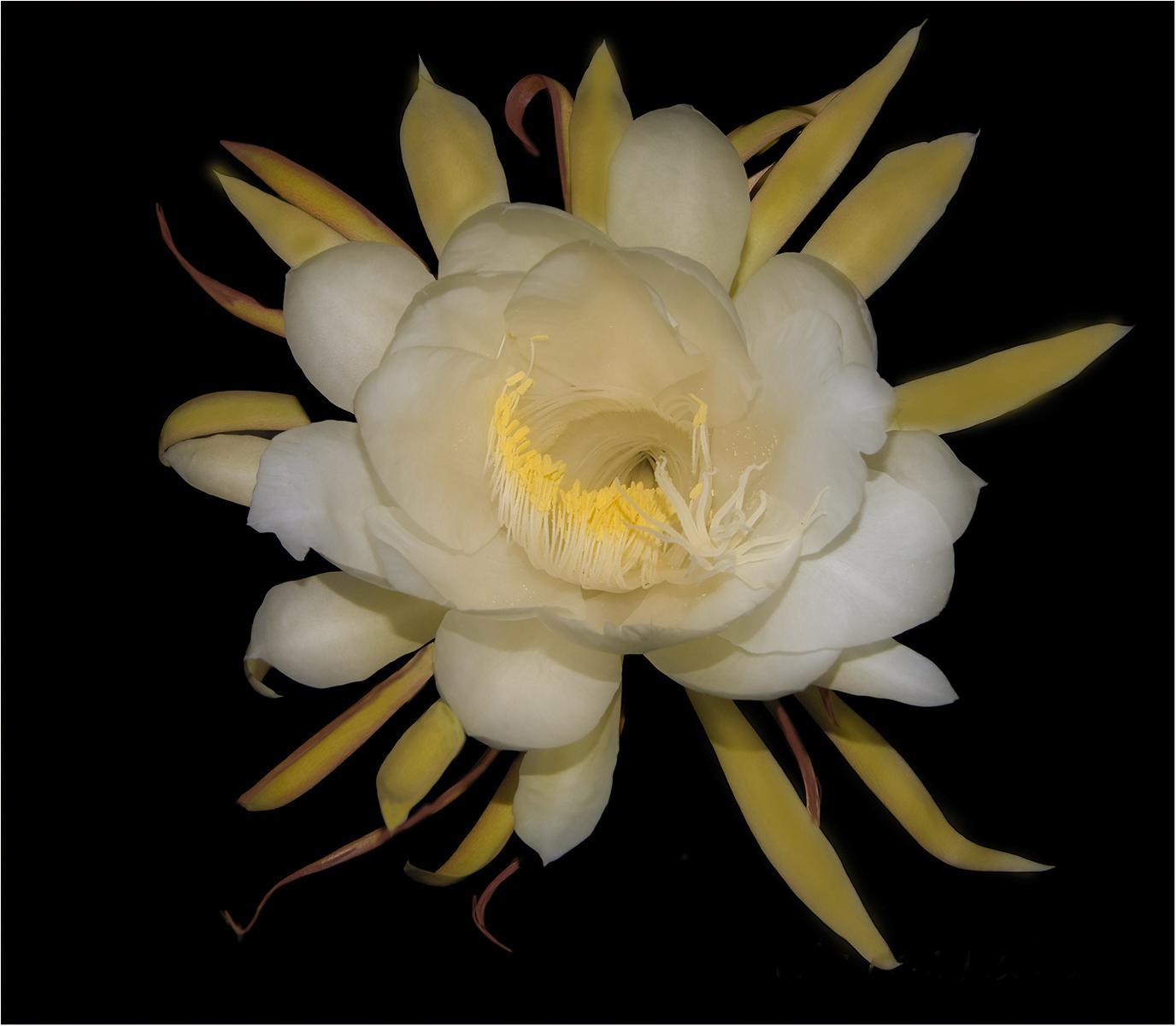
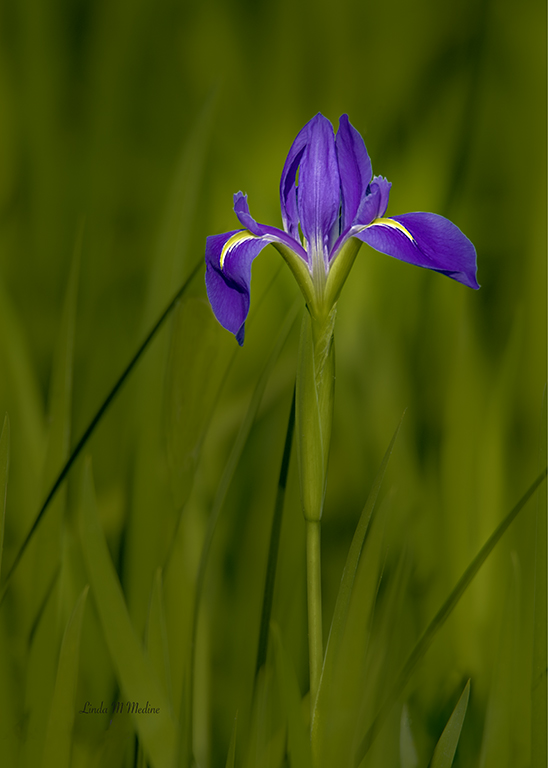
WOW, WOW. I want to do that. This is Beautiful. I Love Flowers. Don't change a thing. |
Jul 7th |
| 77 |
Jul 21 |
Comment |
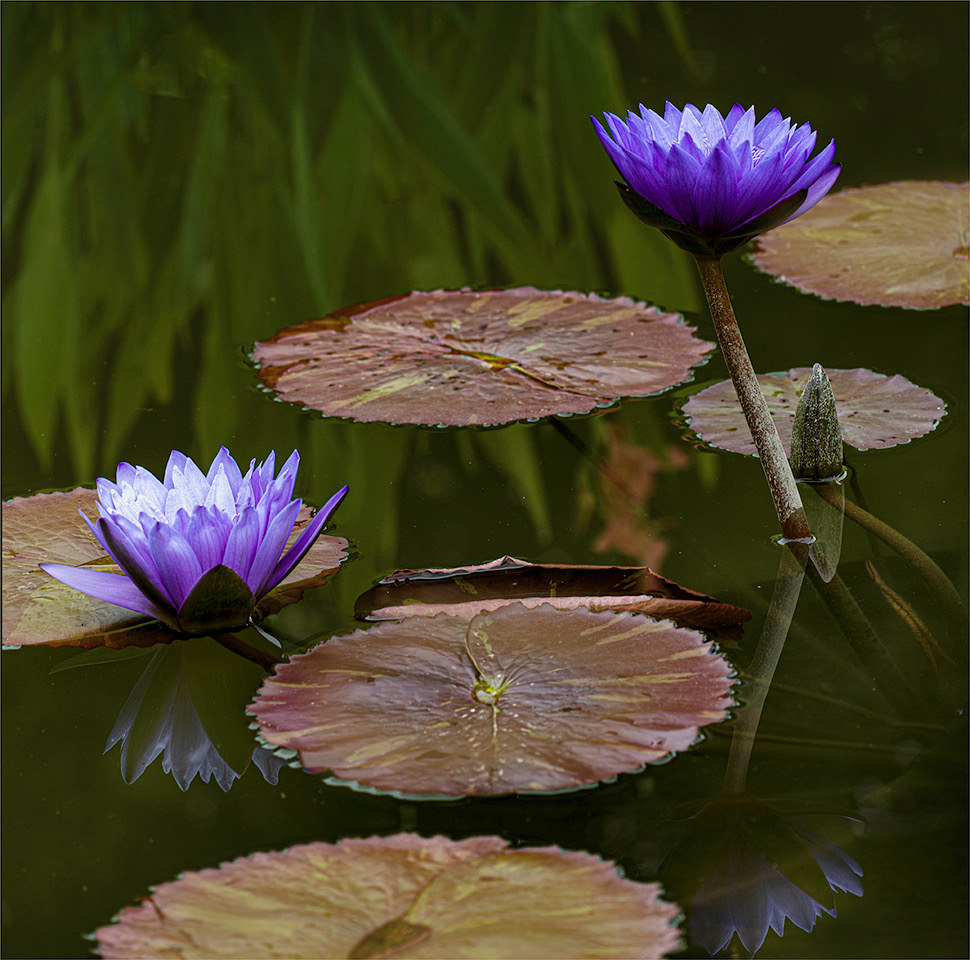
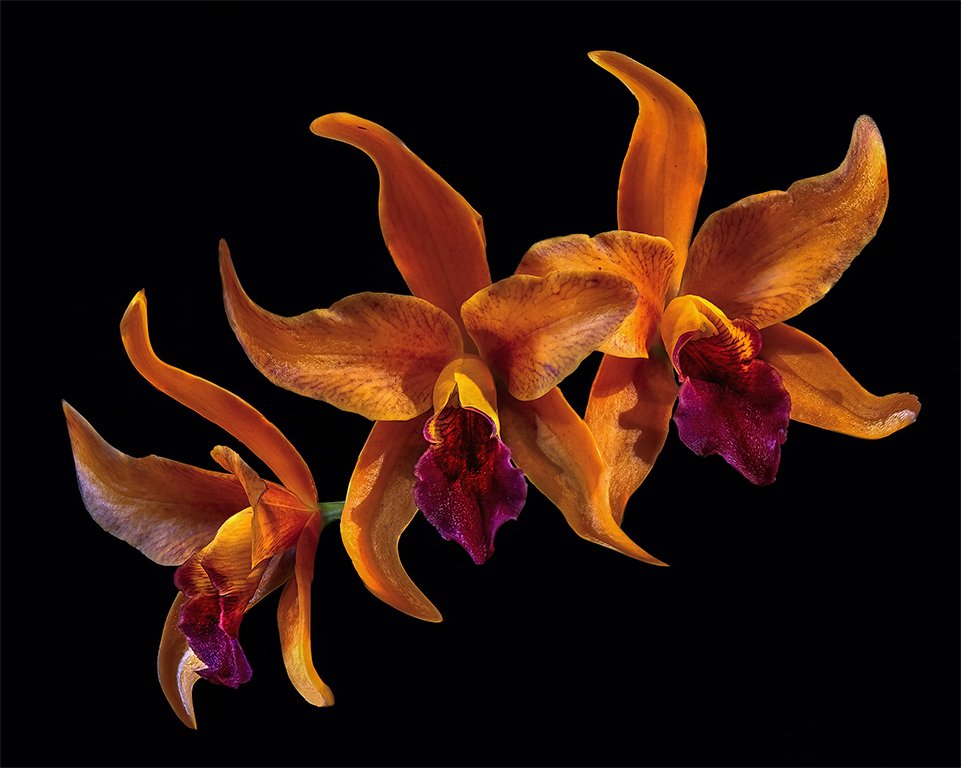
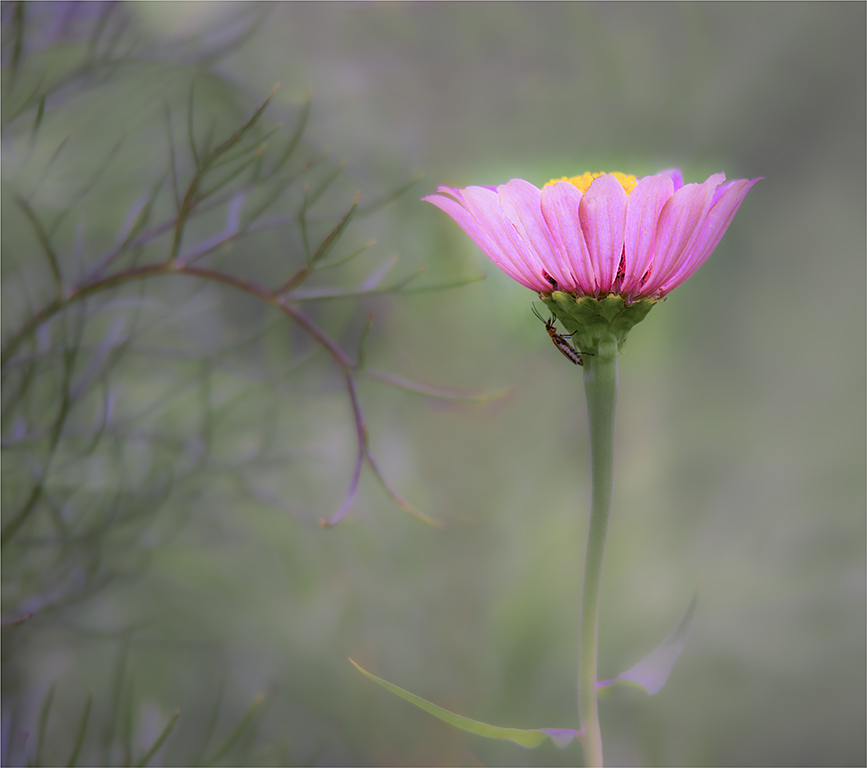
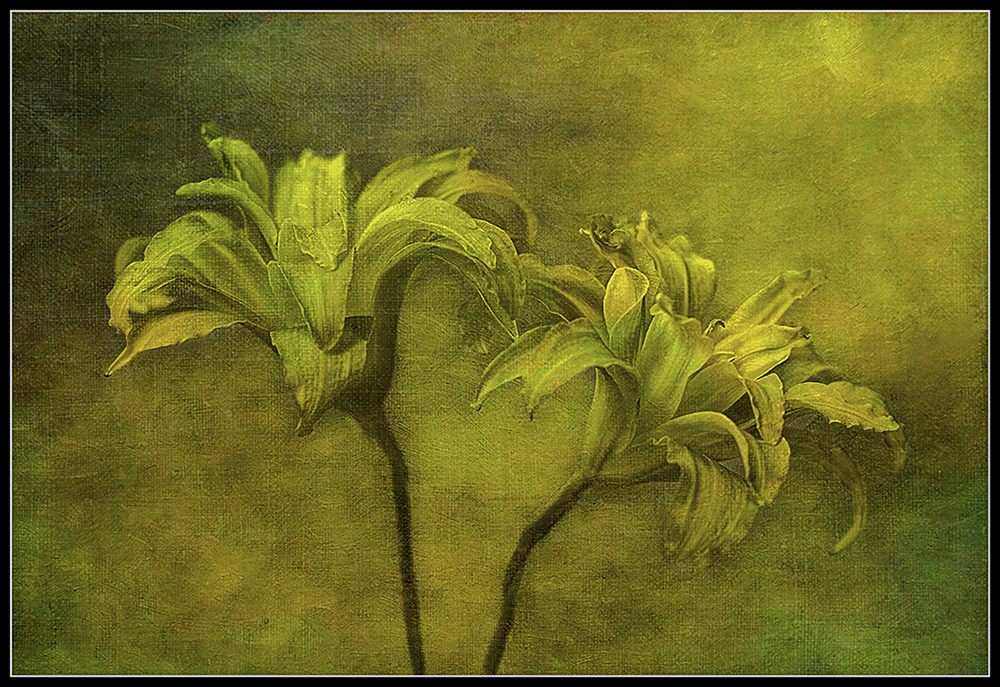
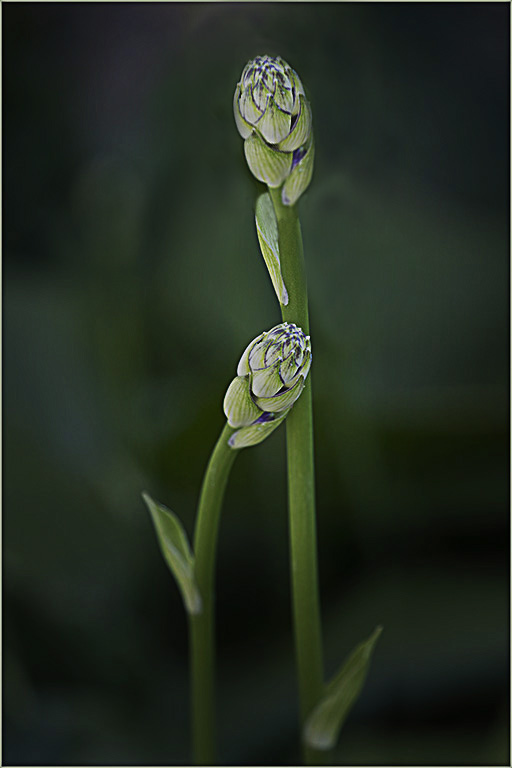
My first thought was "lean on me". I like both flowers showing in the image. It has a tenderness in this image. Good detail and great color. Great job. Just tried to get the top flower sharp. I just tried this....... I copied the sharp flower and transform it on top of the original flower that was out of focus. Then I went into high pass to sharpen it. In the blend mode I multiplied it and pulled back on the opacity a little. |
Jul 7th |
 |
| 77 |
Jul 21 |
Comment |
I am so glad you are doing better and you are back. I am so sorry you are having to go through this. I hope your photography will take your mind off all of that for a while. Take care. I love this image. I tried to get more detail in the stick. I took the black brush and darken the sand lines. I also gave the stick a little more room. This is a beautiful image. |
Jul 7th |
 |
3 comments - 0 replies for Group 77
|
| 99 |
Jul 21 |
Reply |
This was a GREAT exercise and enjoying hearing all the different opinions. |
Jul 9th |
| 99 |
Jul 21 |
Comment |
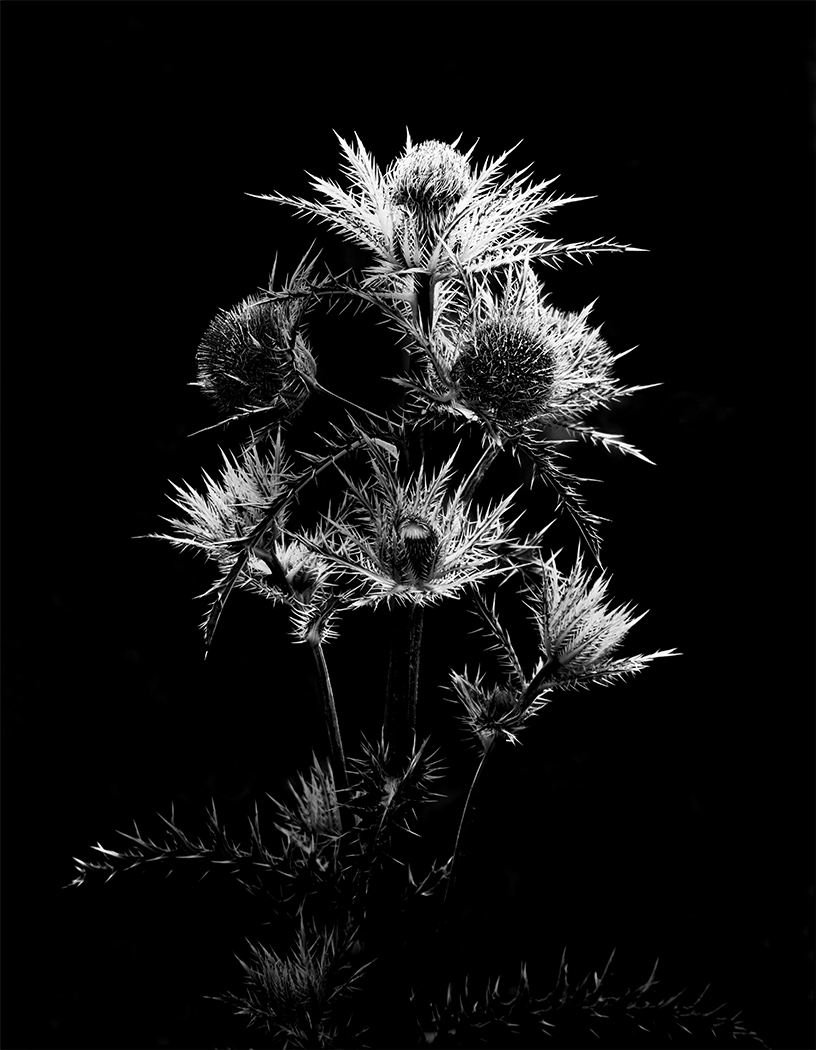
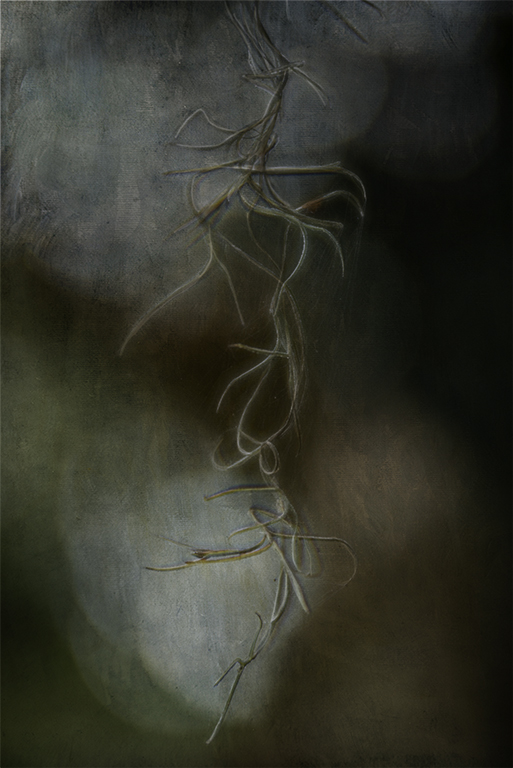
Love the detail and the lines in this image. It is a wonder something so stark and fragile can produce delicious cherry tomatoes. I feel like every plants stage has a purpose. I would have tried to get all the buds in focus. |
Jul 8th |
| 99 |
Jul 21 |
Comment |
Randy, Great catch. I hope you don't mine. I love animal and especially monkeys. I used content aware fill on the branch next to the monkey's face. I did it twice. I did it a little at a time. I took out the branch on the right side too. I went into camera raw and used the radial tool around the monkey's face and body. I took a black brush and black out the hi lights off the branches and a little on his hair. I used a black brush around his eyes. Where there was shadows I made it a little darker to bring out his eyes. I also made the hi lights in his eyes a little bigger and whiter. The to me the eyes is the most importance part. |
Jul 7th |
 |
| 99 |
Jul 21 |
Comment |
Love this minimalistic image. Love the textures and the story. I would like to see if this make any difference. I cropped it and Yes, flipped it and used a radial tool in camera raw to bring out the tree more. I used a transform tool to make the tree a little taller and cleaned up the tree at the bottom. I just trying different things to see if it will work any better. I love your image Micheal. Thank you for the feedback. |
Jul 7th |
 |
| 99 |
Jul 21 |
Reply |
I always look for leading lines. I want to get the viewer to look at what I want them to look at. Sometimes I have a hard time doing that. |
Jul 7th |
| 99 |
Jul 21 |
Reply |
Randy, Me too. Cutting off someone feets is distracted to me too. |
Jul 7th |
| 99 |
Jul 21 |
Reply |
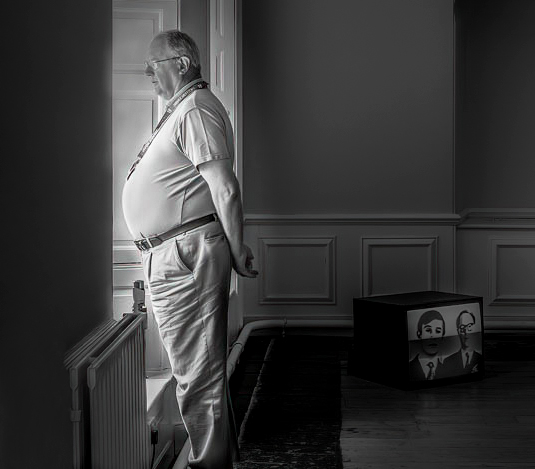
Yes, Michael you are right. We do read from left to right. I feel like the object near the man's waist is a leading line to the man and the man is the subject. When I look at the image posted the first thing I see is the TV on the floor and I wondering is the subject the TV. Then I see the man looking out the window and he is the subject and story. |
Jul 7th |
| 99 |
Jul 21 |
Comment |
I like the black and white better than the color. I flipped the image and added a little more real estate. I darkened the background to have my eye go to the lighter things. I took out the top left hand dark spot. Very interesting image. What do you think he was thinking.? ( I used Barbara's suggestion ) |
Jul 7th |
 |
| 99 |
Jul 21 |
Comment |
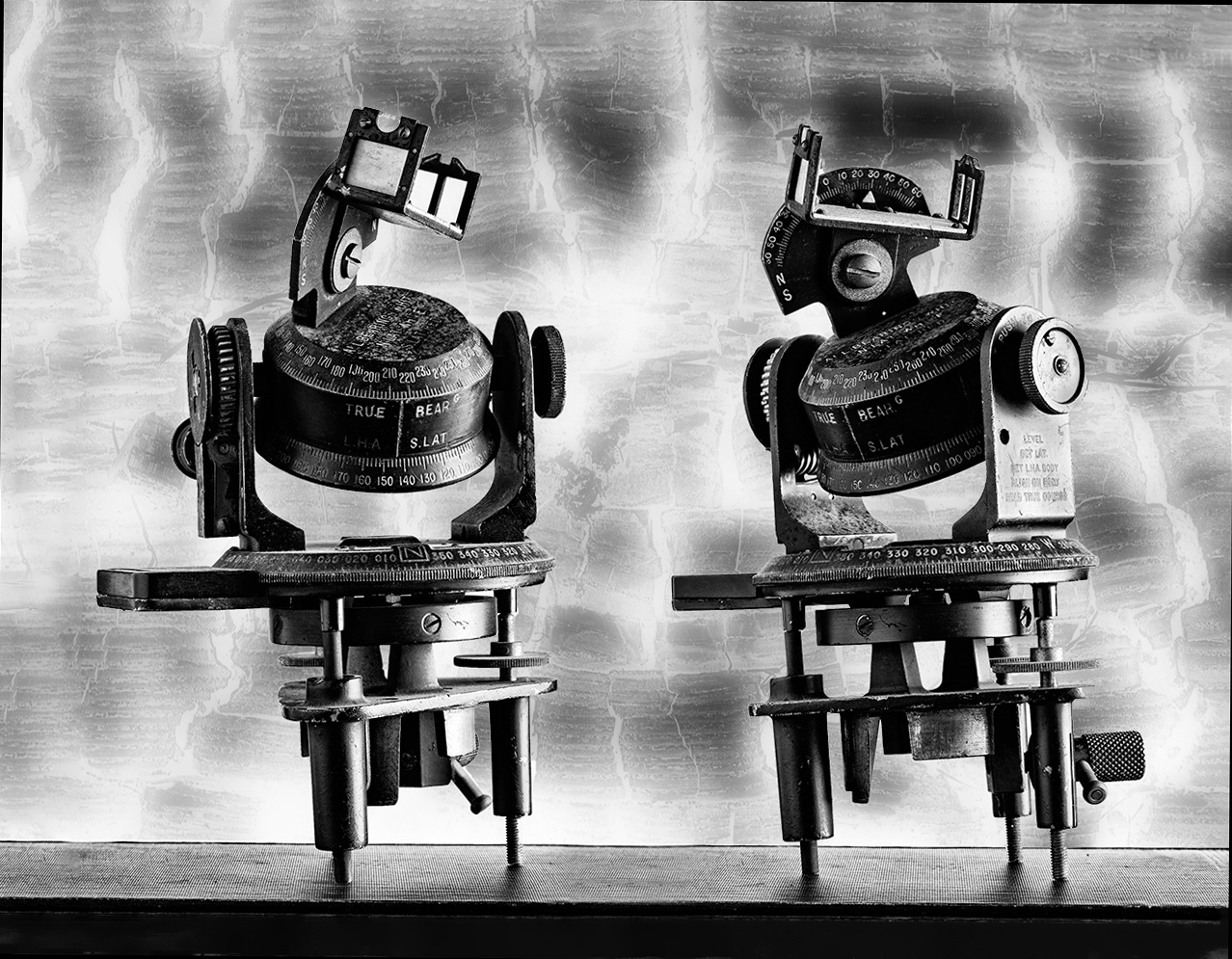
Another cropping idea. |
Jul 7th |
 |
| 99 |
Jul 21 |
Comment |
When I first looked at these two things. I thought they were robots. Sitting talking to each other. I think you did really good with the background. |
Jul 6th |
| 99 |
Jul 21 |
Comment |
You did a great job in the contrast with the Black to White. I feel like this is two images in one. I like the image at the top the dramatic clouds with the trees with no leaves on them. Then the cars in the parking lot with all their different shapes and different Colors. |
Jul 6th |
7 comments - 4 replies for Group 99
|
14 comments - 6 replies Total
|