Activity for User 560 - Cindy Gosselin - cgosselin@sbcglobal.net

avatar
Avatar

Close this Tab when done


474 Comments / 92 Replies Posted

  = Current Round   = Previous Round
Group Round C/R Comment Date Image
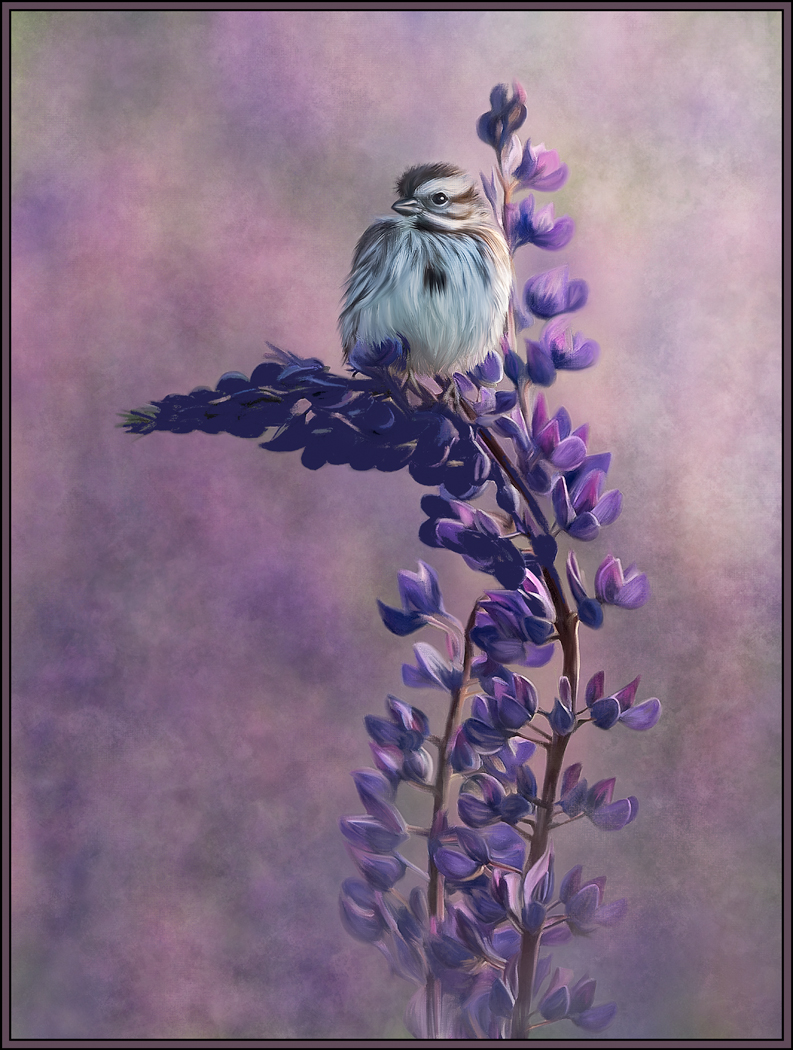
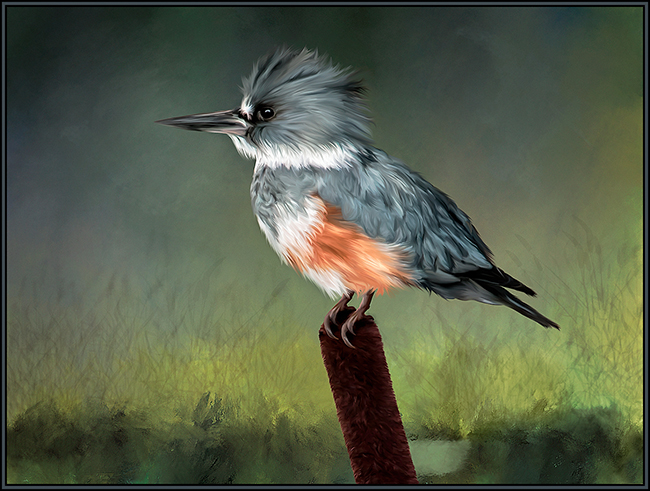
56 Mar 23 Reply The visual of the "flip" really helps. Now I realize that I like the version as you submitted - with the bird facing right. In this version, I love that the dominant branch leads INTO the bird. When it's flipped and the bird faces left, the dominant branch leads out of the frame and takes my eye out of the image. So, my vote is "right facing bird." Mar 14th
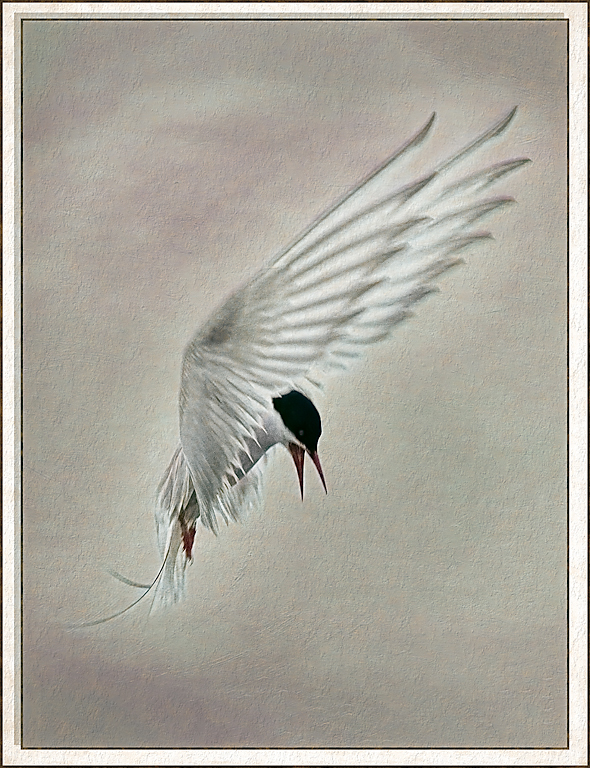
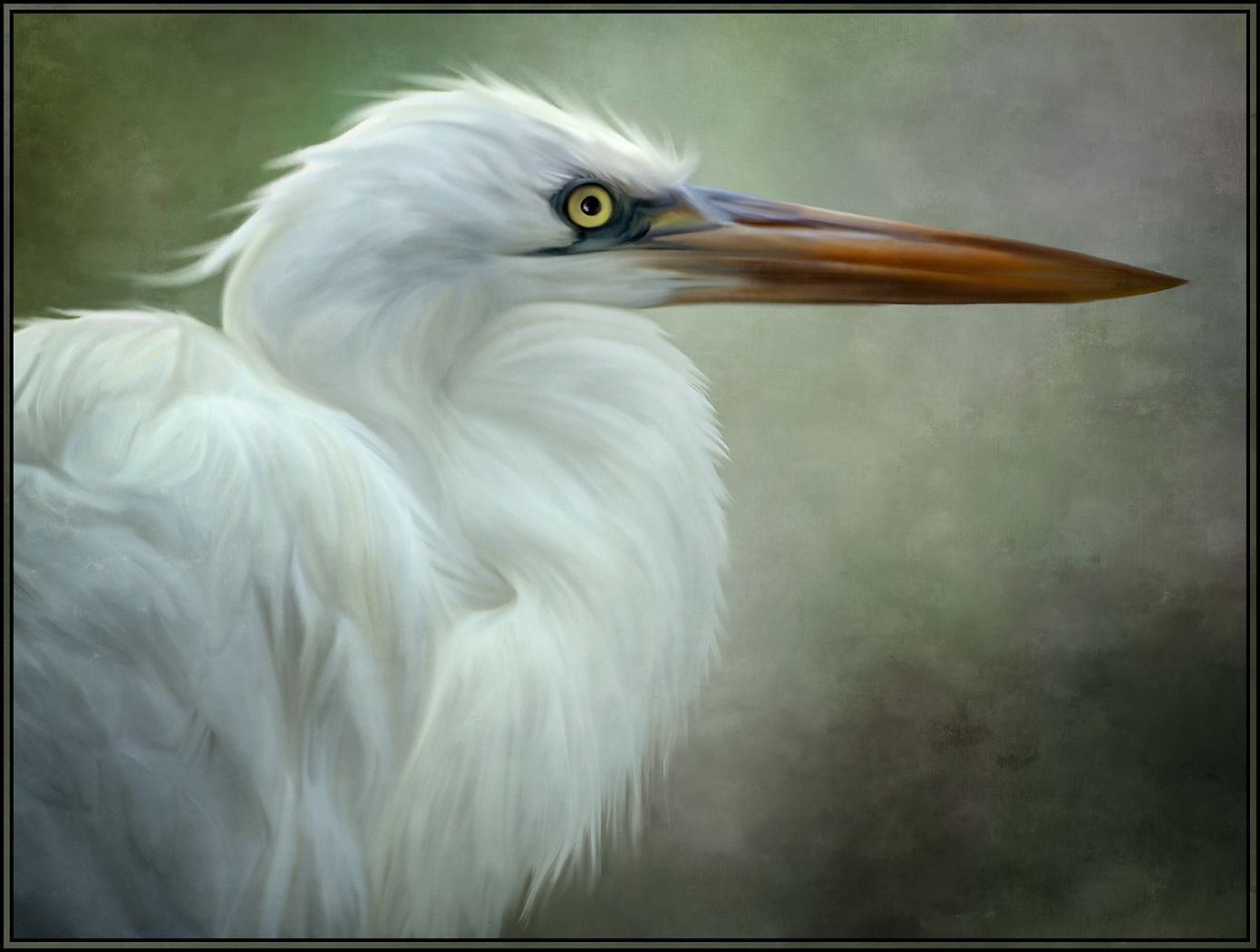
56 Mar 23 Comment The background looks like silk! The smooth appearance of this treatment matches the smooth rendition of the birds feathers. I love how you painted the eye and head of the bird. I'm having an argument with myself as to whether I prefer the orientation as presented in the painting or if I prefer the original orientation with the bird facing left. Let's see what others think. Job well done. Mar 13th
56 Mar 23 Comment Like Nancy's submission this month, it seems as though you did a background treatment with a software application such as Topaz. Excellent idea. That way, only the subject matter needs to be painted. Your brush strokes are great on both the bird and giraffe. There does seem to be a highlight in the birds eye, but I think it needs to be more pronounced, so that the eye does not look so flat. (FYI - I like to use the "star" brush for eye highlights. It's in the PS default brush panel. I use the 14 px star brush with a white color. The brush creates an "aura" which I love for eye highlights). I'll attach the image with a white highlight. Even though the result is pretty small, see what you think. Mar 13th
56 Mar 23 Comment I absolutely love your background treatment. It puts the subject in his environment and does not distract from him (or convey the busy background of the original). I'm going to remember this for future paintings. For me, the red splotches really add to the impact of the image. Your painting of the subject is excellent. I wouldn't change a thing. Your art group will love this image. Peace !! Mar 13th
56 Mar 23 Comment What a difference from the original! Your processing choices gave this more saturation, interest and impact. It was a great decision to remove the cyan from the birch trees. A VERY, VERY minor suggestion might be to crop out the last birch tree on the right as it goes directly out of the frame at the corner. This tends to take my eyes out of the image. So, I'd crop out that tree, and perhaps the three brown trees up next to it. Even with that portion cropped, the image would retain that great panoramic look. Great image. Mar 13th

4 comments - 1 reply for Group 56


4 comments - 1 reply Total


94 Images Posted

  = Current Round   = Previous Round
Group 20

Oct 19

Sep 19

Aug 19

Jul 19

Jun 19

May 19

Apr 19

Mar 19

Feb 19

Jan 19

Dec 18

Nov 18

Oct 18

Sep 18

Aug 18

Jul 18

Jun 18

May 18

Apr 18

Mar 18

Feb 18

Jan 18

Dec 17

Nov 17

Oct 17

Sep 17

Aug 17

Jul 17

Jun 17

May 17

Apr 17

Mar 17

Feb 17

Jan 17
Group 56

Oct 24

Sep 24

Aug 24

Jul 24

Jun 24

May 24

Apr 24

Mar 24

Feb 24

Jan 24

Nov 23

Oct 23

Sep 23

Aug 23

Jul 23

May 23

Apr 23

Mar 23

Feb 23

Jan 23

Dec 22

Nov 22

Oct 22

Sep 22

Aug 22

Jul 22

Jun 22

May 22

Apr 22

Mar 22

Feb 22

Jan 22

Dec 21

Nov 21

Oct 21

Sep 21

Aug 21

Jul 21

Jun 21

May 21

Apr 21

Mar 21

Feb 21

Jan 21

Dec 20

Nov 20

Oct 20

Sep 20

Aug 20

Jul 20

Jun 20

May 20

Apr 20

Mar 20

Feb 20

Jan 20

Dec 19

Oct 19

Sep 19

Aug 19

Close this Tab when done