Activity for User 560 - Cindy Gosselin - cgosselin@sbcglobal.net

avatar
Avatar

Close this Tab when done


474 Comments / 92 Replies Posted

  = Current Round   = Previous Round
Group Round C/R Comment Date Image
20 Aug 17 Comment I told Betty B. that this software is now on my list of things to do!!

With this image, I love that the rocks lead you eyes right to the mine. And the creative version makes this even more effective!!

I find it amazing that the mine was not that noticeable or prominent in the original. But without cropping, the Reactor Player brought the mine and other buildings into prominence. To me, this made the image have much more impact. Great job.
Aug 4th
20 Aug 17 Comment I agree with Peter about the crooked shelf. In Edit>Transform it MIGHT have worked to use "perspective" or "skew". Of course this would have had to be done on the original image, since you need more room to work with these tools as you lose some of the peripheral spaces. (Update: I tried it, and it did not work as well as I thought it would. You did a great job straightening what you could).

I love what the Poster Edges did to the black and blue lamps. It really showed off the structure of those items. You did a great job "seeing" this assortment as a creative image.
Aug 4th
20 Aug 17 Comment I love the ethereal quality of this final image. The Simplify software created a "less busy" and "less cluttered" image. The colors are wonderful; I especially like the colors and "mist like" feel of the background trees. Aug 4th
20 Aug 17 Comment I agree with Peter that this software brought the image to life. I haven't purchased it yet, better add it to my list of things to do!!

Great job on the color adjustment. This creative version now seems to have more color and depth than the original. The texture in the trees is especially wonderful. My only critique would have been to tone down the right side of the Ferris Wheel a bit.

Excellent job overall.
Aug 4th
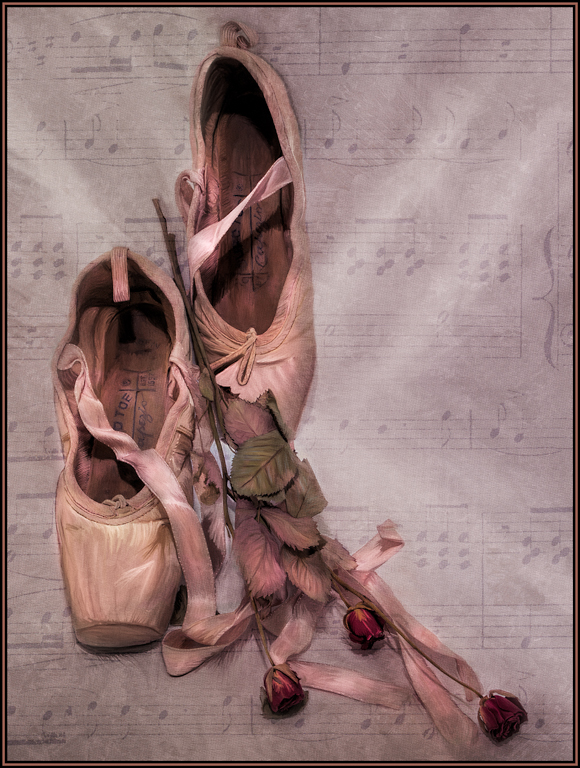
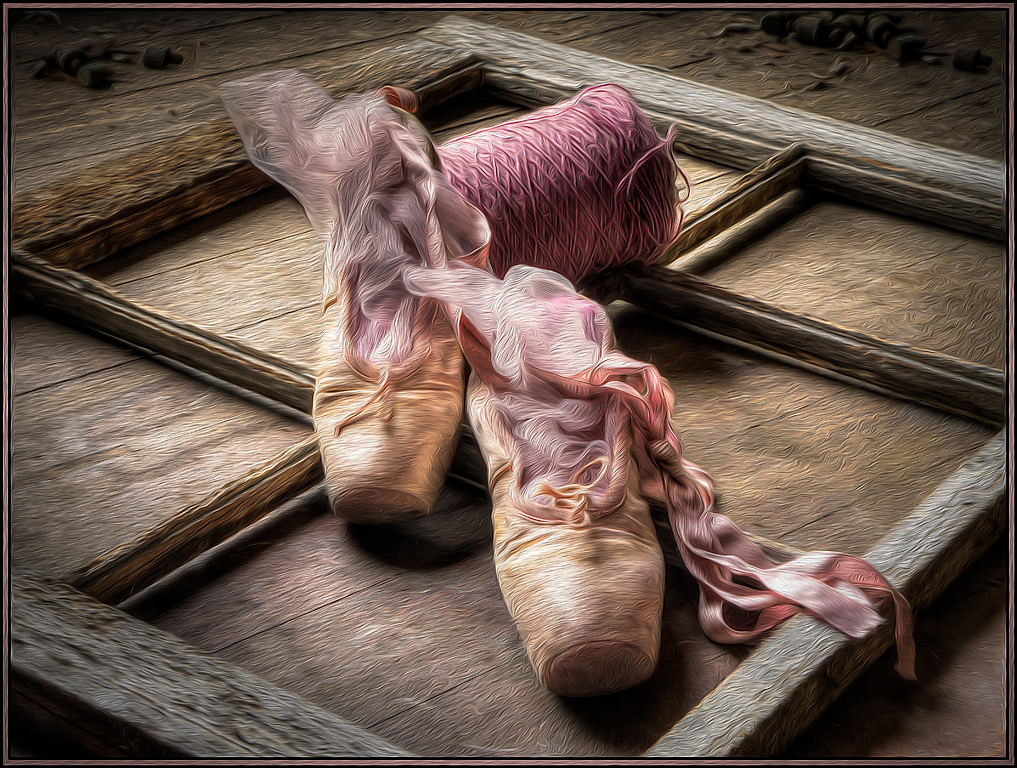
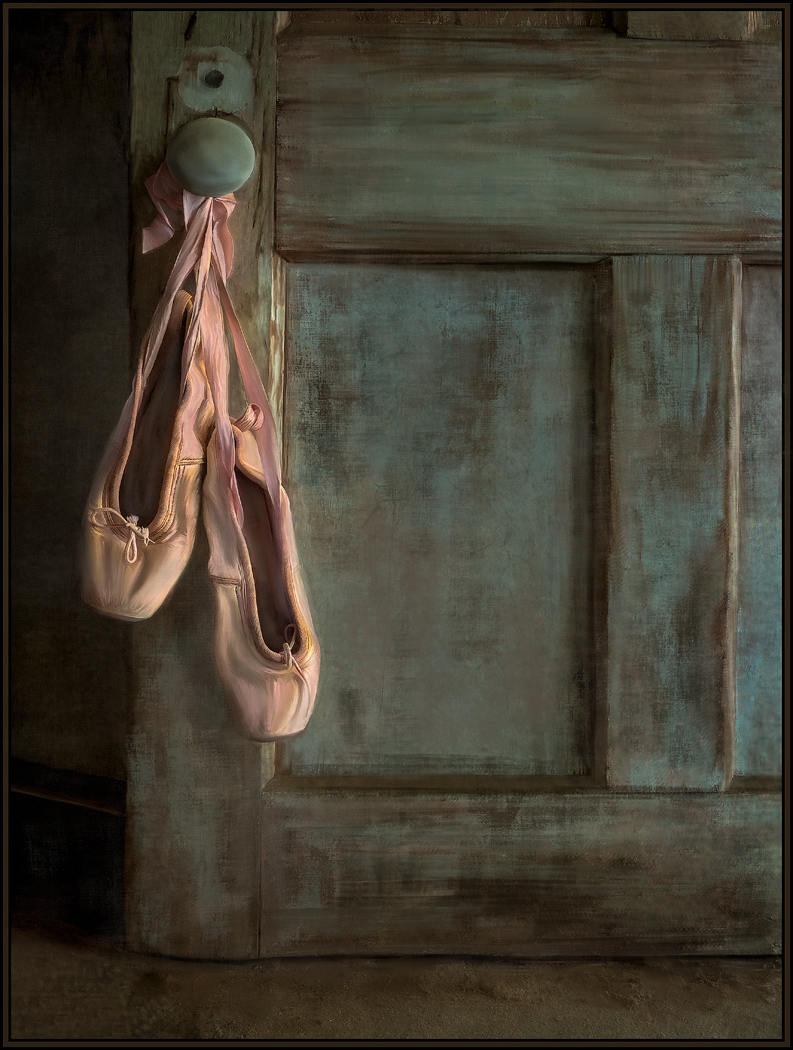
20 Aug 17 Comment Perfect color for the background. And I love that the "pink" is on the bottom and the more neutral color of the background is on the top... this gives "weight" to the image.
Great job on the masking or erasing as well; I like that the branch seems to fade and float into the background. Using a texture was also a great way to eliminate all the distractions found in the original image. Great job.
Aug 4th

5 comments - 0 replies for Group 20


5 comments - 0 replies Total


94 Images Posted

  = Current Round   = Previous Round
Group 20

Oct 19

Sep 19

Aug 19

Jul 19

Jun 19

May 19

Apr 19

Mar 19

Feb 19

Jan 19

Dec 18

Nov 18

Oct 18

Sep 18

Aug 18

Jul 18

Jun 18

May 18

Apr 18

Mar 18

Feb 18

Jan 18

Dec 17

Nov 17

Oct 17

Sep 17

Aug 17

Jul 17

Jun 17

May 17

Apr 17

Mar 17

Feb 17

Jan 17
Group 56

Oct 24

Sep 24

Aug 24

Jul 24

Jun 24

May 24

Apr 24

Mar 24

Feb 24

Jan 24

Nov 23

Oct 23

Sep 23

Aug 23

Jul 23

May 23

Apr 23

Mar 23

Feb 23

Jan 23

Dec 22

Nov 22

Oct 22

Sep 22

Aug 22

Jul 22

Jun 22

May 22

Apr 22

Mar 22

Feb 22

Jan 22

Dec 21

Nov 21

Oct 21

Sep 21

Aug 21

Jul 21

Jun 21

May 21

Apr 21

Mar 21

Feb 21

Jan 21

Dec 20

Nov 20

Oct 20

Sep 20

Aug 20

Jul 20

Jun 20

May 20

Apr 20

Mar 20

Feb 20

Jan 20

Dec 19

Oct 19

Sep 19

Aug 19

Close this Tab when done